
Emerald Aetheric Surveyor
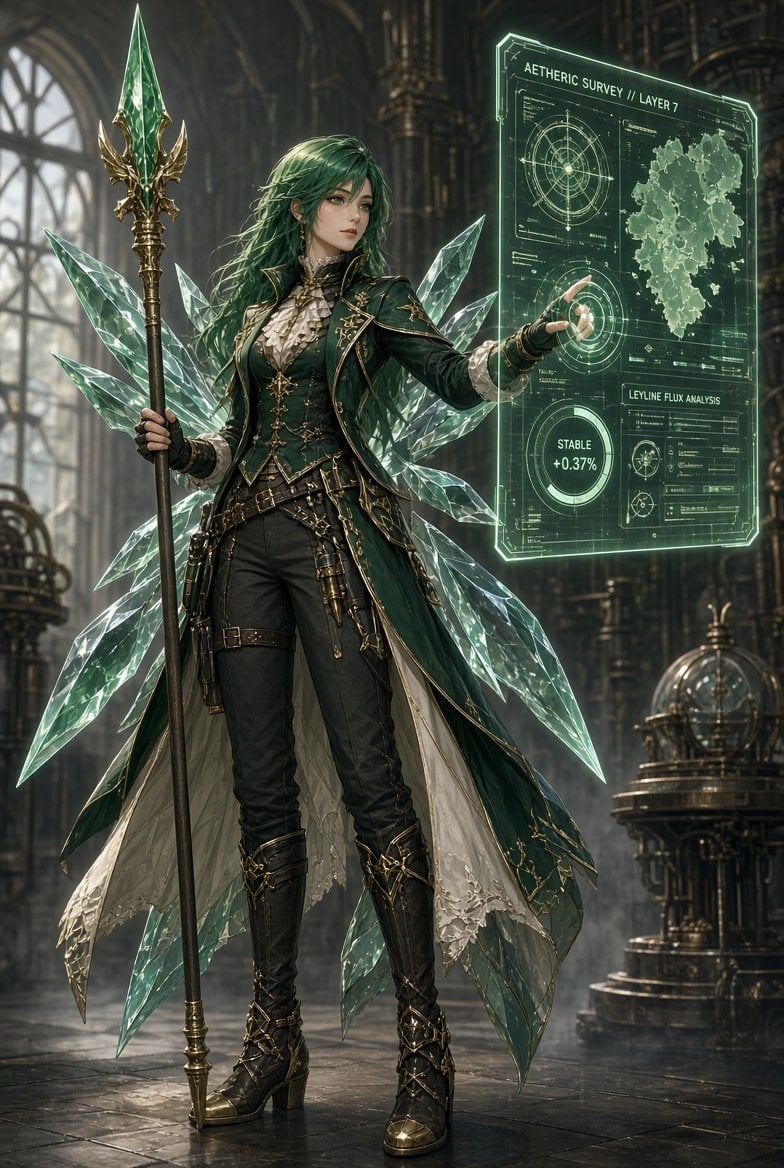
A detailed fantasy concept art prompt for creating an emerald-haired steampunk elven mage with crystal wings and a glowing holographic survey interface.
- Prompt included
- Model and format preset
- Free template
The prompt behind this image
Copy the exact prompt behind Emerald Aetheric Surveyor, or open it in the studio and make it yours.
Create a vertical 2:3 cinematic fantasy character illustration of {argument name="character name" default="an elven aetheric surveyor"} standing full-body in a grand gothic steampunk observatory. She is a refined young woman with long windswept {argument name="hair color" default="emerald green hair"}, pale skin, pointed ears, elegant serious expression, and detailed anime-realism facial features. Outfit: dark emerald Victorian military coat with gold embroidery and trim, high ruffled cream blouse, fitted black trousers, belts, pouches, brass instruments, black gloves, tall black leather heeled boots with ornate gold buckles, and a long layered cape lined in cream fabric. Behind her are exactly eight large translucent crystalline wing-like shards radiating from her back, faceted and glowing pale mint green like cut glass. In her left hand she holds a tall ornate staff topped with a large green crystal spearhead framed by gold filigree; with her right hand she touches a floating holographic interface panel. The hologram is a luminous green transparent rectangular sci-fi magic screen containing exactly five main information areas: 1) top title text reading {argument name="hologram title" default="AETHERIC SURVEY // LAYER 7"}, 2) an upper-left circular compass/radar diagram, 3) an upper-right irregular map silhouette, 4) a lower-left circular status gauge reading {argument name="status readout" default="STABLE +0.37%"}, and 5) a lower-right analysis card labeled {argument name="analysis label" default="LEYLINE FLUX ANALYSIS"} with small charts and data lines. Background: towering arched windows, dark cathedral columns, brass pipes, gears, mechanical astrolabe machinery, misty volumetric light, polished stone floor with reflections. Color palette of deep green, black, antique gold, pale crystal mint, and smoky gray. Style: highly detailed fantasy concept art, sharp linework blended with painterly realism, luxurious costume design, glowing magical technology, dramatic rim light, depth of field, intricate textures, no watermark, no extra characters.
How to use Emerald Aetheric Surveyor in 3 steps
- 1Upload ImagePNG, JPG or paste
Add your photo
Upload the photo the template builds on. The prompt, model and format are already set.
- 2…a portrait of your subject in softgolden-hour light, 85mm…
Personalize
Edit the subject and creative details for your destination.
- 3Generate
Generate
Press Generate — your image is created in PicX Studio, so you can compare it with the original and refine one variable at a time.
More like this
Templates with the same subject, style or setup. Open one to see its prompt.
Professional Studio Portrait Emerald Theme

Emerald & Gold Luxury Portrait
Emerald Double Exposure Fashion Portrait
Premium emerald green velvet high-waist yoga leggings matching velvet
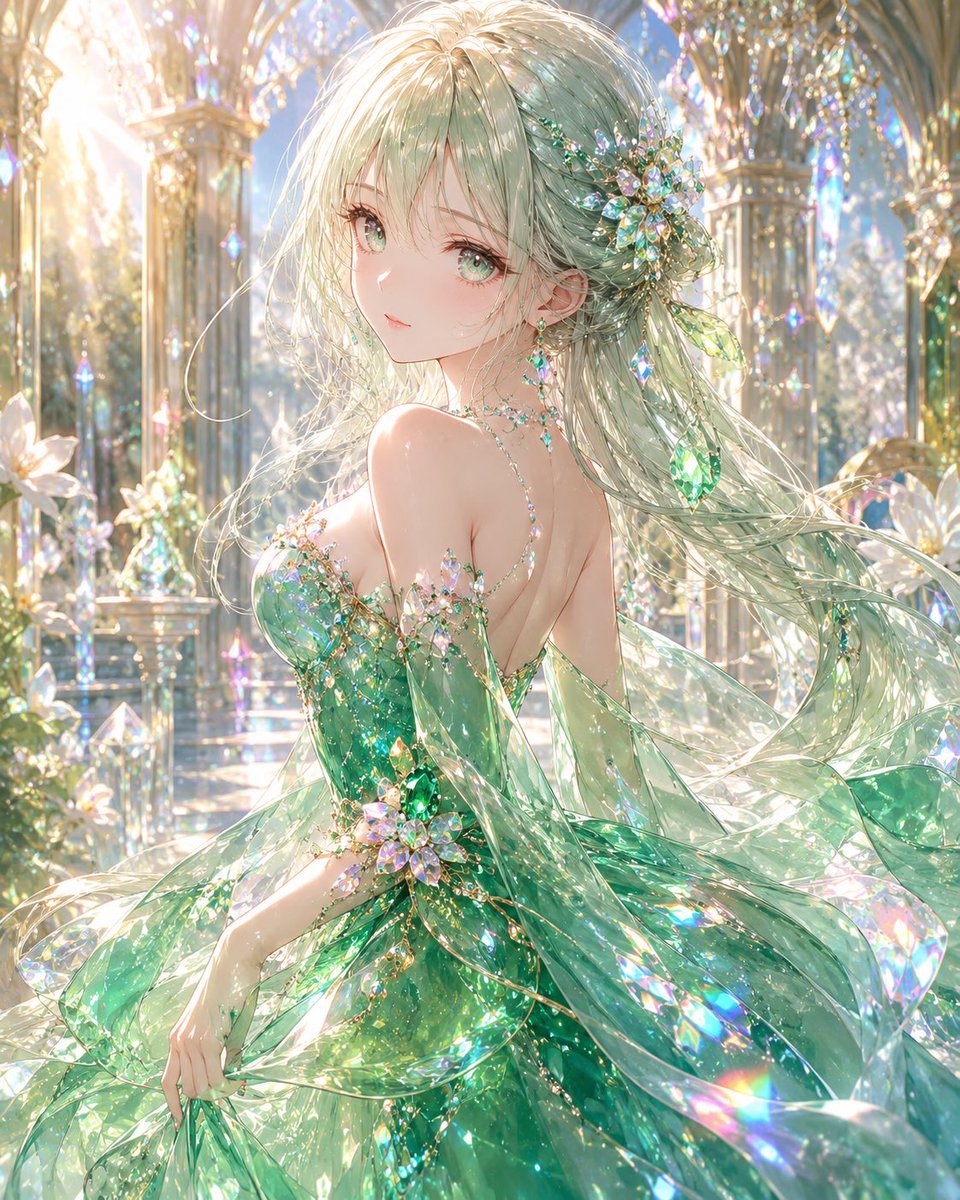
Emerald Crystal Fantasy Dress
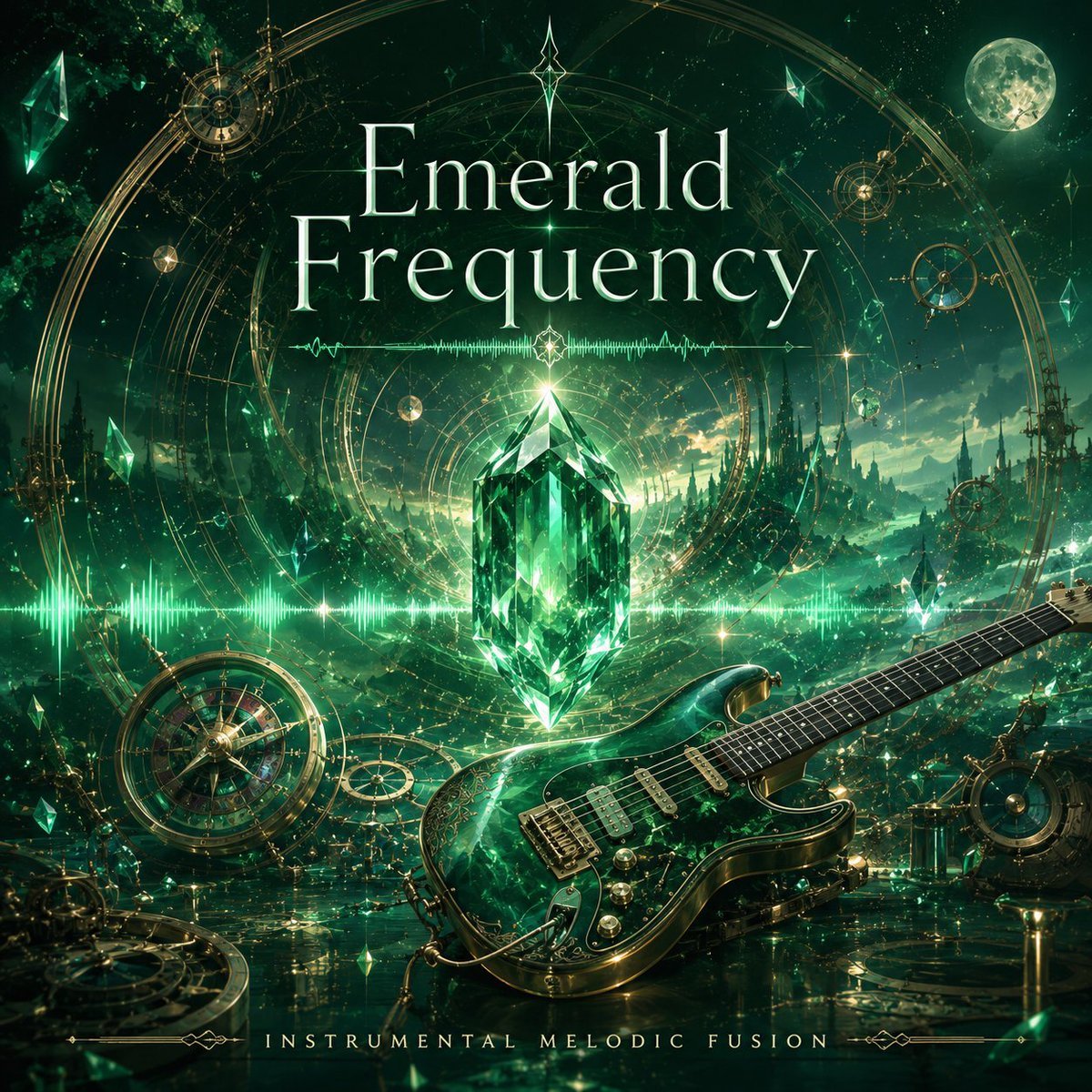
Emerald Frequency Album Cover

Portrait of a Woman with Emerald Ring

Stormy Beach Emerald Dress
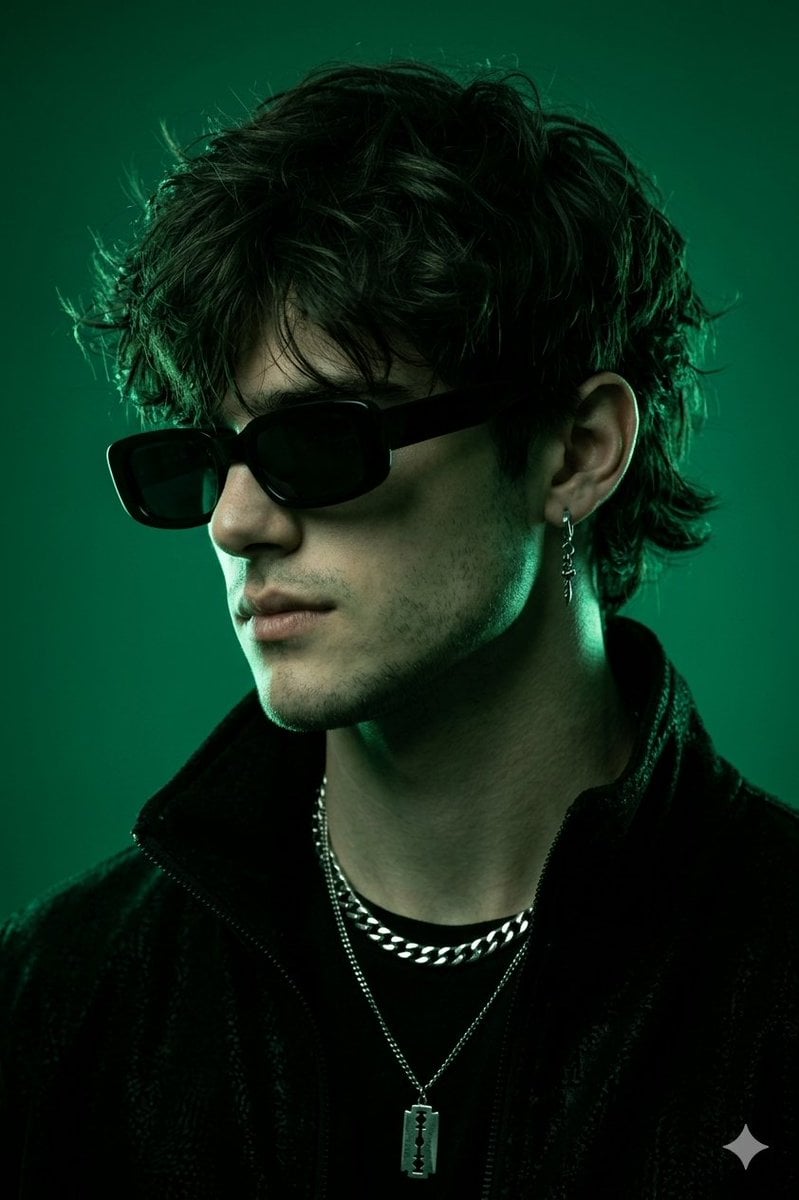
Emerald Monochromatic Male Portrait
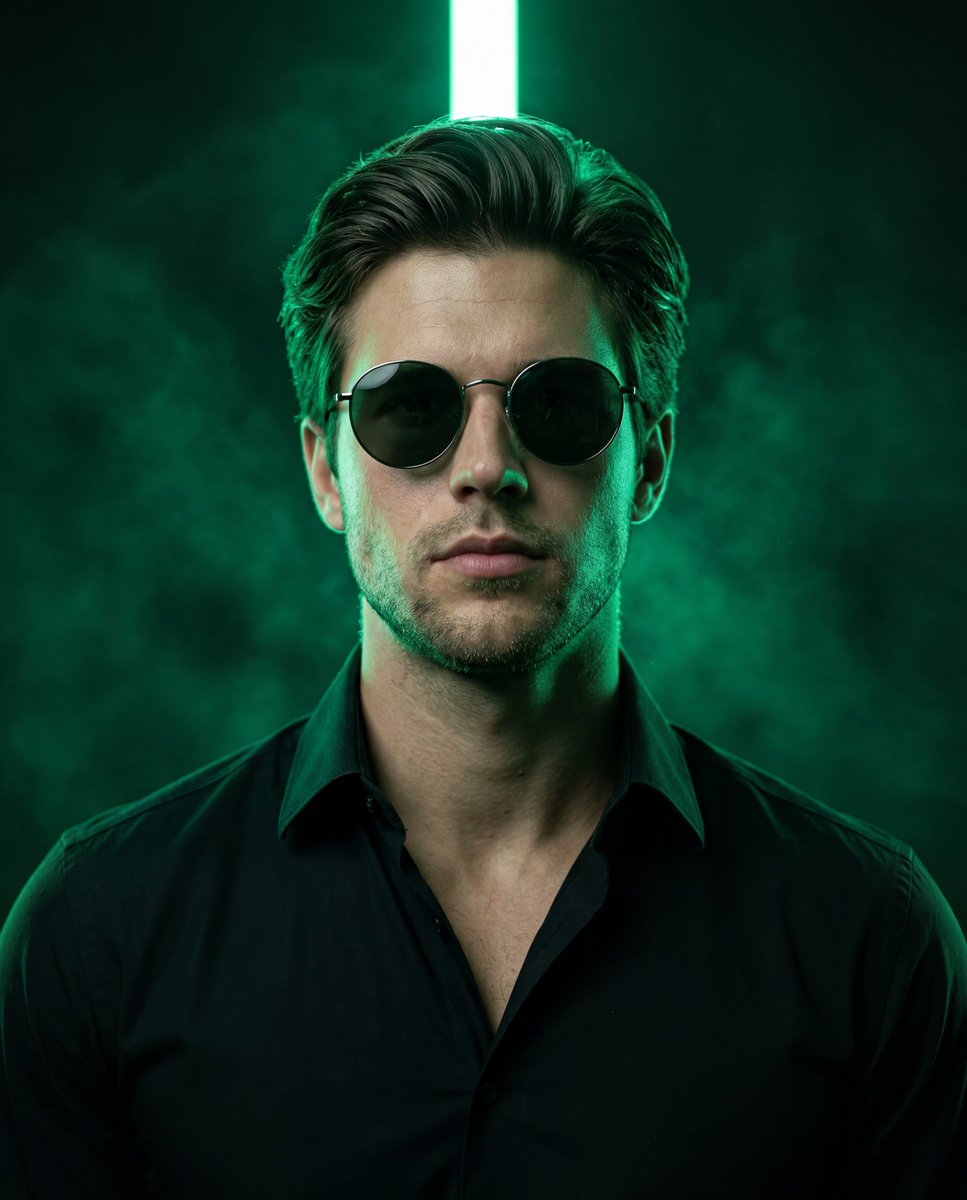
Emerald Neon Editorial Portrait
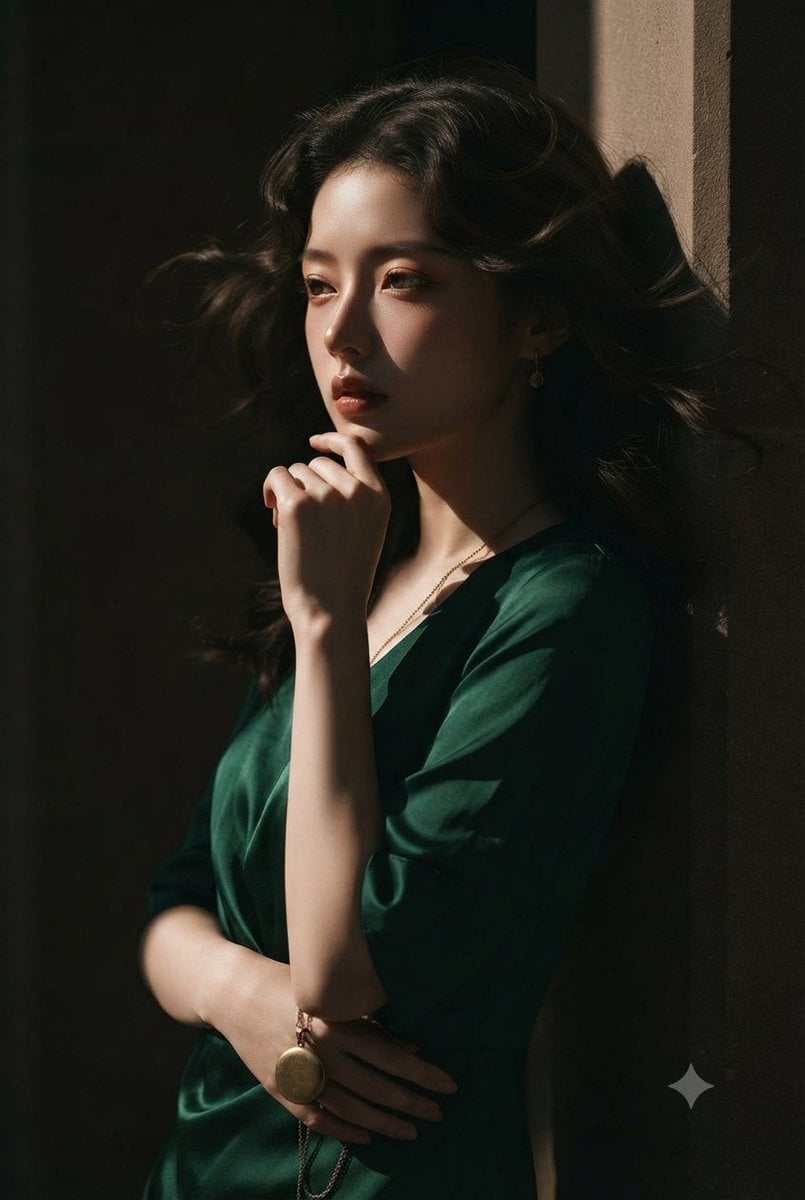
Emerald Silk Fashion Portrait
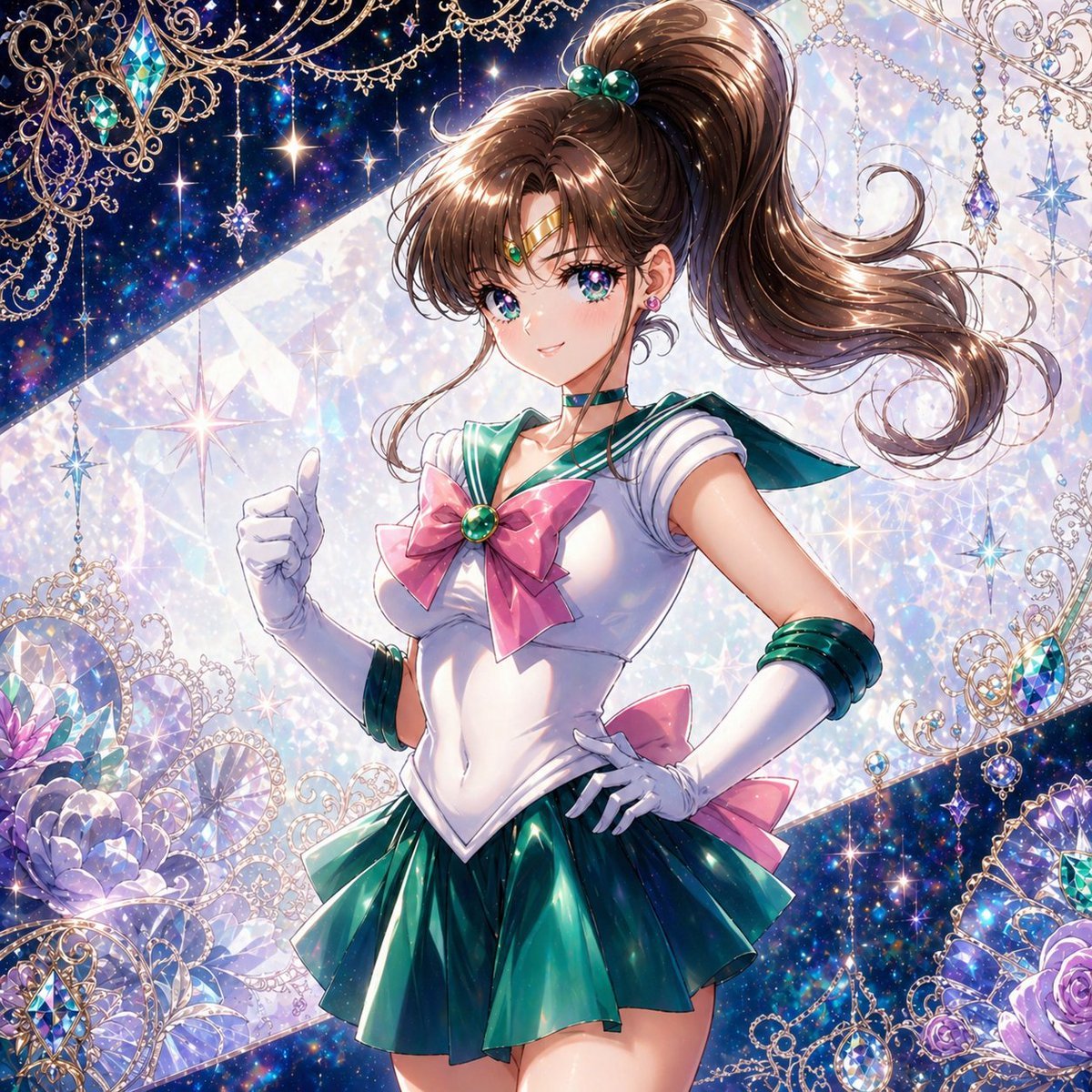
Ornate Emerald Magical Girl Portrait
Make it yours
Emerald Aetheric Surveyor works as-is. These are the safest ways to change it without losing the look.
Change one field
Copy a single group, rewrite it, and generate again so you can see what that field is doing.
Keep the frame, change the subject
Hold the composition and light of Emerald Aetheric Surveyor, then swap wardrobe, props or the person for a new take.
| If the result… | Why | Fix |
|---|---|---|
| The result drifts from the preview | Too many fields changed at once. | Reuse Emerald Aetheric Surveyor as-is first, then change one group — subject, light, or setting. |
| The model over-stylizes the scene | The prose prompt leaves finish and camera underspecified. | Add one camera or lighting sentence and stay on GPT Image 2. |
More GPT Image 2 templates
Other prompts made for GPT Image 2.

Six VTuber Japanese Logo Sheet

Realistic Portrait of Woman and Deer

The Vista Modular Condo Poster

AI Model Routing Comparison Infographic

2.5D Anime Art Board

Isometric Productivity Desk Scene

New York Double Exposure Poster

Four-Panel AI Landscape Comparison

Japanese Tatami Lifestyle Magazine Cover

NESCAFÉ Coffee Map Poster
More image prompts
Fresh picks from across the catalog.
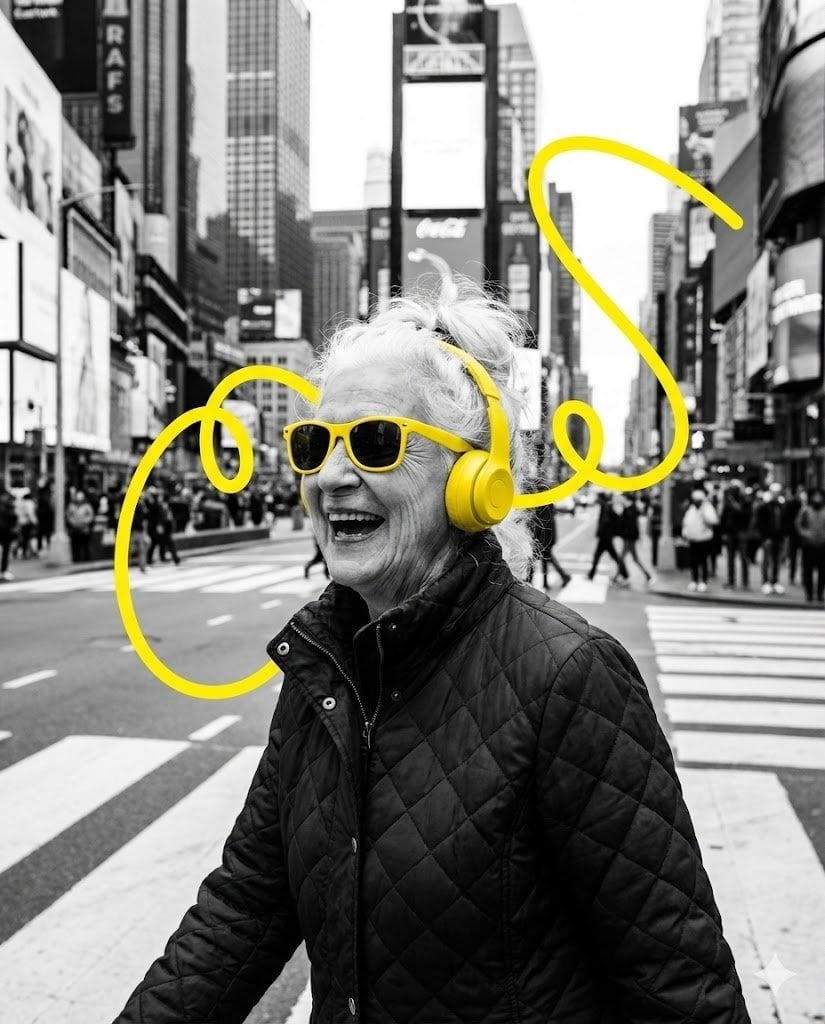
Selective Color Urban Portrait of Elderly Woman
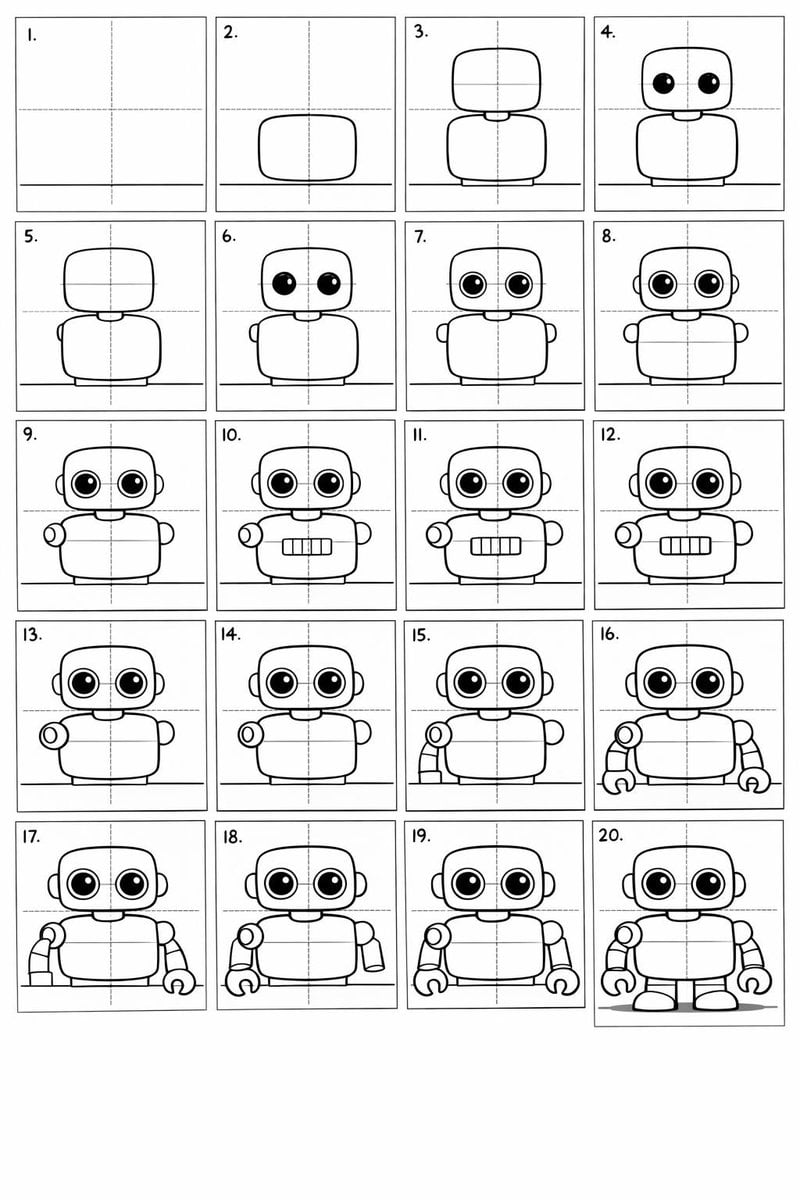
Panel Cartoon Robot Drawing Guide Prompt
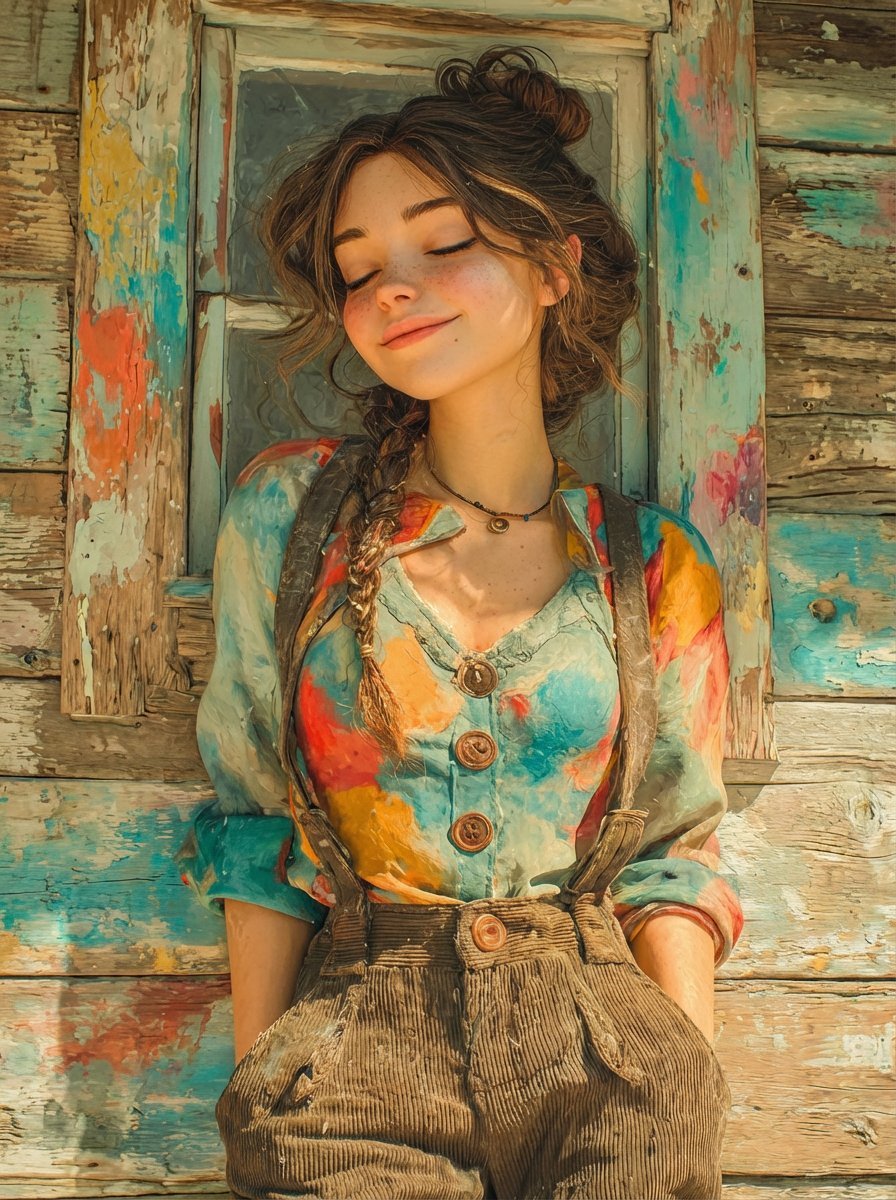
Dual Prompts: Painterly Portrait and Pixar-Style 3D Character
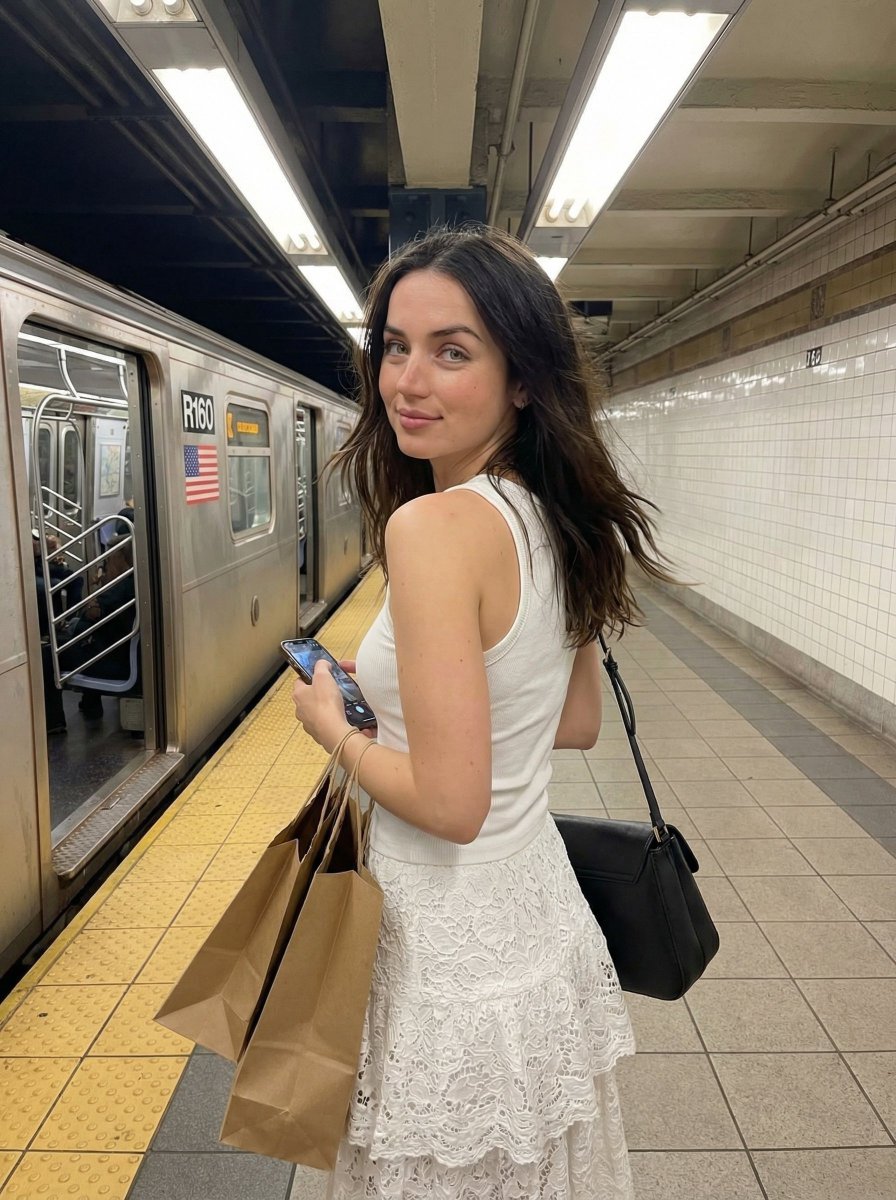
Candid Subway Platform Portrait
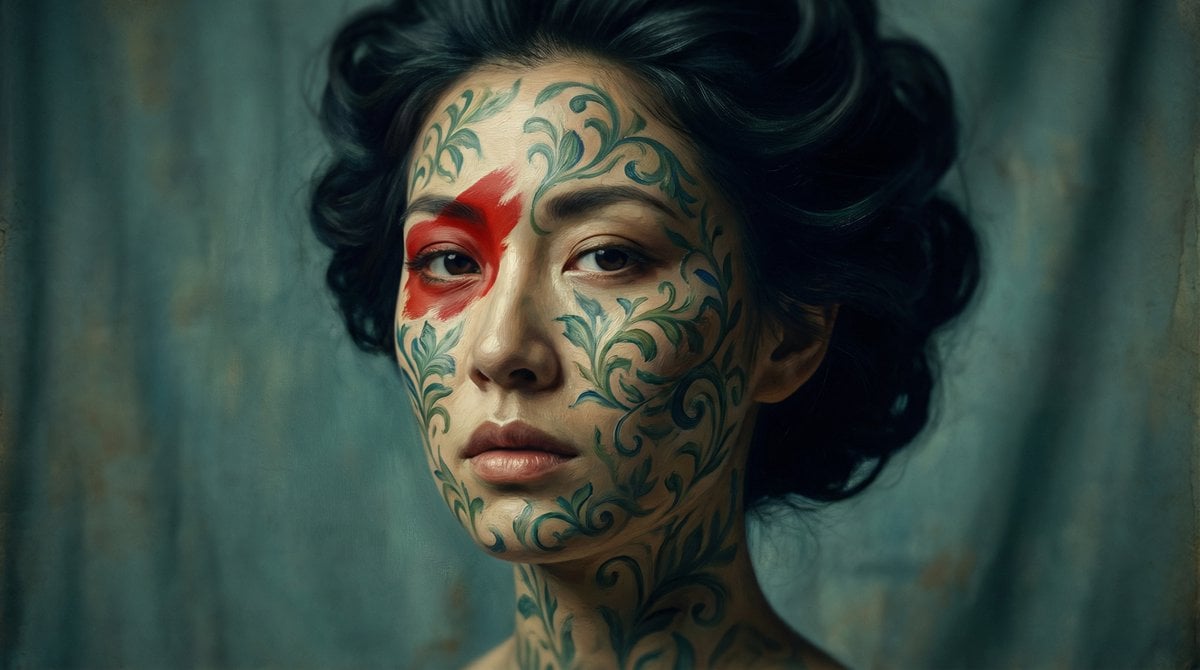
Cinematic Portrait with Botanical Skin Patterns
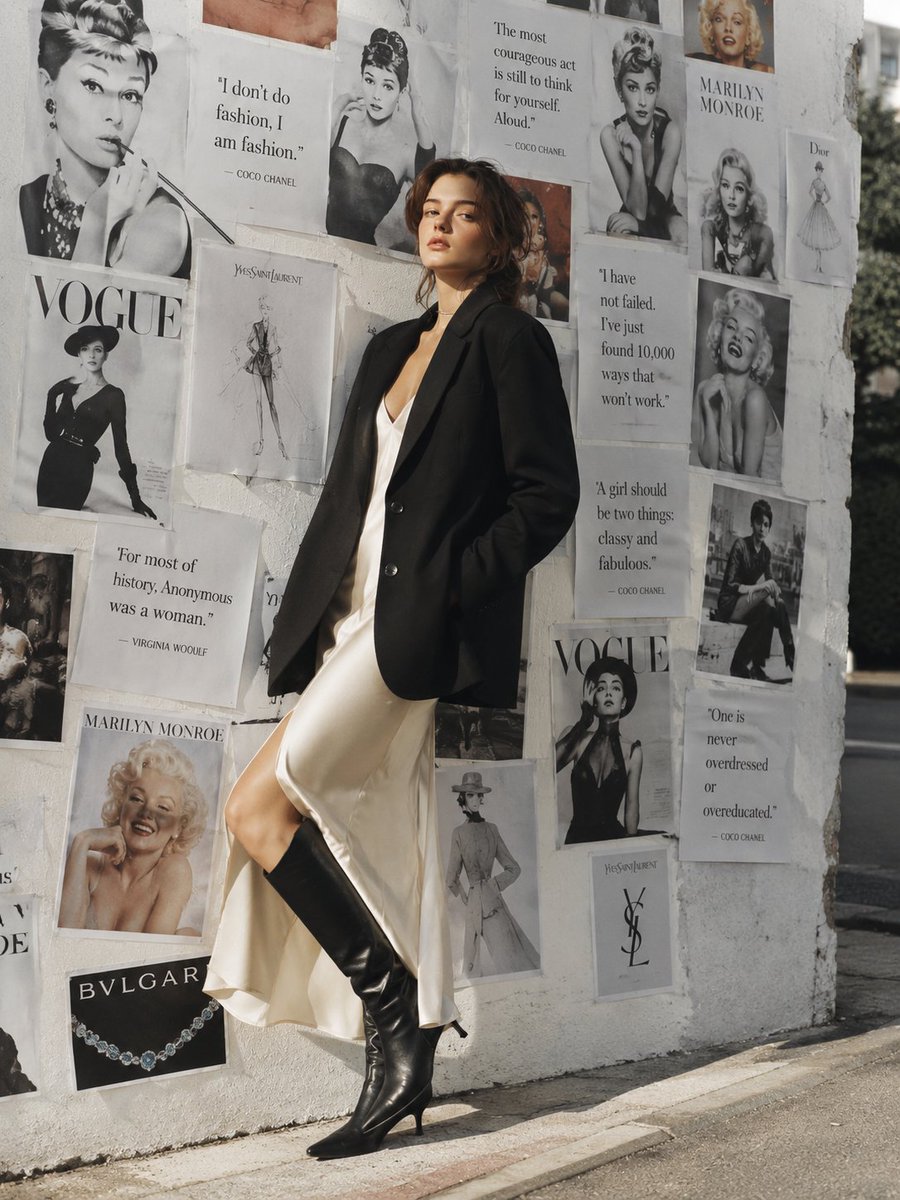
Parisian Chic Fashion Portrait
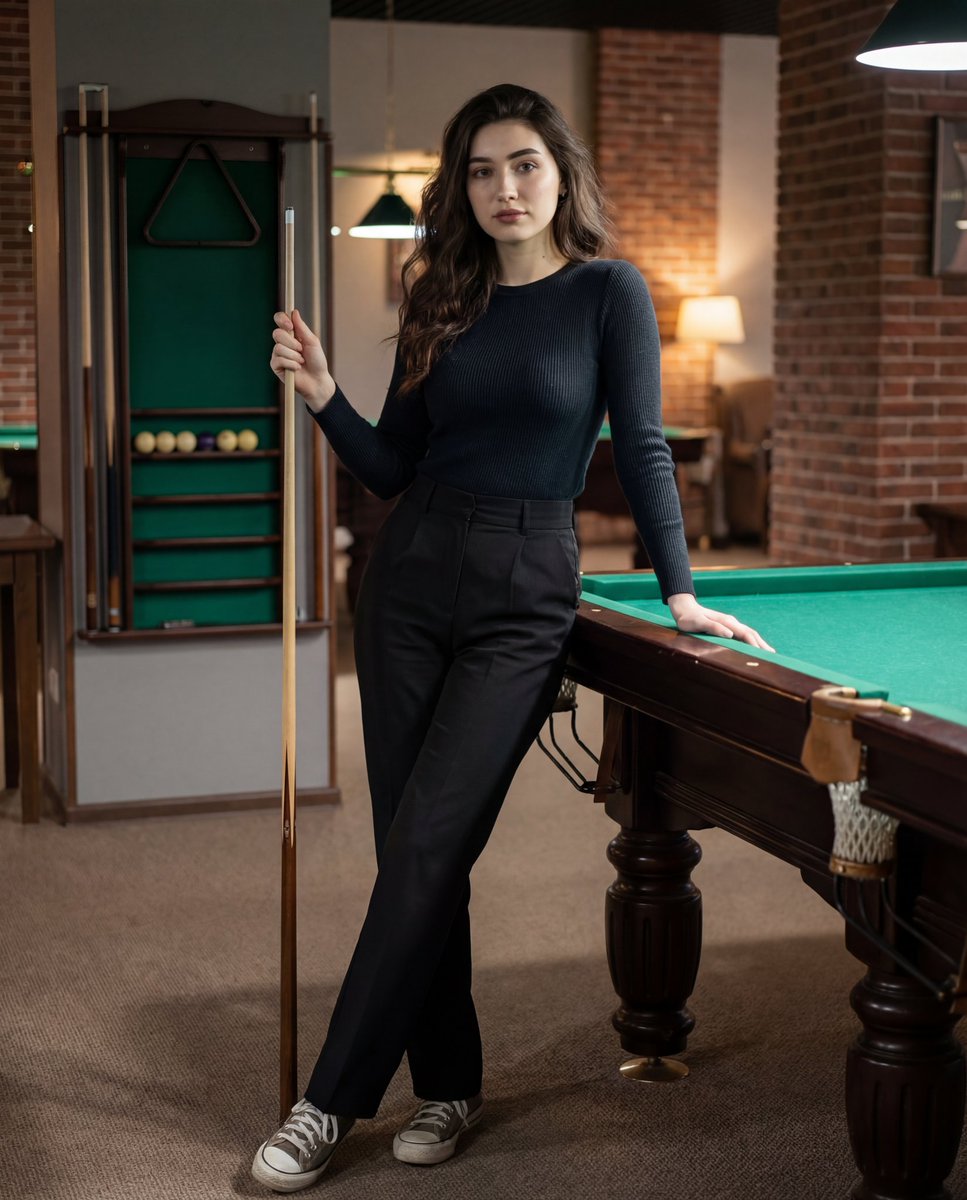
Photorealistic Lifestyle Portrait Prompt (Identity Locked)
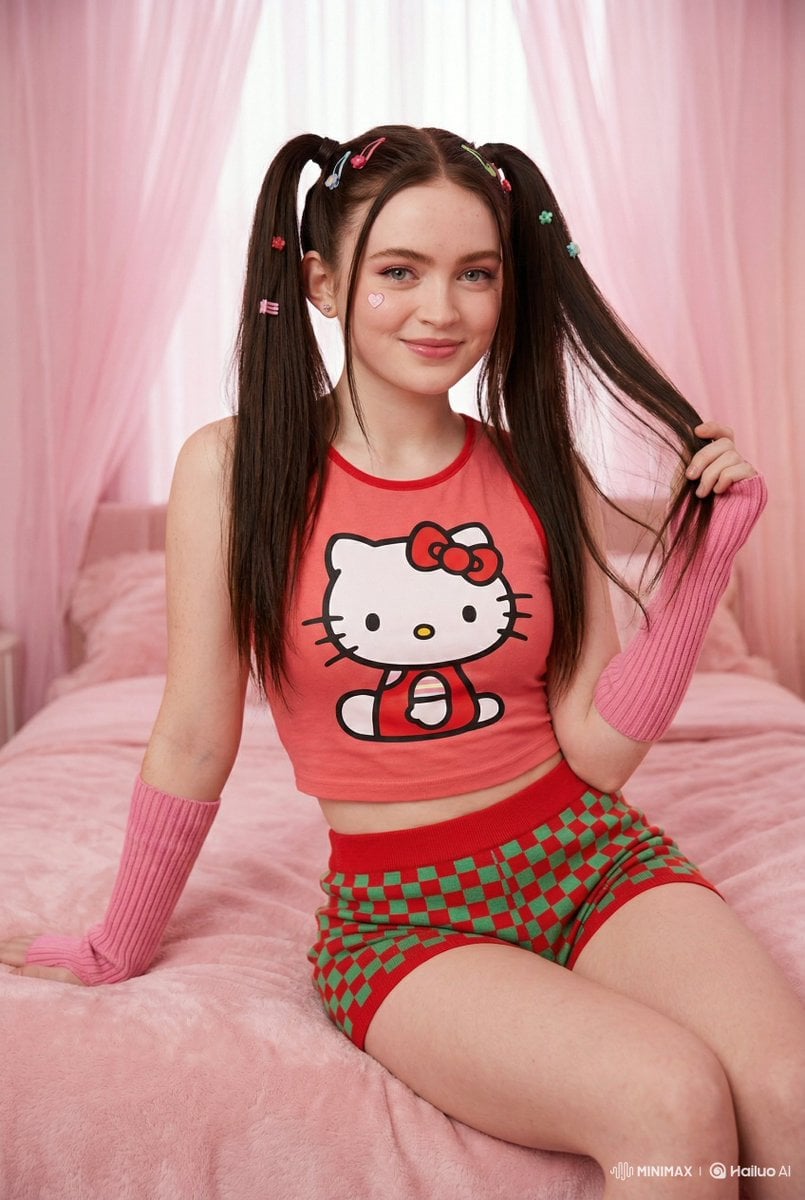
Kawaii-Inspired Cozy Bedroom Portrait

MRE Package Design Prompt (Big Brands)
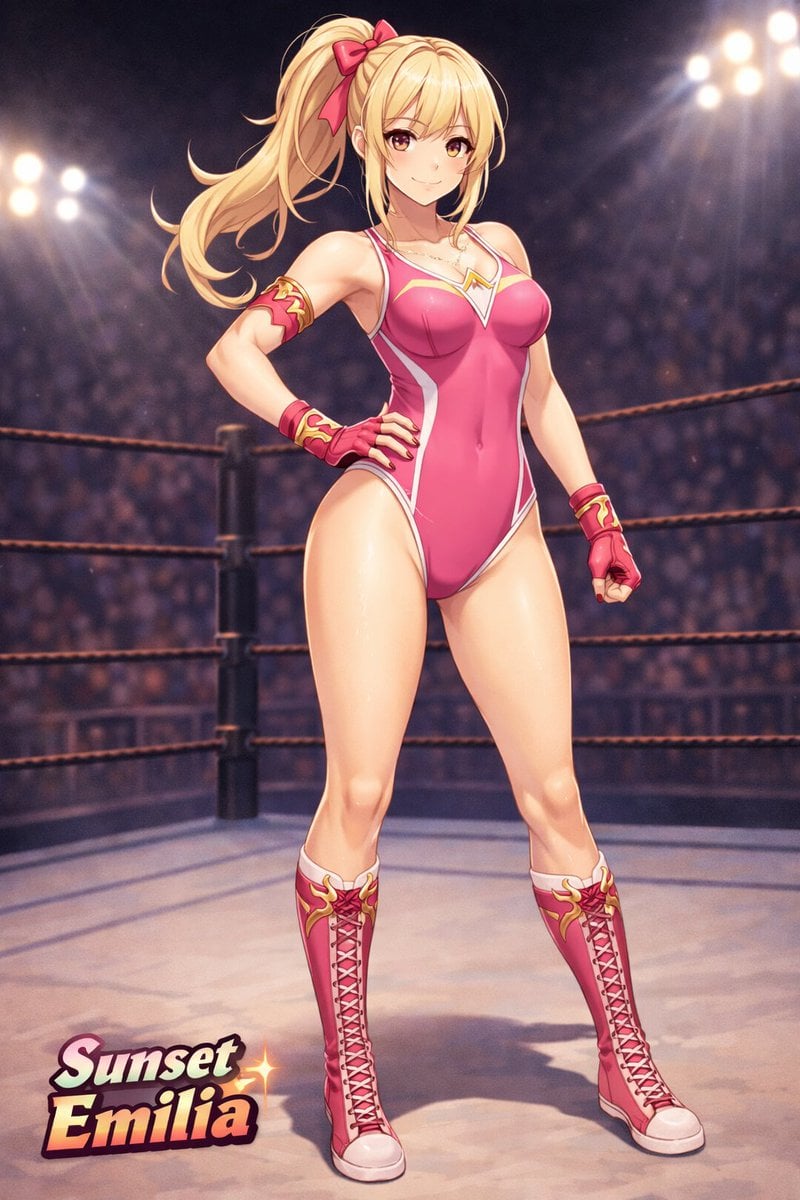
Anime Female Wrestler in Arena
Browse template categories
Emerald Aetheric Surveyor questions
How do I use the Emerald Aetheric Surveyor template?
Add your photo if the template asks for one, edit the prompt if you like — the template's model and format are already selected — and press Generate. Your version opens in PicX Studio.
Can I customize the Emerald Aetheric Surveyor template?
Yes. You can change the subject, setting, lighting, mood, format, and available model controls before creating your image.
Is the Emerald Aetheric Surveyor template free?
Opening and editing this template is free. Generating uses credits, shown on the Generate button when you are signed in.
Which AI model should I use?
Start with GPT Image 2, which is the model associated with this template. You can compare another compatible model for a different finish.
Looking for something else? Browse all templates.

Your photo, any look
Thousands of ready templates for every top image and video model, from one credit balance.