
Emerald Frequency Album Cover
A detailed fantasy album-cover prompt featuring a glowing emerald crystal, electric guitar, sound waveform, and ornate celestial machinery.
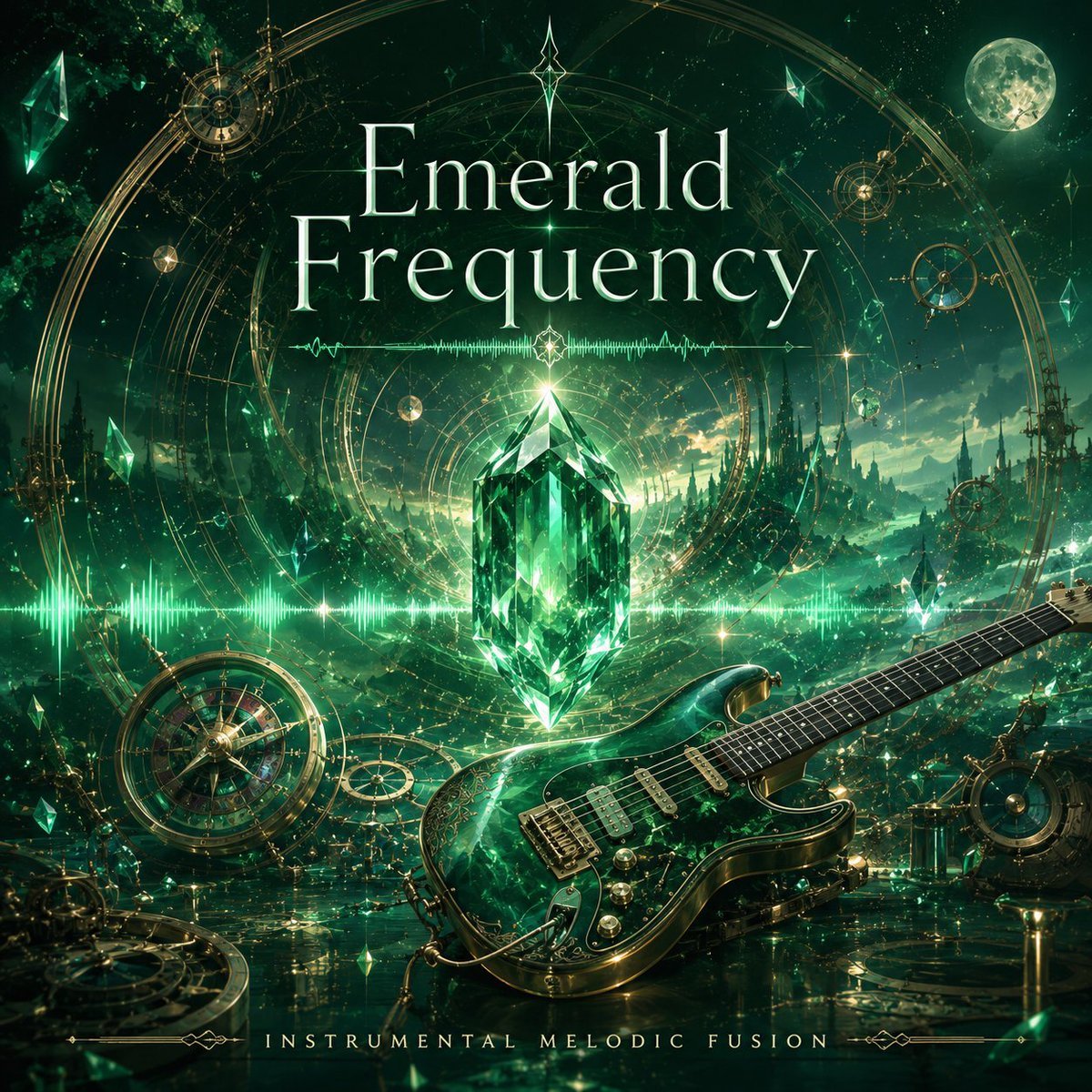
- Prompt included
- Model and format preset
- Premium template
The prompt behind this image
Copy the exact prompt behind Emerald Frequency Album Cover, or open it in the studio and make it yours.
Create a square fantasy music cover artwork for {argument name="title text" default="Emerald Frequency"}. The scene is an ornate emerald-and-gold crystal resonance world: a huge faceted glowing emerald crystal floats at the center, radiating green light and surrounded by a thin horizontal audio waveform that stretches across the image. In the foreground, place a glossy dark emerald electric guitar angled from lower center toward the right edge, with gold hardware, visible strings, pickups, knobs, cable, and reflective marbled green body. Behind it, show a mystical landscape of jagged crystal forests and distant spires under a starry night sky, with a bright full moon in the upper right. Add many floating emerald shards of varied sizes, sparkling particles, and luminous mist. Frame the composition with intricate golden circular astrolabe rings, compass-like mechanisms, gears, and celestial geometry, including exactly 5 prominent mechanical/celestial devices: one large circular compass in the lower left, one small astrolabe in the upper left, one small astrolabe in the upper right, one vertical gear-like instrument at the right edge, and one circular device in the lower right. Use the palette {argument name="primary color palette" default="deep emerald green, glowing mint green, antique gold, black, and moonlit teal"}. Typography: set the large centered title in elegant high-contrast serif lettering, pale mint-white with subtle glow, split into exactly 2 lines: “Emerald” above “Frequency”; add a small star ornament above the title and a tiny glowing diamond ornament between the title and crystal. At the bottom, add widely spaced small-cap serif text reading {argument name="bottom caption" default="INSTRUMENTAL MELODIC FUSION"}, flanked by delicate gold line ornaments. Overall style: highly detailed cinematic fantasy album cover, luxurious crystal-dragon-lancer aesthetic, symmetrical central composition, magical realism, luminous reflections, sharp gem facets, atmospheric depth, no people, no watermark, no extra text.
How to use Emerald Frequency Album Cover in 3 steps
- 1Upload ImagePNG, JPG or paste
Add your photo
Upload the photo the template builds on. The prompt, model and format are already set.
- 2…a portrait of your subject in softgolden-hour light, 85mm…
Personalize
Edit the subject and creative details for your destination.
- 3Generate
Generate
Press Generate — your image is created in PicX Studio, so you can compare it with the original and refine one variable at a time.
More like this
Templates with the same subject, style or setup. Open one to see its prompt.
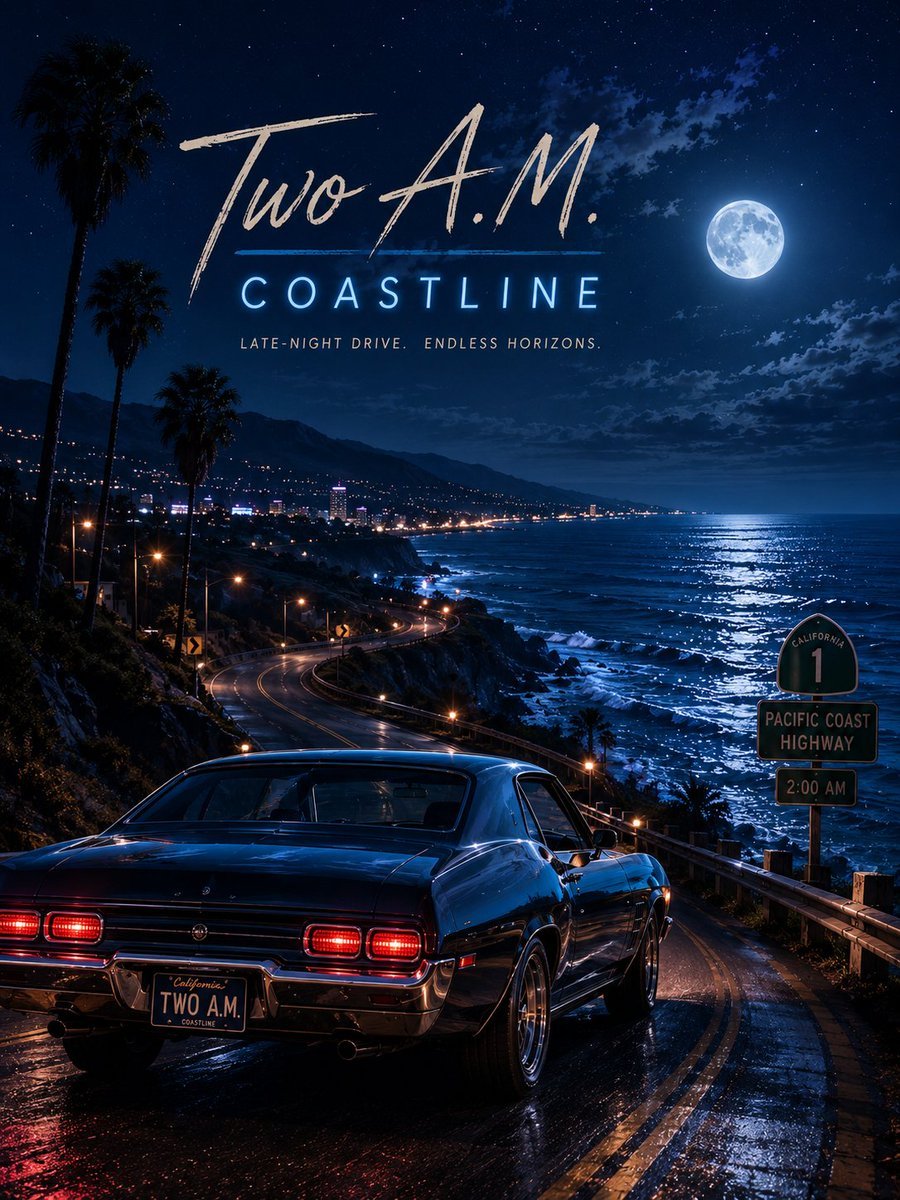
Two A.M. Coastline Album Cover

Music Album Cover Abstract Liquid Mercury

Sparkling Seaside Anime Album Cover

Japanese Musician Album Cover

Ornate A-Un Kimono Album Cover
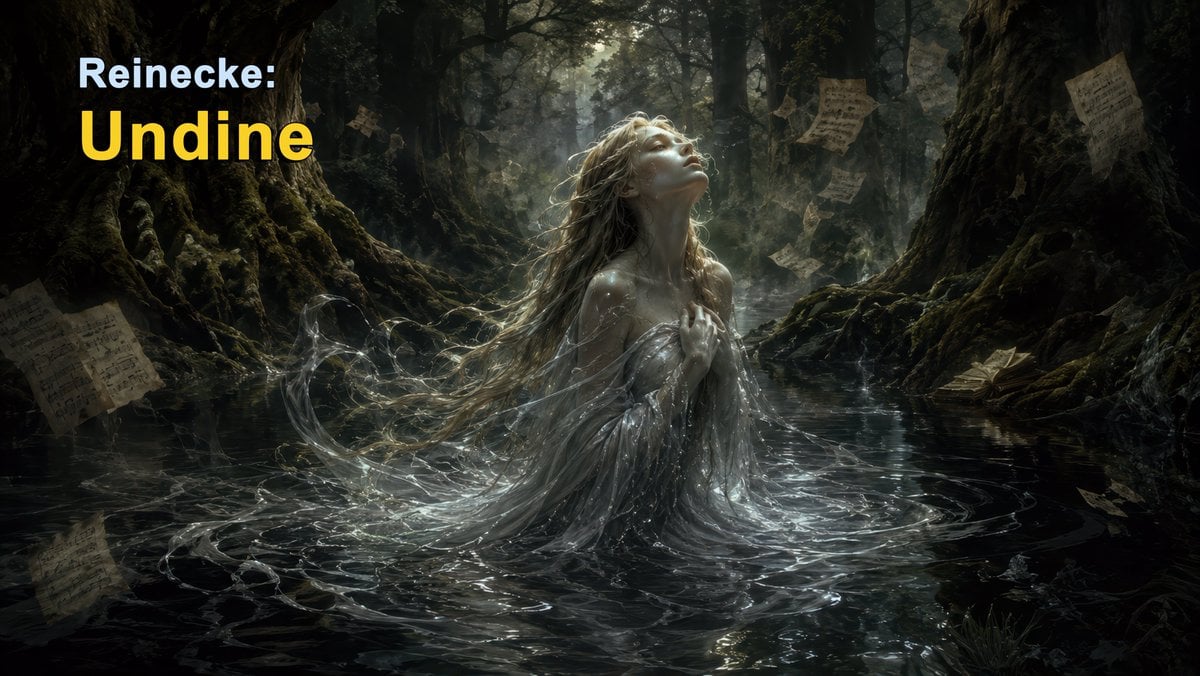
Dark Forest Undine Album Cover
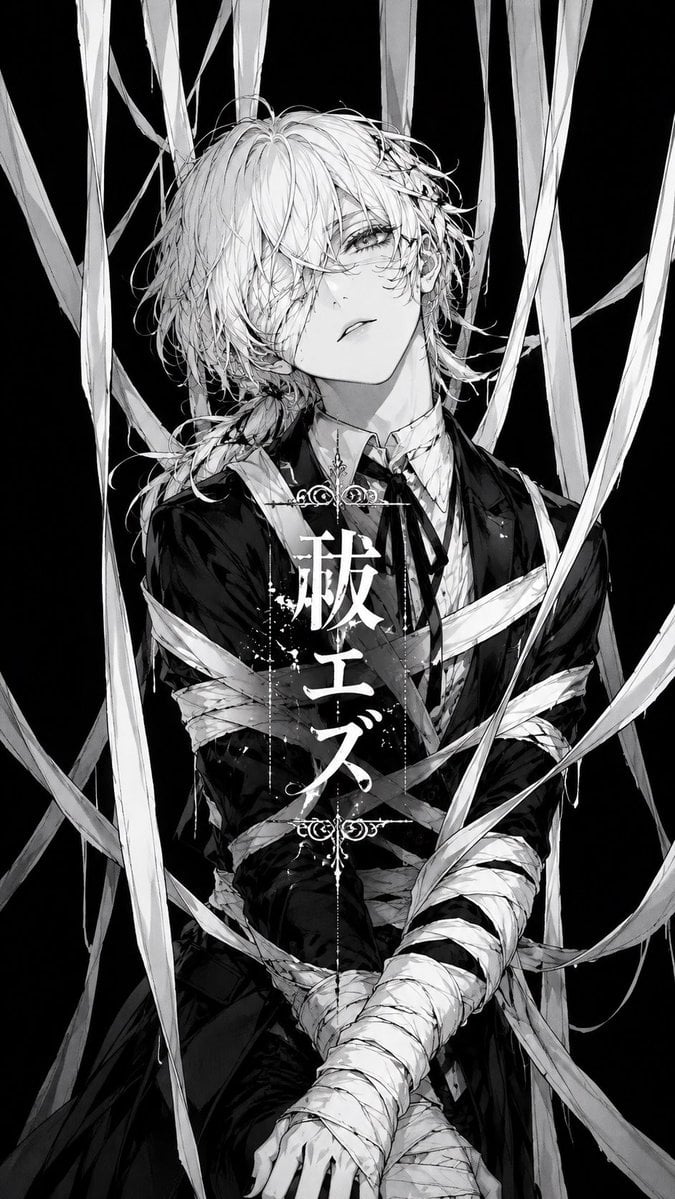
Monochrome Visual-Kei Album Cover
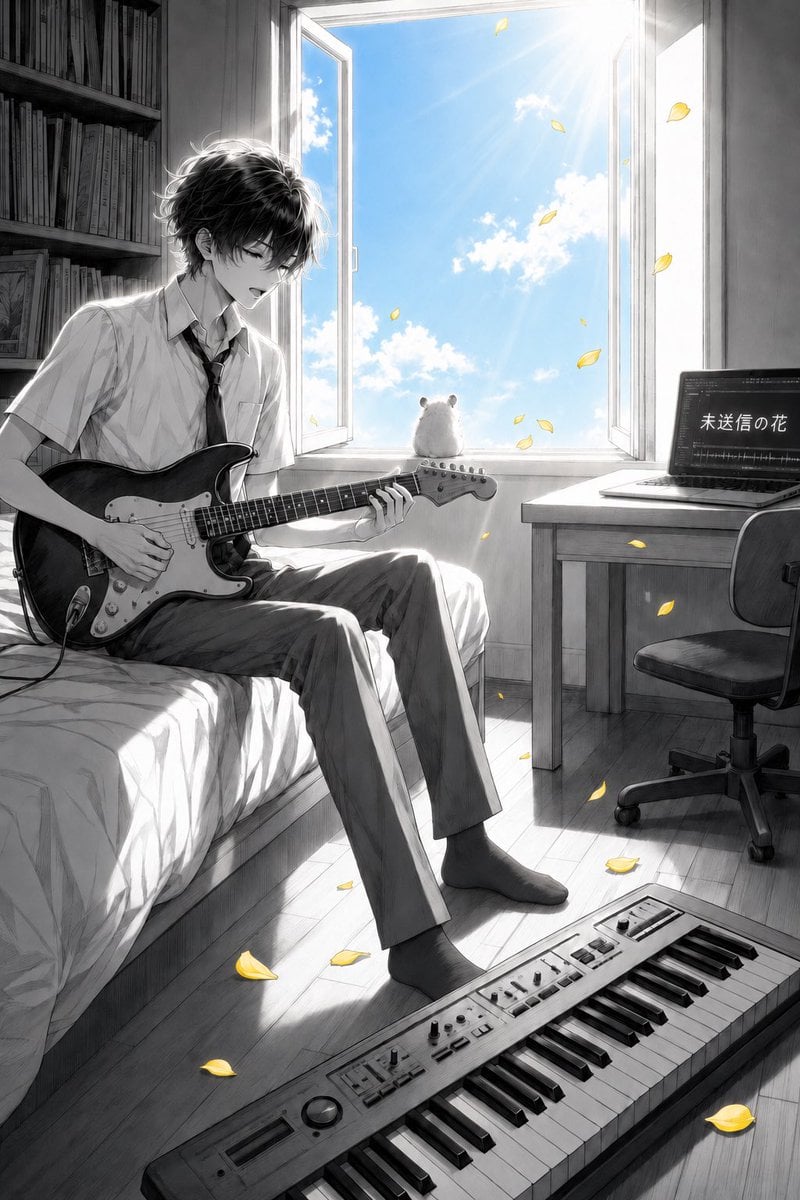
Anime Bedroom Guitar Album Cover

Anime Cherry Blossom Rock Album Cover
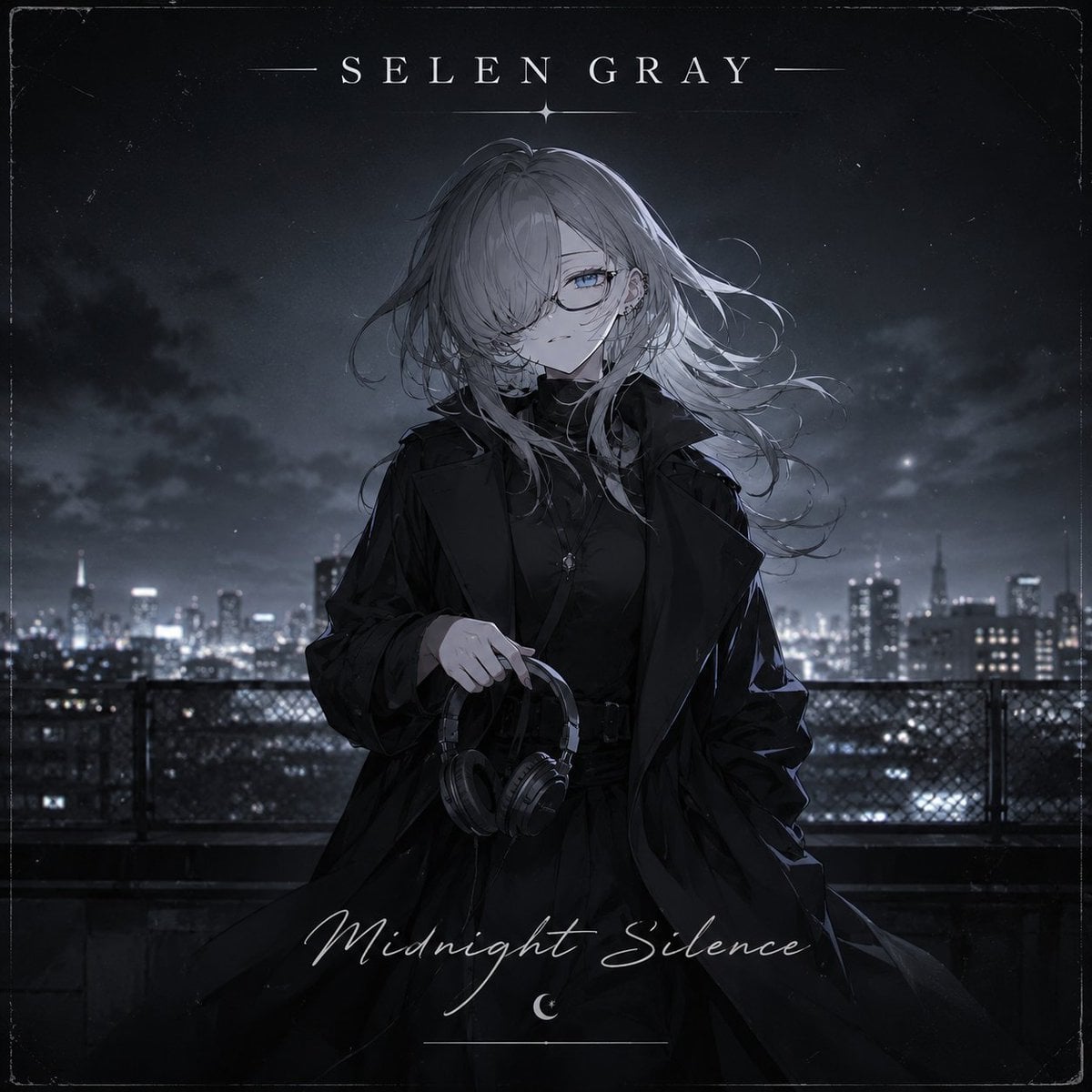
Midnight Anime Album Cover

Anime Maid CD Album Cover
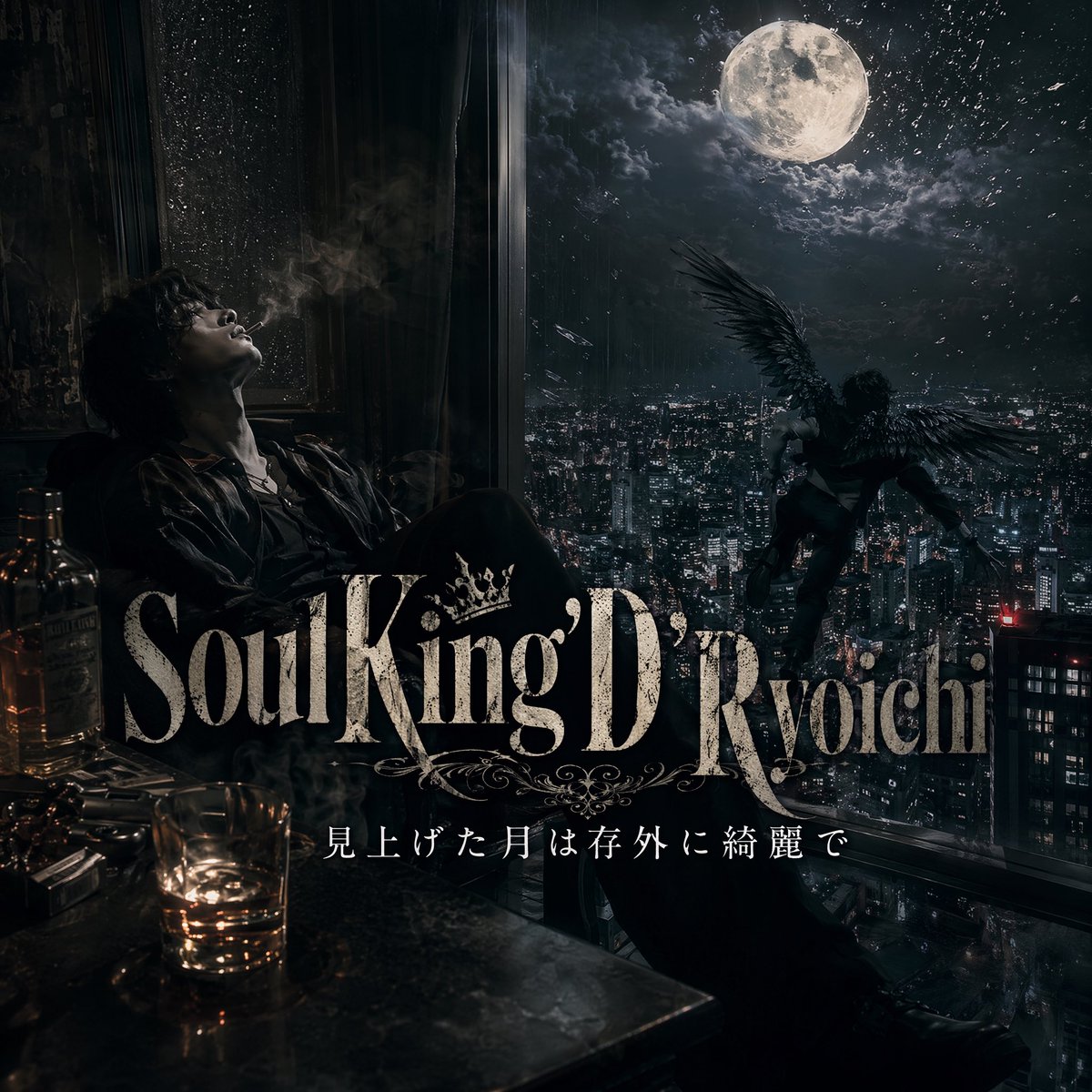
Dark Moonlit Noir Album Cover
Make it yours
Emerald Frequency Album Cover works as-is. These are the safest ways to change it without losing the look.
Change one field
Copy a single group, rewrite it, and generate again so you can see what that field is doing.
Keep the frame, change the subject
Hold the composition and light of Emerald Frequency Album Cover, then swap wardrobe, props or the person for a new take.
| If the result… | Why | Fix |
|---|---|---|
| The result drifts from the preview | Too many fields changed at once. | Reuse Emerald Frequency Album Cover as-is first, then change one group — subject, light, or setting. |
| The model over-stylizes the scene | The prose prompt leaves finish and camera underspecified. | Add one camera or lighting sentence and stay on GPT Image 2. |
More GPT Image 2 templates
Other prompts made for GPT Image 2.

Six VTuber Japanese Logo Sheet

Realistic Portrait of Woman and Deer

The Vista Modular Condo Poster

AI Model Routing Comparison Infographic

2.5D Anime Art Board

Isometric Productivity Desk Scene

New York Double Exposure Poster

Four-Panel AI Landscape Comparison

Japanese Tatami Lifestyle Magazine Cover

NESCAFÉ Coffee Map Poster
More image prompts
Fresh picks from across the catalog.
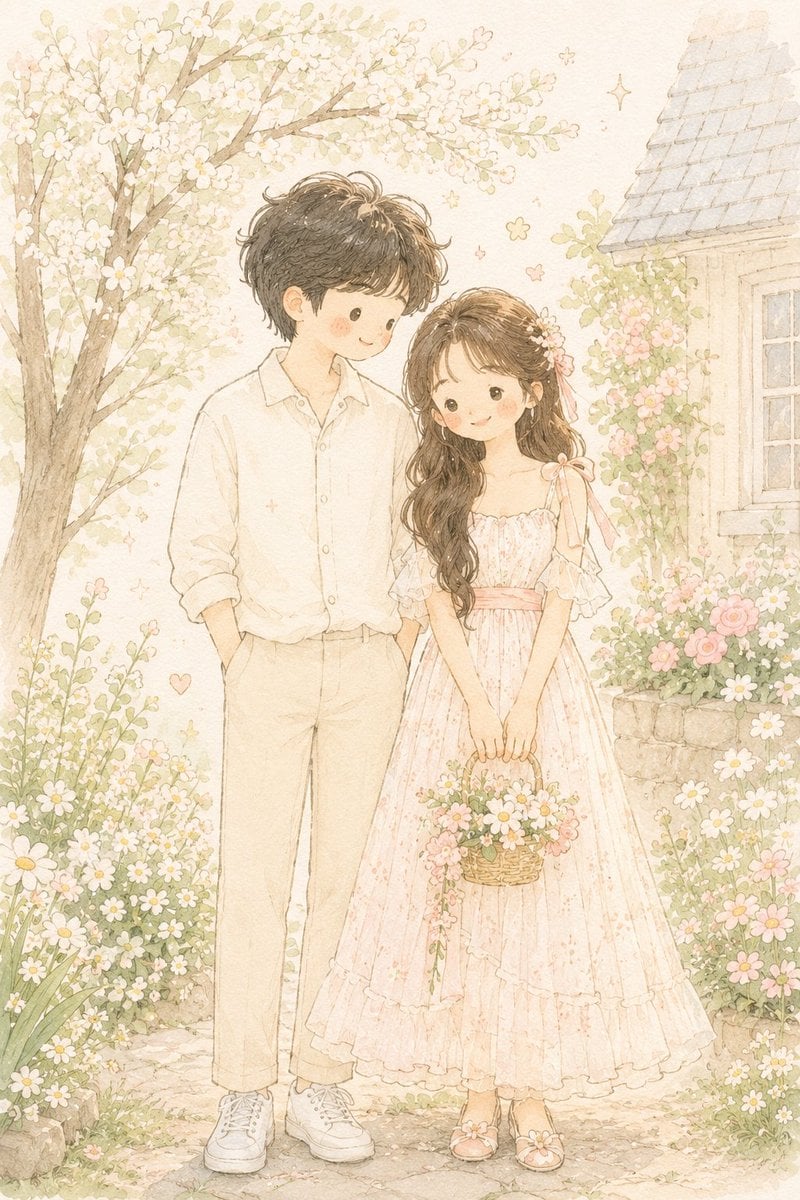
Hand-Drawn Storybook Portrait Illustration

High-Fashion Urban Editorial Portrait with Grillz
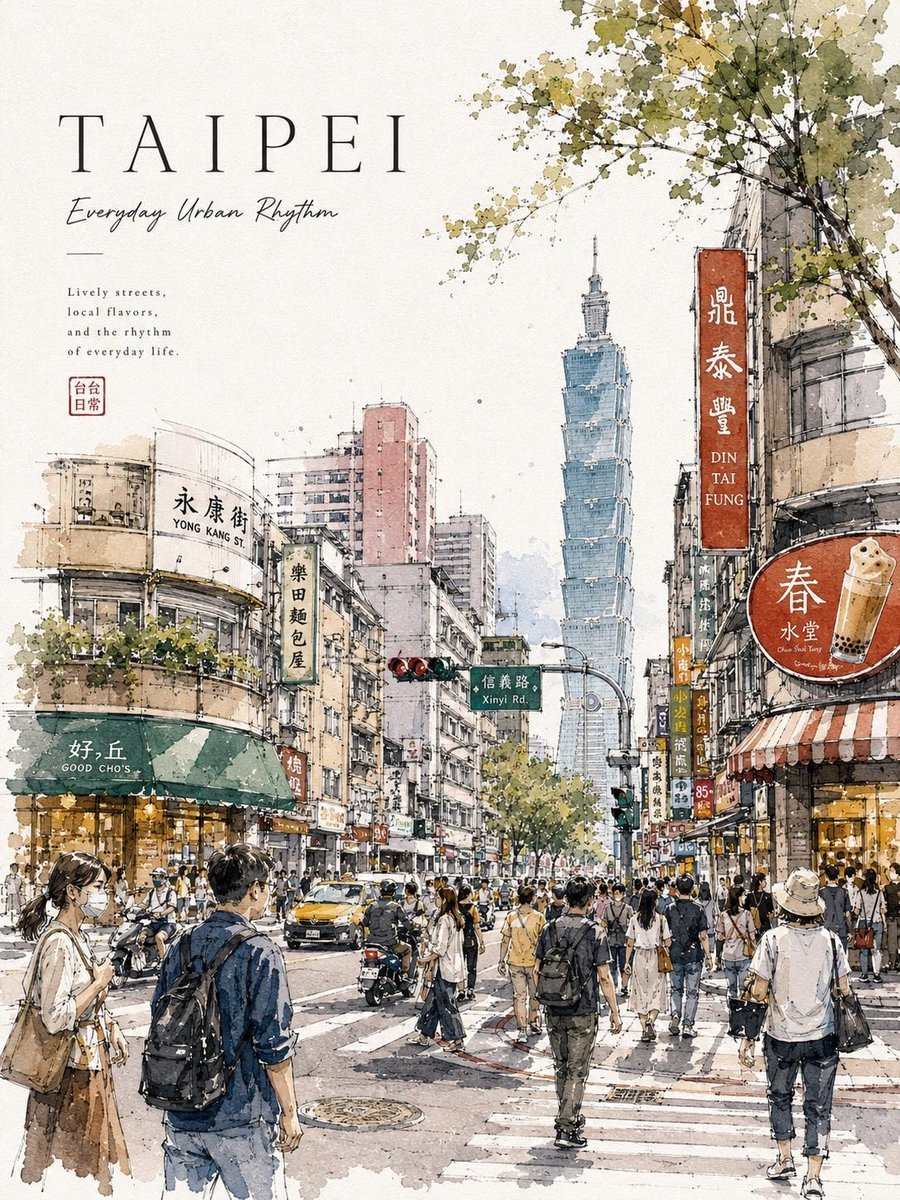
Watercolor Urban Travel Poster
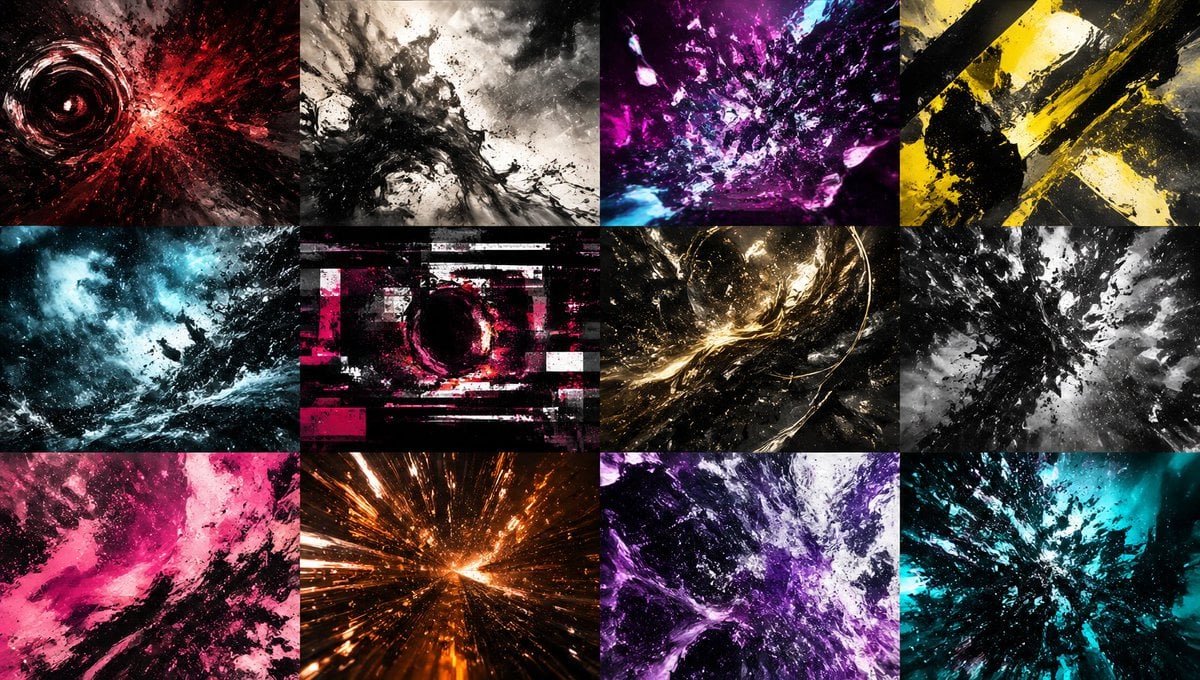
Abstract Energy Burst Grid

Renaissance Window Light Portrait Prompt with Reference Lock
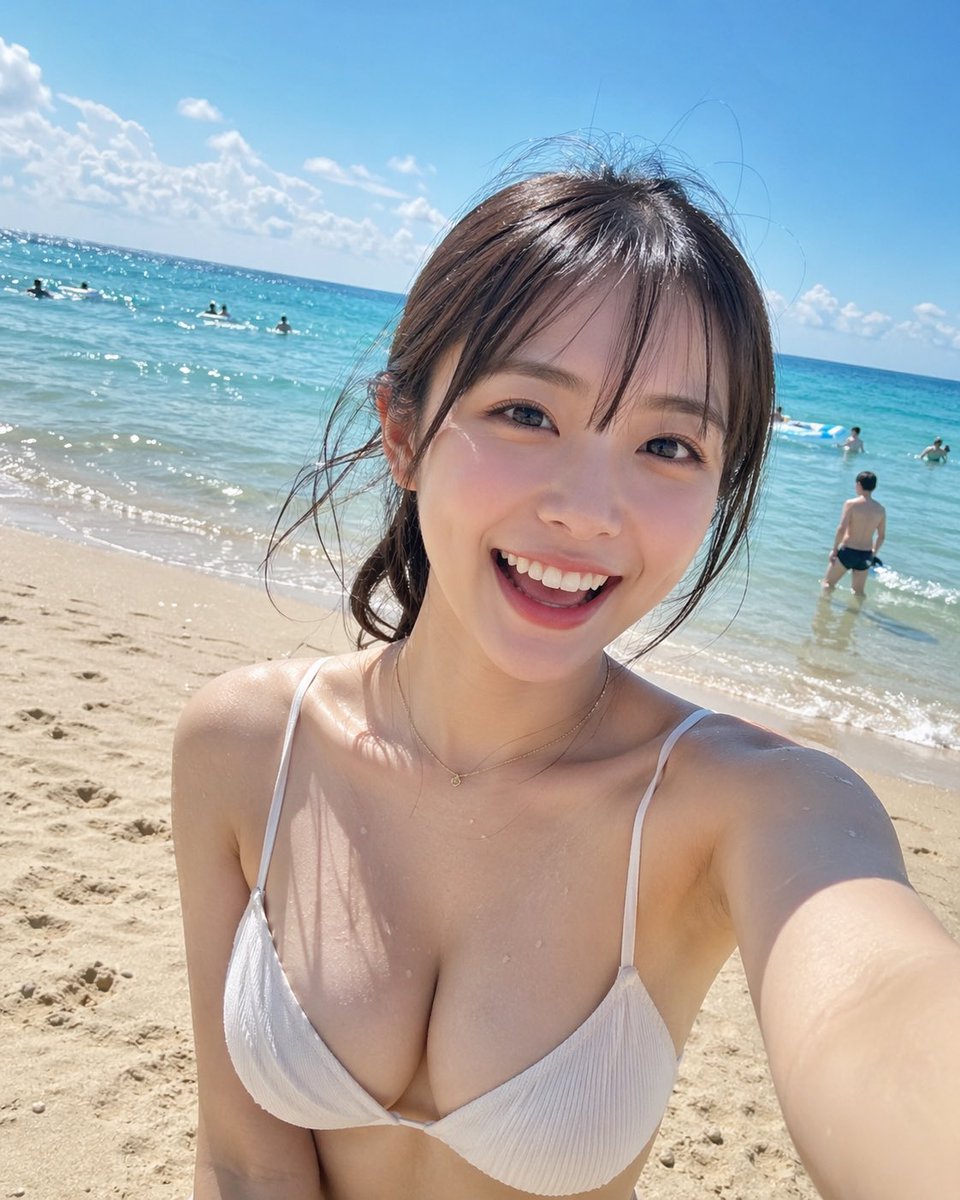
Beach Selfie Portrait

CCTV Security Camera Footage
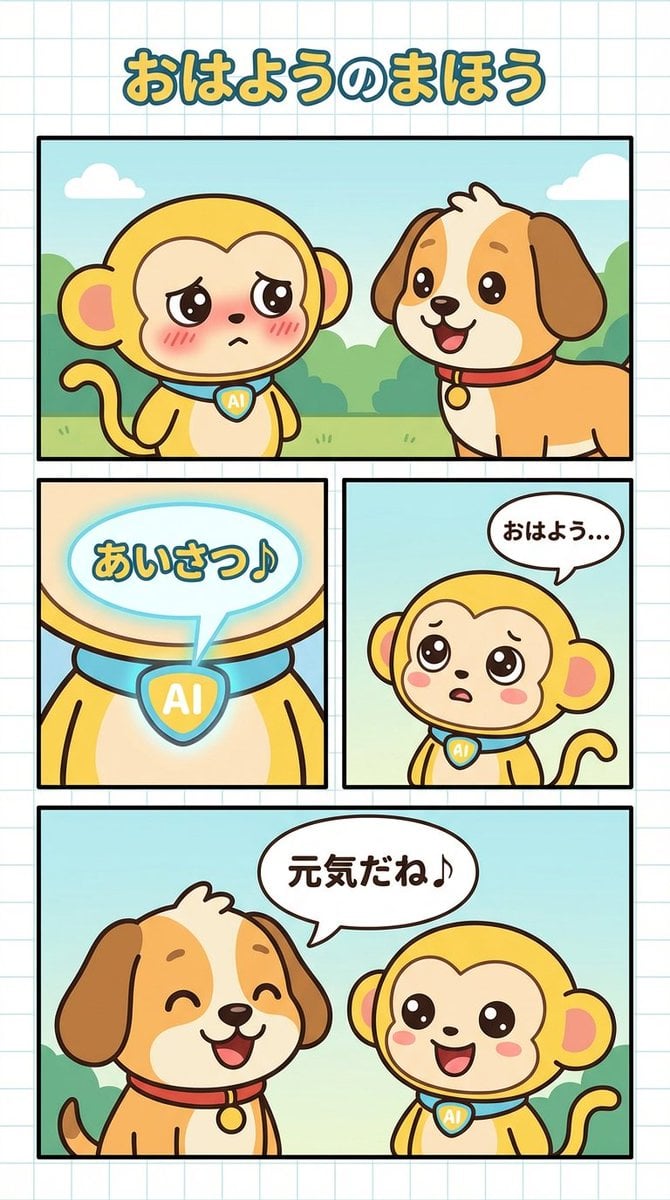
Manga Generation Prompt: Good Morning Magic
National Team Jersey Fashion Portrait
Luxury Red Lipstick Ad Poster
Browse template categories
Emerald Frequency Album Cover questions
How do I use the Emerald Frequency Album Cover template?
Add your photo if the template asks for one, edit the prompt if you like — the template's model and format are already selected — and press Generate. Your version opens in PicX Studio.
Can I customize the Emerald Frequency Album Cover template?
Yes. You can change the subject, setting, lighting, mood, format, and available model controls before creating your image.
Is the Emerald Frequency Album Cover template free?
Opening and editing this template is free. Generating uses credits, shown on the Generate button when you are signed in.
Which AI model should I use?
Start with GPT Image 2, which is the model associated with this template. You can compare another compatible model for a different finish.
Looking for something else? Browse all templates.

Your photo, any look
Thousands of ready templates for every top image and video model, from one credit balance.