
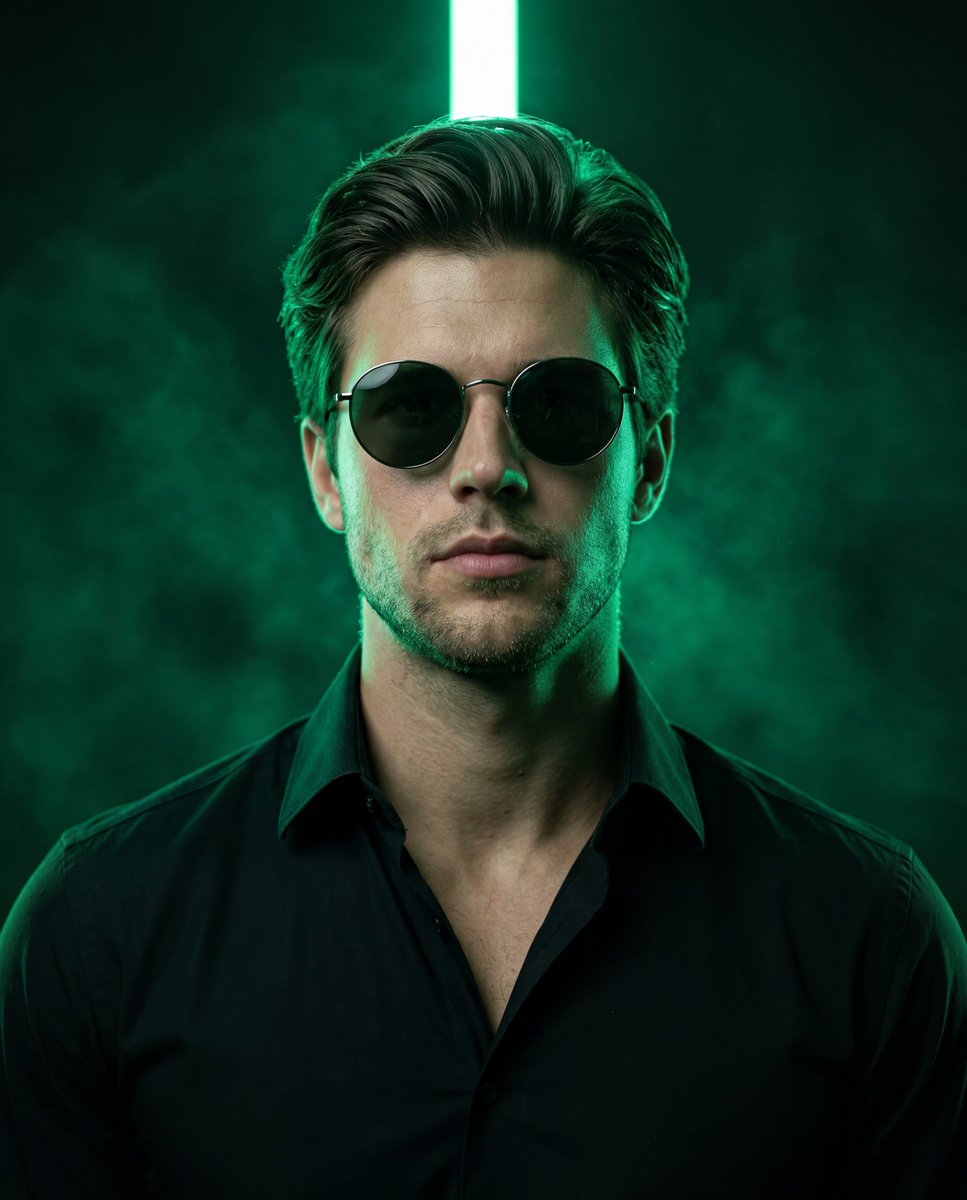
Emerald Neon Editorial Portrait
A high-end editorial prompt that uses a reference image to preserve pose and composition while adding dramatic emerald neon lighting and a specific facial identity.
- Prompt included
- Model and format preset
- Free template
The prompt behind this image
Copy the exact prompt behind Emerald Neon Editorial Portrait, or open it in the studio and make it yours.
Create an ultra-realistic premium editorial portrait using the reference image as the exact base for pose, framing, camera angle, posture, styling, and composition while replacing only the identity with the uploaded face. Preserve the exact 4:5 vertical crop, medium-close framing, low-angle upward perspective, centered composition, lifted chin, squared shoulders, dominant relaxed posture, and serious cinematic expression. The subject faces forward with the head slightly tilted back, wearing round black sunglasses that hide the eyes. Use the uploaded photo as the only facial identity source. Preserve exact facial anatomy, skin tone, jawline, cheekbones, nose shape, lips, eyebrow structure, hairline, beard pattern, and unique personal details. Blend naturally into the original pose and lighting with anatomically correct proportions and realistic structure. No beautification, facial reshaping, plastic skin, or AI-style reinterpretation. Preserve visible pores, subtle imperfections, realistic under-eye texture, natural oil sheen, authentic facial hair, and realistic hair strands. Preserve the outfit exactly: {argument name="jacket material" default="black textured jacket with realistic woven fabric"}, dark collar, visible zipper line, black crew-neck shirt, thin metallic chain necklace, small metallic earring if suitable, and {argument name="eyewear style" default="round black sunglasses with thin metal rims"}. Maintain the same luxury urban fashion aesthetic and strong masculine editorial presence. Fabric must show realistic folds, texture, dust particles, and rich black depth. Replace the original lighting with {argument name="neon light color" default="dramatic emerald-green neon lighting"}. Place a bright vertical green light tube directly behind the subject’s head, perfectly centered, creating a glowing halo around the hair and upper head. Background remains dark, smoky, atmospheric, and cinematic with green haze particles and volumetric fog. Use strong green rim lighting wrapping around the face, beard, ears, shoulders, and jacket collar, with subtle blue-green fill light for depth. Neon glow must feel physically real with bloom, haze diffusion, realistic falloff, and natural reflections on sunglasses and jewelry. Lighting style: cinematic low-key editorial lighting, strong backlight, deep blacks, refined highlight roll-off, natural HDR, dramatic contrast, and subtle micro contrast. The face remains partially shadowed with sculpted cheekbones and realistic interaction between neon light and skin tone. Sunglasses reflect subtle green highlights while remaining dark and opaque. Shot with a premium medium-format photography aesthetic resembling Hasselblad X2D 100C or Fujifilm GFX 100 II, 80mm portrait lens equivalent, f/2.0–f/2.8 aperture, shallow refined depth of field, crisp focus on the face and sunglasses, softer atmospheric background haze, realistic optical rendering, cinematic sharpness, and sophisticated commercial color grading. The final image must look like a real high-end professional photoshoot, not
How to use Emerald Neon Editorial Portrait in 3 steps
- 1Upload ImagePNG, JPG or paste
Add your photo
Upload the photo the template builds on. The prompt, model and format are already set.
- 2…a portrait of your subject in softgolden-hour light, 85mm…
Personalize
Edit the subject and creative details for your destination.
- 3Generate
Generate
Press Generate — your image is created in PicX Studio, so you can compare it with the original and refine one variable at a time.
More like this
Templates with the same subject, style or setup. Open one to see its prompt.

untitled

Caution Tape Fashion — Industrial Editorial

Couture Fashion Editorial Woman and Drag

Nano Banana 2 Editorial Fashion Portrait

Found Photograph: Us, 1970

80s Couple Studio Portrait

80s Neon Disco Night

80s Bollywood Star

80s Golden Hour Cinema

Me in 1985

1985 Studio Portrait
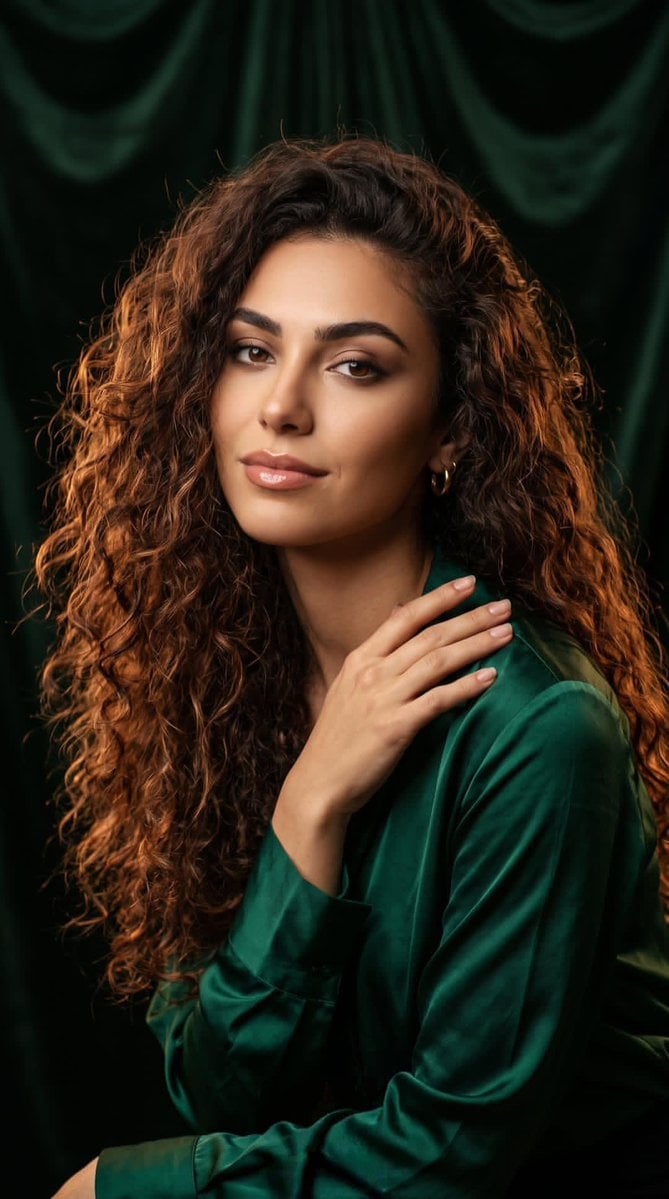
Professional Studio Portrait Emerald Theme
Make it yours
Emerald Neon Editorial Portrait works as-is. These are the safest ways to change it without losing the look.
Change one field
Copy a single group, rewrite it, and generate again so you can see what that field is doing.
Keep the frame, change the subject
Hold the composition and light of Emerald Neon Editorial Portrait, then swap wardrobe, props or the person for a new take.
| If the result… | Why | Fix |
|---|---|---|
| The result drifts from the preview | Too many fields changed at once. | Reuse Emerald Neon Editorial Portrait as-is first, then change one group — subject, light, or setting. |
| The model over-stylizes the scene | The prose prompt leaves finish and camera underspecified. | Add one camera or lighting sentence and stay on Nano Banana 2. |
More Nano Banana 2 templates
Other prompts made for Nano Banana 2.

Photorealistic Leaf Shaped Like a Dragon

K-Pop Idol Portrait Grid for Rapid Selection

Poetic Rain Forest Portrait During Golden Hour

Urban Street Portrait with Cartoon Inner Self Duo

Candid Nighttime Photo with Cat Prompt

High-Concept 3D Diorama Generation Prompt

Cinematic Futuristic Studio Portrait Template

Skincare Editorial Photography Collage Prompt

Hyper-Realistic Commercial Product Photography (Splash Effect)

Hyper-Realistic Nightclub Portrait Prompt
More image prompts
Fresh picks from across the catalog.
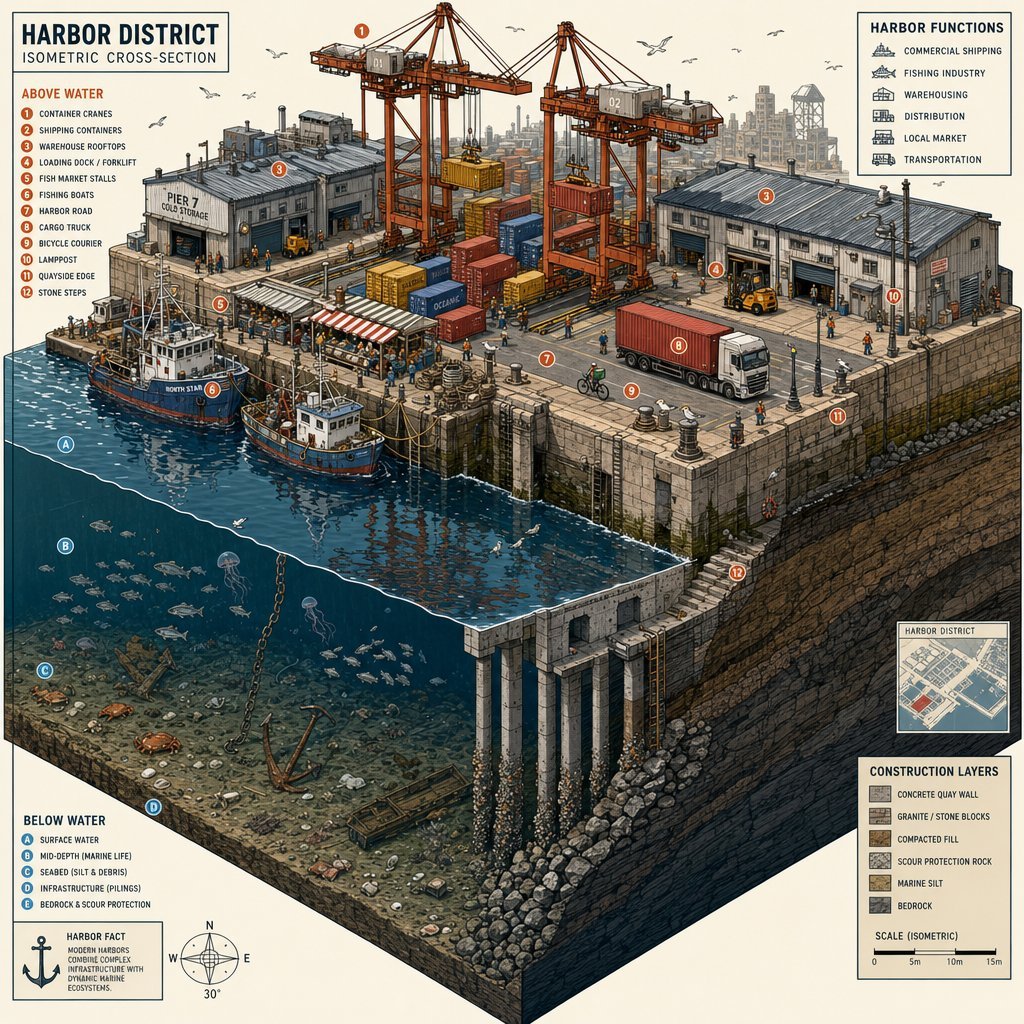
Isometric Harbor District Cross-Section
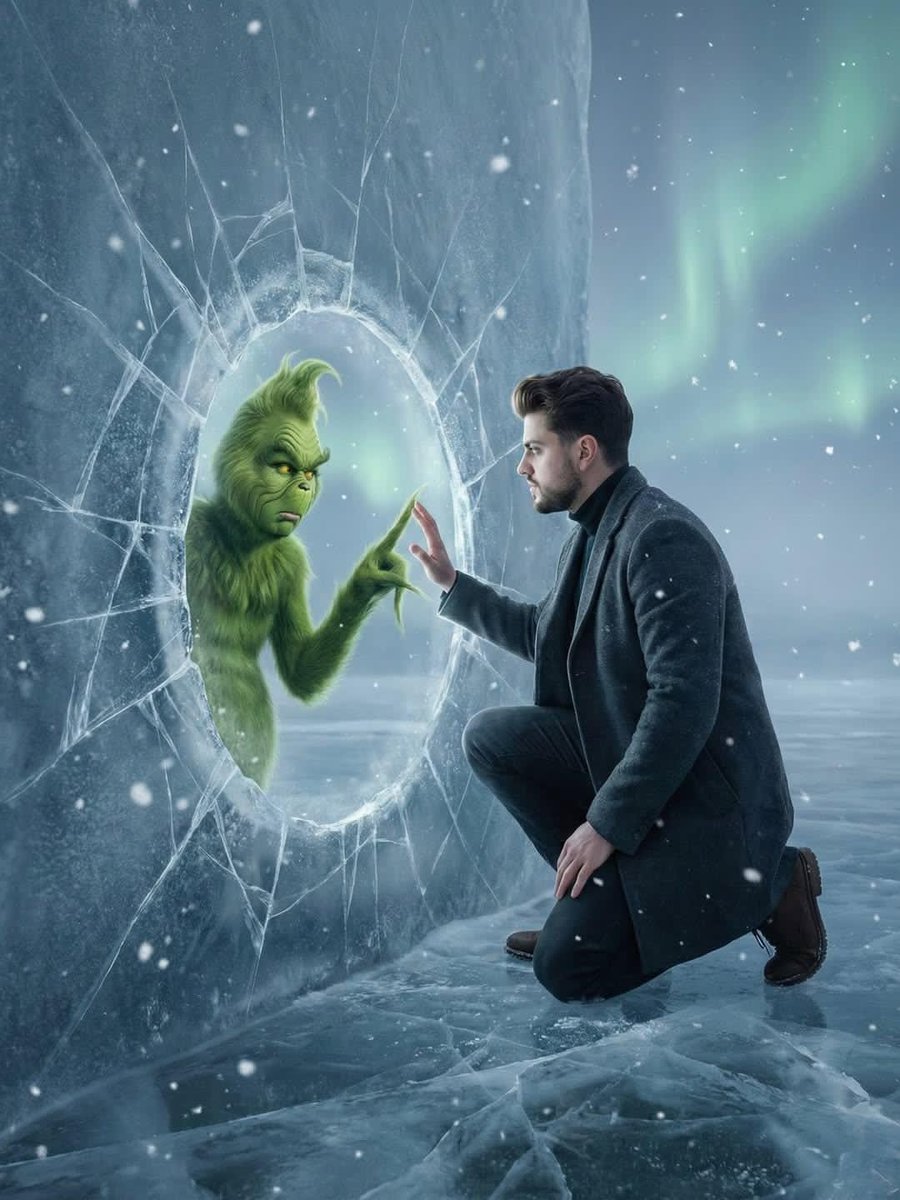
Fantasy Scene: Man and Grinch Reflection
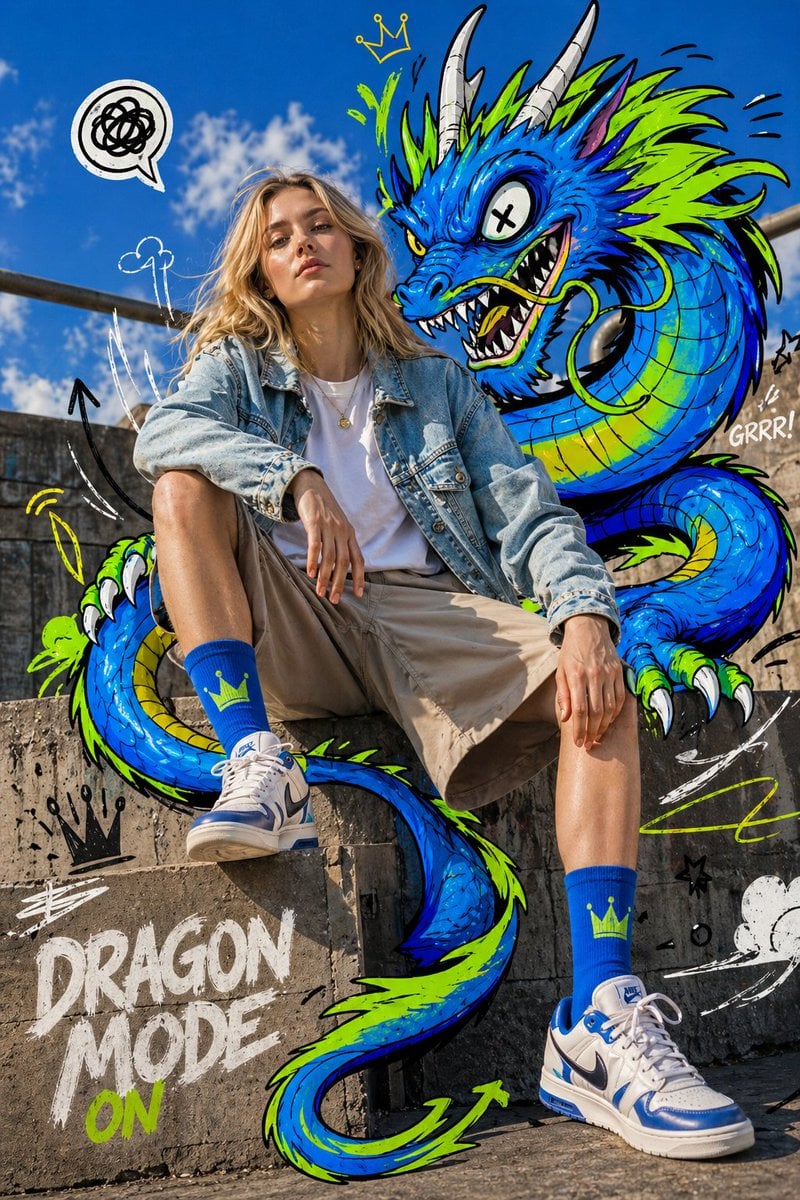
Mixed-Media Fashion Editorial
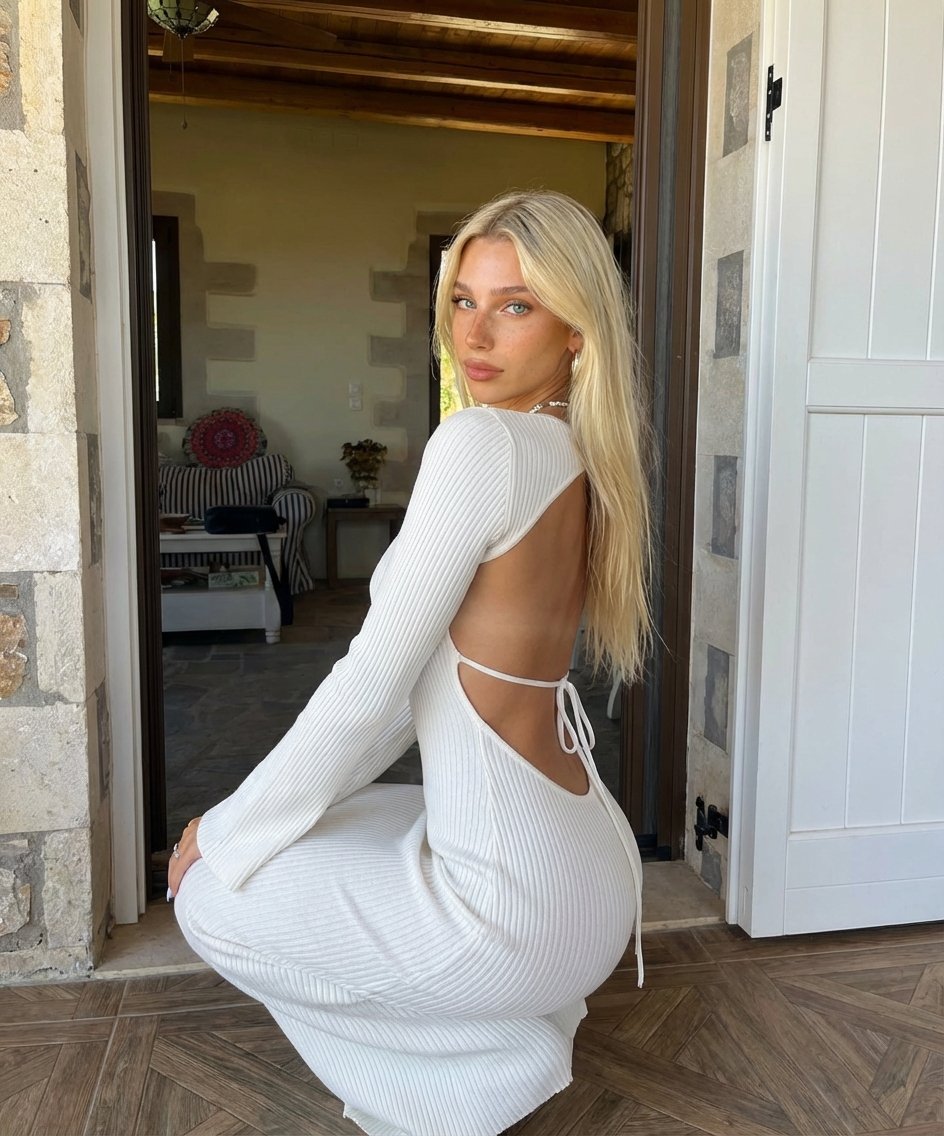
Blonde Woman Backless Dress Portrait Prompt
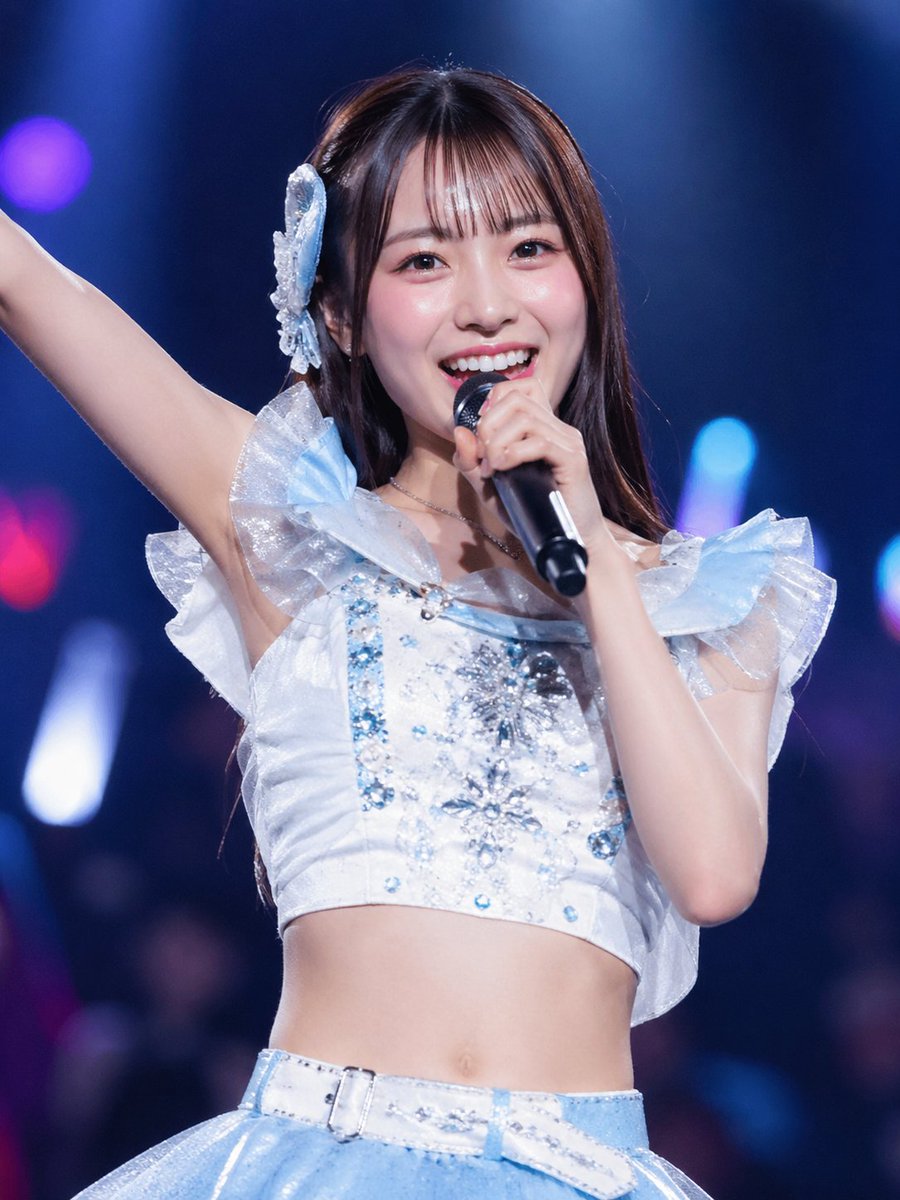
Japanese Idol Concert Portrait
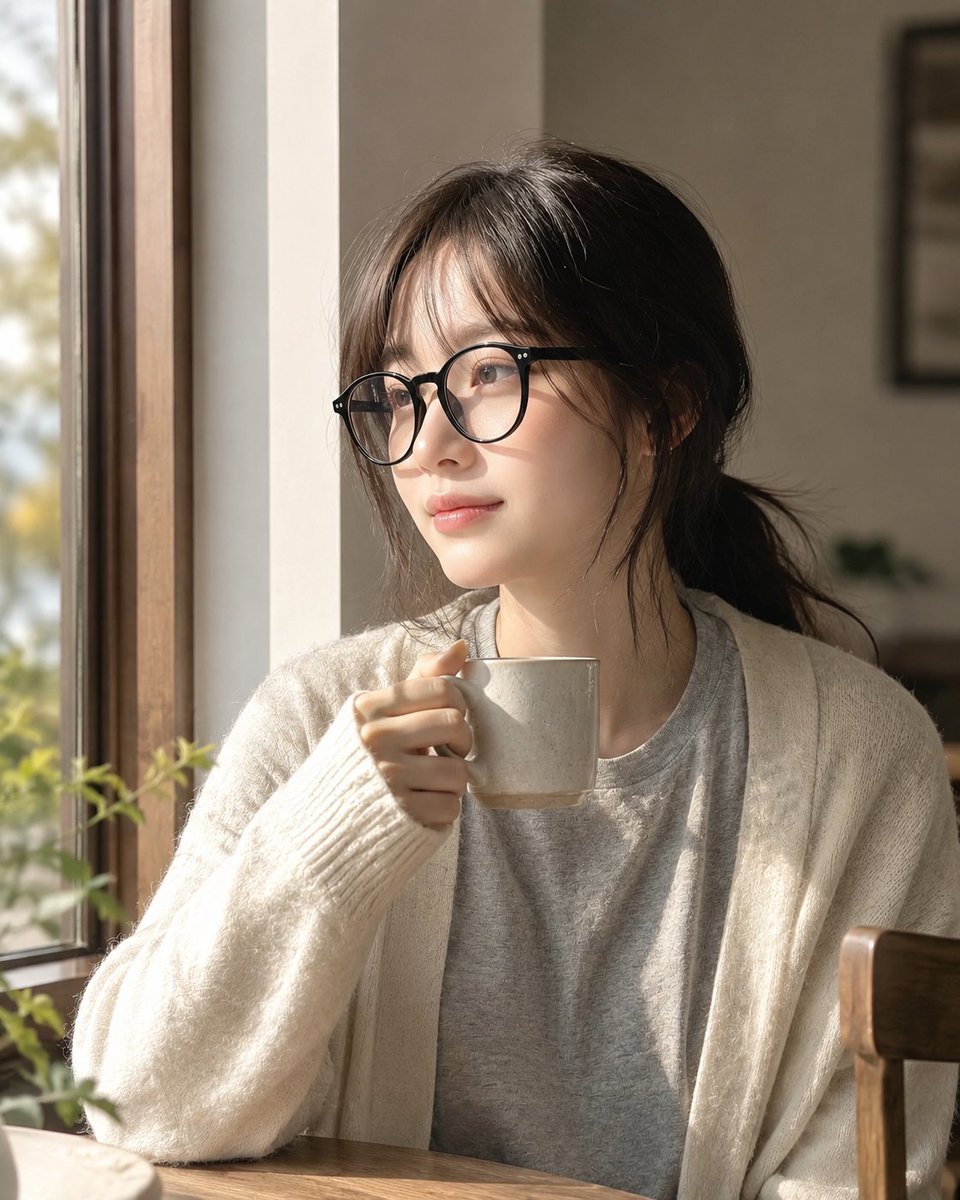
Cozy Window Portrait With Privacy Block
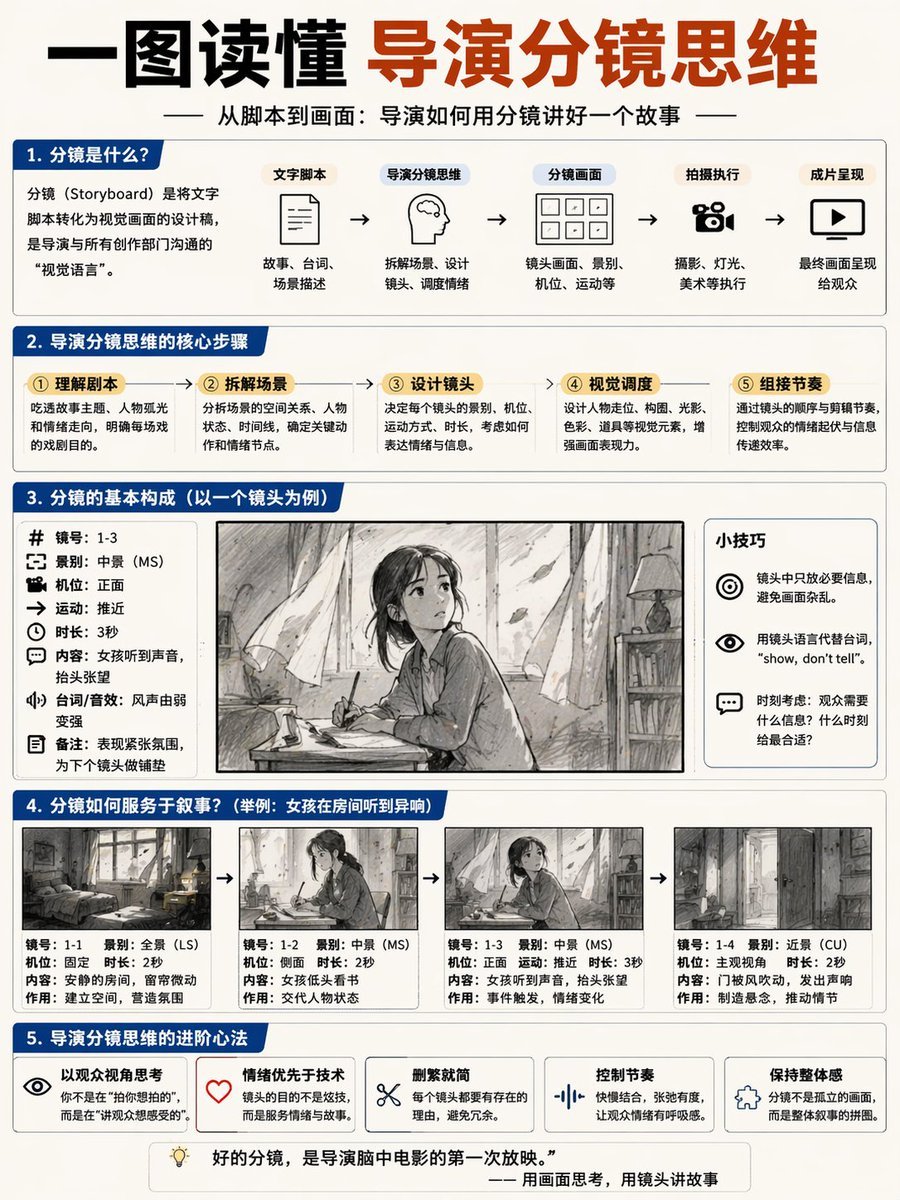
Storyboard Director Infographic
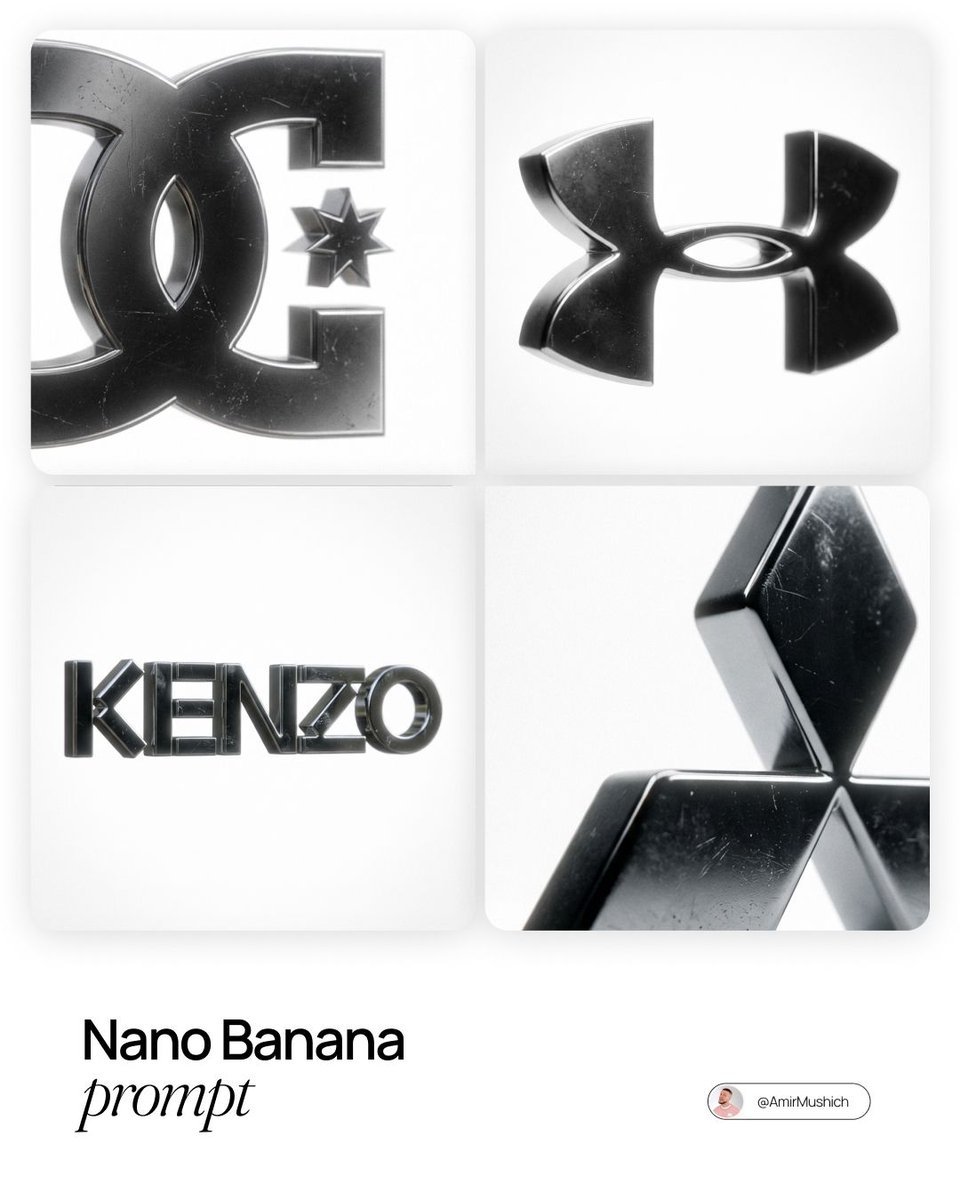
Dark Metallic Logo Design Prompt
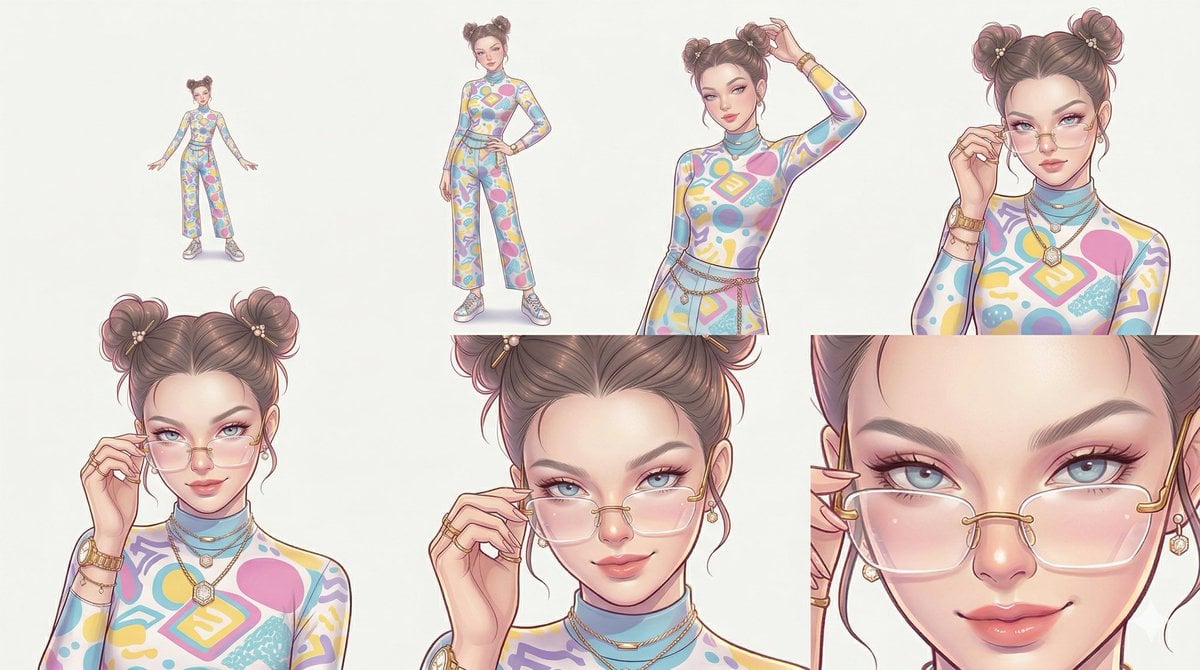
Reference Character Posing Grid Study Prompt
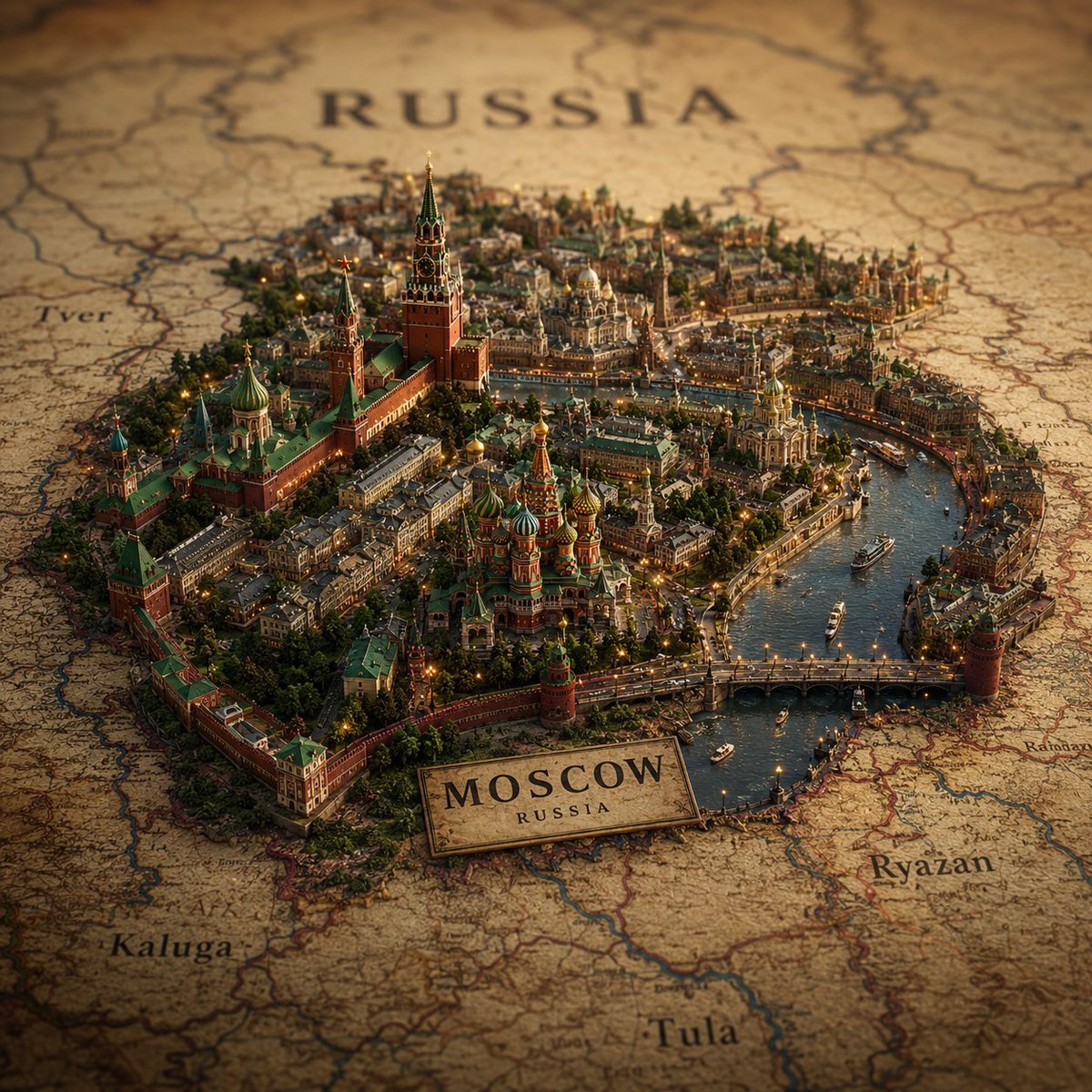
Cinematic Atlas Miniature World Diorama
Browse template categories
Emerald Neon Editorial Portrait questions
How do I use the Emerald Neon Editorial Portrait template?
Add your photo if the template asks for one, edit the prompt if you like — the template's model and format are already selected — and press Generate. Your version opens in PicX Studio.
Can I customize the Emerald Neon Editorial Portrait template?
Yes. You can change the subject, setting, lighting, mood, format, and available model controls before creating your image.
Is the Emerald Neon Editorial Portrait template free?
Opening and editing this template is free. Generating uses credits, shown on the Generate button when you are signed in.
Which AI model should I use?
Start with Nano Banana 2, which is the model associated with this template. You can compare another compatible model for a different finish.
Looking for something else? Browse all templates.

Your photo, any look
Thousands of ready templates for every top image and video model, from one credit balance.