
Ornate Emerald Magical Girl Portrait
This prompt generates a lavish anime-style magical girl portrait with jeweled celestial decorations, ideal for character art, fan-inspired posters, or premium fantasy illustrations.
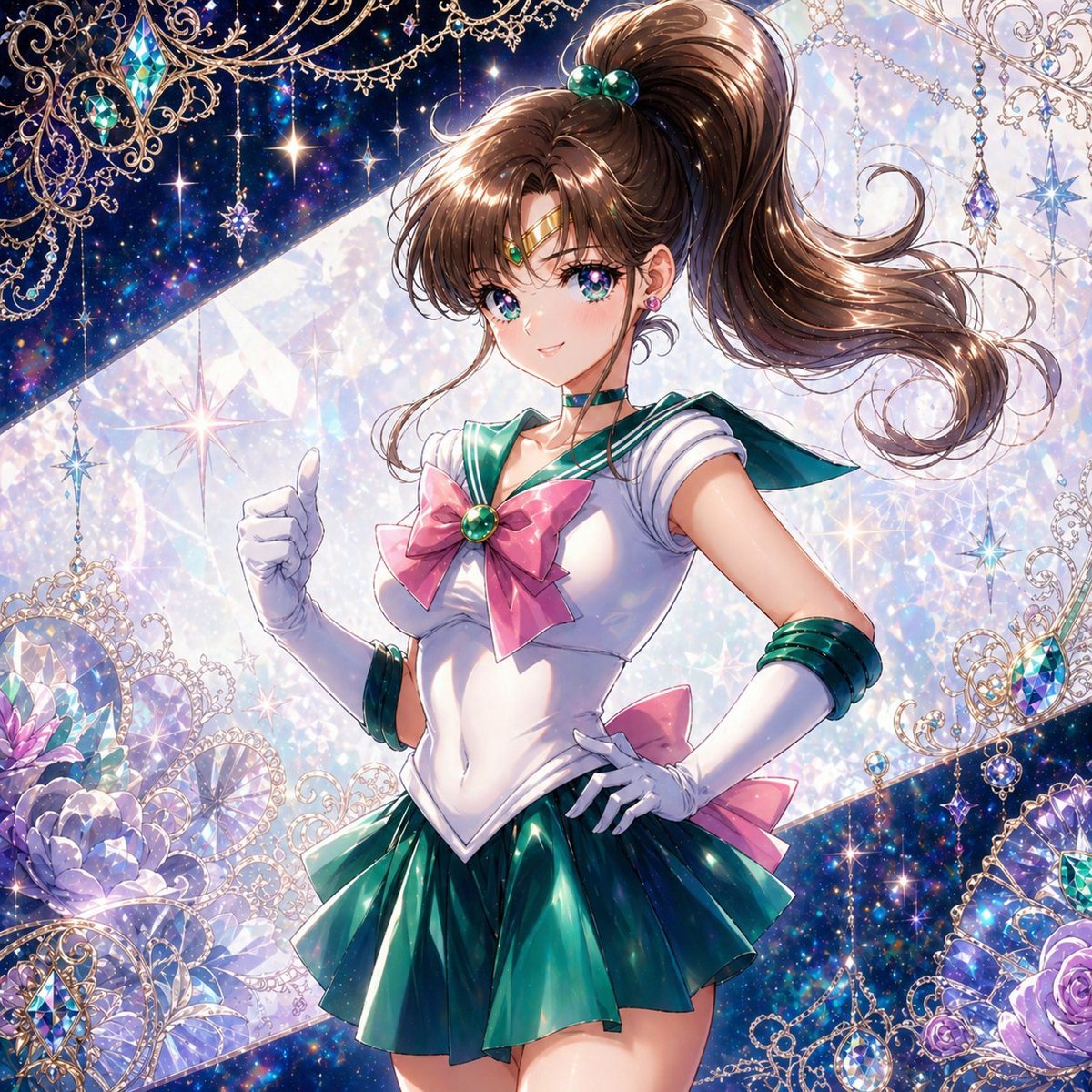
- Prompt included
- Model and format preset
- Free template
The prompt behind this image
Copy the exact prompt behind Ornate Emerald Magical Girl Portrait, or open it in the studio and make it yours.
A highly polished anime magical-girl portrait in the style of a luxurious shoujo illustration, showing a confident teenage heroine inspired by a planet-themed sailor guardian. She stands in a three-quarter pose from mid-thigh up, centered, with her left hand on her hip and her right hand giving a thumbs-up. She has {argument name="hair color" default="warm chestnut brown"} hair styled in a very high, voluminous ponytail tied with 2 glossy green bead ornaments, with long flowing curls sweeping dramatically to the right. Her outfit is a classic sailor-style magical uniform with 5 clearly visible main clothing elements: a fitted white bodice, a deep emerald-green sailor collar, a large pink chest bow with a round green gem brooch at the center, a short pleated emerald-green skirt, and a large pink back bow visible at the waist. She also wears 4 visible accessories: 2 long white elbow gloves, 2 stacked emerald-green wrist bands, small pink gemstone stud earrings, and a green choker. Render the costume with glossy satin-like highlights and elegant reflective fabric. The character should project bravery, poise, and sparkling heroic charm. Place her against an ornate celestial fantasy background split diagonally into 2 contrasting zones: a dark midnight-blue galaxy field filled with stars, and a luminous iridescent crystal field with prismatic shimmer. Surround the scene with elaborate gold filigree lacework, hanging crystal chains, star pendants, jeweled ornaments, and large faceted gemstones. Include floral crystal decorations in the corners, especially layered translucent flowers and roses in lavender, violet, and icy blue tones. Fill the entire image with intense sparkle effects, lens-like starbursts, glitter dust, and jewel reflections. Use a rich palette of emerald green, blush pink, gold, sapphire, lavender, and pearl white. The composition should feel premium, radiant, ornate, and nostalgic, like a deluxe collector art print of {argument name="character theme" default="emerald planet guardian"}. Ultra-detailed anime illustration, crisp linework, glossy highlights, luminous shading, intricate decorative background, masterpiece quality, square composition.
How to use Ornate Emerald Magical Girl Portrait in 3 steps
- 1Upload ImagePNG, JPG or paste
Add your photo
Upload the photo the template builds on. The prompt, model and format are already set.
- 2…a portrait of your subject in softgolden-hour light, 85mm…
Personalize
Edit the subject and creative details for your destination.
- 3Generate
Generate
Press Generate — your image is created in PicX Studio, so you can compare it with the original and refine one variable at a time.
More like this
Templates with the same subject, style or setup. Open one to see its prompt.

Found Photograph: Us, 1970

80s Couple Studio Portrait

80s Bollywood Star

80s Golden Hour Cinema

Me in 1985

1985 Studio Portrait
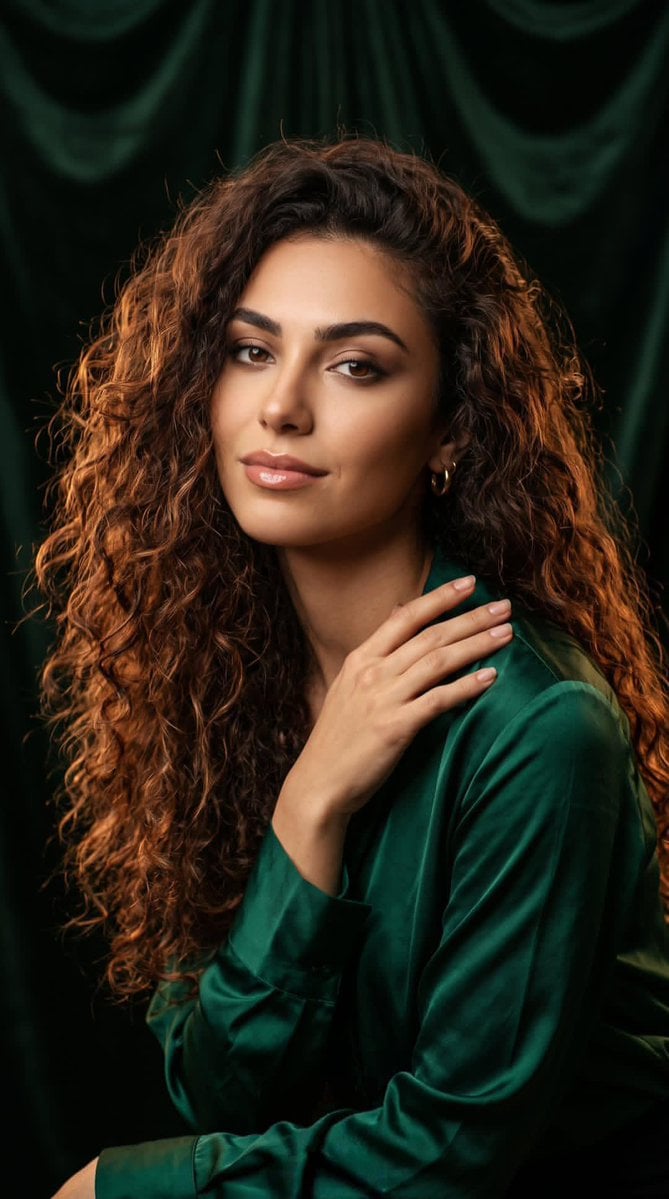
Professional Studio Portrait Emerald Theme
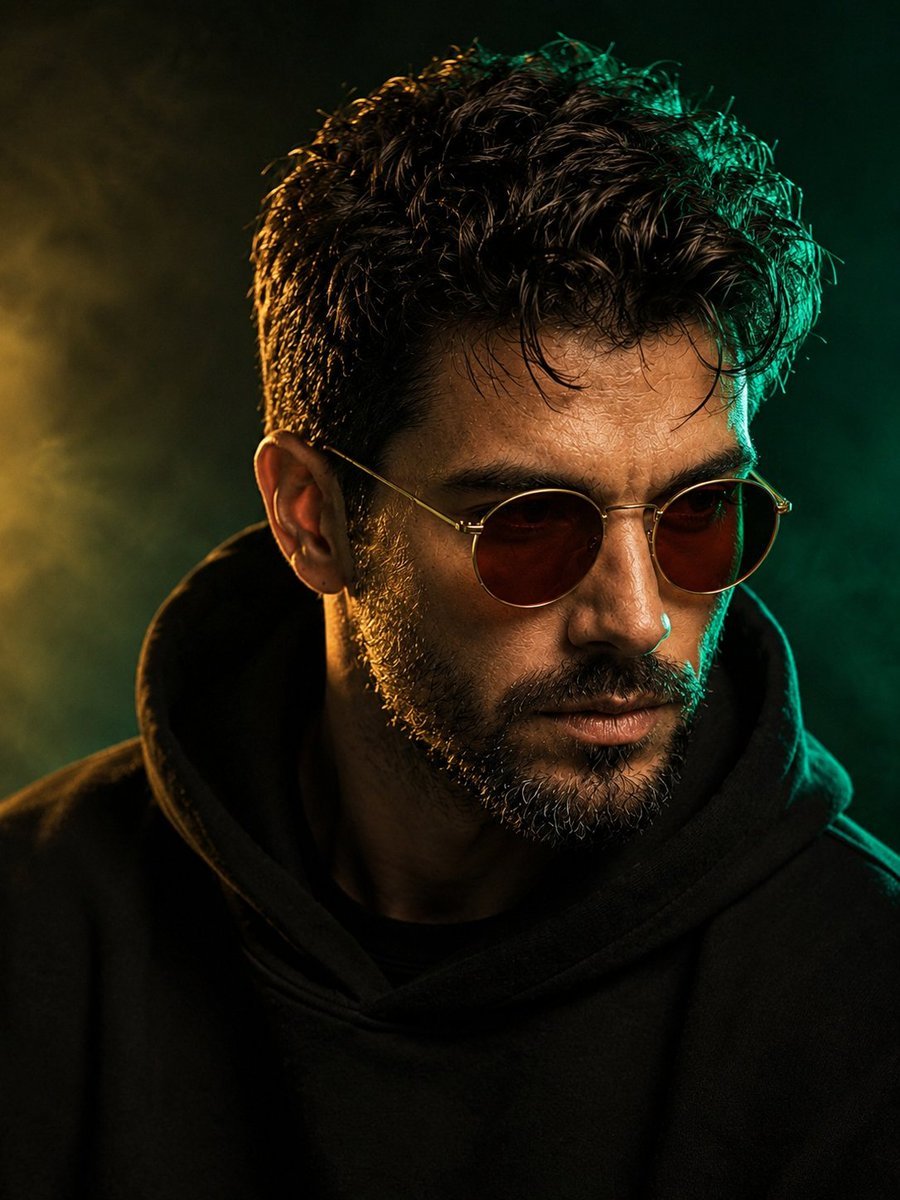
Emerald & Gold Luxury Portrait
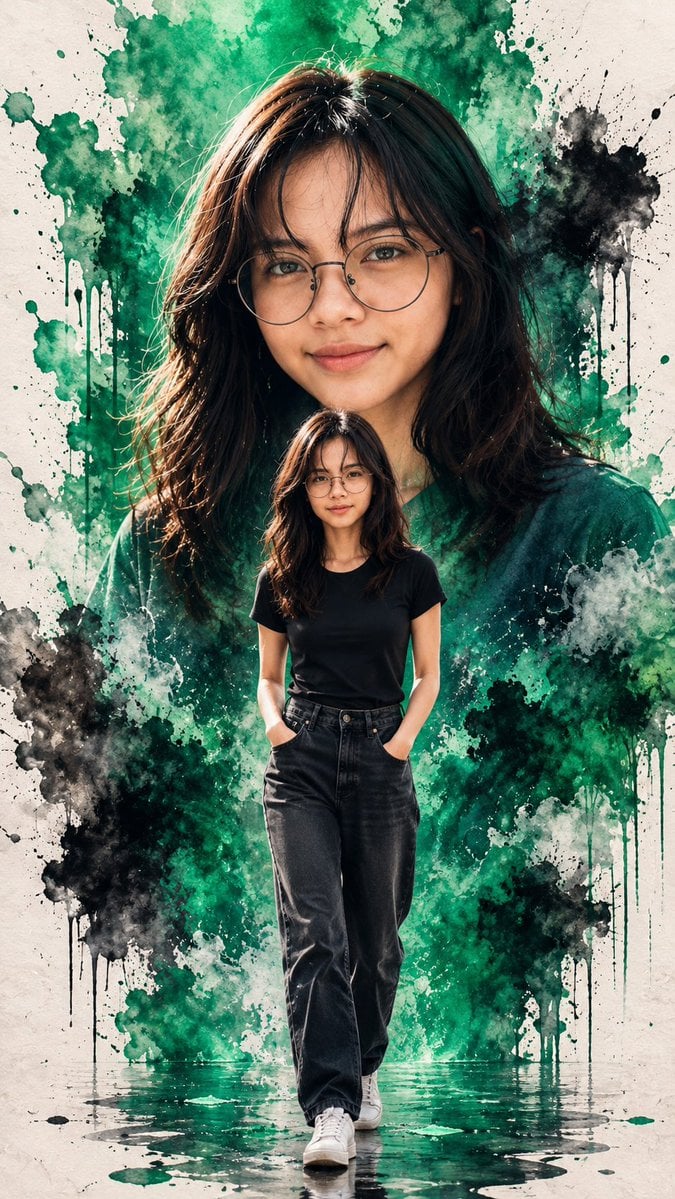
Emerald Double Exposure Fashion Portrait
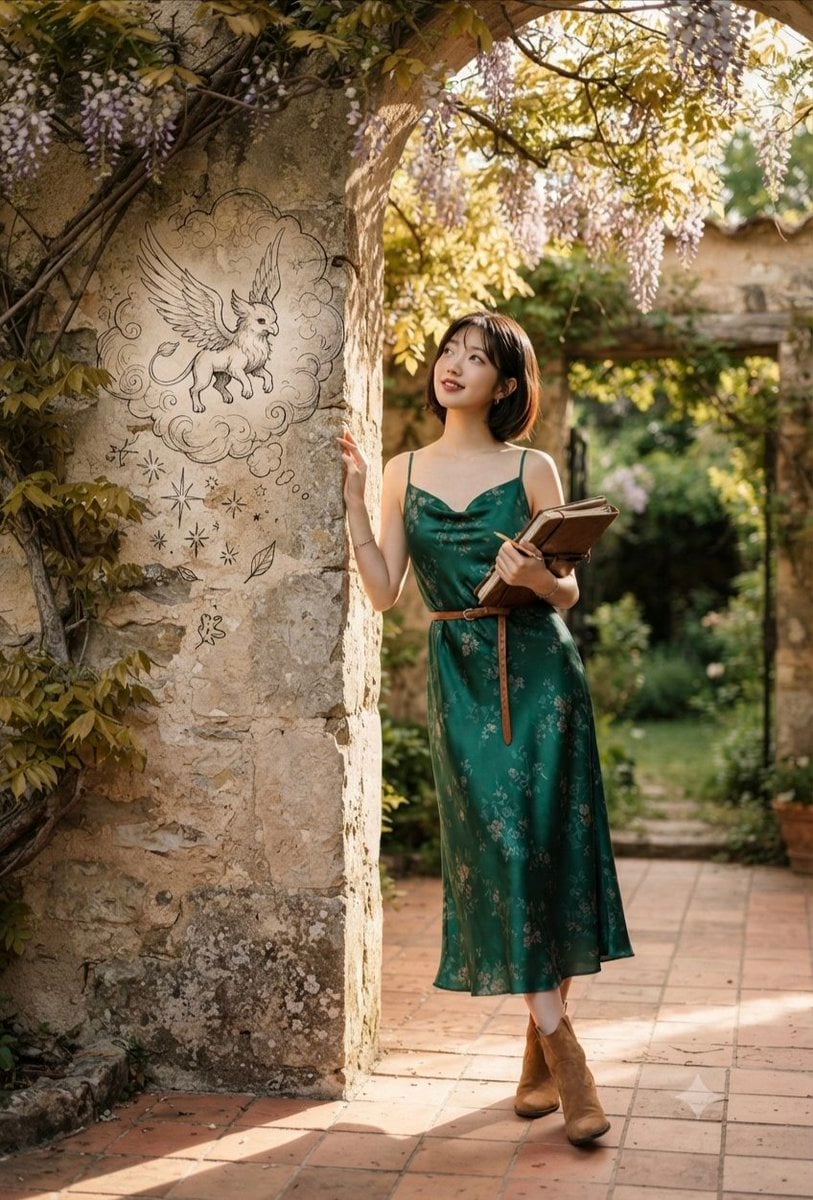
Emerald Dress Wisteria Courtyard Portrait

Hyper-Realistic Minecraft POV Portrait
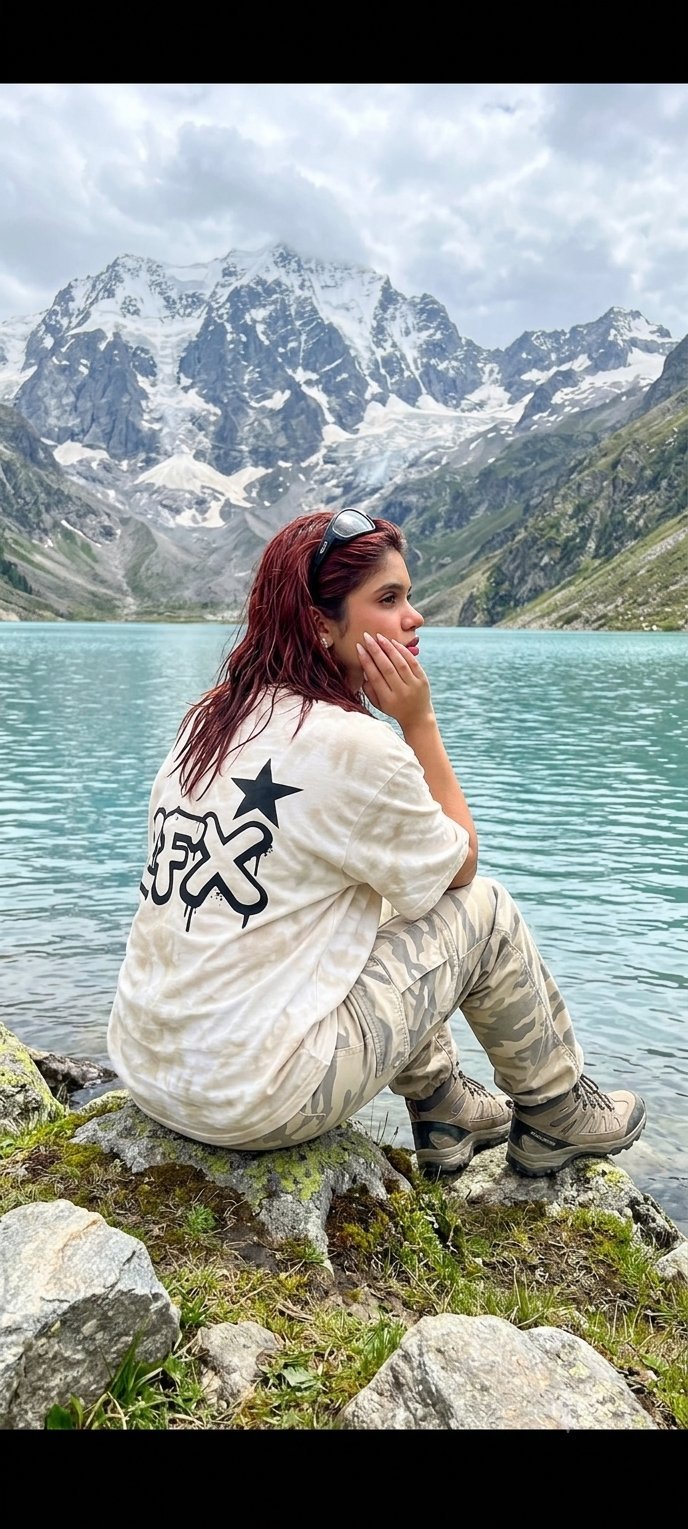
Teen Girl Alpine Lake Mountain View
Make it yours
Ornate Emerald Magical Girl Portrait works as-is. These are the safest ways to change it without losing the look.
Change one field
Copy a single group, rewrite it, and generate again so you can see what that field is doing.
Keep the frame, change the subject
Hold the composition and light of Ornate Emerald Magical Girl Portrait, then swap wardrobe, props or the person for a new take.
| If the result… | Why | Fix |
|---|---|---|
| The result drifts from the preview | Too many fields changed at once. | Reuse Ornate Emerald Magical Girl Portrait as-is first, then change one group — subject, light, or setting. |
| The model over-stylizes the scene | The prose prompt leaves finish and camera underspecified. | Add one camera or lighting sentence and stay on GPT Image 2. |
More GPT Image 2 templates
Other prompts made for GPT Image 2.

Six VTuber Japanese Logo Sheet

Realistic Portrait of Woman and Deer

The Vista Modular Condo Poster

AI Model Routing Comparison Infographic

2.5D Anime Art Board

Isometric Productivity Desk Scene

New York Double Exposure Poster

Four-Panel AI Landscape Comparison

Japanese Tatami Lifestyle Magazine Cover

NESCAFÉ Coffee Map Poster
More image prompts
Fresh picks from across the catalog.
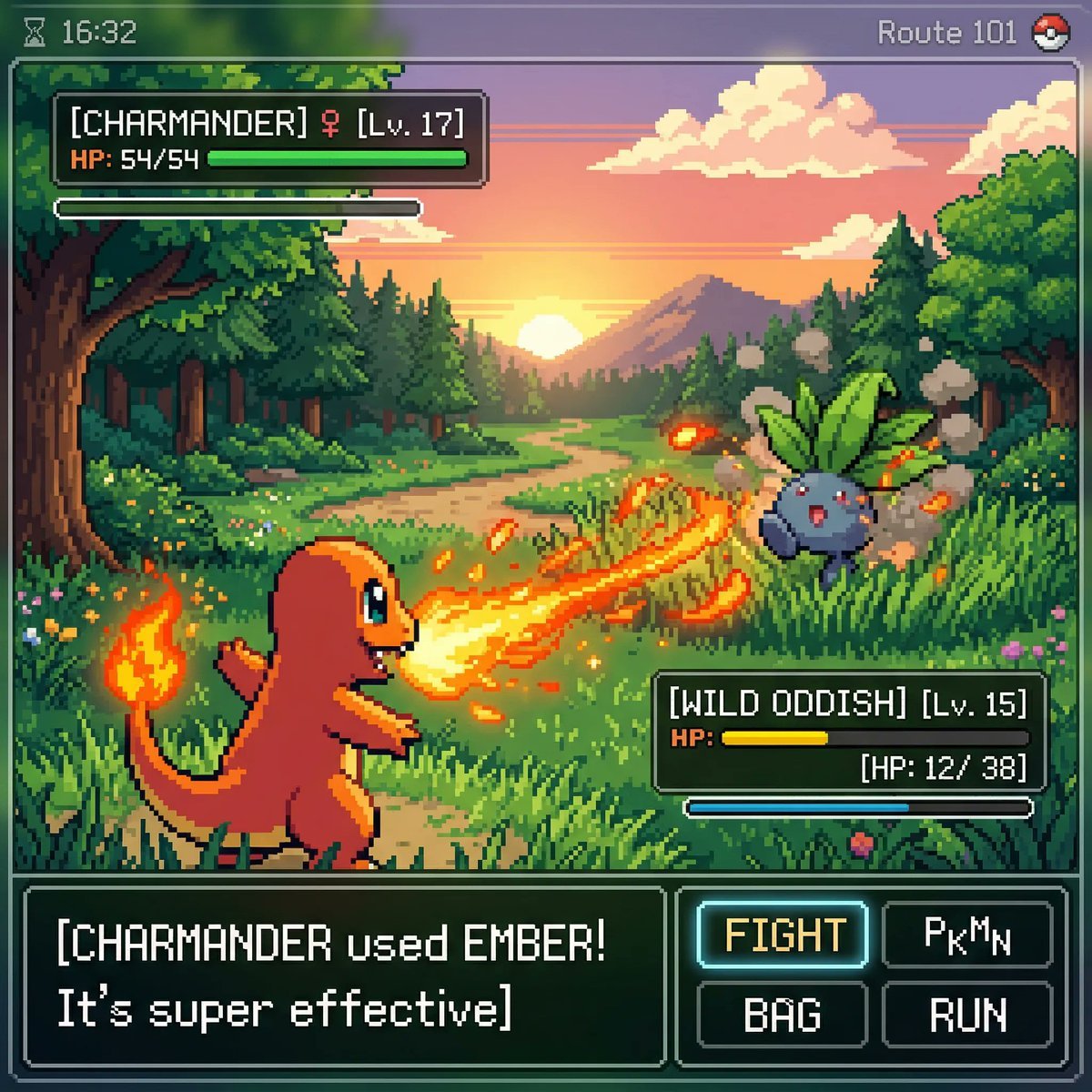
Retro Game Pixel Art Battle
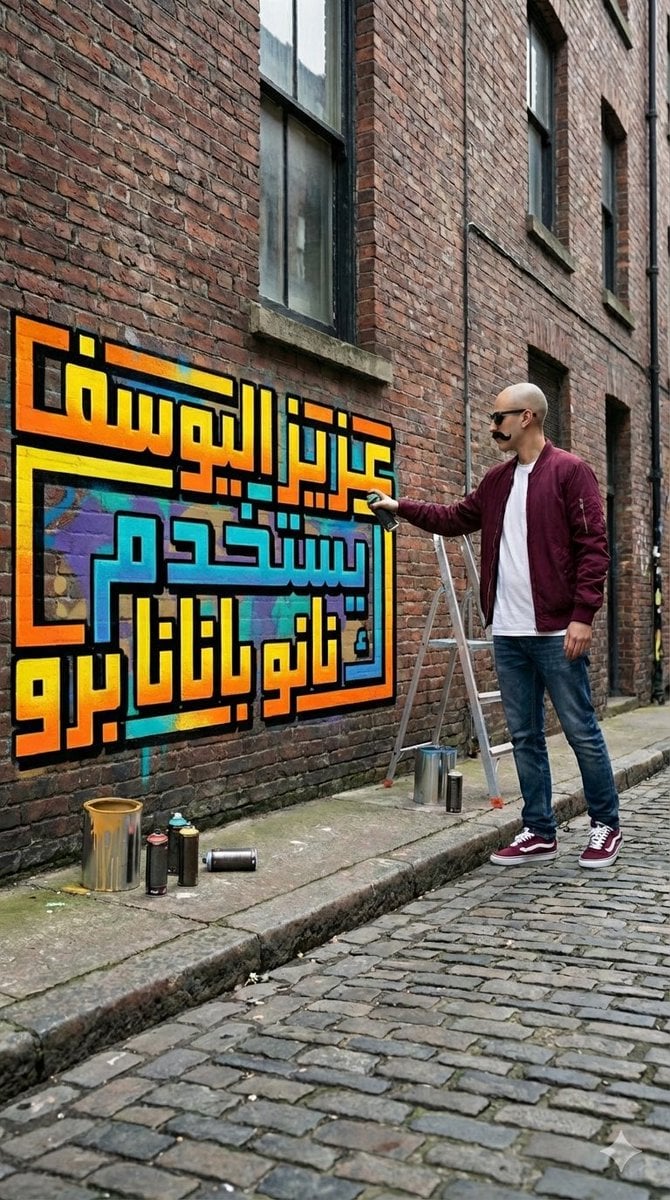
Portrait edit with sunglasses, mustache, and 9:16 ratio
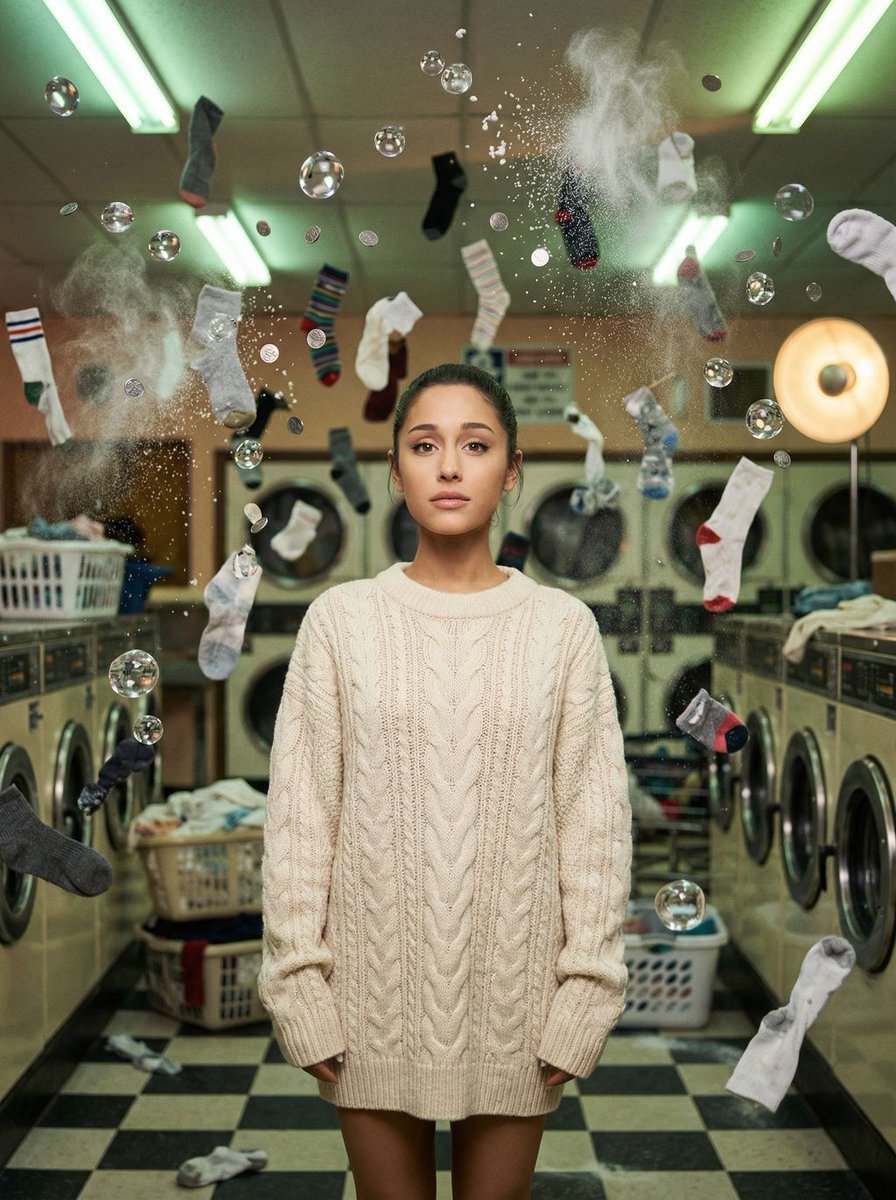
Zero-G Laundromat: Surreal Fashion Editorial
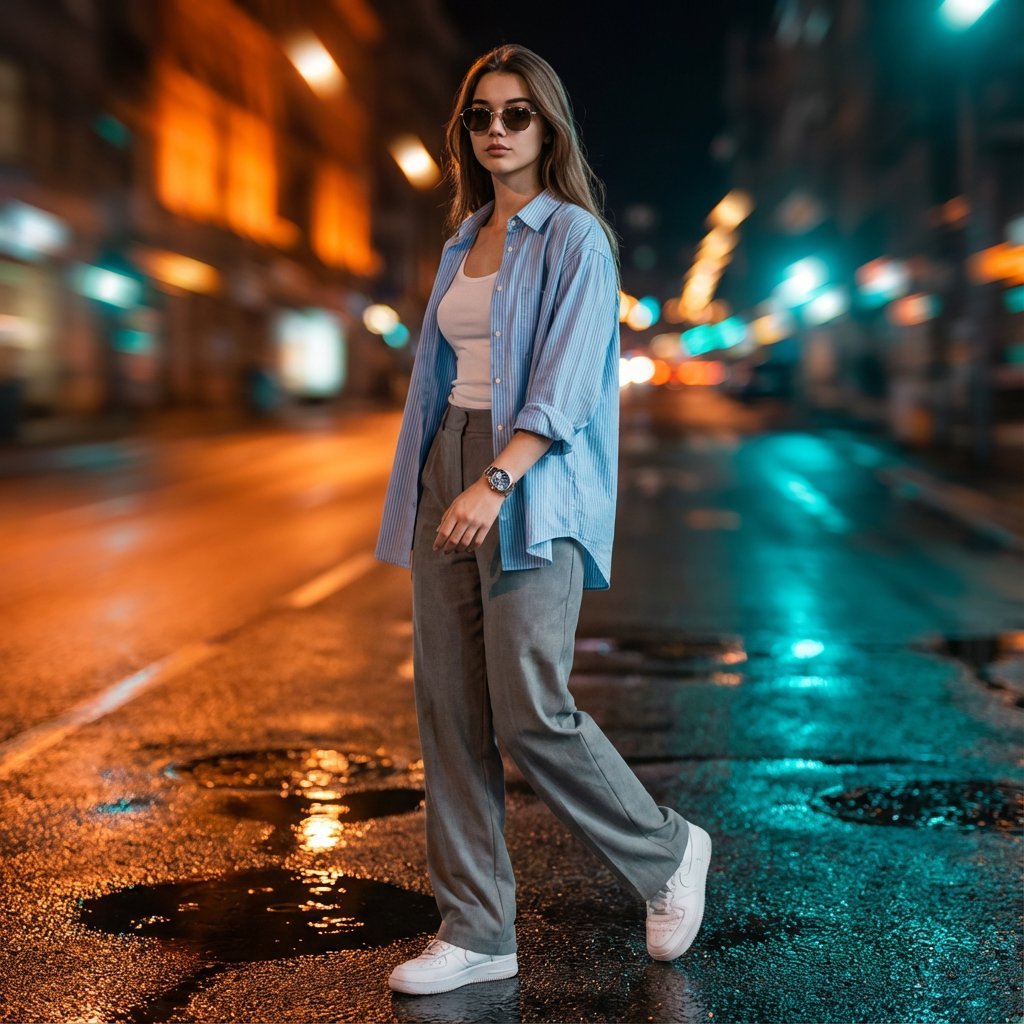
Cinematic Urban Night Portrait with Neon Reflections on Watch
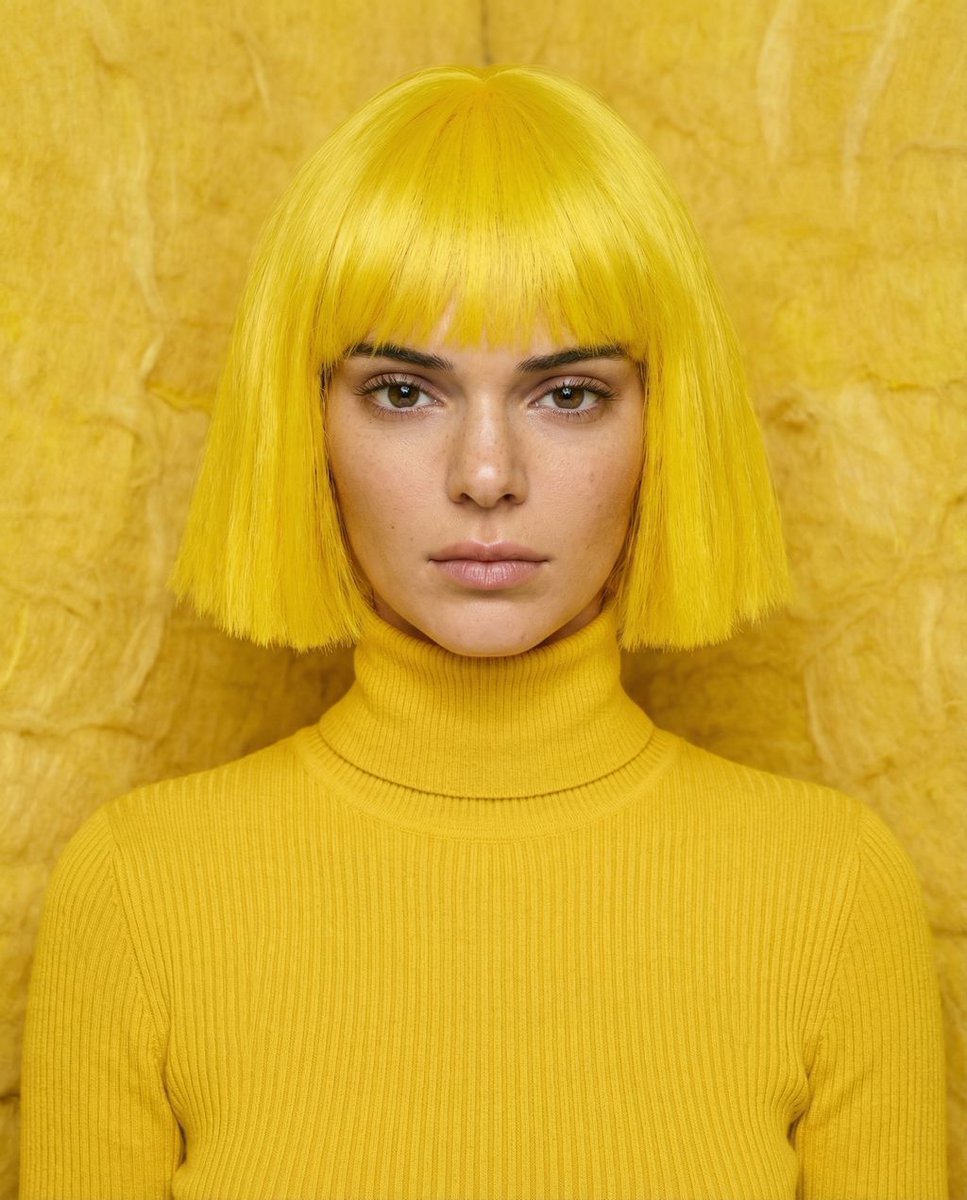
Monochromatic canary yellow portrait of Kendall Jenner in an isolation booth

Elegant SIGHT Beauty Magazine Cover
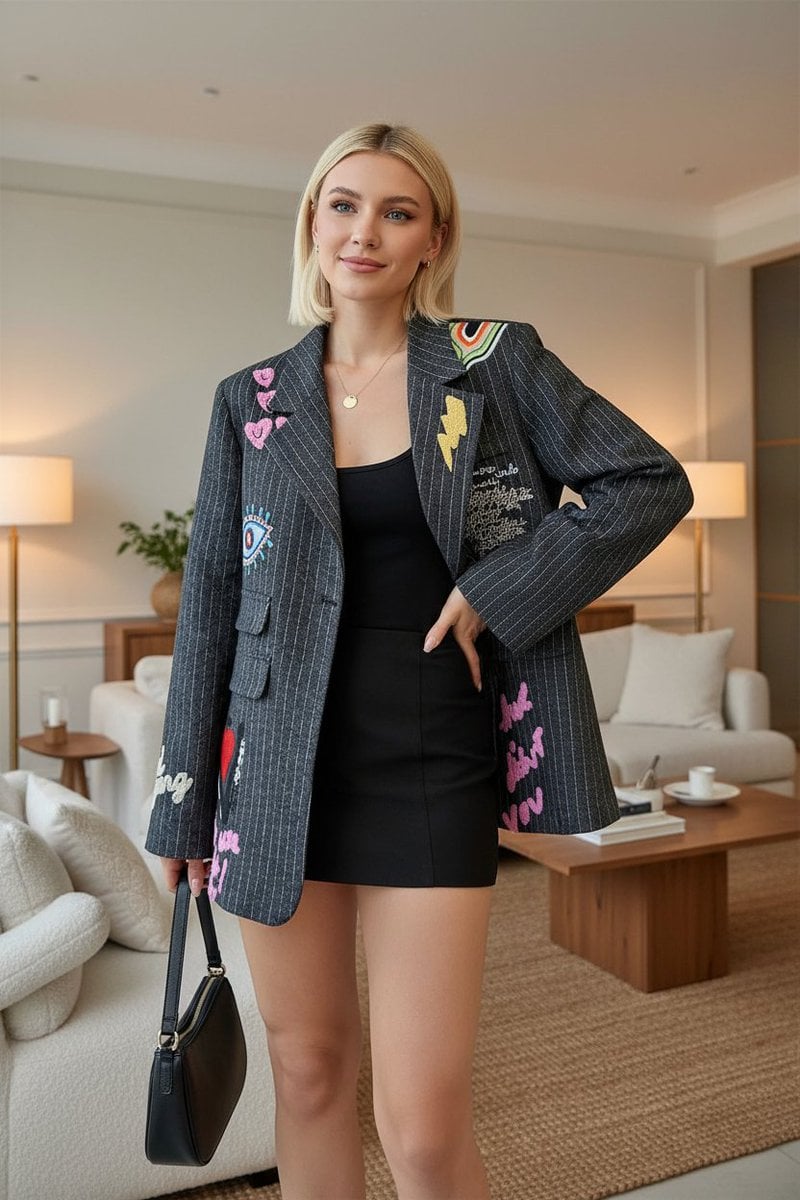
E-commerce Product Listing: Embroidered Pinstripe Blazer
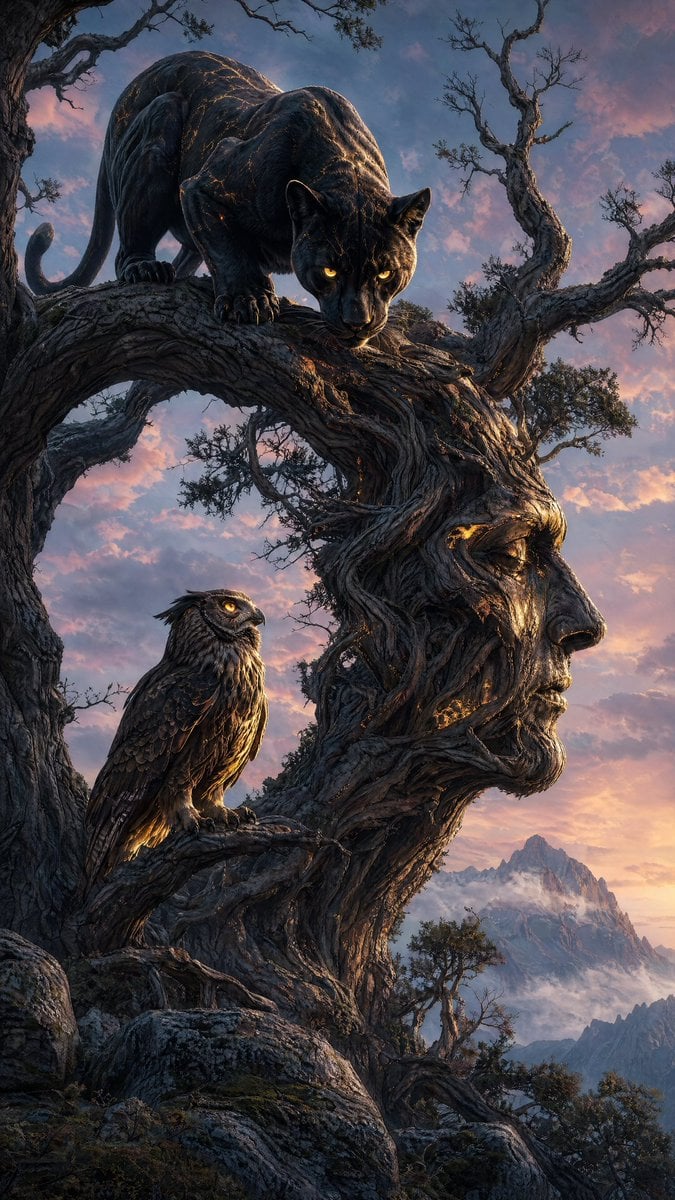
Majestic Panther Fantasy Scene
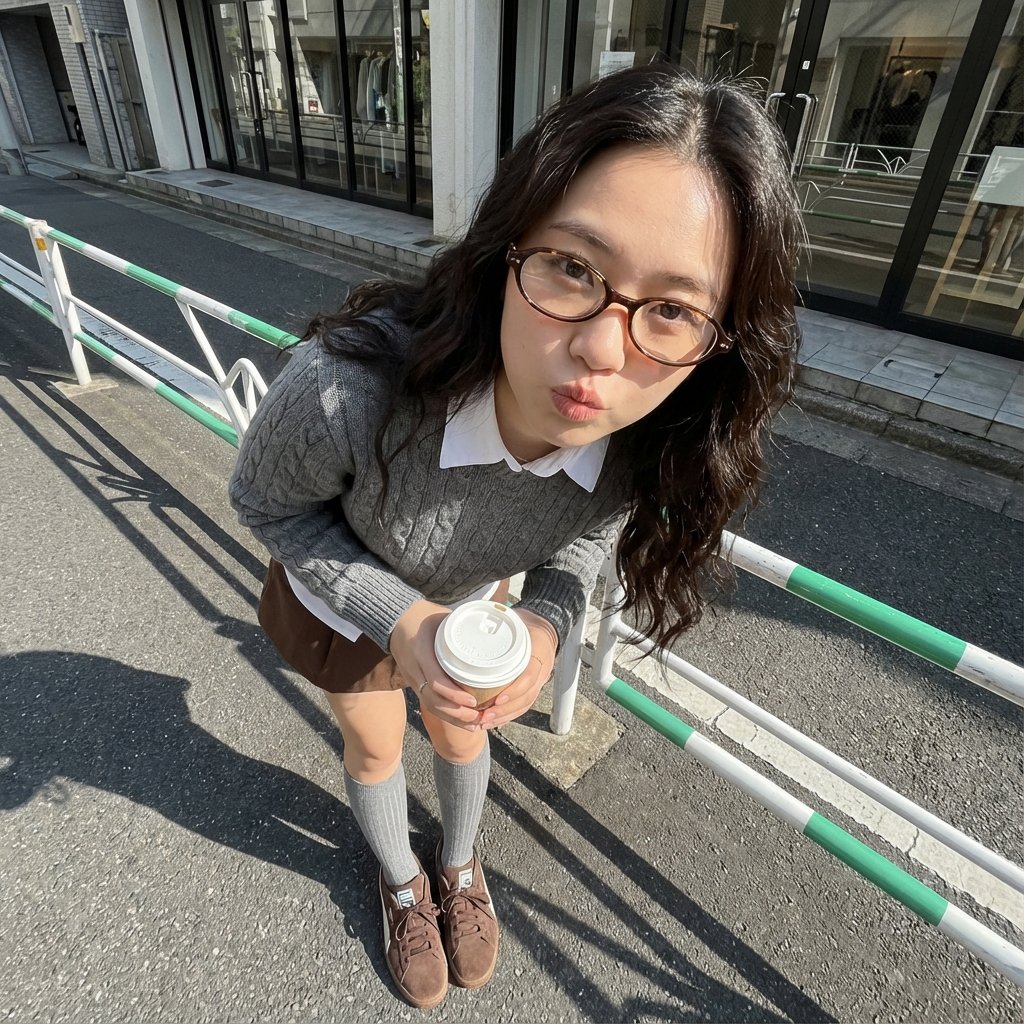
Photorealistic Cute Academic Street Photography Portrait
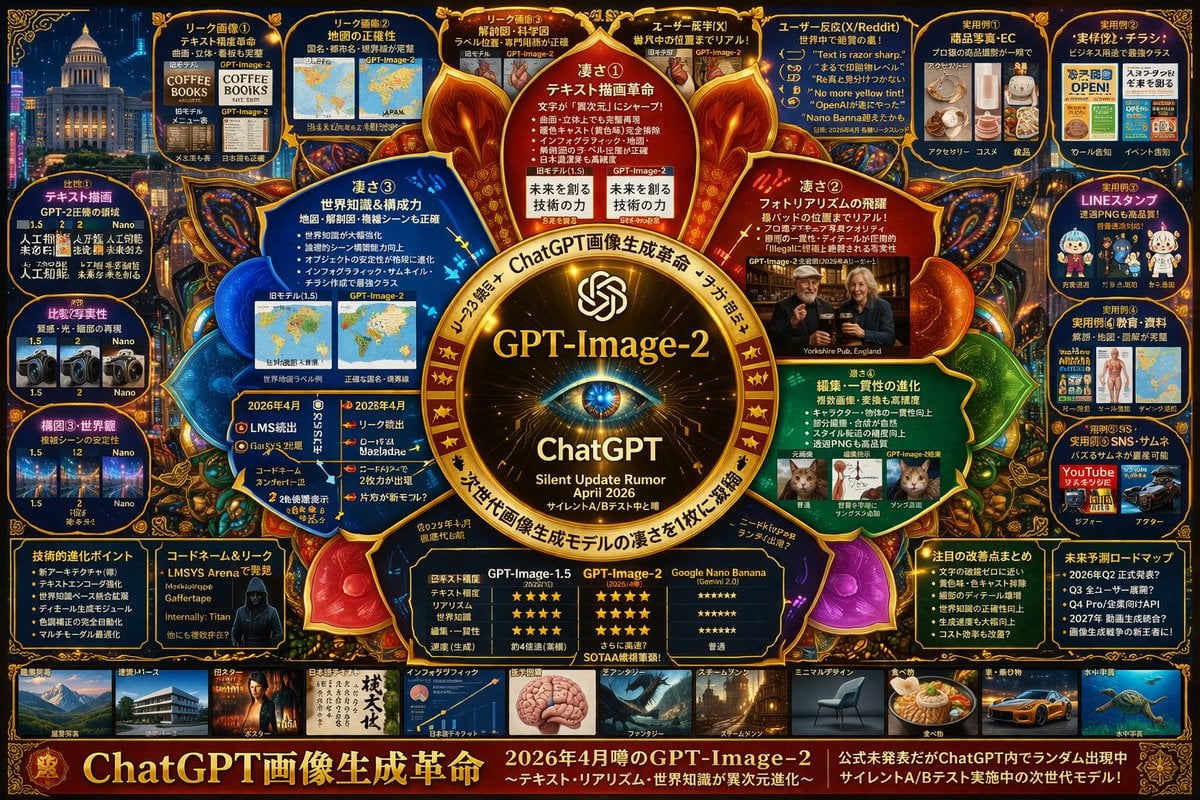
Futuristic AI Model Infographic Poster
Browse template categories
Ornate Emerald Magical Girl Portrait questions
How do I use the Ornate Emerald Magical Girl Portrait template?
Add your photo if the template asks for one, edit the prompt if you like — the template's model and format are already selected — and press Generate. Your version opens in PicX Studio.
Can I customize the Ornate Emerald Magical Girl Portrait template?
Yes. You can change the subject, setting, lighting, mood, format, and available model controls before creating your image.
Is the Ornate Emerald Magical Girl Portrait template free?
Opening and editing this template is free. Generating uses credits, shown on the Generate button when you are signed in.
Which AI model should I use?
Start with GPT Image 2, which is the model associated with this template. You can compare another compatible model for a different finish.
Looking for something else? Browse all templates.

Your photo, any look
Thousands of ready templates for every top image and video model, from one credit balance.