
Futuristic AI Model Infographic Poster
Generates a highly detailed, information-dense infographic poster with radial and grid layouts, perfect for showcasing software features, comparisons, and roadmaps.
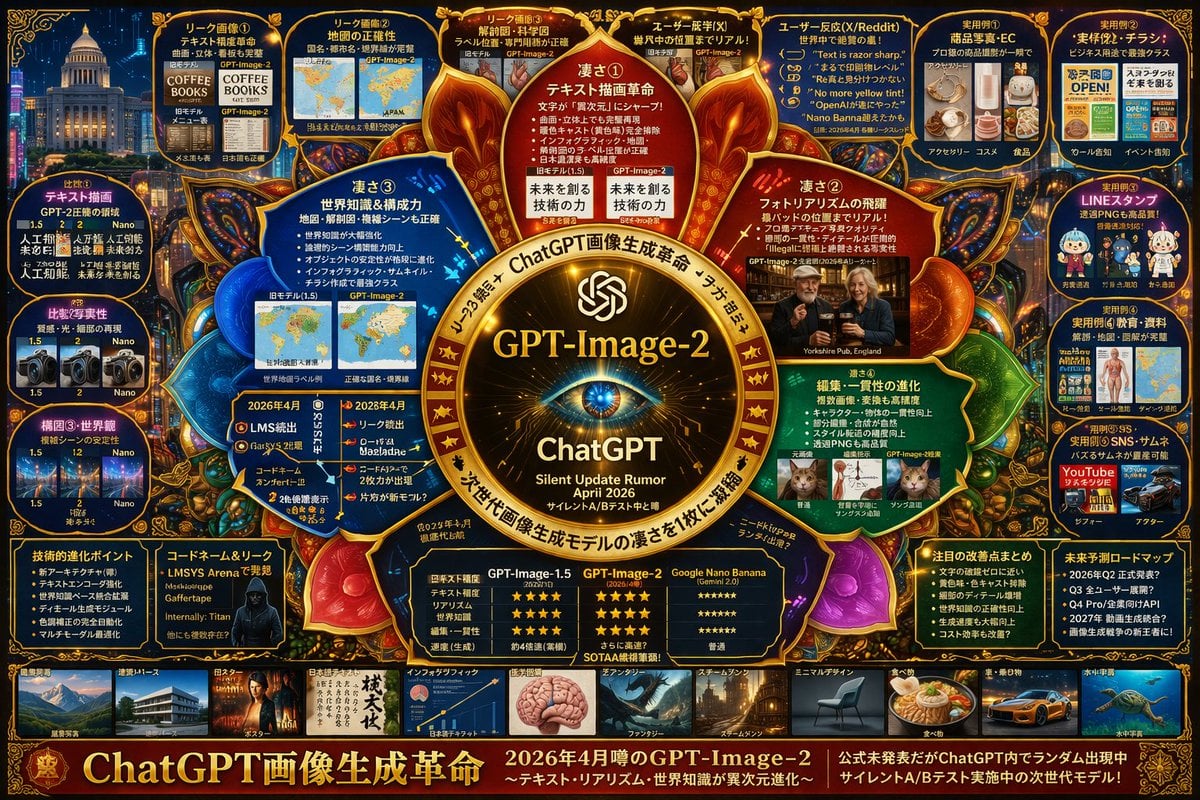
- Prompt included
- Model and format preset
- Free template
The prompt behind this image
Copy the exact prompt behind Futuristic AI Model Infographic Poster, or open it in the studio and make it yours.
- Type
- highly dense futuristic infographic poster
- Style
- dark background with {argument name="theme color" default="gold and dark blue"} neon accents, highly structured grid and radial layout, tech-focused UI aesthetics
- Centerpiece › Visual
- {argument name="centerpiece icon" default="glowing cybernetic eye lens"} surrounded by a golden ornate circular frame with glowing nodes
- Centerpiece › Text
- {argument name="model name" default="GPT-Image-2"}, ChatGPT, Silent Update Rumor {argument name="release date" default="April 2026"}
- Layout › Inner Circle Panels › Count
- 4
- Layout › Inner Circle Panels › Description
- Four wedge-shaped panels surrounding the center detailing core features
- Layout › Inner Circle Panels › Labels
- 凄さ① テキスト描画革命, 凄さ② フォトラリアズムの飛躍, 凄さ③ 世界知識&構成力, 凄さ④ 編集・一貫性の進化
- Layout › Top Row › Count
- 5
- Layout › Top Row › Description
- Rectangular panels showing leak images, map accuracy, anatomical diagrams, and user reactions
- Layout › Top Row › Labels
- リーク画像①, リーク画像②, リーク画像③, ユーザー反応(X), ユーザー反応(X/Reddit)
- Layout › Left Column › Count
- 3
- Layout › Left Column › Description
- Vertical stack of comparison panels showing version 1.5 vs 2 vs Nano with small image grids
- Layout › Left Column › Labels
- 比較① テキスト描画, 比較② 写実性, 構図③・世界観
- Layout › Right Column › Count
- 5
- Layout › Right Column › Description
- Vertical stack of practical use cases with small example images
- Layout › Right Column › Labels
- 実用例① 商品写真・EC, 実用例② 実務・チラシ, 実用例③ LINEスタンプ, 実用例④ 教育・資料, 実用例⑤ SNS・サムネ
- Layout › Bottom Data Section › Count
- 5
- Layout › Bottom Data Section › Description
- Data tables, bulleted lists, and hacker imagery
- Layout › Bottom Data Section › Labels
- 技術的進化ポイント, コードネーム&リーク, 性能比較表 (GPT-Image-1.5 vs GPT-Image-2 vs Google Nano Banana), 注目の改善点まとめ, 未来予測ロードマップ
- Layout › Bottom Thumbnail Strip › Count
- 10
- Layout › Bottom Thumbnail Strip › Description
- A horizontal row of small square images demonstrating different generation styles
- Layout › Bottom Thumbnail Strip › Labels
- 建築, ポスター, 日本語テキスト, インフォグラフィック, ファンタジー, スチームパンク, ミニマルデザイン, 食べ物, 車, 水中
- Footer › Text
- {argument name="main title" default="ChatGPT画像生成革命"}
- Footer › Subtext
- 2026年4月噂のGPT-Image-2
Raw JSON
{
  "type": "highly dense futuristic infographic poster",
  "style": "dark background with {argument name=\"theme color\" default=\"gold and dark blue\"} neon accents, highly structured grid and radial layout, tech-focused UI aesthetics",
  "centerpiece": {
    "visual": "{argument name=\"centerpiece icon\" default=\"glowing cybernetic eye lens\"} surrounded by a golden ornate circular frame with glowing nodes",
    "text": ["{argument name=\"model name\" default=\"GPT-Image-2\"}", "ChatGPT", "Silent Update Rumor {argument name=\"release date\" default=\"April 2026\"}"]
  },
  "layout": {
    "inner_circle_panels": {
      "count": 4,
      "description": "Four wedge-shaped panels surrounding the center detailing core features",
      "labels": ["凄さ① テキスト描画革命", "凄さ② フォトラリアズムの飛躍", "凄さ③ 世界知識&構成力", "凄さ④ 編集・一貫性の進化"]
    },
    "top_row": {
      "count": 5,
      "description": "Rectangular panels showing leak images, map accuracy, anatomical diagrams, and user reactions",
      "labels": ["リーク画像①", "リーク画像②", "リーク画像③", "ユーザー反応(X)", "ユーザー反応(X/Reddit)"]
    },
    "left_column": {
      "count": 3,
      "description": "Vertical stack of comparison panels showing version 1.5 vs 2 vs Nano with small image grids",
      "labels": ["比較① テキスト描画", "比較② 写実性", "構図③・世界観"]
    },
    "right_column": {
      "count": 5,
      "description": "Vertical stack of practical use cases with small example images",
      "labels": ["実用例① 商品写真・EC", "実用例② 実務・チラシ", "実用例③ LINEスタンプ", "実用例④ 教育・資料", "実用例⑤ SNS・サムネ"]
    },
    "bottom_data_section": {
      "count": 5,
      "description": "Data tables, bulleted lists, and hacker imagery",
      "labels": ["技術的進化ポイント", "コードネーム&リーク", "性能比較表 (GPT-Image-1.5 vs GPT-Image-2 vs Google Nano Banana)", "注目の改善点まとめ", "未来予測ロードマップ"]
    },
    "bottom_thumbnail_strip": {
      "count": 10,
      "description": "A horizontal row of small square images demonstrating different generation styles",
      "labels": ["建築", "ポスター", "日本語テキスト", "インフォグラフィック", "ファンタジー", "スチームパンク", "ミニマルデザイン", "食べ物", "車", "水中"]
    }
  },
  "footer": {
    "text": "{argument name=\"main title\" default=\"ChatGPT画像生成革命\"}",
    "subtext": "2026年4月噂のGPT-Image-2"
  }
}Reference images included
Futuristic AI Model Infographic Poster needs input media to work. They load alongside the prompt when you open it in the studio.

How to use Futuristic AI Model Infographic Poster in 3 steps
- 1Upload ImagePNG, JPG or paste
Add your photo
Upload the photo the template builds on. The prompt, model and format are already set.
- 2…a portrait of your subject in softgolden-hour light, 85mm…
Personalize
Edit the subject and creative details for your destination.
- 3Generate
Generate
Press Generate — your image is created in PicX Studio, so you can compare it with the original and refine one variable at a time.
More like this
Templates with the same subject, style or setup. Open one to see its prompt.

Japan Travel Brochure Poster

Gpt2 Infographic Edu Visual Ink Wash Tribute Poster for Chen Uen

Gpt2 Infographic Edu Visual Biomimetic Skyray Aircraft Poster

Premium Vertical Product Campaign Poster

Black Liquid Cyberpunk Portrait Poster
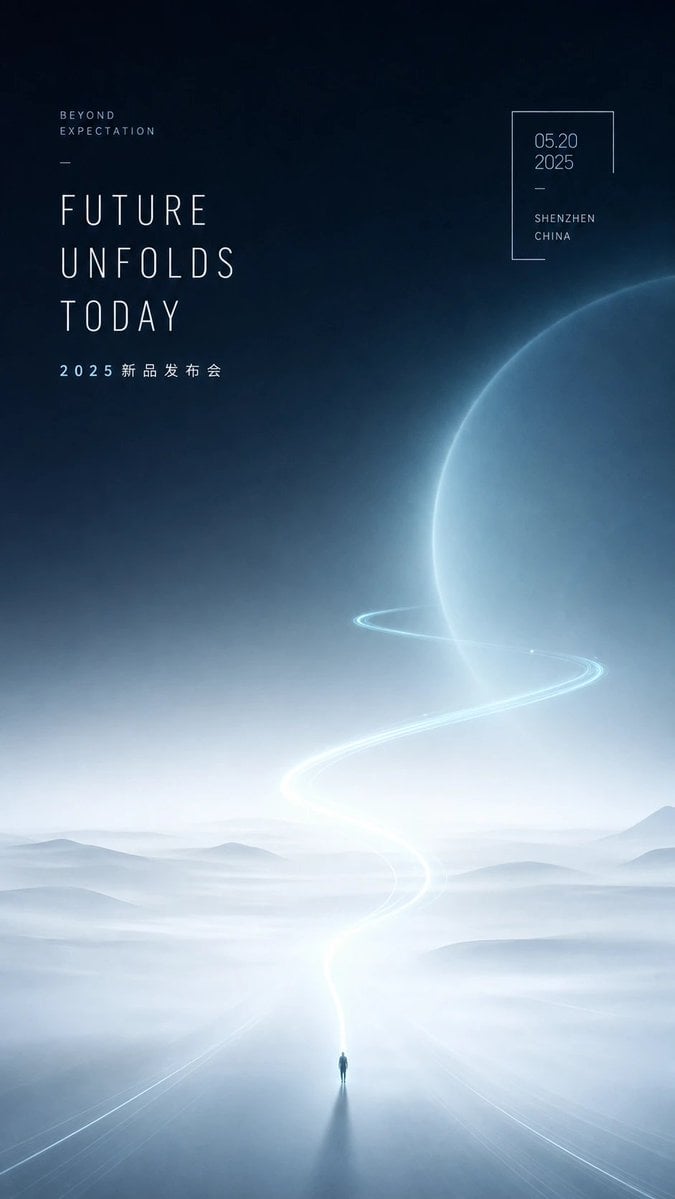
Futuristic Product Launch Poster

AI Model Routing Comparison Infographic

Futuristic AI 2026 Tech Poster
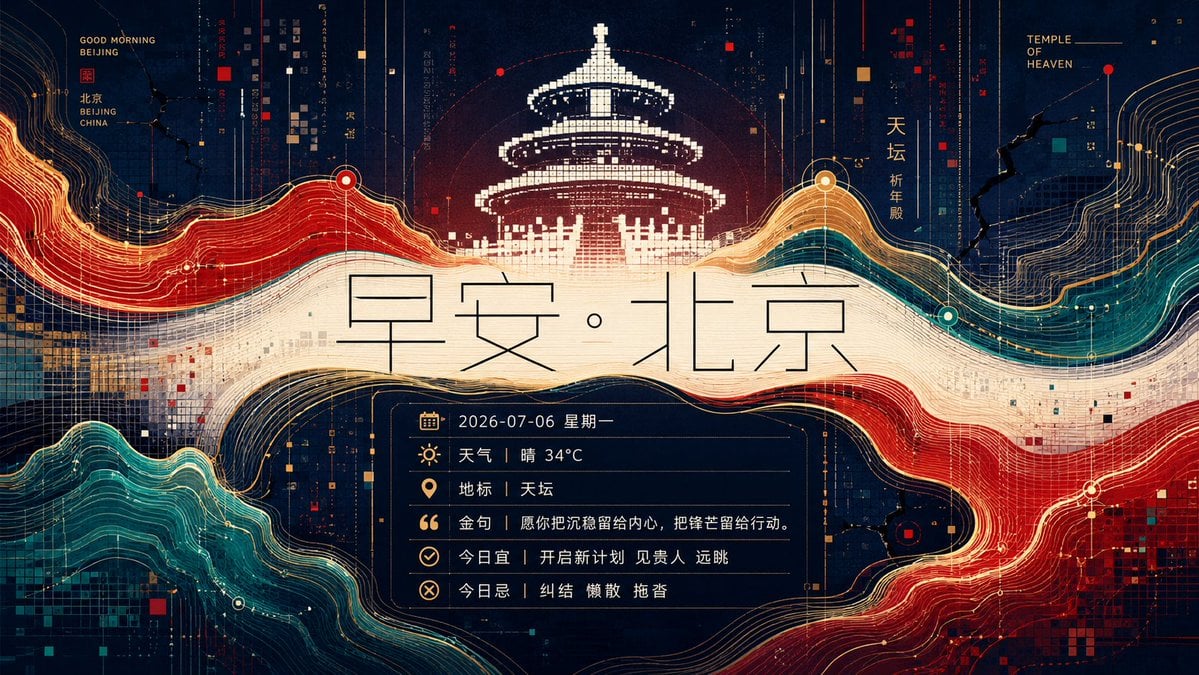
Futuristic Good Morning Beijing Poster
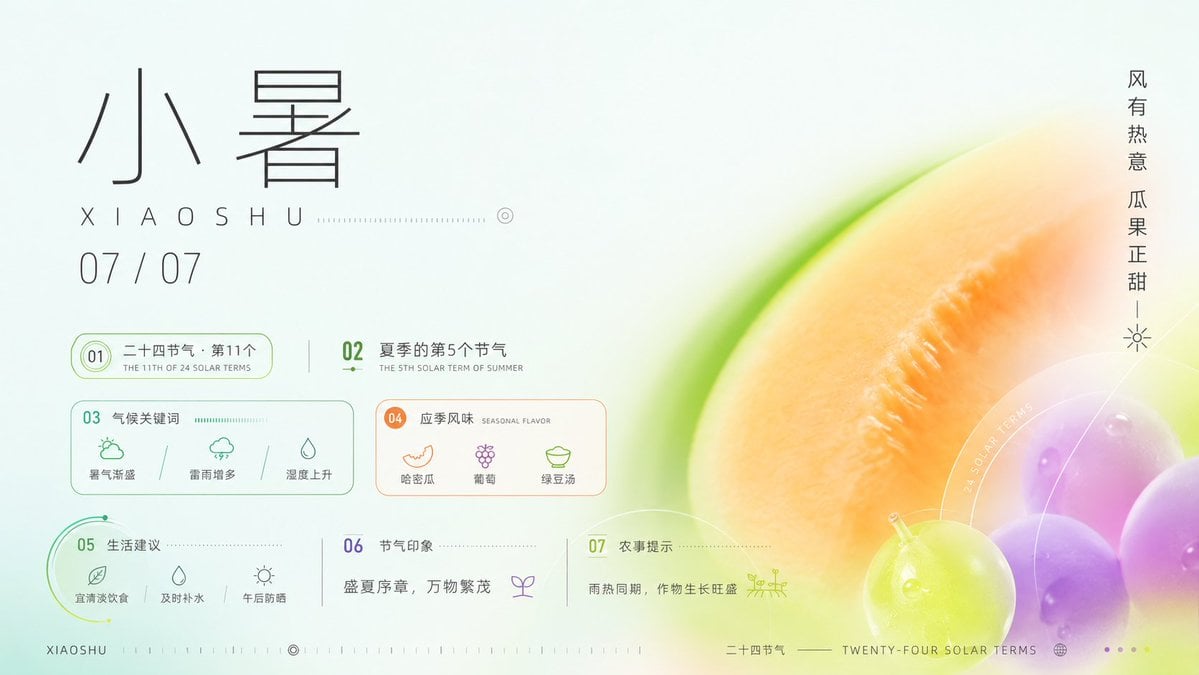
Xiaoshu Solar Term Infographic Poster
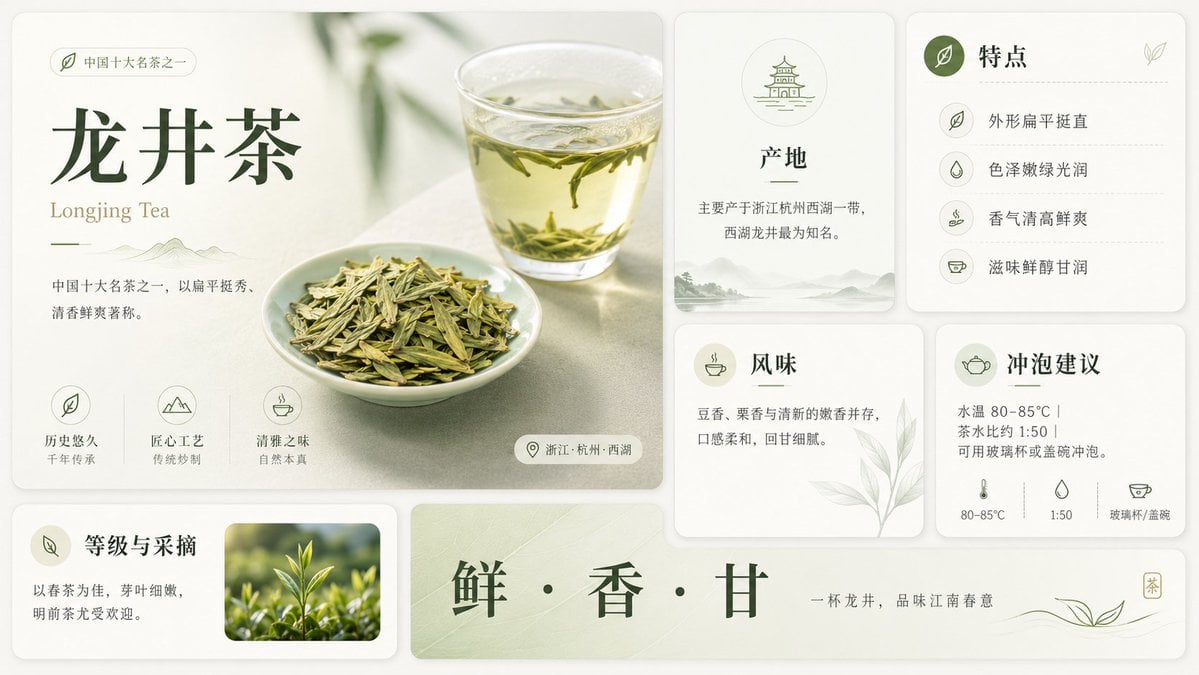
Longjing Tea Infographic Poster

Cartoon TV Show Poster Pack
Make it yours
Futuristic AI Model Infographic Poster works as-is. These are the safest ways to change it without losing the look.
Change one field
Copy a single group, rewrite it, and generate again so you can see what that field is doing.
Keep the frame, change the subject
Hold the composition and light of Futuristic AI Model Infographic Poster, then swap wardrobe, props or the person for a new take.
| If the result… | Why | Fix |
|---|---|---|
| The result drifts from the preview | Too many fields changed at once. | Reuse Futuristic AI Model Infographic Poster as-is first, then change one group — subject, light, or setting. |
| GPT Image 2 ignores part of the JSON | Some models flatten or skip nested keys. | Keep the same values and paste them as a short paragraph instead. |
More GPT Image 2 templates
Other prompts made for GPT Image 2.

Six VTuber Japanese Logo Sheet

Realistic Portrait of Woman and Deer

The Vista Modular Condo Poster

2.5D Anime Art Board

Isometric Productivity Desk Scene

New York Double Exposure Poster

Four-Panel AI Landscape Comparison

Japanese Tatami Lifestyle Magazine Cover

NESCAFÉ Coffee Map Poster

Brutalist Cogito Chinese Typography Poster
More image prompts
Fresh picks from across the catalog.
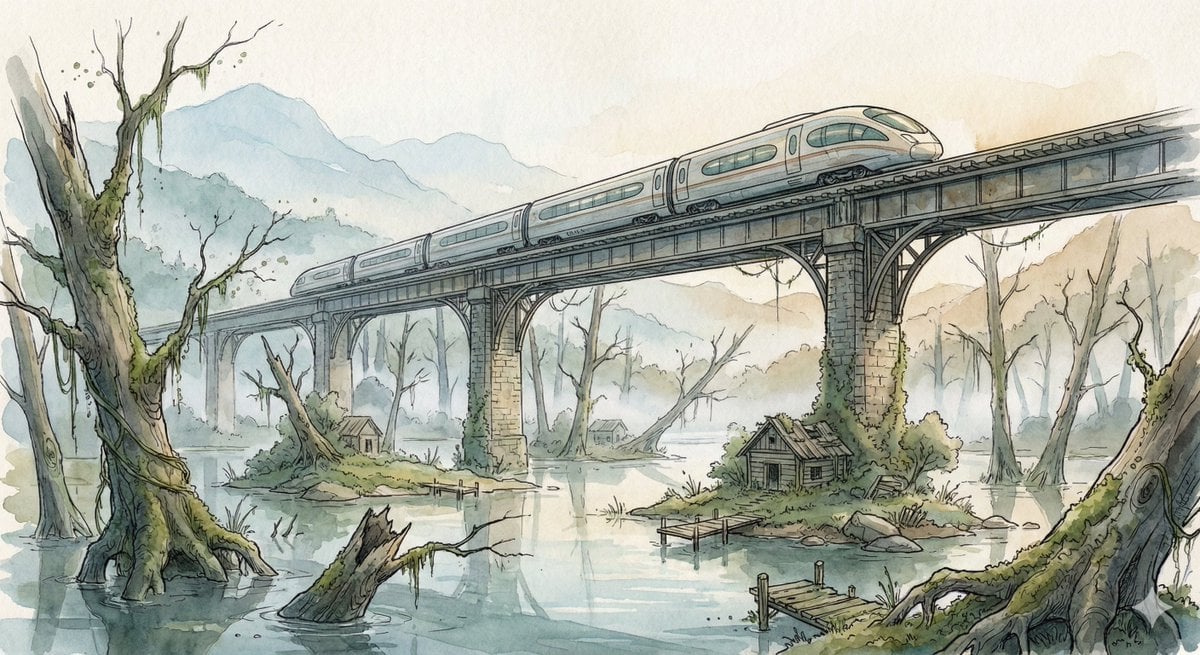
Fantasy Watercolor Illustration of an Elevated Rail Bridge over Flooded Forest
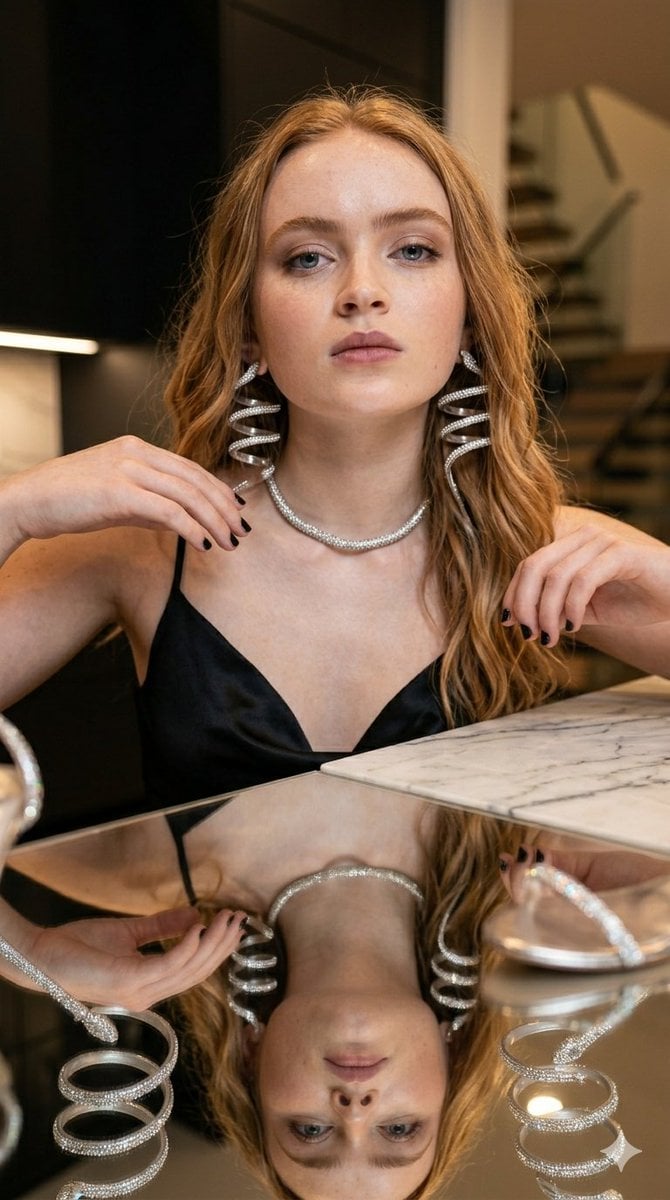
Glamorous Luxury Interior Fashion Shot

Woman Leaning on Vintage Blue Car

Cinematic Spinning Latte Splash

Line Art Animal Listening to Music
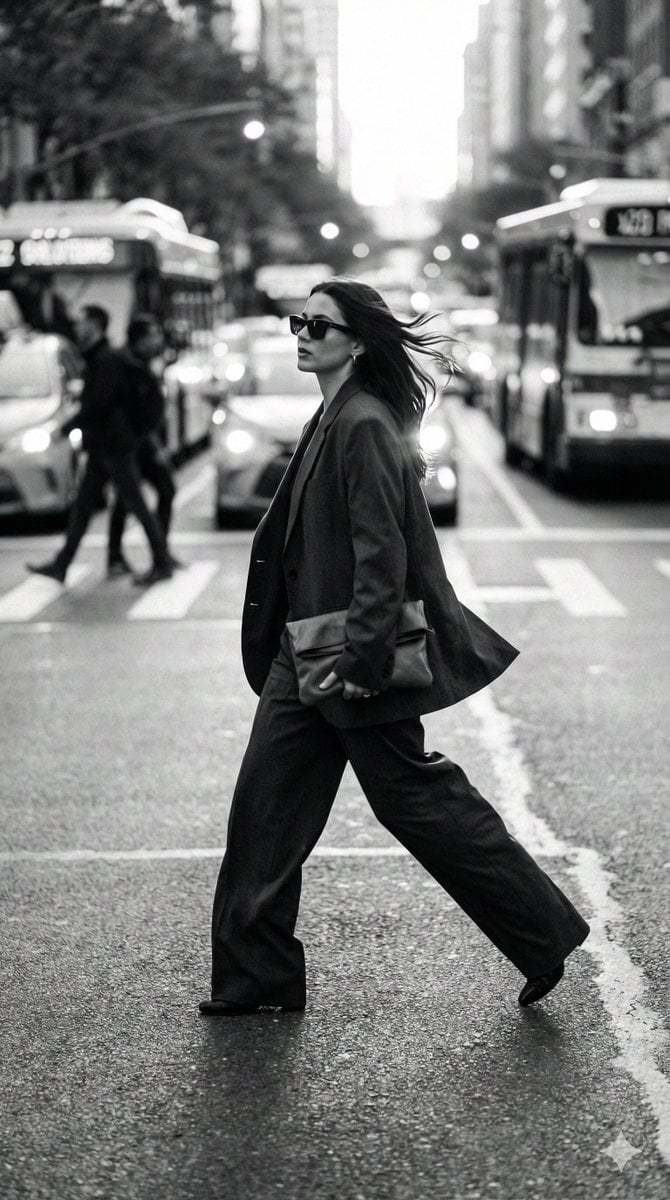
Dynamic Black and White Street Fashion Prompt
Gpt2 Comic Storyboard Anime Museum Background Conversion
Template Prompt for High-Resolution AI Art
Indian Auto Rickshaw Street Photo

Art Street Market Caricature Portrait
Browse template categories
Futuristic AI Model Infographic Poster questions
How do I use the Futuristic AI Model Infographic Poster template?
Add your photo if the template asks for one, edit the prompt if you like — the template's model and format are already selected — and press Generate. Your version opens in PicX Studio.
Can I customize the Futuristic AI Model Infographic Poster template?
Yes. You can change the subject, setting, lighting, mood, format, and available model controls before creating your image.
Is the Futuristic AI Model Infographic Poster template free?
Opening and editing this template is free. Generating uses credits, shown on the Generate button when you are signed in.
Which AI model should I use?
Start with GPT Image 2, which is the model associated with this template. You can compare another compatible model for a different finish.
Looking for something else? Browse all templates.

Your photo, any look
Thousands of ready templates for every top image and video model, from one credit balance.