
Magnified Glass Building Cutaway
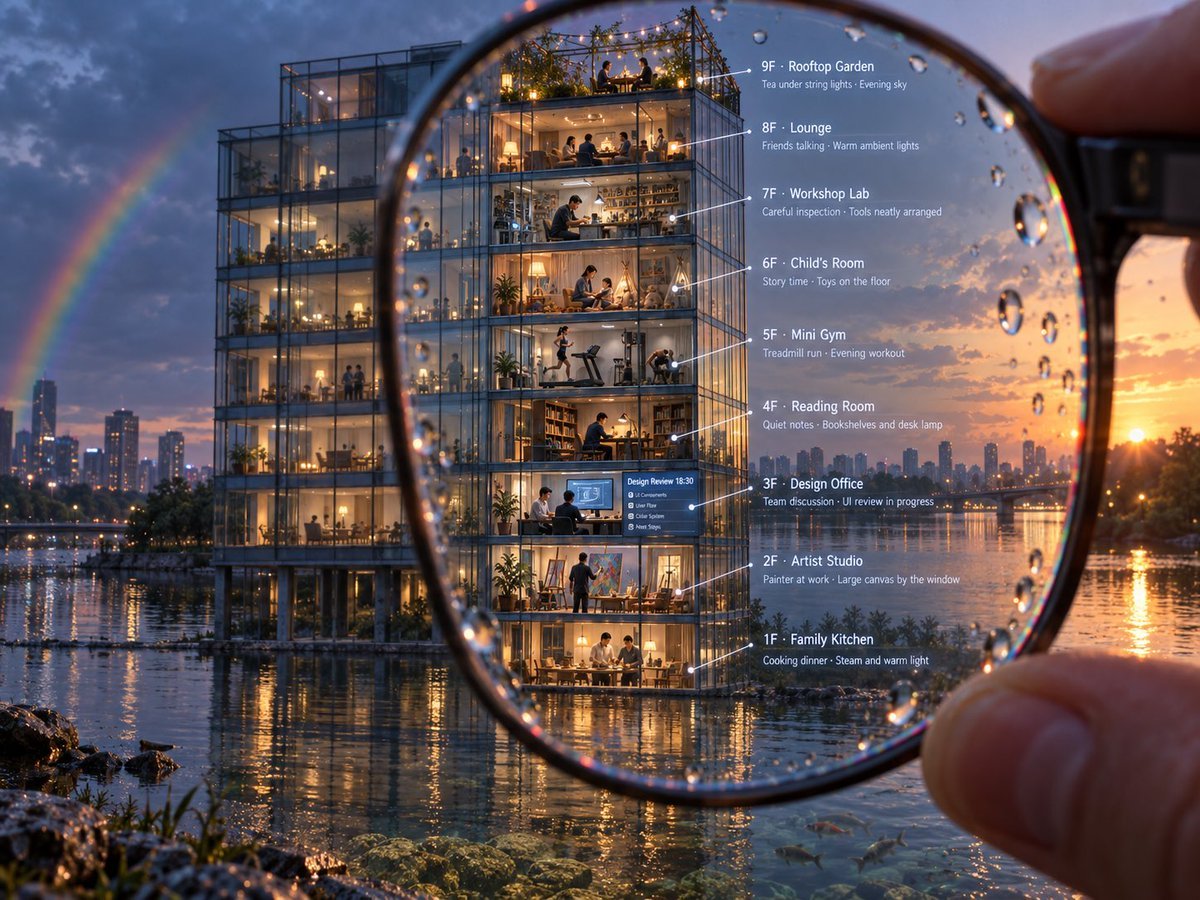
A cinematic photorealistic prompt for generating a nine-floor annotated glass building cutaway viewed through a rainy magnifying glass.
- Prompt included
- Model and format preset
- Free template
The prompt behind this image
Copy the exact prompt behind Magnified Glass Building Cutaway, or open it in the studio and make it yours.
Goal: Create a cinematic photorealistic architectural cutaway scene of a glass apartment building viewed through a handheld magnifying glass, with annotated floor-by-floor labels. Canvas: Landscape 4:3 image, ultra-detailed evening cityscape at sunset after rain. A waterfront modern glass building stands beside a reflective river or lake, with distant skyline, warm orange sun near the horizon, blue storm clouds, and a faint rainbow on the left. Main composition: In the extreme foreground, a human hand holds a large round magnifying glass at the right edge. The lens dominates the center of the frame and contains sharp focus, visible rim distortion, and many raindrops on the glass. Inside the magnified circle, the front building is crisp and enlarged, revealing a transparent nine-floor cross-section with people, furniture, and warm interior lights. Outside the lens, the same building and city are slightly softer and less magnified, emphasizing the optical effect. Water reflections, wet rocks, plants, and a few small fish near the clear shallows appear along the bottom. Building details: A tall modern steel-and-glass rectangular building on piloti columns at the waterline, with warm yellow interior lighting and transparent walls. Show exactly 9 stacked visible levels, each as a distinct room or activity scene with tiny realistic people. Floor labels and annotations: Place thin white leader lines from the rooms to clean white text on the right side inside or beside the magnifying glass. Include exactly these 9 labeled floors, top to bottom: 1. “9F · Rooftop Garden” with subtext “Tea under string lights · Evening sky”; show people seated among plants and string lights on an open roof terrace. 2. “8F · Lounge” with subtext “Friends talking · Warm ambient lights”; show a cozy social lounge with sofas and people chatting. 3. “7F · Workshop Lab” with subtext “Careful inspection · Tools neatly arranged”; show a maker workshop with shelves, tools, and a person working at a bench. 4. “6F · Child's Room” with subtext “Story time · Toys on the floor”; show a warm kids’ room with an adult and child, toys scattered. 5. “5F · Mini Gym” with subtext “Treadmill run · Evening workout”; show exercise machines, one person running, another working out. 6. “4F · Reading Room” with subtext “Quiet notes · Bookshelves and desk lamp”; show bookshelves, desk, lamp, and a seated reader. 7. “3F · Design Office” with subtext “Team discussion · UI review in progress”; show a small office meeting with screens and a blue presentation board. 8. “2F · Artist Studio” with subtext “Painter at work · Large canvas by the window”; show an artist painting on a large canvas, art supplies and easel. 9. “1F · Family Kitchen” with subtext “Cooking dinner · Steam and warm light”; show family members at a dining table/kitchen with glowing lamps and steam. Visual style: Photorealistic, highly cinematic, rich depth of field, warm interior glow contrasted with cool blue evening outdoors, realistic rain droplets, reflections, refraction through magnifying lens, sharp micro-details, realistic people at miniature scale, premium architectural visualization quality. Text constraints: The annotation text must be legible, white, modern sans-serif, aligned vertically on the right, with thin white pointer lines. Keep all labels in English. Do not add extra floors, extra labels, logos, watermarks, or unrelated text.
How to use Magnified Glass Building Cutaway in 3 steps
- 1Upload ImagePNG, JPG or paste
Add your photo
Upload the photo the template builds on. The prompt, model and format are already set.
- 2…a portrait of your subject in softgolden-hour light, 85mm…
Personalize
Edit the subject and creative details for your destination.
- 3Generate
Generate
Press Generate — your image is created in PicX Studio, so you can compare it with the original and refine one variable at a time.
More like this
Templates with the same subject, style or setup. Open one to see its prompt.

Cinematic Glass Brand Logo Volcanic Landscape

Christmas Ornament Portrait Glossy Glass Resin Finish with Hand Painted Details Holiday Lighting
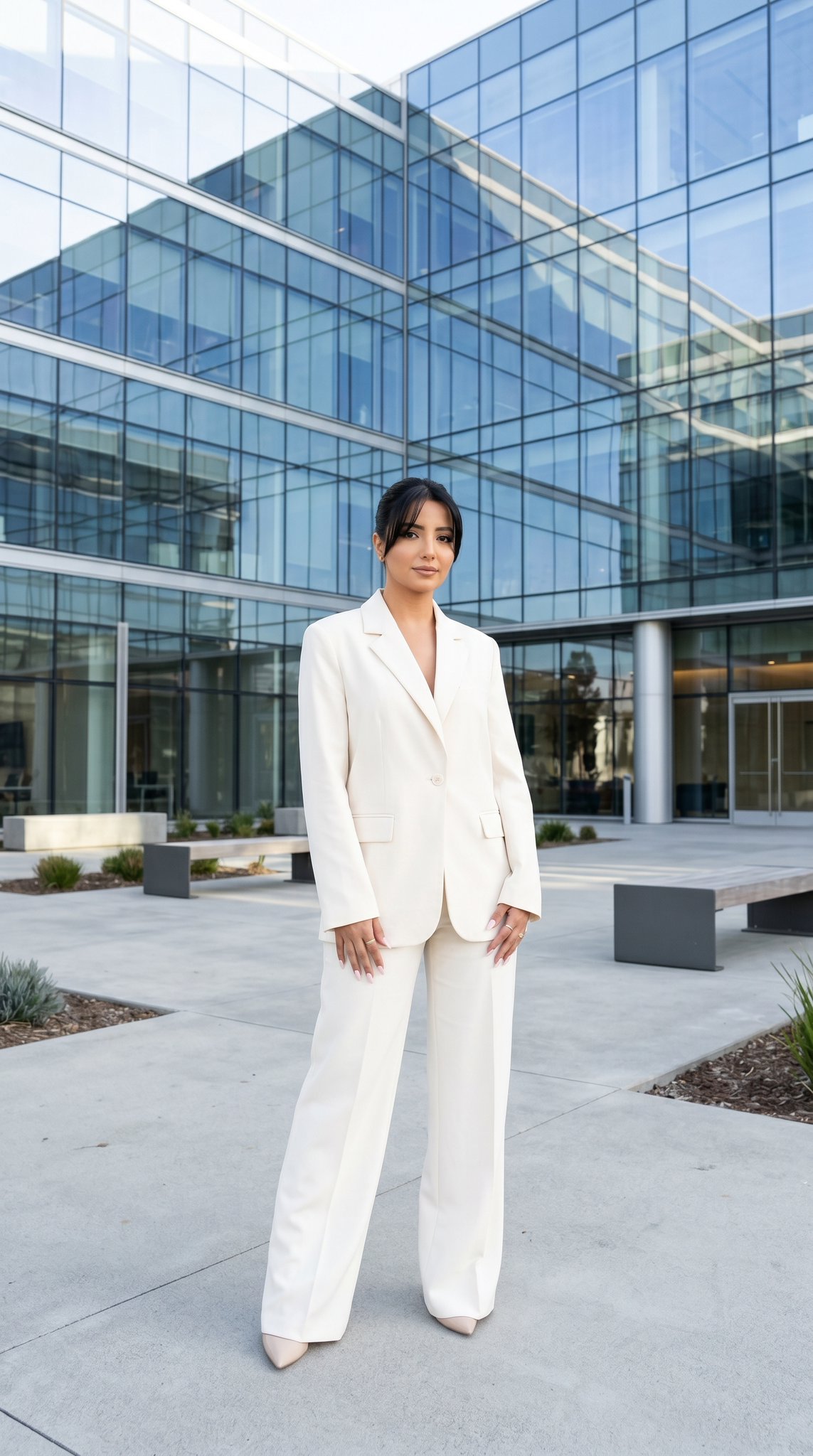
10 Modern Glass HQ Building — California Series
10 Modern Glass HQ Building — California Series
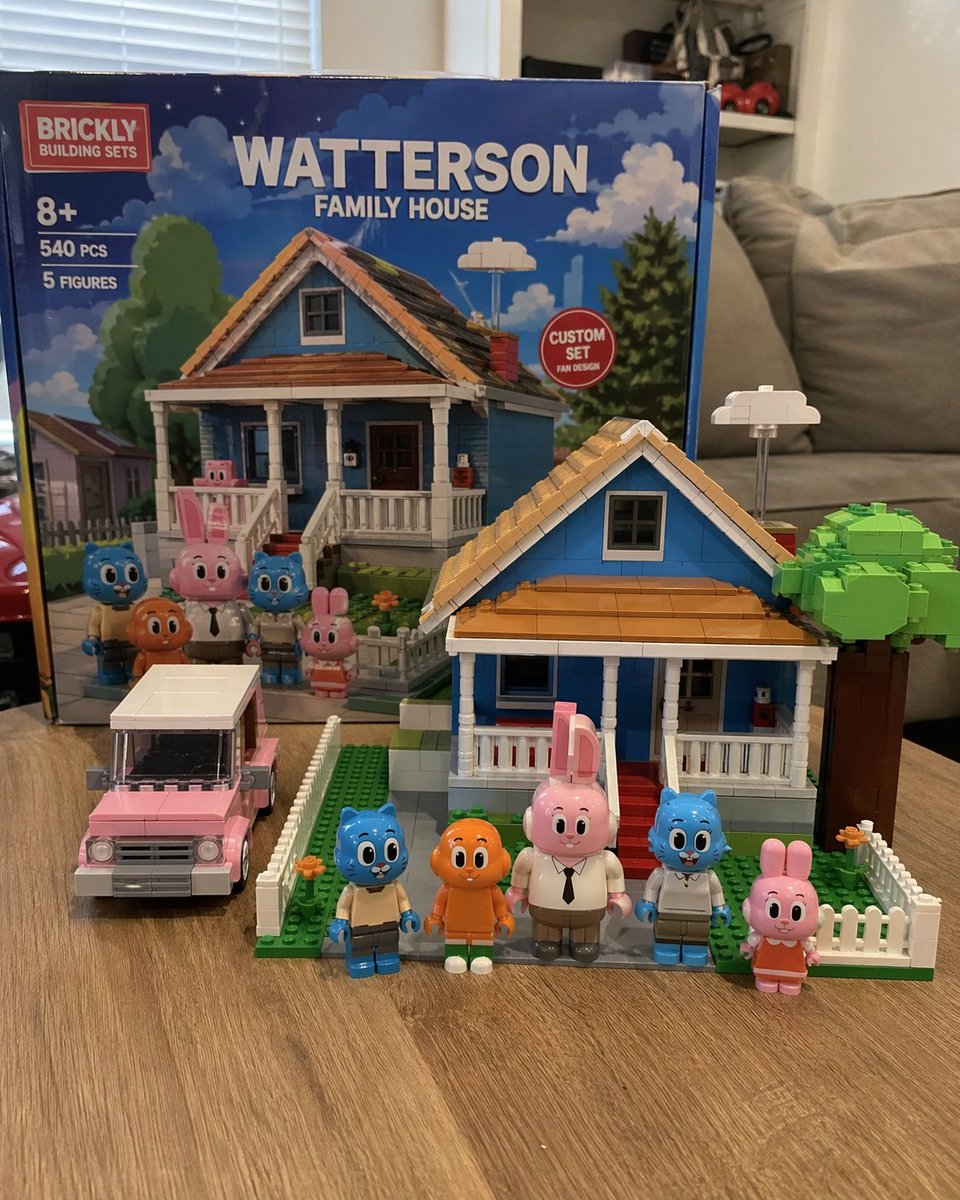
Custom Building Block Set Photography
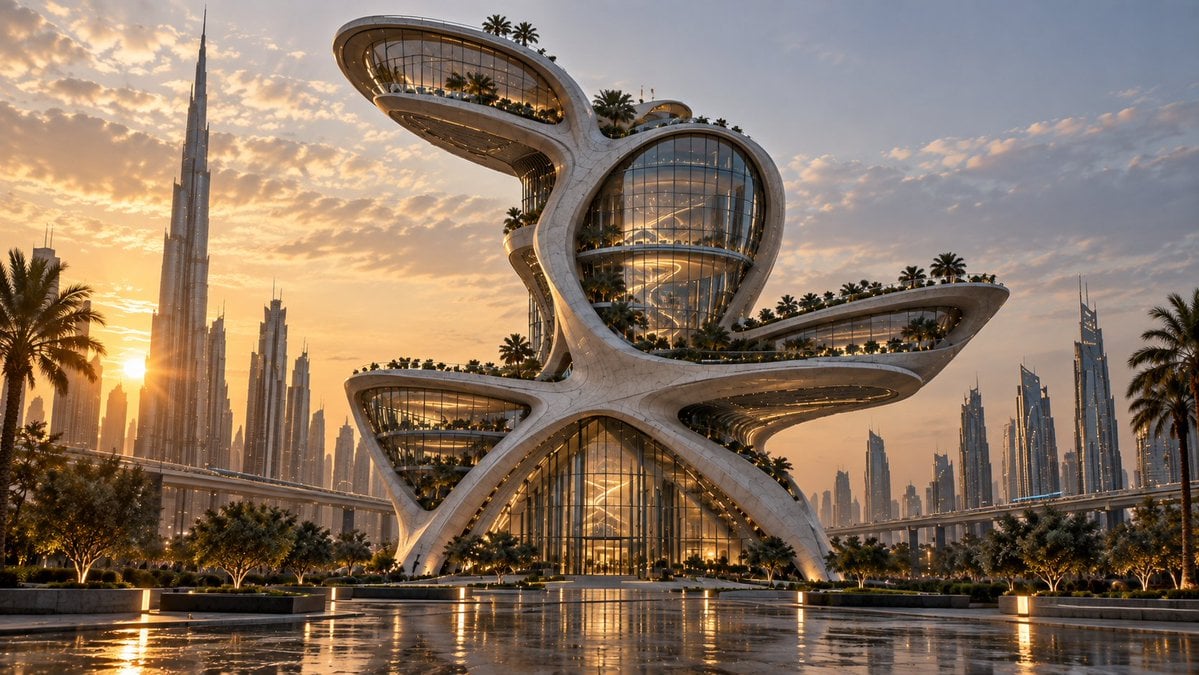
Futuristic Building Transformation
Mini Sick Woman in Water Glass
Building Projection Night Portrait
Building Exploded View Architectural Diorama
Funny 4-part story featuring 3 fluffy creatures building a treehouse
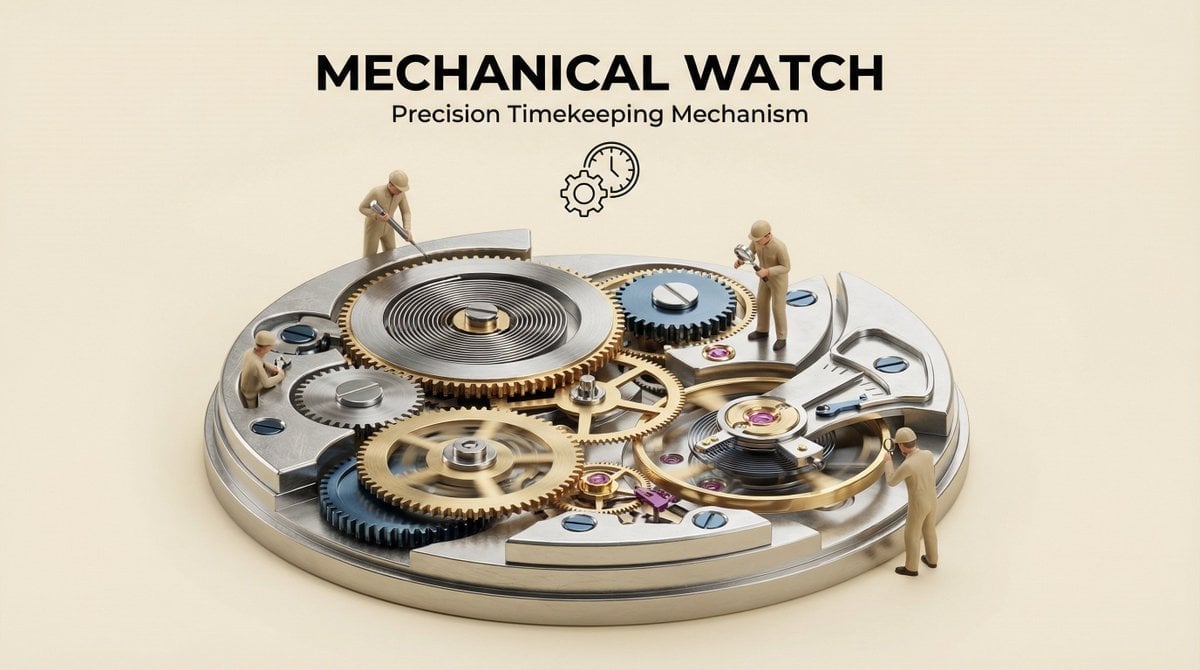
Clear, 45 top-down isometric miniature 3D cutaway diorama showing
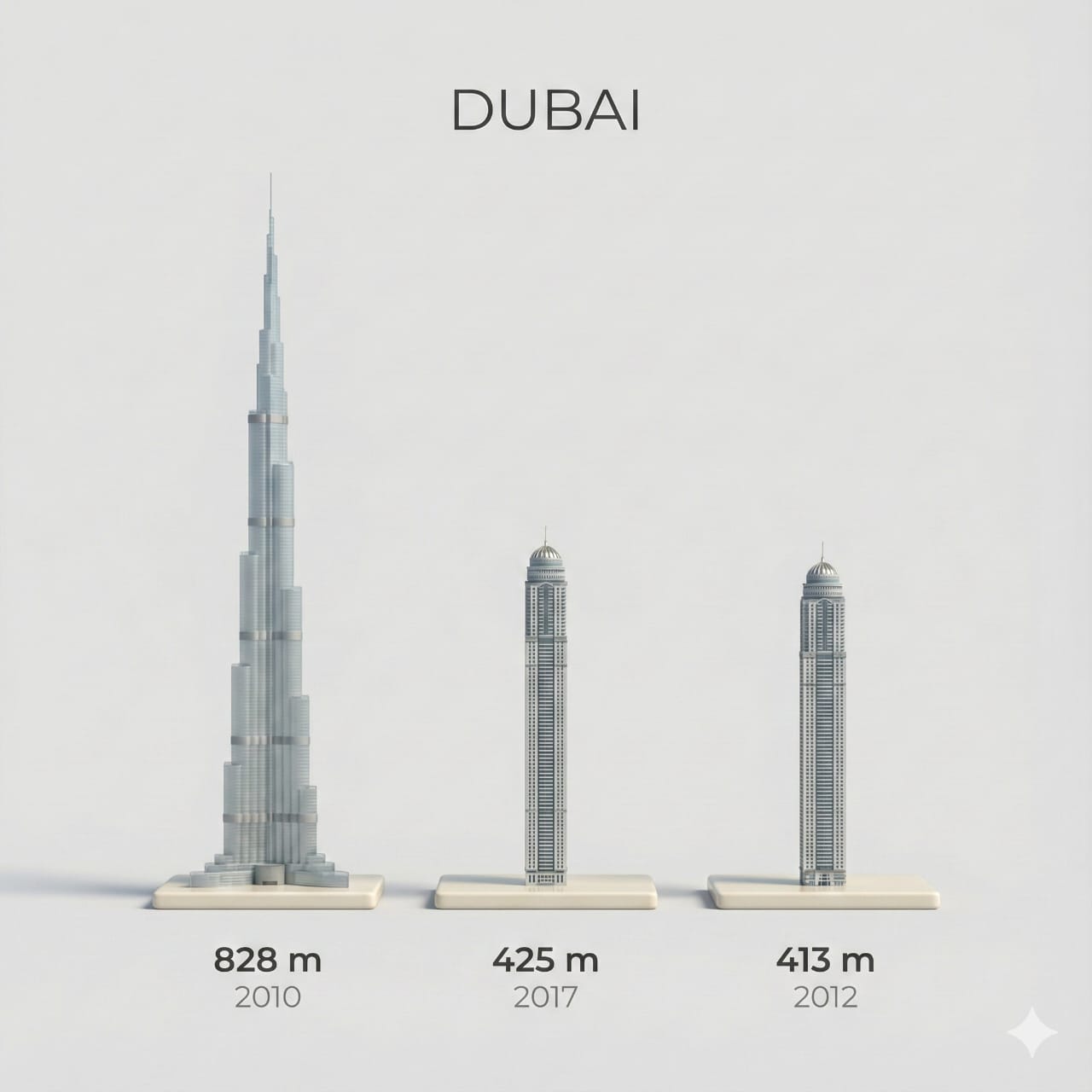
Clear, side miniature 3D cartoon view of tallest buildings
Make it yours
Magnified Glass Building Cutaway works as-is. These are the safest ways to change it without losing the look.
Change one field
Copy a single group, rewrite it, and generate again so you can see what that field is doing.
Keep the frame, change the subject
Hold the composition and light of Magnified Glass Building Cutaway, then swap wardrobe, props or the person for a new take.
| If the result… | Why | Fix |
|---|---|---|
| The result drifts from the preview | Too many fields changed at once. | Reuse Magnified Glass Building Cutaway as-is first, then change one group — subject, light, or setting. |
| The model over-stylizes the scene | The prose prompt leaves finish and camera underspecified. | Add one camera or lighting sentence and stay on GPT Image 2. |
More GPT Image 2 templates
Other prompts made for GPT Image 2.

Six VTuber Japanese Logo Sheet

Realistic Portrait of Woman and Deer

The Vista Modular Condo Poster

AI Model Routing Comparison Infographic

2.5D Anime Art Board

Isometric Productivity Desk Scene

New York Double Exposure Poster

Four-Panel AI Landscape Comparison

Japanese Tatami Lifestyle Magazine Cover

NESCAFÉ Coffee Map Poster
More image prompts
Fresh picks from across the catalog.
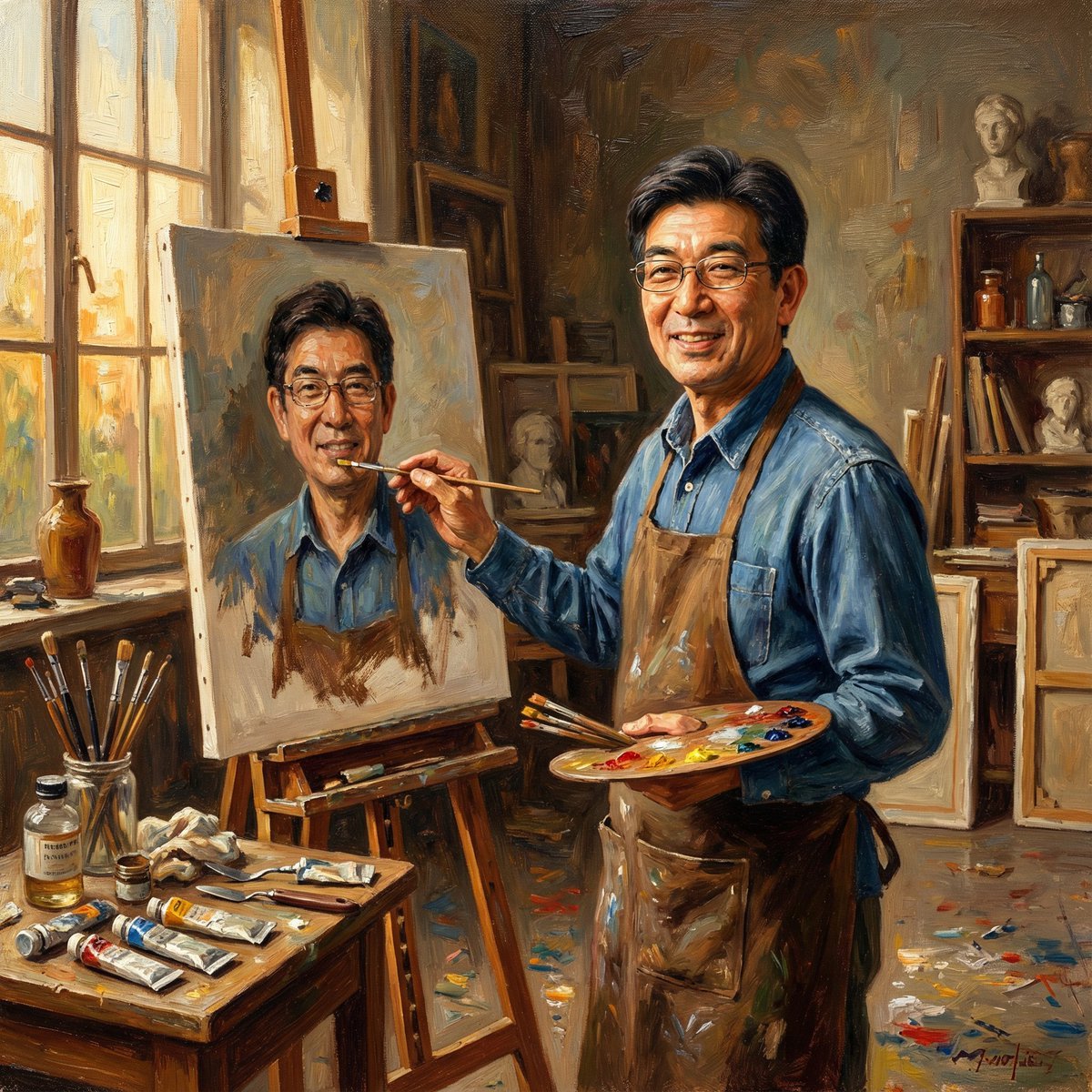
Nano Banana Pro: Artist and Neon Styles
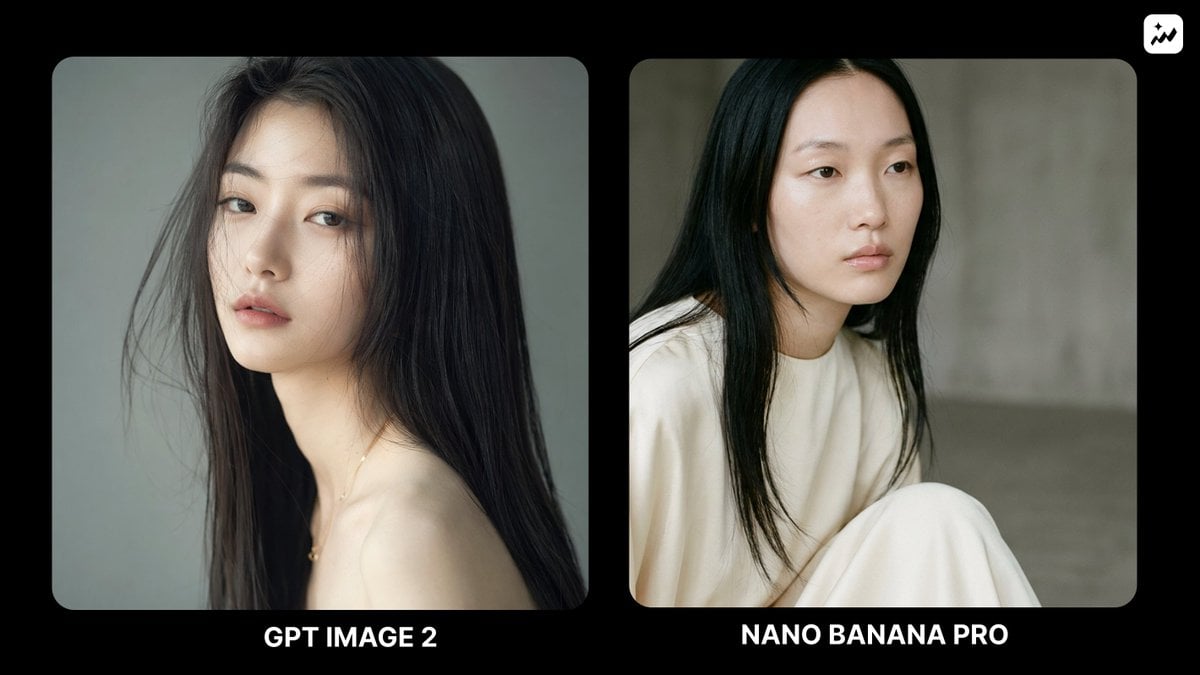
Ethereal Fashion Portrait
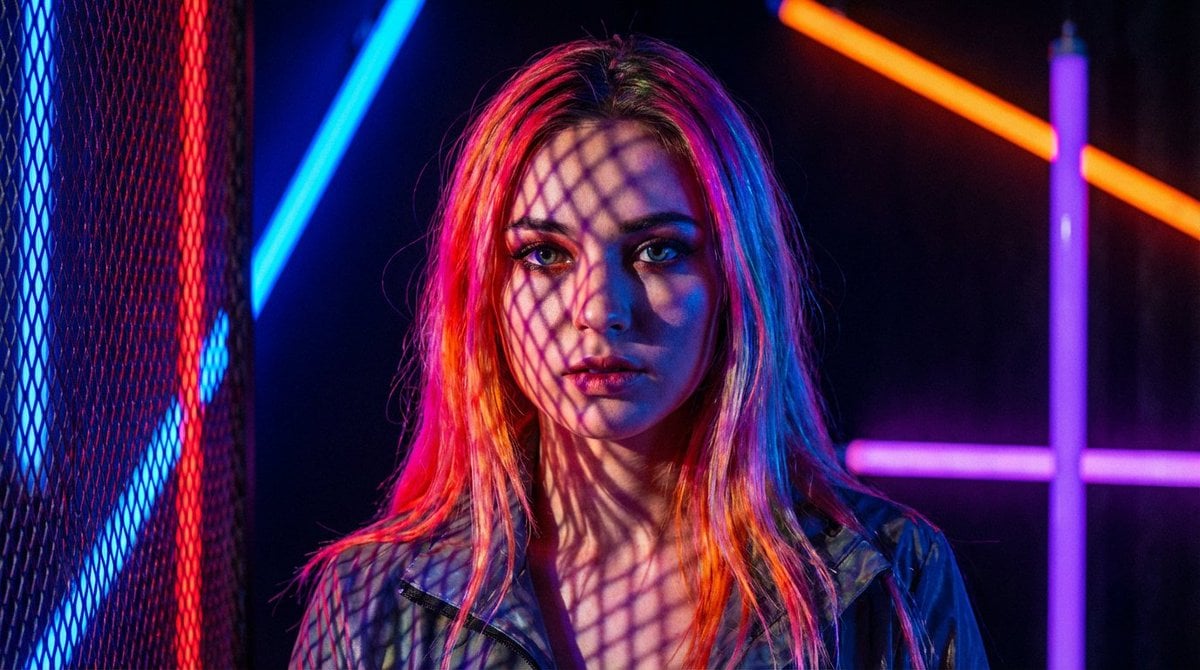
Neon Light High-Contrast Portrait Template
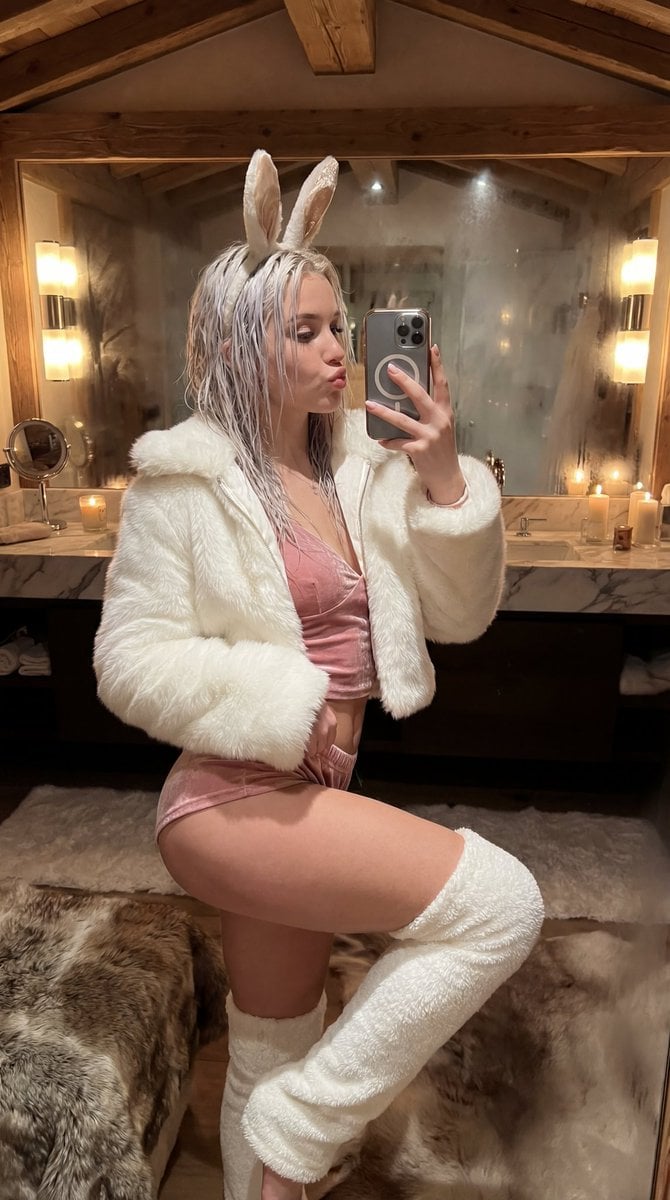
Après-Ski Naughty Bunny Selfie Prompt
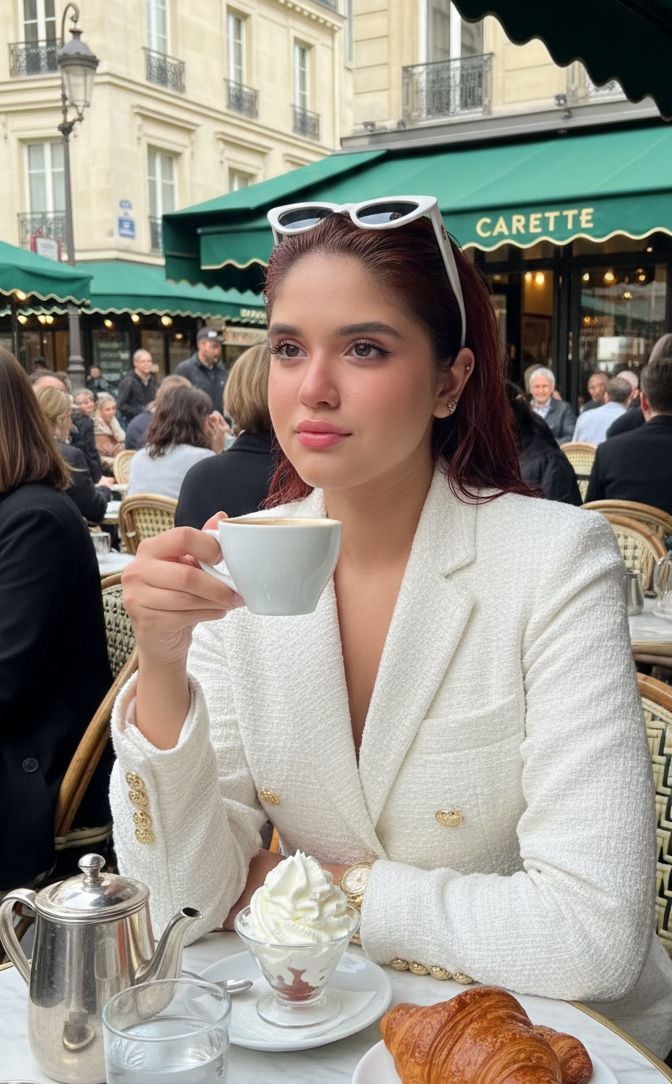
Photorealistic Parisian Café Portrait with Identity Lock
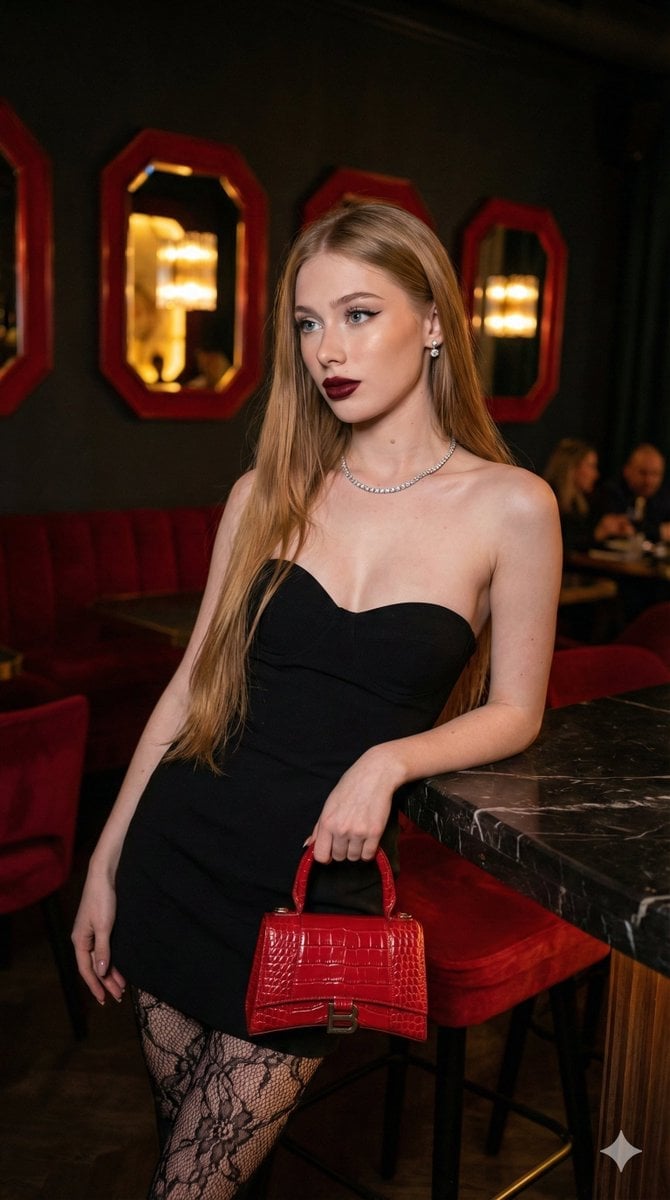
High-Fashion, Moody Portrait in a Luxury Lounge
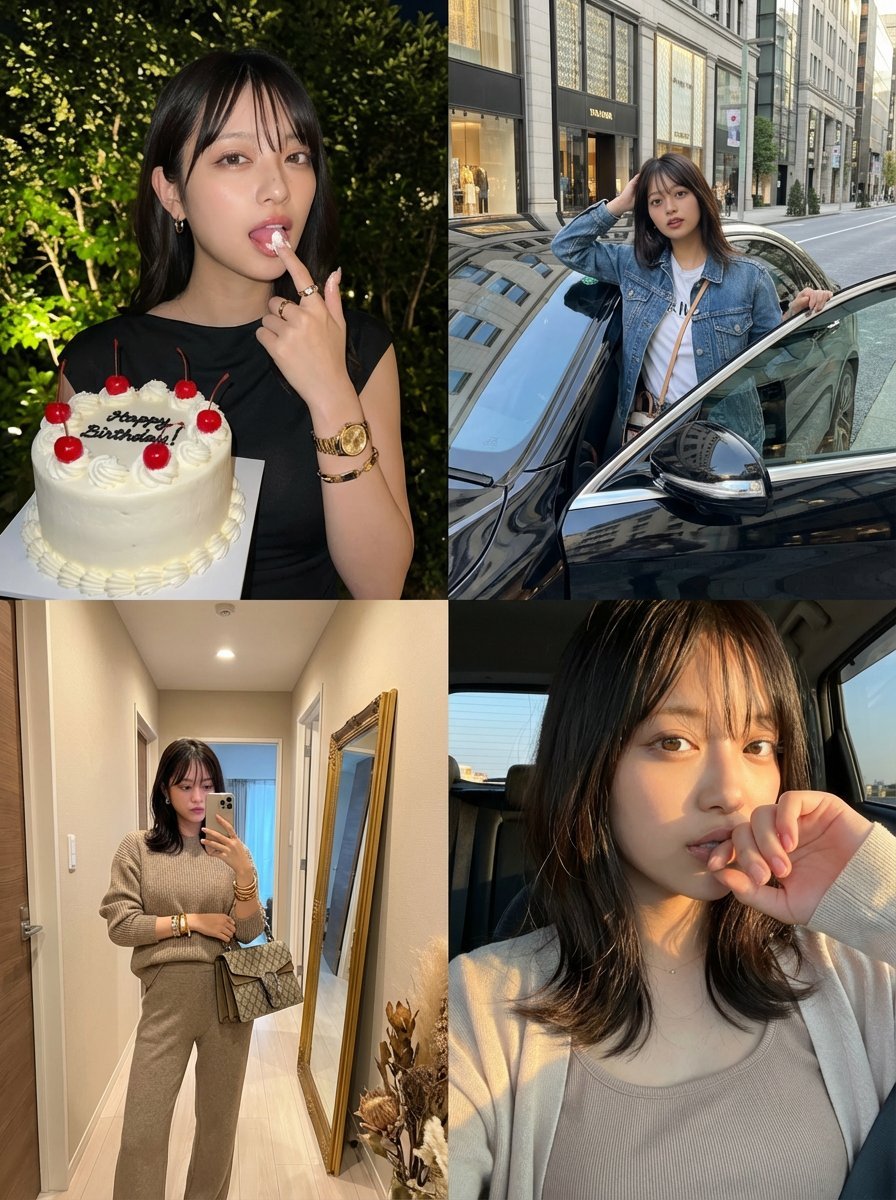
2x2 Grid Identity Lock Photo Collage Prompt
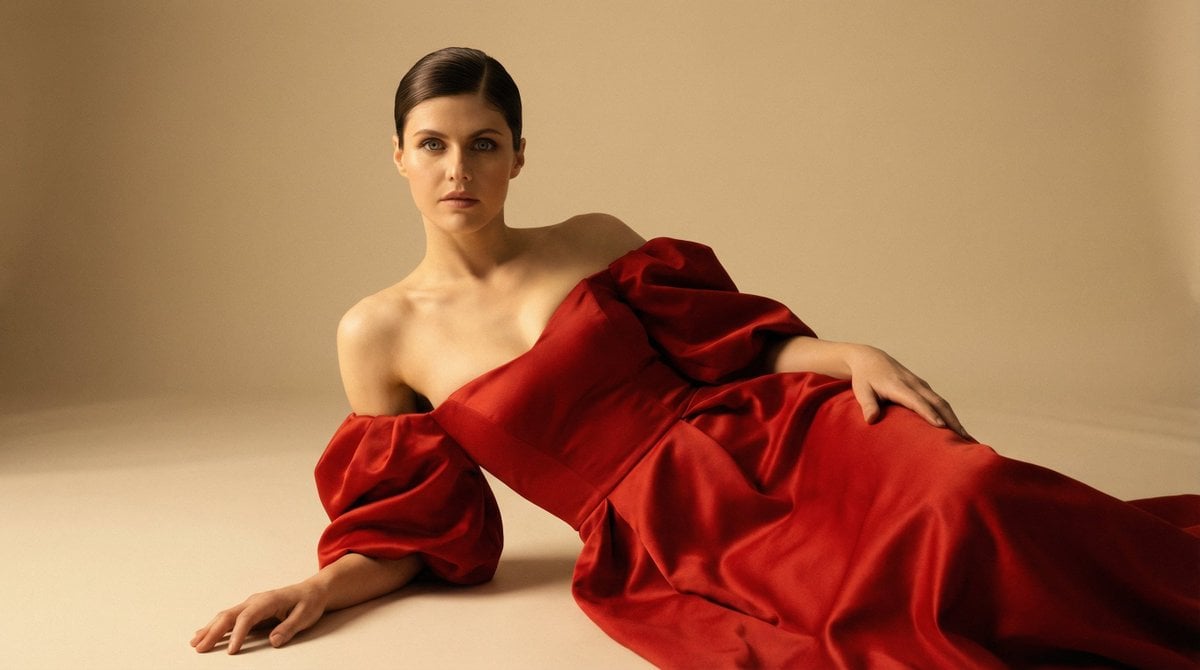
Cinematic Studio Portrait in Red Gown
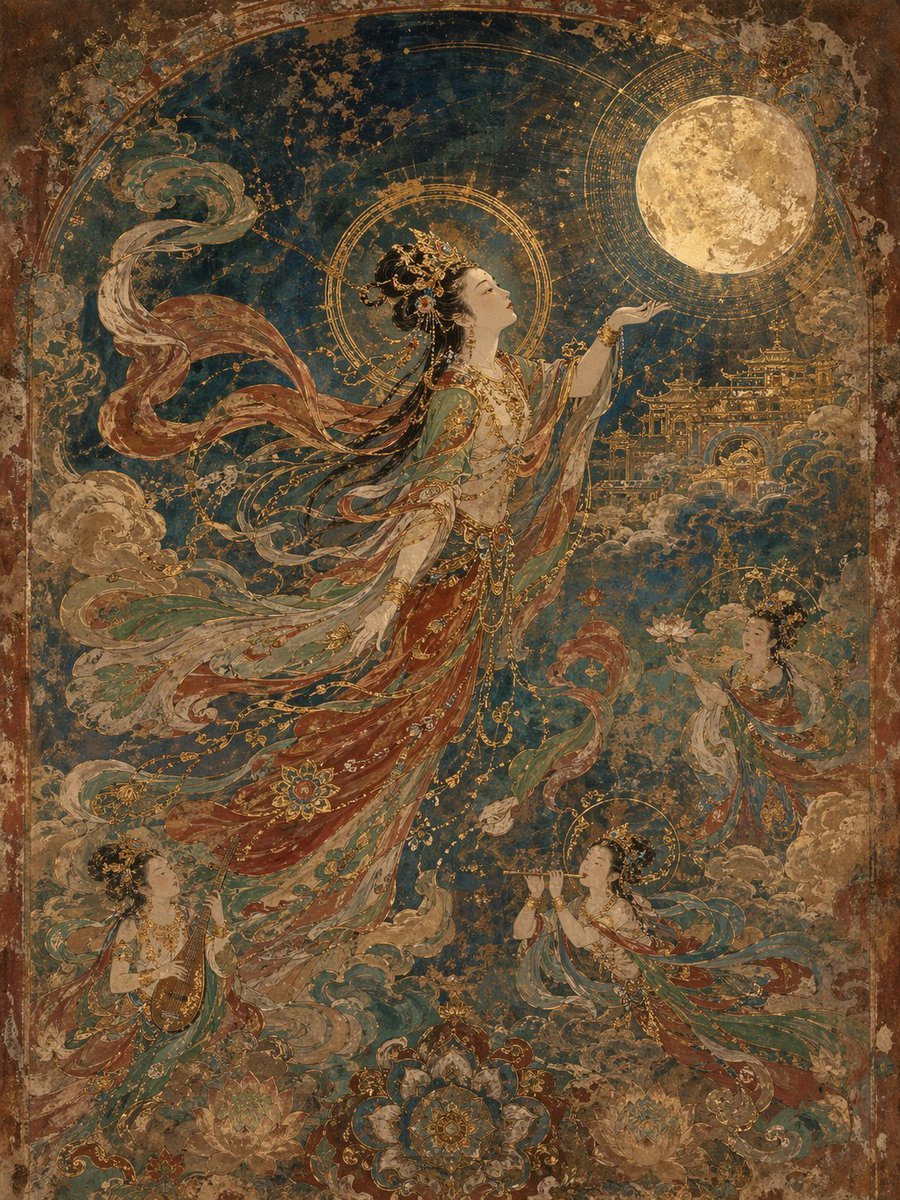
Dunhuang Mural Artistic Template
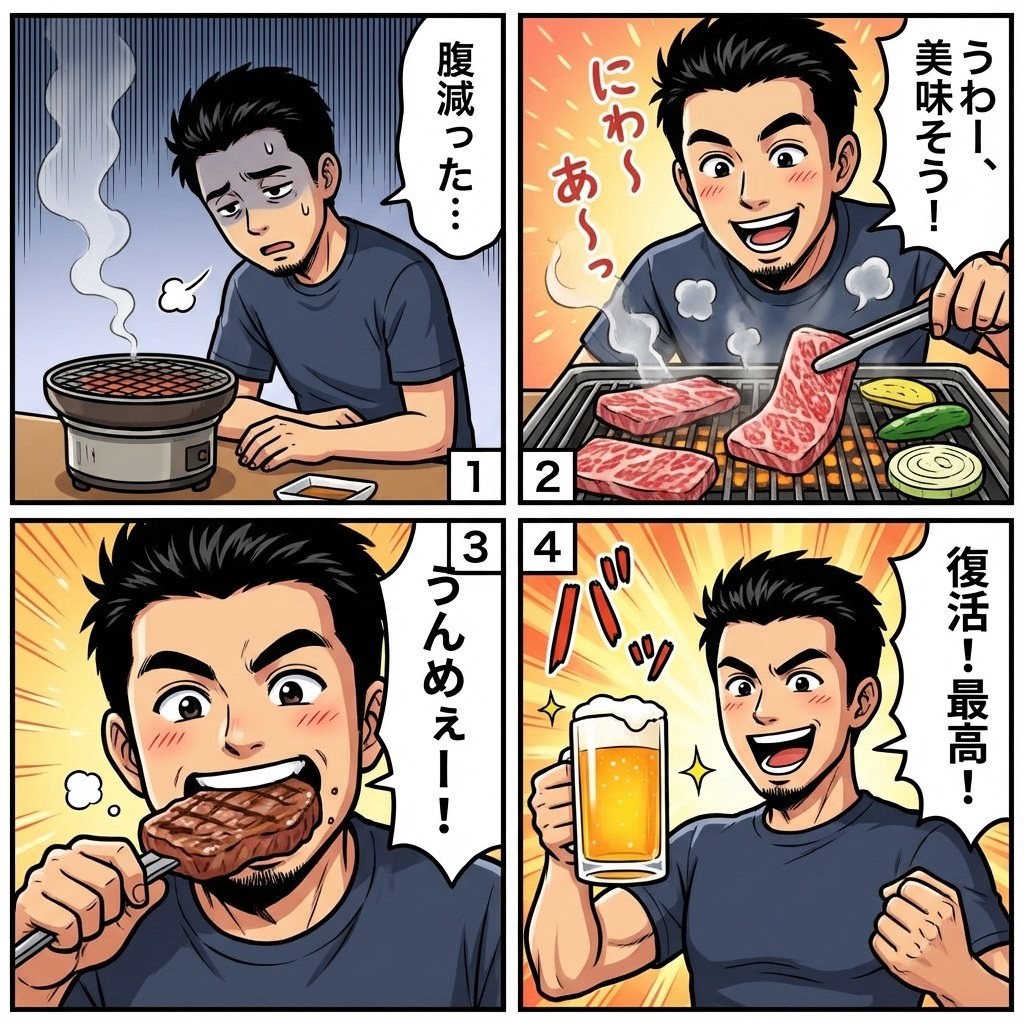
Color comic of a character getting energized by barbecue
Browse template categories
Magnified Glass Building Cutaway questions
How do I use the Magnified Glass Building Cutaway template?
Add your photo if the template asks for one, edit the prompt if you like — the template's model and format are already selected — and press Generate. Your version opens in PicX Studio.
Can I customize the Magnified Glass Building Cutaway template?
Yes. You can change the subject, setting, lighting, mood, format, and available model controls before creating your image.
Is the Magnified Glass Building Cutaway template free?
Opening and editing this template is free. Generating uses credits, shown on the Generate button when you are signed in.
Which AI model should I use?
Start with GPT Image 2, which is the model associated with this template. You can compare another compatible model for a different finish.
Looking for something else? Browse all templates.

Your photo, any look
Thousands of ready templates for every top image and video model, from one credit balance.