
Building Projection Night Portrait
A complex identity-reference prompt creating an enormous projected portrait on a brick building with realistic lighting and environment details.
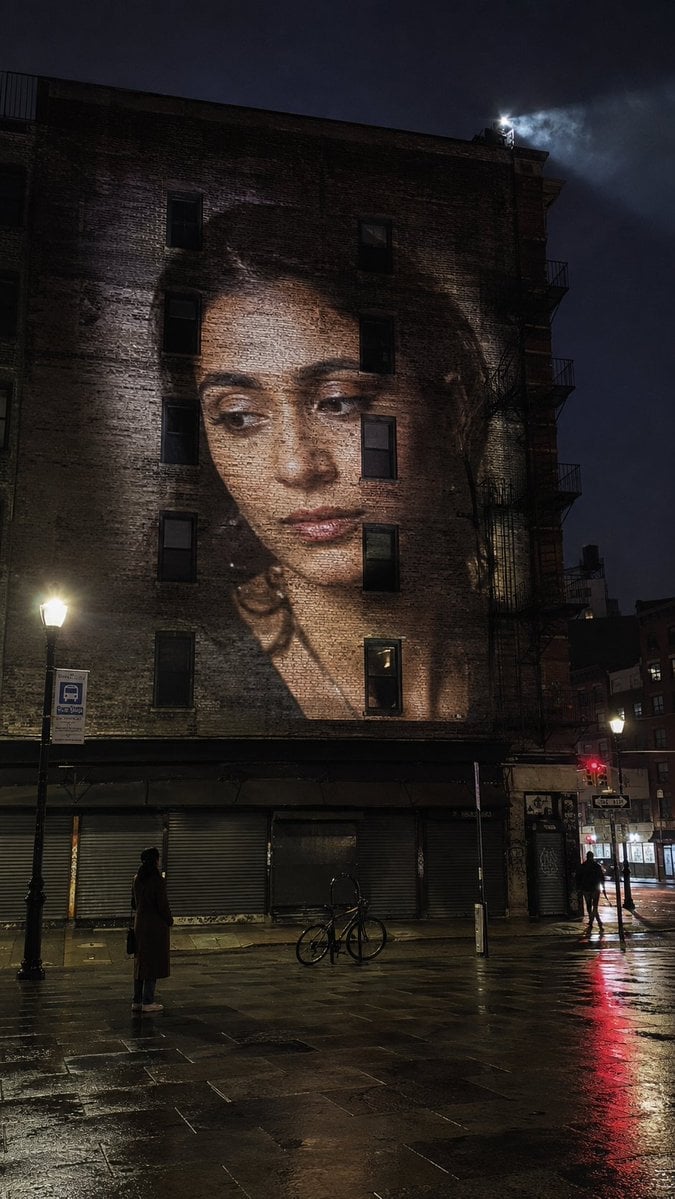
- Prompt included
- Model and format preset
- Free template
The prompt behind this image
Copy the exact prompt behind Building Projection Night Portrait, or open it in the studio and make it yours.
Use the attached photo as an identity reference only. Keep the person's recognizable facial structure, eye shape, nose, lips, jawline, skin tone, hairline and hair characteristics, and their apparent adult age. Do not copy the clothing, background, pose or lighting from the reference. A night photograph of a {argument name="setting" default="city square"}. The flat side wall of a {argument name="building type" default="six storey brick building"} fills most of the frame. A projector on a rooftop opposite throws an enormous portrait of the adult woman onto that wall: head and shoulders, roughly four storeys tall, three quarter view, calm expression, eyes looking slightly down and to the left as if she is watching the square below. The projected portrait behaves like light on brick, not like a printed poster. It dims and warps where it crosses window recesses, a drainpipe and a fire escape. It breaks and skips across the mortar lines. Its edges fall off softly at the corners of the wall. There is a slight keystone distortion because the projector is not level with the wall. Down on the pavement at the bottom of the frame, small, the same adult woman stands with her back three quarters to the camera, hands in the pockets of a {argument name="outfit" default="long dark coat"}, head tilted up, looking at her own projected face. She is about one fifteenth the height of the projected head. Environment: wet paving stones, a bicycle chained to a post, a closed kiosk, one other pedestrian walking out of frame, a bus stop sign, the glow of a street lamp. Camera: standing on the pavement about twenty five metres back, phone at chest height tilted slightly up, vertical 9:16 frame, the building filling the top three quarters and the small figure placed low and left of centre. Light: the projector is the brightest thing in the scene. Cold street lamps and a red traffic signal reflecting in the wet stone. Her small figure is lit only by projector spill and street lamp, so her face is barely readable and that is correct. Realism: dust and haze visible in the projector beam high above, brick texture showing through the projected image, slight flicker banding, a soft blue night sky with no stars, grain in the shadows. The projection must read as light thrown onto a rough wall, not as a poster stuck to it. The large projected face must clearly be the same person as the small figure below. Do not add a second projected image. Do not clean the wall.
How to use Building Projection Night Portrait in 3 steps
- 1Upload ImagePNG, JPG or paste
Add your photo
Upload the photo the template builds on. The prompt, model and format are already set.
- 2…a portrait of your subject in softgolden-hour light, 85mm…
Personalize
Edit the subject and creative details for your destination.
- 3Generate
Generate
Press Generate — your image is created in PicX Studio, so you can compare it with the original and refine one variable at a time.
More like this
Templates with the same subject, style or setup. Open one to see its prompt.

Underwater Macro Face Portrait

Noir Punk Street Portrait

High Contrast Cinematic Face Portrait

Monochrome Studio Portrait with Colored Lens

Ultra-Realistic Yacht Sunset Portrait

Nano Banana Pro Photoreal Playful Couple

Found Photograph: Us, 1970

80s Couple Studio Portrait

80s Bollywood Star

80s Golden Hour Cinema

Me in 1985

1985 Studio Portrait
Make it yours
Building Projection Night Portrait works as-is. These are the safest ways to change it without losing the look.
Change one field
Copy a single group, rewrite it, and generate again so you can see what that field is doing.
Keep the frame, change the subject
Hold the composition and light of Building Projection Night Portrait, then swap wardrobe, props or the person for a new take.
| If the result… | Why | Fix |
|---|---|---|
| The result drifts from the preview | Too many fields changed at once. | Reuse Building Projection Night Portrait as-is first, then change one group — subject, light, or setting. |
| The model over-stylizes the scene | The prose prompt leaves finish and camera underspecified. | Add one camera or lighting sentence and stay on Gemini 3 Pro Image Preview. |
More Gemini 3 Pro Image Preview templates
Other prompts made for Gemini 3 Pro Image Preview.

Mushroom Still Life Composition

Whimsical Anthropomorphic Friendly Insect

Cinematic Urban Night Billboard Portrait

Pop Art Summer Fruit Fashion Illustration

Ultra-Realistic iPhone Selfie with Motion Blur

Cinematic Mirror Reflection Portrait

Elegant Men's Twilight Editorial

Coastal Freedom Sunset Portrait

Ergonomic Office Chair E-commerce Mobile Detail Page

Macro Guitar Fret Dressing
More image prompts
Fresh picks from across the catalog.
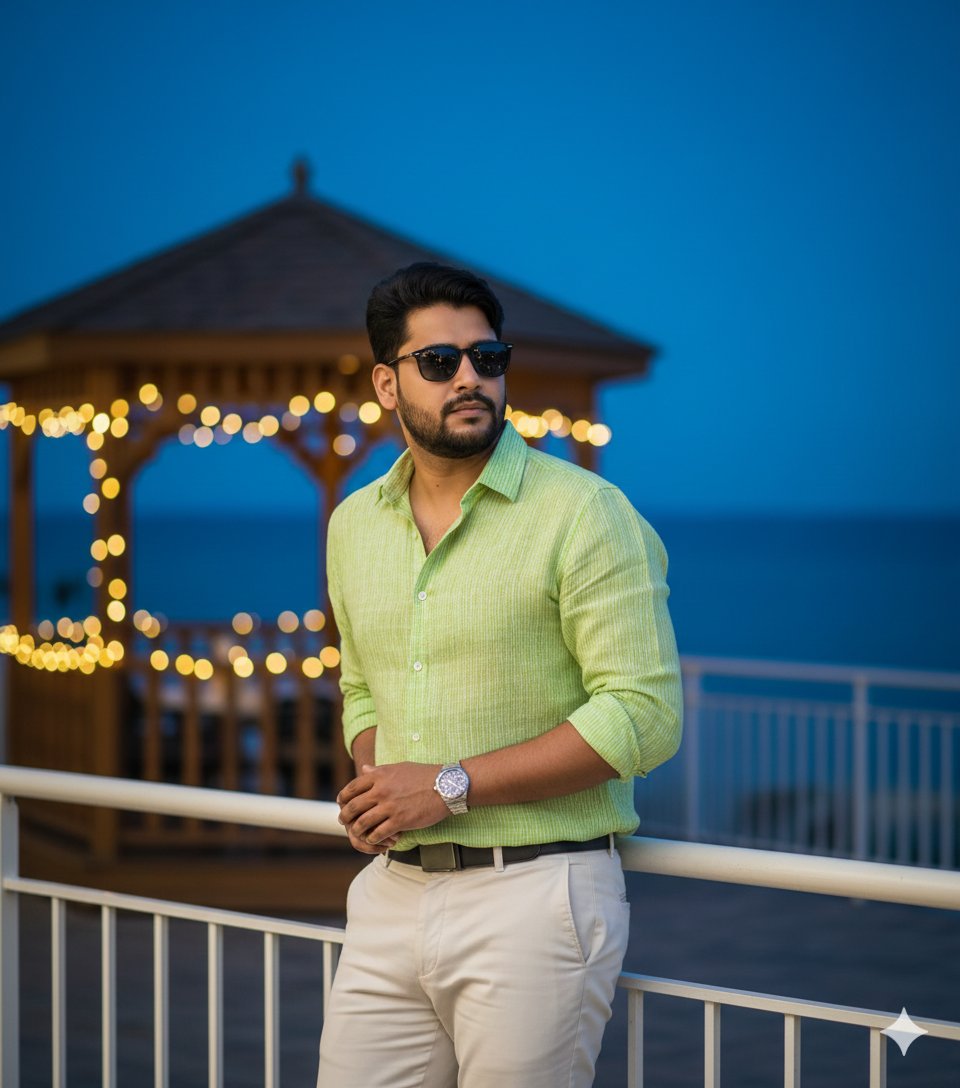
Hyper-Realistic Portrait of Man at Seaside Resort Prompt
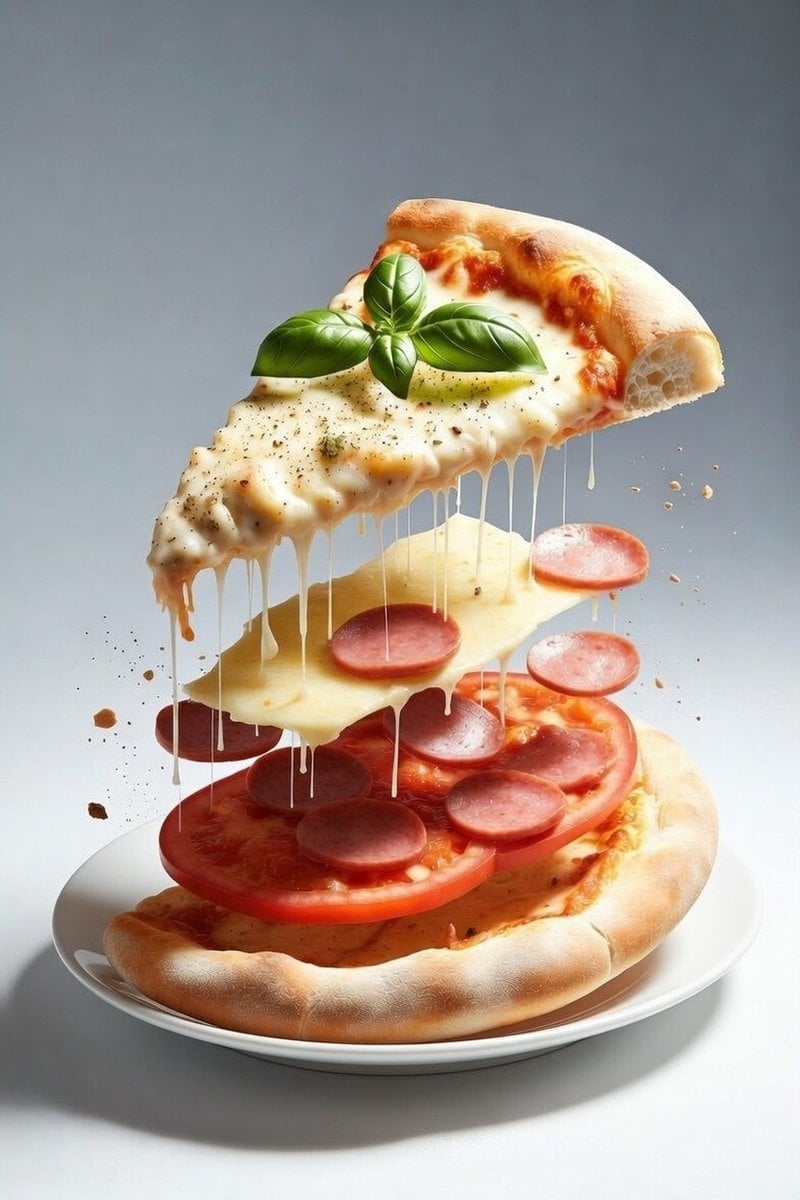
Deconstructed Floating Pizza Still Life Prompt
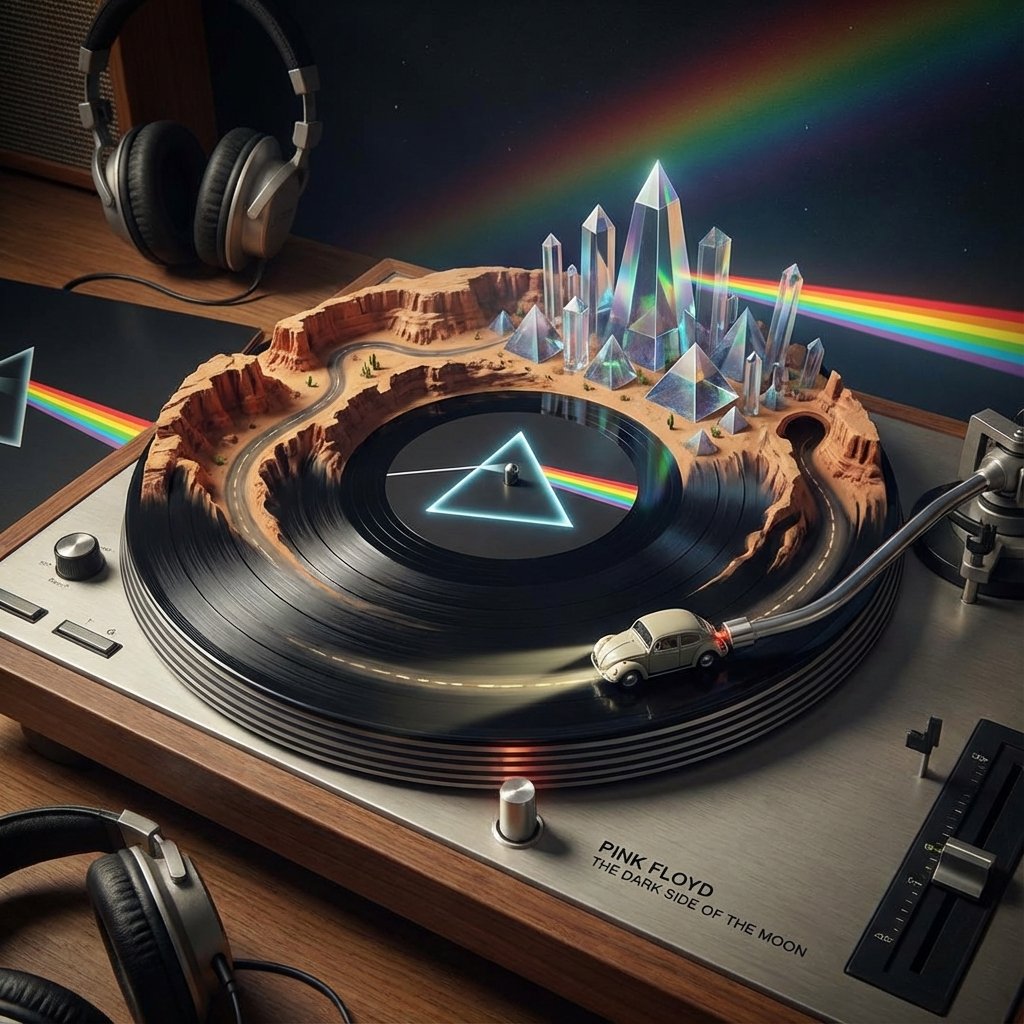
Visualizing Music Albums as Turntable Landscapes
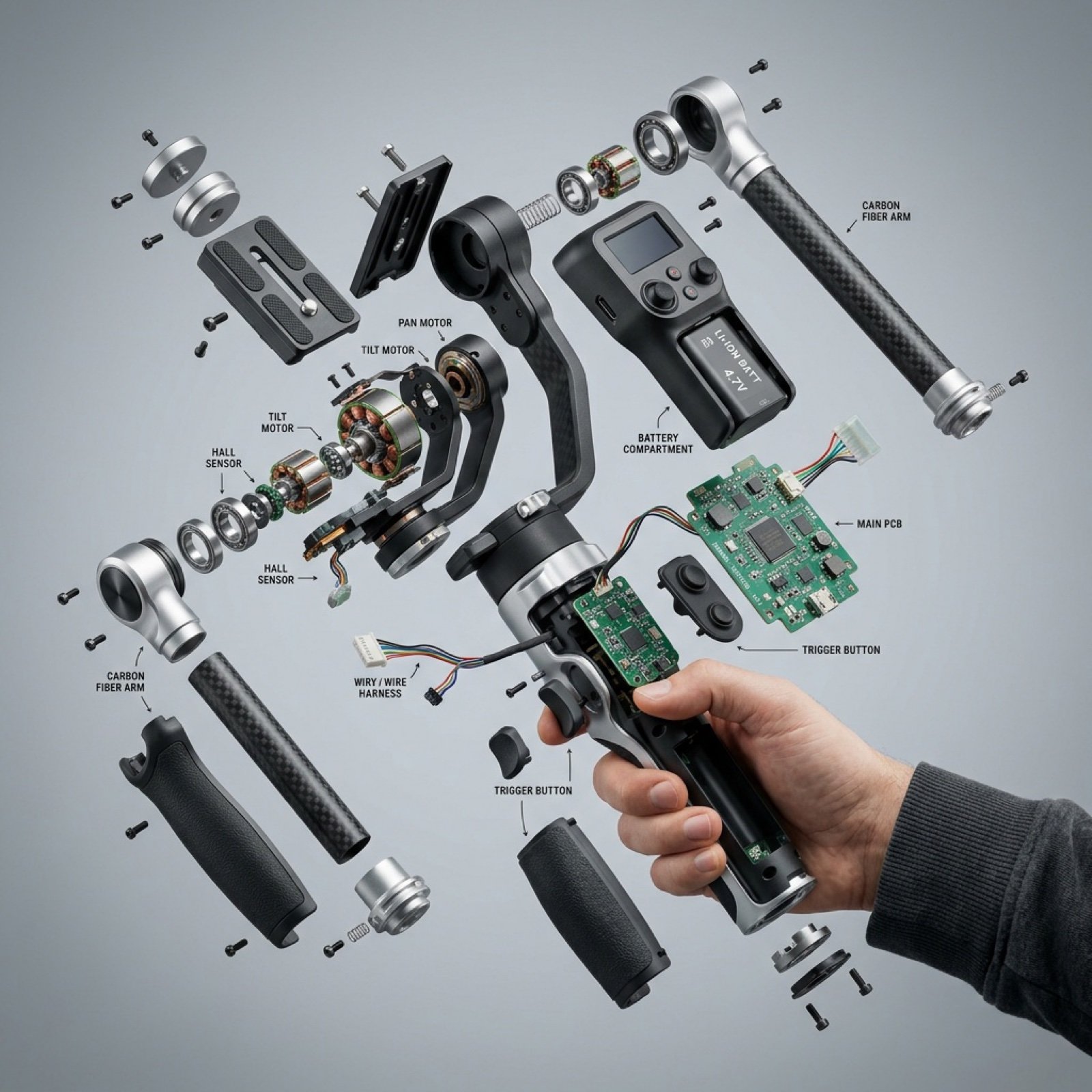
Exploded View Product Visualization Prompt
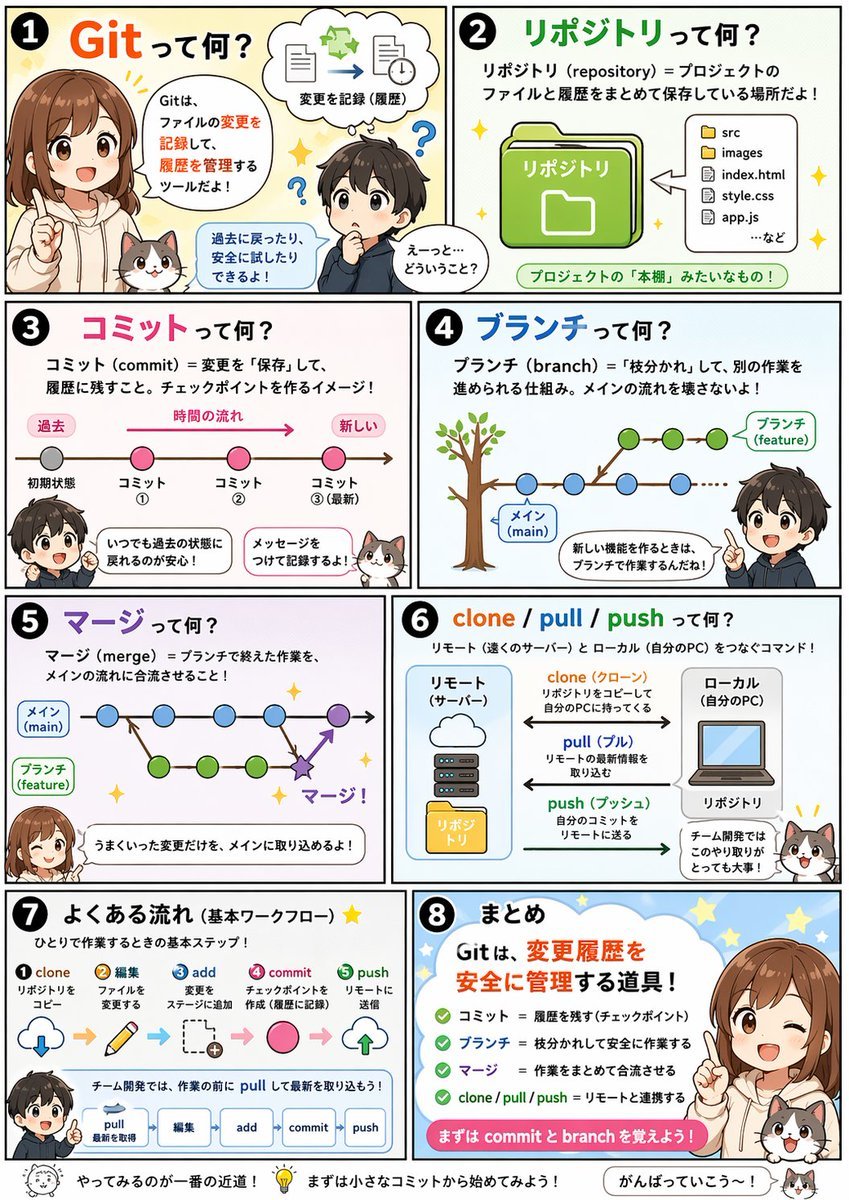
Educational Comic Generator
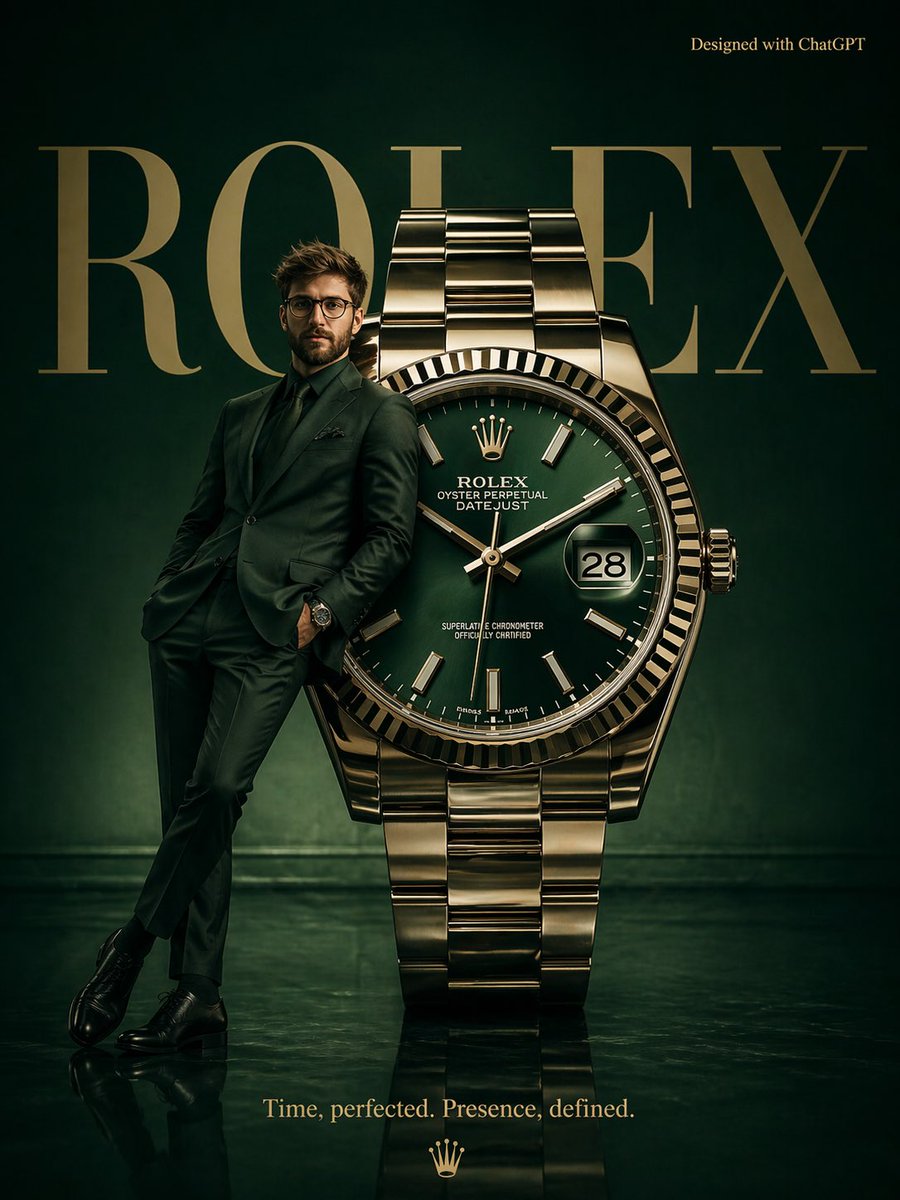
Surrealist Rolex Advertisement Poster
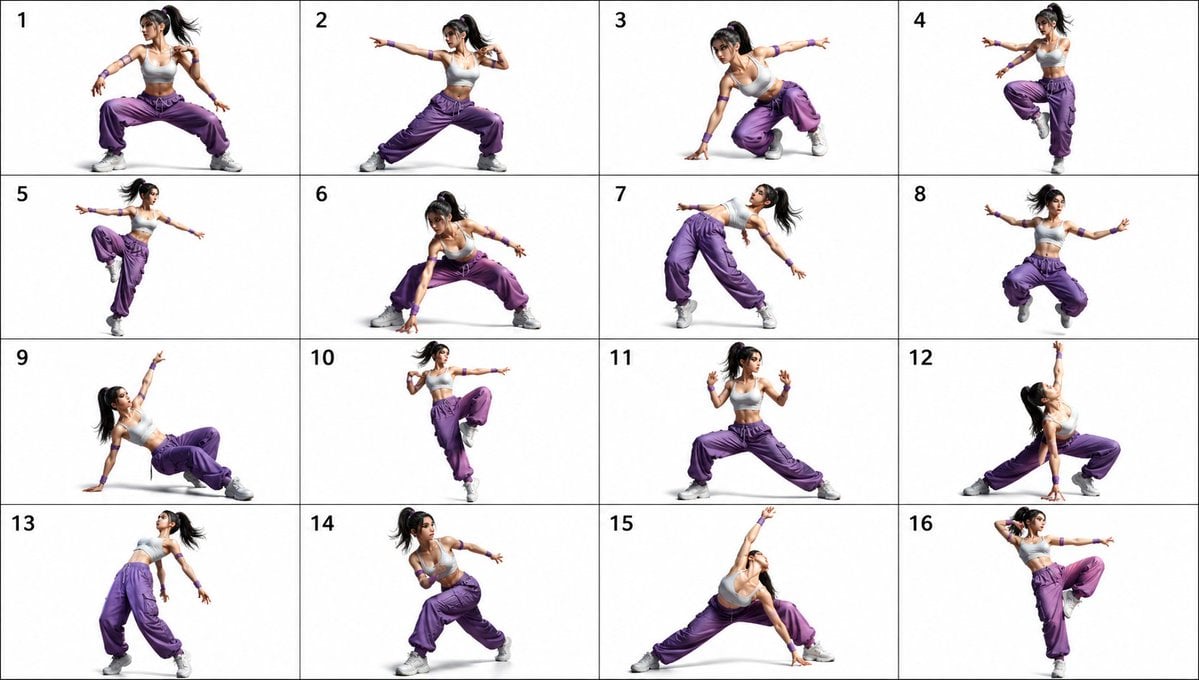
Gpt2 Comic Storyboard 16 Pose Dance Combat Reference Sheet
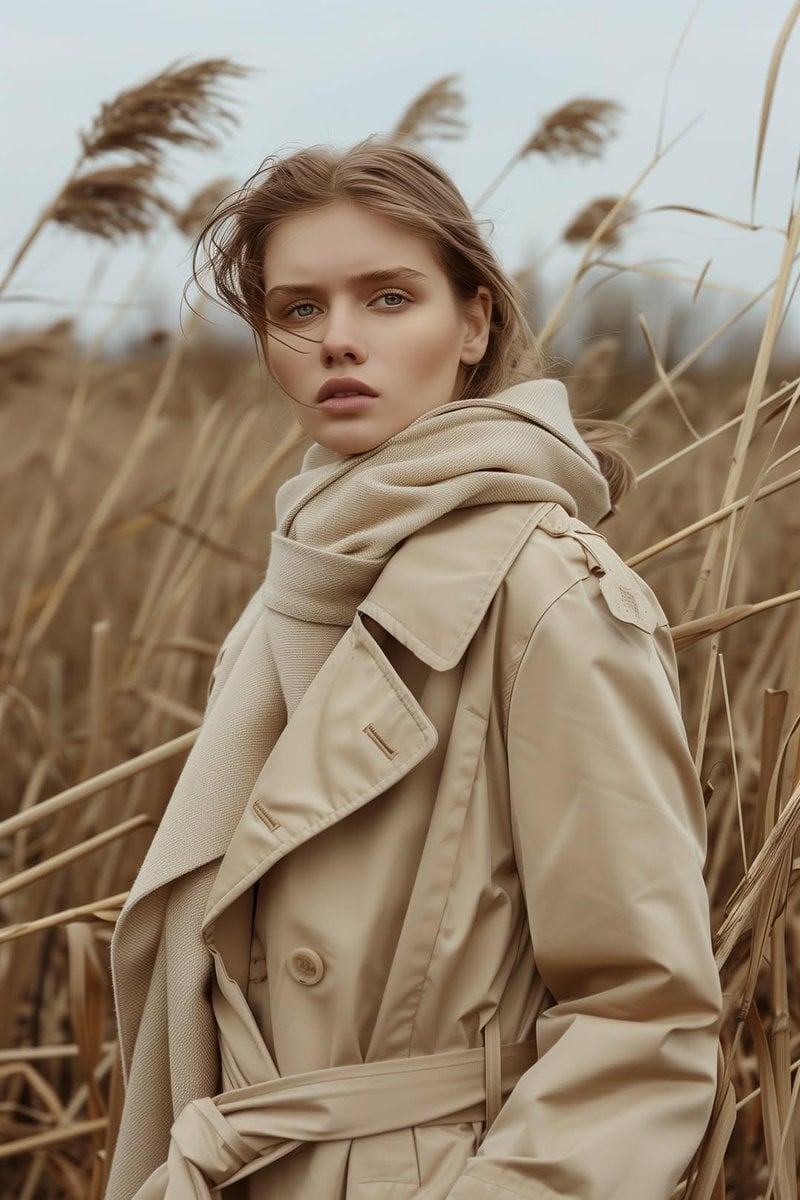
Cinematic Trench Coat Fashion Portrait Prompt
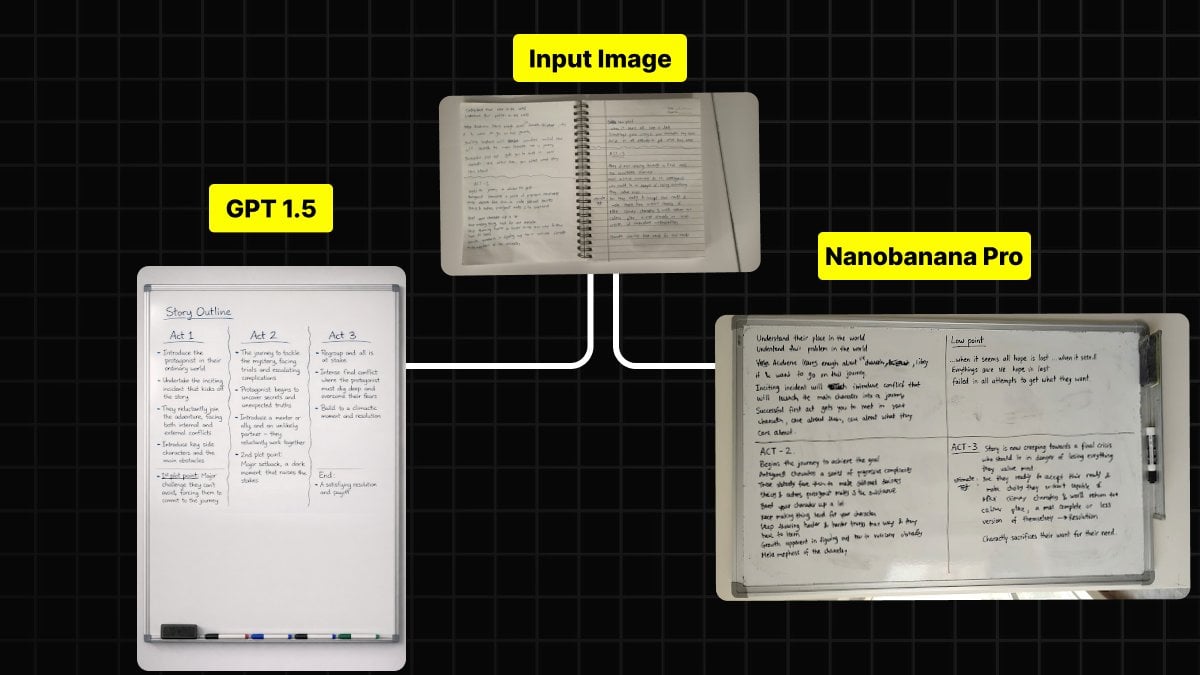
Handwritten Notes to Whiteboard Conversion Prompt
Portrait
Browse template categories
Building Projection Night Portrait questions
How do I use the Building Projection Night Portrait template?
Add your photo if the template asks for one, edit the prompt if you like — the template's model and format are already selected — and press Generate. Your version opens in PicX Studio.
Can I customize the Building Projection Night Portrait template?
Yes. You can change the subject, setting, lighting, mood, format, and available model controls before creating your image.
Is the Building Projection Night Portrait template free?
Opening and editing this template is free. Generating uses credits, shown on the Generate button when you are signed in.
Which AI model should I use?
Start with Gemini 3 Pro Image Preview, which is the model associated with this template. You can compare another compatible model for a different finish.
Looking for something else? Browse all templates.

Your photo, any look
Thousands of ready templates for every top image and video model, from one credit balance.