
Pastel Otome Game UI Mockup
A polished anime romance game interface mockup showing a spring school courtyard scene with character dialogue, stats, schedule panels, and ornate pastel UI for visual novel or dating sim concepts.
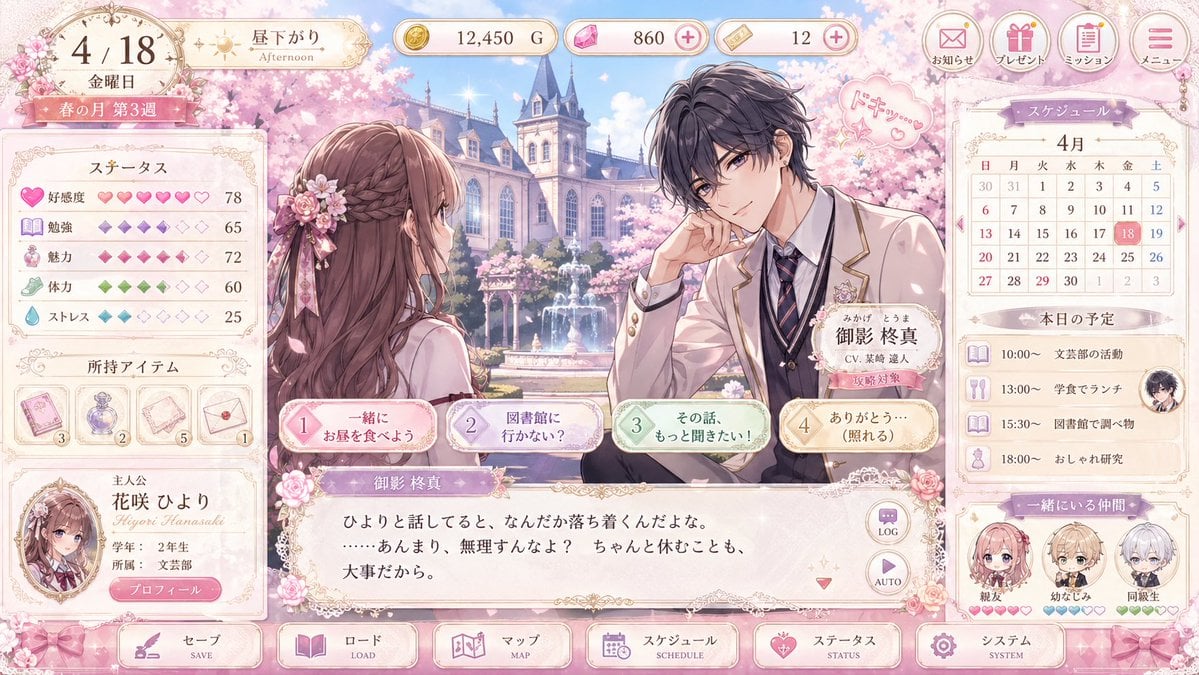
- Prompt included
- Model and format preset
- Free template
The prompt behind this image
Copy the exact prompt behind Pastel Otome Game UI Mockup, or open it in the studio and make it yours.
- Type
- romance visual novel game UI mockup
- Platform
- desktop game screen
- Style
- elegant pastel otome game interface, highly polished anime illustration, ornate gold filigree, soft pink cherry blossom theme, glossy buttons, lace and ribbon decorations, dreamy spring lighting
- Scene › Setting
- a prestigious academy courtyard in spring with a European-style school building, blooming cherry trees, a central fountain, drifting petals, and bright blue sky
- Scene › Time
- afternoon
- Scene › Season
- spring
- Scene › Mood
- sweet, delicate, romantic
- Characters › Count
- 2
- Characters › Main Pair › 0 › Role
- player heroine seen from behind in three-quarter view
- Characters › Main Pair › 0 › Appearance
- long wavy chestnut-brown hair with a braided half-up style, pink floral hair ornament with ribbons, cream and pink school uniform, slim build
- Characters › Main Pair › 1 › Role
- male love interest on the right
- Characters › Main Pair › 1 › Name
- {argument name="character name" default="御影 柊真"}
- Characters › Main Pair › 1 › Appearance
- messy dark charcoal hair, handsome anime features, cream school blazer with gold trim, white shirt, striped navy tie, dark vest, flower pin on lapel, relaxed pose with elbow resting and hand near face
- Characters › Main Pair › 1 › Expression
- gentle and attentive
- Characters › Main Pair › 1 › Speech Bubble
- small pink heart doodle with Japanese sound effect
- Layout › Top Bar › Count
- 8
- Layout › Top Bar › Components
- date plaque showing 4/18 and Friday, time-of-day badge showing afternoon, gold currency counter, pink gem counter with plus icon, ticket counter with plus icon, notice button, present button, mission button, menu button
- Layout › Left Sidebar › Count
- 3
- Layout › Left Sidebar › Sections › 0 › Title
- ステータス
- Layout › Left Sidebar › Sections › 0 › Count
- 5
- Layout › Left Sidebar › Sections › 0 › Labels
- 好感度, 勉強, 魅力, 体力, ストレス
- Layout › Left Sidebar › Sections › 1 › Title
- 所持アイテム
- Layout › Left Sidebar › Sections › 1 › Count
- 4
- Layout › Left Sidebar › Sections › 1 › Labels
- pink card item, purple perfume bottle, letter or paper item, envelope item
Raw JSON
{"type":"romance visual novel game UI mockup","platform":"desktop game screen","style":"elegant pastel otome game interface, highly polished anime illustration, ornate gold filigree, soft pink cherry blossom theme, glossy buttons, lace and ribbon decorations, dreamy spring lighting","scene":{"setting":"a prestigious academy courtyard in spring with a European-style school building, blooming cherry trees, a central fountain, drifting petals, and bright blue sky","time":"afternoon","season":"spring","mood":"sweet, delicate, romantic"},"characters":{"count":2,"main pair":[{"role":"player heroine seen from behind in three-quarter view","appearance":"long wavy chestnut-brown hair with a braided half-up style, pink floral hair ornament with ribbons, cream and pink school uniform, slim build"},{"role":"male love interest on the right","name":"{argument name=\"character name\" default=\"御影 柊真\"}","appearance":"messy dark charcoal hair, handsome anime features, cream school blazer with gold trim, white shirt, striped navy tie, dark vest, flower pin on lapel, relaxed pose with elbow resting and hand near face","expression":"gentle and attentive","speech bubble":"small pink heart doodle with Japanese sound effect"}]},"layout":{"top bar":{"count":8,"components":["date plaque showing 4/18 and Friday","time-of-day badge showing afternoon","gold currency counter","pink gem counter with plus icon","ticket counter with plus icon","notice button","present button","mission button","menu button"]},"left sidebar":{"count":3,"sections":[{"title":"ステータス","count":5,"labels":["好感度","勉強","魅力","体力","ストレス"]},{"title":"所持アイテム","count":4,"labels":["pink card item","purple perfume bottle","letter or paper item","envelope item"]},{"title":"主人公","count":1,"labels":["portrait card for {argument name=\"heroine name\" default=\"花咲 ひより\"}"]}]},"center":{"count":4,"components":["large illustrated conversation scene","nameplate for male character","4 dialogue choice buttons across the lower middle","main text box with Japanese dialogue"]},"right sidebar":{"count":3,"sections":[{"title":"スケジュール","count":1,"labels":["April monthly calendar with the 18th highlighted"]},{"title":"本日の予定","count":4,"labels":["10:00 support club activity","13:00 lunch in the cafeteria","15:30 research at the library","18:00 fashion study"]},{"title":"一緒にいる仲間","count":3,"labels":["親友","幼なじみ","同級生"]}]},"bottom navigation":{"count":6,"labels":["セーブ","ロード","マップ","スケジュール","ステータス","システム"]}},"text":{"language":"Japanese","dialogue":"soft romantic dialogue in a visual novel textbox","ui_labels":"all major buttons and panels labeled in Japanese"},"color_palette":{"primary":"blush pink","secondary":"cream","accent":"gold","supporting":["lavender","mint green","powder blue"]},"rendering":{"quality":"high-resolution clean game mockup","composition":"full-screen UI capture with balanced left stats panel, central romance scene, and right schedule panel","aspect_ratio":"16:9"}}How to use Pastel Otome Game UI Mockup in 3 steps
- 1Upload ImagePNG, JPG or paste
Add your photo
Upload the photo the template builds on. The prompt, model and format are already set.
- 2…a portrait of your subject in softgolden-hour light, 85mm…
Personalize
Edit the subject and creative details for your destination.
- 3Generate
Generate
Press Generate — your image is created in PicX Studio, so you can compare it with the original and refine one variable at a time.
More like this
Templates with the same subject, style or setup. Open one to see its prompt.
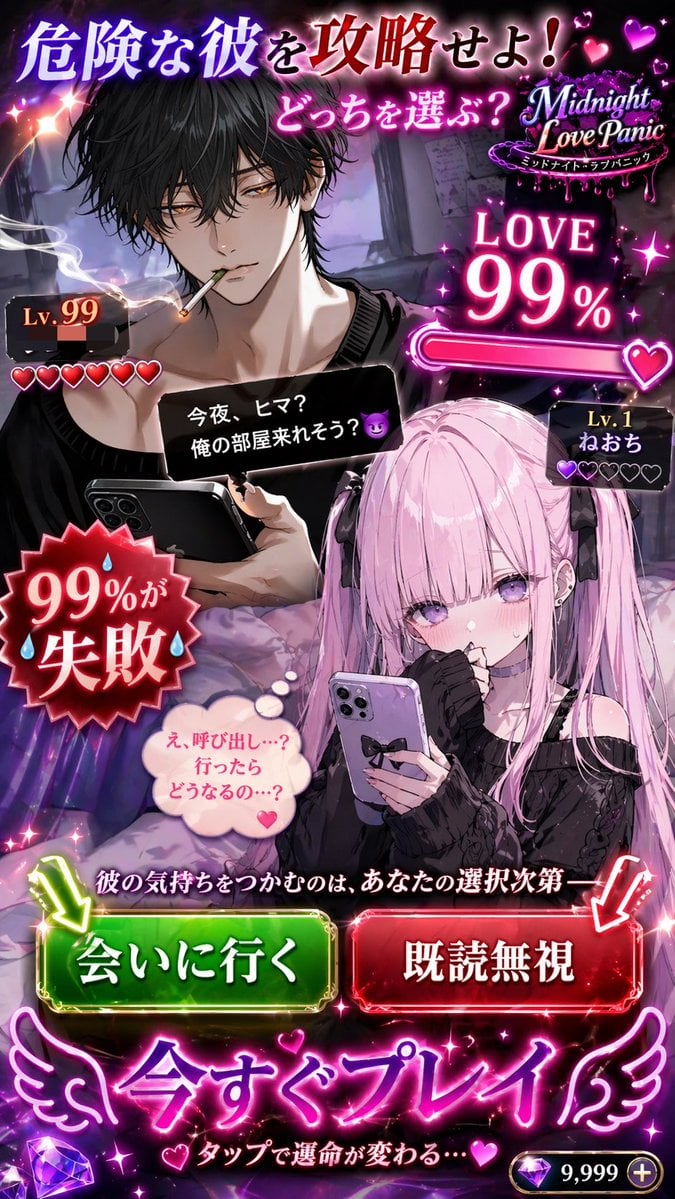
Otome Game Choice Ad Mockup

Eid al-Adha Cute Chaos — Fisheye Selfie with Farm Selfie, Mosque & Animals

Cute Layered Paper Cut Chibi Girl

Layered Paper Cut Illustration Template

Premium Vintage Travel Poster Landscape

Quiet Minimalist Anime Style Guide
Premium Vintage Travel Poster Landscape

Pastel Fantasy Pagoda Mountain Landscape

Korean Cafe Courtyard Gold Frame Mirror Selfie
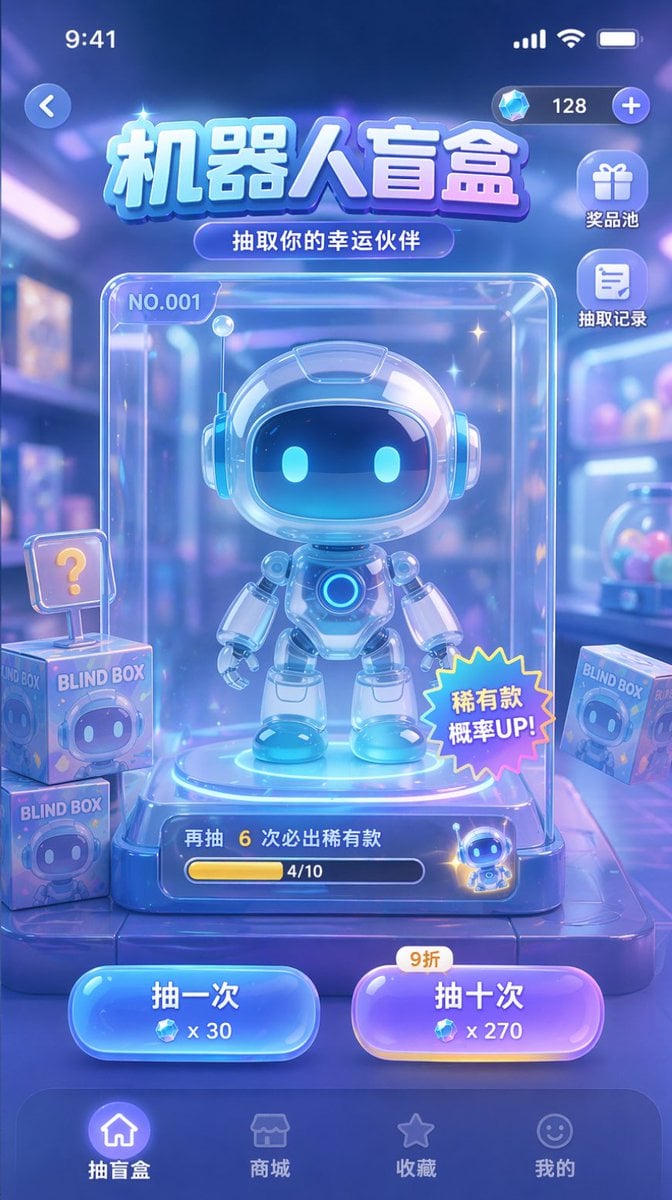
Gacha Game UI Mockup
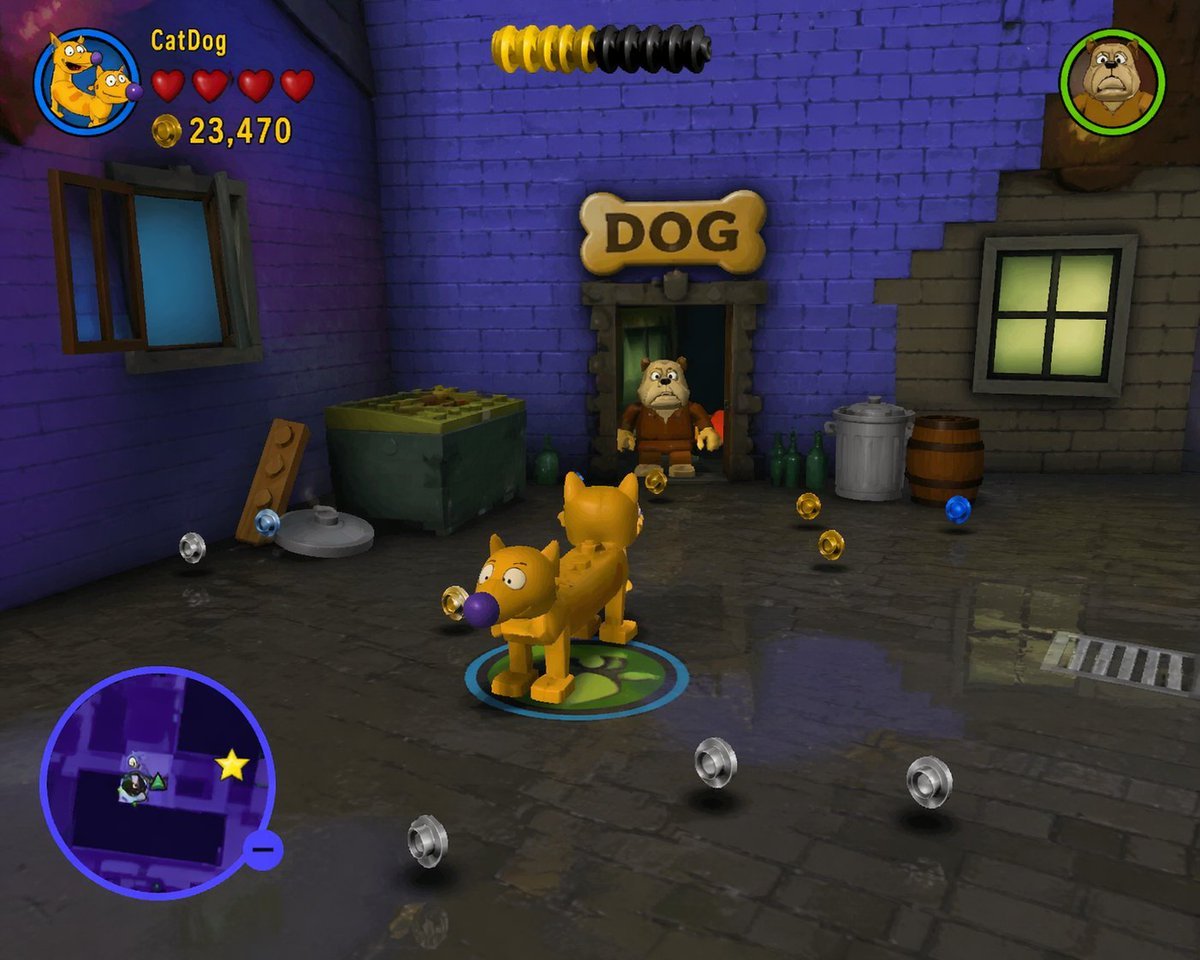
LEGO Video Game Mockup
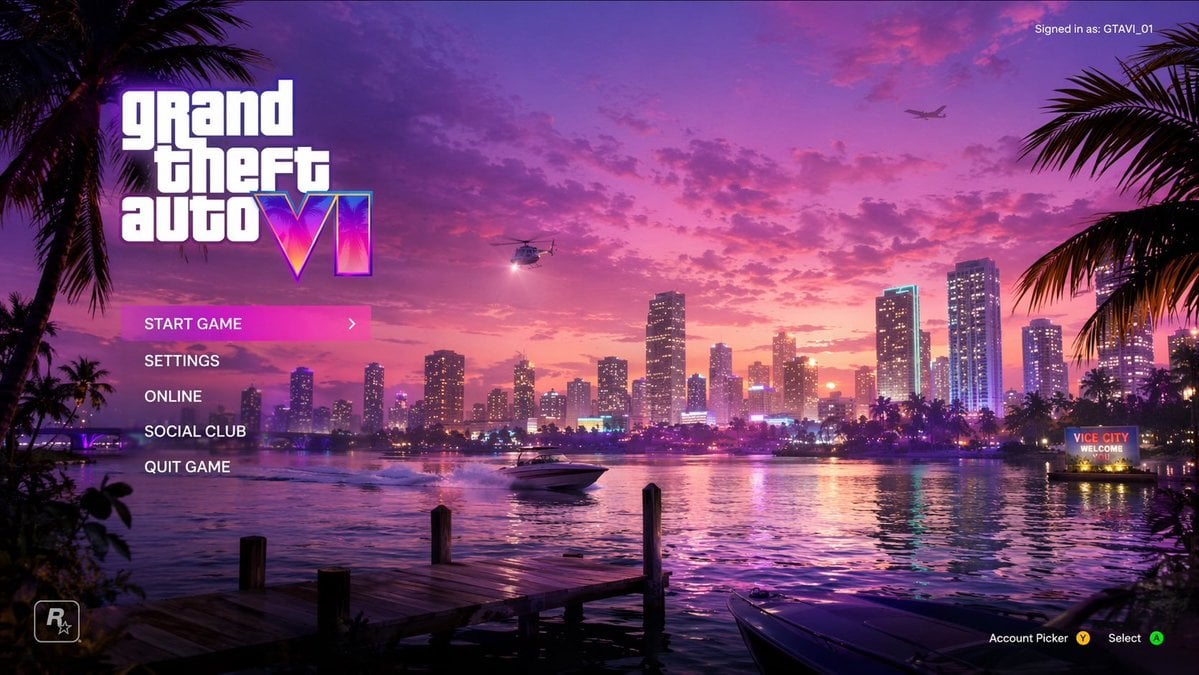
Vice City Sunset Game Menu Mockup
Make it yours
Pastel Otome Game UI Mockup works as-is. These are the safest ways to change it without losing the look.
Swap the setting
Keep the rest of the prompt and replace the location block. The current setting is “a prestigious academy courtyard in spring with a European-style school building,”.
Change one field
Copy a single group, rewrite it, and generate again so you can see what that field is doing.
Keep the frame, change the subject
Hold the composition and light of Pastel Otome Game UI Mockup, then swap wardrobe, props or the person for a new take.
| If the result… | Why | Fix |
|---|---|---|
| The result drifts from the preview | Too many fields changed at once. | Reuse Pastel Otome Game UI Mockup as-is first, then change one group — subject, light, or setting. |
| GPT Image 2 ignores part of the JSON | Some models flatten or skip nested keys. | Keep the same values and paste them as a short paragraph instead. |
More GPT Image 2 templates
Other prompts made for GPT Image 2.

Six VTuber Japanese Logo Sheet

Realistic Portrait of Woman and Deer

The Vista Modular Condo Poster

AI Model Routing Comparison Infographic

2.5D Anime Art Board

Isometric Productivity Desk Scene

New York Double Exposure Poster

Four-Panel AI Landscape Comparison

Japanese Tatami Lifestyle Magazine Cover

NESCAFÉ Coffee Map Poster
More image prompts
Fresh picks from across the catalog.

Fast-Food Lifestyle Commercial
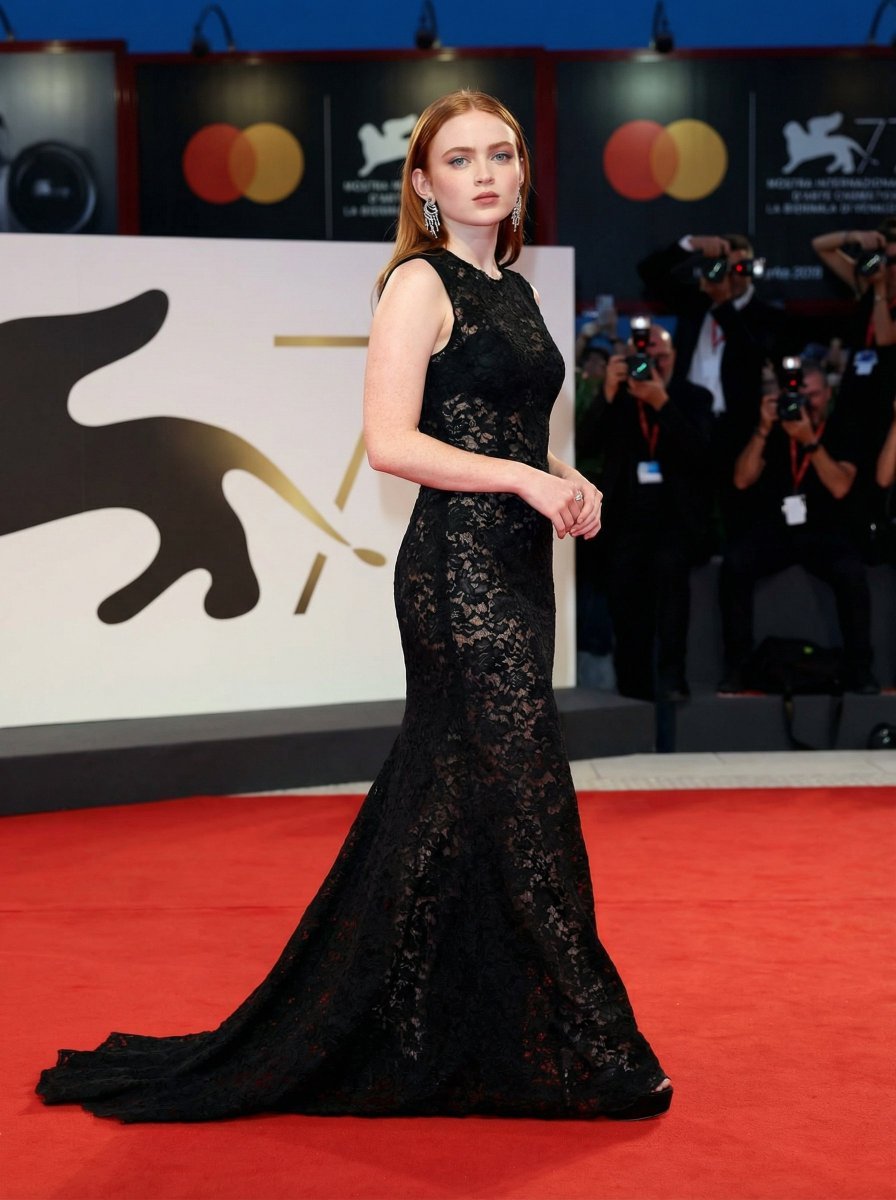
High Fashion Red Carpet Editorial Prompt
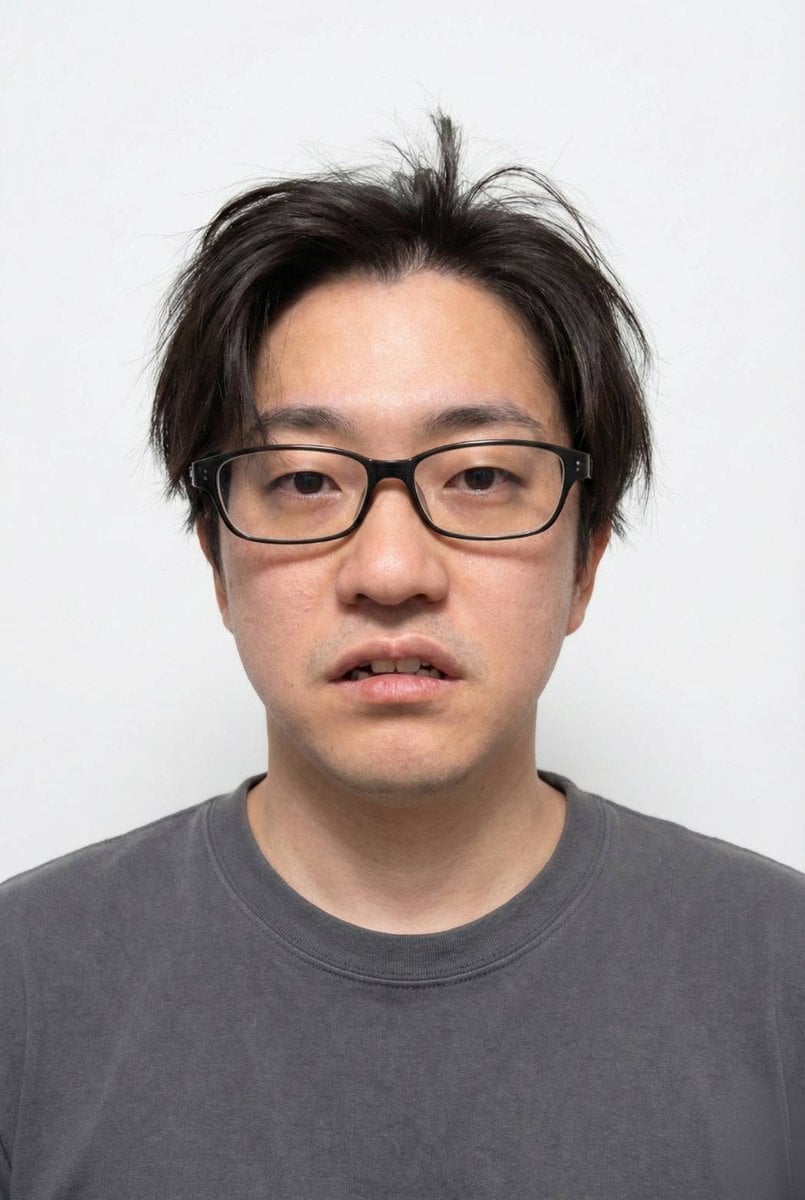
Panel Grid Layout for Portrait Photography with Detailed JSON Prompt
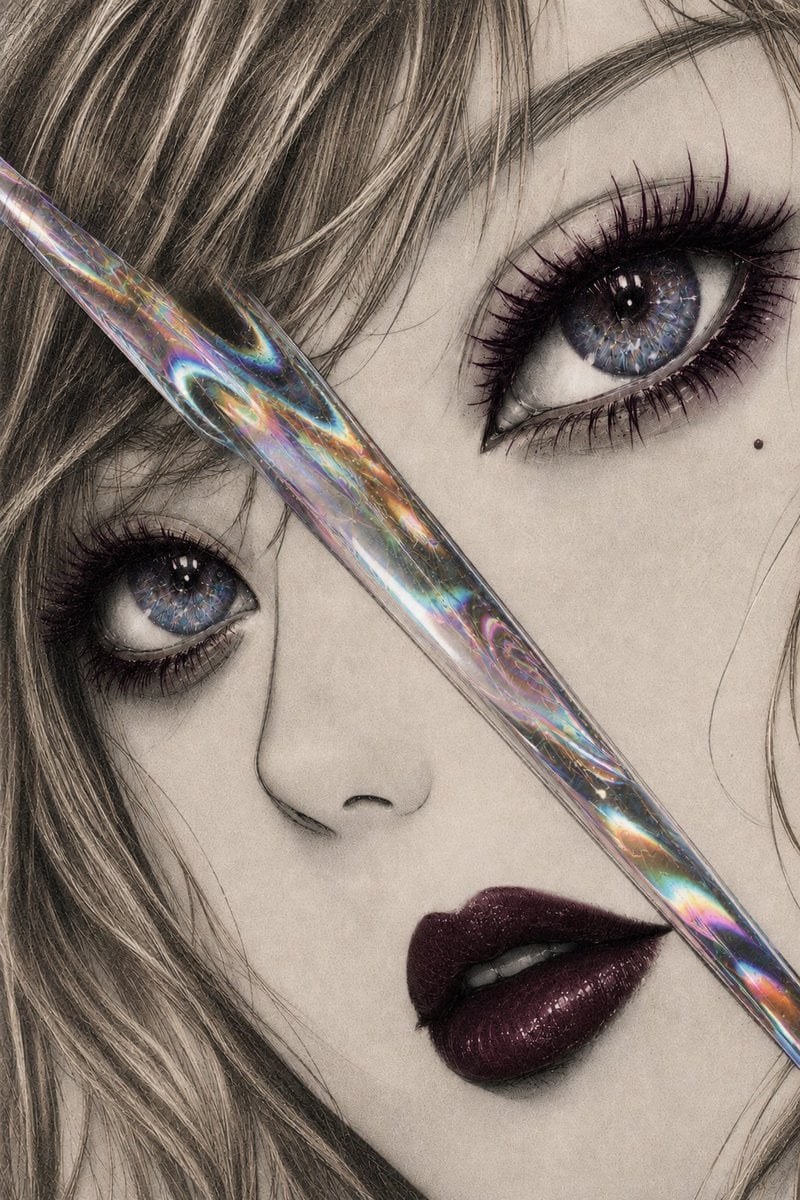
Iridescent Glass Gothic Beauty Portrait
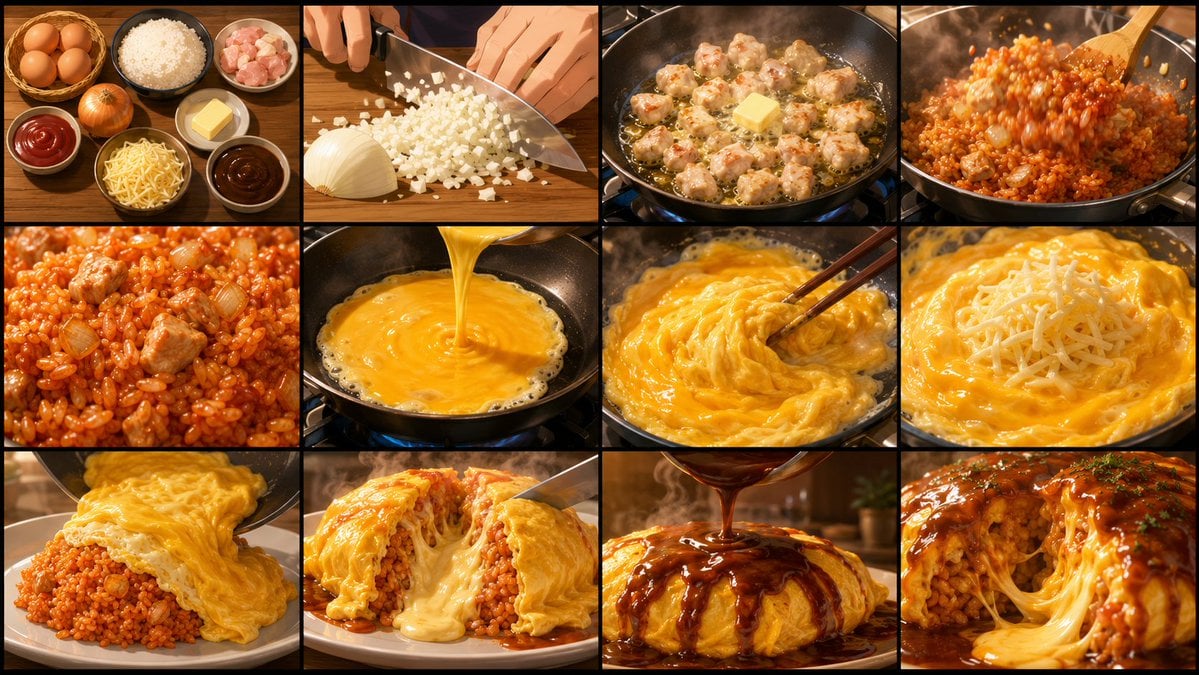
Anime Cooking Storyboard Grid Generator

Minimalist Corporate Portrait Sprite Sheet
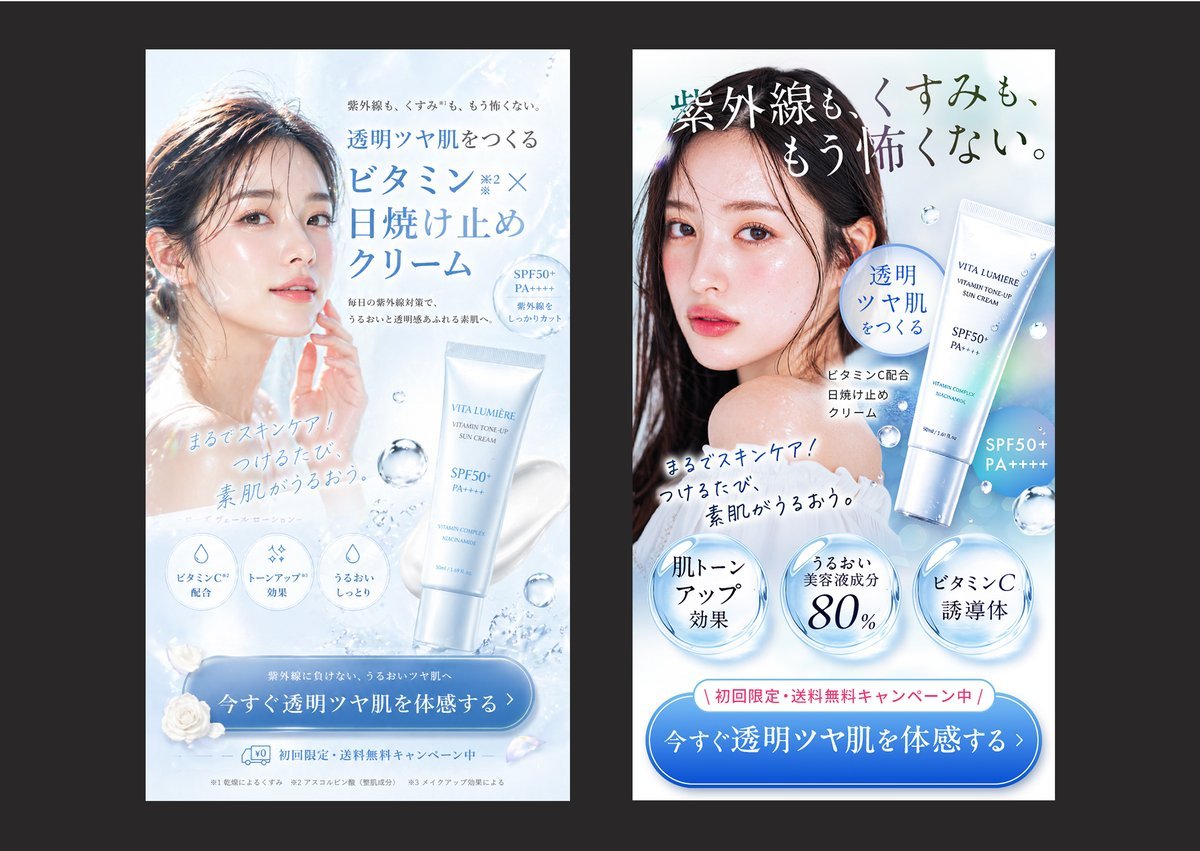
Japanese Skincare Ad Comparison

Unexpected High-End Product Concepts Prompt
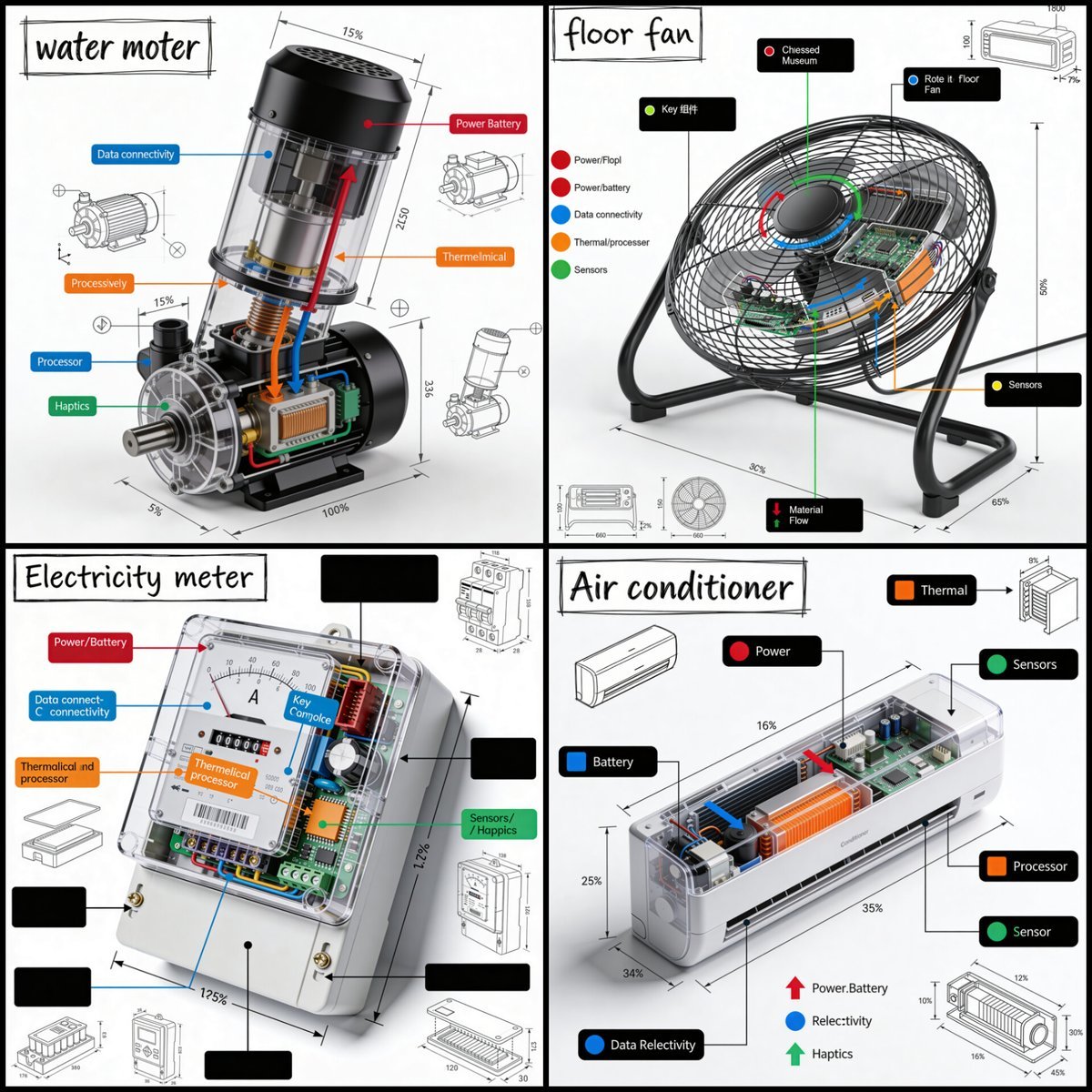
Technical Product Teardown Infographic
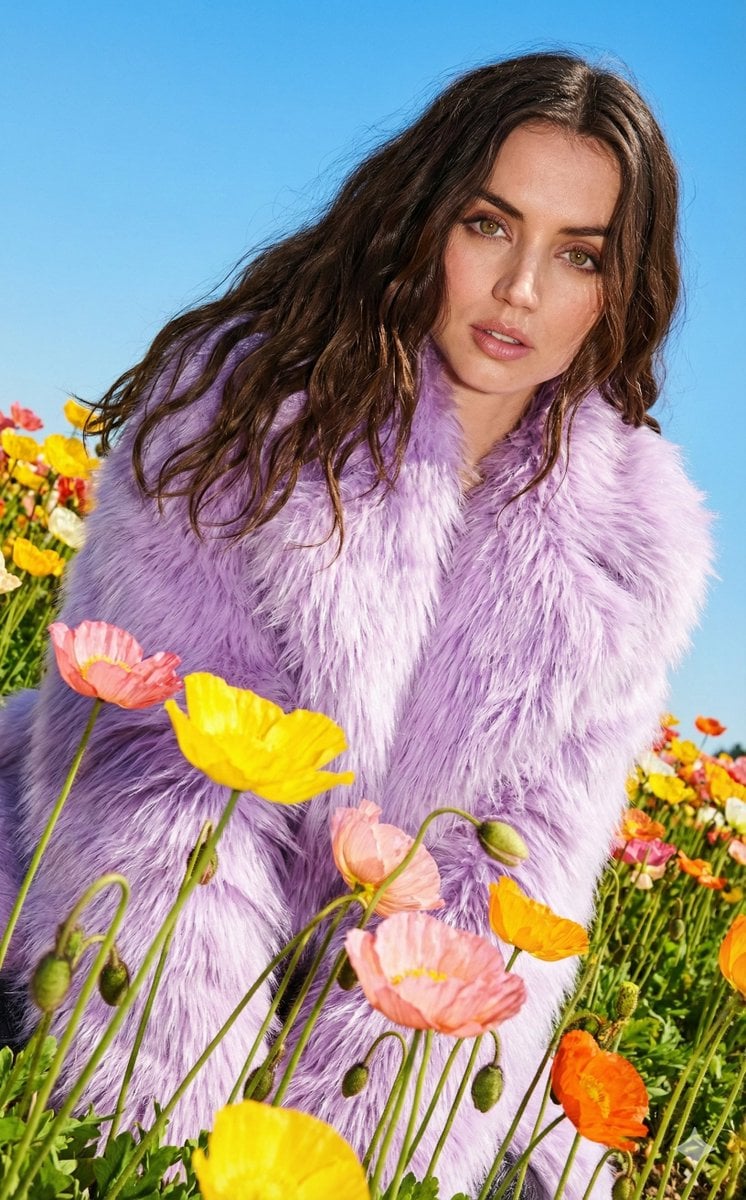
Harsh Flash Fashion Portrait in Flower Field Prompt
Browse template categories
Pastel Otome Game UI Mockup questions
How do I use the Pastel Otome Game UI Mockup template?
Add your photo if the template asks for one, edit the prompt if you like — the template's model and format are already selected — and press Generate. Your version opens in PicX Studio.
Can I customize the Pastel Otome Game UI Mockup template?
Yes. You can change the subject, setting, lighting, mood, format, and available model controls before creating your image.
Is the Pastel Otome Game UI Mockup template free?
Opening and editing this template is free. Generating uses credits, shown on the Generate button when you are signed in.
Which AI model should I use?
Start with GPT Image 2, which is the model associated with this template. You can compare another compatible model for a different finish.
Looking for something else? Browse all templates.

Your photo, any look
Thousands of ready templates for every top image and video model, from one credit balance.