How do I use the Editorial Fashion Crayon Illustration template?
Choose the primary action to open PicX Studio with the available template settings. Review the model and format, personalize the creative direction, and generate when ready.
A playful fashion campaign prompt blending photorealistic editorial photography with childlike hand-drawn crayon doodles.
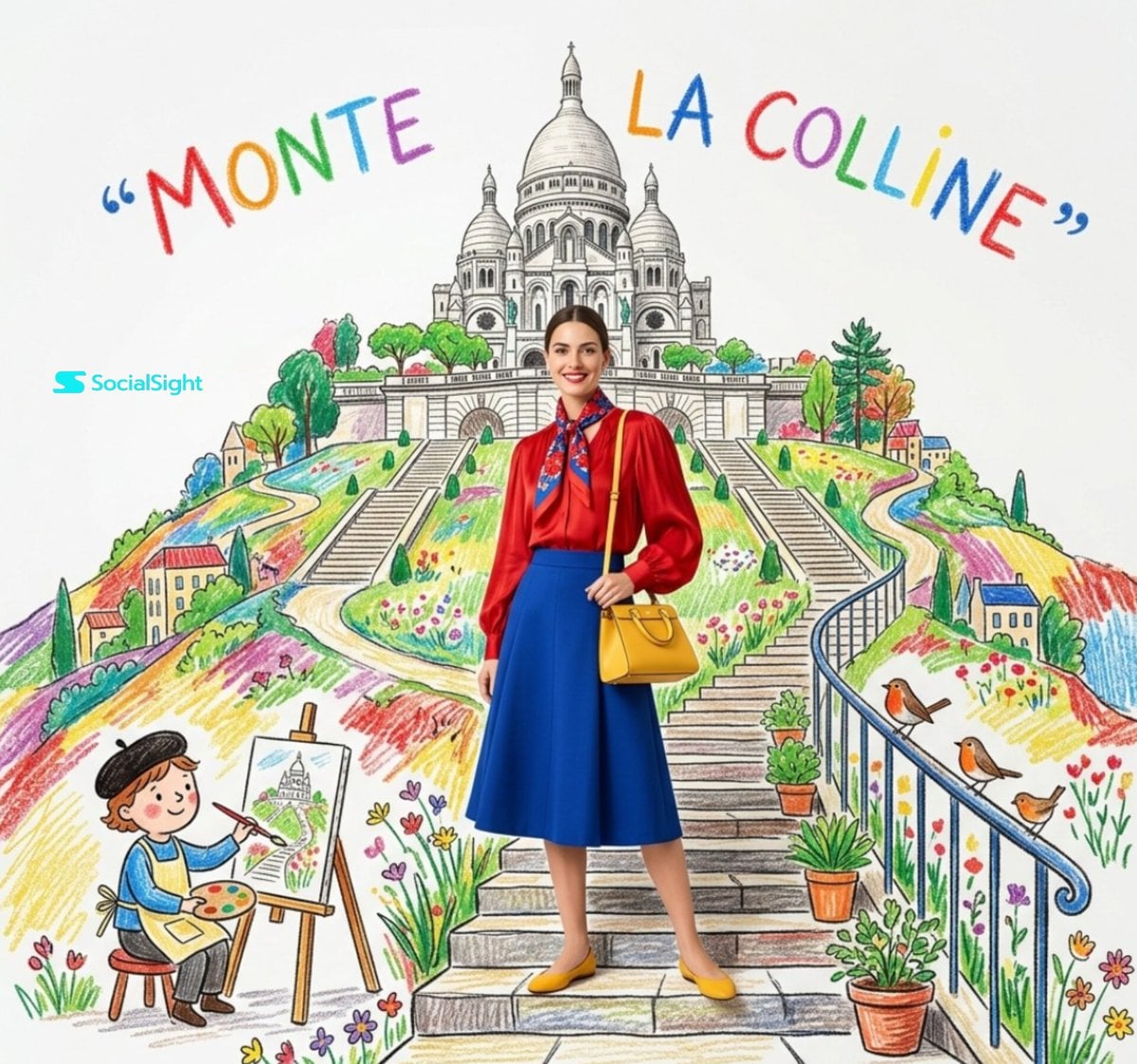
Ultra-stylized editorial fashion photo mixed with {argument name="art style" default="hand-drawn crayon illustration art"}, minimalist white studio background, a {argument name="subject" default="chic French woman sitting at a tiny Parisian café table drinking espresso"}, yellow sleeveless dress, green neck scarf, vintage brown heels, croissant and newspaper on the table, pink luxury handbag beside the chair, giant childlike crayon drawing of the Eiffel Tower behind her in red blue and yellow, colorful “BONJOUR” handwritten text at top, smiling sun doodle, fluffy clouds, playful bird sketch, whimsical French postcard aesthetic, luxury fashion campaign vibe, clean composition, vibrant GPT colors, soft studio lighting, highly detailed, photorealistic woman blended with sketchbook illustration environment, Pinterest editorial style.
Choose the primary action to open PicX Studio with the available template settings. Review the model and format, personalize the creative direction, and generate when ready.
Yes. You can change the subject, setting, lighting, mood, format, and available model controls before creating your image.
This template is free to open and customize. Generation usage is shown in PicX Studio before you create.
Start with Nano Banana 2, which is the model associated with this template. You can compare another compatible model for a different finish.
Follow a topic to a crawlable collection of related PicX Studio templates.