
Executive AI Operating Readout
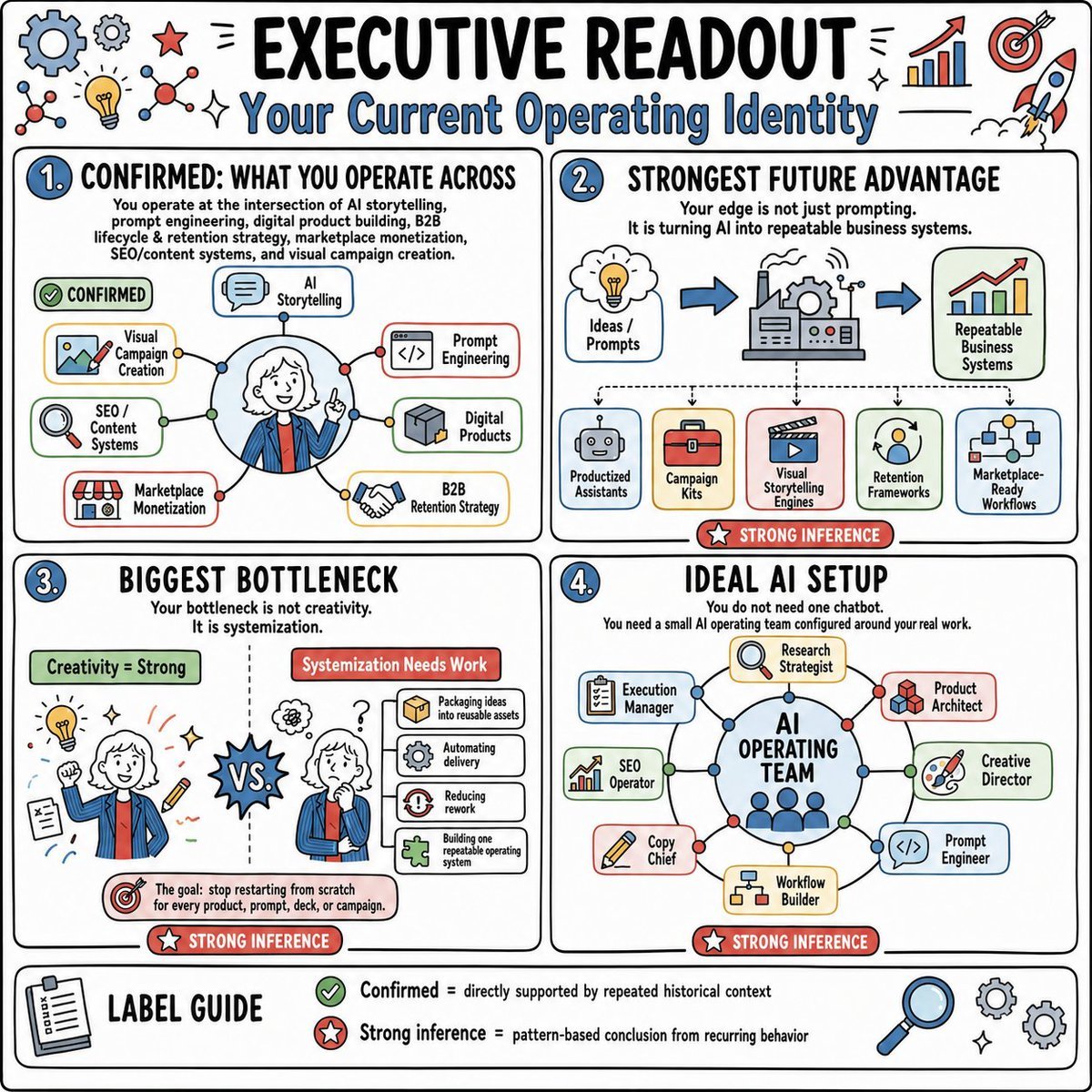
A square sketchnote-style executive infographic summarizing a personal AI operating identity, bottlenecks, future advantage, and ideal AI team setup.
- Prompt included
- Model and format preset
- Free template
The prompt behind this image
Copy the exact prompt behind Executive AI Operating Readout, or open it in the studio and make it yours.
Goal: Create a hand-drawn strategy infographic titled {argument name="headline text" default="EXECUTIVE READOUT"} with the subtitle {argument name="subtitle text" default="Your Current Operating Identity"}, summarizing an AI/business operating identity in a playful consulting whiteboard style. Canvas: Square 1:1 image, white background, thick black rounded outer border, black hand-lettered typography with blue accents, red inference badges, green confirmation badges, and small doodle icons around the margins. Use a clean sketchnote style with marker-like outlines, subtle off-white card fills, and lightly colored icon panels. Layout: Divide the page into four large rounded rectangular panels in a 2-by-2 grid, plus one full-width label guide strip at the bottom. Each main panel has a blue numbered circle at top left. Add decorative icons around the top edge: exactly 11 visible doodles/icons consisting of a large blue gear, a small gray gear, a red star, two molecule/network icons, a yellow lightbulb, two sparkle marks, a rising bar chart with red arrow, a red target with arrow, and a rocket. Panel 1: Numbered “1.” and titled “CONFIRMED: WHAT YOU OPERATE ACROSS.” Add the explanatory text: “You operate at the intersection of AI storytelling, prompt engineering, digital product building, B2B lifecycle & retention strategy, marketplace monetization, SEO/content systems, and visual campaign creation.” Show a central circular portrait of a smiling professional with white hair wearing a blue jacket and red tie, pointing upward, surrounded by connected nodes. Include exactly 7 labeled capability boxes around the portrait: “AI Storytelling,” “Prompt Engineering,” “Digital Products,” “B2B Retention Strategy,” “Marketplace Monetization,” “SEO / Content Systems,” and “Visual Campaign Creation.” Add a green pill label reading “CONFIRMED.” Panel 2: Numbered “2.” and titled “STRONGEST FUTURE ADVANTAGE.” Add the text: “Your edge is not just prompting. It is turning AI into repeatable business systems.” Show a left-to-right flow with three large elements: a thought cloud labeled “Ideas / Prompts,” a central factory/machine with gears, and a chart card labeled “Repeatable Business Systems,” connected by blue arrows. Below it show exactly 5 output cards labeled “Productized Assistants,” “Campaign Kits,” “Visual Storytelling Engines,” “Retention Frameworks,” and “Marketplace-Ready Workflows.” Add a red badge at the bottom reading “STRONG INFERENCE.” Panel 3: Numbered “3.” and titled “BIGGEST BOTTLENECK.” Add the text: “Your bottleneck is not creativity. It is systemization.” Split the panel with a dotted vertical divider. Left side has a green header “Creativity = Strong” and shows the same person from behind amid idea doodles such as a lightbulb, pencil, notes, sparkles, and a target. Right side has a red header “Systemization Needs Work” and shows the person looking stressed with question marks and a stack of process cards. Include exactly 4 process cards: “Packaging ideas into reusable assets,” “Automating delivery,” “Reducing rework,” and “Building one repeatable operating system.” Put a spiky “VS.” burst in the center. Bottom callout with target icon: “The goal: stop restarting from scratch for every product, prompt, deck, or campaign.” Add a red badge “STRONG INFERENCE.” Panel 4: Numbered “4.” and titled “IDEAL AI SETUP.” Add the text: “You do not need one chatbot. You need a small AI operating team configured around your real work.” Show a central blue circle labeled {argument name="central system name" default="AI OPERATING TEAM"} with small person dots inside, connected to exactly 8 role cards arranged around it: “Execution Manager,” “Research Strategist,” “Product Architect,” “Creative Director,” “Prompt Engineer,” “Workflow Builder,” “Copy Chief,” and “SEO Operator.” Use thin connector lines with colored nodes. Add a red badge “STRONG INFERENCE.” Bottom label guide: Full-width rounded strip titled “LABEL GUIDE” with a clipboard icon on the left. Include exactly 2 legend entries: green check icon with “Confirmed = directly supported by repeated historical context” and red star icon with “Strong inference = pattern-based conclusion from recurring behavior.” Add three decorative icons at the right: a magnifying glass and two gears, plus tiny sparkles. Visual style: playful executive whiteboard infographic, thick black marker outlines, rounded cards, bright but restrained palette of sky blue, red, green, yellow, and gray, hand-drawn business icons, dense but readable composition, no photorealism, no shadows beyond simple marker shading. Constraints: Keep all text in English, preserve the exact four-panel structure, use exactly 4 main panels and exactly 7 capability boxes, 5 output cards, 4 process cards, 8 AI role cards, and 2 legend entries. Avoid extra sections, watermarks, logos, or unrelated text.
How to use Executive AI Operating Readout in 3 steps
- 1Upload ImagePNG, JPG or paste
Add your photo
Upload the photo the template builds on. The prompt, model and format are already set.
- 2…a portrait of your subject in softgolden-hour light, 85mm…
Personalize
Edit the subject and creative details for your destination.
- 3Generate
Generate
Press Generate — your image is created in PicX Studio, so you can compare it with the original and refine one variable at a time.
More like this
Templates with the same subject, style or setup. Open one to see its prompt.
Chibi Character Operating a Cyber Window Prompt

Shocked Executives Find Pacifier

Confident Executive Office Portrait

Luxury Executive Future Self Portrait

Executive Office Phone Call Portrait

Executive Office Portrait
Cinematic Black Leather Executive Portrait

Luxury Penthouse Executive Portrait
Ultra-Premium Executive Portrait
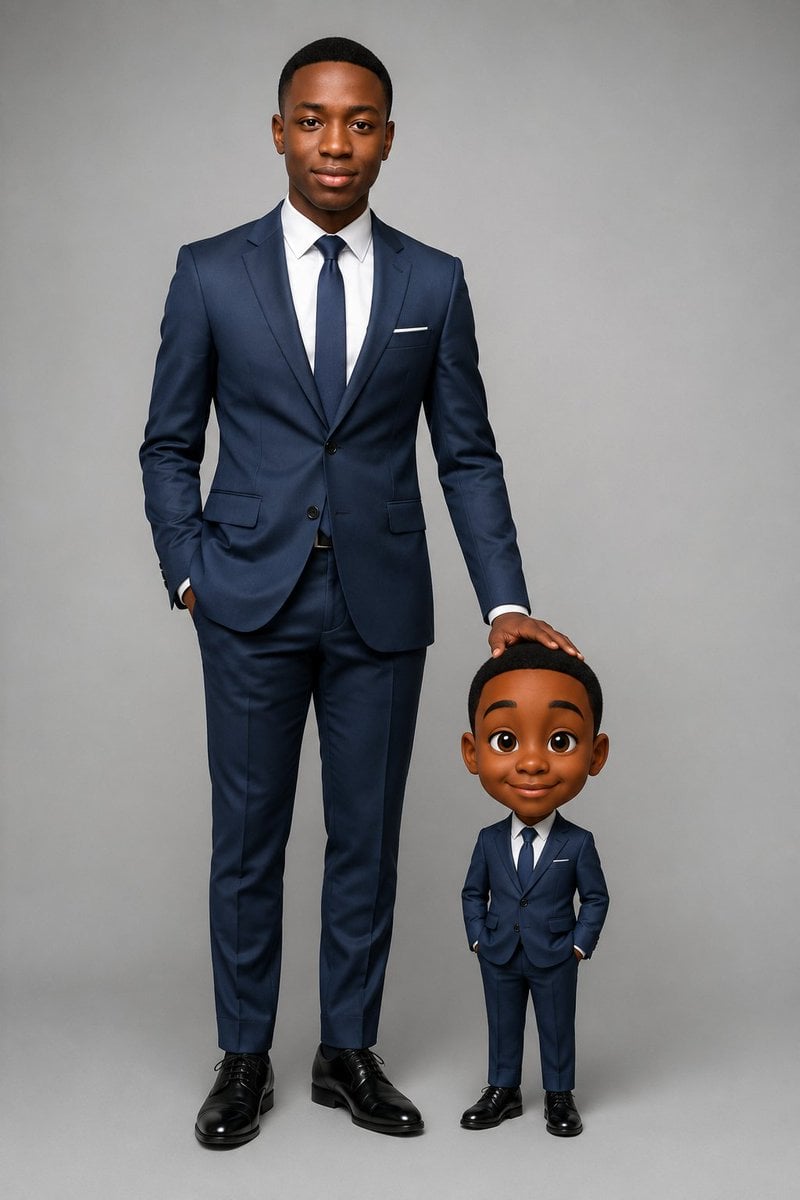
Executive Portrait With Mini Caricature

Executive Studio Portrait in Modern Fashion

Luxury Executive Office Portrait
Make it yours
Executive AI Operating Readout works as-is. These are the safest ways to change it without losing the look.
Change one field
Copy a single group, rewrite it, and generate again so you can see what that field is doing.
Keep the frame, change the subject
Hold the composition and light of Executive AI Operating Readout, then swap wardrobe, props or the person for a new take.
| If the result… | Why | Fix |
|---|---|---|
| The result drifts from the preview | Too many fields changed at once. | Reuse Executive AI Operating Readout as-is first, then change one group — subject, light, or setting. |
| The model over-stylizes the scene | The prose prompt leaves finish and camera underspecified. | Add one camera or lighting sentence and stay on GPT Image 2. |
More GPT Image 2 templates
Other prompts made for GPT Image 2.

Six VTuber Japanese Logo Sheet

Realistic Portrait of Woman and Deer

The Vista Modular Condo Poster

AI Model Routing Comparison Infographic

2.5D Anime Art Board

Isometric Productivity Desk Scene

New York Double Exposure Poster

Four-Panel AI Landscape Comparison

Japanese Tatami Lifestyle Magazine Cover

NESCAFÉ Coffee Map Poster
More image prompts
Fresh picks from across the catalog.
Inspired Prompt from LudovicCreator
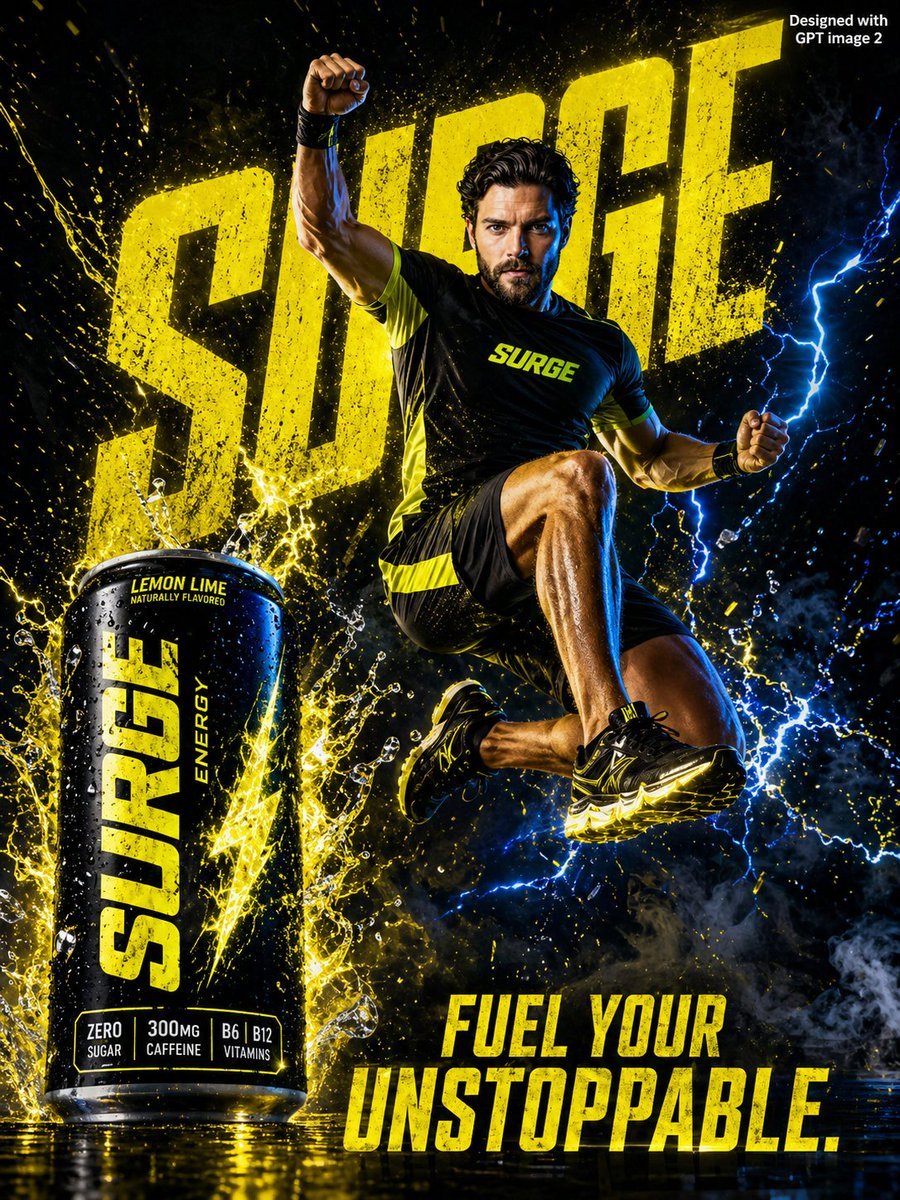
Energy Drink Advertising Poster
Cinematic Cyberpunk Woman Portrait
Neon City Night Portrait with Wide-Angle Distortion

Neon Luxury Mirror Selfie
Kids' Breaking Bad Summary Poster

Adding Santa Claus to a Photo using Nano Banana Pro
Neon Wireframe 3D Prompt Template
Object-Based Miniature City Diorama Prompt
Cute Retro Chengdu Cartoon Poster
Browse template categories
Executive AI Operating Readout questions
How do I use the Executive AI Operating Readout template?
Add your photo if the template asks for one, edit the prompt if you like — the template's model and format are already selected — and press Generate. Your version opens in PicX Studio.
Can I customize the Executive AI Operating Readout template?
Yes. You can change the subject, setting, lighting, mood, format, and available model controls before creating your image.
Is the Executive AI Operating Readout template free?
Opening and editing this template is free. Generating uses credits, shown on the Generate button when you are signed in.
Which AI model should I use?
Start with GPT Image 2, which is the model associated with this template. You can compare another compatible model for a different finish.
Looking for something else? Browse all templates.

Your photo, any look
Thousands of ready templates for every top image and video model, from one credit balance.