
Elven Treetop City
A cinematic high-fantasy prompt for generating a vast magical elven city suspended among giant rainforest trees.
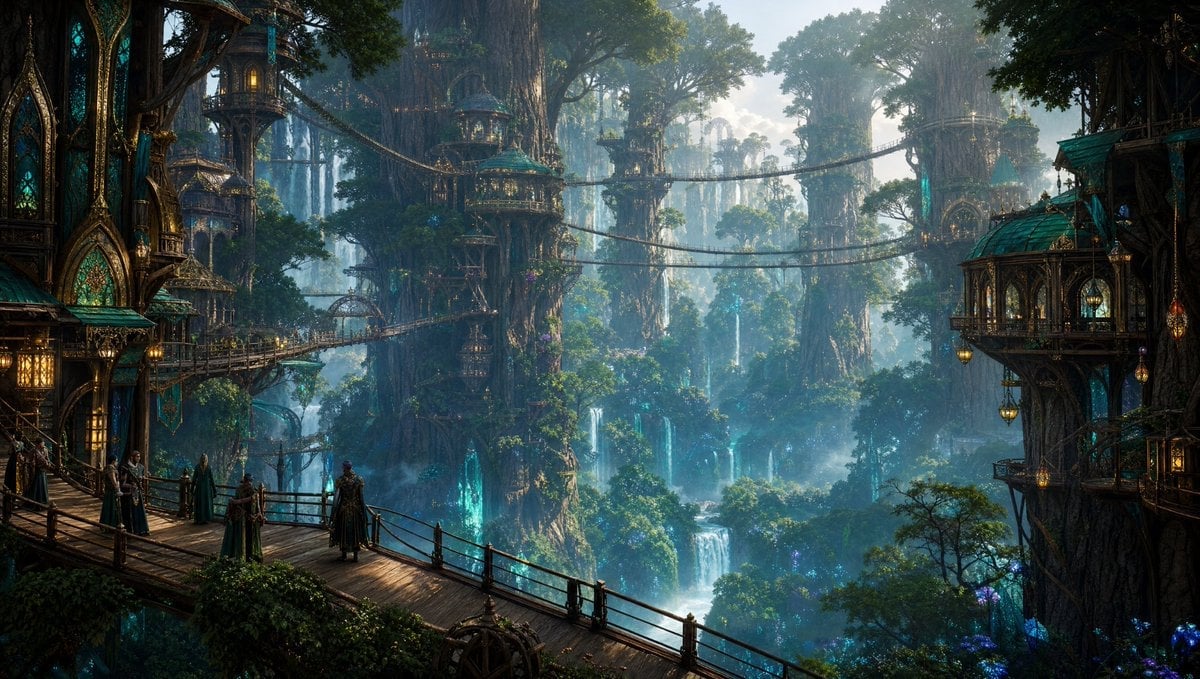
- Prompt included
- Model and format preset
- Free template
The prompt behind this image
Copy the exact prompt behind Elven Treetop City, or open it in the studio and make it yours.
Create an epic cinematic fantasy environment concept art scene of an ancient elven treetop city built into colossal rainforest trees, with {argument name="architecture style" default="ornate Art Nouveau elven Gothic architecture"}. Use a wide panoramic 16:9 composition viewed from an elevated wooden balcony and bridge in the foreground, looking across a deep misty forest valley. Show towering tree trunks supporting elegant suspended houses, domed teal-green roofs, stained-glass arched windows, gold filigree trim, carved wooden balconies, lanterns glowing warm amber, and multiple rope-and-wood suspension bridges spanning between trees. Include exactly 7 visible humanoid figures on the foreground walkway: four robed figures gathered on the left, one lone figure standing near the center railing facing the vista, and two smaller figures farther left near the bridge entrance. The scene should feature lush emerald foliage, hanging vines, blue-green magical light glowing from hollow tree openings, scattered purple bioluminescent plants, many distant waterfalls cascading through the forest, soft volumetric fog, and cool morning light filtering through the canopy. Make the mood awe-inspiring, serene, ancient, and magical, with extreme environmental detail, layered depth, atmospheric perspective, realistic textures, cinematic lighting, and ultra-detailed high-fantasy matte painting quality. Customize the setting as {argument name="fantasy city name" default="an elven forest citadel"}, the primary roof color as {argument name="roof color" default="deep turquoise patina"}, the lighting mood as {argument name="lighting mood" default="misty blue dawn with warm lantern glow"}, and the magical glow color as {argument name="magical glow color" default="cyan blue"}. No text, no logos, no modern objects, no sci-fi machinery.
How to use Elven Treetop City in 3 steps
- 1Upload ImagePNG, JPG or paste
Add your photo
Upload the photo the template builds on. The prompt, model and format are already set.
- 2…a portrait of your subject in softgolden-hour light, 85mm…
Personalize
Edit the subject and creative details for your destination.
- 3Generate
Generate
Press Generate — your image is created in PicX Studio, so you can compare it with the original and refine one variable at a time.
More like this
Templates with the same subject, style or setup. Open one to see its prompt.

Cozy Knit Sweater Window Portrait

Minimalist Hand-Drawn Doodle Portrait

Nano Banana Pro 2.0 — 3x3 Travel Profile Grid
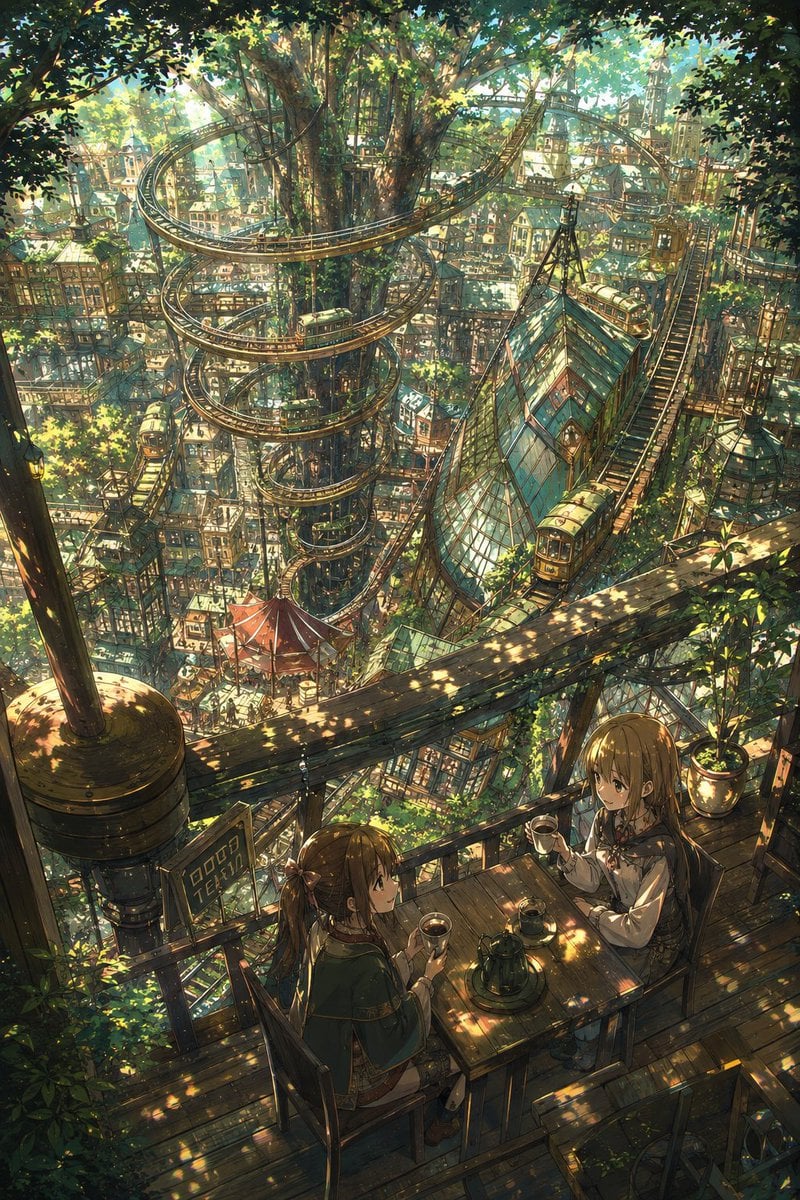
Fantasy Treetop Tram City Café
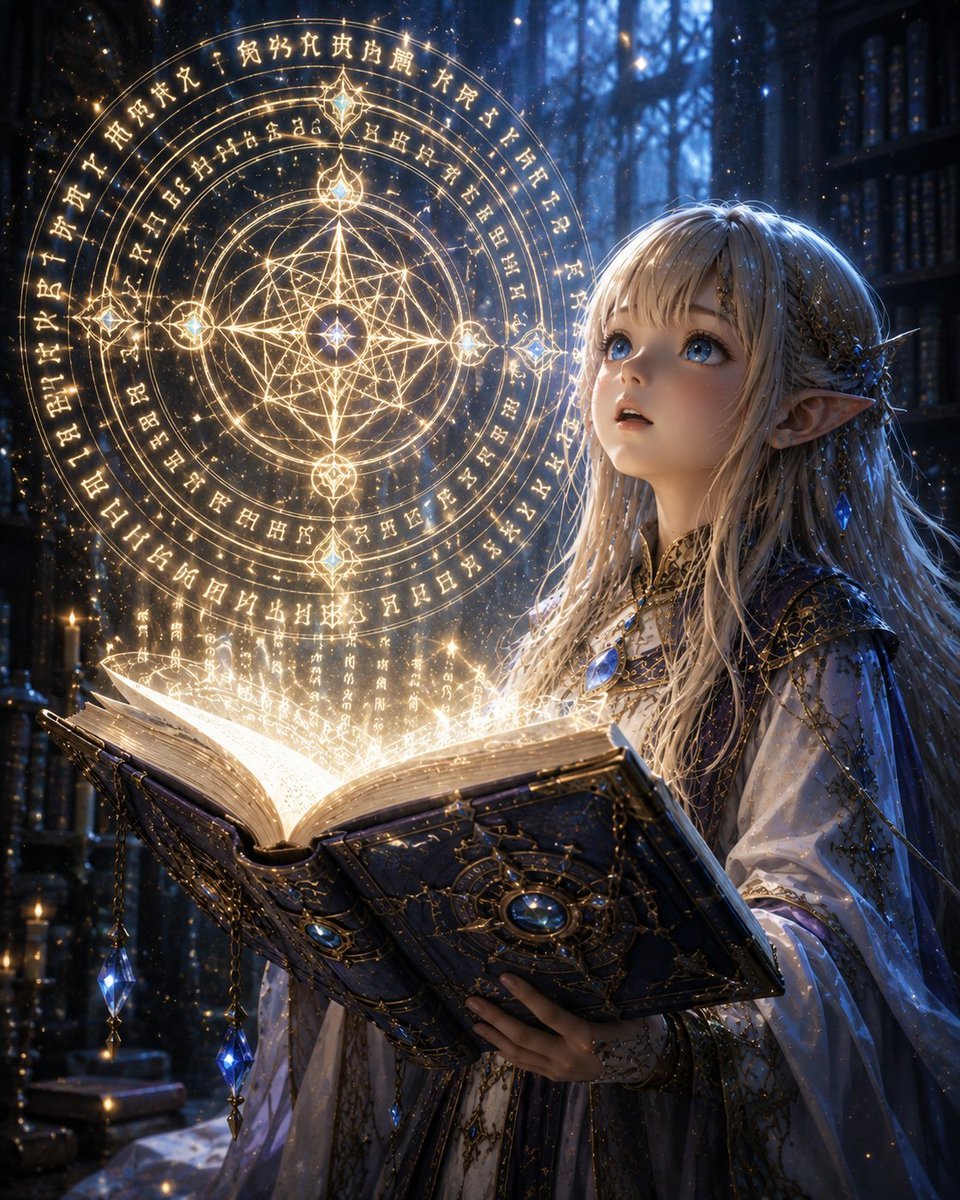
Elven Grimoire Contract
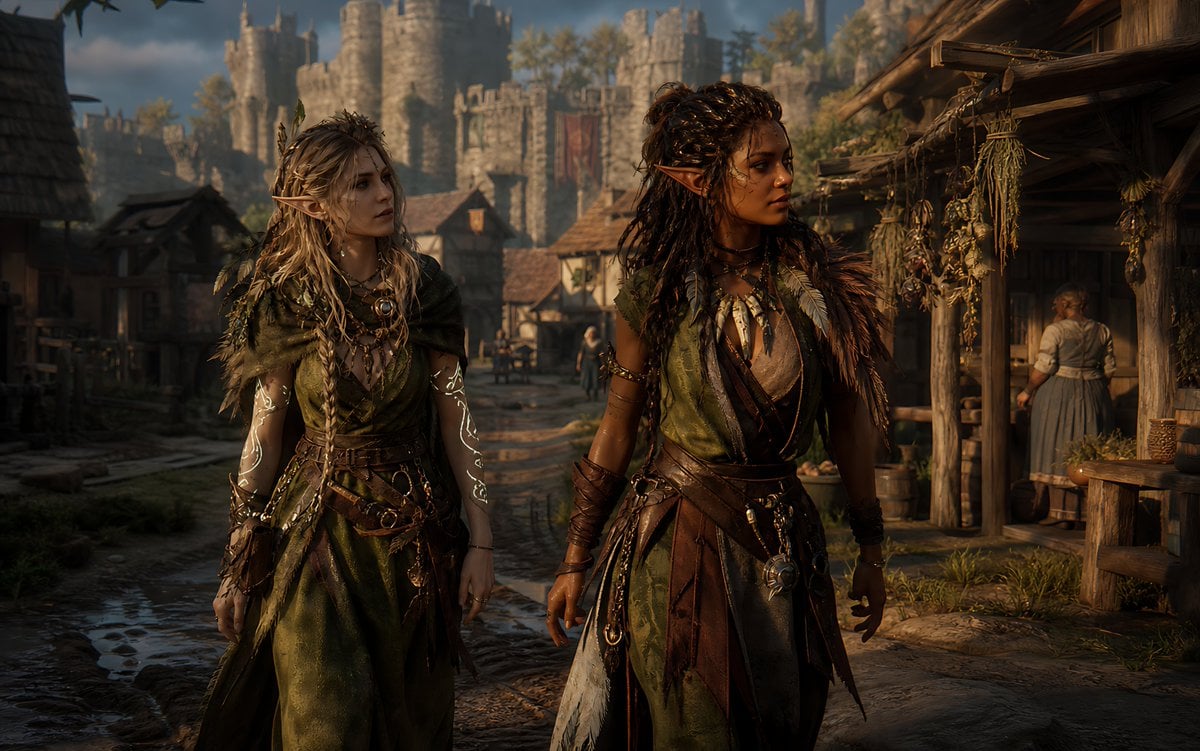
Censored Elven Adventurers in Medieval Village
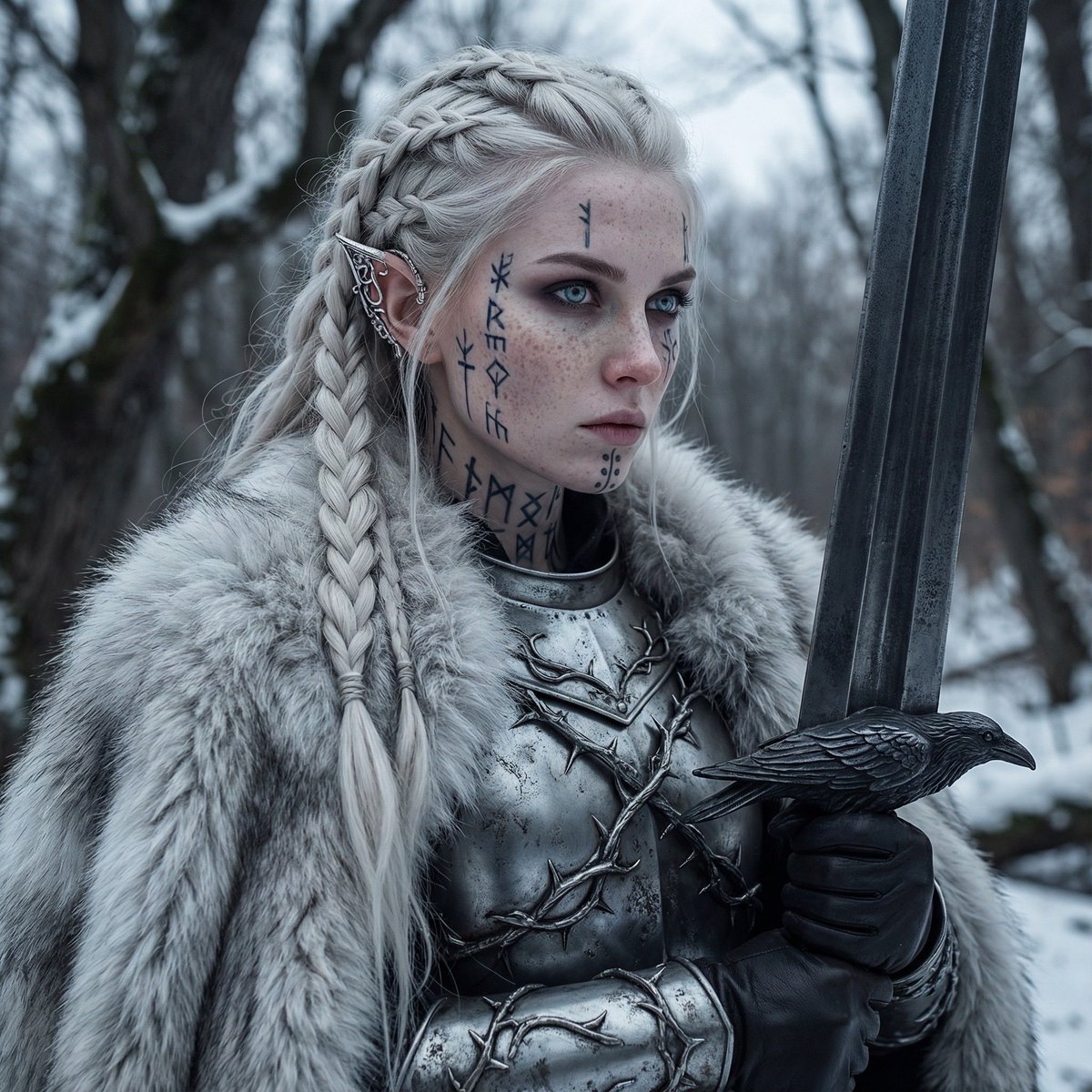
Fierce Elven Warrior Princess Cinematic Portrait
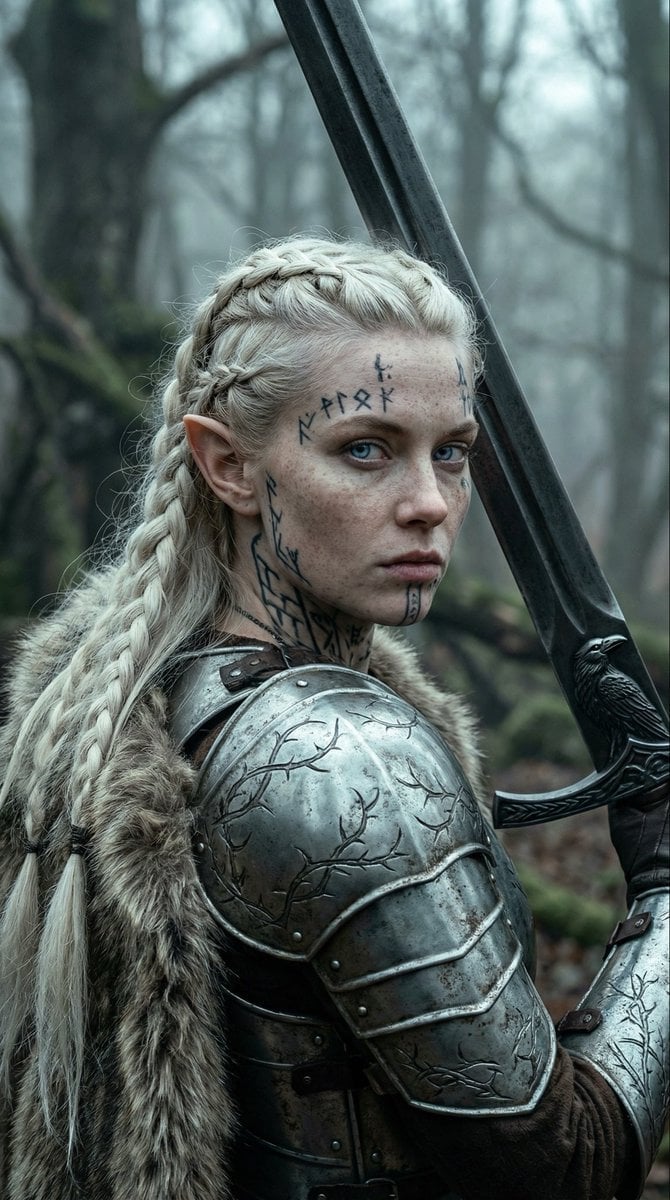
Fierce Elven Warrior Princess Cinematic Portrait (Duplicate)
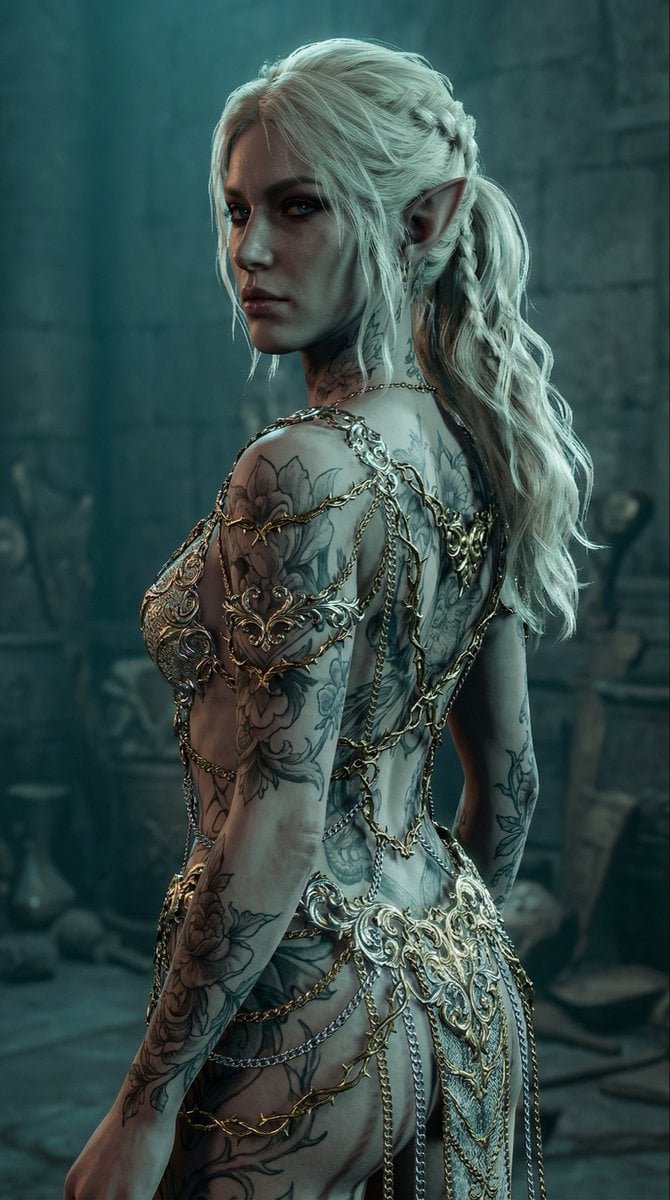
Elven Woman with Ornate Chain Dress
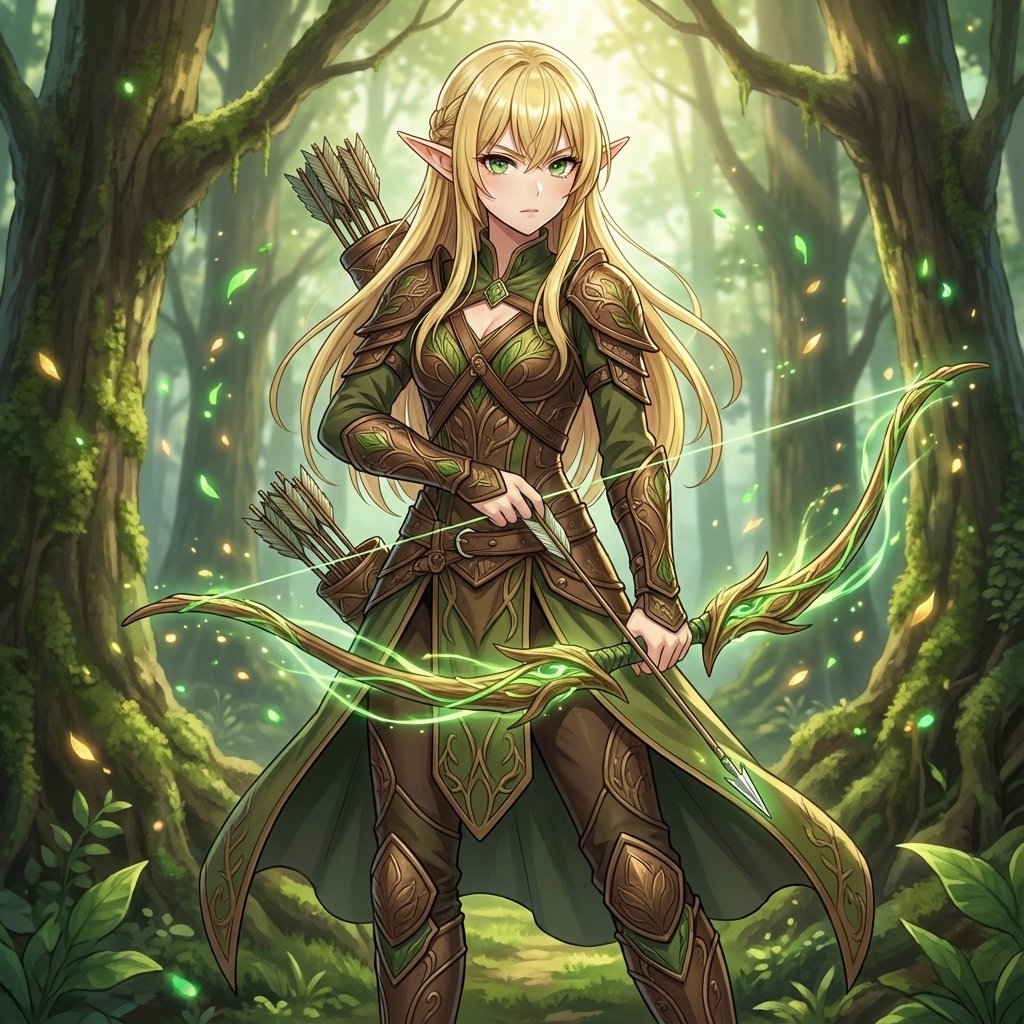
Elven Archer Transformation Prompt

Stylish Man in Modern City
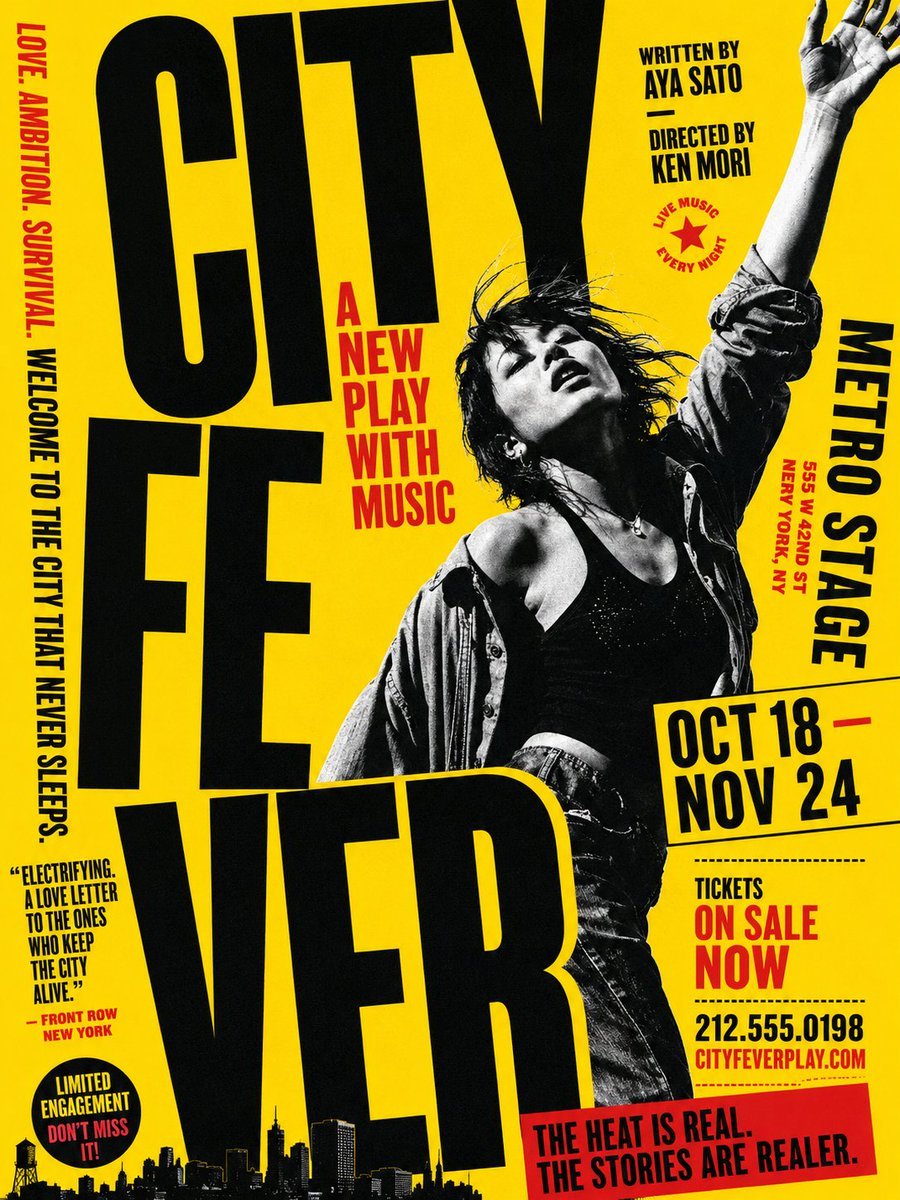
Gritty City Fever Theater Poster
Make it yours
Elven Treetop City works as-is. These are the safest ways to change it without losing the look.
Change one field
Copy a single group, rewrite it, and generate again so you can see what that field is doing.
Keep the frame, change the subject
Hold the composition and light of Elven Treetop City, then swap wardrobe, props or the person for a new take.
| If the result… | Why | Fix |
|---|---|---|
| The result drifts from the preview | Too many fields changed at once. | Reuse Elven Treetop City as-is first, then change one group — subject, light, or setting. |
| The model over-stylizes the scene | The prose prompt leaves finish and camera underspecified. | Add one camera or lighting sentence and stay on GPT Image 2. |
More GPT Image 2 templates
Other prompts made for GPT Image 2.

Six VTuber Japanese Logo Sheet

Realistic Portrait of Woman and Deer

The Vista Modular Condo Poster

AI Model Routing Comparison Infographic

2.5D Anime Art Board

Isometric Productivity Desk Scene

New York Double Exposure Poster

Four-Panel AI Landscape Comparison

Japanese Tatami Lifestyle Magazine Cover

NESCAFÉ Coffee Map Poster
More image prompts
Fresh picks from across the catalog.

Raw High-Contrast Mirror Selfie (iPhone Ultra-Wide)
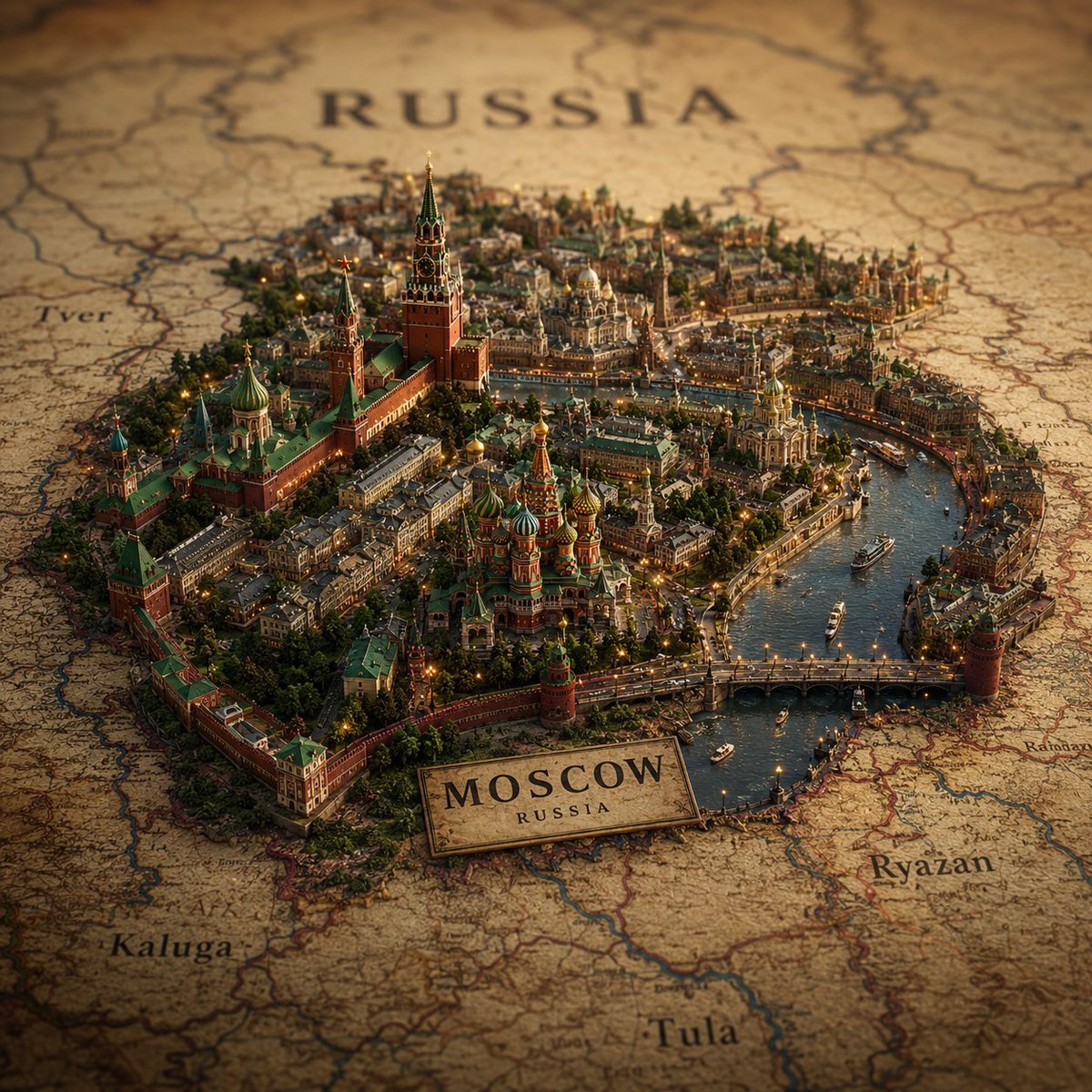
Cinematic Atlas Miniature World Diorama
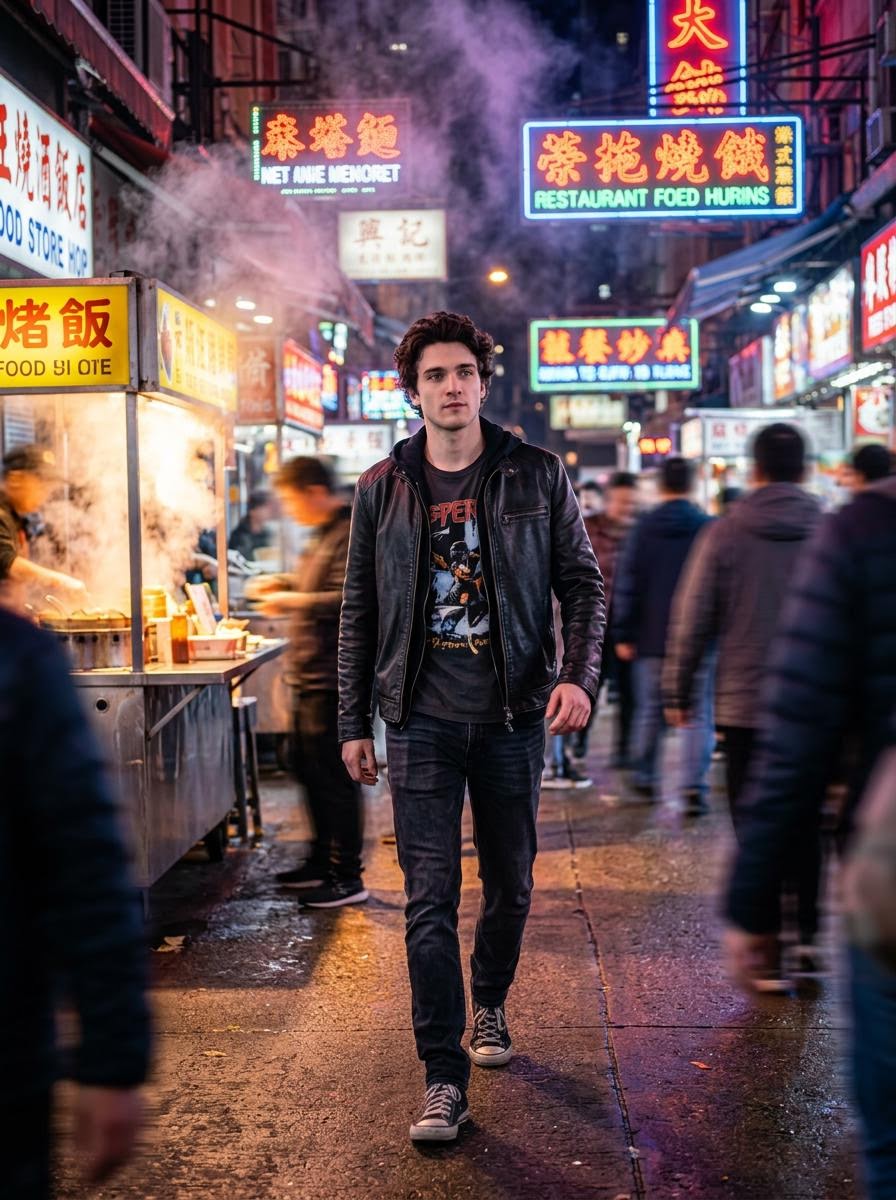
Cinematic Hollywood-Style Street Market Walk

Bold Potato Chips Advertising Poster

Identity-Preserving Storybook Illustration (Group)
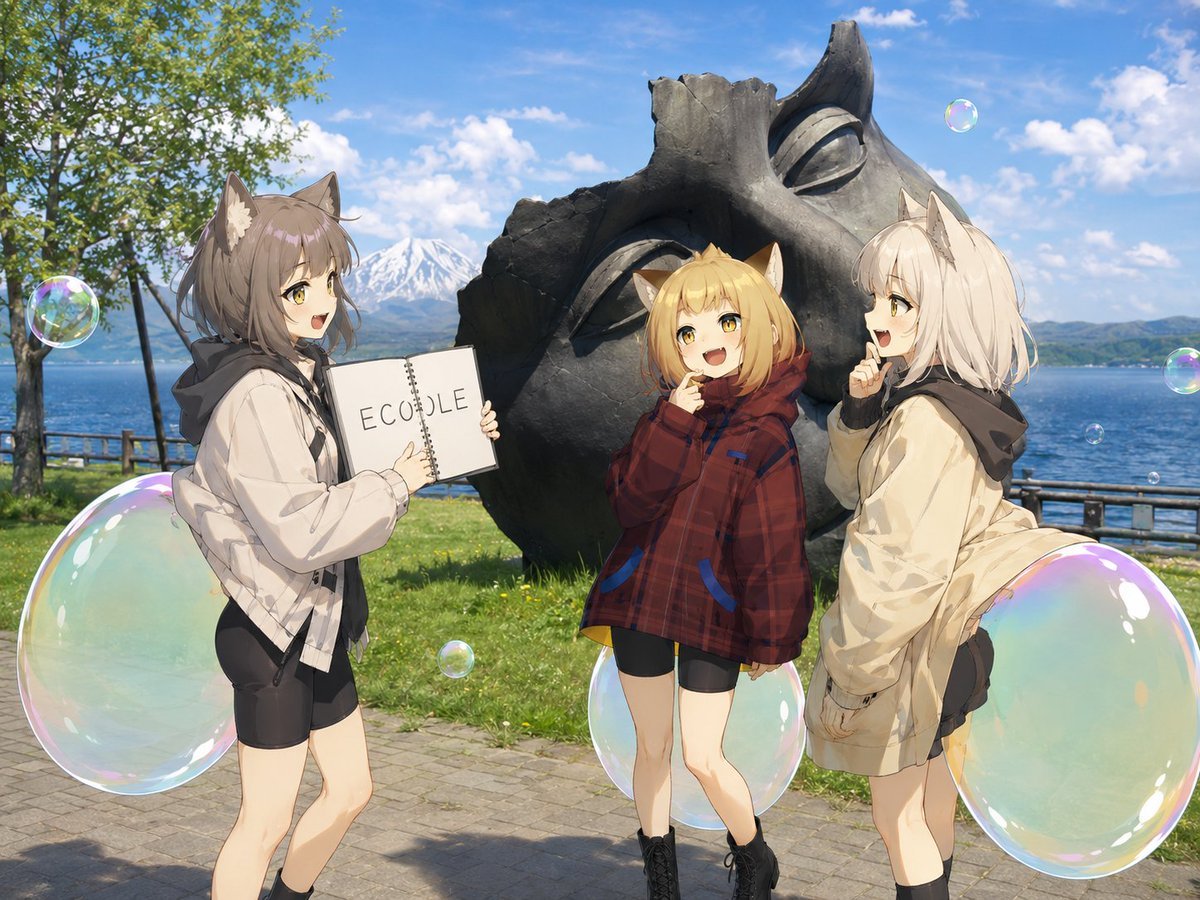
Anime Catgirls at Lakeside Statue
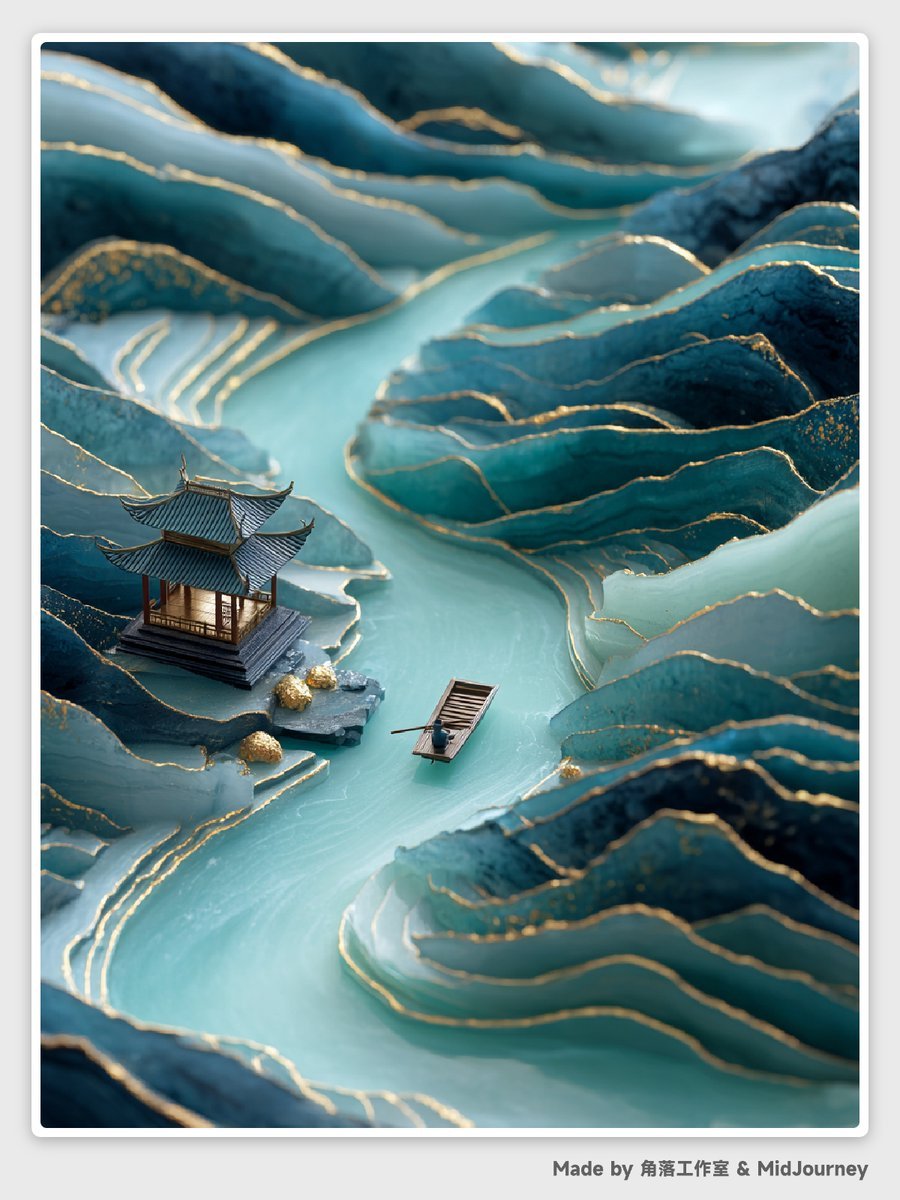
Abstract Chinese Landscape Miniatures Prompt
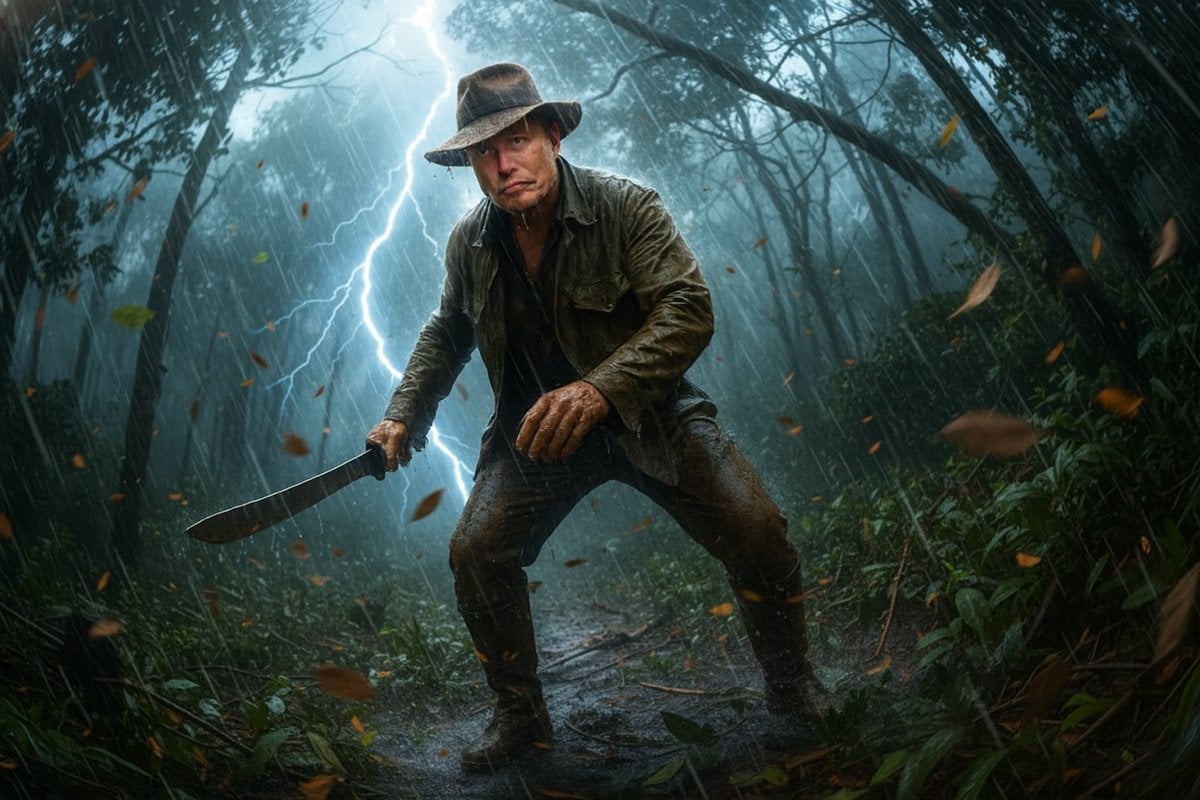
Jungle Explorer Scene Prompt

Chocolate Crepe Commercial Render Prompt (Python Class Style)
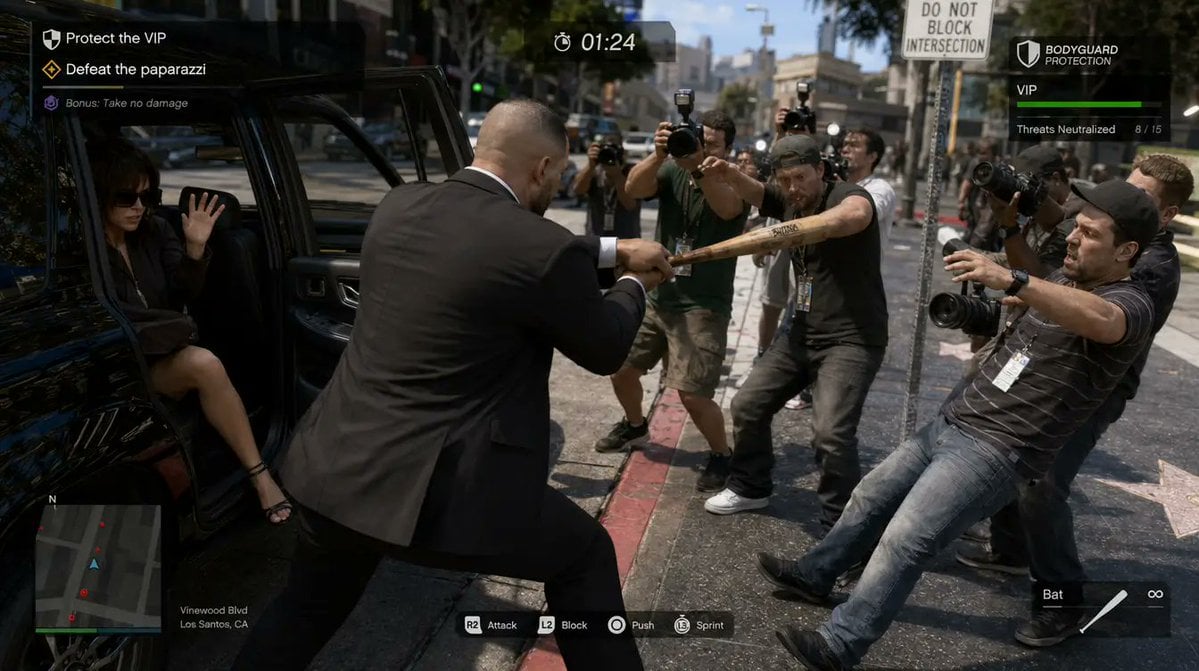
3D gaming scene with bodyguard
Browse template categories
Elven Treetop City questions
How do I use the Elven Treetop City template?
Add your photo if the template asks for one, edit the prompt if you like — the template's model and format are already selected — and press Generate. Your version opens in PicX Studio.
Can I customize the Elven Treetop City template?
Yes. You can change the subject, setting, lighting, mood, format, and available model controls before creating your image.
Is the Elven Treetop City template free?
Opening and editing this template is free. Generating uses credits, shown on the Generate button when you are signed in.
Which AI model should I use?
Start with GPT Image 2, which is the model associated with this template. You can compare another compatible model for a different finish.
Looking for something else? Browse all templates.

Your photo, any look
Thousands of ready templates for every top image and video model, from one credit balance.