
Surreal Rooftop Infinity Pool Portrait
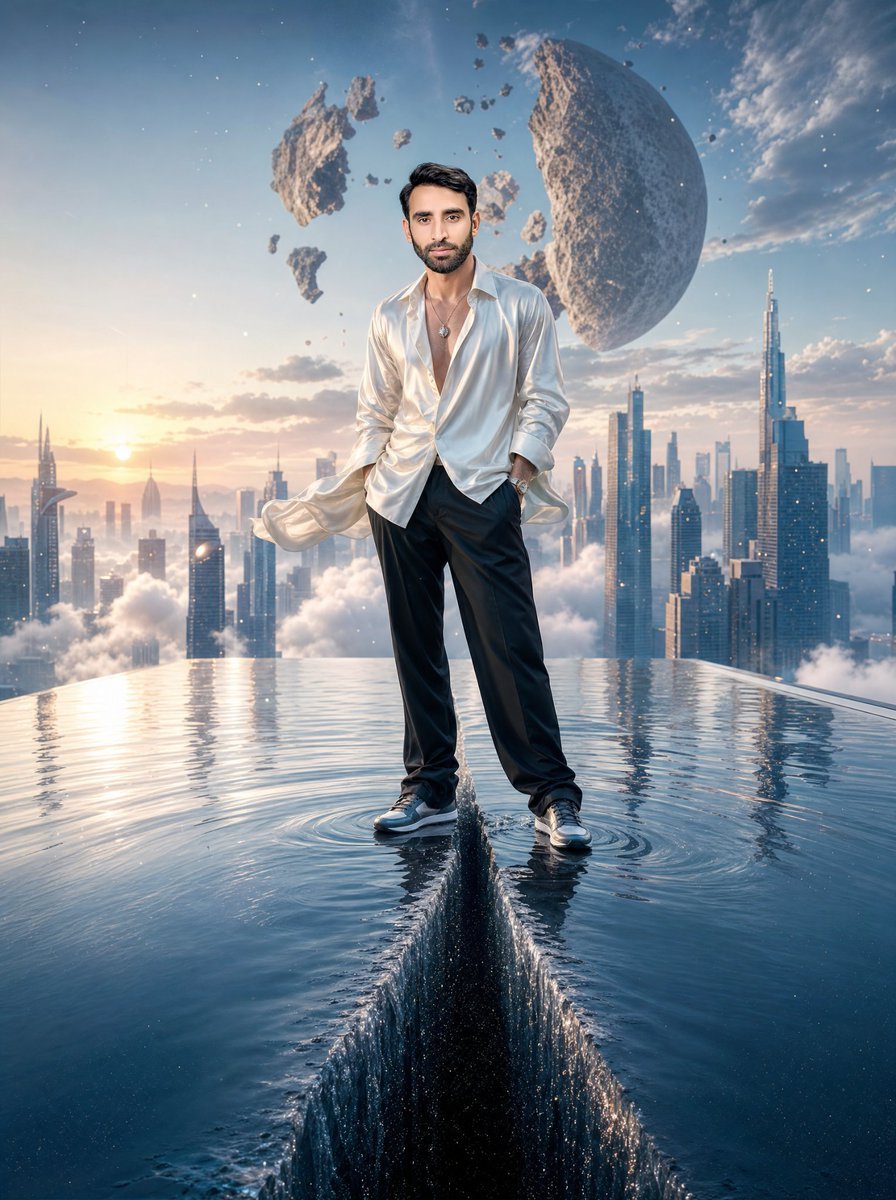
A cinematic prompt for creating a hyper-realistic surreal male fashion portrait on a split rooftop infinity pool above a futuristic dawn skyline.
- Prompt included
- Model and format preset
- Free template
The prompt behind this image
Copy the exact prompt behind Surreal Rooftop Infinity Pool Portrait, or open it in the studio and make it yours.
Create a hyper-realistic surreal cinematic digital artwork in vertical 3:4 format showing a full-body {argument name="subject" default="handsome adult male figure"} standing confidently at the exact center edge of a gigantic rooftop infinity pool suspended high above a futuristic city skyline at dawn. The man faces the camera with a calm fashion-editorial pose, one hand in his trouser pocket, wearing an open flowing silky {argument name="shirt color" default="white satin"} shirt with wind-blown tails, a necklace, loose black trousers, and black-and-white sneakers; his face should be softly anonymized/blurred while keeping realistic hair and body proportions. The pool water is perfectly split down the middle from the foreground toward his feet, forming a deep dark vertical chasm with sharp raised water walls, sparkling droplets, ripples around both shoes, and mirror-like reflections across the water surface. Behind him, show a vast futuristic metropolis rising through clouds, with many sleek skyscrapers and one very tall needle-like tower on the right, bathed in warm sunrise light from the left. In the sky, include a massive broken moon or asteroid sphere on the upper right and exactly 7 visible floating rocky fragments of different sizes scattered around it. Use dramatic dawn colors, blue and gold atmospheric haze, volumetric clouds, crisp reflections, ultra-detailed water physics, photorealistic fabric sheen, cinematic wide-angle perspective, high dynamic range, and a dreamlike luxury sci-fi mood. Avoid text, logos, extra people, borders, or cartoon styling.
How to use Surreal Rooftop Infinity Pool Portrait in 3 steps
- 1Upload ImagePNG, JPG or paste
Add your photo
Upload the photo the template builds on. The prompt, model and format are already set.
- 2…a portrait of your subject in softgolden-hour light, 85mm…
Personalize
Edit the subject and creative details for your destination.
- 3Generate
Generate
Press Generate — your image is created in PicX Studio, so you can compare it with the original and refine one variable at a time.
More like this
Templates with the same subject, style or setup. Open one to see its prompt.
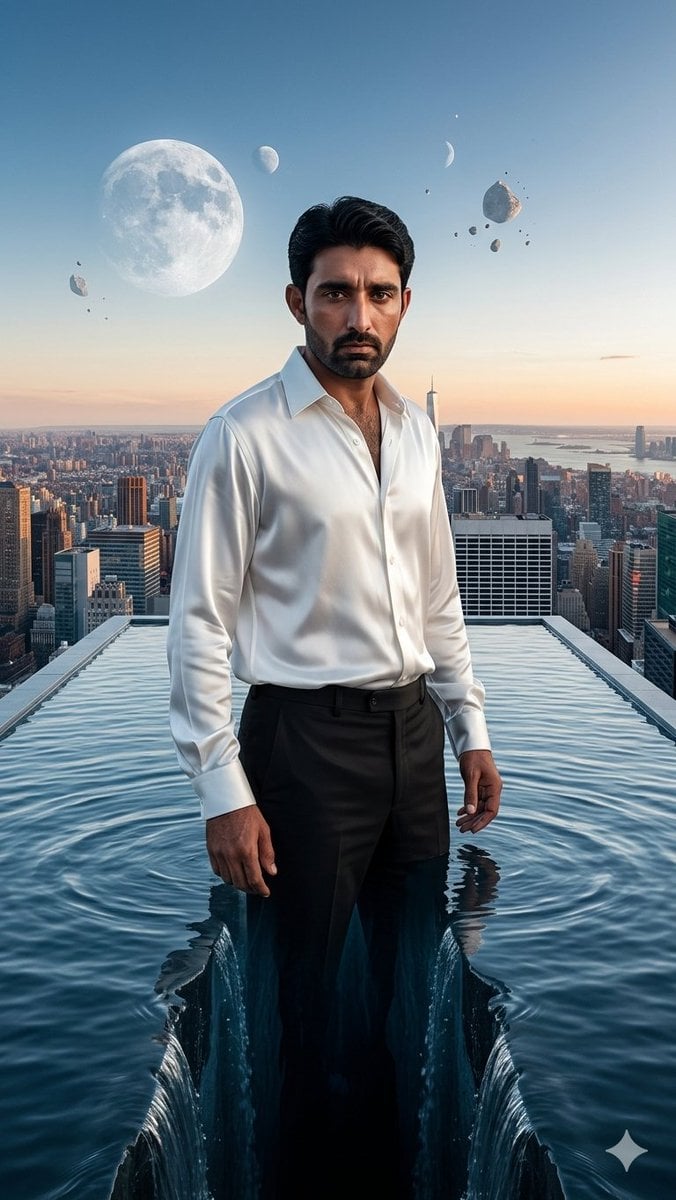
Surreal Rooftop Infinity Pool Portrait

Rooftop Fisheye — Cat-Ear Balaclava at Golden Hour

If We Met in 1985

Found Photograph: Us, 1970

80s Couple Studio Portrait

80s Bollywood Star

80s Golden Hour Cinema

Me in 1985

1985 Studio Portrait
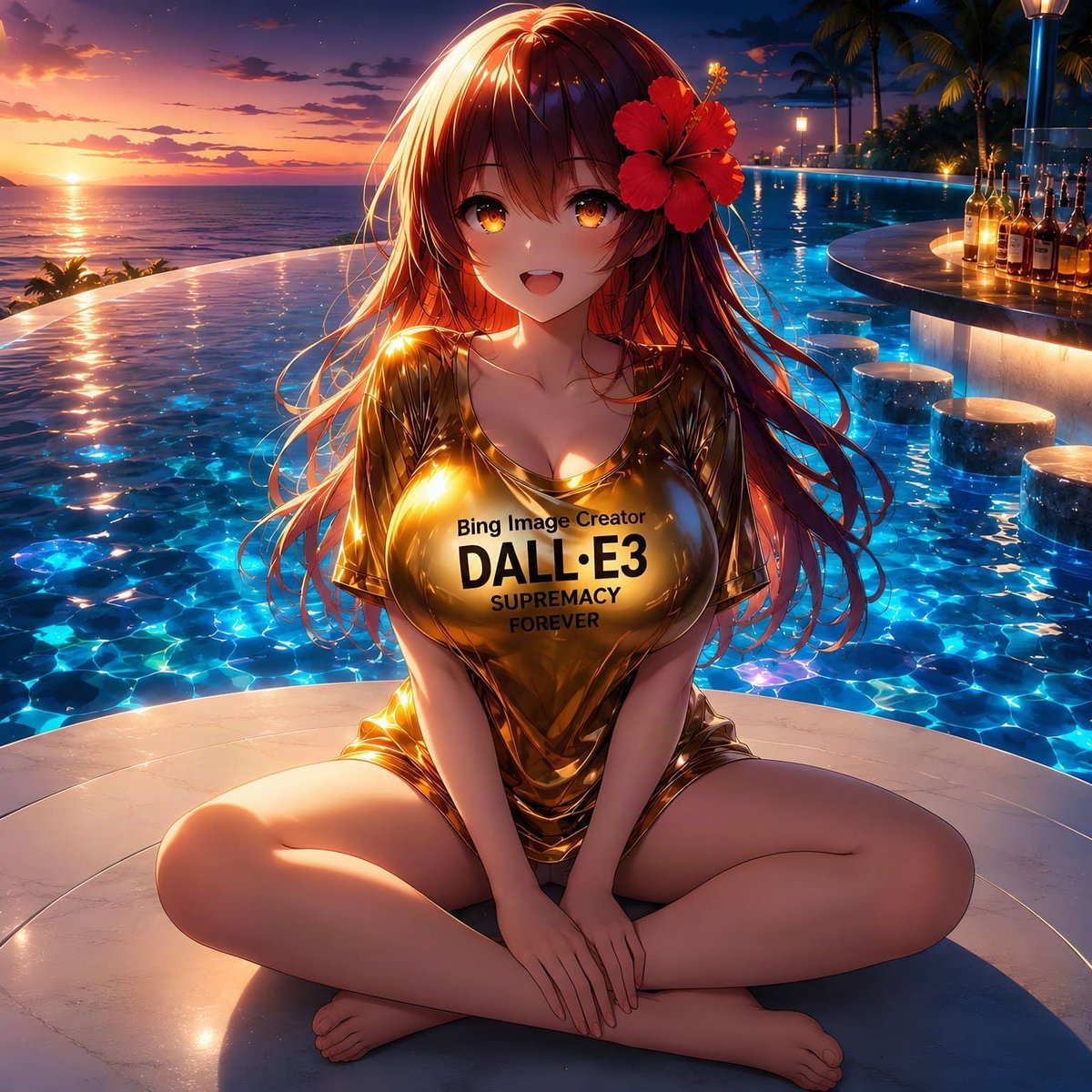
Anime Girl at Sunset Infinity Pool

Hyper-Realistic Minecraft POV Portrait
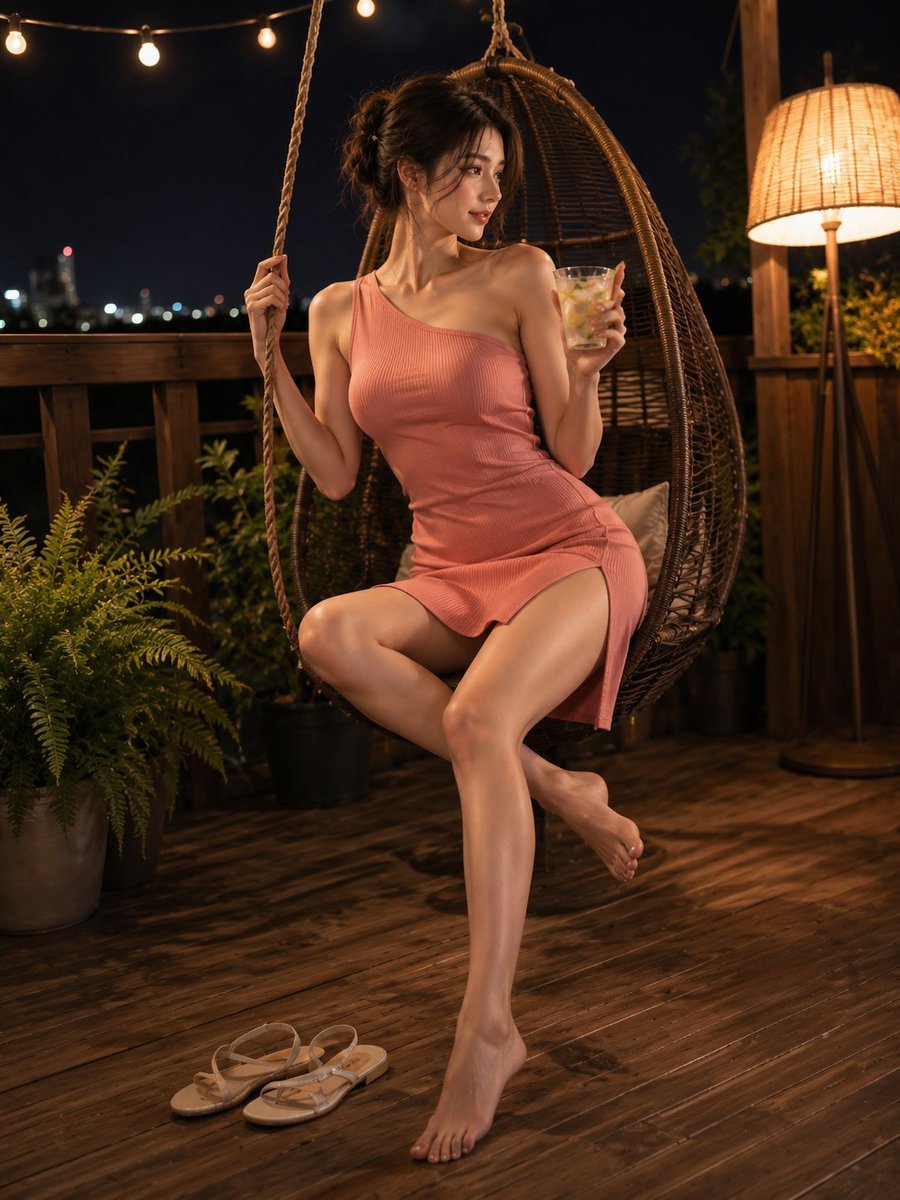
Summer Night Rooftop Terrace Portrait
Make it yours
Surreal Rooftop Infinity Pool Portrait works as-is. These are the safest ways to change it without losing the look.
Change one field
Copy a single group, rewrite it, and generate again so you can see what that field is doing.
Keep the frame, change the subject
Hold the composition and light of Surreal Rooftop Infinity Pool Portrait, then swap wardrobe, props or the person for a new take.
| If the result… | Why | Fix |
|---|---|---|
| The result drifts from the preview | Too many fields changed at once. | Reuse Surreal Rooftop Infinity Pool Portrait as-is first, then change one group — subject, light, or setting. |
| The model over-stylizes the scene | The prose prompt leaves finish and camera underspecified. | Add one camera or lighting sentence and stay on GPT Image 2. |
More GPT Image 2 templates
Other prompts made for GPT Image 2.

Six VTuber Japanese Logo Sheet

Realistic Portrait of Woman and Deer

The Vista Modular Condo Poster

AI Model Routing Comparison Infographic

2.5D Anime Art Board

Isometric Productivity Desk Scene

New York Double Exposure Poster

Four-Panel AI Landscape Comparison

Japanese Tatami Lifestyle Magazine Cover

NESCAFÉ Coffee Map Poster
More image prompts
Fresh picks from across the catalog.
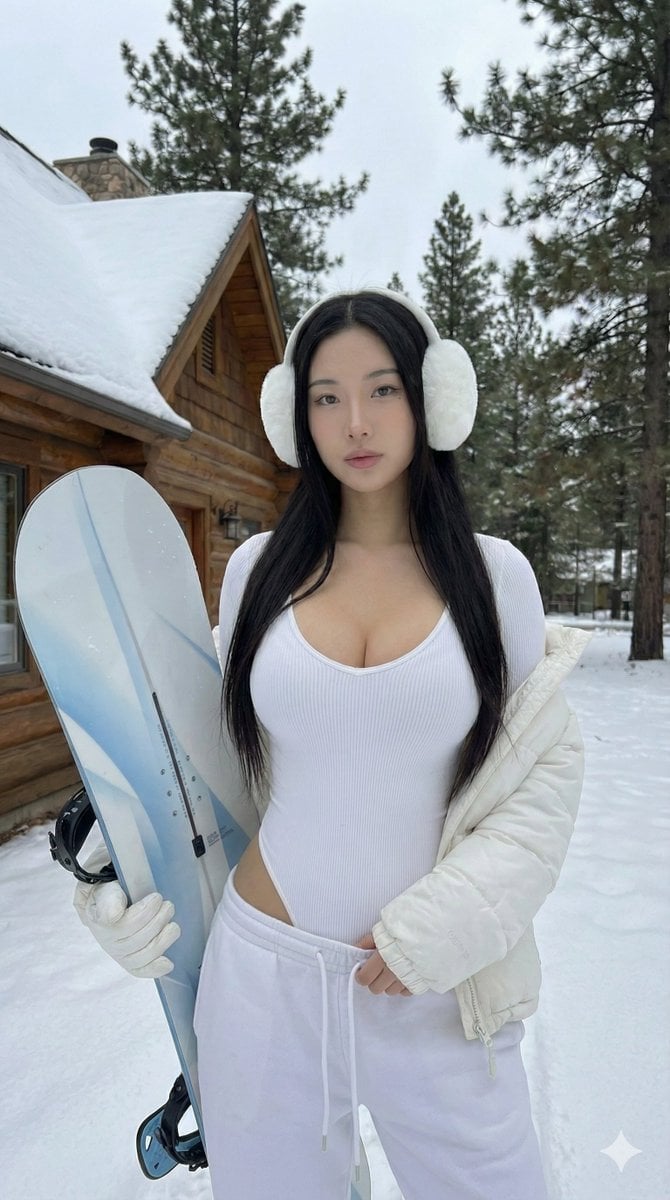
Winter Full Hourglass Portrait with Puffer Jacket Prompt

Hyper Realistic Ai Selfie Prompt Generat

Pastel Anime Morning Greeting Portrait
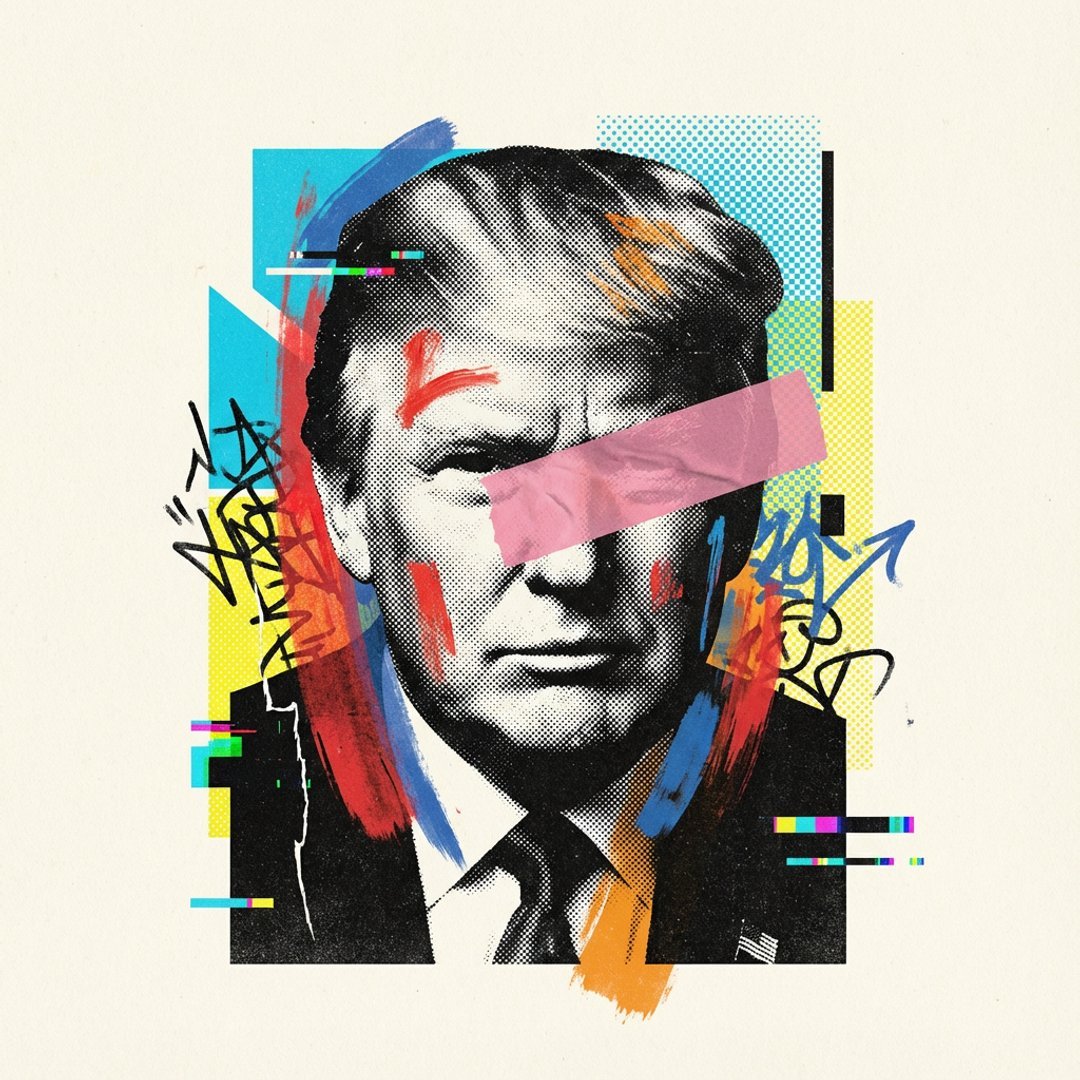
Avant-Garde Mixed Media Risograph Collage
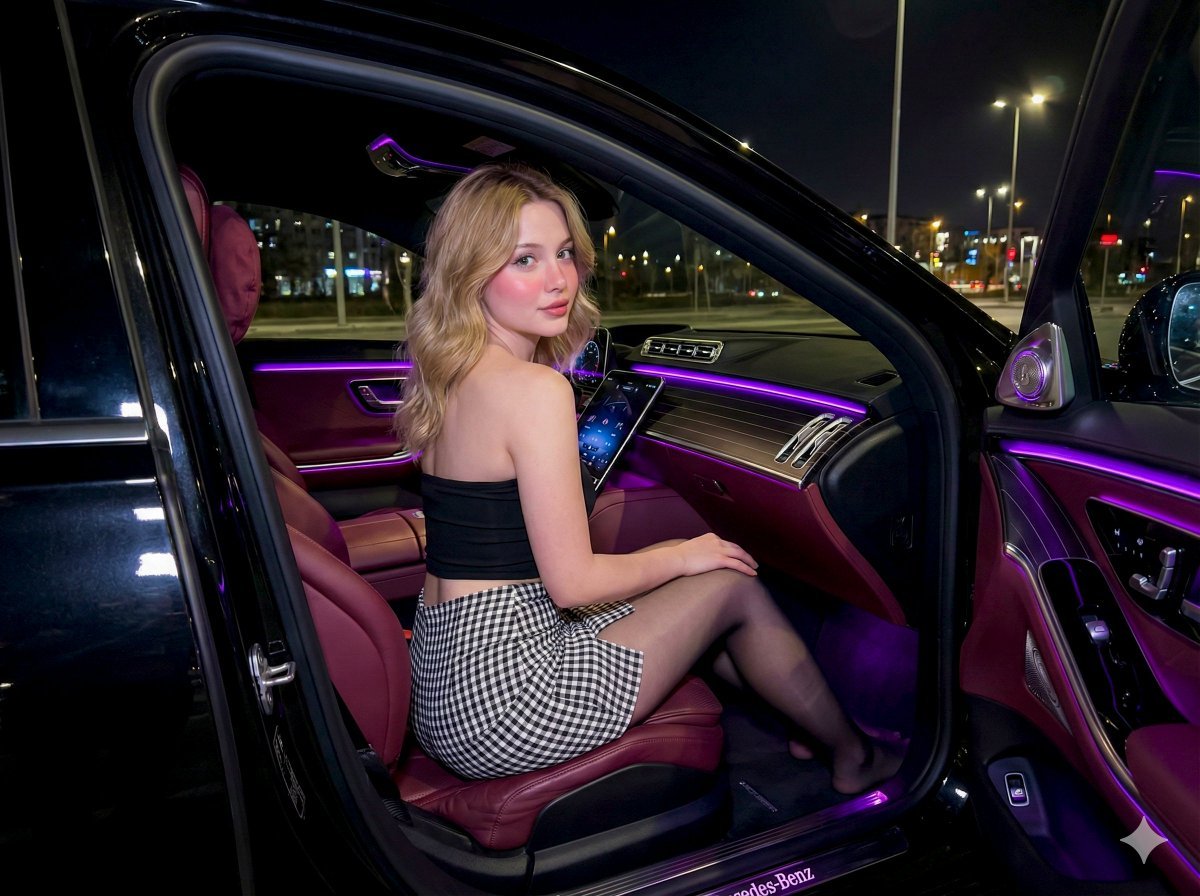
Nighttime Mercedes S-Class Interior Portrait with Purple Ambient Light
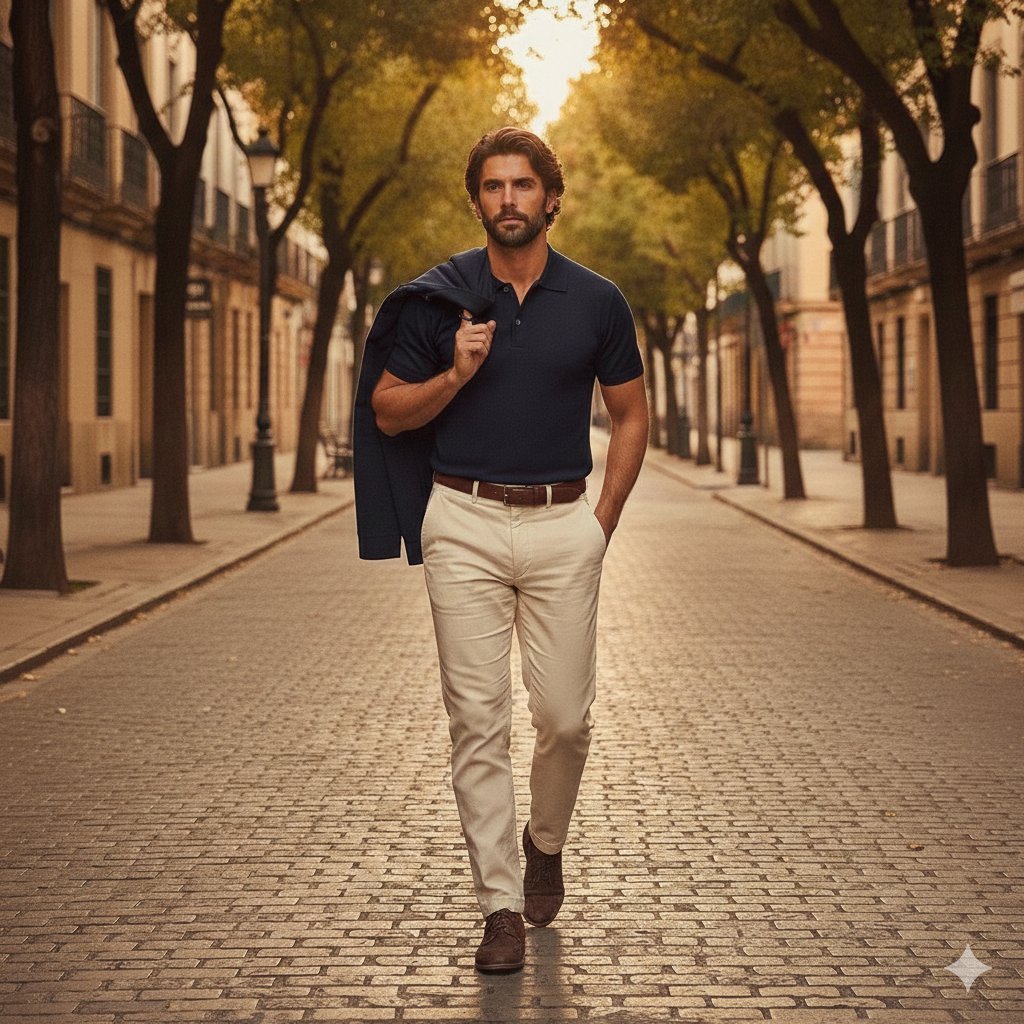
Golden hour European street fashion portrait prompt
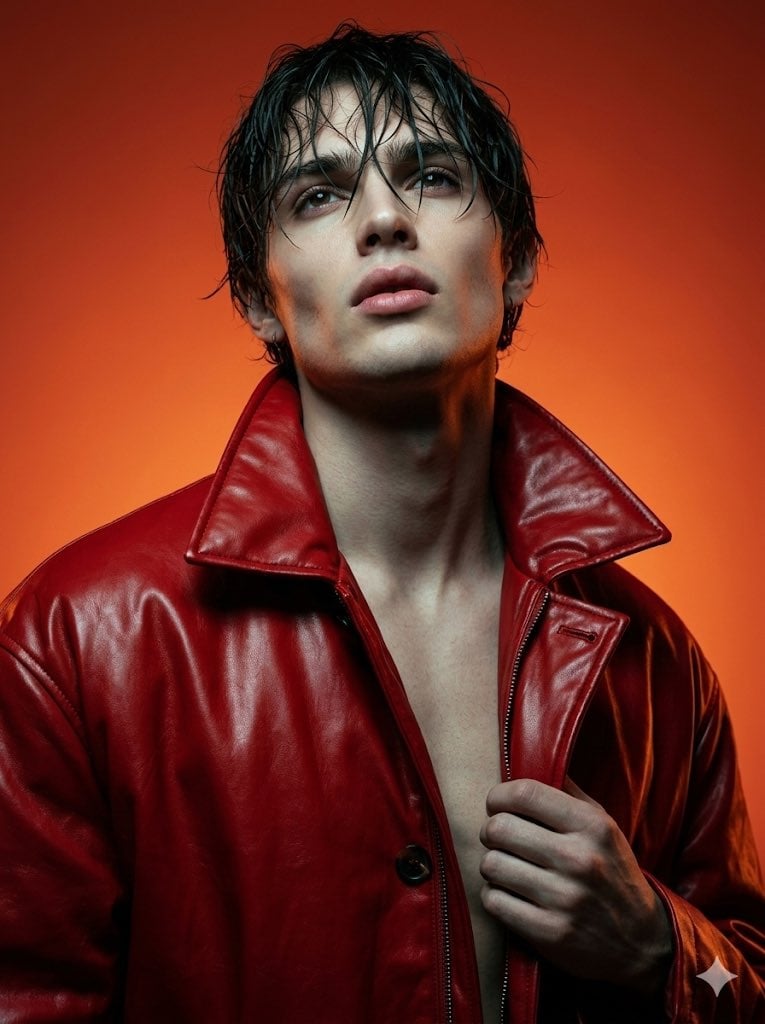
High Fashion Cinematic Androgynous Portrait
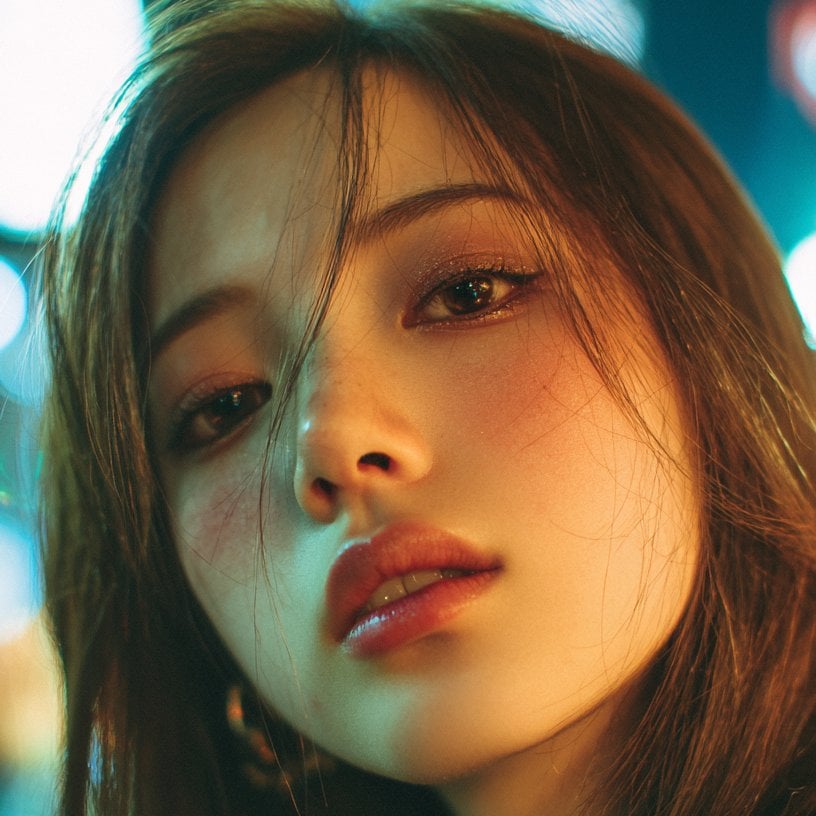
Midjourney Beautiful Girl Prompt
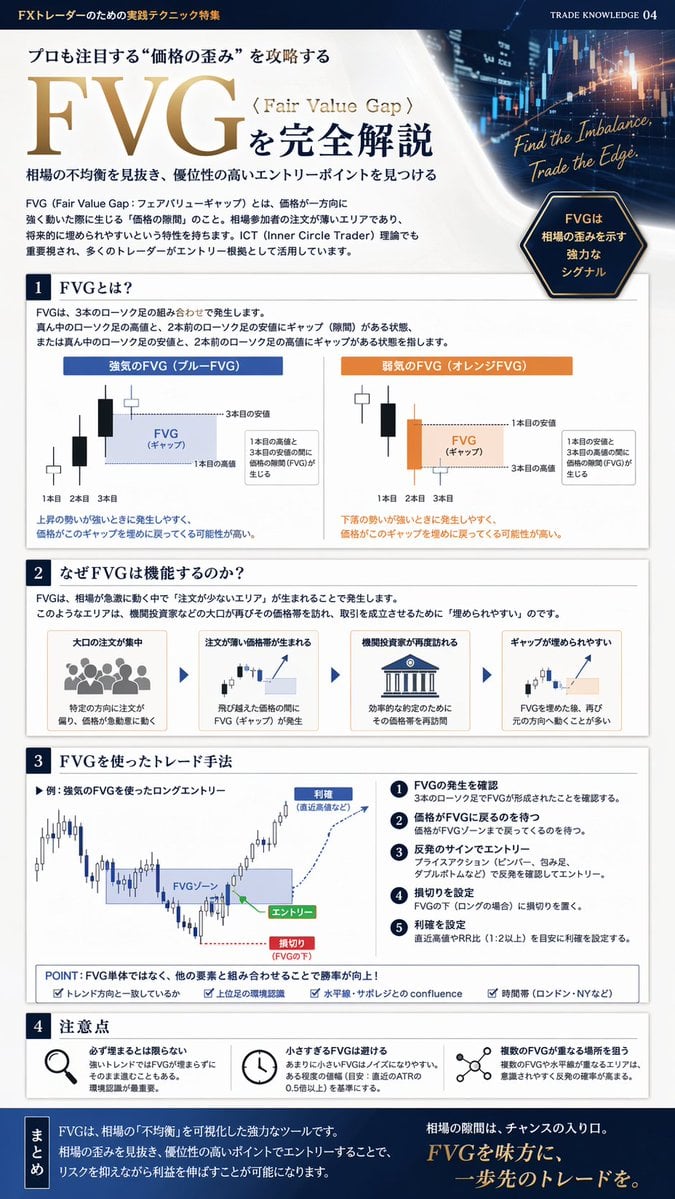
FX Trading Educational Infographic
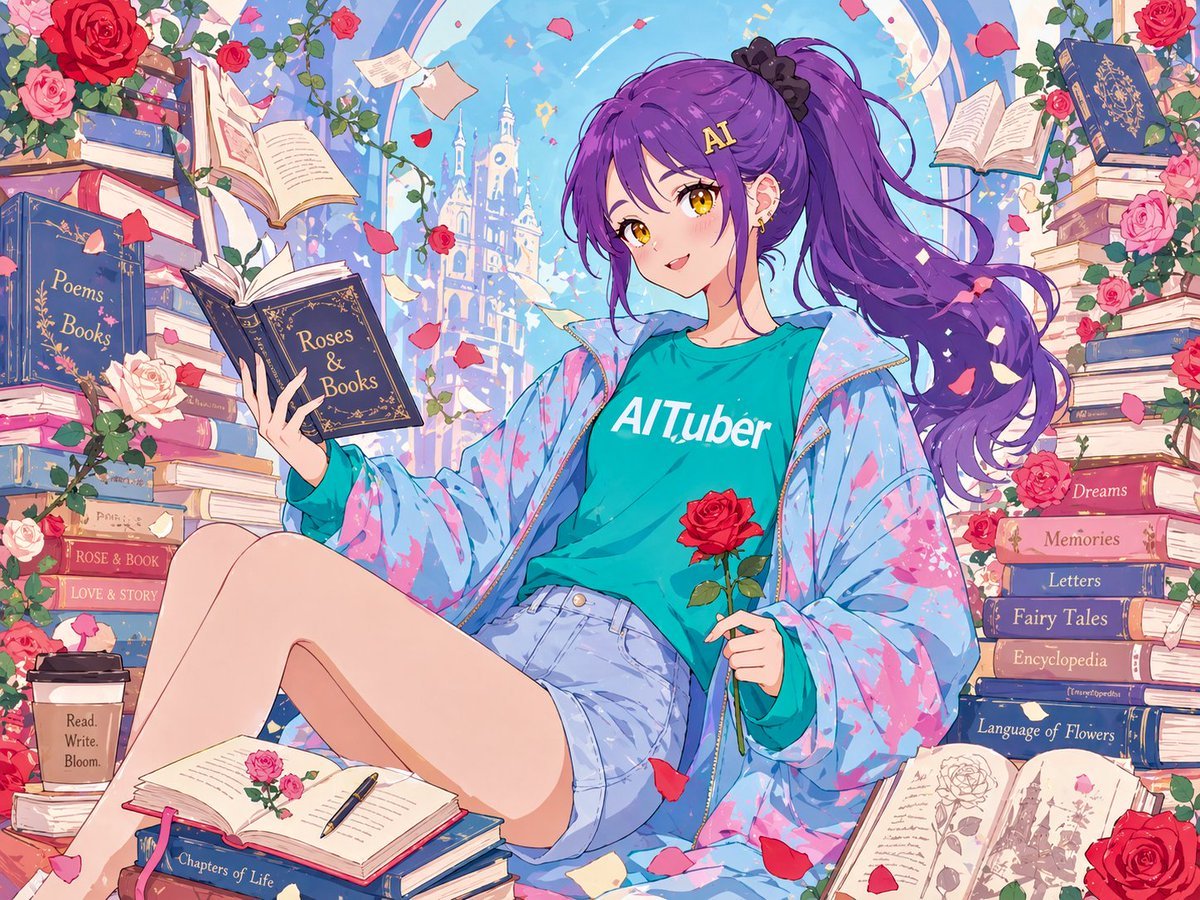
Anime Roses and Books End Card
Browse template categories
Surreal Rooftop Infinity Pool Portrait questions
How do I use the Surreal Rooftop Infinity Pool Portrait template?
Add your photo if the template asks for one, edit the prompt if you like — the template's model and format are already selected — and press Generate. Your version opens in PicX Studio.
Can I customize the Surreal Rooftop Infinity Pool Portrait template?
Yes. You can change the subject, setting, lighting, mood, format, and available model controls before creating your image.
Is the Surreal Rooftop Infinity Pool Portrait template free?
Opening and editing this template is free. Generating uses credits, shown on the Generate button when you are signed in.
Which AI model should I use?
Start with GPT Image 2, which is the model associated with this template. You can compare another compatible model for a different finish.
Looking for something else? Browse all templates.

Your photo, any look
Thousands of ready templates for every top image and video model, from one credit balance.