
Anime Girl at Sunset Infinity Pool
A polished anime resort scene featuring a smiling girl in a reflective gold T-shirt seated by a tropical infinity pool at sunset.
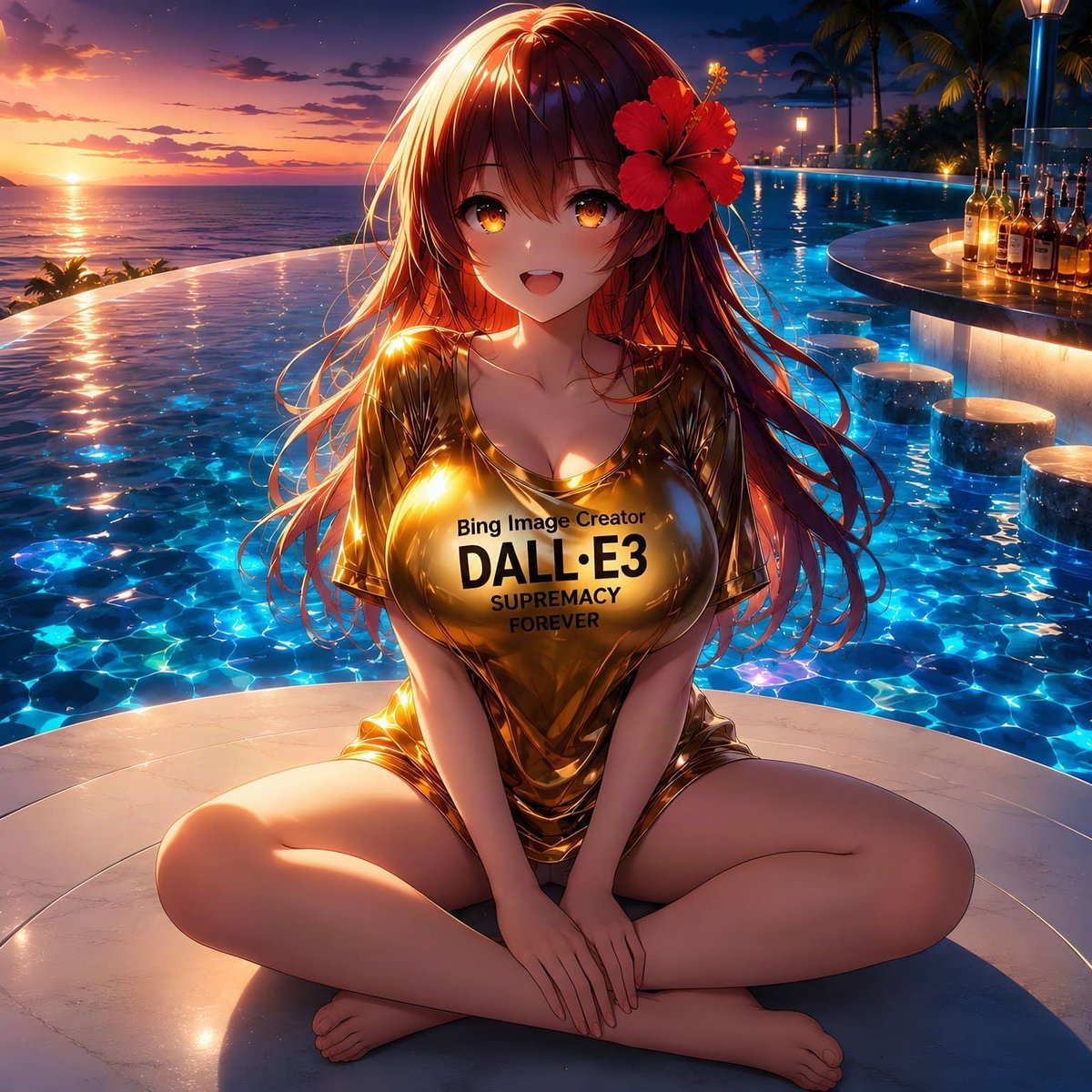
- Prompt included
- Model and format preset
- Free template
The prompt behind this image
Copy the exact prompt behind Anime Girl at Sunset Infinity Pool, or open it in the studio and make it yours.
Create a glossy anime-style resort illustration of {argument name="character name" default="a cheerful young anime woman"} sitting cross-legged on a pale circular poolside platform at a luxury infinity pool during sunset. She has long flowing {argument name="hair color" default="reddish brown hair"} with warm rim lighting, golden amber eyes, a bright open smile, and one large red hibiscus flower tucked beside her right temple. She wears a shiny metallic wet-look {argument name="shirt color" default="gold"} oversized T-shirt that clings to her body, with bold black centered chest text reading {argument name="shirt text" default="Bing Image Creator\nDALL·E3\nSUPREMACY\nFOREVER"}; make the lettering clean, legible, and printed directly on the shirt. Her hands rest together in front of her ankles, bare feet visible, relaxed friendly pose, no jewelry. The setting is a tropical upscale pool bar: a glowing blue infinity pool fills most of the background, the ocean and orange sun are on the far left horizon, and the sky fades from peach and pink near the sunset to deep navy blue above. Add vivid caustic water reflections, sparkling highlights on the pool surface, and strong golden sunset reflections on the shirt and hair. On the right side include a curved illuminated swim-up bar with exactly 8 upright liquor bottles on the counter and exactly 6 round submerged bar stools in the pool. Add palm trees, small warm lamps, and resort lights in the distance. Use highly detailed Japanese anime rendering, cinematic lighting, saturated colors, polished digital art, sharp focus on the character, shallow depth of field in the background, square composition, no watermark, no extra text besides the shirt print.
How to use Anime Girl at Sunset Infinity Pool in 3 steps
- 1Upload ImagePNG, JPG or paste
Add your photo
Upload the photo the template builds on. The prompt, model and format are already set.
- 2…a portrait of your subject in softgolden-hour light, 85mm…
Personalize
Edit the subject and creative details for your destination.
- 3Generate
Generate
Press Generate — your image is created in PicX Studio, so you can compare it with the original and refine one variable at a time.
More like this
Templates with the same subject, style or setup. Open one to see its prompt.

Anime Monorail Sunset
Anime AI Studio Girls at Sunset
Sunset Catgirl School Rooftop Anime

Teen Girl Alpine Lake Mountain View
Neon Sunset Kimono Girl

Framed Quilling Anime Girl

Anime Lantern Girl Character Sheet

Anime Girl Generation Grid

Chaotic Anime Schoolgirl Fan Collage
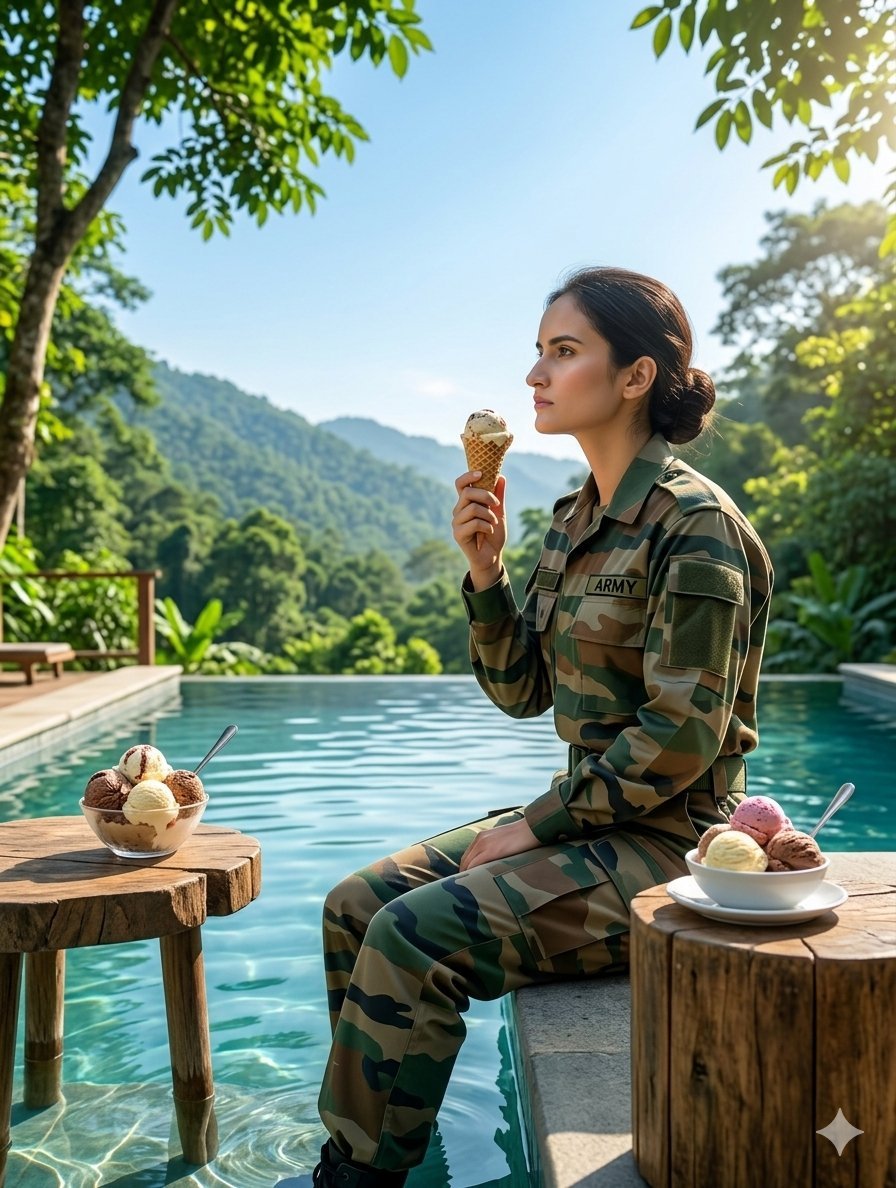
Indian Army Soldier at Infinity Pool
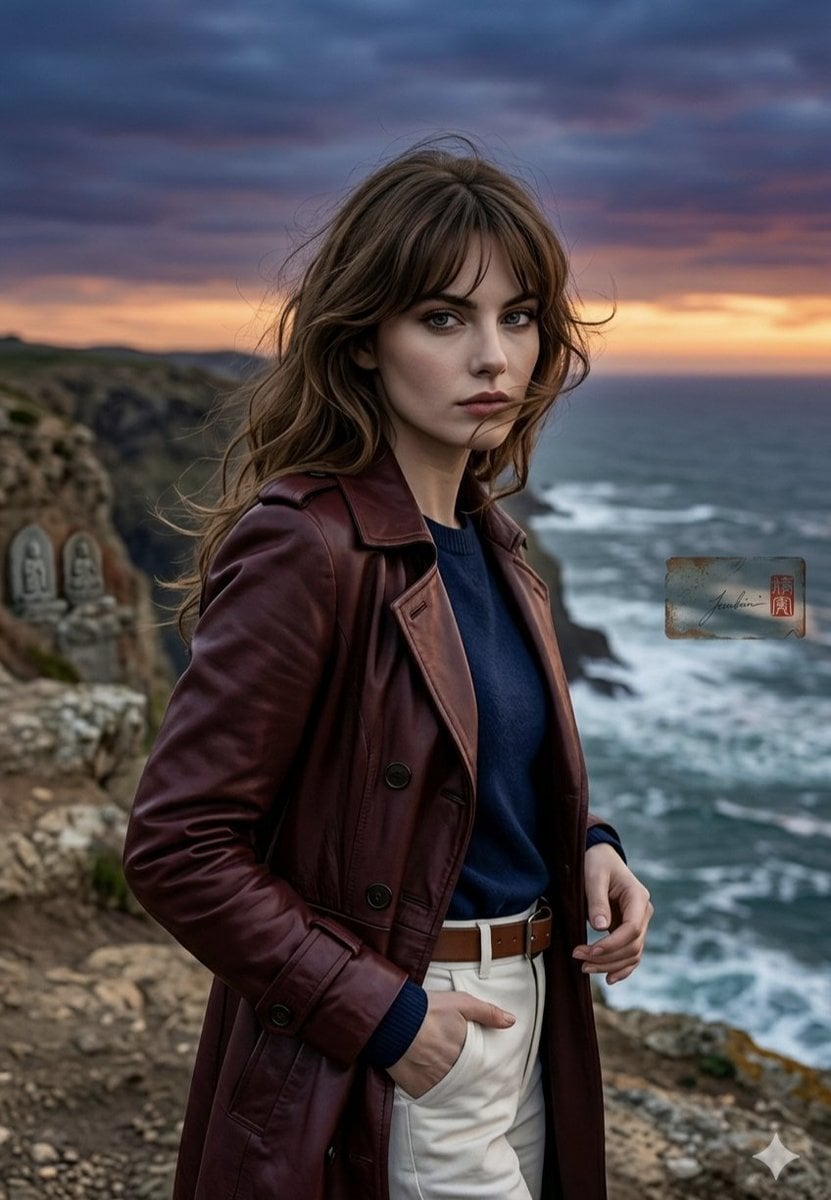
Anime Style Coastal Sunset Portrait

Cel 2D Finale Fireworks
Make it yours
Anime Girl at Sunset Infinity Pool works as-is. These are the safest ways to change it without losing the look.
Change one field
Copy a single group, rewrite it, and generate again so you can see what that field is doing.
Keep the frame, change the subject
Hold the composition and light of Anime Girl at Sunset Infinity Pool, then swap wardrobe, props or the person for a new take.
| If the result… | Why | Fix |
|---|---|---|
| The result drifts from the preview | Too many fields changed at once. | Reuse Anime Girl at Sunset Infinity Pool as-is first, then change one group — subject, light, or setting. |
| The model over-stylizes the scene | The prose prompt leaves finish and camera underspecified. | Add one camera or lighting sentence and stay on GPT Image 2. |
More GPT Image 2 templates
Other prompts made for GPT Image 2.

Six VTuber Japanese Logo Sheet

Realistic Portrait of Woman and Deer

The Vista Modular Condo Poster

AI Model Routing Comparison Infographic

2.5D Anime Art Board

Isometric Productivity Desk Scene

New York Double Exposure Poster

Four-Panel AI Landscape Comparison

Japanese Tatami Lifestyle Magazine Cover

NESCAFÉ Coffee Map Poster
More image prompts
Fresh picks from across the catalog.

Dramatic Monochromatic Portrait Prompt
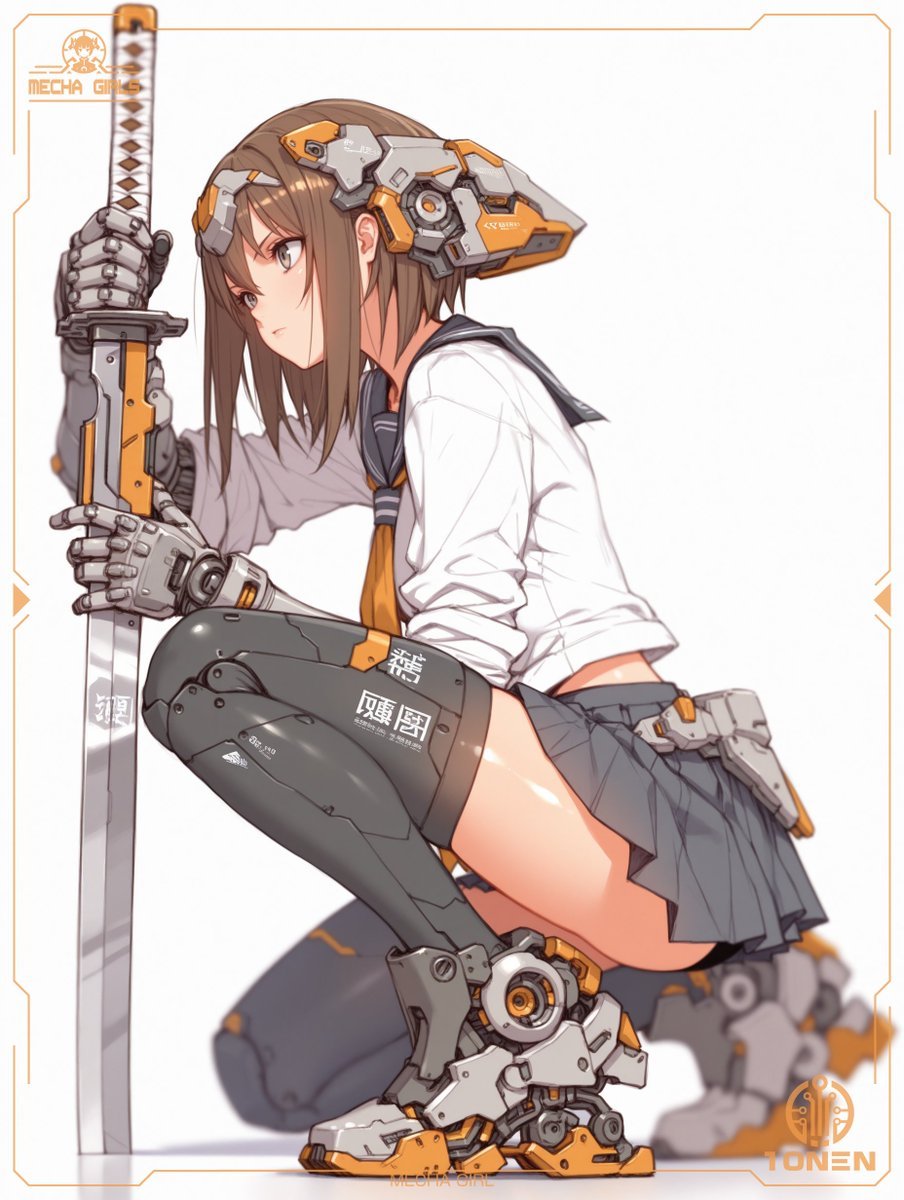
Mecha Schoolgirl Katana Action Poster
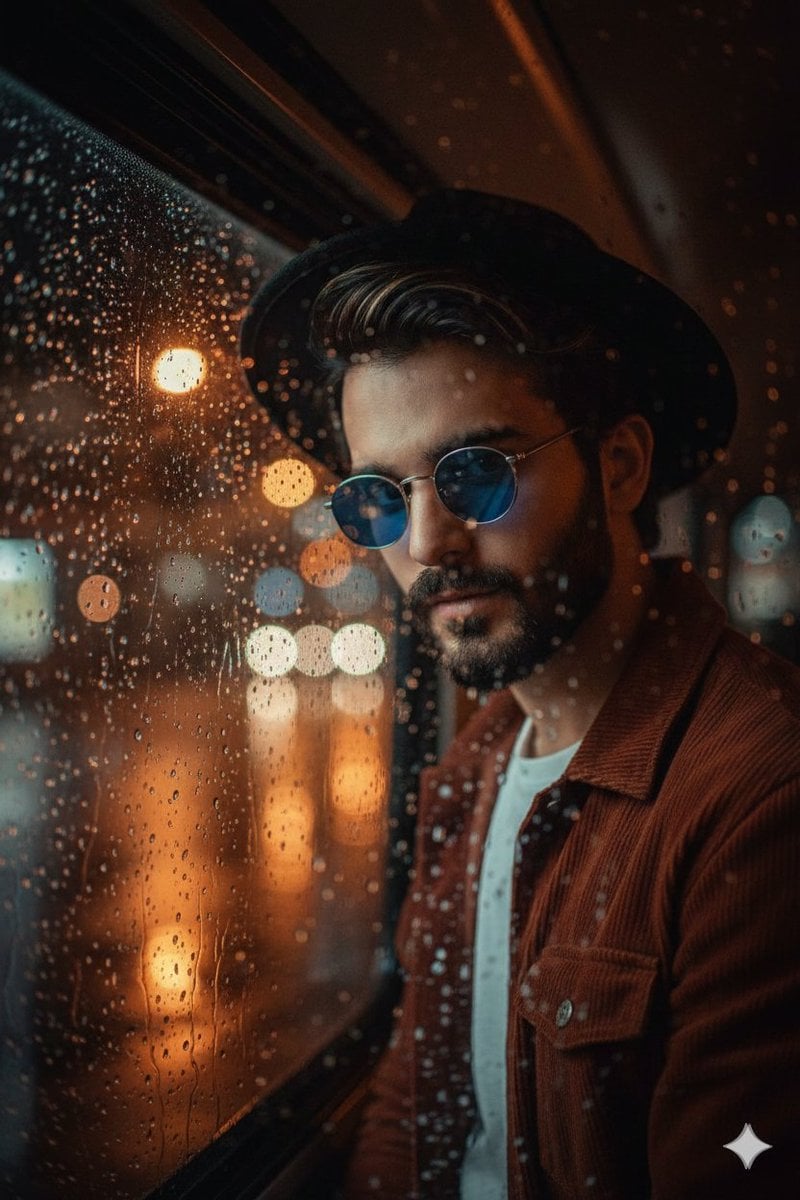
Cinematic Portrait Through Rain-Streaked Window Prompt
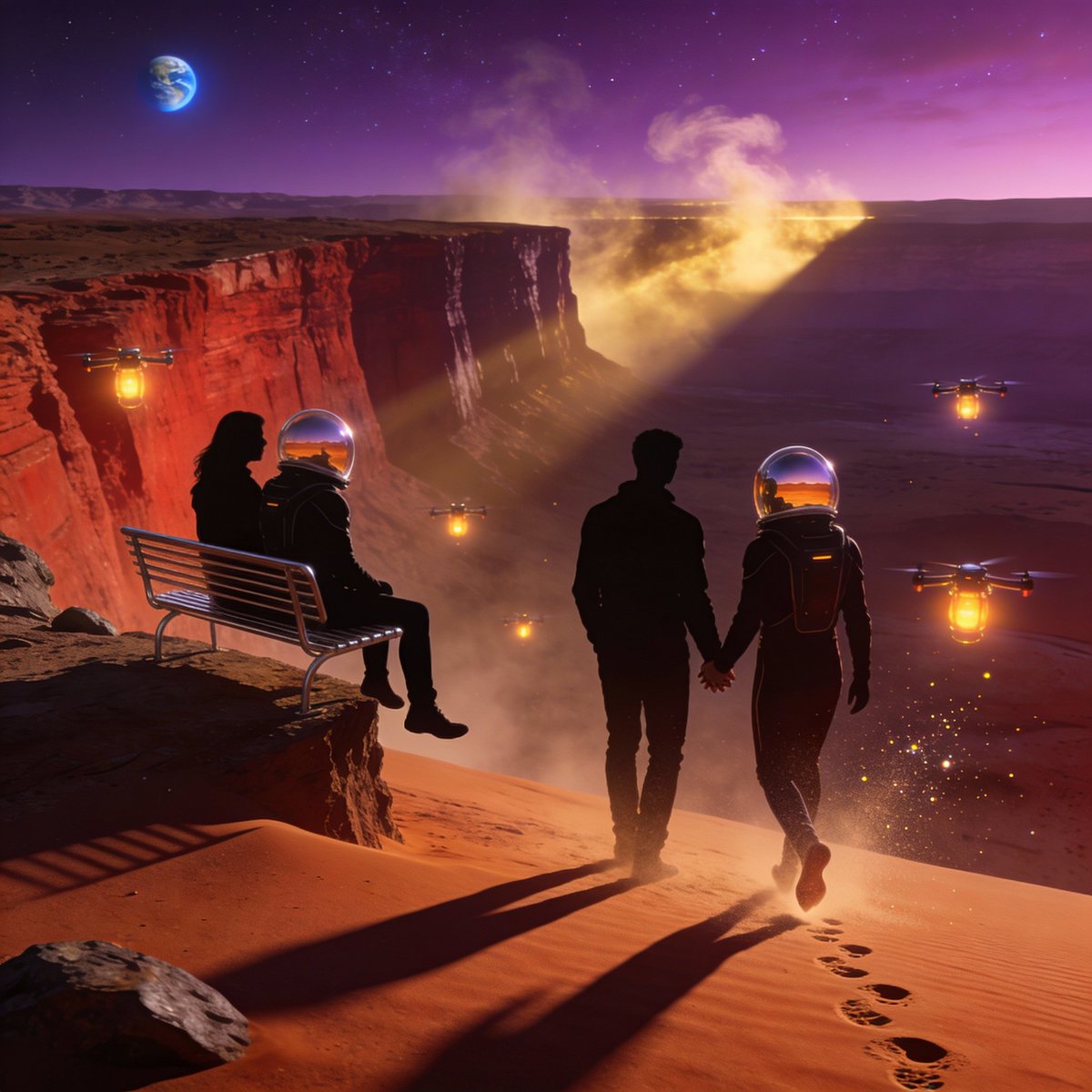
Ultra-Real 16K Cinematic Scene of Romantic Date on Mars
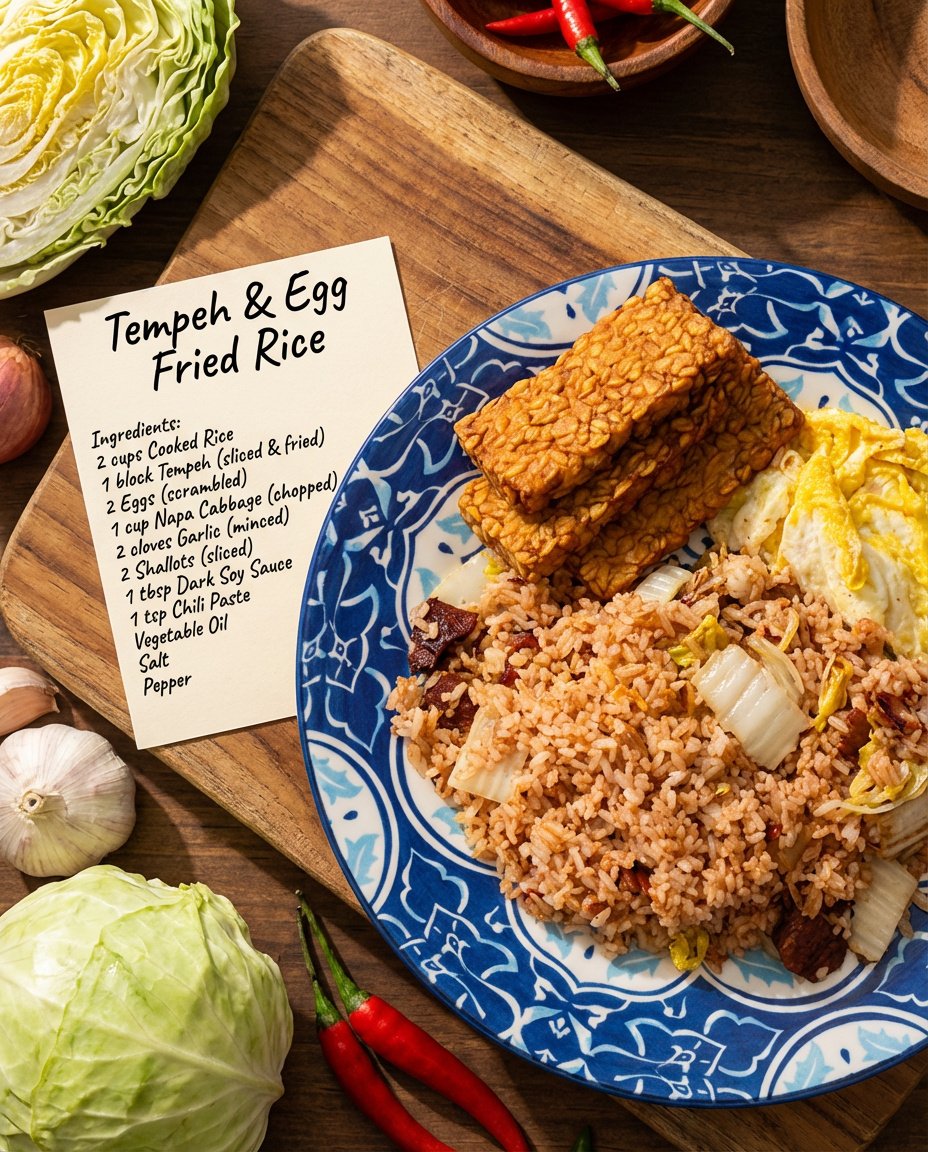
Recipe breakdown and food photoshoot
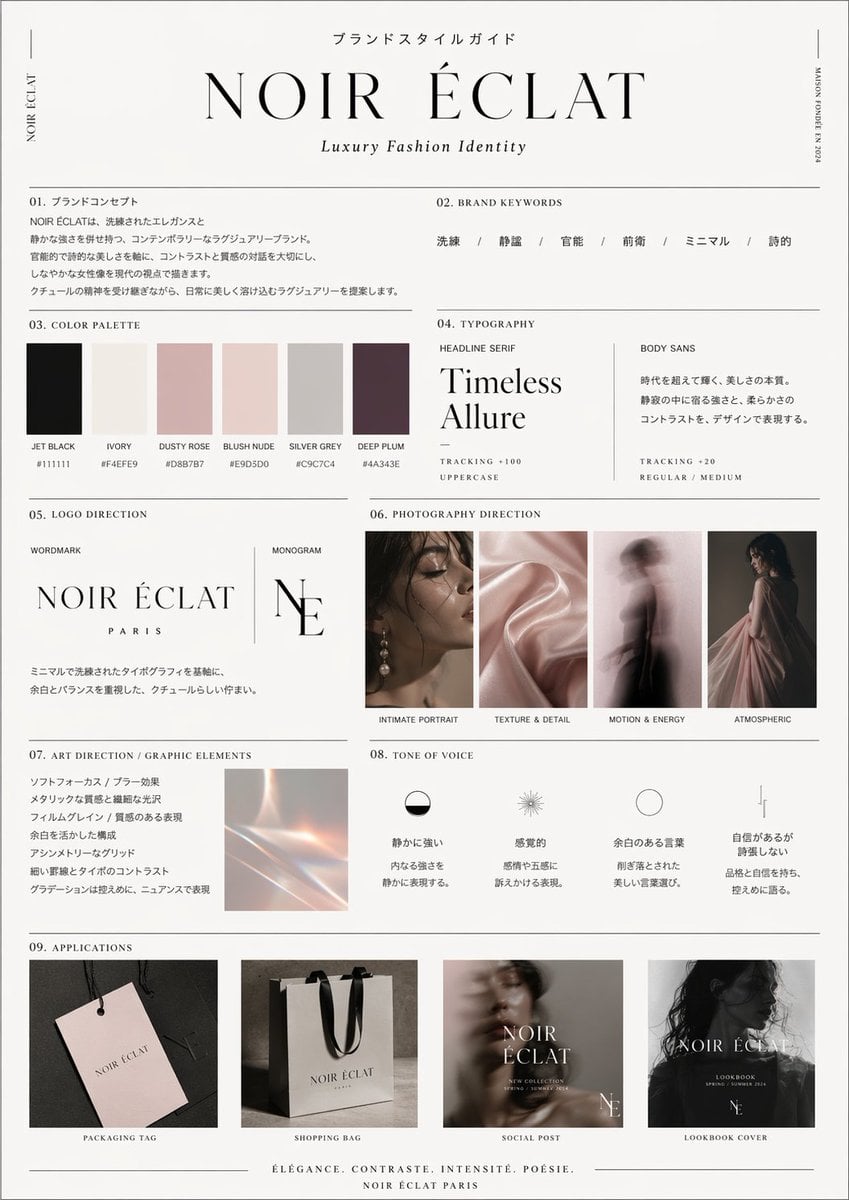
High-End Brand Guide Prompt
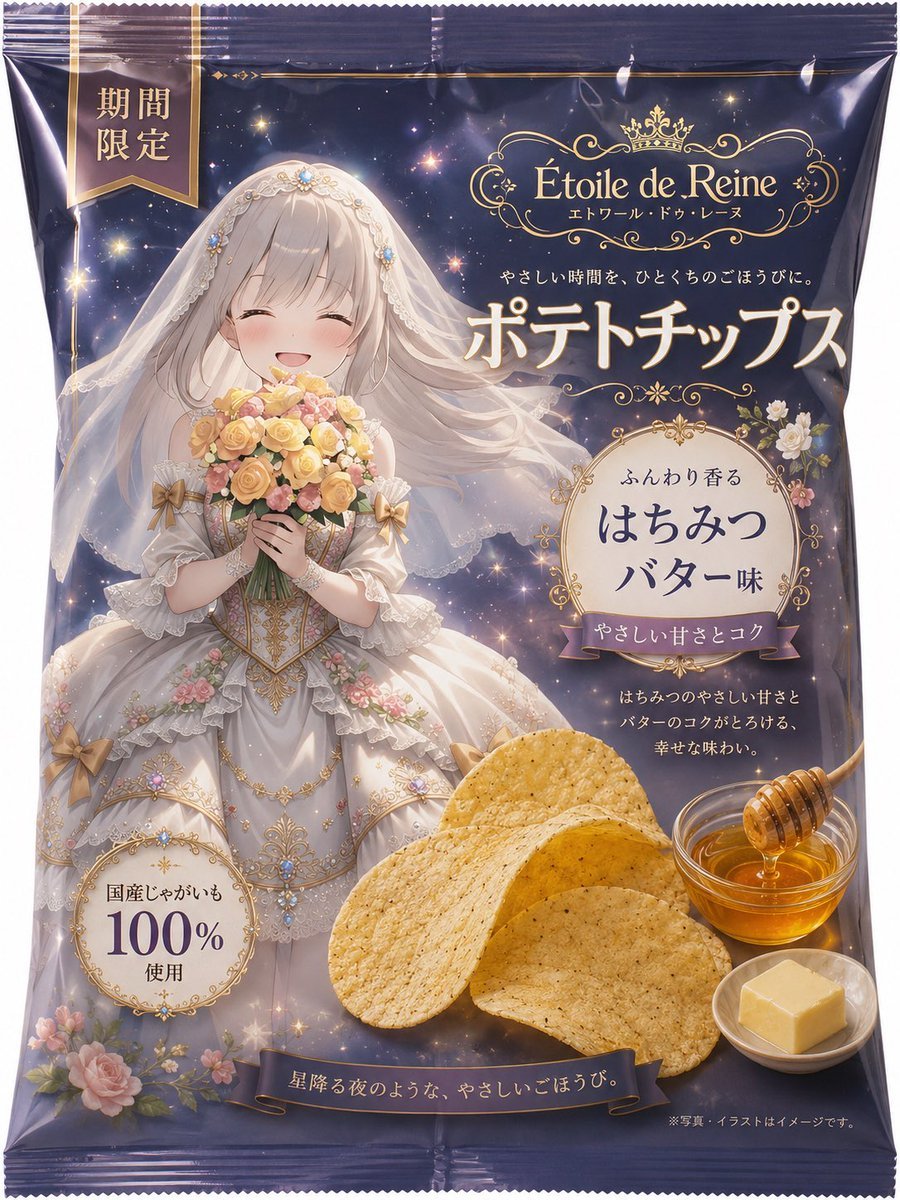
Luxury Anime Princess Potato Chip Bag
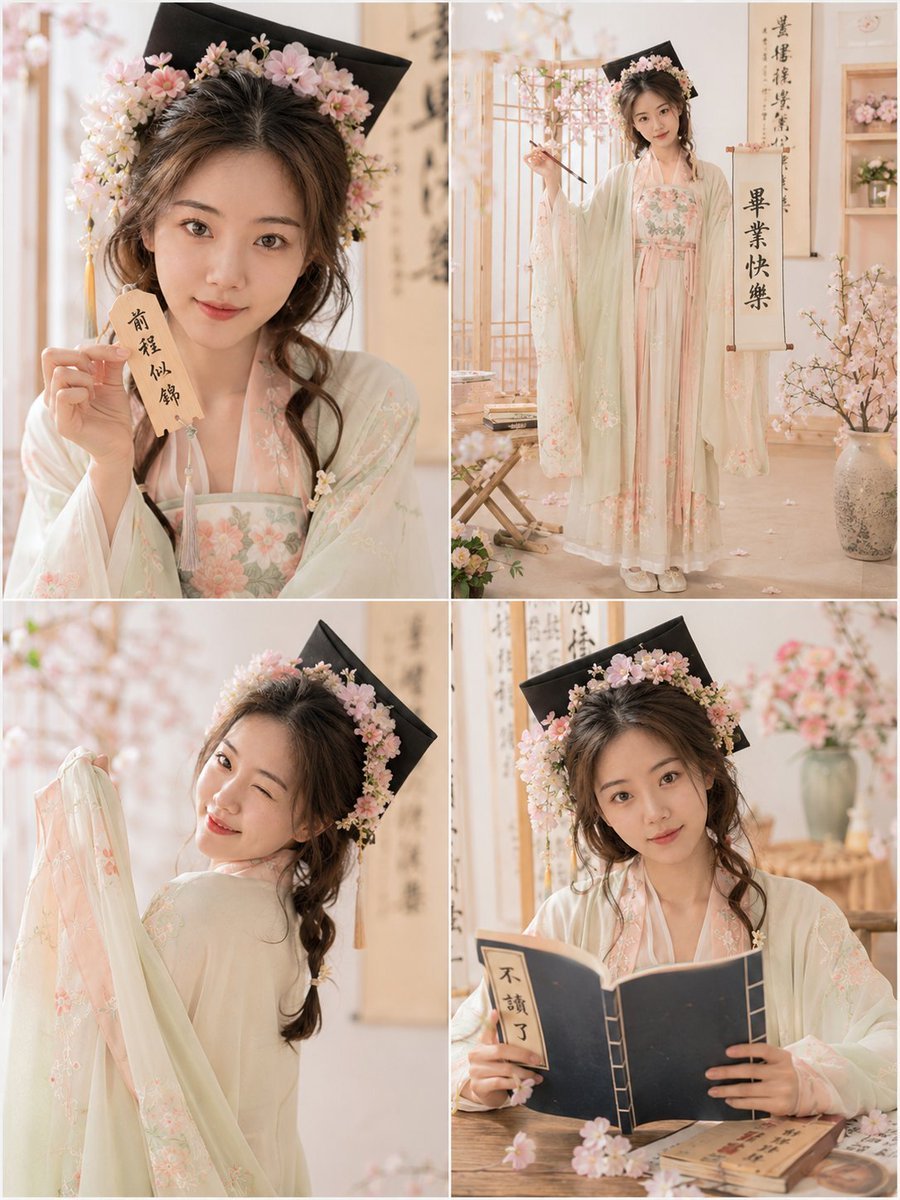
Playful Hanfu Graduation Photo Grid
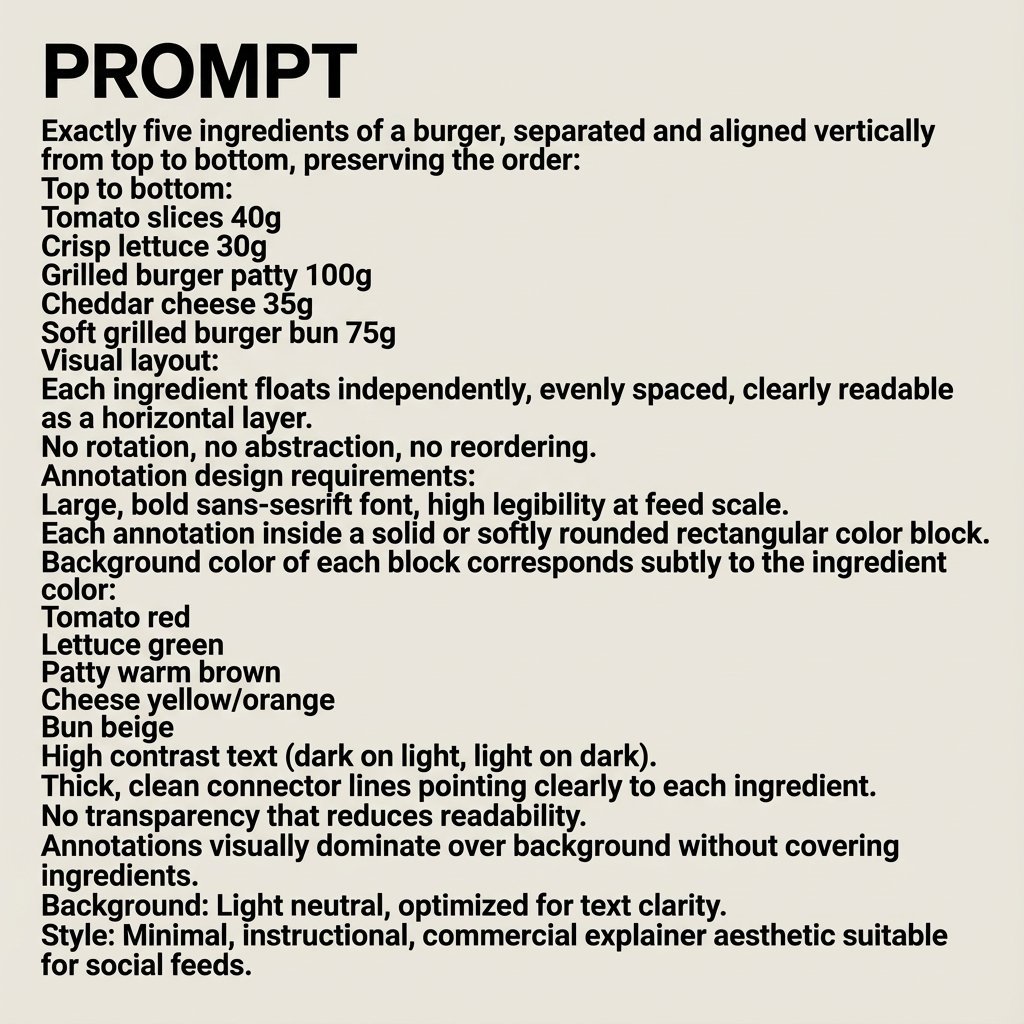
Nano Banana Pro Image Generation Prompt
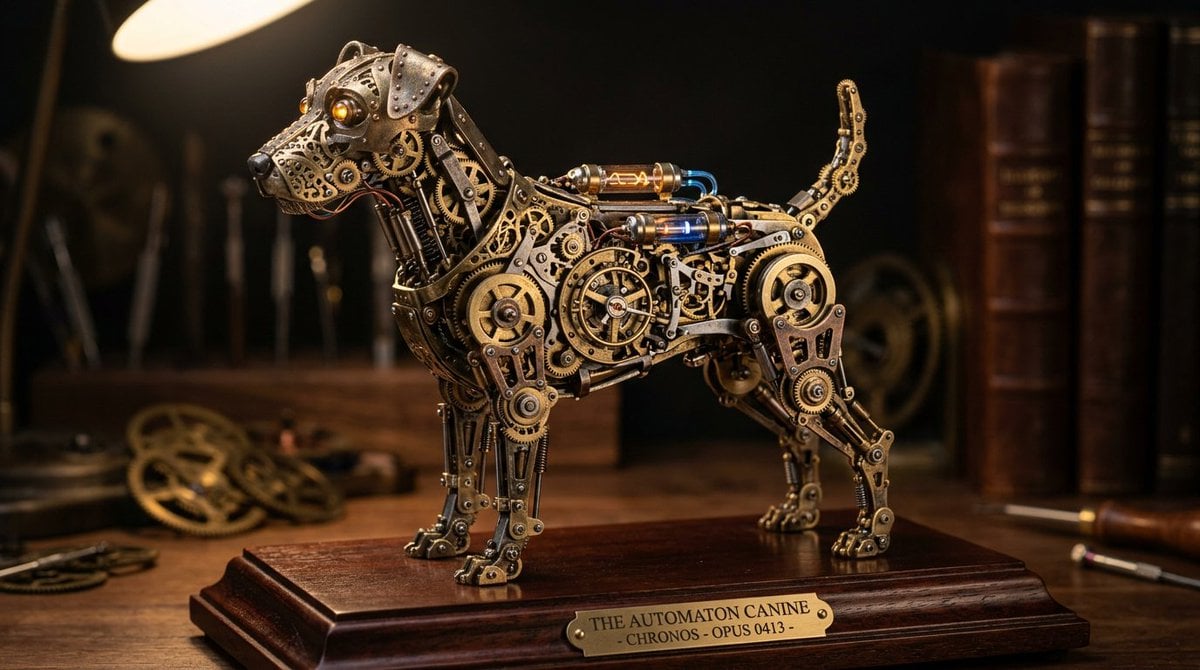
Steampunk Miniature Clockwork Machine
Browse template categories
Anime Girl at Sunset Infinity Pool questions
How do I use the Anime Girl at Sunset Infinity Pool template?
Add your photo if the template asks for one, edit the prompt if you like — the template's model and format are already selected — and press Generate. Your version opens in PicX Studio.
Can I customize the Anime Girl at Sunset Infinity Pool template?
Yes. You can change the subject, setting, lighting, mood, format, and available model controls before creating your image.
Is the Anime Girl at Sunset Infinity Pool template free?
Opening and editing this template is free. Generating uses credits, shown on the Generate button when you are signed in.
Which AI model should I use?
Start with GPT Image 2, which is the model associated with this template. You can compare another compatible model for a different finish.
Looking for something else? Browse all templates.

Your photo, any look
Thousands of ready templates for every top image and video model, from one credit balance.