
Medieval Shot Reverse Shot
A cinematic two-angle medieval countershot scene for demonstrating over-the-shoulder framing and shot-reverse-shot composition.
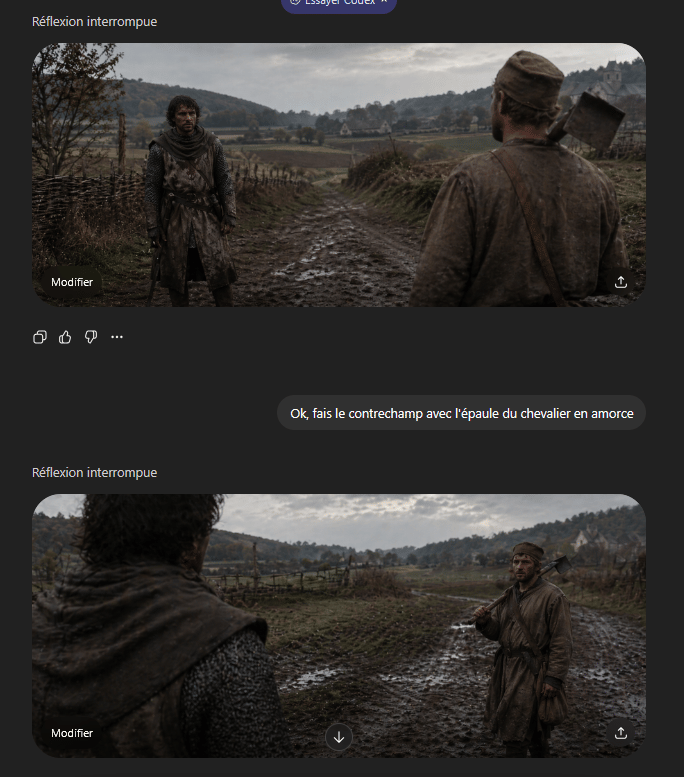
- Prompt included
- Model and format preset
- Free template
The prompt behind this image
Copy the exact prompt behind Medieval Shot Reverse Shot, or open it in the studio and make it yours.
A cinematic medieval shot-reverse-shot pair presented as a gritty historical film still in an ultrawide 21:9 aspect ratio, overcast natural light, muted earth tones, damp autumn atmosphere, realistic muddy textures, shallow depth of field, and strong foreground shoulder framing. Set the scene on a rutted muddy country road running through a rural valley with rough wooden wattle fences on both sides, low rolling hills covered with sparse trees in the distance, open fields, and a small pale stone farmhouse or chapel on the far right hillside. The two characters face each other on the road. One is a weary medieval peasant man in a dirty brown tunic and cap, average build, carrying a wood-handled axe resting on his shoulder with a leather strap across his chest. The other is a knight or armed traveler in dark weathered chainmail and a worn hooded surcoat, standing still with a guarded posture. Create this as a grammar-of-cinema countershot demonstration: first frame shows the {argument name="foreground character" default="peasant man with axe"} from behind in the right foreground, his shoulder and back occupying the near right side of the frame, while the {argument name="background character" default="knight in chainmail"} stands full figure in the left midground facing camera on the muddy road; second frame reverses the angle and shows the knight’s shoulder and hooded back blurred in the left foreground while the peasant stands in the right midground holding the axe on his shoulder. Keep both shots consistent in location, weather, costume continuity, lens feel, and character spacing, with subdued dramatic realism and a tense conversational standoff.
How to use Medieval Shot Reverse Shot in 3 steps
- 1Upload ImagePNG, JPG or paste
Add your photo
Upload the photo the template builds on. The prompt, model and format are already set.
- 2…a portrait of your subject in softgolden-hour light, 85mm…
Personalize
Edit the subject and creative details for your destination.
- 3Generate
Generate
Press Generate — your image is created in PicX Studio, so you can compare it with the original and refine one variable at a time.
More like this
Templates with the same subject, style or setup. Open one to see its prompt.
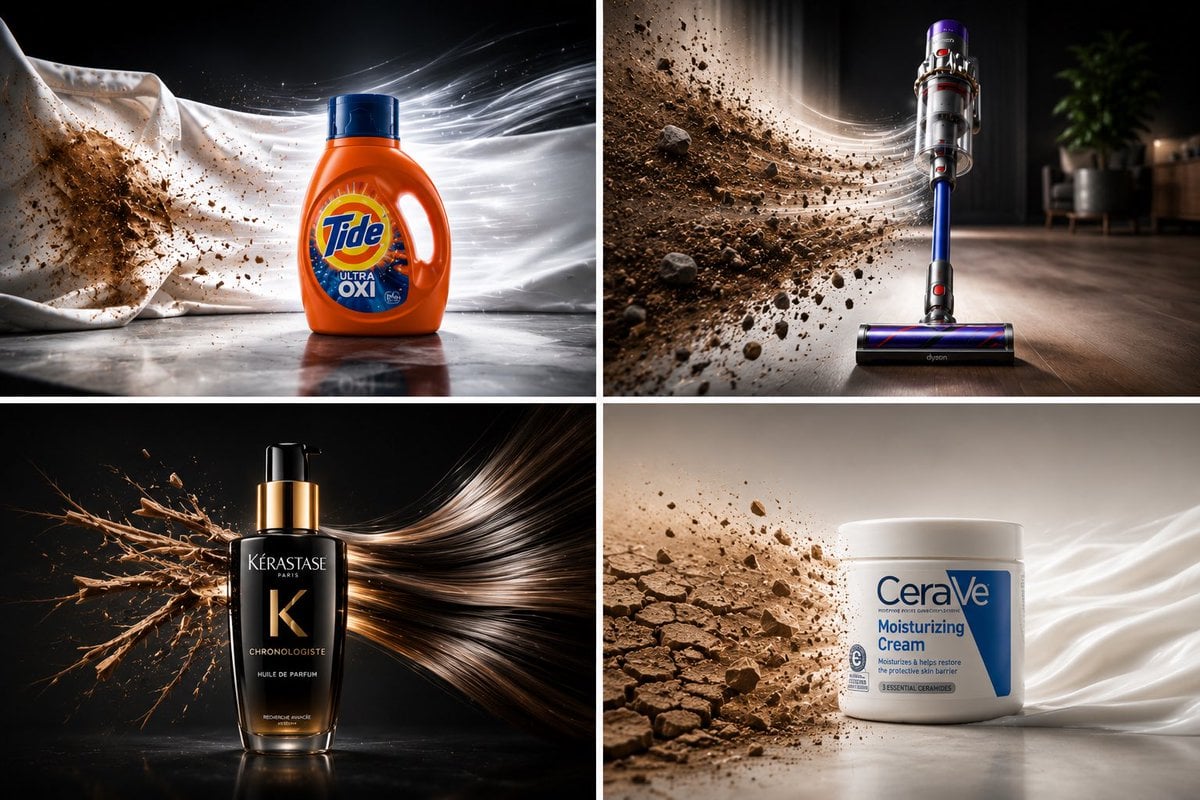
Reverse The Damage Product Ad Collage
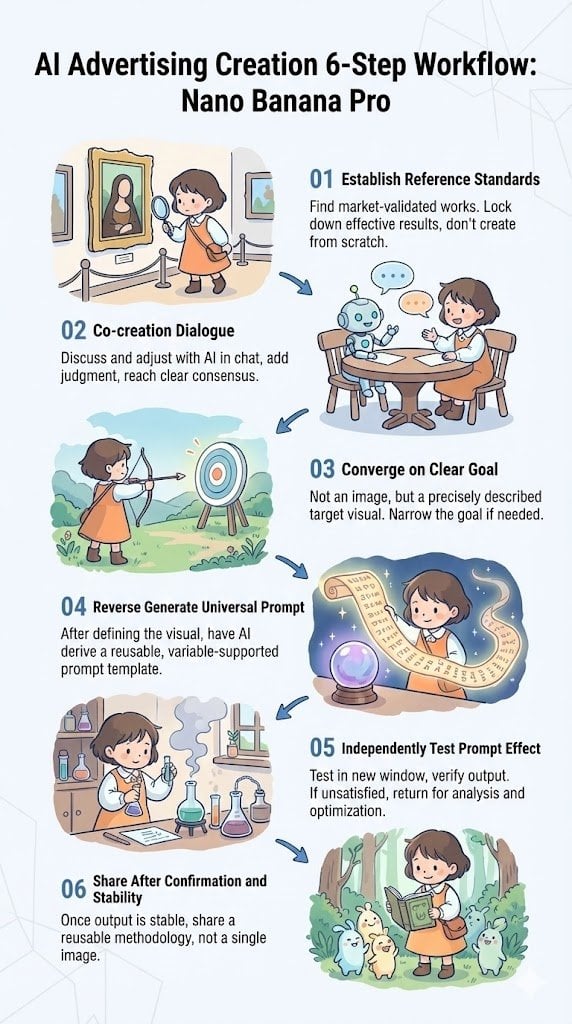
Reverse-Engineering Reusable Prompt Templates for Advertising
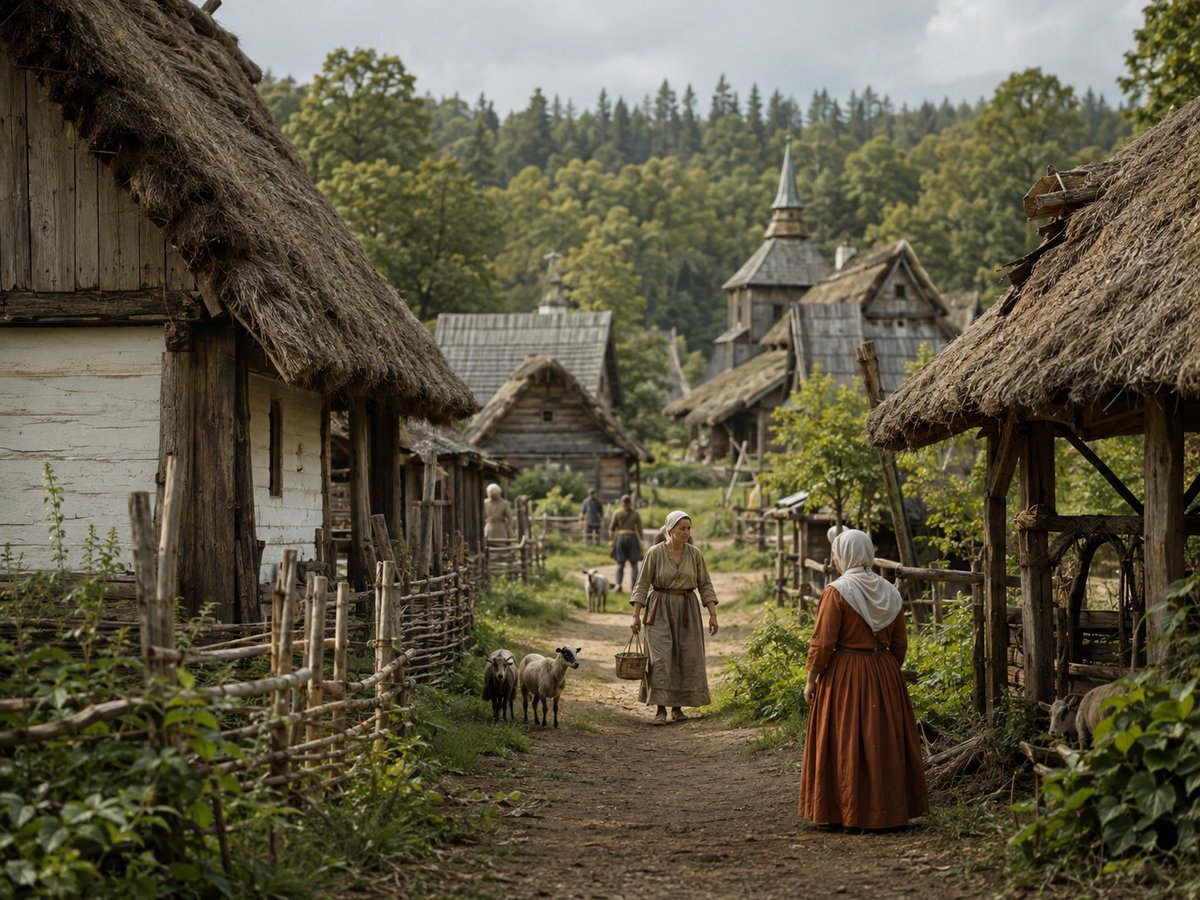
Photorealistic Medieval Village Lane
Cinematic Medieval Hilltop Castle
Medieval Scriptorium Hall

Satellite Map Medieval City
Medieval Desert Battlefield Warrior
Censored Elven Adventurers in Medieval Village
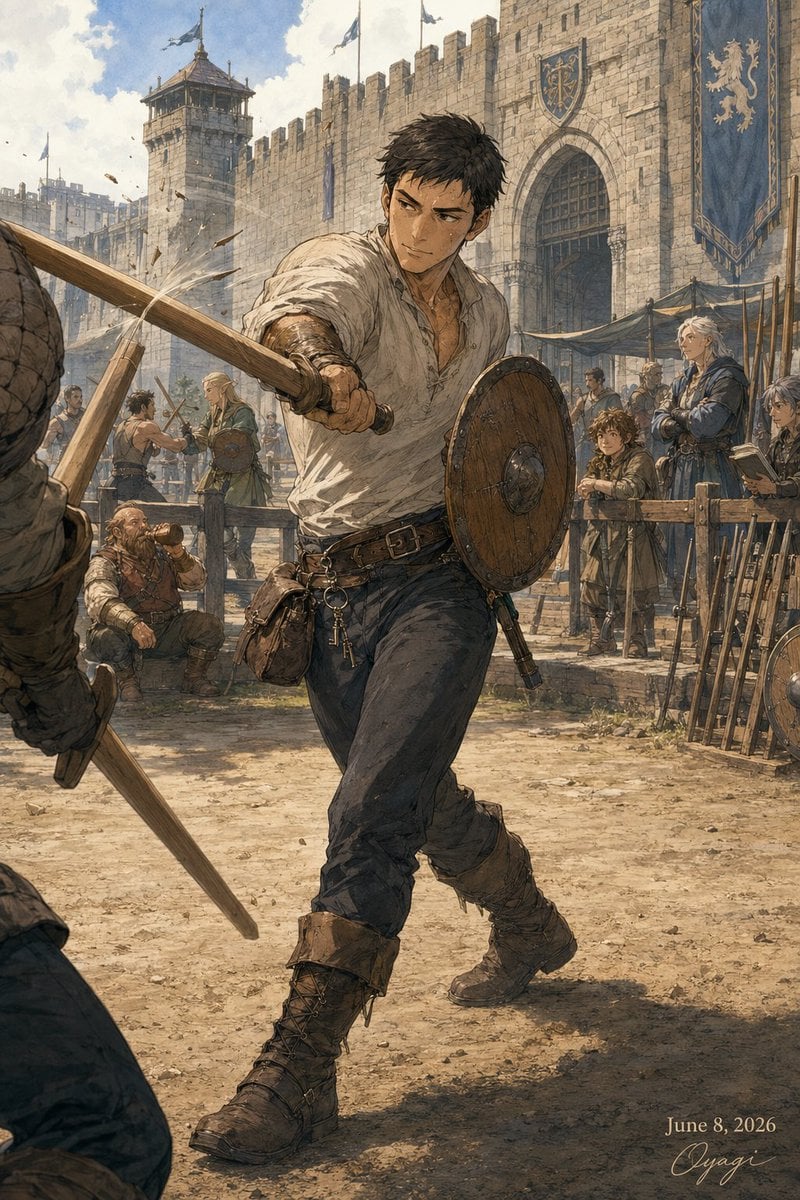
Medieval Fortress Training Yard
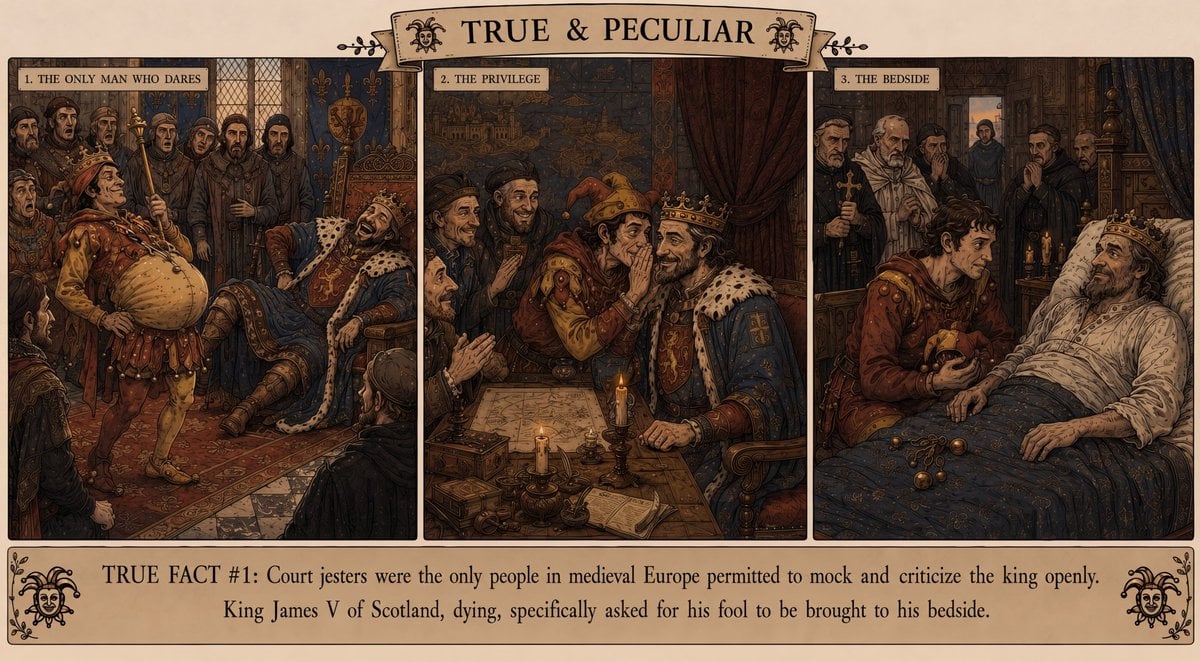
Medieval Jester Fact Triptych
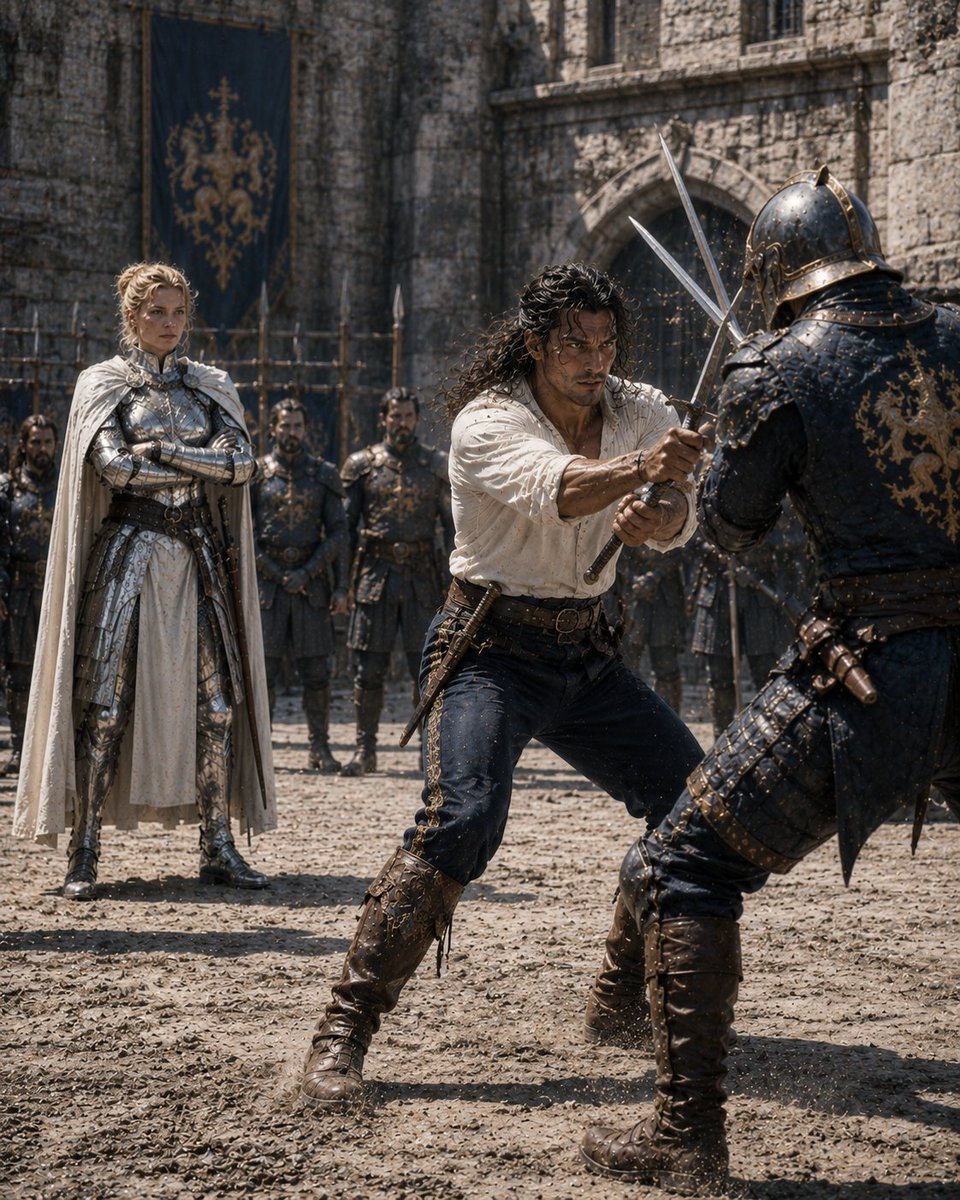
Medieval Castle Mock Duel
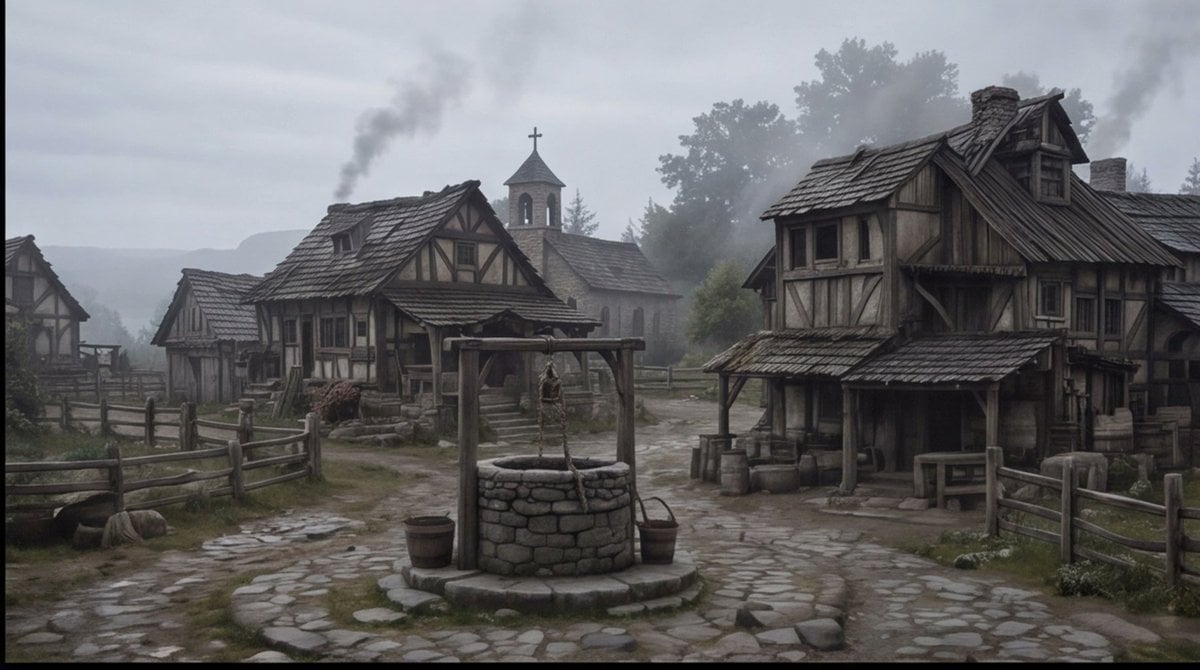
Misty Medieval Village Establishing Shot
Make it yours
Medieval Shot Reverse Shot works as-is. These are the safest ways to change it without losing the look.
Change one field
Copy a single group, rewrite it, and generate again so you can see what that field is doing.
Keep the frame, change the subject
Hold the composition and light of Medieval Shot Reverse Shot, then swap wardrobe, props or the person for a new take.
| If the result… | Why | Fix |
|---|---|---|
| The result drifts from the preview | Too many fields changed at once. | Reuse Medieval Shot Reverse Shot as-is first, then change one group — subject, light, or setting. |
| The model over-stylizes the scene | The prose prompt leaves finish and camera underspecified. | Add one camera or lighting sentence and stay on GPT Image 2. |
More GPT Image 2 templates
Other prompts made for GPT Image 2.

Six VTuber Japanese Logo Sheet

Realistic Portrait of Woman and Deer

The Vista Modular Condo Poster

AI Model Routing Comparison Infographic

2.5D Anime Art Board

Isometric Productivity Desk Scene

New York Double Exposure Poster

Four-Panel AI Landscape Comparison

Japanese Tatami Lifestyle Magazine Cover

NESCAFÉ Coffee Map Poster
More image prompts
Fresh picks from across the catalog.

SaaS AI Dashboard Landing Page
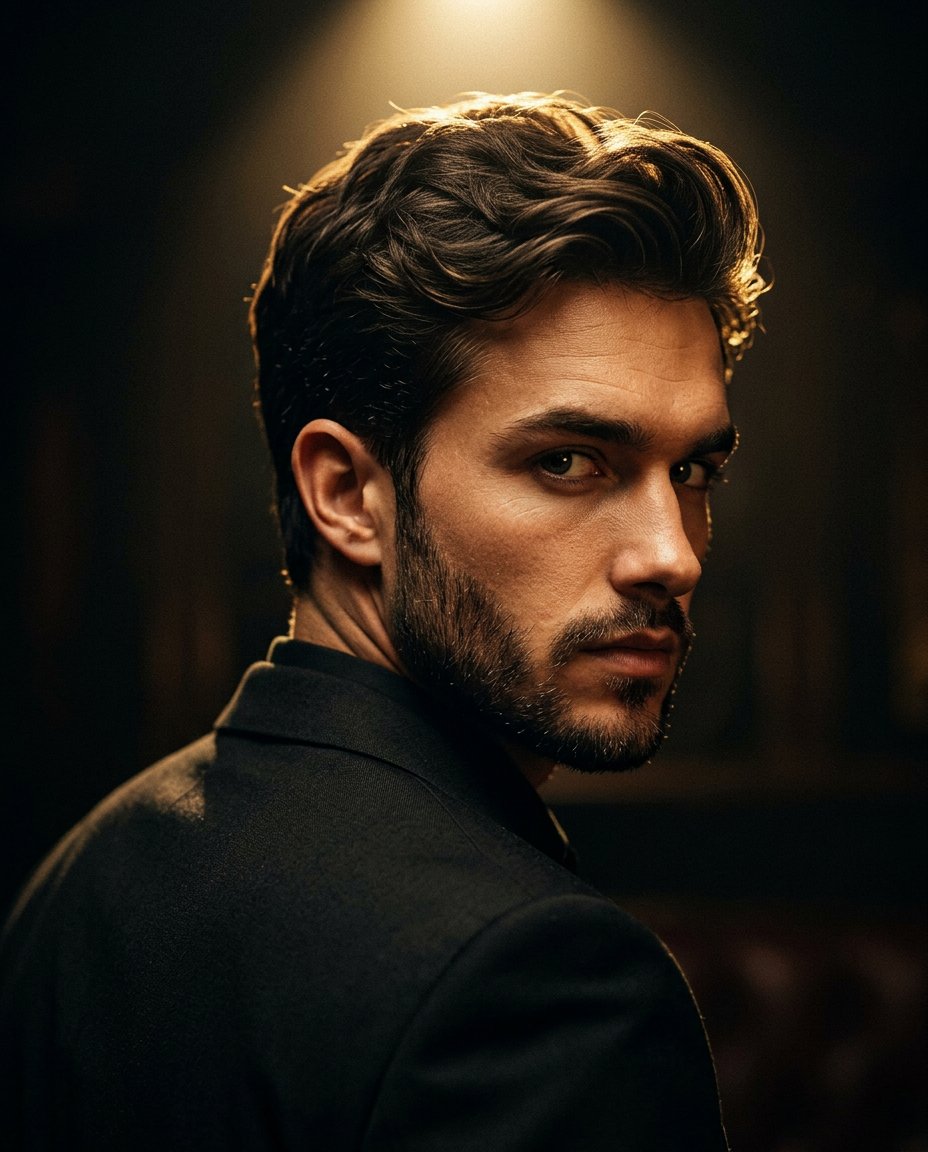
Cinematic Portrait Prompt for Google Nano Banana Pro
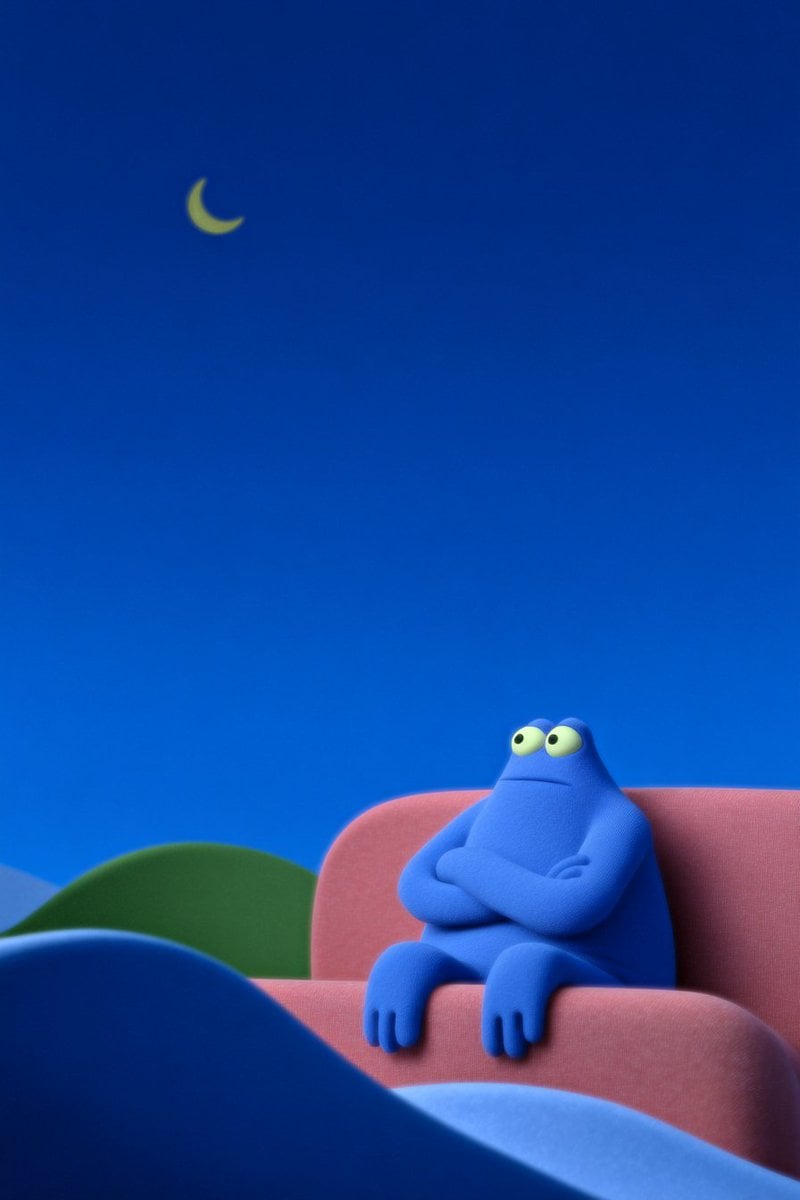
Generate Scene Five Minutes Earlier

Shear and moment diagram for a loaded beam
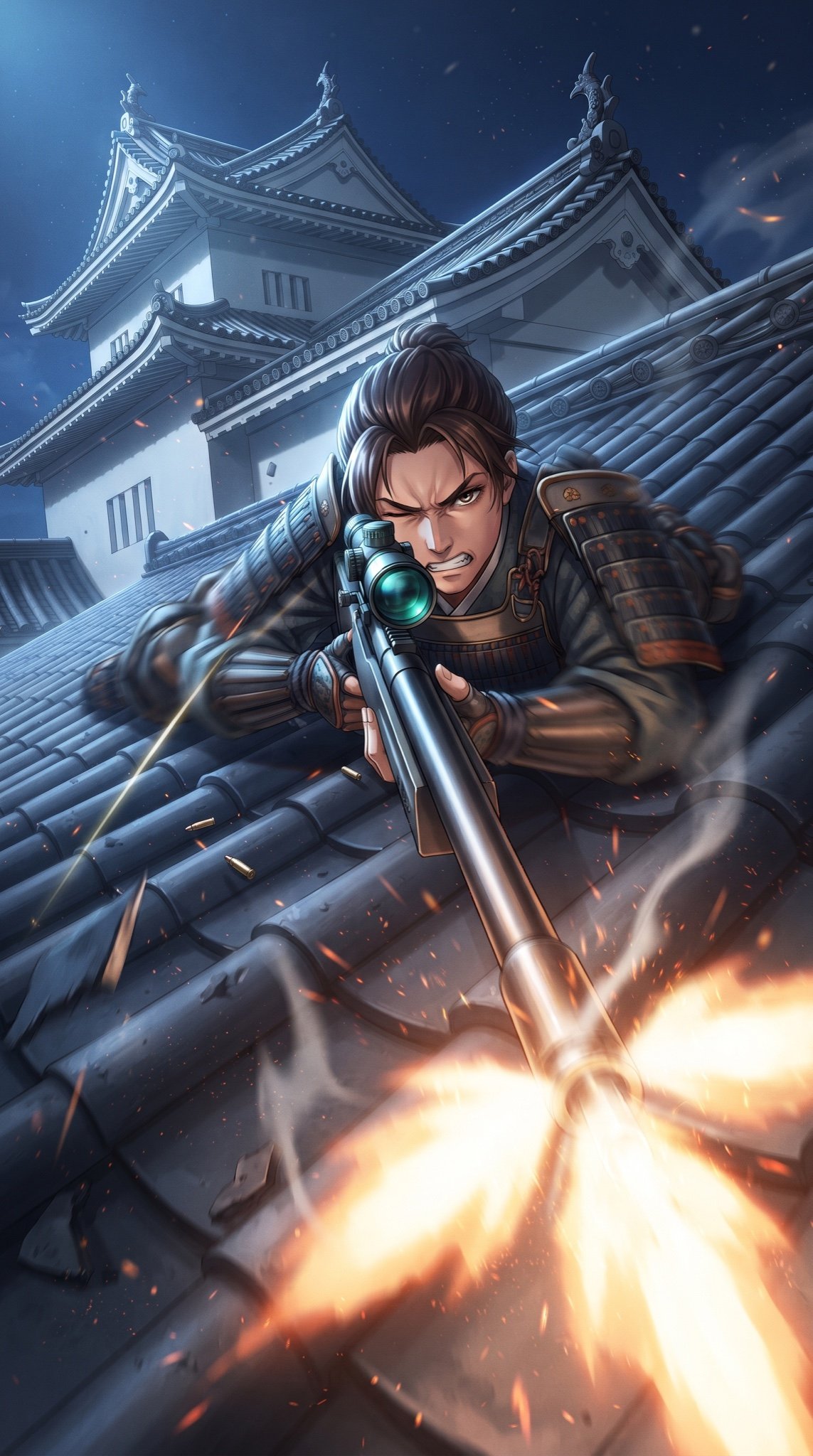
Samurai Sniper Dynamic Battle Scene Prompt

3D printed Corinthian netrunner helmet
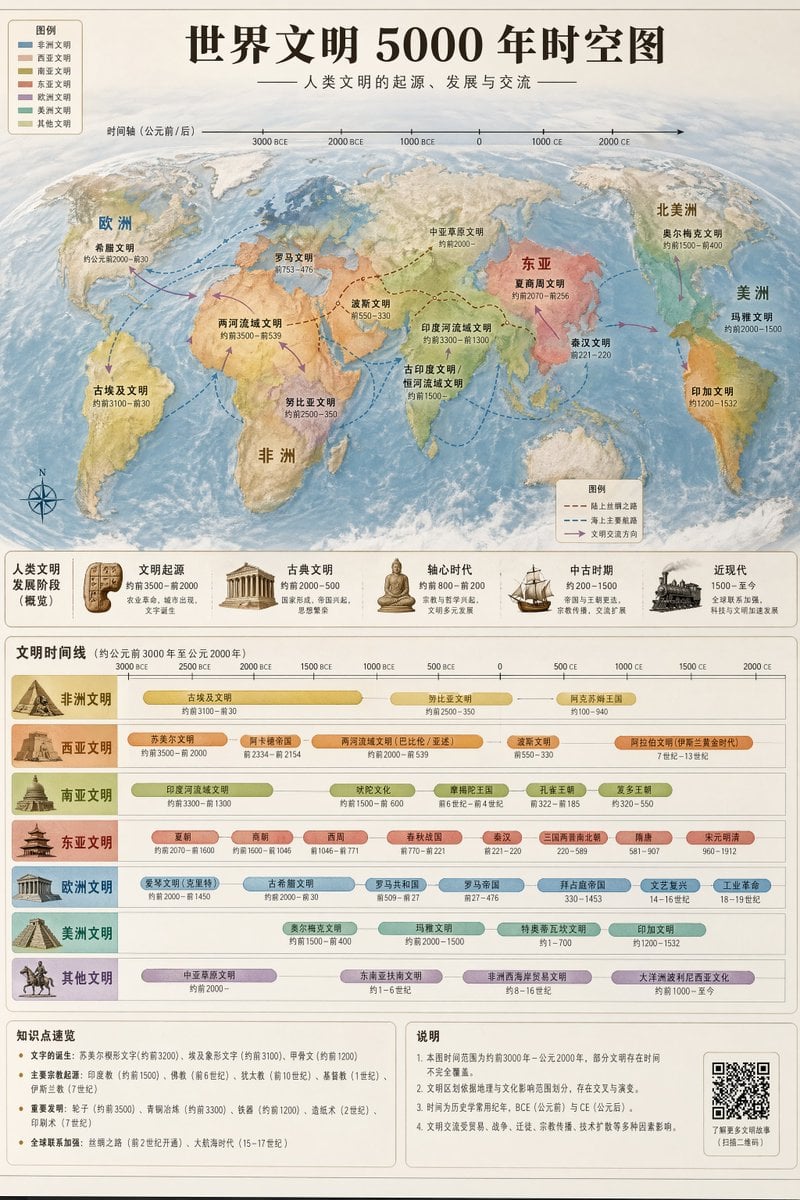
World Civilization Spatiotemporal Map
Animation Style - Framer Motion
Action Pose Sheet for Cat
Close-Up Portrait on Busy New York Street
Browse template categories
Medieval Shot Reverse Shot questions
How do I use the Medieval Shot Reverse Shot template?
Add your photo if the template asks for one, edit the prompt if you like — the template's model and format are already selected — and press Generate. Your version opens in PicX Studio.
Can I customize the Medieval Shot Reverse Shot template?
Yes. You can change the subject, setting, lighting, mood, format, and available model controls before creating your image.
Is the Medieval Shot Reverse Shot template free?
Opening and editing this template is free. Generating uses credits, shown on the Generate button when you are signed in.
Which AI model should I use?
Start with GPT Image 2, which is the model associated with this template. You can compare another compatible model for a different finish.
Looking for something else? Browse all templates.

Your photo, any look
Thousands of ready templates for every top image and video model, from one credit balance.