
Medieval Fortress Training Yard
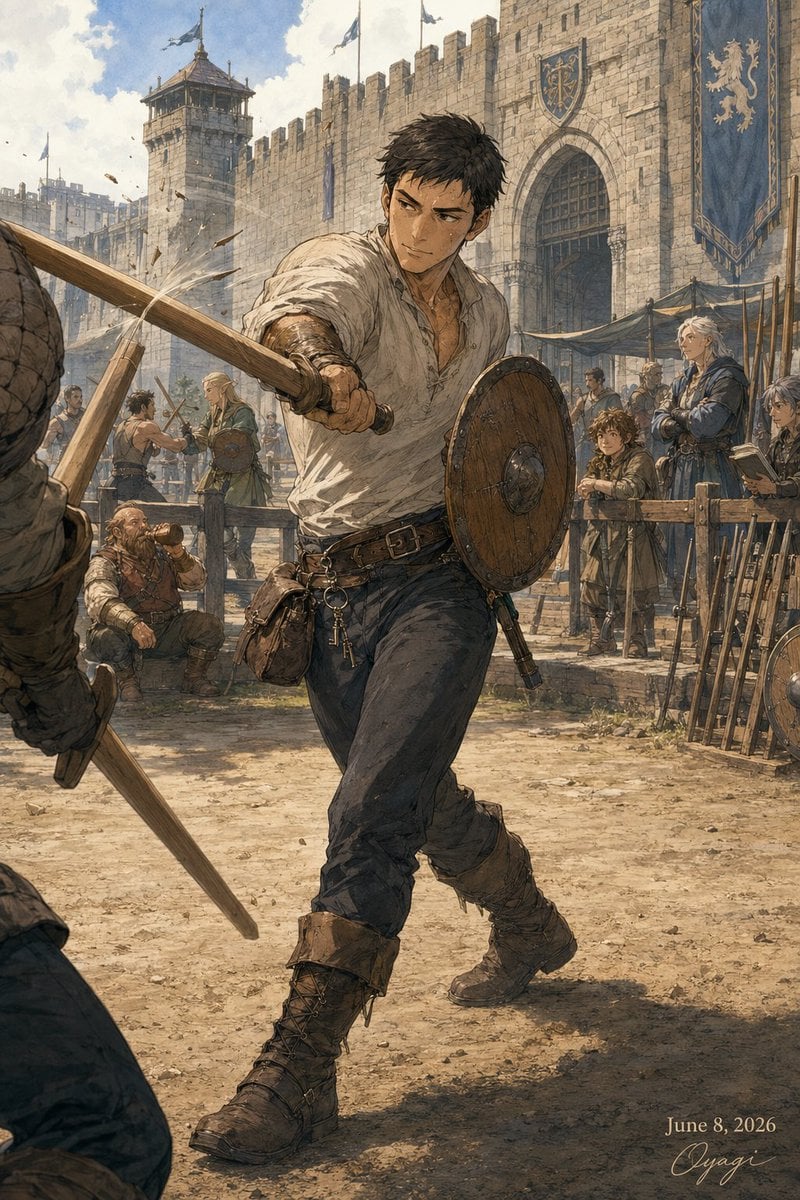
A detailed fantasy illustration prompt for creating a gritty medieval city training-yard scene with a spear fighter, onlookers, castle walls, banners, and weapon racks.
- Prompt included
- Model and format preset
- Free template
The prompt behind this image
Copy the exact prompt behind Medieval Fortress Training Yard, or open it in the studio and make it yours.
Create a vertical 2:3 medieval fantasy illustration in a gritty painterly watercolor-and-ink style, set in {argument name="setting" default="a fortified city training yard inside a stone castle gate"}. The main subject is {argument name="character name" default="an unnamed young male trainee"}, a rugged adult man with {argument name="hair color" default="short messy dark brown hair"}, wearing a loose dirty off-white linen shirt with rolled sleeves, dark trousers, a leather belt with pouch and dangling keys, brown bracers, and tall worn lace-up boots. Show him full body in the center, lunging forward dynamically from right to left, thrusting a long wooden practice spear toward a partially visible opponent in the extreme left foreground while holding a round wooden buckler shield on his left arm; his face should be anonymized by a plain soft rectangular blur. The opponent is cropped at the left edge, wearing padded armor and holding a wooden staff or spear, with only part of the torso, arm, and weapon visible. The yard is dusty, sunlit, and crowded with training activity: include exactly 11 visible people total, counted as 1 central trainee, 1 cropped foreground opponent, 1 kneeling resting fighter at lower left, 1 small crouching assistant beside him, 2 sparring men in the left background, 1 blonde observer with shield near center-left, 1 blue-robed or blue-armored instructor standing with folded arms on the right, 1 child or young trainee standing near him with a blurred face, 1 partial figure at the far right edge with a blurred face, and 1 distant background trainee near the gate. Behind them, draw high tan-gray stone fortress walls with crenellations, a tall watchtower on the left, a large arched wooden gate at center-right, heraldic blue banners with gold lion emblems, canvas shade awnings, weapon racks filled with spears and shields on the right, and drifting dust and wood splinters catching the light. Use warm late-morning sunlight, blue sky with soft clouds, detailed stone texture, earthy browns and desaturated blues, cinematic perspective, dynamic motion, realistic anatomy, no modern objects. Add a small elegant handwritten date and signature in the bottom-right corner reading {argument name="date text" default="June 8, 2026"} and {argument name="signature" default="Oyagi"}.
How to use Medieval Fortress Training Yard in 3 steps
- 1Upload ImagePNG, JPG or paste
Add your photo
Upload the photo the template builds on. The prompt, model and format are already set.
- 2…a portrait of your subject in softgolden-hour light, 85mm…
Personalize
Edit the subject and creative details for your destination.
- 3Generate
Generate
Press Generate — your image is created in PicX Studio, so you can compare it with the original and refine one variable at a time.
More like this
Templates with the same subject, style or setup. Open one to see its prompt.
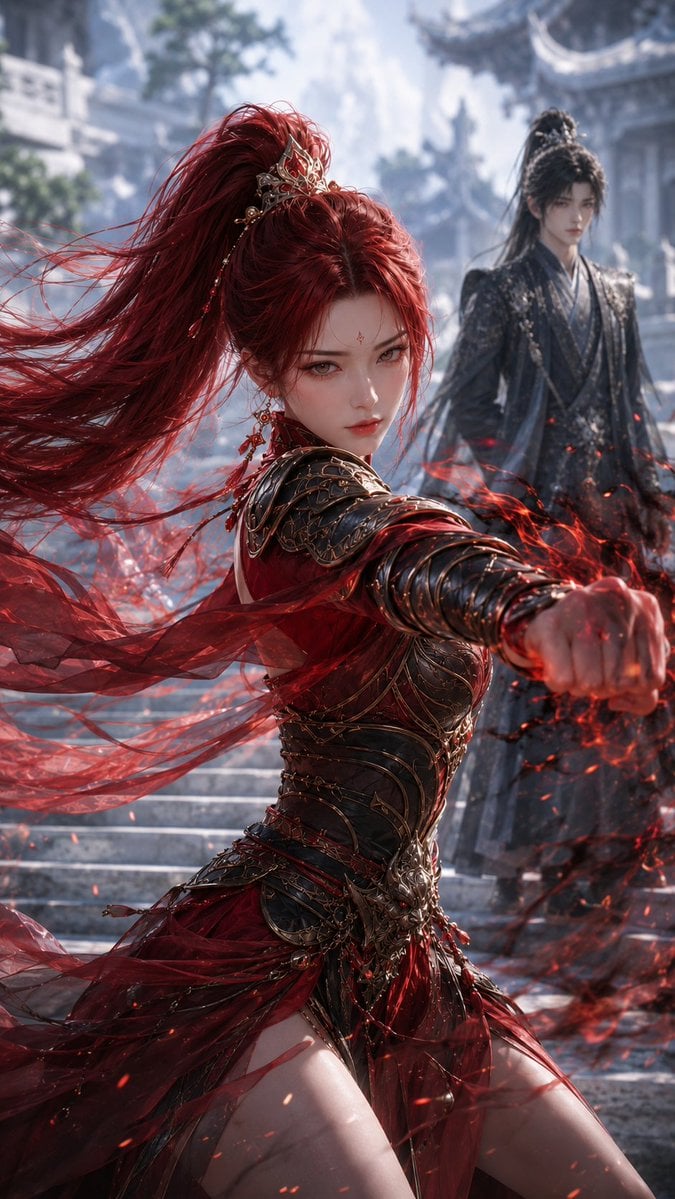
Crimson Xianxia Martial Training
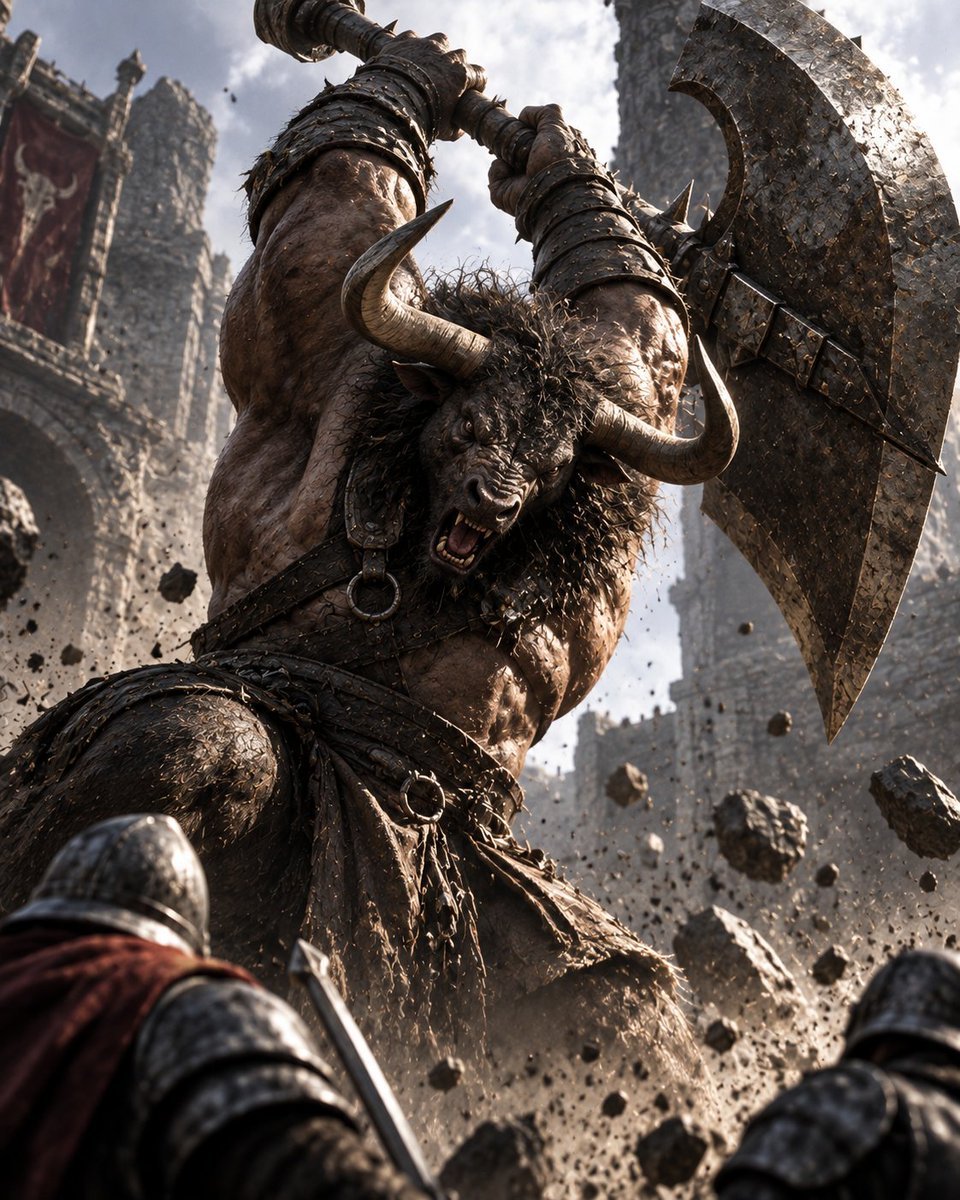
Minotaur Storming Fortress
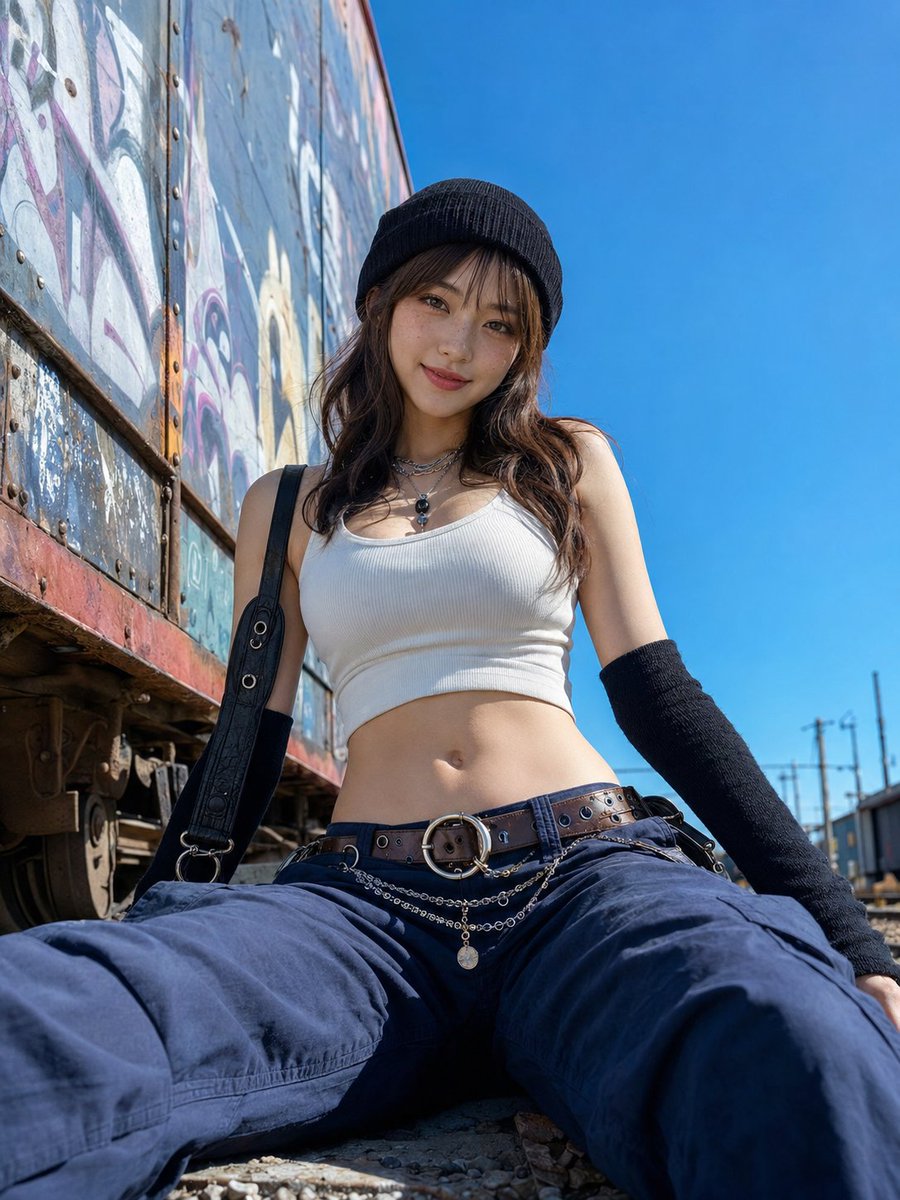
Low-Angle Rail Yard Fashion Portrait
Overhead Sci-Fi Catgirl Test Yard
Medical Laboratory Training Portrait
Rainy Feudal Japan Courtyard

Codex Training Poster Workflow Infographic

Chinese Gym Training Plan Infographic

Cute Chinese LLM Training Infographic
The Soft Drink Fortress Prompt Share
Boxer Training Action Shot
Photorealistic Medieval Village Lane
Make it yours
Medieval Fortress Training Yard works as-is. These are the safest ways to change it without losing the look.
Change one field
Copy a single group, rewrite it, and generate again so you can see what that field is doing.
Keep the frame, change the subject
Hold the composition and light of Medieval Fortress Training Yard, then swap wardrobe, props or the person for a new take.
| If the result… | Why | Fix |
|---|---|---|
| The result drifts from the preview | Too many fields changed at once. | Reuse Medieval Fortress Training Yard as-is first, then change one group — subject, light, or setting. |
| The model over-stylizes the scene | The prose prompt leaves finish and camera underspecified. | Add one camera or lighting sentence and stay on GPT Image 2. |
More GPT Image 2 templates
Other prompts made for GPT Image 2.

Six VTuber Japanese Logo Sheet

Realistic Portrait of Woman and Deer

The Vista Modular Condo Poster

AI Model Routing Comparison Infographic

2.5D Anime Art Board

Isometric Productivity Desk Scene

New York Double Exposure Poster

Four-Panel AI Landscape Comparison

Japanese Tatami Lifestyle Magazine Cover

NESCAFÉ Coffee Map Poster
More image prompts
Fresh picks from across the catalog.

Four Japanese Ad Visuals Collage

Social Media Profile News Broadcast Transformation
Cinematic Extreme Top-Down Skyscraper Portrait
Candid Night Bathroom Portrait
Epic Athlete/Artist Poster Design Prompt
Black and White Documentary Photo of Child in Boat
Harsh Flash Fashion Portrait in Flower Field Prompt
Dystopian Woman by Frozen Waterfront

Cinematic Venom Symbiote Action Scene
High-End Interior Portrait on a Marble Vanity
Browse template categories
Medieval Fortress Training Yard questions
How do I use the Medieval Fortress Training Yard template?
Add your photo if the template asks for one, edit the prompt if you like — the template's model and format are already selected — and press Generate. Your version opens in PicX Studio.
Can I customize the Medieval Fortress Training Yard template?
Yes. You can change the subject, setting, lighting, mood, format, and available model controls before creating your image.
Is the Medieval Fortress Training Yard template free?
Opening and editing this template is free. Generating uses credits, shown on the Generate button when you are signed in.
Which AI model should I use?
Start with GPT Image 2, which is the model associated with this template. You can compare another compatible model for a different finish.
Looking for something else? Browse all templates.

Your photo, any look
Thousands of ready templates for every top image and video model, from one credit balance.