How do I use the Censored Man on Crimson Throne template?
Edit the prompt in the box under the preview — the template's model and format are already selected — and press Generate. Your version appears right on this page.
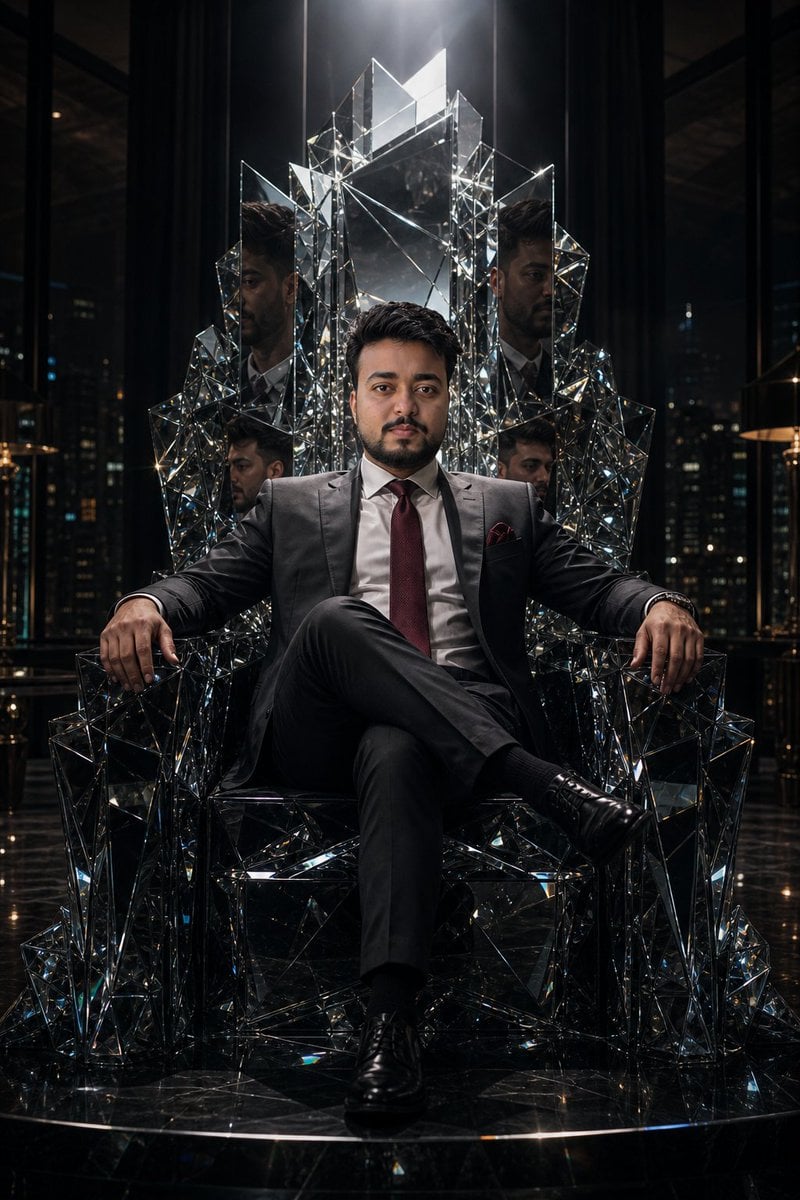
This prompt generates a disturbing expressionist portrait of a suited man on a throne, useful for editorial, political, or psychological horror-style imagery.

This template uses your photo — add one with the + button.
A dark, expressionist oil painting of a seated older man in a business suit, posed front-facing on an ornate high-backed throne with gilded finials and carved armrests. He wears a black or very deep burgundy suit, a white dress shirt, and a saturated purple tie, with both hands resting heavily on the throne arms. His hair is light blond to gray-blond, swept back loosely. The face is completely obscured by a centered rectangular blur block in muted brown, creating an unsettling censored effect. The setting is a claustrophobic interior rendered in violent vertical strokes of crimson, scarlet, black, and maroon, as if the walls are bleeding paint downward. The floor is a black-and-white checkerboard pattern, partially broken and smeared by rough brushwork. Use thick impasto, aggressive palette-knife texture, smeared edges, high contrast, and a moody, sinister atmosphere. Composition is symmetrical and centered, full seated figure visible, throne dominating the frame, with a museum-scale portrait feeling and psychological horror undertone.
A dark, expressionist oil painting of a seated older man in a business suit, posed front-facing on an ornate high-backed throne with gilded finials and carved armrests. He wears a black or very deep burgundy suit, a white dress shirt, and a saturated purple tie, with both hands resting heavily on the throne arms. His hair is light blond to gray-blond, swept back loosely. The face is completely obscured by a centered rectangular blur block in muted brown, creating an unsettling censored effect. The setting is a claustrophobic interior rendered in violent vertical strokes of crimson, scarlet, black, and maroon, as if the walls are bleeding paint downward. The floor is a black-and-white checkerboard pattern, partially broken and smeared by rough brushwork. Use thick impasto, aggressive palette-knife texture, smeared edges, high contrast, and a moody, sinister atmosphere. Composition is symmetrical and centered, full seated figure visible, throne dominating the frame, with a museum-scale portrait feeling and psychological horror undertone.
Edit the prompt in the box under the preview — the template's model and format are already selected — and press Generate. Your version appears right on this page.
Yes. You can change the subject, setting, lighting, mood, format, and available model controls before creating your image.
Opening and editing this template is free. Generating uses credits, shown on the Generate button when you are signed in.
Start with GPT Image 2, which is the model associated with this template. You can compare another compatible model for a different finish.
Follow a topic to a crawlable collection of related PicX Studio templates.