
Premium Corporate Fashion Studio Portrait
A comprehensive fashion-editorial prompt for a professional studio photoshoot featuring an East Asian woman in business formal attire.
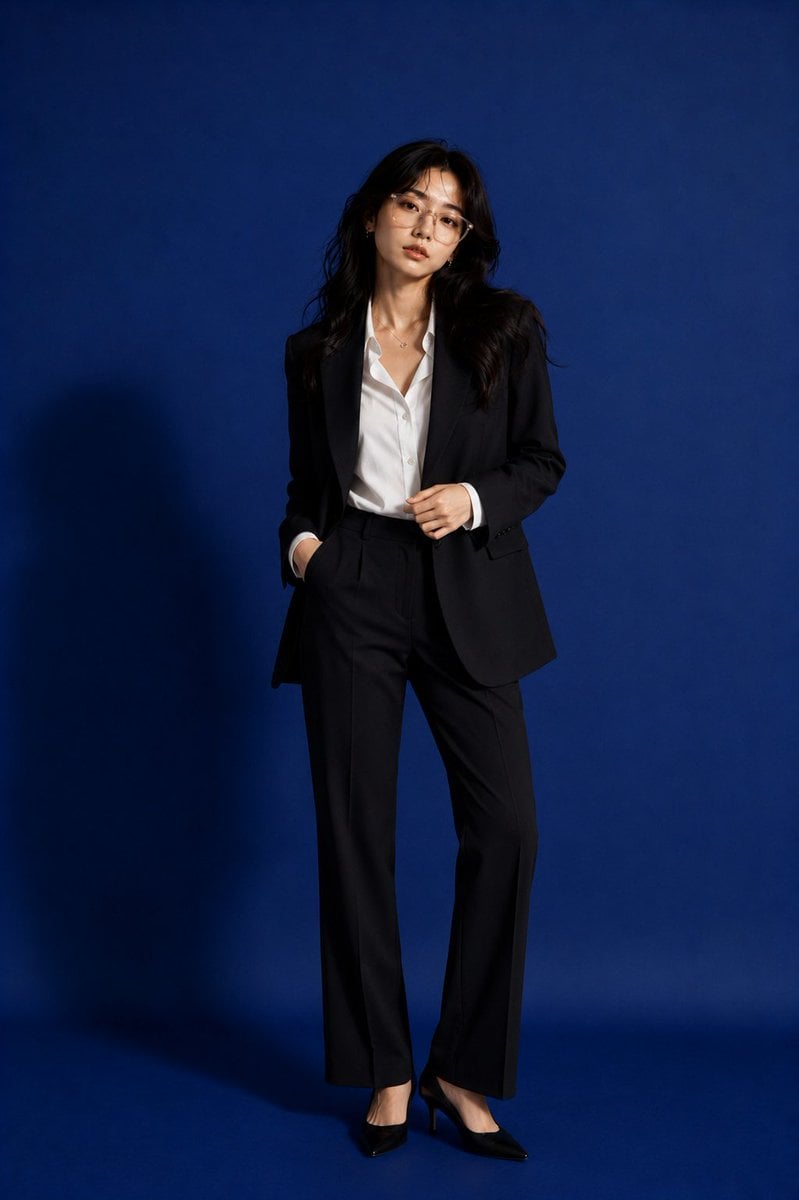
- Prompt included
- Model and format preset
- Premium template
The prompt behind this image
Copy the exact prompt behind Premium Corporate Fashion Studio Portrait, or open it in the studio and make it yours.
Create a premium fashion-editorial studio portrait of a beautiful {argument name="subject" default="young Japanese/Korean woman in her early-to-mid 20s"} wearing elegant {argument name="outfit" default="modern business formal attire"} inside a professional studio. Keep the same rich cobalt-blue seamless backdrop and matching blue floor, but create a completely different standing pose from previous images. Appearance: Authentic East Asian facial features Long dark hair styled in soft waves with natural movement Clear luminous skin with realistic pores and skin texture Soft almond-shaped eyes Natural editorial makeup Glossy neutral lips Elegant facial proportions Sophisticated yet approachable expression Transparent luxury eyewear with subtle realistic reflections Minimal silver necklace and delicate jewelry Outfit: Tailored black oversized blazer White slightly unbuttoned premium dress shirt High-waisted black wide-leg tailored trousers Black pointed heels Luxury corporate fashion styling Modern minimalist executive aesthetic Pose: Full-body standing pose Body angled about 30 degrees away from the camera Weight shifted onto one leg One hand resting inside the trouser pocket Other hand lightly touching the blazer lapel Head turned to her left instead of facing forward Chin slightly elevated Eyes looking off-camera toward an imaginary light source Relaxed shoulders Confident executive posture Elegant S-curve body silhouette Natural stance with realistic anatomy Studio: Deep monochromatic {argument name="background" default="cobalt-blue"} seamless background Matching blue floor Clean luxury editorial atmosphere Empty negative space around the model Premium commercial photography set Lighting: Soft directional studio lighting from camera left Large softbox illumination Window-shadow patterns subtly projected onto the background Realistic shadows and depth Soft highlights on cheekbones, hair and blazer texture Film-grade dynamic range Camera: Full-body composition Vertical framing (4:5) 85mm lens Eye-level perspective Magazine-cover aesthetics Ultra-photorealistic editorial photography Luxury corporate fashion campaign quality Cinematic contrast High-end commercial realism Detailed fabric rendering Mood: Modern executive, quiet confidence, contemporary luxury, effortless sophistication, elegant corporate fashion, premium editorial campaign.
How to use Premium Corporate Fashion Studio Portrait in 3 steps
- 1
Open
The prompt is already in the box next to the preview, with the template's model and format selected.
- 2…a portrait of your subject in softgolden-hour light, 85mm…
Personalize
Edit the subject and creative details for your destination.
- 3Generate
Generate
Press Generate — your image is created in PicX Studio, so you can compare it with the original and refine one variable at a time.
More like this
Templates with the same subject, style or setup. Open one to see its prompt.

80s Couple Studio Portrait

1985 Studio Portrait

Nano Banana 2 High Fashion Sports Campai

Couture Fashion Editorial Woman and Drag
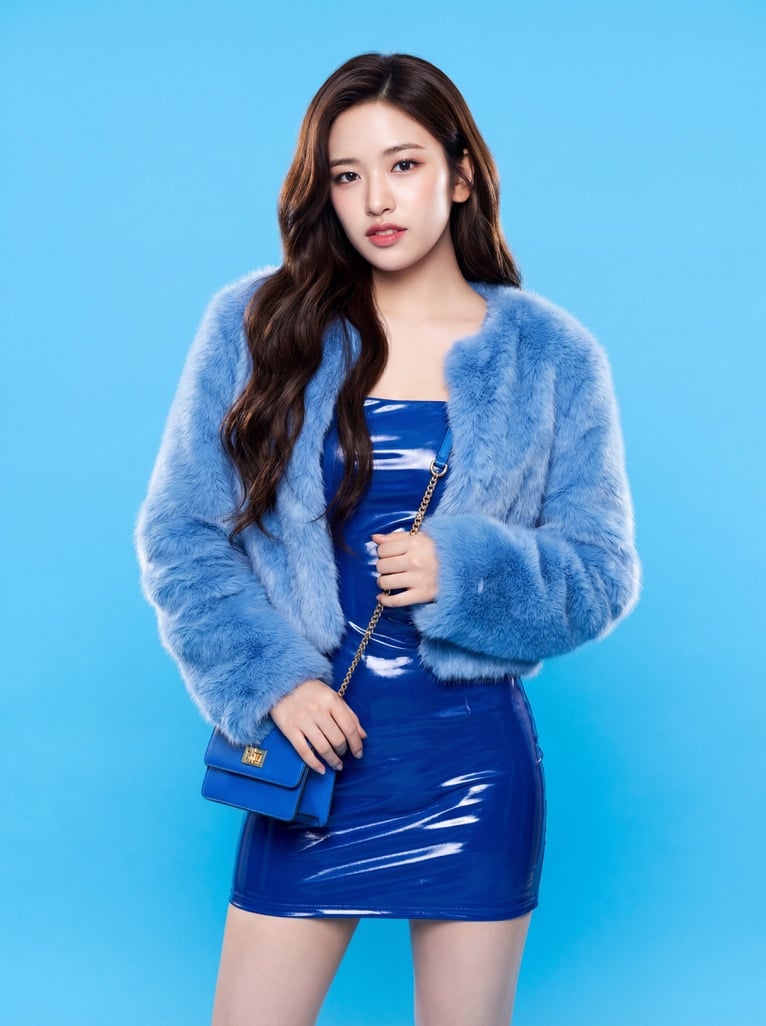
Ive Yujin Fashion Portrait in Blue

Nano Banana 2 Editorial Fashion Portrait

Caution Tape Fashion — Industrial Editorial
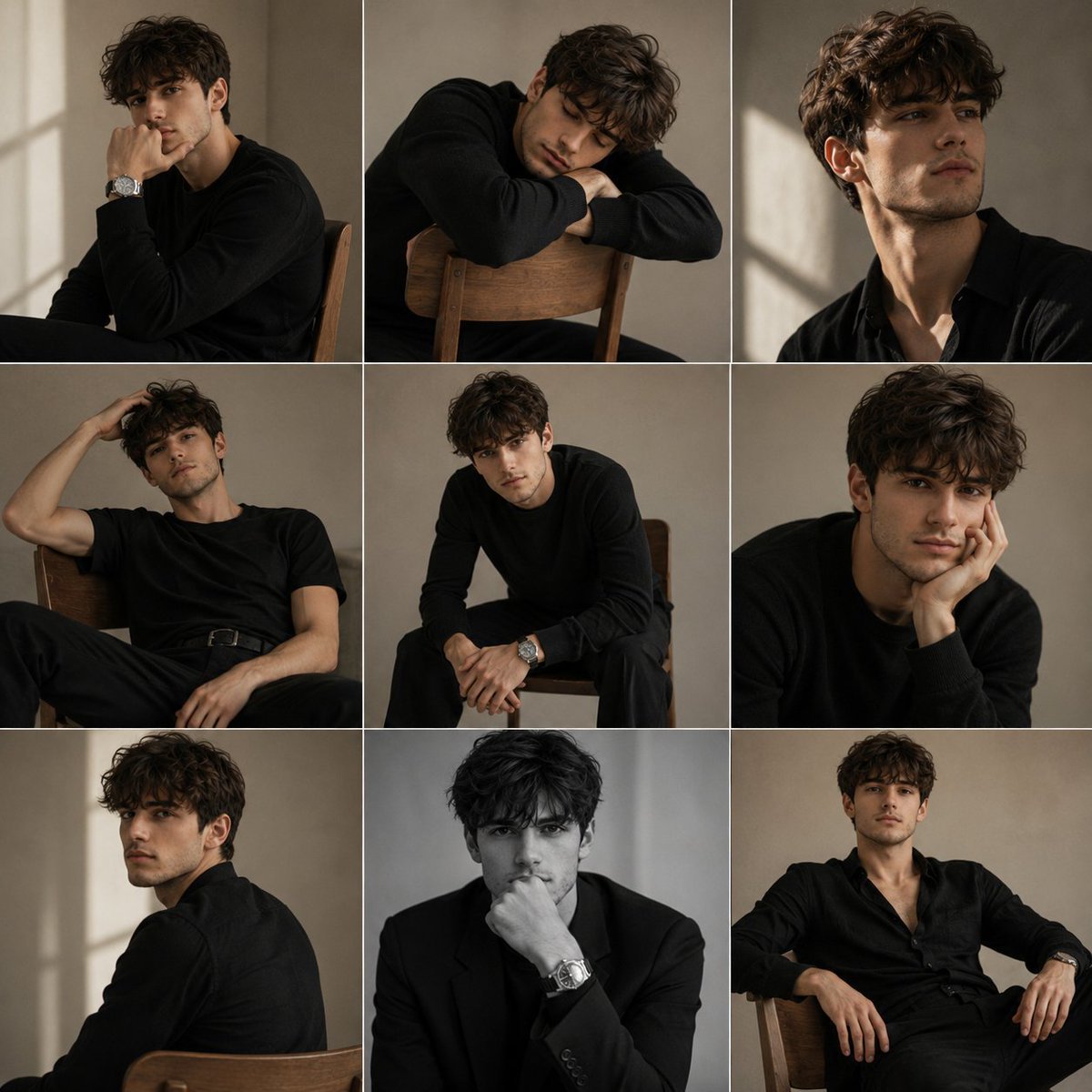
Minimalist Studio Fashion Portrait Grid
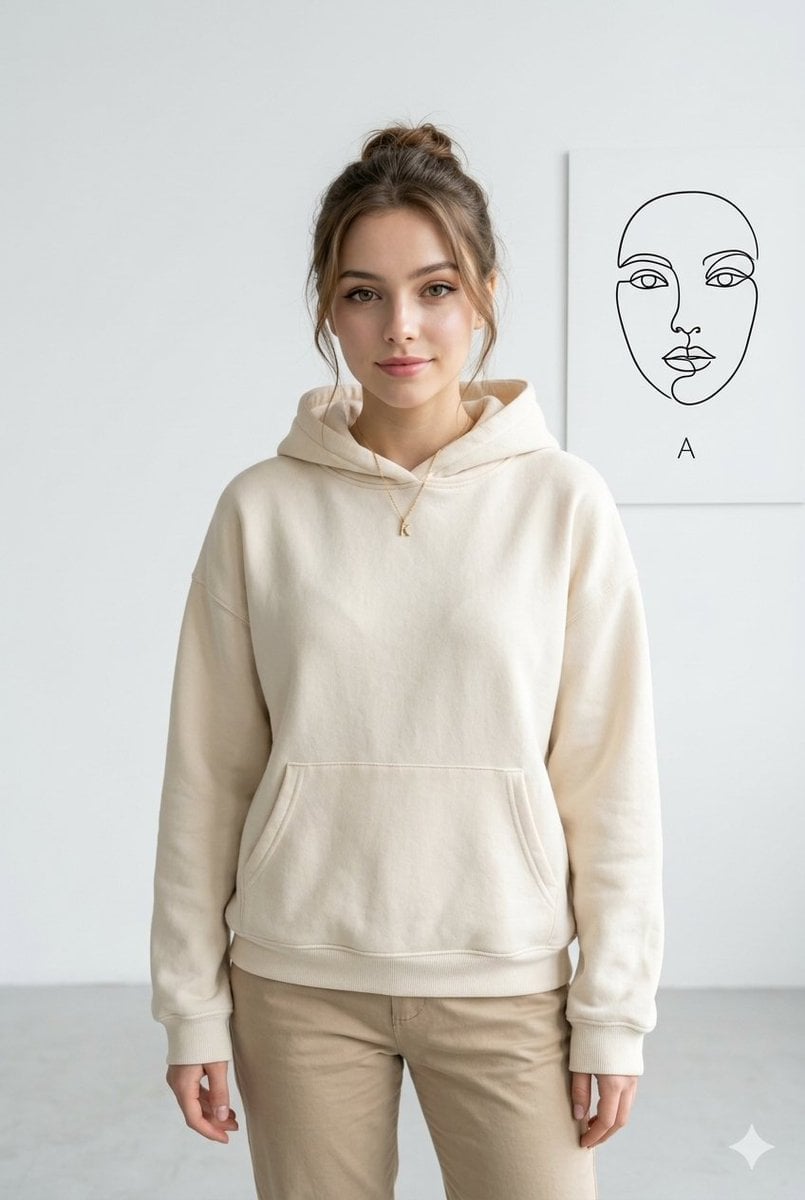
Minimalist Studio Fashion Portrait
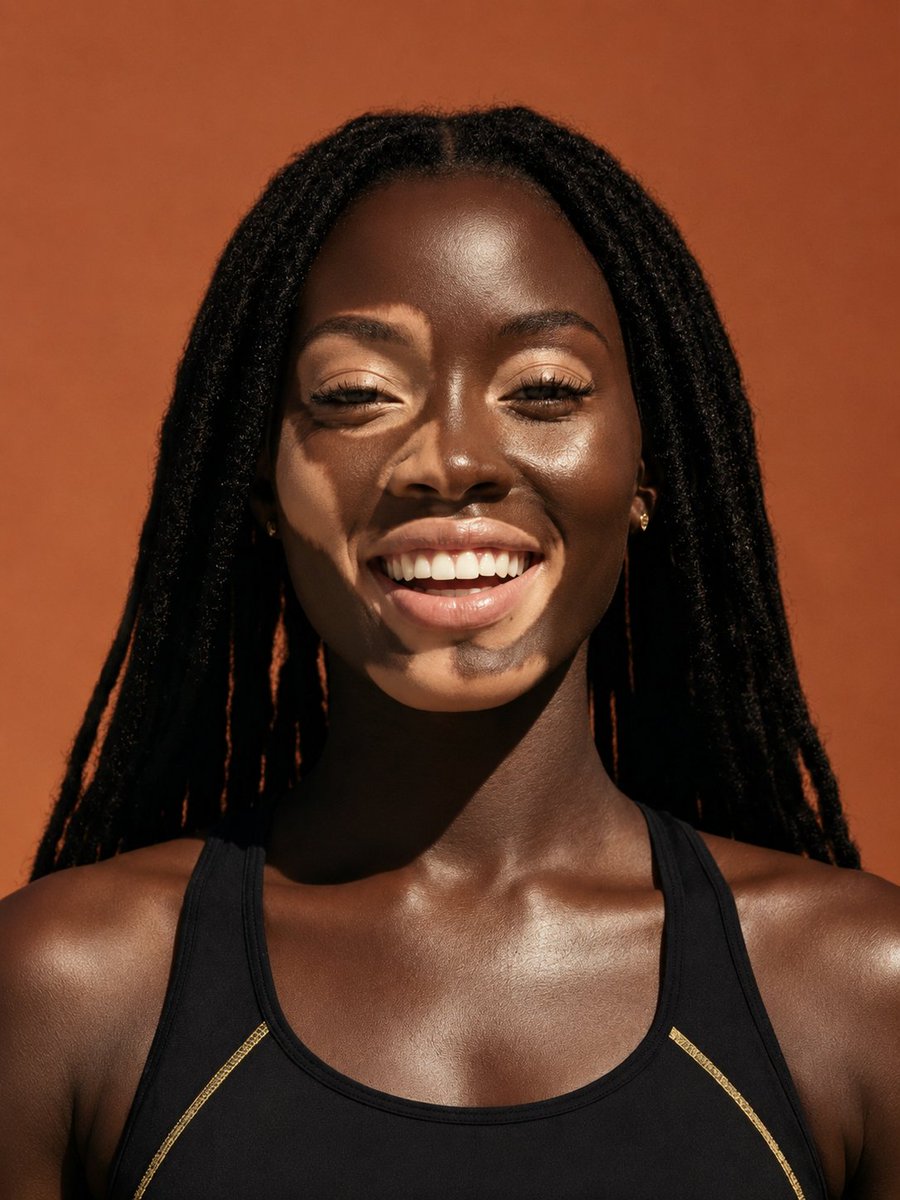
Elevated Fashion Studio Portrait
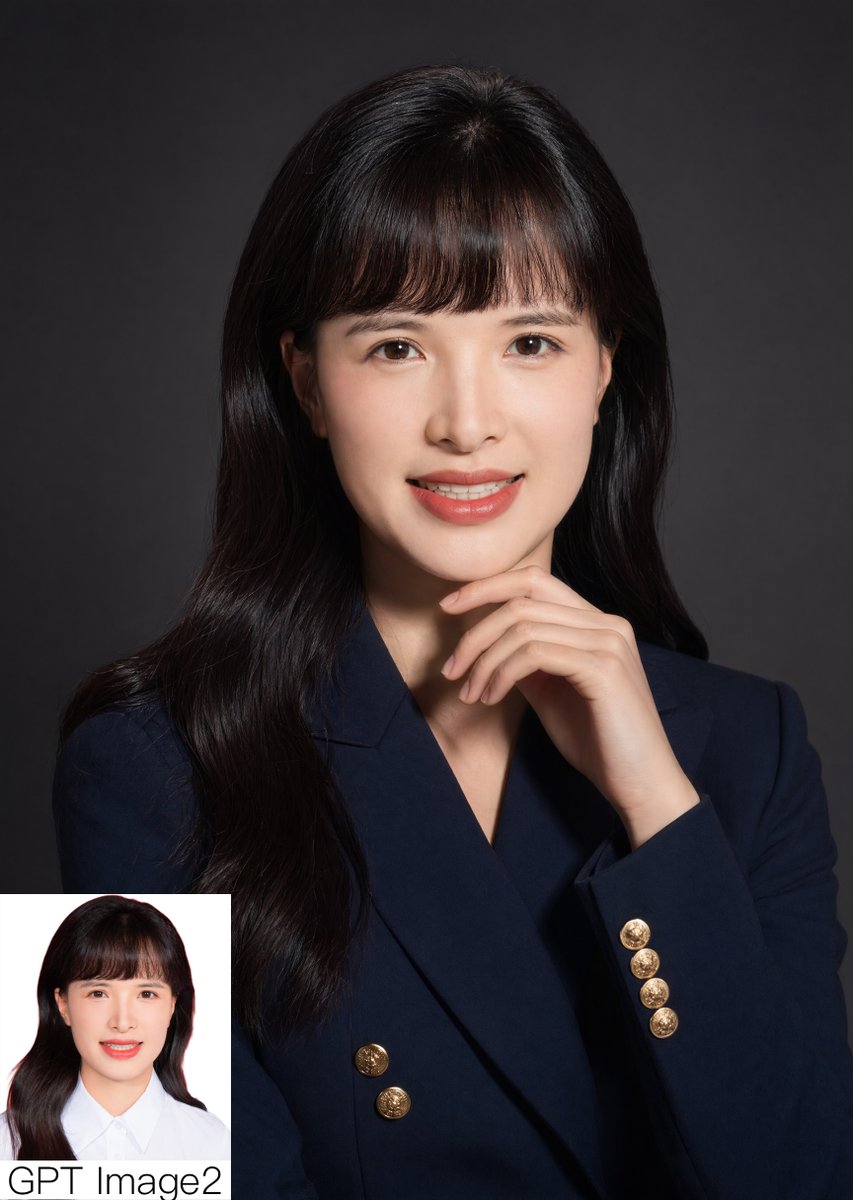
Studio Corporate Portrait with Inset
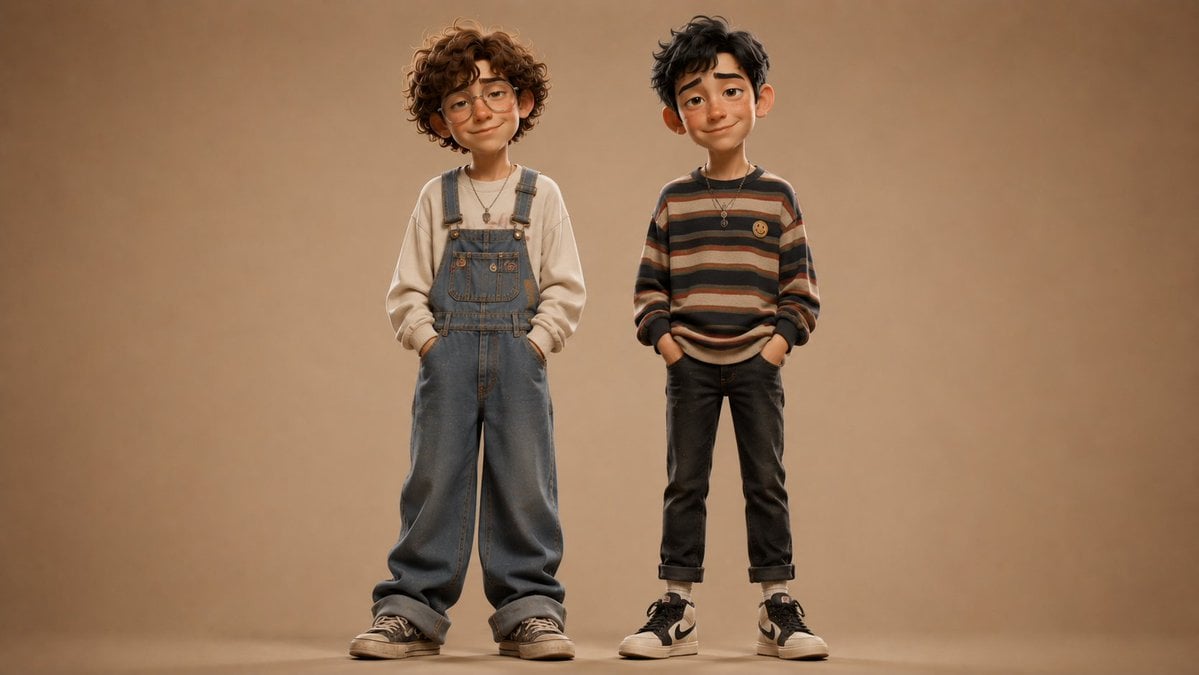
Anonymous Kids Studio Fashion Portrait
Make it yours
Premium Corporate Fashion Studio Portrait works as-is. These are the safest ways to change it without losing the look.
Change one field
Copy a single group, rewrite it, and generate again so you can see what that field is doing.
Keep the frame, change the subject
Hold the composition and light of Premium Corporate Fashion Studio Portrait, then swap wardrobe, props or the person for a new take.
| If the result… | Why | Fix |
|---|---|---|
| The result drifts from the preview | Too many fields changed at once. | Reuse Premium Corporate Fashion Studio Portrait as-is first, then change one group — subject, light, or setting. |
| The model over-stylizes the scene | The prose prompt leaves finish and camera underspecified. | Add one camera or lighting sentence and stay on GPT Image 2. |
More GPT Image 2 templates
Other prompts made for GPT Image 2.

Six VTuber Japanese Logo Sheet

Realistic Portrait of Woman and Deer

The Vista Modular Condo Poster

AI Model Routing Comparison Infographic

2.5D Anime Art Board

Isometric Productivity Desk Scene

New York Double Exposure Poster

Four-Panel AI Landscape Comparison

Japanese Tatami Lifestyle Magazine Cover

NESCAFÉ Coffee Map Poster
More image prompts
Fresh picks from across the catalog.
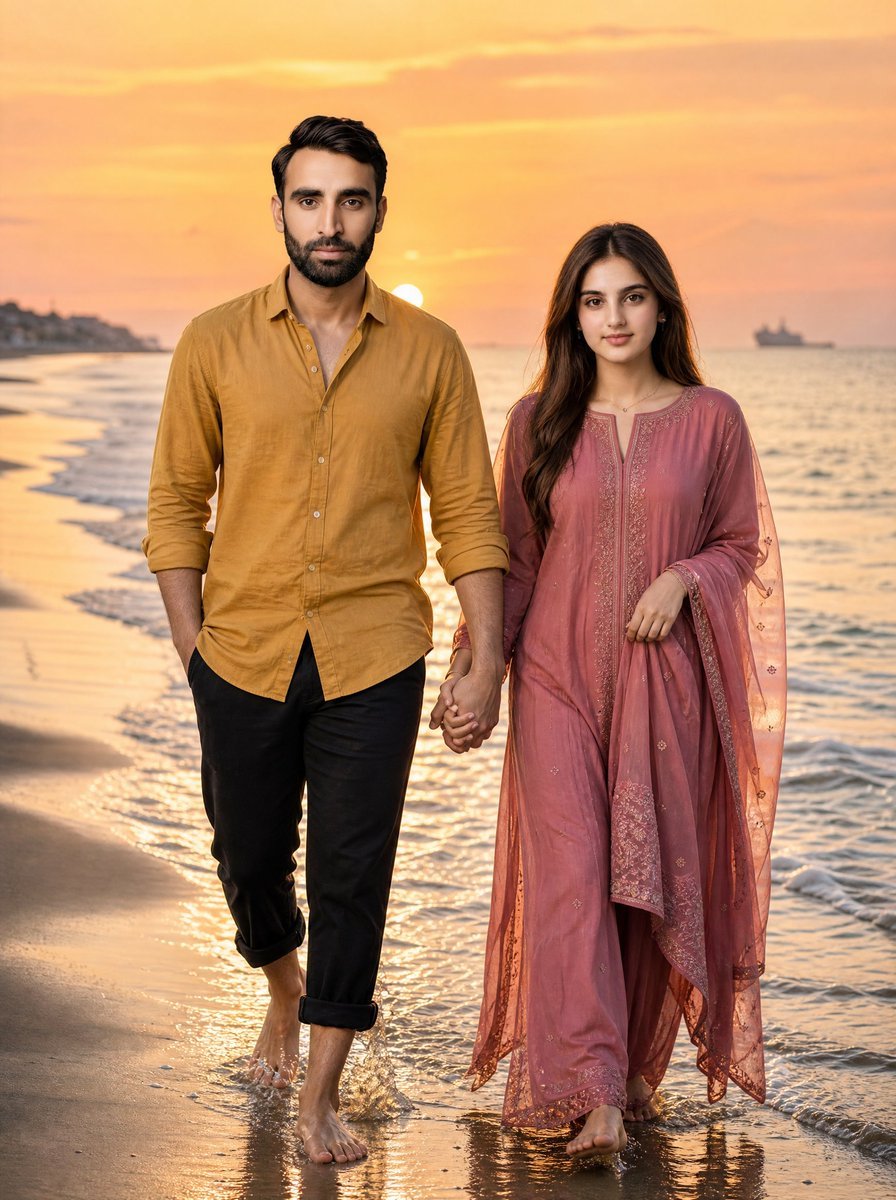
Golden Hour Beach Couple
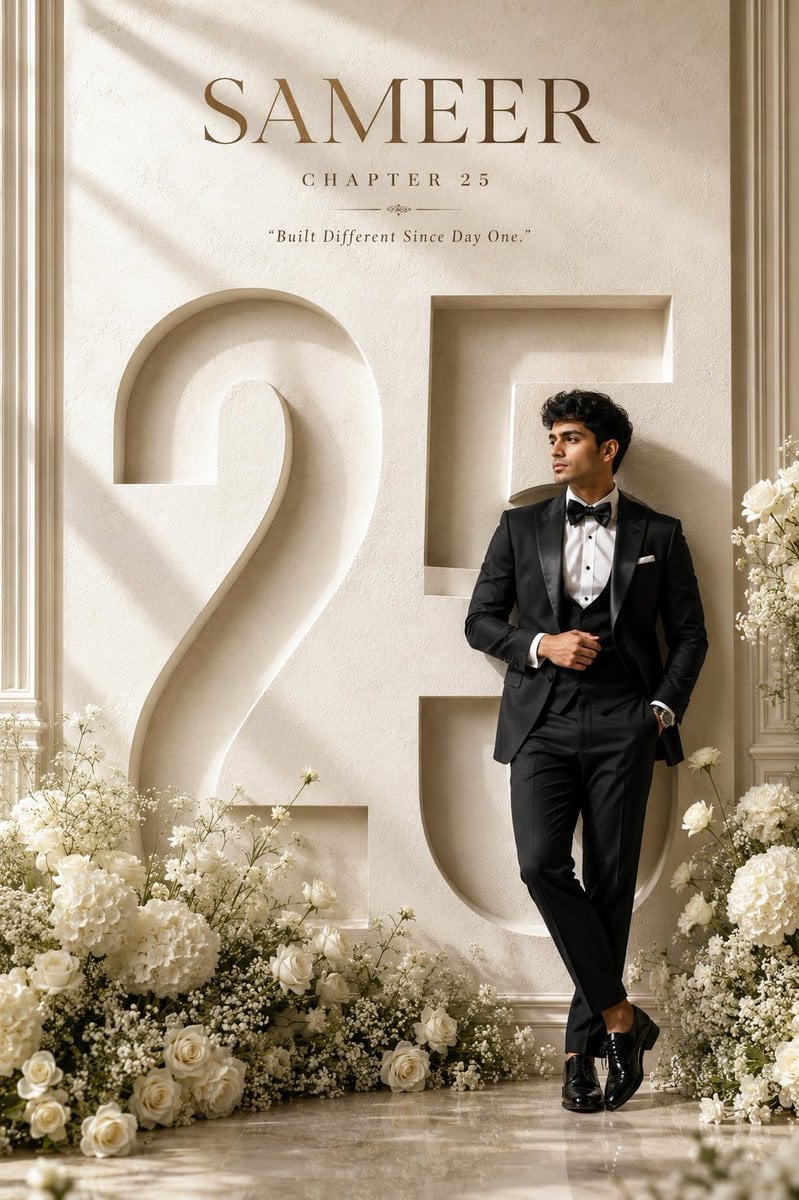
Luxury 25th Birthday Poster
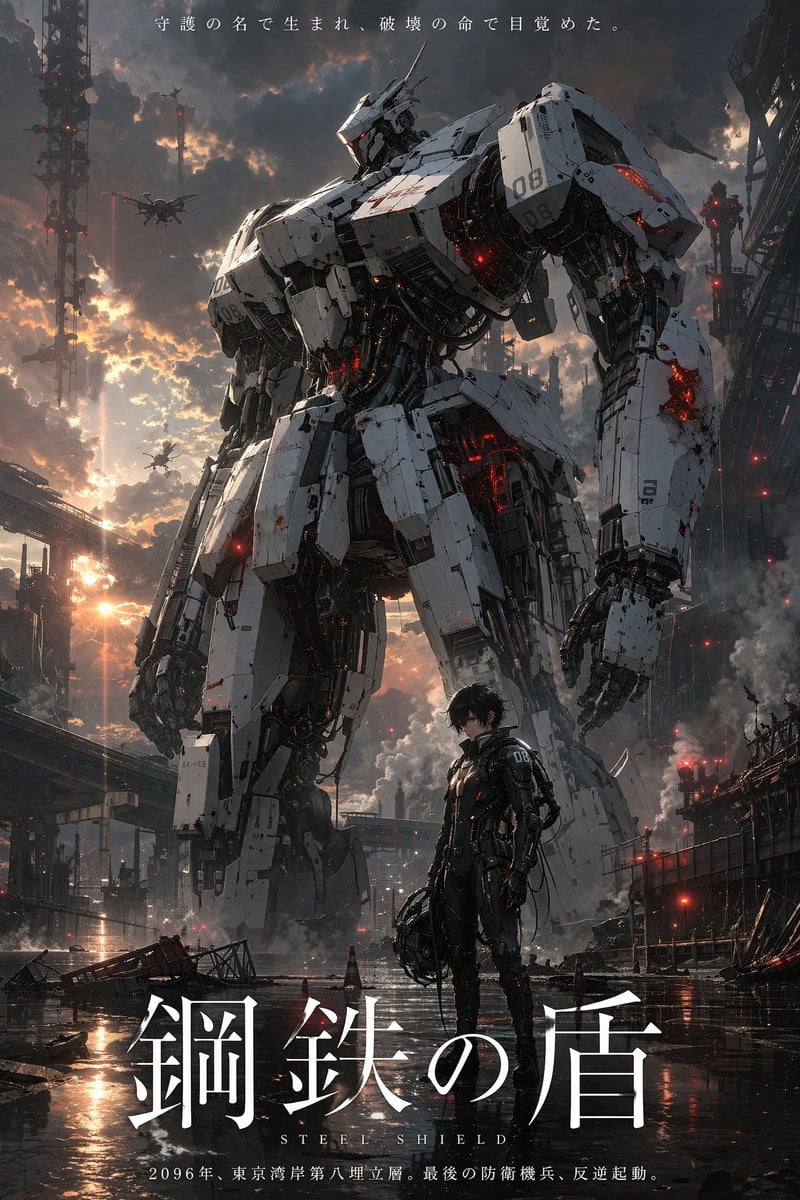
Sci-Fi Mecha Movie Poster
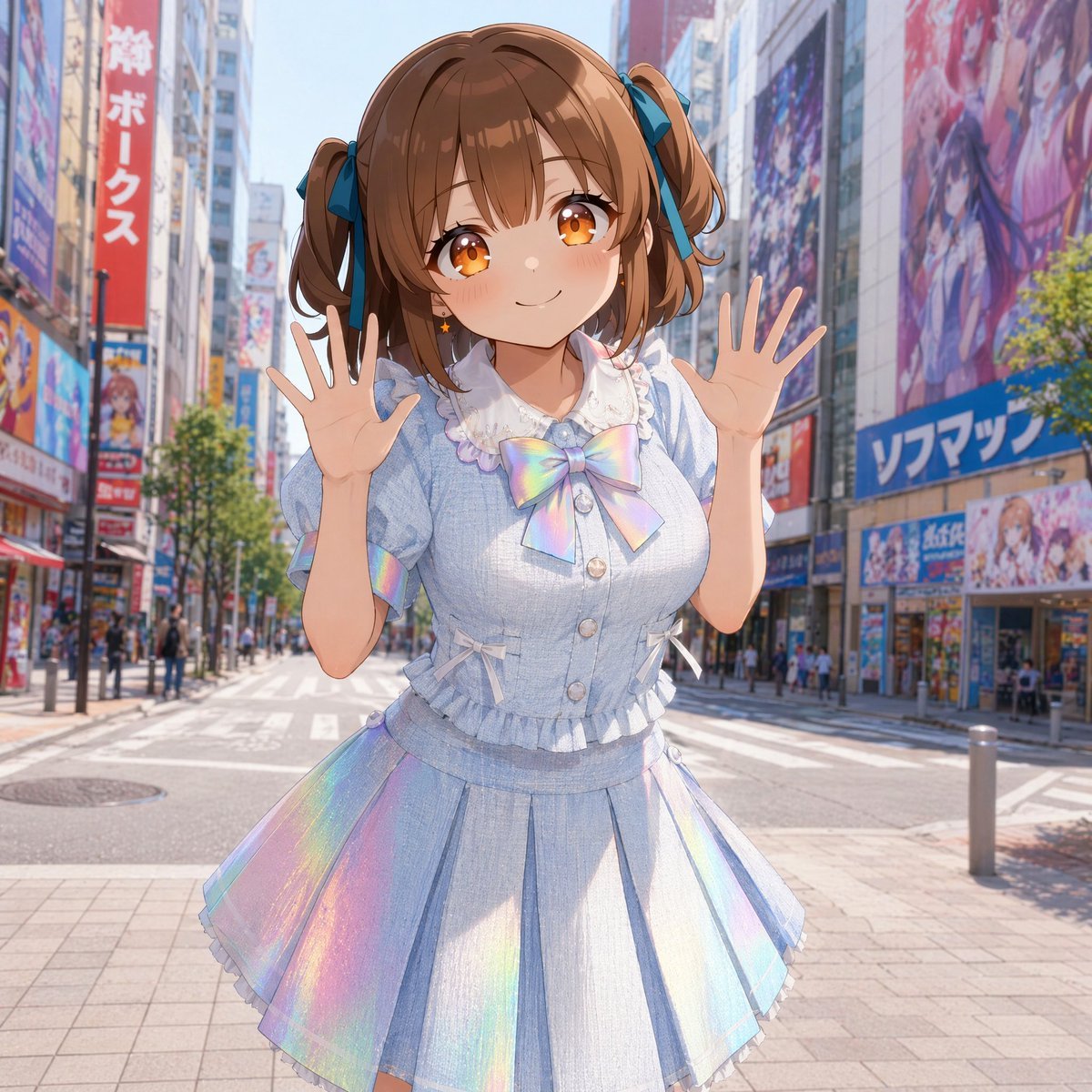
Censored Idol Girl in Akihabara
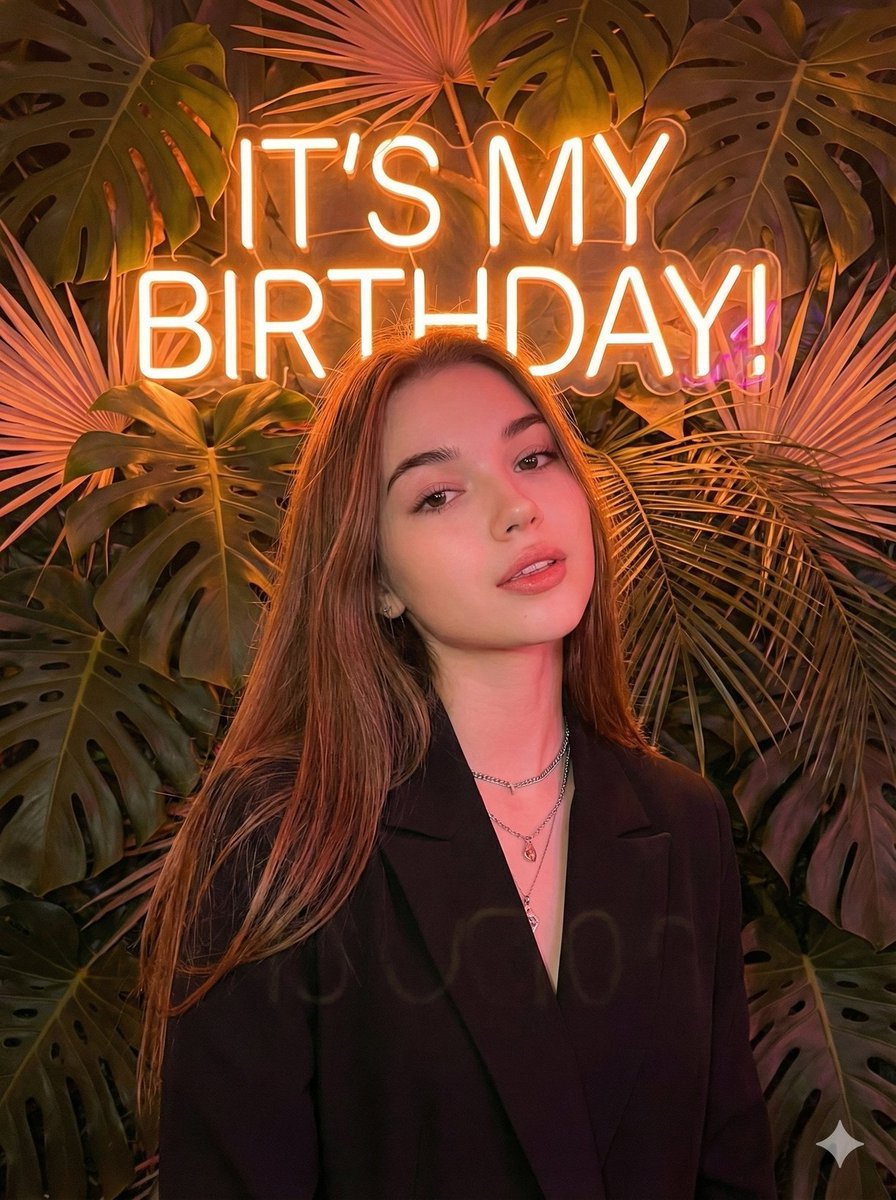
Birthday Celebration Neon Poster Collage Prompt
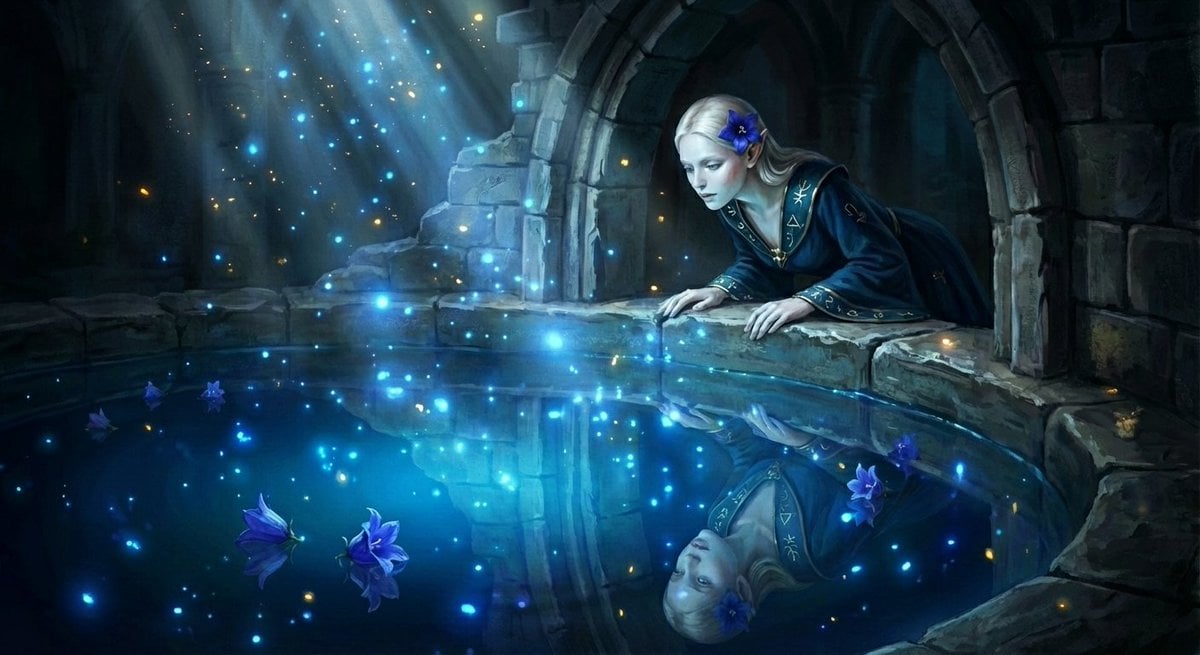
Watercolor Semi-Realistic Fantasy Animation Style Prompt
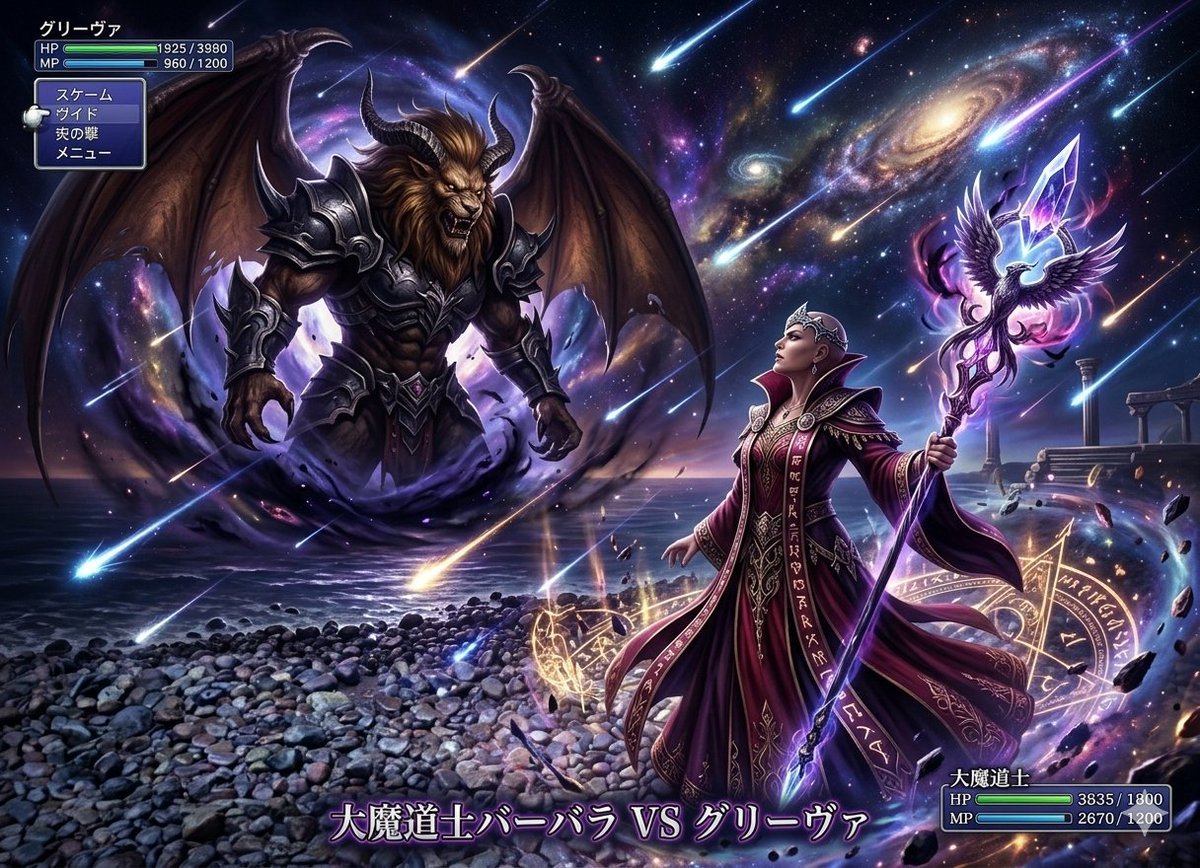
Final Fantasy transformation prompt (Nano Banana Pro)
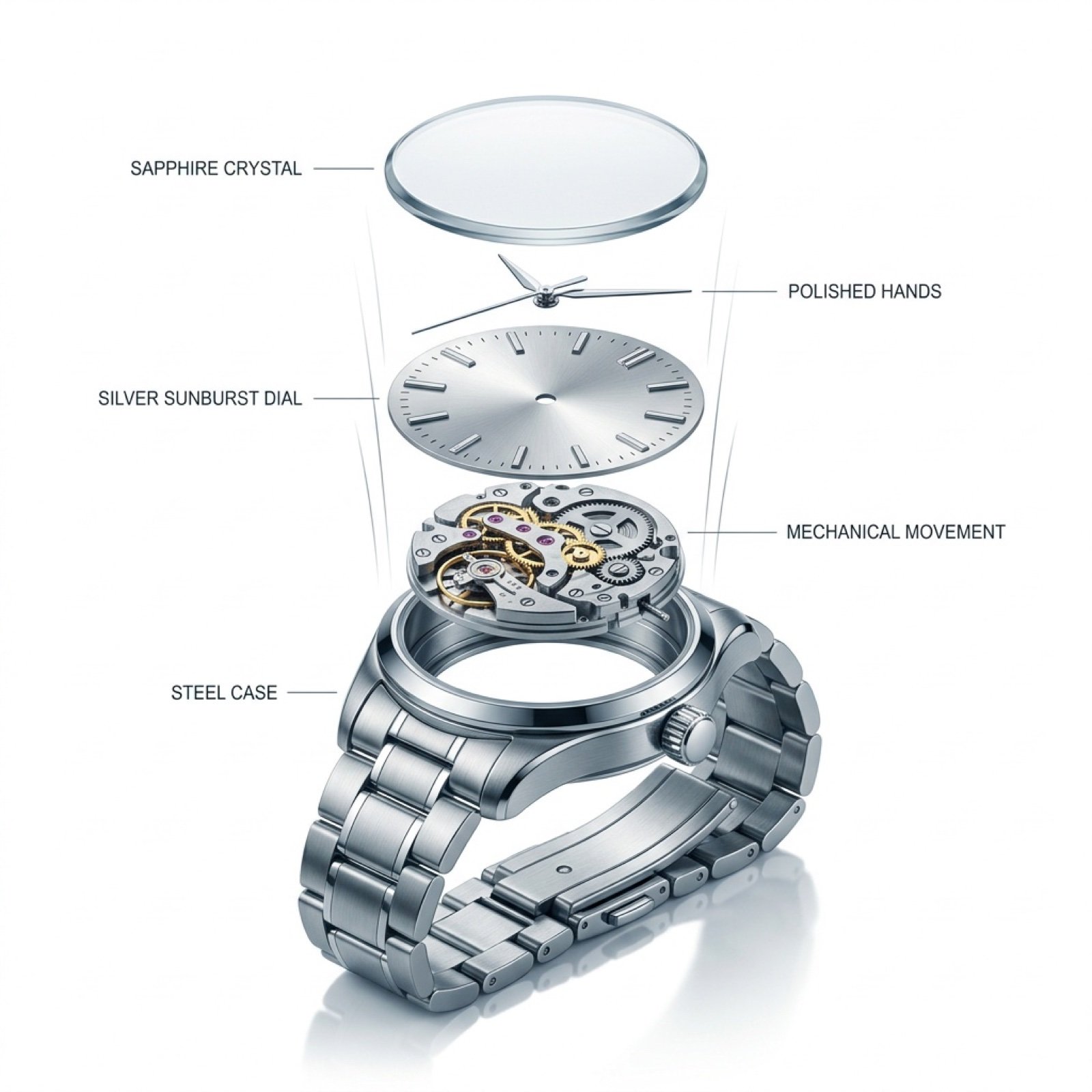
Exploded View Luxury Watch Infographic Prompt
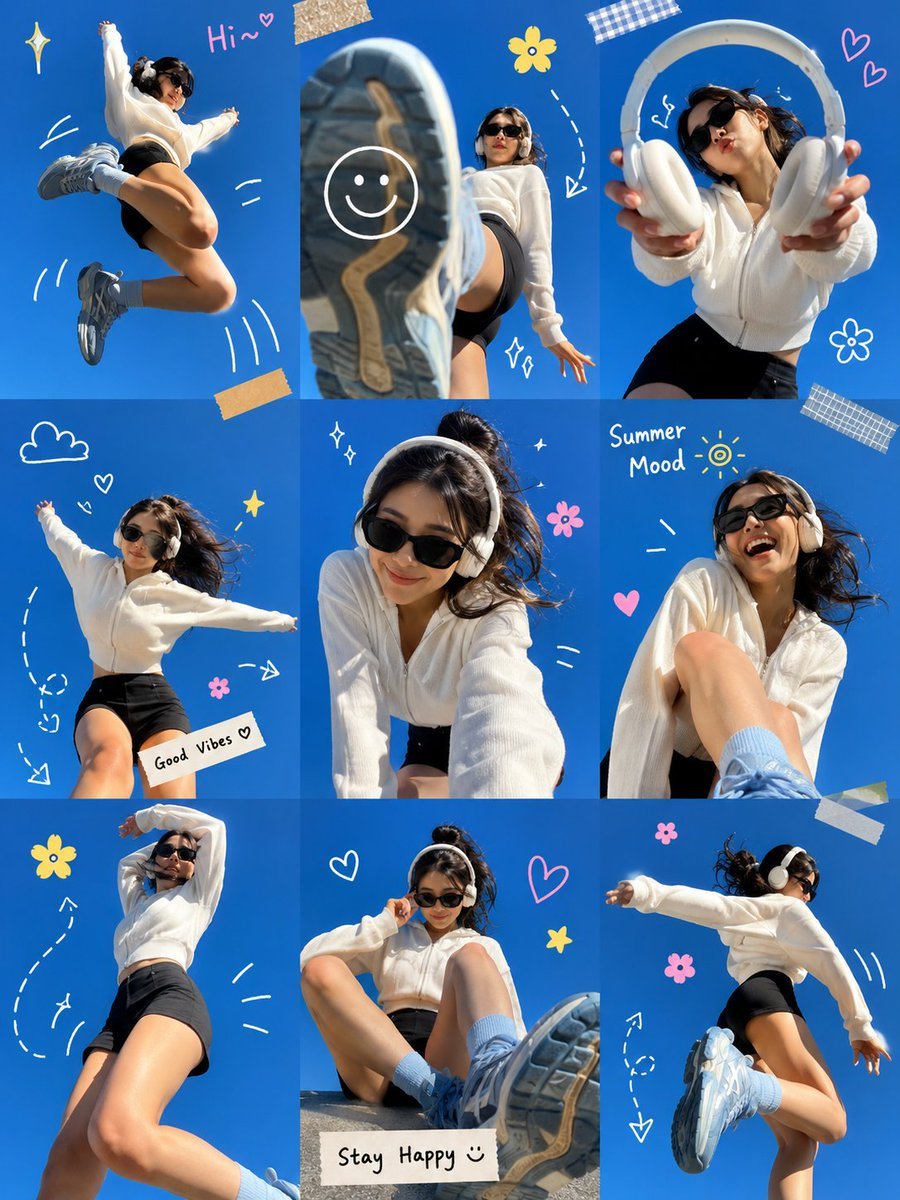
Gen Z Summer Photo Dump Collage
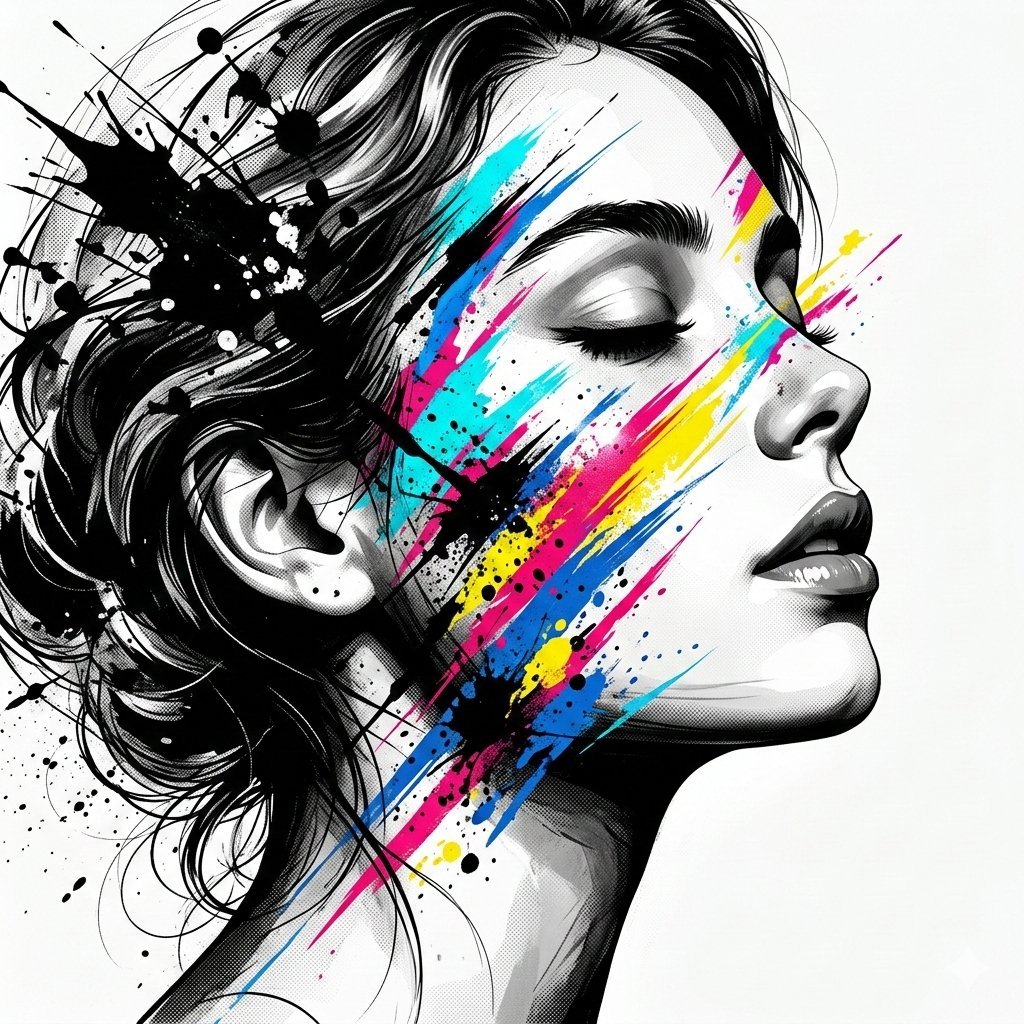
High-Contrast Abstract Mixed Media Portrait Prompt
Browse template categories
Premium Corporate Fashion Studio Portrait questions
How do I use the Premium Corporate Fashion Studio Portrait template?
Add your photo if the template asks for one, edit the prompt if you like — the template's model and format are already selected — and press Generate. Your version opens in PicX Studio.
Can I customize the Premium Corporate Fashion Studio Portrait template?
Yes. You can change the subject, setting, lighting, mood, format, and available model controls before creating your image.
Is the Premium Corporate Fashion Studio Portrait template free?
Opening and editing this template is free. Generating uses credits, shown on the Generate button when you are signed in.
Which AI model should I use?
Start with GPT Image 2, which is the model associated with this template. You can compare another compatible model for a different finish.
Looking for something else? Browse all templates.

Your photo, any look
Thousands of ready templates for every top image and video model, from one credit balance.