
AI VR Poster Comparison
This generates a social-media style side-by-side comparison graphic of two AI image models using exploded-view Meta Quest 3 posters and a prompt callout panel.
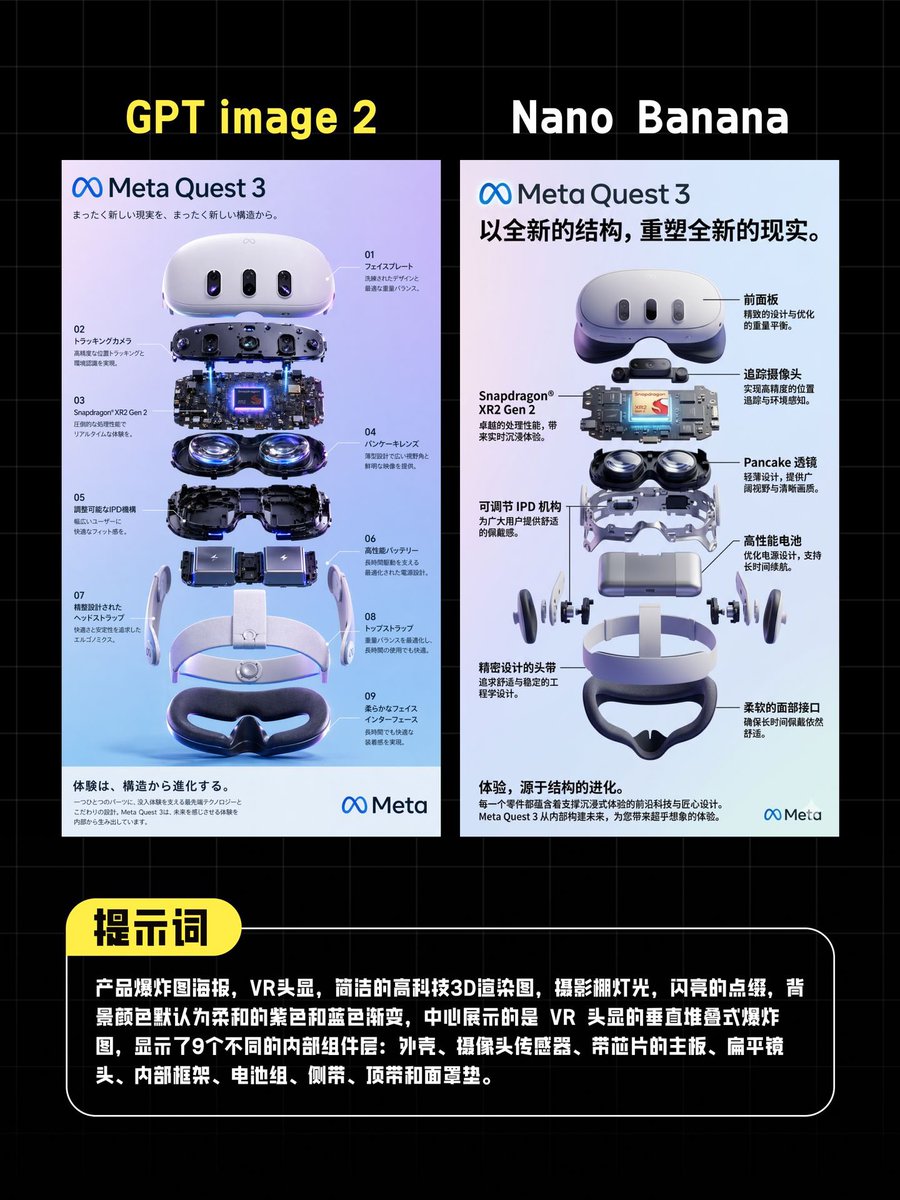
- Prompt included
- Model and format preset
- Free template
The prompt behind this image
Copy the exact prompt behind AI VR Poster Comparison, or open it in the studio and make it yours.
- Type
- comparison poster
- Style
- tech product showdown infographic, clean promotional layout, dark background with faint blue grid lines, high-contrast social-media graphic
- Canvas › Aspect Ratio
- 4:5
- Canvas › Background
- black with subtle square grid
- Layout › Sections › 0 › Title
- GPT image 2
- Layout › Sections › 0 › Position
- top-left above left poster
- Layout › Sections › 0 › Count
- 1
- Layout › Sections › 0 › Labels
- GPT image 2
- Layout › Sections › 1 › Title
- Nano Banana
- Layout › Sections › 1 › Position
- top-right above right poster
- Layout › Sections › 1 › Count
- 1
- Layout › Sections › 1 › Labels
- Nano Banana
- Layout › Sections › 2 › Title
- 提示词
- Layout › Sections › 2 › Position
- bottom callout header
- Layout › Sections › 2 › Count
- 1
- Layout › Sections › 2 › Labels
- 提示词
- Layout › Panels
- 2
- Layout › Panel Arrangement
- two tall vertical posters side by side, evenly spaced, centered horizontally
- Layout › Bottom Callout
- large rounded black text box with white border spanning most of the width
- Left Panel › Type
- VR headset exploded-view poster
- Left Panel › Branding
- Meta Quest 3
- Left Panel › Headline
- まったく新しい現実を、まったく新しい構造から。
- Left Panel › Language
- Japanese
- Left Panel › Poster Background
- soft white to lavender-blue gradient
Raw JSON
{"type":"comparison poster","style":"tech product showdown infographic, clean promotional layout, dark background with faint blue grid lines, high-contrast social-media graphic","canvas":{"aspect_ratio":"4:5","background":"black with subtle square grid"},"layout":{"sections":[{"title":"GPT image 2","position":"top-left above left poster","count":1,"labels":["GPT image 2"]},{"title":"Nano Banana","position":"top-right above right poster","count":1,"labels":["Nano Banana"]},{"title":"提示词","position":"bottom callout header","count":1,"labels":["提示词"]}],"panels":2,"panel_arrangement":"two tall vertical posters side by side, evenly spaced, centered horizontally","bottom_callout":"large rounded black text box with white border spanning most of the width"},"left_panel":{"type":"VR headset exploded-view poster","branding":"Meta Quest 3","headline":"まったく新しい現実を、まったく新しい構造から。","language":"Japanese","poster_background":"soft white to lavender-blue gradient","main_object":"Meta Quest 3 headset shown as a vertically exploded assembly render","component_count":9,"number_labels":["01","02","03","04","05","06","07","08","09"],"components":["front shell and faceplate","sensor/camera bar assembly","mainboard and chipset layer with glowing blue core","dual pancake lens modules","internal lower housing","battery modules","side strap arms","top strap and headband frame","face cushion"],"annotations":"small Japanese technical callouts around the components with thin leader lines","footer":"light gray information strip with dense small text and Meta logo at bottom right"},"right_panel":{"type":"VR headset exploded-view poster","branding":"Meta Quest 3","headline":"以全新的结构,重塑全新的现实。","language":"Chinese","poster_background":"soft white to pale gray-blue gradient","main_object":"Meta Quest 3 headset shown as a vertically exploded assembly render","component_count":9,"callout_count":8,"components":["front shell","sensor strip","mainboard with Snapdragon XR2 Gen 2 chip","dual pancake lenses","adjustable IPD mechanism","high-performance battery","head strap arms","facial interface","lower face cushion"],"callout_labels":["前面板","追踪摄像头","Pancake 透镜","高性能电池","柔软面部接口","精密设计的头带","可调节 IPD 机构","Snapdragon XR2 Gen 2"],"annotations":"bold Chinese callouts with black leader lines placed on both sides of the exploded render","footer":"light gray information strip with dense small text and Meta logo at bottom right"},"bottom_text_box":{"shape":"rounded rectangle","header_badge":"yellow pill-shaped label attached to top-left edge","body_text":"{argument name=\"prompt text\" default=\"产品爆炸图海报,VR头显,简洁的高科技3D渲染图,摄影棚灯光,闪亮的点缀,背景颜色默认为柔和的紫色和蓝色渐变,中间展示的是 VR 头显的垂直堆叠式爆炸图,显示了9个不同的内部组件:外壳、摄像头传感器、带芯片的主板、扁平镜头、内部框架、电池组、侧臂、顶带和面罩垫。\"}","text_color":"white","font":"bold sans-serif Chinese text"},"visual_details":{"rendering":"ultra-clean 3D product visualization, glossy white plastic, dark glass sensors, metallic internals, subtle purple-blue reflections","lighting":"studio lighting with polished highlights and soft shadows","mood":"professional, competitive, modern AI tool comparison graphic"}}How to use AI VR Poster Comparison in 3 steps
- 1Upload ImagePNG, JPG or paste
Add your photo
Upload the photo the template builds on. The prompt, model and format are already set.
- 2…a portrait of your subject in softgolden-hour light, 85mm…
Personalize
Edit the subject and creative details for your destination.
- 3Generate
Generate
Press Generate — your image is created in PicX Studio, so you can compare it with the original and refine one variable at a time.
More like this
Templates with the same subject, style or setup. Open one to see its prompt.

Japan Travel Brochure Poster

Cartoon TV Show Poster Pack

Trendy Cafe Drink Promo Poster

Urban Fashion Editorial Collage Streetwear Poster

Premium Fashion Editorial Cover Layout System

Polo Ralph Lauren Luxury American Heritage Fashion Campaign

Monochrome Halftone Editorial Fashion Poster

Retro Mirror Luxury Fashion Campaign Poster
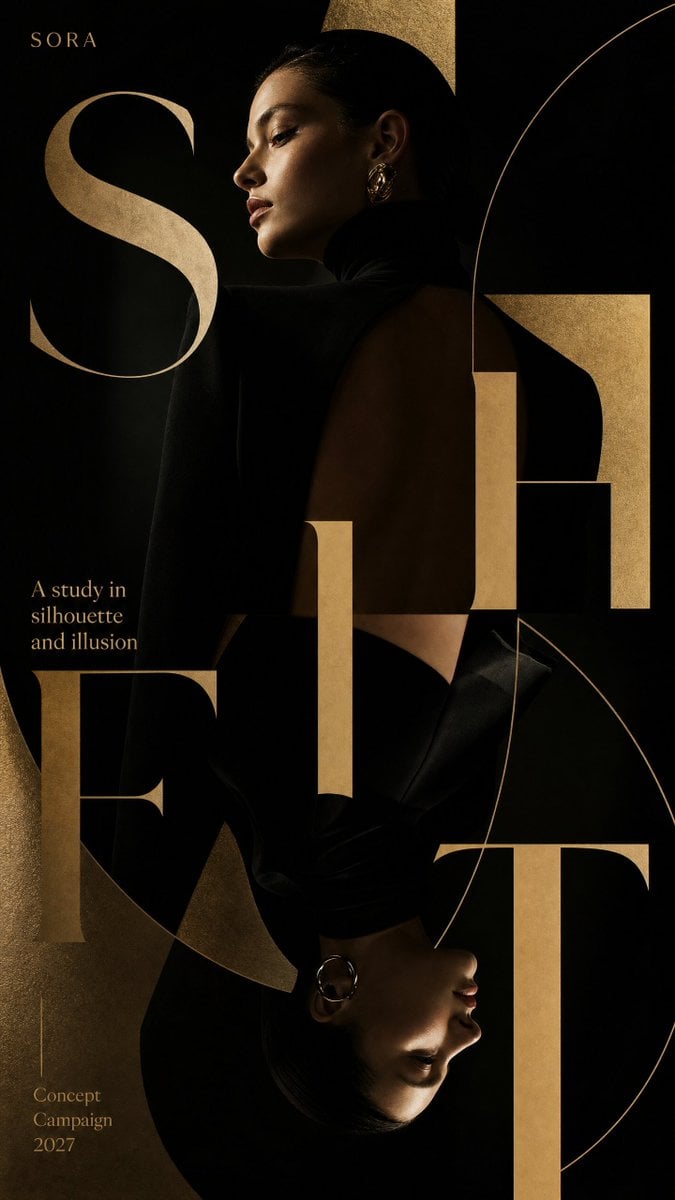
Luxury Fashion Campaign Typography Poster System
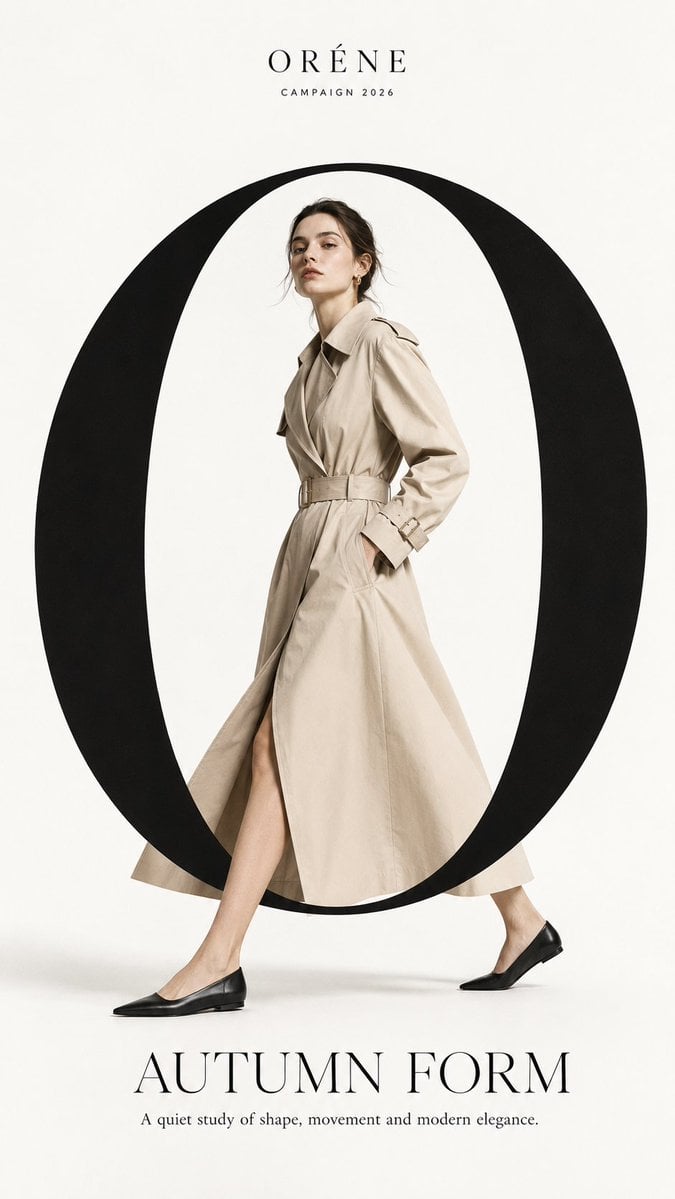
Premium Fashion Editorial Campaign Poster System
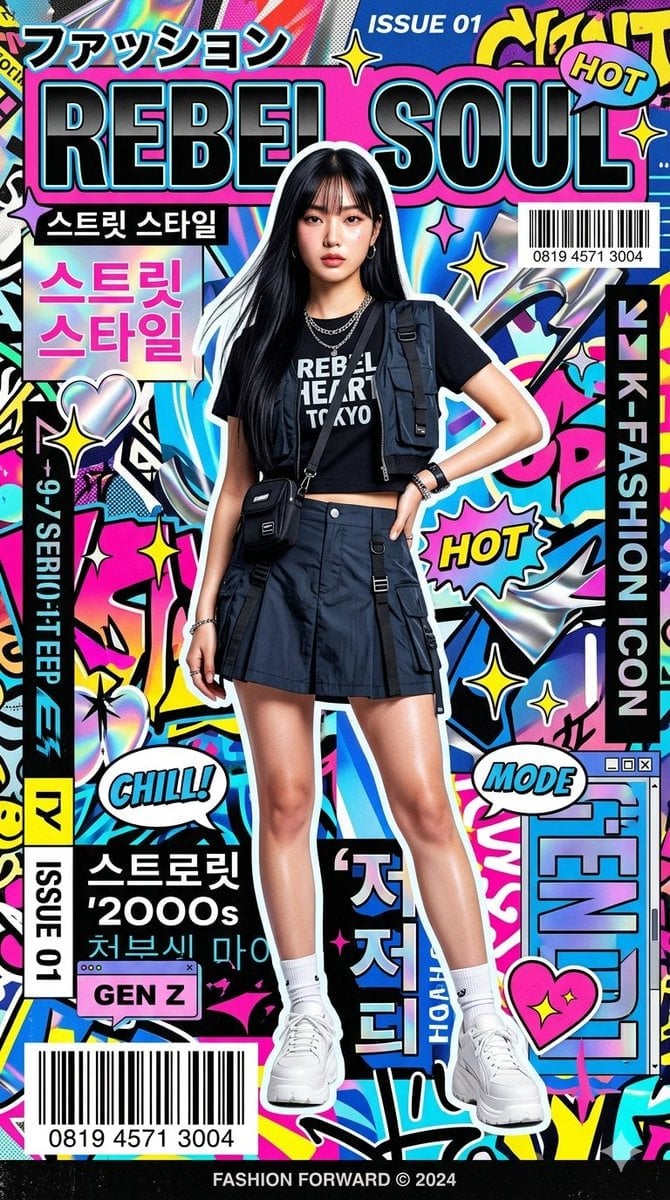
Ultra-Stylized High-Fashion Streetwear Poster
Urban Fashion Editorial Collage Poster
Make it yours
AI VR Poster Comparison works as-is. These are the safest ways to change it without losing the look.
Swap the setting
Keep the rest of the prompt and replace the location block. The current setting is “black with subtle square grid”.
Swap the light
One lighting change is enough to compare takes. Current light: “studio lighting with polished highlights and soft shadows”.
Change one field
Copy a single group, rewrite it, and generate again so you can see what that field is doing.
| If the result… | Why | Fix |
|---|---|---|
| The result drifts from the preview | Too many fields changed at once. | Reuse AI VR Poster Comparison as-is first, then change one group — subject, light, or setting. |
| GPT Image 2 ignores part of the JSON | Some models flatten or skip nested keys. | Keep the same values and paste them as a short paragraph instead. |
More GPT Image 2 templates
Other prompts made for GPT Image 2.

Six VTuber Japanese Logo Sheet

Realistic Portrait of Woman and Deer

The Vista Modular Condo Poster

AI Model Routing Comparison Infographic

2.5D Anime Art Board

Isometric Productivity Desk Scene

New York Double Exposure Poster

Four-Panel AI Landscape Comparison

Japanese Tatami Lifestyle Magazine Cover

NESCAFÉ Coffee Map Poster
More image prompts
Fresh picks from across the catalog.
Viral TikTok Mirror Selfie Prompt
Peaceful anime hillside landscape
Angelic Android Girl Above Earth
Beach Club Portrait with Identity Preservation Prompt
Urban Sketching Style Prompt
Hyper-Defined Portrait with Neon Lighting and Architectural Fashion
Cozy AI Agents Studio Group Portrait
Visionary Eye Mandala
Minimalist Festive Greeting Illustration
Golden hour rooftop portrait photography prompt
Browse template categories
AI VR Poster Comparison questions
How do I use the AI VR Poster Comparison template?
Add your photo if the template asks for one, edit the prompt if you like — the template's model and format are already selected — and press Generate. Your version opens in PicX Studio.
Can I customize the AI VR Poster Comparison template?
Yes. You can change the subject, setting, lighting, mood, format, and available model controls before creating your image.
Is the AI VR Poster Comparison template free?
Opening and editing this template is free. Generating uses credits, shown on the Generate button when you are signed in.
Which AI model should I use?
Start with GPT Image 2, which is the model associated with this template. You can compare another compatible model for a different finish.
Looking for something else? Browse all templates.

Your photo, any look
Thousands of ready templates for every top image and video model, from one credit balance.