
Blue Weather Skincare Visual Proposal
A conceptual skincare brand visual prompt titled 'Night Skincare as a Slow Descending Blue Weather'.
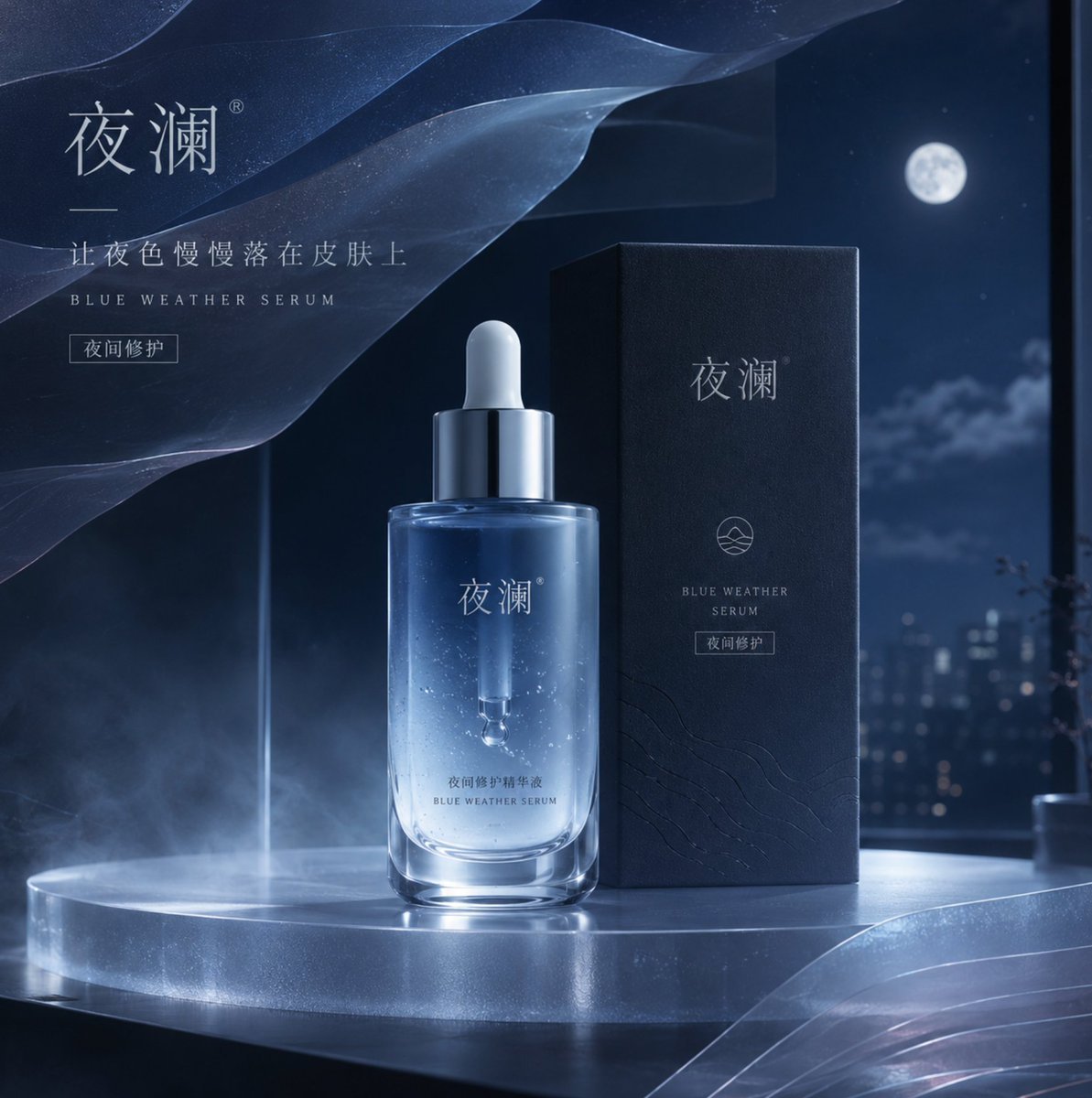
- Prompt included
- Model and format preset
- Free template
The prompt behind this image
Copy the exact prompt behind Blue Weather Skincare Visual Proposal, or open it in the studio and make it yours.
设计一张品牌方向的美妆类品牌视觉提案首页,主题是“{argument name="设计主题" default="把夜间护肤理解为一场缓慢降落的蓝色天气"}”。画面服务于一个虚构护肤品牌的 KV,不做常见水花和大脸模特,而是以半透明蓝色精华瓶、柔雾玻璃台面、夜色窗景和一片像天气图层般展开的薄膜结构组成主视觉。构图采用竖版品牌提案封面感,中部是主产品,左上与右下有克制的图层关系,整体留白充足。灯光是低照度冷蓝环境光与极薄的白色瓶身补光,强调玻璃厚度、液体折射和包材边缘。色彩系统必须带色值:{argument name="配色方案" default="午夜蓝 #24364A,雾霜蓝 #9EB9CA,瓶身冷白 #E8EEF2,深石墨 #2F3138,一抹月光银 #BDC6CD,极淡灰紫 #8A8395"}。材质重点描述{argument name="材质细节" default="玻璃折射、柔雾亚克力、液体悬浮感、包装盒压纹和烫银标识"}。需要少量中文主导文字,包括品牌中文名、极短品牌句、一句英文辅助副标和一个小功能标签,排版轻、薄、呼吸感强。适用于品牌 KV、官网首屏、发布会主视觉与品牌案例集封面。
How to use Blue Weather Skincare Visual Proposal in 3 steps
- 1
Open
The prompt is already in the box next to the preview, with the template's model and format selected.
- 2…a portrait of your subject in softgolden-hour light, 85mm…
Personalize
Edit the subject and creative details for your destination.
- 3Generate
Generate
Press Generate — your image is created in PicX Studio, so you can compare it with the original and refine one variable at a time.
More like this
Templates with the same subject, style or setup. Open one to see its prompt.

Minimalist Skincare Product Water Stone Still

Botanical Skincare Minimal Product Advertising
Minimalist Skincare Product Water Stone Still

Monochrome Portrait Jersey Accent Poster
Round Tabletop Mirror Skincare Selfie
Dessert Brand Visual Identity Proposal Board
MV Pre-visualization Blueprint

Cosmetic Tube Product — Nano Banana 2

01 Skincare Split Portrait — Nano Banana 2
Product Elemental Lifestyle - Midjourney v7/v8

Nano Banana - Evening Champagne Blue
UGC Skincare Review - Seedance 2.0
Make it yours
Blue Weather Skincare Visual Proposal works as-is. These are the safest ways to change it without losing the look.
Change one field
Copy a single group, rewrite it, and generate again so you can see what that field is doing.
Keep the frame, change the subject
Hold the composition and light of Blue Weather Skincare Visual Proposal, then swap wardrobe, props or the person for a new take.
| If the result… | Why | Fix |
|---|---|---|
| The result drifts from the preview | Too many fields changed at once. | Reuse Blue Weather Skincare Visual Proposal as-is first, then change one group — subject, light, or setting. |
| The model over-stylizes the scene | The prose prompt leaves finish and camera underspecified. | Add one camera or lighting sentence and stay on GPT Image 2. |
More GPT Image 2 templates
Other prompts made for GPT Image 2.

Six VTuber Japanese Logo Sheet

Realistic Portrait of Woman and Deer

The Vista Modular Condo Poster

AI Model Routing Comparison Infographic

2.5D Anime Art Board

Isometric Productivity Desk Scene

New York Double Exposure Poster

Four-Panel AI Landscape Comparison

Japanese Tatami Lifestyle Magazine Cover

NESCAFÉ Coffee Map Poster
More image prompts
Fresh picks from across the catalog.
Interstellar-Inspired Cinematic Film Stills Prompt
Minimalistic Urban High-Fashion Portrait Prompt
Hyperrealistic Rainy City Portrait
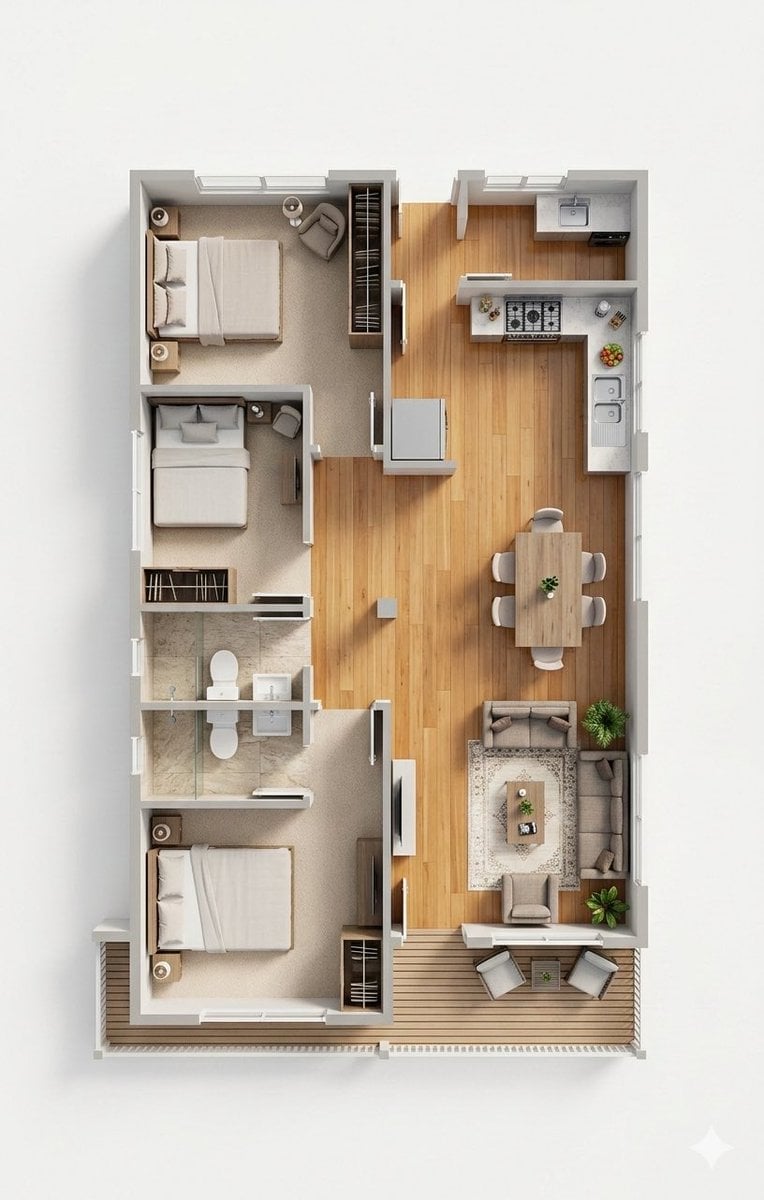
Photorealistic 3D Floor Plan Render with Furniture
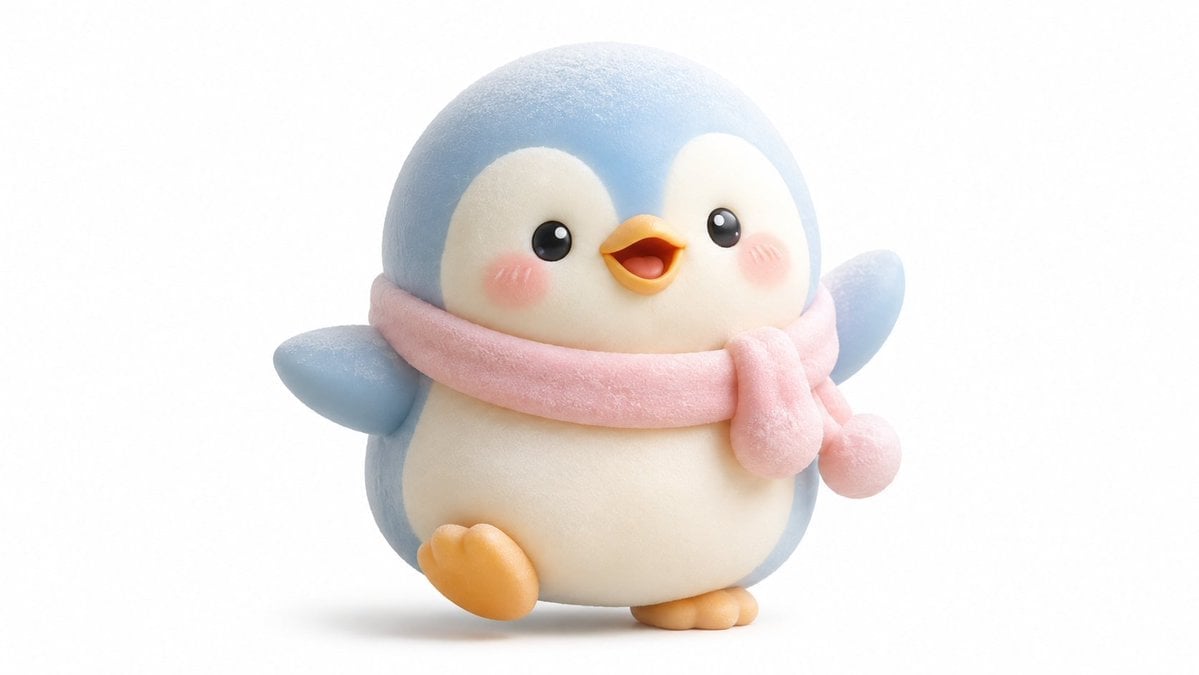
Kawaii Mochi 3D Toy Character
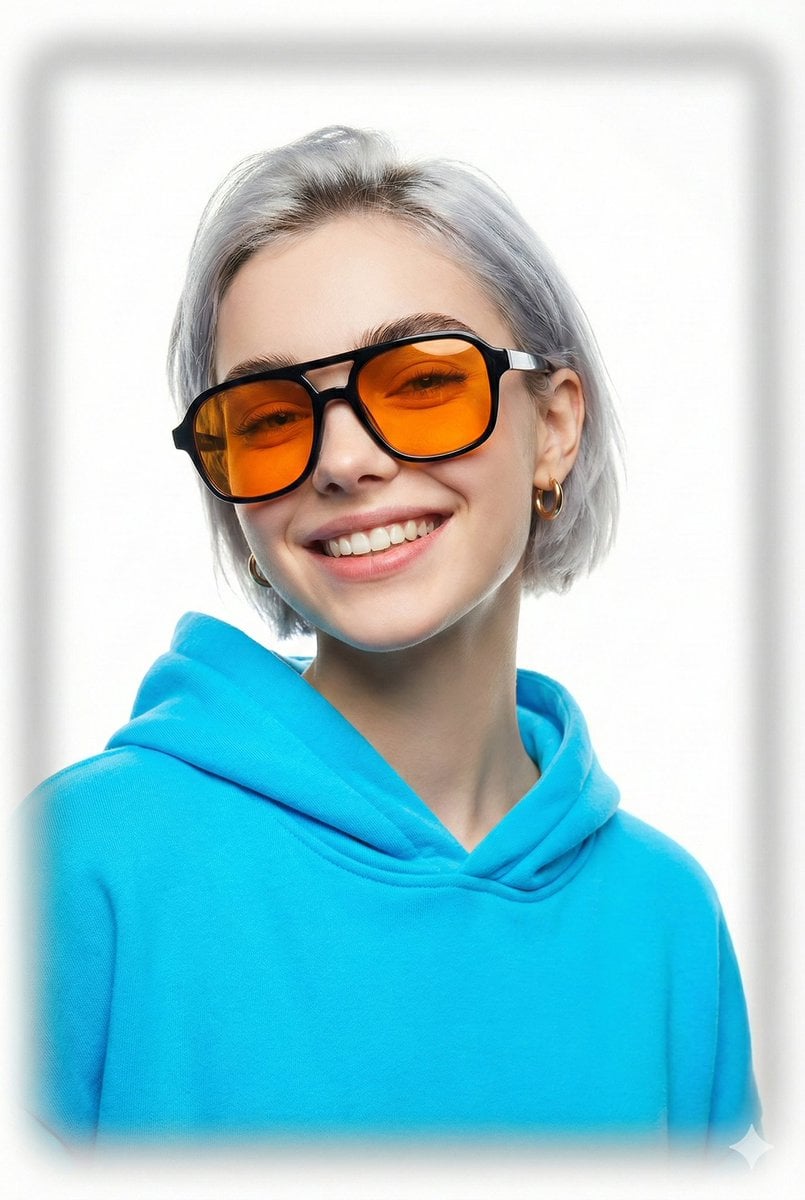
Vogue Cover Style Minimalist Portrait
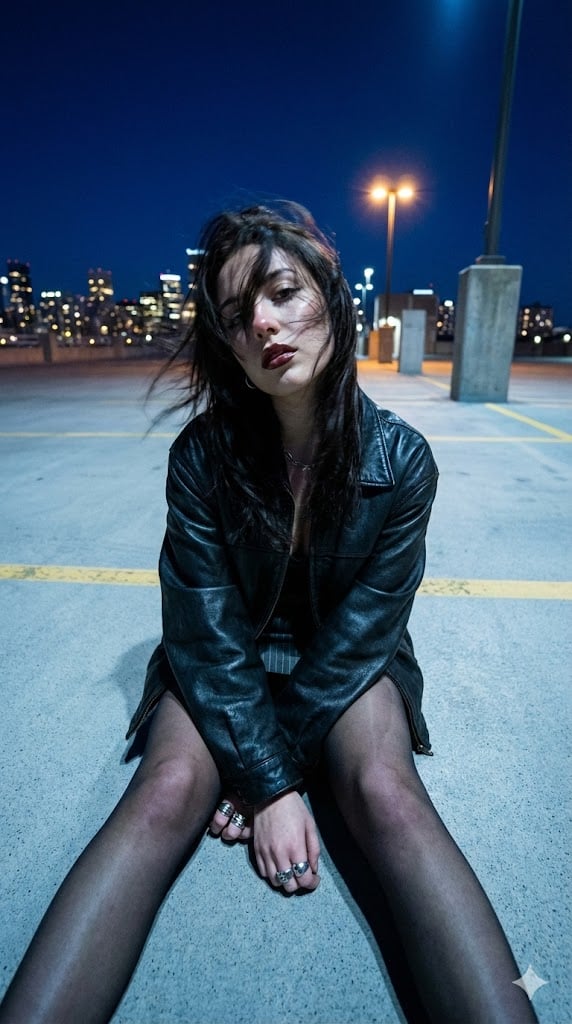
Structured Prompt for Urban Melancholia Portrait
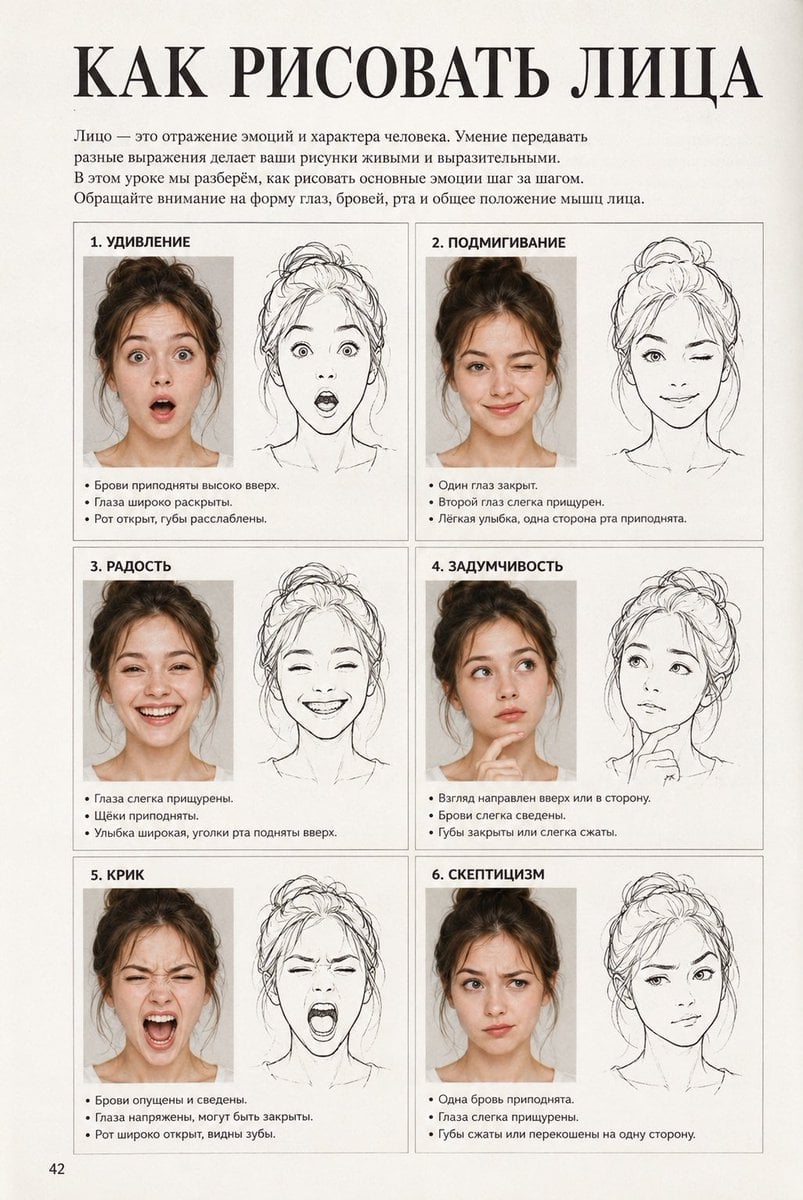
Vintage Russian Face Drawing Lesson
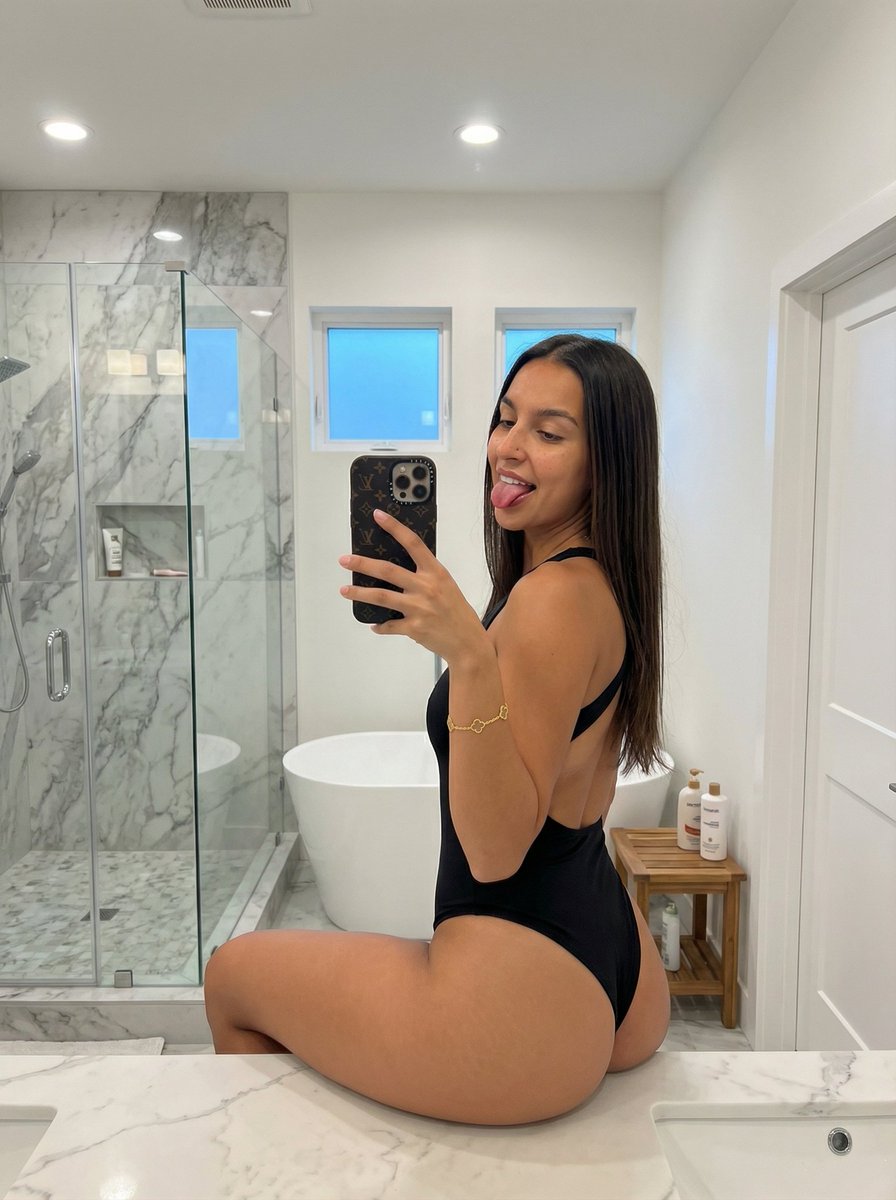
Mirror Selfie with Pose and Depth Controls
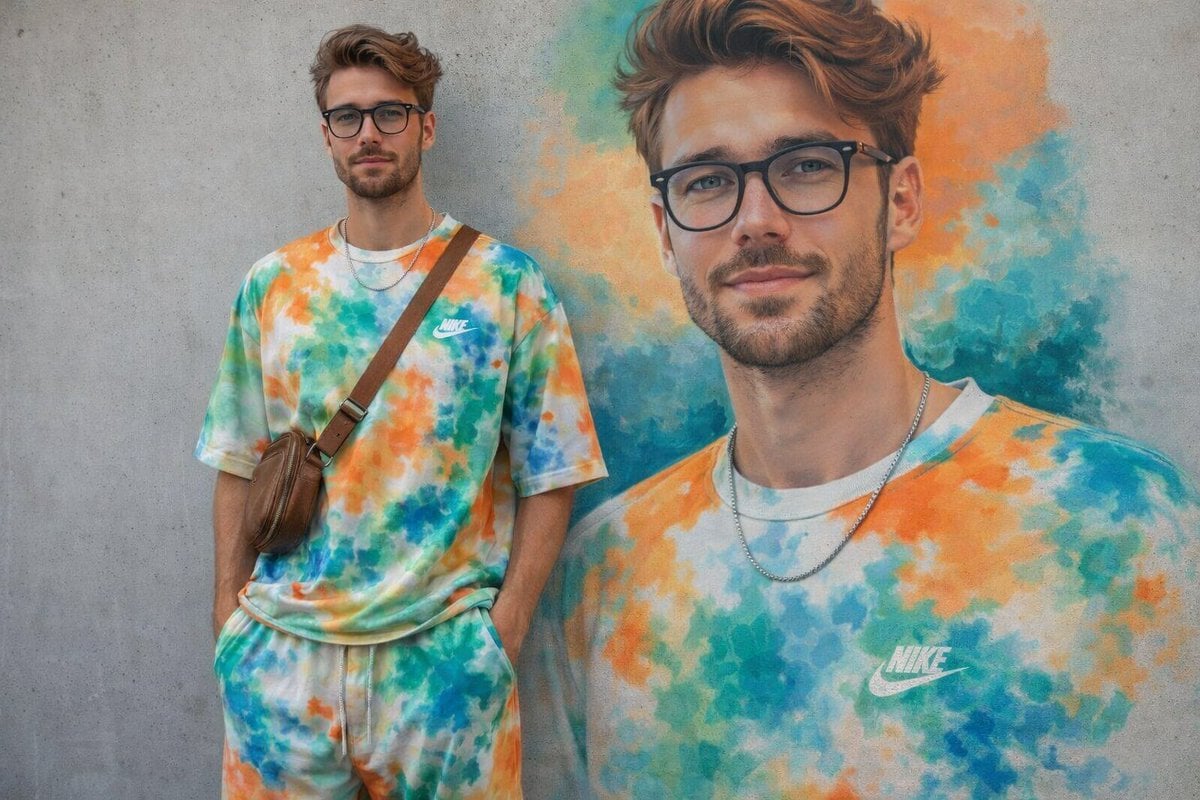
Minimal Mural Portrait
Browse template categories
Blue Weather Skincare Visual Proposal questions
How do I use the Blue Weather Skincare Visual Proposal template?
Add your photo if the template asks for one, edit the prompt if you like — the template's model and format are already selected — and press Generate. Your version opens in PicX Studio.
Can I customize the Blue Weather Skincare Visual Proposal template?
Yes. You can change the subject, setting, lighting, mood, format, and available model controls before creating your image.
Is the Blue Weather Skincare Visual Proposal template free?
Opening and editing this template is free. Generating uses credits, shown on the Generate button when you are signed in.
Which AI model should I use?
Start with GPT Image 2, which is the model associated with this template. You can compare another compatible model for a different finish.
Looking for something else? Browse all templates.

Your photo, any look
Thousands of ready templates for every top image and video model, from one credit balance.