
Professional studio portrait of a woman
A highly structured JSON prompt for Nano Banana Pro, detailing a full-length professional studio portrait of a woman.
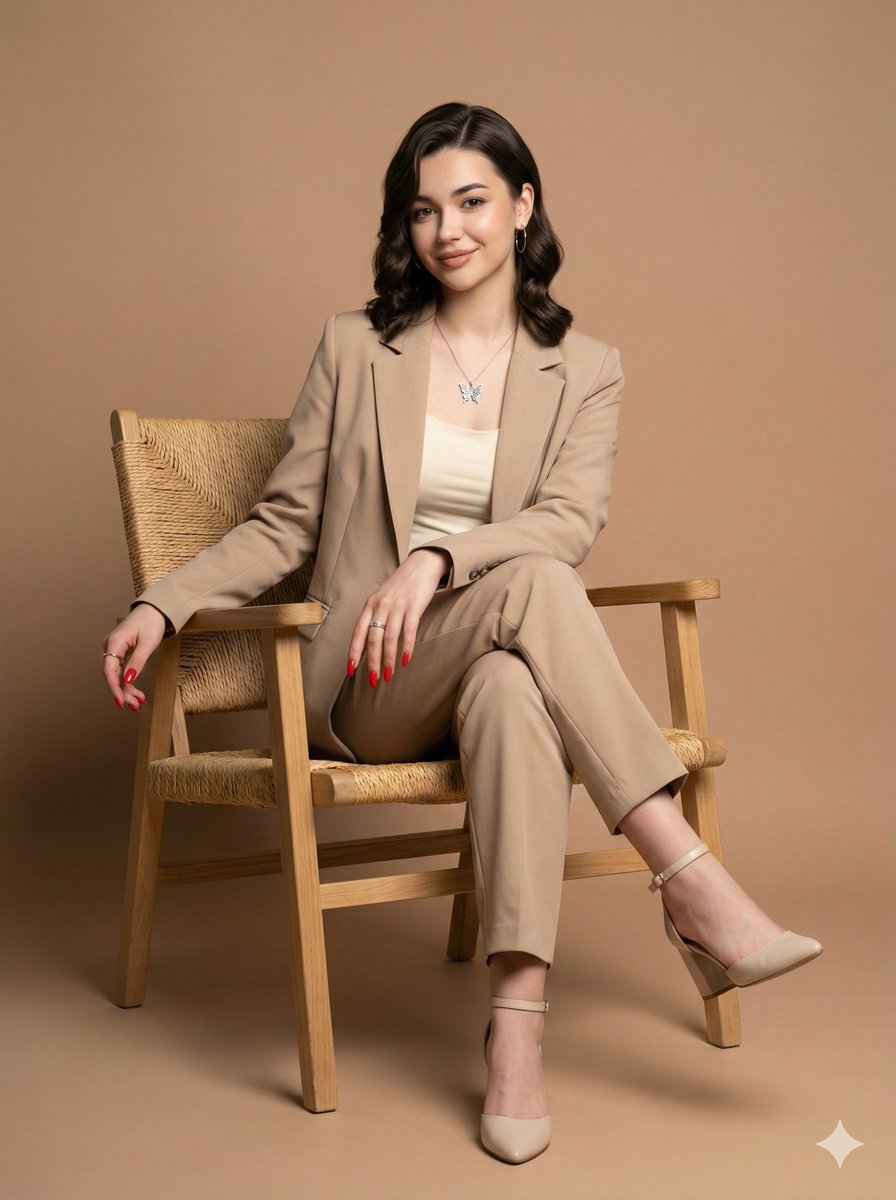
- Prompt included
- Model and format preset
- Free template
The prompt behind this image
Copy the exact prompt behind Professional studio portrait of a woman, or open it in the studio and make it yours.
- Image Description
- A full-length professional studio portrait of a woman seated in a light wooden chair.
- Subject Details › Pose
- Seated in a confident and relaxed pose, slightly turned toward the camera, legs crossed at the ankles. One hand rests on the arm of the chair.
- Subject Details › Expression
- Gentle smile.
- Subject Details › Hair
- Dark, medium-length hair with soft waves, combed to the side.
- Subject Details › Facial Features
- Facial features, structure, eye color, and skin tone accurately rendered from the reference image.
- Attire And Accessories › Clothing
- A suit (blazer and tailored pants) in a neutral beige tone, worn over a white or cream top/tank top.
- Attire And Accessories › Footwear
- Light-colored high-heeled shoes with ankle straps (wedge or block heel, closed toe).
- Attire And Accessories › Jewelry
- Delicate necklace with a butterfly pendant, small earrings, and rings.
- Attire And Accessories › Nails
- Vibrant red painted nails.
- Setting And Aesthetics › Furniture
- Light wooden chair with a seat and back upholstered in light fabric and straw/woven accents.
- Setting And Aesthetics › Background
- Solid-colored studio backdrop in a uniform, light brown or warm beige tone.
- Setting And Aesthetics › Lighting
- Studio-style, soft, and directional frontal-upward light, shaping the figure and highlighting fabric textures.
- Setting And Aesthetics › Aesthetic
- Professional and elegant aesthetic, high-fidelity portrait.
- Camera Settings Style › Lens
- Prime portrait lens (85mm or 50mm) on a full-frame camera.
- Camera Settings Style › Aperture
- f/4.0 to f/5.6 for sharpness across the subject.
- Camera Settings Style › Shutter Speed
- 1/160s to 1/250s.
- Camera Settings Style › Iso
- 100-200.
- Camera Settings Style › Lighting Setup
- Large softbox/octabox as main light, reflector for fill.
Raw JSON
{
  "image_description": "A full-length professional studio portrait of a woman seated in a light wooden chair.",
  "subject_details": {
    "pose": "Seated in a confident and relaxed pose, slightly turned toward the camera, legs crossed at the ankles. One hand rests on the arm of the chair.",
    "expression": "Gentle smile.",
    "hair": "Dark, medium-length hair with soft waves, combed to the side.",
    "facial_features": "Facial features, structure, eye color, and skin tone accurately rendered from the reference image."
  },
  "attire_and_accessories": {
    "clothing": "A suit (blazer and tailored pants) in a neutral beige tone, worn over a white or cream top/tank top.",
    "footwear": "Light-colored high-heeled shoes with ankle straps (wedge or block heel, closed toe).",
    "jewelry": "Delicate necklace with a butterfly pendant, small earrings, and rings.",
    "nails": "Vibrant red painted nails."
  },
  "setting_and_aesthetics": {
    "furniture": "Light wooden chair with a seat and back upholstered in light fabric and straw/woven accents.",
    "background": "Solid-colored studio backdrop in a uniform, light brown or warm beige tone.",
    "lighting": "Studio-style, soft, and directional frontal-upward light, shaping the figure and highlighting fabric textures.",
    "aesthetic": "Professional and elegant aesthetic, high-fidelity portrait."
  },
  "camera_settings_style": {
    "lens": "Prime portrait lens (85mm or 50mm) on a full-frame camera.",
    "aperture": "f/4.0 to f/5.6 for sharpness across the subject.",
    "shutter_speed": "1/160s to 1/250s.",
    "iso": "100-200.",
    "lighting_setup": "Large softbox/octabox as main light, reflector for fill."
  }
}How to use Professional studio portrait of a woman in 3 steps
- 1Upload ImagePNG, JPG or paste
Add your photo
Upload the photo the template builds on. The prompt, model and format are already set.
- 2…a portrait of your subject in softgolden-hour light, 85mm…
Personalize
Edit the subject and creative details for your destination.
- 3Generate
Generate
Press Generate — your image is created in PicX Studio, so you can compare it with the original and refine one variable at a time.
More like this
Templates with the same subject, style or setup. Open one to see its prompt.

80s Couple Studio Portrait

1985 Studio Portrait

Gpt Image 2 Fashion Portrait

Couture Fashion Editorial Woman and Drag
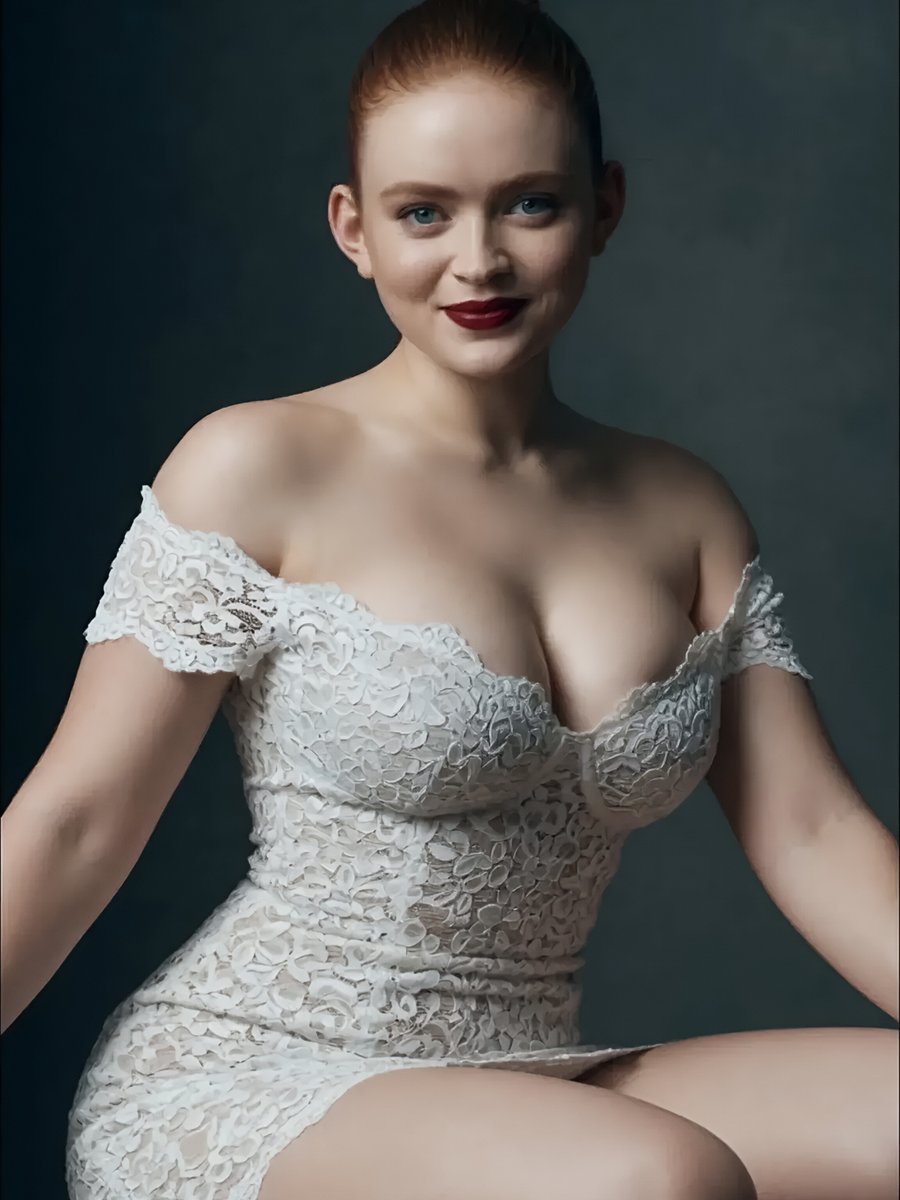
Studio Portrait of Woman in Lace Dress
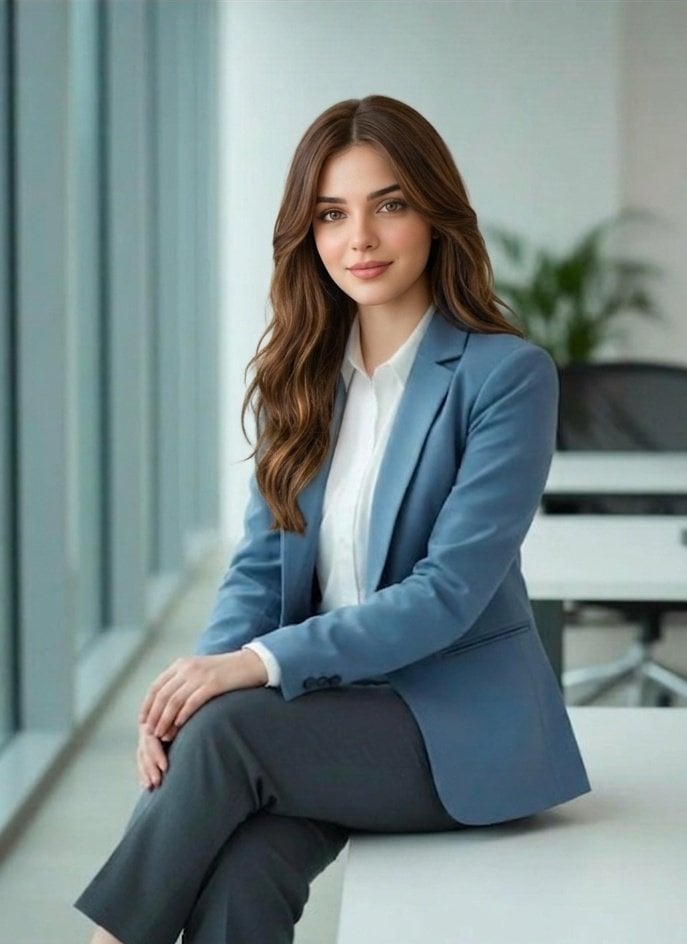
Professional South Asian Woman Portrait

Professional Studio Male Portraits
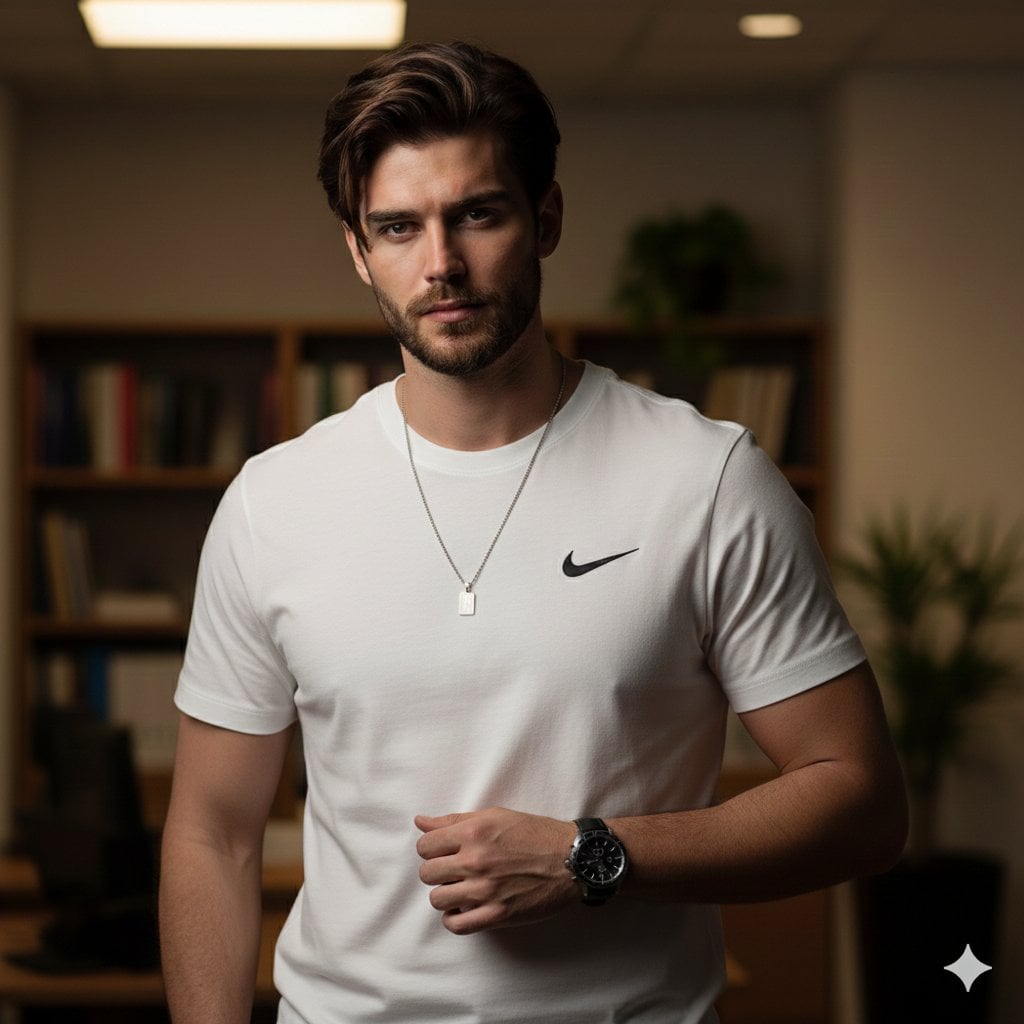
Professional Studio Male Portrait
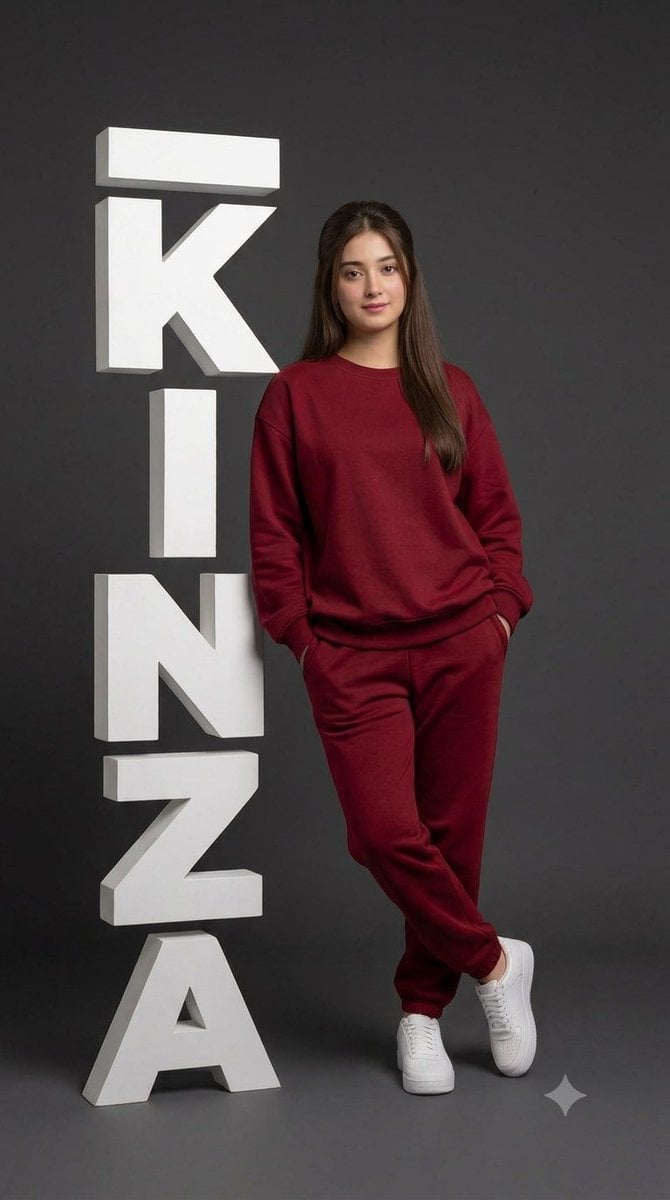
Professional Studio Portrait with 3D Text
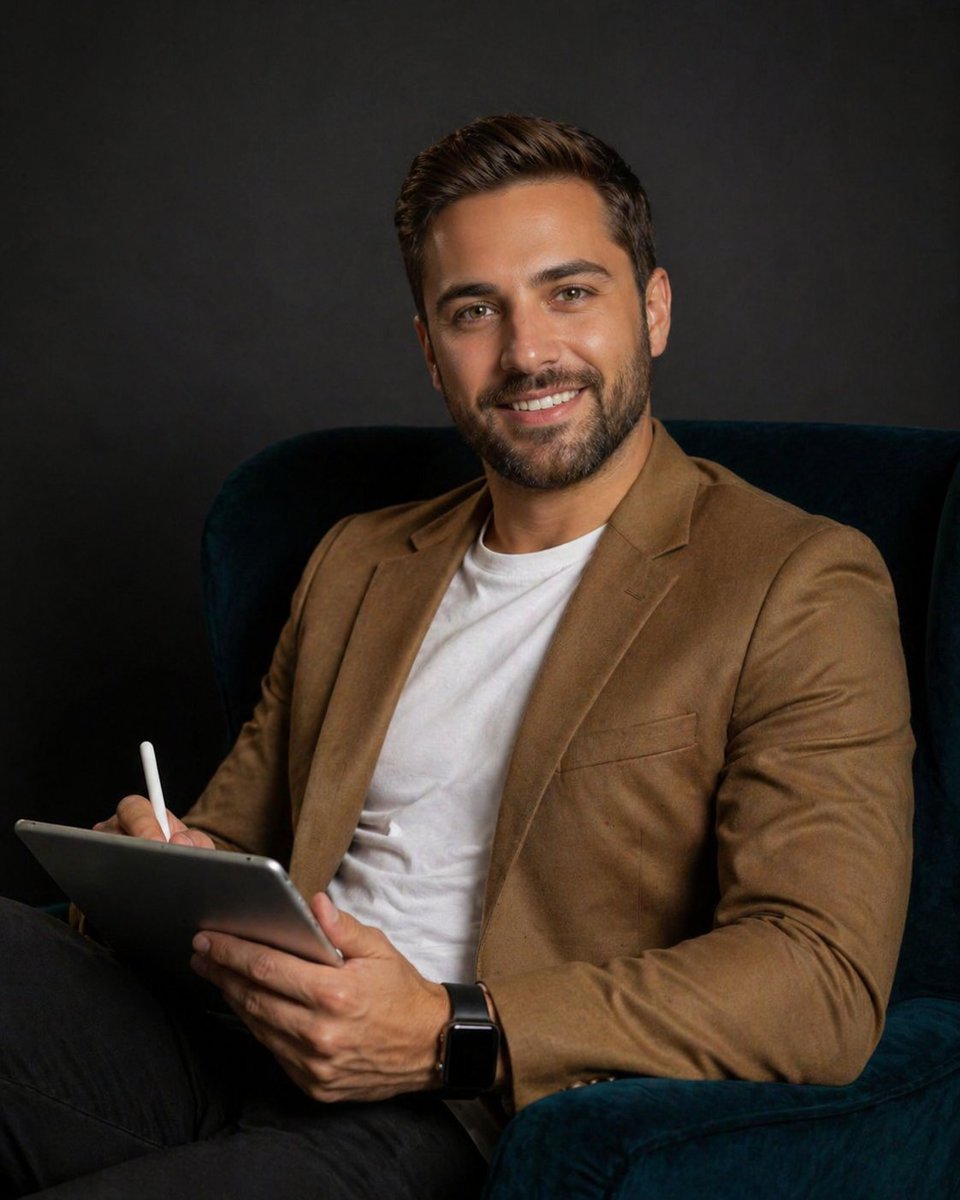
Professional studio portrait prompt
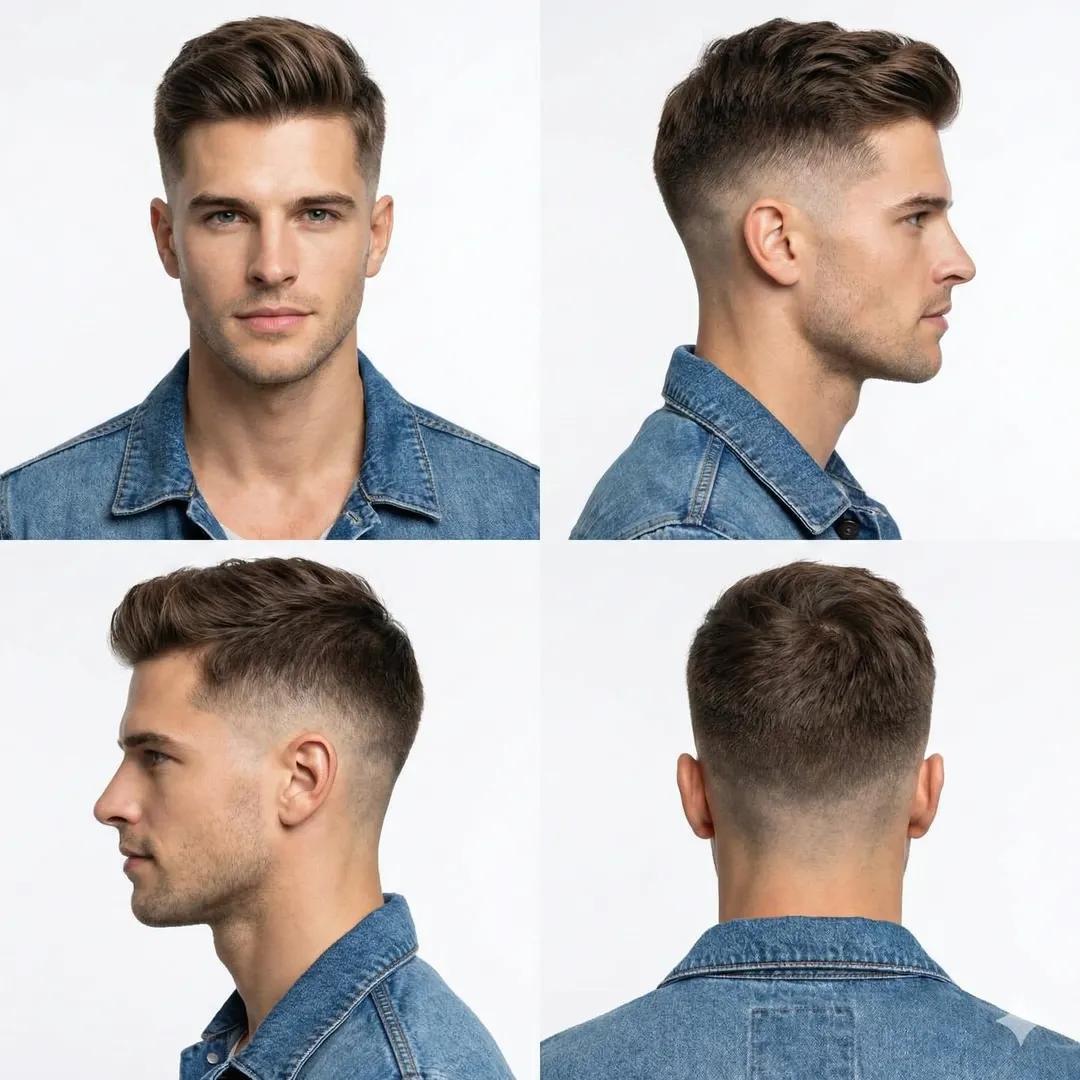
Professional Studio Portrait of a Man with a Skin Fade Haircut

Found Photograph: Us, 1970
Make it yours
Professional studio portrait of a woman works as-is. These are the safest ways to change it without losing the look.
Swap the setting
Keep the rest of the prompt and replace the location block. The current setting is “Light wooden chair with a seat and back upholstered in light fabric and straw/wo”.
Swap the light
One lighting change is enough to compare takes. Current light: “Studio-style, soft, and directional frontal-upward light, shaping the figure and”.
Change one field
Copy a single group, rewrite it, and generate again so you can see what that field is doing.
| If the result… | Why | Fix |
|---|---|---|
| The result drifts from the preview | Too many fields changed at once. | Reuse Professional studio portrait of a woman as-is first, then change one group — subject, light, or setting. |
| Nano Banana 2 ignores part of the JSON | Some models flatten or skip nested keys. | Keep the same values and paste them as a short paragraph instead. |
More Nano Banana 2 templates
Other prompts made for Nano Banana 2.

Photorealistic Leaf Shaped Like a Dragon

K-Pop Idol Portrait Grid for Rapid Selection

Poetic Rain Forest Portrait During Golden Hour

Urban Street Portrait with Cartoon Inner Self Duo

Candid Nighttime Photo with Cat Prompt

High-Concept 3D Diorama Generation Prompt

Cinematic Futuristic Studio Portrait Template

Skincare Editorial Photography Collage Prompt

Hyper-Realistic Commercial Product Photography (Splash Effect)

Hyper-Realistic Nightclub Portrait Prompt
More image prompts
Fresh picks from across the catalog.
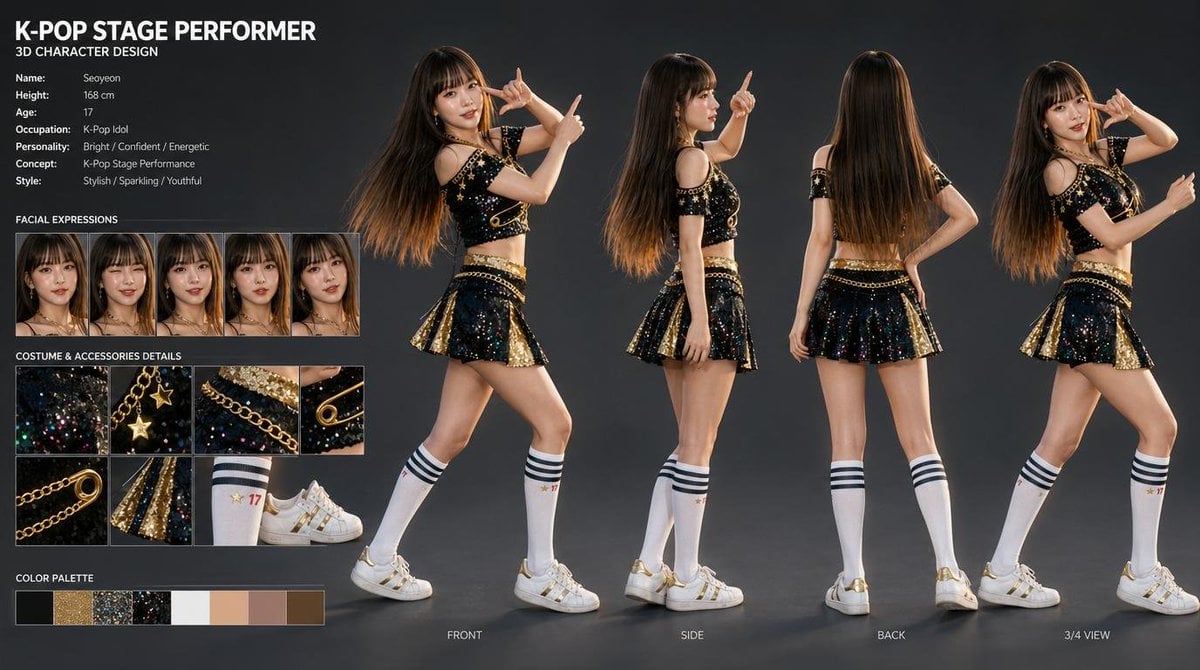
K-Pop Idol 3D Character Sheet
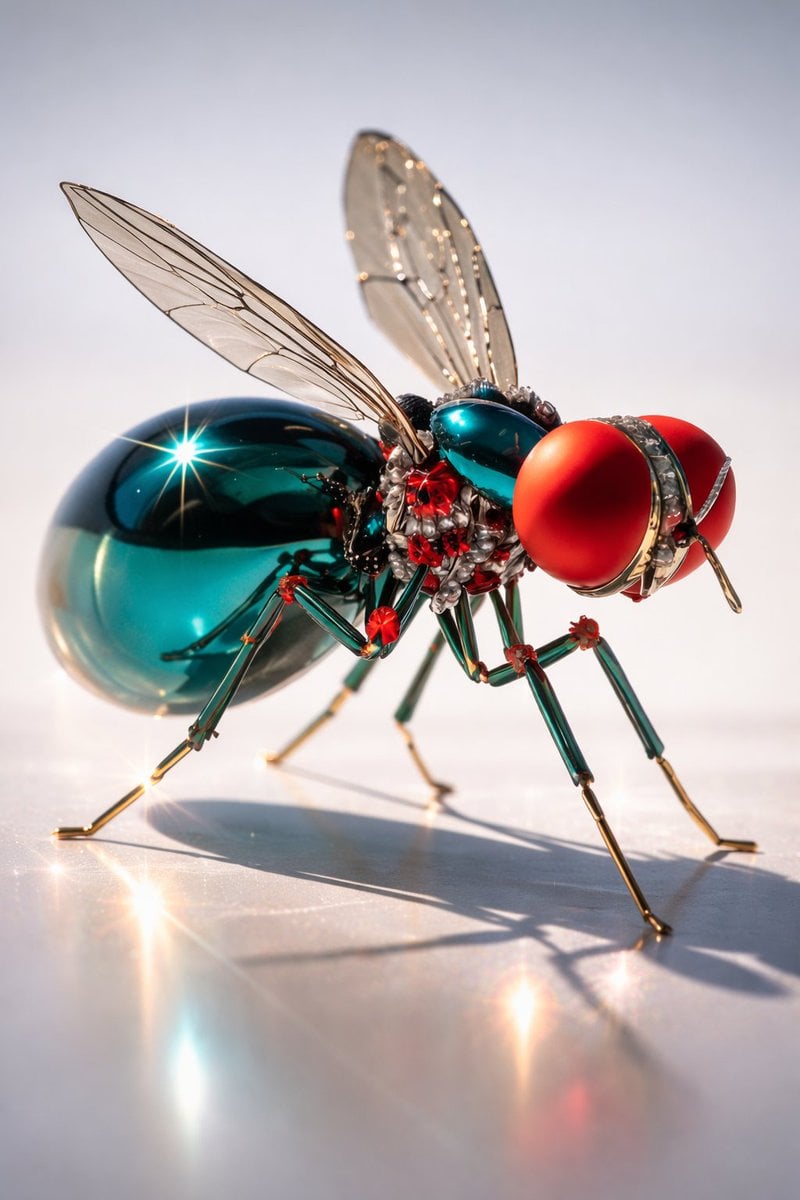
Macro Realism of Mechanical and Gemstone Insects
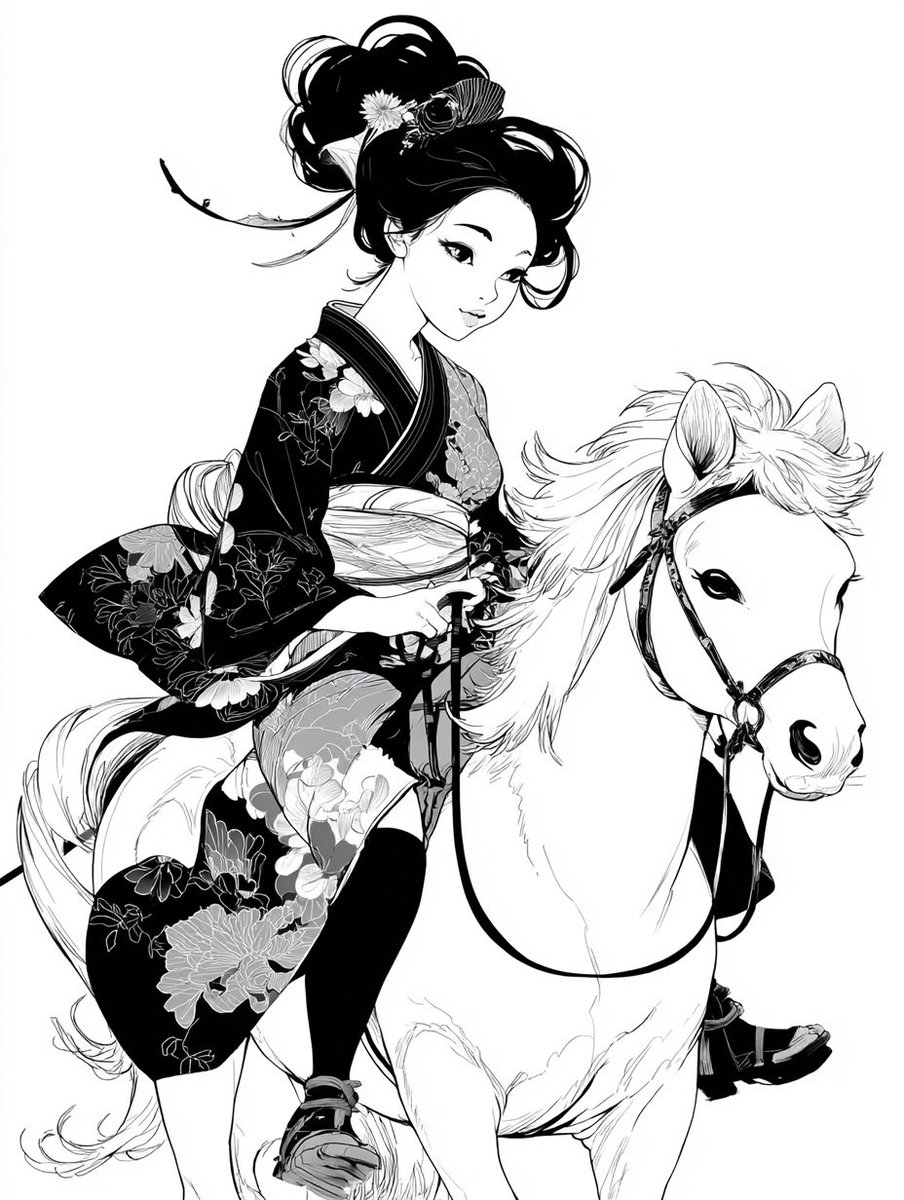
Colorful New Year's Illustration Prompt
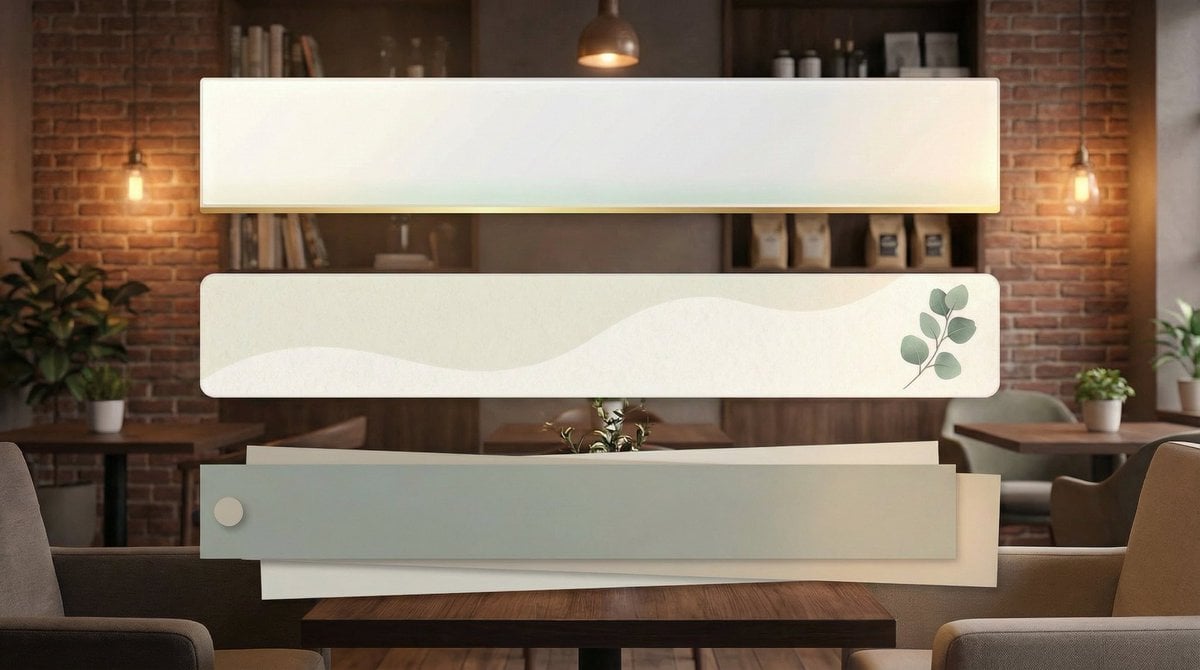
YouTube Subtitle Base Generation Prompt
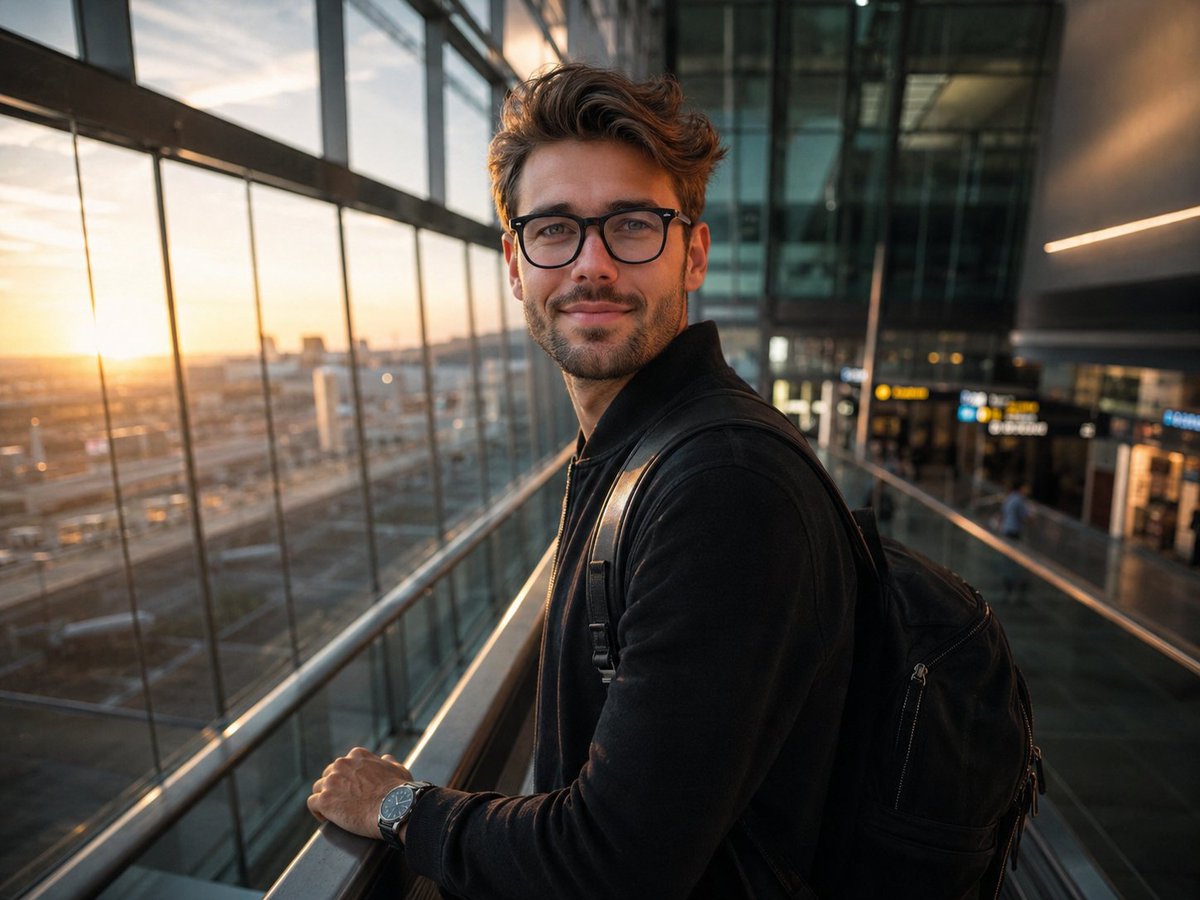
Minimalist Traveler Airport Scene
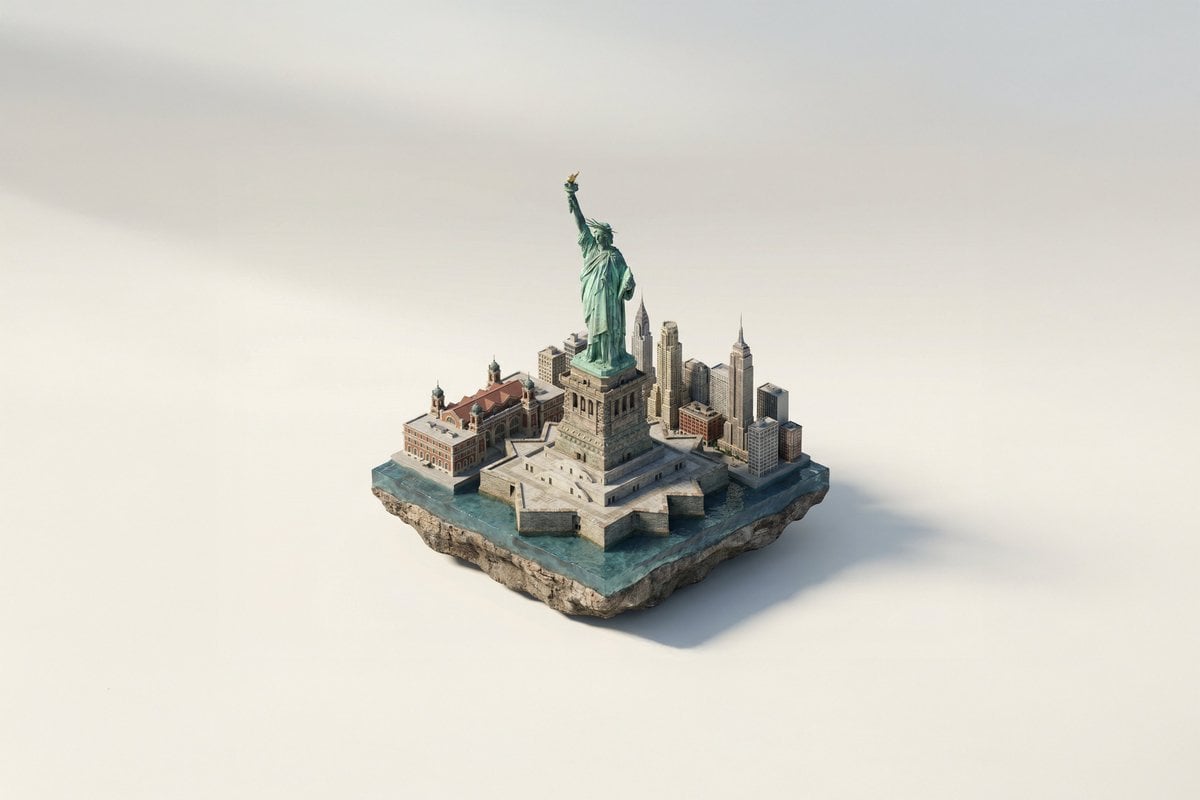
Famous Landmark 3D Miniature
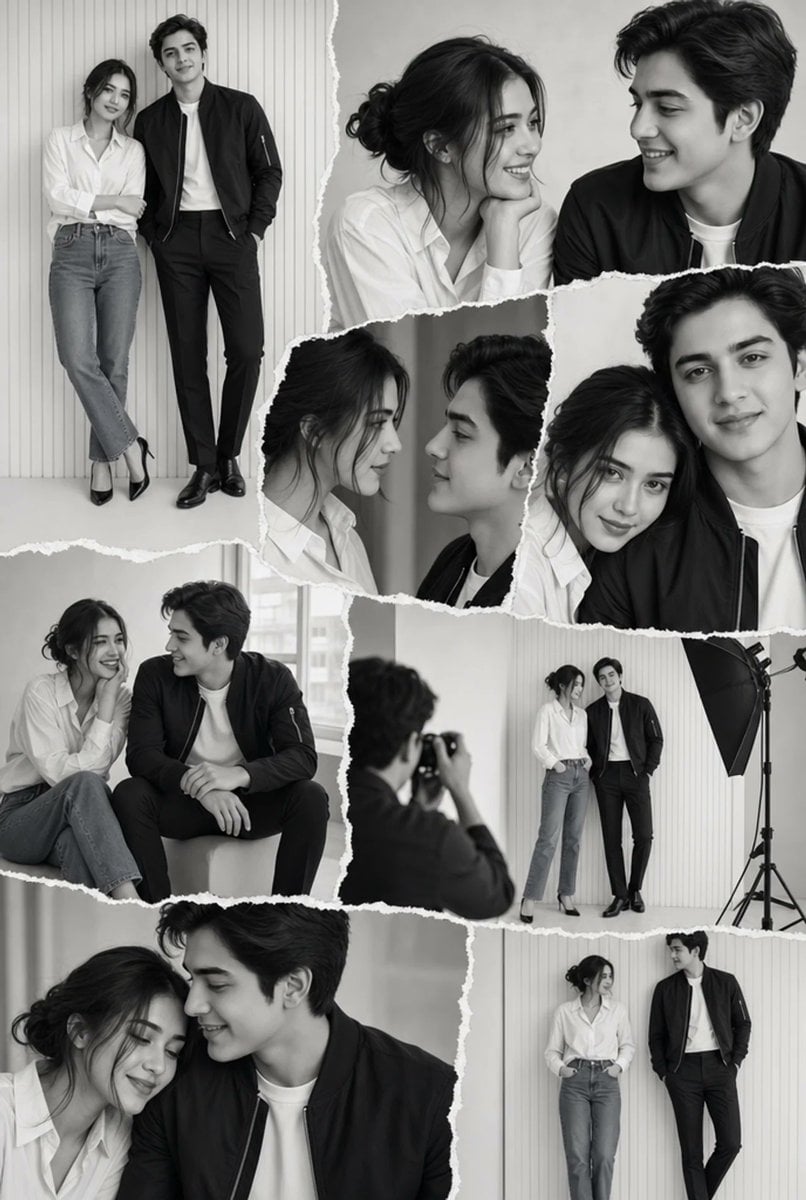
Monochrome Couple Studio Collage
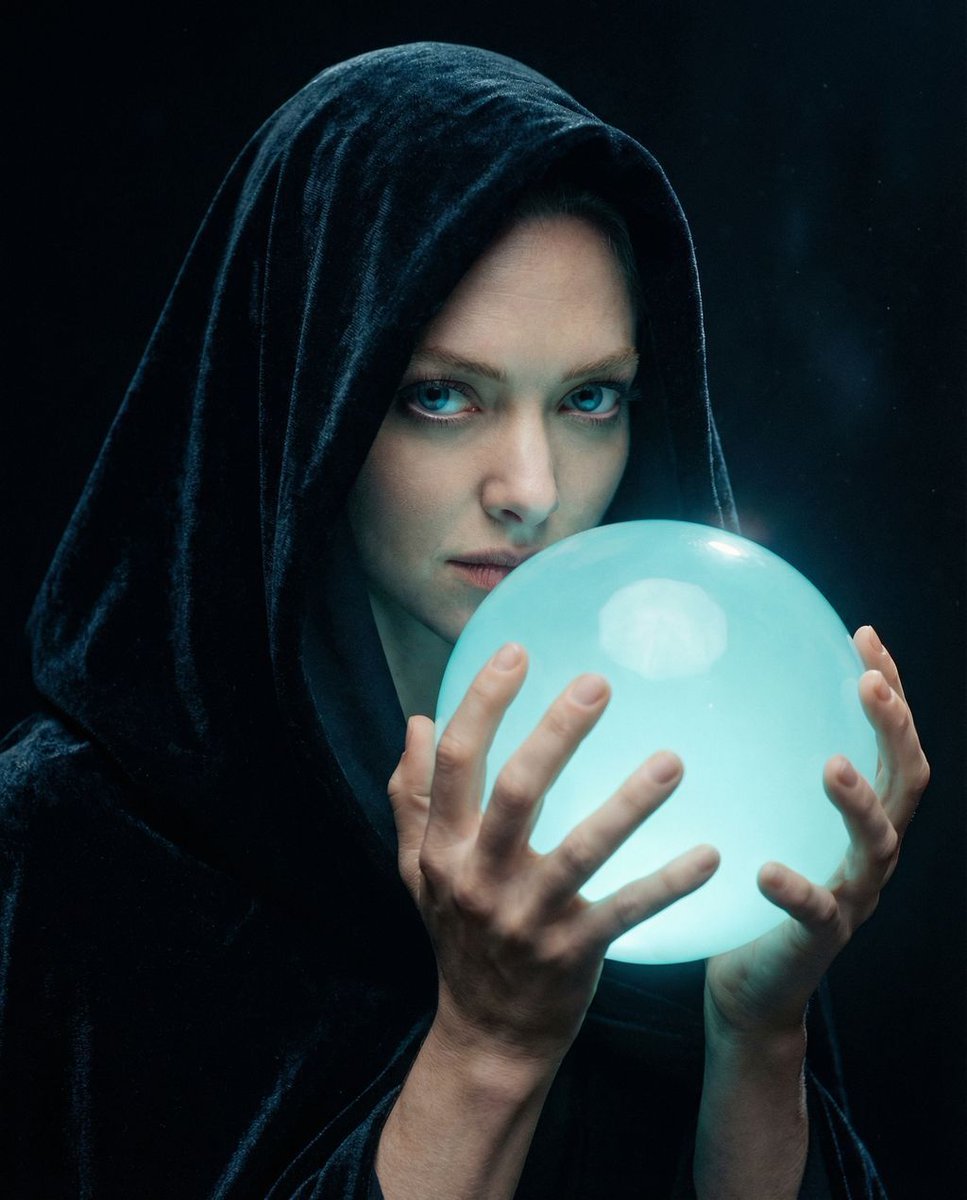
Cinematic Mystery Portrait: Prophecy Reflection

Magazine Cover Style Cityscape
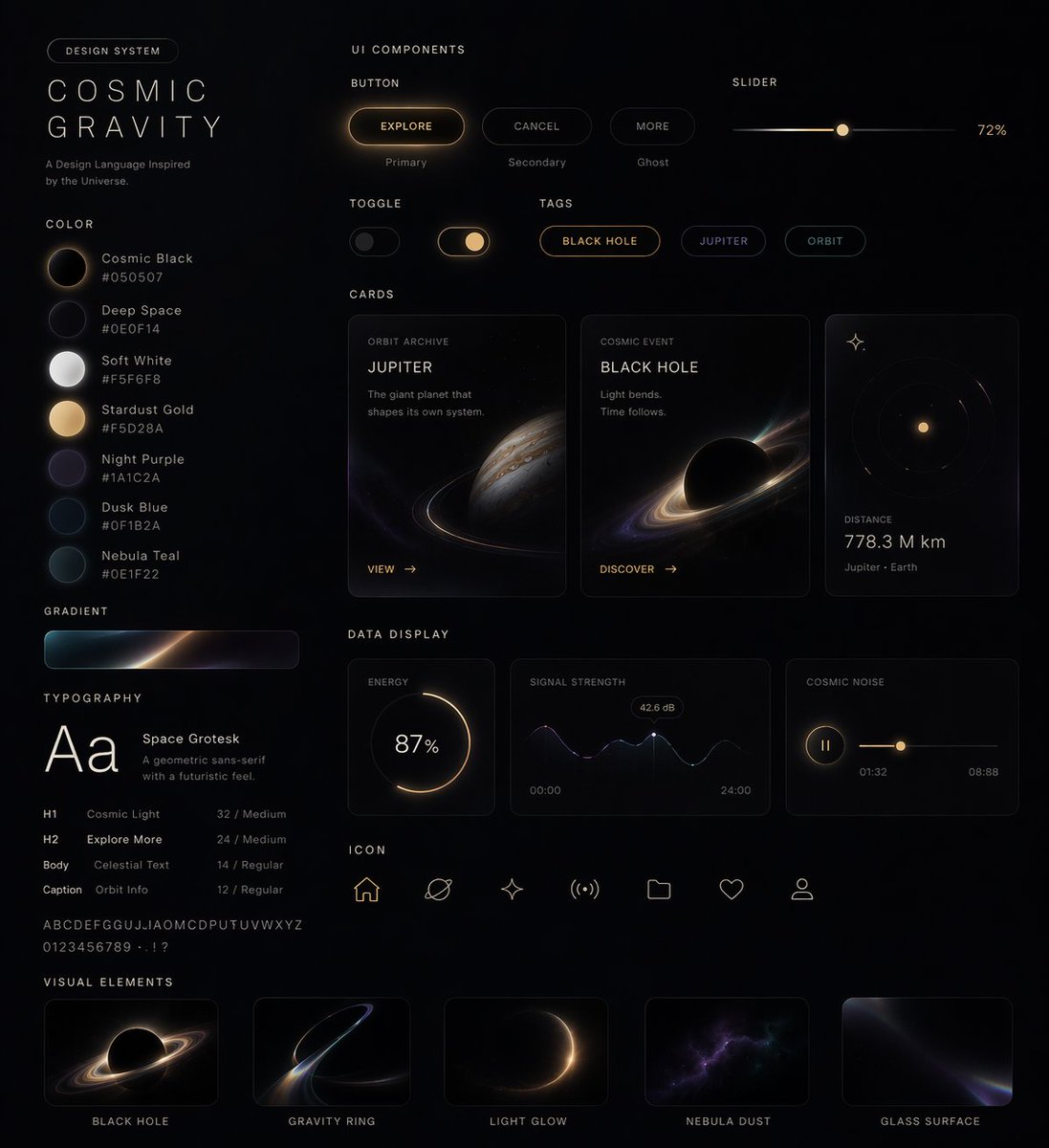
UI Design System Prompt
Browse template categories
Professional studio portrait of a woman questions
How do I use the Professional studio portrait of a woman template?
Add your photo if the template asks for one, edit the prompt if you like — the template's model and format are already selected — and press Generate. Your version opens in PicX Studio.
Can I customize the Professional studio portrait of a woman template?
Yes. You can change the subject, setting, lighting, mood, format, and available model controls before creating your image.
Is the Professional studio portrait of a woman template free?
Opening and editing this template is free. Generating uses credits, shown on the Generate button when you are signed in.
Which AI model should I use?
Start with Nano Banana 2, which is the model associated with this template. You can compare another compatible model for a different finish.
Looking for something else? Browse all templates.

Your photo, any look
Thousands of ready templates for every top image and video model, from one credit balance.