
Macro Realism of Mechanical and Gemstone Insects
A complex, multi-module JSON prompt for generating ultra-detailed, 8K macro-realism images of various insects, focusing on extreme detail in materials like polished metal, gemstones, and organic textures, using…
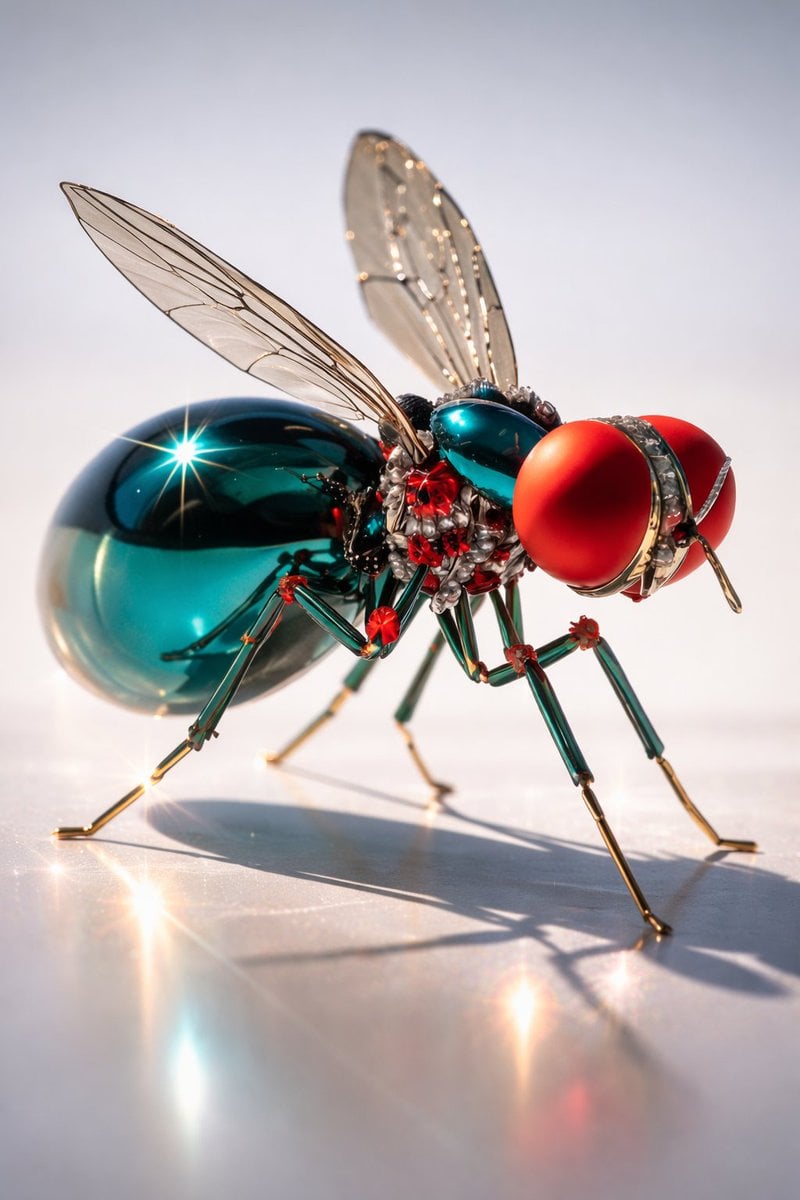
- Prompt included
- Model and format preset
- Free template
The prompt behind this image
Copy the exact prompt behind Macro Realism of Mechanical and Gemstone Insects, or open it in the studio and make it yours.
{ "resolution": "Ultra HD 8K", "aspect_ratio": "3:4", "render_quality": "extreme macro detail, studio-grade sharpness, high dynamic range", "lighting": "controlled studio lighting, strong specular highlights, crisp reflections, soft shadows", "focus": "ultra-sharp foreground, shallow depth of field background", "style": "hyper-detailed AI-edited macro realism", "MODULE_1_IMAGE_1_STYLE": { "subject": "mechanical insect resembling a fly", "pose": "standing on a reflective flat surface, body angled slightly forward, legs spread naturally", "body_structure": { "abdomen": "smooth oval metallic teal body with mirror-like reflections", "thorax": "complex mechanical structure with visible joints and red accent components", "head": "large spherical red compound eyes with matte finish", "legs": "thin metallic legs, green-tinted segments with gold-colored joints and tips", "wings": "two translucent wings with visible vein patterns, slightly raised" }, "materials": { "primary": "polished metal, glass-like surfaces", "secondary": "gold-toned joints, red accent nodes" }, "surface_interaction": "sharp reflections visible beneath legs and abdomen", "background": "clean light gray to white gradient with no visible texture", "visual_effects": [ "star-like light flares on metallic surfaces", "high-gloss reflections", "precision macro clarity" ] }, "MODULE_2_IMAGE_2_STYLE": { "subject": "organic fly covered with jewel-like elements", "pose": "standing on a dark textured surface, body angled slightly left", "body_structure": { "head": "large compound eyes with brown-gold mesh texture", "body": "dense black hair-like texture beneath embedded gemstones", "abdomen": "rounded form densely covered in diamond-like crystals", "legs": "thin black insect legs with fine hair details", "wings": "two wings fully visible, gold-veined framework filled with clear gemstone-like facets" }, "materials": { "primary": "diamond-like crystals", "secondary": "gold metallic wing veins", "organic_elements": "fine black bristles and hairs" }, "surface_interaction": "wet-looking dark ground with subtle sparkle", "background": "dark blurred background with soft bokeh", "visual_effects": [ "micro light reflections in gemstones", "sparkling highlights", "high contrast macro lighting" ] }, "MODULE_3_IMAGE_3_STYLE": { "subject": "{argument name="insect type" default="golden mechanical mosquito-like insect"}", "pose": "feeding posture with proboscis touching skin surface", "body_structure": { "head": "smooth polished gold spherical head with visible mechanical seams", "proboscis": "thin metallic needle-like stru
How to use Macro Realism of Mechanical and Gemstone Insects in 3 steps
- 1
Open
The prompt is already in the box next to the preview, with the template's model and format selected.
- 2…a portrait of your subject in softgolden-hour light, 85mm…
Personalize
Edit the subject and creative details for your destination.
- 3Generate
Generate
Press Generate — your image is created in PicX Studio, so you can compare it with the original and refine one variable at a time.
More like this
Templates with the same subject, style or setup. Open one to see its prompt.
Editorial Concept Study Product Design

Firefly Pixar Spill — Nano Banana Pro
Seedance - Arrow Microscopic Battle
Seedance - Brand Commercial
JSON Seedance - Fairy Macro Flight
Pale Biomechanical Interface Warrior
Mechanical Dragon Motorcycle

Underwater Macro Face Portrait
Subterranean Cathedral and Mechanical Whale

Fantasy Realism and Art Nouveau Fusion

Screens displaying Optimus Prime assembly blueprints and mechanical
Input A is a Mechanical Device or Gadget e g, Vintage Camera, Mechanical
Make it yours
Macro Realism of Mechanical and Gemstone Insects works as-is. These are the safest ways to change it without losing the look.
Change one field
Copy a single group, rewrite it, and generate again so you can see what that field is doing.
Keep the frame, change the subject
Hold the composition and light of Macro Realism of Mechanical and Gemstone Insects, then swap wardrobe, props or the person for a new take.
| If the result… | Why | Fix |
|---|---|---|
| The result drifts from the preview | Too many fields changed at once. | Reuse Macro Realism of Mechanical and Gemstone Insects as-is first, then change one group — subject, light, or setting. |
| The model over-stylizes the scene | The prose prompt leaves finish and camera underspecified. | Add one camera or lighting sentence and stay on Nano Banana 2. |
More Nano Banana 2 templates
Other prompts made for Nano Banana 2.

Photorealistic Leaf Shaped Like a Dragon

K-Pop Idol Portrait Grid for Rapid Selection

Poetic Rain Forest Portrait During Golden Hour

Urban Street Portrait with Cartoon Inner Self Duo

Candid Nighttime Photo with Cat Prompt

High-Concept 3D Diorama Generation Prompt

Cinematic Futuristic Studio Portrait Template

Skincare Editorial Photography Collage Prompt

Hyper-Realistic Commercial Product Photography (Splash Effect)

Hyper-Realistic Nightclub Portrait Prompt
More image prompts
Fresh picks from across the catalog.
Hyper-Realistic Cinematic Night Rain Portrait JSON Prompt
Old Photo Restoration Prompt

Ultra-Realistic McDonald's Lifestyle Portrait (Two Scenes)
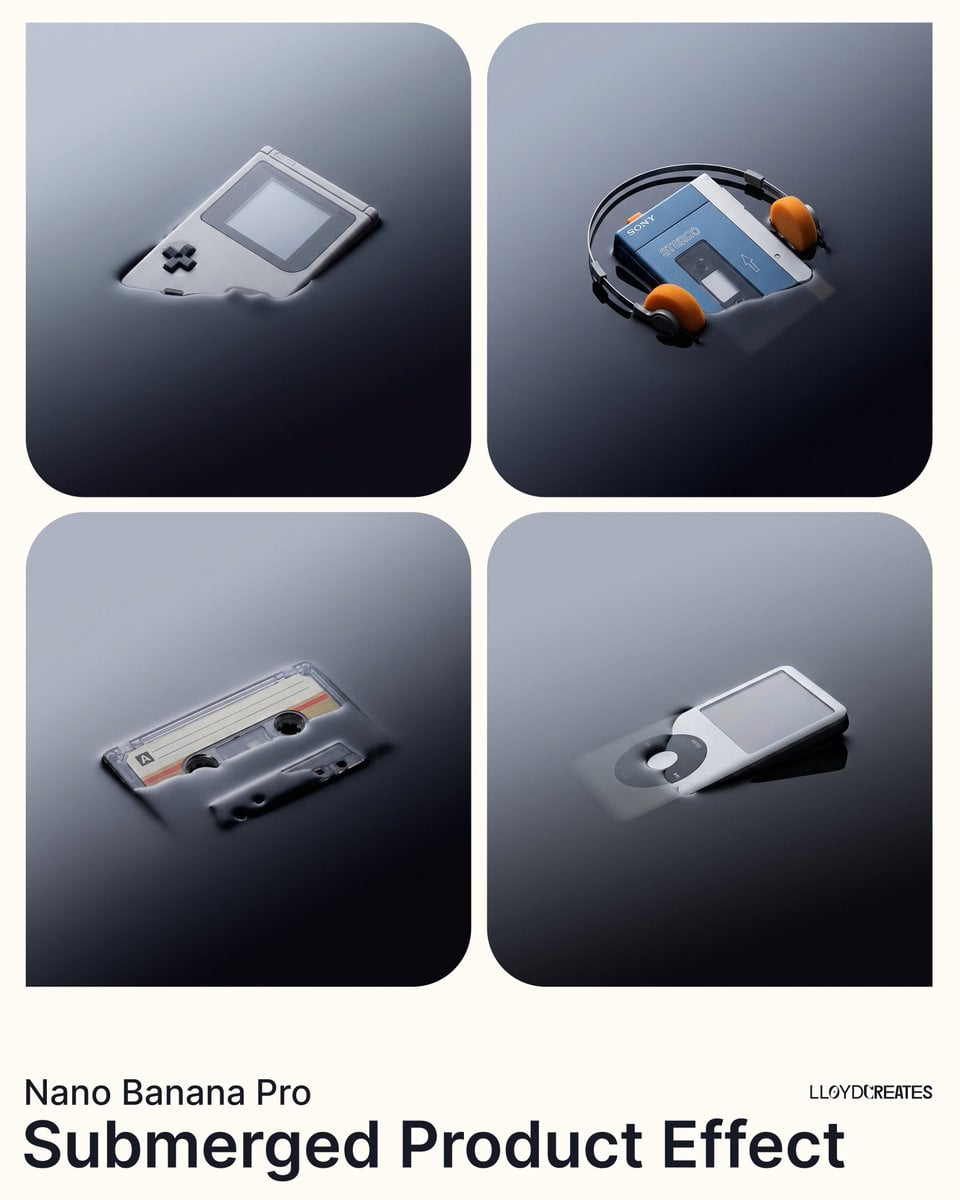
Submerged Product Effect Prompt
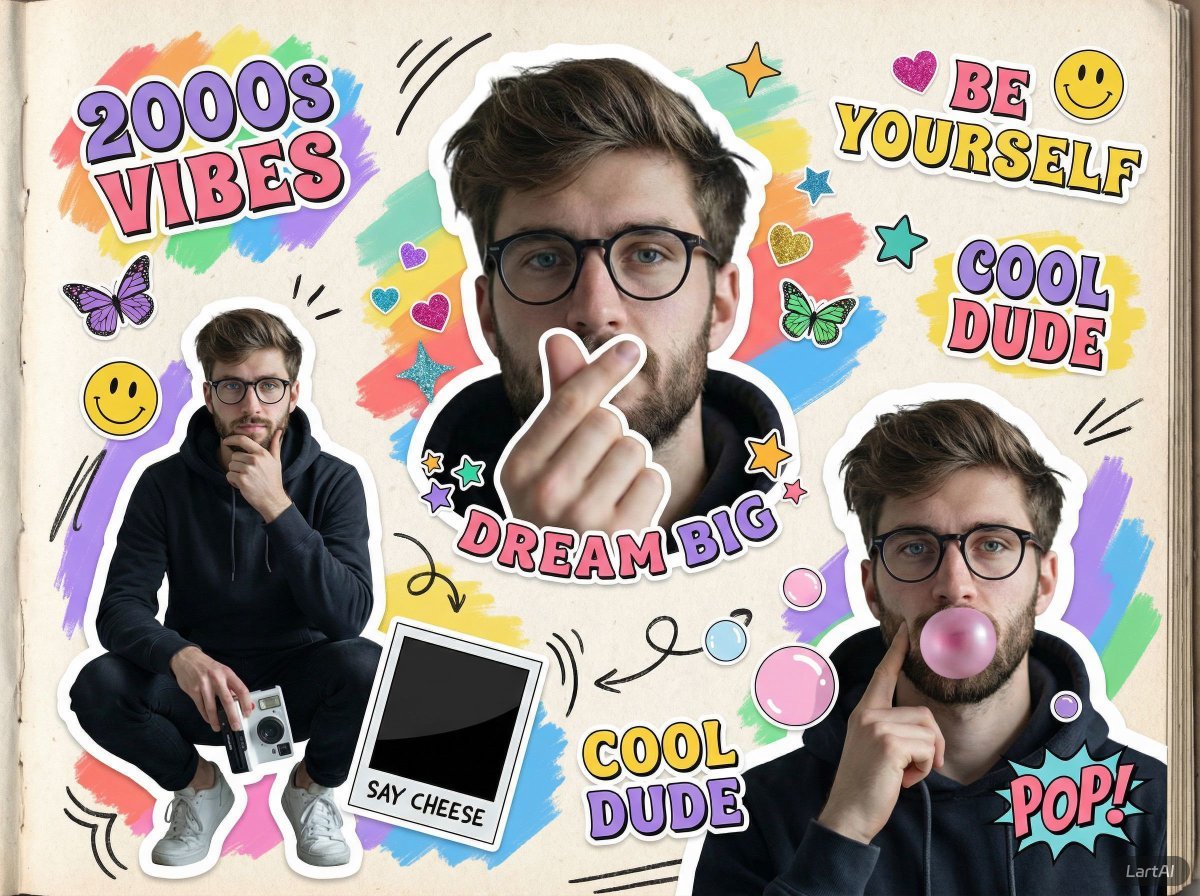
2000s Scrapbook Collage Image Prompt
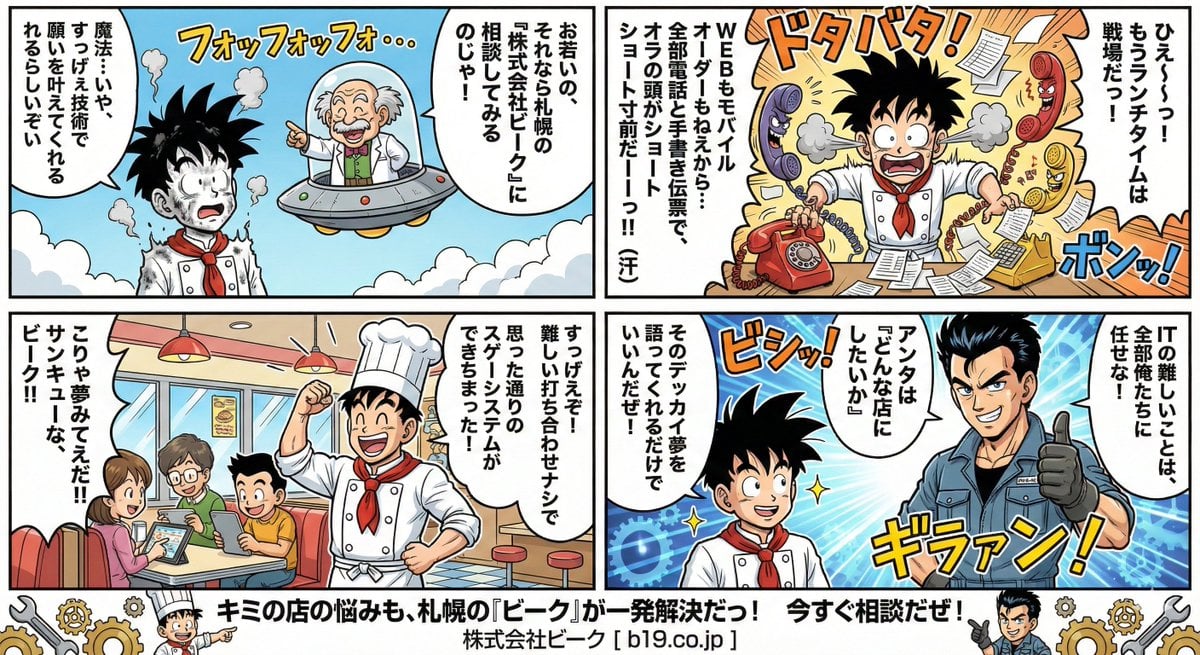
Manga Style Transfer Prompt (Toriyama Akira and Igarashi Yumiko)
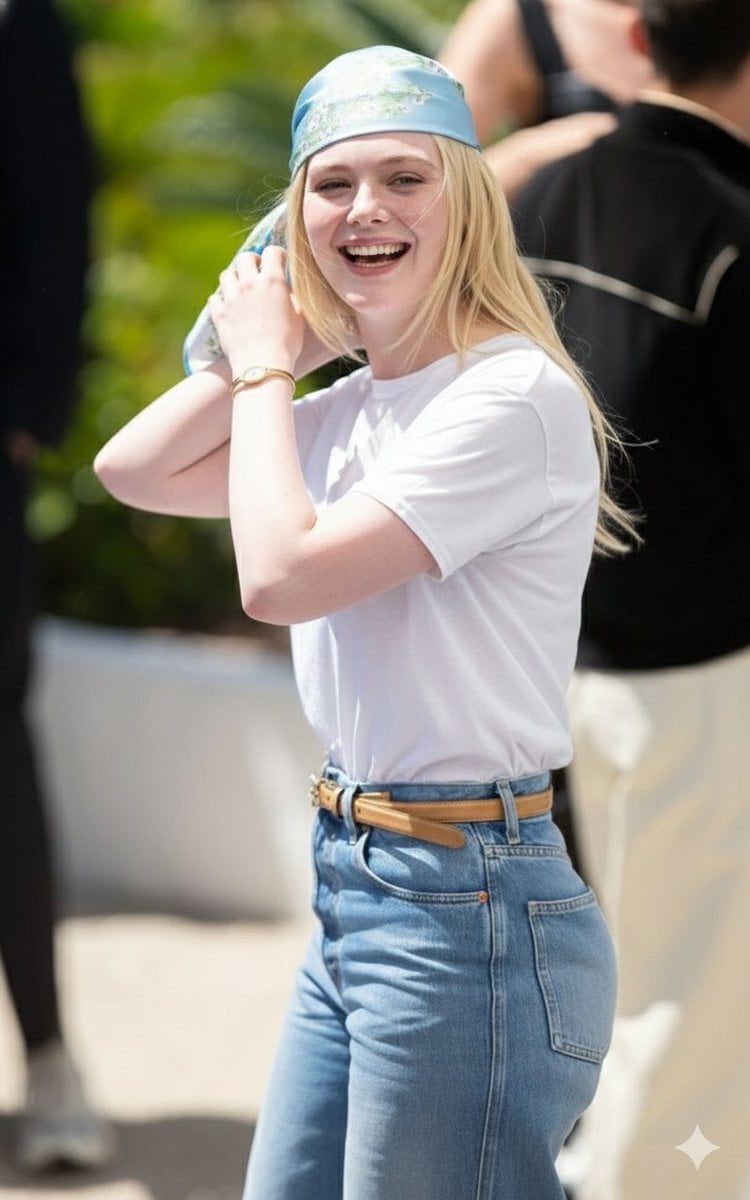
Candid Paparazzi-Style Street Photograph
Night Corridor Fashion Portrait
Chlorophyll Avant-Garde Editorial Portrait

Double Exposure Pensive Portrait
Browse template categories
Macro Realism of Mechanical and Gemstone Insects questions
How do I use the Macro Realism of Mechanical and Gemstone Insects template?
Add your photo if the template asks for one, edit the prompt if you like — the template's model and format are already selected — and press Generate. Your version opens in PicX Studio.
Can I customize the Macro Realism of Mechanical and Gemstone Insects template?
Yes. You can change the subject, setting, lighting, mood, format, and available model controls before creating your image.
Is the Macro Realism of Mechanical and Gemstone Insects template free?
Opening and editing this template is free. Generating uses credits, shown on the Generate button when you are signed in.
Which AI model should I use?
Start with Nano Banana 2, which is the model associated with this template. You can compare another compatible model for a different finish.
Looking for something else? Browse all templates.

Your photo, any look
Thousands of ready templates for every top image and video model, from one credit balance.