
Chlorophyll Avant-Garde Editorial Portrait
A highly detailed JSON prompt for a hyper-realistic, symmetrical editorial fashion portrait.
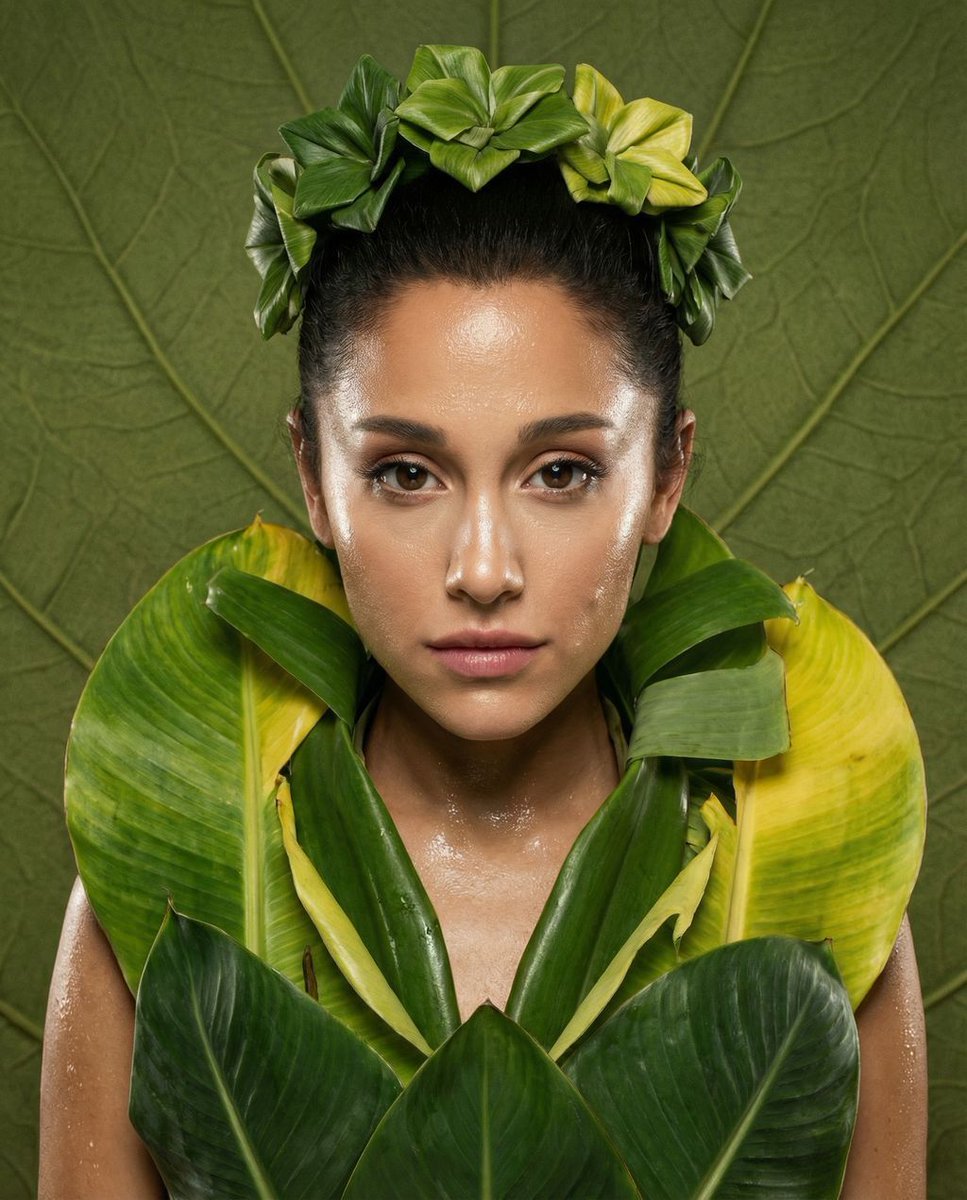
- Prompt included
- Model and format preset
- Free template
The prompt behind this image
Copy the exact prompt behind Chlorophyll Avant-Garde Editorial Portrait, or open it in the studio and make it yours.
{ "vibe_title_en": "Chlorophyll Avant-Garde", "master_prompt": "A hyper-realistic, symmetrical medium-format portrait of The Protagonist, framed in a Centered Power-Mid composition. The subject is adorned in an architectural haute couture garment constructed from oversized, living emerald and sulfur-yellow plant membranes, layered like organic armor. The skin texture is defined by the 'High-Gloss Rebel' aesthetic: intensely dewy, sweaty, and reflective, with visible pores and razor-sharp specular highlights on the cheekbones and forehead. The expression is challenging and direct, featuring a slight, arrogant smirk. Lighting is a harsh, direct ring-flash style, eliminating central shadows while maximizing the wet sheen of the skin. The background is a tactile, textured olive-green canvas that mimics the veining of a leaf. Shot on a Hasselblad H6D-100c with an 80mm prime lens, emulating the vivid saturation of Fujifilm Velvia 50 stock. No neon. Pure, tactile editorial surrealism.", "meta": { "intent": "Editorial Fashion", "priorities": "Texture, Symmetry, Skin Gloss", "device_profile": "High-End Desktop / Retina Display" }, "frame": { "aspect": "4:5", "composition": "Centered Power-Mid", "layout": "Perfectly Symmetrical", "camera_angle": "Eye-Level, Dead Center", "tilt_roll_degrees": "0" }, "subject": { "gender": "Female", "identity": "The Avant-Garde Muse", "demographics": "Ageless, High-Fashion Model", "face": "Symmetrical structure, high cheekbones, intense direct gaze", "hair": "Slicked back, wet-look, integrated with floral elements", "body": "Shoulders squared to camera, chest-up", "expression": "Challenging direct stare with a slight, rebellious smirk", "pose": "Static, commanding, chin slightly tilted up" }, "wardrobe_accessories": { "garments": [ { "item": "Botanical Sculpture Dress", "material": "Living Plant Membranes / Thick Waxy Leaves", "color": "Emerald Green to Sulfur Yellow Gradient", "fit": "Architectural / Structured" } ], "accessories": [ { "item": "Floral Headpiece", "color": "Deep Green", "material": "Organic Folded Leaves", "brand_style": "Surrealist Couture" } ] }, "environment": { "setting": "Conceptual Biodesign Studio", "surfaces": "Hand-painted textured canvas background", "depth": "Shallow, focus drops off immediately behind ears", "atmosphere": "Sterile yet organic, humid studio air", "lens_interaction": "Sharp center, slight vignetting" }, "lighting": { "key": "Frontal Ring Flash (High Intensity)", "fill": "None (Negative Fill for contrast)", "rim": "Subtle Cool Edge Light on leaves", "shadows": "Deep, crisp, falling directly behind subject", "color_temperature": "5600K (Daylight Balanced)", "sensor_flare": "Controlled specular highlight
How to use Chlorophyll Avant-Garde Editorial Portrait in 3 steps
- 1
Open
The prompt is already in the box next to the preview, with the template's model and format selected.
- 2…a portrait of your subject in softgolden-hour light, 85mm…
Personalize
Edit the subject and creative details for your destination.
- 3Generate
Generate
Press Generate — your image is created in PicX Studio, so you can compare it with the original and refine one variable at a time.
More like this
Templates with the same subject, style or setup. Open one to see its prompt.

untitled

Gpt Image 2 Fashion Portrait

Caution Tape Fashion — Industrial Editorial
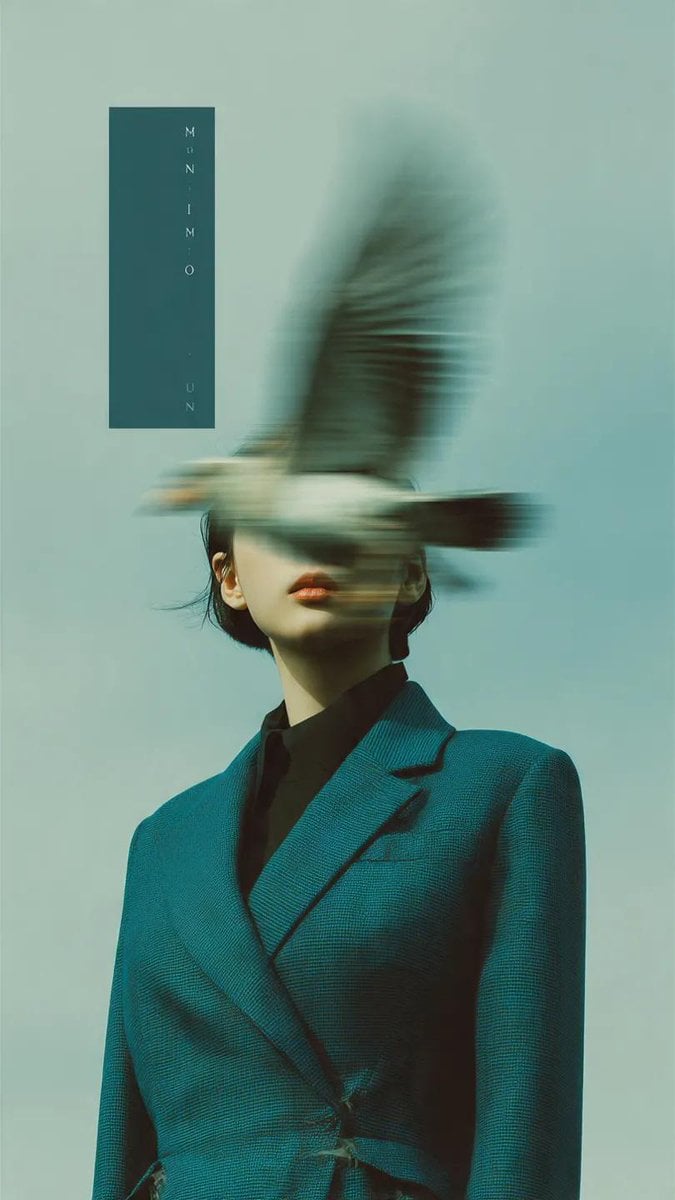
Avant-Garde Fashion Editorial Portrait
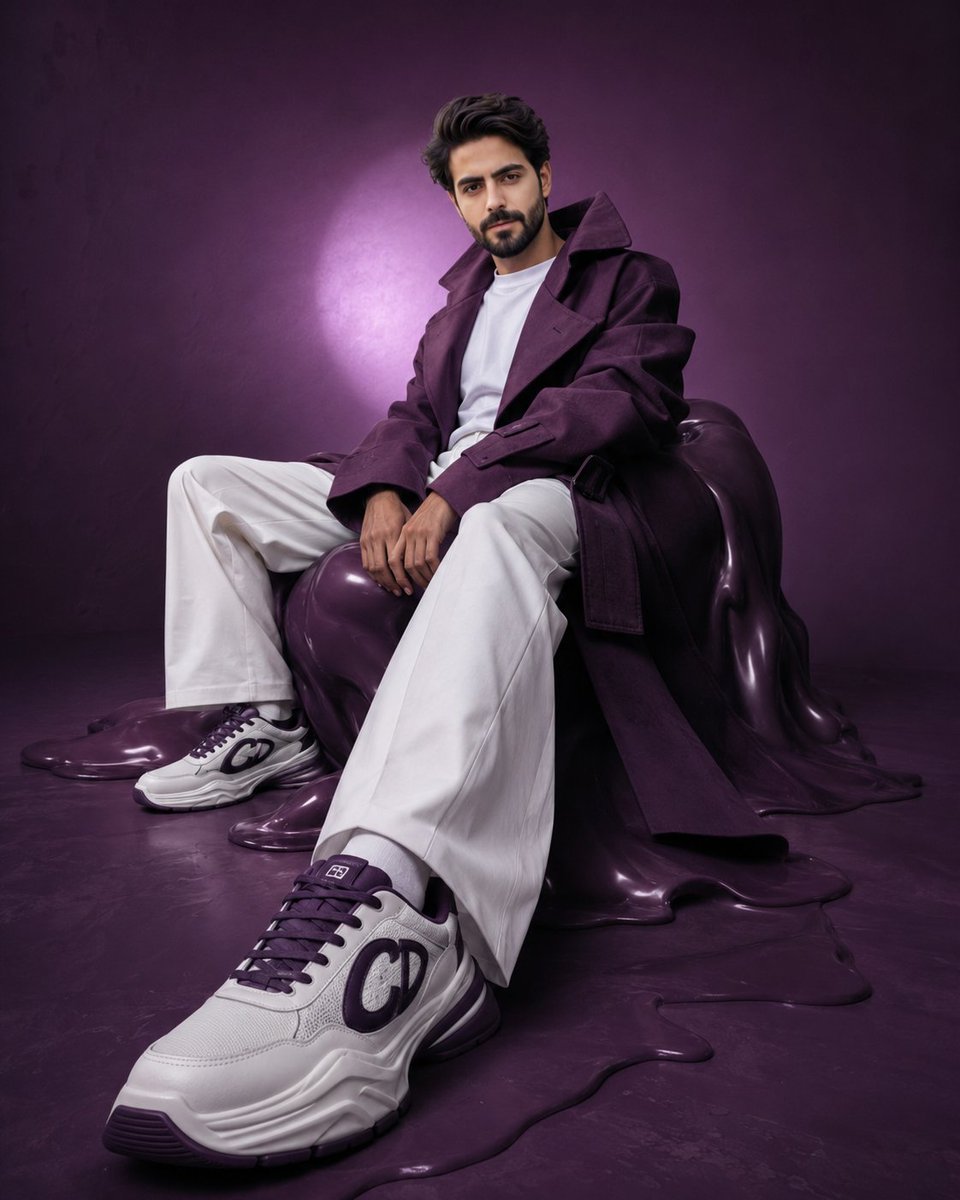
Avant-Garde Purple Fashion Editorial
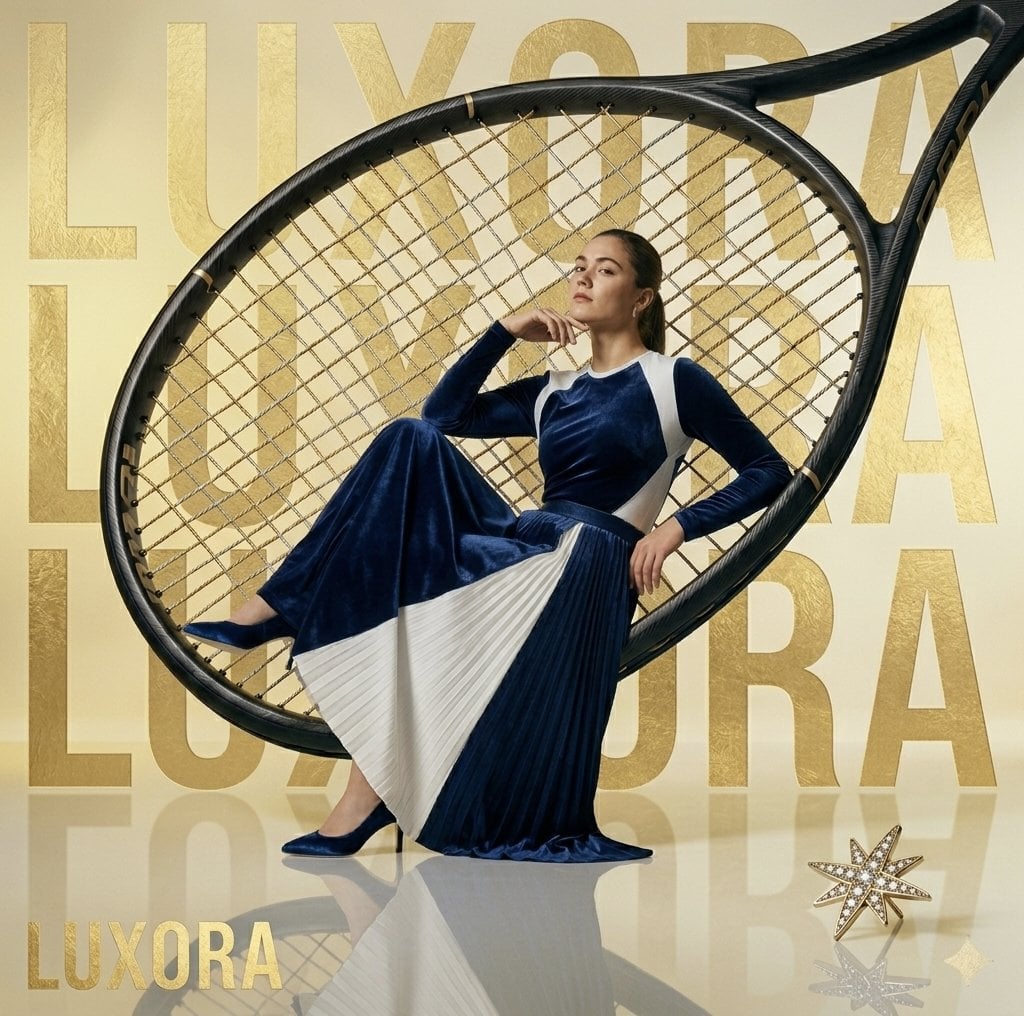
Avant-Garde Luxury Editorial Advertisement
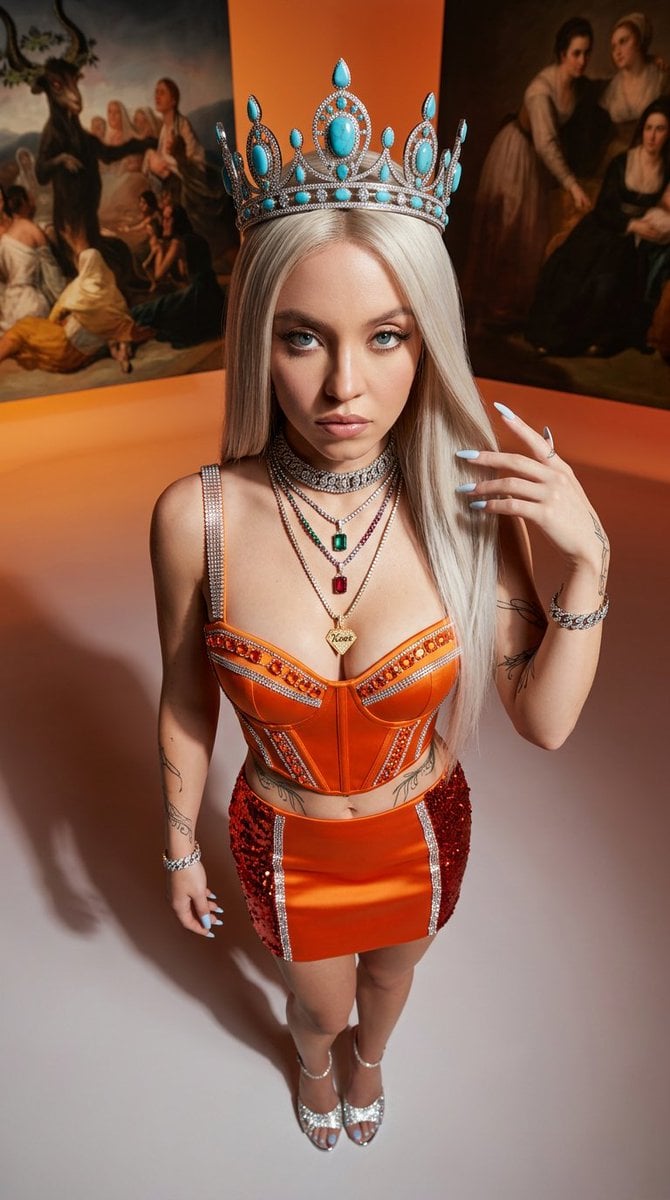
Avant-Garde High-Angle Editorial Fashion
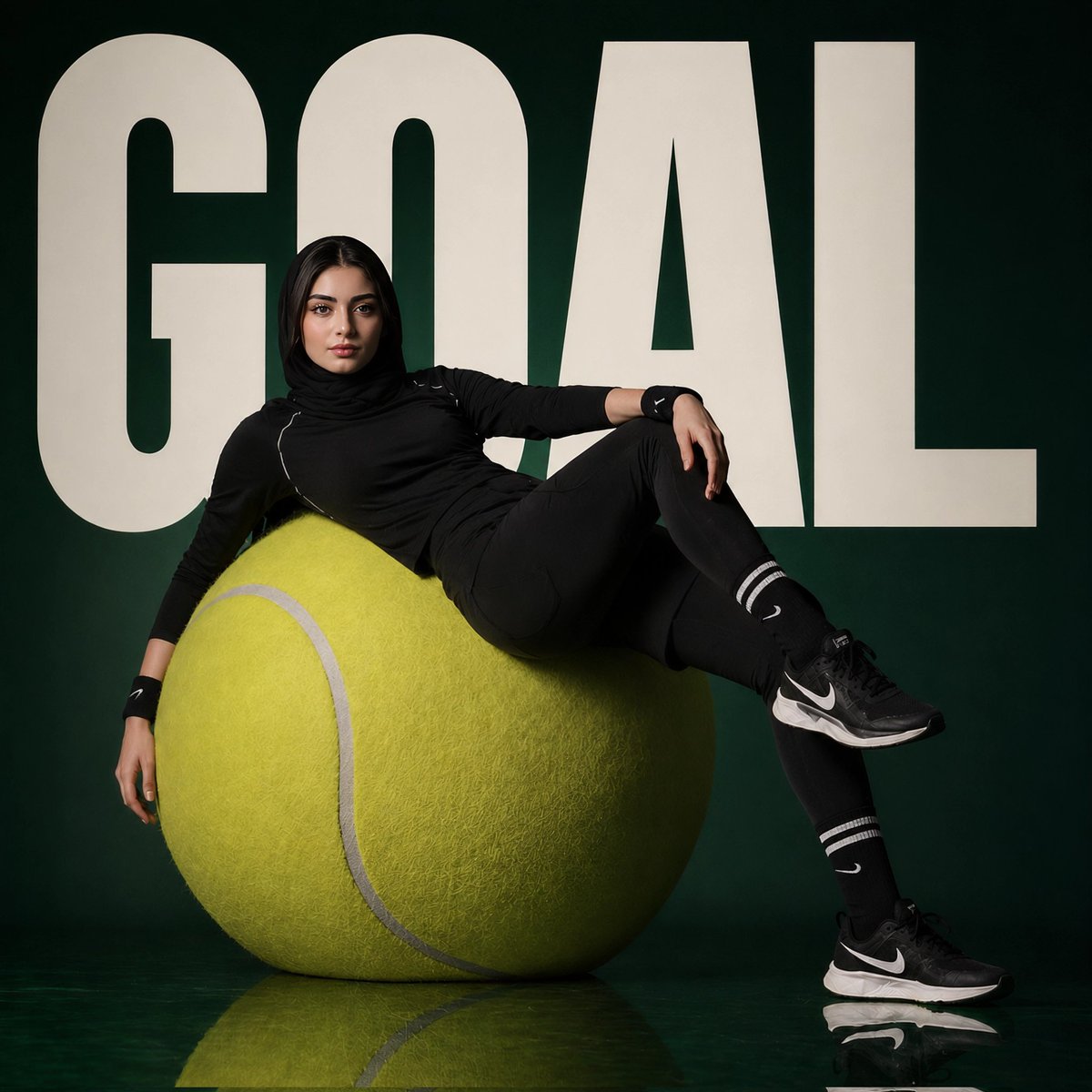
Avant-Garde Sports Fashion Editorial
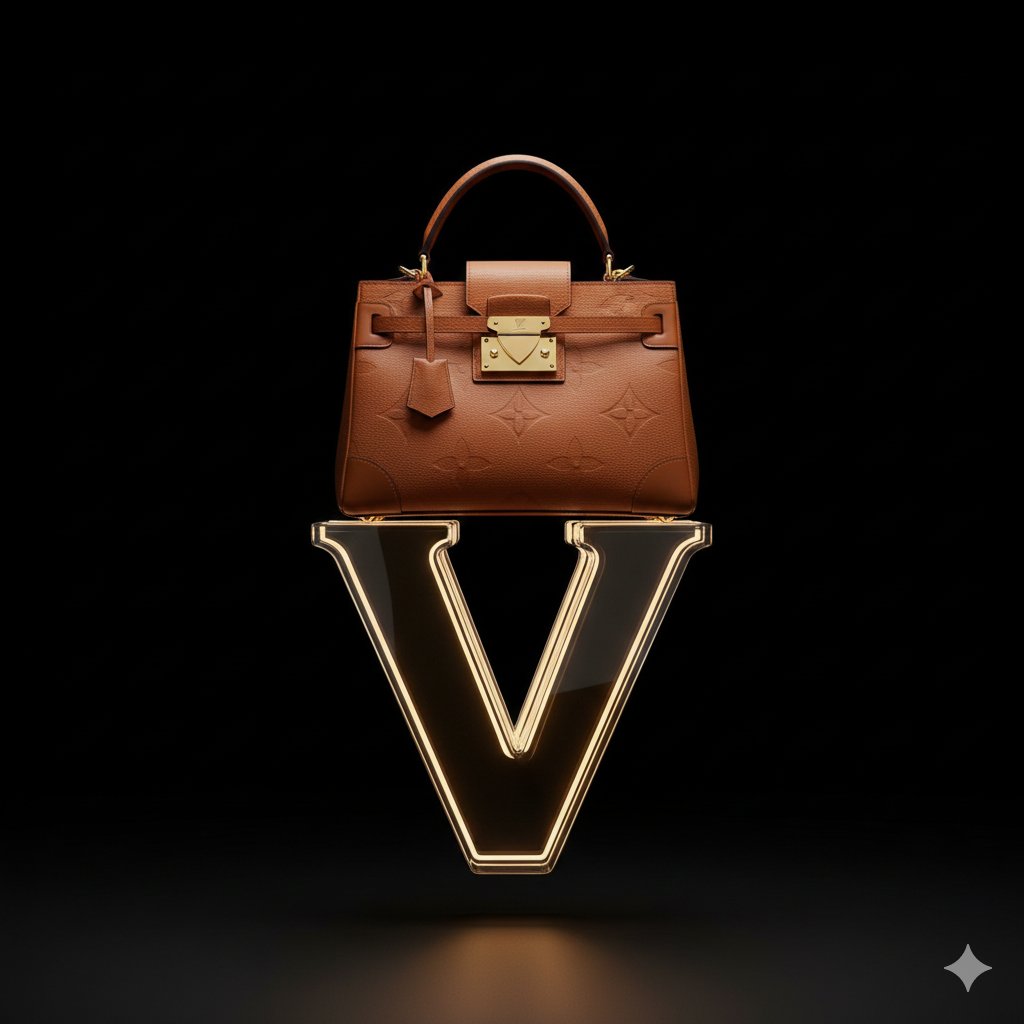
Avant-Garde Louis Vuitton Ski Goggles Editorial Prompt

Couture Fashion Editorial Woman and Drag

Nano Banana 2 Editorial Fashion Portrait
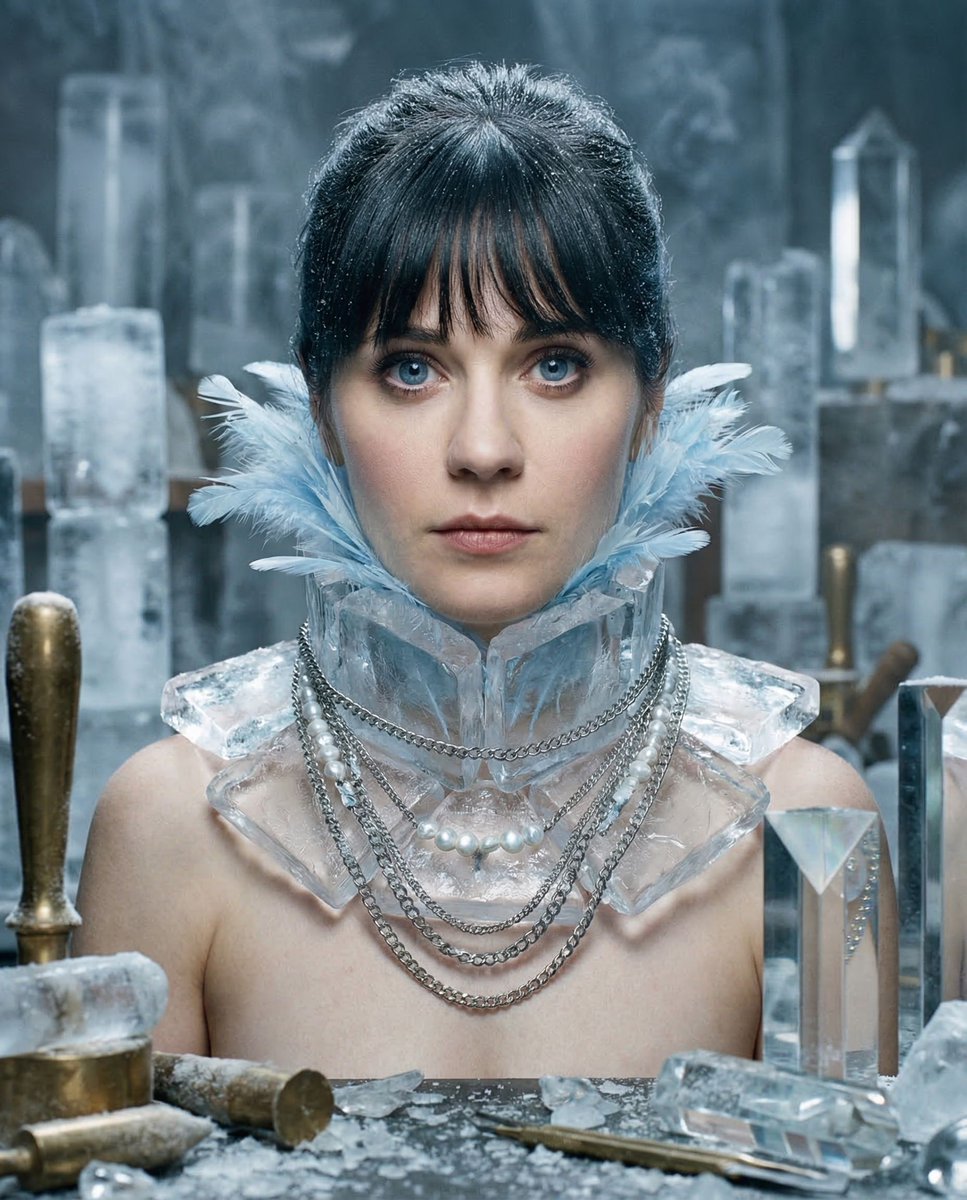
Glacial Avant-Garde Beauty Portrait
Make it yours
Chlorophyll Avant-Garde Editorial Portrait works as-is. These are the safest ways to change it without losing the look.
Change one field
Copy a single group, rewrite it, and generate again so you can see what that field is doing.
Keep the frame, change the subject
Hold the composition and light of Chlorophyll Avant-Garde Editorial Portrait, then swap wardrobe, props or the person for a new take.
| If the result… | Why | Fix |
|---|---|---|
| The result drifts from the preview | Too many fields changed at once. | Reuse Chlorophyll Avant-Garde Editorial Portrait as-is first, then change one group — subject, light, or setting. |
| The model over-stylizes the scene | The prose prompt leaves finish and camera underspecified. | Add one camera or lighting sentence and stay on Nano Banana 2. |
More Nano Banana 2 templates
Other prompts made for Nano Banana 2.

Photorealistic Leaf Shaped Like a Dragon

K-Pop Idol Portrait Grid for Rapid Selection

Poetic Rain Forest Portrait During Golden Hour

Urban Street Portrait with Cartoon Inner Self Duo

Candid Nighttime Photo with Cat Prompt

High-Concept 3D Diorama Generation Prompt

Cinematic Futuristic Studio Portrait Template

Skincare Editorial Photography Collage Prompt

Hyper-Realistic Commercial Product Photography (Splash Effect)

Hyper-Realistic Nightclub Portrait Prompt
More image prompts
Fresh picks from across the catalog.
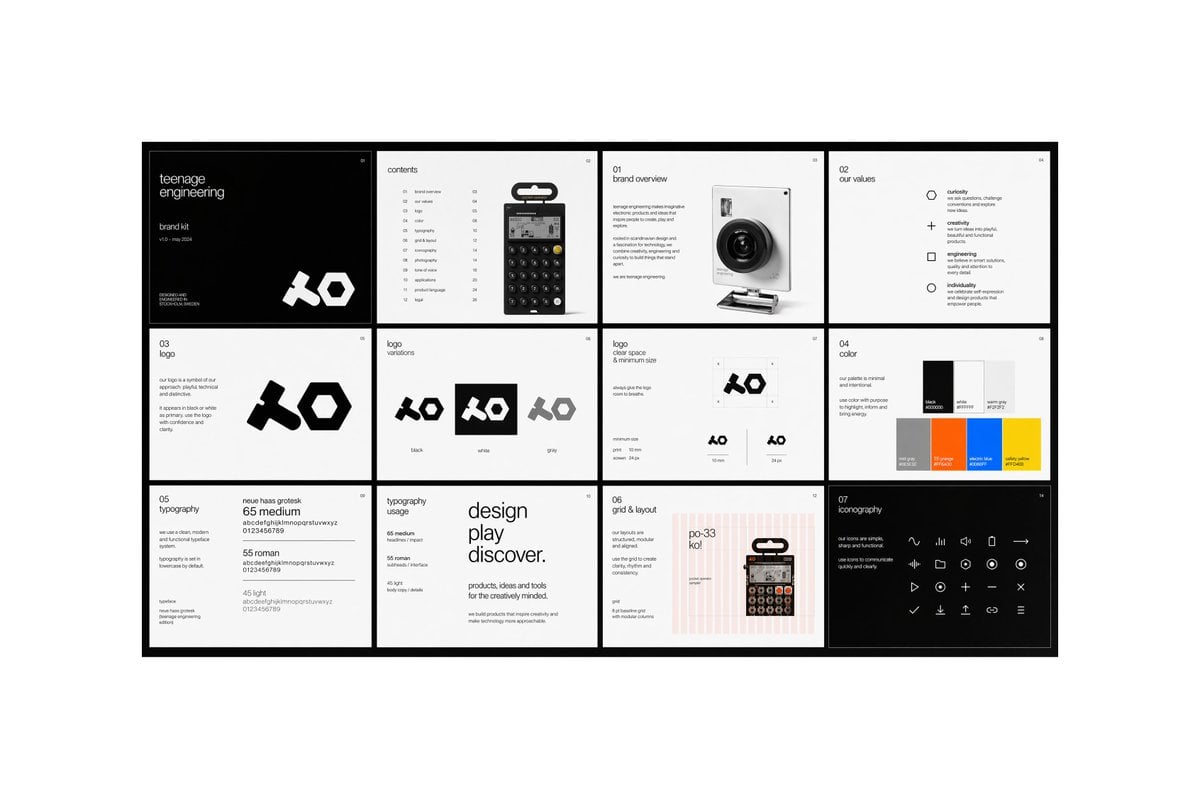
Multi-page Brand Kit Generator
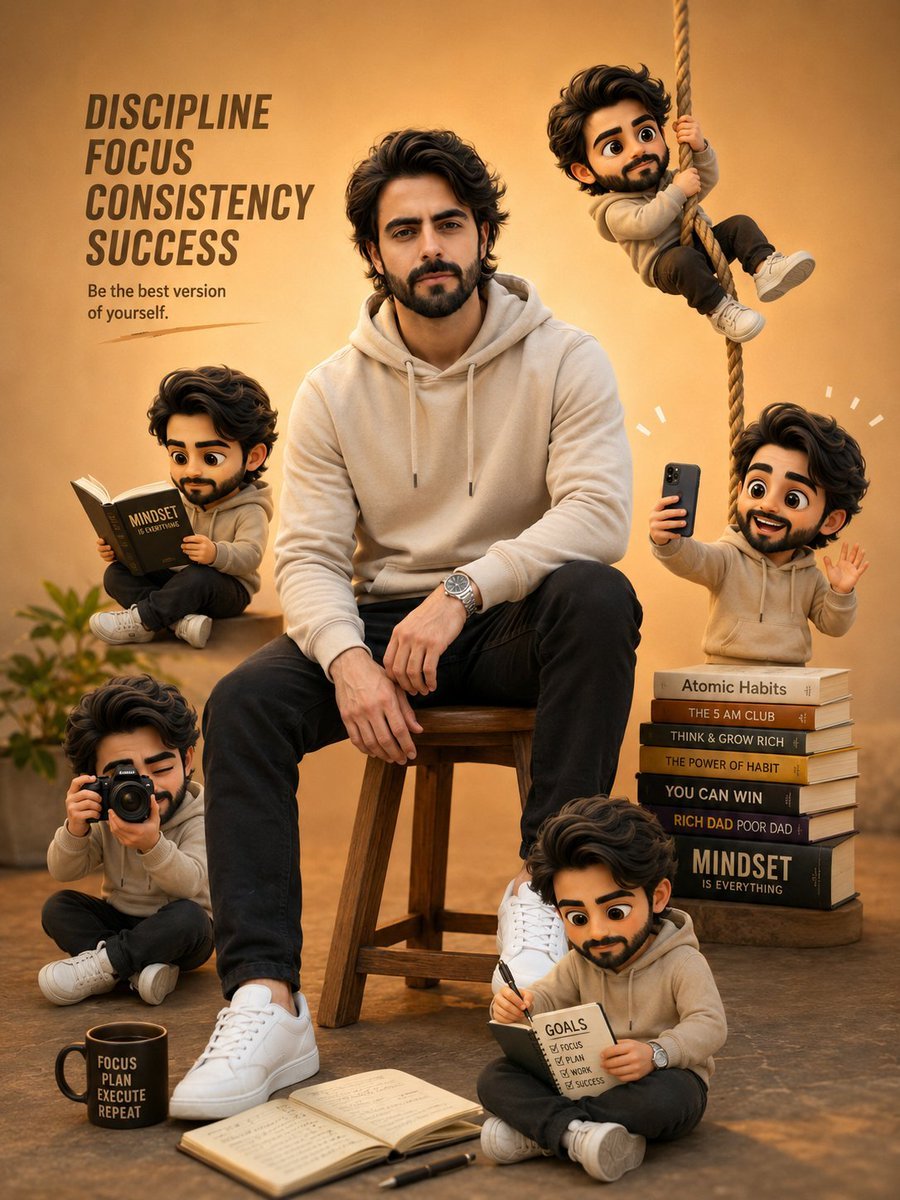
Self-Improvement Theme Motivational Poster
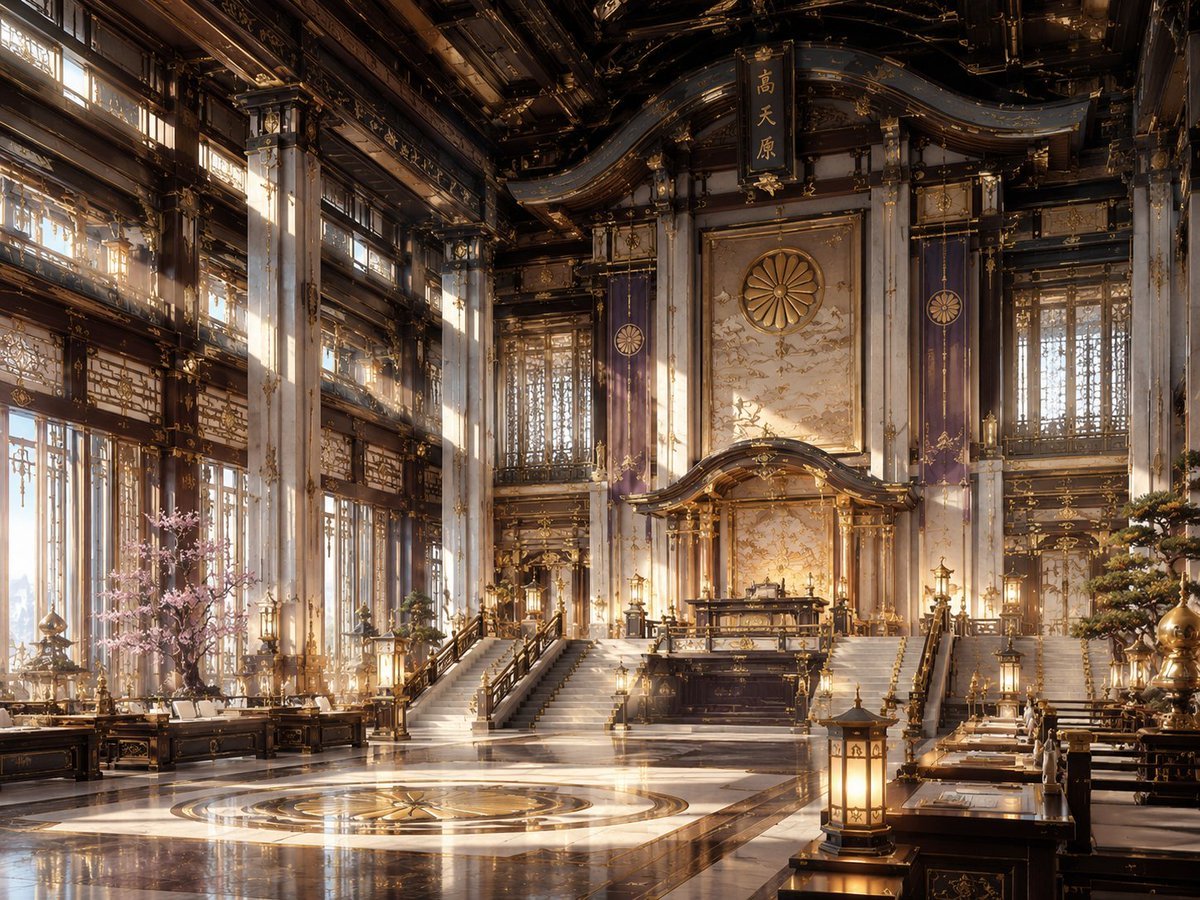
NeoNippon Imperial Throne Hall
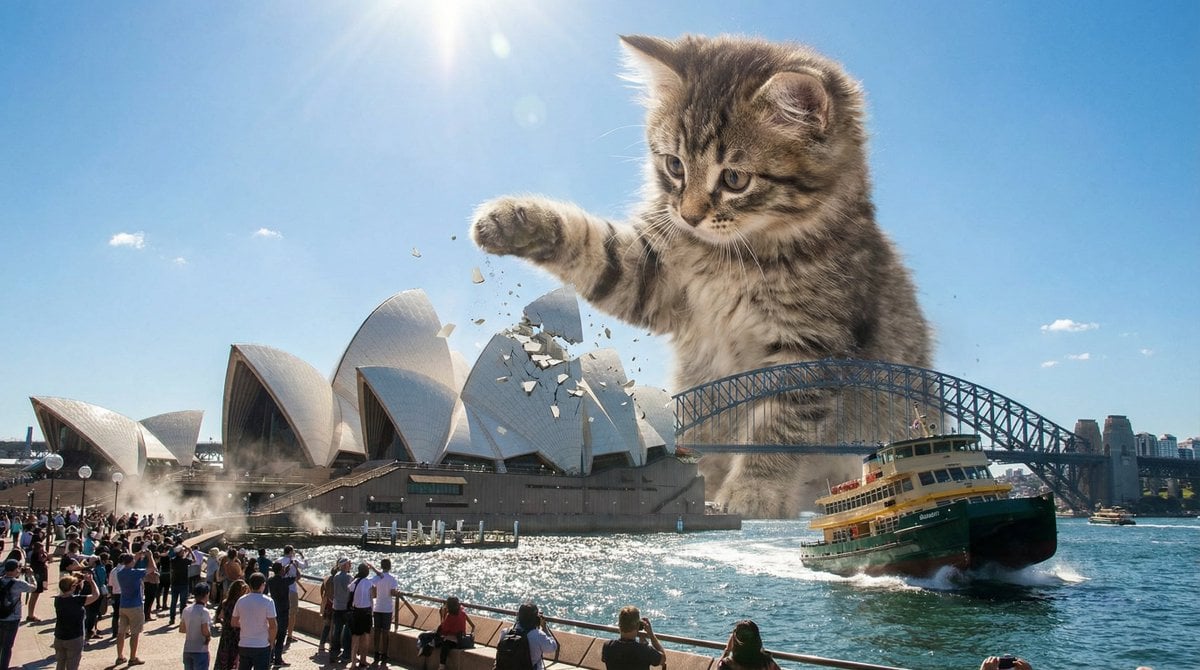
Kaiju Kitten Destroying Sydney Waterfront
Dramatic Film Filter Processing
Traditional Chinese Ink Painting Style
Gym Mirror Selfie Portrait
Receptionist Seated at Front Desk
Cinematic Winter Beach Photoshoot

Master Prompt for Caricature Art of Music Legends
Browse template categories
Chlorophyll Avant-Garde Editorial Portrait questions
How do I use the Chlorophyll Avant-Garde Editorial Portrait template?
Add your photo if the template asks for one, edit the prompt if you like — the template's model and format are already selected — and press Generate. Your version opens in PicX Studio.
Can I customize the Chlorophyll Avant-Garde Editorial Portrait template?
Yes. You can change the subject, setting, lighting, mood, format, and available model controls before creating your image.
Is the Chlorophyll Avant-Garde Editorial Portrait template free?
Opening and editing this template is free. Generating uses credits, shown on the Generate button when you are signed in.
Which AI model should I use?
Start with Nano Banana 2, which is the model associated with this template. You can compare another compatible model for a different finish.
Looking for something else? Browse all templates.

Your photo, any look
Thousands of ready templates for every top image and video model, from one credit balance.