
Surreal Cinematic Clone Photography
A surreal identity concept prompt that generates a sharp central subject surrounded by identical walking clones, using a reference photo for facial consistency.
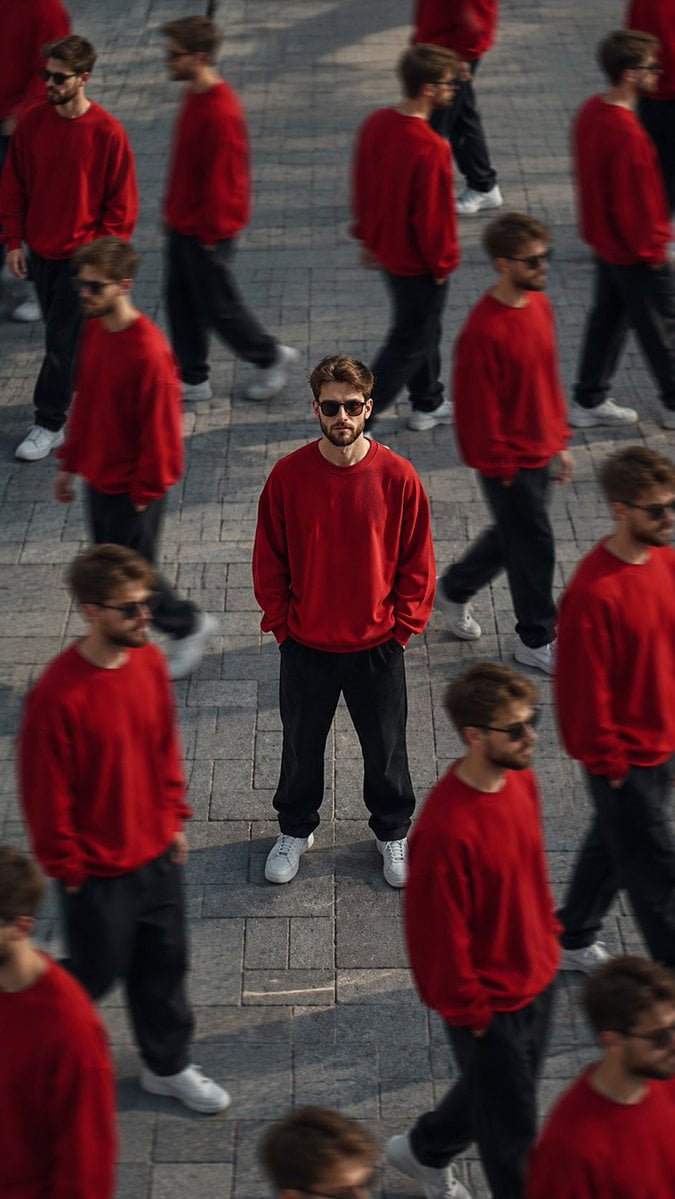
- Prompt included
- Model and format preset
- Premium template
The prompt behind this image
Copy the exact prompt behind Surreal Cinematic Clone Photography, or open it in the studio and make it yours.
Ultra cinematic surreal clone photography, aerial high-angle shot of the SAME PERSON from the uploaded reference image standing still in the center of a large empty street/pathway while multiple copies of HIM walk around in different directions. IMPORTANT FACE LOCK: Maintain EXACT SAME FACE as uploaded reference image. Preserve identical facial structure, jawline, hairstyle, beard style, skin tone, eyebrows, eye shape, nose shape, lips, hair texture, forehead proportions, and overall identity. Do NOT change ethnicity or facial features. Keep the face highly realistic and consistent across all clones. Use the uploaded image as the primary identity reference. Face must look exactly like the real person in the reference photo. The central character is perfectly sharp, confident pose, hands in pockets, wearing a bright oversized {argument name="clothing color" default="red"} sweatshirt, black loose pants, white sneakers, and black sunglasses. All surrounding clones wear the exact same outfit and exact same face, creating a repetitive "NPC crowd" effect. Dynamic composition with motion blur on moving clones, shallow depth of field, dreamy atmosphere, soft sunlight, warm natural tones, slight haze, realistic shadows, and subtle film grain. Street photography mixed with fashion editorial aesthetics. Background includes tiled pavement and urban outdoor environment with minimal distractions. Use tilt-shift lens effect, compressed perspective, and cinematic depth. Mood: lonely but powerful, standing out while everyone else moves. Style inspired by modern Al photography, Instagram reel aesthetics, surreal identity concept art. Hyper realistic skin texture, clean anatomy, realistic proportions, realistic Indian male appearance, natural lighting, ultra detailed facial realism, cinematic color grading. NO face distortion, NO extra limbs, NO asymmetrical eyes, NO beard changes, NO different hairstyle, NO cartoon look, NO fake Al face. Camera Settings Style: Shot on Sony A7R IV, 85mm lens, f/1.8, tilt-shift blur, HDR, ultra detailed, 8K, vertical 9:16 composition.
How to use Surreal Cinematic Clone Photography in 3 steps
- 1Upload ImagePNG, JPG or paste
Add your photo
Upload the photo the template builds on. The prompt, model and format are already set.
- 2…a portrait of your subject in softgolden-hour light, 85mm…
Personalize
Edit the subject and creative details for your destination.
- 3Generate
Generate
Press Generate — your image is created in PicX Studio, so you can compare it with the original and refine one variable at a time.
More like this
Templates with the same subject, style or setup. Open one to see its prompt.
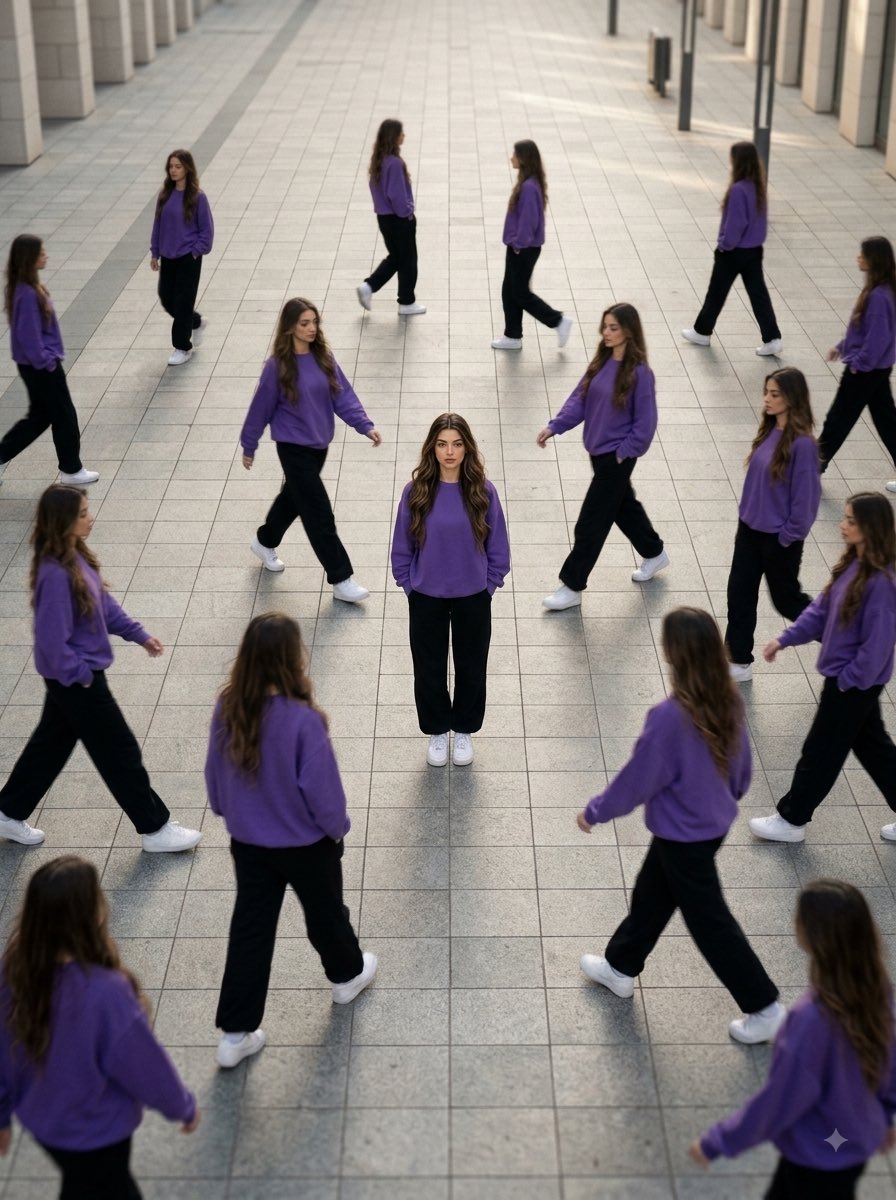
Aerial Surreal Clone Photography
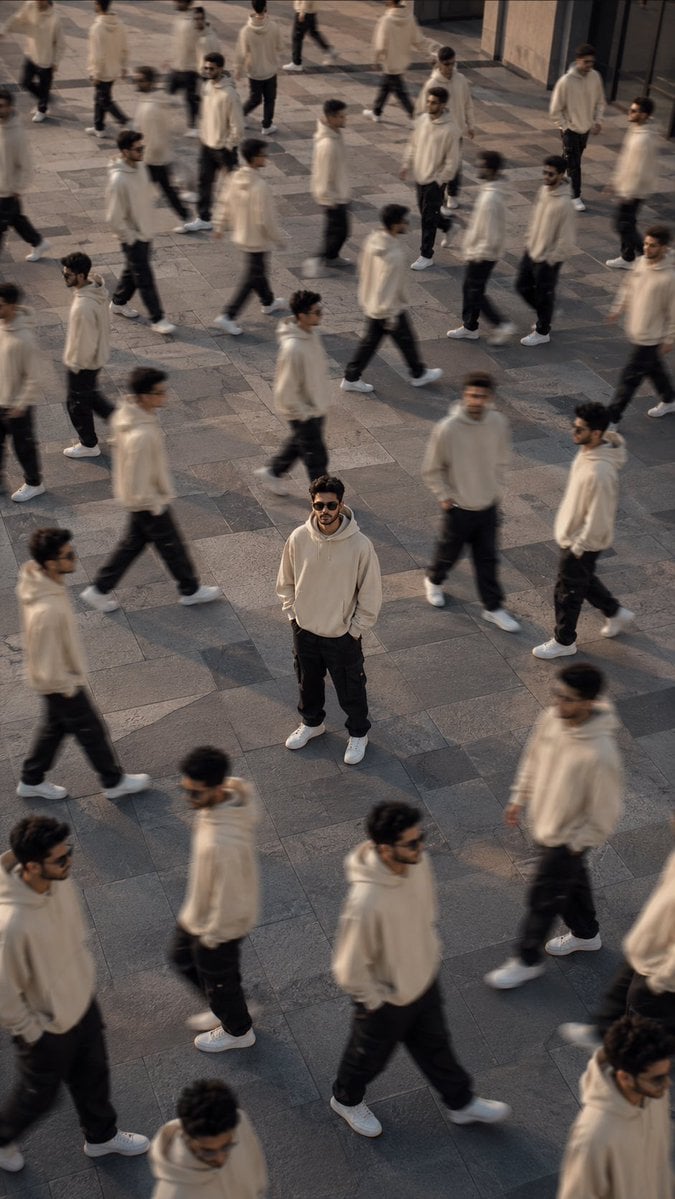
Surreal Urban Clone Photography
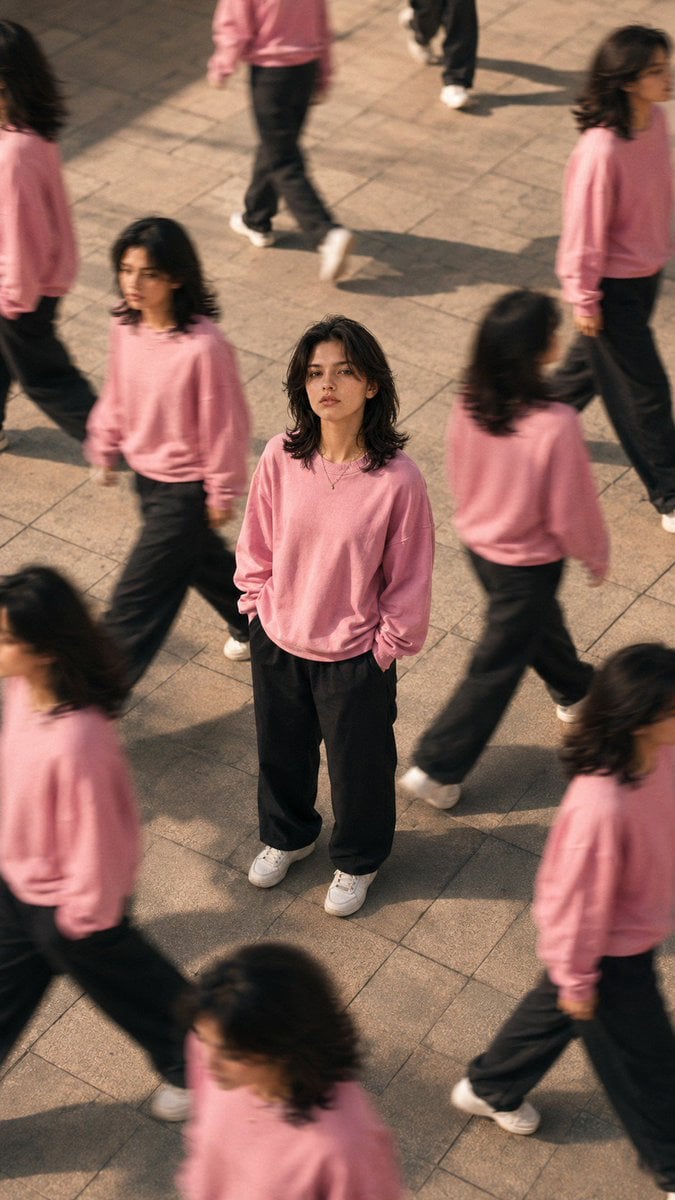
Surreal Clone Street Photography

Mirror Selfie Chibi Characters Pixar Style

Flower Petal Sunglasses Couture Portrait

Fashion Portrait Colored Smoke Studio

Mountain Valley Lifestyle Portrait

青蛇小青写真大片,绿色紧身蛇鳞裙,湿发红唇,妖娆妩媚

A double exposure, long exposure editorial photograph of a man Use image

Portrait of a young woman in her early 20s walking calmly on a beautiful

Artistic portrait of an elegant Asian woman wearing a black silk

A high-quality photo collage featuring the same person with identical
Make it yours
Surreal Cinematic Clone Photography works as-is. These are the safest ways to change it without losing the look.
Change one field
Copy a single group, rewrite it, and generate again so you can see what that field is doing.
Keep the frame, change the subject
Hold the composition and light of Surreal Cinematic Clone Photography, then swap wardrobe, props or the person for a new take.
| If the result… | Why | Fix |
|---|---|---|
| The result drifts from the preview | Too many fields changed at once. | Reuse Surreal Cinematic Clone Photography as-is first, then change one group — subject, light, or setting. |
| The model over-stylizes the scene | The prose prompt leaves finish and camera underspecified. | Add one camera or lighting sentence and stay on GPT Image 2. |
More GPT Image 2 templates
Other prompts made for GPT Image 2.

Six VTuber Japanese Logo Sheet

Realistic Portrait of Woman and Deer

The Vista Modular Condo Poster

AI Model Routing Comparison Infographic

2.5D Anime Art Board

Isometric Productivity Desk Scene

New York Double Exposure Poster

Four-Panel AI Landscape Comparison

Japanese Tatami Lifestyle Magazine Cover

NESCAFÉ Coffee Map Poster
More image prompts
Fresh picks from across the catalog.
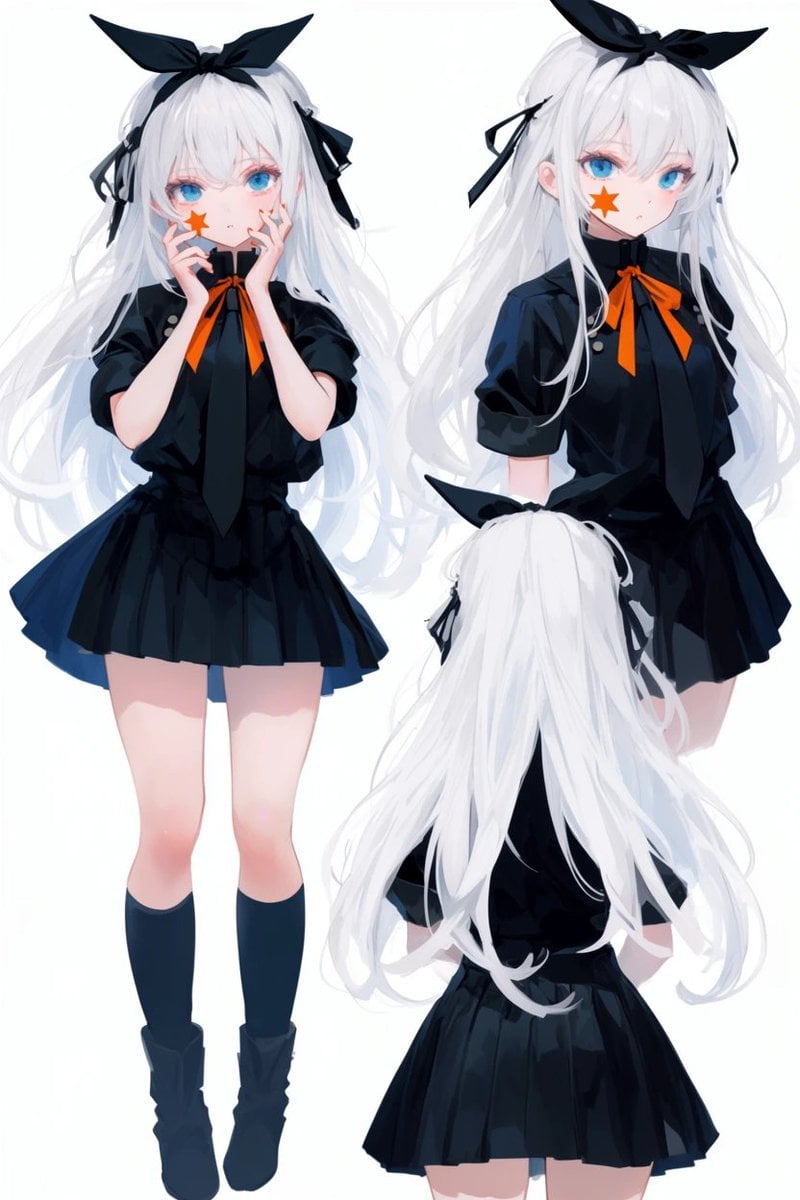
Anime Character Turnaround Sheet
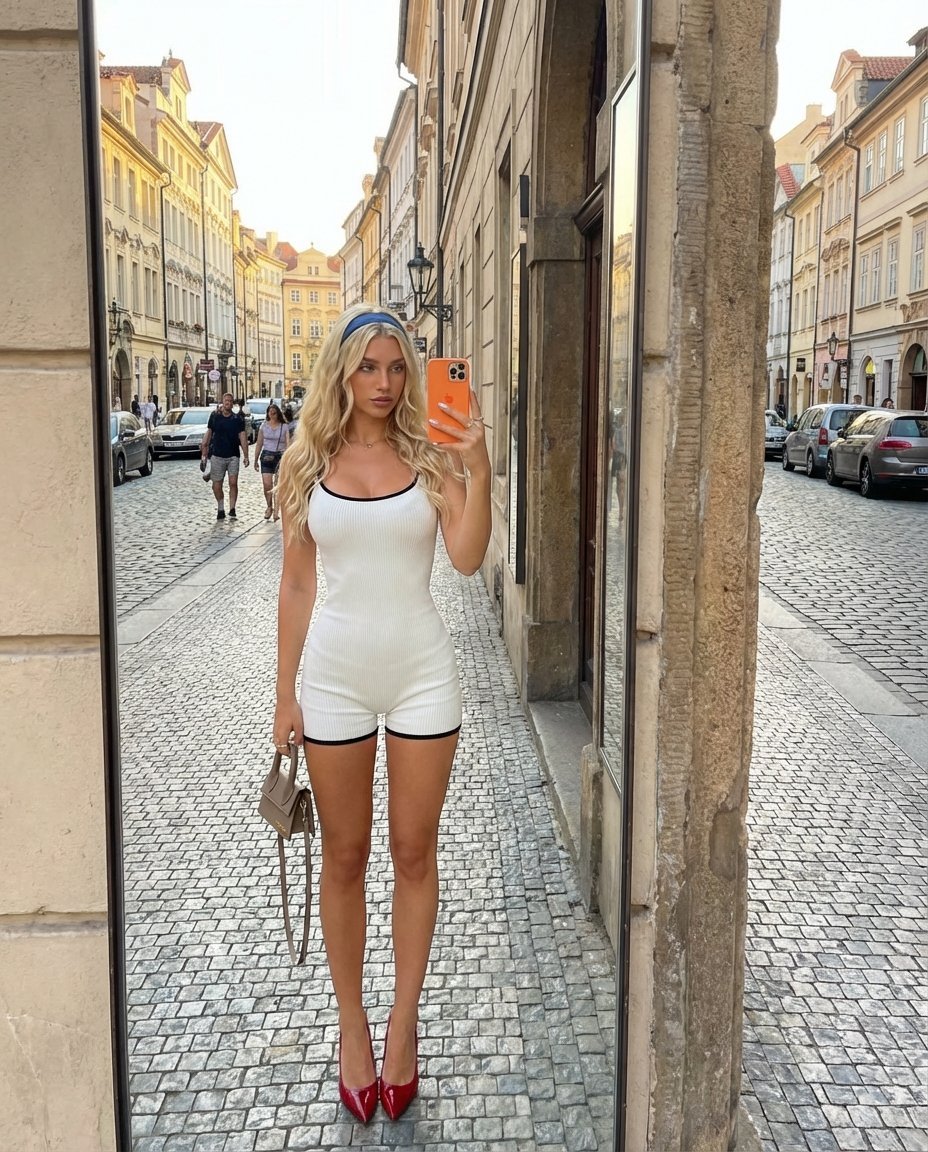
Outdoor Mirror Selfie in European City at Golden Hour
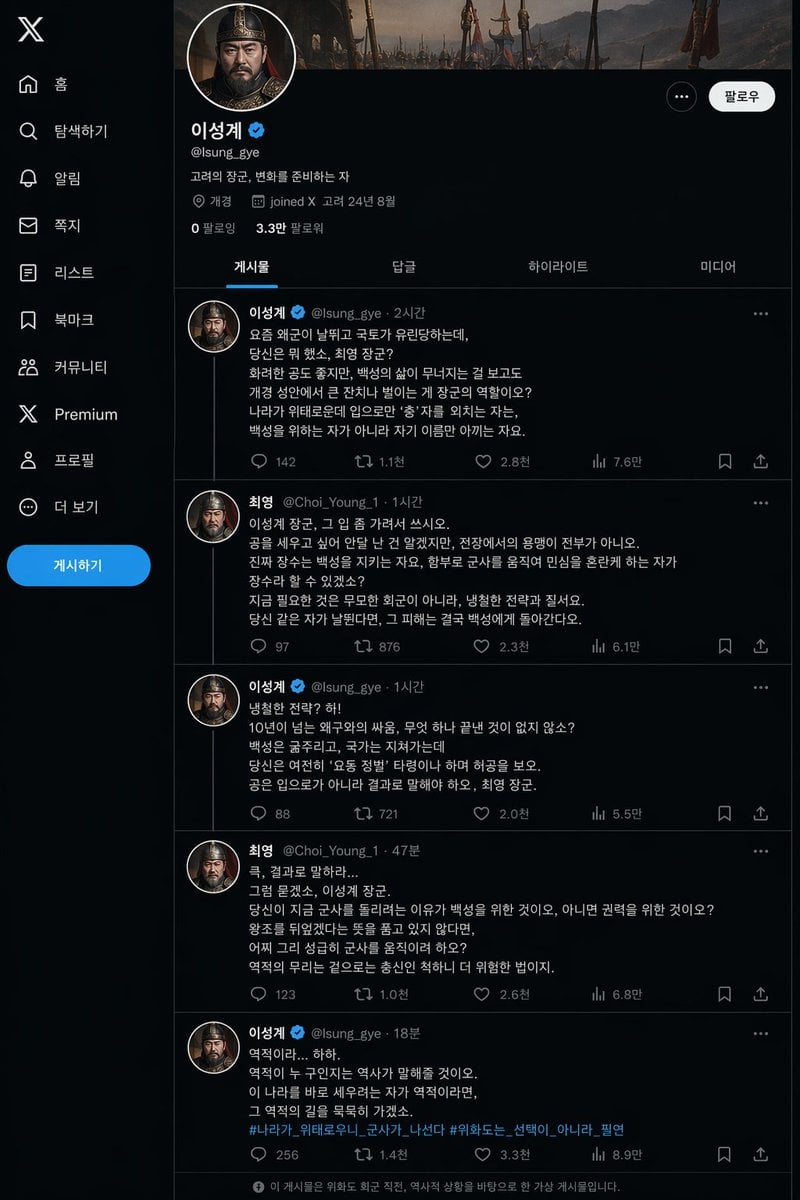
Historical Social Media Feed Mockup
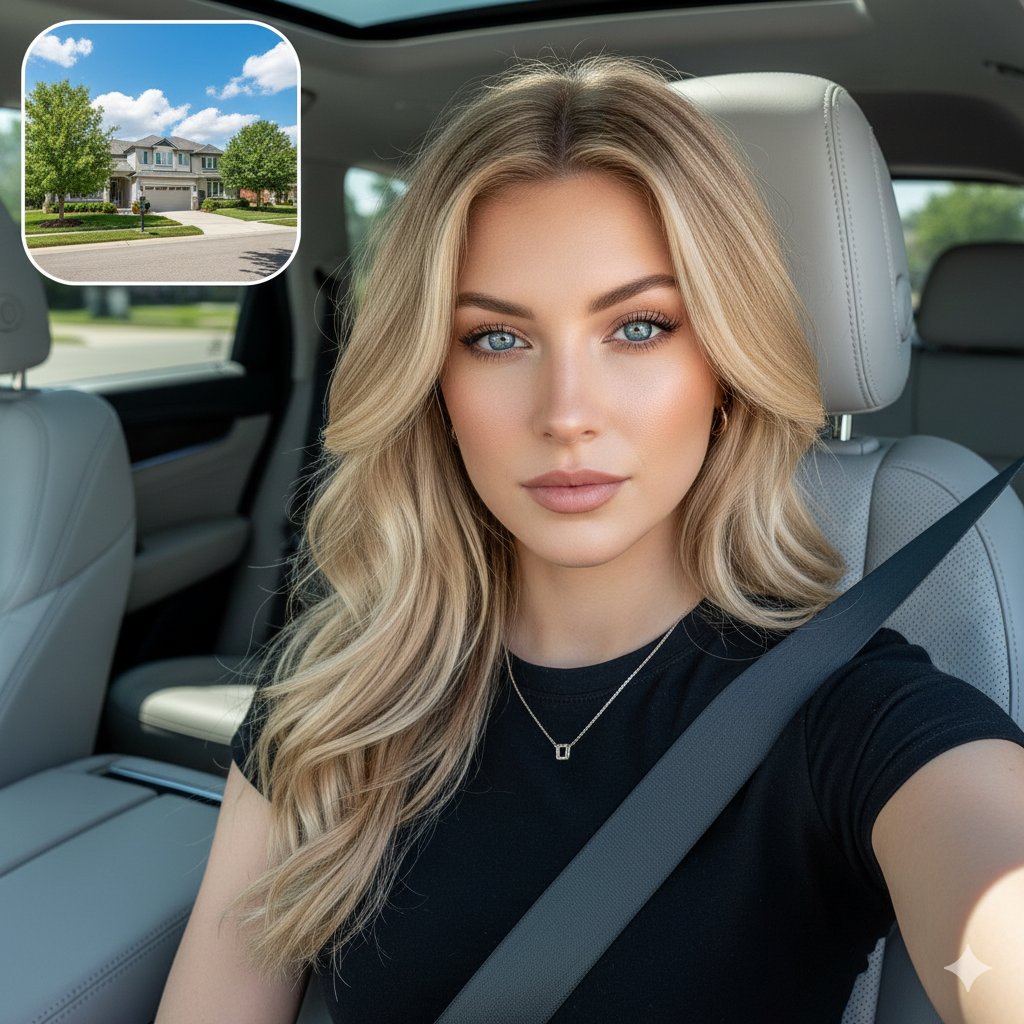
Cinematic SUV Selfie Portrait with Lifestyle Inset
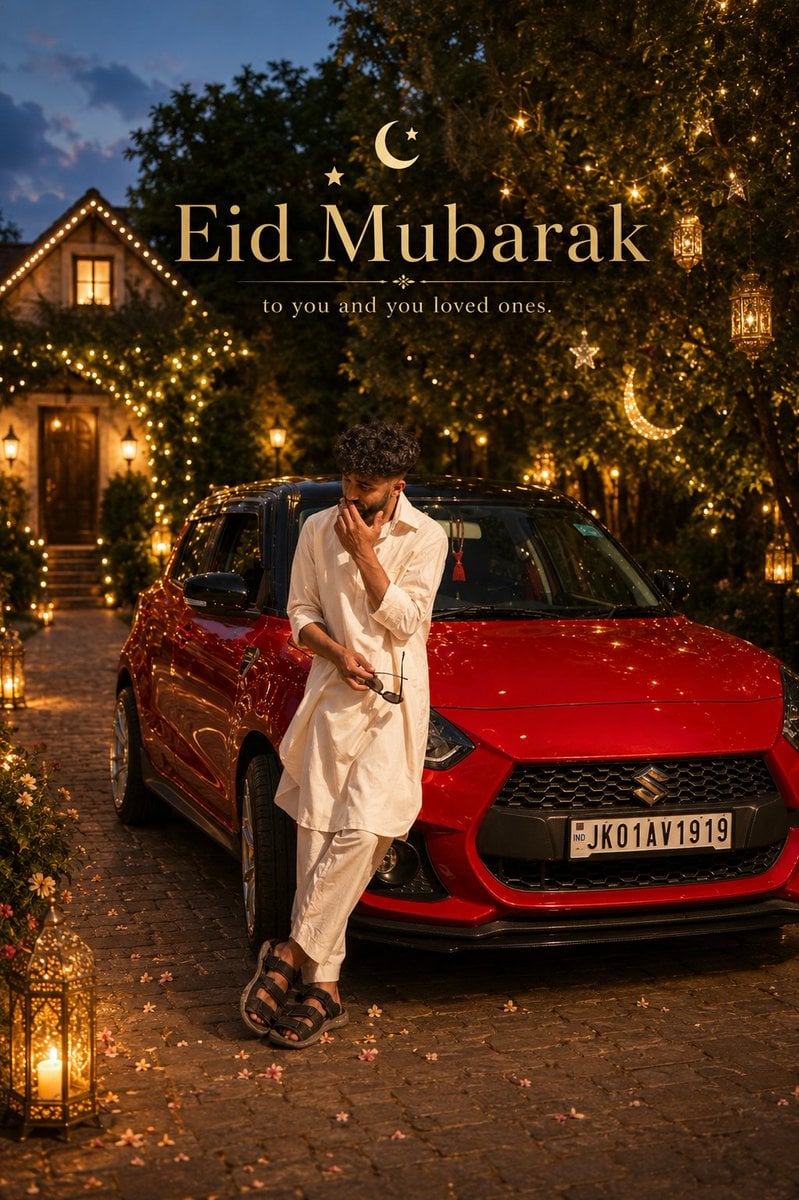
Cinematic Eid Portrait Transformation
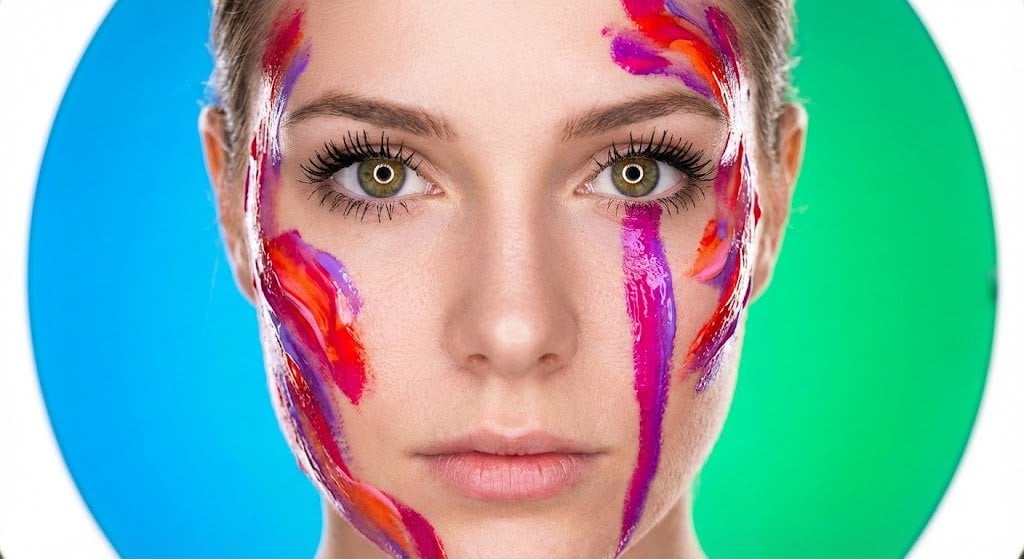
Impasto Body Paint Studio Portrait with Extreme Bokeh
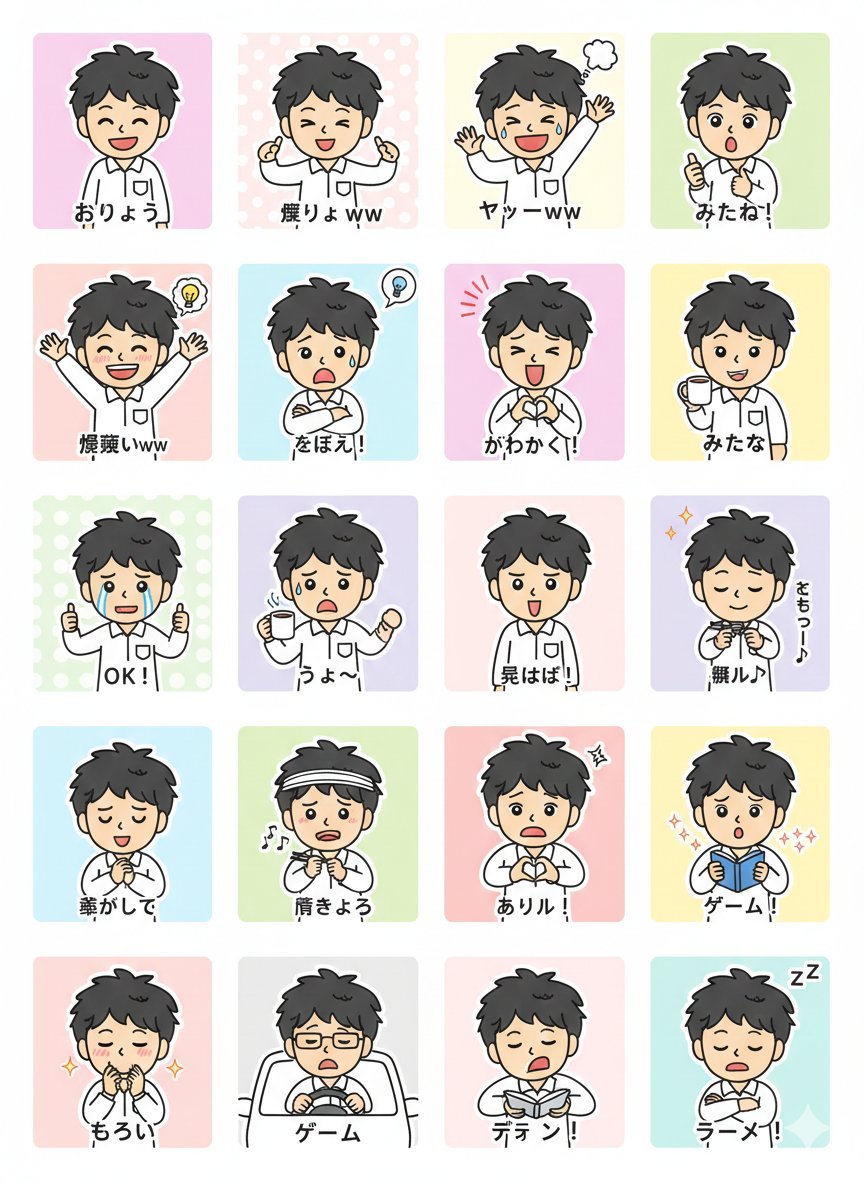
LINE Sticker Generation Prompt
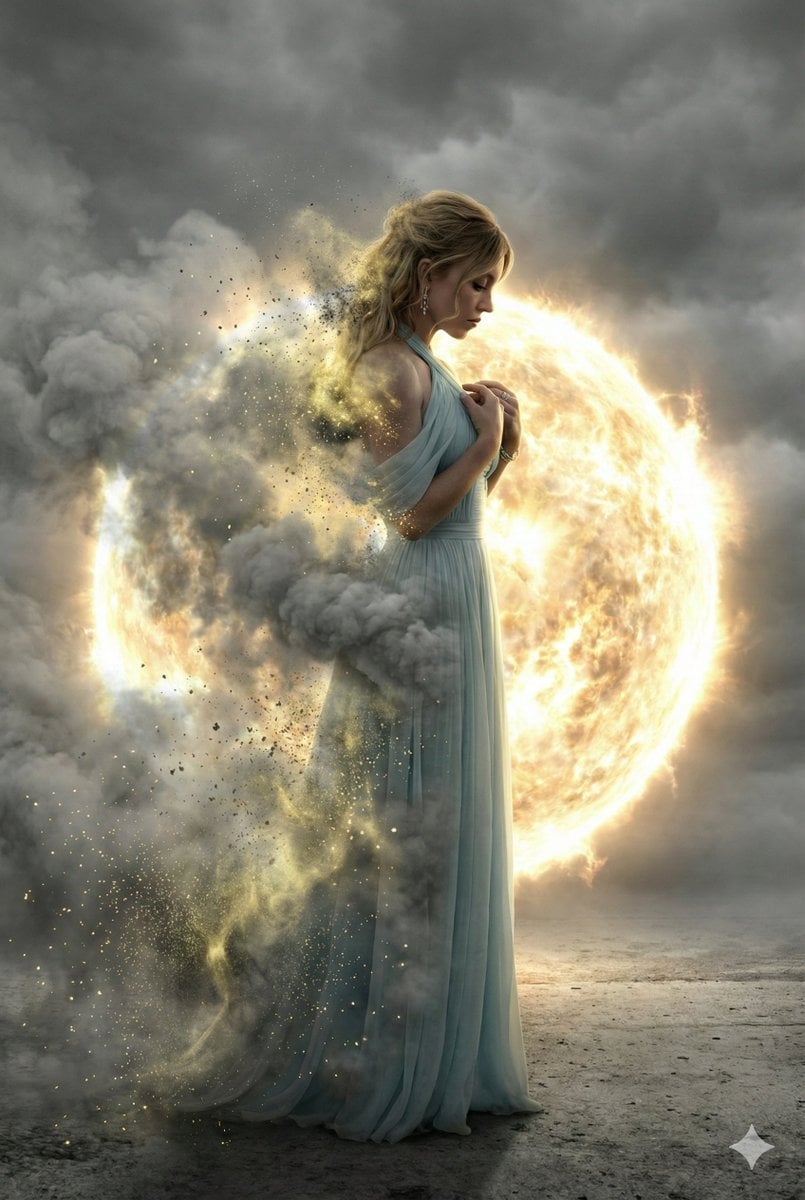
Cinematic Disintegration Effect Portrait
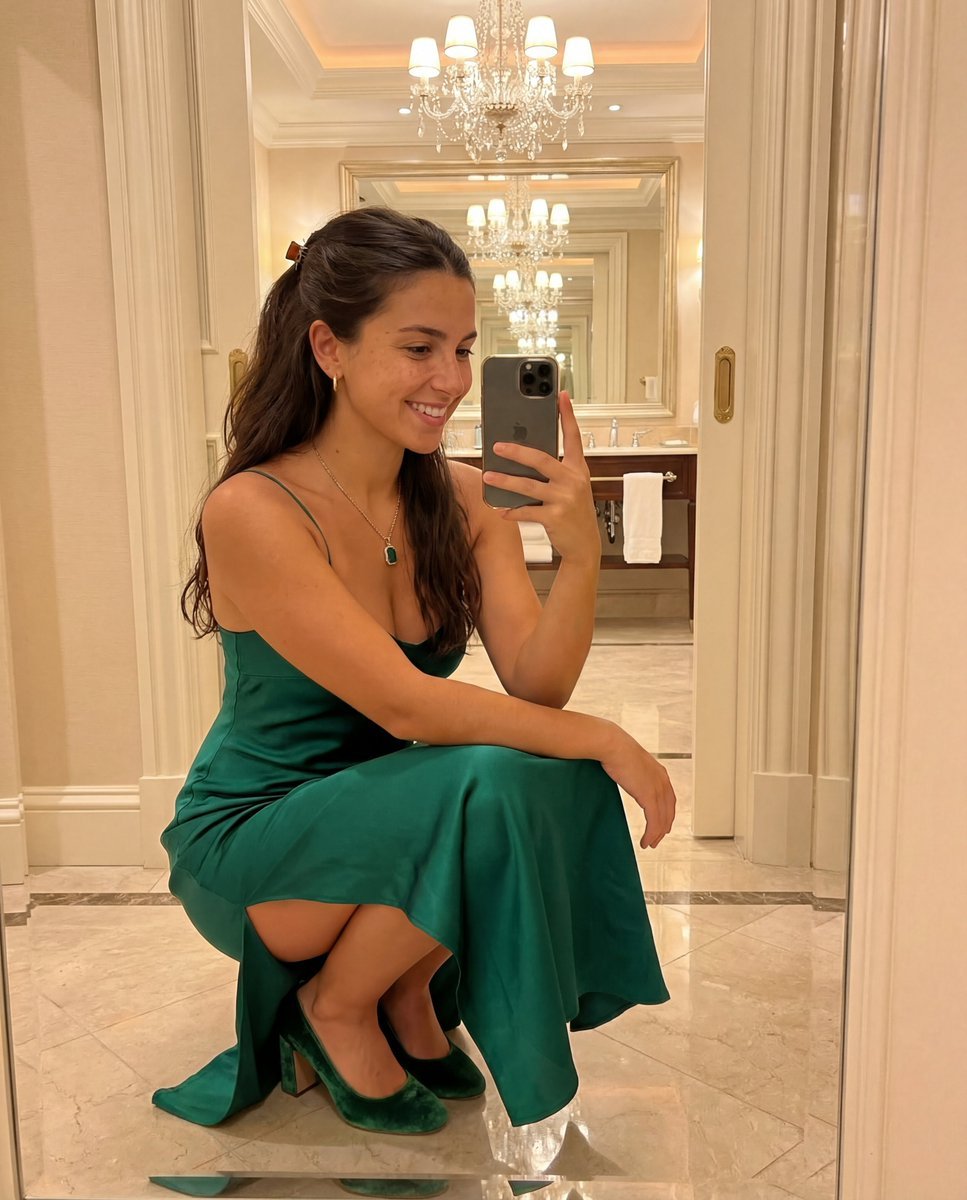
Detailed JSON Prompt for Mirror Selfie Image Generation
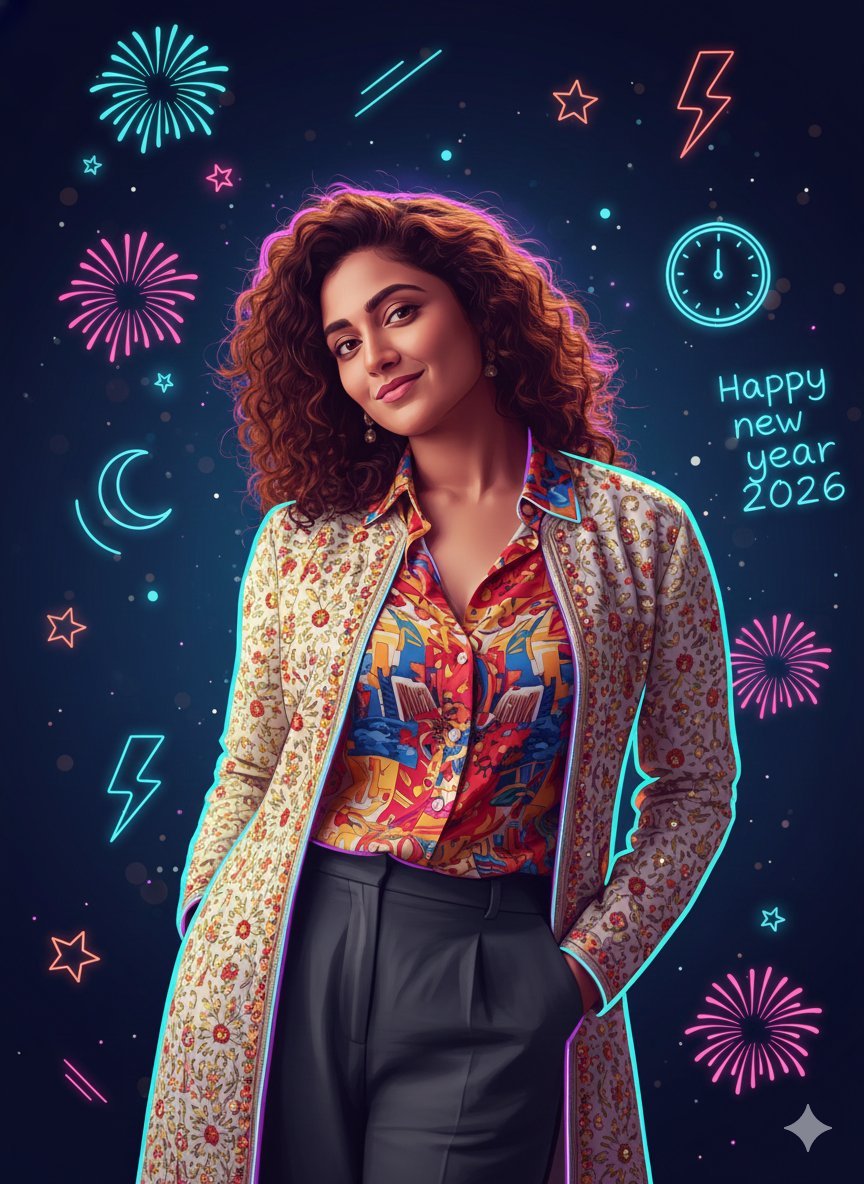
Sigma Dark Neon New Year 2026 Doodle Illustration Prompt
Browse template categories
Surreal Cinematic Clone Photography questions
How do I use the Surreal Cinematic Clone Photography template?
Add your photo if the template asks for one, edit the prompt if you like — the template's model and format are already selected — and press Generate. Your version opens in PicX Studio.
Can I customize the Surreal Cinematic Clone Photography template?
Yes. You can change the subject, setting, lighting, mood, format, and available model controls before creating your image.
Is the Surreal Cinematic Clone Photography template free?
Opening and editing this template is free. Generating uses credits, shown on the Generate button when you are signed in.
Which AI model should I use?
Start with GPT Image 2, which is the model associated with this template. You can compare another compatible model for a different finish.
Looking for something else? Browse all templates.

Your photo, any look
Thousands of ready templates for every top image and video model, from one credit balance.