
Cinematic Eid Portrait Transformation
A highly detailed prompt for transforming a casual portrait into a luxury Eid-themed festive editorial while strictly maintaining facial identity.
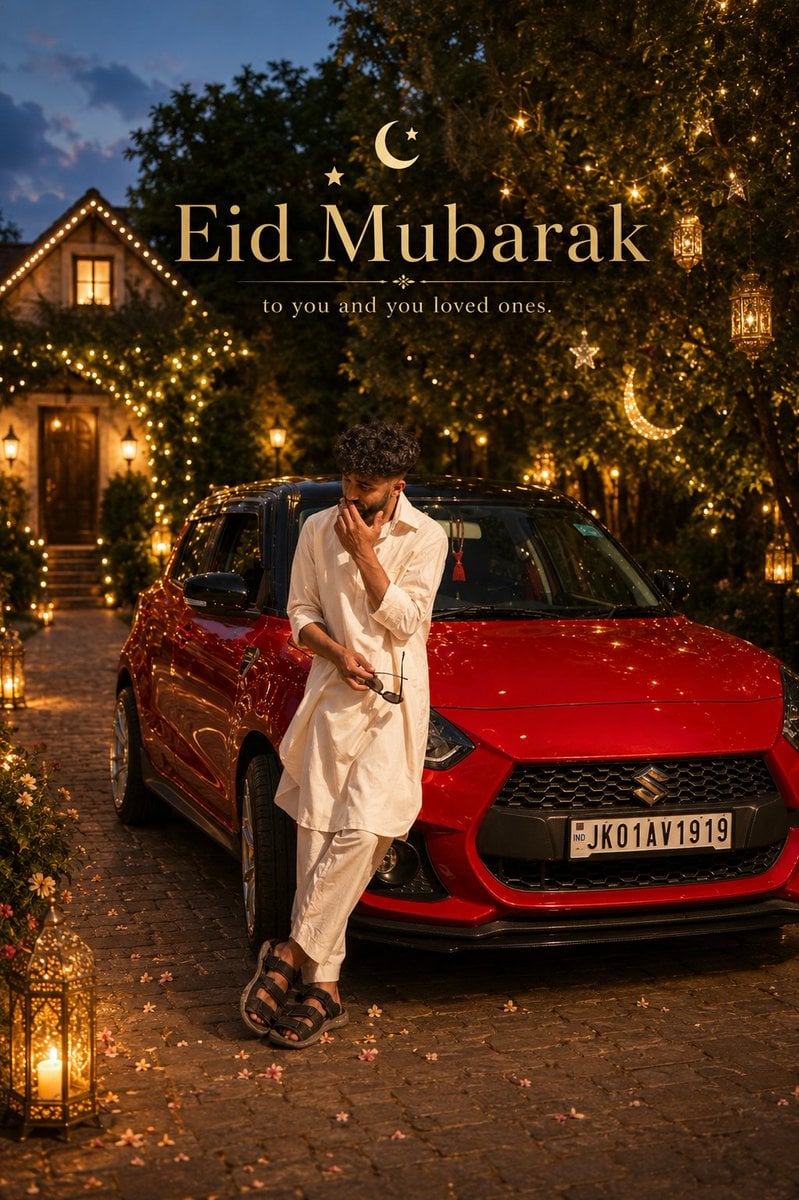
- Prompt included
- Model and format preset
- Free template
The prompt behind this image
Copy the exact prompt behind Cinematic Eid Portrait Transformation, or open it in the studio and make it yours.
Create a hyper-realistic cinematic {argument name="theme" default="Eid"} portrait transformation using the uploaded photo as the base reference. IMPORTANT: Keep the face IDENTICAL to the original image. Do NOT beautify or alter facial identity. Maintain: - exact beard shape, - exact hairstyle, - facial structure, - skin tone, - expression, - and realistic facial texture. The final result should look: naturally photographed, luxurious, warm and emotionally festive — not AI-generated. SCENE: Transform the current casual outdoor setting into a visually stunning {argument name="theme" default="Eid"} atmosphere while preserving realistic {argument name="location" default="Kashmiri"} architecture and cultural authenticity. The environment should feel: elegant, peaceful and celebratory. Replace the plain background with: - warm golden {argument name="theme" default="Eid"} lantern lighting, - softly glowing hanging lights, - subtle moon-and-stars decorative elements, - premium {argument name="location" default="Kashmiri"} courtyard aesthetics, - realistic evening ambience, - floral detailing, - and soft bokeh lighting in the distance. TIME OF DAY: Golden-hour transitioning into blue-hour evening. The lighting should feel: natural, warm and cinematic — like a real luxury lifestyle photoshoot during {argument name="theme" default="Eid"} evening. WARDROBE ENHANCEMENT: Keep the {argument name="outfit color" default="white"} traditional outfit as the base. Upgrade it subtly into: - a premium crisp {argument name="outfit color" default="white"} kurta, - elegant textured fabric, - luxury tailoring, - and refined {argument name="theme" default="Eid"} styling. Enhance the shawl into: a rich soft {argument name="location" default="Kashmiri"} pashmina with premium texture and realistic fabric folds. Add: - a luxury silver watch, - subtle ring detail, - and refined traditional-modern styling. IMPORTANT: Do NOT overdo fashion styling. Keep it: minimal, clean and believable. POSE: Natural confident walking pose. Do NOT make it look like a posed studio shoot. The vibe should feel: effortlessly stylish. CAMERA STYLE: Shot like: a luxury lifestyle campaign photographed on a real full-frame cinema camera. Use: - realistic lens compression, - shallow depth of field, - authentic skin texture, - subtle film grain, - practical sunlight behavior, - natural shadows, - realistic fabric physics, - and cinematic focus falloff. LIGHTING: Warm {argument name="theme" default="Eid"} ambience: - lantern glow, - golden rim lighting, - realistic sunset bounce light, - subtle reflections on sunglasses, - and soft environmental illumination. COLOR PALETTE: warm beige, soft gold, cream white, muted green, rich brown skin tones and subtle sunset orange highlights. TYPOGRAPHY: Elegant minimal text integrated naturally into composition: “{argument name="theme" default="Eid"} Mubarak” Small luxury subtext beneath: “Grace in simplicity.” The final image should feel: like a real premium {argument name="theme" default="Eid"} fashion editorial photographed naturally in {argument name="location" default="Kashmir"} during a perfect festive evening.
How to use Cinematic Eid Portrait Transformation in 3 steps
- 1Upload ImagePNG, JPG or paste
Add your photo
Upload the photo the template builds on. The prompt, model and format are already set.
- 2…a portrait of your subject in softgolden-hour light, 85mm…
Personalize
Edit the subject and creative details for your destination.
- 3Generate
Generate
Press Generate — your image is created in PicX Studio, so you can compare it with the original and refine one variable at a time.
More like this
Templates with the same subject, style or setup. Open one to see its prompt.

Transformation the Burger Seedance 2 0 a
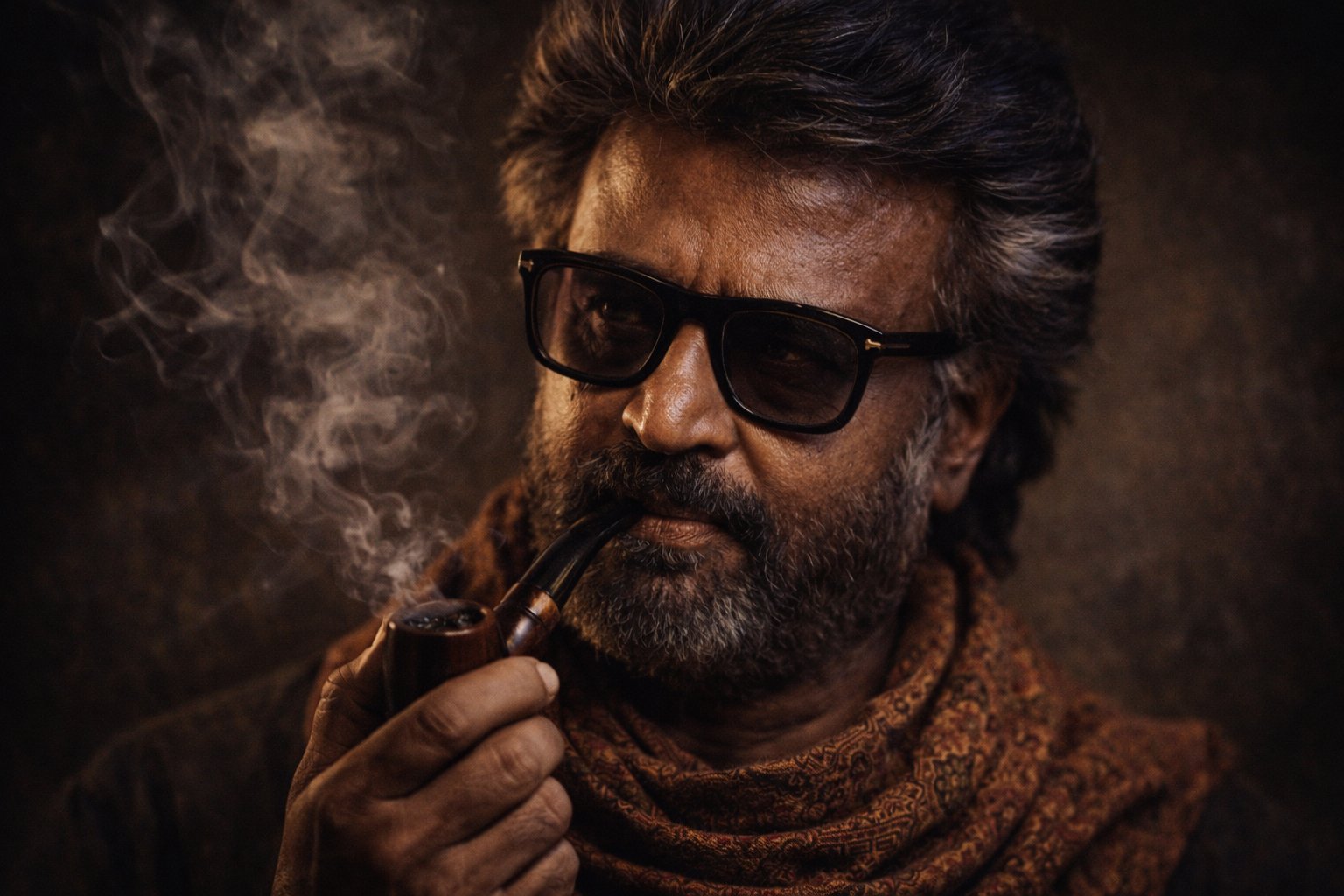
Cinematic Portrait Transformation

Found Photograph: Us, 1970

80s Couple Studio Portrait

80s Bollywood Star

80s Golden Hour Cinema

Me in 1985

1985 Studio Portrait

Hyper-Realistic Minecraft POV Portrait

Rooftop Fisheye — Cat-Ear Balaclava at Golden Hour

Rainy Café Window Moody Portrait

untitled
Make it yours
Cinematic Eid Portrait Transformation works as-is. These are the safest ways to change it without losing the look.
Change one field
Copy a single group, rewrite it, and generate again so you can see what that field is doing.
Keep the frame, change the subject
Hold the composition and light of Cinematic Eid Portrait Transformation, then swap wardrobe, props or the person for a new take.
| If the result… | Why | Fix |
|---|---|---|
| The result drifts from the preview | Too many fields changed at once. | Reuse Cinematic Eid Portrait Transformation as-is first, then change one group — subject, light, or setting. |
| The model over-stylizes the scene | The prose prompt leaves finish and camera underspecified. | Add one camera or lighting sentence and stay on GPT Image 2. |
More GPT Image 2 templates
Other prompts made for GPT Image 2.

Six VTuber Japanese Logo Sheet

Realistic Portrait of Woman and Deer

The Vista Modular Condo Poster

AI Model Routing Comparison Infographic

2.5D Anime Art Board

Isometric Productivity Desk Scene

New York Double Exposure Poster

Four-Panel AI Landscape Comparison

Japanese Tatami Lifestyle Magazine Cover

NESCAFÉ Coffee Map Poster
More image prompts
Fresh picks from across the catalog.
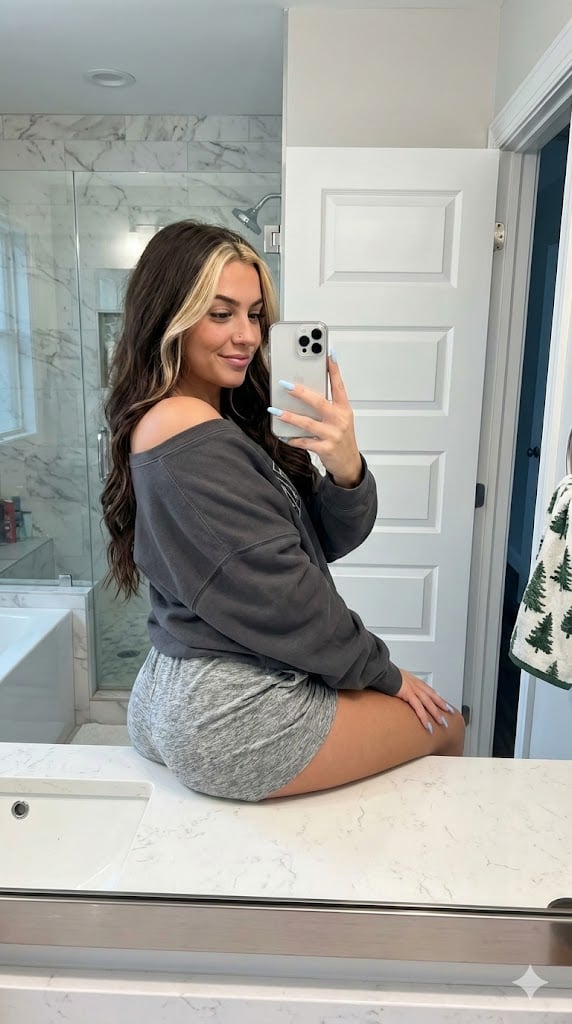
Photorealistic Bathroom Mirror Selfie with Money Piece Highlights
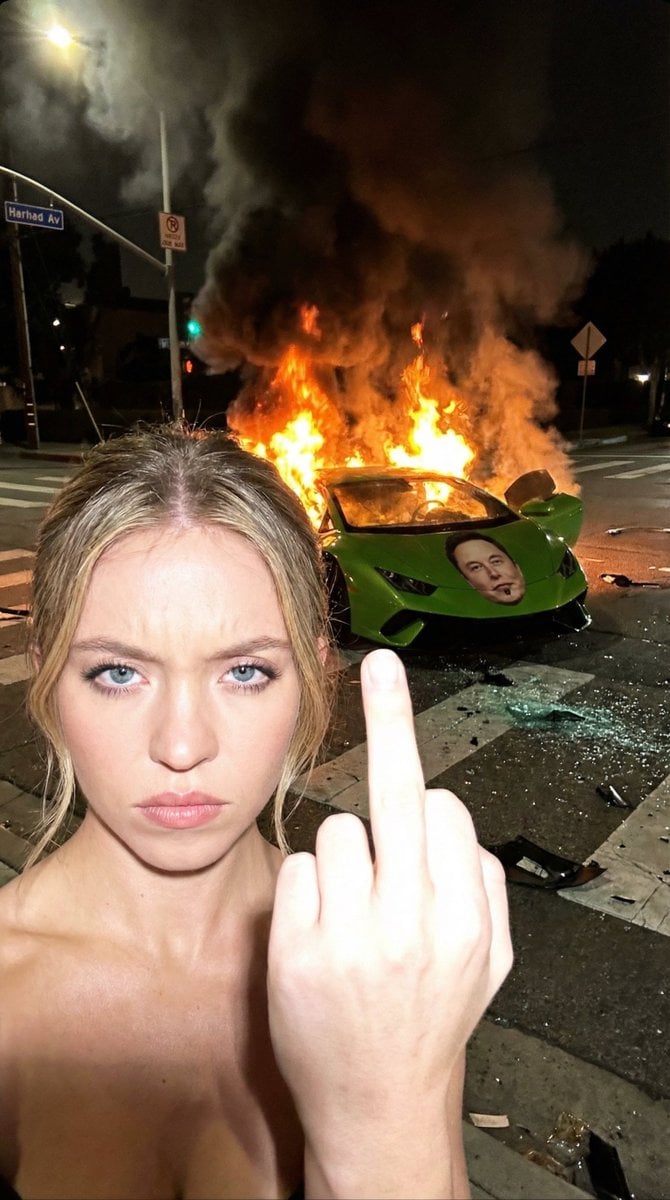
Gritty Night Photo of Woman Flipping Off Camera with Burning Lamborghini
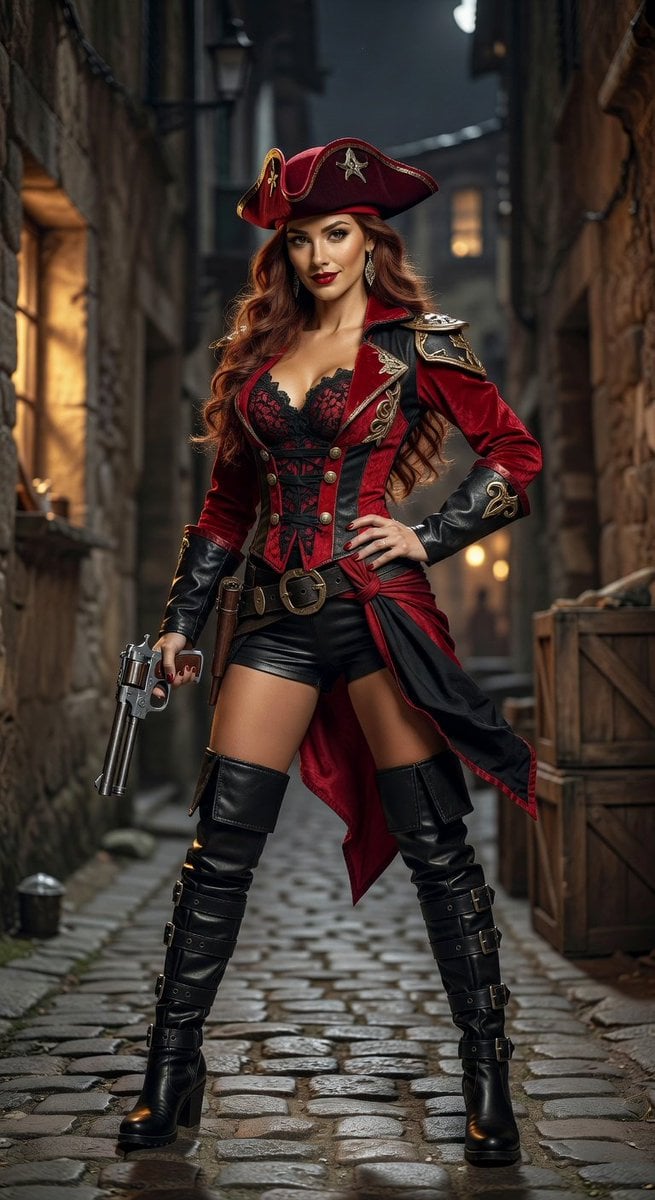
Realistic League of Legends Cosplay
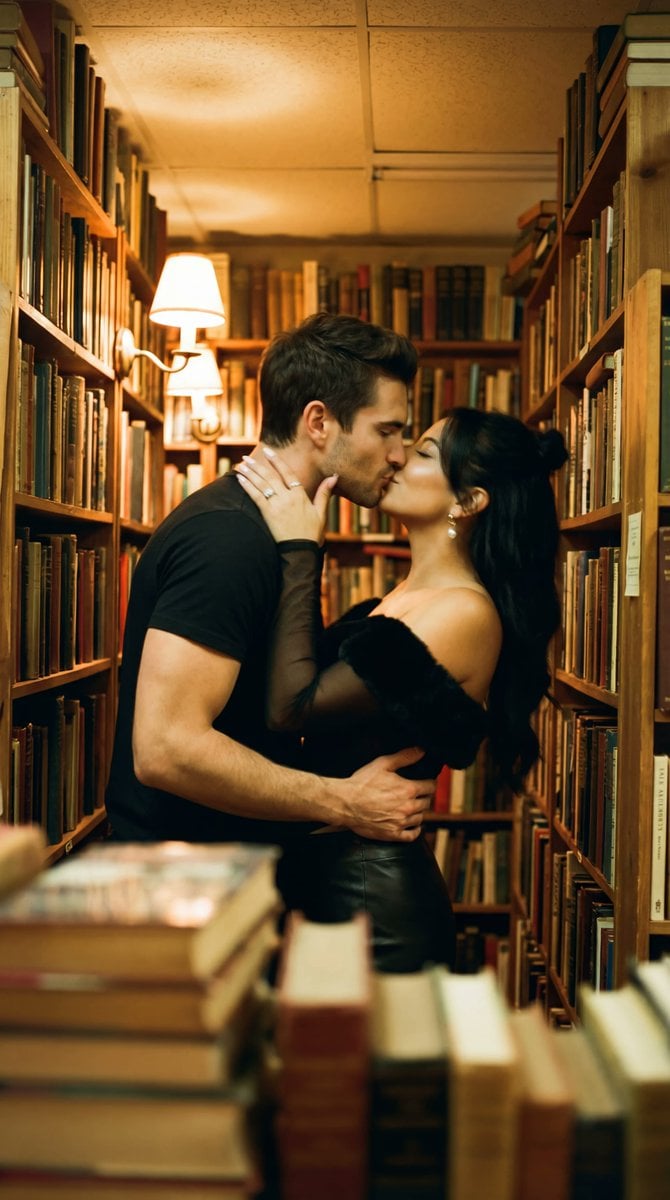
Photorealistic Cinematic Kiss in a Cozy Bookstore Aisle
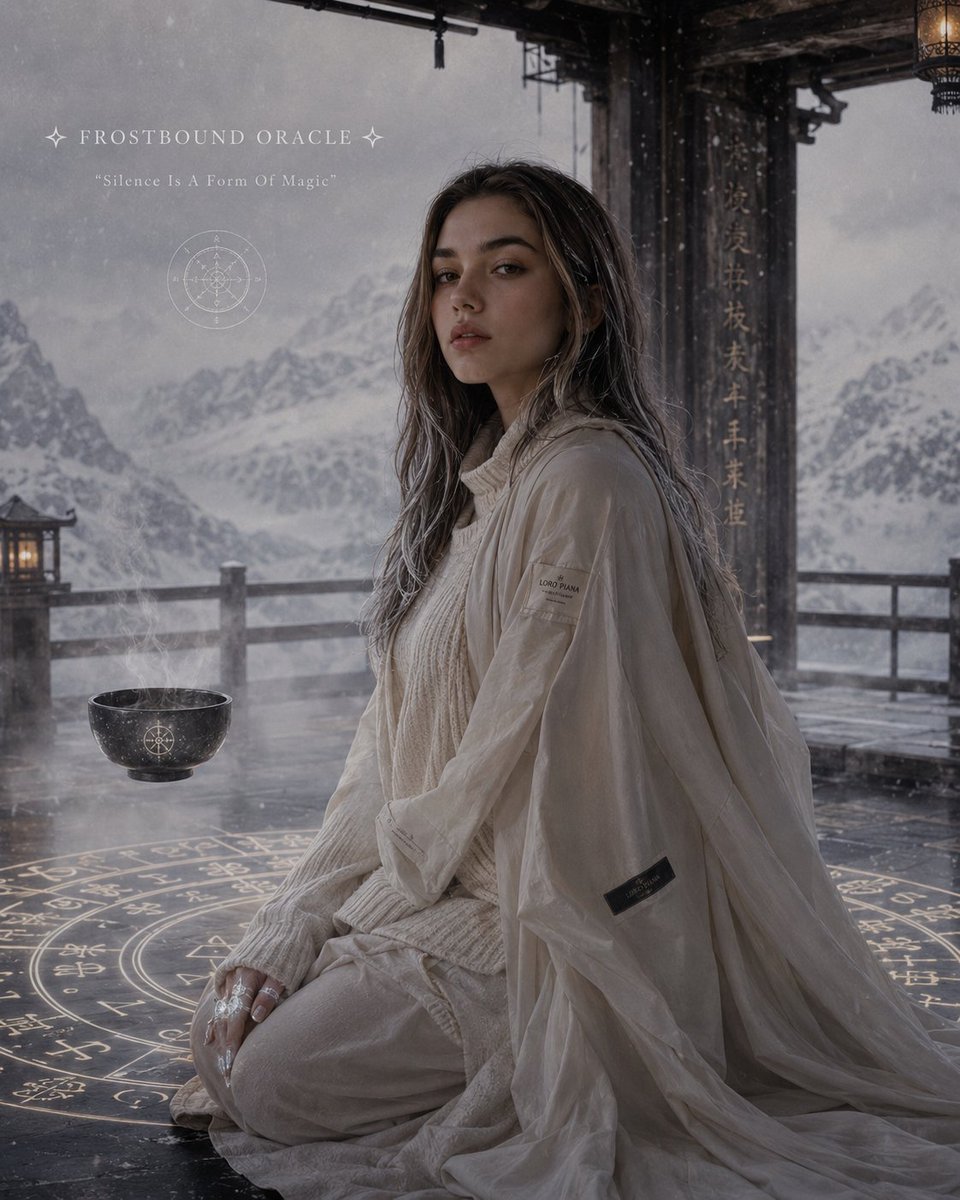
Celestial Ryokan Fantasy Editorial
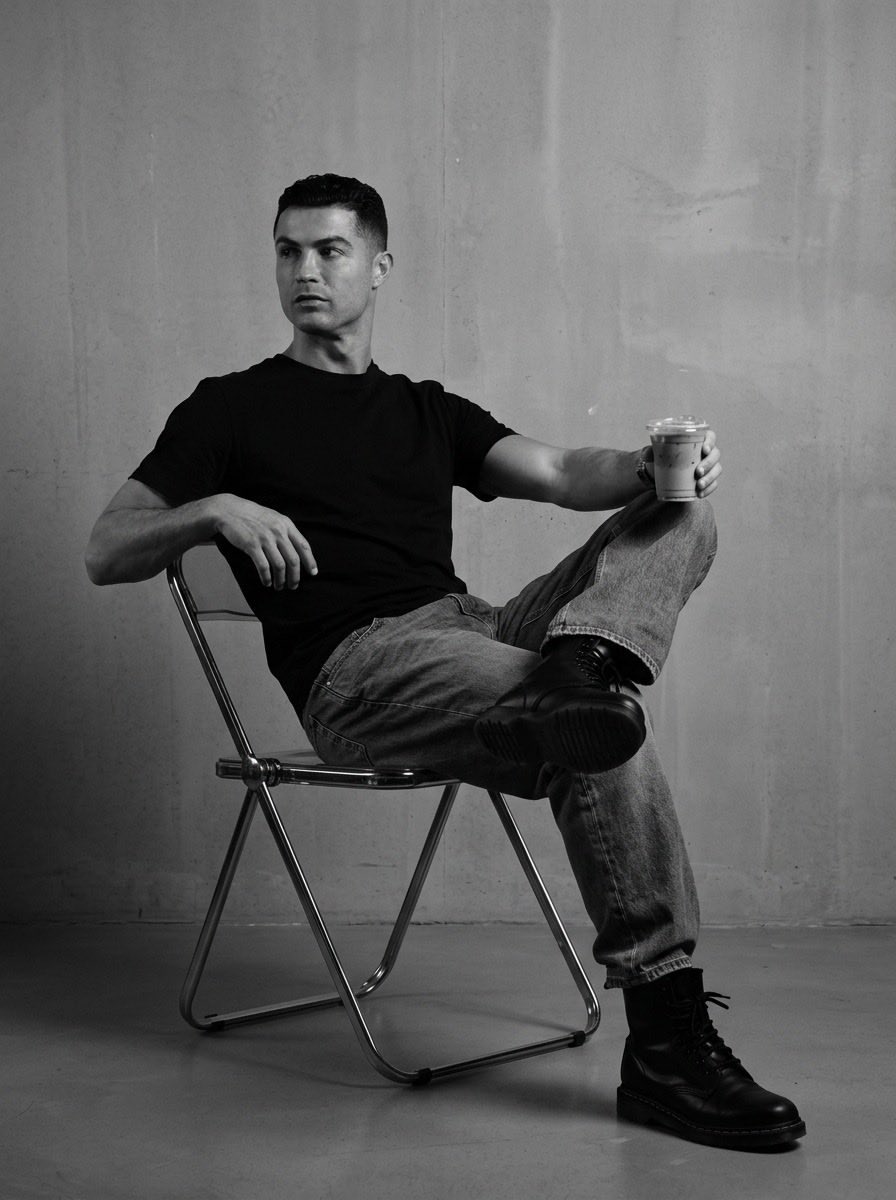
Industrial Studio Fashion Portrait

Chinese VPS Comparison Cover
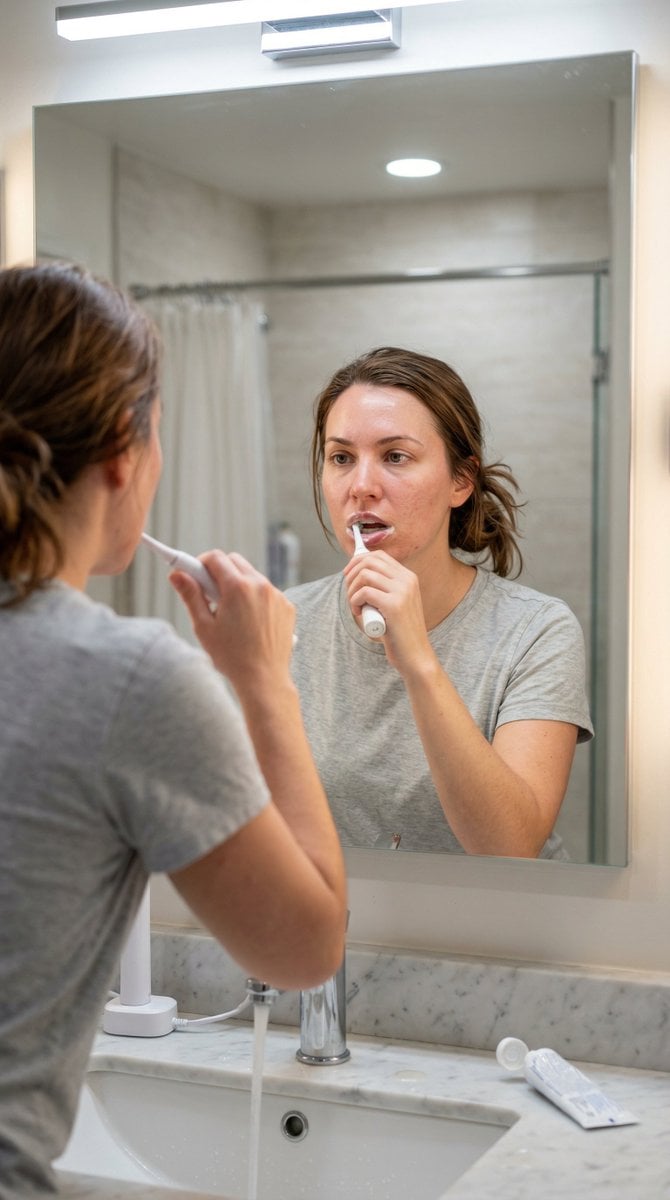
Hyper-Photorealistic Bathroom Mirror Scene
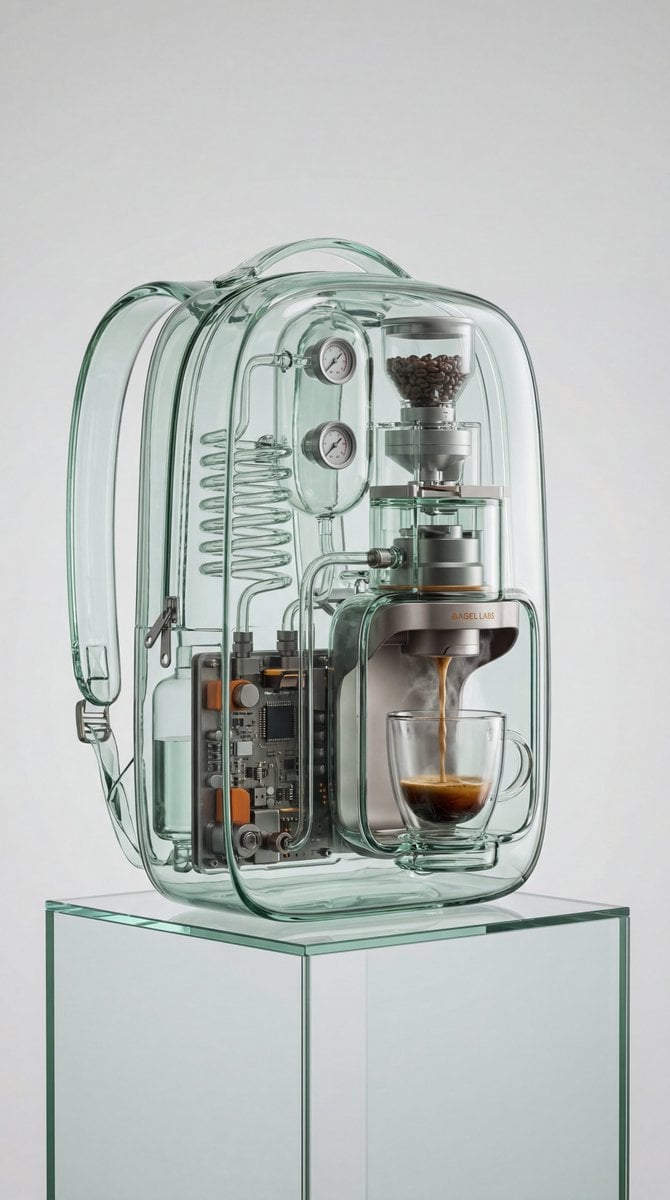
Recontextualized Backpack Espresso Machine Concept Prompt

Dai Woman Riverbank Hair Washing
Browse template categories
Cinematic Eid Portrait Transformation questions
How do I use the Cinematic Eid Portrait Transformation template?
Add your photo if the template asks for one, edit the prompt if you like — the template's model and format are already selected — and press Generate. Your version opens in PicX Studio.
Can I customize the Cinematic Eid Portrait Transformation template?
Yes. You can change the subject, setting, lighting, mood, format, and available model controls before creating your image.
Is the Cinematic Eid Portrait Transformation template free?
Opening and editing this template is free. Generating uses credits, shown on the Generate button when you are signed in.
Which AI model should I use?
Start with GPT Image 2, which is the model associated with this template. You can compare another compatible model for a different finish.
Looking for something else? Browse all templates.

Your photo, any look
Thousands of ready templates for every top image and video model, from one credit balance.