
Anime Character Turnaround Sheet
Generates a clean multi-angle anime character reference sheet for an original gothic schoolgirl design with long white hair and black ribbon accents.
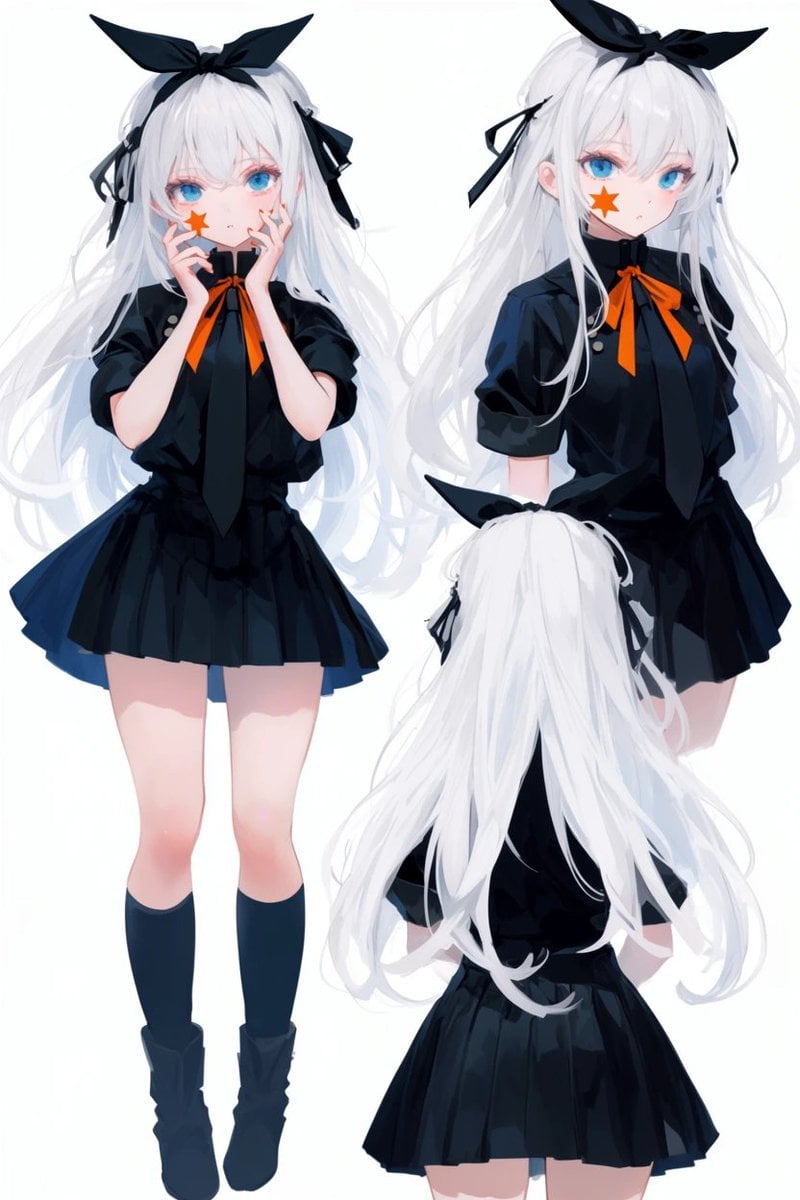
- Prompt included
- Model and format preset
- Free template
The prompt behind this image
Copy the exact prompt behind Anime Character Turnaround Sheet, or open it in the studio and make it yours.
- Type
- anime character multi-angle reference sheet
- Prompt
- Create an original anime girl character shown from multiple angles on a clean white background, high-quality digital illustration, soft painterly anime rendering, crisp linework, delicate shading, character design sheet composition.
- Character › Name
- {argument name="character name" default="original white-haired schoolgirl"}
- Character › Age Impression
- teenage anime girl
- Character › Body Type
- slender, petite proportions, long legs
- Character › Skin
- very fair skin with soft blush
- Character › Eyes
- {argument name="eye color" default="bright cyan blue"}
- Character › Hair › Color
- {argument name="hair color" default="snow white"}
- Character › Hair › Style
- very long, thick, flowing hair reaching past the waist, layered bangs over the forehead, loose side strands, slightly messy airy locks
- Character › Hair › Accessories
- large black rabbit-ear bow on top of the head, small black ribbon bows tied into the side hair sections
- Character › Face Detail
- orange star mark or sticker on one cheek, small mouth, calm slightly aloof expression
- Outfit › Style
- dark gothic school-uniform inspired outfit
- Outfit › Main Color
- {argument name="outfit color" default="black navy"}
- Outfit › Pieces Count
- 6
- Outfit › Pieces
- short puff-sleeve buttoned blouse with high collar, long black necktie hanging down the front, bright orange ribbon bow at the collar, short pleated skirt with subtle blue-black highlights, dark knee-high socks, chunky dark ankle boots
- Outfit › Fabric
- slightly glossy dark fabric with soft folds and highlights
- Layout › Background
- plain white studio background with no text and no decorative border
- Layout › Views Count
- 3
- Layout › Views › 0 › Position
- left side, largest full-body view
- Layout › Views › 0 › Angle
- front-facing full body
- Layout › Views › 0 › Pose
- standing upright with legs together, holding a rectangular sheet or book directly in front of the face with both hands, obscuring the facial features
- Layout › Views › 0 › Visible Details
- full outfit, socks, boots, long white hair falling around shoulders and down the sides
- Layout › Views › 1 › Position
- upper right
- Layout › Views › 1 › Angle
- three-quarter front view from thighs up
Raw JSON
{
  "type": "anime character multi-angle reference sheet",
  "prompt": "Create an original anime girl character shown from multiple angles on a clean white background, high-quality digital illustration, soft painterly anime rendering, crisp linework, delicate shading, character design sheet composition.",
  "character": {
    "name": "{argument name=\"character name\" default=\"original white-haired schoolgirl\"}",
    "age impression": "teenage anime girl",
    "body type": "slender, petite proportions, long legs",
    "skin": "very fair skin with soft blush",
    "eyes": "{argument name=\"eye color\" default=\"bright cyan blue\"}",
    "hair": {
      "color": "{argument name=\"hair color\" default=\"snow white\"}",
      "style": "very long, thick, flowing hair reaching past the waist, layered bangs over the forehead, loose side strands, slightly messy airy locks",
      "accessories": "large black rabbit-ear bow on top of the head, small black ribbon bows tied into the side hair sections"
    },
    "face detail": "orange star mark or sticker on one cheek, small mouth, calm slightly aloof expression"
  },
  "outfit": {
    "style": "dark gothic school-uniform inspired outfit",
    "main color": "{argument name=\"outfit color\" default=\"black navy\"}",
    "pieces count": 6,
    "pieces": [
      "short puff-sleeve buttoned blouse with high collar",
      "long black necktie hanging down the front",
      "bright orange ribbon bow at the collar",
      "short pleated skirt with subtle blue-black highlights",
      "dark knee-high socks",
      "chunky dark ankle boots"
    ],
    "fabric": "slightly glossy dark fabric with soft folds and highlights"
  },
  "layout": {
    "background": "plain white studio background with no text and no decorative border",
    "views count": 3,
    "views": [
      {
        "position": "left side, largest full-body view",
        "angle": "front-facing full body",
        "pose": "standing upright with legs together, holding a rectangular sheet or book directly in front of the face with both hands, obscuring the facial features",
        "visible details": "full outfit, socks, boots, long white hair falling around shoulders and down the sides"
      },
      {
        "position": "upper right",
        "angle": "three-quarter front view from thighs up",
        "pose": "standing calmly, arms relaxed, head slightly turned toward viewer",
        "visible details": "blue eyes, orange cheek star, black bow, orange neck ribbon, long hair cascading behind"
      },
      {
        "position": "lower right",
        "angle": "back view from thighs up",
        "pose": "standing with back to viewer, head centered",
        "visible details": "large black head bow, very long white hair covering most of the back, black blouse, pleated skirt"
      }
    ]
  },
  "style": {
    "genre": "modern anime character concept art",
    "quality": "polished, clean, professional character turnaround sheet",
    "lighting": "soft even studio lighting",
    "color palette": "mostly monochrome black and white with vivid cyan eyes and orange accent ribbon and cheek star",
    "linework": "fine clean anime lines",
    "rendering": "semi-soft shading, glossy hair highlights, gentle gradients"
  },
  "negative prompt": "no text labels, no watermark, no logo, no background scene, no extra characters, no duplicate limbs, no distorted anatomy, no low-resolution blur"
}How to use Anime Character Turnaround Sheet in 3 steps
- 1Upload ImagePNG, JPG or paste
Add your photo
Upload the photo the template builds on. The prompt, model and format are already set.
- 2…a portrait of your subject in softgolden-hour light, 85mm…
Personalize
Edit the subject and creative details for your destination.
- 3Generate
Generate
Press Generate — your image is created in PicX Studio, so you can compare it with the original and refine one variable at a time.
More like this
Templates with the same subject, style or setup. Open one to see its prompt.

Anime Character Charm Analysis Sheet

Anime Elf Maid Turnaround Sheet
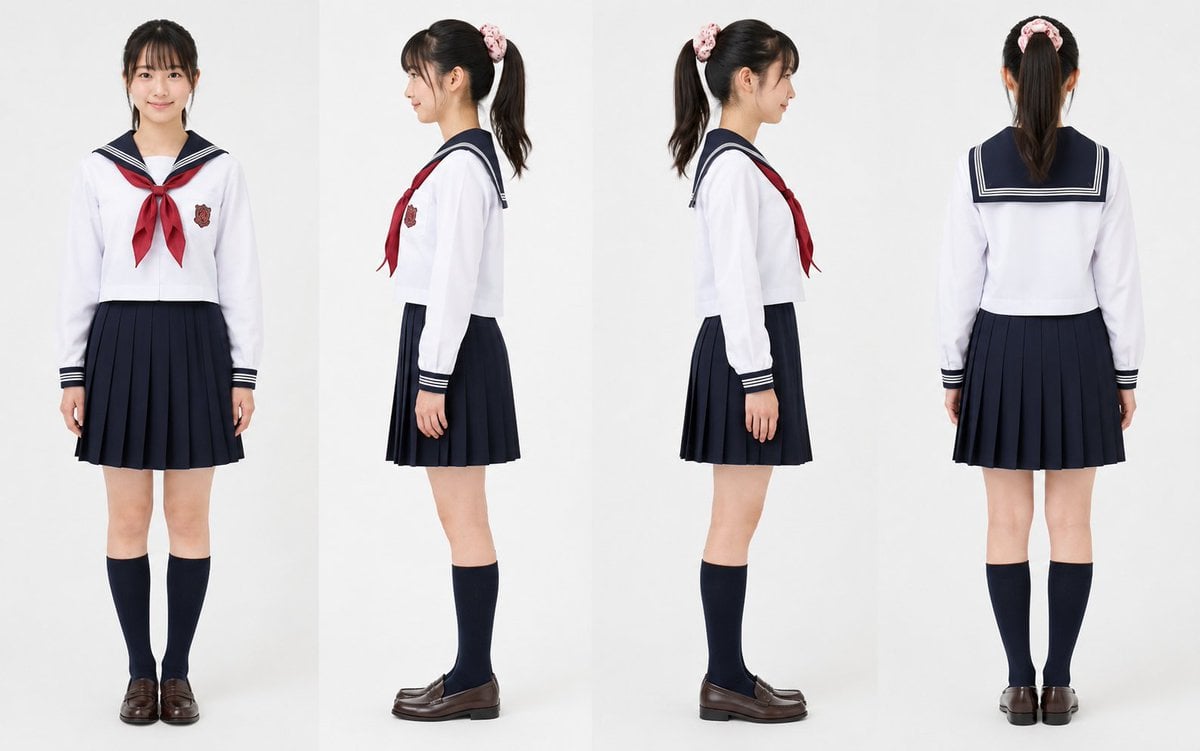
Realistic Schoolgirl Turnaround Sheet
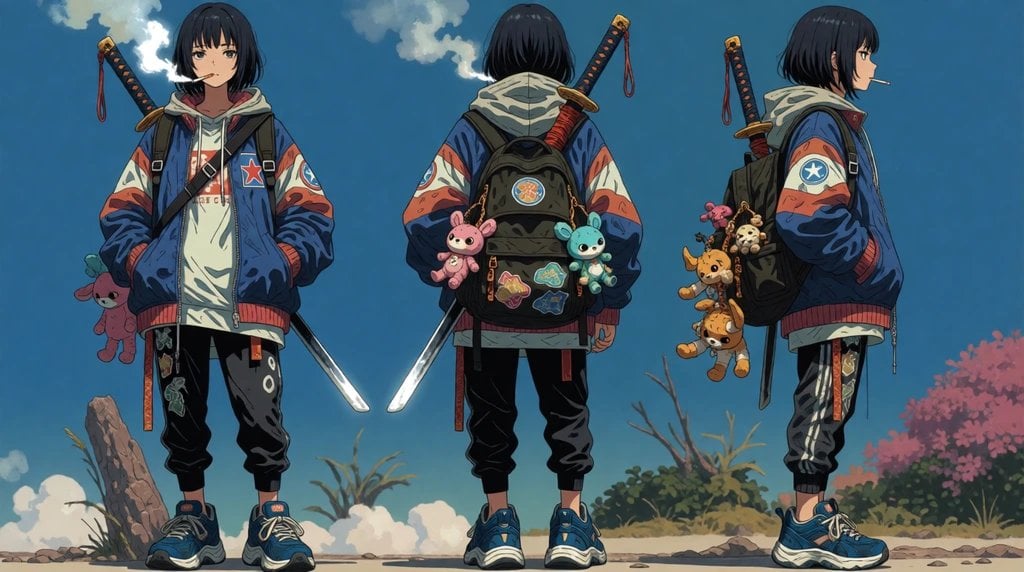
Urban Samurai Girl Turnaround Sheet
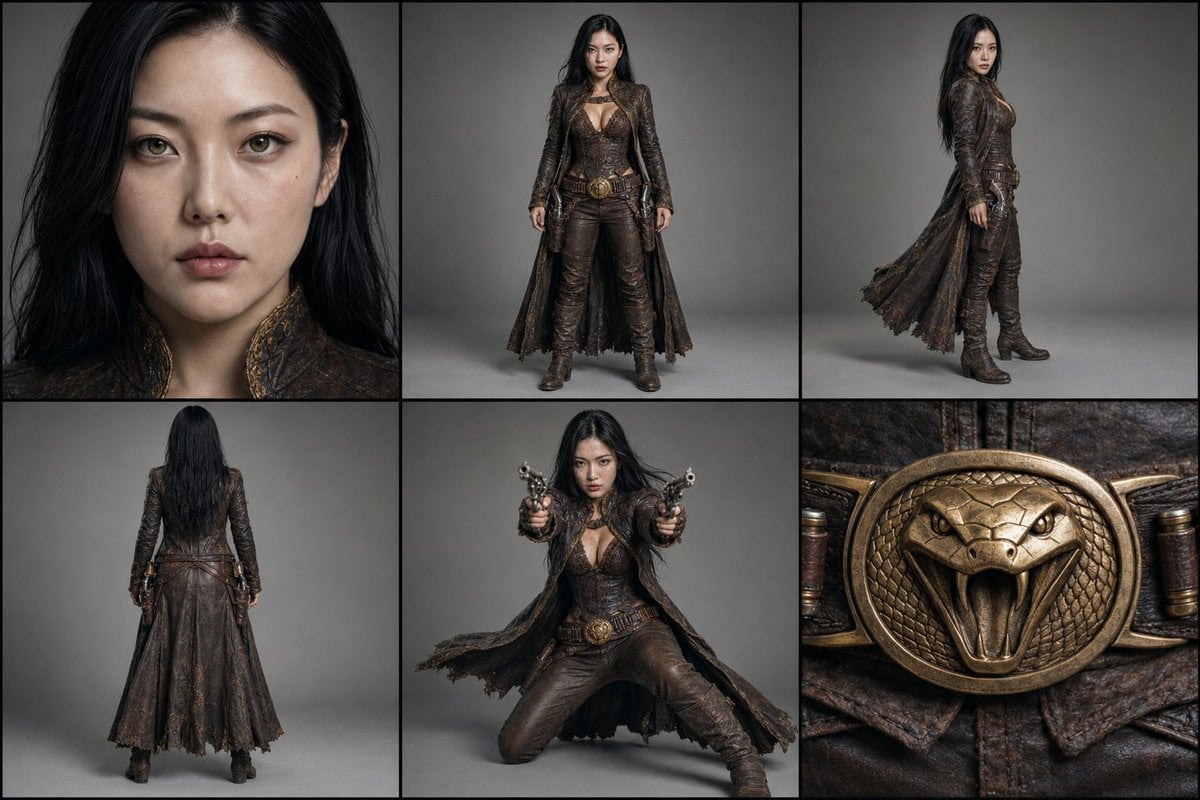
Character Reference Turnaround Sheet
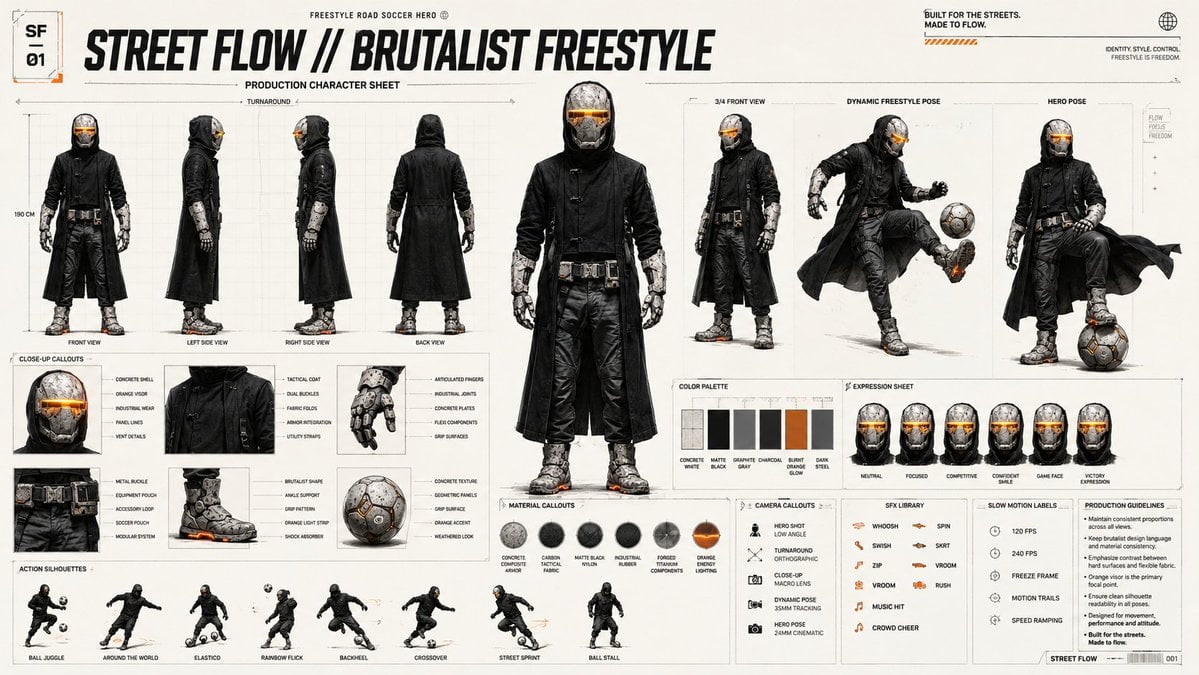
Futuristic Scout Turnaround Sheet
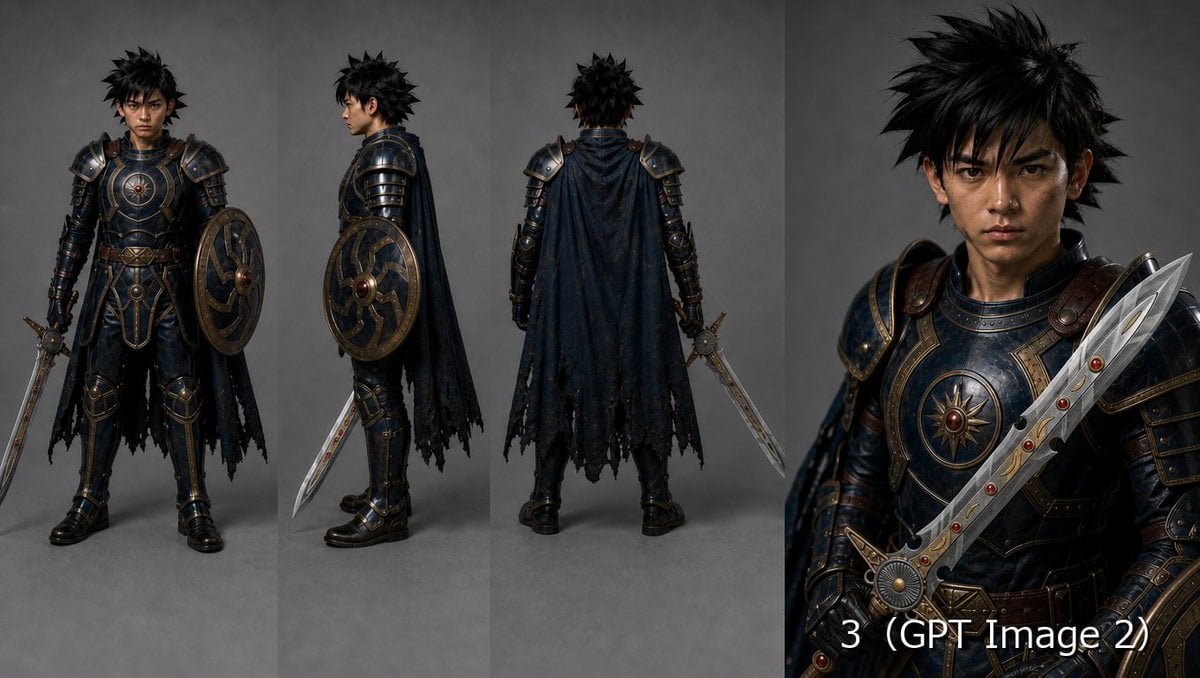
Fantasy Knight Character Turnaround Sheet
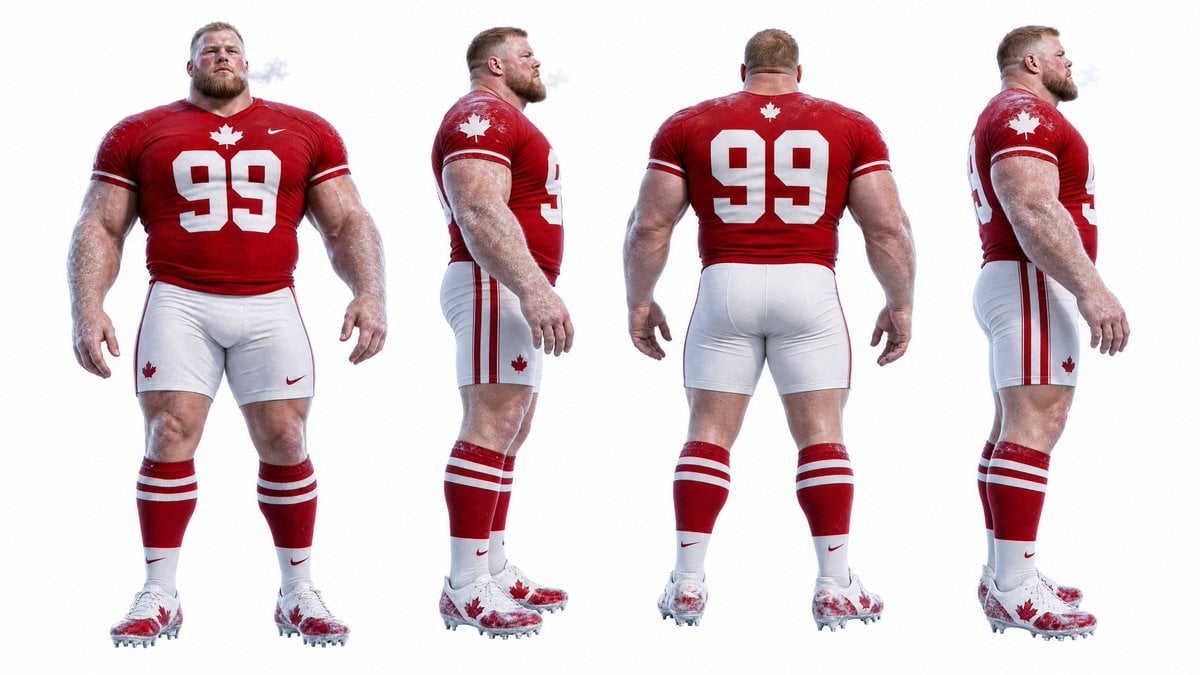
Football Player Turnaround Sheet

Gothic Girl Character Turnaround Sheet
Cyber Vampire Character Turnaround Sheet

Cel 2D Finale Fireworks

Cel 2D Garden Maze
Make it yours
Anime Character Turnaround Sheet works as-is. These are the safest ways to change it without losing the look.
Swap the setting
Keep the rest of the prompt and replace the location block. The current setting is “plain white studio background with no text and no decorative border”.
Swap the light
One lighting change is enough to compare takes. Current light: “soft even studio lighting”.
Change one field
Copy a single group, rewrite it, and generate again so you can see what that field is doing.
| If the result… | Why | Fix |
|---|---|---|
| The result drifts from the preview | Too many fields changed at once. | Reuse Anime Character Turnaround Sheet as-is first, then change one group — subject, light, or setting. |
| GPT Image 2 ignores part of the JSON | Some models flatten or skip nested keys. | Keep the same values and paste them as a short paragraph instead. |
More GPT Image 2 templates
Other prompts made for GPT Image 2.

Six VTuber Japanese Logo Sheet

Realistic Portrait of Woman and Deer

The Vista Modular Condo Poster

AI Model Routing Comparison Infographic

2.5D Anime Art Board

Isometric Productivity Desk Scene

New York Double Exposure Poster

Four-Panel AI Landscape Comparison

Japanese Tatami Lifestyle Magazine Cover

NESCAFÉ Coffee Map Poster
More image prompts
Fresh picks from across the catalog.
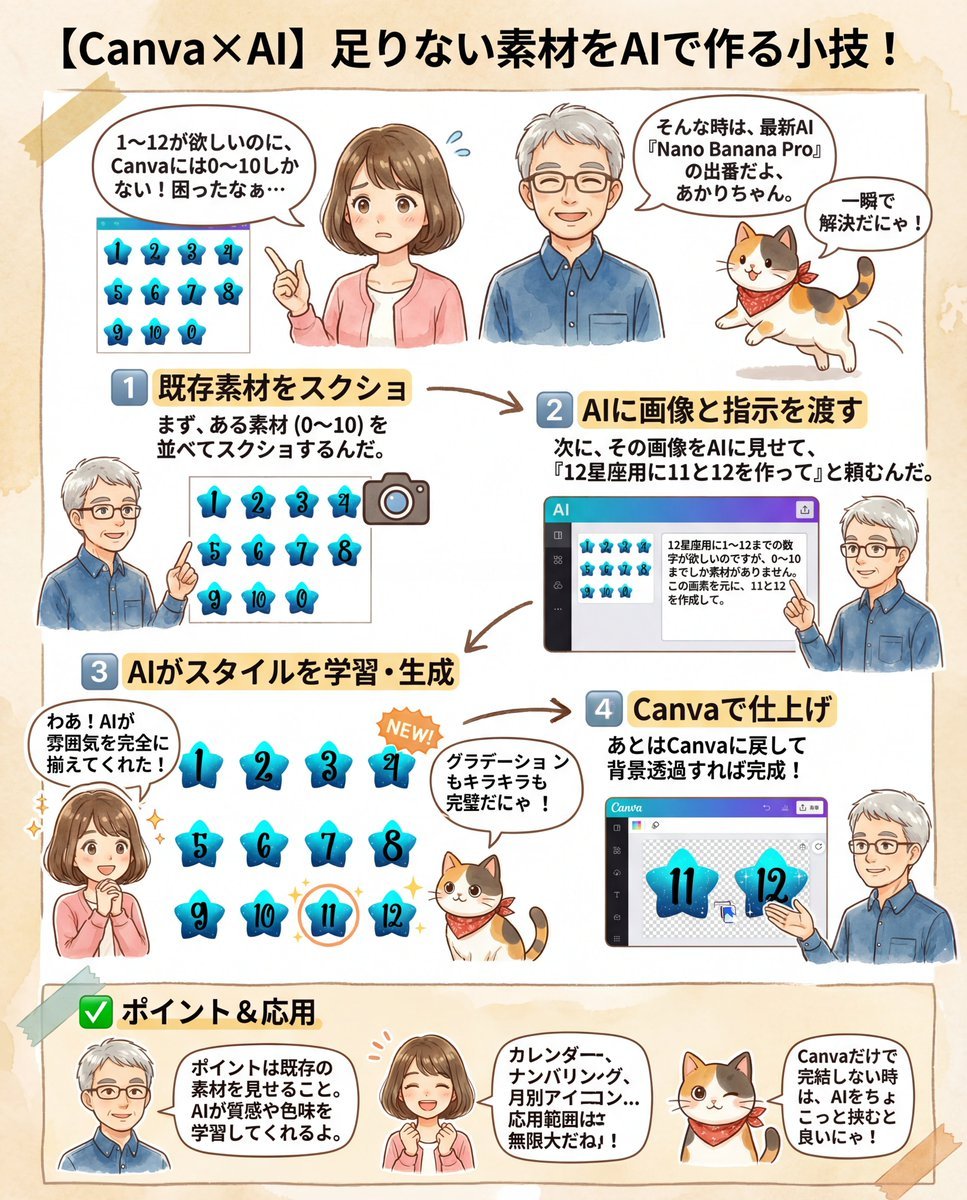
Canva Asset Creation and Style Matching Prompt
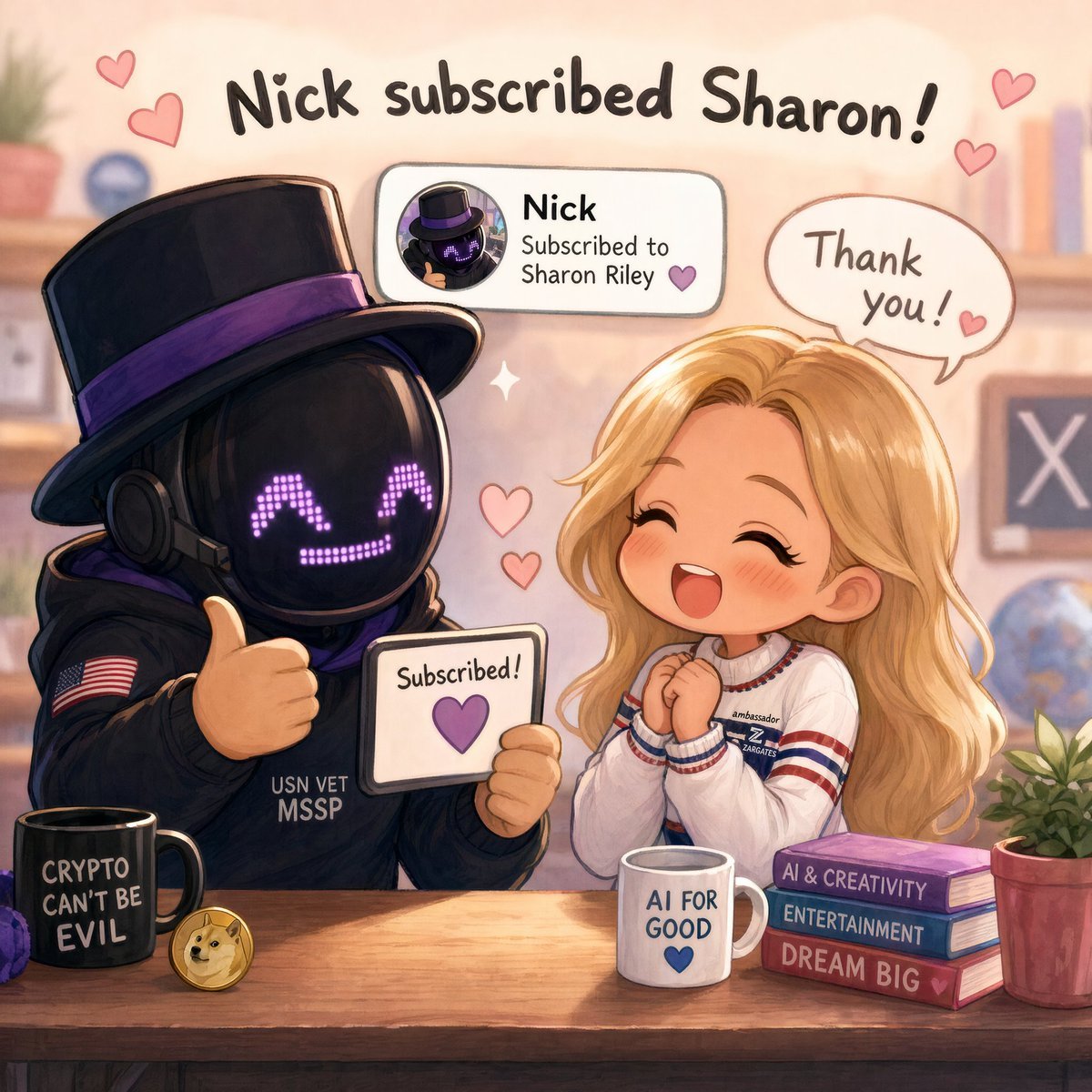
Cute Subscription Celebration Illustration

prompt 👇 Exact Prompt: Create a premium cinemat
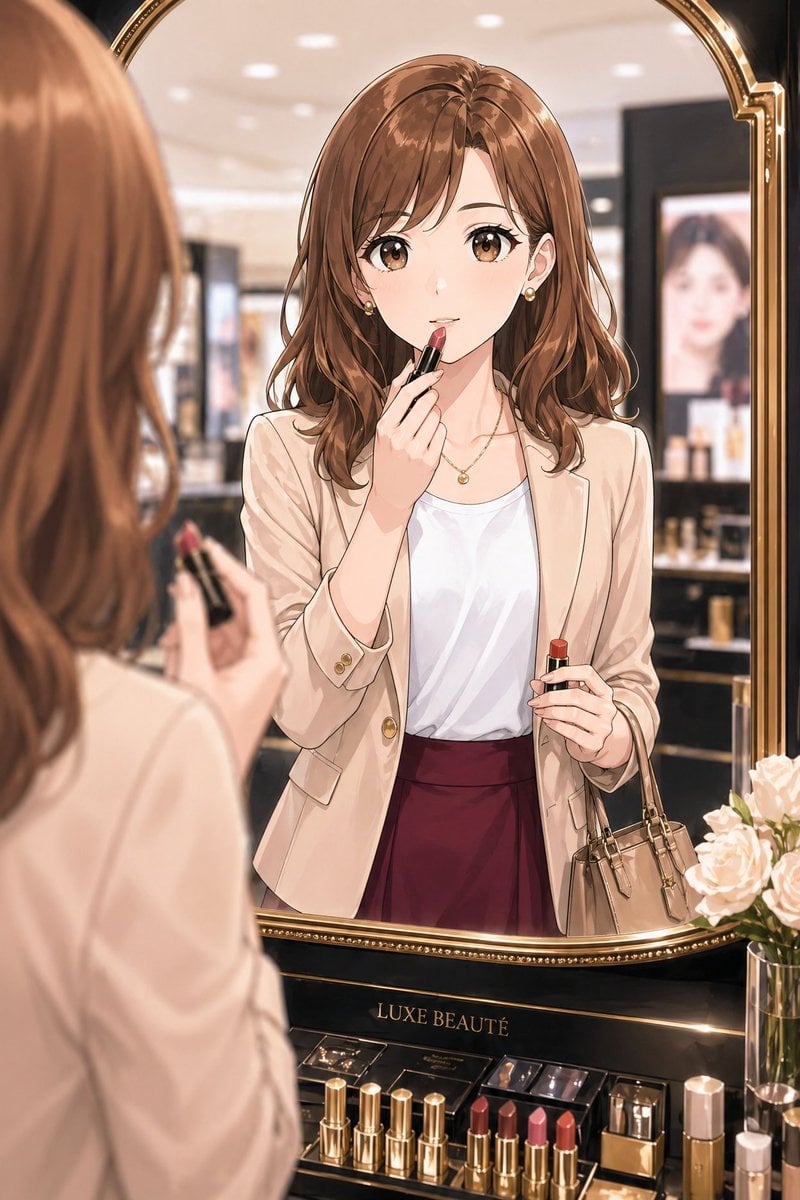
Elegant Office Lady at Beauty Counter
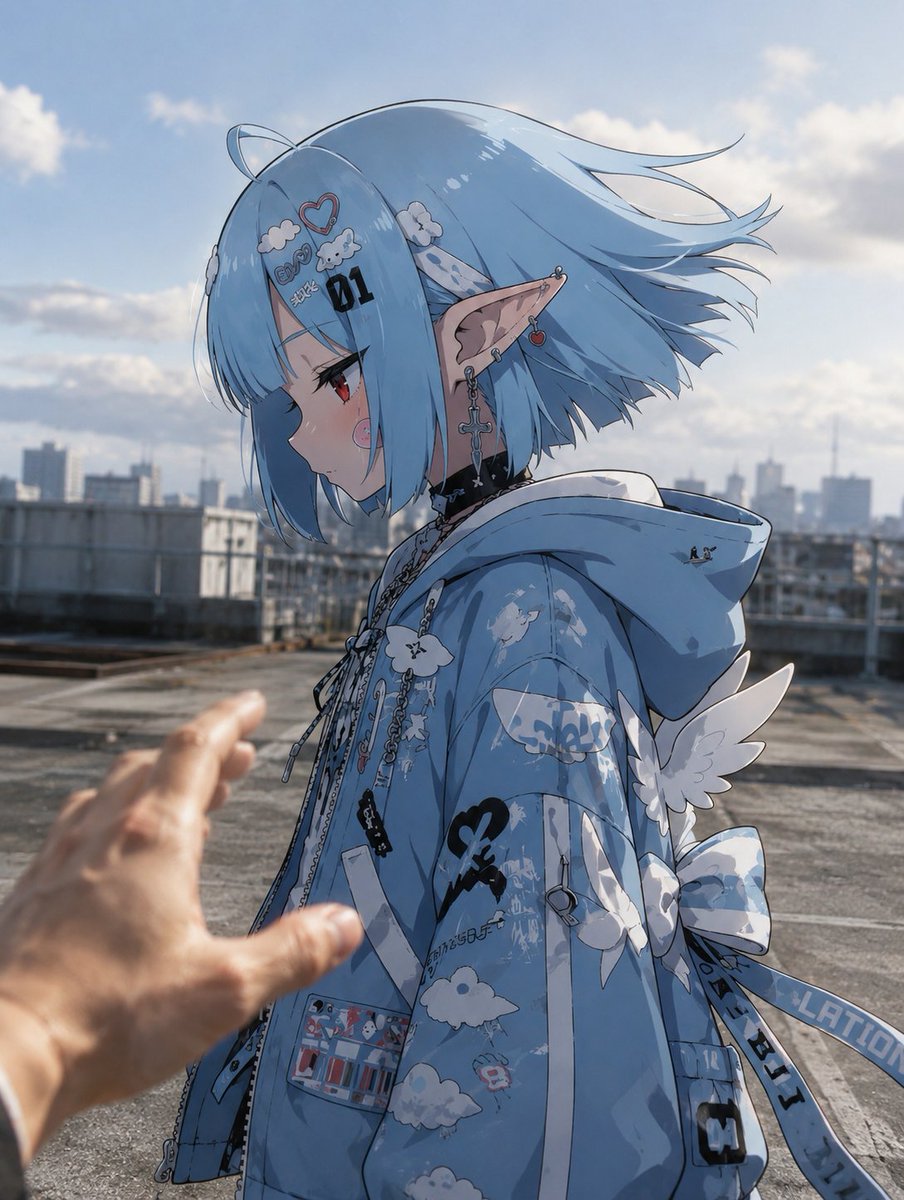
Anime Character in Real Rooftop Scene
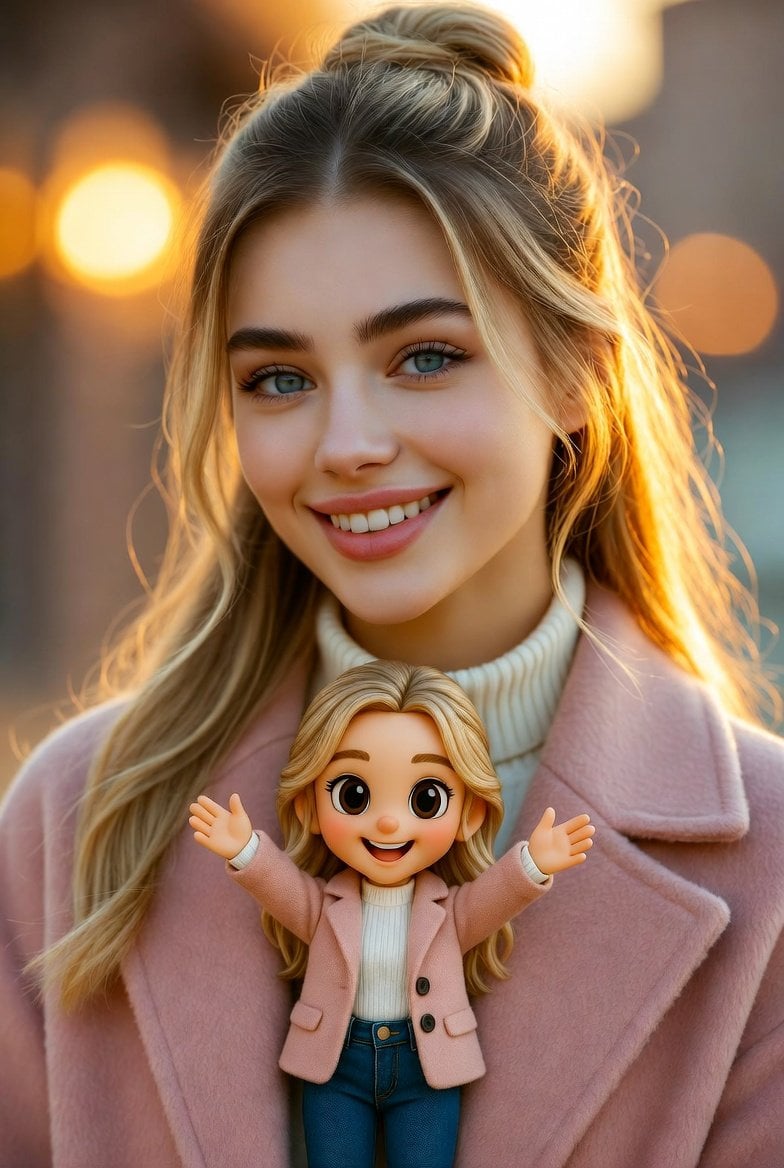
Cinematic Portrait with Miniature Chibi Figurine

Luxury 3D Carved Football Poster
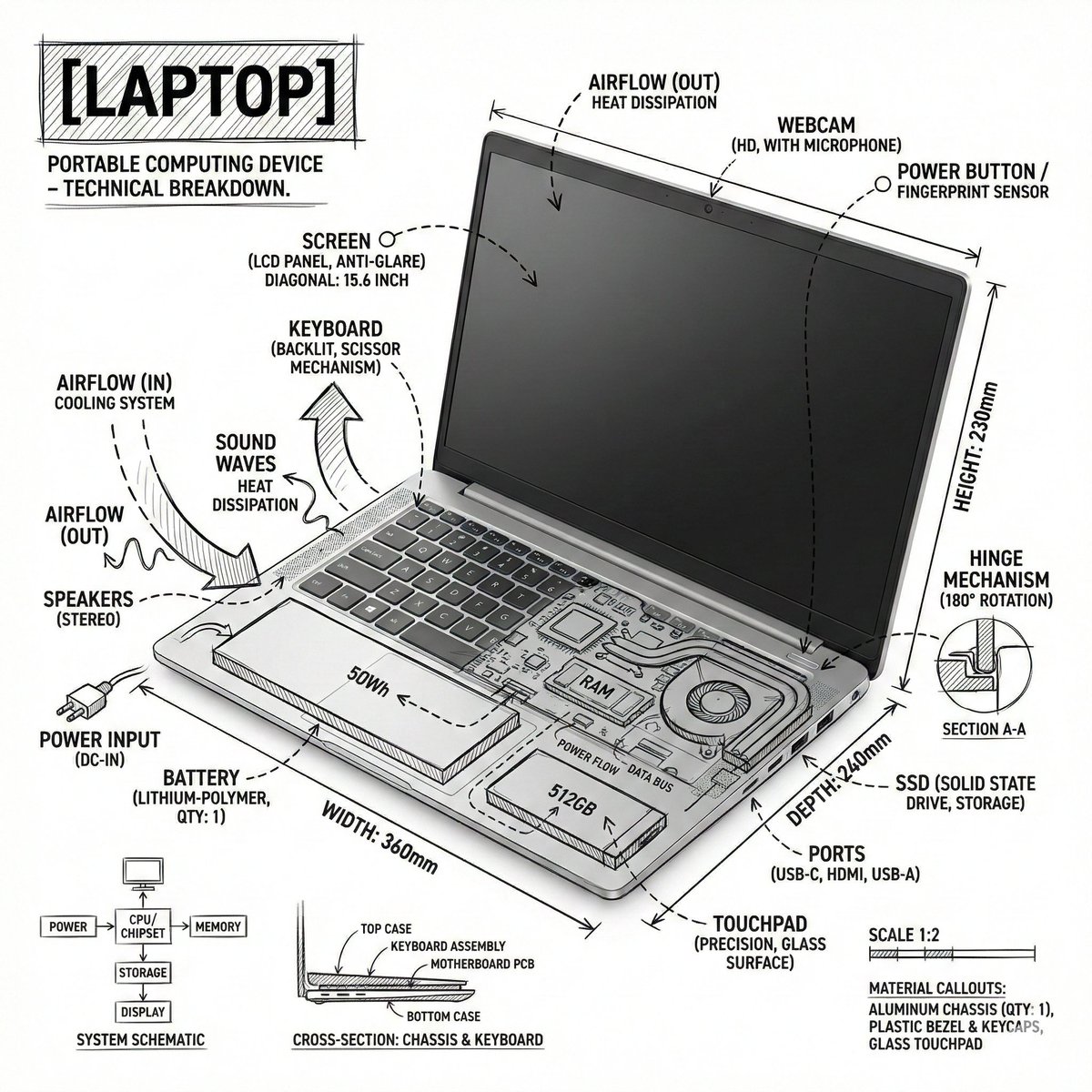
Technical Infographic Overlay on a Laptop Image
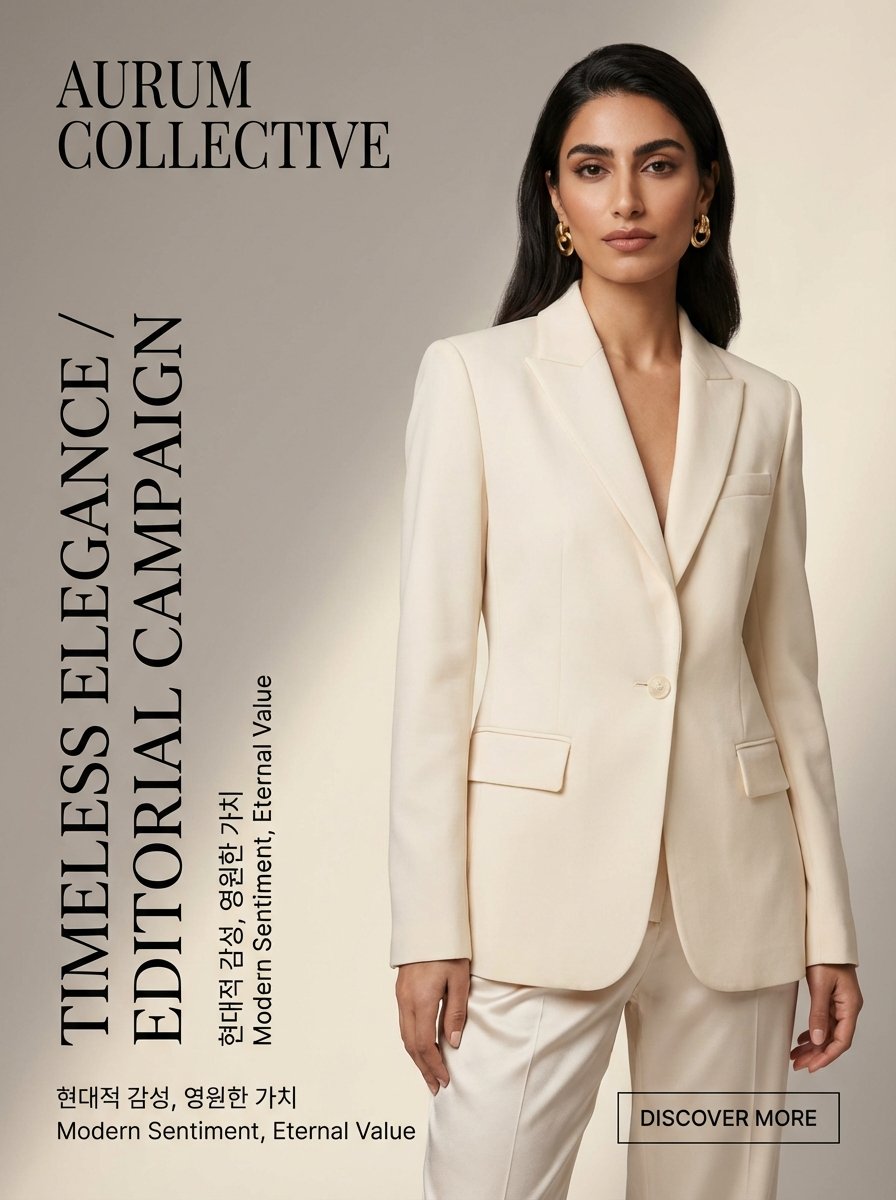
Quiet Luxury Editorial Fashion Template
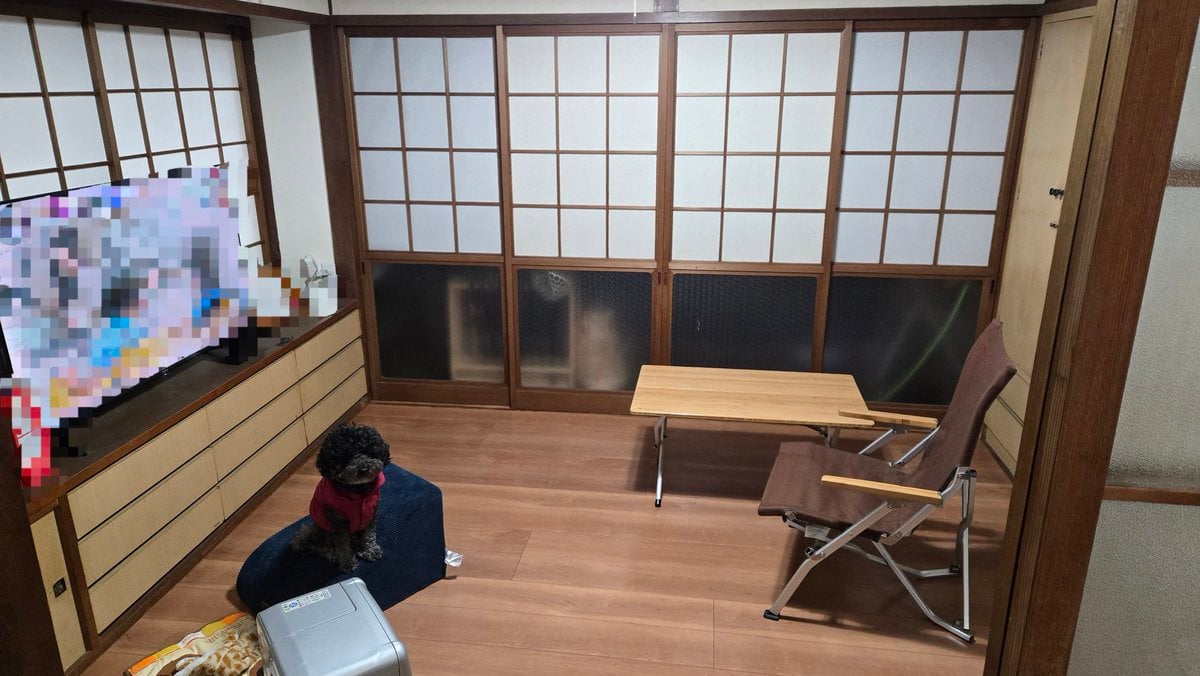
Interior Design Simulation Prompt for Nano Banana
Browse template categories
Anime Character Turnaround Sheet questions
How do I use the Anime Character Turnaround Sheet template?
Add your photo if the template asks for one, edit the prompt if you like — the template's model and format are already selected — and press Generate. Your version opens in PicX Studio.
Can I customize the Anime Character Turnaround Sheet template?
Yes. You can change the subject, setting, lighting, mood, format, and available model controls before creating your image.
Is the Anime Character Turnaround Sheet template free?
Opening and editing this template is free. Generating uses credits, shown on the Generate button when you are signed in.
Which AI model should I use?
Start with GPT Image 2, which is the model associated with this template. You can compare another compatible model for a different finish.
Looking for something else? Browse all templates.

Your photo, any look
Thousands of ready templates for every top image and video model, from one credit balance.