
Luxury Ocean Princess Chocolate Box
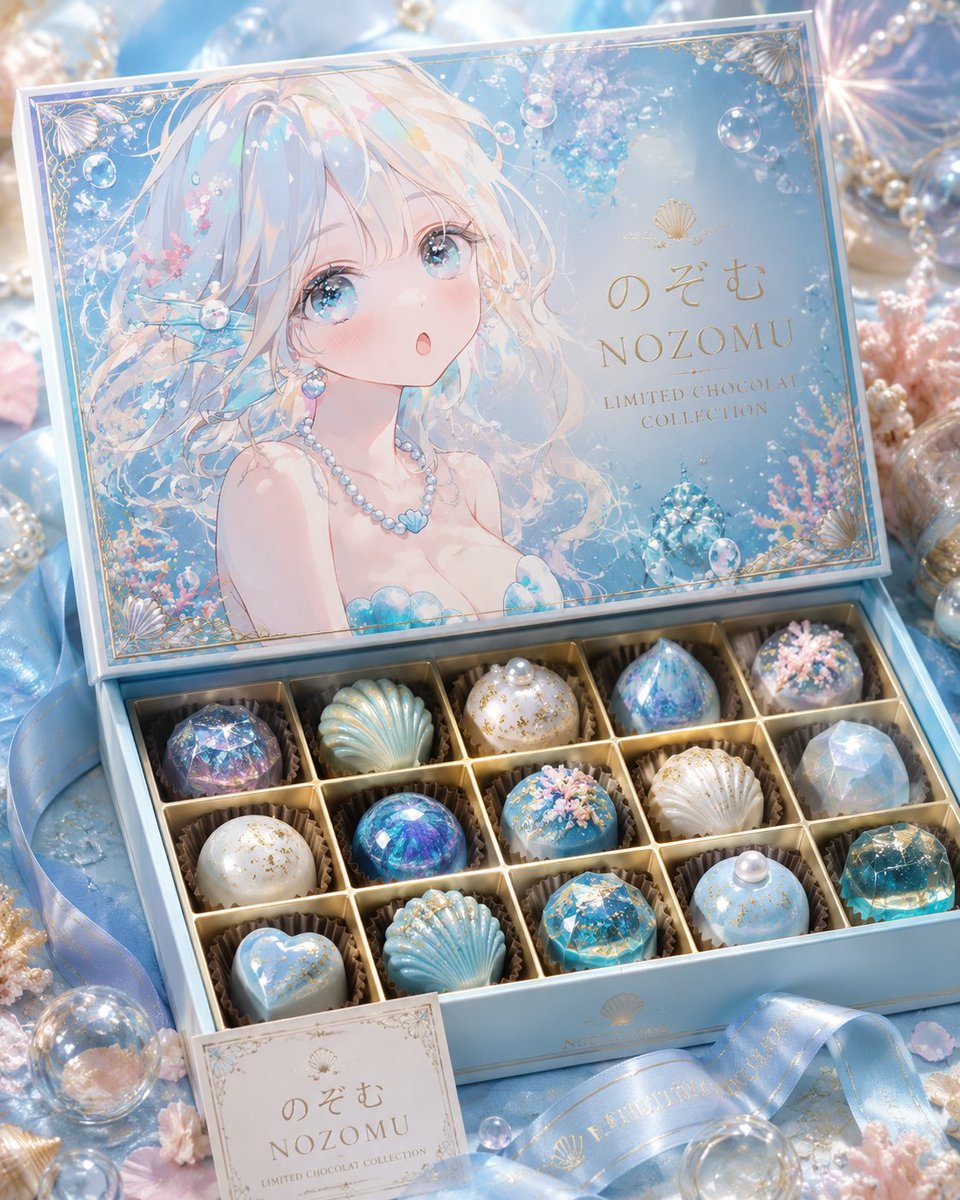
A premium pastel product scene featuring an open ocean-themed chocolate collection box with ornate anime lid art and 15 jewel-like bonbons.
- Prompt included
- Model and format preset
- Free template
The prompt behind this image
Copy the exact prompt behind Luxury Ocean Princess Chocolate Box, or open it in the studio and make it yours.
Create a luxurious pastel product photograph of an open high-end chocolate gift box themed around an ethereal ocean princess. The scene is a dreamy macro-style tabletop arrangement in pale aqua blue, pearl white, blush pink, and champagne gold, with soft diffused lighting, shallow depth of field, glossy reflections, and sparkling bokeh. The open rectangular box is light blue with gold trim and a hinged illustrated lid. On the inside lid, show a delicate anime-style mermaid-like girl with long flowing iridescent white-blonde hair, bare shoulders, pearl necklace, translucent blue shell accents, coral and bubbles around her, and a plain pale square censor/placeholder block covering the center of her face. The lid design has ornate gold corner filigree, small shell motifs, underwater bubbles, pink coral, and elegant gold branding text: Japanese hiragana “のぞむ”, large serif “NOZOMU”, and smaller uppercase “LIMITED CHOCOLAT COLLECTION”. In the lower half, show exactly 15 individual luxury chocolates arranged in a 3-row by 5-column gold compartment tray, each in a brown paper cup: row 1 has a faceted blue-purple jewel dome, a pale aqua shell chocolate, a white pearl-topped gold-speckled dome, a blue crystal pyramid bonbon, and a dark blue round bonbon with pink coral sprinkles; row 2 has a white gold-speckled dome, a glossy dark blue-purple orb, a blue dome with pink coral sprinkles, a white ridged shell, and a translucent pale blue faceted gem; row 3 has a pale blue heart, a ribbed aqua shell with small pearls, a turquoise faceted gold-flake jewel, a pale blue dome topped with a pearl, and a teal-gold faceted gem. Surround the box with satin blue ribbons printed with subtle gold lettering and shell icons, pearl strands, glass bubbles, seashells, small pink coral pieces, crystal ornaments, and glittering highlights. Add a small matching square card in front of the box with ornate border and the same branding text “のぞむ”, “NOZOMU”, “LIMITED CHOCOLAT COLLECTION”. Use premium Japanese confectionery packaging aesthetics, ultra-detailed textures, photorealistic product photography mixed with soft anime illustration on the lid, elegant composition, no extra text, no watermark. Optional custom details: {argument name="brand name" default="NOZOMU"}, {argument name="Japanese brand text" default="のぞむ"}, {argument name="collection subtitle" default="LIMITED CHOCOLAT COLLECTION"}, {argument name="main color palette" default="pale aqua blue, pearl white, blush pink, champagne gold"}, {argument name="lid character" default="ethereal ocean princess with iridescent white-blonde hair"}.
How to use Luxury Ocean Princess Chocolate Box in 3 steps
- 1Upload ImagePNG, JPG or paste
Add your photo
Upload the photo the template builds on. The prompt, model and format are already set.
- 2…a portrait of your subject in softgolden-hour light, 85mm…
Personalize
Edit the subject and creative details for your destination.
- 3Generate
Generate
Press Generate — your image is created in PicX Studio, so you can compare it with the original and refine one variable at a time.
More like this
Templates with the same subject, style or setup. Open one to see its prompt.

Steam Ocean Liner Deck
Safe Deposit Box Open
Luxury Lifestyle Oceanfront Portrait

Surreal Cat Astronaut — Humanoid Face Freefall

Anime Happily Ever After Sky

Anime Stained Glass Prayer

Anime White Horse Escape
Anime Sewing Room Magic

Anime Tower Window Escape

Anime Fairy Godmother Glow

Anime Tiara Coronation

Anime Rose Garden Throne
Make it yours
Luxury Ocean Princess Chocolate Box works as-is. These are the safest ways to change it without losing the look.
Change one field
Copy a single group, rewrite it, and generate again so you can see what that field is doing.
Keep the frame, change the subject
Hold the composition and light of Luxury Ocean Princess Chocolate Box, then swap wardrobe, props or the person for a new take.
| If the result… | Why | Fix |
|---|---|---|
| The result drifts from the preview | Too many fields changed at once. | Reuse Luxury Ocean Princess Chocolate Box as-is first, then change one group — subject, light, or setting. |
| The model over-stylizes the scene | The prose prompt leaves finish and camera underspecified. | Add one camera or lighting sentence and stay on GPT Image 2. |
More GPT Image 2 templates
Other prompts made for GPT Image 2.

Six VTuber Japanese Logo Sheet

Realistic Portrait of Woman and Deer

The Vista Modular Condo Poster

AI Model Routing Comparison Infographic

2.5D Anime Art Board

Isometric Productivity Desk Scene

New York Double Exposure Poster

Four-Panel AI Landscape Comparison

Japanese Tatami Lifestyle Magazine Cover

NESCAFÉ Coffee Map Poster
More image prompts
Fresh picks from across the catalog.
Minimalist Educational Infographic Template
Ultra-realistic Cinematic Product Photograph of Perfume Bottle
Y2K Flash Photo Aesthetic Prompt
Glamorous Christmas Sleigh Full Body Shot
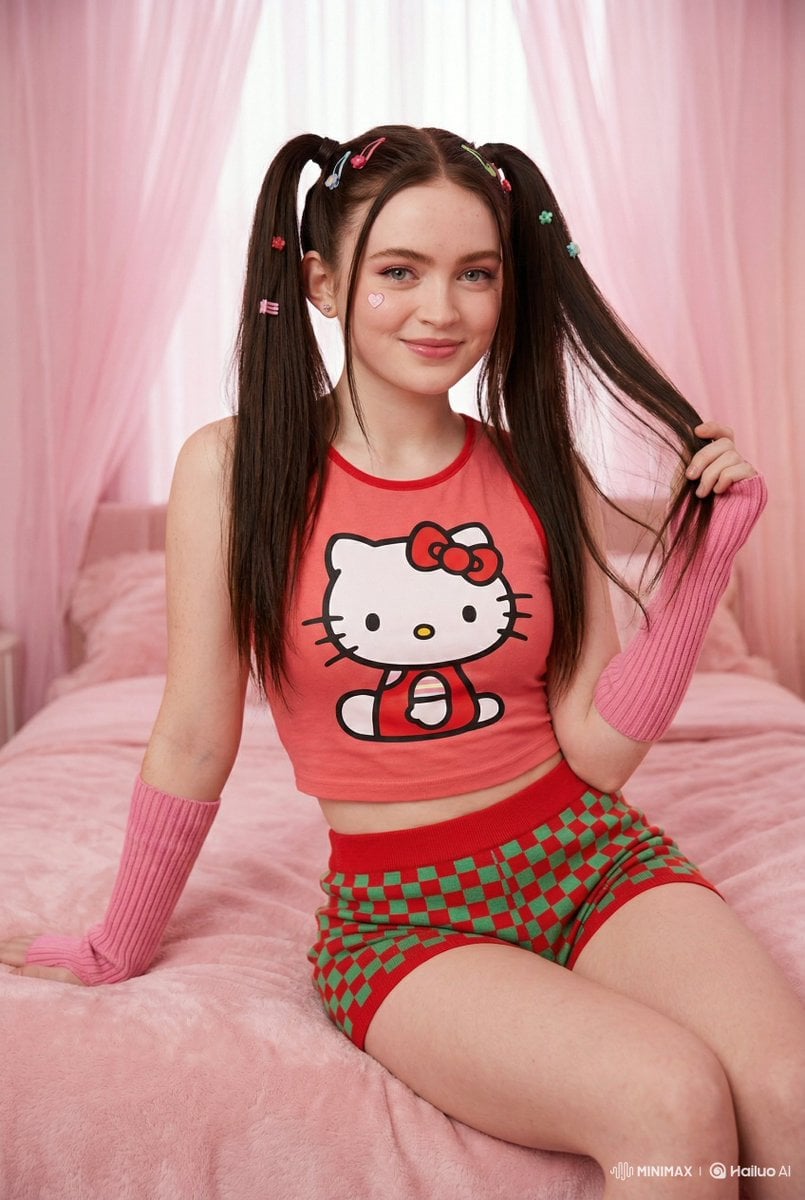
Kawaii-Inspired Cozy Bedroom Portrait
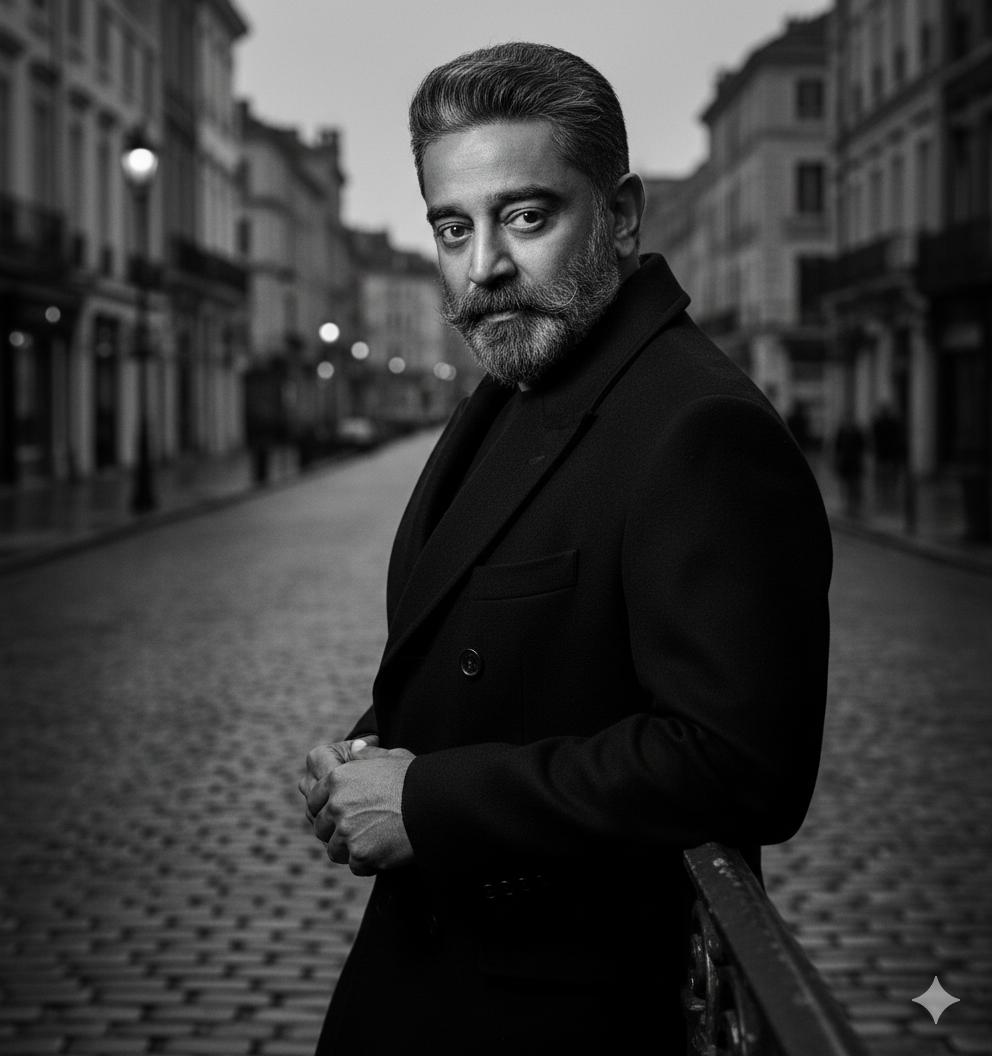
Black and White Noir Fashion Editorial Portrait
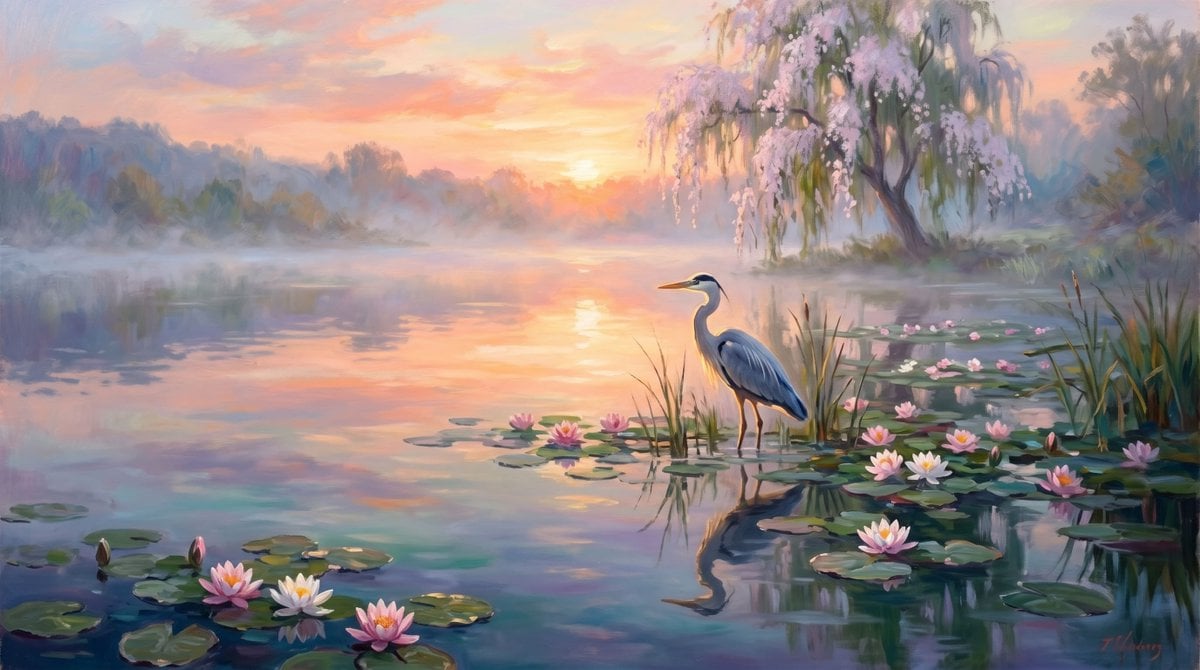
Misty Sunrise Heron Lake
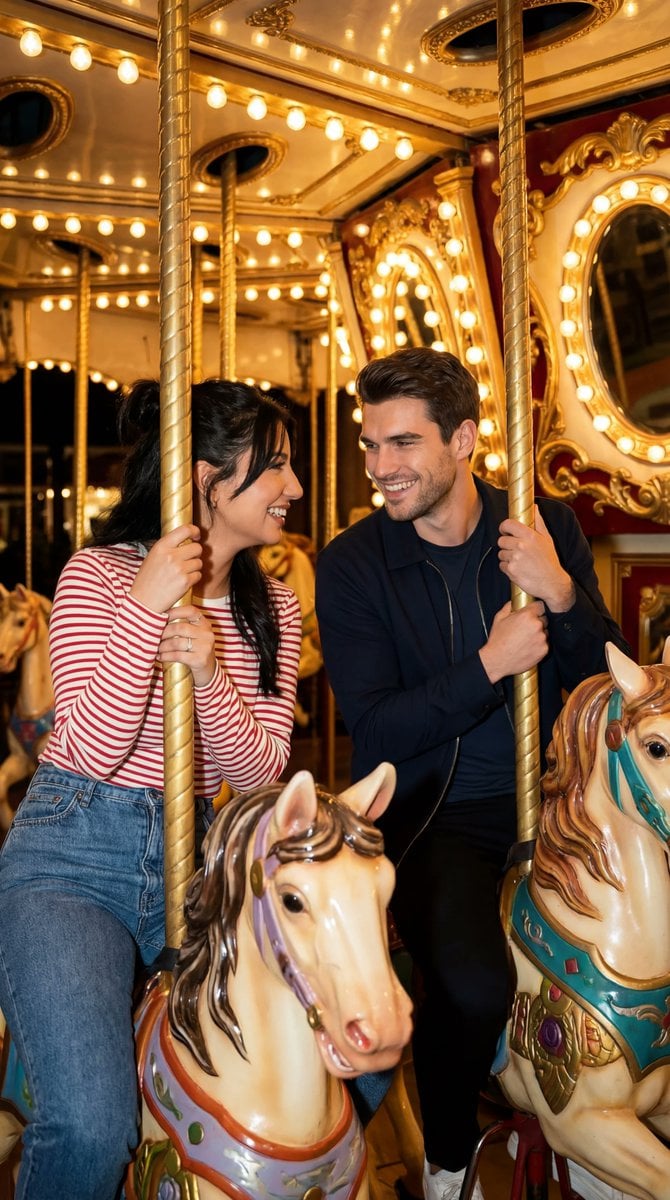
Cinematic Romcom Scene on a Carousel with Identity Lock
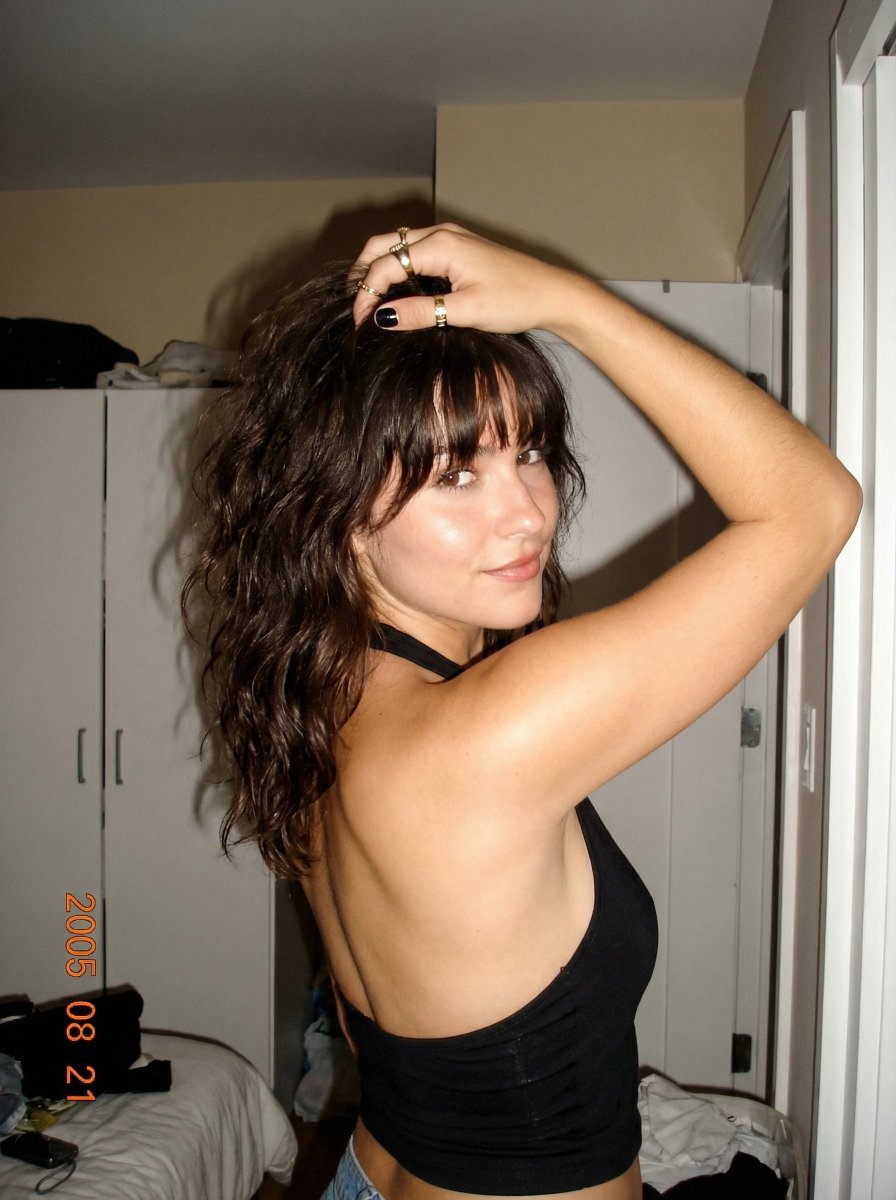
2000s Digital Camera Backless Top Snapshot Prompt
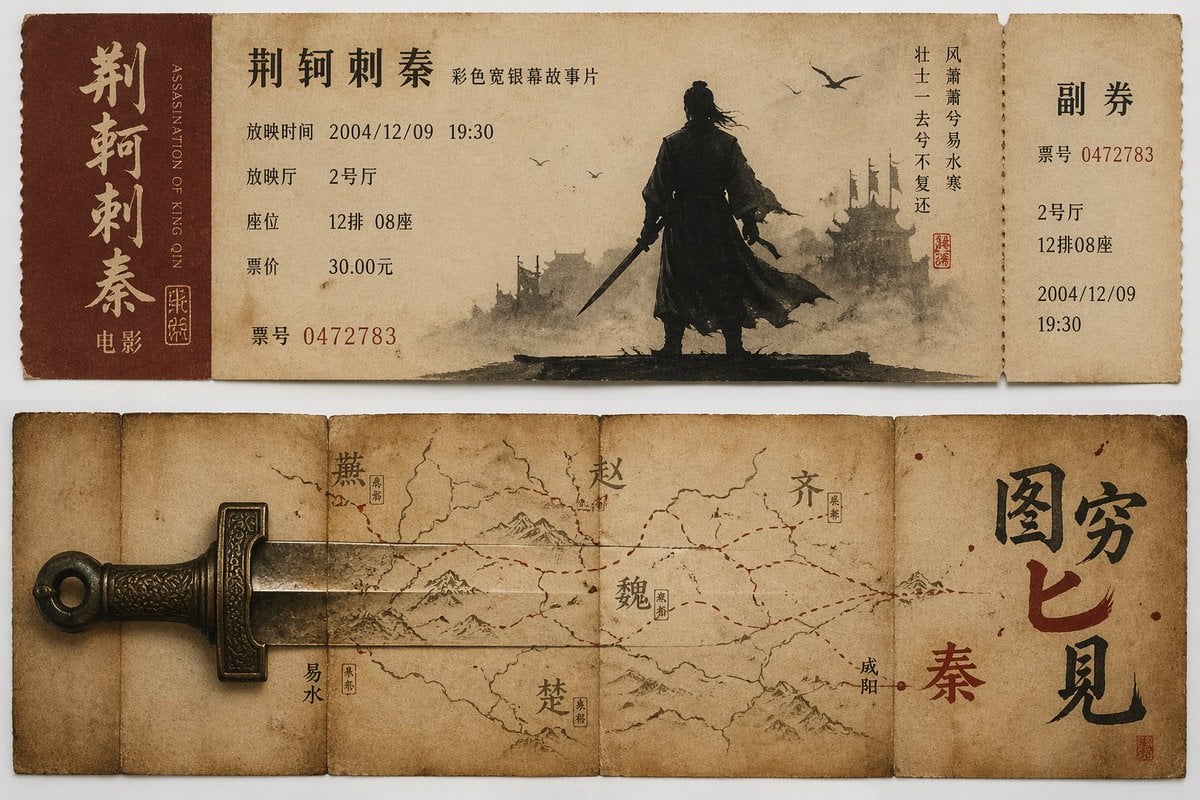
Nostalgic movie ticket stub prompt
Browse template categories
Luxury Ocean Princess Chocolate Box questions
How do I use the Luxury Ocean Princess Chocolate Box template?
Add your photo if the template asks for one, edit the prompt if you like — the template's model and format are already selected — and press Generate. Your version opens in PicX Studio.
Can I customize the Luxury Ocean Princess Chocolate Box template?
Yes. You can change the subject, setting, lighting, mood, format, and available model controls before creating your image.
Is the Luxury Ocean Princess Chocolate Box template free?
Opening and editing this template is free. Generating uses credits, shown on the Generate button when you are signed in.
Which AI model should I use?
Start with GPT Image 2, which is the model associated with this template. You can compare another compatible model for a different finish.
Looking for something else? Browse all templates.

Your photo, any look
Thousands of ready templates for every top image and video model, from one credit balance.