
Ultra-Photorealistic Macro Shot of a Red Hibiscus
A highly technical and detailed prompt for generating an ultra-photorealistic macro photograph of a red hibiscus flower, specifying camera settings (100mm macro lens, f/2.8), lighting (golden hour), and texture details…
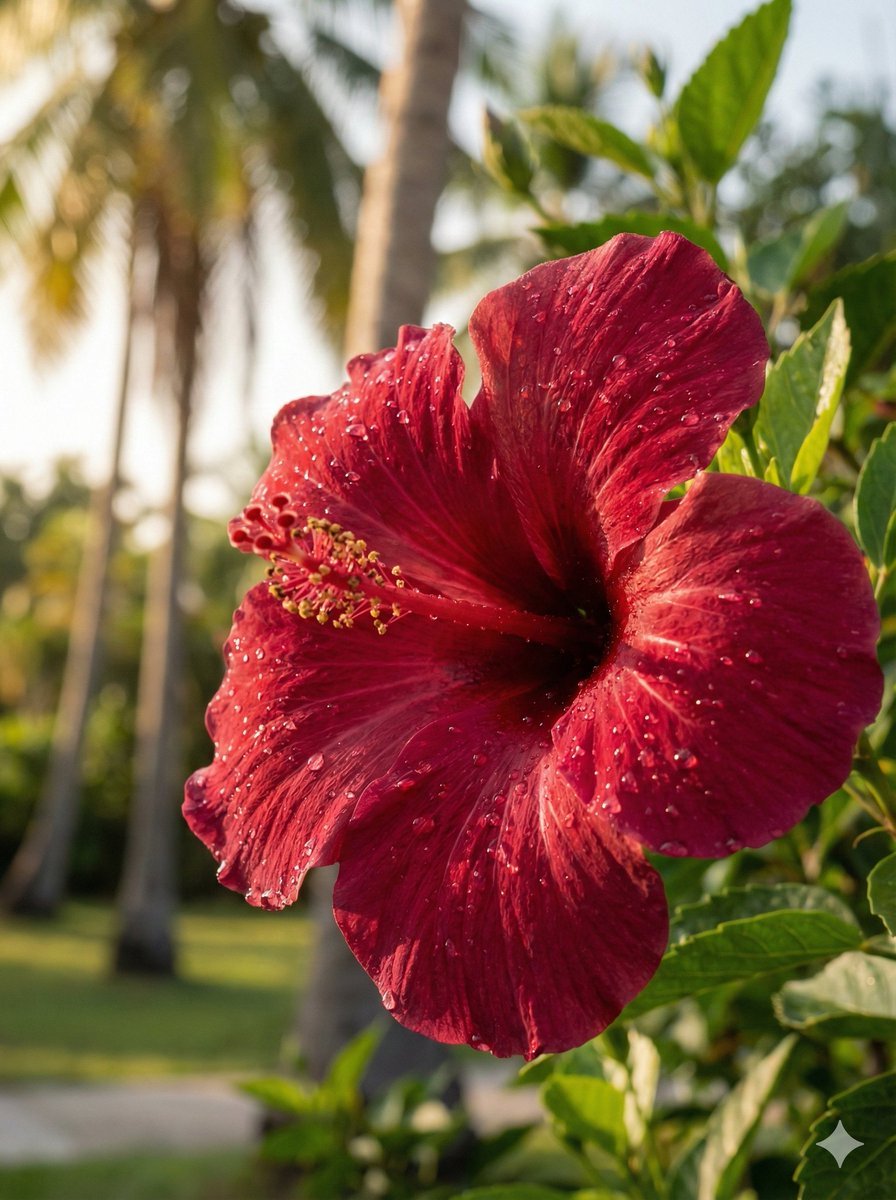
- Prompt included
- Model and format preset
- Free template
The prompt behind this image
Copy the exact prompt behind Ultra-Photorealistic Macro Shot of a Red Hibiscus, or open it in the studio and make it yours.
- Type
- image_generation
- Style
- ultra_photorealistic_dslr
- Aspect Ratio
- 3:4
- Resolution
- 8K
- Quality
- extreme_detail_realism
- Subject › Category
- flower
- Subject › Species
- red hibiscus
- Subject › Details › Petal Color
- deep crimson red
- Subject › Details › Petal Texture
- soft, velvety with visible veins
- Subject › Details › Center
- prominent stamen with pollen detail
- Subject › Details › Surface
- fresh water droplets on petals
- Environment › Location
- tropical garden
- Environment › Background
- softly blurred palm trees and greenery
- Environment › Season
- summer
- Lighting › Type
- golden hour sunlight
- Lighting › Direction
- side and back lighting
- Lighting › Quality
- warm, natural, cinematic glow
- Lighting › Highlights
- sunlit water droplets sparkling naturally
- Lighting › Shadows
- soft and realistic
- Camera › Device
- DSLR
- Camera › Lens
- 100mm macro lens
- Camera › Aperture
- f/2.8
- Camera › Shutter Speed
- 1/250
- Camera › Iso
- 100
Raw JSON
{
  "type": "image_generation",
  "style": "ultra_photorealistic_dslr",
  "aspect_ratio": "3:4",
  "resolution": "8K",
  "quality": "extreme_detail_realism",
  "subject": {
    "category": "flower",
    "species": "red hibiscus",
    "details": {
      "petal_color": "deep crimson red",
      "petal_texture": "soft, velvety with visible veins",
      "center": "prominent stamen with pollen detail",
      "surface": "fresh water droplets on petals"
    }
  },
  "environment": {
    "location": "tropical garden",
    "background": "softly blurred palm trees and greenery",
    "season": "summer"
  },
  "lighting": {
    "type": "golden hour sunlight",
    "direction": "side and back lighting",
    "quality": "warm, natural, cinematic glow",
    "highlights": "sunlit water droplets sparkling naturally",
    "shadows": "soft and realistic"
  },
  "camera": {
    "device": "DSLR",
    "lens": "100mm macro lens",
    "aperture": "f/2.8",
    "shutter_speed": "1/250",
    "iso": 100,
    "focus": "sharp focus on flower center",
    "depth_of_field": "very shallow, creamy bokeh background"
  },
  "composition": {
    "framing": "close-up macro shot",
    "angle": "eye-level with slight side tilt",
    "rule_of_thirds": true
  },
  "rendering_details": {
    "color_grading": "natural warm tones",
    "sharpness": "crisp micro-details on petals",
    "dynamic_range": "high, DSLR-quality",
    "noise": "none",
    "artifacts": "none"
  },
  "negative_prompt": [
    "cartoon",
    "anime",
    "illustration",
    "painting",
    "cgi",
    "plastic texture",
    "oversaturated",
    "flat lighting",
    "blurred details",
    "low resolution",
    "fake bokeh"
  ]
}How to use Ultra-Photorealistic Macro Shot of a Red Hibiscus in 3 steps
- 1
Open
The prompt is already in the box next to the preview, with the template's model and format selected.
- 2…a portrait of your subject in softgolden-hour light, 85mm…
Personalize
Edit the subject and creative details for your destination.
- 3Generate
Generate
Press Generate — your image is created in PicX Studio, so you can compare it with the original and refine one variable at a time.
More like this
Templates with the same subject, style or setup. Open one to see its prompt.

Dancer Character - Four View Reference Sheet

Tiny Woman Miniature Fantasy Macro Scene

Tiny Man Macro Survival Six-Panel Collage

Cozy Knit Sweater Window Portrait

Gen Z Triple Selfie Collage — Y2K Flash Photography

Mountain Lake Sunset Landscape

Photorealistic Bank Check Macro

Bold Red Contrast Fashion Editorial Newspaper Room
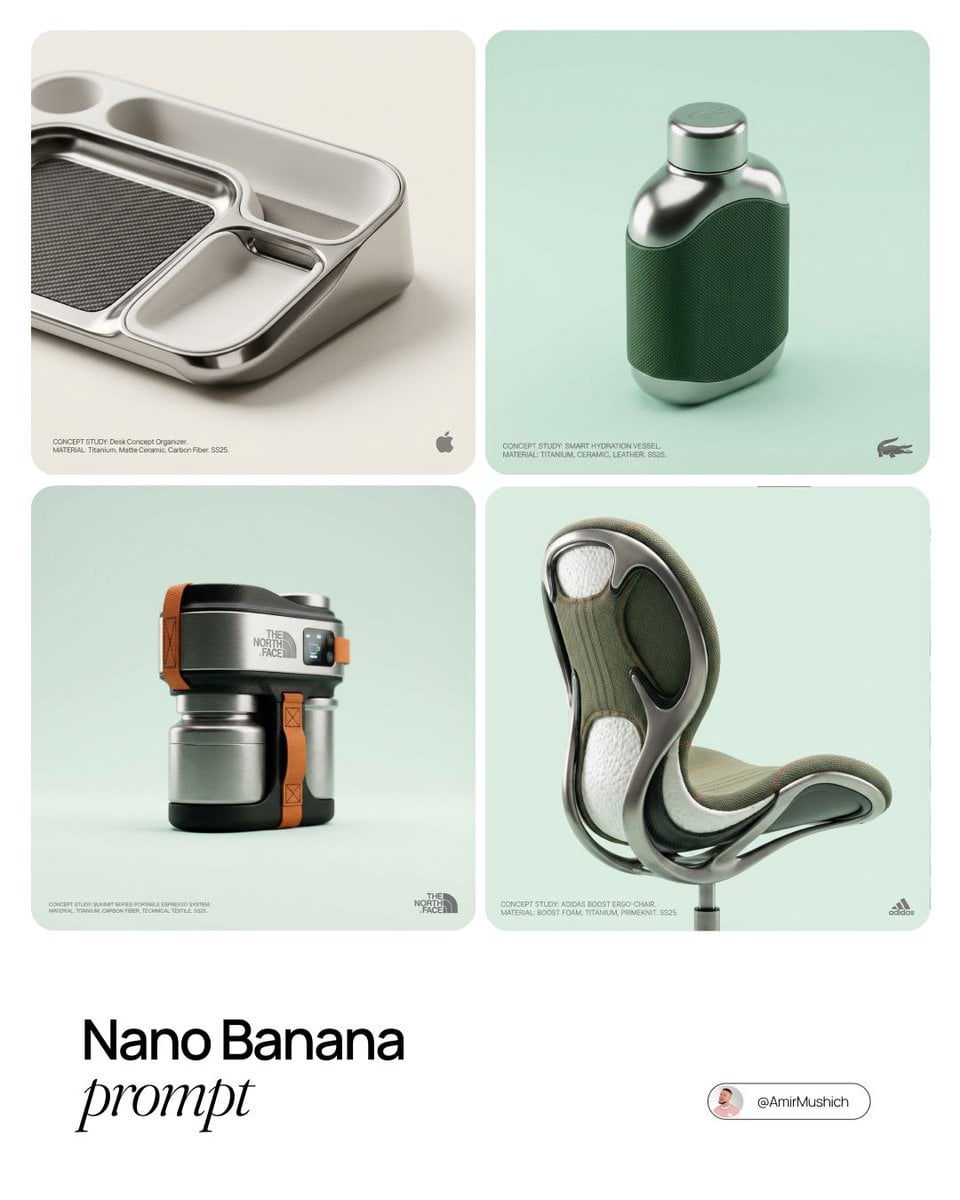
Editorial Concept Study Product Design

Cinematic Destination Letter Panel Poster

Spider-Man Rooftop Golden Hour Cinematic Photo

Panning Motion Soccer Kick Poster
Make it yours
Ultra-Photorealistic Macro Shot of a Red Hibiscus works as-is. These are the safest ways to change it without losing the look.
Swap the setting
Keep the rest of the prompt and replace the location block. The current setting is “tropical garden”.
Swap the light
One lighting change is enough to compare takes. Current light: “golden hour sunlight”.
Change one field
Copy a single group, rewrite it, and generate again so you can see what that field is doing.
| If the result… | Why | Fix |
|---|---|---|
| The result drifts from the preview | Too many fields changed at once. | Reuse Ultra-Photorealistic Macro Shot of a Red Hibiscus as-is first, then change one group — subject, light, or setting. |
| Nano Banana 2 ignores part of the JSON | Some models flatten or skip nested keys. | Keep the same values and paste them as a short paragraph instead. |
More Nano Banana 2 templates
Other prompts made for Nano Banana 2.

Photorealistic Leaf Shaped Like a Dragon

K-Pop Idol Portrait Grid for Rapid Selection

Poetic Rain Forest Portrait During Golden Hour

Urban Street Portrait with Cartoon Inner Self Duo

Candid Nighttime Photo with Cat Prompt

High-Concept 3D Diorama Generation Prompt

Cinematic Futuristic Studio Portrait Template

Skincare Editorial Photography Collage Prompt

Hyper-Realistic Commercial Product Photography (Splash Effect)

Hyper-Realistic Nightclub Portrait Prompt
More image prompts
Fresh picks from across the catalog.
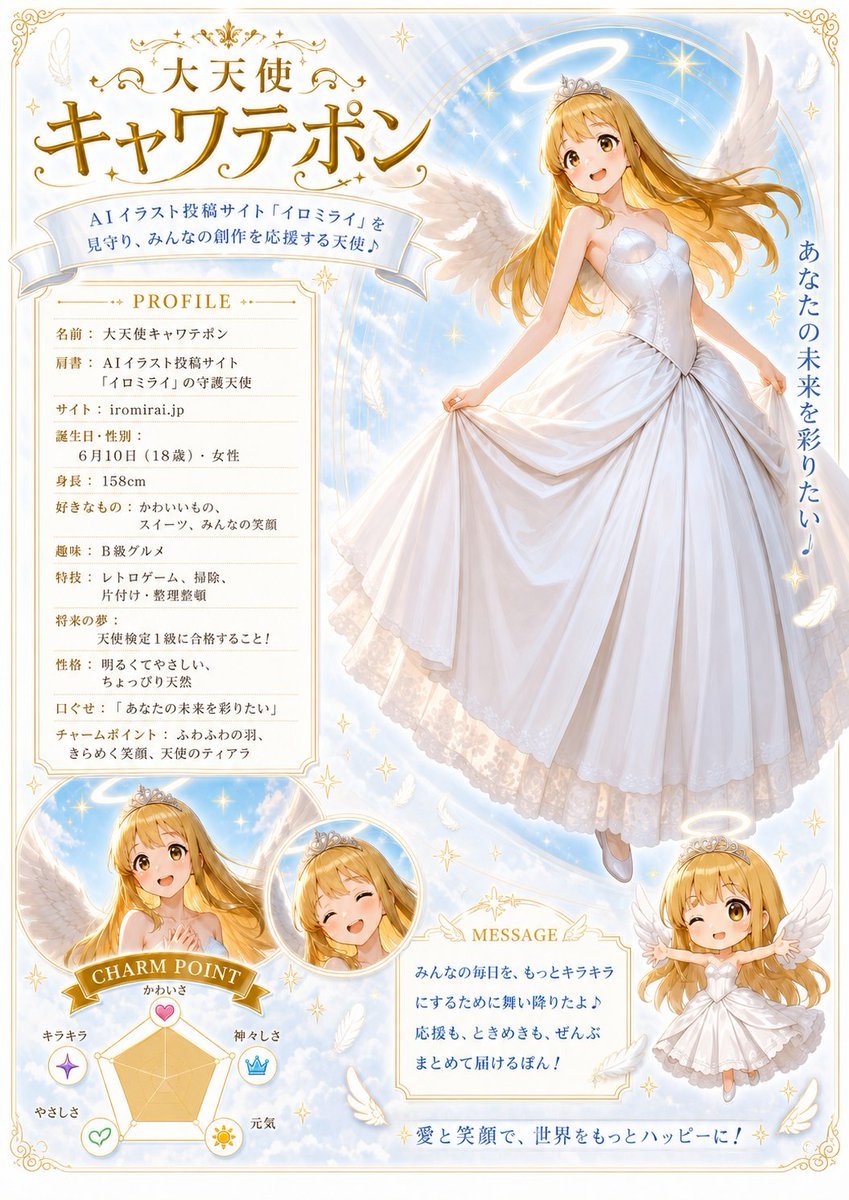
Celestial Angel Character Profile Poster
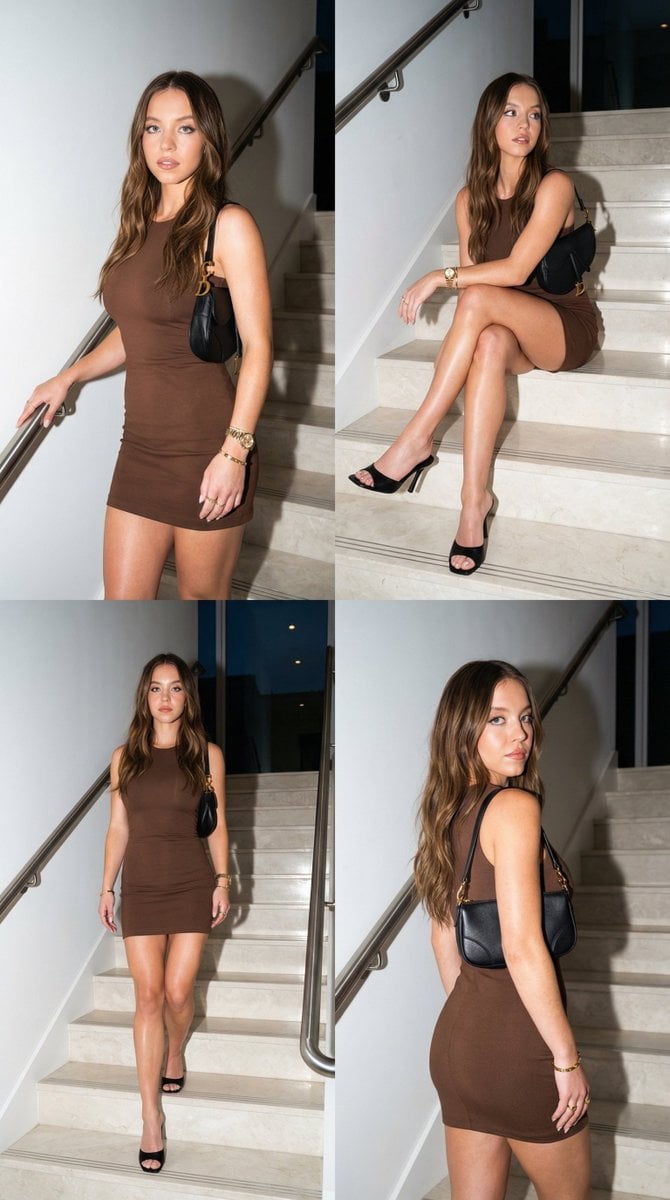
Luxury Fashion Editorial Collage on Modern Staircase
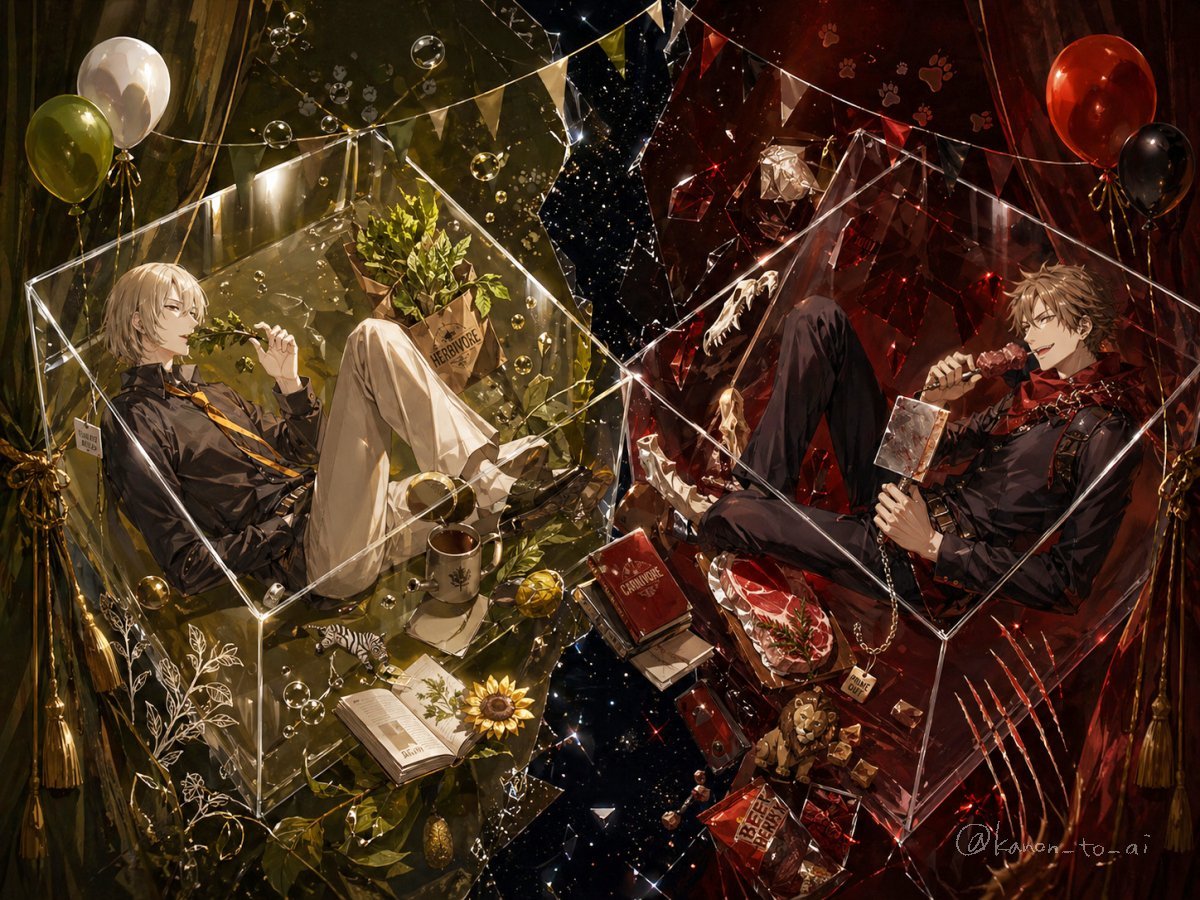
Dual-Themed Anime Boys in Crystal Boxes
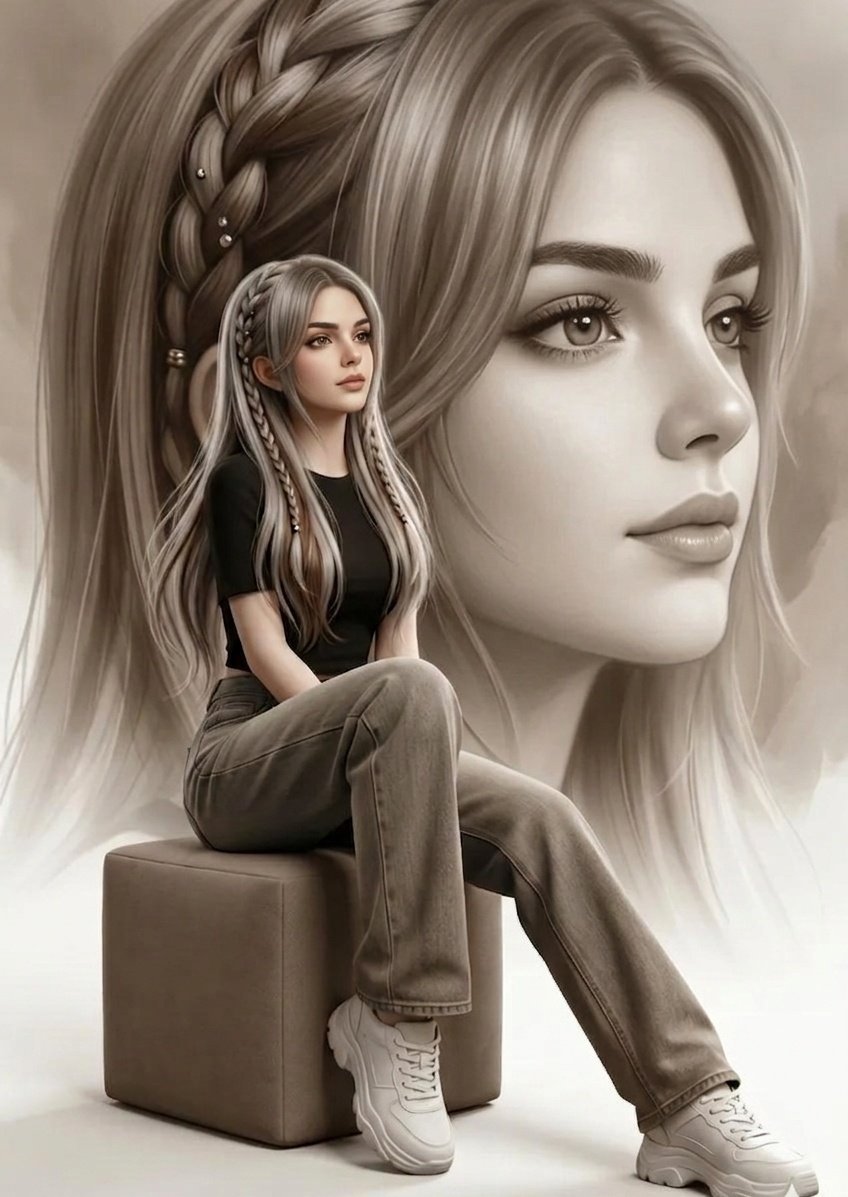
Double Exposure Fashion Portrait

Autonomous AI 4-Panel Manga Generation System Prompt

Playful Hand-Drawn Doodle Overlays
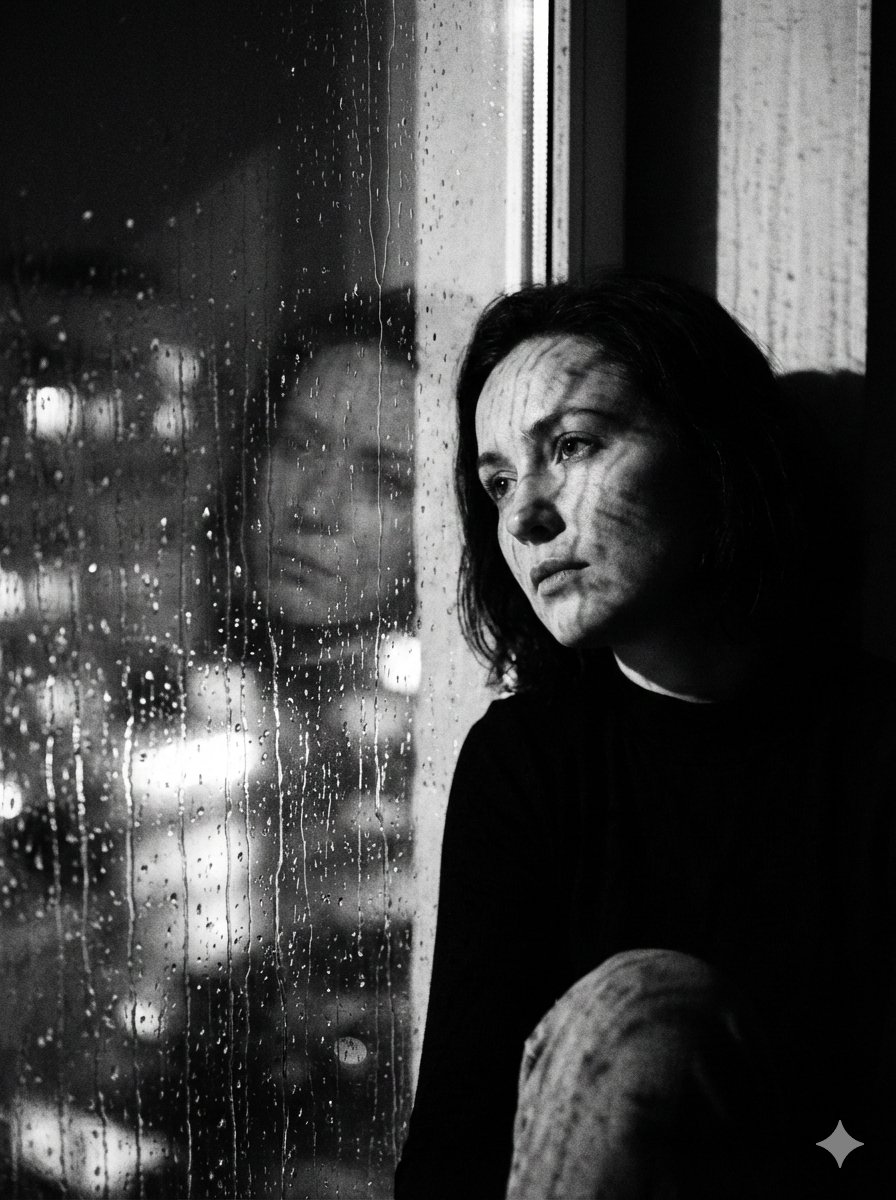
Black and White Rainy Window Portrait Prompt
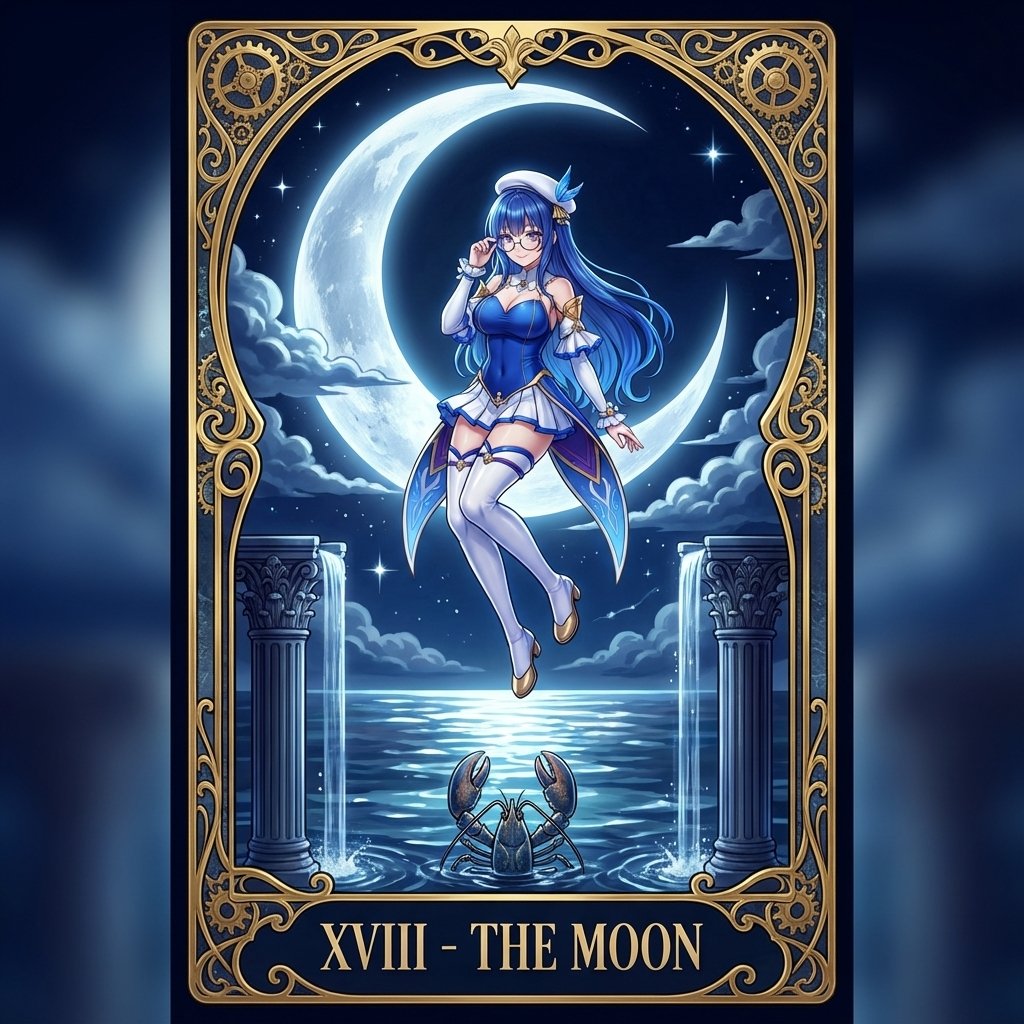
Tarot Card Conversion Prompt (Gothic/Art Nouveau Style)

Epic Fantasy Sorceress Action Scene

Four-Panel Comic Strip Generation
Browse template categories
Ultra-Photorealistic Macro Shot of a Red Hibiscus questions
How do I use the Ultra-Photorealistic Macro Shot of a Red Hibiscus template?
Add your photo if the template asks for one, edit the prompt if you like — the template's model and format are already selected — and press Generate. Your version opens in PicX Studio.
Can I customize the Ultra-Photorealistic Macro Shot of a Red Hibiscus template?
Yes. You can change the subject, setting, lighting, mood, format, and available model controls before creating your image.
Is the Ultra-Photorealistic Macro Shot of a Red Hibiscus template free?
Opening and editing this template is free. Generating uses credits, shown on the Generate button when you are signed in.
Which AI model should I use?
Start with Nano Banana 2, which is the model associated with this template. You can compare another compatible model for a different finish.
Looking for something else? Browse all templates.

Your photo, any look
Thousands of ready templates for every top image and video model, from one credit balance.