
Character Analysis Newspaper Rip-Through Effect
A complex image generation prompt for creating a vintage newspaper layout effect where a photorealistic 3D cutout of a subject (from an input image) physically rips through the aged sepia newsprint background.
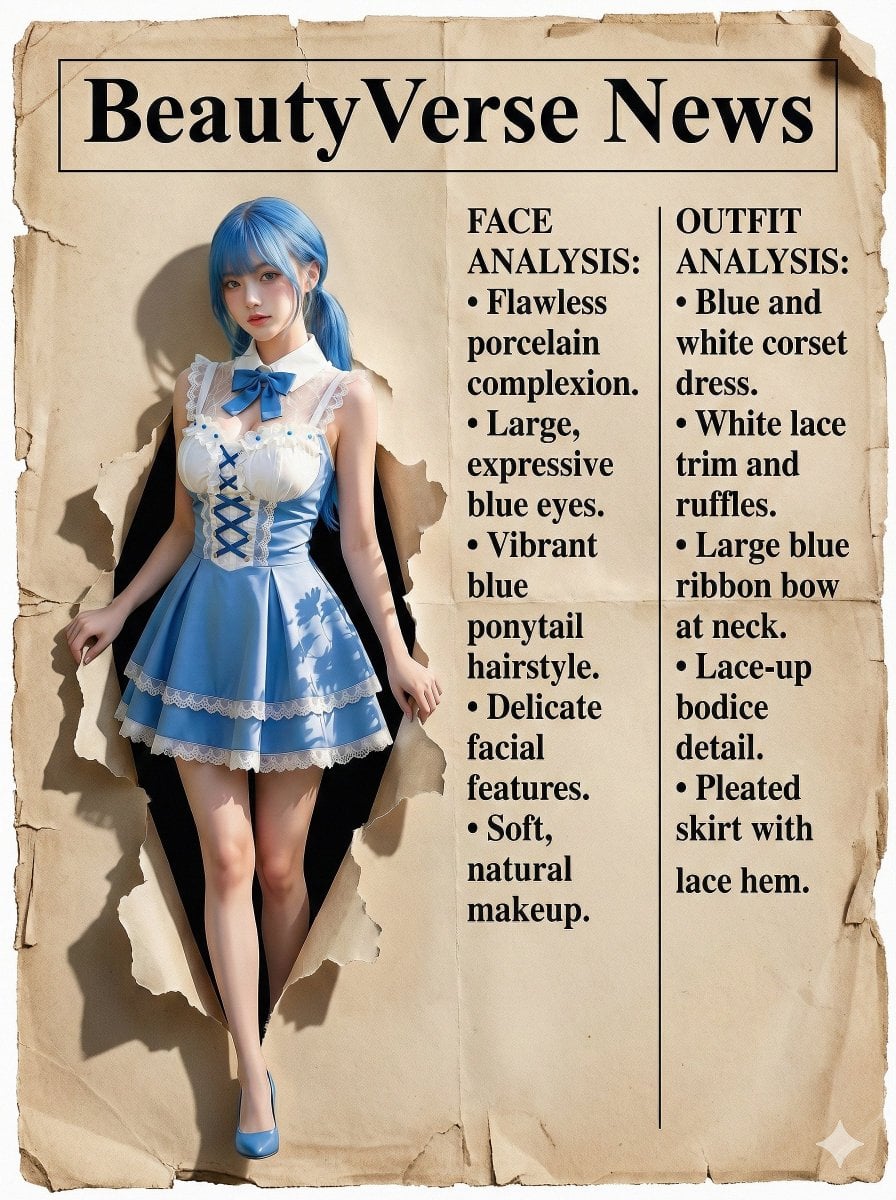
- Prompt included
- Model and format preset
- Free template
The prompt behind this image
Copy the exact prompt behind Character Analysis Newspaper Rip-Through Effect, or open it in the studio and make it yours.
(Masterpiece), (best quality), professional vintage newspaper layout. The BACKGROUND is aged sepia newsprint texture with worn edges. TOP HEADER: A distinct, clean rectangular banner area ready for text "{argument name="header text" default="BeautyVerse News"}". LEFT SIDE (THE SUBJECT): A striking, CLEAN, PHOTOREALISTIC, HIGH-RESOLUTION 3D cutout of the woman from the input image, physically popping out from the flat paper surface. She has vibrant natural colors and sharp focus, completely UNTOUCHED by the sepia vintage texture or grunge, looking like a glossy, new photo placed on top of old paper. It casts realistic deep shadows onto the aged paper below to show thickness. The woman is tearing through the vintage newspaper background with her hands, stepping out of the page. RIGHT SIDE (THE COLUMNS): Printed directly onto the aged paper background. The layout is strictly divided into TWO SEPARATE VERTICAL COLUMNS of black printed text. COLUMN 1 (Inner Left): Simulated article analyzing the face. Format: BULLET POINTS list structure. COLUMN 2 (Outer Right): Simulated article analyzing the outfit. Format: BULLET POINTS list structure. DETAILS: Sharp black printed serif font, typewriter style, formal journalism aesthetic. Clean and organized layout (no messy handwriting). --ar 3:4
How to use Character Analysis Newspaper Rip-Through Effect in 3 steps
- 1Upload ImagePNG, JPG or paste
Add your photo
Upload the photo the template builds on. The prompt, model and format are already set.
- 2…a portrait of your subject in softgolden-hour light, 85mm…
Personalize
Edit the subject and creative details for your destination.
- 3Generate
Generate
Press Generate — your image is created in PicX Studio, so you can compare it with the original and refine one variable at a time.
More like this
Templates with the same subject, style or setup. Open one to see its prompt.
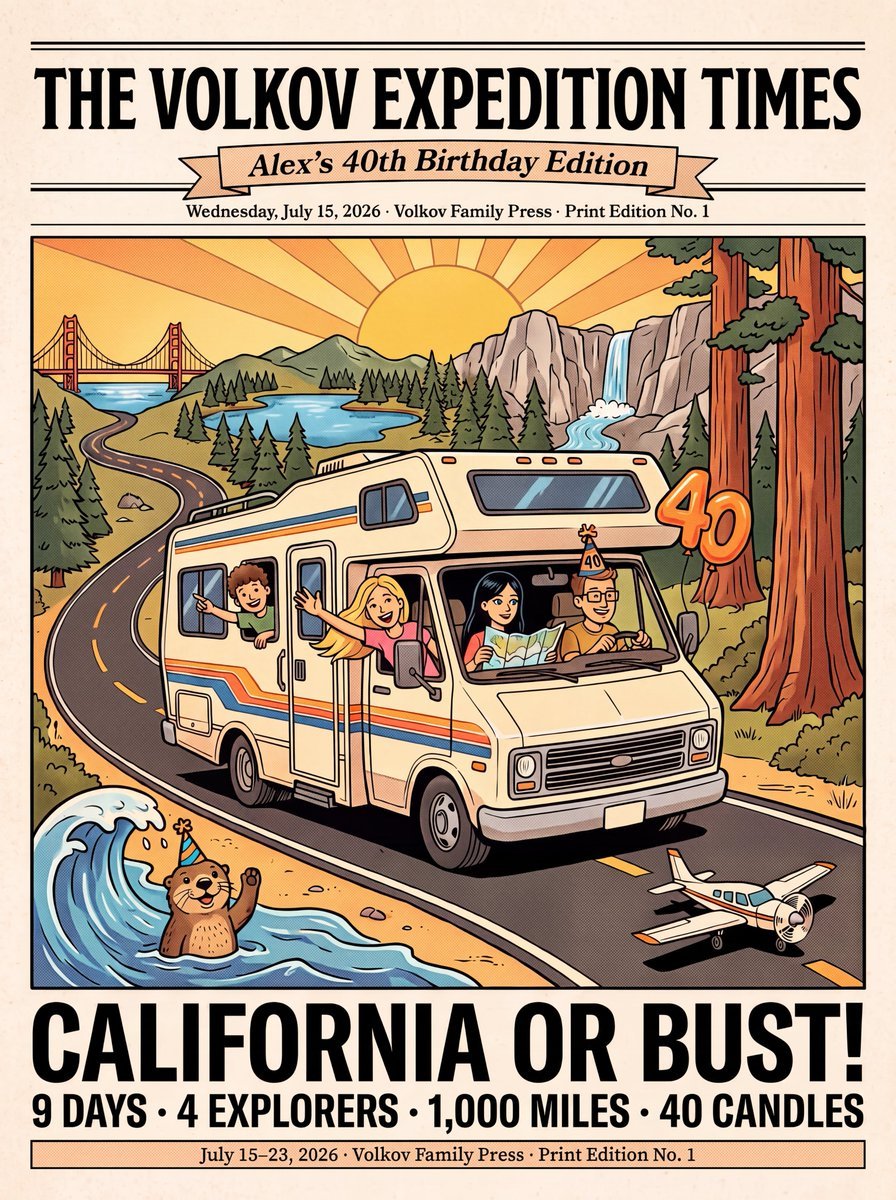
Vintage Family Road Trip Newspaper Poster

Bold Red Contrast Fashion Editorial Newspaper Room
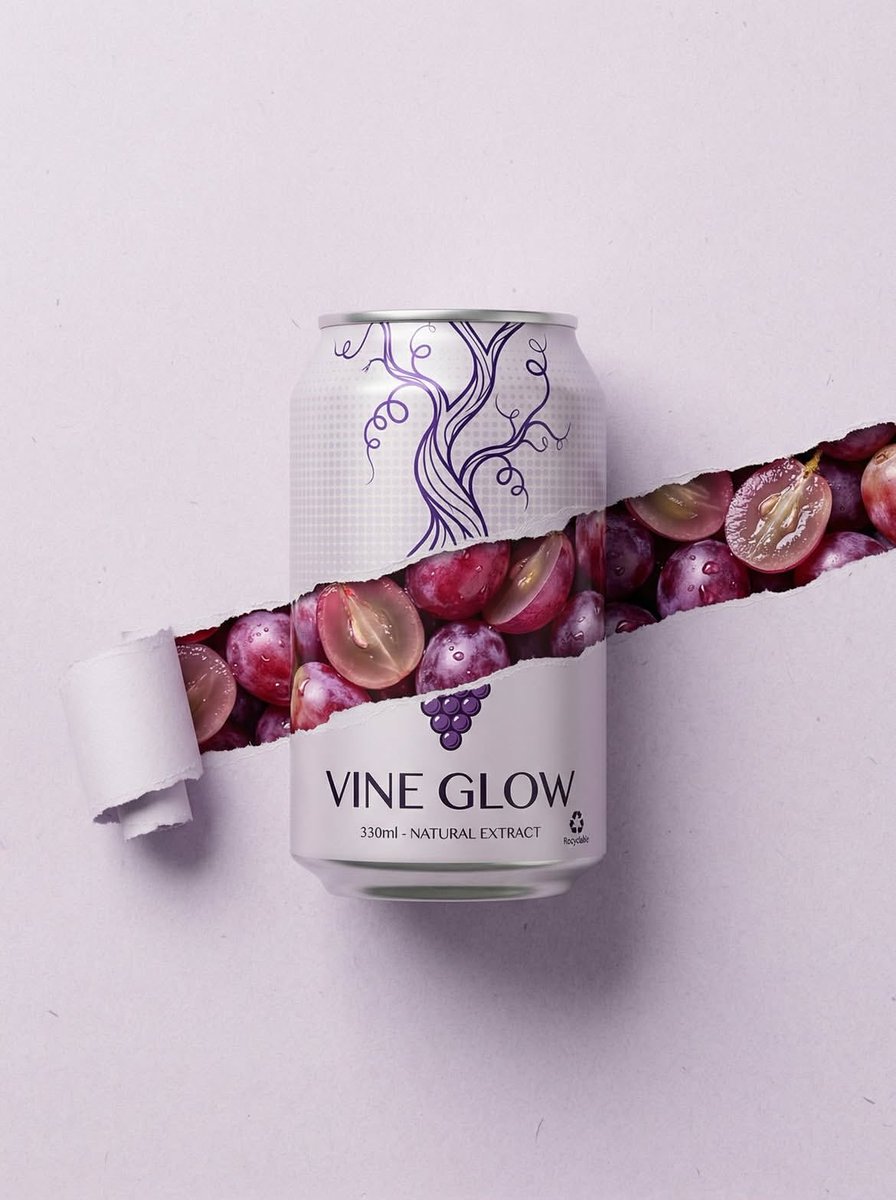
Ripped Paper Effect Beverage Can Mockups
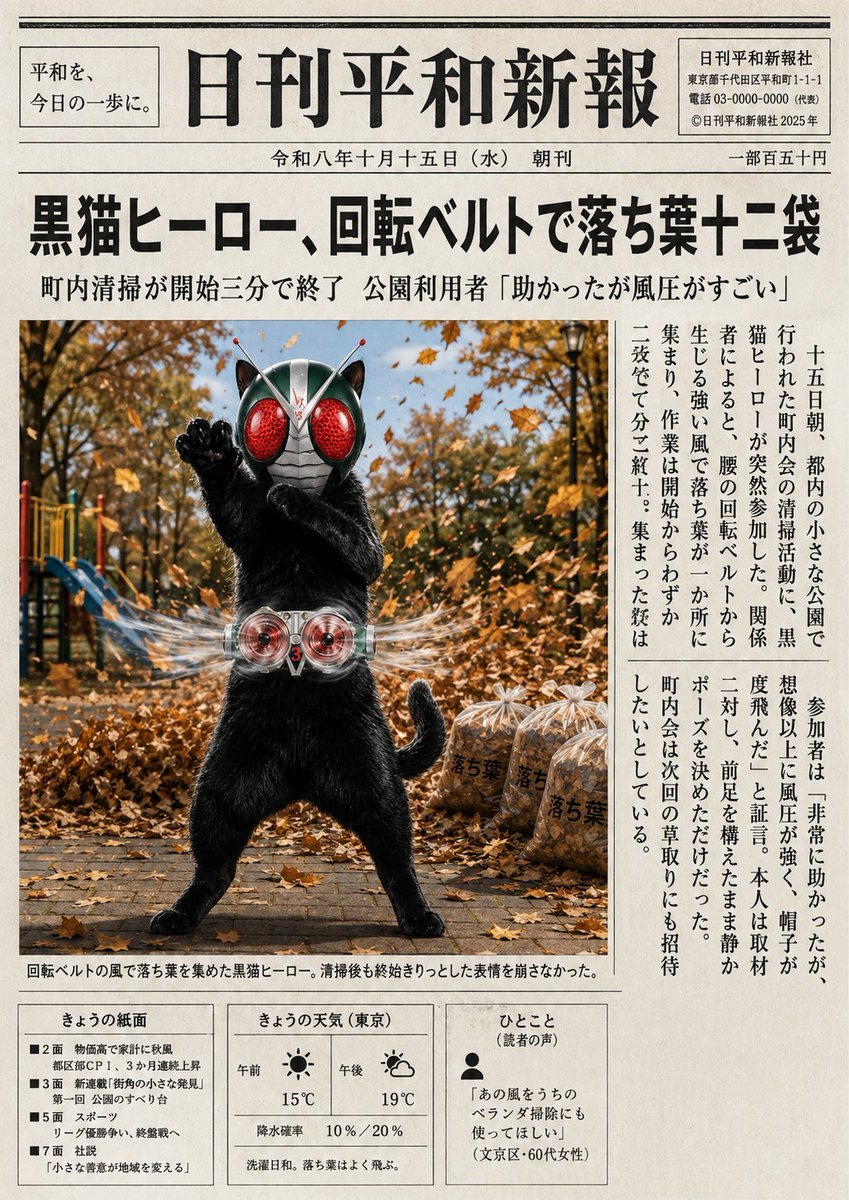
Japanese Newspaper Cat Hero Front Page
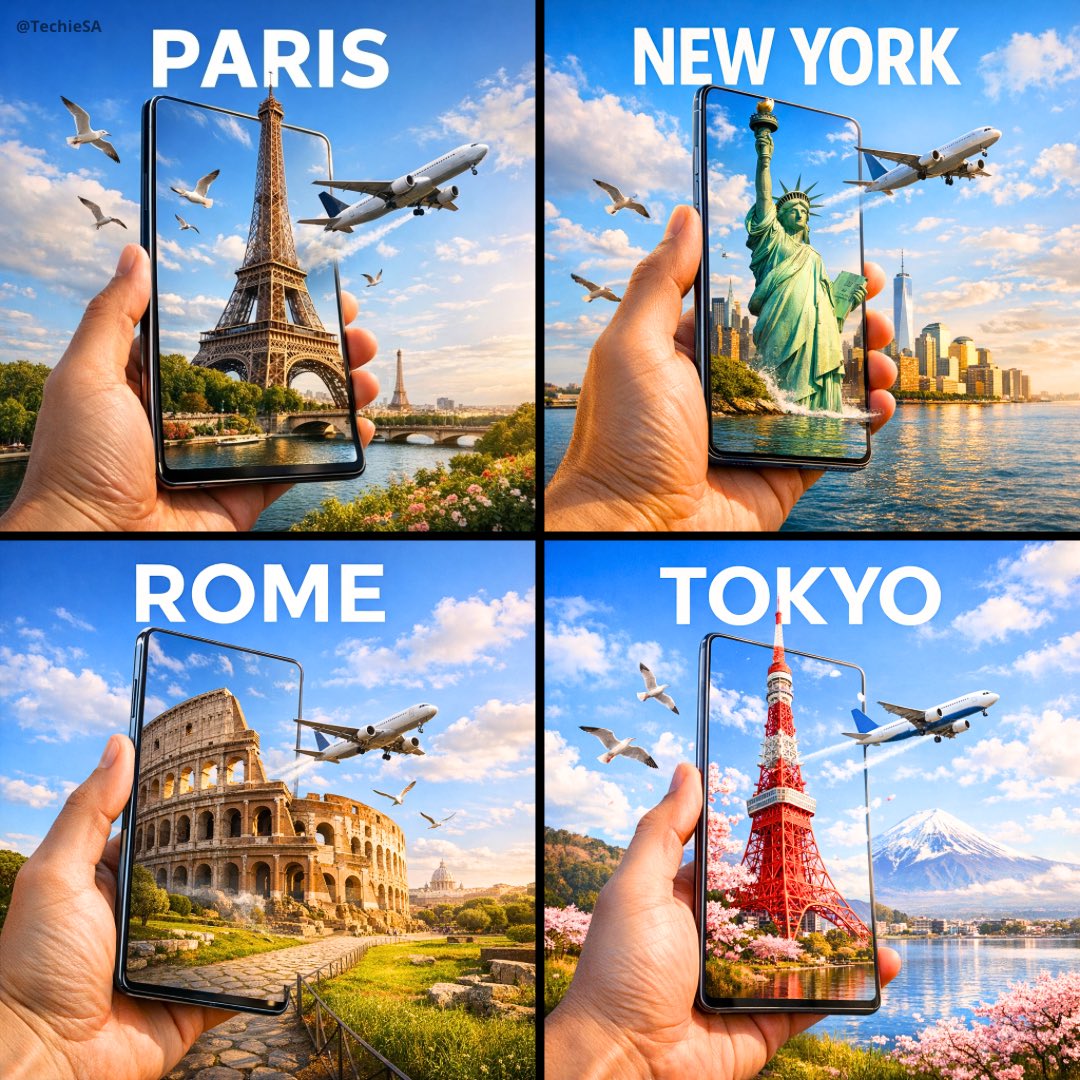
Travel Ad Phone Portal 3D Effect

Dramatic motion blur trails, long-exposure photography effect, dynamic
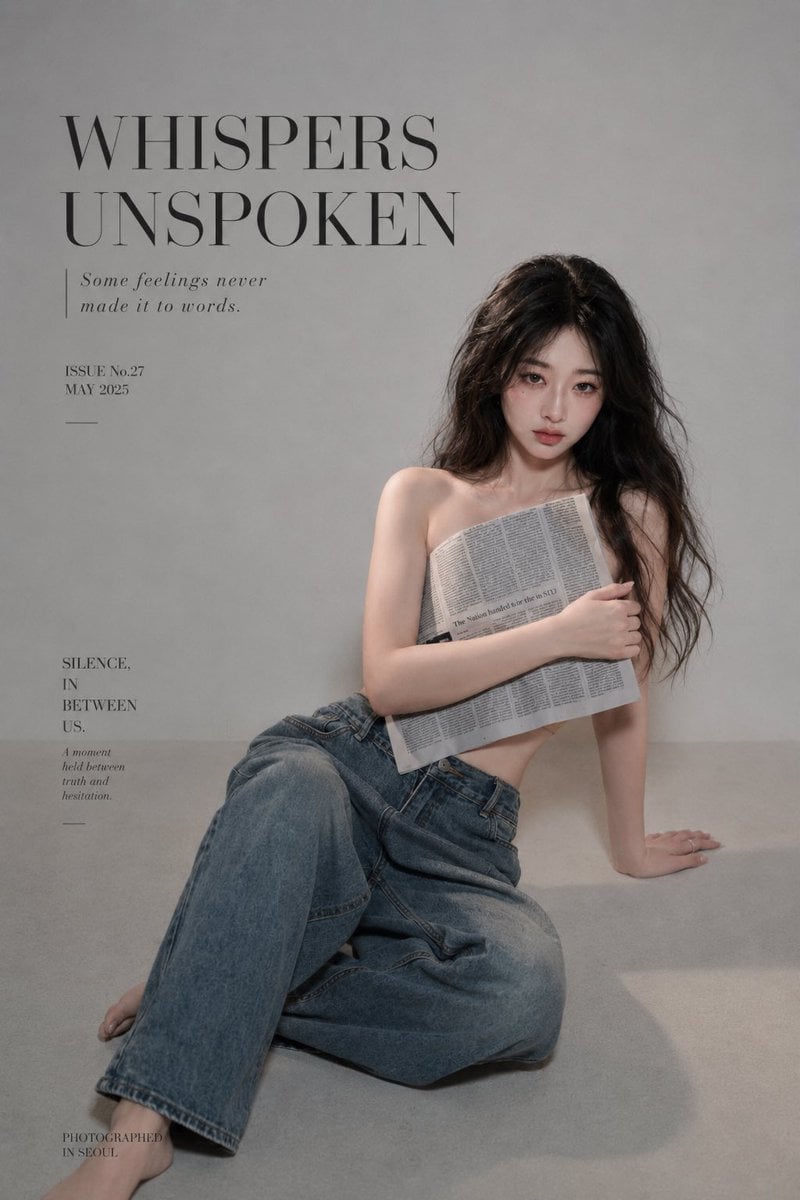
Quiet Newspaper Fashion Cover
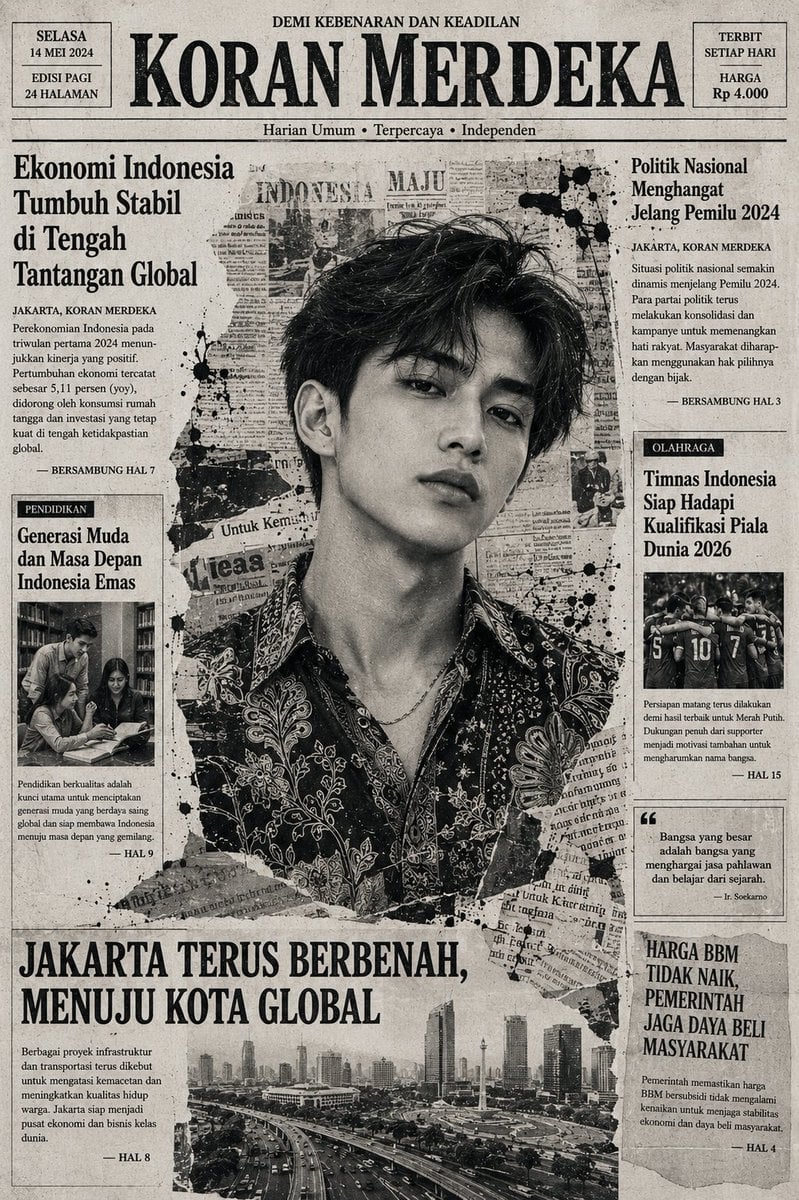
Indonesian Woman Newspaper Collage Portrait
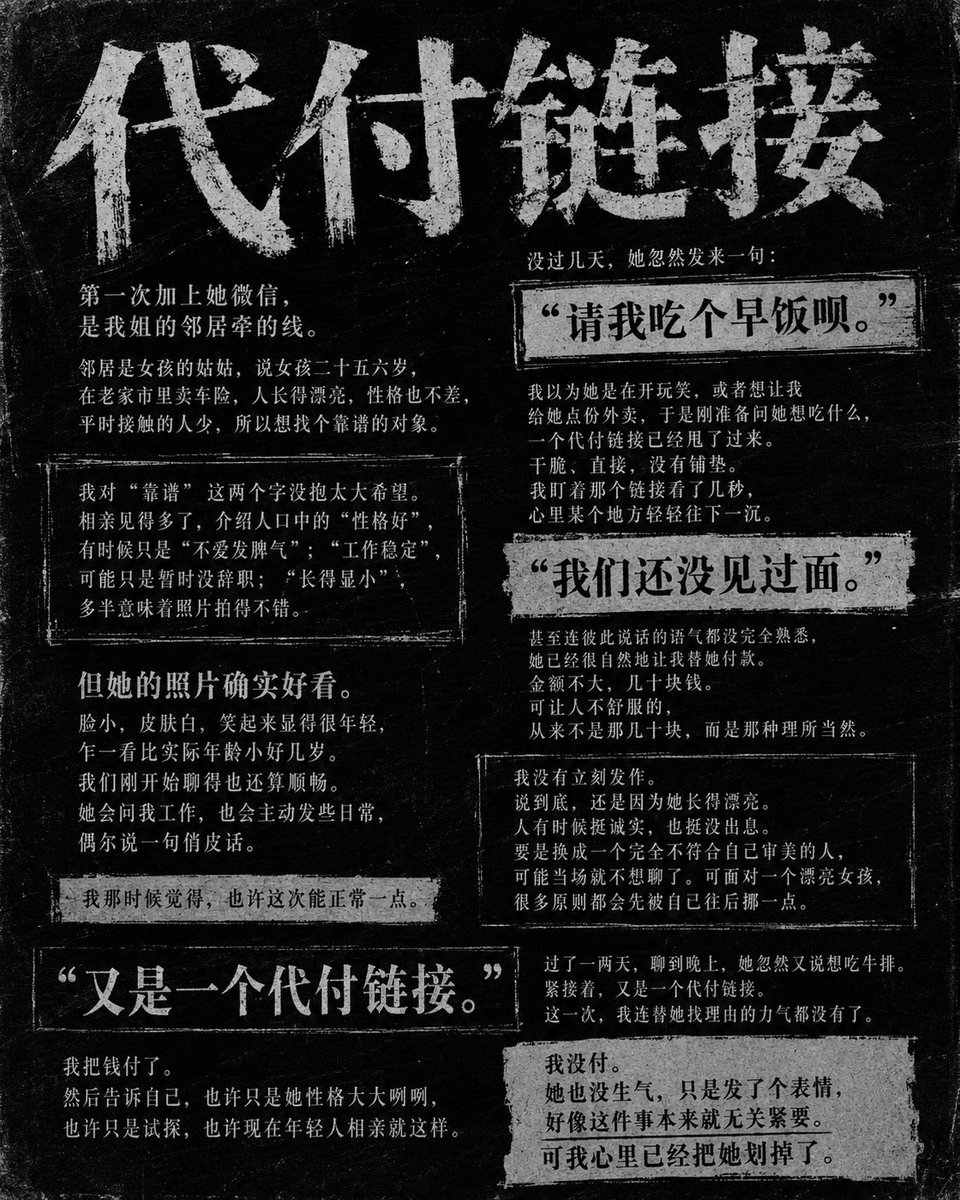
Dark Chinese Newspaper Story Poster
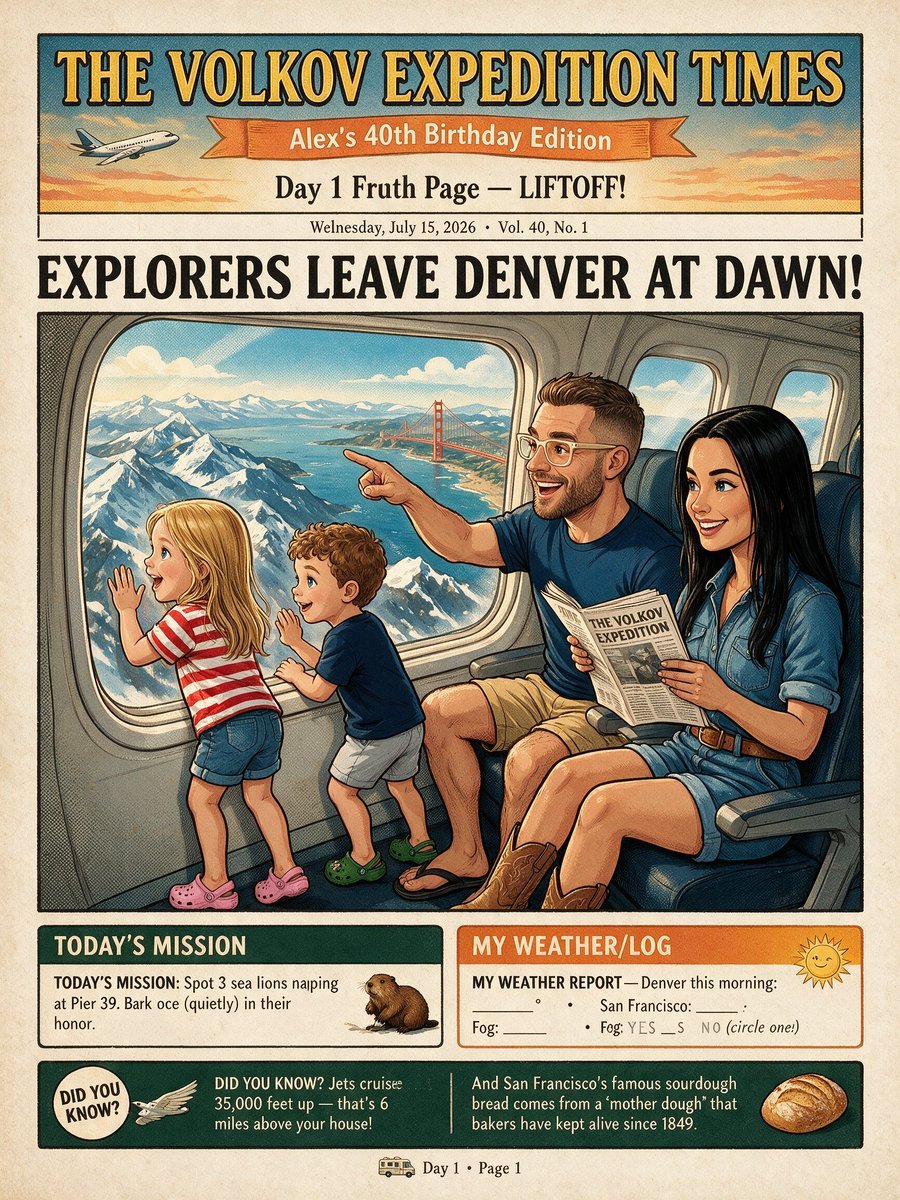
Vintage Family Expedition Newspaper
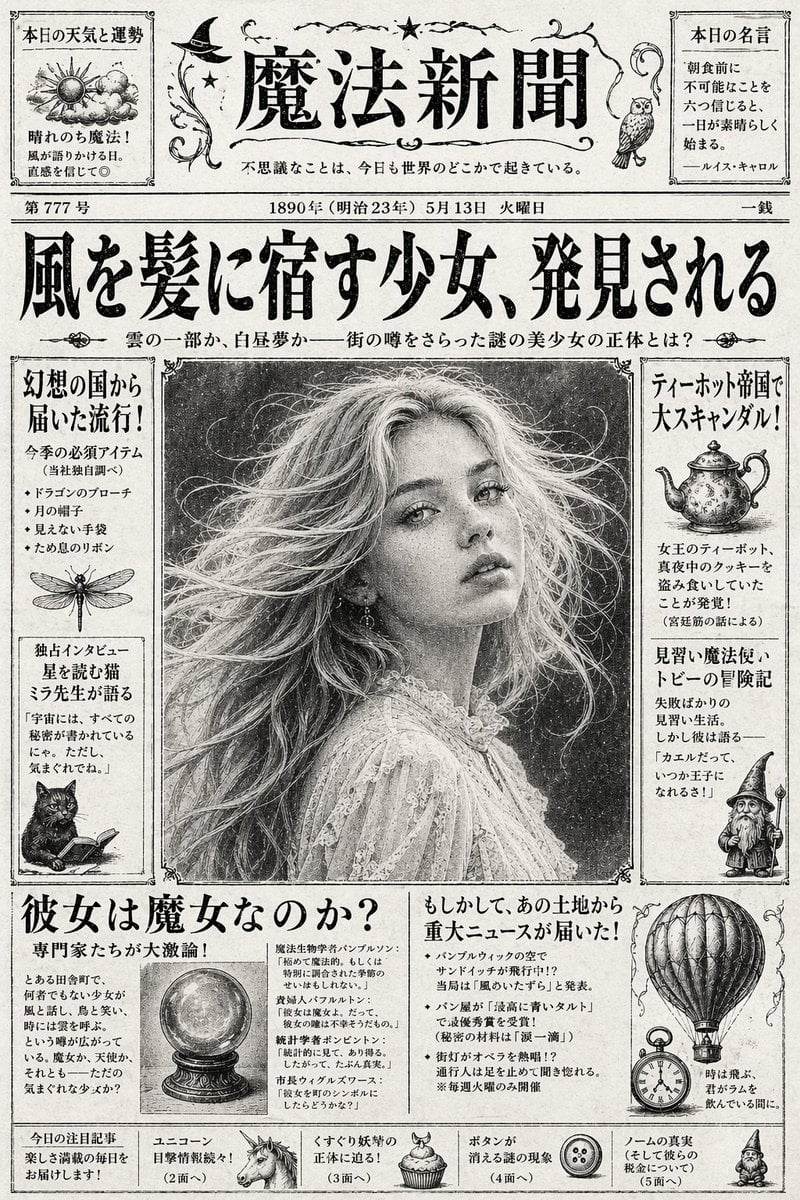
Vintage Japanese Fantasy Magic Newspaper
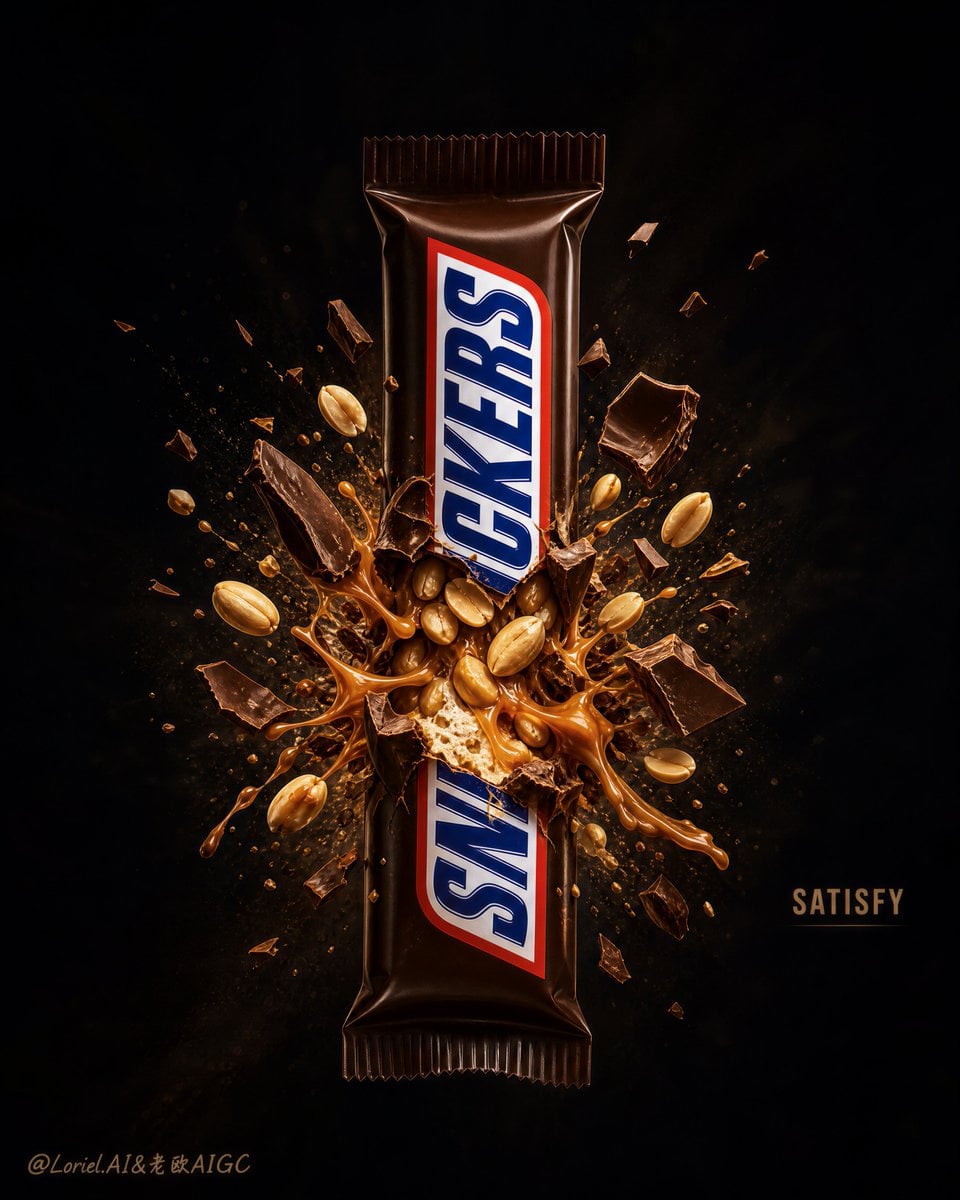
Explosion Effect Commercial Poster
Make it yours
Character Analysis Newspaper Rip-Through Effect works as-is. These are the safest ways to change it without losing the look.
Change one field
Copy a single group, rewrite it, and generate again so you can see what that field is doing.
Keep the frame, change the subject
Hold the composition and light of Character Analysis Newspaper Rip-Through Effect, then swap wardrobe, props or the person for a new take.
| If the result… | Why | Fix |
|---|---|---|
| The result drifts from the preview | Too many fields changed at once. | Reuse Character Analysis Newspaper Rip-Through Effect as-is first, then change one group — subject, light, or setting. |
| The model over-stylizes the scene | The prose prompt leaves finish and camera underspecified. | Add one camera or lighting sentence and stay on Nano Banana 2. |
More Nano Banana 2 templates
Other prompts made for Nano Banana 2.

Photorealistic Leaf Shaped Like a Dragon

K-Pop Idol Portrait Grid for Rapid Selection

Poetic Rain Forest Portrait During Golden Hour

Urban Street Portrait with Cartoon Inner Self Duo

Candid Nighttime Photo with Cat Prompt

High-Concept 3D Diorama Generation Prompt

Cinematic Futuristic Studio Portrait Template

Skincare Editorial Photography Collage Prompt

Hyper-Realistic Commercial Product Photography (Splash Effect)

Hyper-Realistic Nightclub Portrait Prompt
More image prompts
Fresh picks from across the catalog.
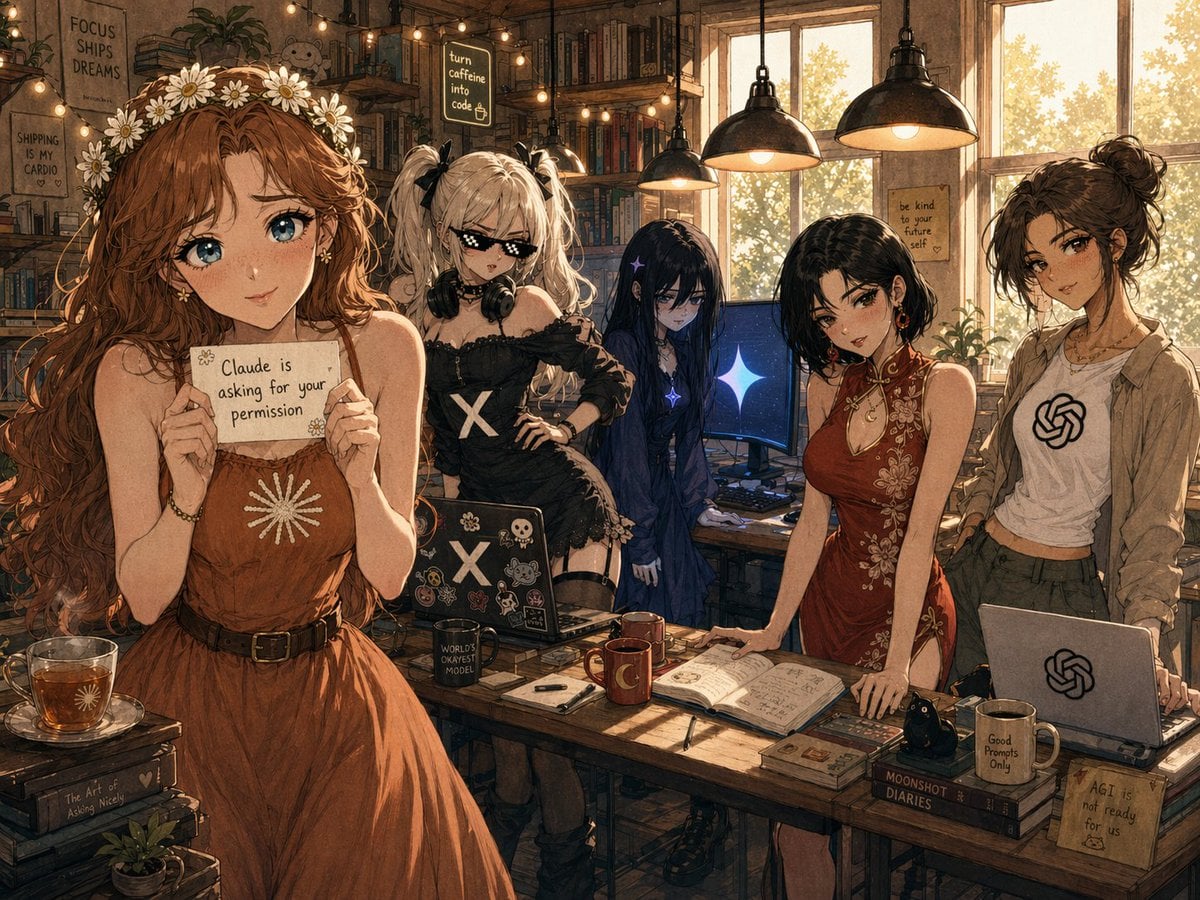
Cozy AI Agents Studio Group Portrait
Lunar New Year Studio Photo Prompt
Nostalgic Sisters Scrapbook Page
Reentry Shuttle Above Earth
Professional Corporate Headshot Poster Creator
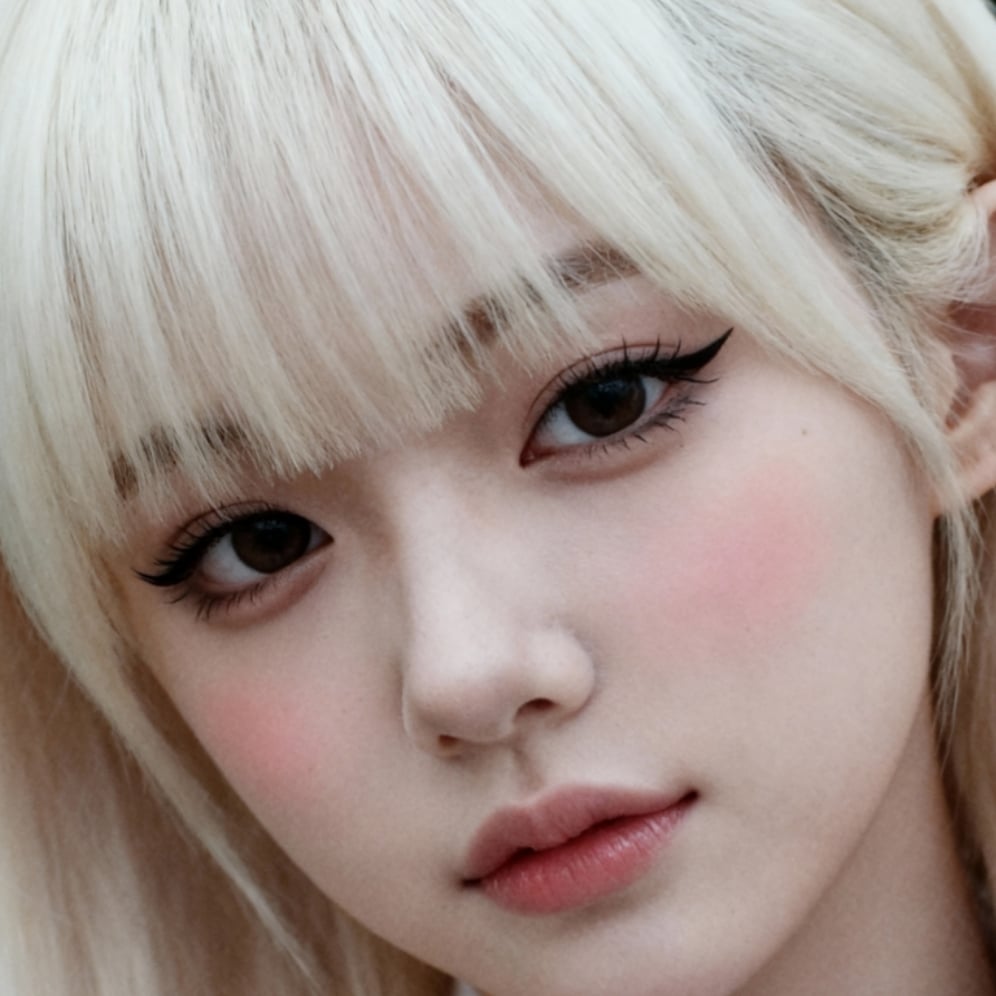
Ultra-High Resolution Upscale and Skin Texture Transfer Prompt
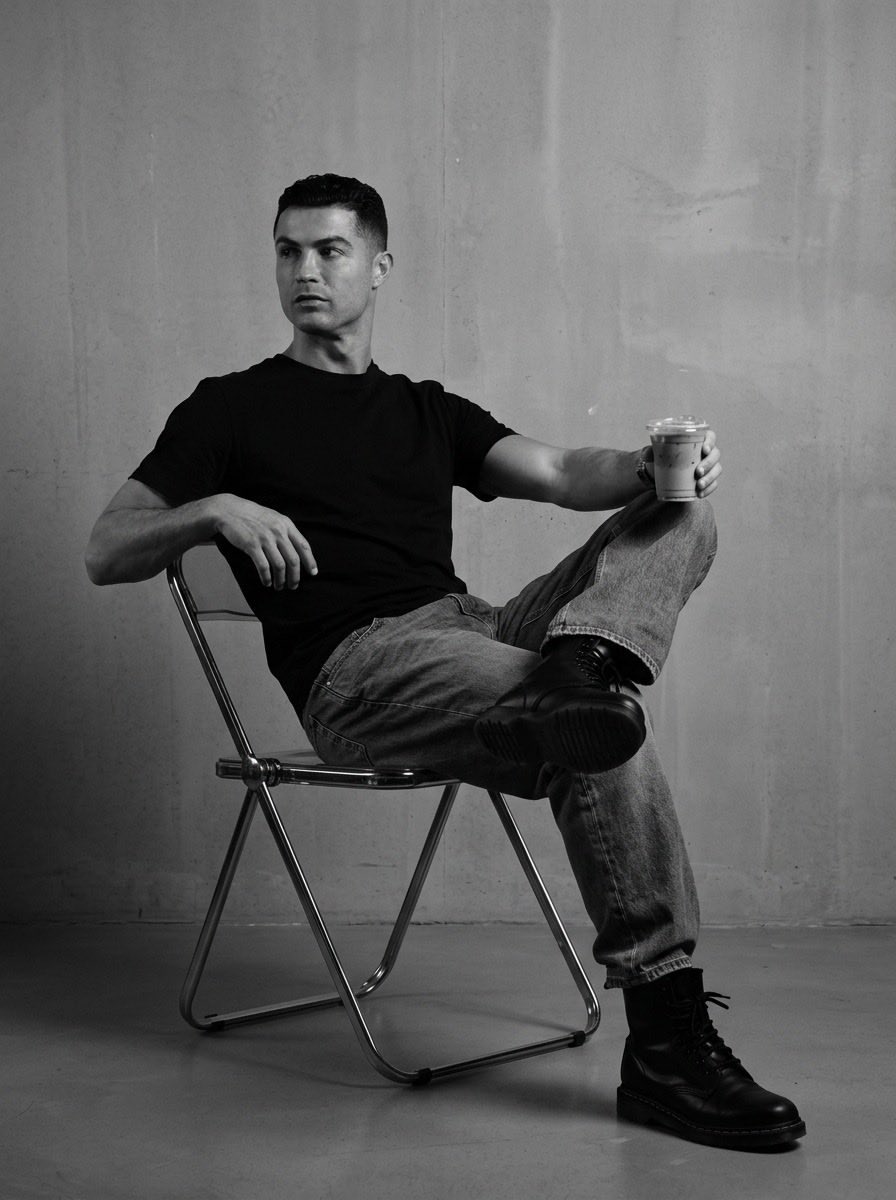
Industrial Studio Fashion Portrait
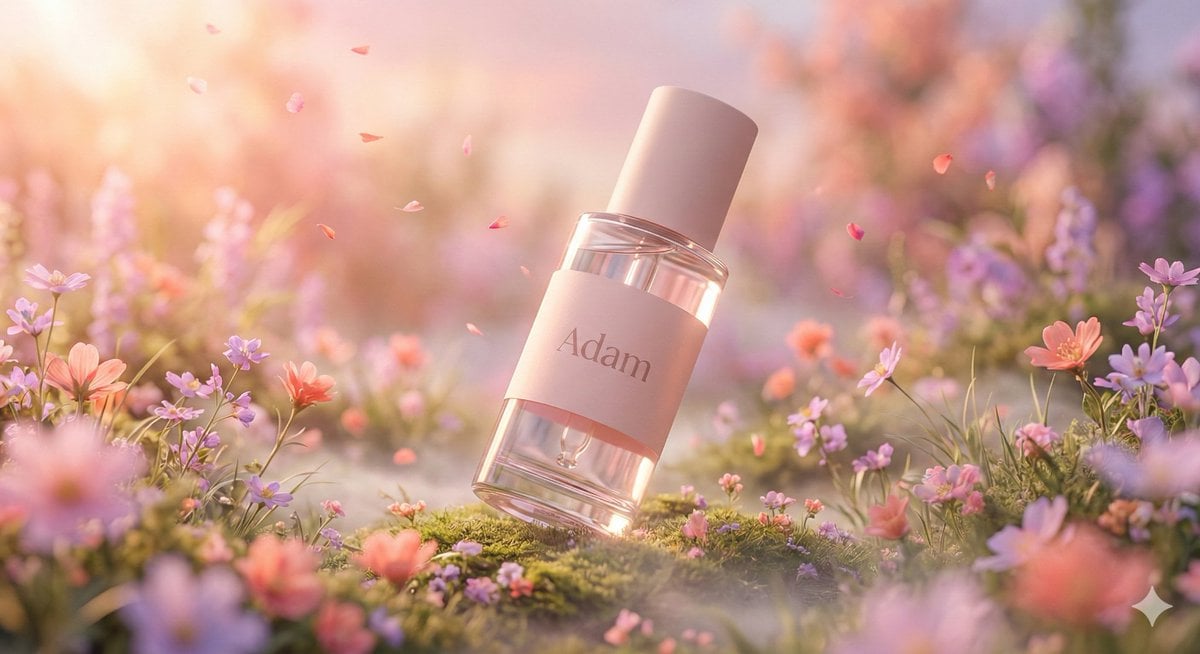
Hyper-Realistic Luxury Serum Product Photography Prompt (JSON)
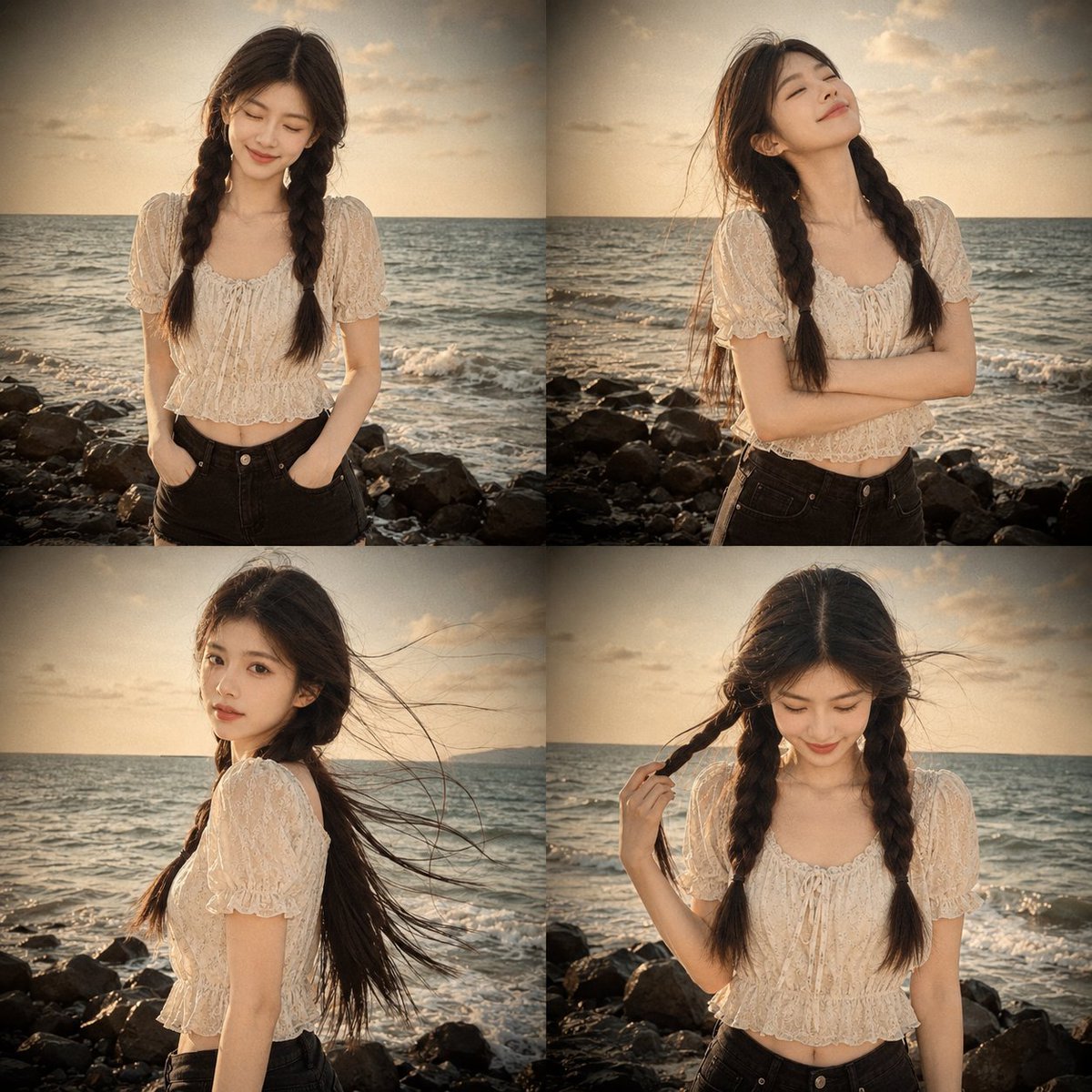
Prompt: Use my uploaded portrait photo only as th
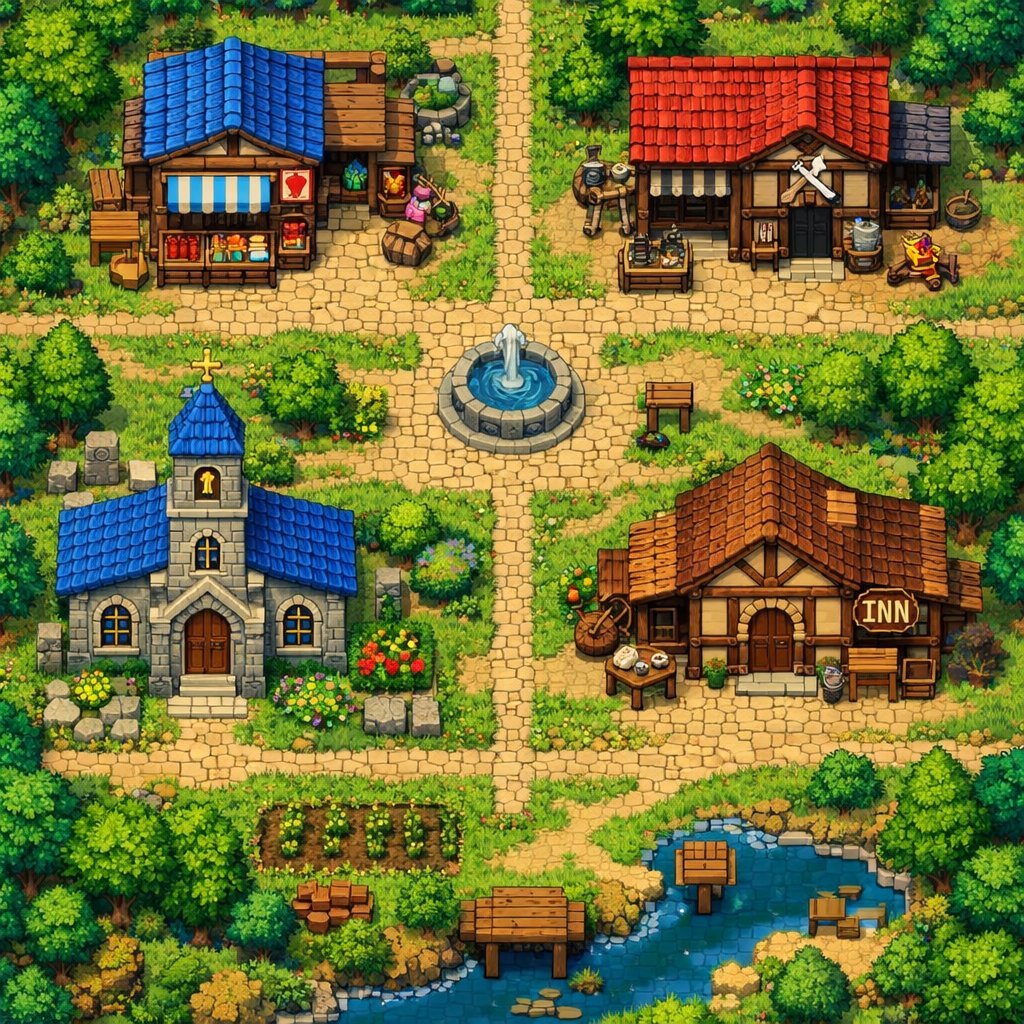
2D Pixel Art Village Map Prompt (ChatGPT)
Browse template categories
Character Analysis Newspaper Rip-Through Effect questions
How do I use the Character Analysis Newspaper Rip-Through Effect template?
Add your photo if the template asks for one, edit the prompt if you like — the template's model and format are already selected — and press Generate. Your version opens in PicX Studio.
Can I customize the Character Analysis Newspaper Rip-Through Effect template?
Yes. You can change the subject, setting, lighting, mood, format, and available model controls before creating your image.
Is the Character Analysis Newspaper Rip-Through Effect template free?
Opening and editing this template is free. Generating uses credits, shown on the Generate button when you are signed in.
Which AI model should I use?
Start with Nano Banana 2, which is the model associated with this template. You can compare another compatible model for a different finish.
Looking for something else? Browse all templates.

Your photo, any look
Thousands of ready templates for every top image and video model, from one credit balance.