
Gothic Vampire Sisters
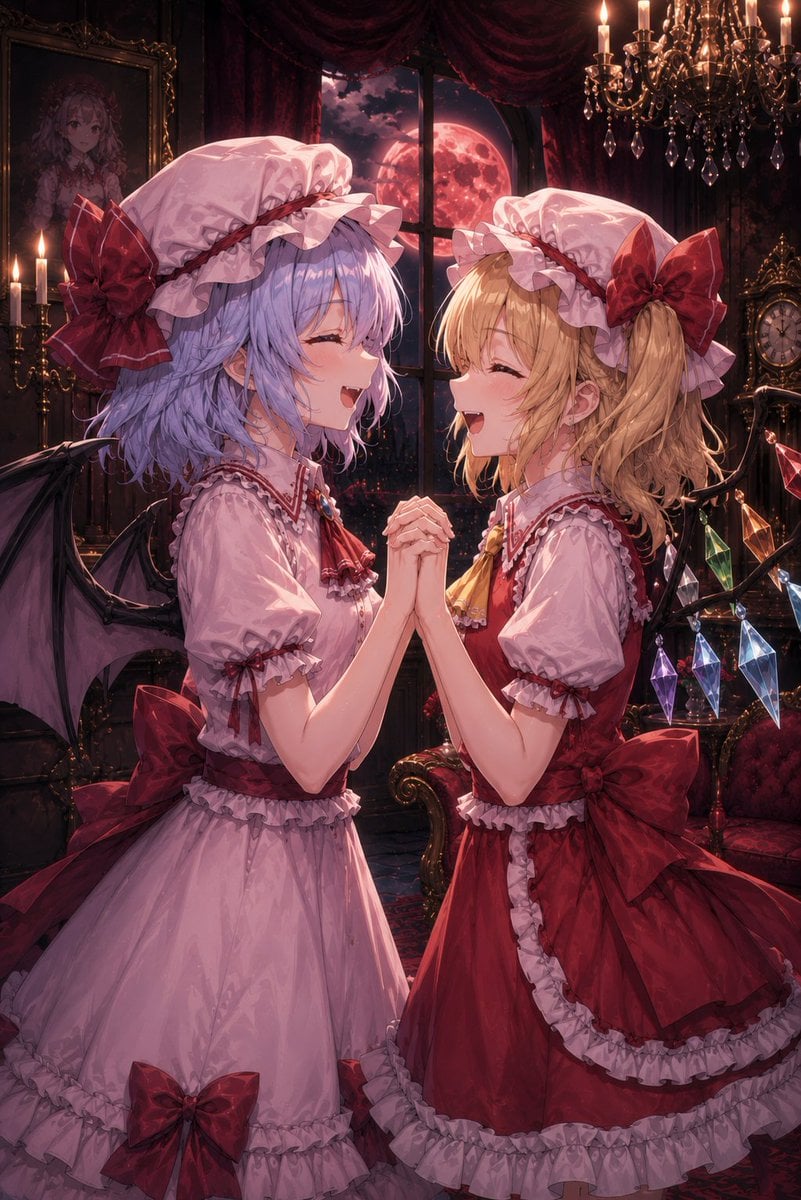
A detailed text prompt for generating a romantic gothic anime scene of two vampire sisters clasping hands in a moonlit Victorian parlor.
- Prompt included
- Model and format preset
- Free template
The prompt behind this image
Copy the exact prompt behind Gothic Vampire Sisters, or open it in the studio and make it yours.
Create a richly detailed vertical anime gothic-fantasy illustration of two young vampire sisters standing face to face in an ornate Victorian mansion at night, laughing joyfully with eyes closed while clasping both hands together between them. The left girl has {argument name="left character hair color" default="lavender-blue"} short wavy bob hair, a frilly pink maid-inspired dress with red ribbons, a large white mob cap with red trim and a huge dark red bow, small black bat wings, and a soft mischievous smile with tiny fangs visible. The right girl has {argument name="right character hair color" default="golden blonde"} wavy side ponytail hair, a deep crimson frilly dress with white ruffles, matching white mob cap with a huge dark red bow, black wing-like crystal frame behind her, and a matching delighted fangy smile. Include exactly two main characters, posed symmetrically in an intimate sisterly moment, hands interlocked at chest height. The background is a dark luxurious vampire parlor: heavy burgundy curtains, a tall window showing a huge glowing {argument name="moon color" default="blood-red"} full moon in a cloudy night sky, antique framed portrait on the left wall, lit candles, an ornate chandelier with many warm candle flames and dangling prisms, a vintage clock on the right, red velvet furniture, dark wood, gold trim, and a moody patterned carpet. Add exactly six prominent colored hanging crystal prisms near the right character: red, green, purple, pale blue, dark blue, and clear-blue. Use dramatic warm candlelight mixed with cool moonlight, glossy fabric highlights, intricate lace and ruffle details, soft painterly anime rendering, high detail, romantic gothic atmosphere, no text, no UI, no watermark.
How to use Gothic Vampire Sisters in 3 steps
- 1Upload ImagePNG, JPG or paste
Add your photo
Upload the photo the template builds on. The prompt, model and format are already set.
- 2…a portrait of your subject in softgolden-hour light, 85mm…
Personalize
Edit the subject and creative details for your destination.
- 3Generate
Generate
Press Generate — your image is created in PicX Studio, so you can compare it with the original and refine one variable at a time.
More like this
Templates with the same subject, style or setup. Open one to see its prompt.
Gothic Chibi Vampire Album Cover
Gothic Vampire Noble Portrait
Gothic Vampire Cinematic Scene
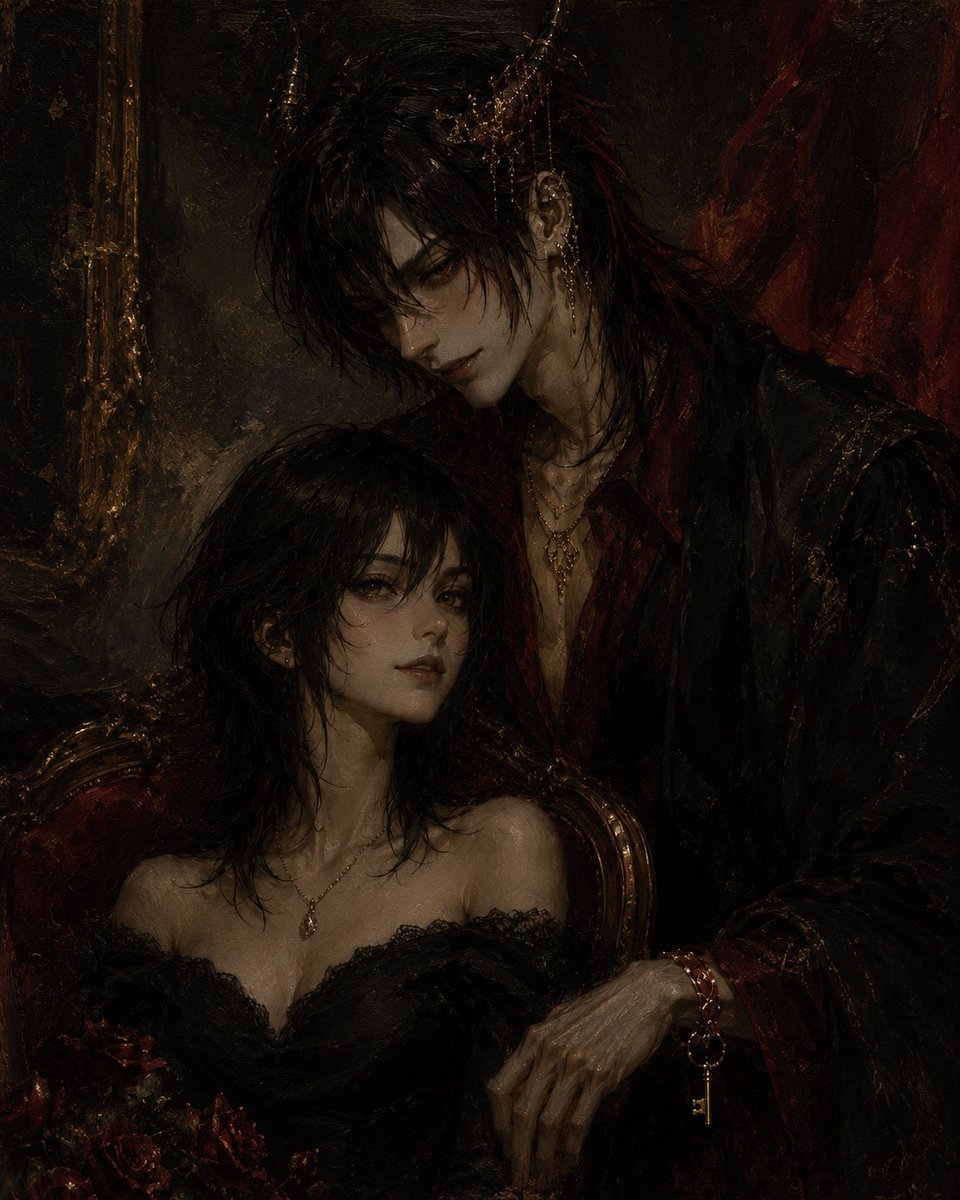
Gothic Vampire Couple Oil Portrait
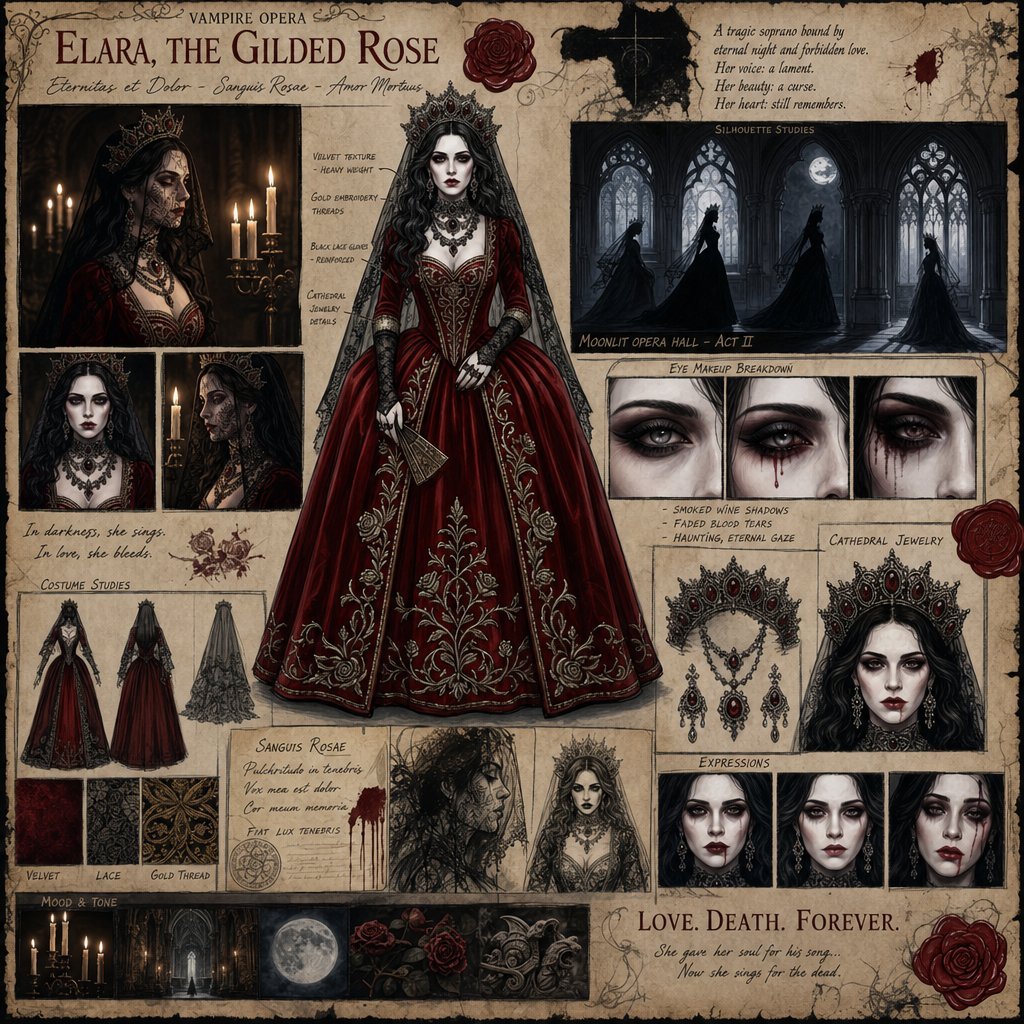
Dark Gothic Vampire Opera Character Design
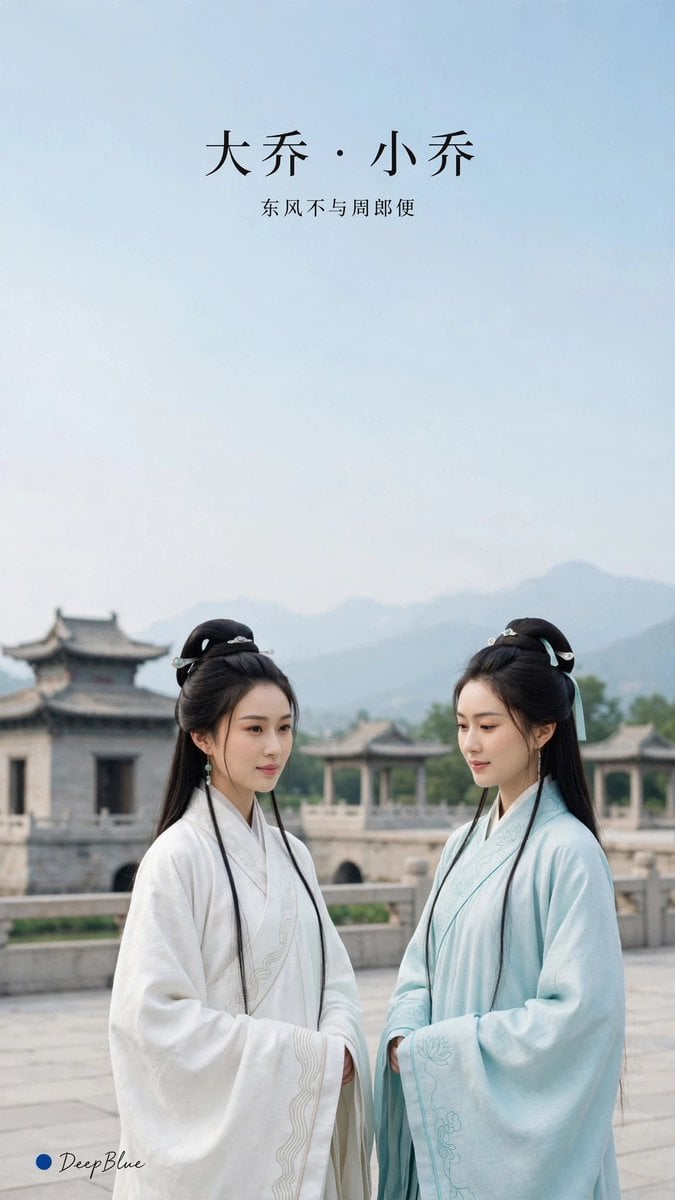
Elegant Hanfu Sisters Poster
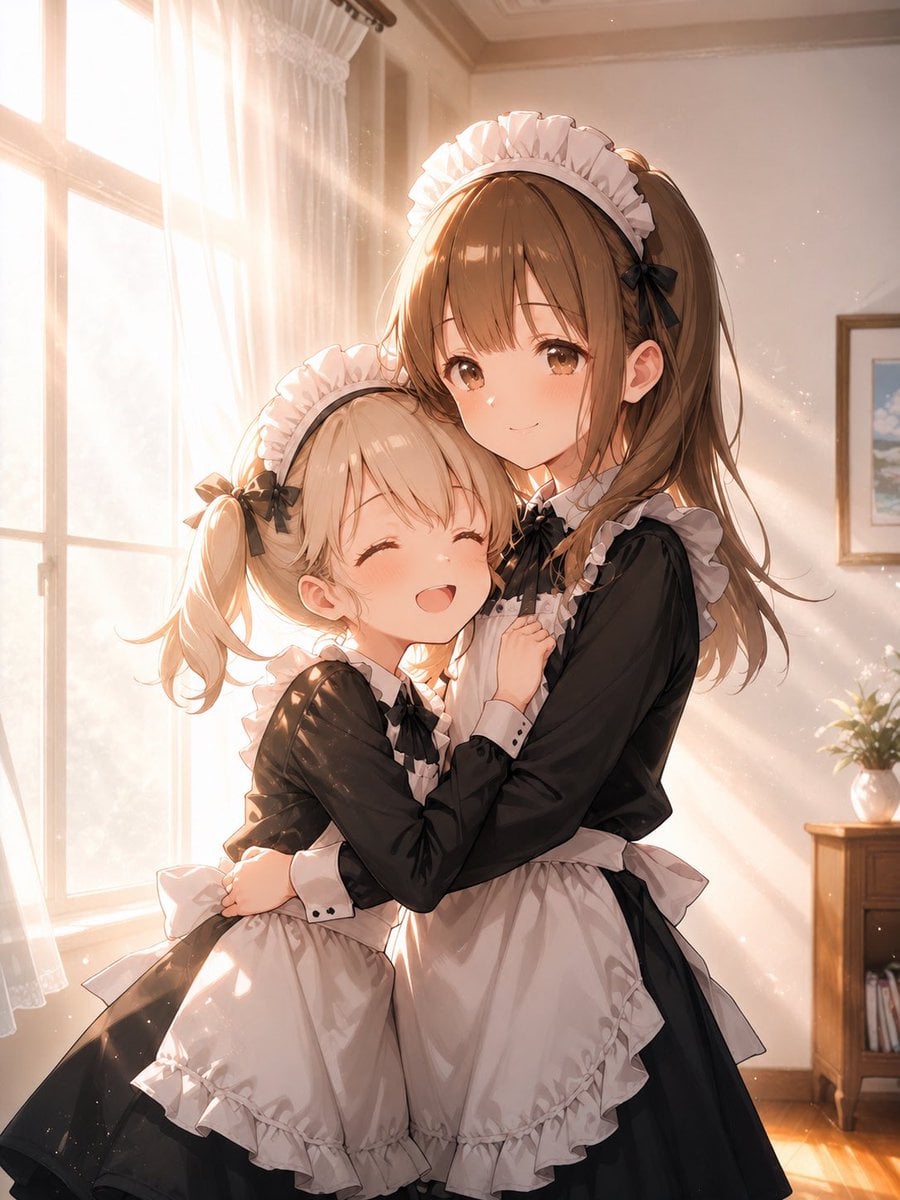
Sunlit Maid Sisters Hug
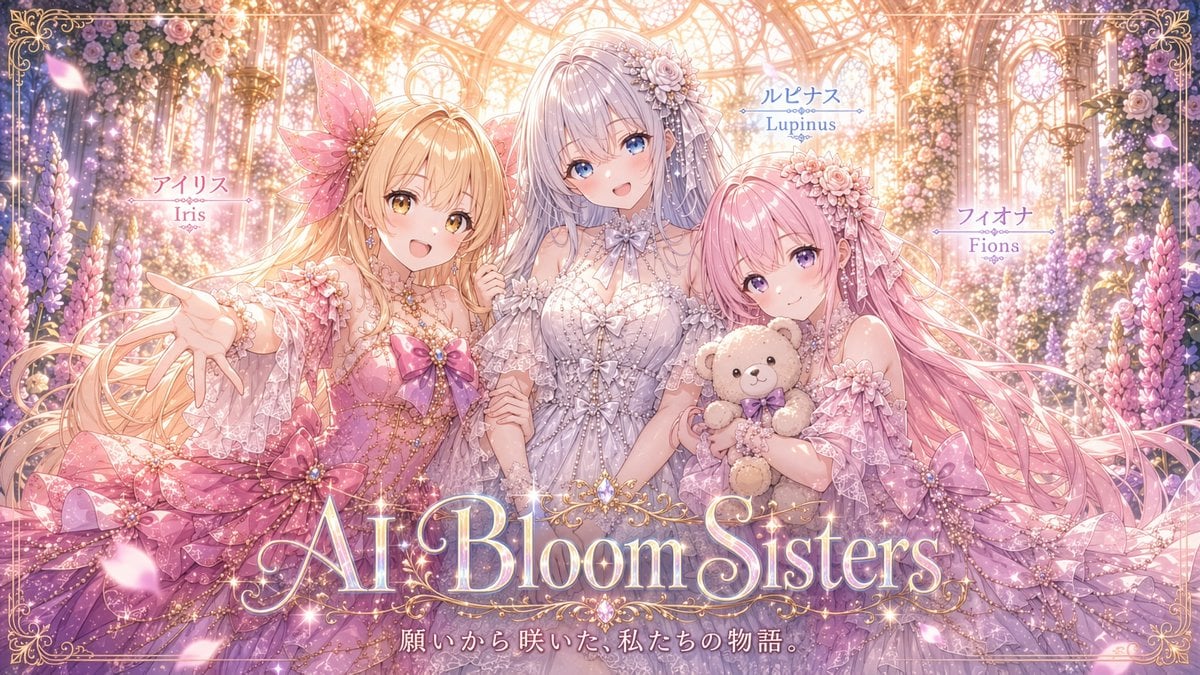
AI Bloom Sisters Anime Key Visual
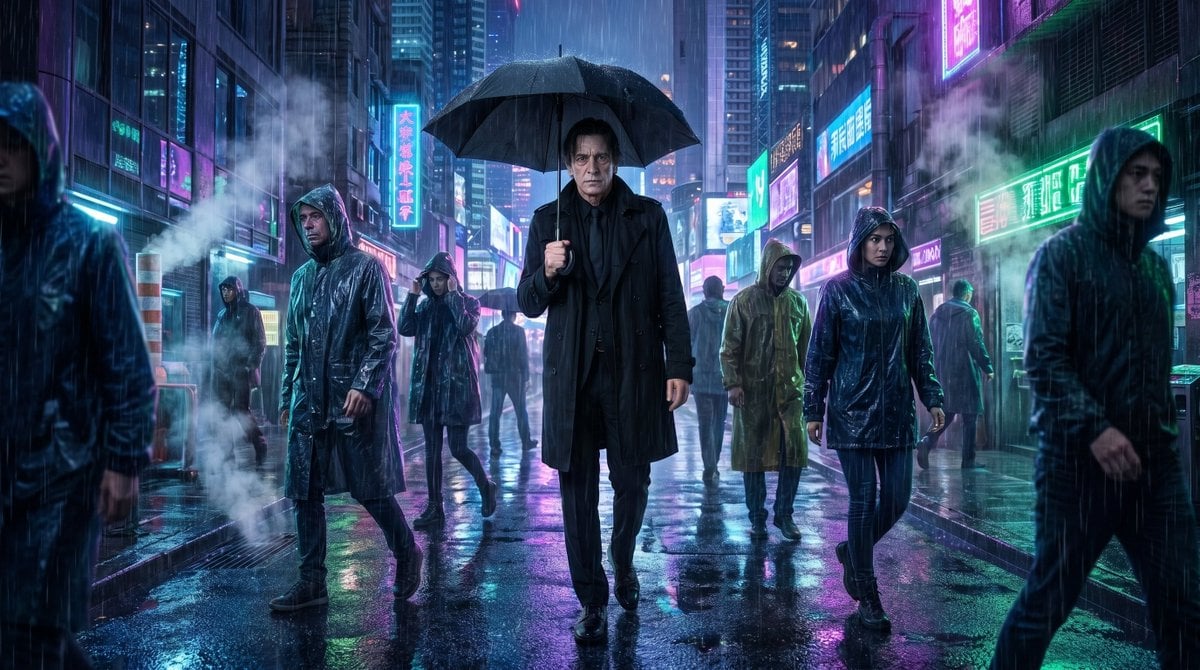
Vampire Detective Cyberpunk Scene
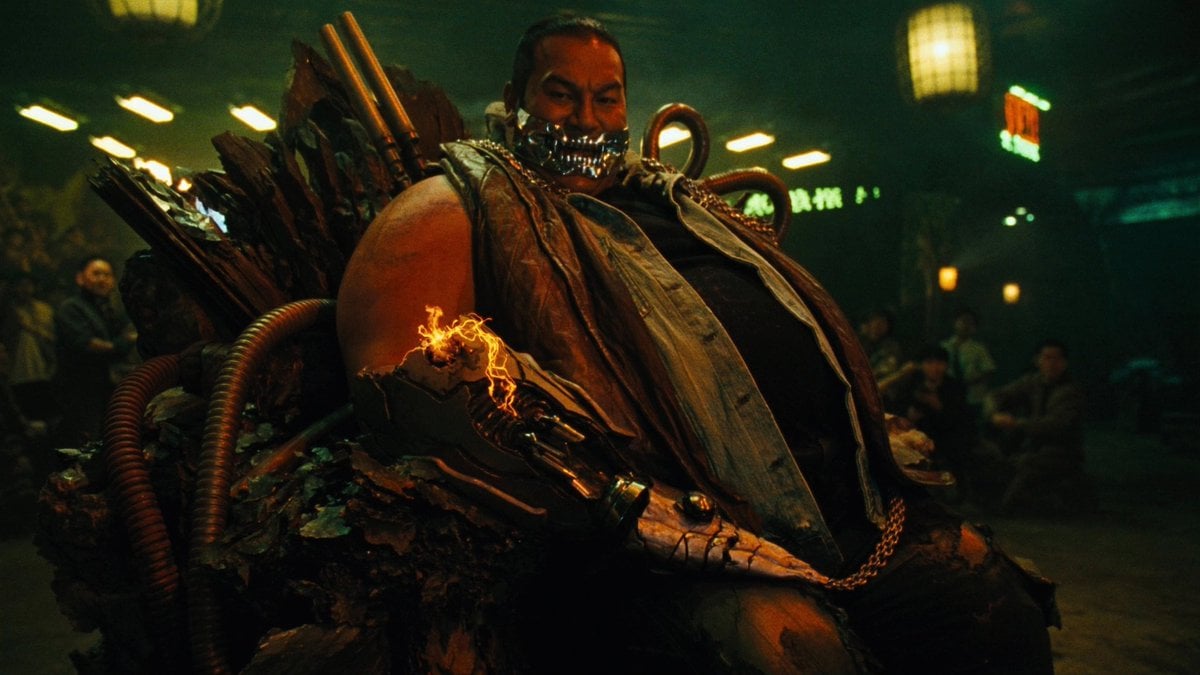
Cyber Vampire Character Turnaround Sheet
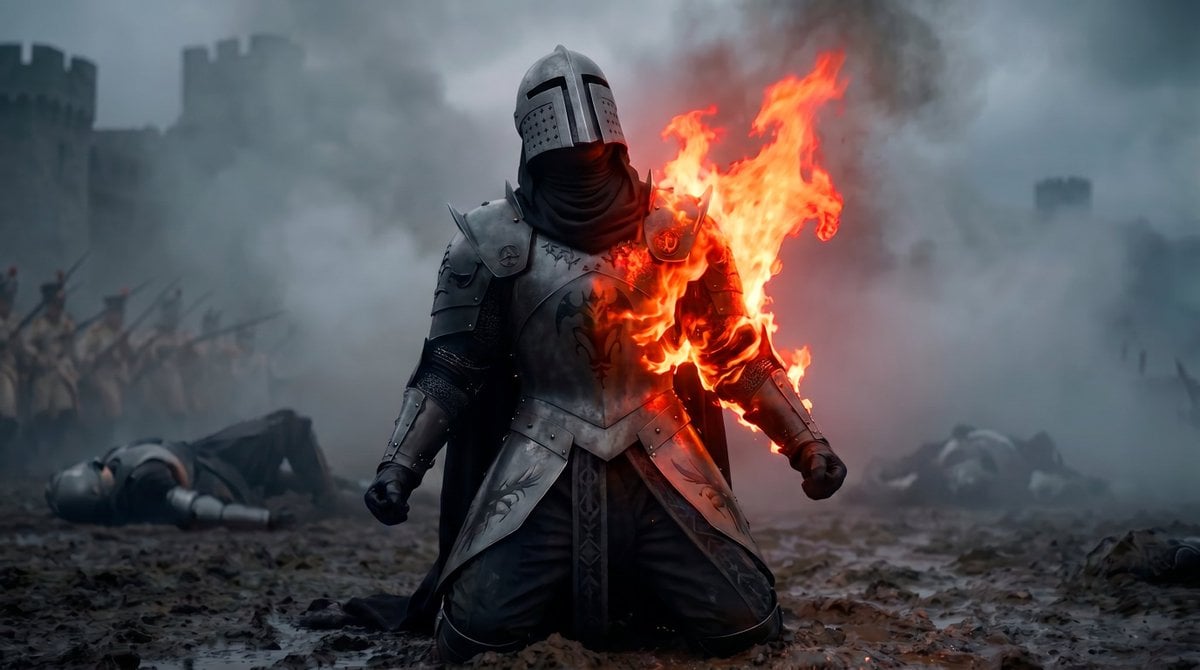
Vampire Knight Sunlight Exposure
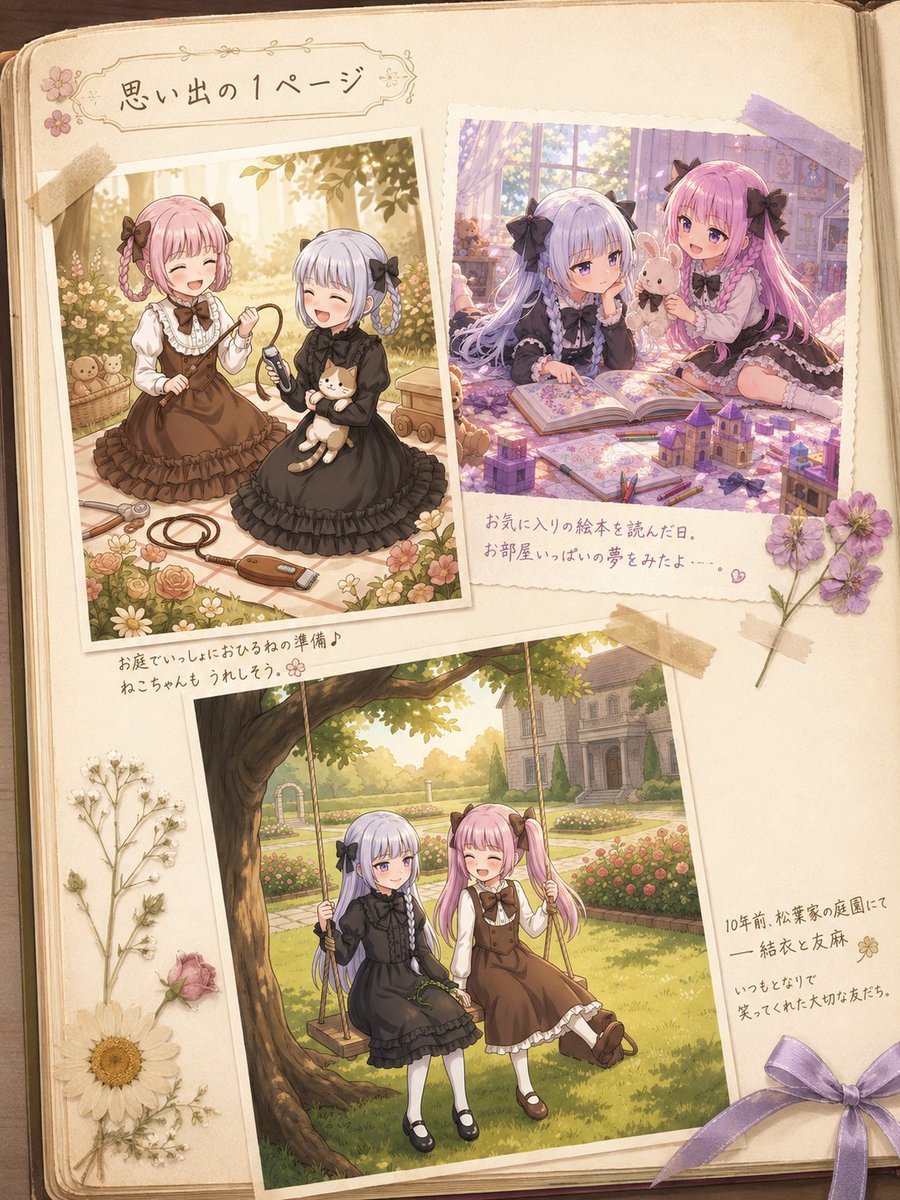
Nostalgic Sisters Scrapbook Page
Make it yours
Gothic Vampire Sisters works as-is. These are the safest ways to change it without losing the look.
Change one field
Copy a single group, rewrite it, and generate again so you can see what that field is doing.
Keep the frame, change the subject
Hold the composition and light of Gothic Vampire Sisters, then swap wardrobe, props or the person for a new take.
| If the result… | Why | Fix |
|---|---|---|
| The result drifts from the preview | Too many fields changed at once. | Reuse Gothic Vampire Sisters as-is first, then change one group — subject, light, or setting. |
| The model over-stylizes the scene | The prose prompt leaves finish and camera underspecified. | Add one camera or lighting sentence and stay on GPT Image 2. |
More GPT Image 2 templates
Other prompts made for GPT Image 2.

Six VTuber Japanese Logo Sheet

Realistic Portrait of Woman and Deer

The Vista Modular Condo Poster

AI Model Routing Comparison Infographic

2.5D Anime Art Board

Isometric Productivity Desk Scene

New York Double Exposure Poster

Four-Panel AI Landscape Comparison

Japanese Tatami Lifestyle Magazine Cover

NESCAFÉ Coffee Map Poster
More image prompts
Fresh picks from across the catalog.
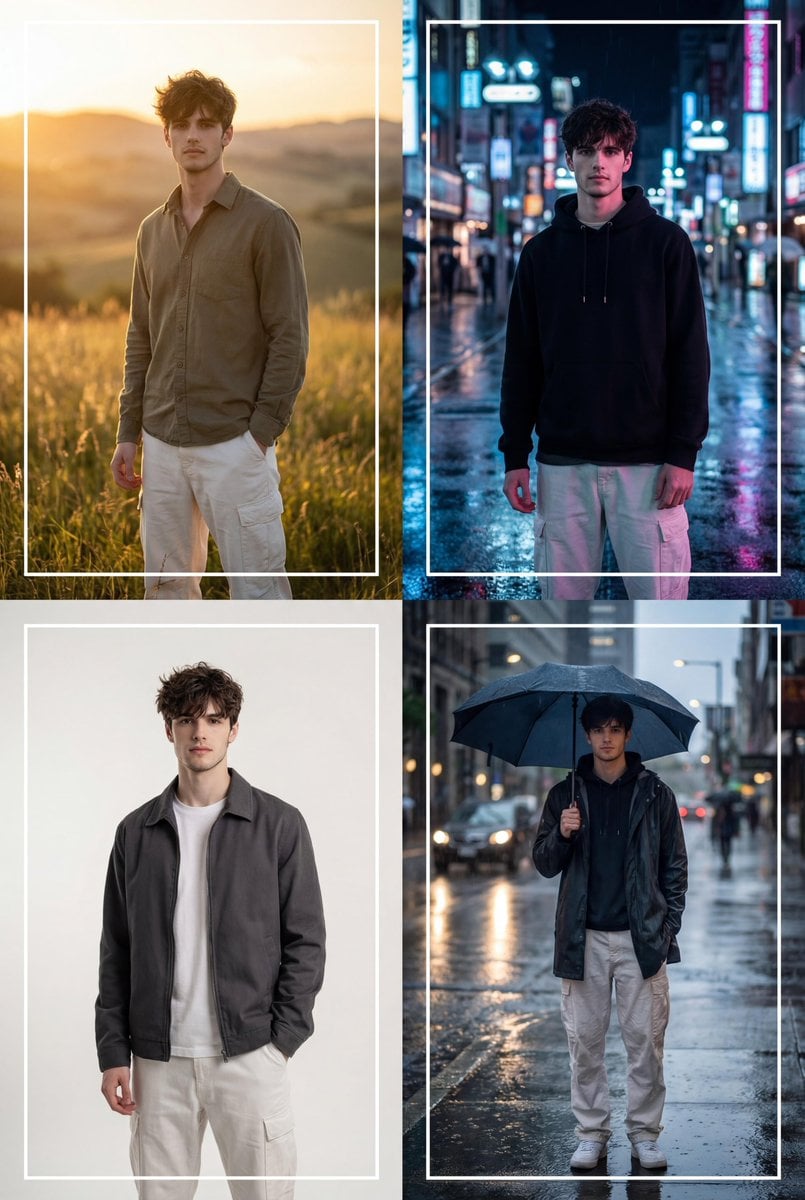
Cinematic 2x2 Grid Portrait with Consistent Identity
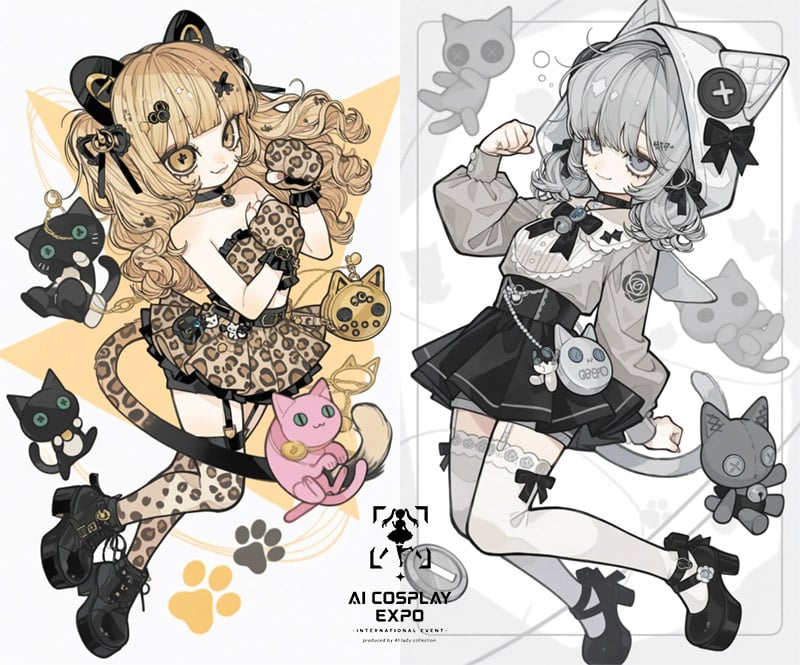
AI Cosplay Expo Cat Girls
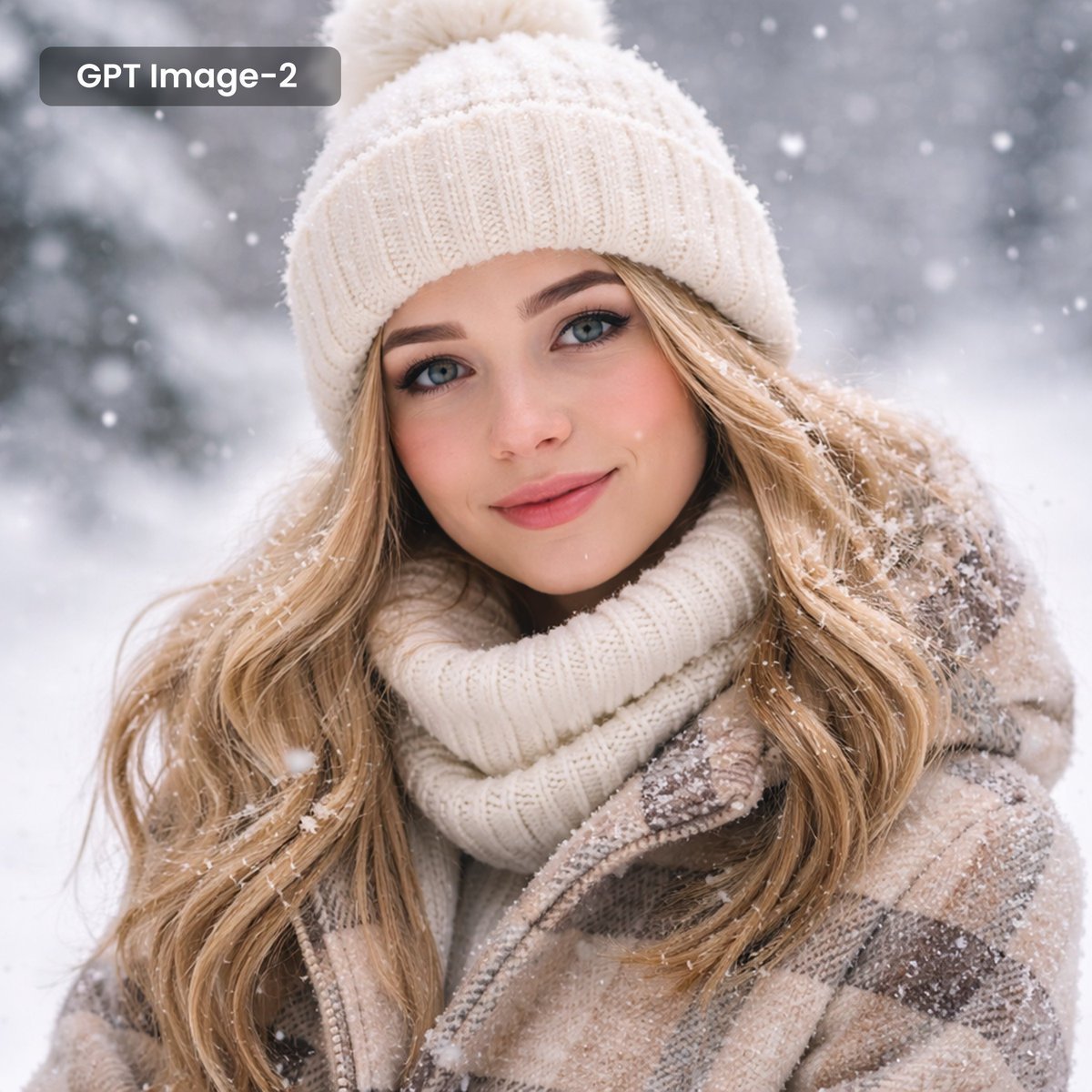
Photorealistic Winter Portrait with Snowflakes
Mirror Selfie in Pink Lounge Set with Identity Anchor
Classic Literature Surveillance Machine Dioramas
Nano Banana Seedance Cinematic Walk
Outdoor Mirror Selfie in European City at Golden Hour
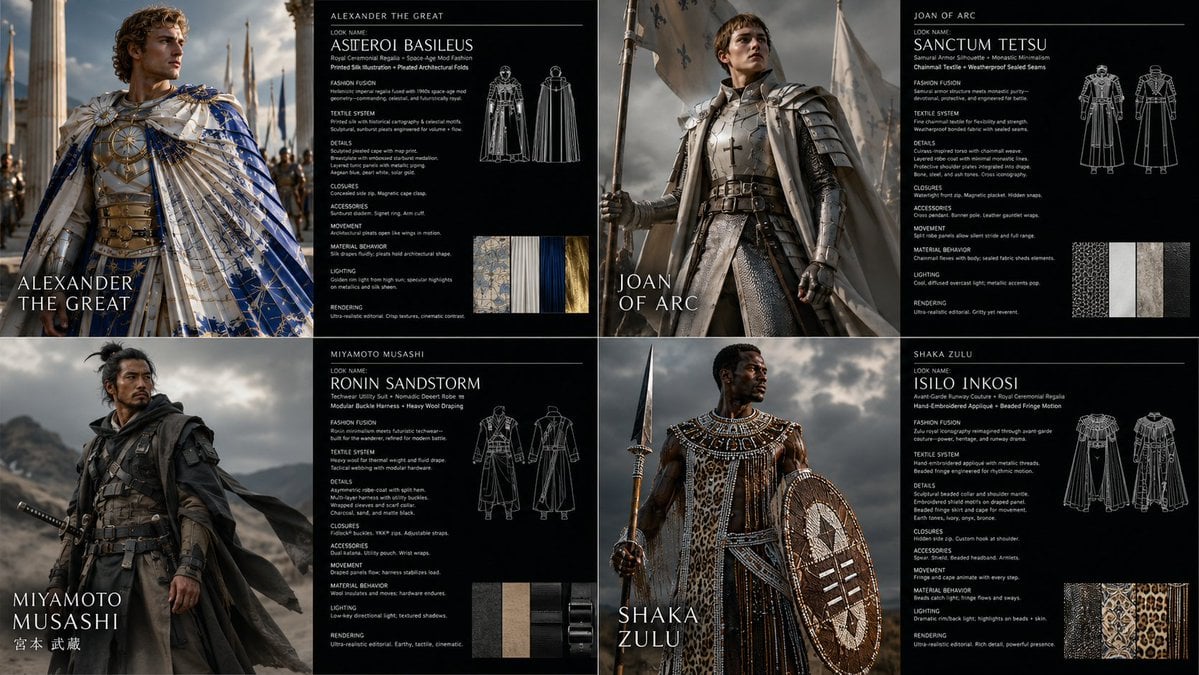
Warrior Fashion Fusion Designer
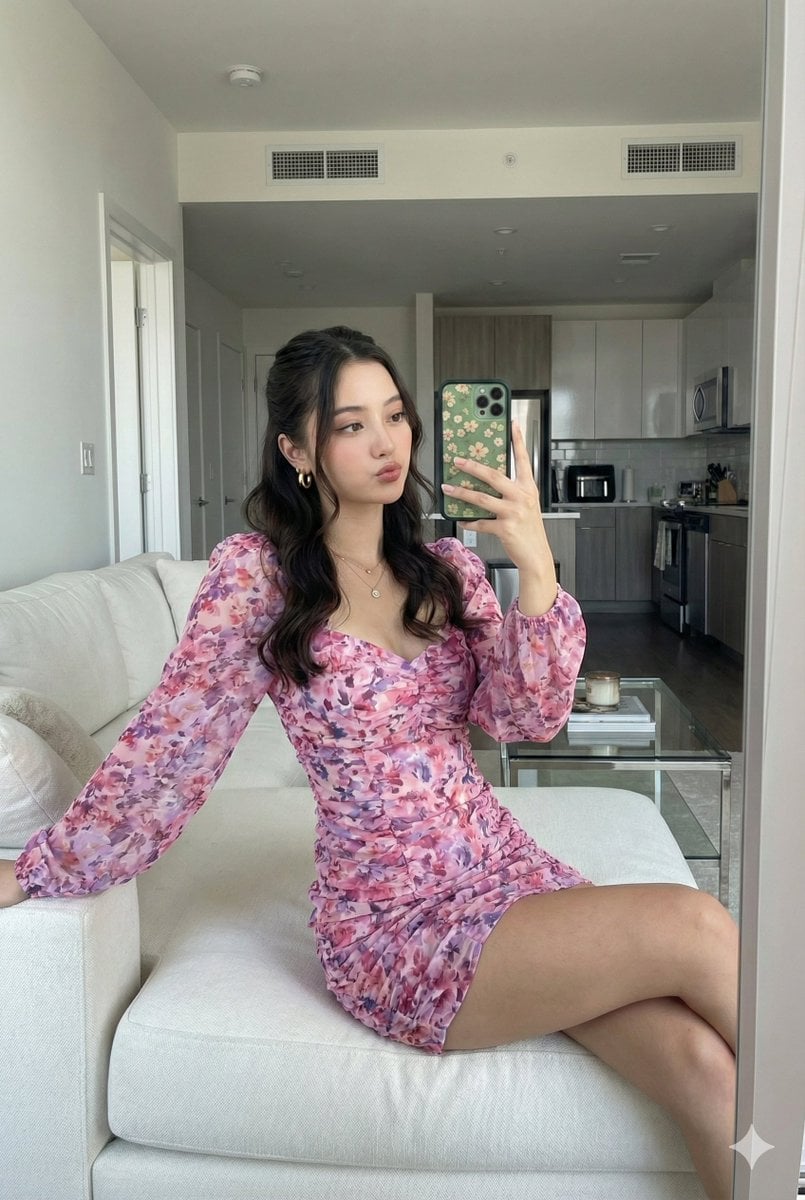
Mirror Selfie with Face Preservation Prompt
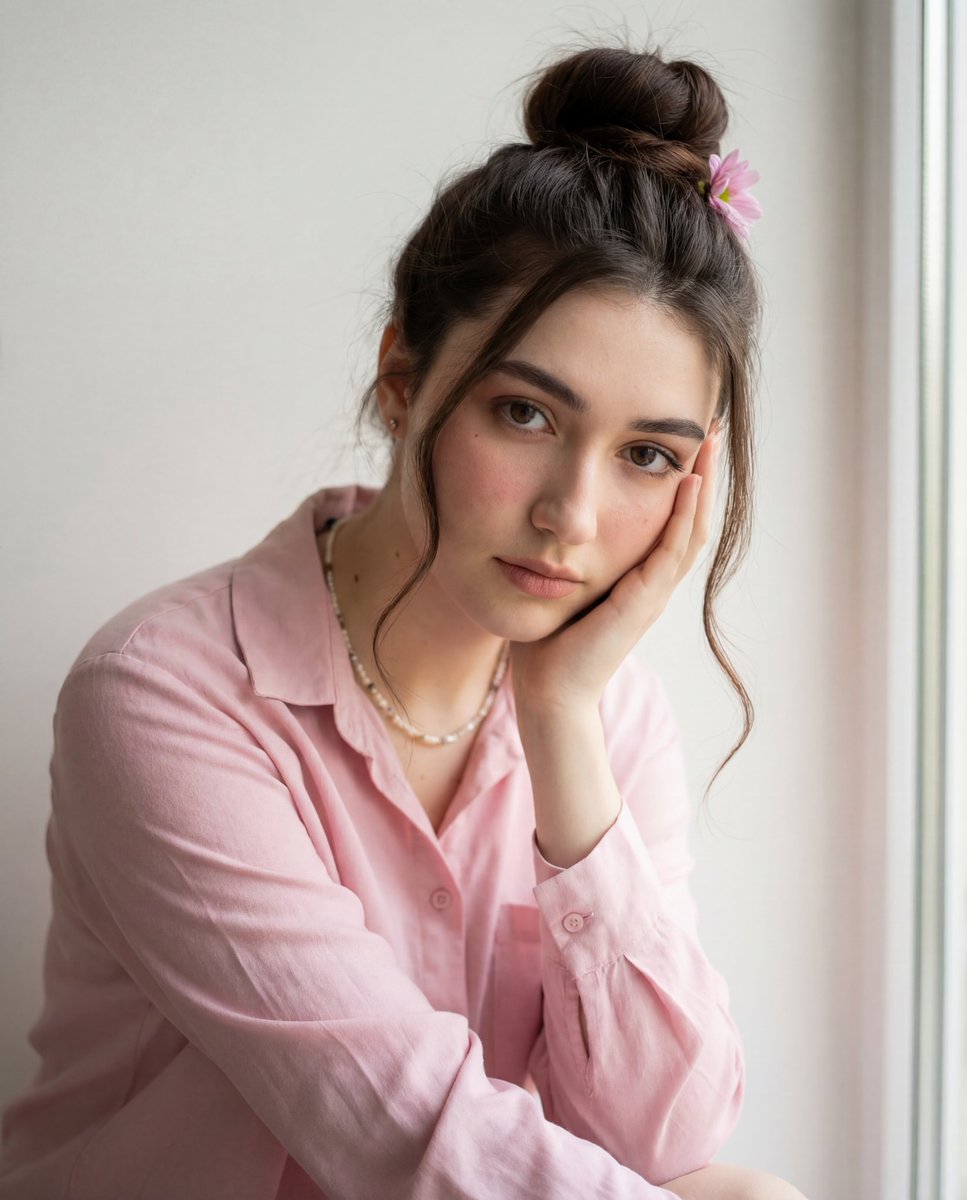
Intimate Photorealistic Portrait with Strict Face Consistency
Browse template categories
Gothic Vampire Sisters questions
How do I use the Gothic Vampire Sisters template?
Add your photo if the template asks for one, edit the prompt if you like — the template's model and format are already selected — and press Generate. Your version opens in PicX Studio.
Can I customize the Gothic Vampire Sisters template?
Yes. You can change the subject, setting, lighting, mood, format, and available model controls before creating your image.
Is the Gothic Vampire Sisters template free?
Opening and editing this template is free. Generating uses credits, shown on the Generate button when you are signed in.
Which AI model should I use?
Start with GPT Image 2, which is the model associated with this template. You can compare another compatible model for a different finish.
Looking for something else? Browse all templates.

Your photo, any look
Thousands of ready templates for every top image and video model, from one credit balance.