
Classic Literature Surveillance Machine Dioramas
A complex, multi-panel prompt designed to create a 2x2 grid of photorealistic miniature dioramas.
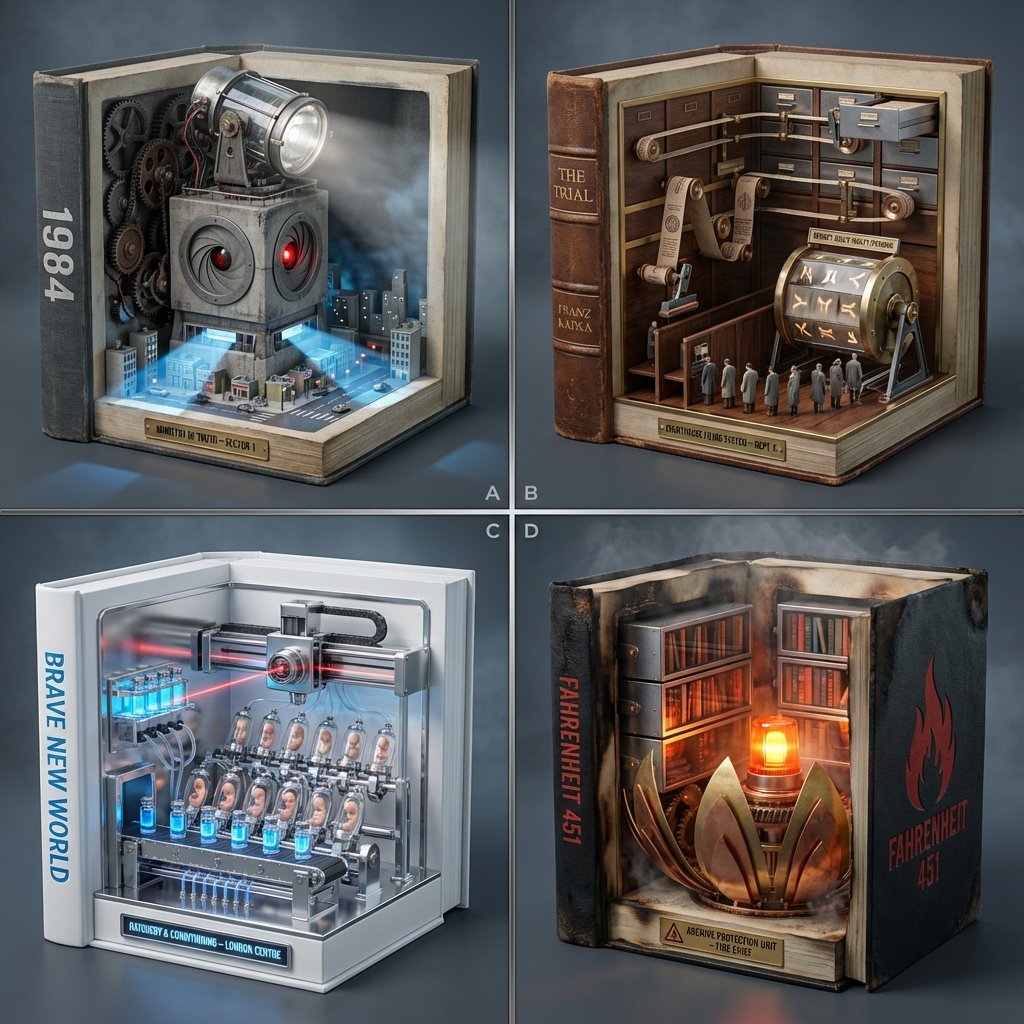
- Prompt included
- Model and format preset
- Free template
The prompt behind this image
Copy the exact prompt behind Classic Literature Surveillance Machine Dioramas, or open it in the studio and make it yours.
2x2 grid, four equal panels with thin dividers. Each panel: a classic book turned into a miniature surveillance/administration machine diorama inside a hollowed hardcover. Visible optics, iris shutters, scanning lights, conveyors, and filing gears imply slow mechanized motion (no motion blur). Only readable text: book titles on spine/cover + small nameplates. Panel A: 1984: brutalist ministry tower with a sweeping searchlight driven by exposed gears; a concrete “eye” iris in the façade opens/closes; streets light in scanning bands from the tower outward. Panel B: The Trial: labyrinthine courthouse corridors as a filing-machine: drawers slide on rails; stamped paper bands loop through rollers; tiny figures queue under a rotating “verdict” drum. Panel C: Brave New World: sterile hatchery assembly line: vial racks glide on a conveyor; a scanning lens carriage traverses on a gantry; incubation pods rise/fall on cams. Panel D: Fahrenheit 451: fireproof archive machine: brass “flame” petals mechanically open/close around sealed shelves; book-spines retract into hidden compartments as a warning light pulses. Style: Photoreal miniature machines embedded in classic books, cold industrial key light with subtle red/orange practical accents, gentle volumetric haze, premium studio sharpness, slate-to-charcoal seamless background, shallow DOF, centered plinth composition, 40–50mm perspective, crisp micro-detail, realistic metal/plastic/glass materials.
How to use Classic Literature Surveillance Machine Dioramas in 3 steps
- 1
Open
The prompt is already in the box next to the preview, with the template's model and format selected.
- 2…a portrait of your subject in softgolden-hour light, 85mm…
Personalize
Edit the subject and creative details for your destination.
- 3Generate
Generate
Press Generate — your image is created in PicX Studio, so you can compare it with the original and refine one variable at a time.
More like this
Templates with the same subject, style or setup. Open one to see its prompt.










Make it yours
Classic Literature Surveillance Machine Dioramas works as-is. These are the safest ways to change it without losing the look.
Change one field
Copy a single group, rewrite it, and generate again so you can see what that field is doing.
Keep the frame, change the subject
Hold the composition and light of Classic Literature Surveillance Machine Dioramas, then swap wardrobe, props or the person for a new take.
| If the result… | Why | Fix |
|---|---|---|
| The result drifts from the preview | Too many fields changed at once. | Reuse Classic Literature Surveillance Machine Dioramas as-is first, then change one group — subject, light, or setting. |
| The model over-stylizes the scene | The prose prompt leaves finish and camera underspecified. | Add one camera or lighting sentence and stay on Nano Banana 2. |
More Nano Banana 2 templates
Other prompts made for Nano Banana 2.

Photorealistic Leaf Shaped Like a Dragon

K-Pop Idol Portrait Grid for Rapid Selection

Poetic Rain Forest Portrait During Golden Hour

Urban Street Portrait with Cartoon Inner Self Duo

Candid Nighttime Photo with Cat Prompt

High-Concept 3D Diorama Generation Prompt

Cinematic Futuristic Studio Portrait Template

Skincare Editorial Photography Collage Prompt

Hyper-Realistic Commercial Product Photography (Splash Effect)

Hyper-Realistic Nightclub Portrait Prompt
More image prompts
Fresh picks from across the catalog.

Nano Banana Pro Photoreal Playful Couple
Student Hangout Room Transformation
Japanese Apartment Horror Game Screenshot
Consistent Korean Girl Identity Lifestyle
Detailed Nano Banana Pro Image Generation Prompt
Turn Netflix screen into a western version
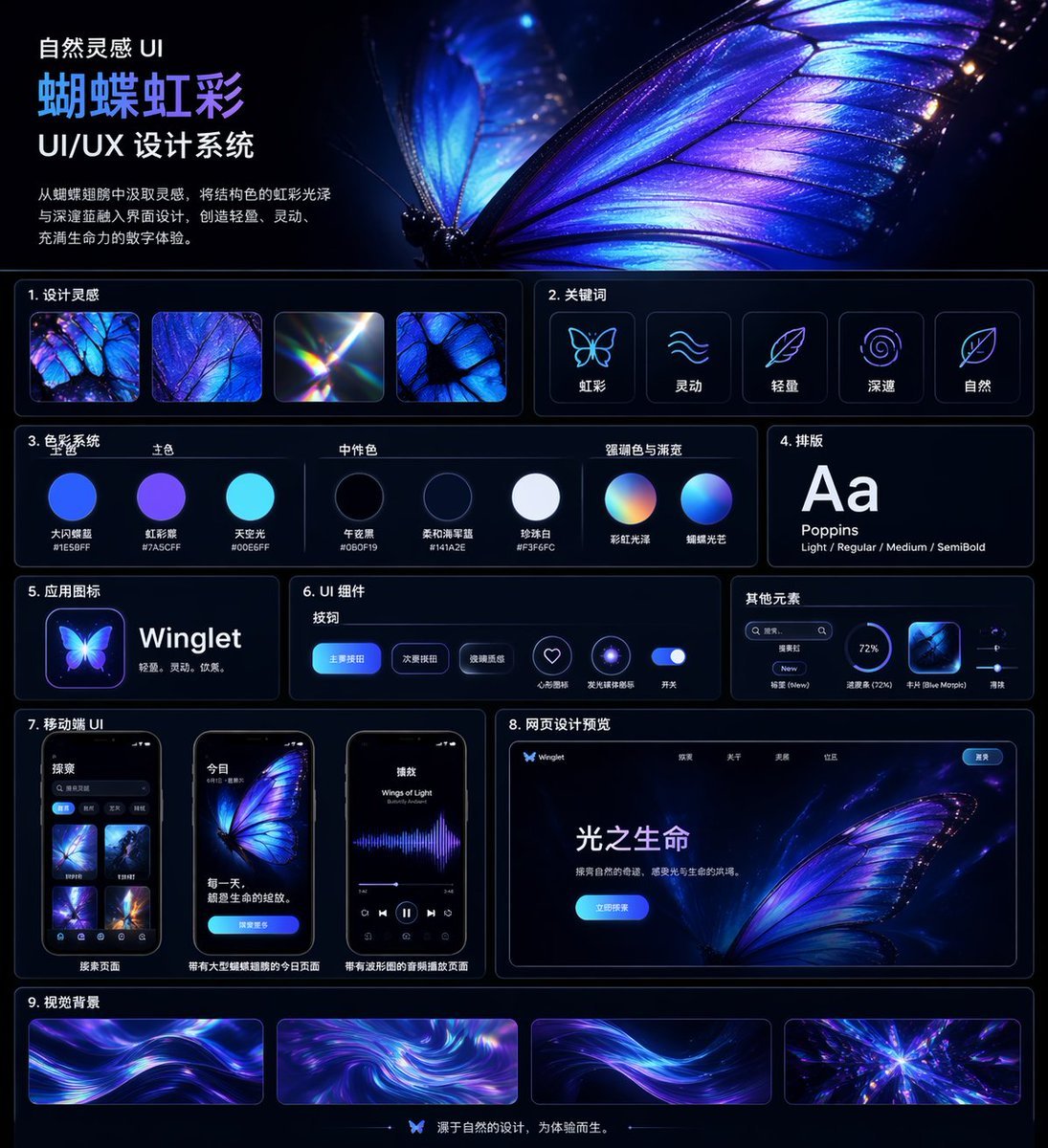
Iridescent Butterfly UI System Board

Minimalistic contemplative pier scene prompt for Nano Banana Pro
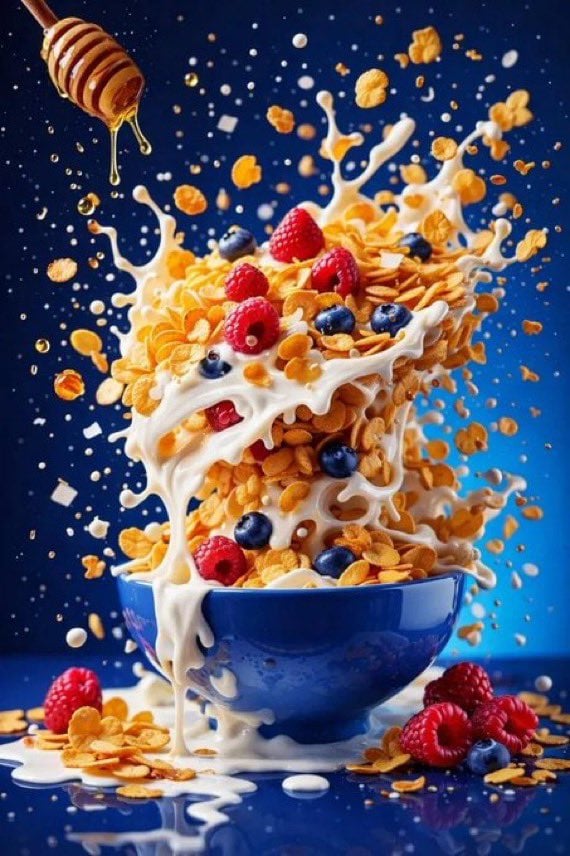
Hyper-Realistic High-Speed Food Photography Prompt
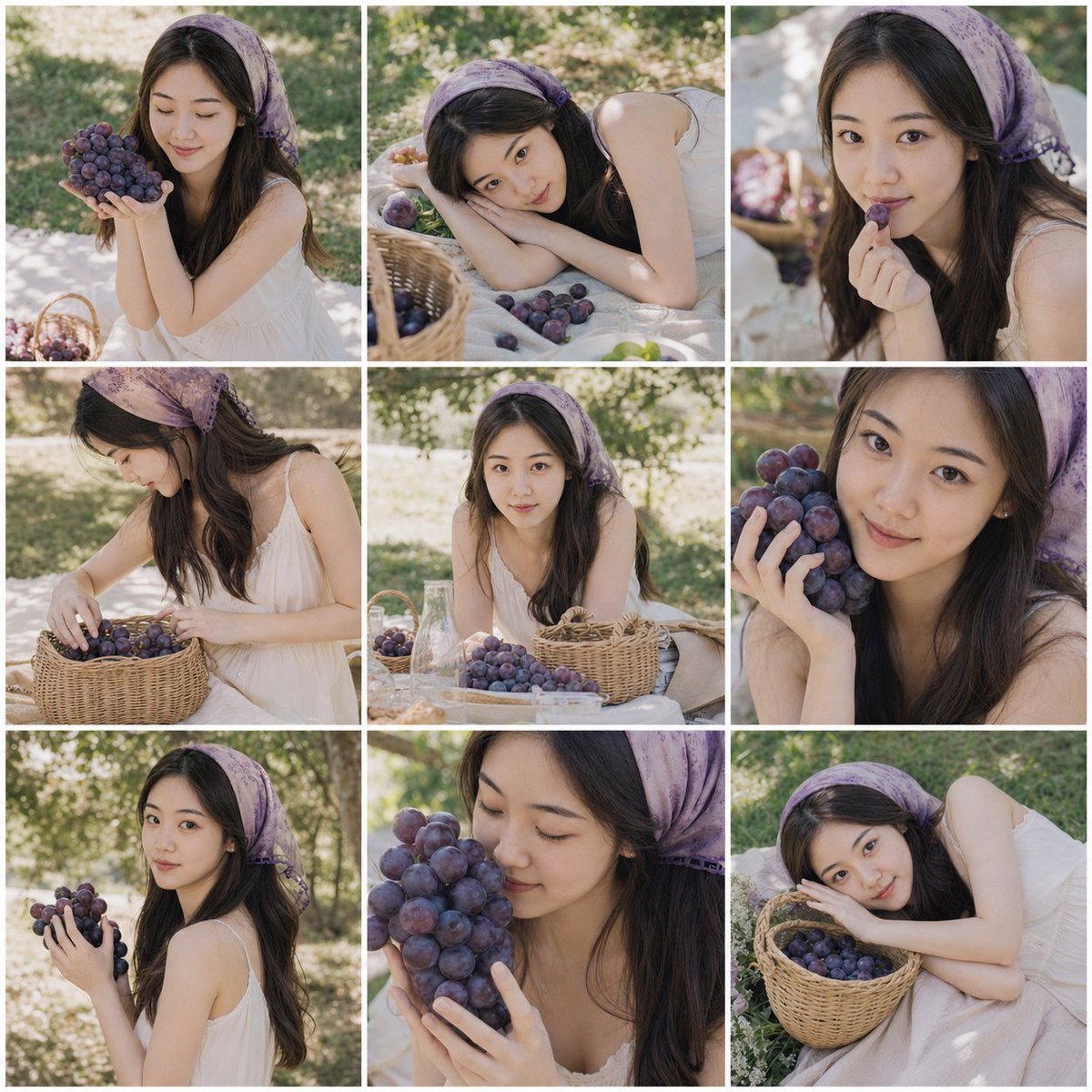
Summer Grape Girl 3x3 Grid Portrait
Browse template categories
Classic Literature Surveillance Machine Dioramas questions
How do I use the Classic Literature Surveillance Machine Dioramas template?
Add your photo if the template asks for one, edit the prompt if you like — the template's model and format are already selected — and press Generate. Your version opens in PicX Studio.
Can I customize the Classic Literature Surveillance Machine Dioramas template?
Yes. You can change the subject, setting, lighting, mood, format, and available model controls before creating your image.
Is the Classic Literature Surveillance Machine Dioramas template free?
Opening and editing this template is free. Generating uses credits, shown on the Generate button when you are signed in.
Which AI model should I use?
Start with Nano Banana 2, which is the model associated with this template. You can compare another compatible model for a different finish.
Looking for something else? Browse all templates.

Your photo, any look
Thousands of ready templates for every top image and video model, from one credit balance.