
Neo-Noir Phone Booth Scene in the Rain
A cinematic image generation prompt for a photo-realistic, neo-noir scene featuring a young woman inside a glass phone booth on a rainy city street at night.
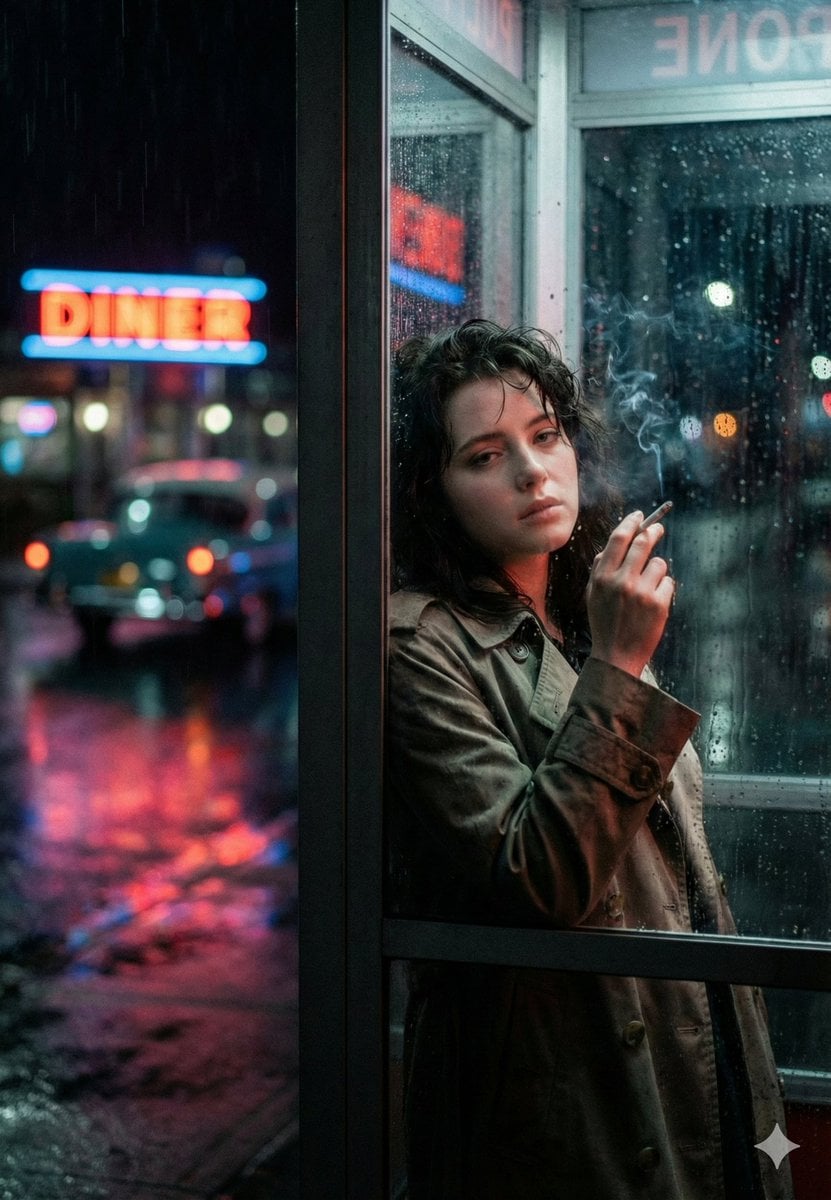
- Prompt included
- Model and format preset
- Free template
The prompt behind this image
Copy the exact prompt behind Neo-Noir Phone Booth Scene in the Rain, or open it in the studio and make it yours.
{ "prompt_name": "Neon Rain Phone Booth Noir", "type": "photo_realistic", "aspect_ratio": "4:5", "scene": { "location": "rainy city street at night", "setting_detail": "a glass phone booth at the sidewalk edge, wet pavement reflecting neon signage", "weather": "steady rain, raindrops streaking on glass, puddles and reflections", "background": "soft bokeh city lights, blurry car tail lights, distant neon diner sign glowing red and blue", "mood": "neo-noir, lonely, cinematic tension, quiet sadness" }, "subject": { "description": "a young woman standing inside the phone booth, leaning slightly against the glass panel", "expression": "tired and distant, hollow gaze, subtle melancholy", "pose": "one shoulder forward, head tilted slightly down, looking toward the camera through the rain-streaked glass", "hands": "one hand raised holding a cigarette near her face", "wardrobe": { "outerwear": "oversized {argument name="coat color" default="beige"} trench coat, slightly worn texture, damp edges from rain", "innerwear": "dark top barely visible under the coat", "styling_notes": "minimal, grounded, realistic street styling" }, "hair": "messy wet hair clinging slightly to forehead and cheeks, natural volume", "skin_detail": "natural pores, soft under-eye shadows, no heavy makeup", "smoke": "thin cigarette smoke drifting upward, subtle and realistic" }, "composition": { "framing": "medium portrait, waist-up", "camera_angle": "eye level", "subject_position": "right side of frame, using the phone booth frame as strong vertical leading line", "foreground_elements": "glass reflections, raindrops in focus on some parts of the window", "depth_of_field": "shallow depth, subject sharp, background neon heavily blurred", "negative_space": "left side filled with rainy street, neon sign bokeh, cinematic breathing room" }, "camera_and_lens": { "camera_type": "cinematic full-frame digital", "lens": "50mm prime", "aperture": "f/1.8", "shutter_speed": "1/200", "iso": "2000", "focus": "sharp on subject eye and face, controlled softness through glass" }, "lighting_and_color": { "lighting_style": "neon practical lighting mixed with streetlight spill", "key_light": "soft cool-blue light from outside reflections", "fill_light": "faint warm-red neon bounce on cheek and coat edge", "color_palette": "deep blues, magenta/red neon accents, muted skin tones, dark shadows", "contrast": "medium-high contrast with smooth highlight rolloff", "reflections": "wet ground reflections, neon glow reflected on glass panels" }, "realism_and_texture": { "texture_priority": [ "raindrops on glass", "wet fabric trench coat texture", "skin pores and natural imperfections", "soft cigarette smoke trail" ], "grain": "subtle film grain for realism", "bokeh": "large c" }
How to use Neo-Noir Phone Booth Scene in the Rain in 3 steps
- 1
Open
The prompt is already in the box next to the preview, with the template's model and format selected.
- 2…a portrait of your subject in softgolden-hour light, 85mm…
Personalize
Edit the subject and creative details for your destination.
- 3Generate
Generate
Press Generate — your image is created in PicX Studio, so you can compare it with the original and refine one variable at a time.
More like this
Templates with the same subject, style or setup. Open one to see its prompt.

Spider-Man Noir Detective Rain Alley
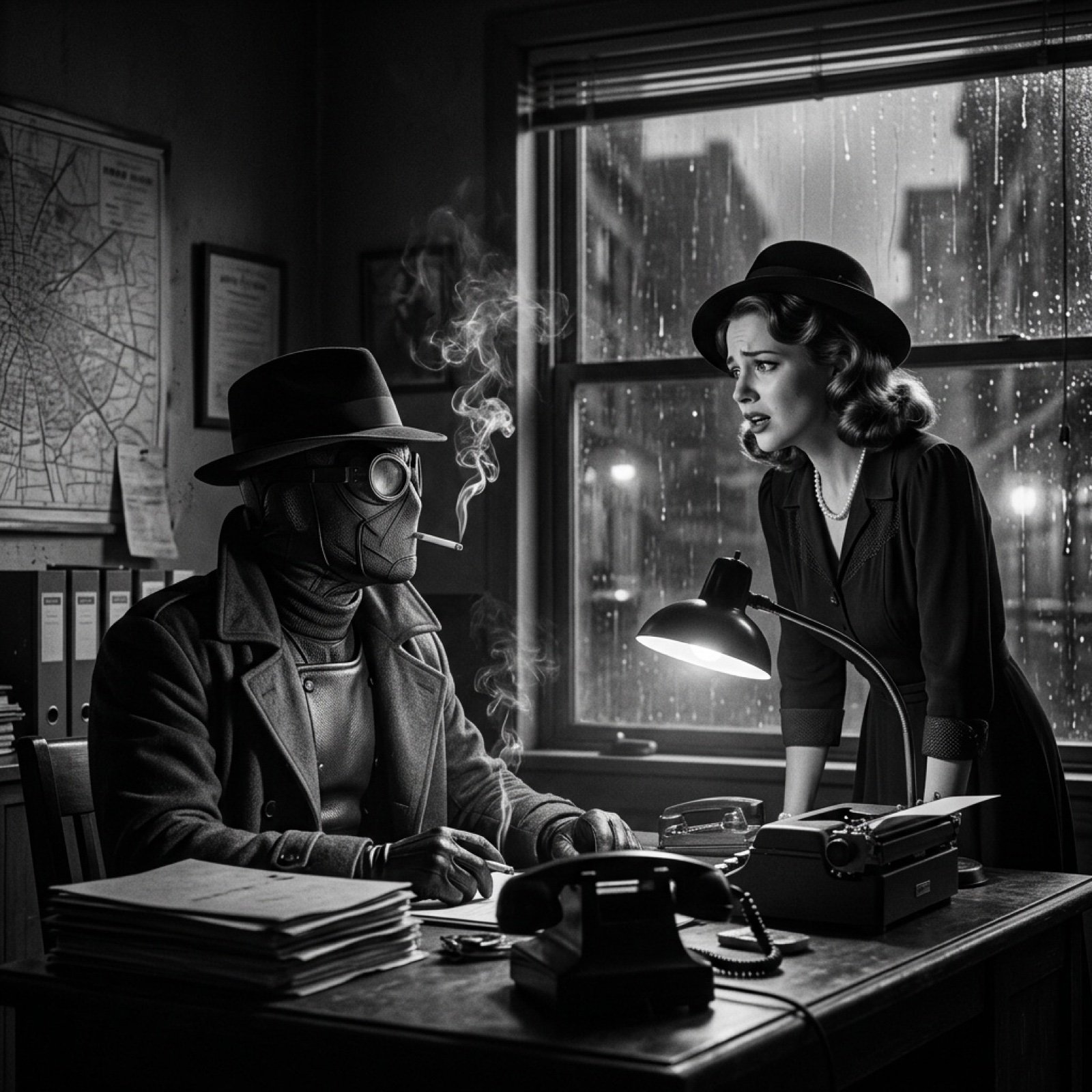
Seedance 2.0 - Spider-Man Noir
Payphone Booth Rain Classic

Cinematic Urban Rain Scene Prompt (Neo-Noir)

Meet Me When It Rains

Neo-Noir Typographic Avatar Poster
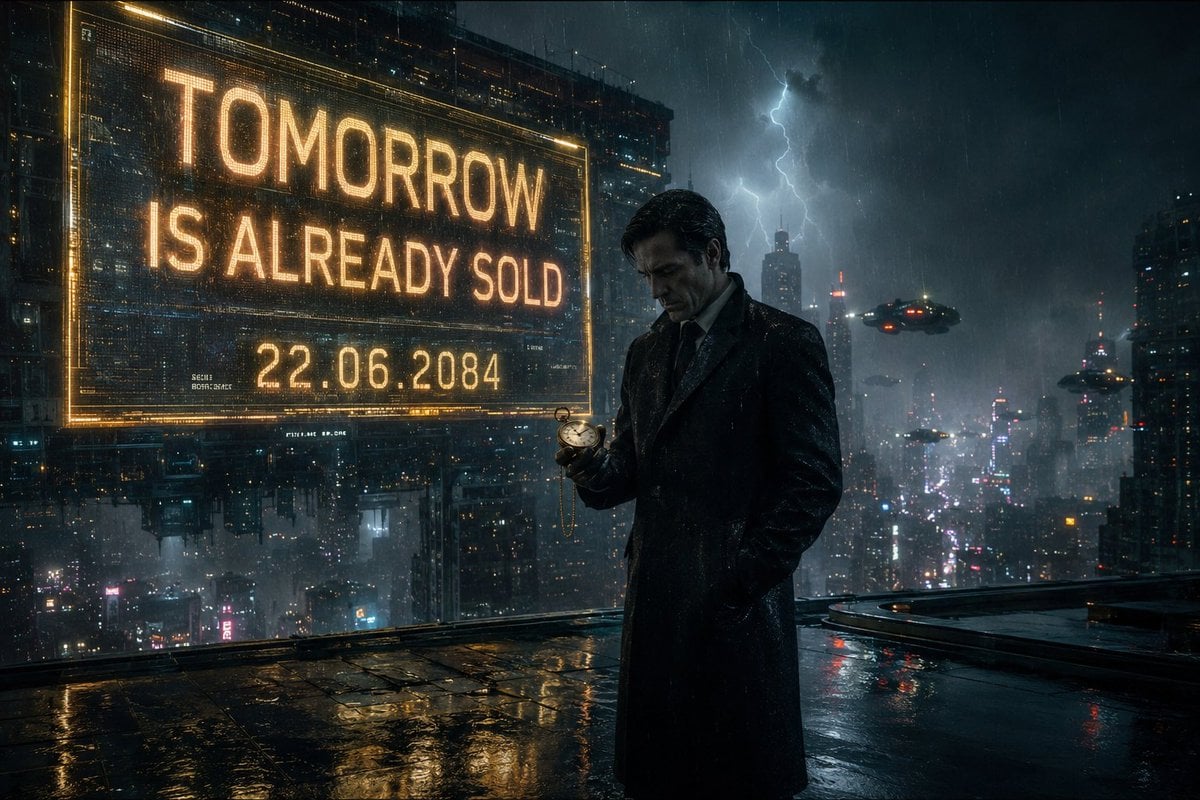
Neo-Noir Futuristic Cityscape
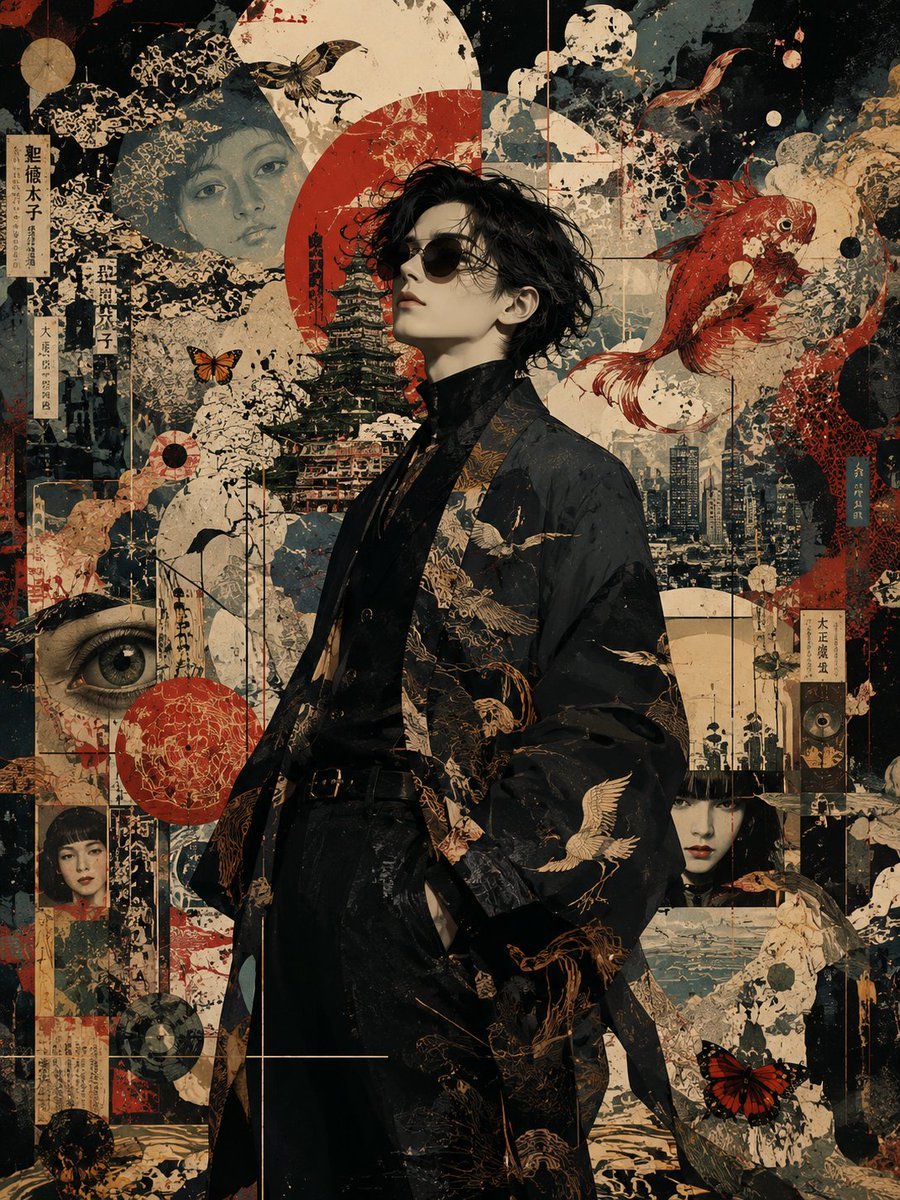
Neo-Noir Japanese Fashion Collage
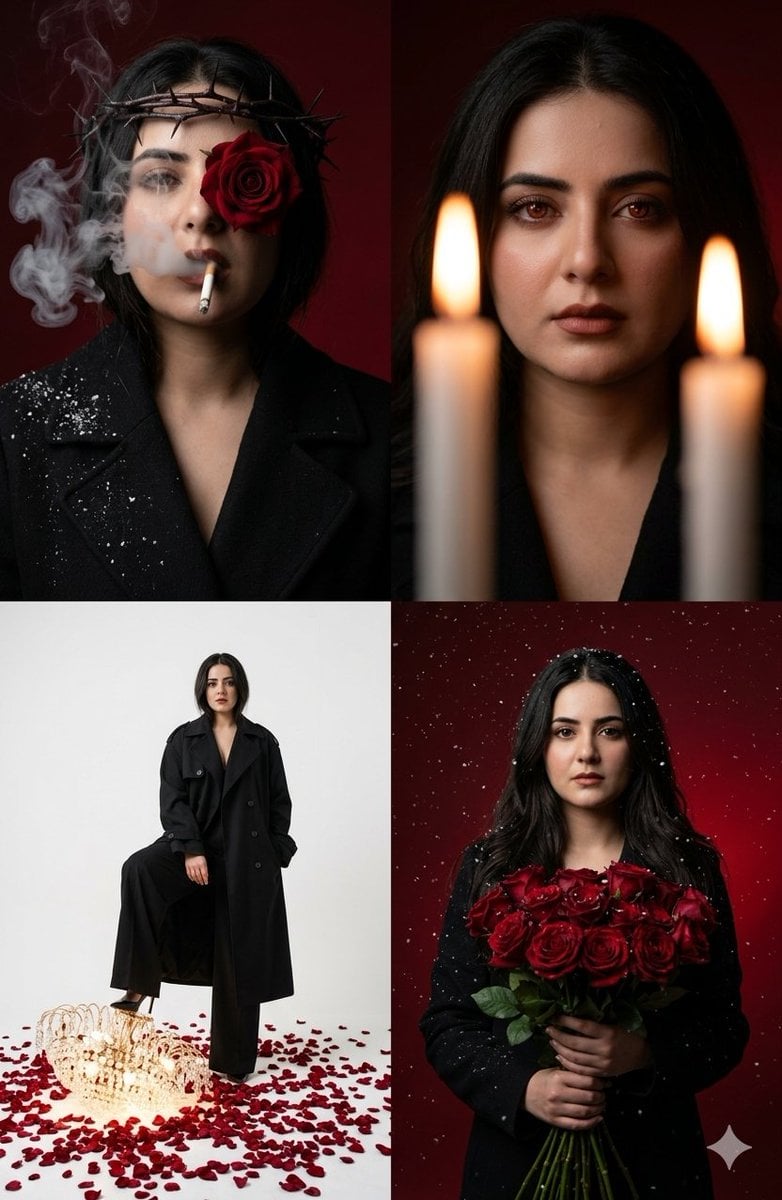
Neo-Noir Editorial Collage
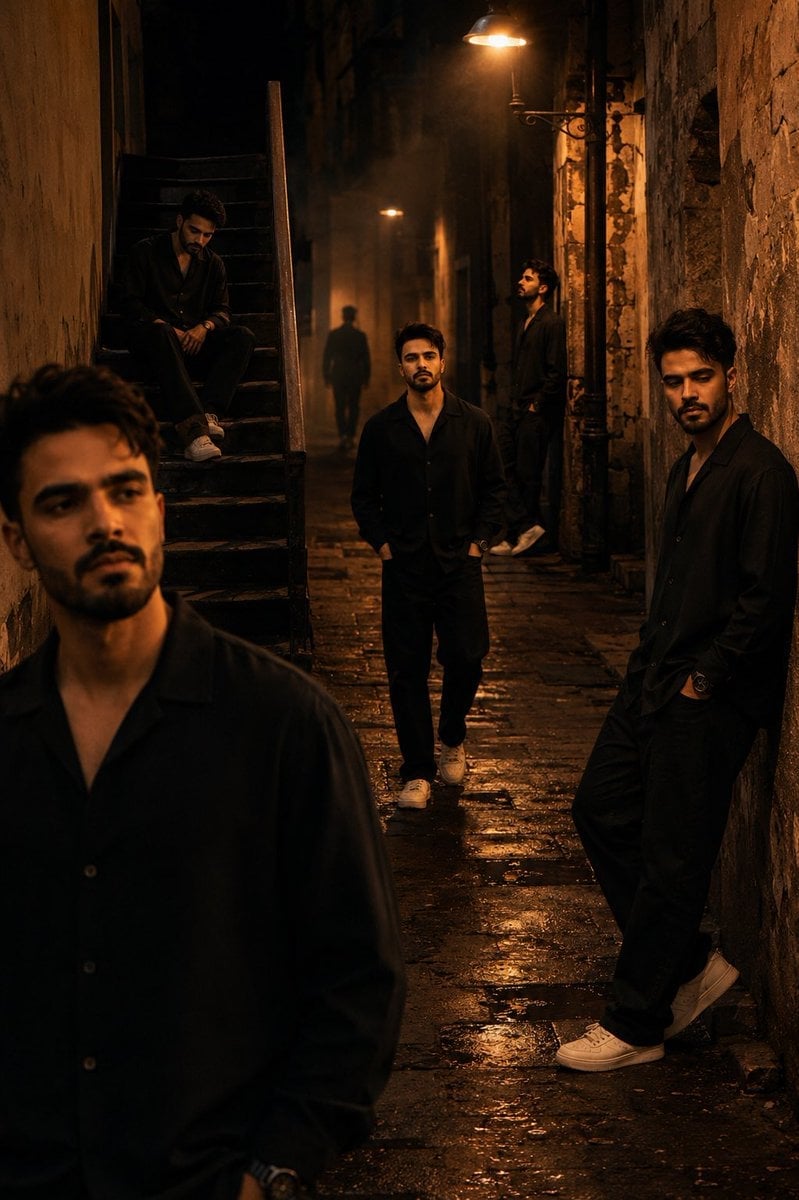
Cinematic Neo-Noir Image Transformation
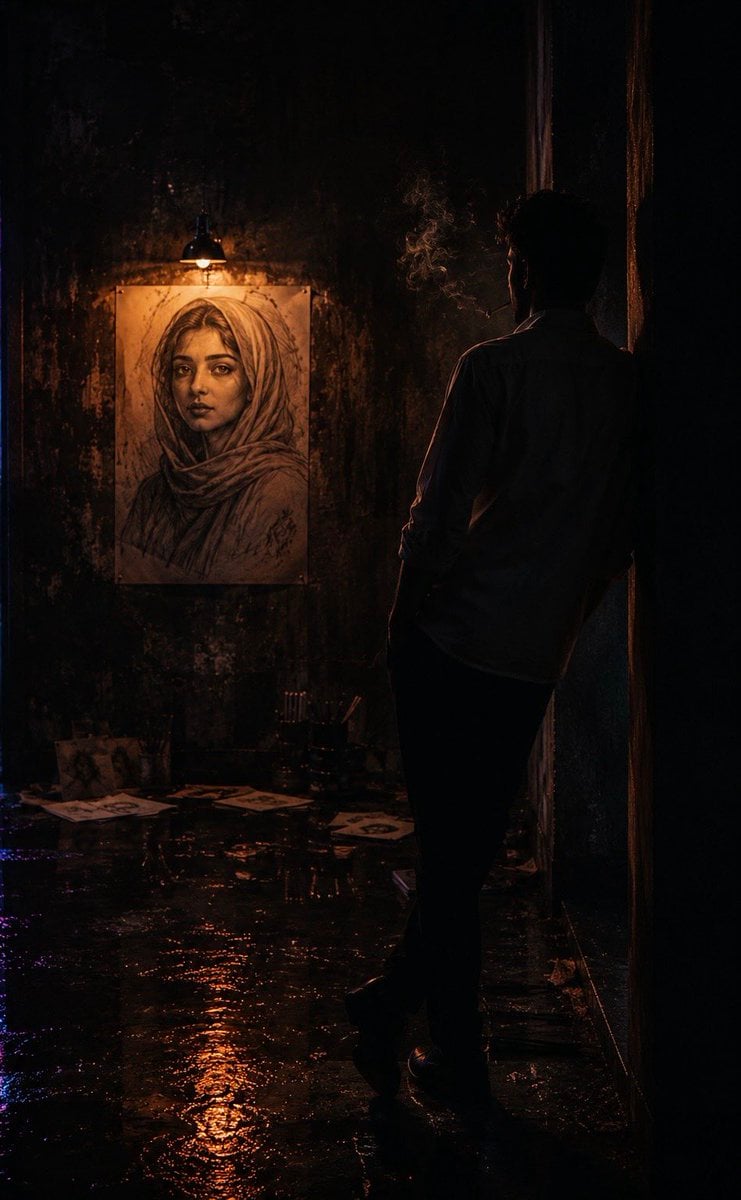
Cinematic Neo-Noir Identity Reference
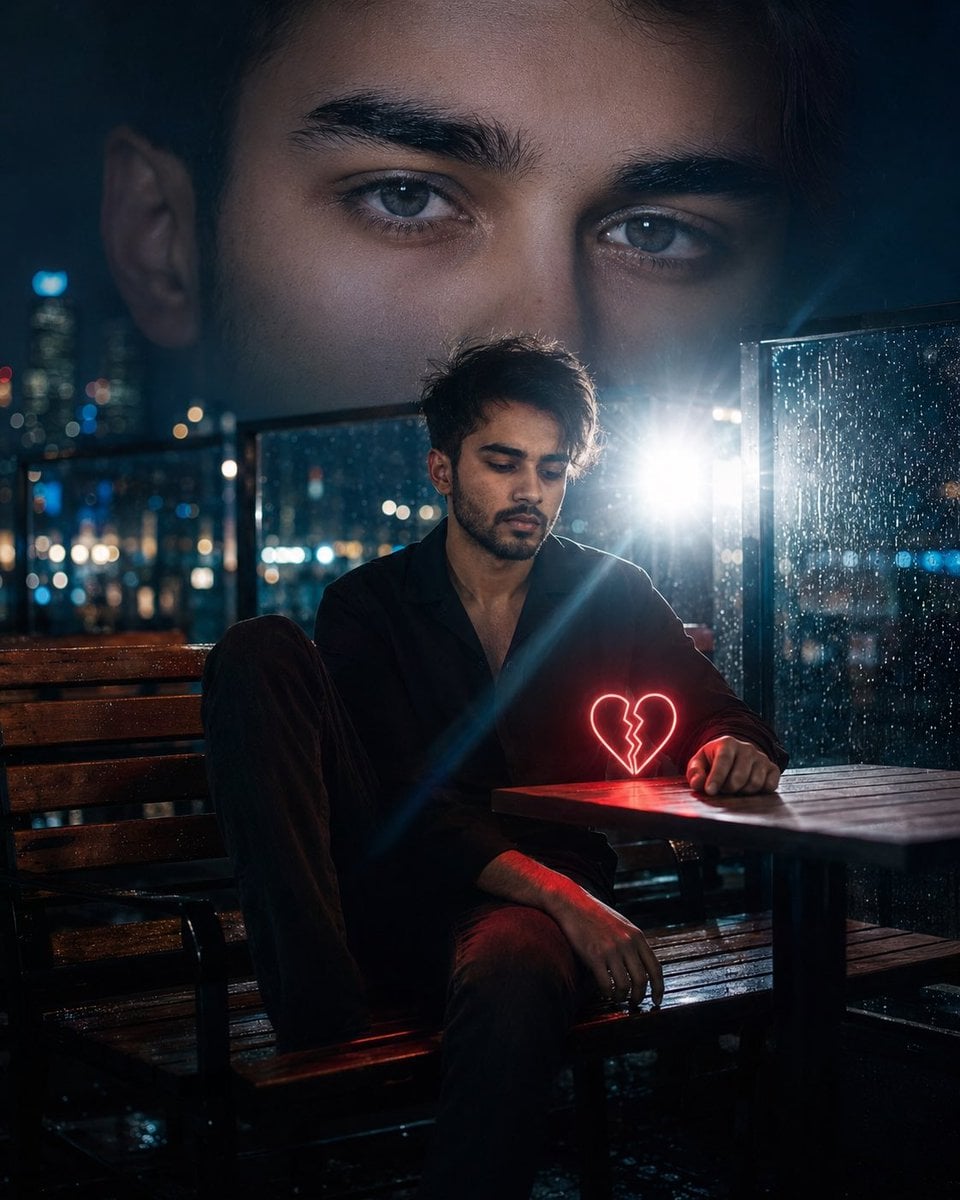
Neo-Noir Heartbreak Cinematic Portrait
Make it yours
Neo-Noir Phone Booth Scene in the Rain works as-is. These are the safest ways to change it without losing the look.
Change one field
Copy a single group, rewrite it, and generate again so you can see what that field is doing.
Keep the frame, change the subject
Hold the composition and light of Neo-Noir Phone Booth Scene in the Rain, then swap wardrobe, props or the person for a new take.
| If the result… | Why | Fix |
|---|---|---|
| The result drifts from the preview | Too many fields changed at once. | Reuse Neo-Noir Phone Booth Scene in the Rain as-is first, then change one group — subject, light, or setting. |
| The model over-stylizes the scene | The prose prompt leaves finish and camera underspecified. | Add one camera or lighting sentence and stay on Nano Banana 2. |
More Nano Banana 2 templates
Other prompts made for Nano Banana 2.

Photorealistic Leaf Shaped Like a Dragon

K-Pop Idol Portrait Grid for Rapid Selection

Poetic Rain Forest Portrait During Golden Hour

Urban Street Portrait with Cartoon Inner Self Duo

Candid Nighttime Photo with Cat Prompt

High-Concept 3D Diorama Generation Prompt

Cinematic Futuristic Studio Portrait Template

Skincare Editorial Photography Collage Prompt

Hyper-Realistic Commercial Product Photography (Splash Effect)

Hyper-Realistic Nightclub Portrait Prompt
More image prompts
Fresh picks from across the catalog.
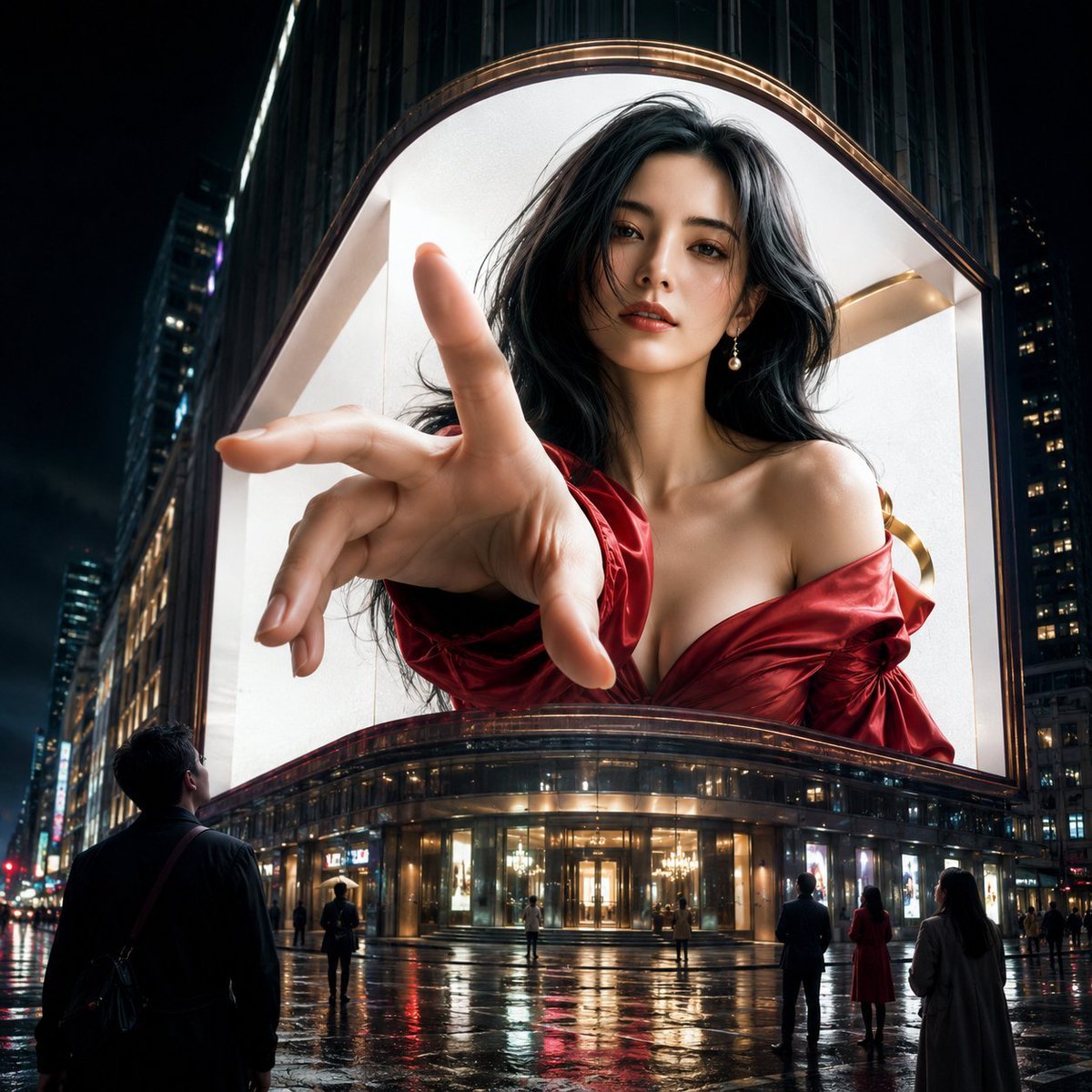
Anamorphic 3D Fashion Model Billboard
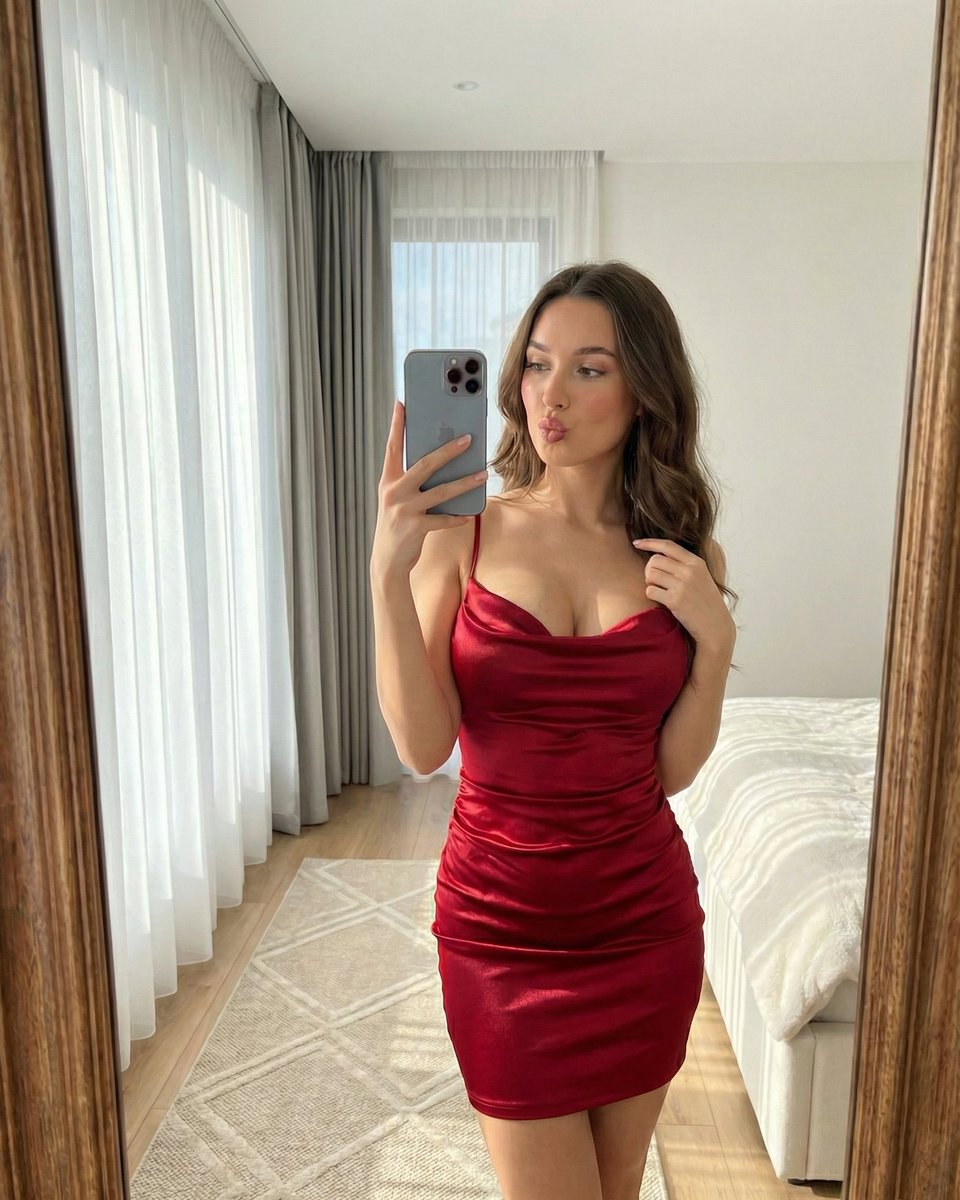
Hyper-Realistic Vertical Mirror Selfie Prompt
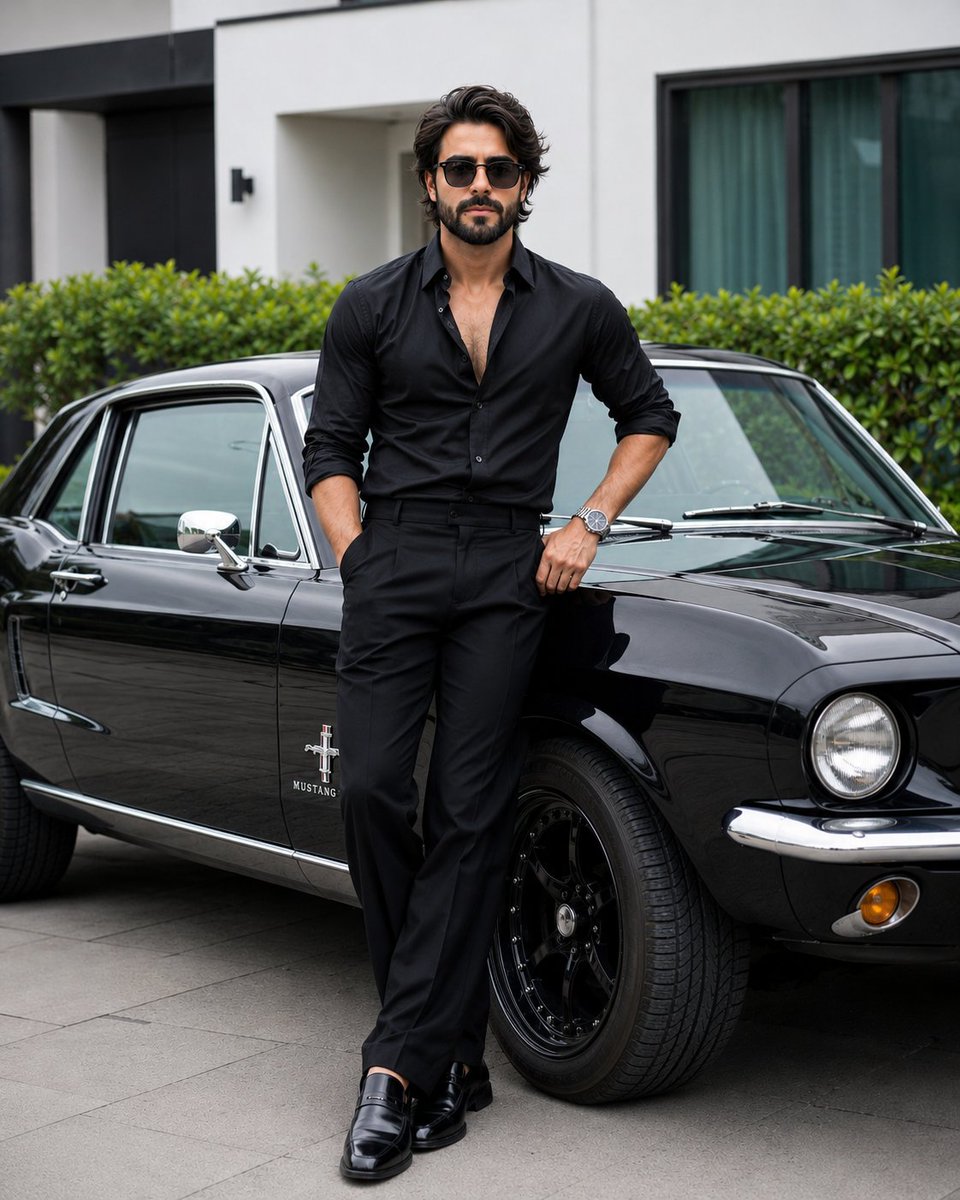
Stylish Man with Luxury Mustang

Anime Fire Sorcerer
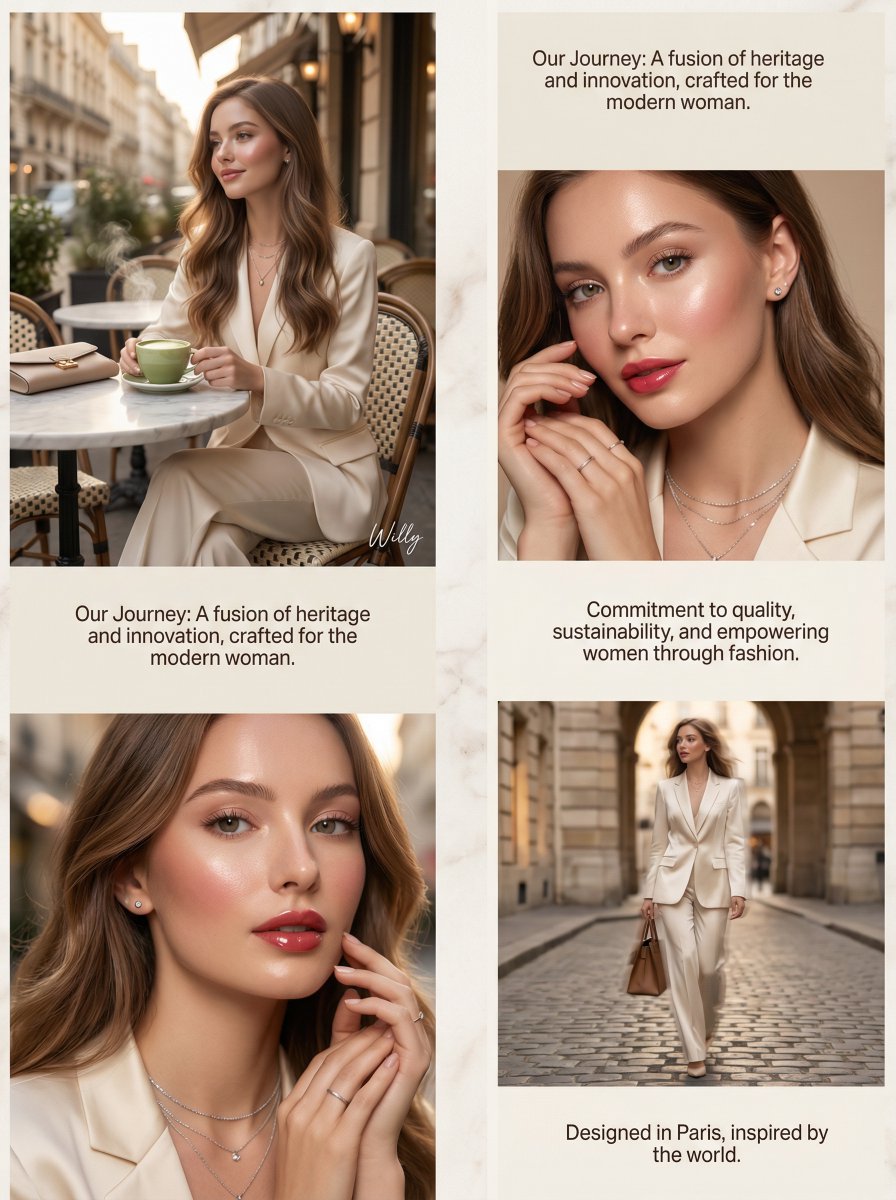
Luxury Brand About Page Storytelling Layout
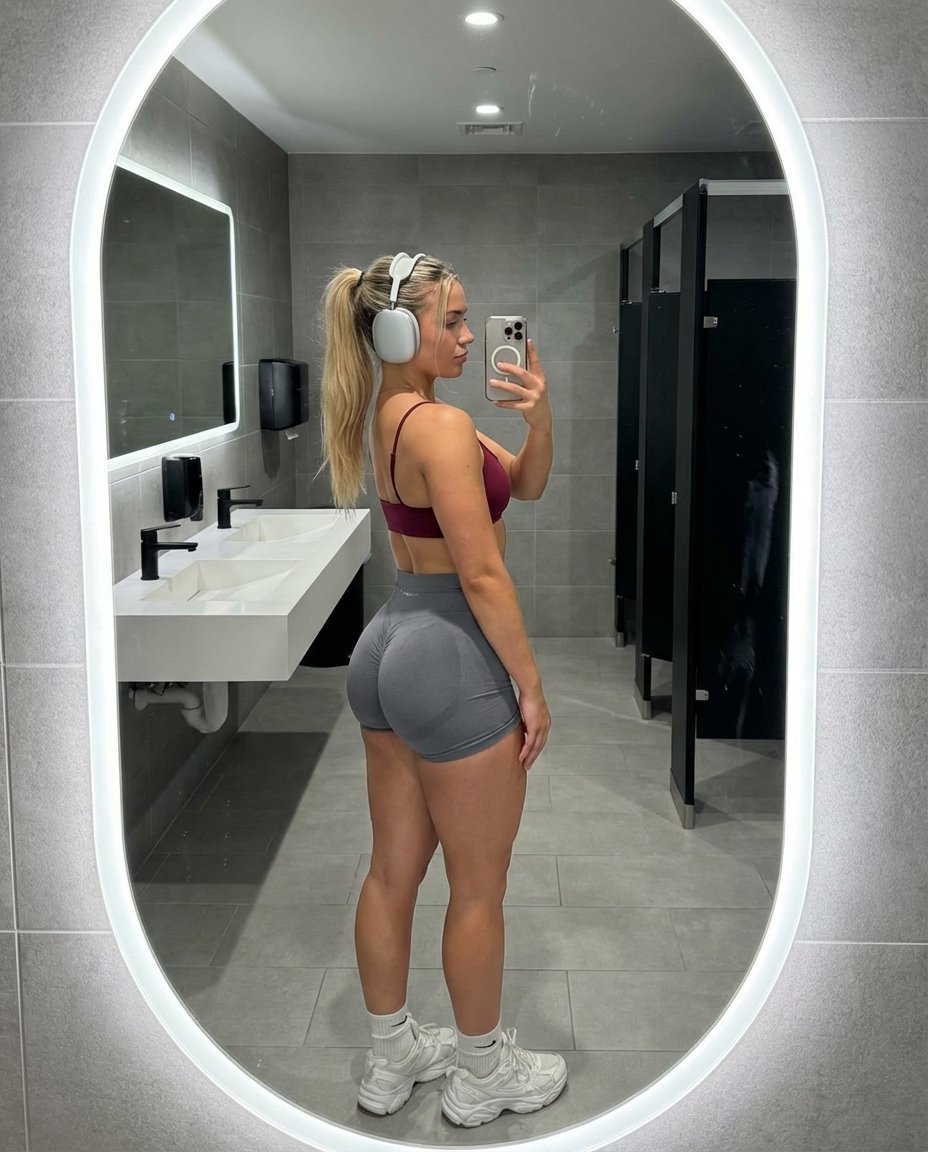
Hyper-Realistic Gym Mirror Selfie
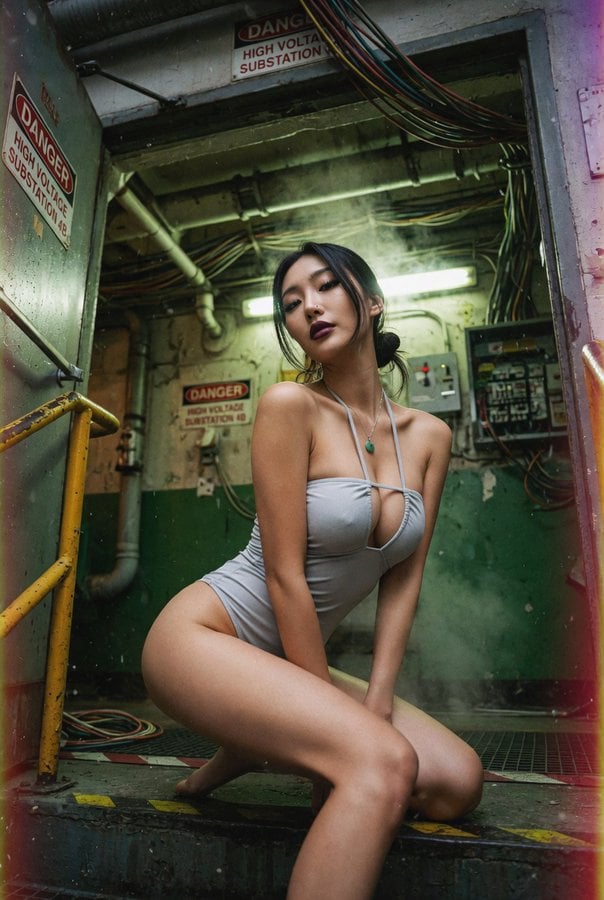
East Asian Woman Underground Film Aesthetic
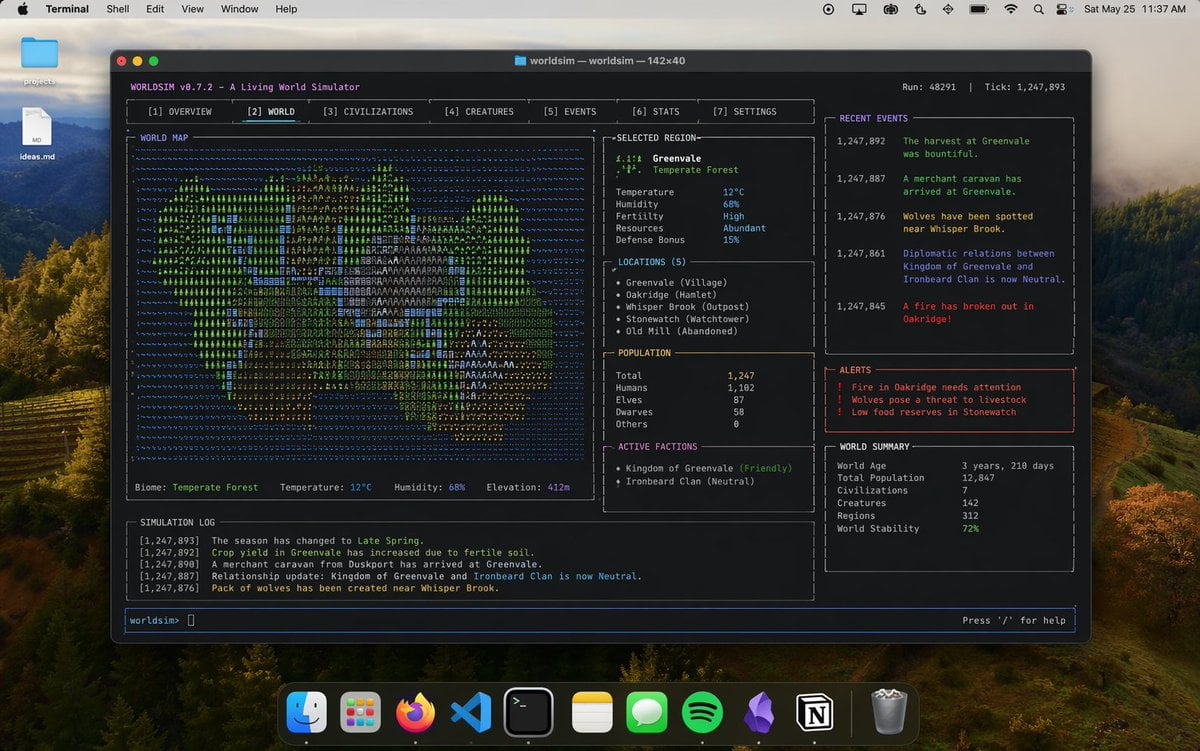
Mac Terminal World Sim UI
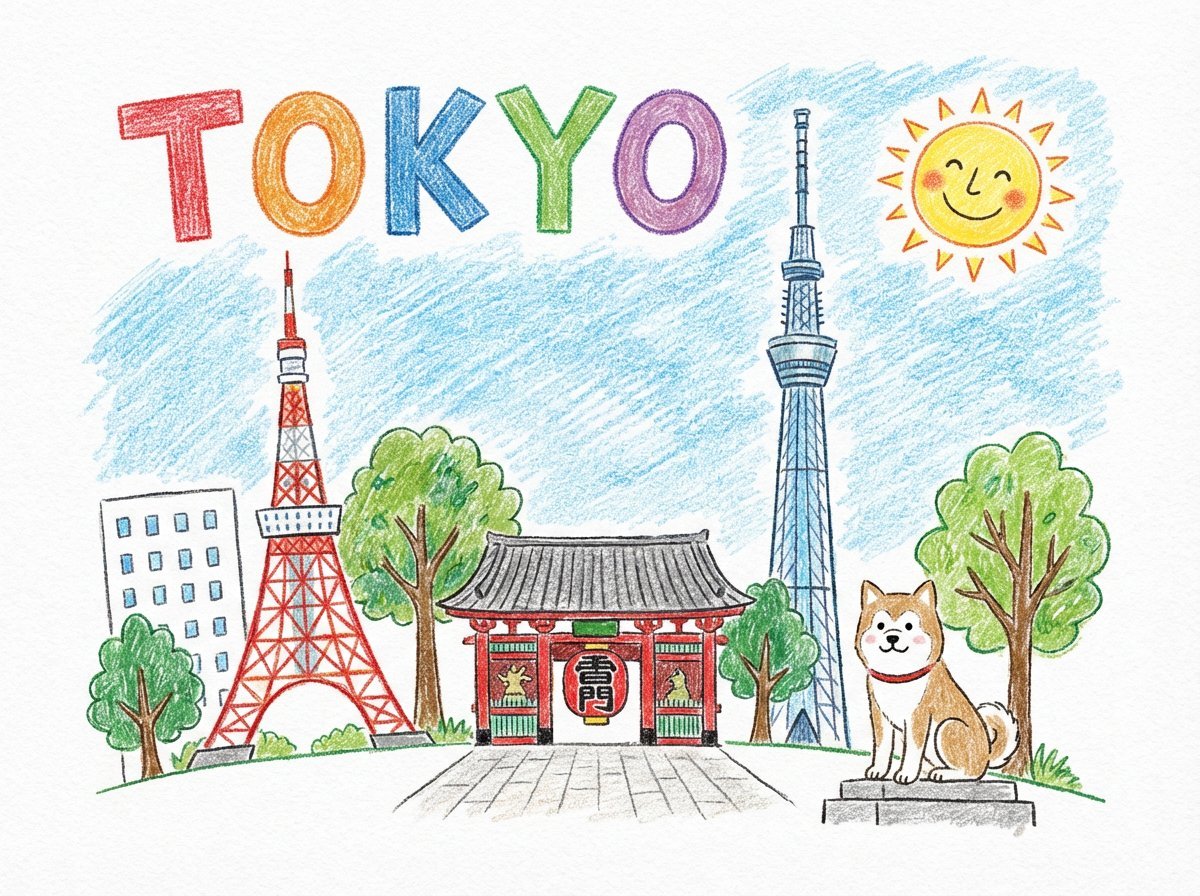
Child-like Crayon and Colored Pencil City Drawing

Japanese Self-Care Flower Mark Card
Browse template categories
Neo-Noir Phone Booth Scene in the Rain questions
How do I use the Neo-Noir Phone Booth Scene in the Rain template?
Add your photo if the template asks for one, edit the prompt if you like — the template's model and format are already selected — and press Generate. Your version opens in PicX Studio.
Can I customize the Neo-Noir Phone Booth Scene in the Rain template?
Yes. You can change the subject, setting, lighting, mood, format, and available model controls before creating your image.
Is the Neo-Noir Phone Booth Scene in the Rain template free?
Opening and editing this template is free. Generating uses credits, shown on the Generate button when you are signed in.
Which AI model should I use?
Start with Nano Banana 2, which is the model associated with this template. You can compare another compatible model for a different finish.
Looking for something else? Browse all templates.

Your photo, any look
Thousands of ready templates for every top image and video model, from one credit balance.