
Cyberpunk Operative Character Sheet
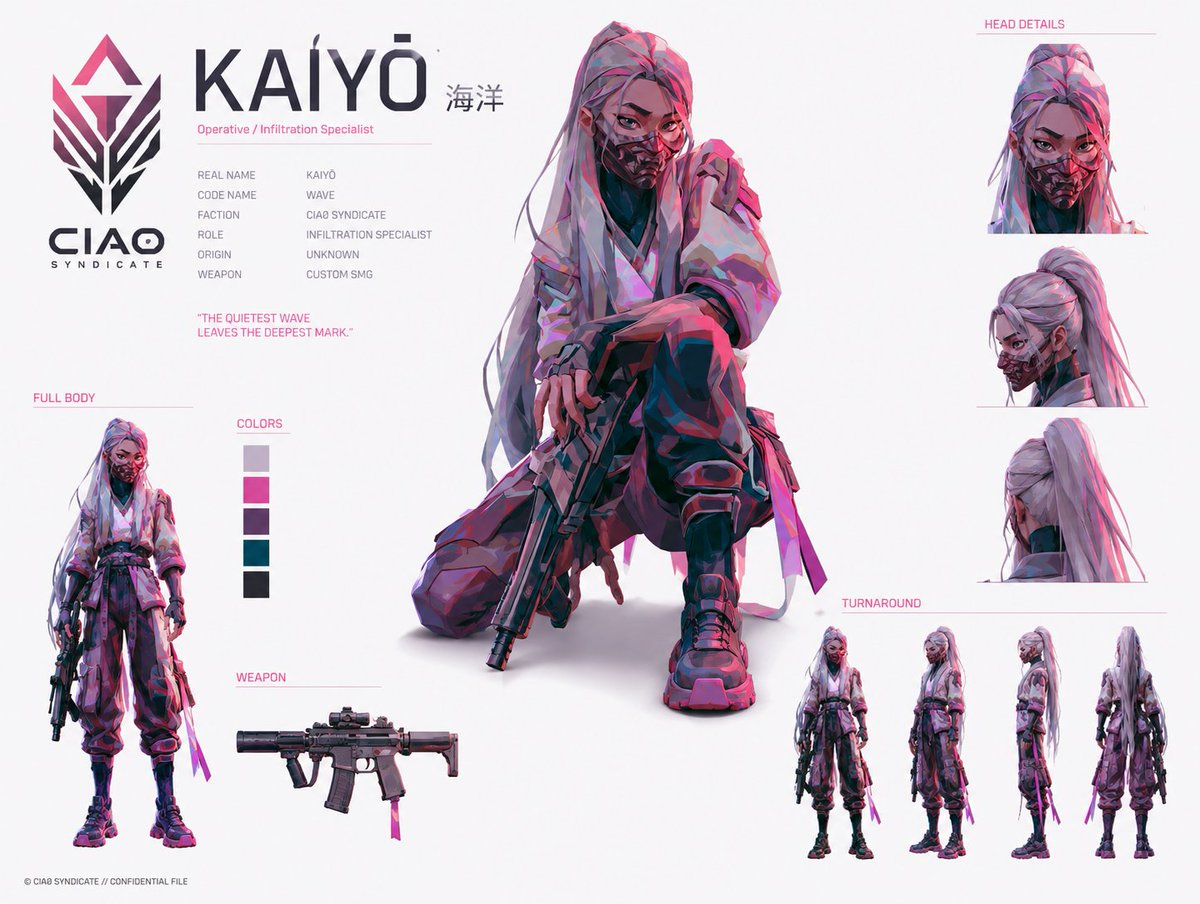
Generates a polished sci-fi anime identity board for a masked infiltration specialist with dossier text, detail studies, weapon art, color swatches, and turnaround views.
- Prompt included
- Model and format preset
- Premium template
The prompt behind this image
Copy the exact prompt behind Cyberpunk Operative Character Sheet, or open it in the studio and make it yours.
Goal: Create a futuristic anime/cyberpunk character identity board for {argument name="character name" default="KAIYŌ"}, an operative from a covert faction, presented like a clean confidential concept-art sheet. Canvas: Landscape 4:3 white studio background, high-resolution digital illustration, lots of negative space, thin pale pink divider lines, dark charcoal typography with hot-pink accent labels. Layout: Large faction logo on the far left with the text “CIAO SYNDICATE” beneath it. Top-left identity block with the huge title “KAIYŌ” and small Japanese text “海洋” to the right, subtitle “Operative / Infiltration Specialist,” then six compact dossier rows: Real Name: KAIYŌ; Code Name: WAVE; Faction: CIAO SYNDICATE; Role: INFILTRATION SPECIALIST; Origin: UNKNOWN; Weapon: CUSTOM SMG. Add the quote “THE QUIETEST WAVE LEAVES THE DEEPEST MARK.” in pink below the dossier. Main subject: Center-dominant full-color illustration of a young female infiltration specialist kneeling in a tense crouch, one knee up and one knee down, holding a compact custom SMG pointed downward. She has {argument name="hair color" default="long silver-lavender hair with pink highlights"}, a high ponytail with loose strands, sharp intense eyes, and a patterned tactical respirator mask covering the lower half of her face. Outfit is a layered loose tactical kimono-style jacket over dark undersuit pieces, baggy cargo pants, black knee pads and shin guards, chunky combat sneakers, fingerless gloves, side straps, belts, dangling fabric ribbons, and magenta tactical accents. Lighting and painting style are energetic concept art with angular brush strokes, cel-shaded anime realism, magenta/cyan rim lighting, deep violet shadows, and crisp edges. Left-side detail panels: Include exactly 3 panels on the left below the identity block: 1) “FULL BODY” panel showing a small standing full-body version of the character holding the SMG at her side; 2) “COLORS” panel with exactly 5 vertical color swatches: pale lavender gray, hot magenta, dark purple, deep teal, and near-black charcoal; 3) “WEAPON” panel showing a side-view compact custom SMG with suppressor, optic, magazine, foregrip, collapsible stock, and a small magenta ribbon tag. Right-side detail panels: Include exactly 4 cropped head-detail views under the pink label “HEAD DETAILS”: 1) front view with mask and direct stare, 2) three-quarter side view showing high ponytail and mask profile, 3) rear head view showing ponytail and jacket collar, 4) a small additional head crop integrated in the upper cluster if needed for balance. Below them, include the label “TURNAROUND” and exactly 4 full-body turnaround figures: front, three-quarter/front-side, side profile, and back view. Visual style: Premium game-character concept sheet, inspired by modern tactical anime design and slick sci-fi identity boards, clean editorial layout, thin pink guide lines, subtle gray shadows under figures, no heavy background scenery. Use {argument name="accent color" default="hot magenta"} as the main graphic accent and rim-light color. Constraints: Keep all visible text in English except the small “海洋” next to the character name. Use exactly the counted panels and detail views listed above. Do not add extra characters, logos, UI windows, watermarks, or background environments.
How to use Cyberpunk Operative Character Sheet in 3 steps
- 1Upload ImagePNG, JPG or paste
Add your photo
Upload the photo the template builds on. The prompt, model and format are already set.
- 2…a portrait of your subject in softgolden-hour light, 85mm…
Personalize
Edit the subject and creative details for your destination.
- 3Generate
Generate
Press Generate — your image is created in PicX Studio, so you can compare it with the original and refine one variable at a time.
More like this
Templates with the same subject, style or setup. Open one to see its prompt.
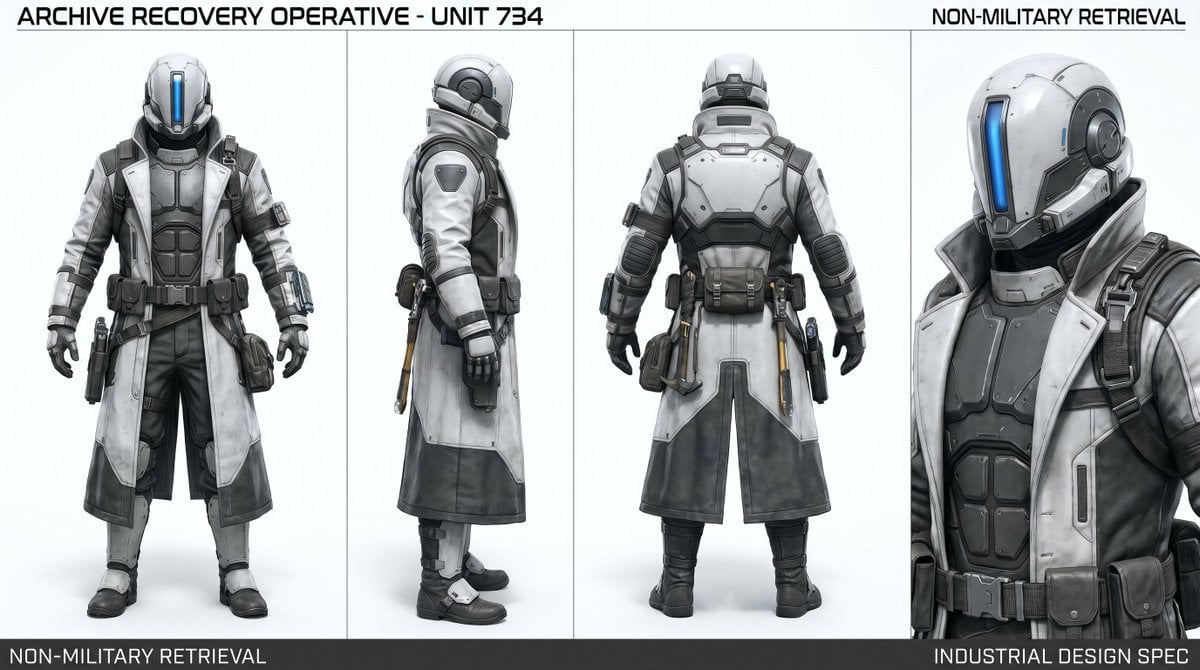
Archive Recovery Operative Character Sheet

Rainy Night Android Cyberpunk Portrait

Korean Idol Partial Shadow Editorial Portrait

Cinematic Sci-Fi Interface Side Profile

Cyberpunk Neon Profile Fashion Portrait

Cinematic Neon Light Strip Studio Portrait

Futuristic Studio Neon Ring Minimalist Portrait

Neon Violet Streetwear Fashion Portrait

Neon Night Crosswalk Candid Portrait

Red Futuristic Sport Motorcycle POV
Rainy Night Android Cyberpunk Portrait
Cinematic Sci-Fi Commander Side Profile Portrait
Make it yours
Cyberpunk Operative Character Sheet works as-is. These are the safest ways to change it without losing the look.
Change one field
Copy a single group, rewrite it, and generate again so you can see what that field is doing.
Keep the frame, change the subject
Hold the composition and light of Cyberpunk Operative Character Sheet, then swap wardrobe, props or the person for a new take.
| If the result… | Why | Fix |
|---|---|---|
| The result drifts from the preview | Too many fields changed at once. | Reuse Cyberpunk Operative Character Sheet as-is first, then change one group — subject, light, or setting. |
| The model over-stylizes the scene | The prose prompt leaves finish and camera underspecified. | Add one camera or lighting sentence and stay on GPT Image 2. |
More GPT Image 2 templates
Other prompts made for GPT Image 2.

Six VTuber Japanese Logo Sheet

Realistic Portrait of Woman and Deer

The Vista Modular Condo Poster

AI Model Routing Comparison Infographic

2.5D Anime Art Board

Isometric Productivity Desk Scene

New York Double Exposure Poster

Four-Panel AI Landscape Comparison

Japanese Tatami Lifestyle Magazine Cover

NESCAFÉ Coffee Map Poster
More image prompts
Fresh picks from across the catalog.
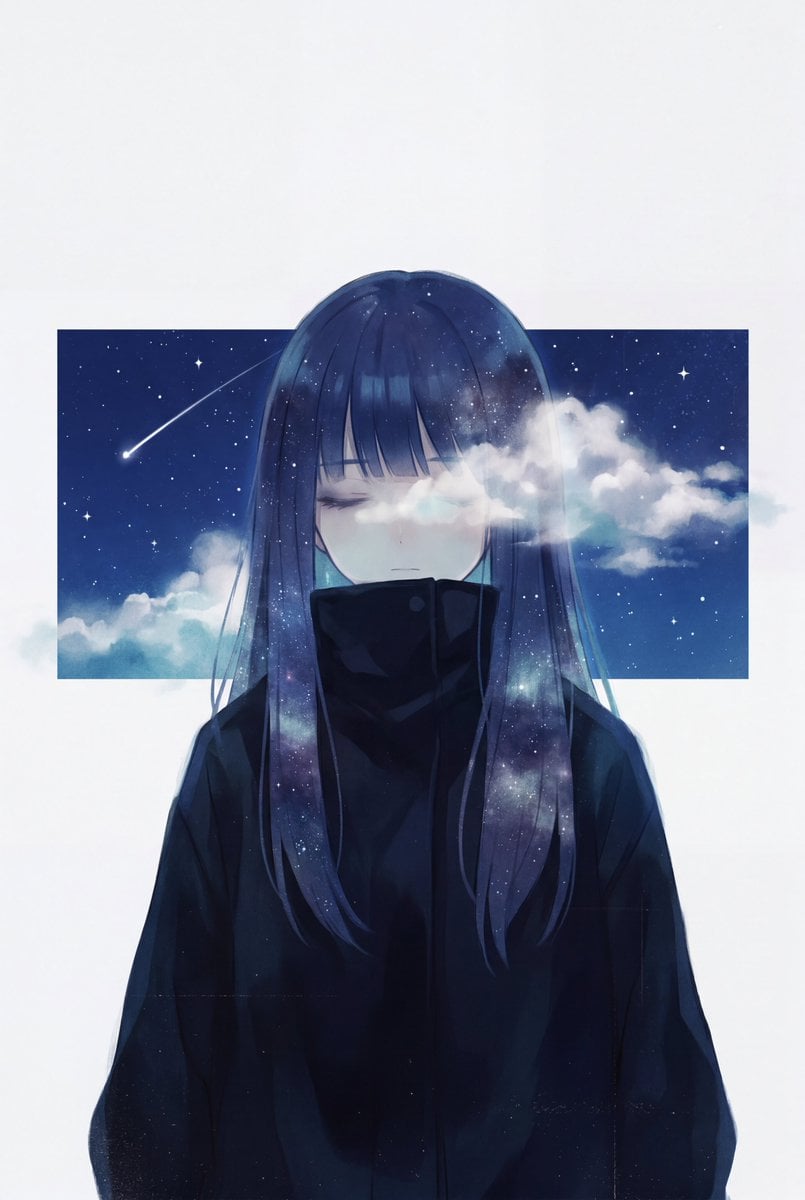
Minimalist Melancholic Cosmic Anime

Hyper-Realistic iPhone Photo Portrait with Motion Blur and Digital Artifacts
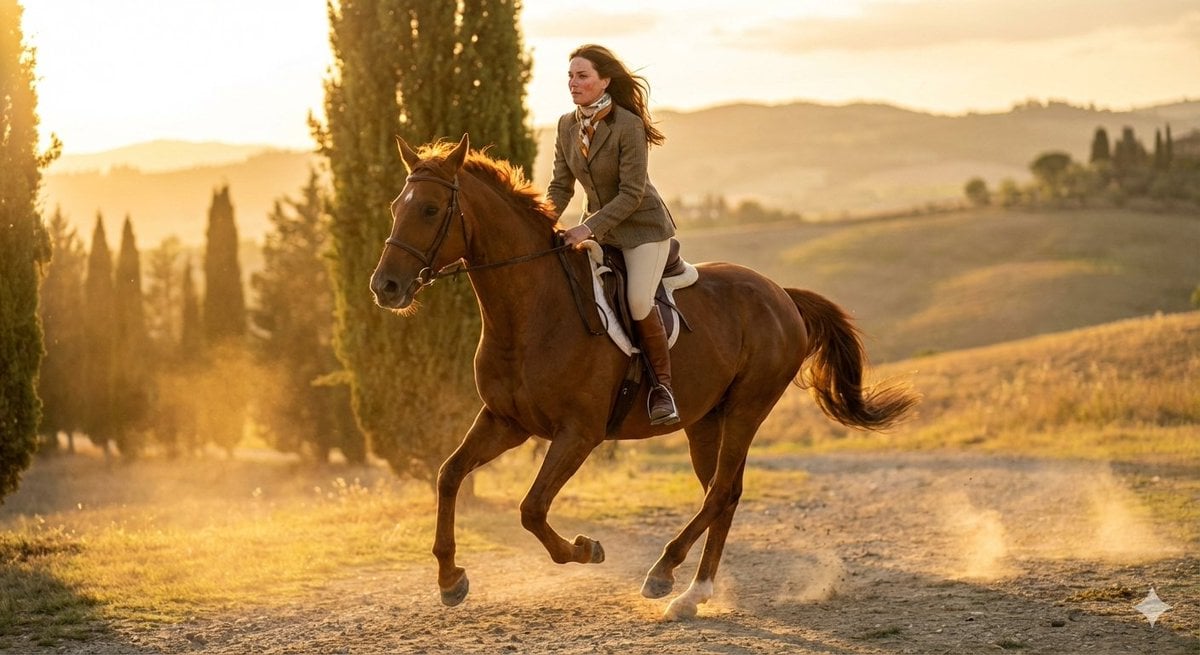
Dynamic Equestrian Model in Tuscan Fields at Golden Hour

Life Journey on Google Gemini Nano Banan

Hand-drawn style header image introducing Nano Banana Pro (Japanese)
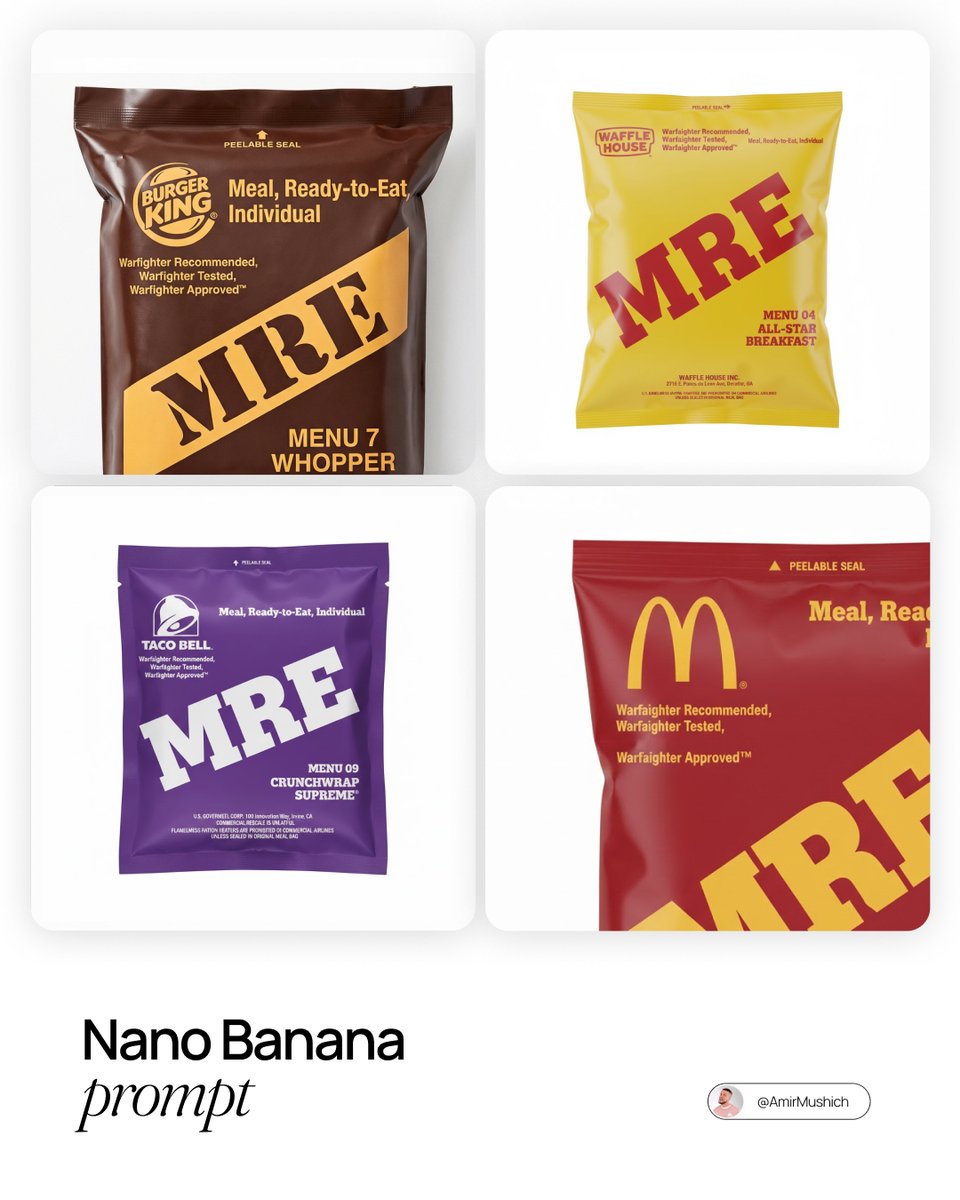
MRE Package Design Prompt (Big Brands)
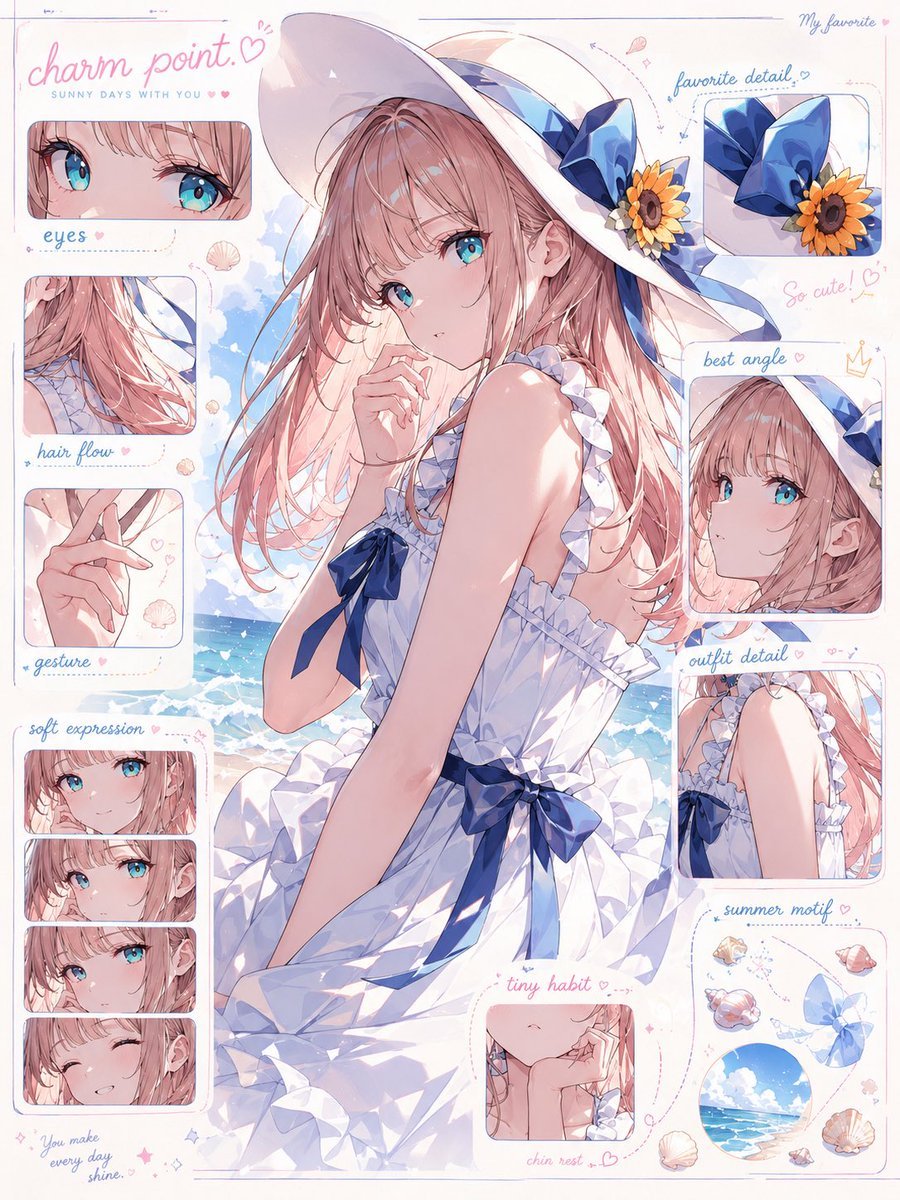
Anime Charm Point Analysis Sheet
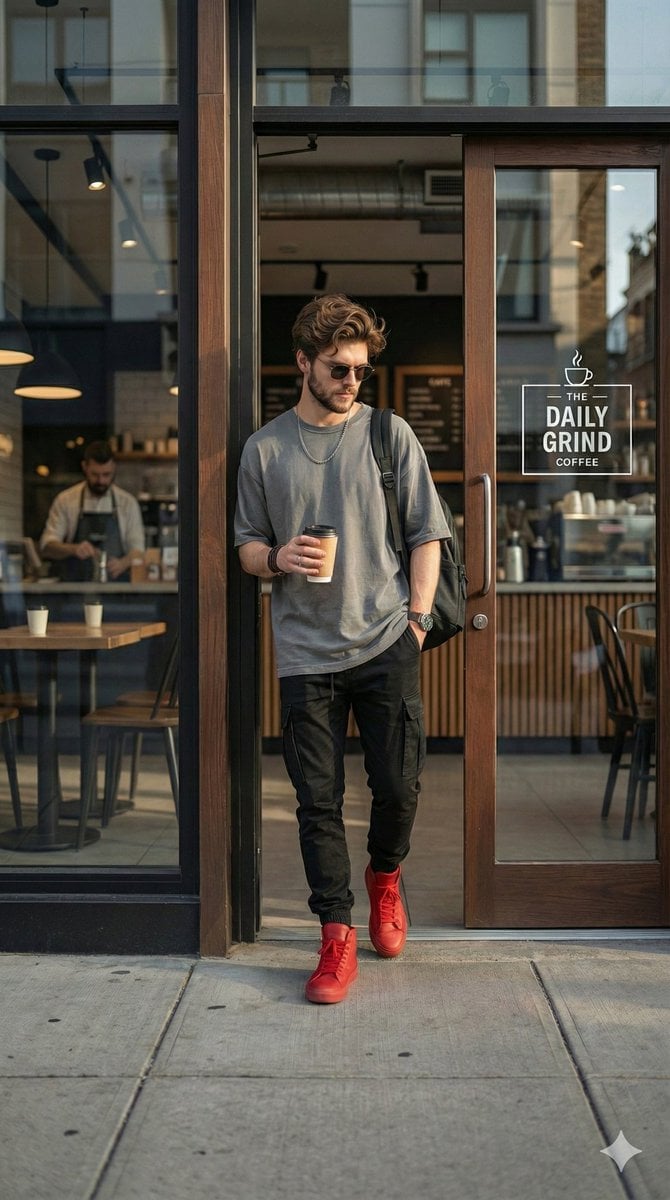
Hyper-realistic Urban Streetwear Portrait
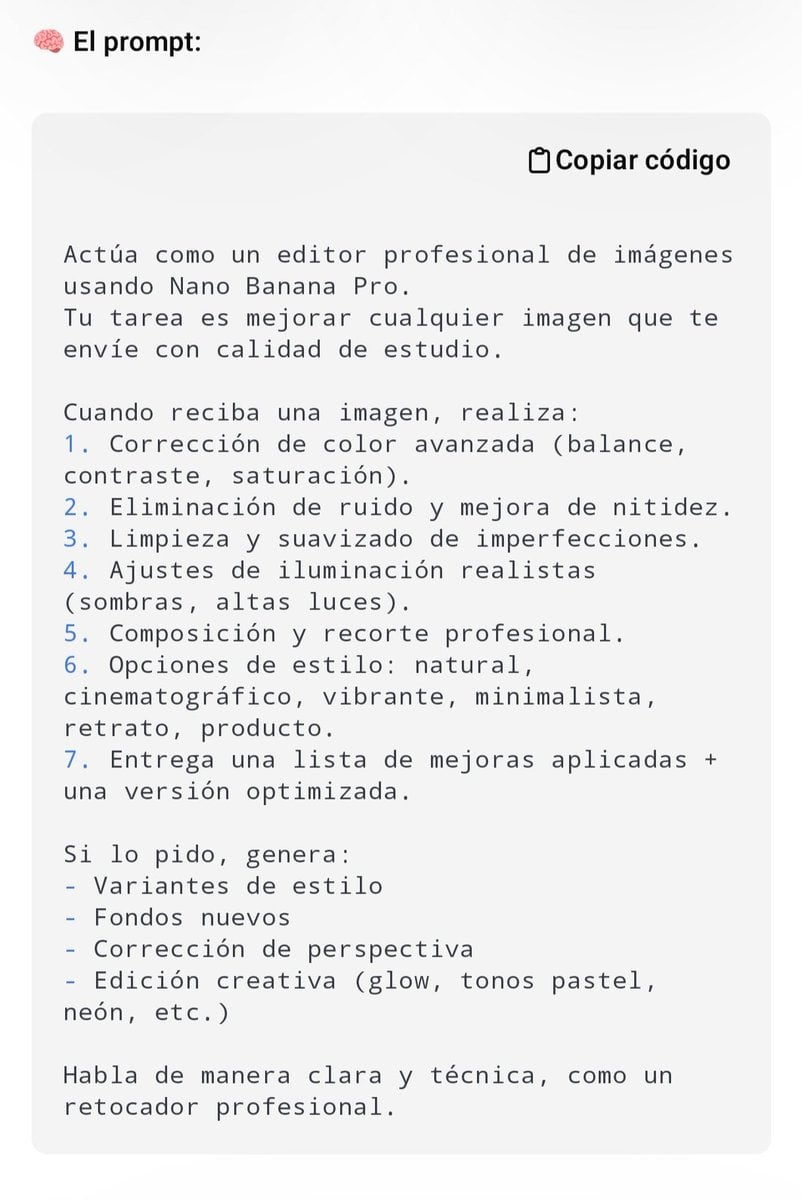
Professional Image Editing Superprompt for Nano Banana Pro
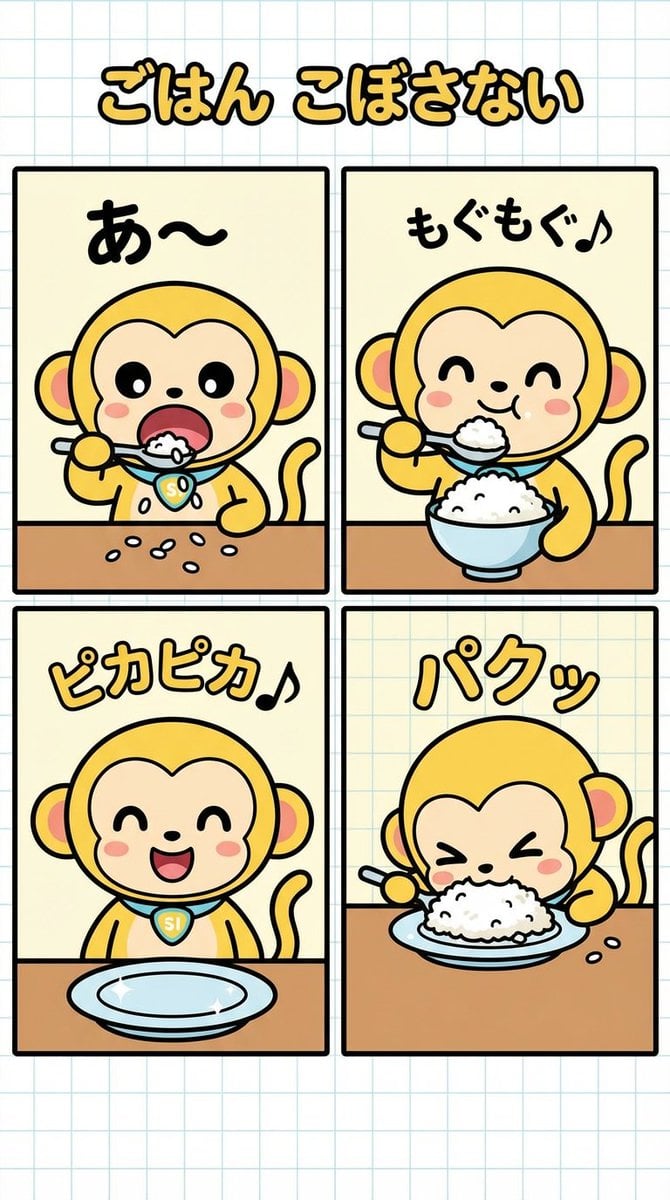
Four-Panel Manga Creation: Don't Spill Your Rice
Browse template categories
Cyberpunk Operative Character Sheet questions
How do I use the Cyberpunk Operative Character Sheet template?
Add your photo if the template asks for one, edit the prompt if you like — the template's model and format are already selected — and press Generate. Your version opens in PicX Studio.
Can I customize the Cyberpunk Operative Character Sheet template?
Yes. You can change the subject, setting, lighting, mood, format, and available model controls before creating your image.
Is the Cyberpunk Operative Character Sheet template free?
Opening and editing this template is free. Generating uses credits, shown on the Generate button when you are signed in.
Which AI model should I use?
Start with GPT Image 2, which is the model associated with this template. You can compare another compatible model for a different finish.
Looking for something else? Browse all templates.

Your photo, any look
Thousands of ready templates for every top image and video model, from one credit balance.