
Noir Assassin Character Sheet
A wide graphic-novel character sheet for a sharply dressed assassin with hero art, turnaround poses, detail panels, and a color palette.
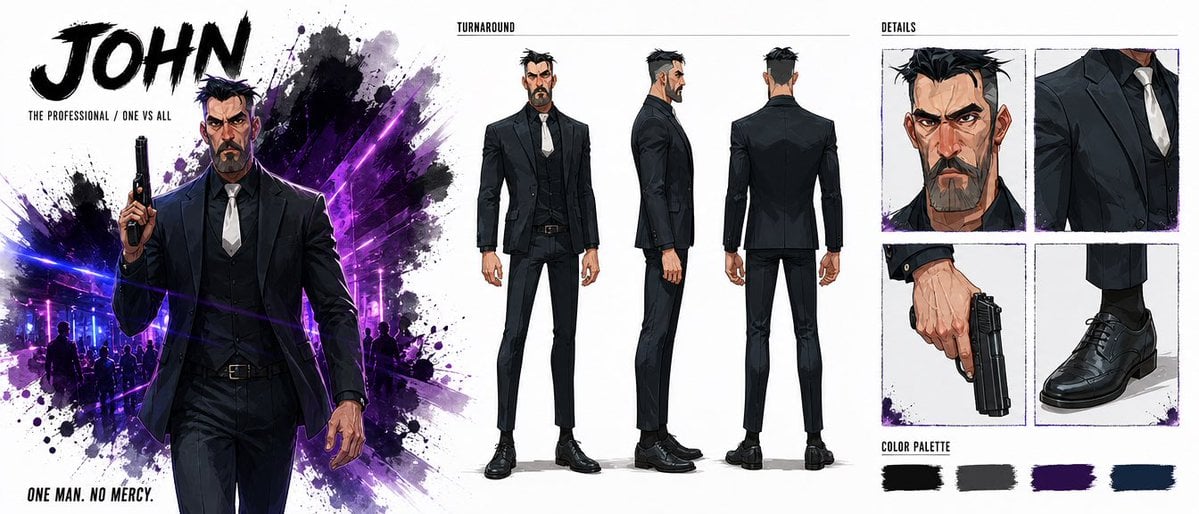
- Prompt included
- Model and format preset
- Free template
The prompt behind this image
Copy the exact prompt behind Noir Assassin Character Sheet, or open it in the studio and make it yours.
Goal: Create a wide cinematic character sheet for an original action-thriller assassin named {argument name="character name" default="JOHN"}, presented like a polished concept-art board. Canvas: Extra-wide horizontal character design sheet, roughly 2.4:1 aspect ratio, clean white background with black ink splatters and neon purple-blue lighting accents. Use a gritty graphic-novel / anime concept art style with sharp linework, dramatic shadows, and high-contrast brush textures. Layout: Divide the sheet into 3 main zones. Left zone is a poster-like hero illustration with typography. Center zone is a full-body turnaround. Right zone is a details grid and color palette. Left zone: At the top left, place massive bold black brushstroke title text reading {argument name="title text" default="JOHN"}. Beneath it, add small uppercase subtitle text: {argument name="subtitle text" default="THE PROFESSIONAL / ONE VS ALL"}. Show one large dramatic cropped hero image of John from about mid-thigh up, walking forward calmly, holding a black handgun upright in his right hand. He wears a fitted black suit, black vest, white tie, black dress shirt, black belt, and black dress shoes. His expression is stern and dangerous. Behind him, create an explosive black ink splash mixed with neon purple and electric blue nightclub light beams, faint silhouettes of people, and splatter textures. Bottom left text reads: {argument name="tagline" default="ONE MAN. NO MERCY."} Center zone: Add a small uppercase heading above the figures reading "TURNAROUND" with a thin horizontal rule. Show exactly 3 full-body turnaround poses of the same character: 1 front view standing straight, 1 side profile facing right, and 1 rear view facing away. Keep the outfit consistent: black tailored jacket, vest, slim trousers, white tie, dark shirt, black shoes. The character has a strong angular face, thick eyebrows, short messy black hair with gray at the sides, and a trimmed dark beard with gray streaks. Right zone: Add a small uppercase heading reading "DETAILS". Create exactly 4 square detail panels arranged in a 2-by-2 grid: 1 close-up portrait of the stern face and hair, 1 close-up of the upper suit torso with white tie and lapels, 1 close-up of a hand holding a black handgun pointed downward, and 1 close-up of polished black dress shoes and trouser cuffs. Use thin sketchy panel borders and subtle purple ink splatter accents. Bottom right: Add a section labeled "COLOR PALETTE" with exactly 4 horizontal brush-stroke swatches: 1 black swatch, 1 charcoal gray swatch, 1 deep purple swatch, and 1 dark navy blue swatch. Character details: The character should look like a hardened middle-aged professional killer, tall and athletic, with a square jaw, intense eyes, slightly messy spiked hair, and a controlled calm posture. The weapon is a compact black semi-automatic handgun. The mood is lethal, elegant, and noir. Constraints: Use exactly 3 turnaround figures, exactly 4 detail panels, and exactly 4 color swatches. Keep all typography in English. No logos, no watermarks, no extra panels, no extra characters in the foreground.
How to use Noir Assassin Character Sheet in 3 steps
- 1Upload ImagePNG, JPG or paste
Add your photo
Upload the photo the template builds on. The prompt, model and format are already set.
- 2…a portrait of your subject in softgolden-hour light, 85mm…
Personalize
Edit the subject and creative details for your destination.
- 3Generate
Generate
Press Generate — your image is created in PicX Studio, so you can compare it with the original and refine one variable at a time.
More like this
Templates with the same subject, style or setup. Open one to see its prompt.
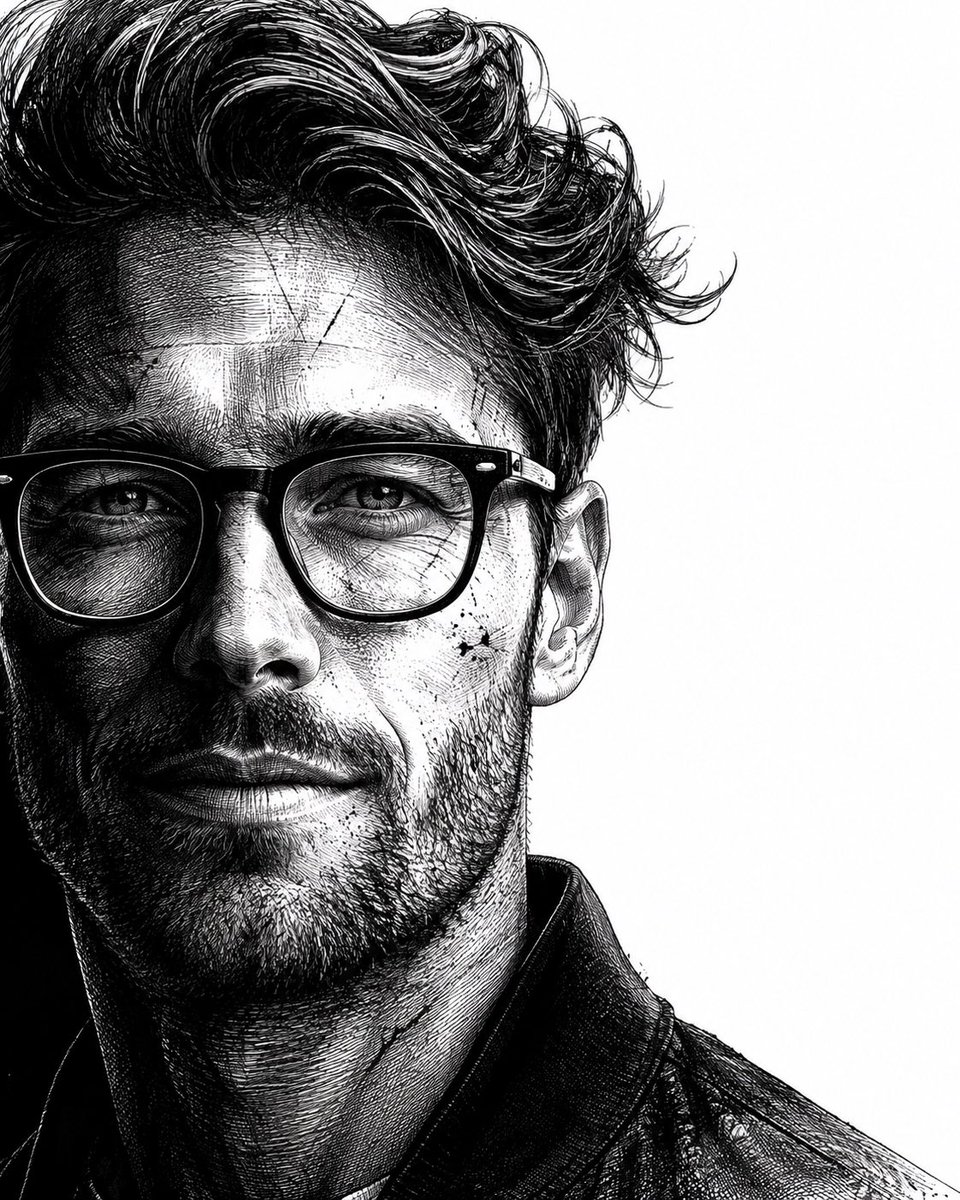
Neo-noir assassin portrait ink engraving
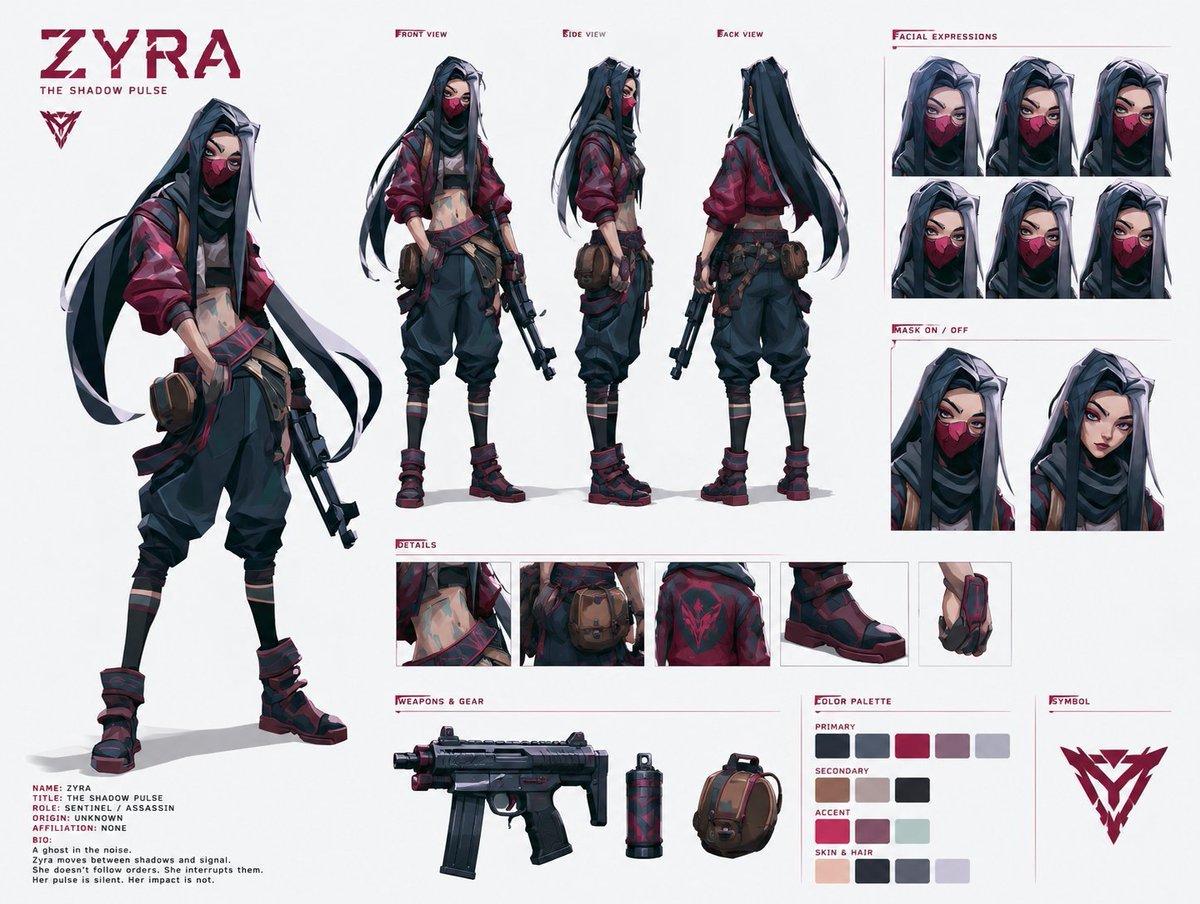
Cyberpunk Ninja Assassin Character Sheet
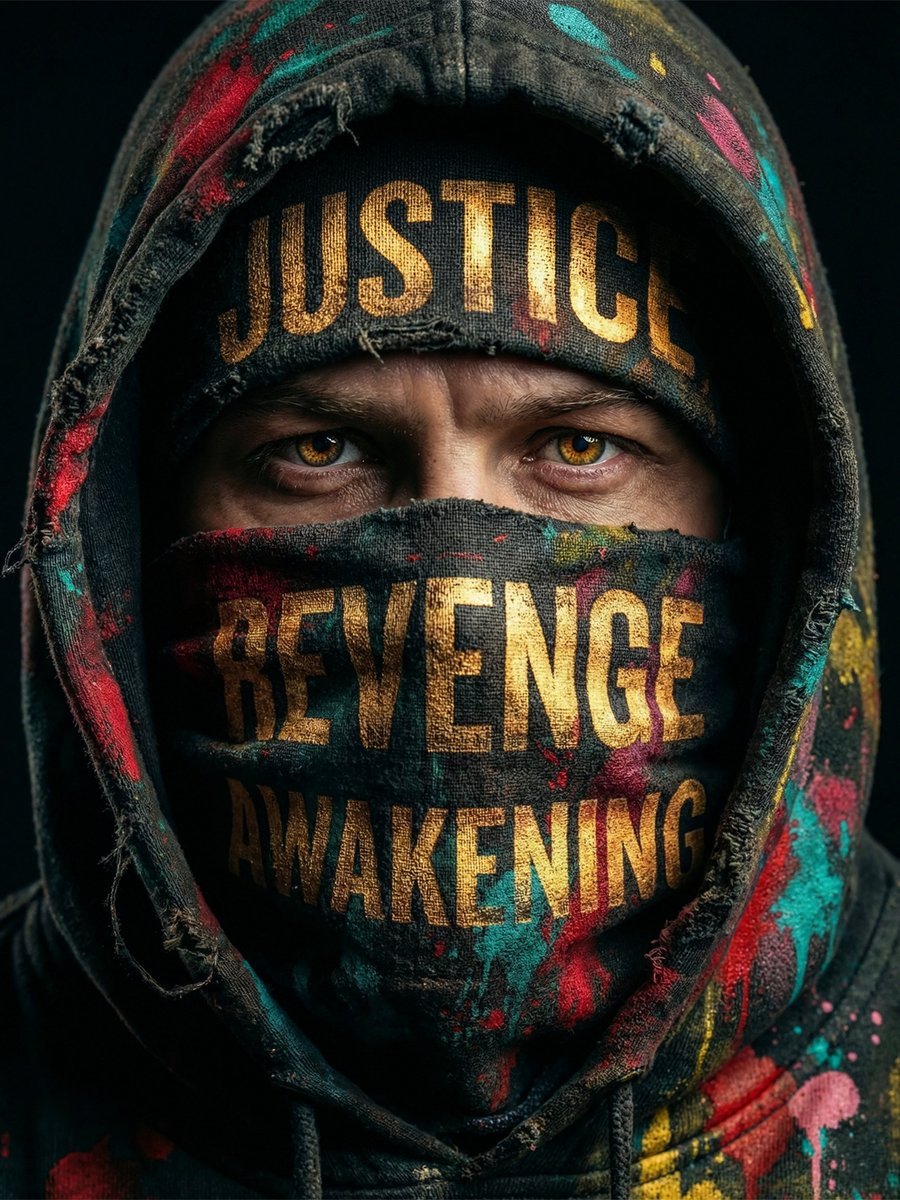
Noir Justice Revenge Awakening Portrait
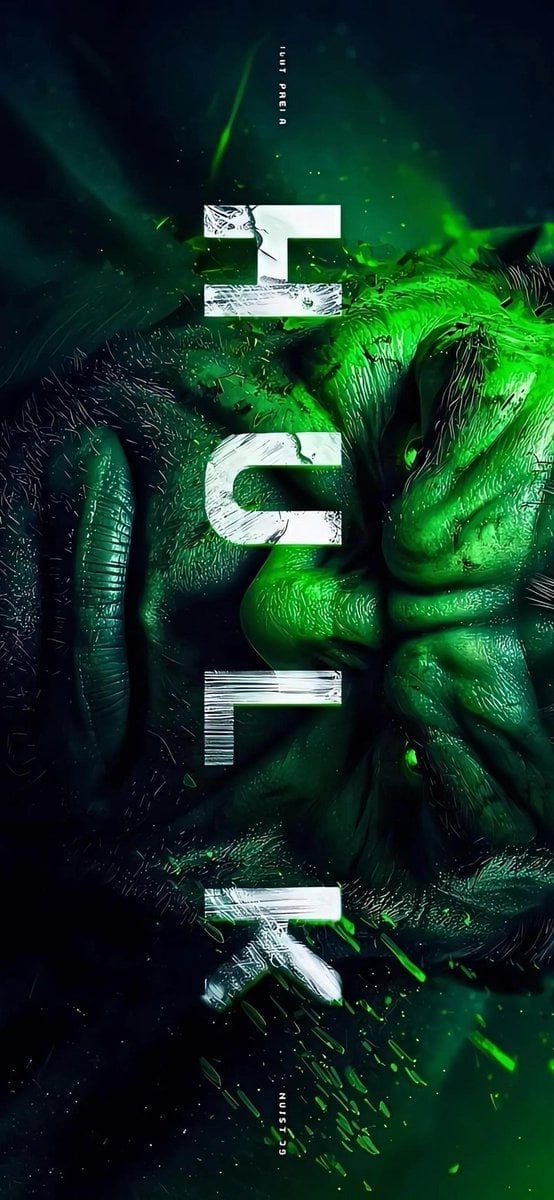
Masked Vigilante Noir Poster

Spider-Man Noir Detective Rain Alley

Dancer Character - Four View Reference Sheet

Movement Sheet - Dance Reference (Seedance 2.0)
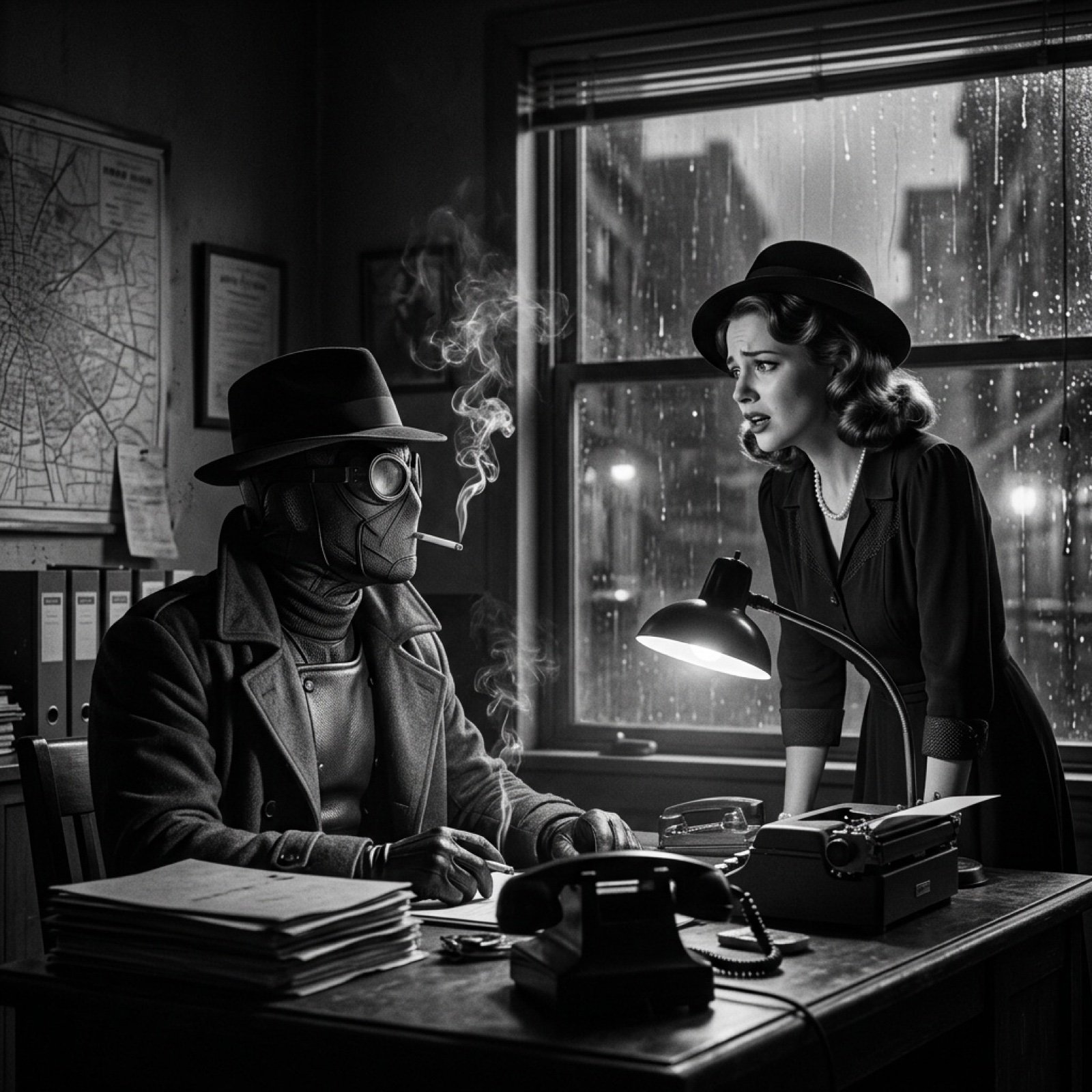
Seedance 2.0 - Spider-Man Noir

Six VTuber Japanese Logo Sheet

Noir Punk Street Portrait
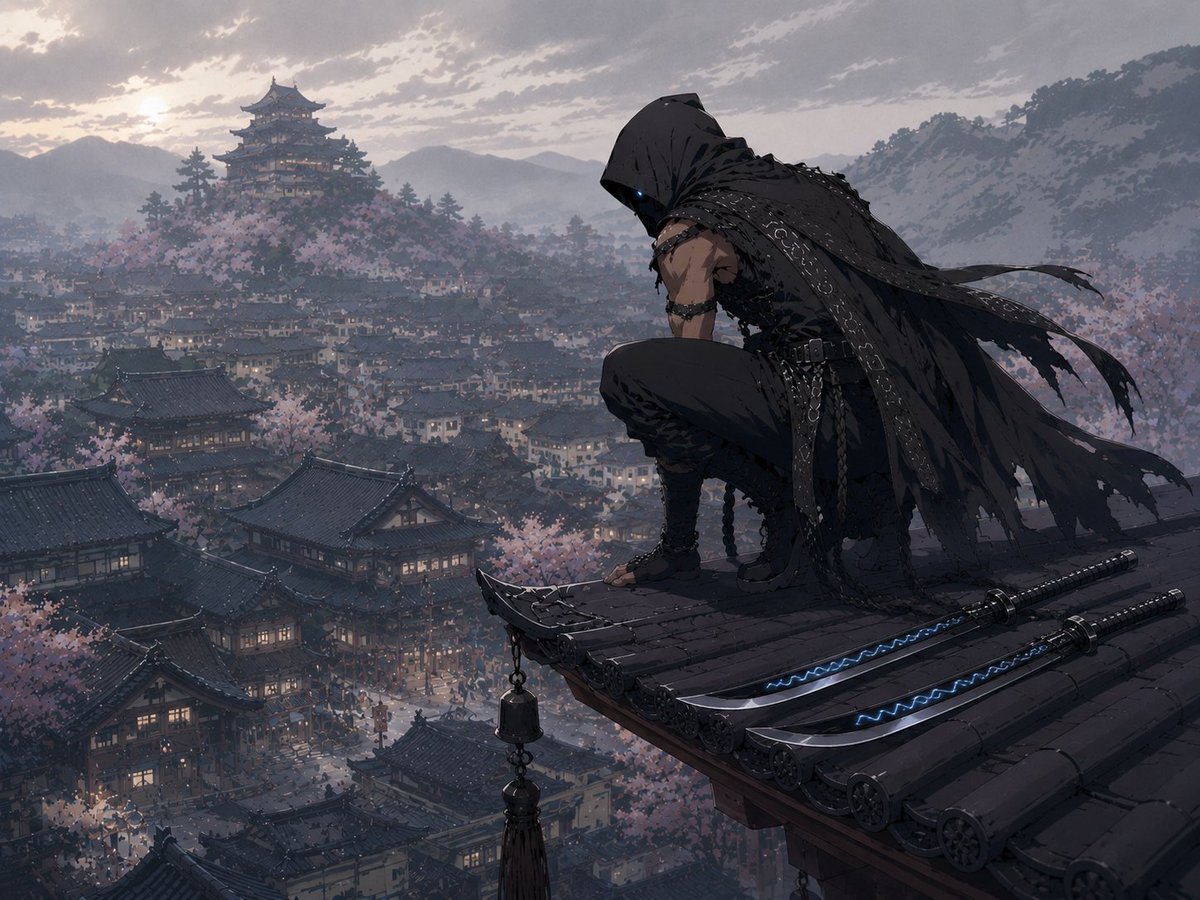
Hooded Assassin Watching Castle Town
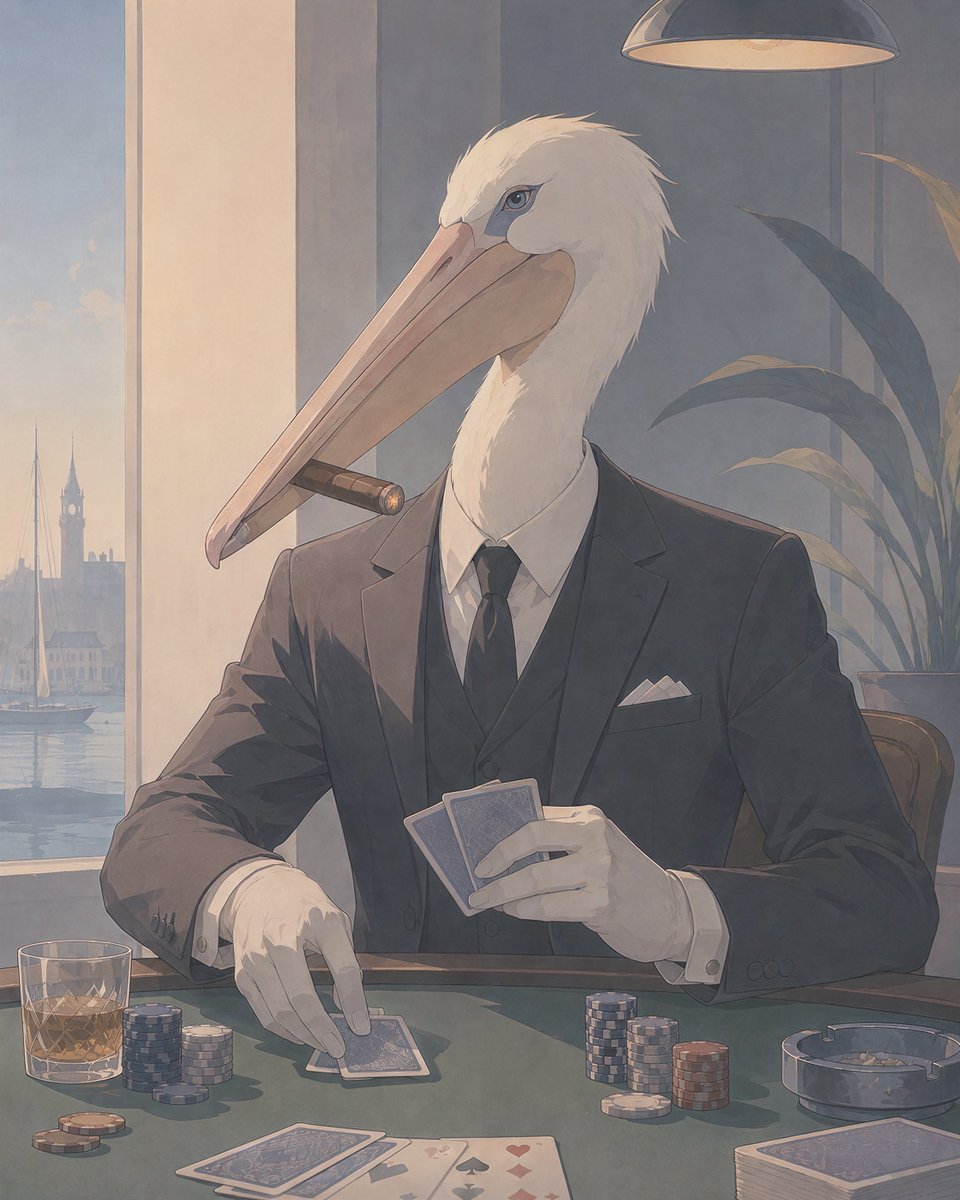
Pelican Poker Noir Illustration
Make it yours
Noir Assassin Character Sheet works as-is. These are the safest ways to change it without losing the look.
Change one field
Copy a single group, rewrite it, and generate again so you can see what that field is doing.
Keep the frame, change the subject
Hold the composition and light of Noir Assassin Character Sheet, then swap wardrobe, props or the person for a new take.
| If the result… | Why | Fix |
|---|---|---|
| The result drifts from the preview | Too many fields changed at once. | Reuse Noir Assassin Character Sheet as-is first, then change one group — subject, light, or setting. |
| The model over-stylizes the scene | The prose prompt leaves finish and camera underspecified. | Add one camera or lighting sentence and stay on GPT Image 2. |
More GPT Image 2 templates
Other prompts made for GPT Image 2.

Realistic Portrait of Woman and Deer

The Vista Modular Condo Poster

AI Model Routing Comparison Infographic

2.5D Anime Art Board

Isometric Productivity Desk Scene

New York Double Exposure Poster

Four-Panel AI Landscape Comparison

Japanese Tatami Lifestyle Magazine Cover

NESCAFÉ Coffee Map Poster

Brutalist Cogito Chinese Typography Poster
More image prompts
Fresh picks from across the catalog.
Editorial Magazine Cover Portrait
AI Poster Comparison Thumbnail
Abstract Brand Illustration for Innovation and Clarity
Cinematic Street Photography Caption and Visual Style
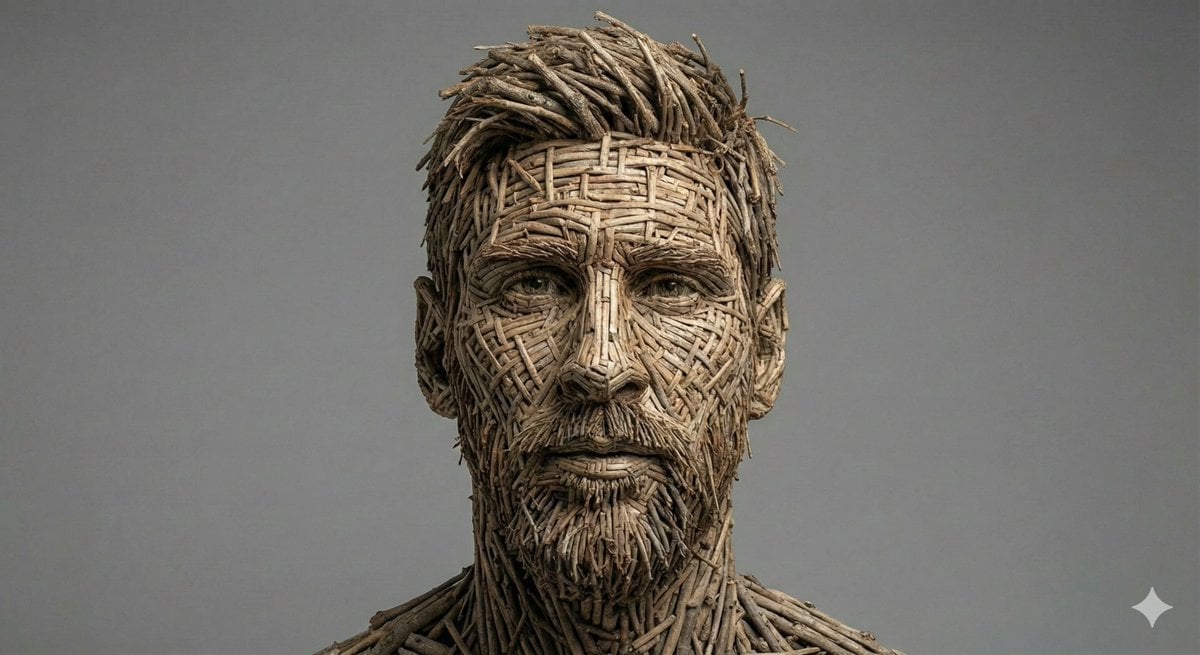
Woven Wooden Twig Portrait with Identity Lock
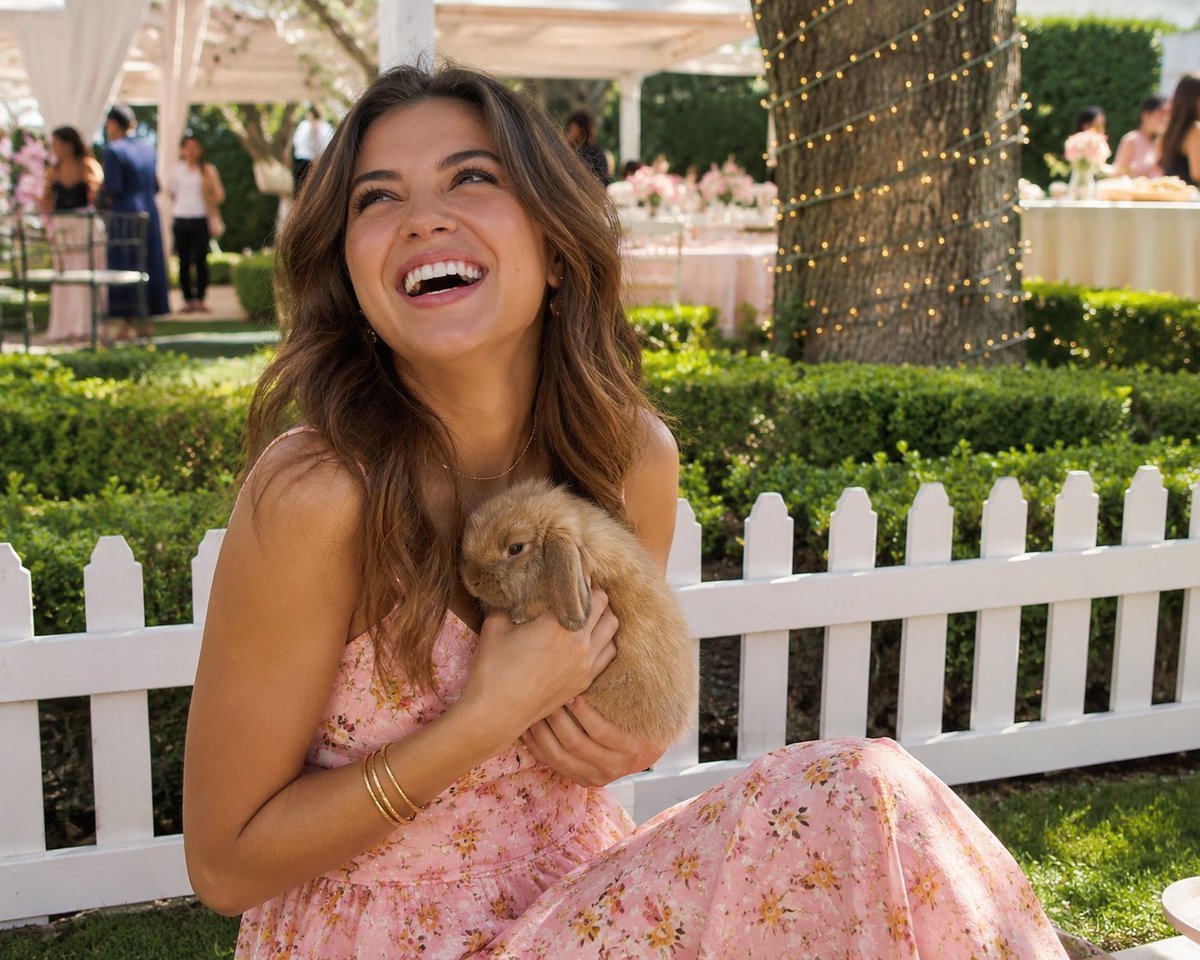
Candid Garden Portrait with Bunny
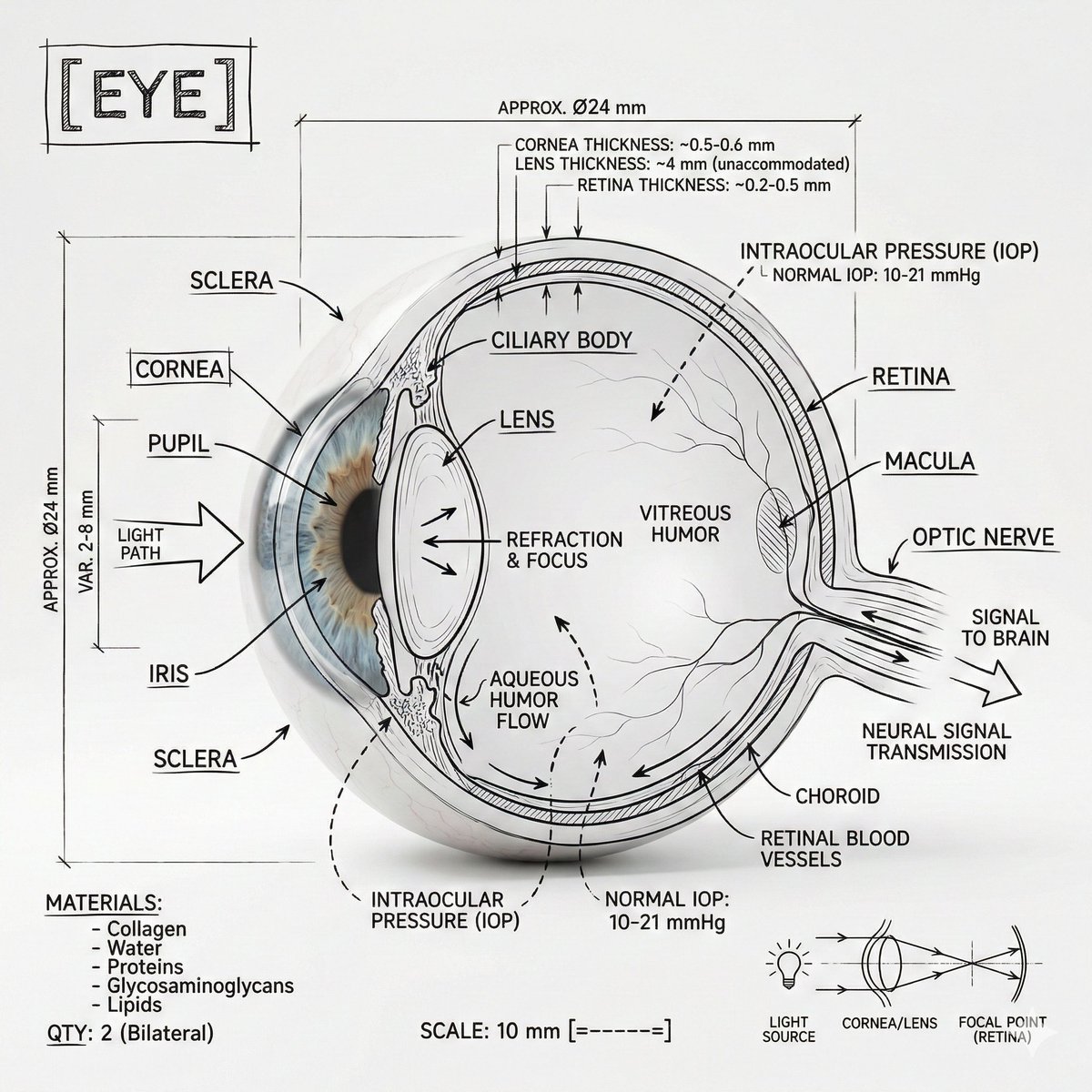
Infographic Prompt Template for Body Parts
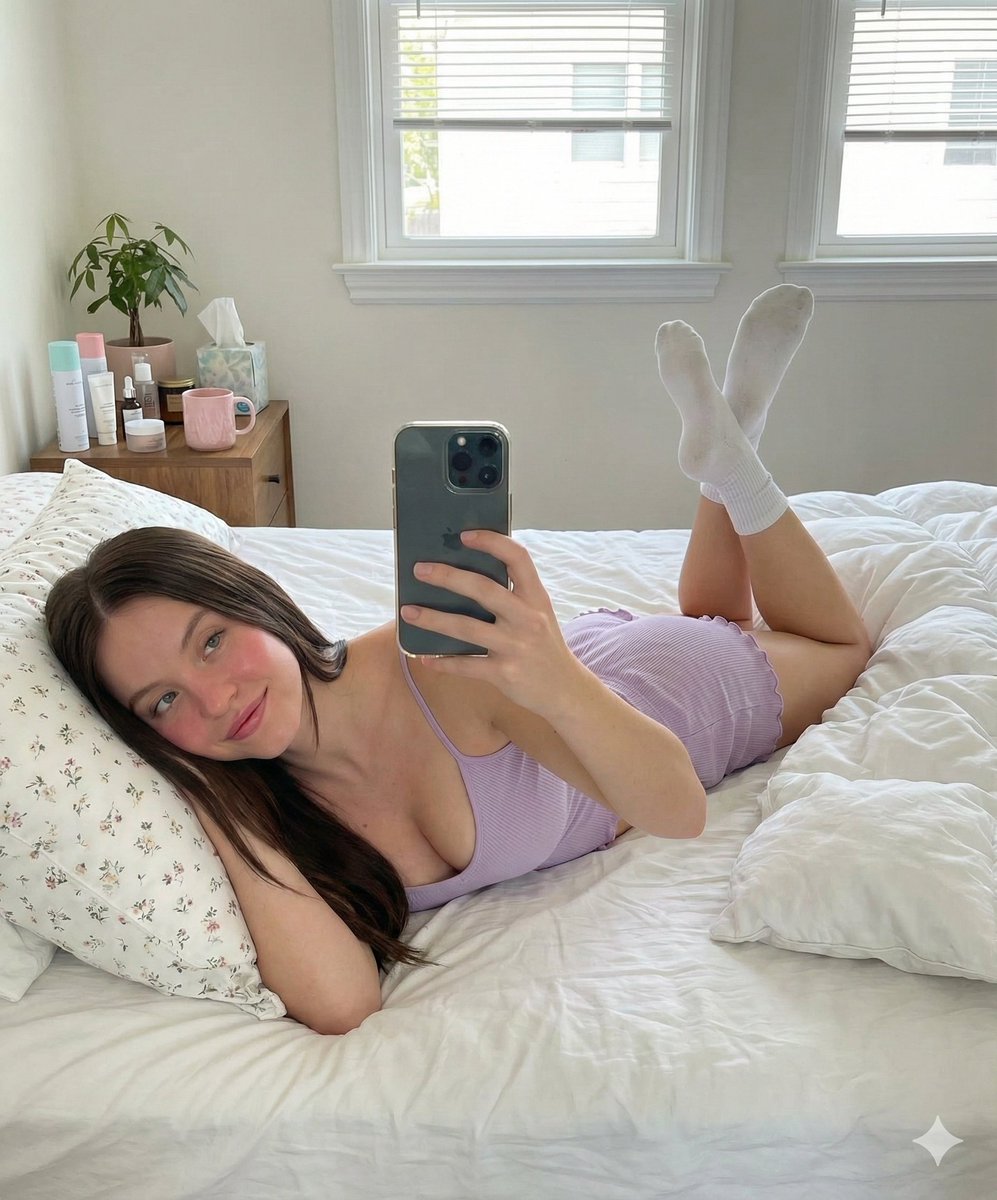
Prone Bed Selfie in Purple Lounge Wear
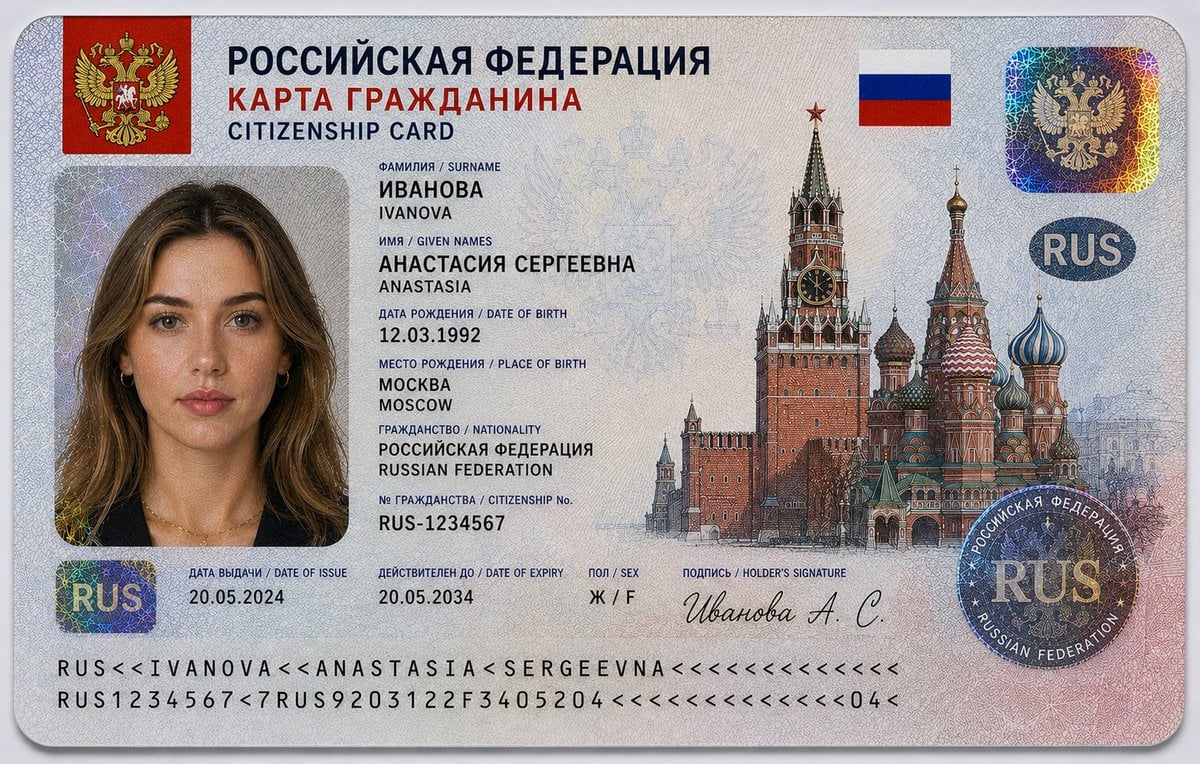
Realistic Citizenship Identity Card
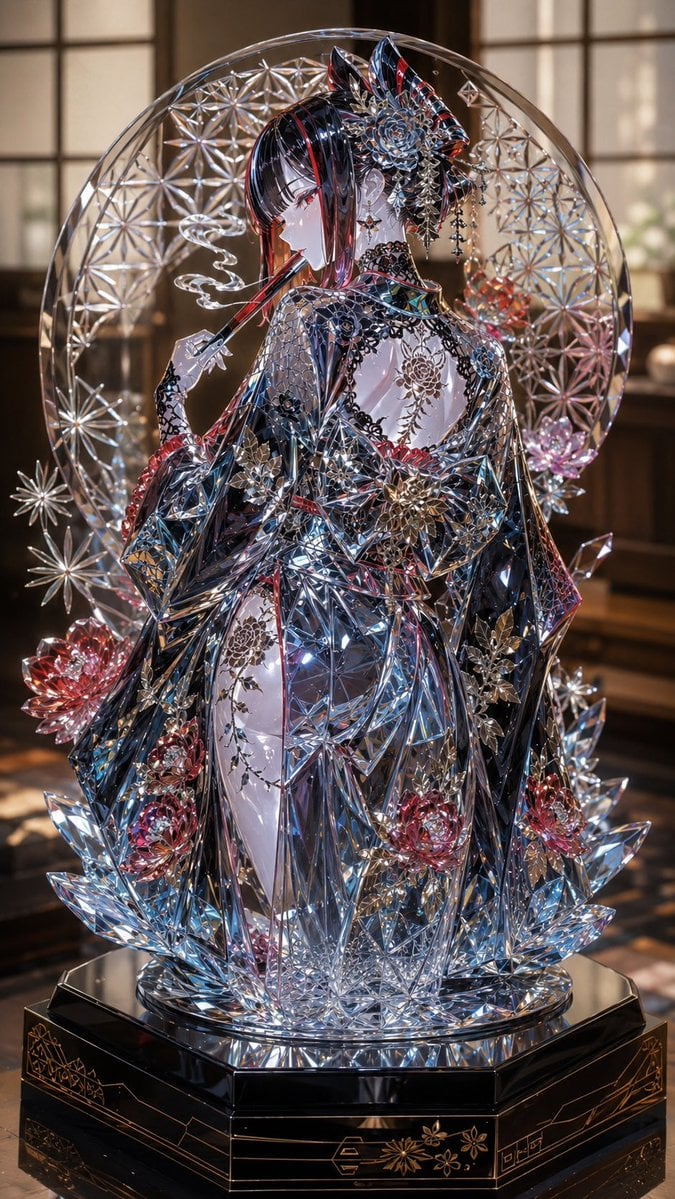
Edo Kiriko Gothic Kimono Glass Maiden
Browse template categories
Noir Assassin Character Sheet questions
How do I use the Noir Assassin Character Sheet template?
Add your photo if the template asks for one, edit the prompt if you like — the template's model and format are already selected — and press Generate. Your version opens in PicX Studio.
Can I customize the Noir Assassin Character Sheet template?
Yes. You can change the subject, setting, lighting, mood, format, and available model controls before creating your image.
Is the Noir Assassin Character Sheet template free?
Opening and editing this template is free. Generating uses credits, shown on the Generate button when you are signed in.
Which AI model should I use?
Start with GPT Image 2, which is the model associated with this template. You can compare another compatible model for a different finish.
Looking for something else? Browse all templates.

Your photo, any look
Thousands of ready templates for every top image and video model, from one credit balance.