
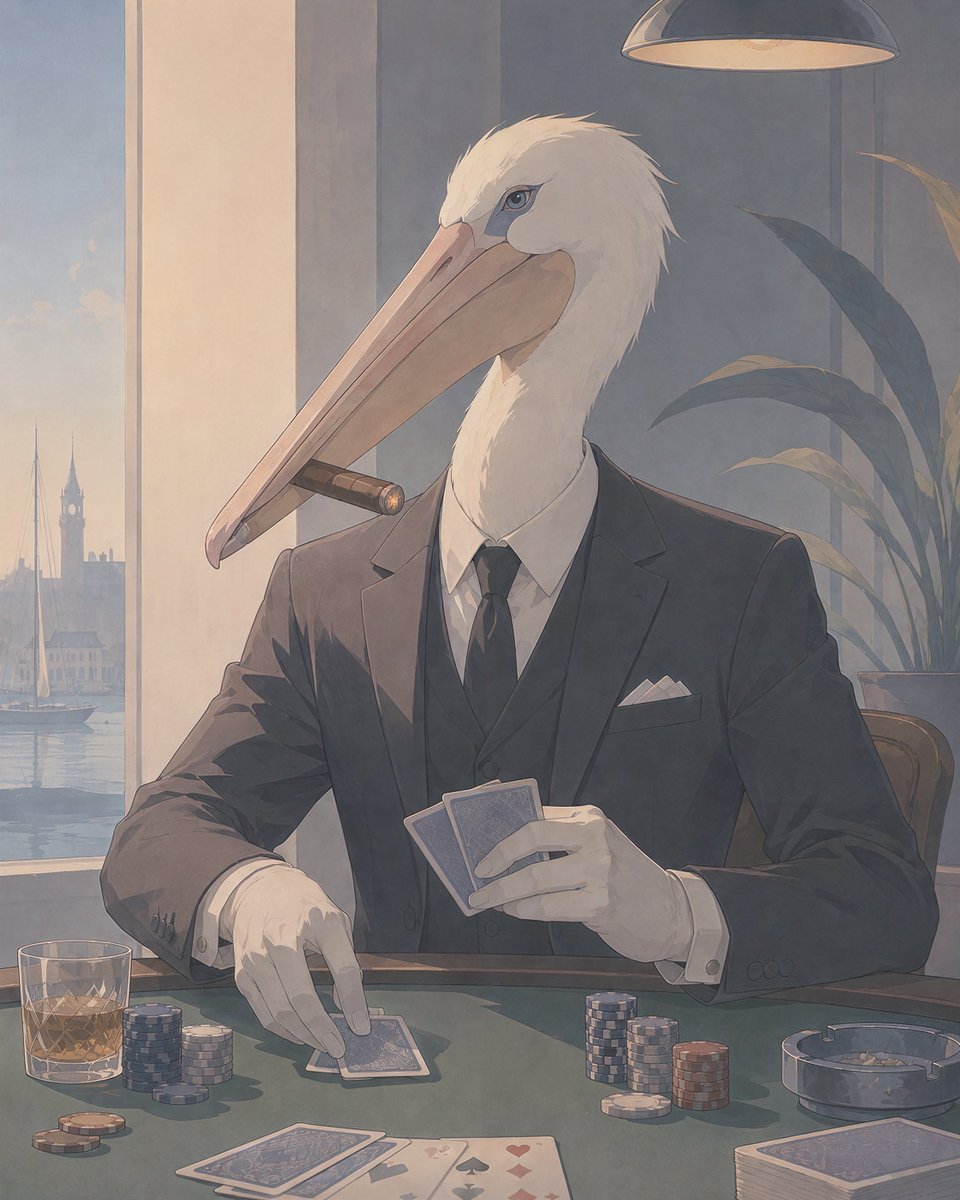
Pelican Poker Noir Illustration
Generates a cinematic anime-noir illustration of an anthropomorphic pelican in a suit playing poker in an elegant harbor lounge.
- Prompt included
- Model and format preset
- Free template
The prompt behind this image
Copy the exact prompt behind Pelican Poker Noir Illustration, or open it in the studio and make it yours.
Create a refined vertical 4:5 anime-style cinematic illustration of an anthropomorphic {argument name="bird species" default="white pelican"} as a suave high-stakes poker player seated at a green felt casino table in an elegant waterfront lounge at dusk. The character has a realistic long pale peach beak, white feathered head and neck, a sharp intelligent eye, and wears a tailored {argument name="suit color" default="charcoal black"} three-piece suit with a white dress shirt, black tie, white pocket square, and white gloves. A brown cigar is clenched sideways in the beak. The pelican holds exactly 2 blue-backed playing cards in the right hand while the left gloved hand touches exactly 1 face-down card on the table; show exactly 2 additional face-down cards near the lower left foreground, exactly 4 face-up suit cards along the lower center edge, and exactly 1 full blue-backed deck at the lower right. Arrange exactly 6 visible poker chip stacks: 3 stacks beside a low tumbler of amber whiskey on the left, and 3 stacks near the center-right, plus a few loose chips on the felt. Include exactly 1 round glass ashtray on the right, exactly 1 whiskey glass on the left, exactly 1 overhead hanging lamp at the top, exactly 1 tall potted plant behind the character on the right, and a large window on the left revealing a calm harbor with sailboats and a distant clocktower skyline in soft evening haze. Use muted blue-gray and warm beige lighting, delicate painterly linework, subtle film grain, soft shadows, Art Nouveau meets modern anime noir atmosphere, elegant composition, sophisticated gambling-room mood, no text, no watermark.
How to use Pelican Poker Noir Illustration in 3 steps
- 1Upload ImagePNG, JPG or paste
Add your photo
Upload the photo the template builds on. The prompt, model and format are already set.
- 2…a portrait of your subject in softgolden-hour light, 85mm…
Personalize
Edit the subject and creative details for your destination.
- 3Generate
Generate
Press Generate — your image is created in PicX Studio, so you can compare it with the original and refine one variable at a time.
More like this
Templates with the same subject, style or setup. Open one to see its prompt.
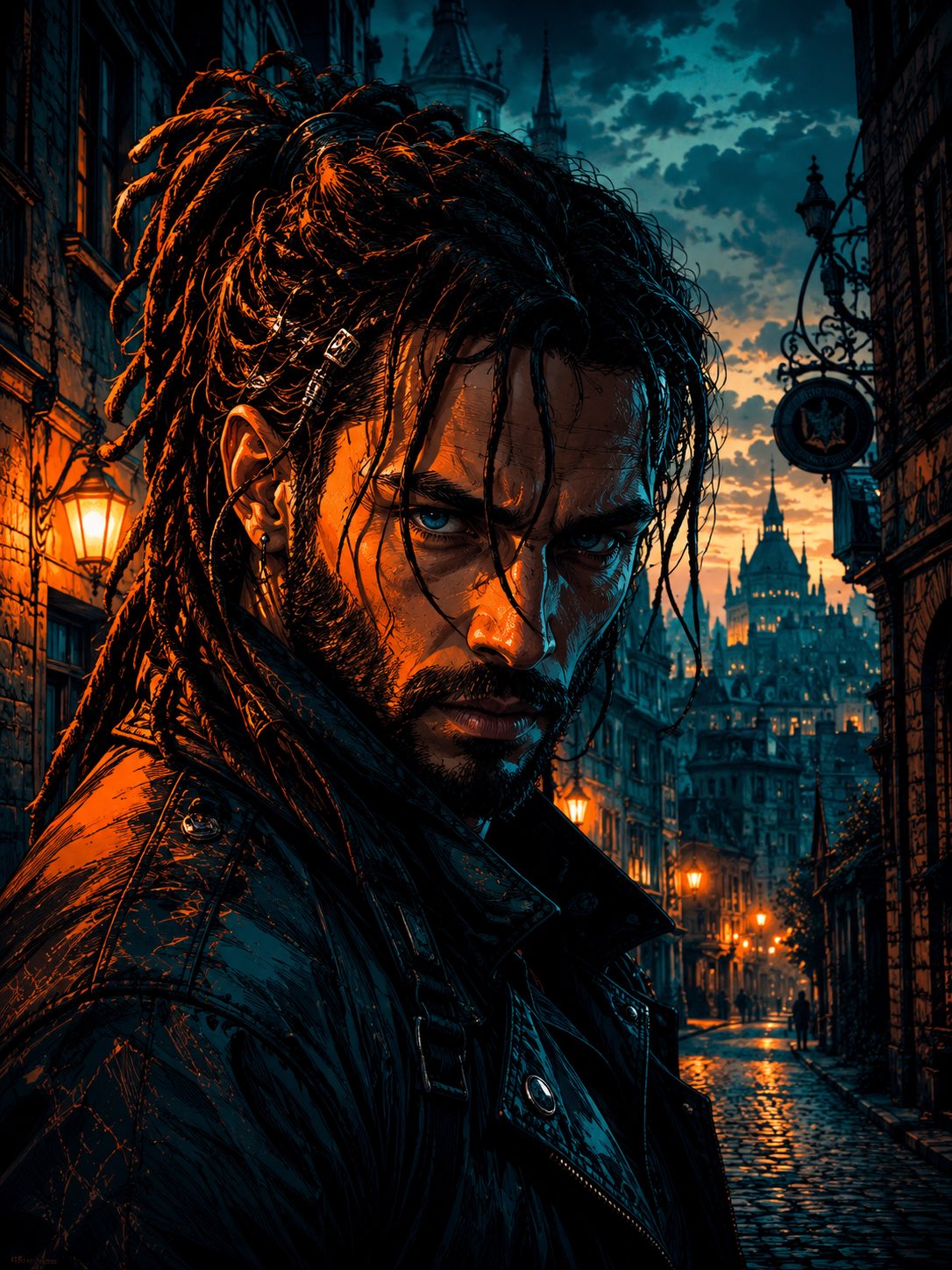
Cyber Noir Dreadlocks Street Portrait

Quiet Minimalist Anime Style Guide

Real Illustration Split Portrait Transition
Quiet Minimalist Anime Style Guide

Watercolor Café Cheesecake Editorial Illustration
Real Illustration Split Portrait Transition
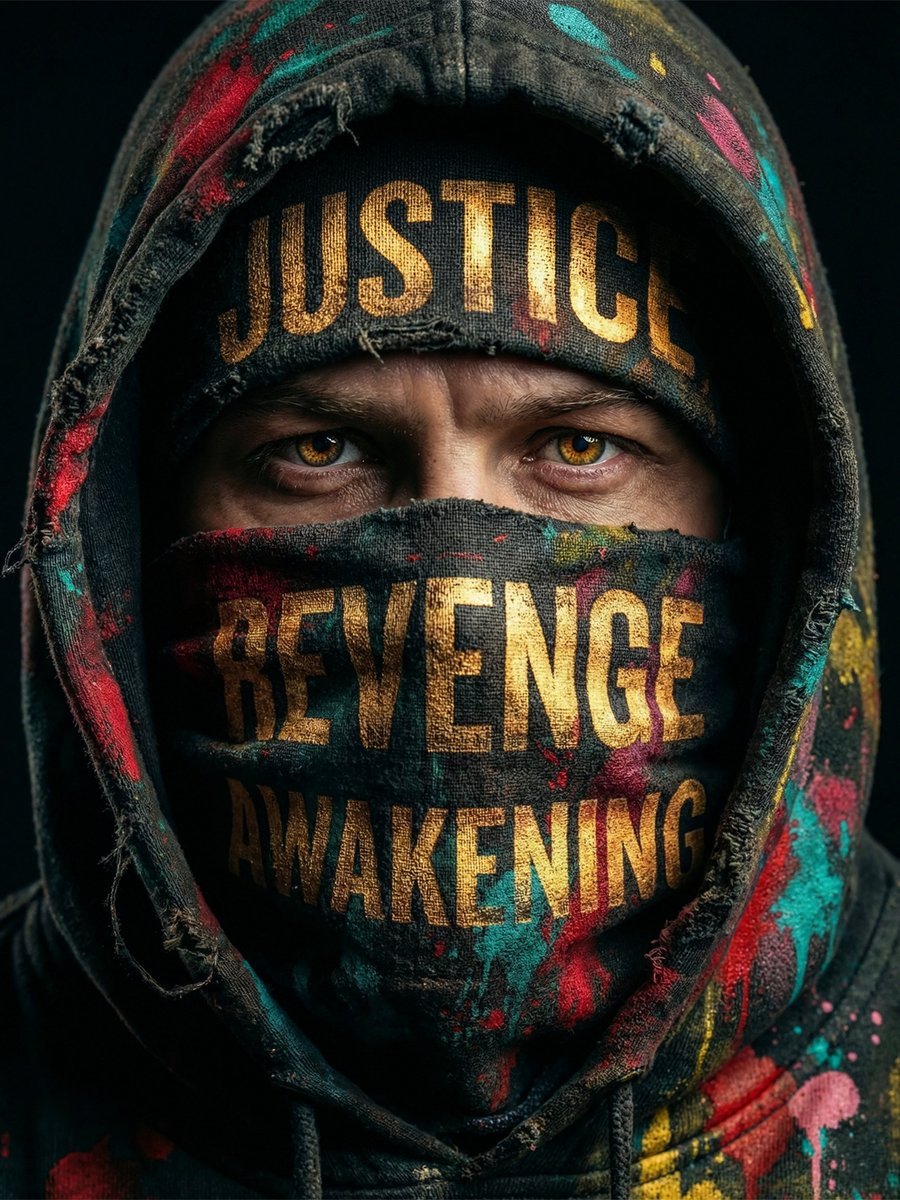
Noir Justice Revenge Awakening Portrait
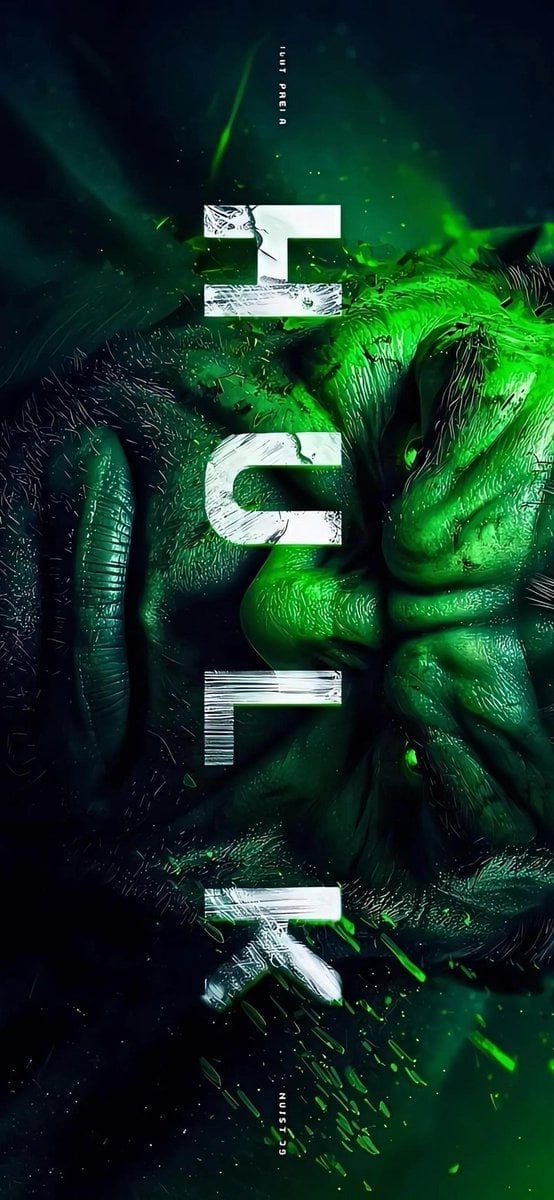
Masked Vigilante Noir Poster

Bold Side Profile Superhero Poster

Hero Portrait Comic Multi-Panel Poster

Spider-Verse Painterly Portrait Poster

Spider-Man Noir Detective Rain Alley
Make it yours
Pelican Poker Noir Illustration works as-is. These are the safest ways to change it without losing the look.
Change one field
Copy a single group, rewrite it, and generate again so you can see what that field is doing.
Keep the frame, change the subject
Hold the composition and light of Pelican Poker Noir Illustration, then swap wardrobe, props or the person for a new take.
| If the result… | Why | Fix |
|---|---|---|
| The result drifts from the preview | Too many fields changed at once. | Reuse Pelican Poker Noir Illustration as-is first, then change one group — subject, light, or setting. |
| The model over-stylizes the scene | The prose prompt leaves finish and camera underspecified. | Add one camera or lighting sentence and stay on GPT Image 2. |
More GPT Image 2 templates
Other prompts made for GPT Image 2.

Six VTuber Japanese Logo Sheet

Realistic Portrait of Woman and Deer

The Vista Modular Condo Poster

AI Model Routing Comparison Infographic

2.5D Anime Art Board

Isometric Productivity Desk Scene

New York Double Exposure Poster

Four-Panel AI Landscape Comparison

Japanese Tatami Lifestyle Magazine Cover

NESCAFÉ Coffee Map Poster
More image prompts
Fresh picks from across the catalog.
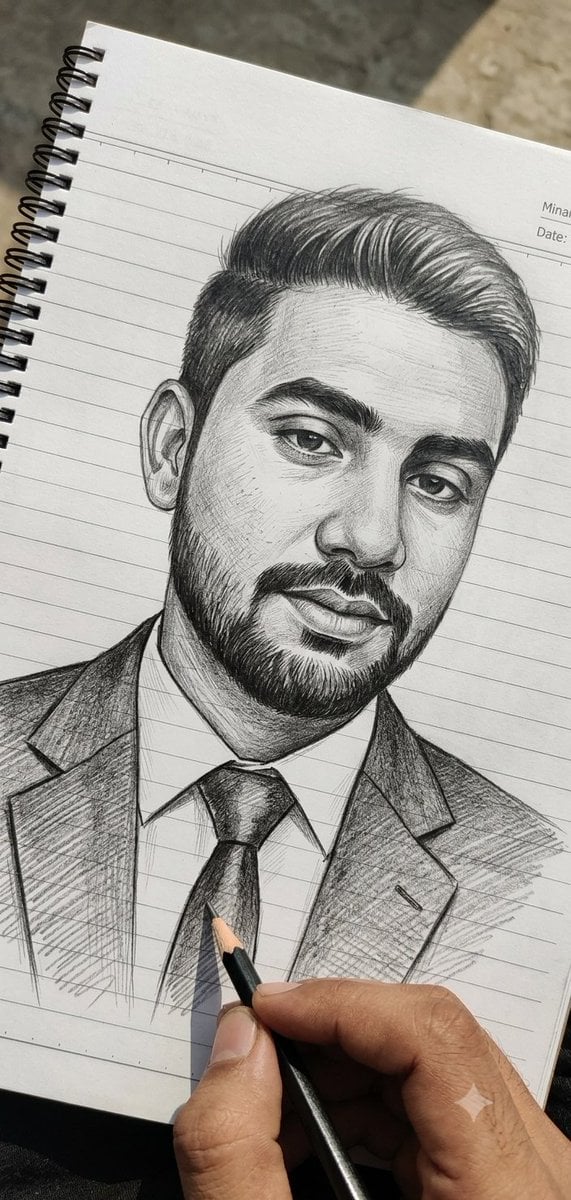
Hand-Drawn Pencil Sketch Portrait
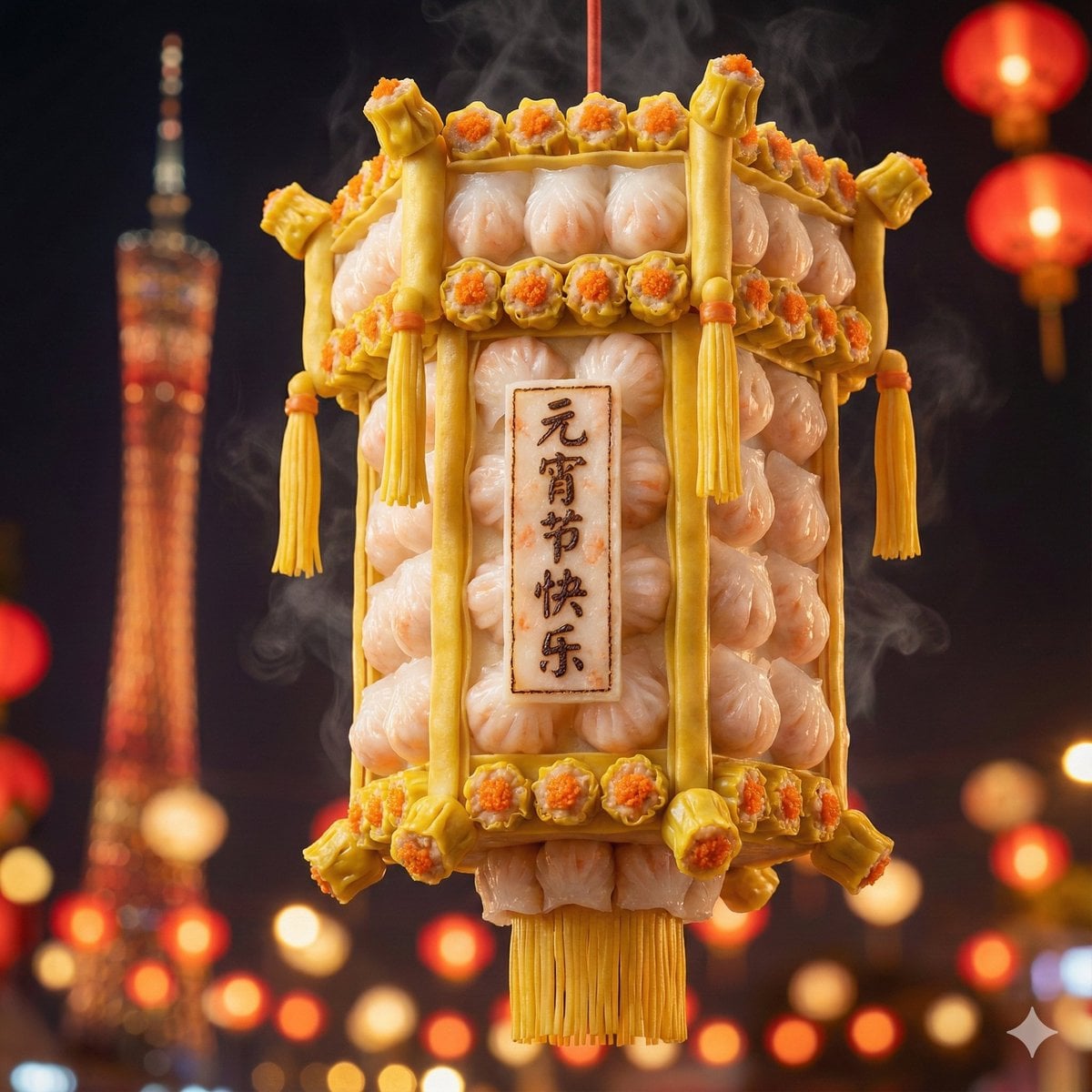
Food-Themed Festival Scene Generation Prompt (Iterative)
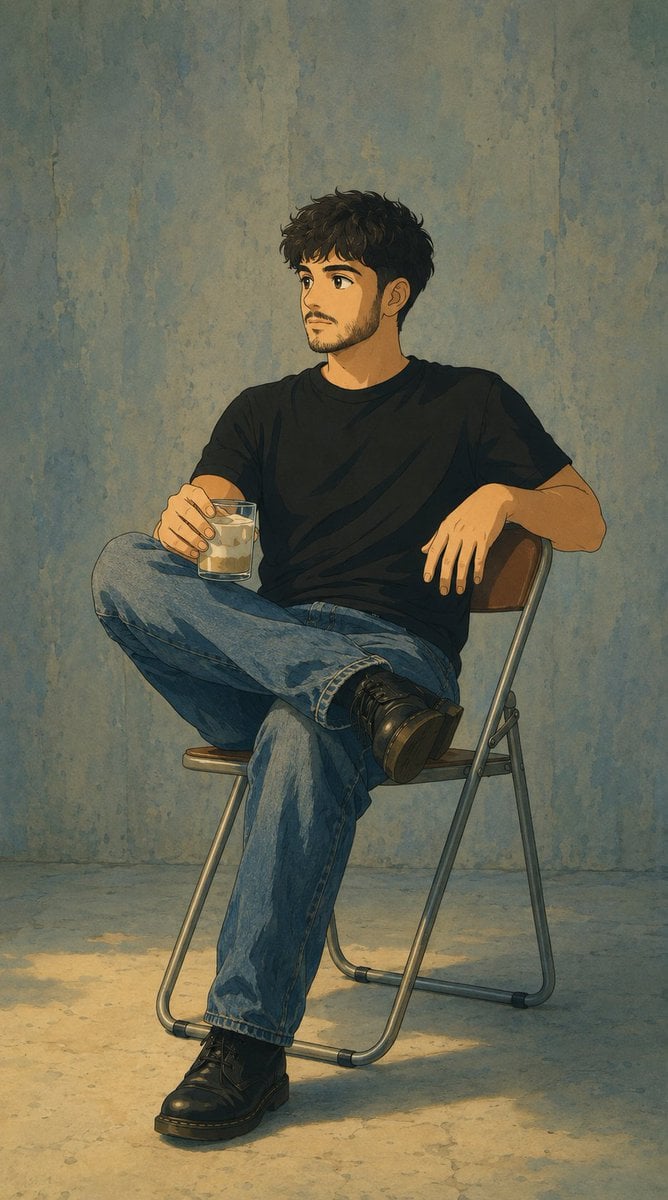
Studio Ghibli Photo Transformation
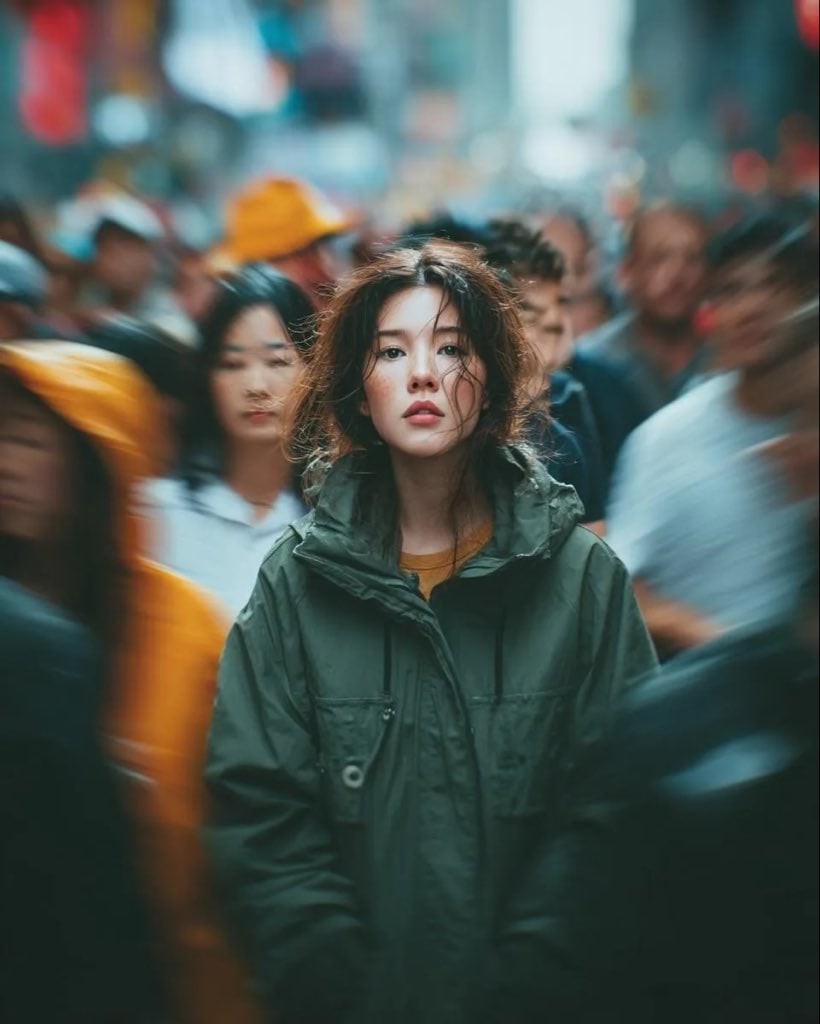
Candid Paparazzi Street Portrait with Motion Blur
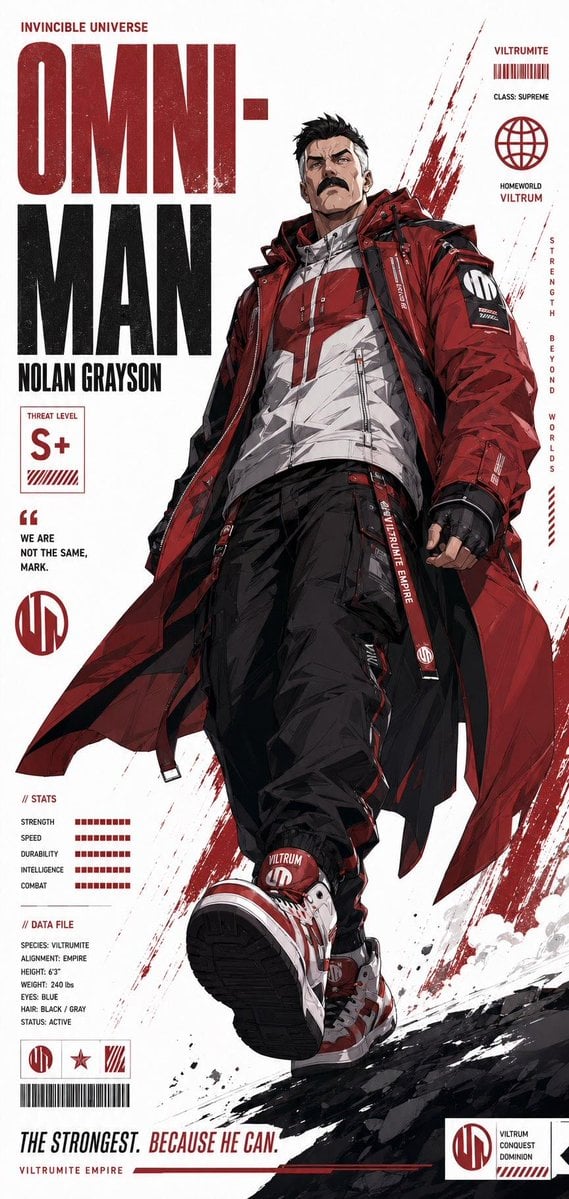
Futuristic Anime Superhero Techwear Poster
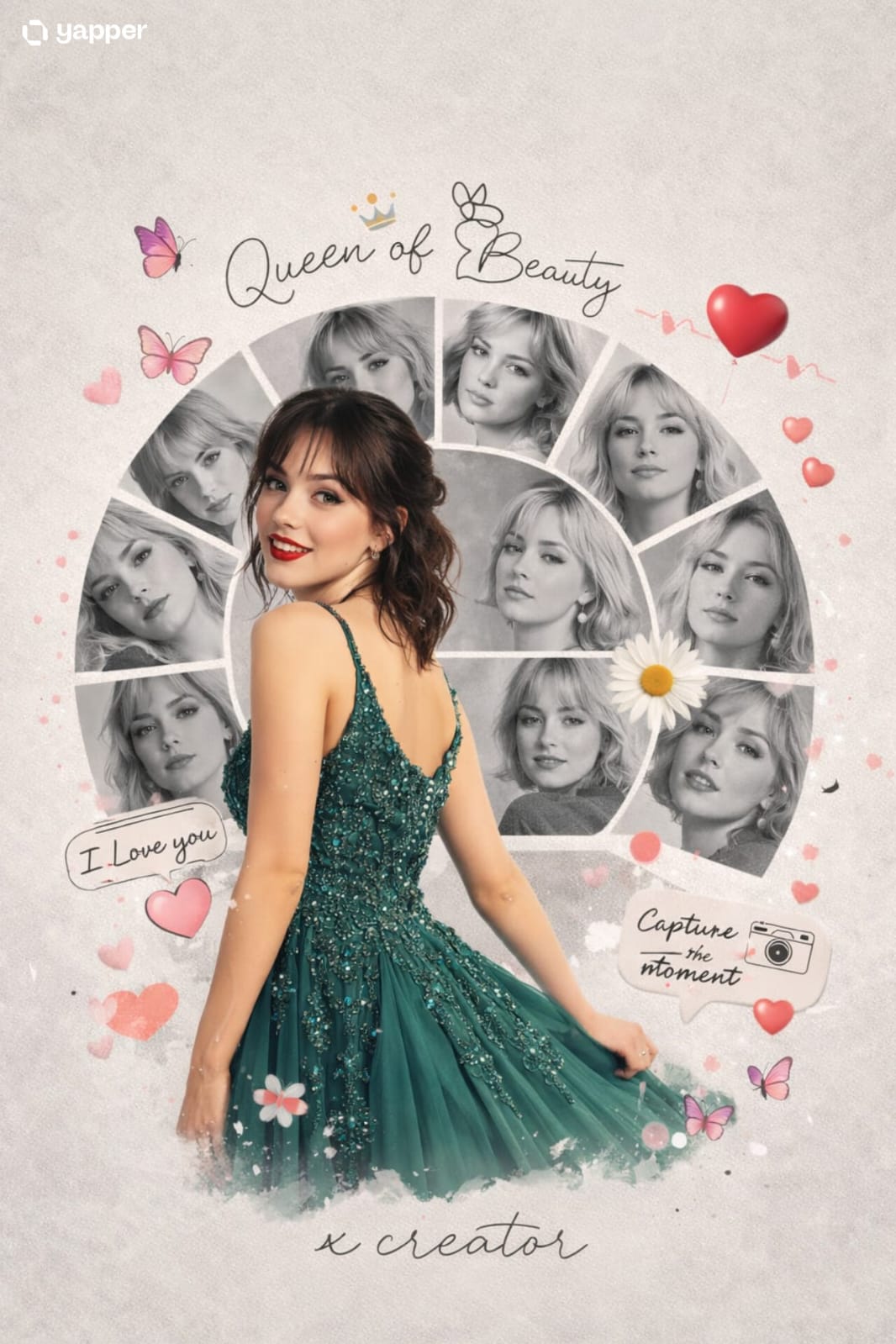
Nano Banana 2 Romantic Digital Photo Col
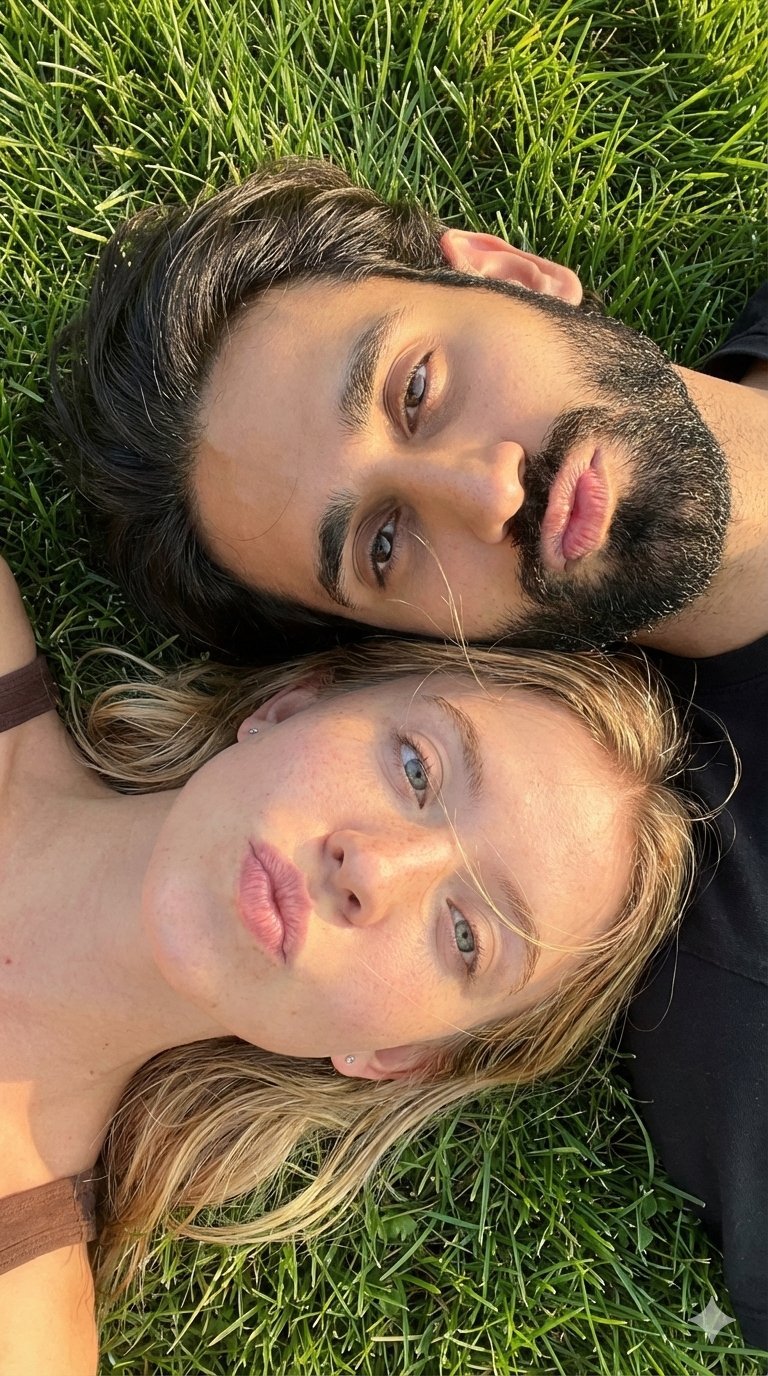
9 Grid Travel Profile Photo Series

Grainy Paris Café Film Scene
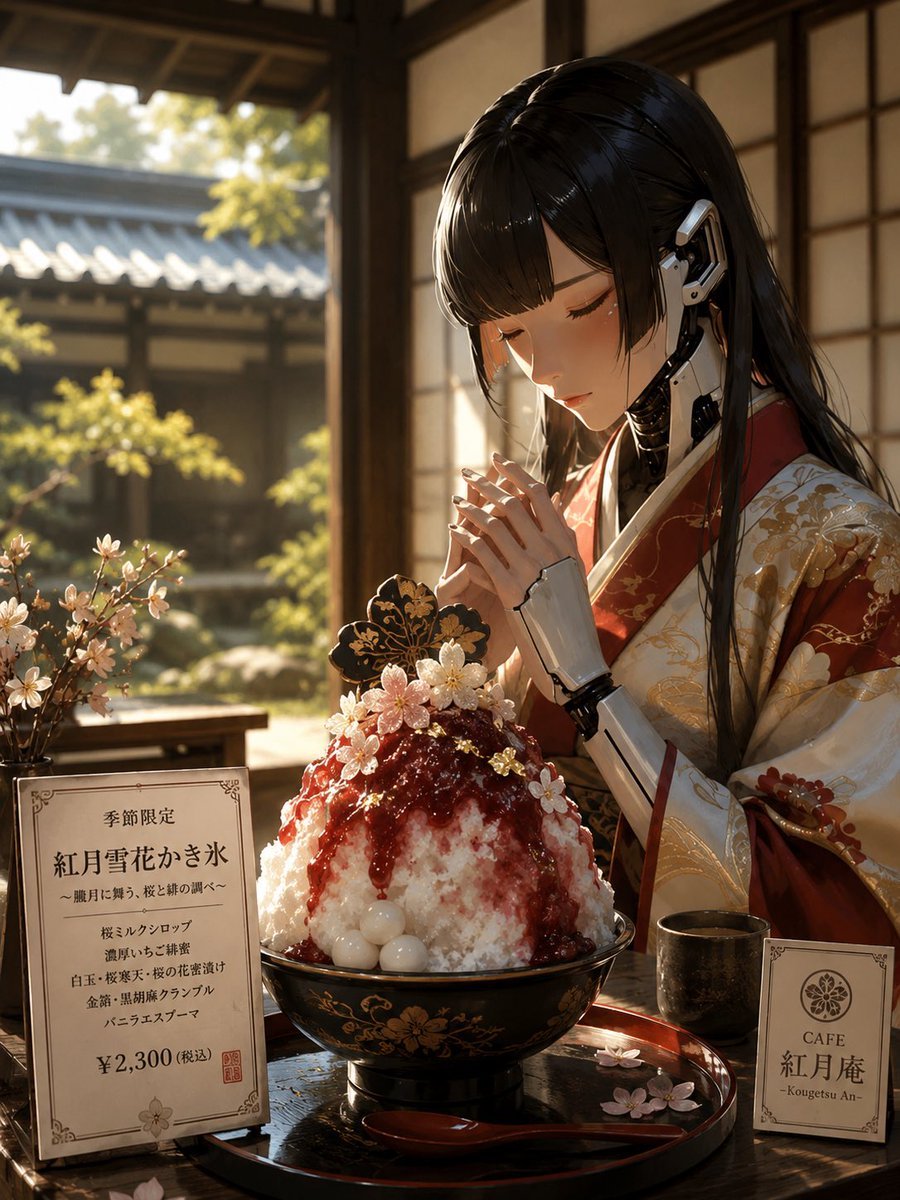
Cybernetic Kimono Shaved Ice Cafe
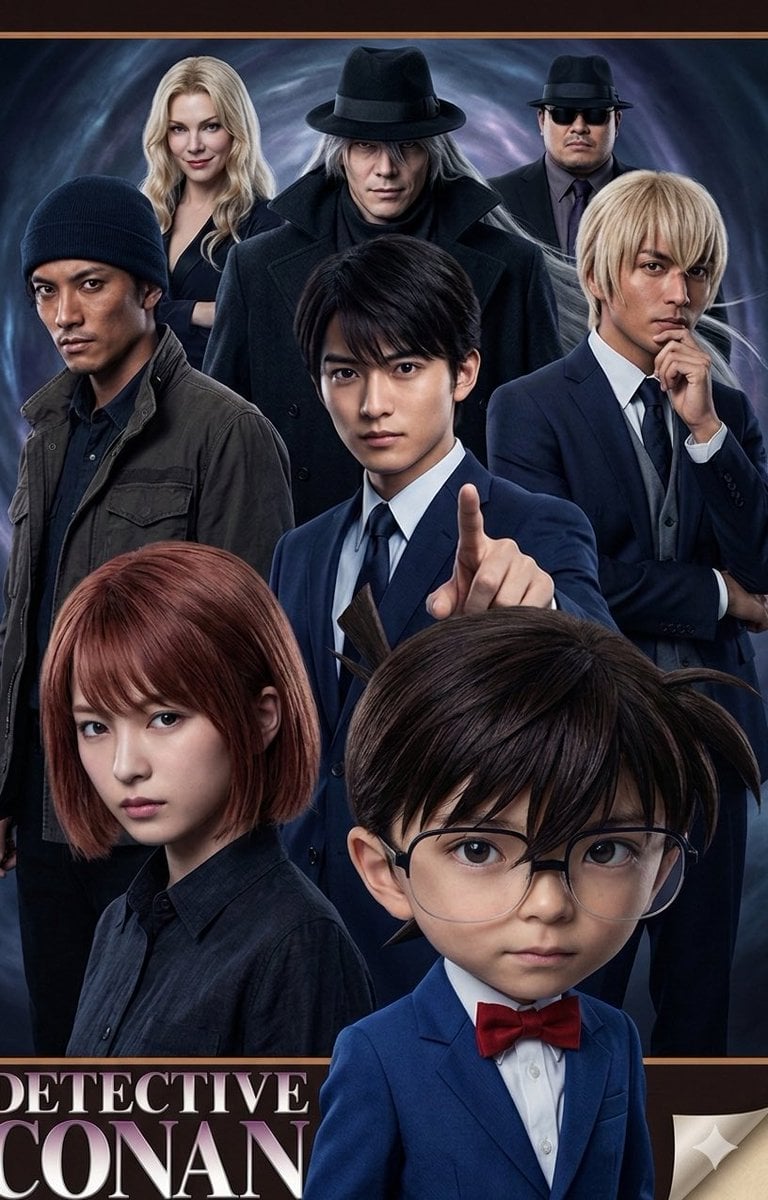
Anime/Manga to Ultra-Realistic Human Conversion
Browse template categories
Pelican Poker Noir Illustration questions
How do I use the Pelican Poker Noir Illustration template?
Add your photo if the template asks for one, edit the prompt if you like — the template's model and format are already selected — and press Generate. Your version opens in PicX Studio.
Can I customize the Pelican Poker Noir Illustration template?
Yes. You can change the subject, setting, lighting, mood, format, and available model controls before creating your image.
Is the Pelican Poker Noir Illustration template free?
Opening and editing this template is free. Generating uses credits, shown on the Generate button when you are signed in.
Which AI model should I use?
Start with GPT Image 2, which is the model associated with this template. You can compare another compatible model for a different finish.
Looking for something else? Browse all templates.

Your photo, any look
Thousands of ready templates for every top image and video model, from one credit balance.