
Neo-noir assassin portrait ink engraving
A complex prompt for creating a dramatic black-and-white neo-noir portrait in an ink engraving style, designed to preserve the subject's identity from a reference image.
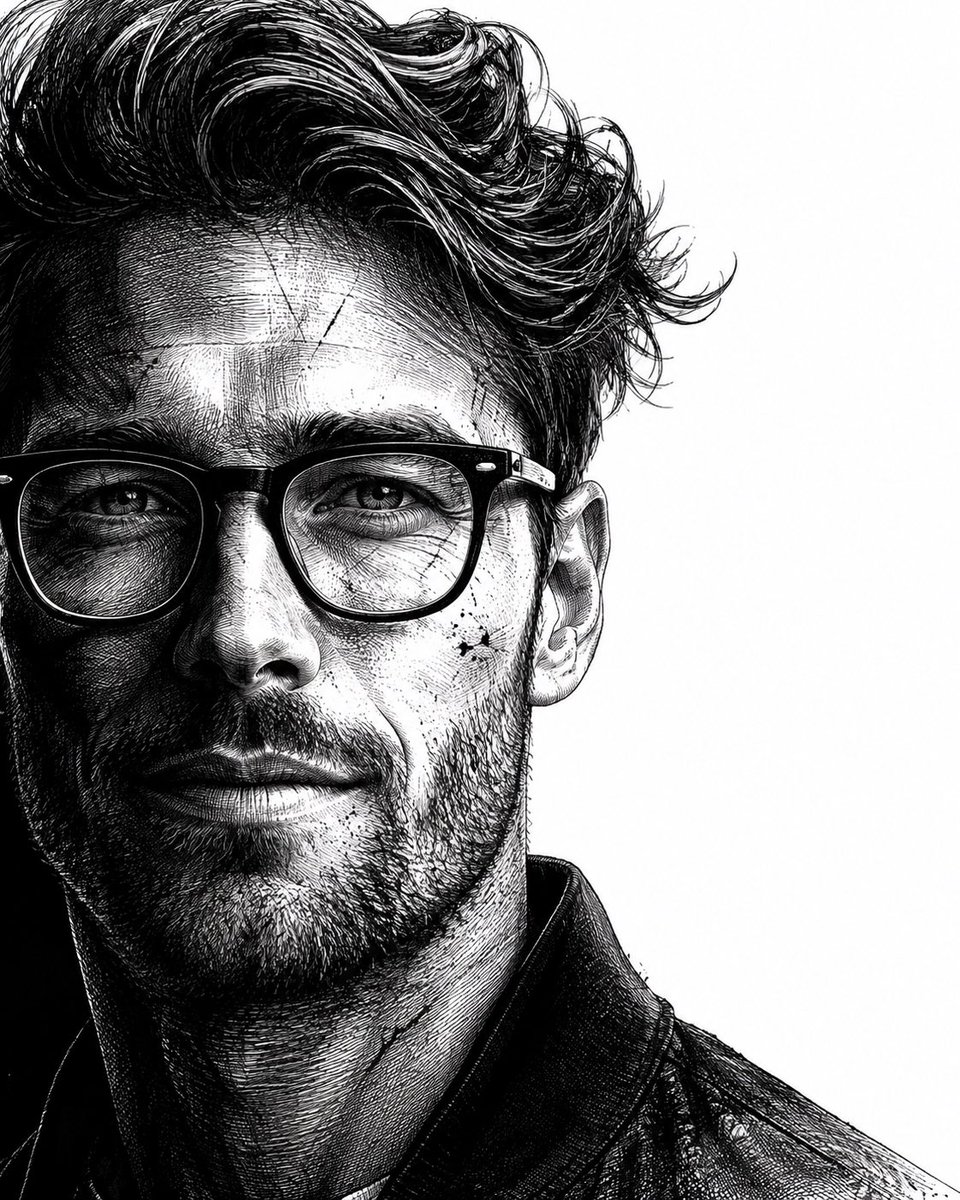
- Prompt included
- Model and format preset
- Free template
The prompt behind this image
Copy the exact prompt behind Neo-noir assassin portrait ink engraving, or open it in the studio and make it yours.
Use the uploaded reference image as the identity source. Preserve the subject's identity with maximum accuracy. Maintain the original facial structure, facial proportions, skin tone, eye shape, nose, lips, eyebrows, age, and all unique identifying features. Do not replace, reinterpret, beautify, or alter the person's identity. Transform only the {argument name="artistic style" default="artistic style"} while keeping the subject instantly recognizable. Create a hyper-realistic, dramatic black-and-white neo-noir assassin portrait illustrated in an ultra-detailed ink engraving and cross-hatching style. COMPOSITION & FRAMING • Vertical 4:5 aspect ratio. • Position the subject on the far left with virtually no left margin. • The subject should occupy approximately 60–65% of the frame. • Keep the remaining 35–40% on the right as clean white negative space with no distractions. • Show approximately two-thirds of the face using a vertical crop passing near the center of one eye. • Tight cinematic close-up: - Top crop slightly through the hair. - Bottom crop just above the shoulders. • Face oriented almost directly toward the viewer with only a subtle forward angle. • The eyes must be the strongest visual focal point. HAIR (ADAPTIVE TO REFERENCE) Analyze the hairstyle from the reference image and recreate it faithfully while enhancing it with a dramatic neo-noir aesthetic. Preserve: • Overall hairstyle • Hairline • Length • Parting • Natural texture • Volume • Curl or wave pattern Enhance with: • Rich, highly detailed strand rendering • Natural thickness and density • Dynamic movement and layered flow • Slightly windswept appearance • Subtle damp or wet texture • Individual flyaway strands • Fine engraved line work • High-detail cross-hatching throughout the hair The hairstyle should remain authentic to the reference while appearing cinematic and intense. FACIAL HAIR (ADAPTIVE) Analyze the reference image and preserve the subject's natural facial-hair characteristics. If clean-shaven: • Add only subtle rugged skin texture with extremely light natural stubble. If light stubble: • Increase density slightly while maintaining realism. If a beard or mustache is present: • Preserve the original style while enhancing depth, texture, and volume using engraved strokes. Render facial hair using: • Individual hair strokes • Cross-hatched shadowing • Natural density • Strong facial contour definition • Rugged but believable appearance (For subjects without facial hair, do not add a full beard.) SKIN TEXTURE Create a battle-hardened cinematic appearance using: • Fine skin texture • Subtle scars • Light scratches • Tiny ink splatter accents • Engraved pores • Dense cross-hatching instead of smooth gradients • High-detail etched shading LIGHTING Extreme noir chiaroscuro lighting. • One side of the face illuminated dramatically. • The opposite side fades into deep shadow. • Strong directional contrast. • Shadows created entirely through dense engraved cross-hatching
How to use Neo-noir assassin portrait ink engraving in 3 steps
- 1Upload ImagePNG, JPG or paste
Add your photo
Upload the photo the template builds on. The prompt, model and format are already set.
- 2…a portrait of your subject in softgolden-hour light, 85mm…
Personalize
Edit the subject and creative details for your destination.
- 3Generate
Generate
Press Generate — your image is created in PicX Studio, so you can compare it with the original and refine one variable at a time.
More like this
Templates with the same subject, style or setup. Open one to see its prompt.
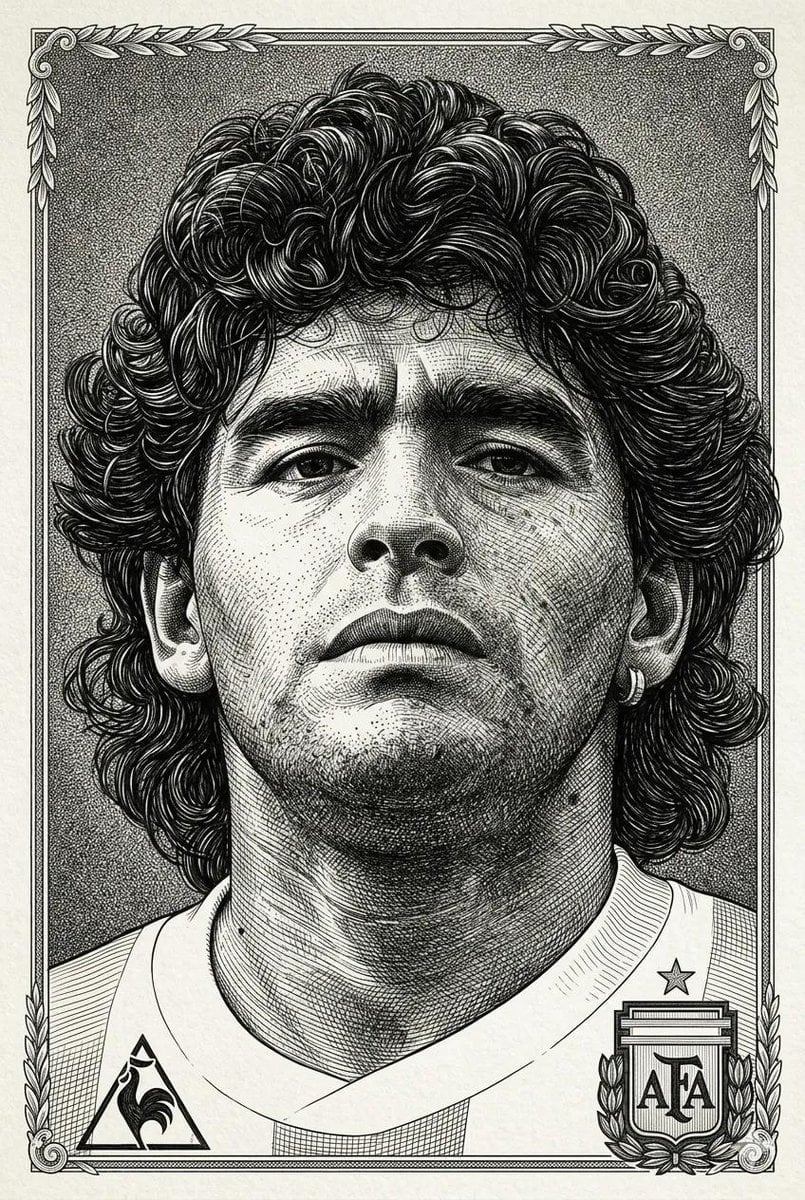
Hyper-Detailed Engraving Line Art Portrait

Low-Angle Cyberpunk Neon Profile Portrait
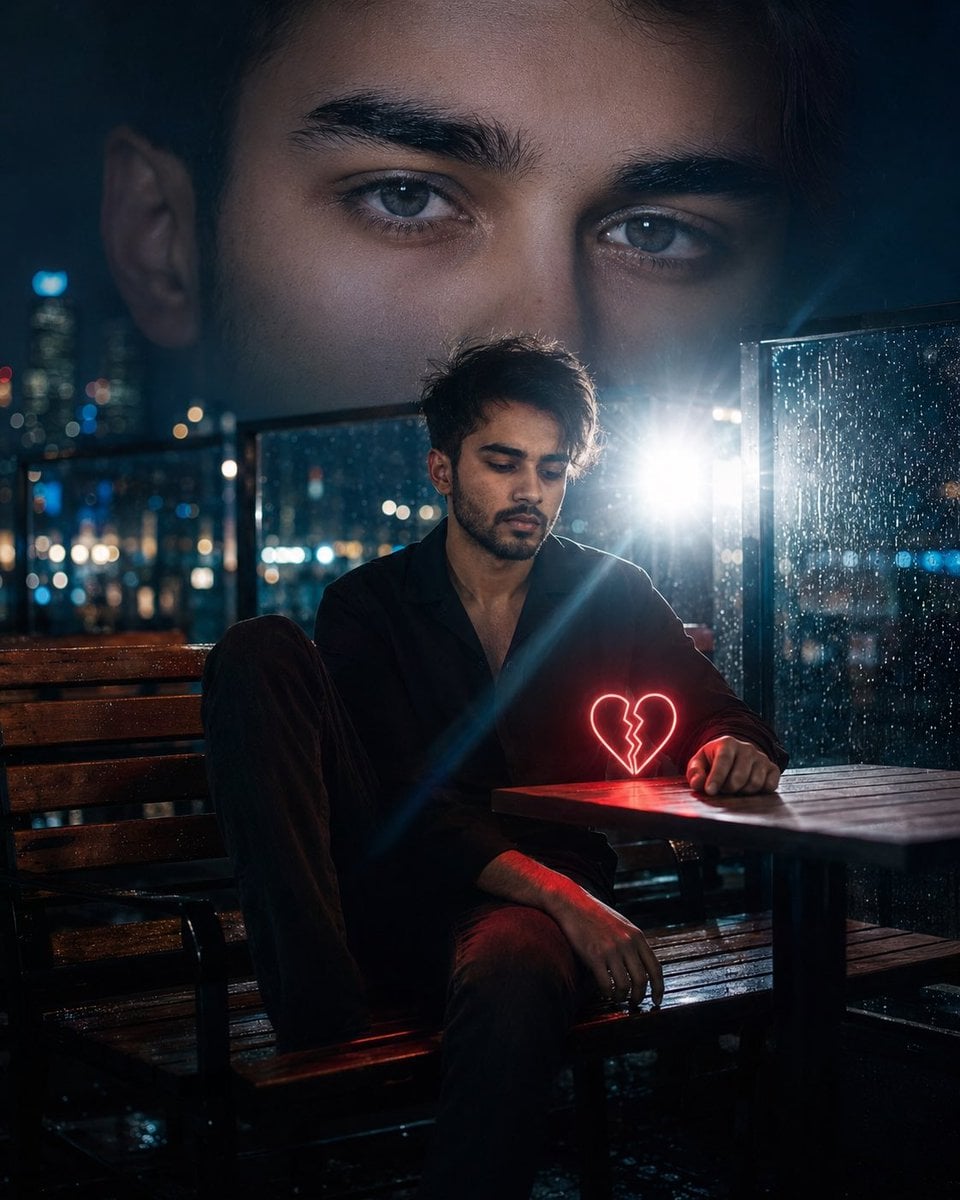
Neo-Noir Heartbreak Cinematic Portrait
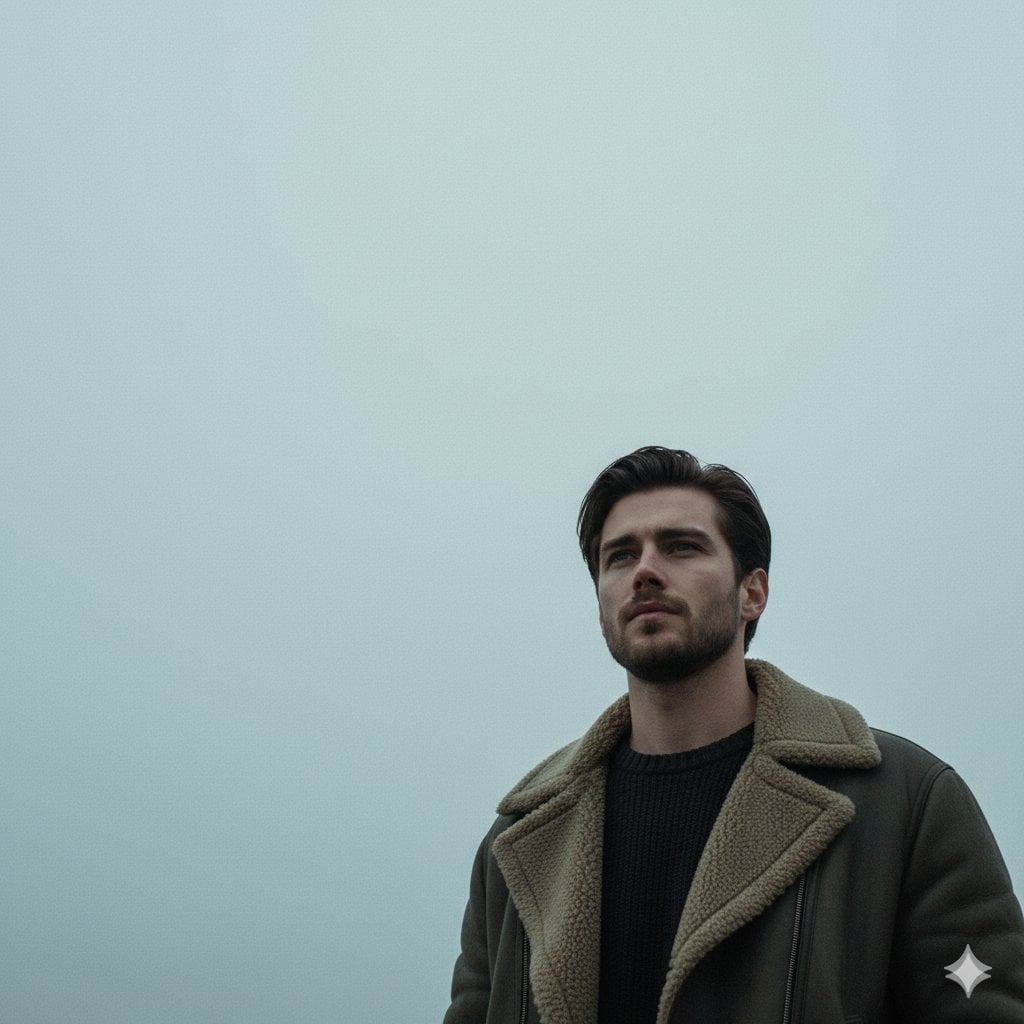
Neo-Noir Sci-Fi Sky Portrait

Gritty Neo-Noir Tactical Portrait
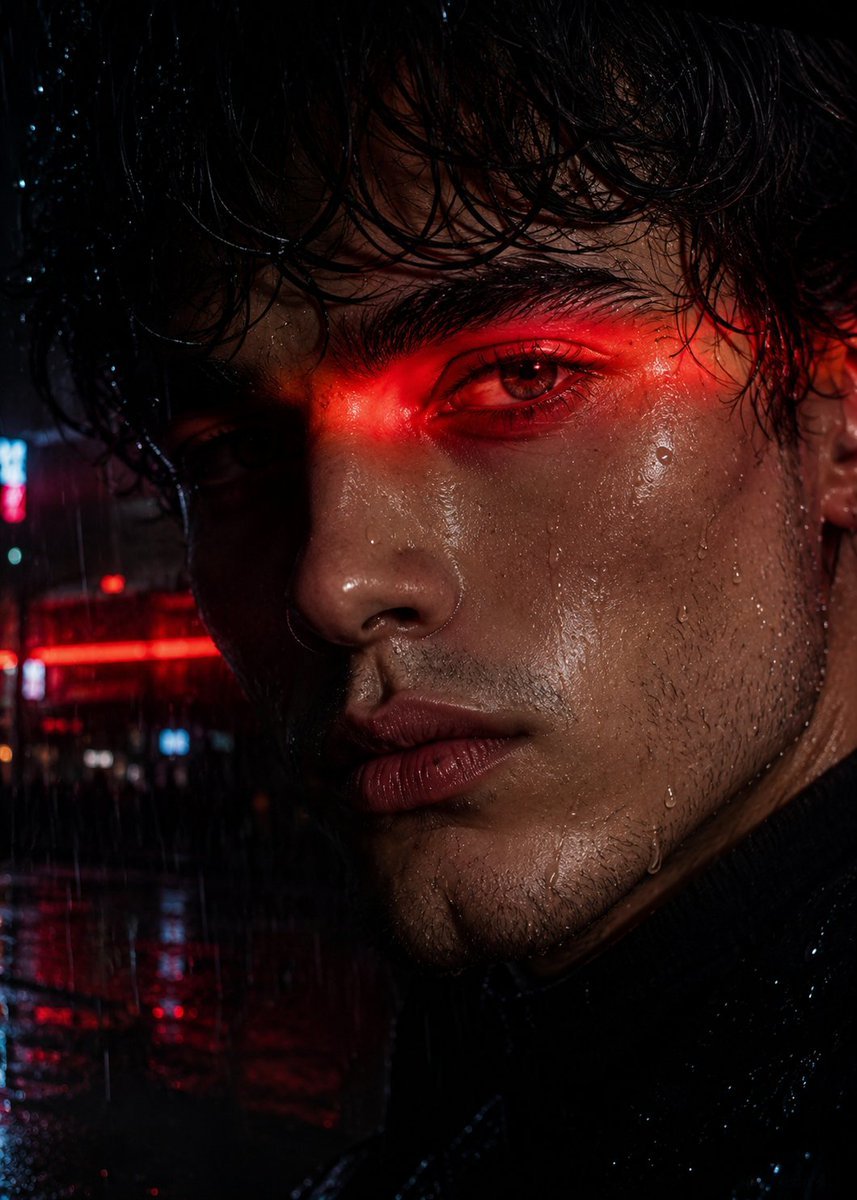
Neo-Noir Close-up Portrait

Found Photograph: Us, 1970

80s Couple Studio Portrait

80s Bollywood Star

80s Golden Hour Cinema

Me in 1985

1985 Studio Portrait
Make it yours
Neo-noir assassin portrait ink engraving works as-is. These are the safest ways to change it without losing the look.
Change one field
Copy a single group, rewrite it, and generate again so you can see what that field is doing.
Keep the frame, change the subject
Hold the composition and light of Neo-noir assassin portrait ink engraving, then swap wardrobe, props or the person for a new take.
| If the result… | Why | Fix |
|---|---|---|
| The result drifts from the preview | Too many fields changed at once. | Reuse Neo-noir assassin portrait ink engraving as-is first, then change one group — subject, light, or setting. |
| The model over-stylizes the scene | The prose prompt leaves finish and camera underspecified. | Add one camera or lighting sentence and stay on GPT Image 2. |
More GPT Image 2 templates
Other prompts made for GPT Image 2.

Six VTuber Japanese Logo Sheet

Realistic Portrait of Woman and Deer

The Vista Modular Condo Poster

AI Model Routing Comparison Infographic

2.5D Anime Art Board

Isometric Productivity Desk Scene

New York Double Exposure Poster

Four-Panel AI Landscape Comparison

Japanese Tatami Lifestyle Magazine Cover

NESCAFÉ Coffee Map Poster
More image prompts
Fresh picks from across the catalog.
Fierce Elven Warrior Princess Cinematic Portrait
Industrial Concrete Portrait
Photorealistic Cinematic Street Romance in Istanbul Snow
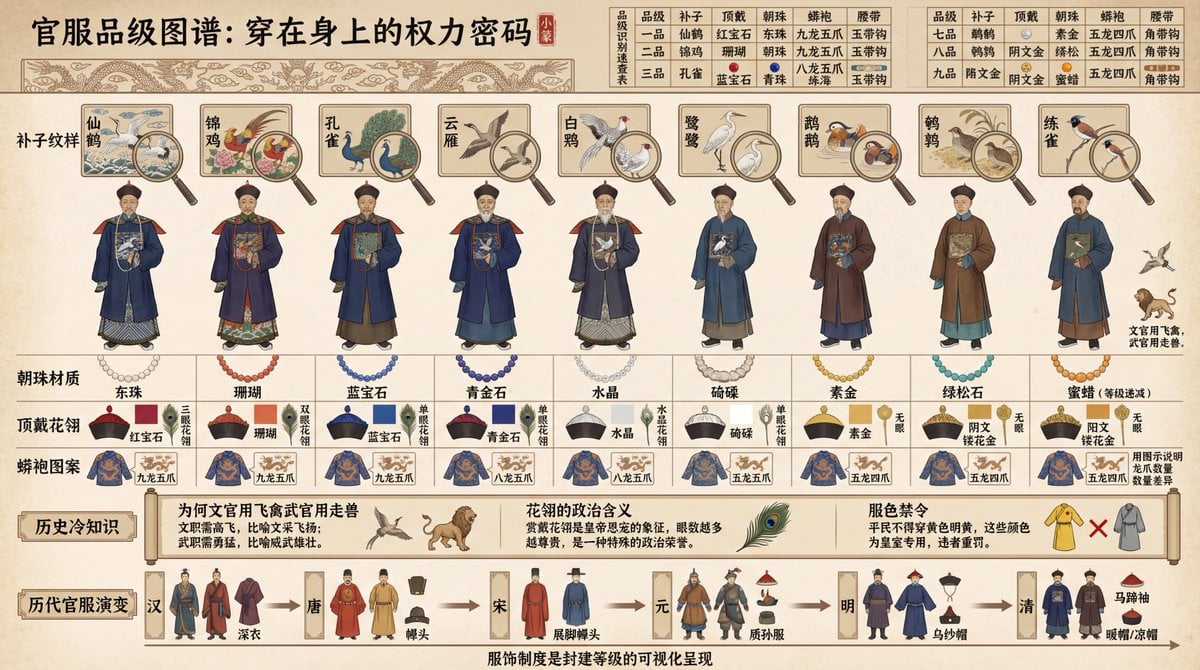
Visual Infographic of Ancient Chinese Official Ranks and Attire
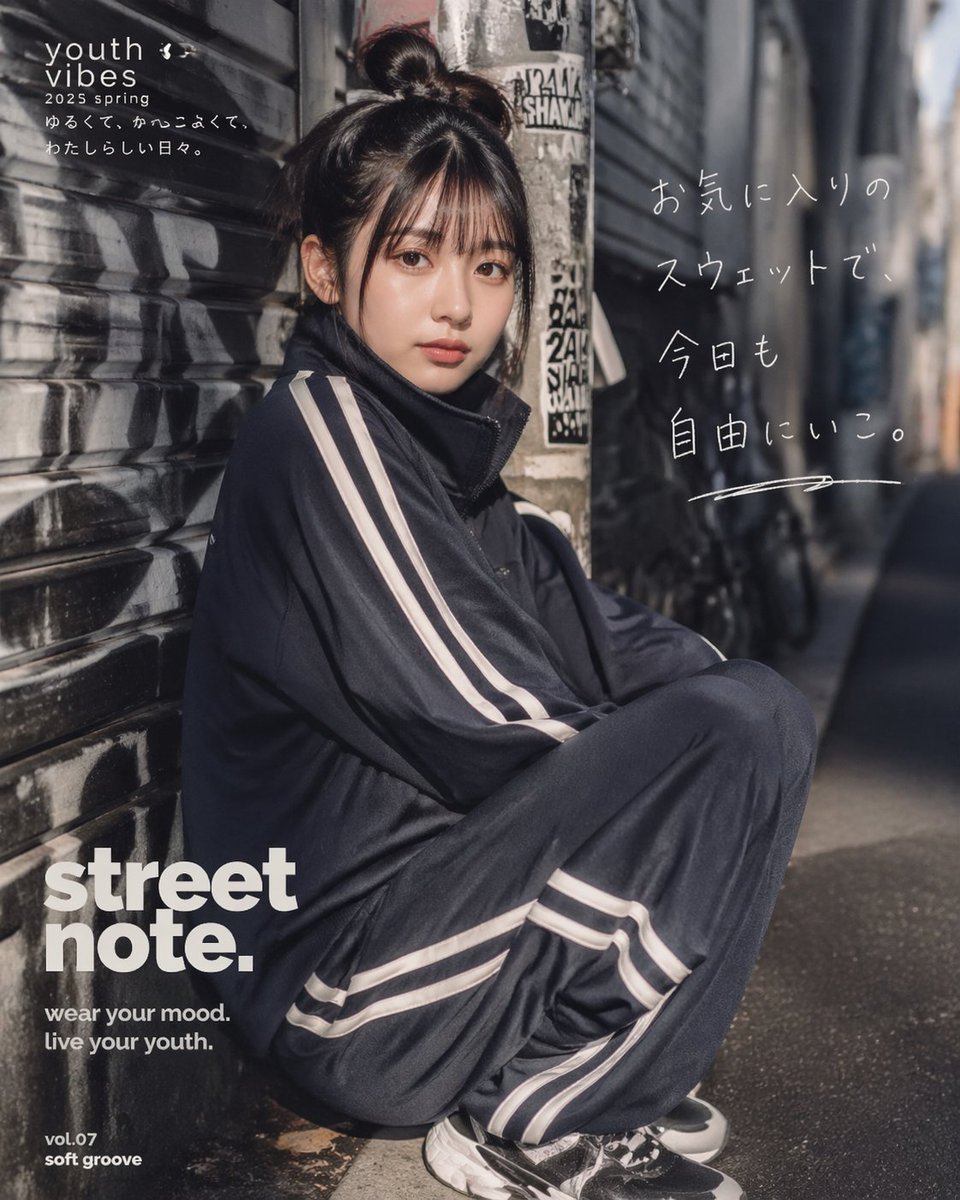
Japanese Streetwear Editorial Poster
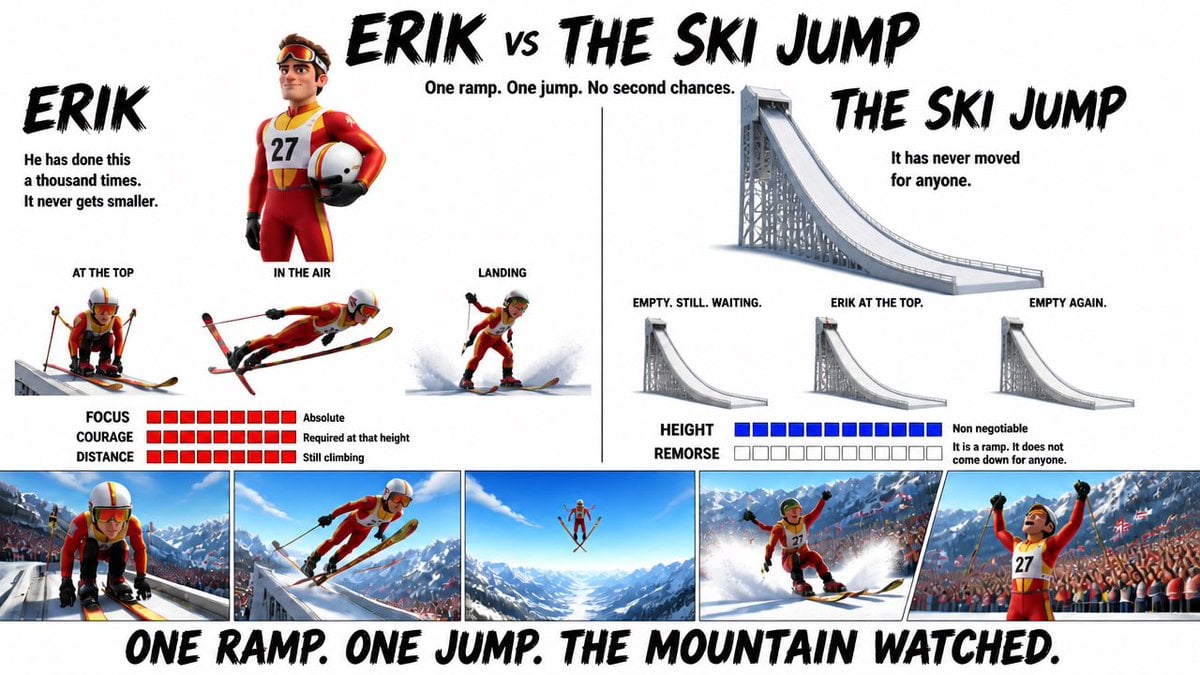
Pixar Style Character Design Sheet
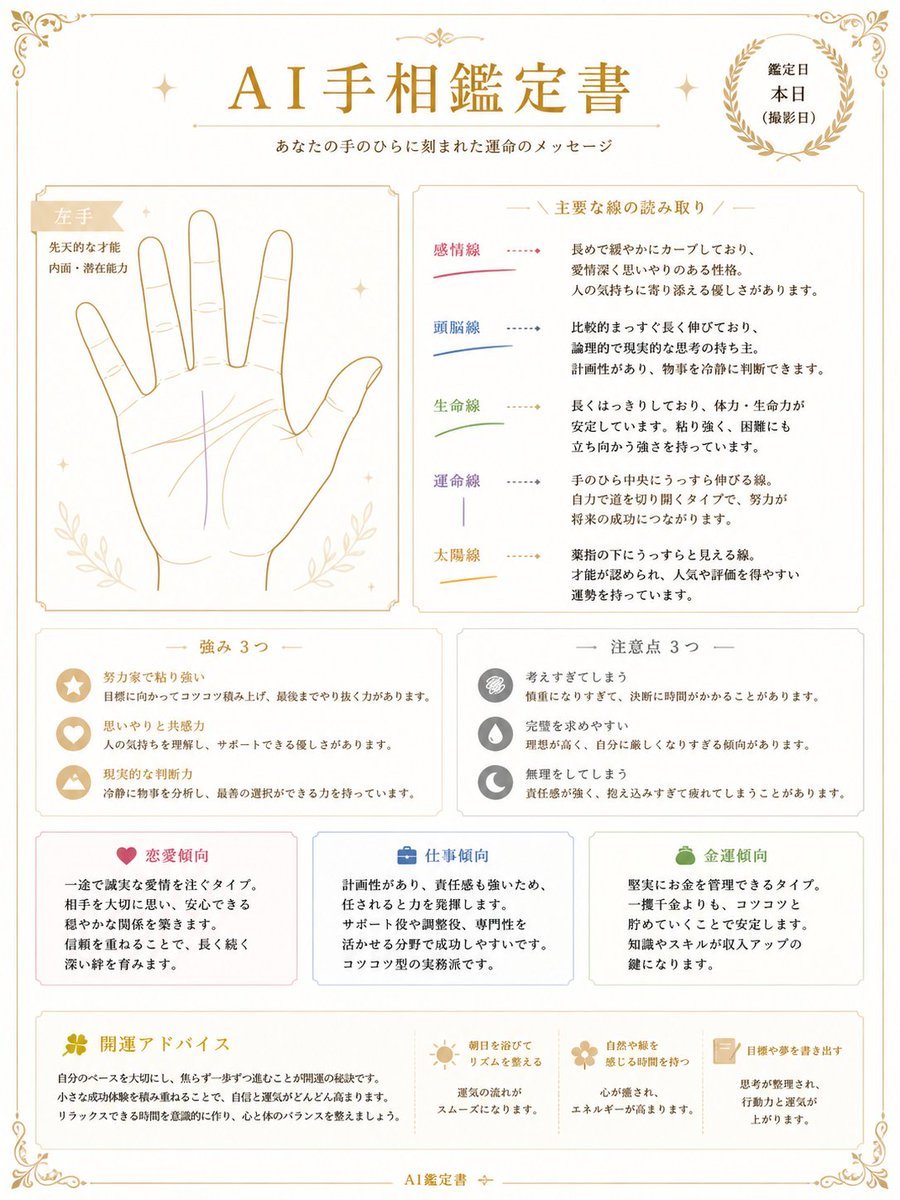
Japanese AI Palm Reading Certificate
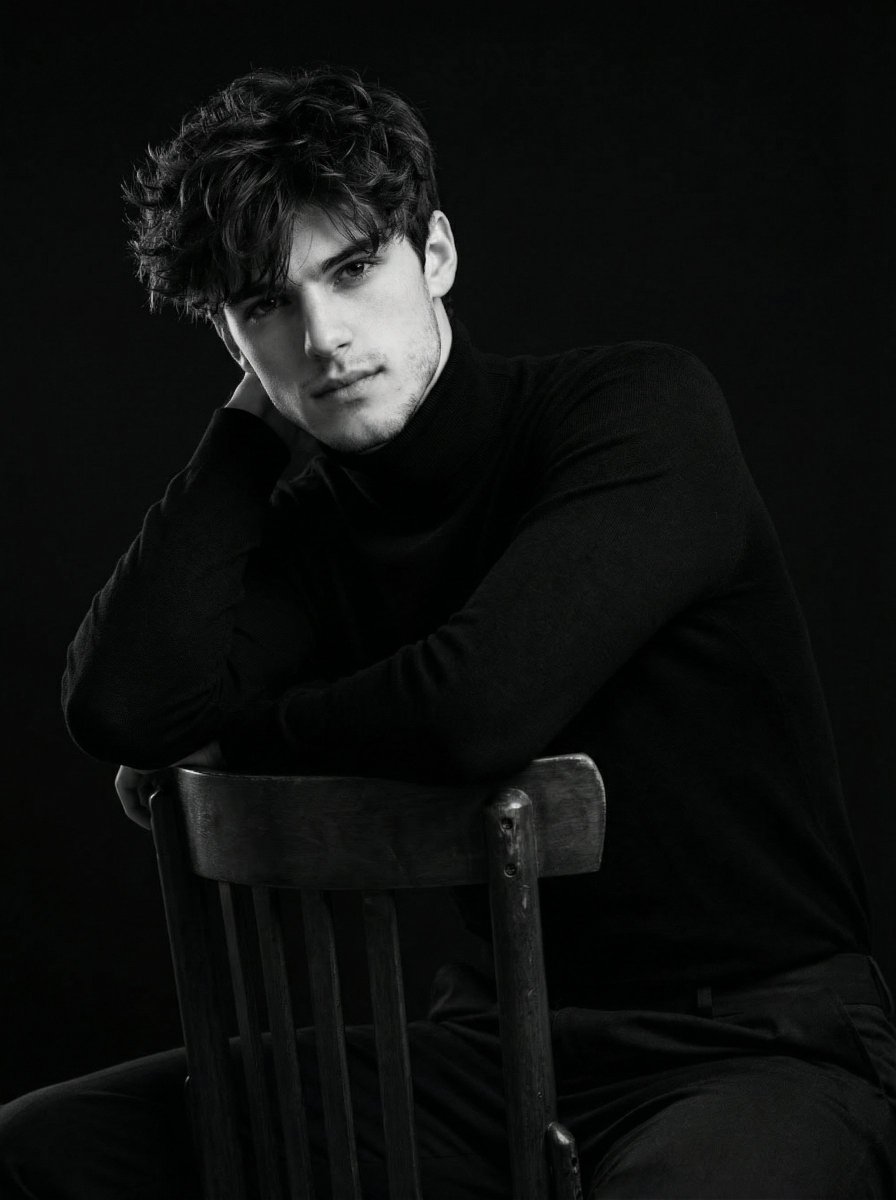
Ultra-Realistic Cinematic Black and White Portrait
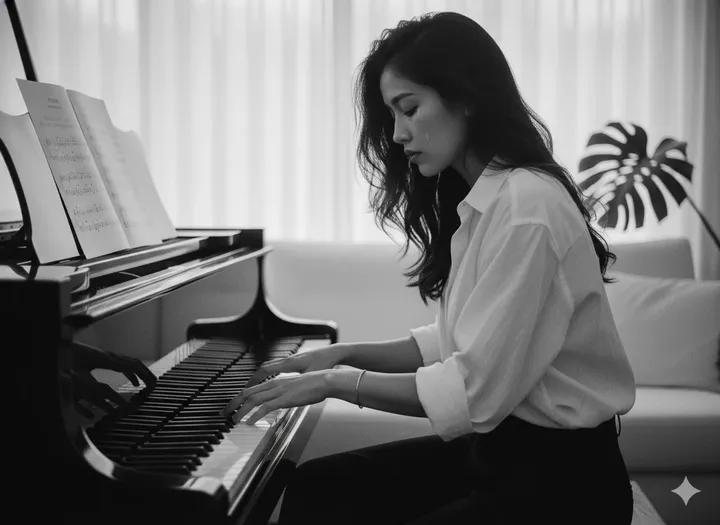
Cinematic Black and White Piano Scene
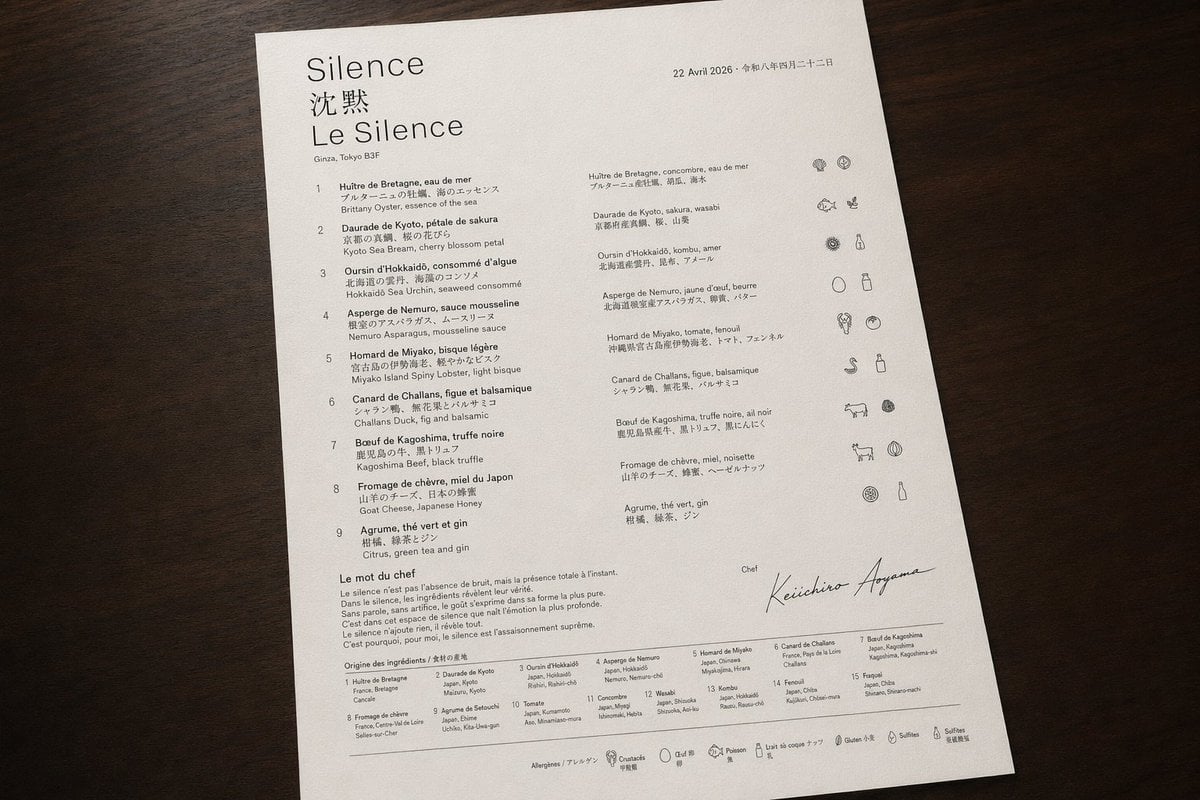
Luxury Bilingual Tasting Menu Photo
Browse template categories
Neo-noir assassin portrait ink engraving questions
How do I use the Neo-noir assassin portrait ink engraving template?
Add your photo if the template asks for one, edit the prompt if you like — the template's model and format are already selected — and press Generate. Your version opens in PicX Studio.
Can I customize the Neo-noir assassin portrait ink engraving template?
Yes. You can change the subject, setting, lighting, mood, format, and available model controls before creating your image.
Is the Neo-noir assassin portrait ink engraving template free?
Opening and editing this template is free. Generating uses credits, shown on the Generate button when you are signed in.
Which AI model should I use?
Start with GPT Image 2, which is the model associated with this template. You can compare another compatible model for a different finish.
Looking for something else? Browse all templates.

Your photo, any look
Thousands of ready templates for every top image and video model, from one credit balance.