
Visual Infographic of Ancient Chinese Official Ranks and Attire
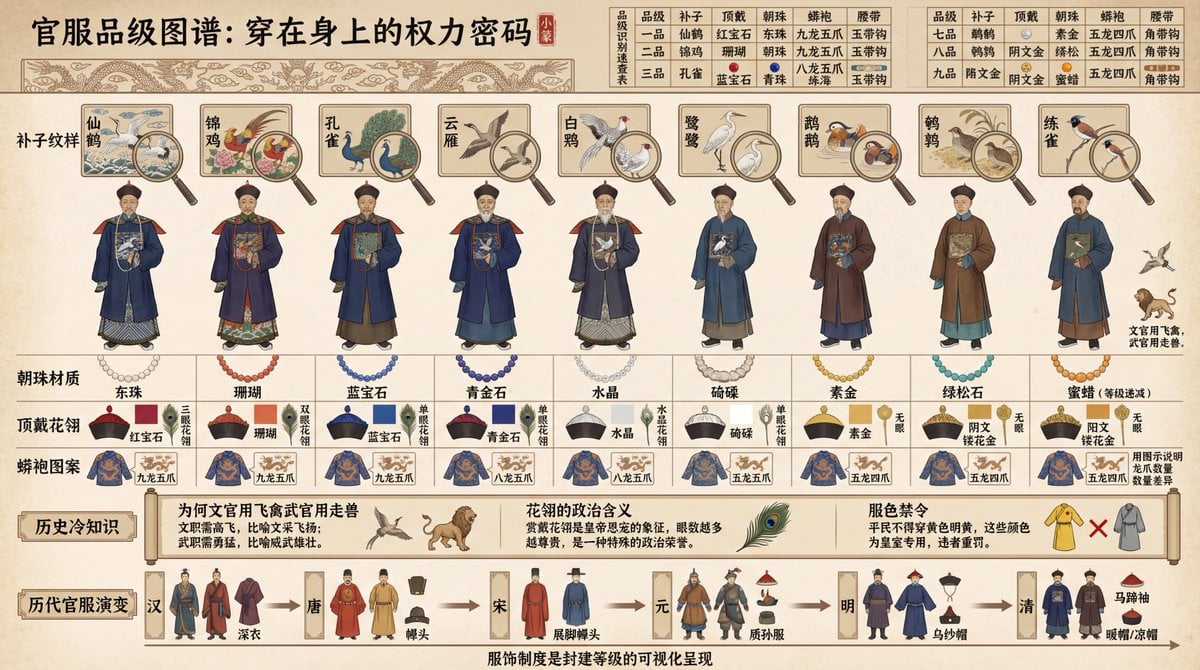
This is a detailed, historical infographic prompt designed to visualize and break down the ranking system of official attire in ancient China, specifically focusing on the Qing Dynasty.
- Prompt included
- Model and format preset
- Free template
The prompt behind this image
Copy the exact prompt behind Visual Infographic of Ancient Chinese Official Ranks and Attire, or open it in the studio and make it yours.
创建一个"中国古代官服品级制度可视化拆解"的历史图谱风格信息图,16:9横向构图。采用古代典章图式美学,使用古籍插图风格绘制。画面展示{argument name="朝代" default="清代"}九品官员的官服差异对比,从左到右按品级排列:一品到九品共9个官员立绘人物。每个人物上方用工笔画标注"补子纹样"(一品仙鹤、二品锦鸡、三品孔雀...九品鹌鹑,文官用飞禽、武官用走兽),用放大镜特写补子刺绣细节。人物下方标注"朝珠材质"(一品东珠、二品珊瑚、三品蓝宝石...等级递减)、"顶戴花翎"(红宝石/珊瑚/蓝宝石/水晶等,用颜色色块区分)、"蟒袍图案"(九龙/五爪/四爪,用图示说明龙爪数量差异)。画面上方是"品级识别速查表":用表格对比9个品级在补子、顶戴、朝珠、蟒袍、腰带等5个维度的差异,每格用小图标+文字标注。画面下方是"历史冷知识":标注"为何文官用飞禽武官用走兽"(文职需高飞、武职需勇猛)、"花翎的政治含义"(赏戴花翎是皇帝恩宠)、"服色禁令"(平民不得穿黄色明黄)。底部用时间轴展示"历代官服演变":汉唐宋元明清的官服风格变化缩略图。所有文字用中文:顶部用小篆字体"官服品级图谱:穿在身上的权力密码",底部标注"服饰制度是封建等级的可视化呈现"。配色使用官服传统色。整体呈现历史制度和服饰文化,适合历史教育和文化研究。
How to use Visual Infographic of Ancient Chinese Official Ranks and Attire in 3 steps
- 1
Open
The prompt is already in the box next to the preview, with the template's model and format selected.
- 2…a portrait of your subject in softgolden-hour light, 85mm…
Personalize
Edit the subject and creative details for your destination.
- 3Generate
Generate
Press Generate — your image is created in PicX Studio, so you can compare it with the original and refine one variable at a time.
More like this
Templates with the same subject, style or setup. Open one to see its prompt.

博物馆图鉴式汉服拆解图 — GPT-image-2

Gpt2 Infographic Edu Visual Alishan One Day Travel Poster

Gpt2 Infographic Edu Visual Ethnographic Plate for Tibetan Ceremonial Hat

Gpt2 Infographic Edu Visual Earth Signs Zodiac Character Poster

Gpt2 Infographic Edu Visual Water Signs Zodiac Character Poster

Gpt2 Infographic Edu Visual Ink Wash Tribute Poster for Chen Uen

Gpt2 Infographic Edu Visual Vintage Claude Shannon Infographic Poster

Gpt2 Infographic Edu Visual Taoist Three Souls Seven Po Poster

Gpt2 Infographic Edu Visual Biomimetic Skyray Aircraft Poster

Gpt2 Infographic Edu Visual Japanese Sci Fi Suit Up Process Board
Gpt2 Infographic Edu Visual Good Bath Day Editorial Poster
Gpt2 Infographic Edu Visual Parent Child Miscommunication Infographic
Make it yours
Visual Infographic of Ancient Chinese Official Ranks and Attire works as-is. These are the safest ways to change it without losing the look.
Change one field
Copy a single group, rewrite it, and generate again so you can see what that field is doing.
Keep the frame, change the subject
Hold the composition and light of Visual Infographic of Ancient Chinese Official Ranks and Attire, then swap wardrobe, props or the person for a new take.
| If the result… | Why | Fix |
|---|---|---|
| The result drifts from the preview | Too many fields changed at once. | Reuse Visual Infographic of Ancient Chinese Official Ranks and Attire as-is first, then change one group — subject, light, or setting. |
| The model over-stylizes the scene | The prose prompt leaves finish and camera underspecified. | Add one camera or lighting sentence and stay on Nano Banana 2. |
More Nano Banana 2 templates
Other prompts made for Nano Banana 2.

Photorealistic Leaf Shaped Like a Dragon

K-Pop Idol Portrait Grid for Rapid Selection

Poetic Rain Forest Portrait During Golden Hour

Urban Street Portrait with Cartoon Inner Self Duo

Candid Nighttime Photo with Cat Prompt

High-Concept 3D Diorama Generation Prompt

Cinematic Futuristic Studio Portrait Template

Skincare Editorial Photography Collage Prompt

Hyper-Realistic Commercial Product Photography (Splash Effect)

Hyper-Realistic Nightclub Portrait Prompt
More image prompts
Fresh picks from across the catalog.
Character Scenario Generation with Clean Japanese Text
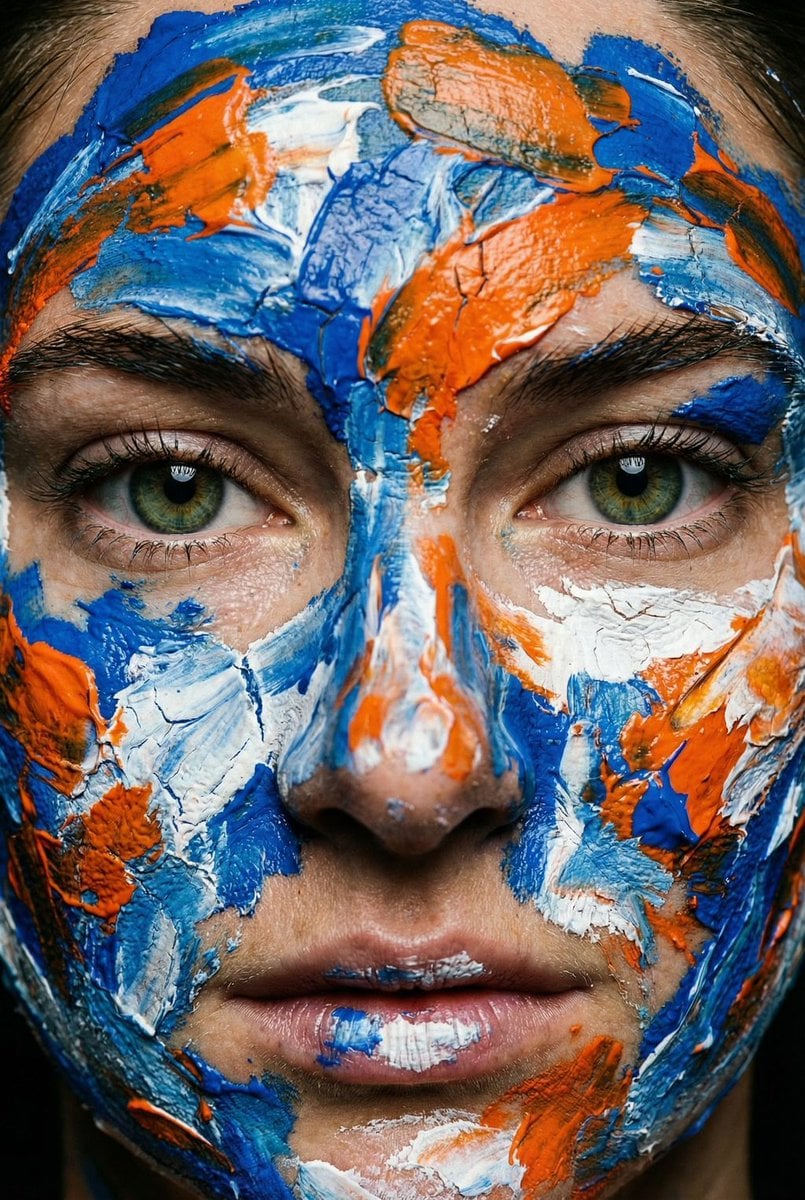
Macro Portrait with Impasto Acrylic Paint Texture

Neon Cyberpunk Portrait
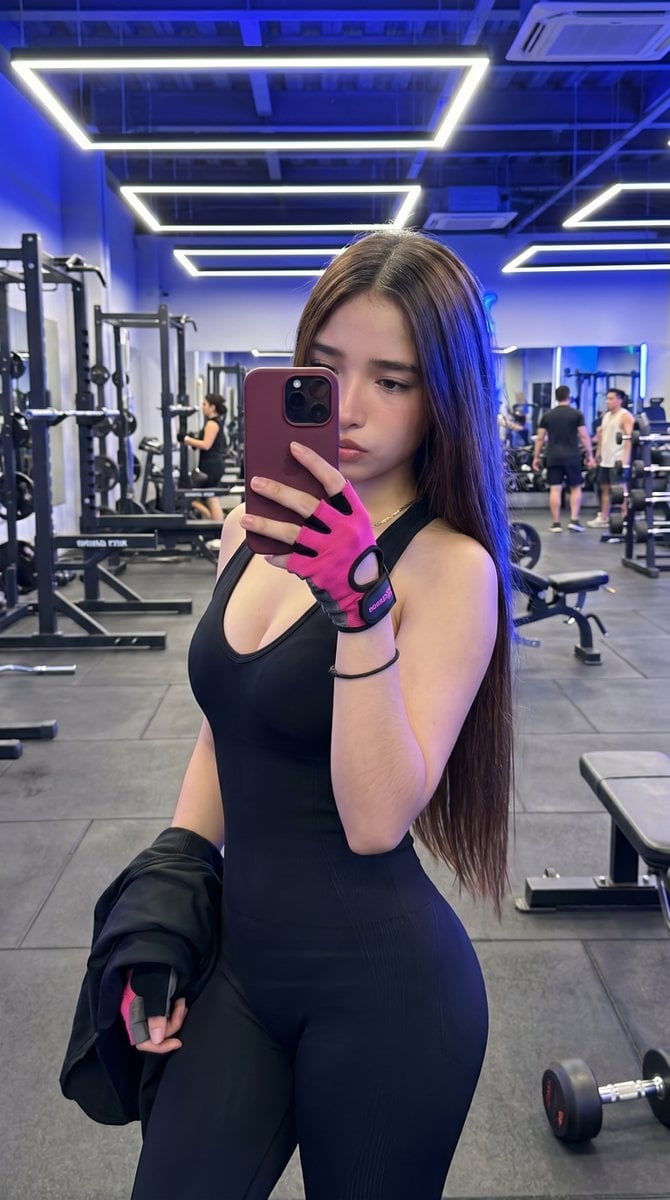
Hyper-Realistic Gym Mirror Selfie
Nano Banana Pro branded header (duplicate)
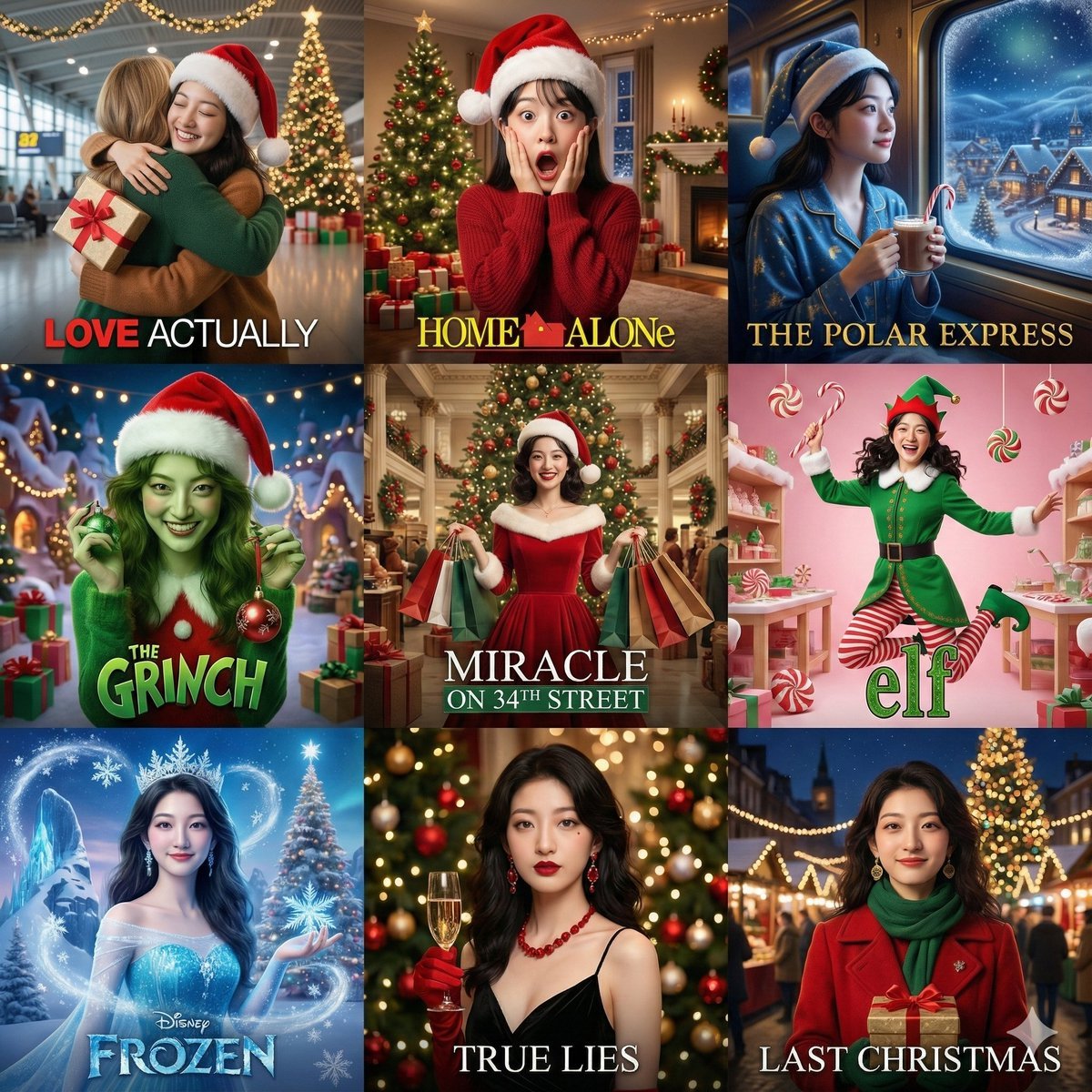
Panel Christmas Movie Scene Collage Prompt
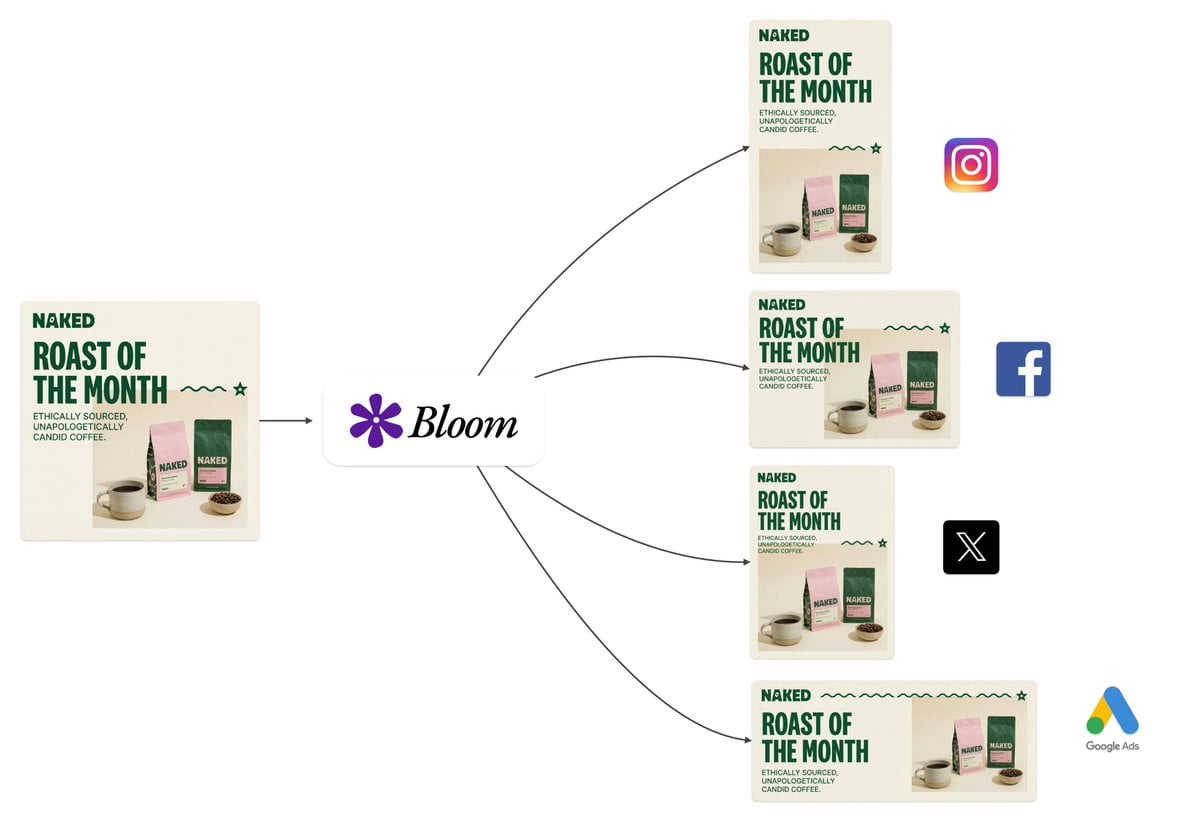
Intelligent Aspect Ratio Transformation and Compositional Awareness
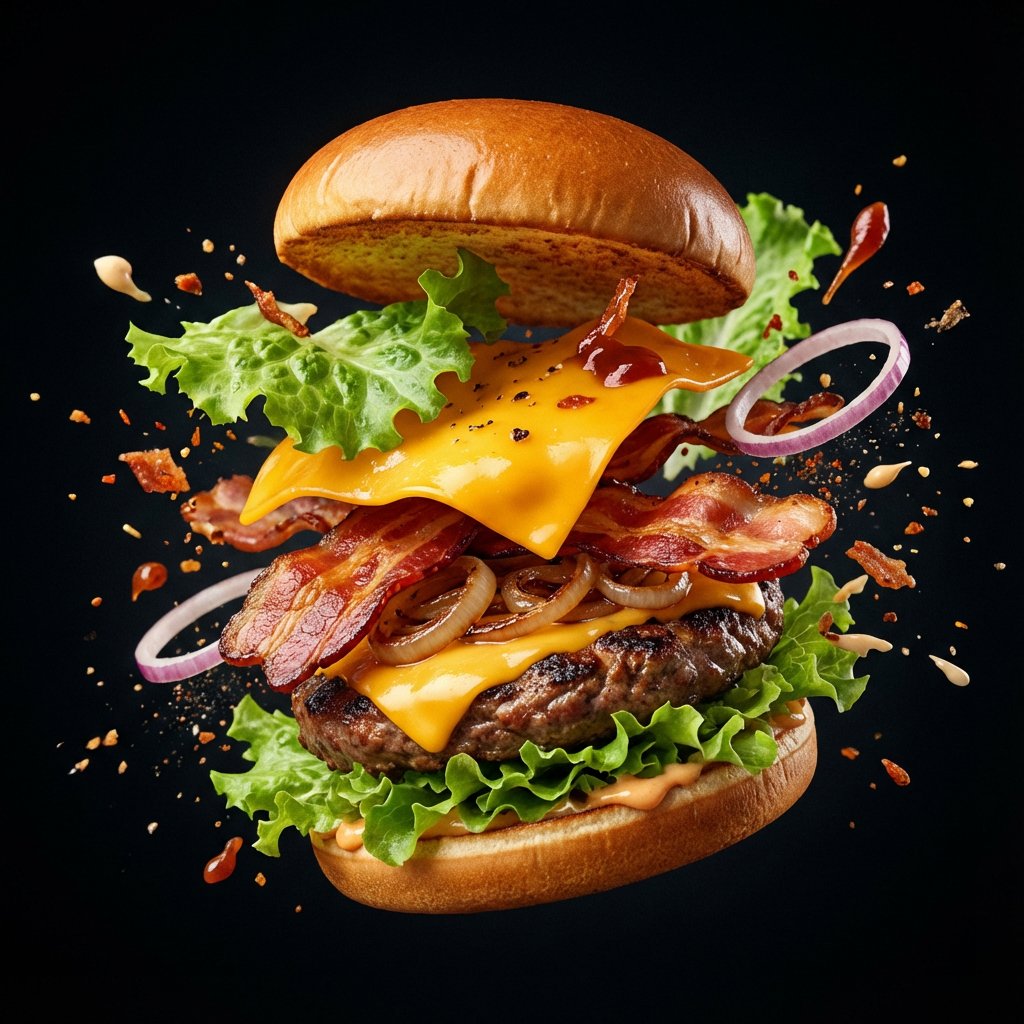
Explosion Food Poster for Marketing
untitled
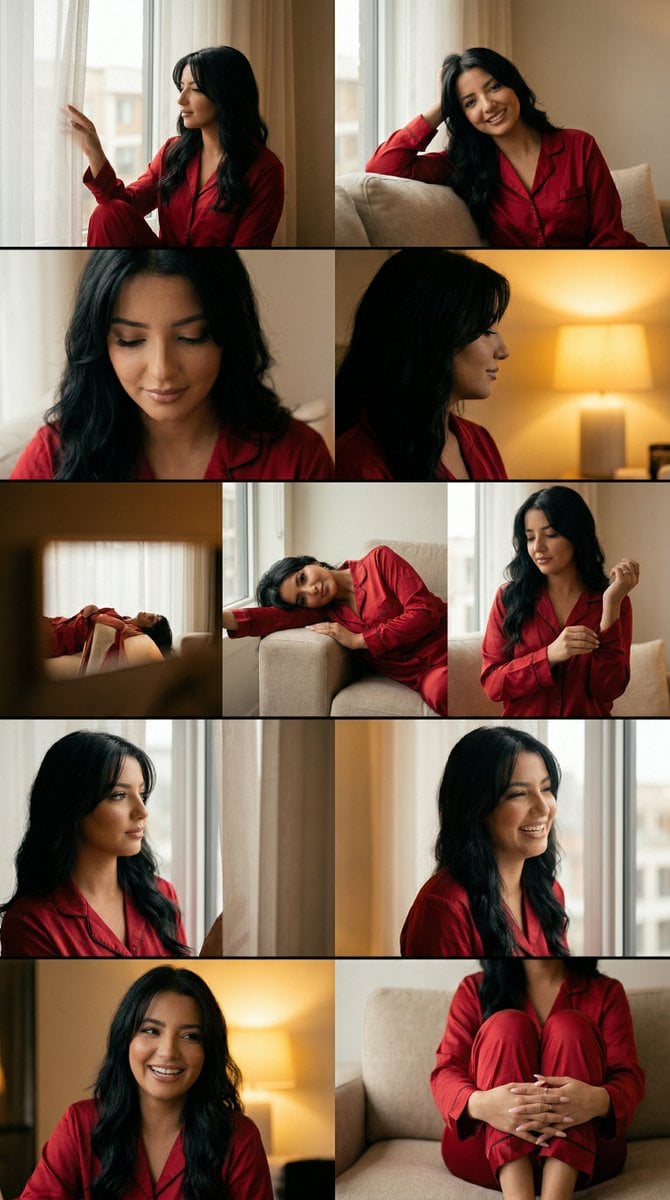
Cinematic Home Editorial Grid Prompt
Browse template categories
Visual Infographic of Ancient Chinese Official Ranks and Attire questions
How do I use the Visual Infographic of Ancient Chinese Official Ranks and Attire template?
Add your photo if the template asks for one, edit the prompt if you like — the template's model and format are already selected — and press Generate. Your version opens in PicX Studio.
Can I customize the Visual Infographic of Ancient Chinese Official Ranks and Attire template?
Yes. You can change the subject, setting, lighting, mood, format, and available model controls before creating your image.
Is the Visual Infographic of Ancient Chinese Official Ranks and Attire template free?
Opening and editing this template is free. Generating uses credits, shown on the Generate button when you are signed in.
Which AI model should I use?
Start with Nano Banana 2, which is the model associated with this template. You can compare another compatible model for a different finish.
Looking for something else? Browse all templates.

Your photo, any look
Thousands of ready templates for every top image and video model, from one credit balance.