
Strauss Four Last Songs Poster
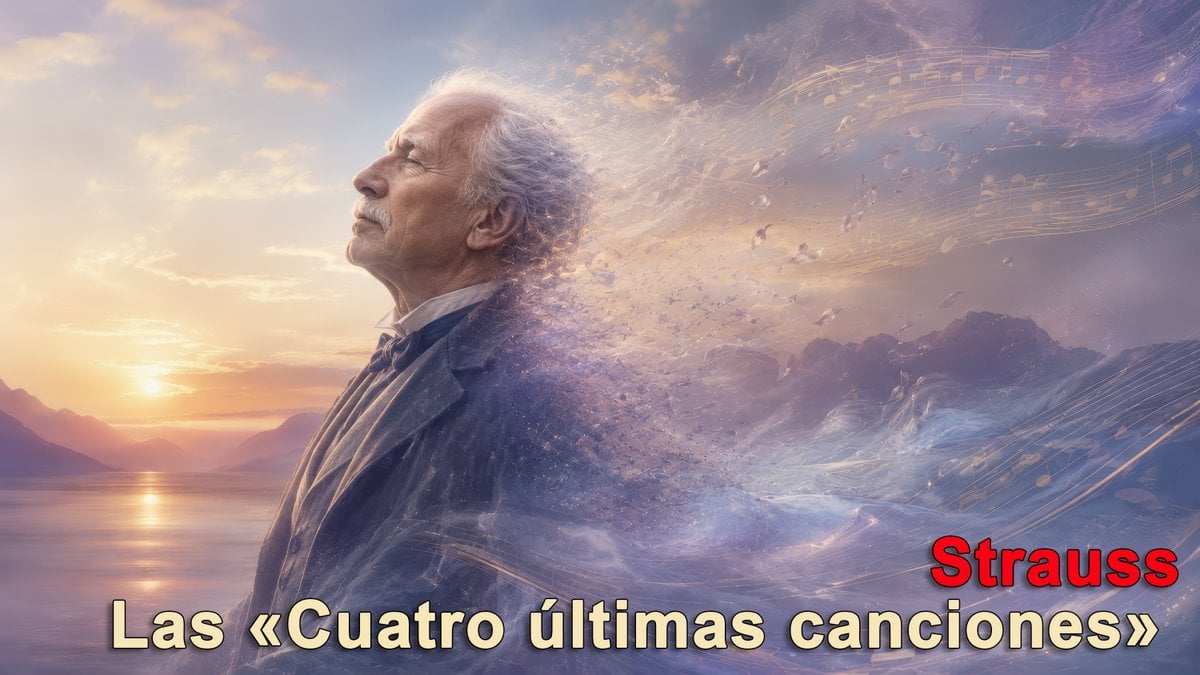
A cinematic poster-style illustration of an elderly composer dissolving into music and wind at sunset, suitable for classical music essays or social media posts.
- Prompt included
- Model and format preset
- Free template
The prompt behind this image
Copy the exact prompt behind Strauss Four Last Songs Poster, or open it in the studio and make it yours.
Create a cinematic 16:9 digital illustration inspired by {argument name="musical work" default="Las «Cuatro últimas canciones»"} by {argument name="composer name" default="Strauss"}. Show an elderly male classical composer in formal dark suit and bow tie, positioned slightly left of center in side profile facing left toward a glowing sunset over a calm lake with distant mountains. His gray-white hair and the right half of his body dissolve into wind, mist, sparkling particles, and translucent fragments, suggesting a peaceful death or the soul dispersing into air. Add sweeping golden musical staves and floating notes across the upper right and lower right sky, integrated like luminous ribbons carried by the wind. Use a dreamy pastel palette of lavender, peach, gold, blue, and soft rose, with volumetric haze, painterly realism, epic orchestral atmosphere, and a serene melancholic mood. Include exactly 2 text elements: large bottom title text reading {argument name="bottom title text" default="Las «Cuatro últimas canciones»"} in pale cream/yellow with dark outline and drop shadow, and a smaller bold red word at lower right reading {argument name="composer label" default="Strauss"} with black outline. Place an opaque muted beige square over the man’s face, centered on the head, as if the face is intentionally censored. No extra text, no watermark, no borders.
How to use Strauss Four Last Songs Poster in 3 steps
- 1Upload ImagePNG, JPG or paste
Add your photo
Upload the photo the template builds on. The prompt, model and format are already set.
- 2…a portrait of your subject in softgolden-hour light, 85mm…
Personalize
Edit the subject and creative details for your destination.
- 3Generate
Generate
Press Generate — your image is created in PicX Studio, so you can compare it with the original and refine one variable at a time.
More like this
Templates with the same subject, style or setup. Open one to see its prompt.
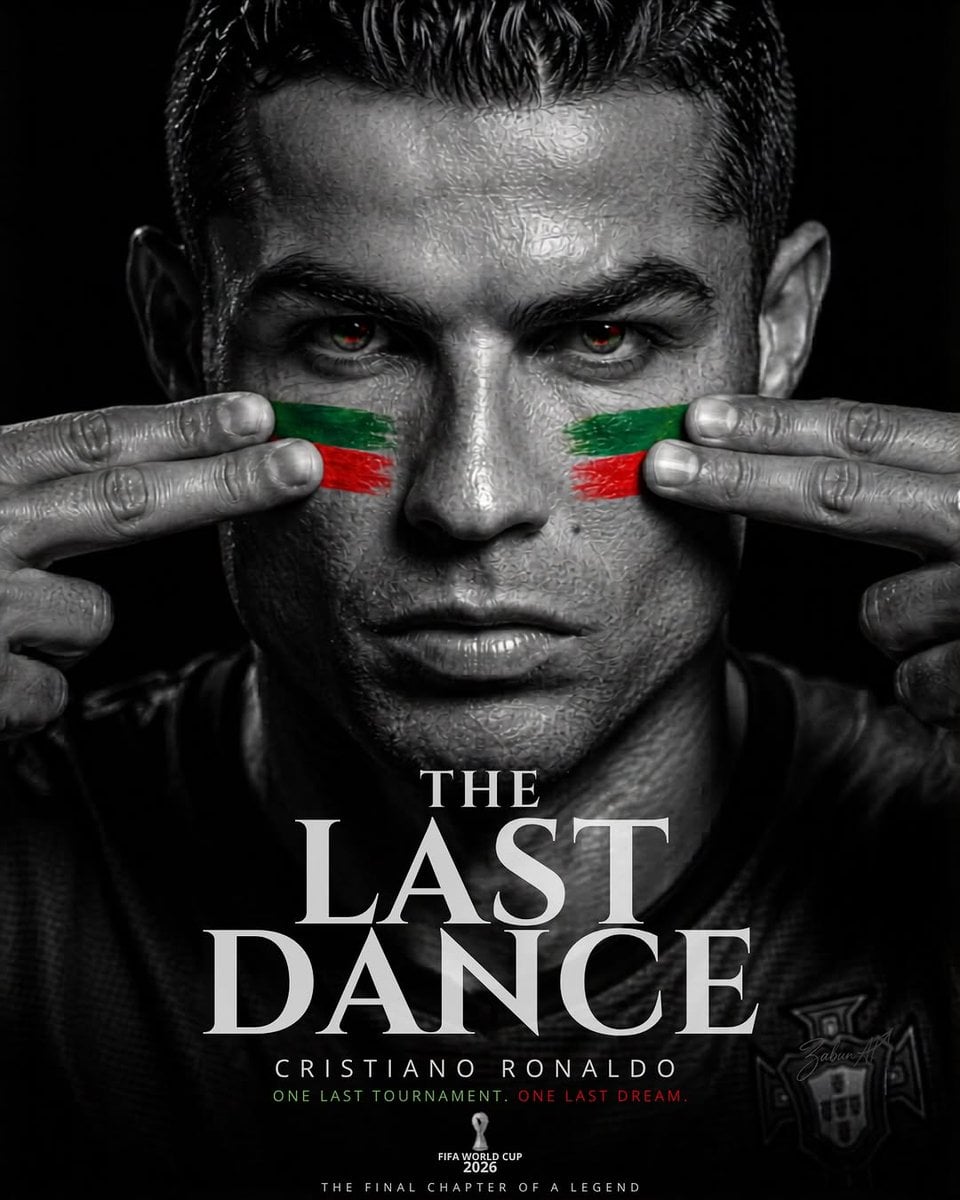
Last Dance Legacy Monochrome Portrait

Japan Travel Brochure Poster

Cartoon TV Show Poster Pack

Trendy Cafe Drink Promo Poster

Urban Fashion Editorial Collage Streetwear Poster

Premium Fashion Editorial Cover Layout System

Polo Ralph Lauren Luxury American Heritage Fashion Campaign

Monochrome Halftone Editorial Fashion Poster

Retro Mirror Luxury Fashion Campaign Poster

Luxury Fashion Campaign Typography Poster System

Premium Fashion Editorial Campaign Poster System

Ultra-Stylized High-Fashion Streetwear Poster
Make it yours
Strauss Four Last Songs Poster works as-is. These are the safest ways to change it without losing the look.
Change one field
Copy a single group, rewrite it, and generate again so you can see what that field is doing.
Keep the frame, change the subject
Hold the composition and light of Strauss Four Last Songs Poster, then swap wardrobe, props or the person for a new take.
| If the result… | Why | Fix |
|---|---|---|
| The result drifts from the preview | Too many fields changed at once. | Reuse Strauss Four Last Songs Poster as-is first, then change one group — subject, light, or setting. |
| The model over-stylizes the scene | The prose prompt leaves finish and camera underspecified. | Add one camera or lighting sentence and stay on GPT Image 2. |
More GPT Image 2 templates
Other prompts made for GPT Image 2.

Six VTuber Japanese Logo Sheet

Realistic Portrait of Woman and Deer

The Vista Modular Condo Poster

AI Model Routing Comparison Infographic

2.5D Anime Art Board

Isometric Productivity Desk Scene

New York Double Exposure Poster

Four-Panel AI Landscape Comparison

Japanese Tatami Lifestyle Magazine Cover

NESCAFÉ Coffee Map Poster
More image prompts
Fresh picks from across the catalog.
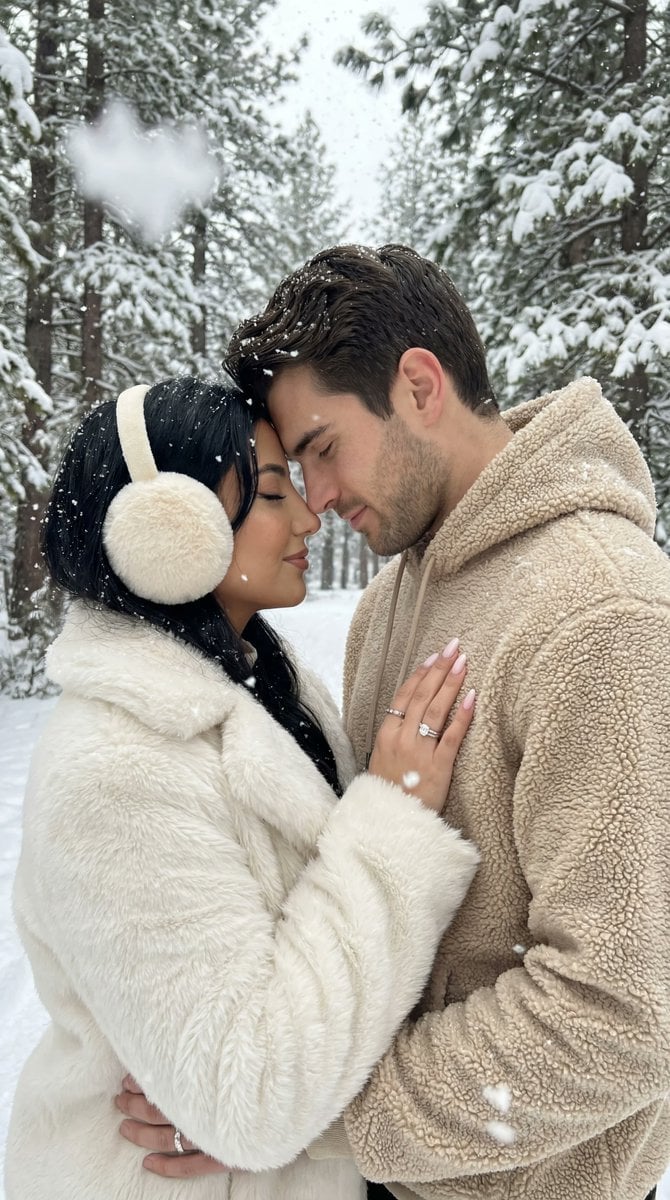
Ultra-Photorealistic Winter Romance Portrait (JSON Format)
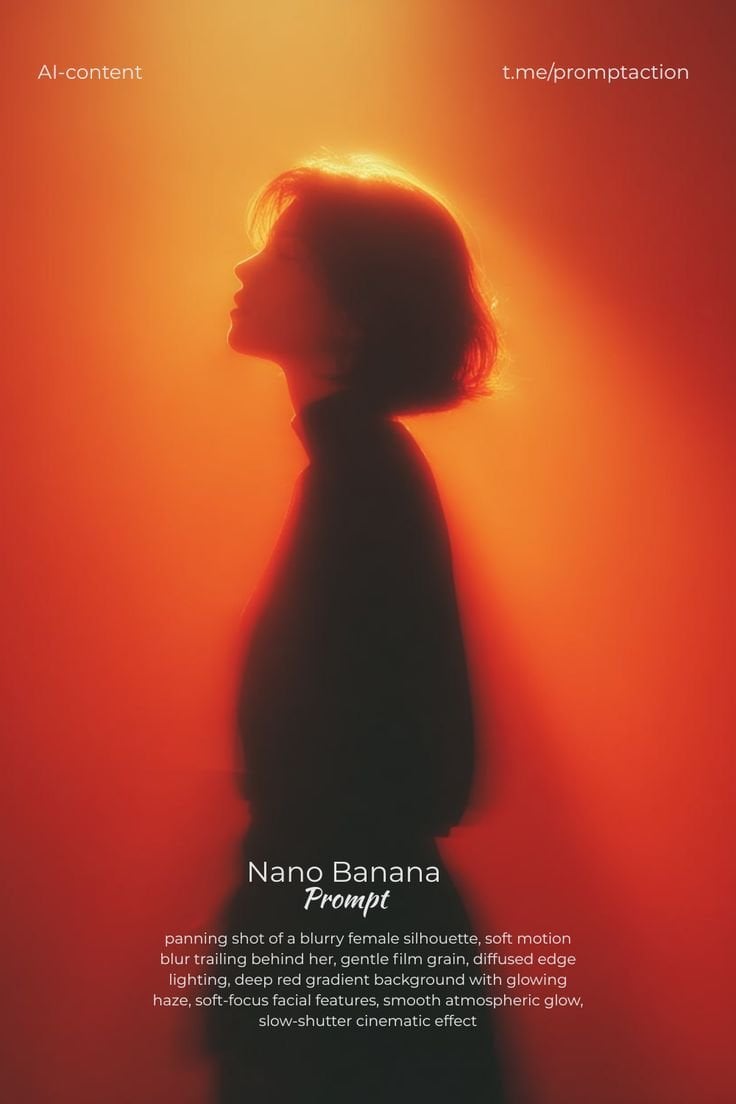
Red Motion Blur Silhouette
Pisa Tower Ice Cream Perspective Prompt

Nano Banana - Evening Champagne Blue
Candid Night Rooftop Portrait
Cinematic Portrait Prompt using Nano Banana 2 with Face Reference
Macro Hero Shot of Optical Cast Glass Object with Caustics
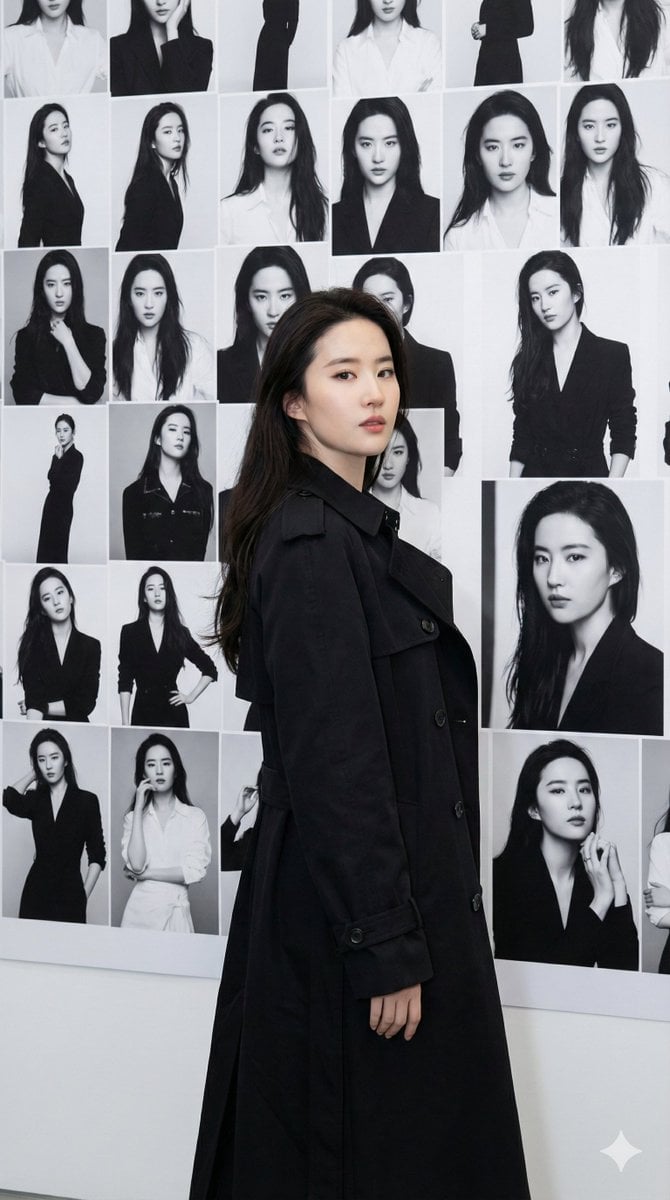
Gallery Wall Portrait with Identity Lock

Sticker Art Style
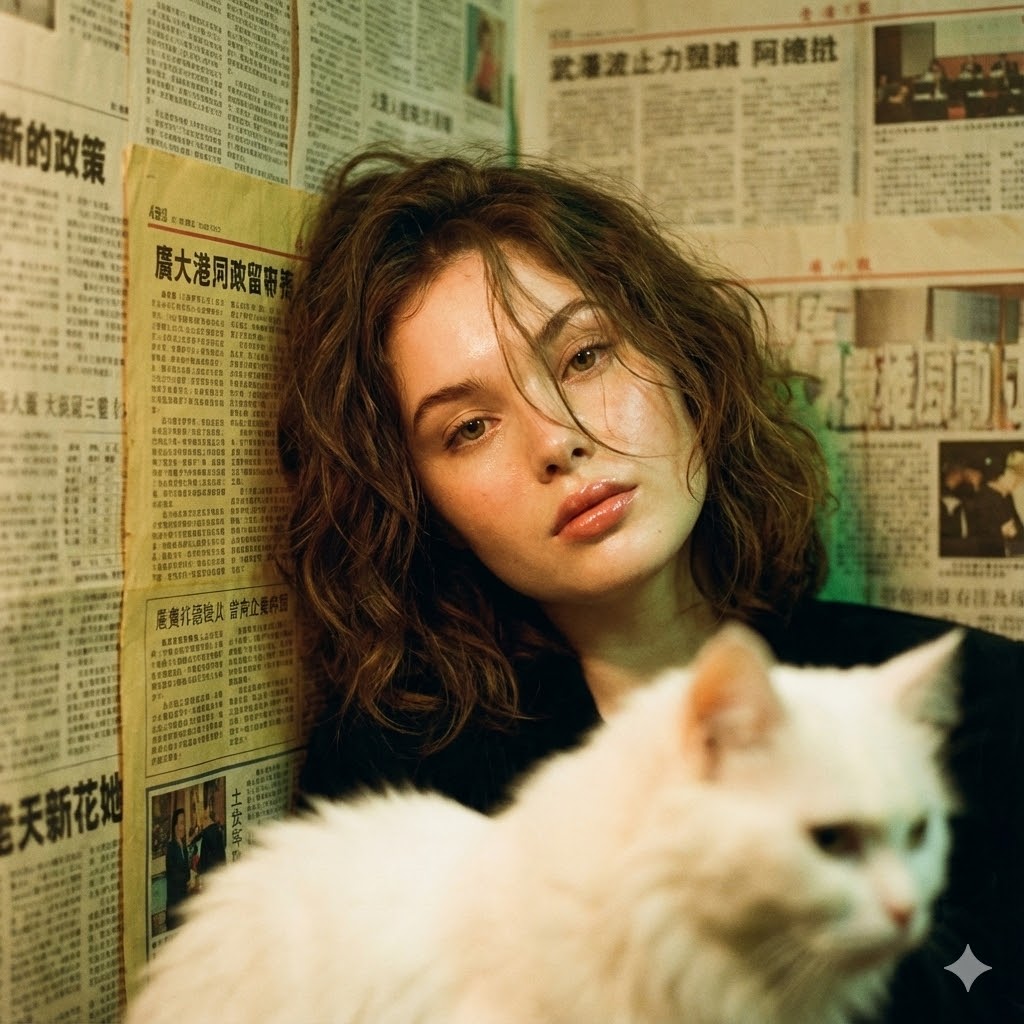
Photorealistic Hong Kong Retro Portrait Prompt
Browse template categories
Strauss Four Last Songs Poster questions
How do I use the Strauss Four Last Songs Poster template?
Add your photo if the template asks for one, edit the prompt if you like — the template's model and format are already selected — and press Generate. Your version opens in PicX Studio.
Can I customize the Strauss Four Last Songs Poster template?
Yes. You can change the subject, setting, lighting, mood, format, and available model controls before creating your image.
Is the Strauss Four Last Songs Poster template free?
Opening and editing this template is free. Generating uses credits, shown on the Generate button when you are signed in.
Which AI model should I use?
Start with GPT Image 2, which is the model associated with this template. You can compare another compatible model for a different finish.
Looking for something else? Browse all templates.

Your photo, any look
Thousands of ready templates for every top image and video model, from one credit balance.