
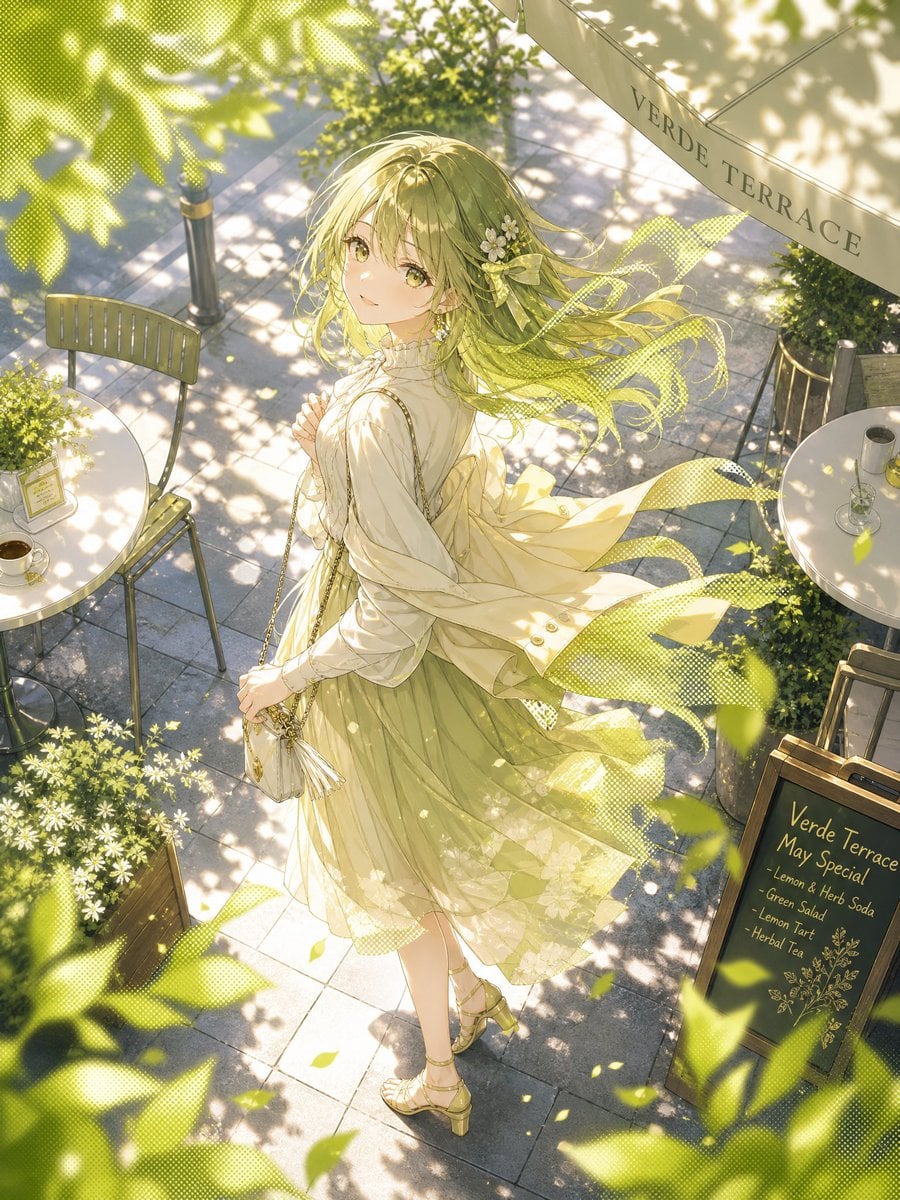
Windy Verde Terrace Anime Girl
A detailed text prompt for generating a luminous anime café-terrace scene with a windswept girl, green sunlight, and delicate halftone effects.
- Prompt included
- Model and format preset
- Free template
The prompt behind this image
Copy the exact prompt behind Windy Verde Terrace Anime Girl, or open it in the studio and make it yours.
Create a luminous high-resolution anime-style illustration of {argument name="character name" default="a young woman"} standing on an outdoor café terrace on a beautiful fresh-green afternoon, viewed from a high overhead three-quarter angle. She wears a soft cream blouse with delicate ruffles, a pale yellow flowing coat or cardigan blown strongly to the right by the wind, a translucent olive-green layered skirt with floral patterns, gold strappy heeled sandals, and a small ivory chain-strap handbag. Her long {argument name="hair color" default="light olive-blonde hair"} streams to the right and gradually dissolves into green halftone tone ribbons, decorated with a small cluster of white flowers and a pale bow near one ear; place a flat beige rectangular censor-like block over the center of her face. The terrace is paved with square gray stone tiles covered in intricate dappled sunlight and leaf shadows, with warm golden light, floating green leaves, and soft bokeh foliage framing the foreground. Include exactly 2 small round white café tables, exactly 3 metal café chairs, exactly 1 cream awning printed with {argument name="awning text" default="VERDE TERRACE"}, and exactly 1 black chalkboard menu sign reading {argument name="menu heading" default="Verde Terrace May Special"} with exactly 5 menu items: Lemon & Herb Soda, Green Salad, Lemon Tart, Herbal Tea, and a small decorative botanical drawing. Add potted greenery, white daisies in a wooden planter, a cup of coffee on the left table, and a glass on the right table. Use delicate linework, transparent fabrics, yellow-green color grading, manga halftone textures blended into the wind and foliage, dreamy soft focus, and an elegant seasonal café atmosphere.
How to use Windy Verde Terrace Anime Girl in 3 steps
- 1Upload ImagePNG, JPG or paste
Add your photo
Upload the photo the template builds on. The prompt, model and format are already set.
- 2…a portrait of your subject in softgolden-hour light, 85mm…
Personalize
Edit the subject and creative details for your destination.
- 3Generate
Generate
Press Generate — your image is created in PicX Studio, so you can compare it with the original and refine one variable at a time.
More like this
Templates with the same subject, style or setup. Open one to see its prompt.












Make it yours
Windy Verde Terrace Anime Girl works as-is. These are the safest ways to change it without losing the look.
Change one field
Copy a single group, rewrite it, and generate again so you can see what that field is doing.
Keep the frame, change the subject
Hold the composition and light of Windy Verde Terrace Anime Girl, then swap wardrobe, props or the person for a new take.
| If the result… | Why | Fix |
|---|---|---|
| The result drifts from the preview | Too many fields changed at once. | Reuse Windy Verde Terrace Anime Girl as-is first, then change one group — subject, light, or setting. |
| The model over-stylizes the scene | The prose prompt leaves finish and camera underspecified. | Add one camera or lighting sentence and stay on GPT Image 2. |
More GPT Image 2 templates
Other prompts made for GPT Image 2.

Six VTuber Japanese Logo Sheet

Realistic Portrait of Woman and Deer

The Vista Modular Condo Poster

AI Model Routing Comparison Infographic

2.5D Anime Art Board

Isometric Productivity Desk Scene

New York Double Exposure Poster

Four-Panel AI Landscape Comparison

Japanese Tatami Lifestyle Magazine Cover

NESCAFÉ Coffee Map Poster
More image prompts
Fresh picks from across the catalog.

Summer Anime Girl Portrait
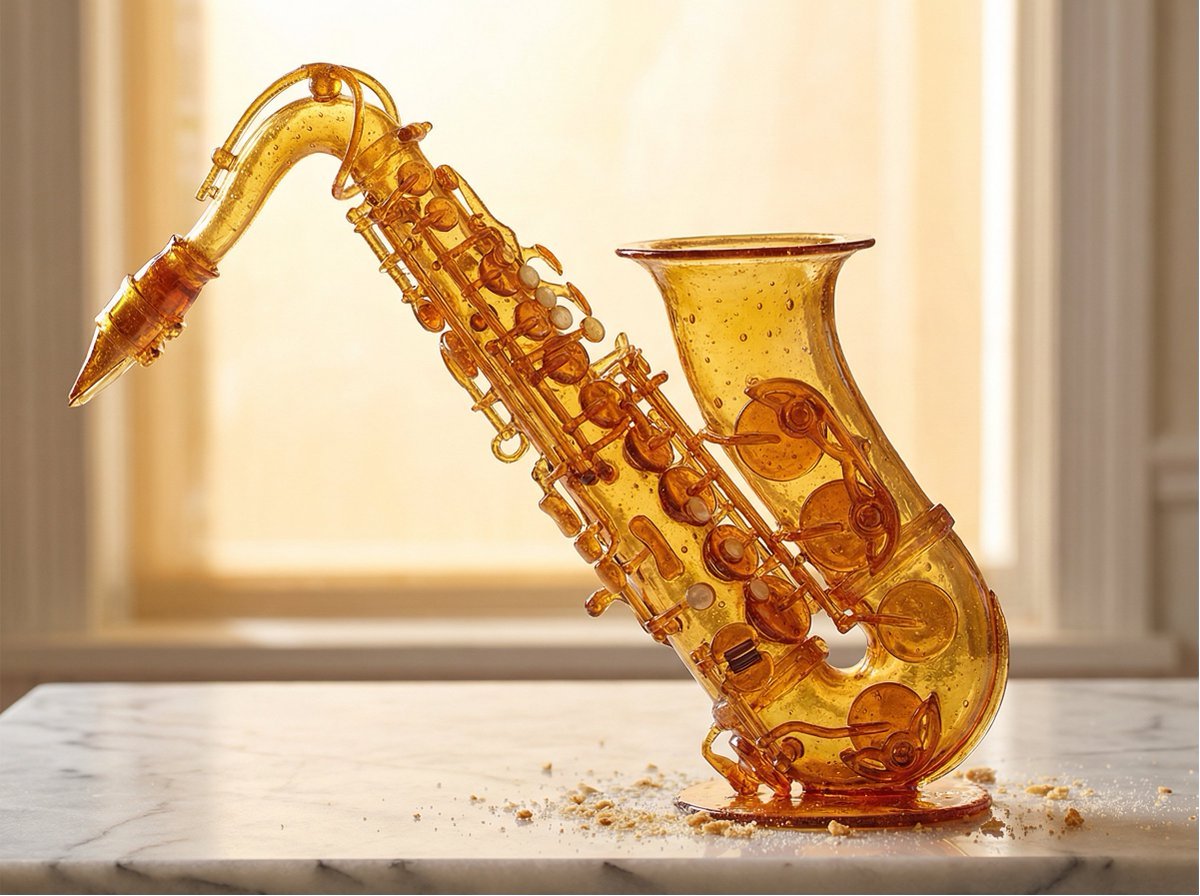
Product Rendered as Blown Sugar Prompt
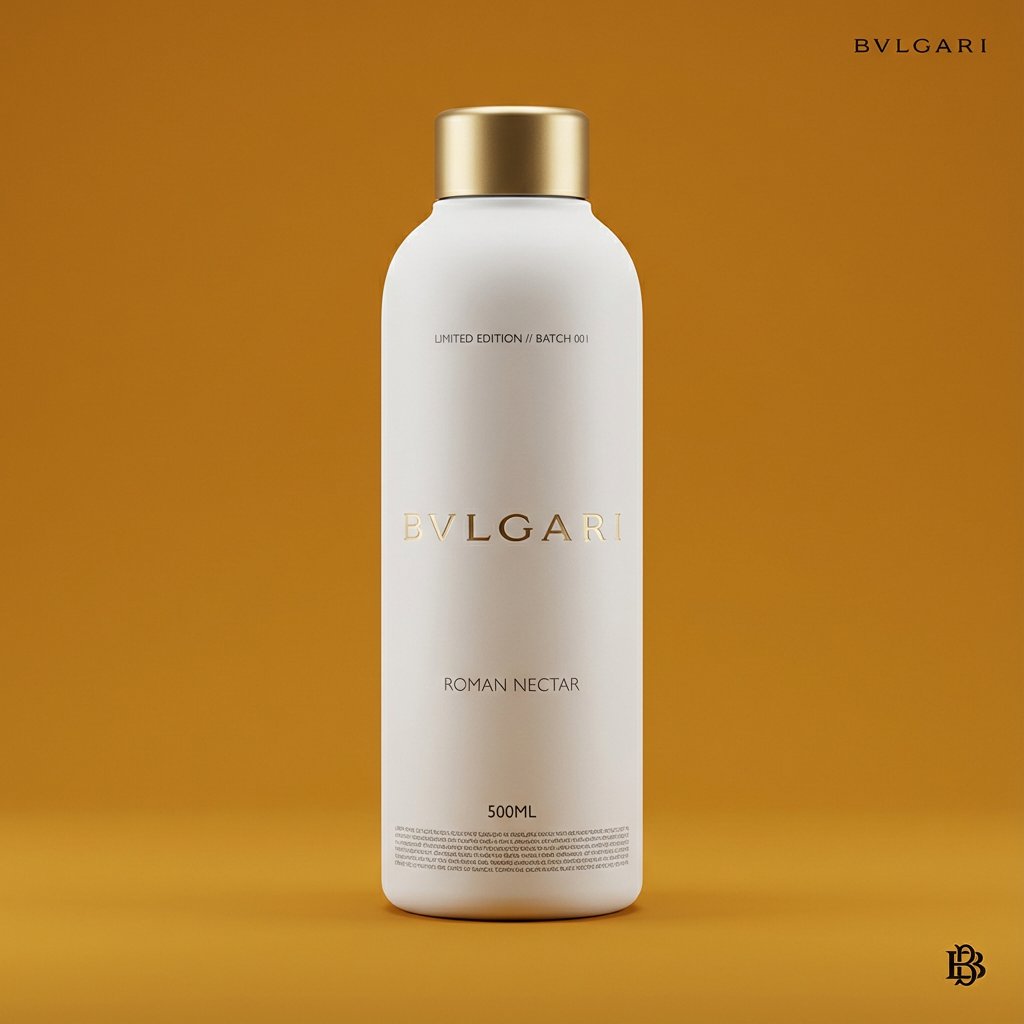
Premium Beverage Package Design Prompt
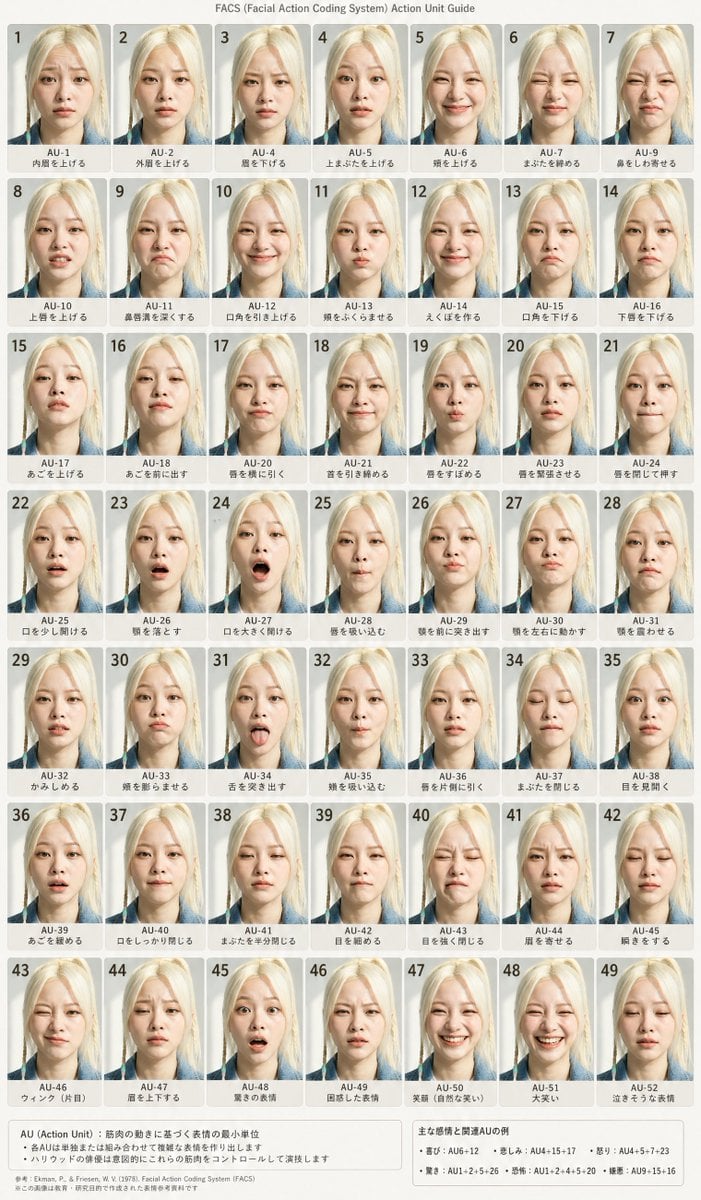
FACS Facial Expression Chart
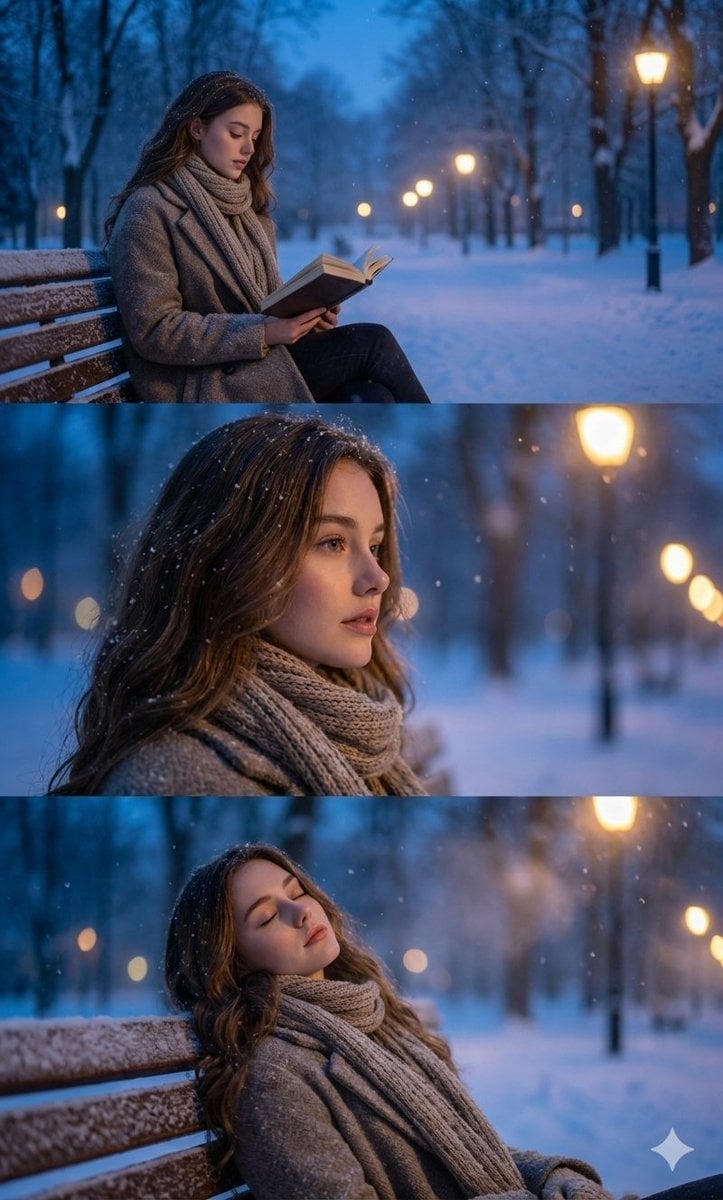
Ultra-Photorealistic Winter Portrait Sequence with Identity Lock

High-Fashion Aviator Sunglasses Portrait with NYC Reflection
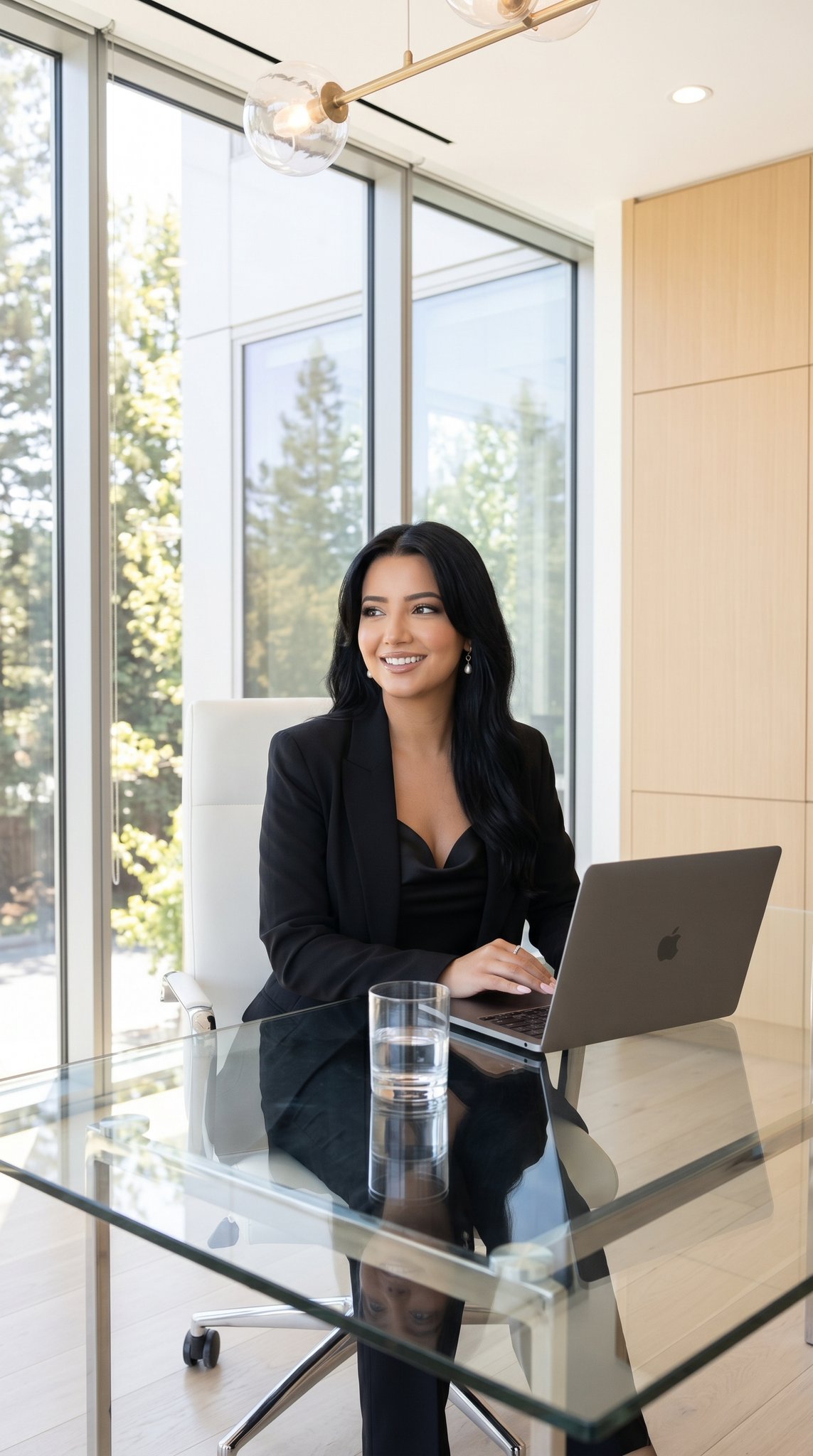
09 Silicon Valley Startup — California Series

Academic Economics Chart Simulation
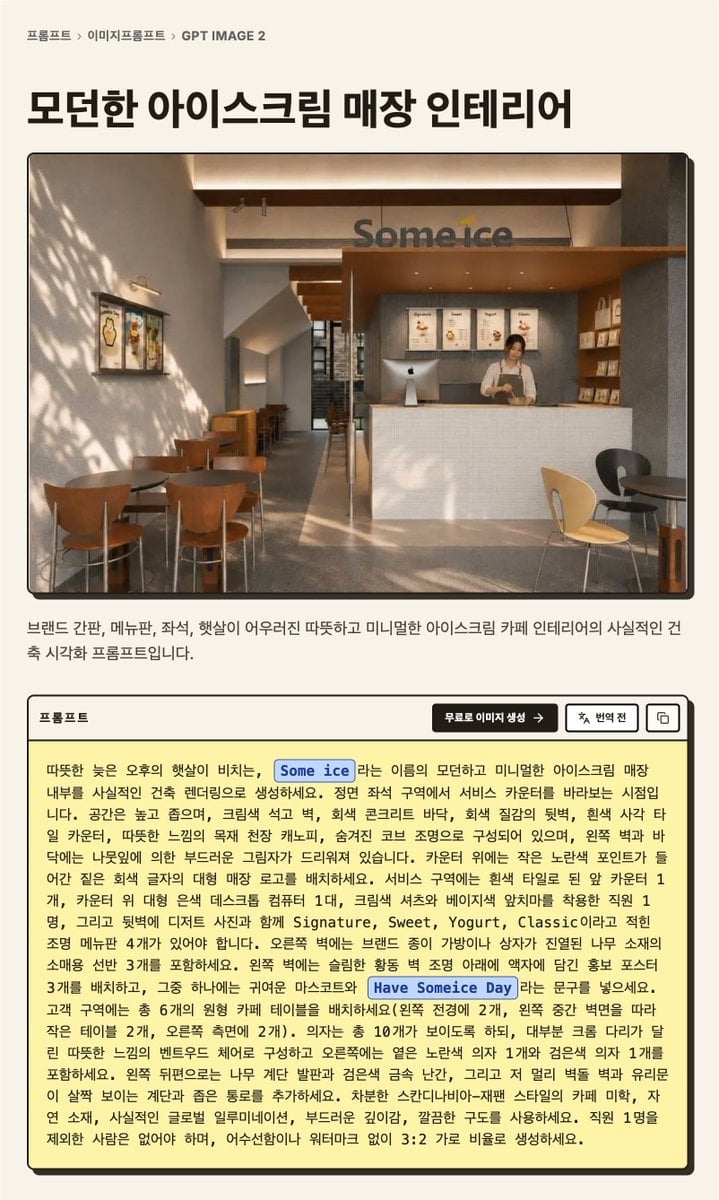
Korean GPT Image Prompt Detail Page
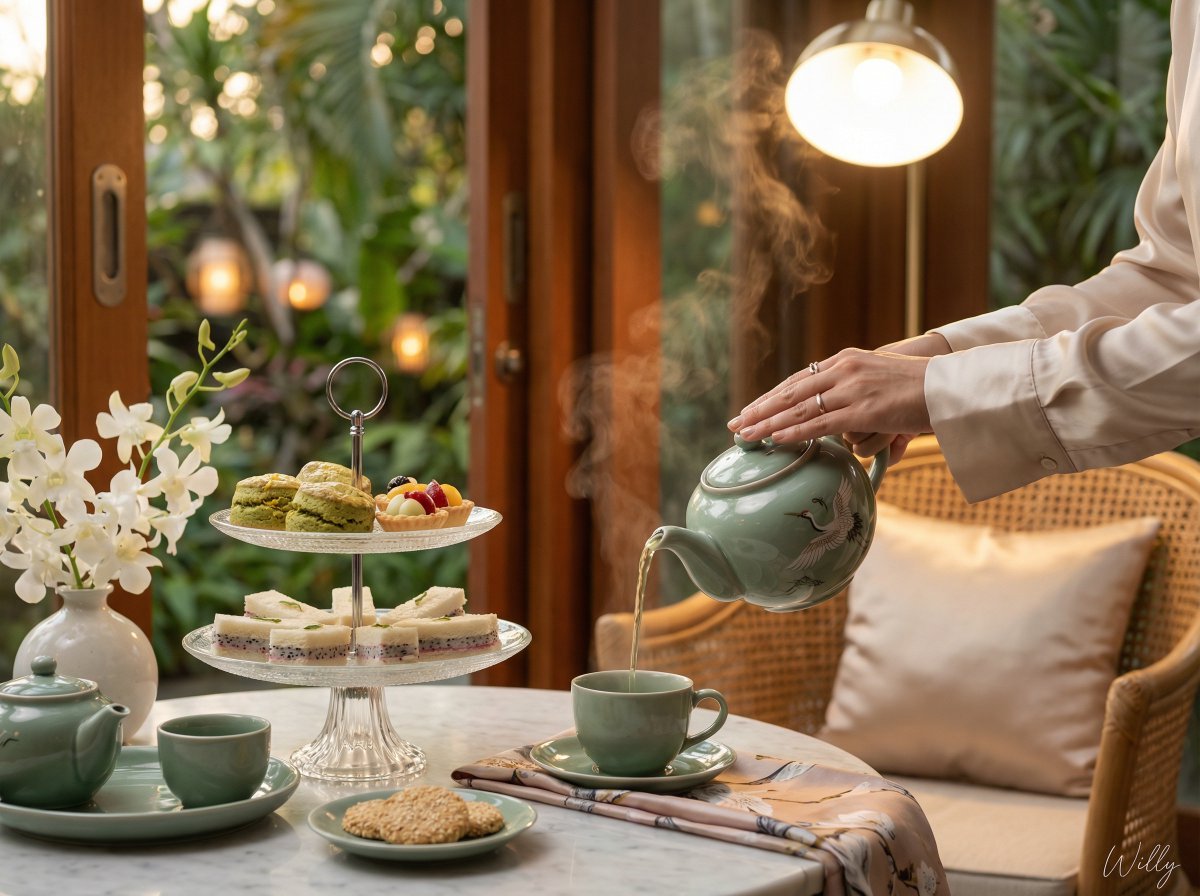
Photorealistic Vietnamese Afternoon Tea Scene
Browse template categories
Windy Verde Terrace Anime Girl questions
How do I use the Windy Verde Terrace Anime Girl template?
Add your photo if the template asks for one, edit the prompt if you like — the template's model and format are already selected — and press Generate. Your version opens in PicX Studio.
Can I customize the Windy Verde Terrace Anime Girl template?
Yes. You can change the subject, setting, lighting, mood, format, and available model controls before creating your image.
Is the Windy Verde Terrace Anime Girl template free?
Opening and editing this template is free. Generating uses credits, shown on the Generate button when you are signed in.
Which AI model should I use?
Start with GPT Image 2, which is the model associated with this template. You can compare another compatible model for a different finish.
Looking for something else? Browse all templates.

Your photo, any look
Thousands of ready templates for every top image and video model, from one credit balance.