
Rooftop Terrace Night Fashion Portrait
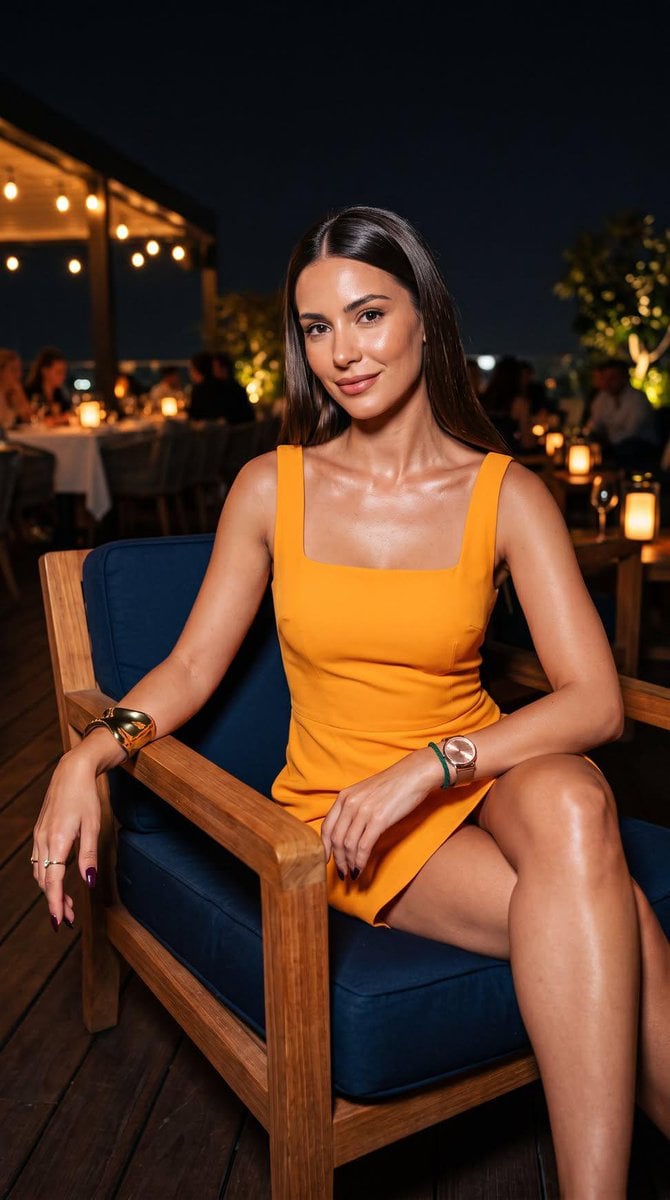
A night-time fashion portrait prompt featuring a woman in a saffron-marigold dress on an upscale rooftop terrace.
- Prompt included
- Model and format preset
- Free template
The prompt behind this image
Copy the exact prompt behind Rooftop Terrace Night Fashion Portrait, or open it in the studio and make it yours.
A vertical, ultra-photorealistic night-time fashion portrait of an elegant woman with {argument name="hair color" default="sleek, glossy dark-brown"} hair parted cleanly and falling over her shoulders. She wears a tailored, sleeveless square-neckline mini dress in {argument name="dress color" default="vibrant saffron-marigold"} crepe, accentuating clean architectural lines. Her right arm rests naturally on the smooth teak armrest of a modern lounge armchair,displaying a bold polished-brass sculpted cuff bracelet, a minimalist gemstone ring, and long manicured nails in deep glossy plum. Her left arm rests across the other armrest, styled with a slender emerald-green cord bracelet paired alongside an elegant rose-gold mesh-strap watch. She sits poised with her body angled slightly toward the camera, seated comfortably on deep navy-blue plush cushions set into the warm wooden chair frame.The scene unfolds on a {argument name="setting" default="breezy upscale open-air rooftop terrace"} with dark hardwood deck flooring under the night sky. In the far background, glowing amber string lights, soft candle-lit restaurant tables, and softly blurred silhouettes of distant lounge patrons melt into a rich, creamy bokeh. Warm ambient lantern glow highlights her dewy skin texture, natural pores, collarbones, and subtle smile.Captured on a full-frame 85mm f/1.4 lens, low-light photography, ISO 800, razor-sharp focus on the subject, shallow depth of field, cinematic color grading, no logos, no text, no watermarks. --ar 9:16
How to use Rooftop Terrace Night Fashion Portrait in 3 steps
- 1
Open
The prompt is already in the box next to the preview, with the template's model and format selected.
- 2…a portrait of your subject in softgolden-hour light, 85mm…
Personalize
Edit the subject and creative details for your destination.
- 3Generate
Generate
Press Generate — your image is created in PicX Studio, so you can compare it with the original and refine one variable at a time.
More like this
Templates with the same subject, style or setup. Open one to see its prompt.
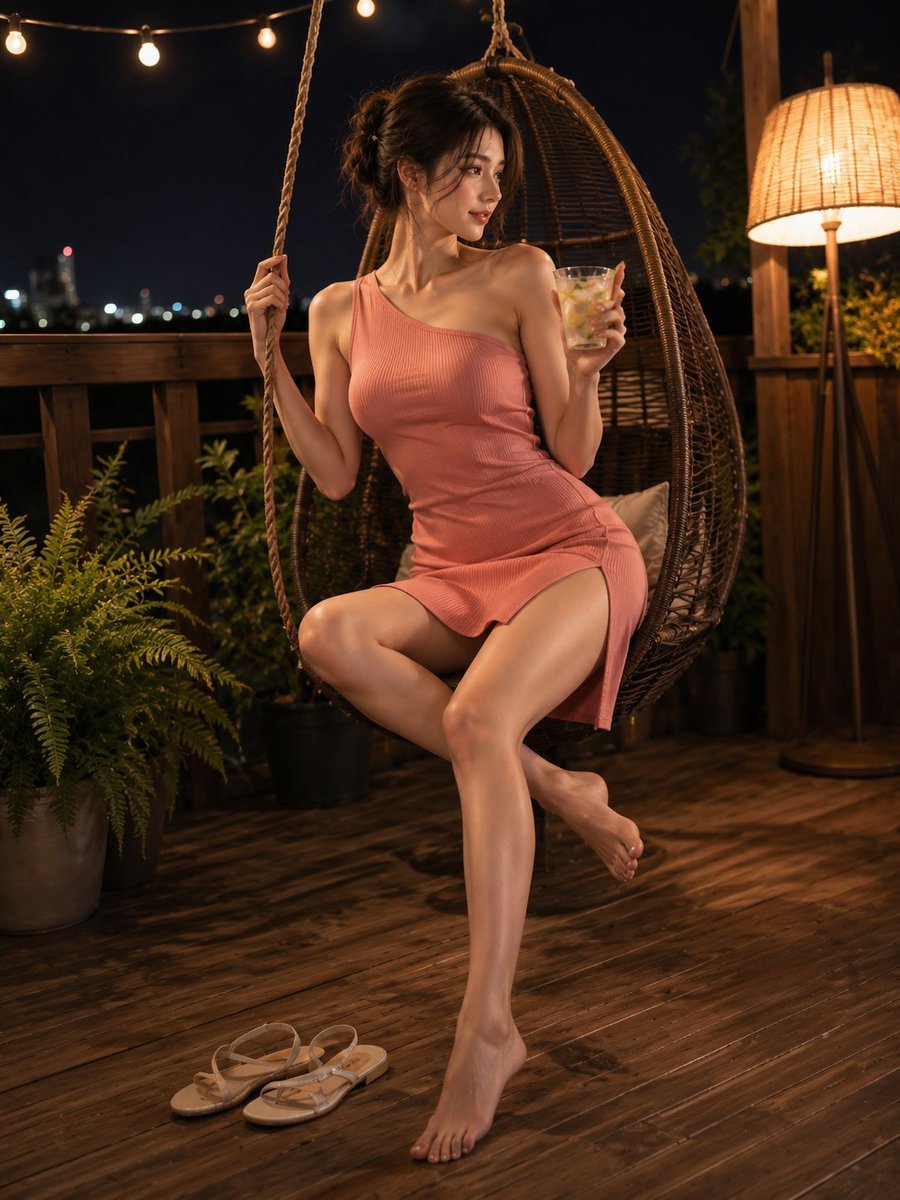
Summer Night Rooftop Terrace Portrait

Rooftop Fisheye — Cat-Ear Balaclava at Golden Hour

Nano Banana 2 High Fashion Sports Campai

Couture Fashion Editorial Woman and Drag

Ive Yujin Fashion Portrait in Blue

Nano Banana 2 Editorial Fashion Portrait

Caution Tape Fashion — Industrial Editorial
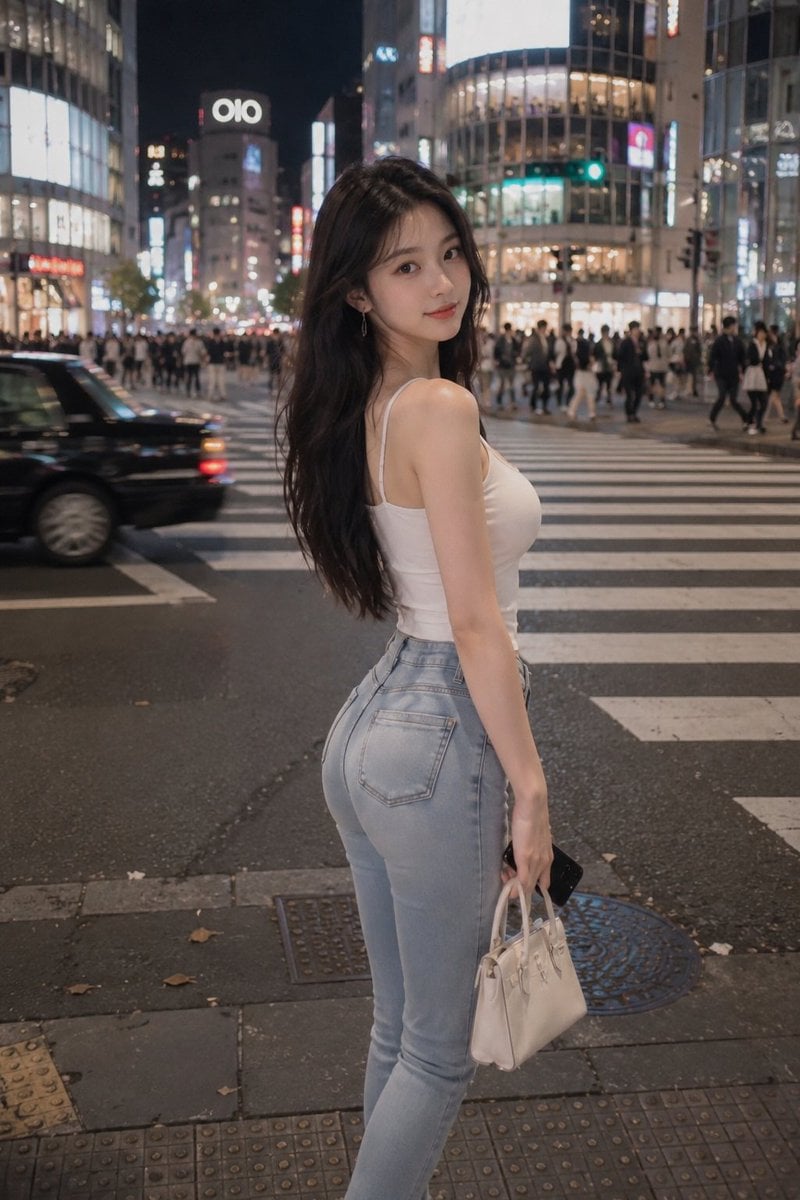
Tokyo Night Crosswalk Fashion Portrait
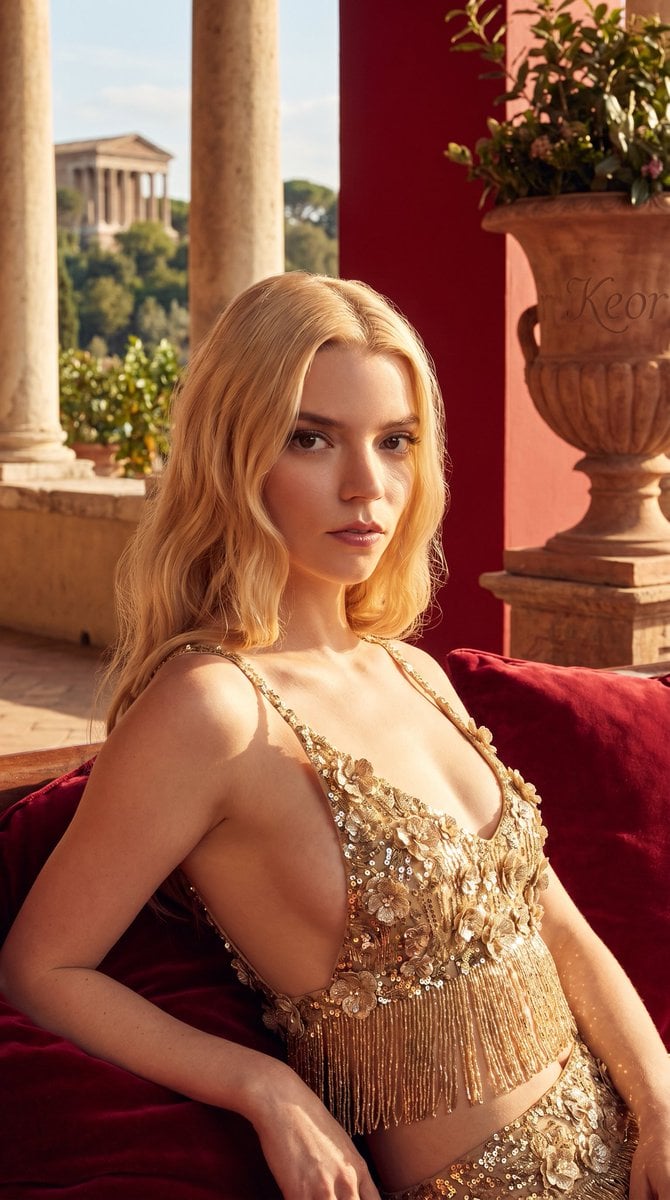
Ancient Roman terrace fashion portrait
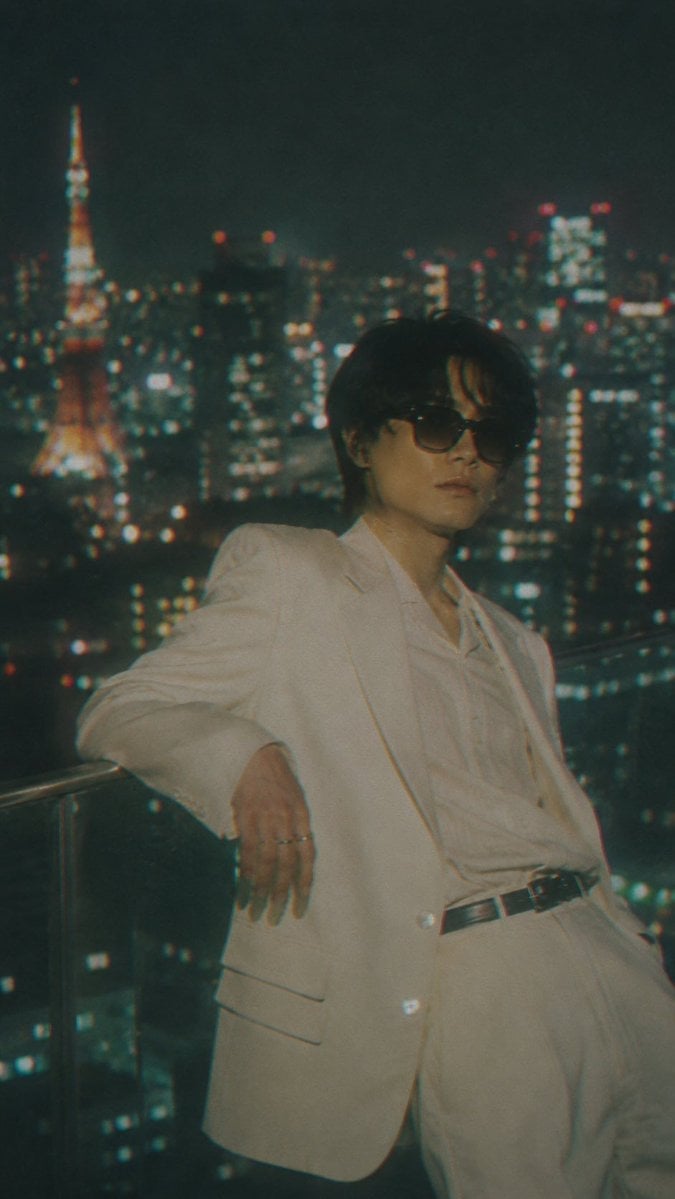
Censored Tokyo Rooftop Night Portrait
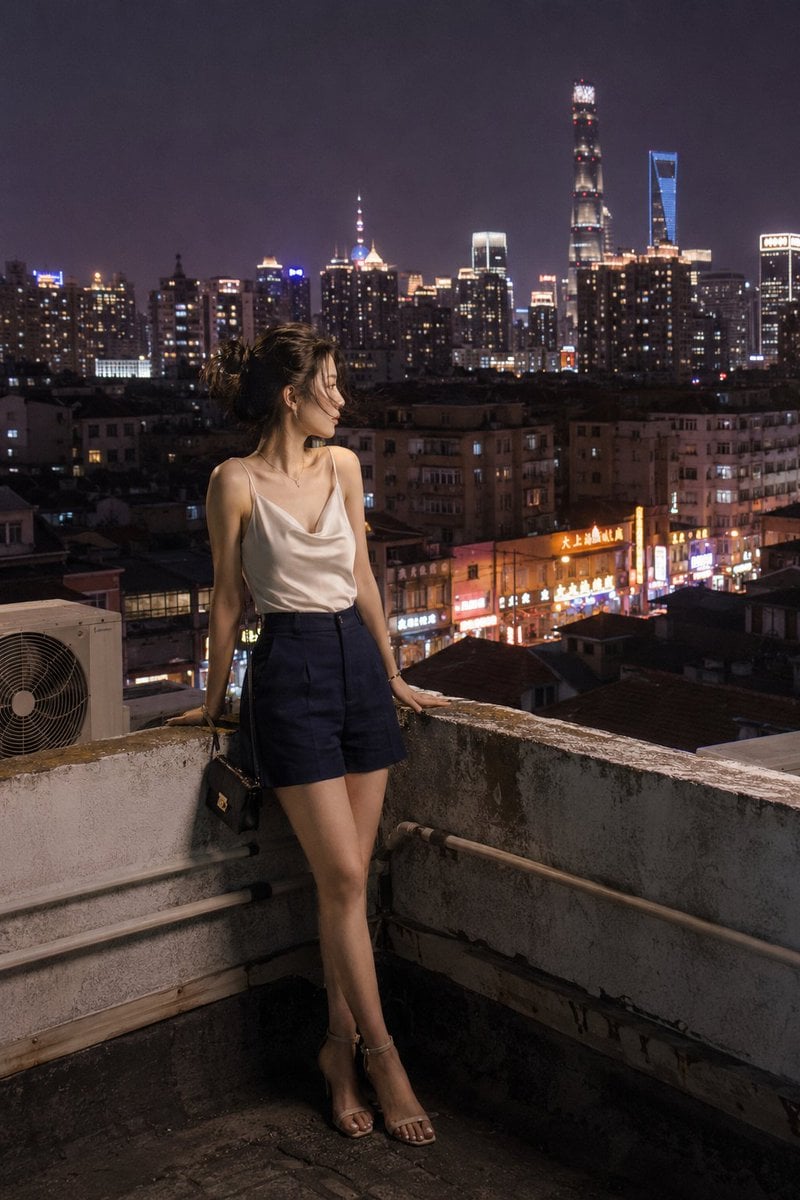
Shanghai Shikumen Rooftop Night Portrait
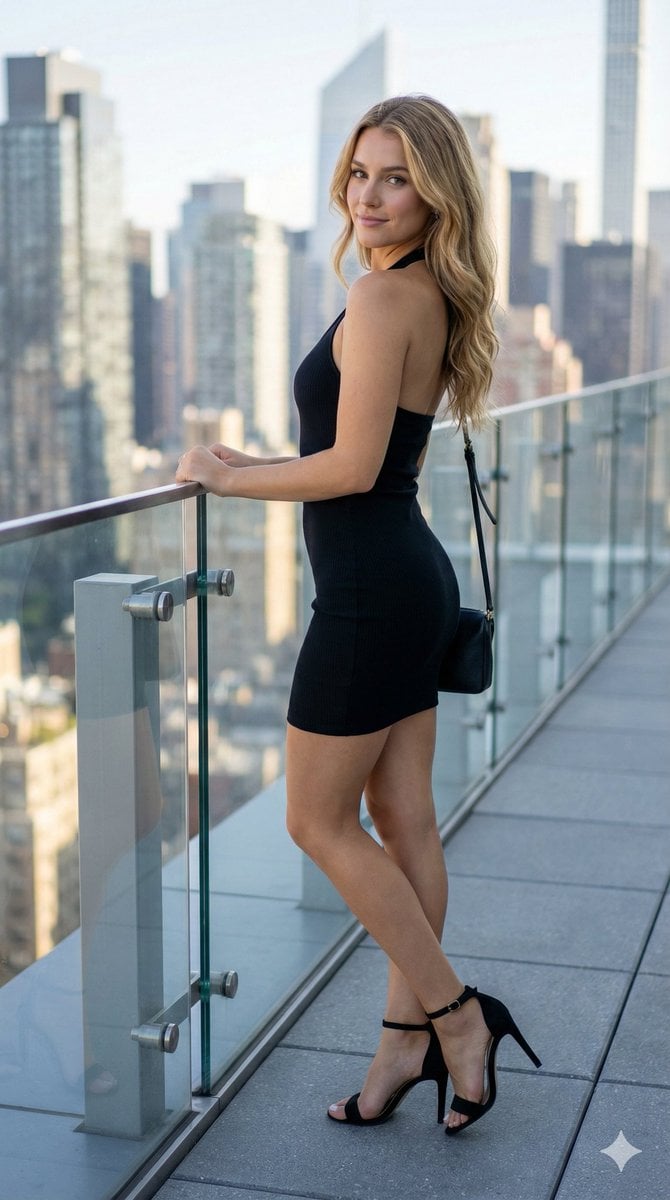
Rooftop Terrace Fashion Shot Prompt
Make it yours
Rooftop Terrace Night Fashion Portrait works as-is. These are the safest ways to change it without losing the look.
Change one field
Copy a single group, rewrite it, and generate again so you can see what that field is doing.
Keep the frame, change the subject
Hold the composition and light of Rooftop Terrace Night Fashion Portrait, then swap wardrobe, props or the person for a new take.
| If the result… | Why | Fix |
|---|---|---|
| The result drifts from the preview | Too many fields changed at once. | Reuse Rooftop Terrace Night Fashion Portrait as-is first, then change one group — subject, light, or setting. |
| The model over-stylizes the scene | The prose prompt leaves finish and camera underspecified. | Add one camera or lighting sentence and stay on GPT Image 2. |
More GPT Image 2 templates
Other prompts made for GPT Image 2.

Six VTuber Japanese Logo Sheet

Realistic Portrait of Woman and Deer

The Vista Modular Condo Poster

AI Model Routing Comparison Infographic

2.5D Anime Art Board

Isometric Productivity Desk Scene

New York Double Exposure Poster

Four-Panel AI Landscape Comparison

Japanese Tatami Lifestyle Magazine Cover

NESCAFÉ Coffee Map Poster
More image prompts
Fresh picks from across the catalog.
Miniature Diorama Prompt (Tilt-Shift)
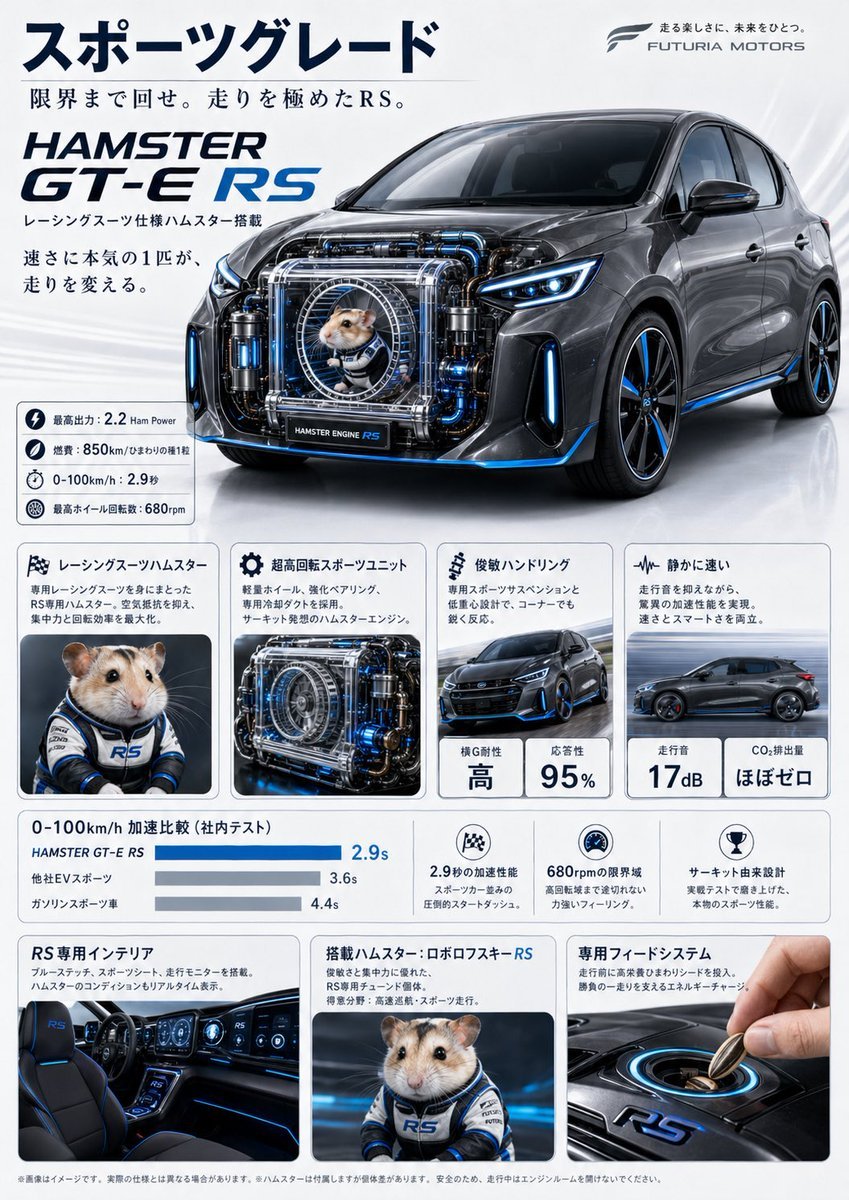
Japanese Hamster Engine Car Catalog

X Ozayrr Irl Chatgpt Image 2 Vs Google
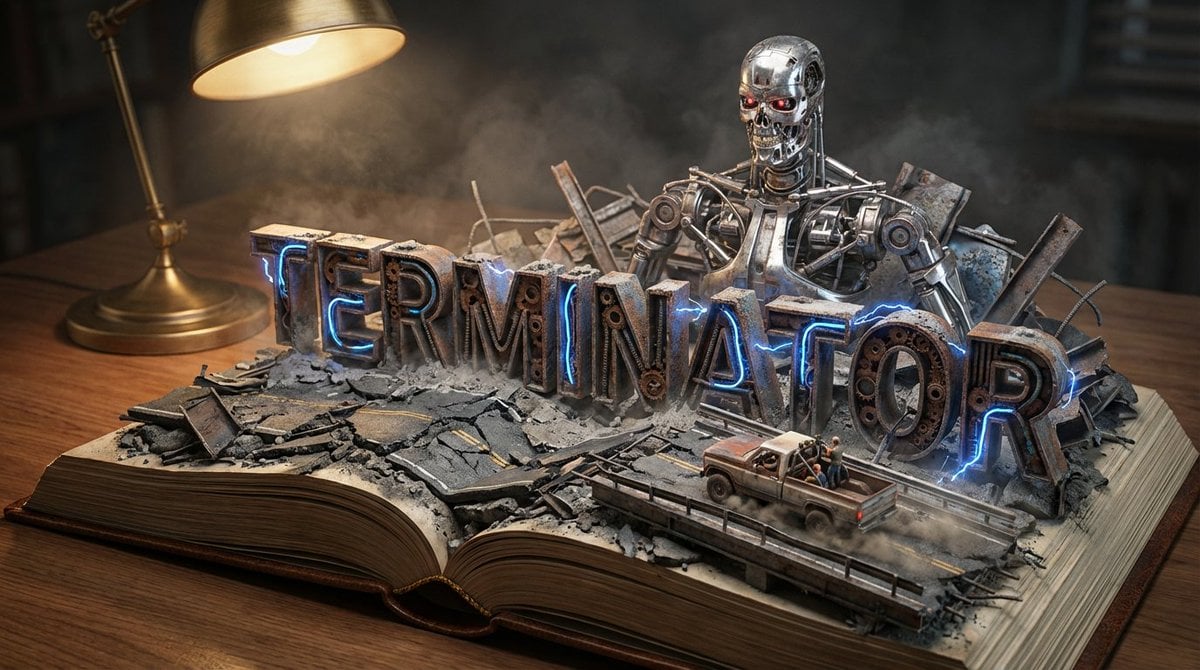
Pop-Up Book Diorama Generator Prompt

Japanese Gourmet Dessert Shop Branding
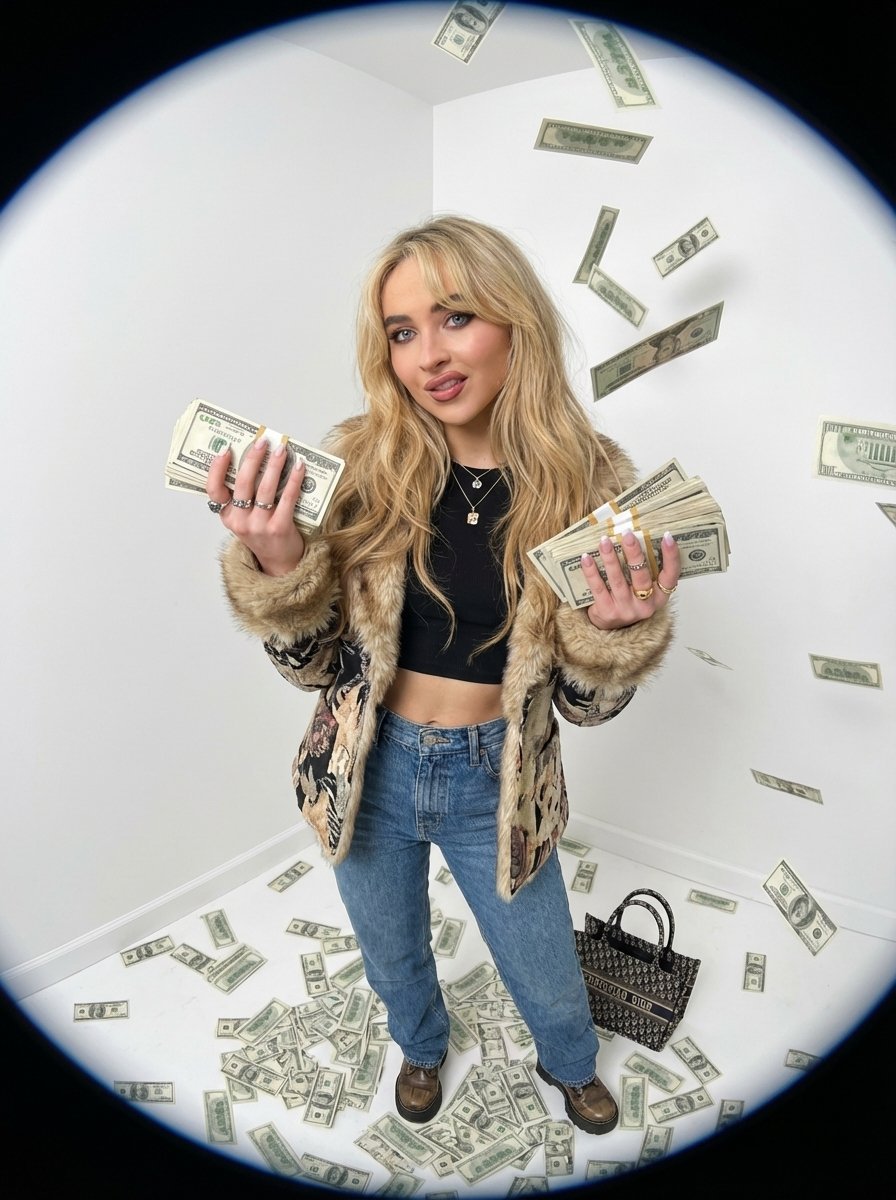
Fisheye portrait with money in a white studio
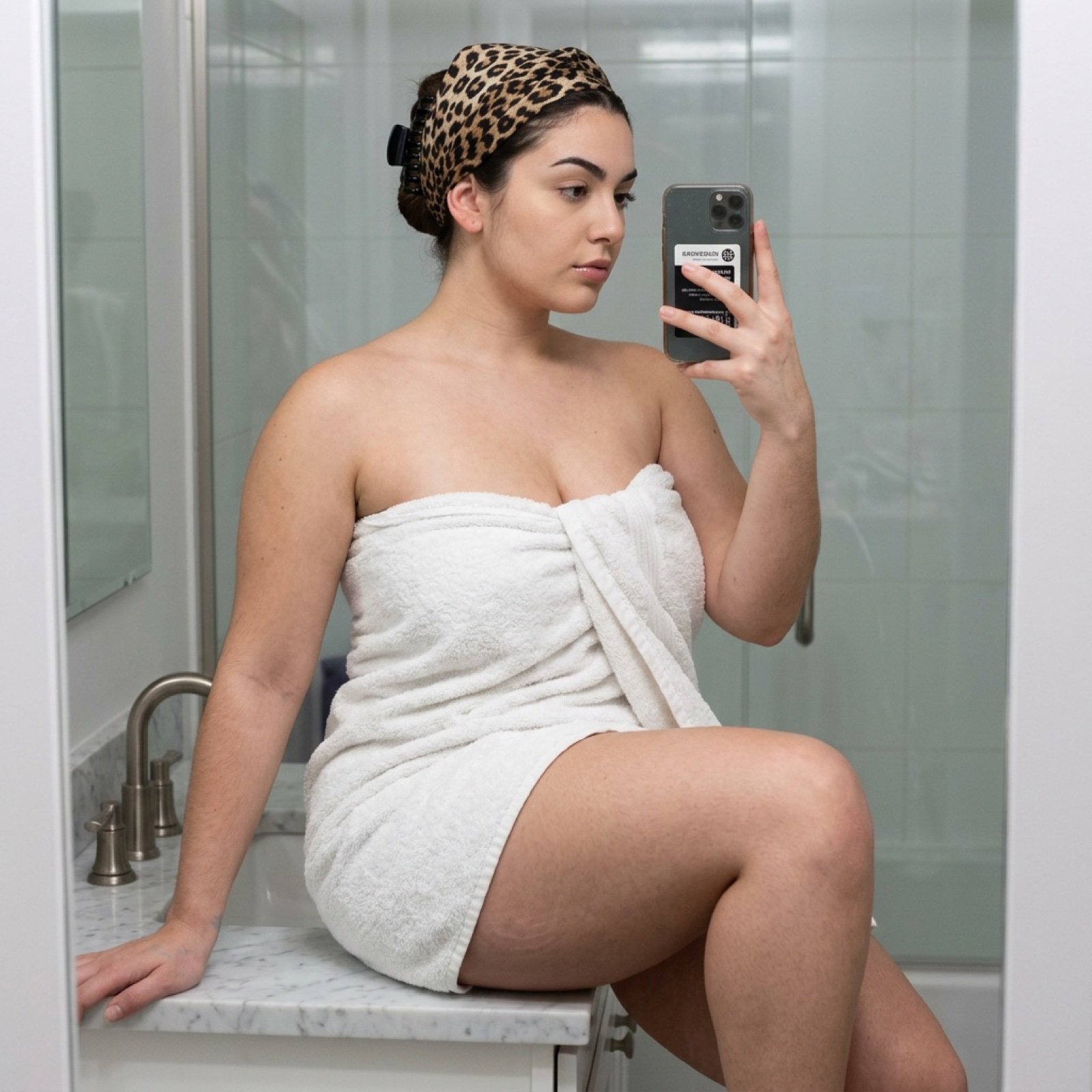
Curvy Woman Bathroom Mirror Selfie

Anime Lo-Fi Now Playing Schoolboys
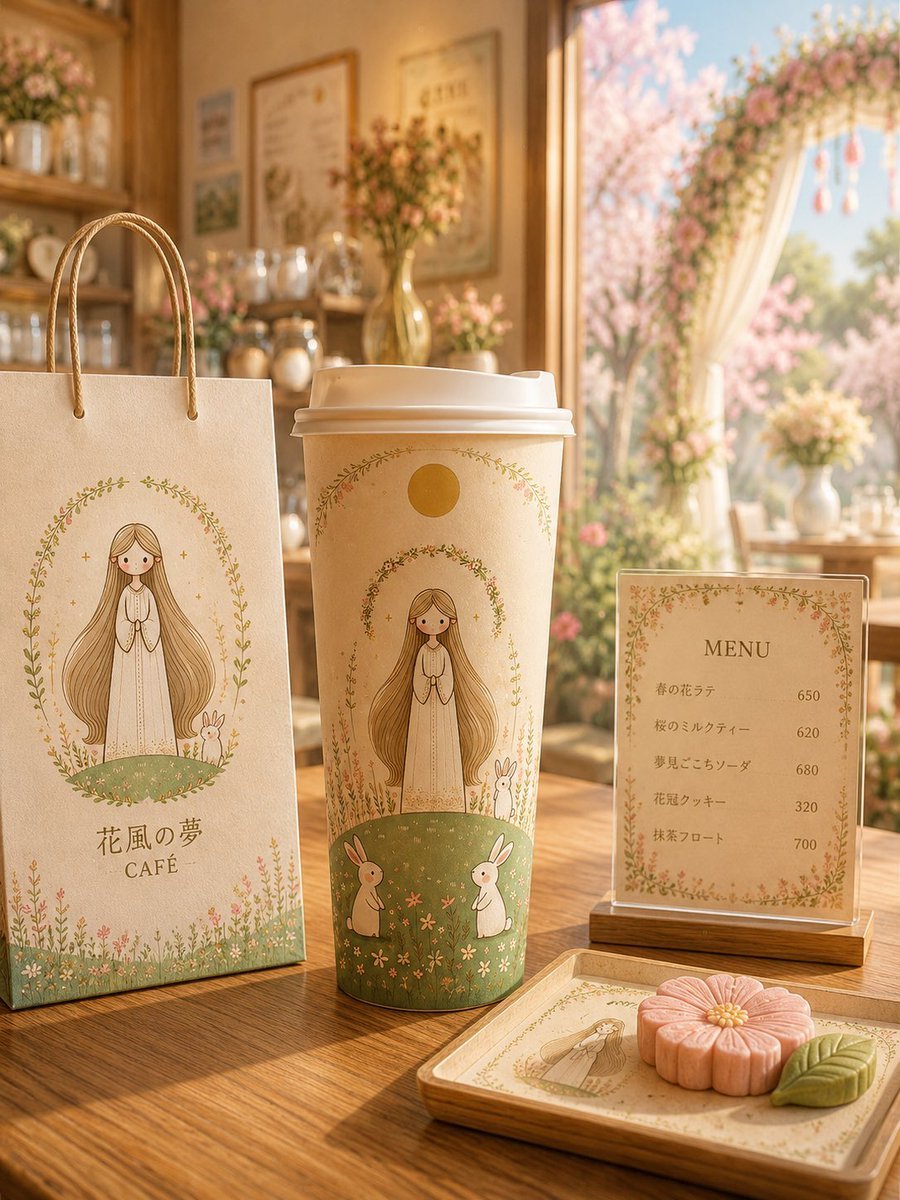
Floral Character Café Merchandise Scene
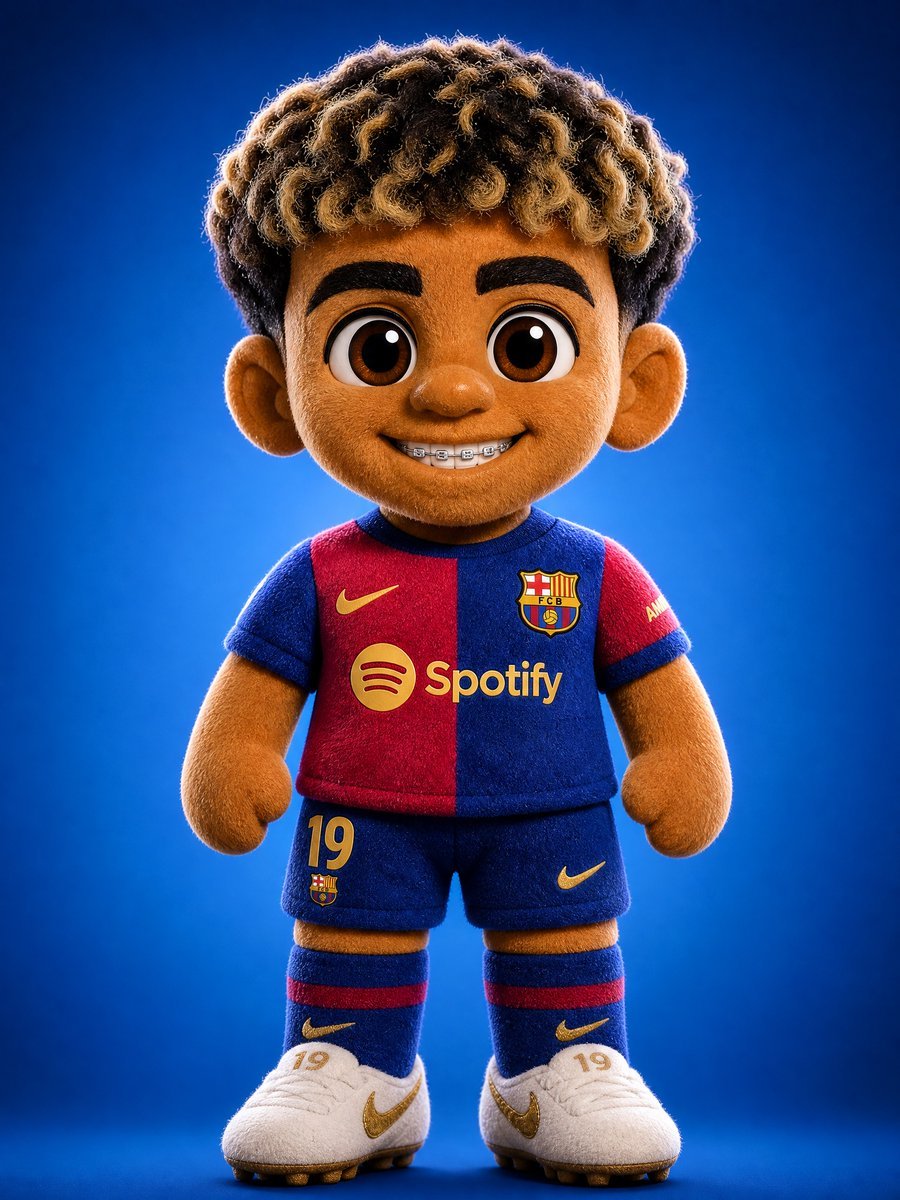
3D Plush Cartoon Character
Browse template categories
Rooftop Terrace Night Fashion Portrait questions
How do I use the Rooftop Terrace Night Fashion Portrait template?
Add your photo if the template asks for one, edit the prompt if you like — the template's model and format are already selected — and press Generate. Your version opens in PicX Studio.
Can I customize the Rooftop Terrace Night Fashion Portrait template?
Yes. You can change the subject, setting, lighting, mood, format, and available model controls before creating your image.
Is the Rooftop Terrace Night Fashion Portrait template free?
Opening and editing this template is free. Generating uses credits, shown on the Generate button when you are signed in.
Which AI model should I use?
Start with GPT Image 2, which is the model associated with this template. You can compare another compatible model for a different finish.
Looking for something else? Browse all templates.

Your photo, any look
Thousands of ready templates for every top image and video model, from one credit balance.