
Floral Character Café Merchandise Scene
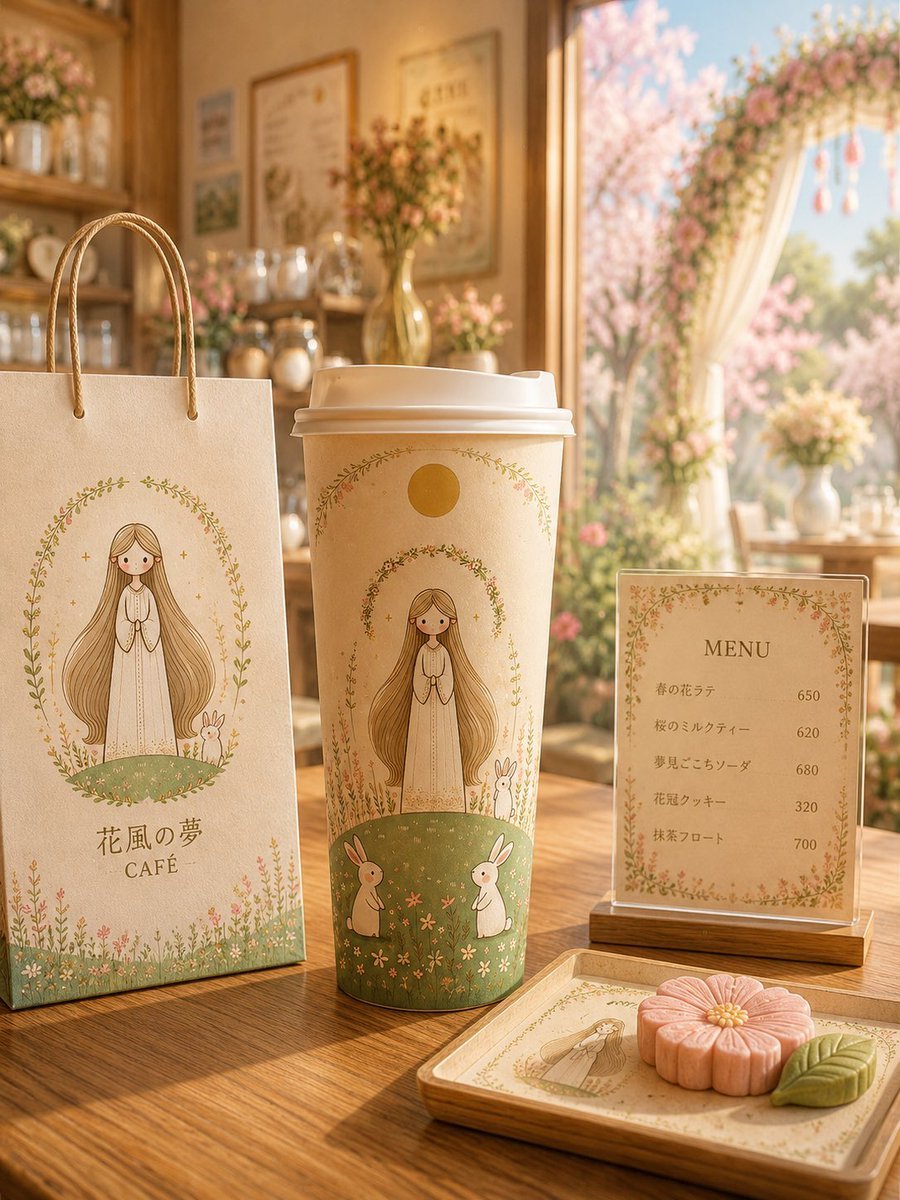
A dreamy illustrated café merchandise mockup featuring a custom mascot on a shopping bag, takeaway cup, menu card, and dessert tray.
- Prompt included
- Model and format preset
- Free template
The prompt behind this image
Copy the exact prompt behind Floral Character Café Merchandise Scene, or open it in the studio and make it yours.
Create a warm, dreamy product-style illustration of a cozy floral character café in soft golden afternoon light. The scene is set on a wooden café table beside a large open window with pale curtains, a flower garland, and blooming pink cherry blossoms outside. In the foreground, show exactly four branded café items arranged left to right: 1) a cream paper shopping bag with rope handles, printed with a delicate oval wreath illustration of a long-haired girl in a white dress standing on a green meadow with a small white rabbit, plus the text 「花風の夢」 and “CAFÉ”; 2) a tall beige takeaway coffee cup with a white lid, decorated with the same long-haired girl, two rabbits, tiny meadow flowers, leafy arches, and a small golden sun circle near the top; 3) a small upright acrylic menu card in a wooden base, framed by tiny floral vines, titled “MENU,” listing exactly five items with prices: 「春の花ラテ」 650, 「桜のミルクティー」 620, 「夢見ごこちソーダ」 680, 「花冠クッキー」 320, 「抹茶フロート」 700; 4) a small square wooden tray holding one illustrated café card and exactly two sweets: a pink flower-shaped cookie and a green leaf-shaped cookie. The background should include wooden shelves with jars, bottles, framed café posters, and several soft-focus flower arrangements, all in a beige, cream, sage green, blush pink, and honey-gold palette. The central mascot is {argument name="character name" default="a gentle long-haired girl"} with {argument name="hair color" default="light brown golden hair"}, wearing {argument name="outfit" default="a simple white dress"}. Use the café name {argument name="café name" default="花風の夢 CAFÉ"} on the shopping bag. Keep the style whimsical, polished, and highly detailed, like a premium illustrated character café merchandise mockup, with shallow depth of field, soft bokeh, fine floral line art, and no extra text beyond the specified labels and menu items.
How to use Floral Character Café Merchandise Scene in 3 steps
- 1Upload ImagePNG, JPG or paste
Add your photo
Upload the photo the template builds on. The prompt, model and format are already set.
- 2…a portrait of your subject in softgolden-hour light, 85mm…
Personalize
Edit the subject and creative details for your destination.
- 3Generate
Generate
Press Generate — your image is created in PicX Studio, so you can compare it with the original and refine one variable at a time.
More like this
Templates with the same subject, style or setup. Open one to see its prompt.

Floraverse Botanical Fusion

FLORAVERSE BOTANICAL FUSION

Tropical Vacation Selfie — Nano Banana (Chryzleen)

Coastal Bench Portrait — Navy Floral Sundress
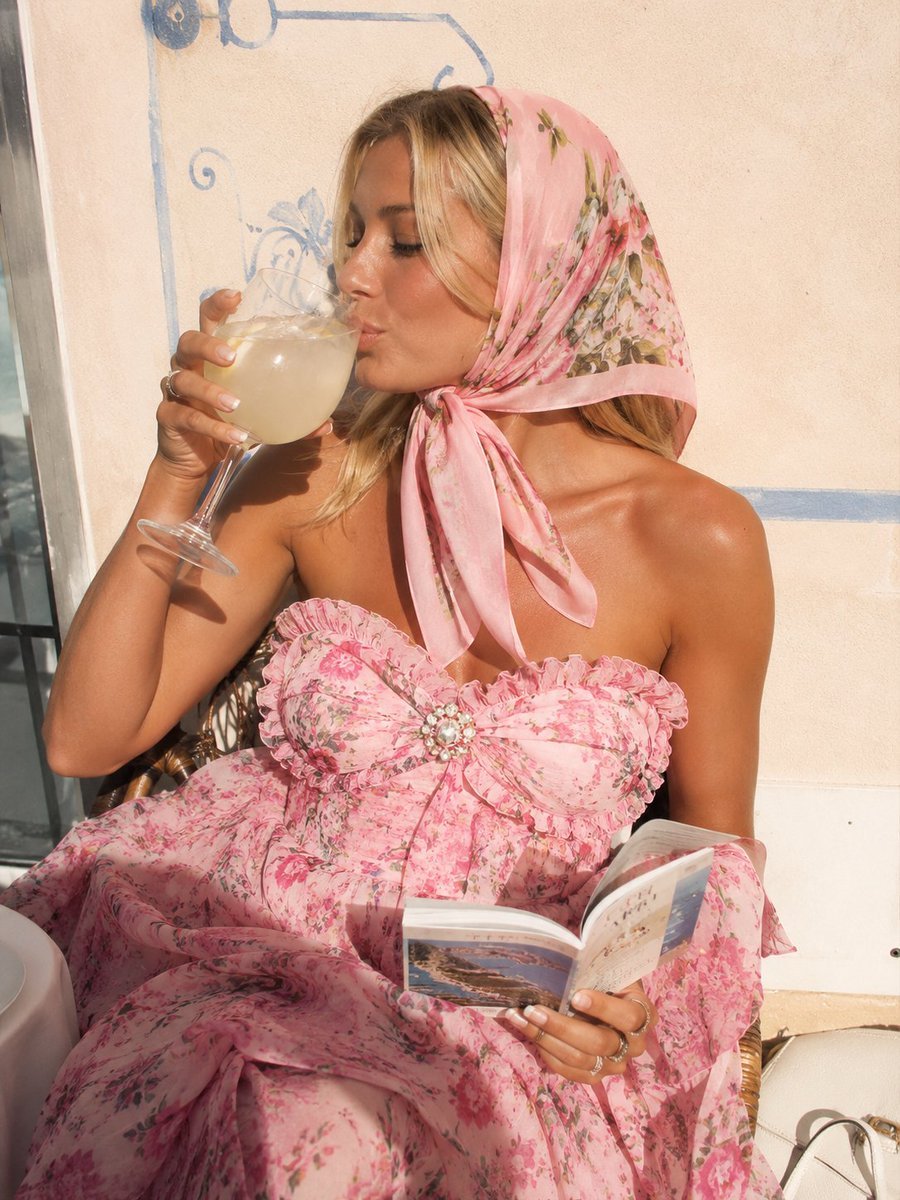
Pink Floral Vacation Café Portrait
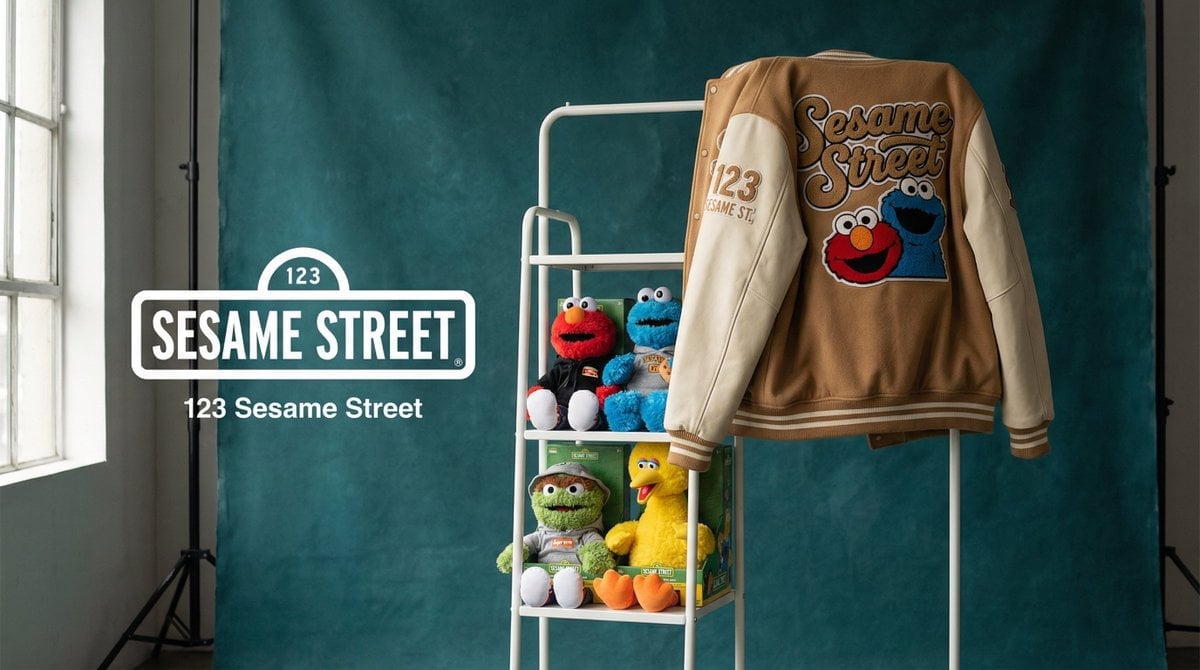
Photograph announcing a limited merchandise drop
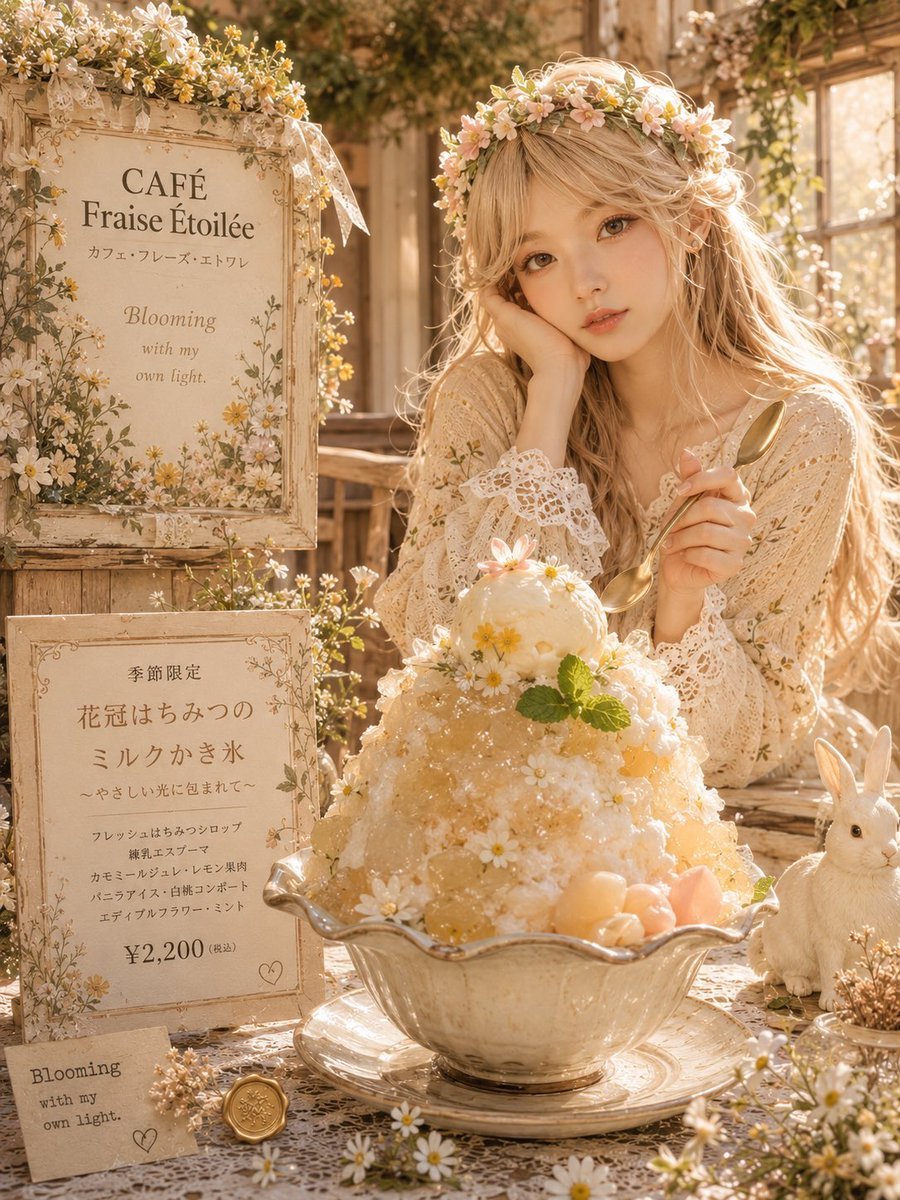
Dreamy Flower Crown Shaved Ice Café
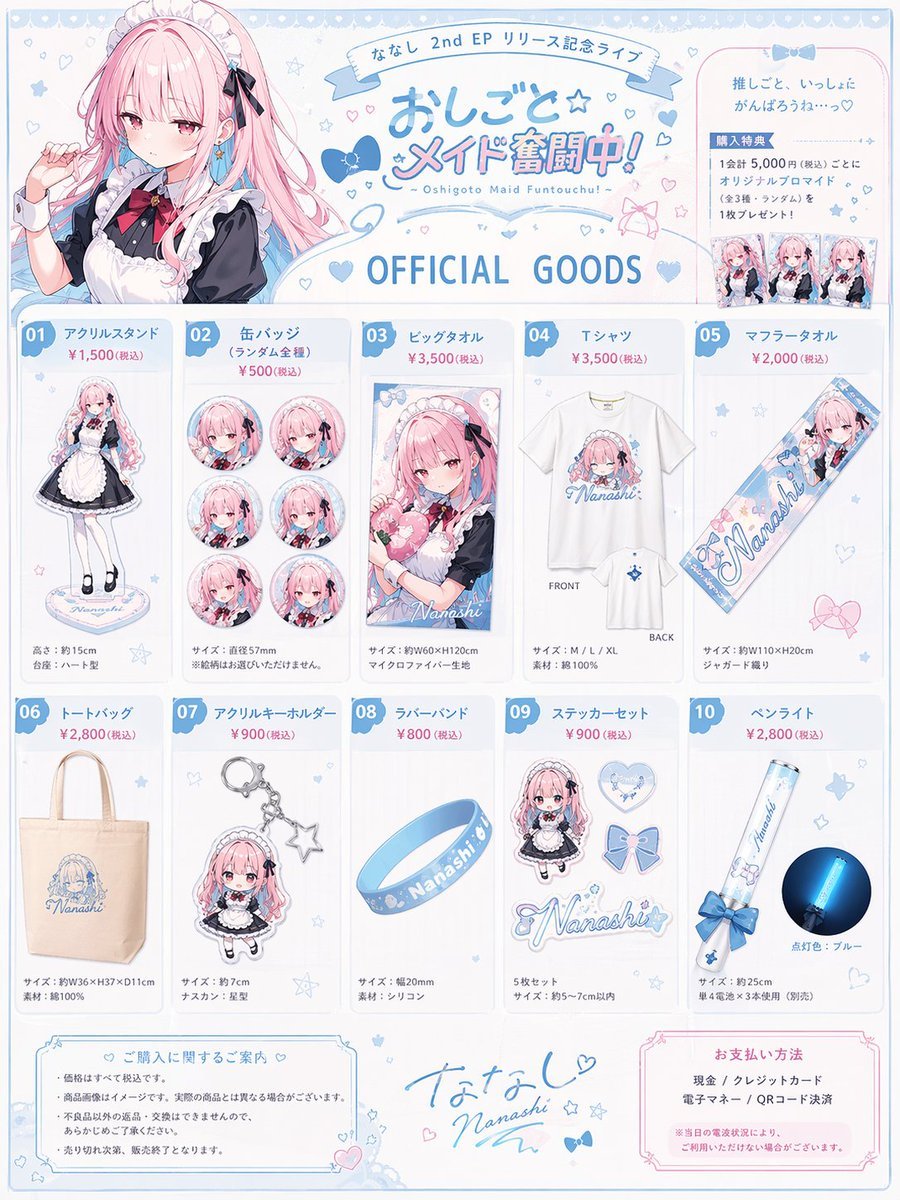
Anime Idol Merchandise Catalog
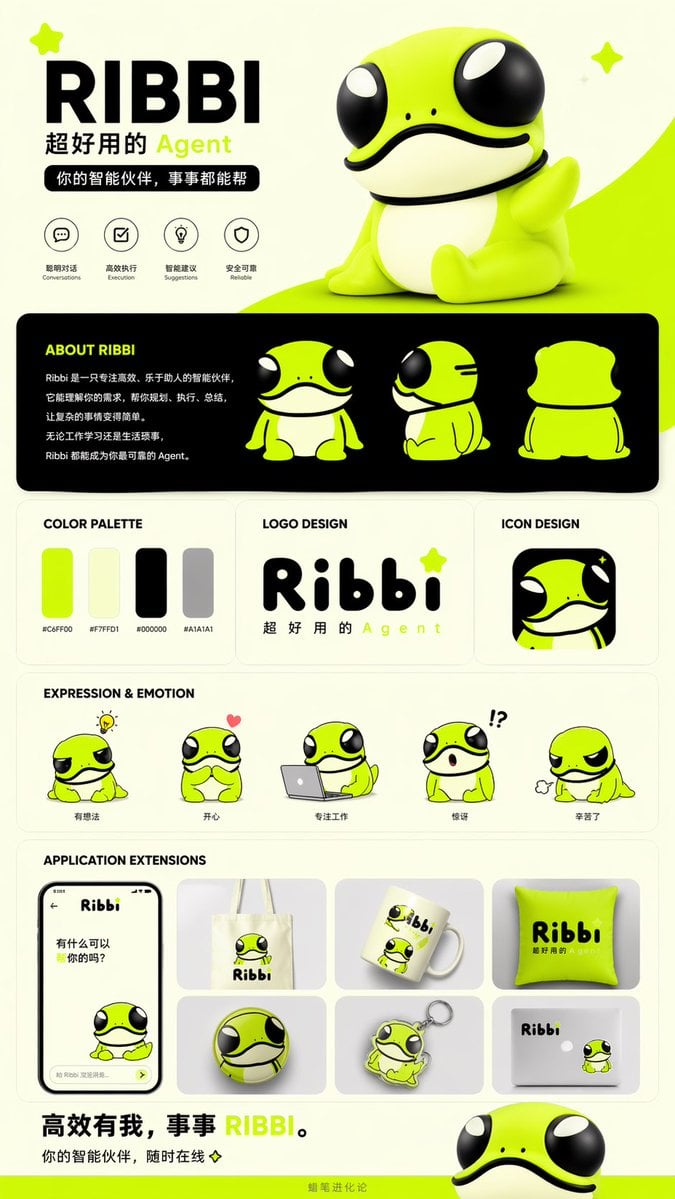
IP Branding and Merchandise Design
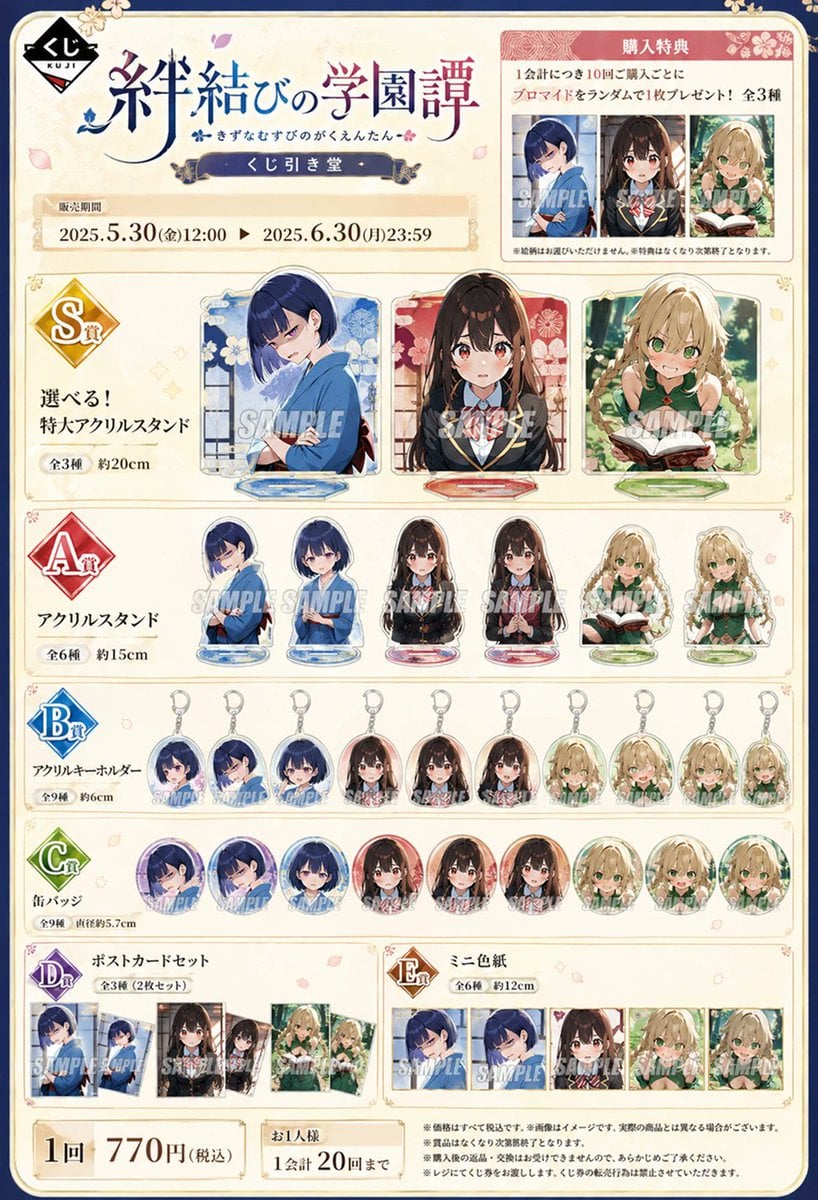
Lottery Merchandise Page Generator
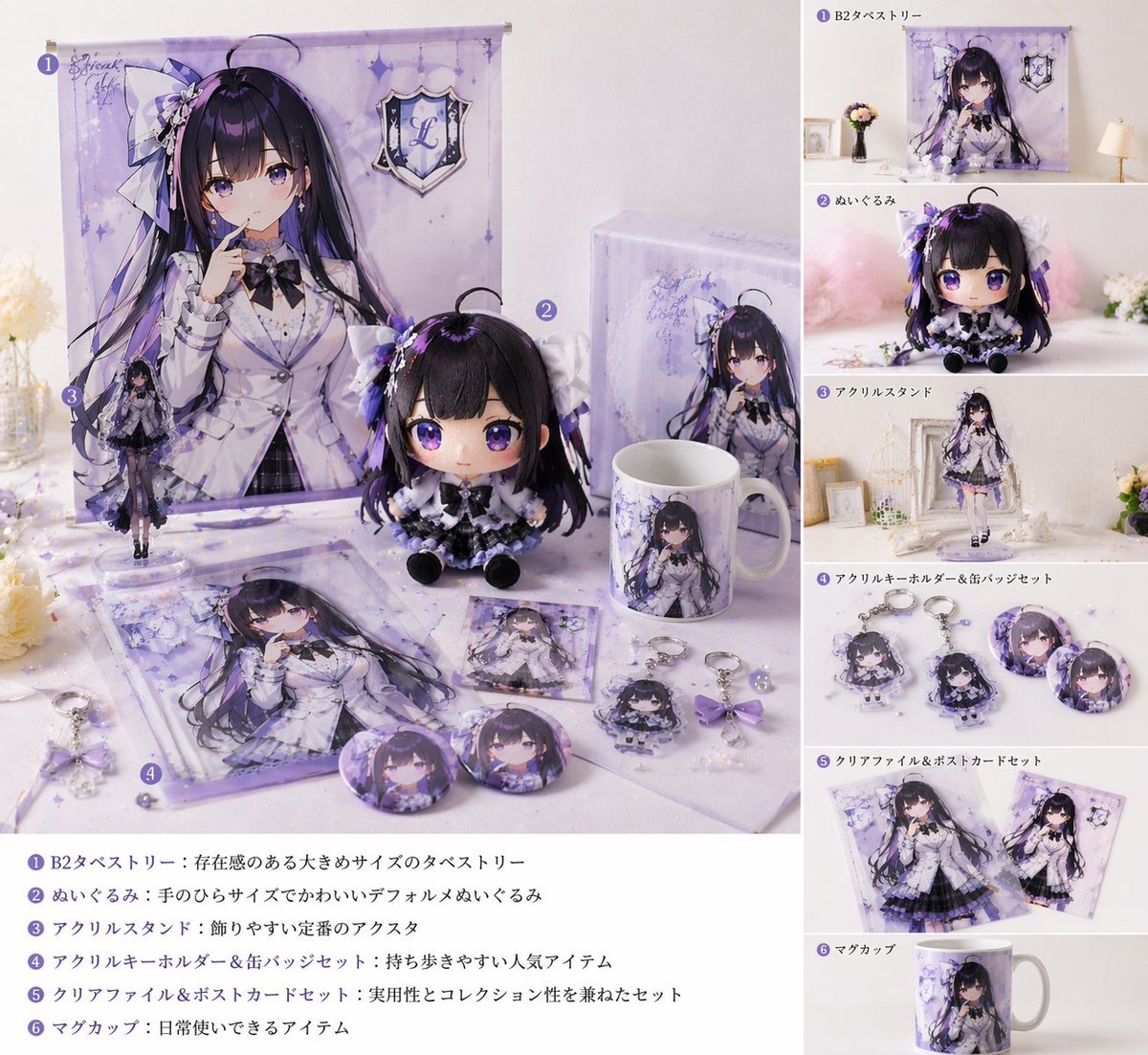
Realistic VTuber Merchandise Mockup
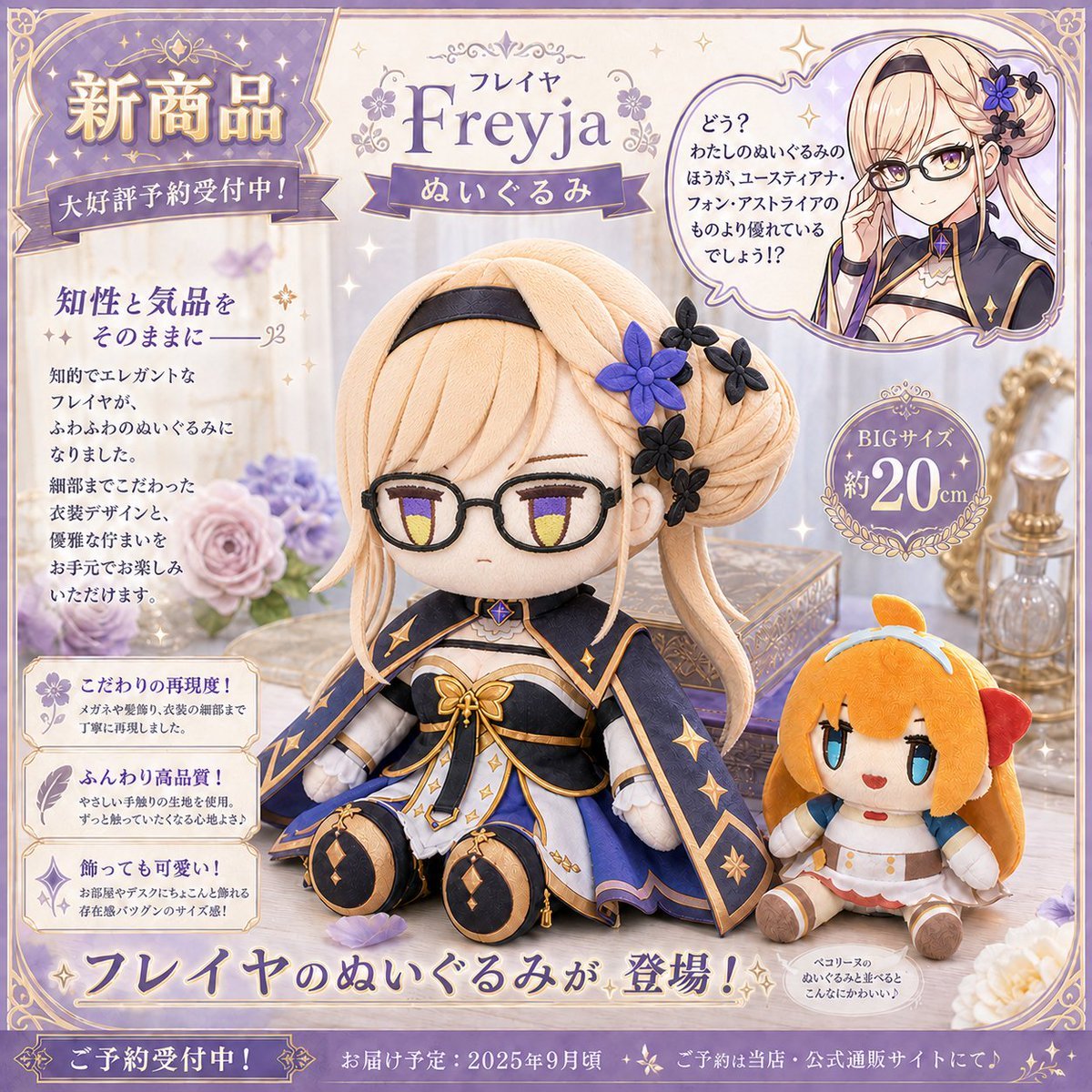
Freyja Plush Merchandise Flyer
Make it yours
Floral Character Café Merchandise Scene works as-is. These are the safest ways to change it without losing the look.
Change one field
Copy a single group, rewrite it, and generate again so you can see what that field is doing.
Keep the frame, change the subject
Hold the composition and light of Floral Character Café Merchandise Scene, then swap wardrobe, props or the person for a new take.
| If the result… | Why | Fix |
|---|---|---|
| The result drifts from the preview | Too many fields changed at once. | Reuse Floral Character Café Merchandise Scene as-is first, then change one group — subject, light, or setting. |
| The model over-stylizes the scene | The prose prompt leaves finish and camera underspecified. | Add one camera or lighting sentence and stay on GPT Image 2. |
More GPT Image 2 templates
Other prompts made for GPT Image 2.

Six VTuber Japanese Logo Sheet

Realistic Portrait of Woman and Deer

The Vista Modular Condo Poster

AI Model Routing Comparison Infographic

2.5D Anime Art Board

Isometric Productivity Desk Scene

New York Double Exposure Poster

Four-Panel AI Landscape Comparison

Japanese Tatami Lifestyle Magazine Cover

NESCAFÉ Coffee Map Poster
More image prompts
Fresh picks from across the catalog.
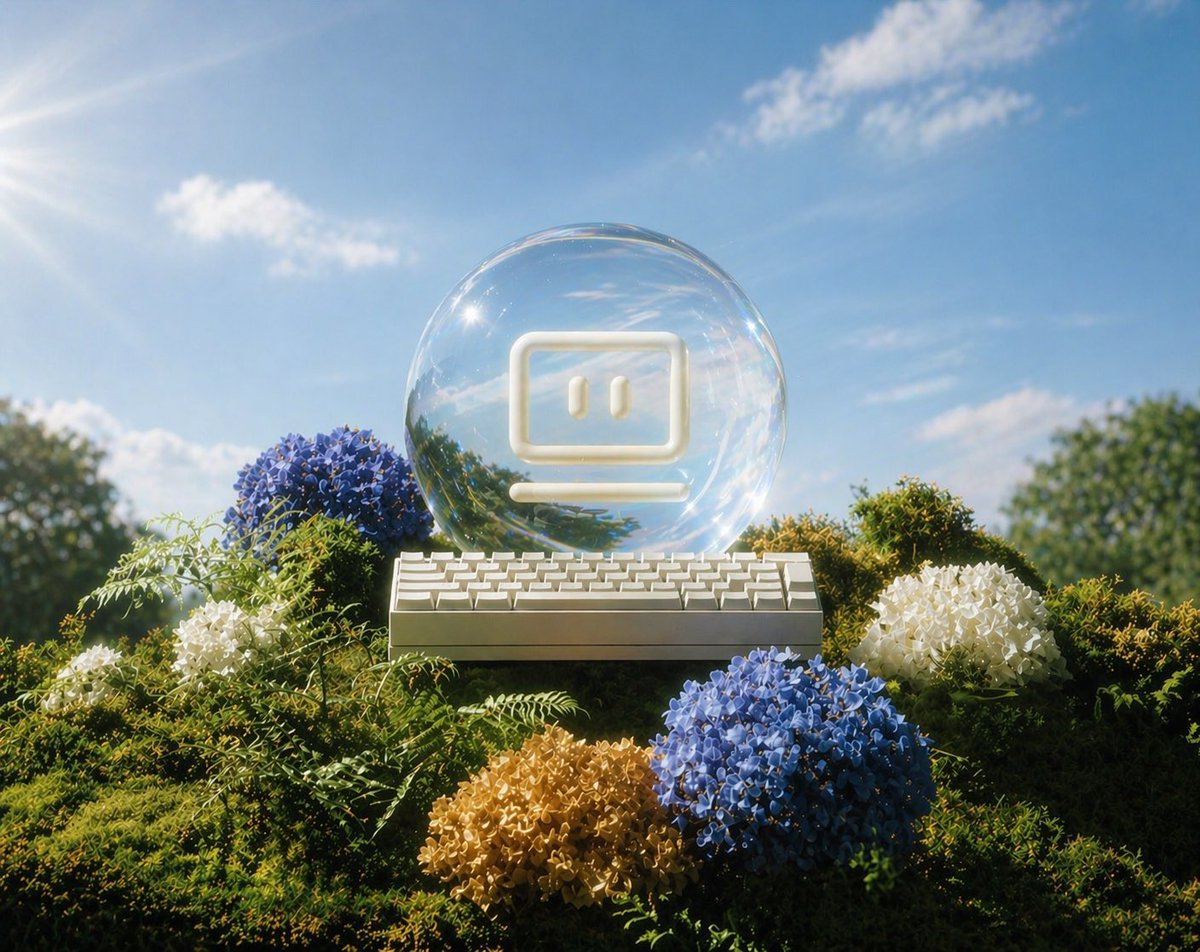
Glass AI Orb in a Garden
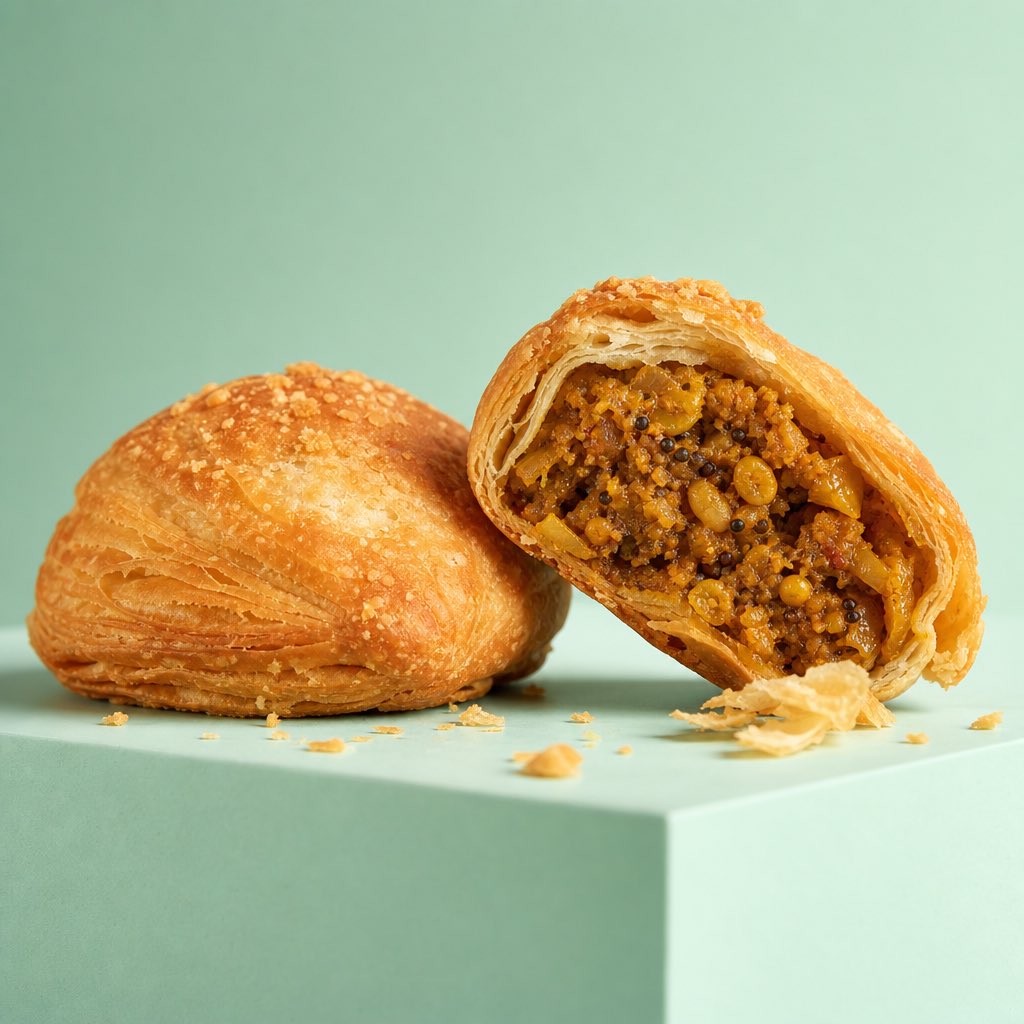
Premium Commercial Food Photography
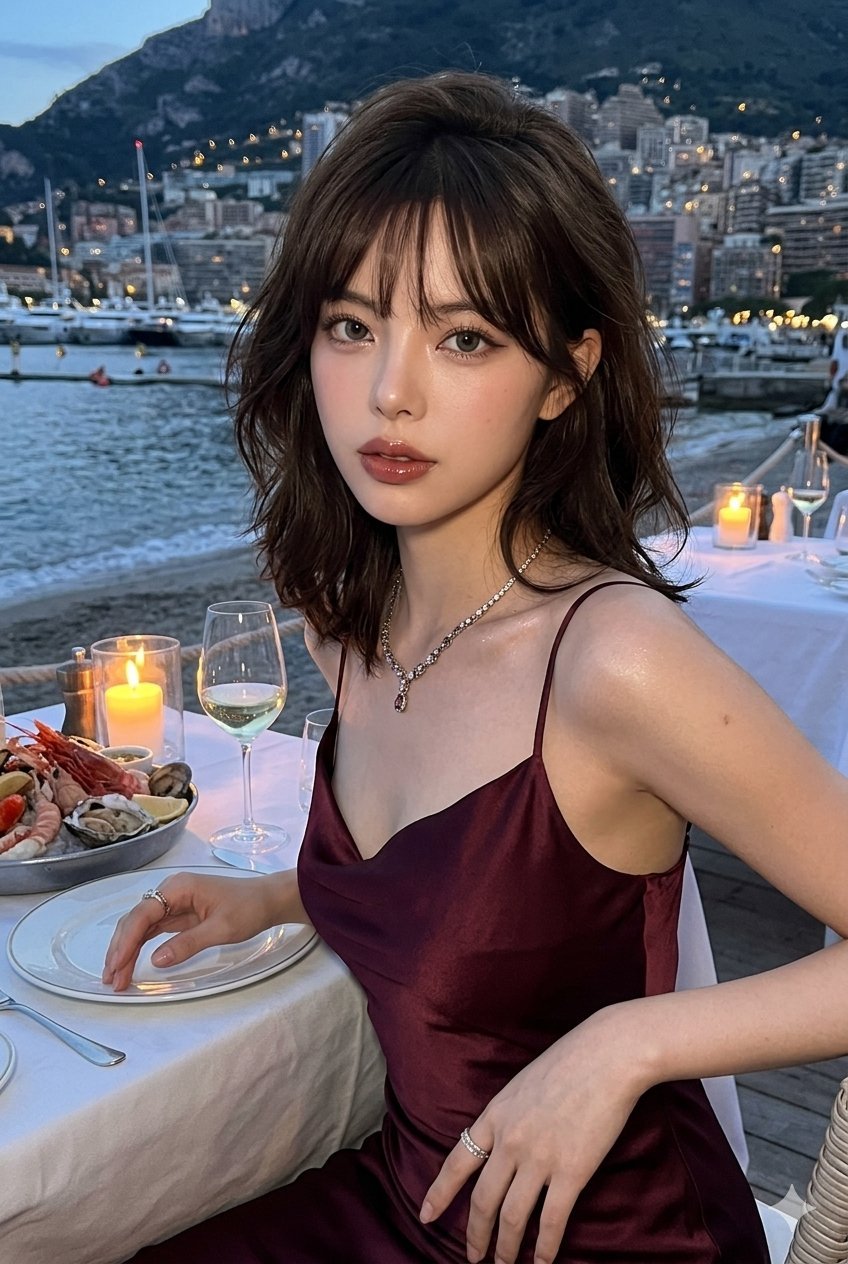
untitled
Minecraft Speedrun Screenshot
Cinematic Golden Hour Male Portrait
Batch Generation of Christmas Backstage Photos
Thor Holding Sprite Bottle Prompt
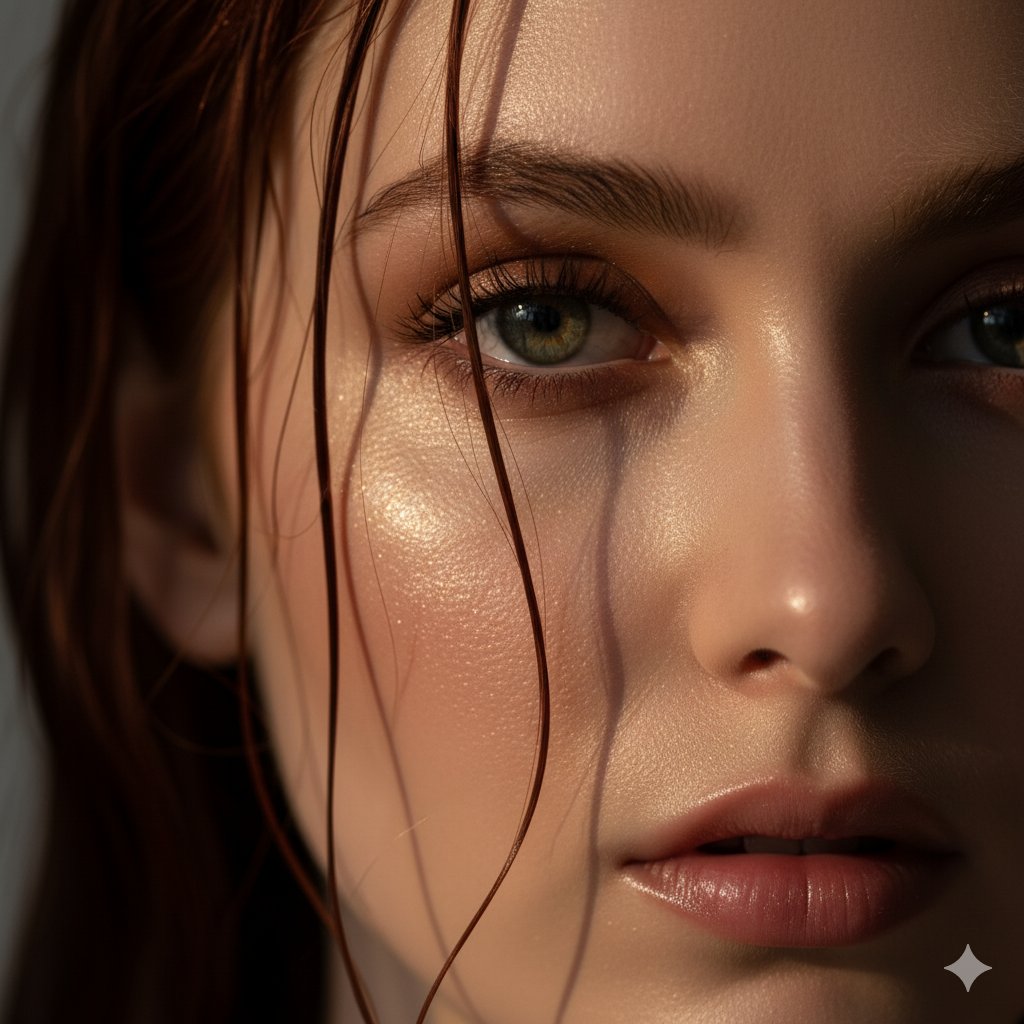
Extreme Close-Up Portrait Prompt (Focus on Texture)
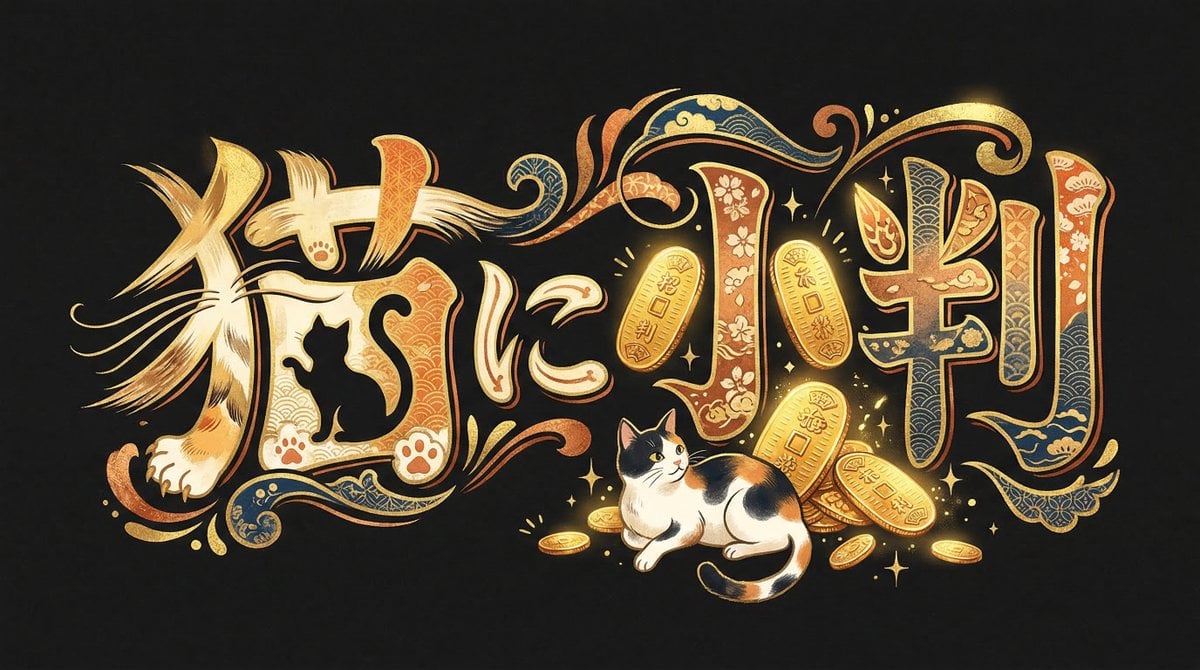
Infinite Decorative Text Generator Prompt for Nano Banana 2
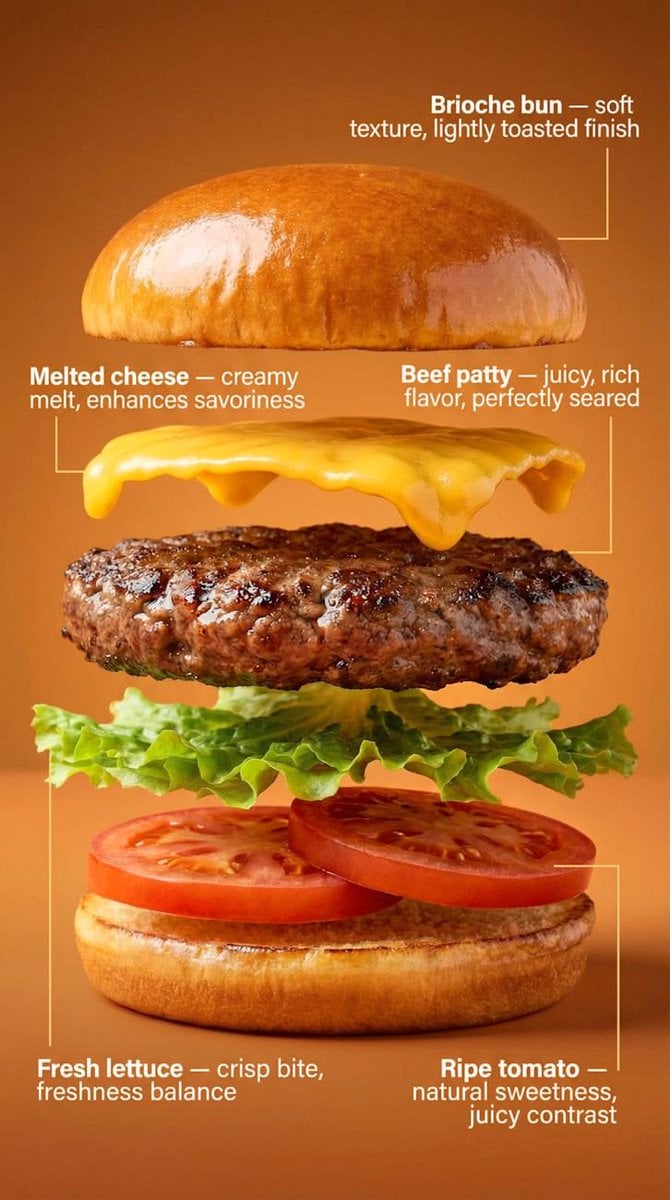
Exploded-View Burger Composition with Annotations
Browse template categories
Floral Character Café Merchandise Scene questions
How do I use the Floral Character Café Merchandise Scene template?
Add your photo if the template asks for one, edit the prompt if you like — the template's model and format are already selected — and press Generate. Your version opens in PicX Studio.
Can I customize the Floral Character Café Merchandise Scene template?
Yes. You can change the subject, setting, lighting, mood, format, and available model controls before creating your image.
Is the Floral Character Café Merchandise Scene template free?
Opening and editing this template is free. Generating uses credits, shown on the Generate button when you are signed in.
Which AI model should I use?
Start with GPT Image 2, which is the model associated with this template. You can compare another compatible model for a different finish.
Looking for something else? Browse all templates.

Your photo, any look
Thousands of ready templates for every top image and video model, from one credit balance.