
Medical Infographic Poster Prompt using Bento Grid Layout
A detailed prompt for generating a high-quality, professional medical infographic poster (9:16 aspect ratio) for a drug, utilizing a modular Bento Grid design.
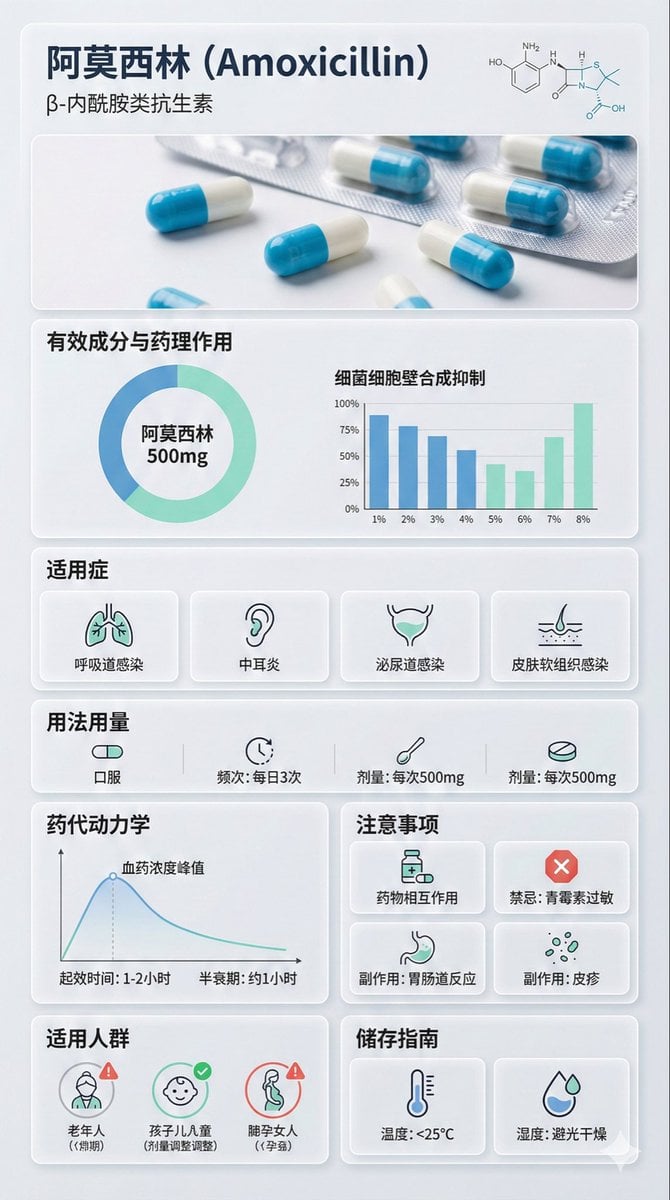
- Prompt included
- Model and format preset
- Premium template
The prompt behind this image
Copy the exact prompt behind Medical Infographic Poster Prompt using Bento Grid Layout, or open it in the studio and make it yours.
{ "image_analysis": { "subject": "{argument name="drug name" default="奥司他韦胶囊"} 科普信息图,9:16", "style": "模块化Bento Grid设计 (便当盒网格布局) / 极简医疗UI设计", "tone": "专业、临床、严谨、科学、值得信赖", "primary_colors": ["临床白 (Clinical White)", "医疗蓝 (Medical Blue)", "石板灰 (Slate Grey)", "薄荷绿 (Mint Green)"] }, "prompt_elements": { "subject_description": "一张关于 {argument name="drug name" default="奥司他韦胶囊"} 的高质量科普信息海报。", "layout": "便当盒风格的模块化网格布局,干净的医疗UI/UX界面设计,分为清晰的矩形卡片。", "visual_details": [ "顶部页眉带有醒目的无衬线现代字体标题“药物中文名称”及其化学/通用名", "顶部中央是 [药物剂型/包装] 的超写实微距摄影图片(如药片、胶囊或药瓶)", "角落里有一幅 [化学结构式] 的极简线条图", "第1部分:带有环形图和柱状图的有效成分与药理作用分析,数据可视化", "第2部分:带有极简线条图标的适用症", "第3部分:带有极简线条图标([口服/注射]、[频次]、[剂量]的用法用量矩阵", "第4部分:带有线性图表的药代动力学或起效时间轴", "第5部分:带有简单警示图标([药物相互作用]、[禁忌]、[副作用])的注意事项网格,药物相互作用,禁忌,副作用你需要联网搜索", "第6部分:适用人群画像图标(如老人、儿童、孕妇的适用性标记)", "第7部分:带有温度计和湿度图标的药品储存指南" ], "art_style": "极简科学可视化设计,精细的医疗插图与产品摄影相结合,扁平化医疗图标,瑞士风格排版。", "lighting": "明亮的实验室无影灯光,干净透彻,强调无菌感与清晰度。", "color_palette": "单色临床白或浅灰背景,半透明磨砂玻璃卡片,深灰色和海军蓝文字,点缀医疗蓝或青色以突出重点。" }, "negative_prompt": "杂乱,暖色调,复古风,手写体,低分辨率,模糊,文字扭曲,甚至噪点,深色背景,不卫生,过饱和,水印,食物质感" }
How to use Medical Infographic Poster Prompt using Bento Grid Layout in 3 steps
- 1
Open
The prompt is already in the box next to the preview, with the template's model and format selected.
- 2…a portrait of your subject in softgolden-hour light, 85mm…
Personalize
Edit the subject and creative details for your destination.
- 3Generate
Generate
Press Generate — your image is created in PicX Studio, so you can compare it with the original and refine one variable at a time.
More like this
Templates with the same subject, style or setup. Open one to see its prompt.
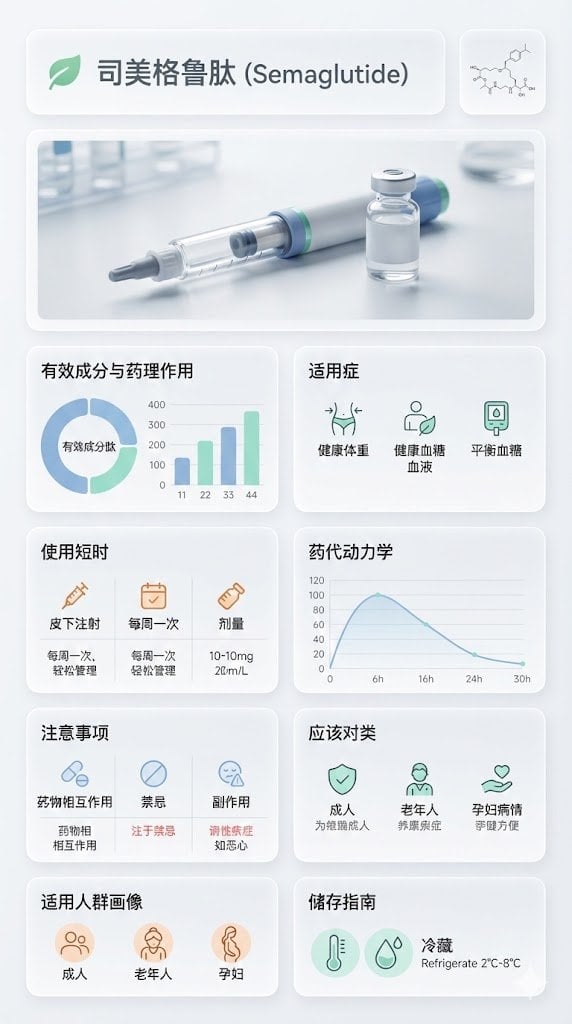
Medical Infographic Poster for Drug Information (Bento Grid Style)

Japan Travel Brochure Poster

Premium Fashion Editorial Cover Layout System

Gpt2 Infographic Edu Visual Ink Wash Tribute Poster for Chen Uen

Gpt2 Infographic Edu Visual Biomimetic Skyray Aircraft Poster

Minimalist Fashion Editorial Split Layout
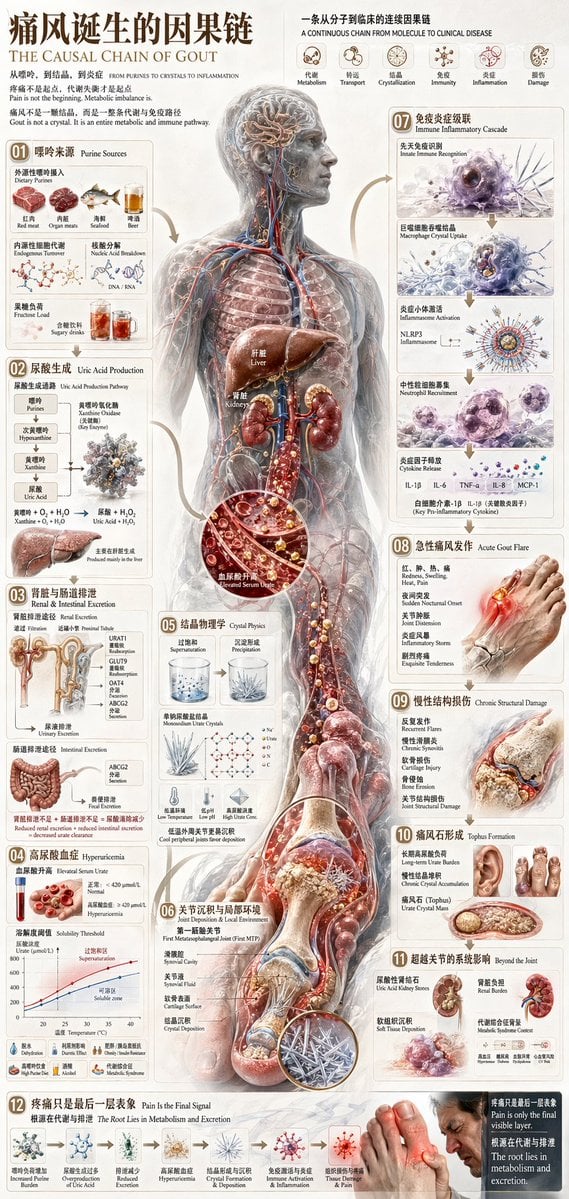
Chinese Medical Gout Infographic Poster
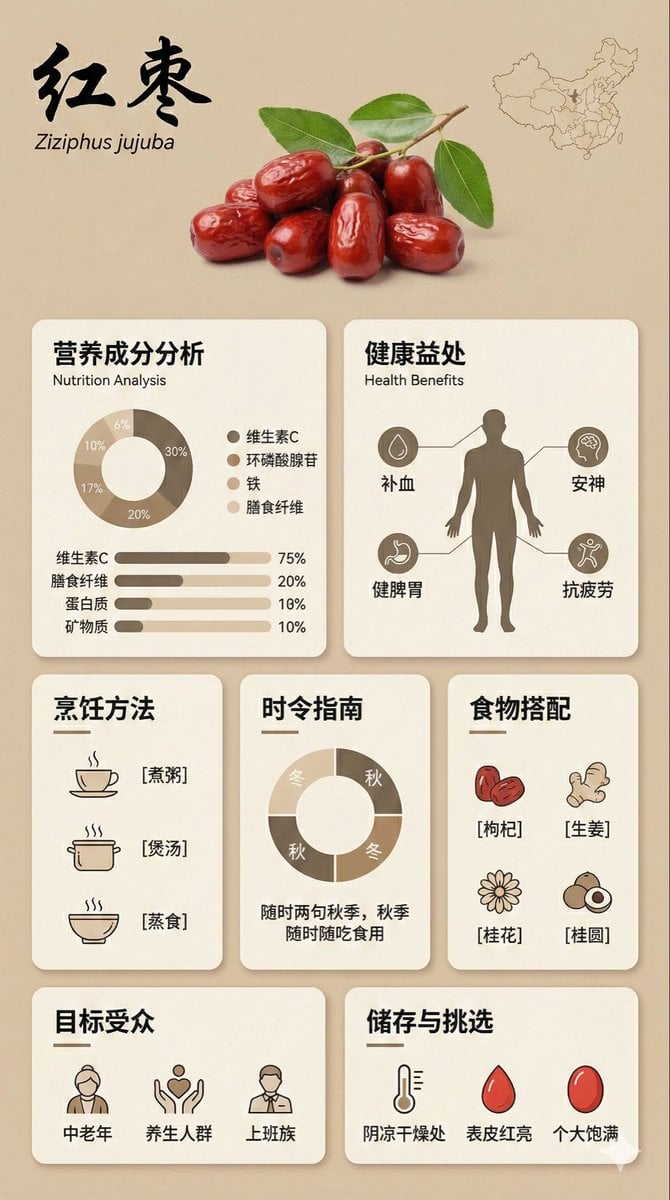
Bento Grid Infographic Prompt for Food Science
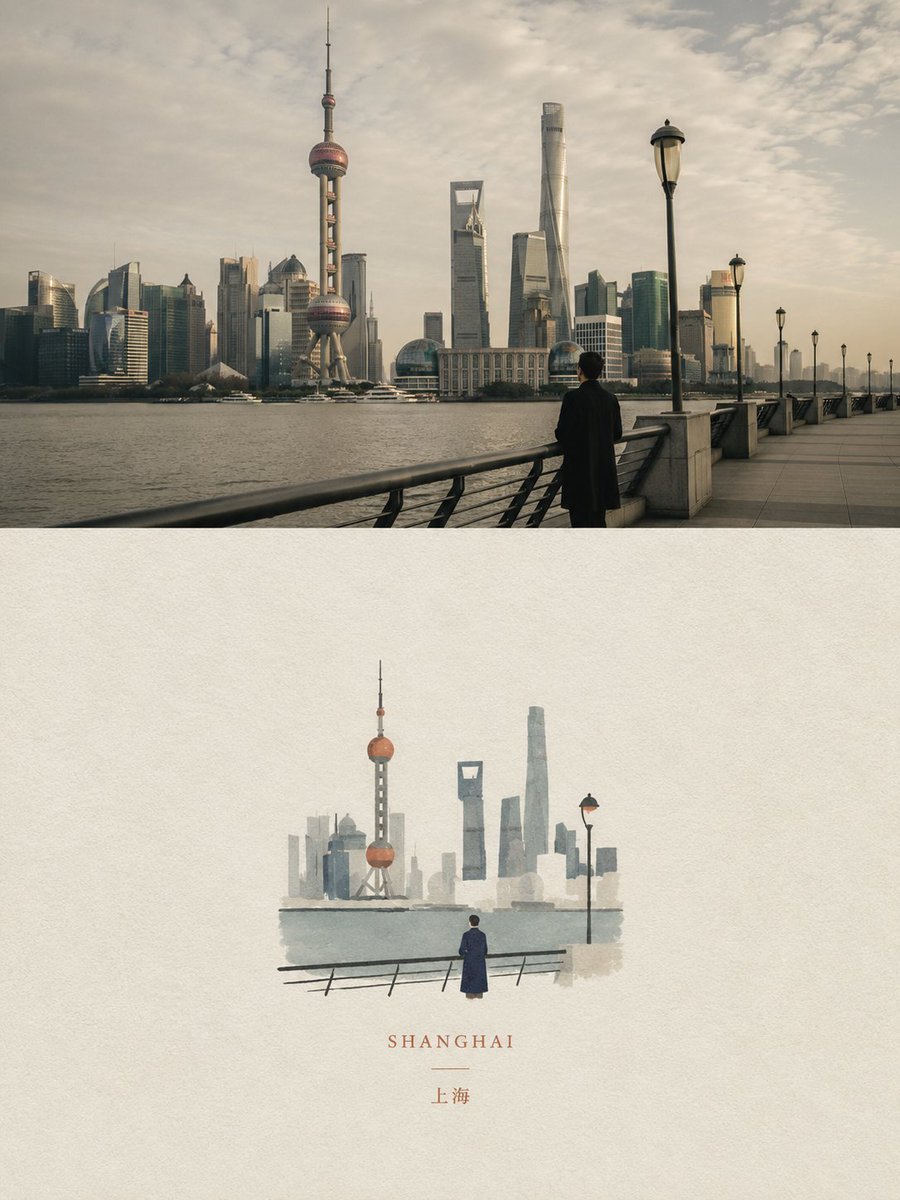
Dual Editorial Poster Layout
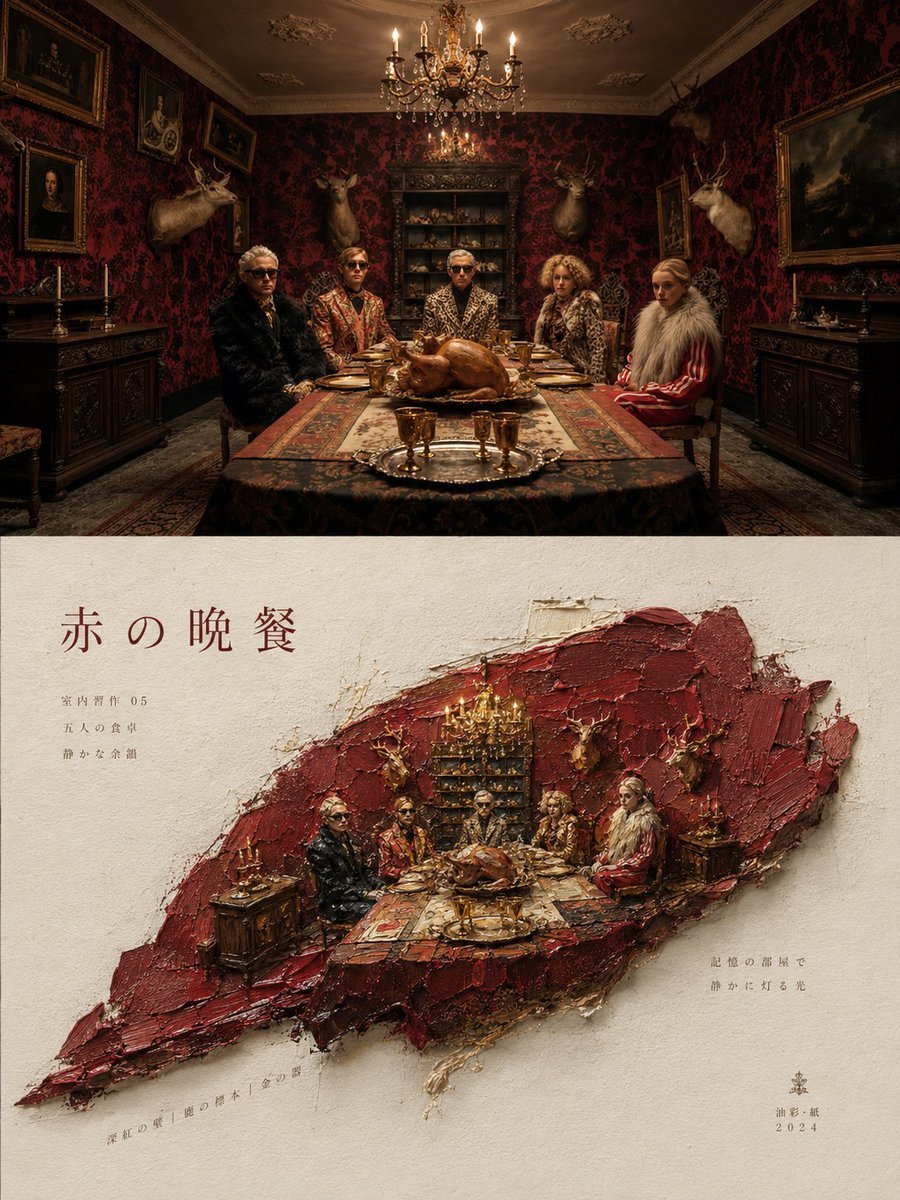
Artistic Magazine Design Poster Layout
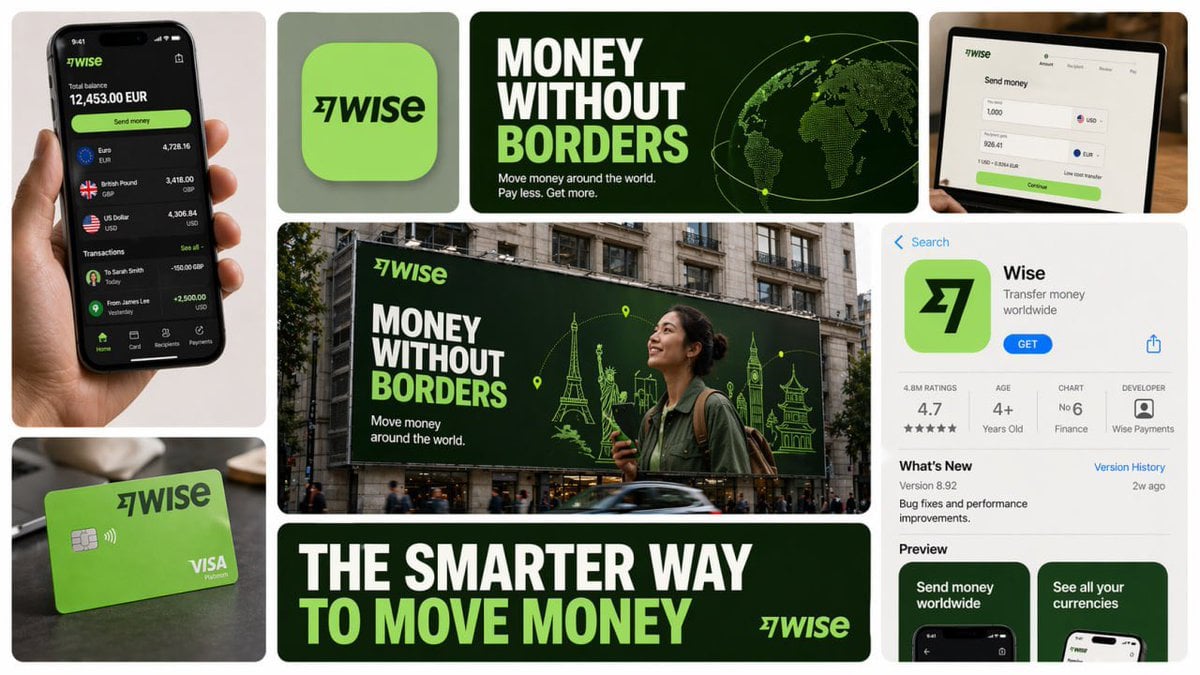
16 9 horizontal bento-grid brand collage for in a polished contemporary
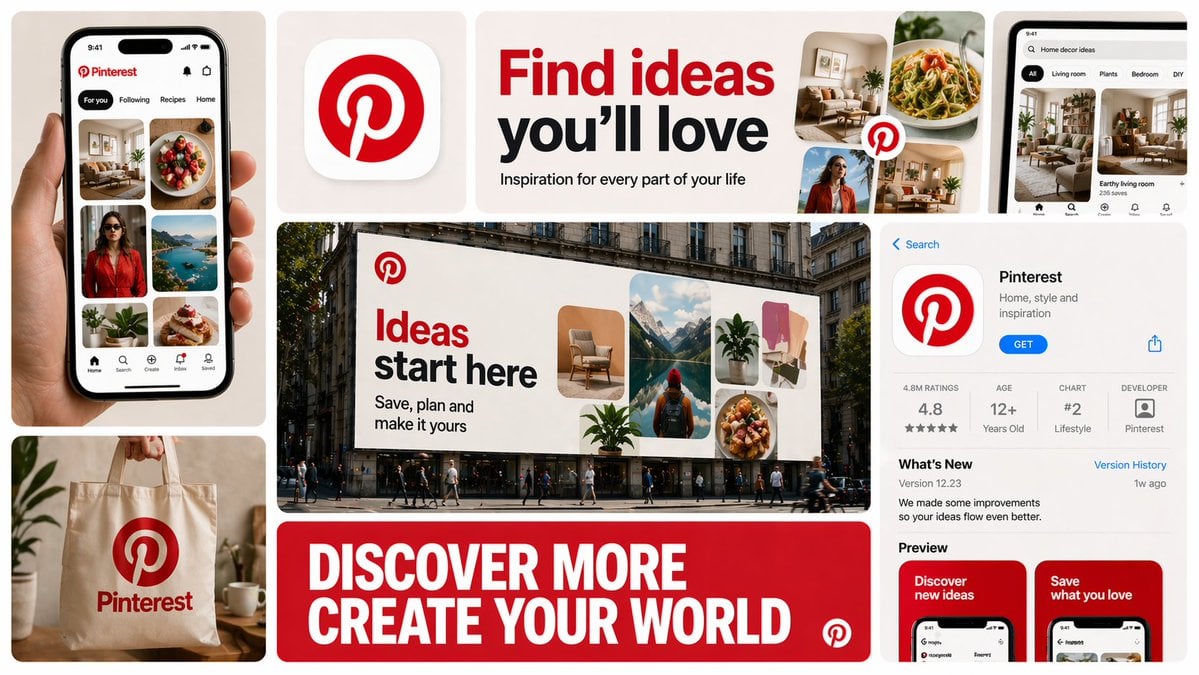
16 9 horizontal bento-grid brand collage for in a polished contemporary
Make it yours
Medical Infographic Poster Prompt using Bento Grid Layout works as-is. These are the safest ways to change it without losing the look.
Change one field
Copy a single group, rewrite it, and generate again so you can see what that field is doing.
Keep the frame, change the subject
Hold the composition and light of Medical Infographic Poster Prompt using Bento Grid Layout, then swap wardrobe, props or the person for a new take.
| If the result… | Why | Fix |
|---|---|---|
| The result drifts from the preview | Too many fields changed at once. | Reuse Medical Infographic Poster Prompt using Bento Grid Layout as-is first, then change one group — subject, light, or setting. |
| The model over-stylizes the scene | The prose prompt leaves finish and camera underspecified. | Add one camera or lighting sentence and stay on Nano Banana 2. |
More Nano Banana 2 templates
Other prompts made for Nano Banana 2.

Photorealistic Leaf Shaped Like a Dragon

K-Pop Idol Portrait Grid for Rapid Selection

Poetic Rain Forest Portrait During Golden Hour

Urban Street Portrait with Cartoon Inner Self Duo

Candid Nighttime Photo with Cat Prompt

High-Concept 3D Diorama Generation Prompt

Cinematic Futuristic Studio Portrait Template

Skincare Editorial Photography Collage Prompt

Hyper-Realistic Commercial Product Photography (Splash Effect)

Hyper-Realistic Nightclub Portrait Prompt
More image prompts
Fresh picks from across the catalog.

Watercolor and Ink Line Art Portrait
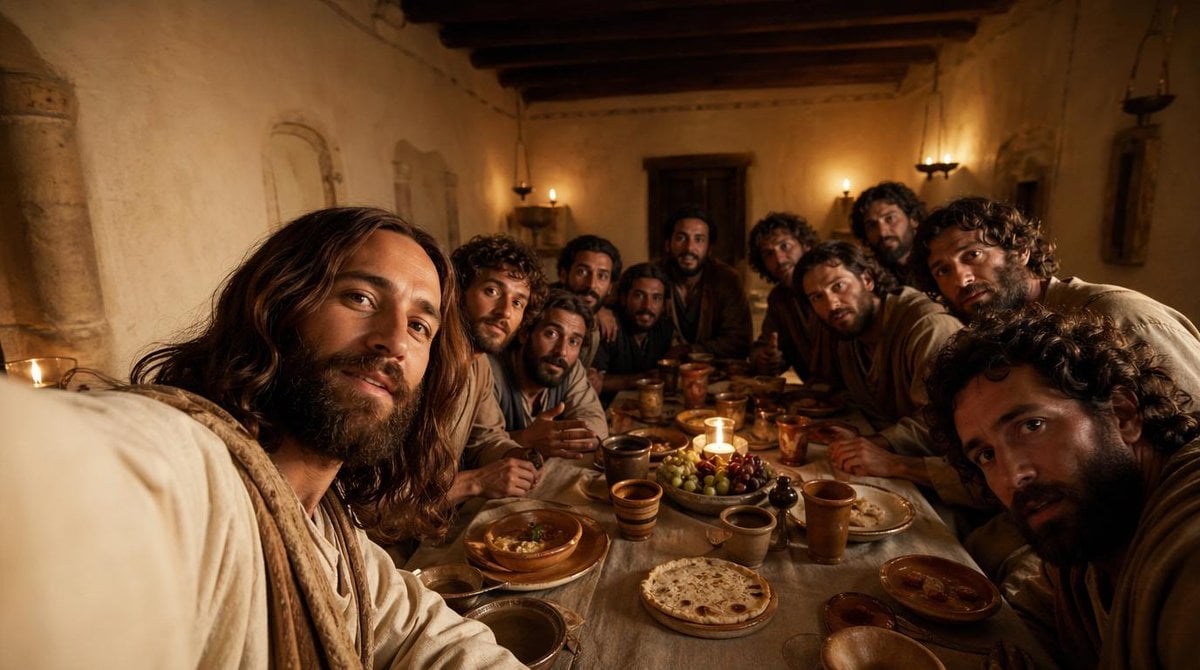
Cinematic Last Supper Scene

MacBook Mockup with User from Behind
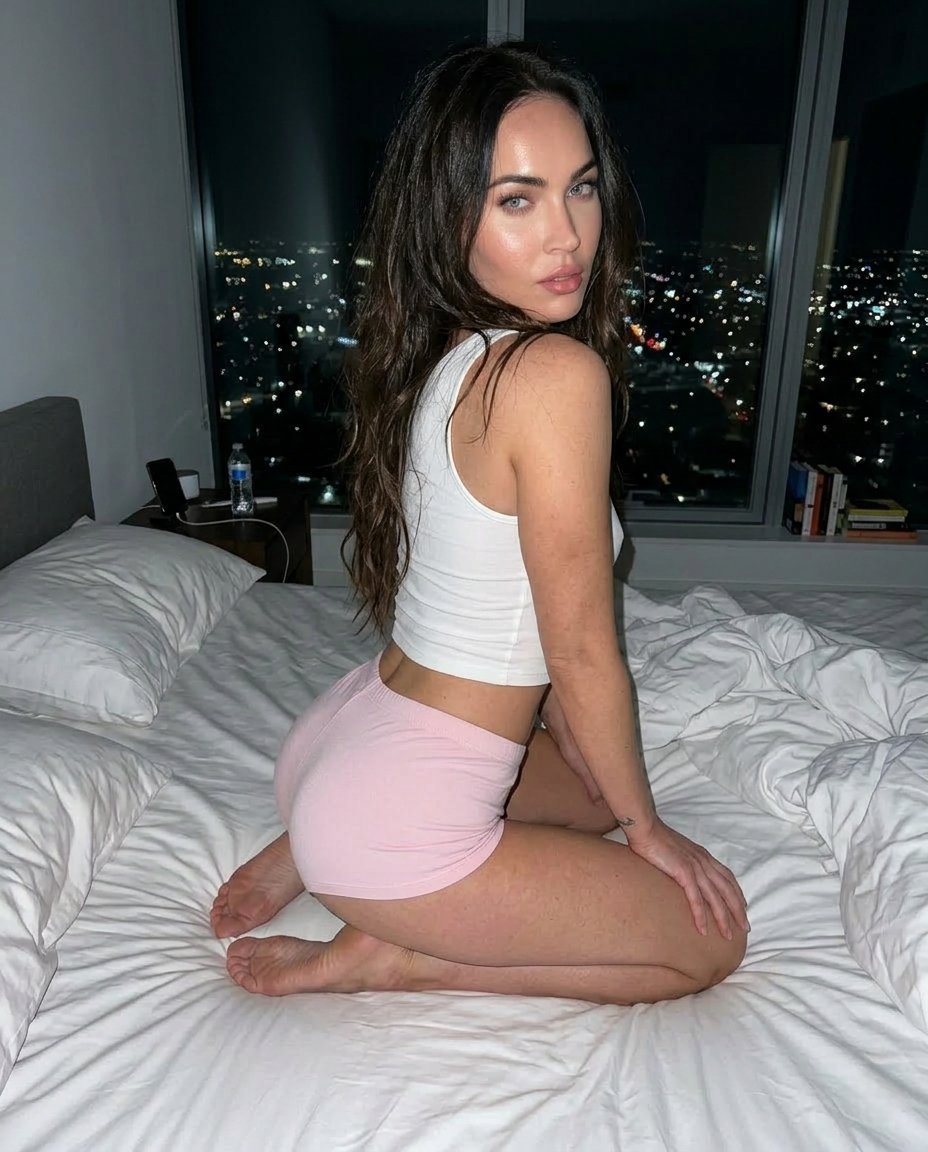
Detailed Flash-Lit Bedroom Photo Prompt for Nano Banana 3.1 Pro
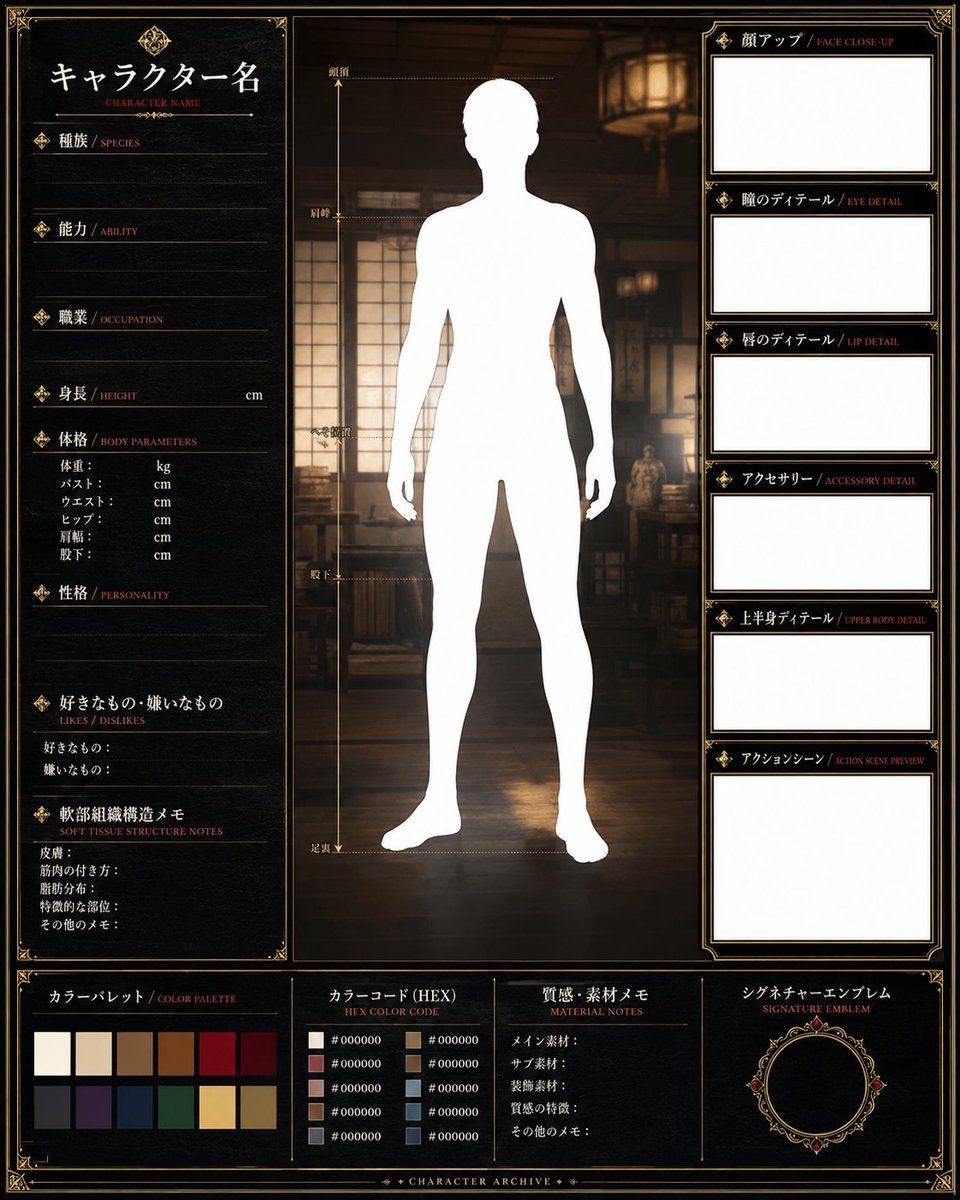
Fantasy Character Archive Sheet
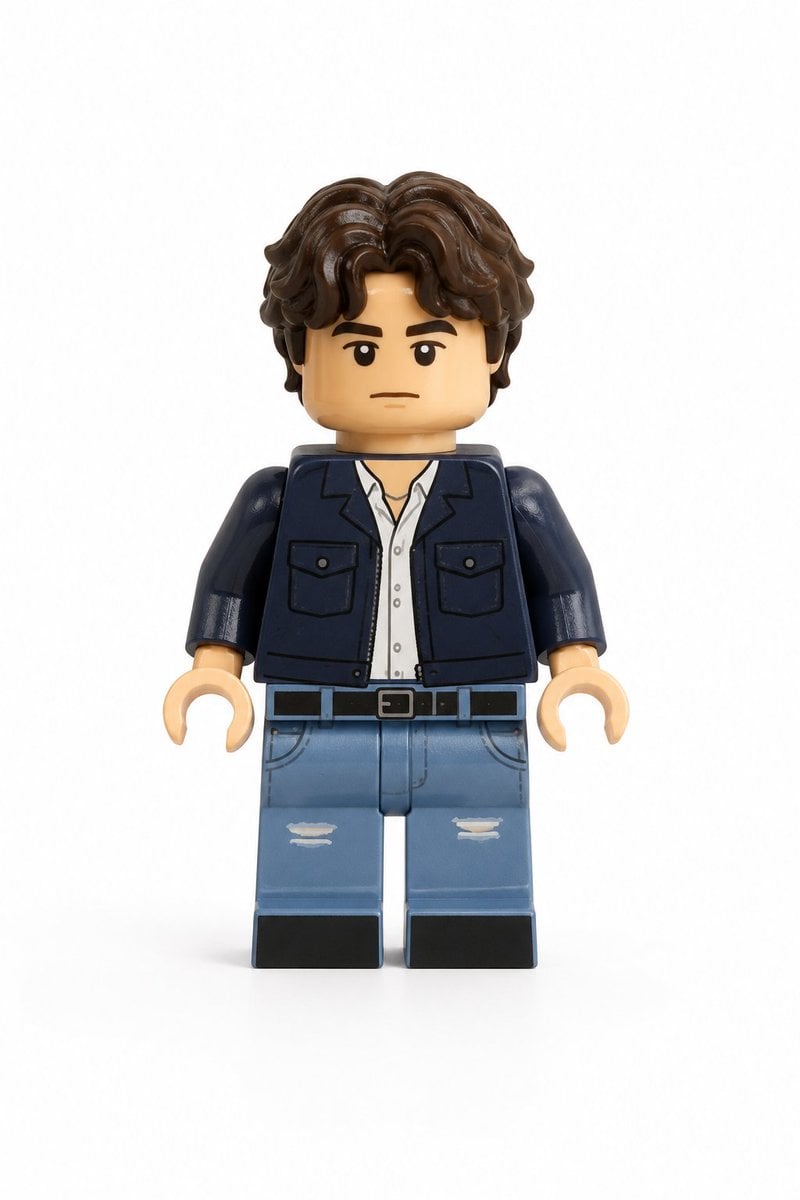
Photo-to-LEGO Minifigure Transformation
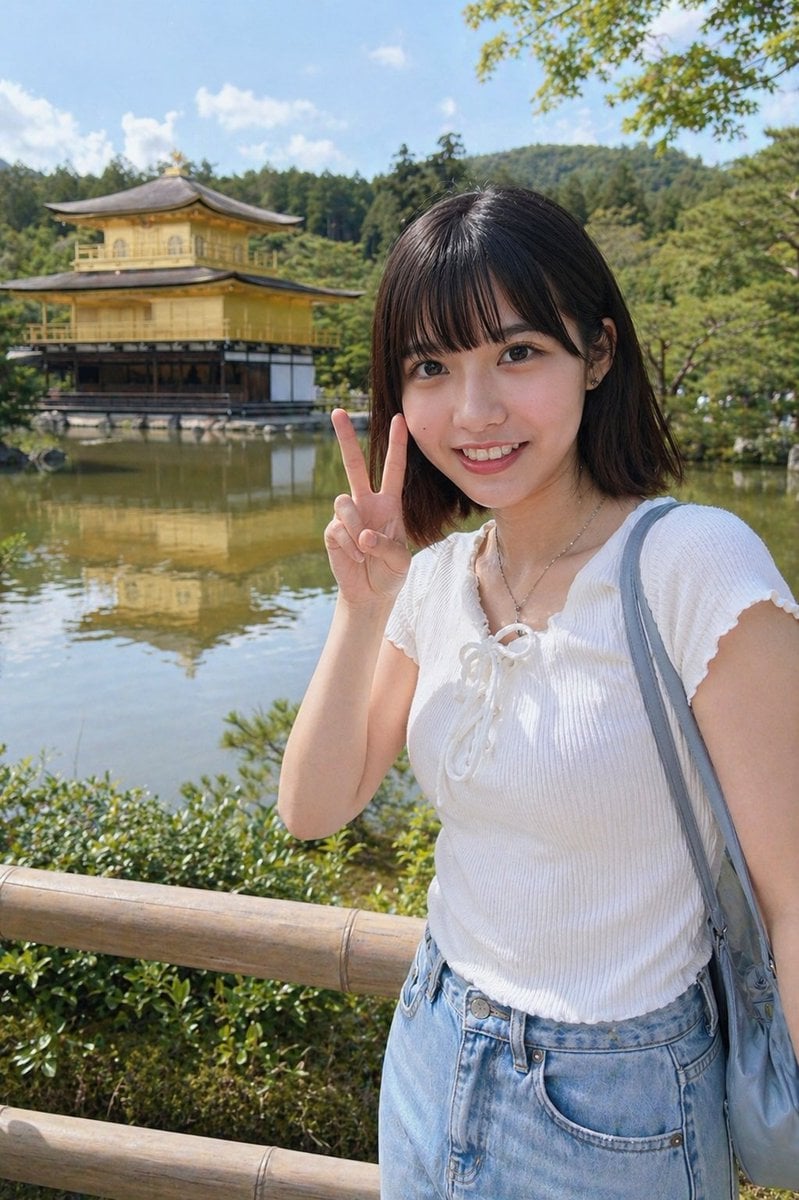
Kyoto Tourist Photo Edit
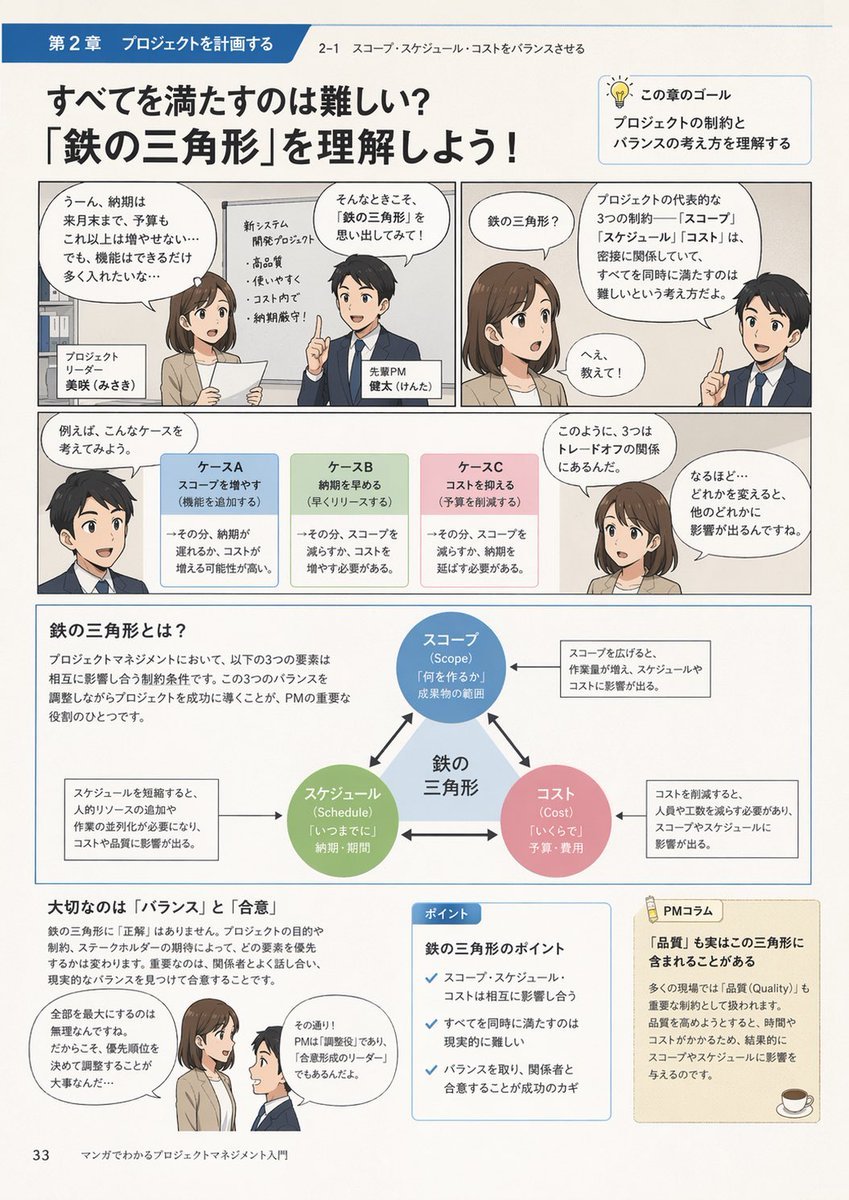
Manga Style Project Management Intro
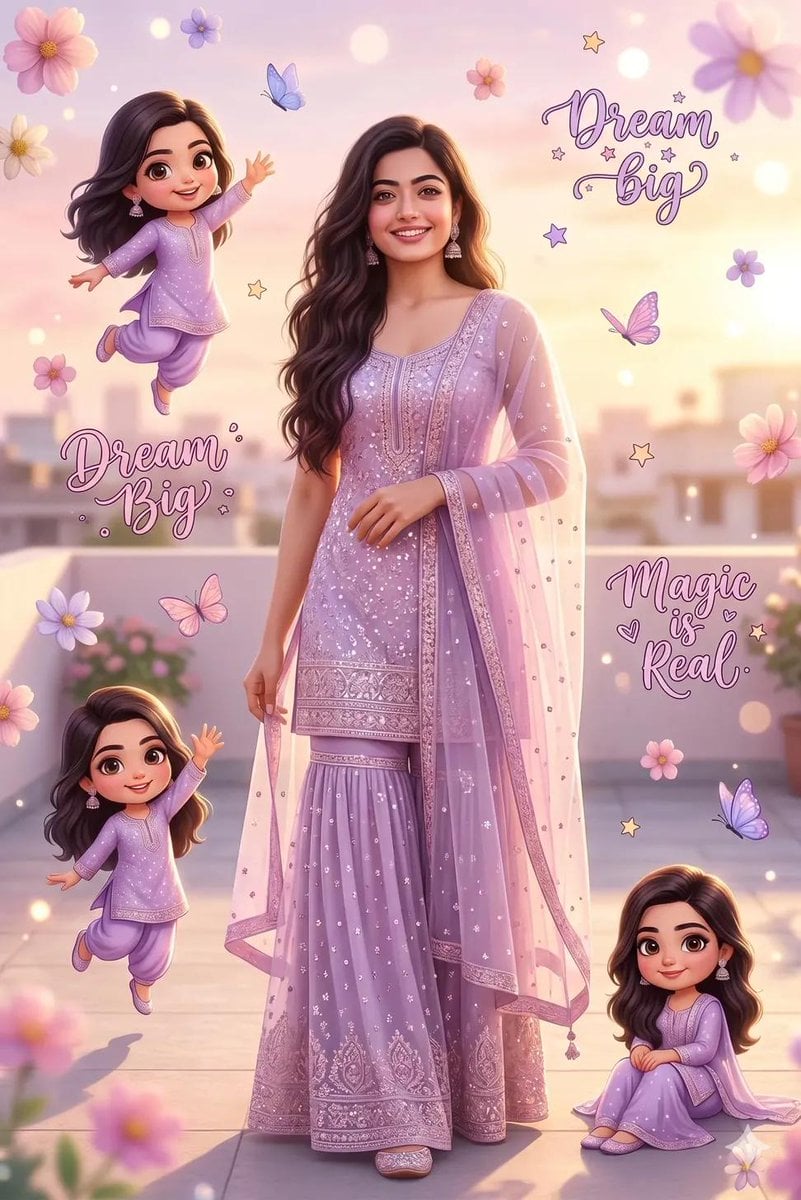
Dreamy Collage Portrait of a Girl

Low-angle man with hood scarf and cat on head
Browse template categories
Medical Infographic Poster Prompt using Bento Grid Layout questions
How do I use the Medical Infographic Poster Prompt using Bento Grid Layout template?
Add your photo if the template asks for one, edit the prompt if you like — the template's model and format are already selected — and press Generate. Your version opens in PicX Studio.
Can I customize the Medical Infographic Poster Prompt using Bento Grid Layout template?
Yes. You can change the subject, setting, lighting, mood, format, and available model controls before creating your image.
Is the Medical Infographic Poster Prompt using Bento Grid Layout template free?
Opening and editing this template is free. Generating uses credits, shown on the Generate button when you are signed in.
Which AI model should I use?
Start with Nano Banana 2, which is the model associated with this template. You can compare another compatible model for a different finish.
Looking for something else? Browse all templates.

Your photo, any look
Thousands of ready templates for every top image and video model, from one credit balance.