
Hyper-Realistic Smoothie Bowl Advertising
A complex JSON prompt for Nano Banana Pro on Gemini and GPT Image 1.5, requesting two separate 8K ultra-HD hyper-realistic food advertising images of smoothie bowls: one capturing a dynamic 'splash' effect with magenta…
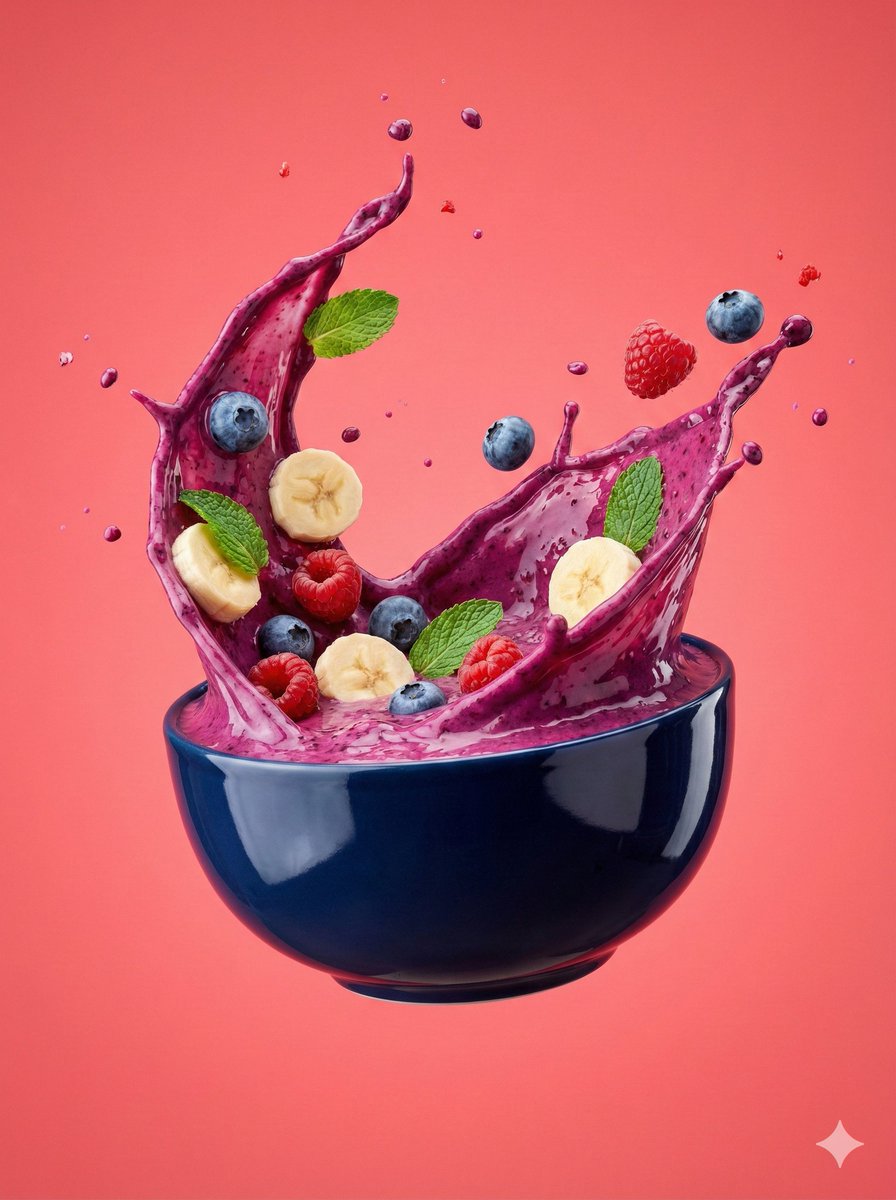
- Prompt included
- Model and format preset
- Free template
The prompt behind this image
Copy the exact prompt behind Hyper-Realistic Smoothie Bowl Advertising, or open it in the studio and make it yours.
{ "resolution": "8K ultra-HD", "aspect_ratio": "3:4 portrait", "image_style": "high-end hyper-realistic food advertising photography", "module_1_berry_smoothie_splash_bowl": { "scene_description": "A bold berry smoothie bowl captured at the peak of an energetic splash, with fruits and liquid frozen mid-motion", "bowl": { "color": "Deep navy ceramic bowl", "finish": "Glossy with subtle reflections", "position": "Perfectly centered, floating mid-air" }, "base_contents": { "type": "Thick mixed-berry smoothie", "color": "Intense violet-magenta blend", "texture": "Silky and dense with visible swirl depth" }, "ingredients": { "fruits": [ "Banana slices, soft curves", "Whole blueberries with natural bloom", "Raspberries, rich red and textured" ], "leaves": [ "Fresh mint leaves, bright green" ] }, "motion_effects": { "liquid": "Smoothie erupting upward in sculpted splash arcs", "particles": "Fine droplets suspended sharply in the air" }, "background": { "color": "Vibrant coral-pink", "texture": "Clean, seamless studio background" }, "lighting": "Controlled studio lighting with crisp highlights and defined splash edges", "camera": "High-speed capture, shallow-to-medium depth of field" } } { "resolution": "8K ultra-HD", "aspect_ratio": "3:4 portrait", "image_style": "premium hyper-realistic commercial food photography", "module_2_minimal_floating_smoothie_bowl": { "scene_description": "A calm, minimalist smoothie bowl composition with toppings suspended gently above the surface", "bowl": { "color": "Soft blush ceramic with subtle speckle detailing", "finish": "Velvet-matte surface", "position": "Centrally aligned, floating with visual lightness" }, "base_contents": { "type": "Creamy fruit smoothie", "color": "Pale rose with muted berry undertones", "texture": "Thick, smooth, and uniform" }, "toppings": { "granola": "Golden toasted oat clusters", "seeds": "Fine dark seeds scattered naturally", "fruits": [ "Strawberry halves with visible seed texture", "Whole raspberries", "Plump blackberries" ] }, "motion_effects": { "ingredients": "Toppings hovering softly with minimal movement, evenly spaced" }, "background": { "color": "Muted lavender", "gradient": "Soft pastel gradient with smooth falloff" }, "lighting": "Diffused studio lighting for soft shadows and clean separation", "camera": "High-speed still capture with shallow depth of field" }
How to use Hyper-Realistic Smoothie Bowl Advertising in 3 steps
- 1
Open
The prompt is already in the box next to the preview, with the template's model and format selected.
- 2…a portrait of your subject in softgolden-hour light, 85mm…
Personalize
Edit the subject and creative details for your destination.
- 3Generate
Generate
Press Generate — your image is created in PicX Studio, so you can compare it with the original and refine one variable at a time.
More like this
Templates with the same subject, style or setup. Open one to see its prompt.

Dynamic Smoothie Bowl Food Photography

Botanical Skincare Minimal Product Advertising
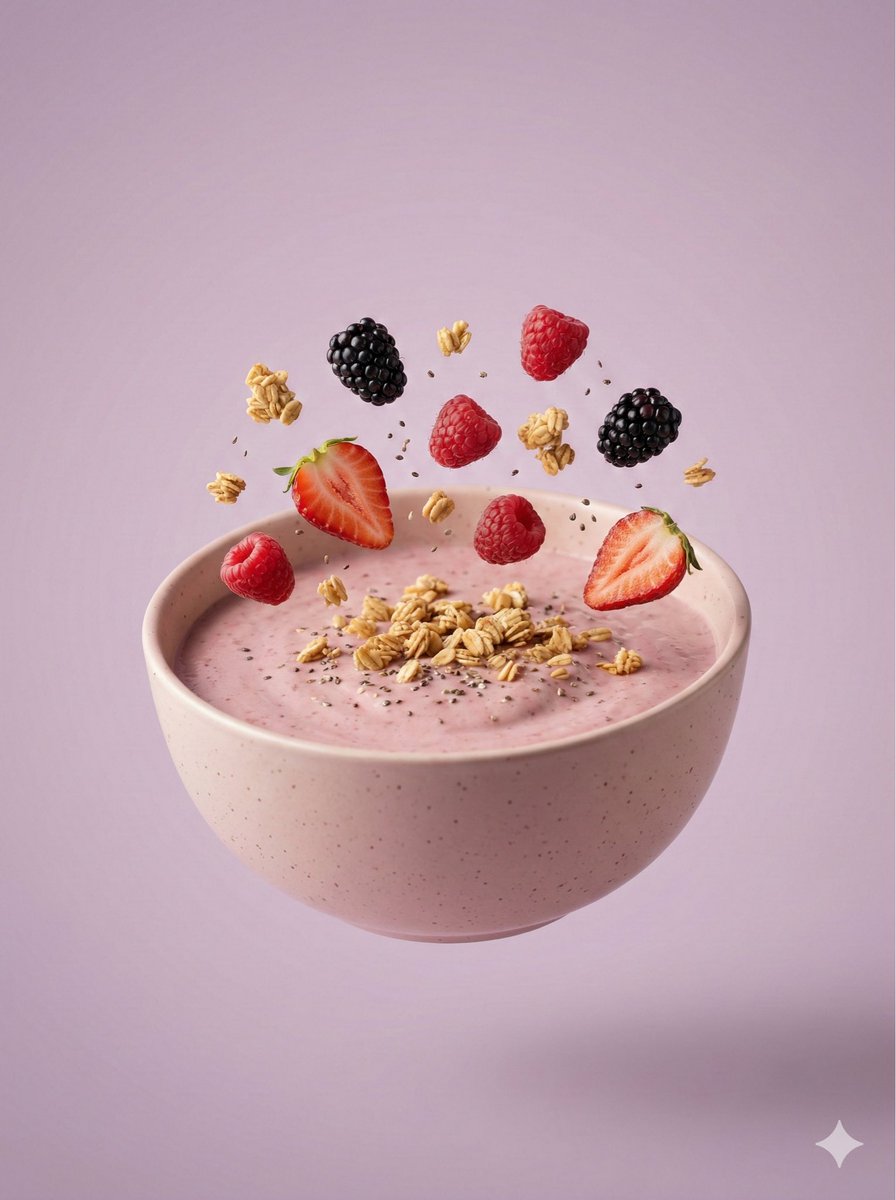
Hyper-Realistic Floating Smoothie Bowl
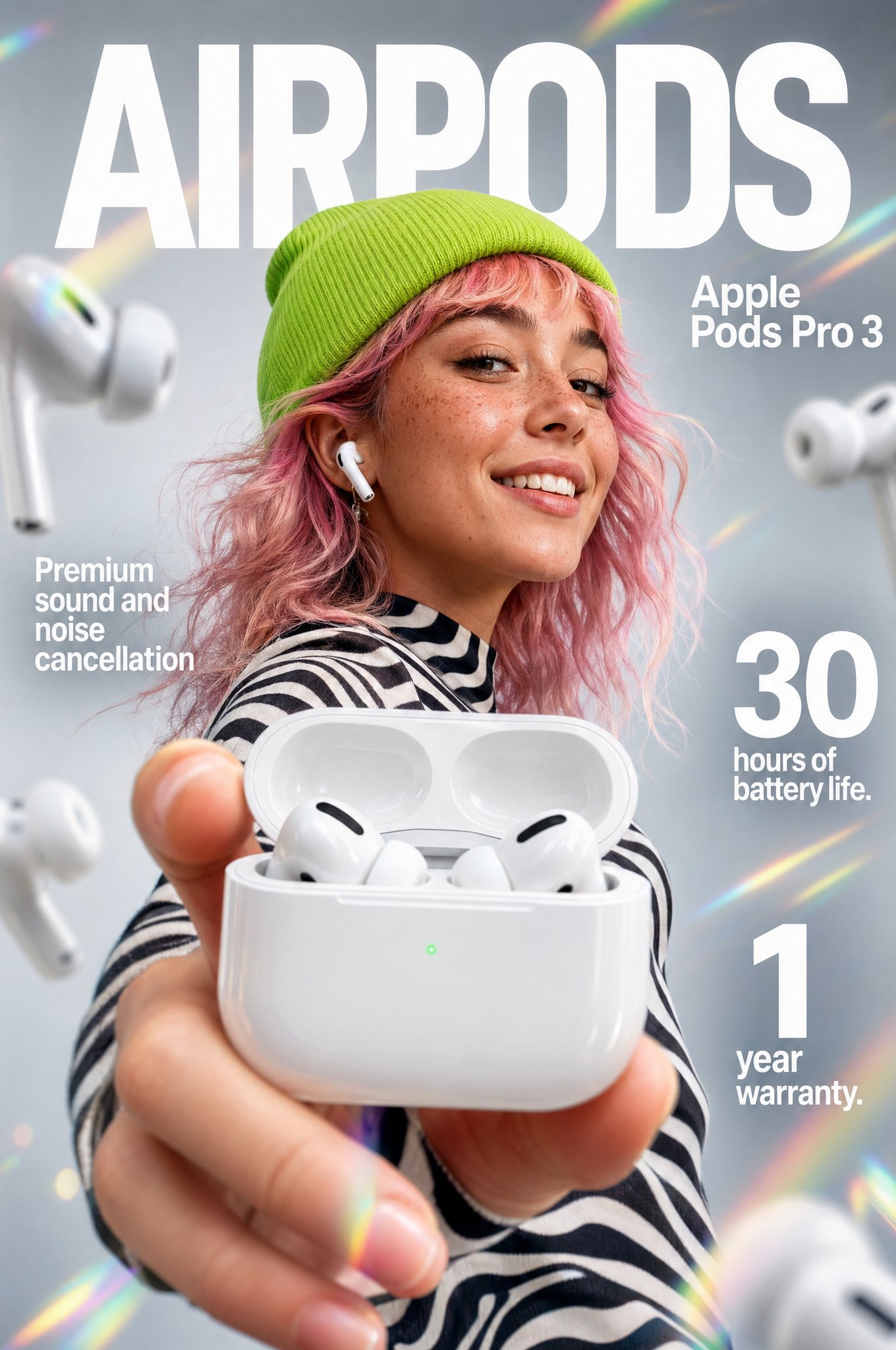
Gpt2 Apple Pods Pro 3 Infographic
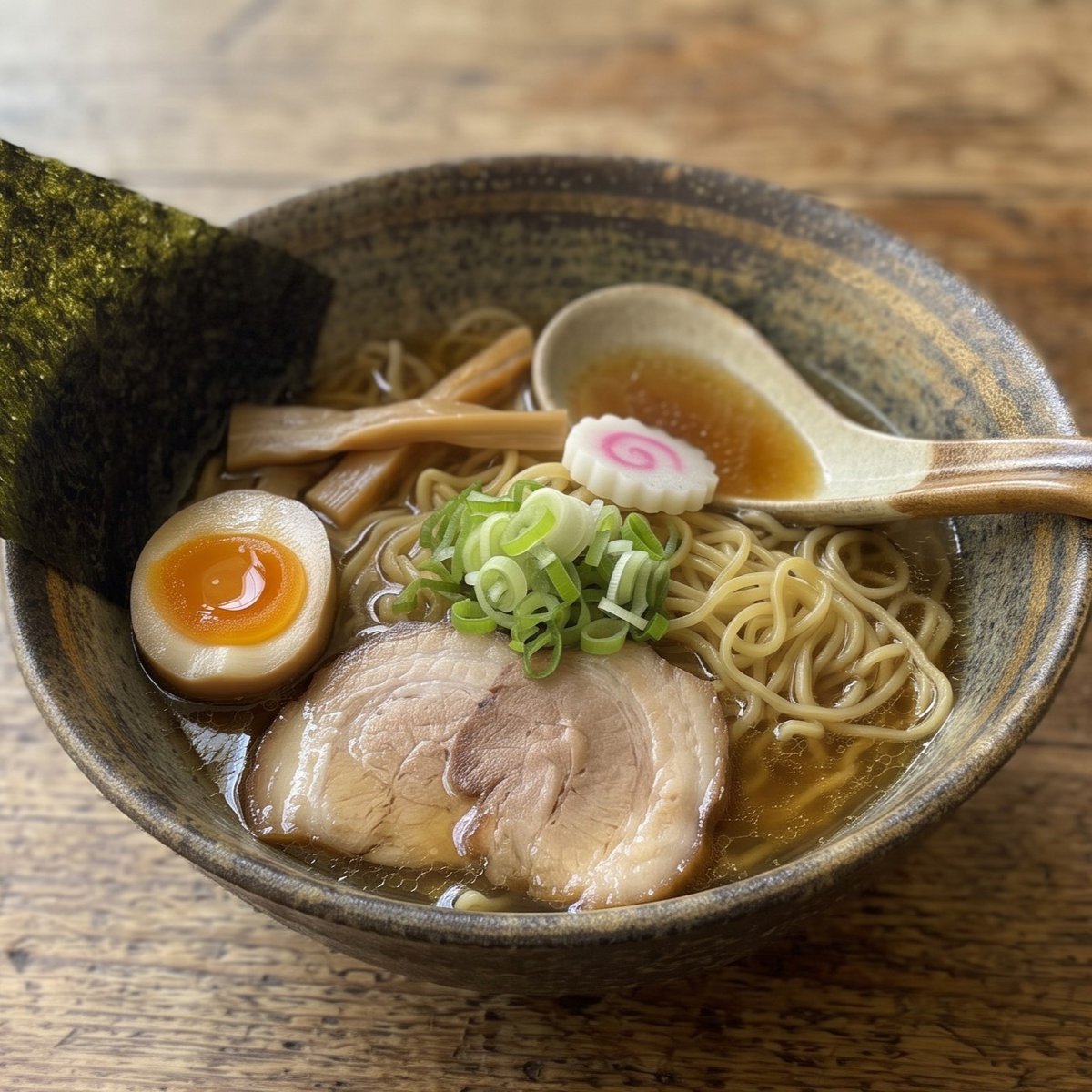
Realistic Shoyu Ramen Bowl
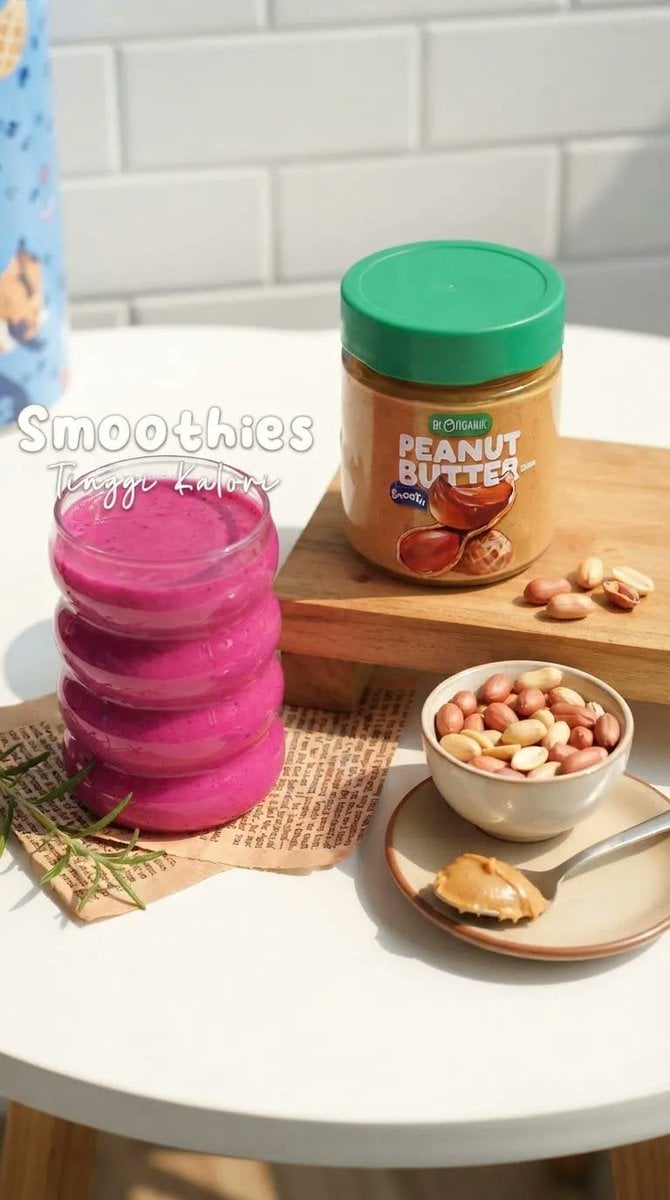
Commercial Pink Berry Smoothie Photography
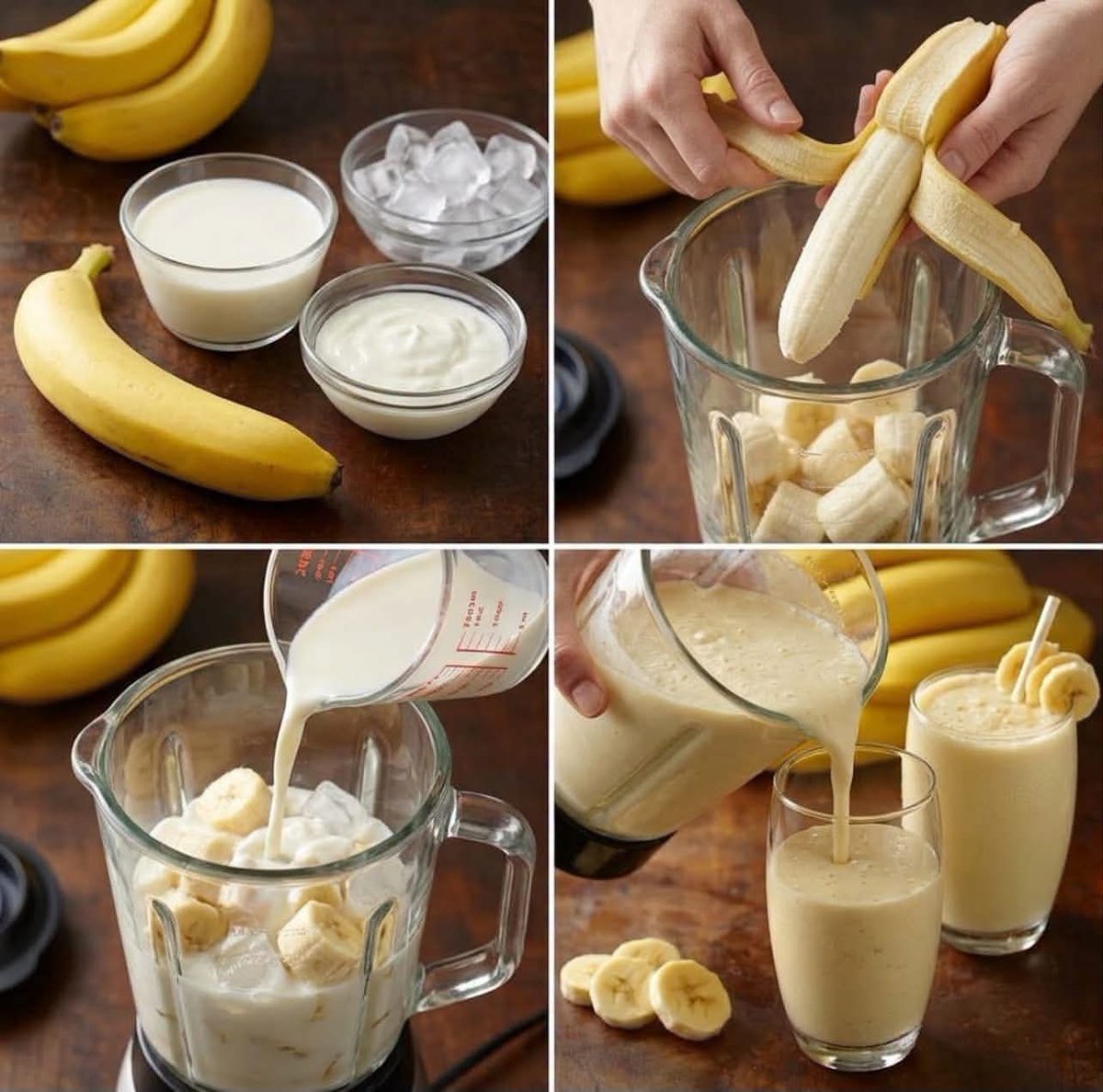
Banana Smoothie Recipe Collage
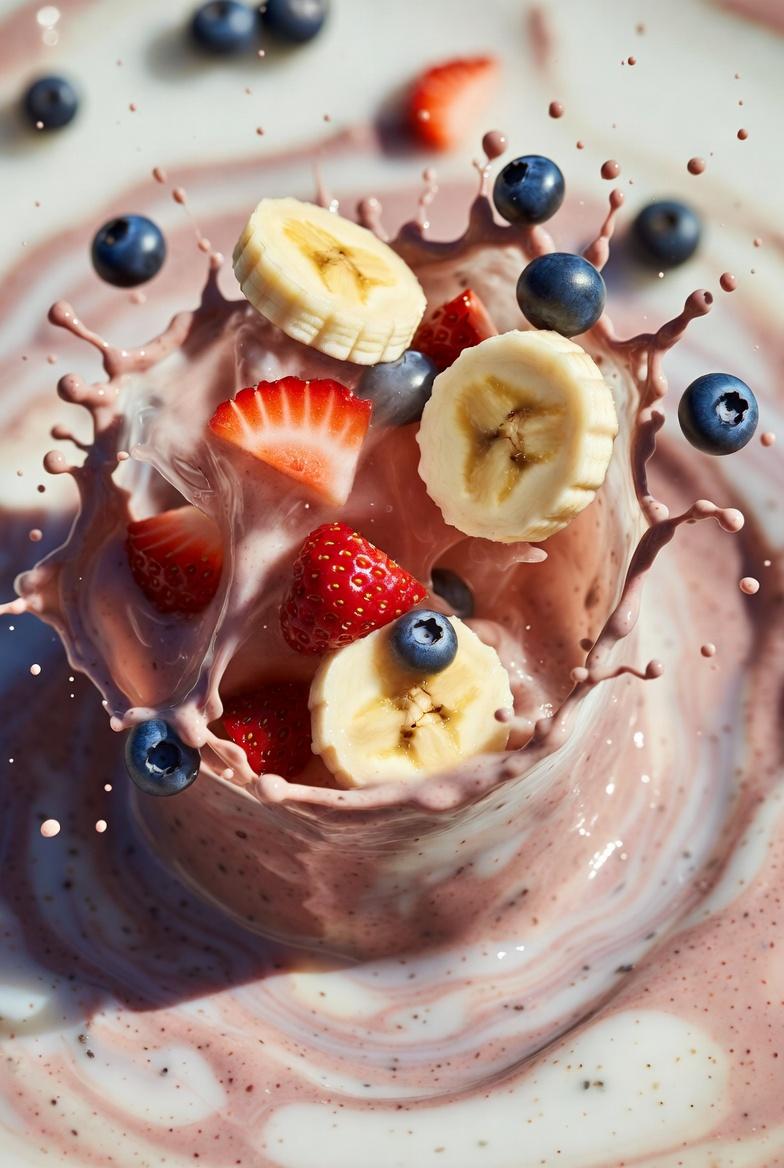
Ultra-realistic smoothie explosion, banana slices, strawberry pieces
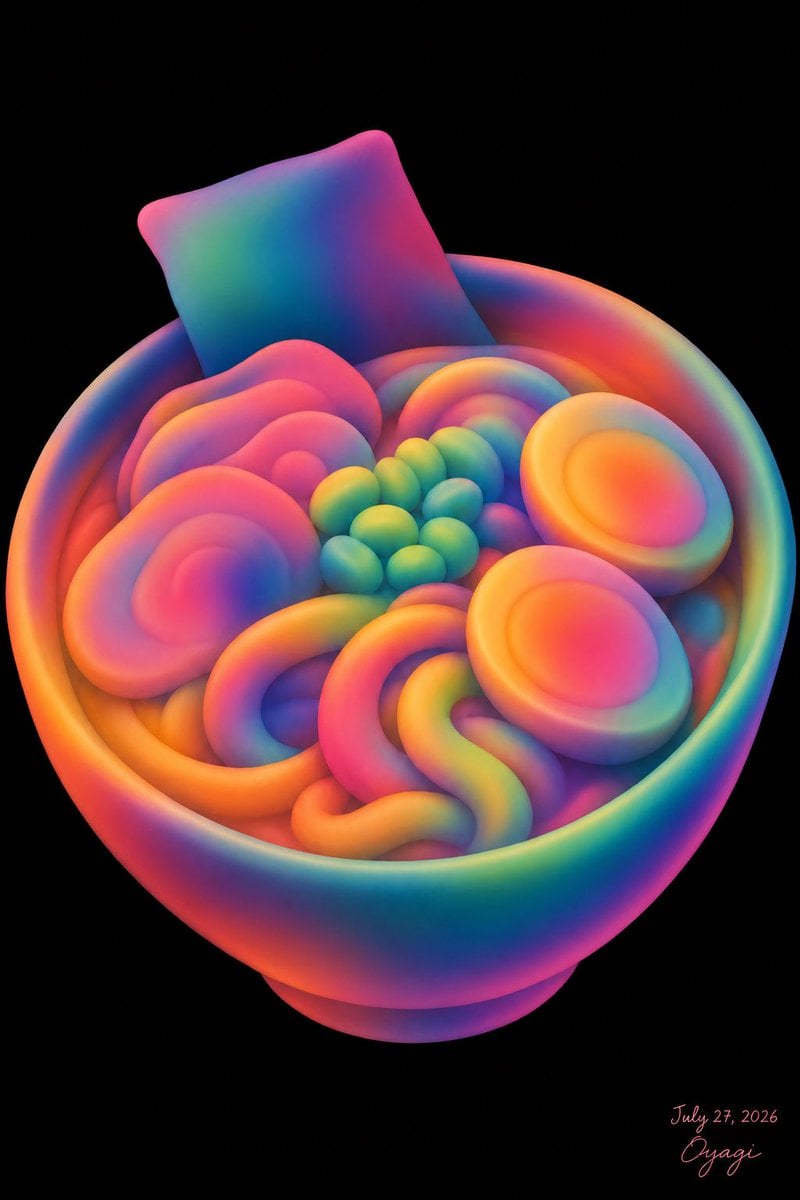
Neon Clay Rainbow Ramen Bowl
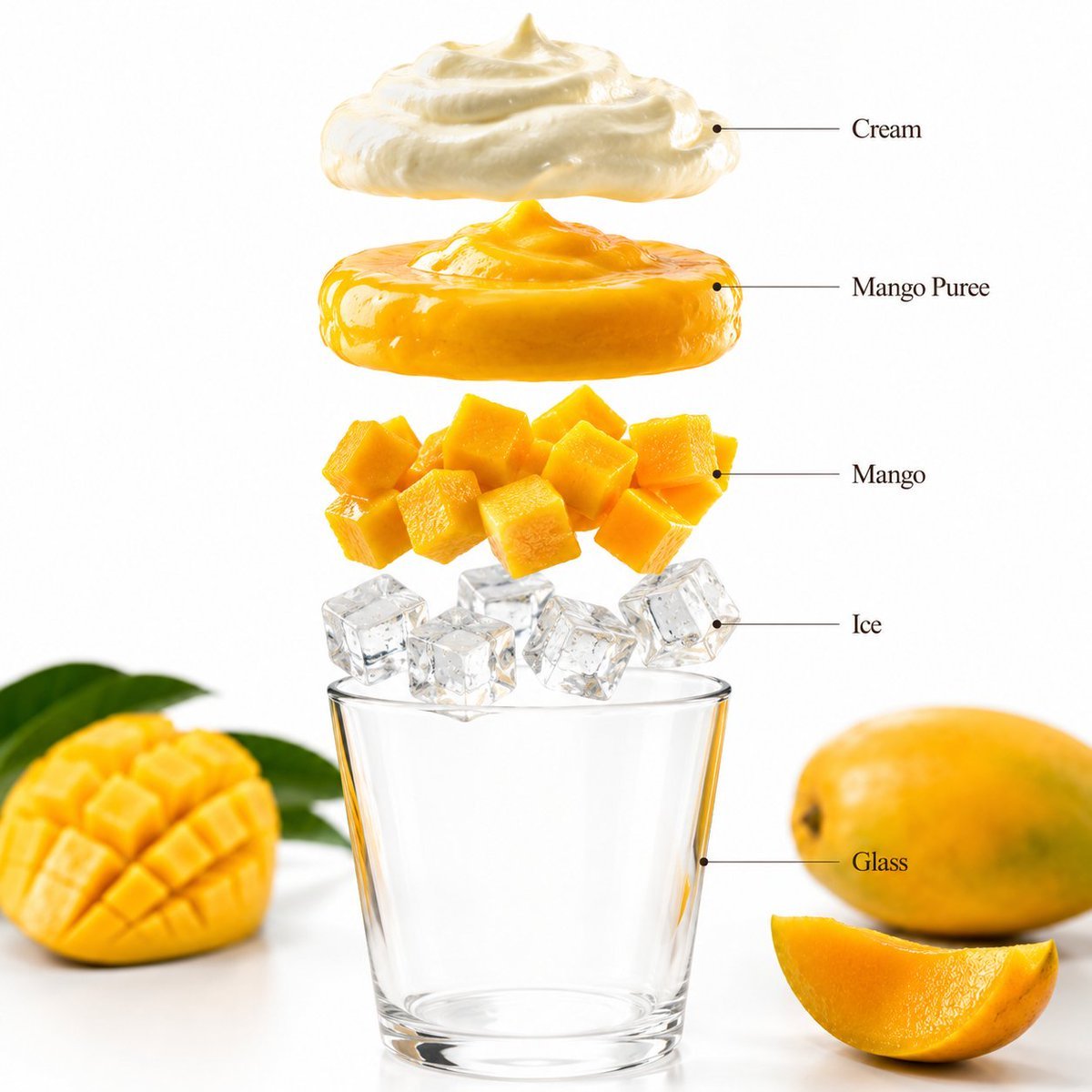
Mango Smoothie Infographic and Commercial Photography
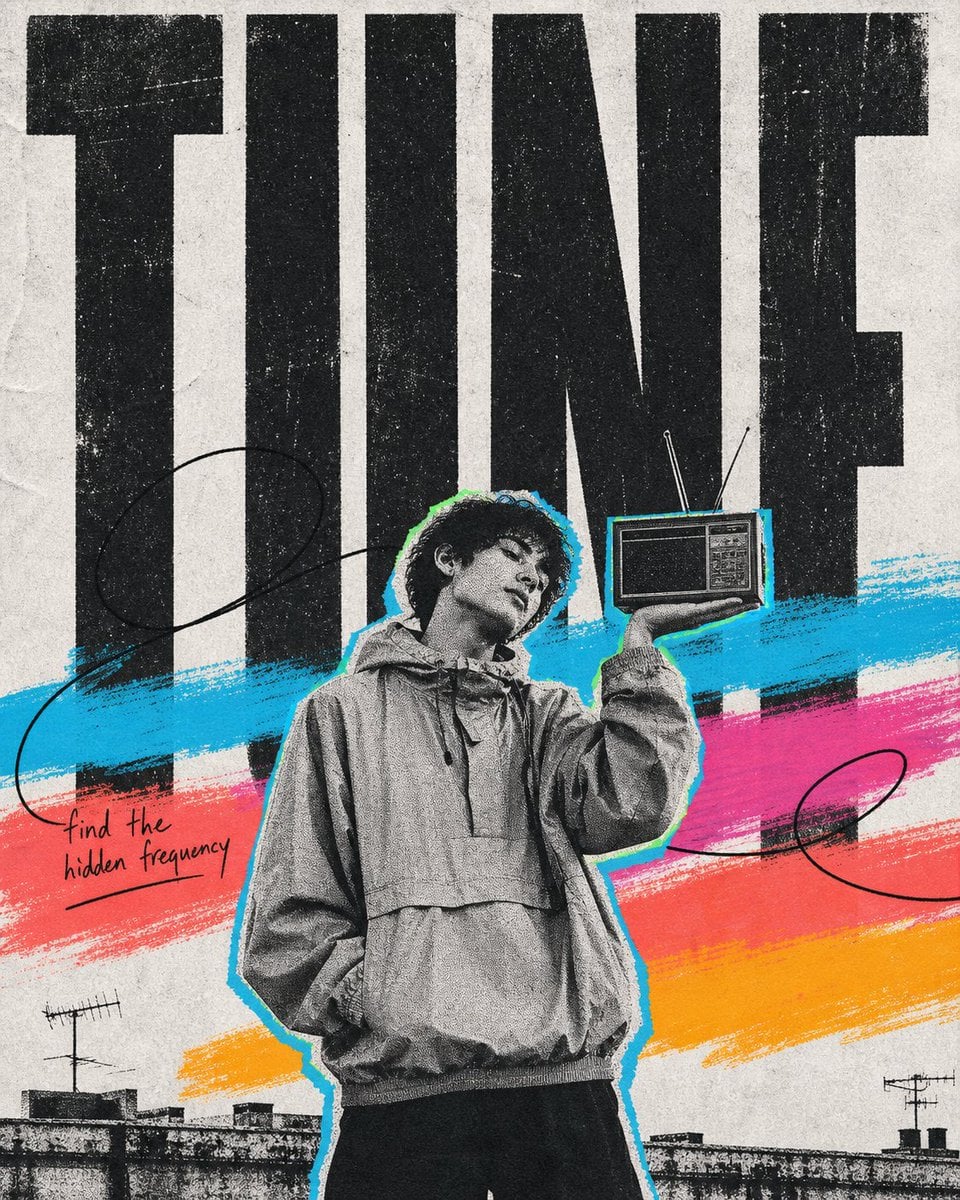
Bowling Shirt Portrait Flash
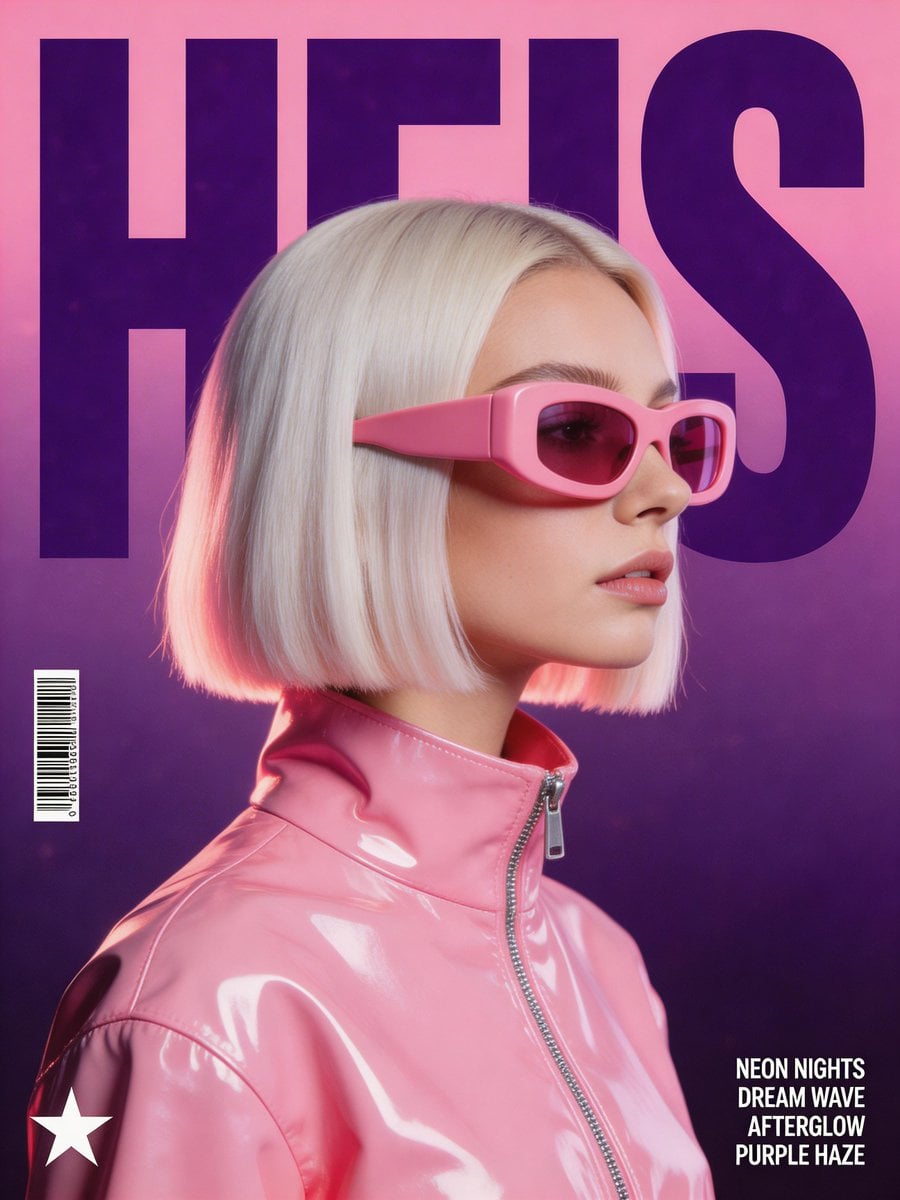
Bowling Alley Retro League
Make it yours
Hyper-Realistic Smoothie Bowl Advertising works as-is. These are the safest ways to change it without losing the look.
Change one field
Copy a single group, rewrite it, and generate again so you can see what that field is doing.
Keep the frame, change the subject
Hold the composition and light of Hyper-Realistic Smoothie Bowl Advertising, then swap wardrobe, props or the person for a new take.
| If the result… | Why | Fix |
|---|---|---|
| The result drifts from the preview | Too many fields changed at once. | Reuse Hyper-Realistic Smoothie Bowl Advertising as-is first, then change one group — subject, light, or setting. |
| The model over-stylizes the scene | The prose prompt leaves finish and camera underspecified. | Add one camera or lighting sentence and stay on Nano Banana 2. |
More Nano Banana 2 templates
Other prompts made for Nano Banana 2.

Photorealistic Leaf Shaped Like a Dragon

K-Pop Idol Portrait Grid for Rapid Selection

Poetic Rain Forest Portrait During Golden Hour

Urban Street Portrait with Cartoon Inner Self Duo

Candid Nighttime Photo with Cat Prompt

High-Concept 3D Diorama Generation Prompt

Cinematic Futuristic Studio Portrait Template

Skincare Editorial Photography Collage Prompt

Hyper-Realistic Commercial Product Photography (Splash Effect)

Hyper-Realistic Nightclub Portrait Prompt
More image prompts
Fresh picks from across the catalog.
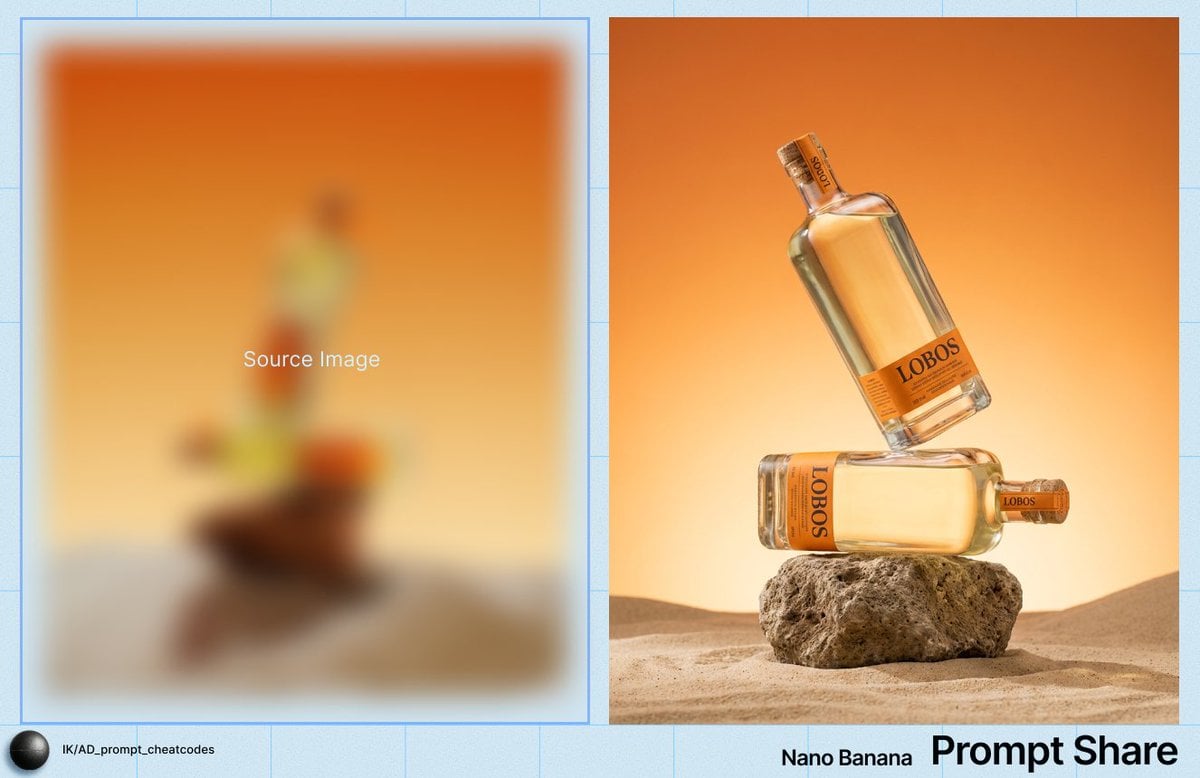
Product Photography Prompt for Lobos Tequila Bottles
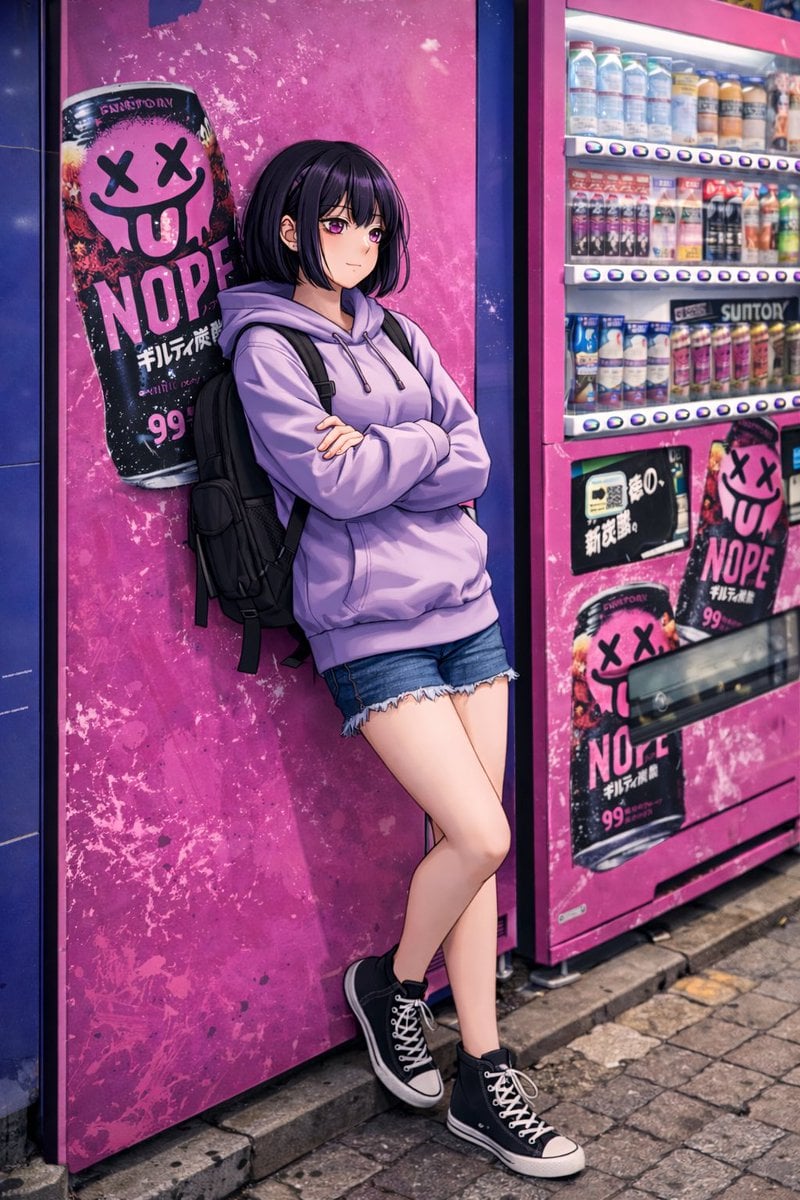
Anime Girl Leaning on Vending Machine
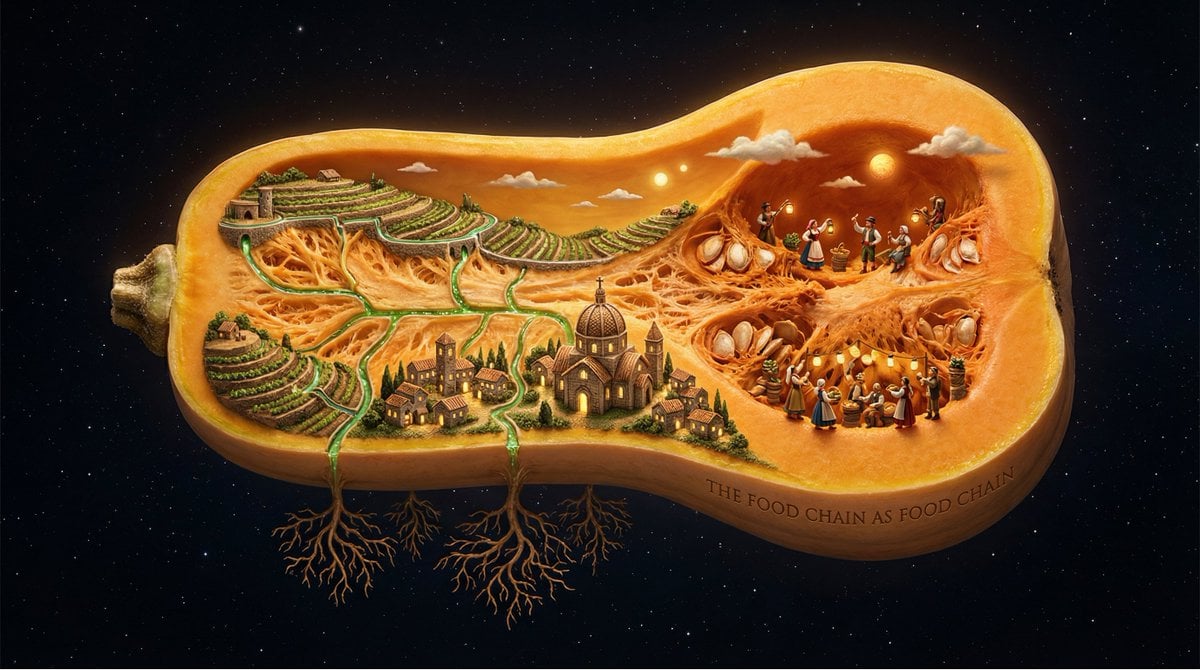
Surreal Agricultural Civilization Inside a Fruit Prompt
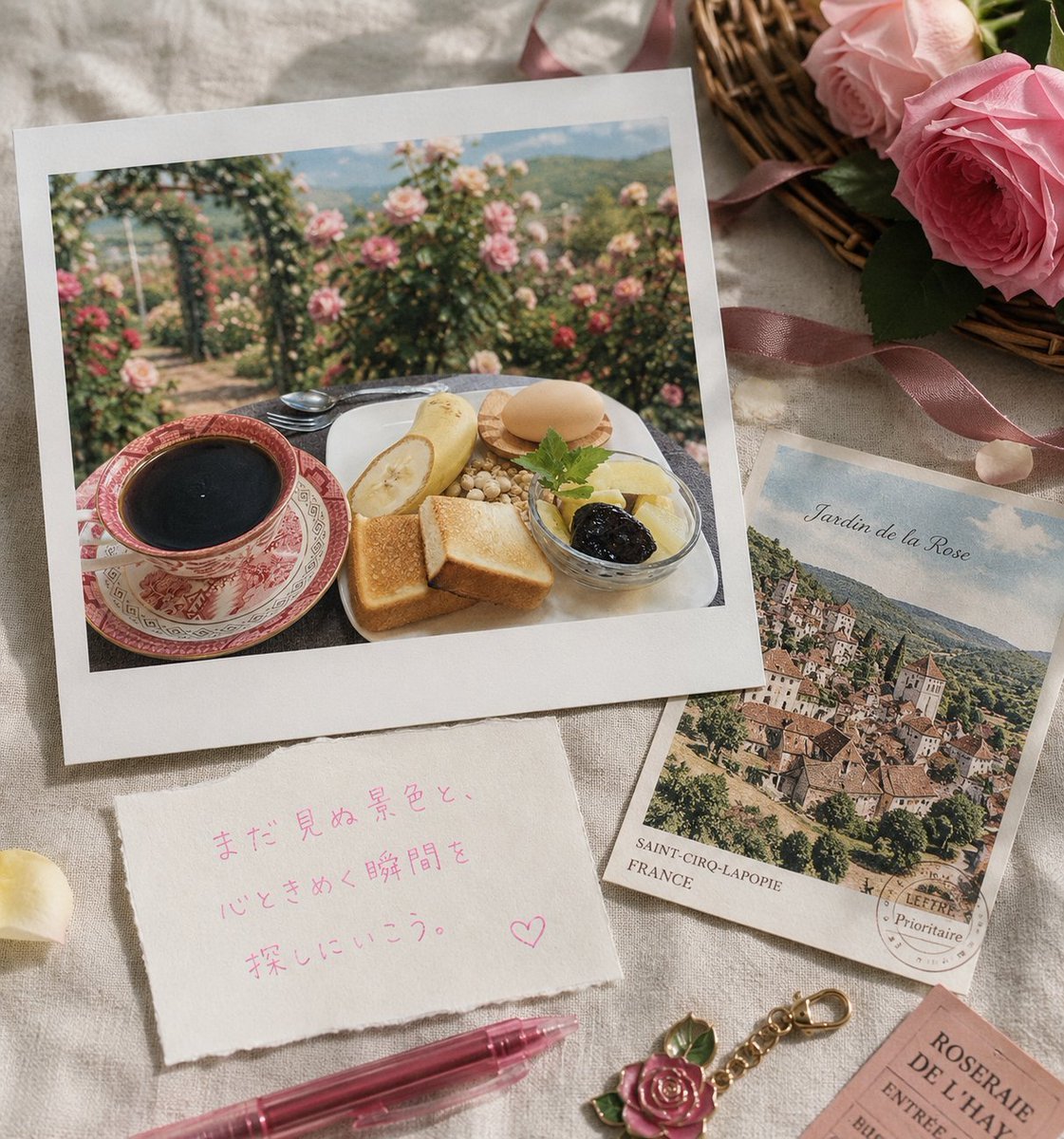
Rose Garden Travel Postcard Flat Lay
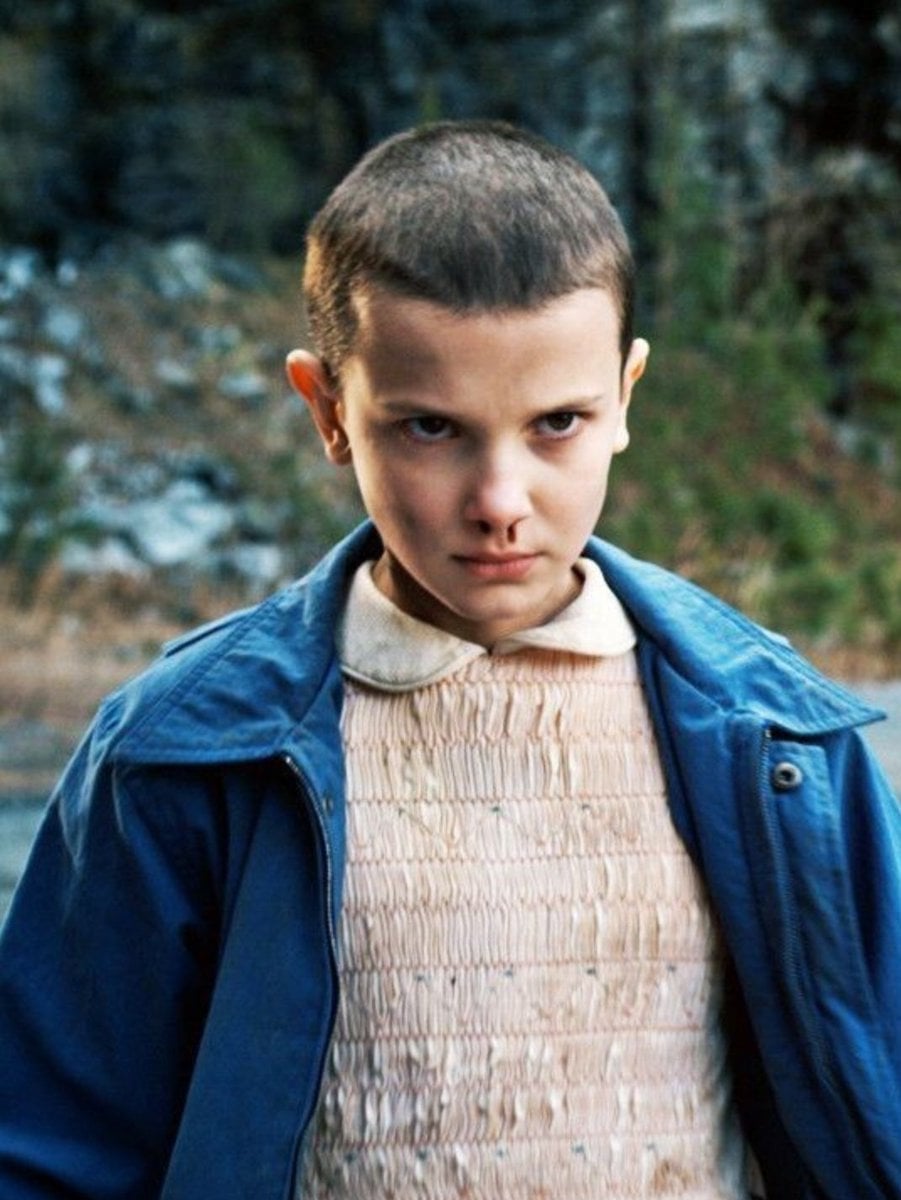
Convert Photo to Professional Passport Size Image
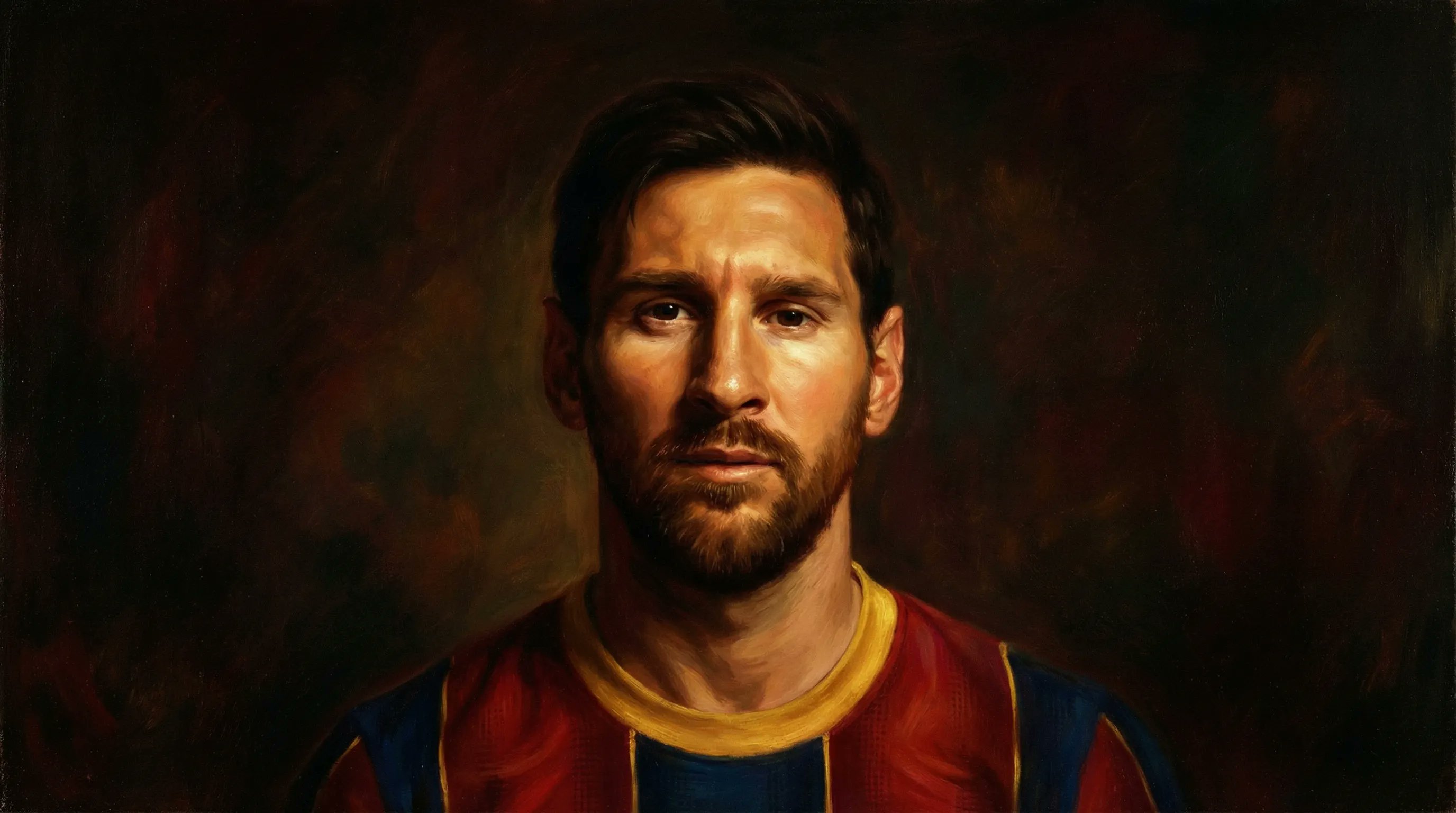
Romanticism Style Portrait Tutorial

Anime-Style Cinematic Character Poster

Transforming the Tower of the Sun into a Taro Okamoto Painting
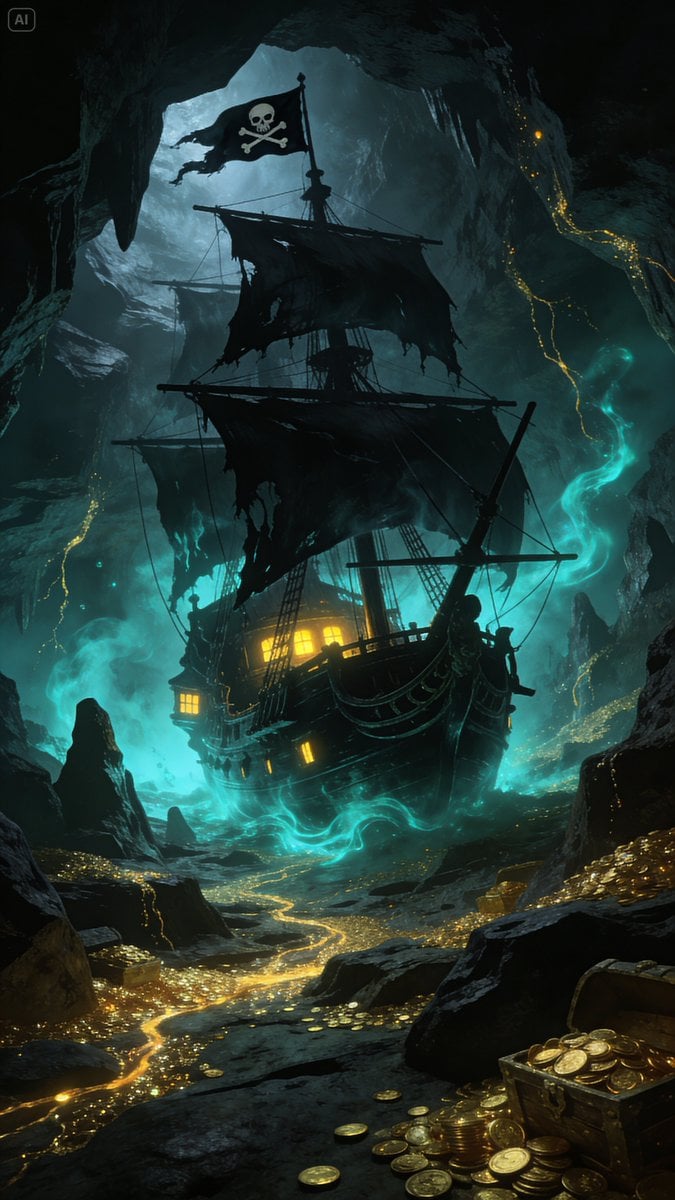
Golden Ship on Uncharted Waters
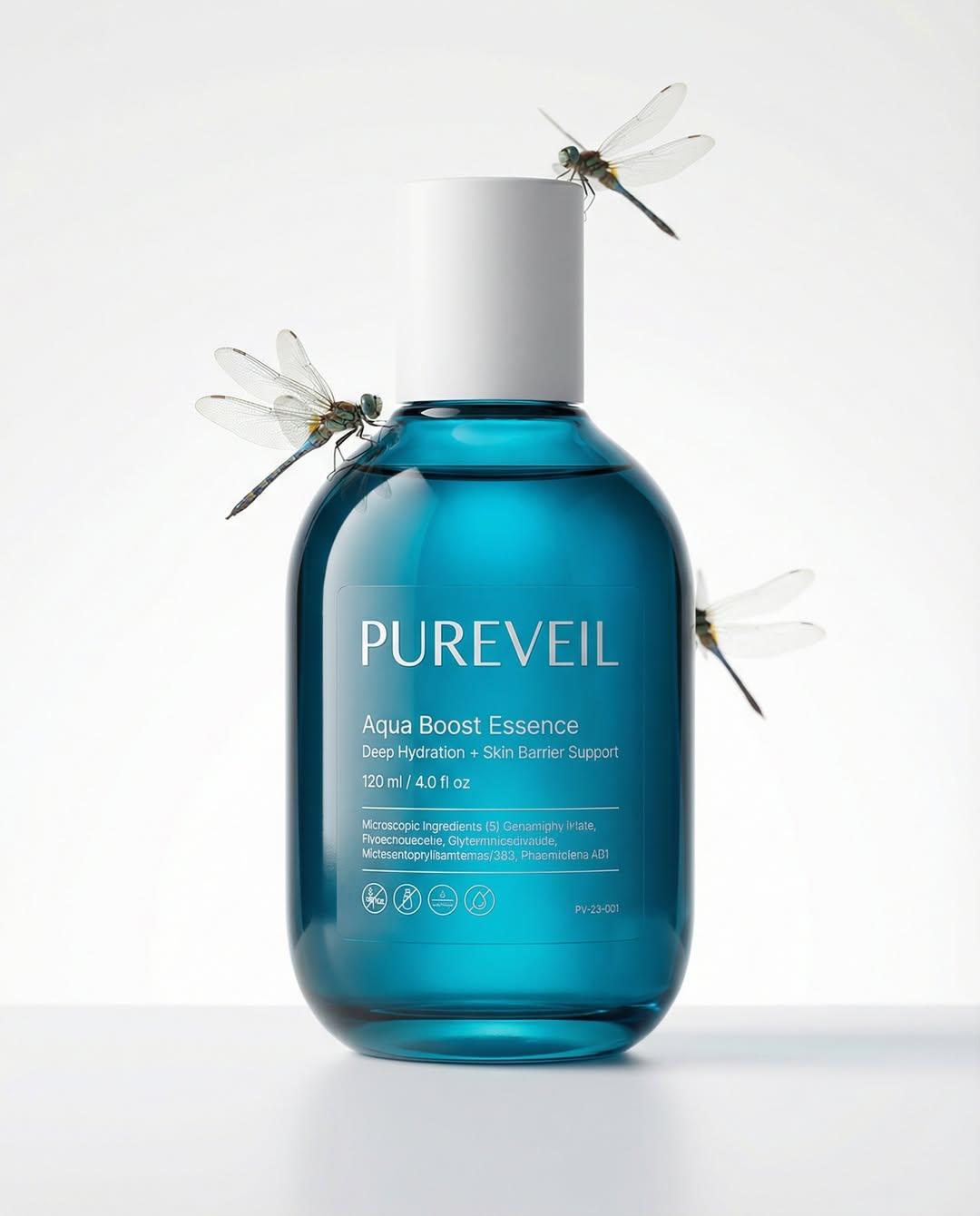
Google Nano Banana Pro Skincare Product
Browse template categories
Hyper-Realistic Smoothie Bowl Advertising questions
How do I use the Hyper-Realistic Smoothie Bowl Advertising template?
Add your photo if the template asks for one, edit the prompt if you like — the template's model and format are already selected — and press Generate. Your version opens in PicX Studio.
Can I customize the Hyper-Realistic Smoothie Bowl Advertising template?
Yes. You can change the subject, setting, lighting, mood, format, and available model controls before creating your image.
Is the Hyper-Realistic Smoothie Bowl Advertising template free?
Opening and editing this template is free. Generating uses credits, shown on the Generate button when you are signed in.
Which AI model should I use?
Start with Nano Banana 2, which is the model associated with this template. You can compare another compatible model for a different finish.
Looking for something else? Browse all templates.

Your photo, any look
Thousands of ready templates for every top image and video model, from one credit balance.