
Kawaii Takoyaki Maid Party
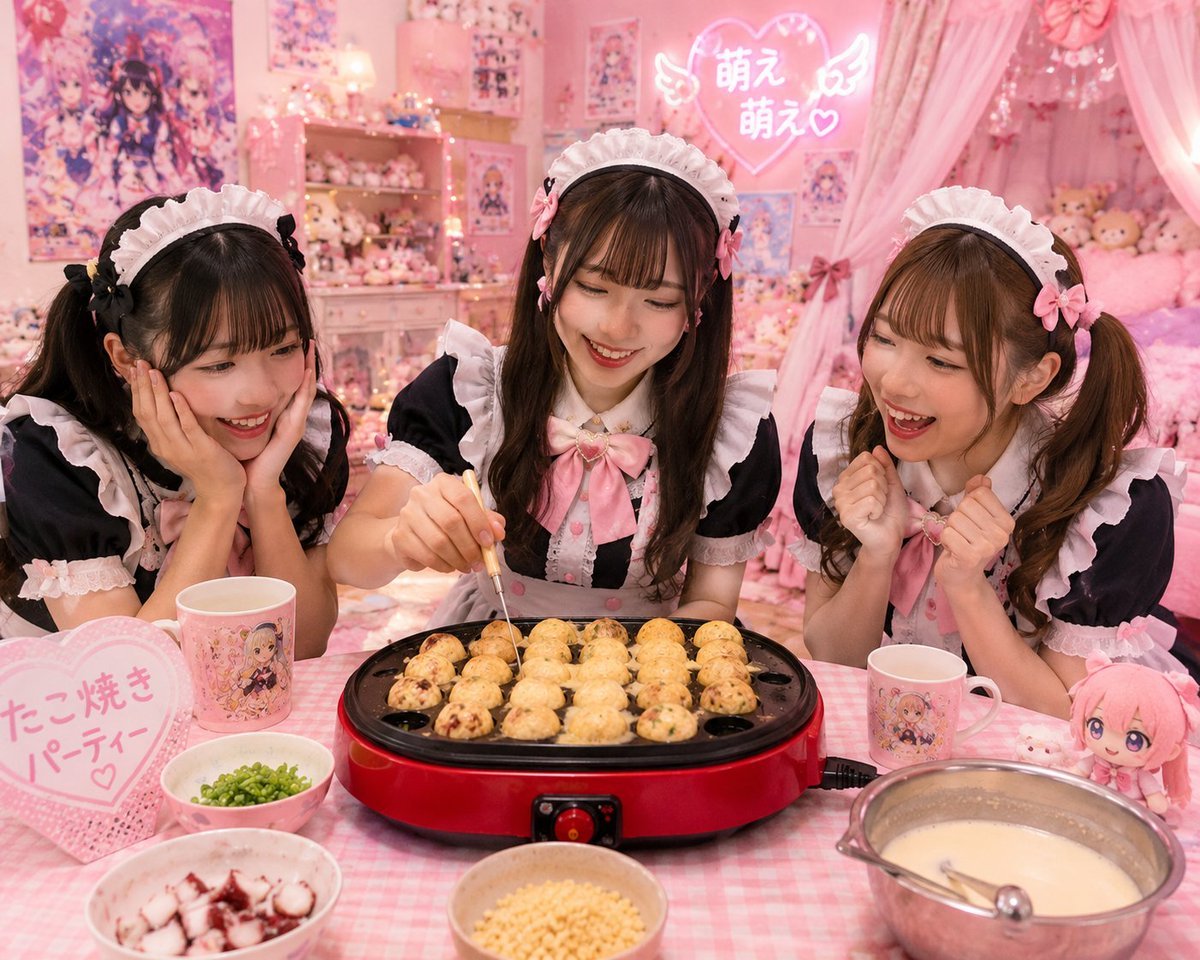
A realistic pastel-pink maid café bedroom scene featuring three girls making takoyaki at an anime-themed party.
- Prompt included
- Model and format preset
- Free template
The prompt behind this image
Copy the exact prompt behind Kawaii Takoyaki Maid Party, or open it in the studio and make it yours.
Create a hyper-detailed kawaii otaku room photo scene of a {argument name="party theme" default="takoyaki party"} with three young women in matching black-and-pink maid café outfits sitting behind a pink gingham table. The faces should be deliberately obscured with plain brown rectangular blur blocks for privacy. Center the composition on a red electric takoyaki maker with a black round-hole cooking plate, filled with exactly 22 visible takoyaki balls in progress; the middle woman is holding a thin metal pick and turning one ball. On the table include exactly 6 main food/tableware items: 1 pink heart-shaped sign on the left with Japanese text 「たこ焼き パーティー♡」, 2 anime character mugs, 1 bowl of chopped green onions, 1 bowl of diced octopus, 1 bowl of crispy tempura bits, and 1 metal mixing bowl of pale batter with a ladle. Add a small pink anime plush doll on the right. The three women should each wear frilly white maid headbands, black short-sleeve dresses with white ruffles, pink bows, and cute hair accessories; make them pose cheerfully around the takoyaki grill. The background is a very pink anime fan bedroom filled with posters, shelves of plush toys and figurines, fairy lights, a canopy bed with pink curtains, and a glowing neon heart sign reading 「萌え 萌え♡」 with small angel wings. Use warm soft indoor lighting, pastel pink color grading, glossy realistic photography, shallow depth of field, wide-angle lens, high detail, cozy cluttered composition, Japanese idol/maid café aesthetic. Avoid extra people, avoid changing the takoyaki grill into another appliance, keep all Japanese text legible, and maintain the privacy face blur blocks.
How to use Kawaii Takoyaki Maid Party in 3 steps
- 1Upload ImagePNG, JPG or paste
Add your photo
Upload the photo the template builds on. The prompt, model and format are already set.
- 2…a portrait of your subject in softgolden-hour light, 85mm…
Personalize
Edit the subject and creative details for your destination.
- 3Generate
Generate
Press Generate — your image is created in PicX Studio, so you can compare it with the original and refine one variable at a time.
More like this
Templates with the same subject, style or setup. Open one to see its prompt.

One Dance Before Midnight
80s Disco Dancefloor
80s Birthday Party

Cute Layered Paper Cut Chibi Girl

Nano Banana - Paris Night Party Dancing

Anime Elf Maid Turnaround Sheet
Sunlit Maid Sisters Hug
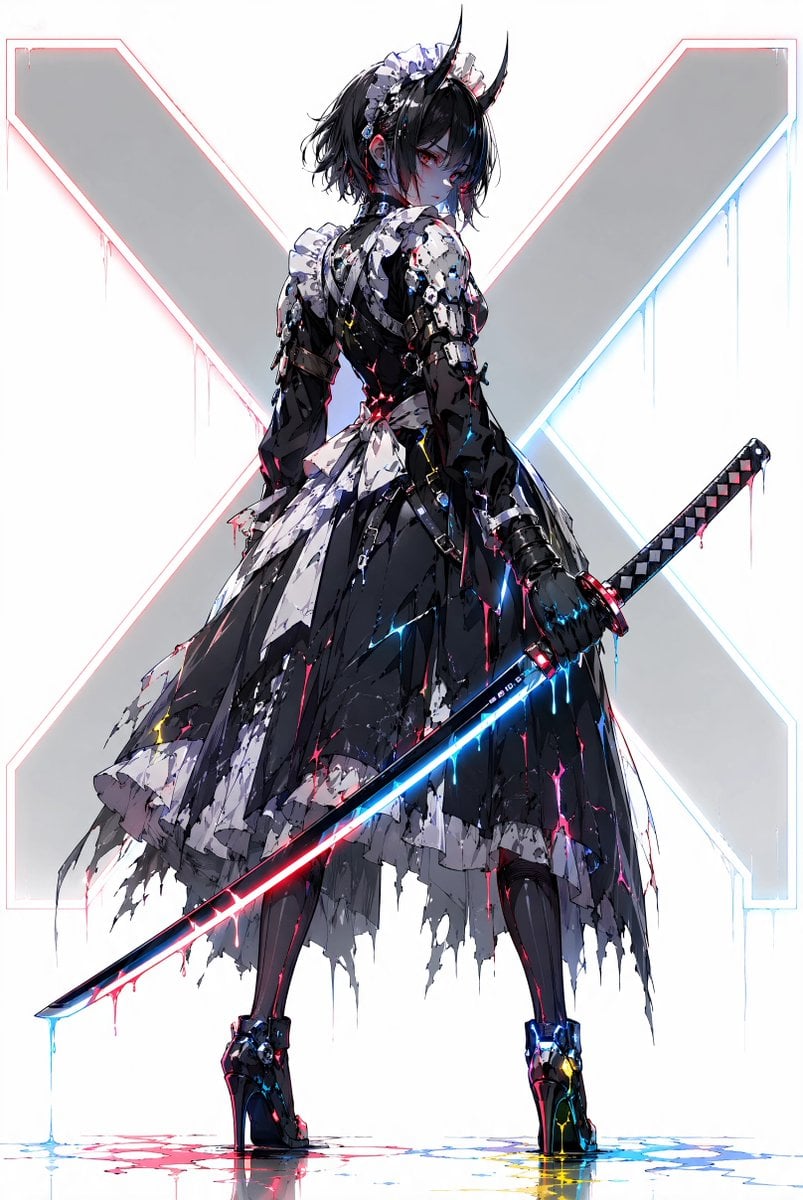
Cyber Demon Maid Katana
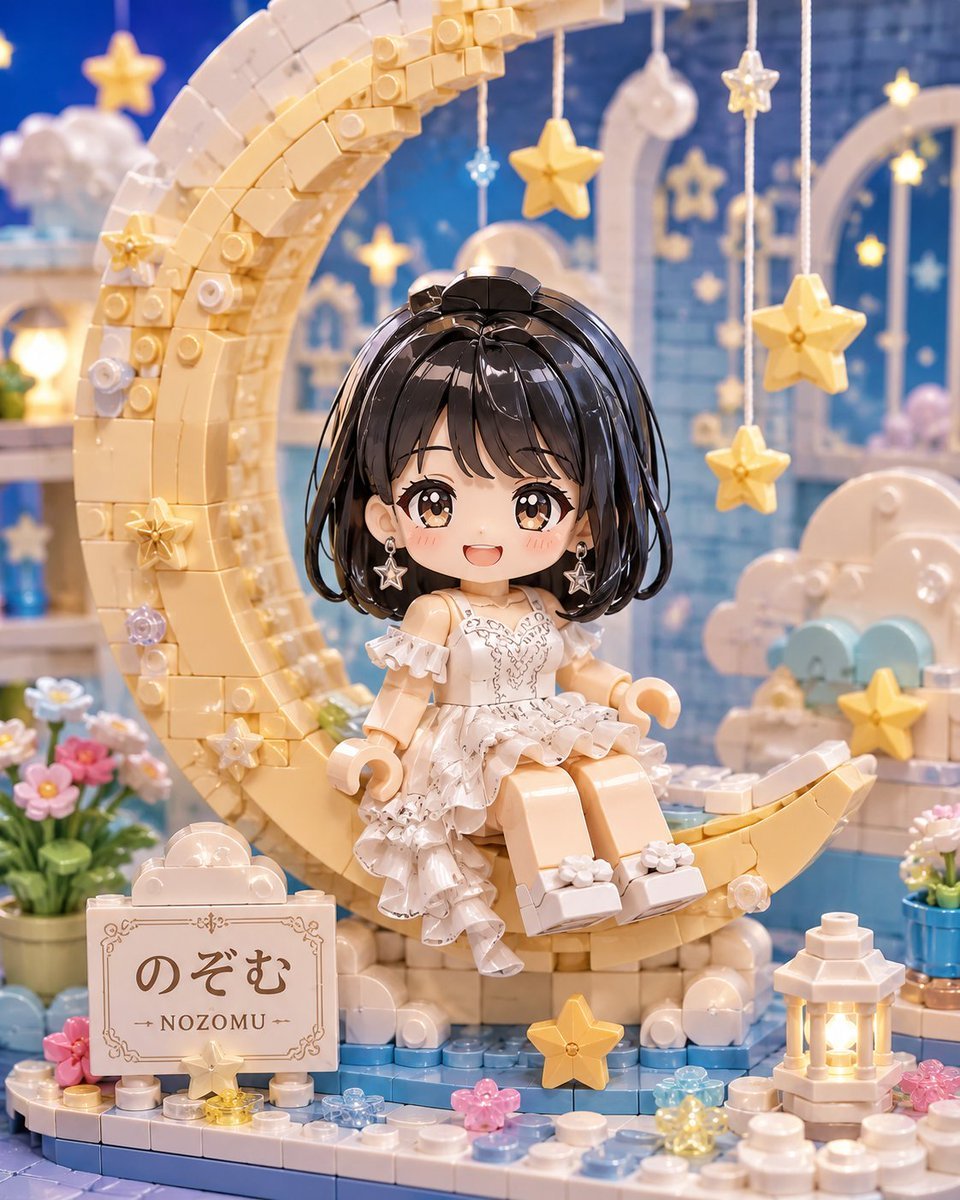
Kawaii Brick Moon Chibi Diorama
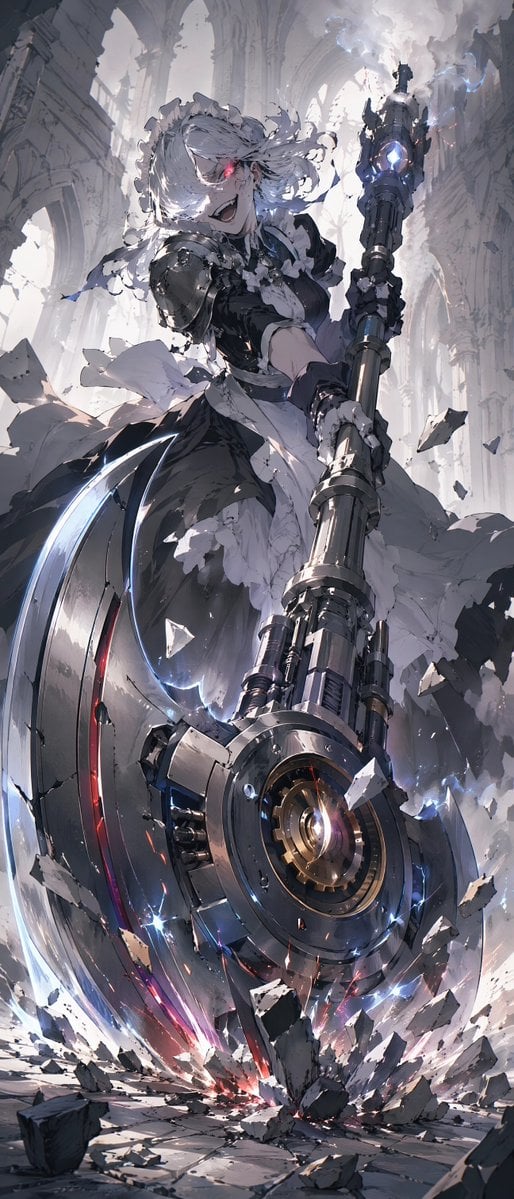
Battle Maid in Ruined Cathedral
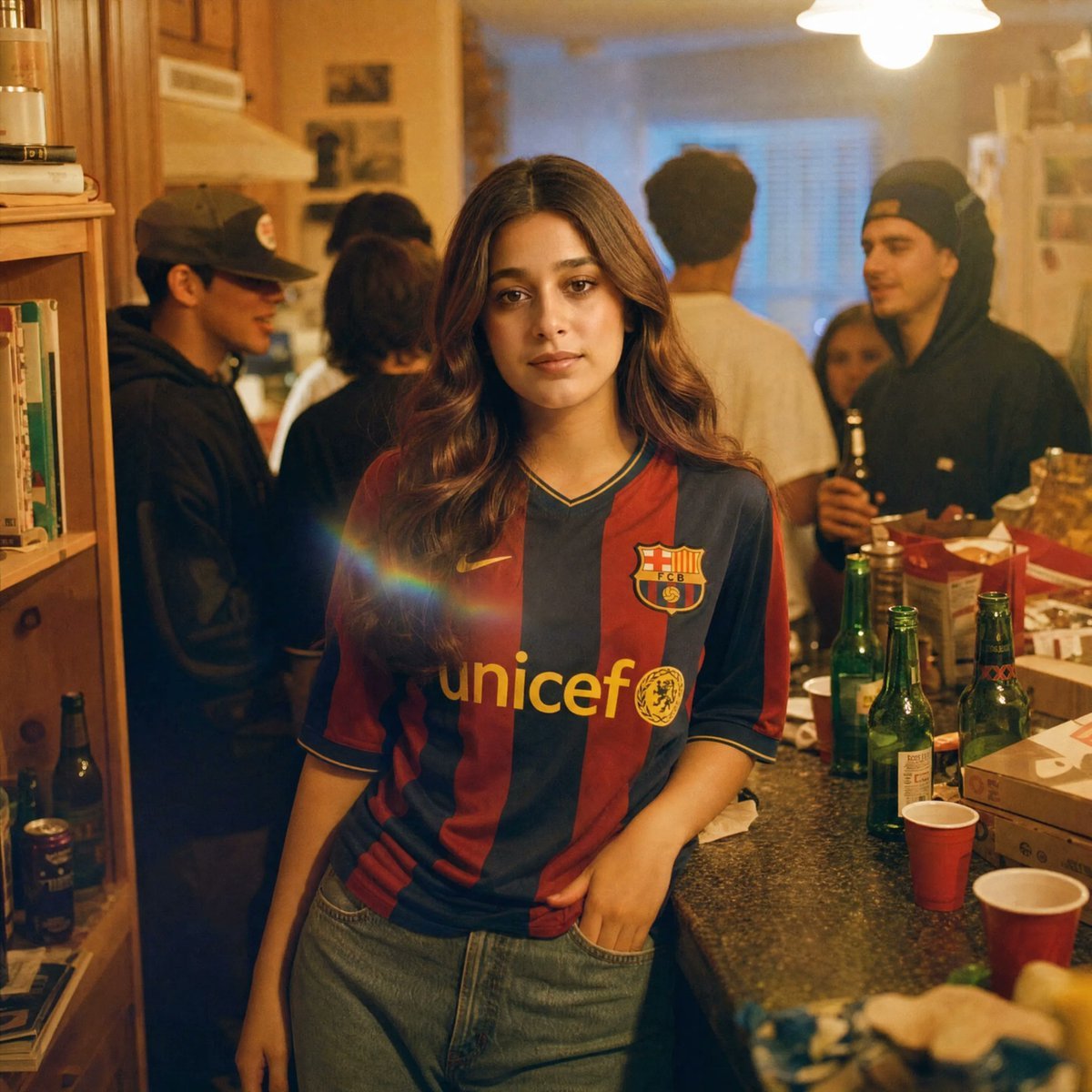
Candid House Party Soccer Jersey Portrait
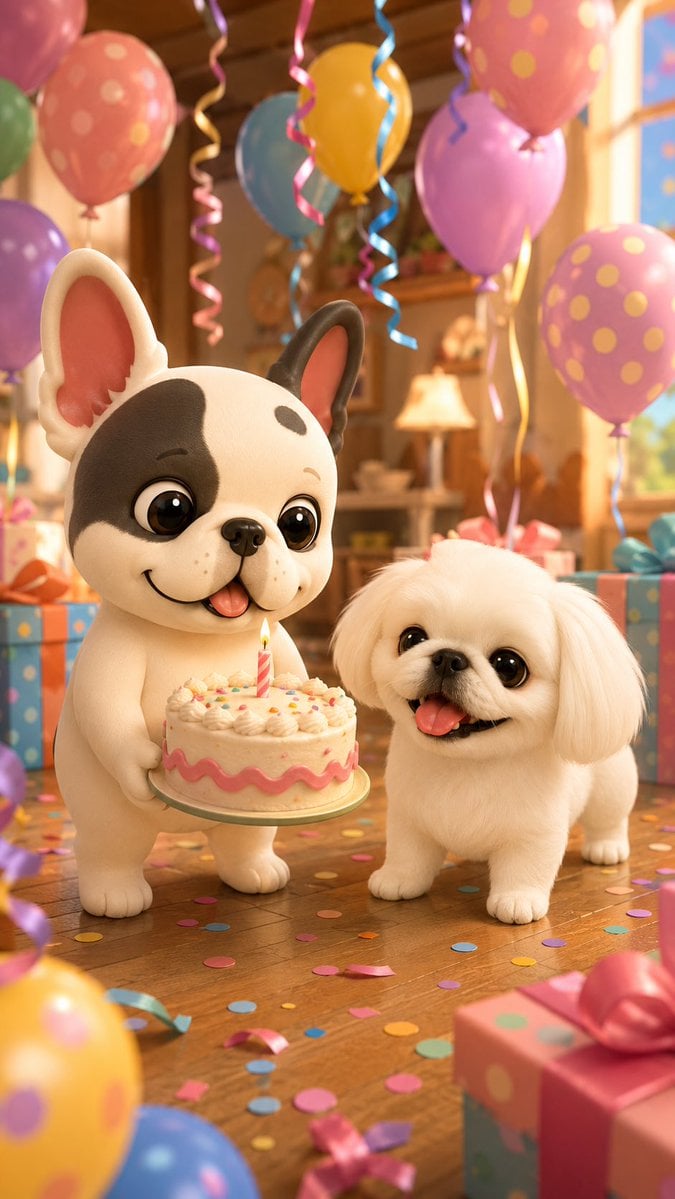
Birthday Puppies Party Scene
Make it yours
Kawaii Takoyaki Maid Party works as-is. These are the safest ways to change it without losing the look.
Change one field
Copy a single group, rewrite it, and generate again so you can see what that field is doing.
Keep the frame, change the subject
Hold the composition and light of Kawaii Takoyaki Maid Party, then swap wardrobe, props or the person for a new take.
| If the result… | Why | Fix |
|---|---|---|
| The result drifts from the preview | Too many fields changed at once. | Reuse Kawaii Takoyaki Maid Party as-is first, then change one group — subject, light, or setting. |
| The model over-stylizes the scene | The prose prompt leaves finish and camera underspecified. | Add one camera or lighting sentence and stay on GPT Image 2. |
More GPT Image 2 templates
Other prompts made for GPT Image 2.

Six VTuber Japanese Logo Sheet

Realistic Portrait of Woman and Deer

The Vista Modular Condo Poster

AI Model Routing Comparison Infographic

2.5D Anime Art Board

Isometric Productivity Desk Scene

New York Double Exposure Poster

Four-Panel AI Landscape Comparison

Japanese Tatami Lifestyle Magazine Cover

NESCAFÉ Coffee Map Poster
More image prompts
Fresh picks from across the catalog.
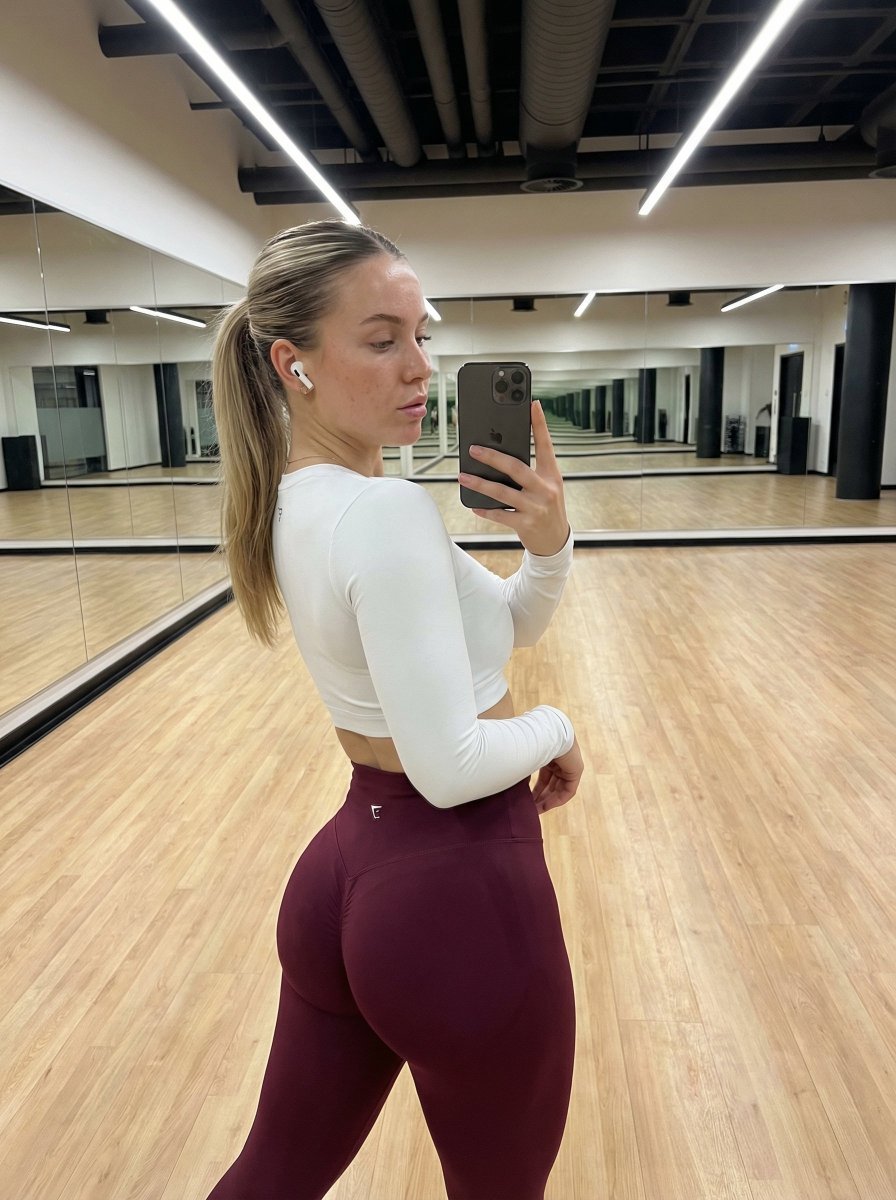
Hyper-Realistic Fitness Mirror Selfie with Exaggerated Proportions
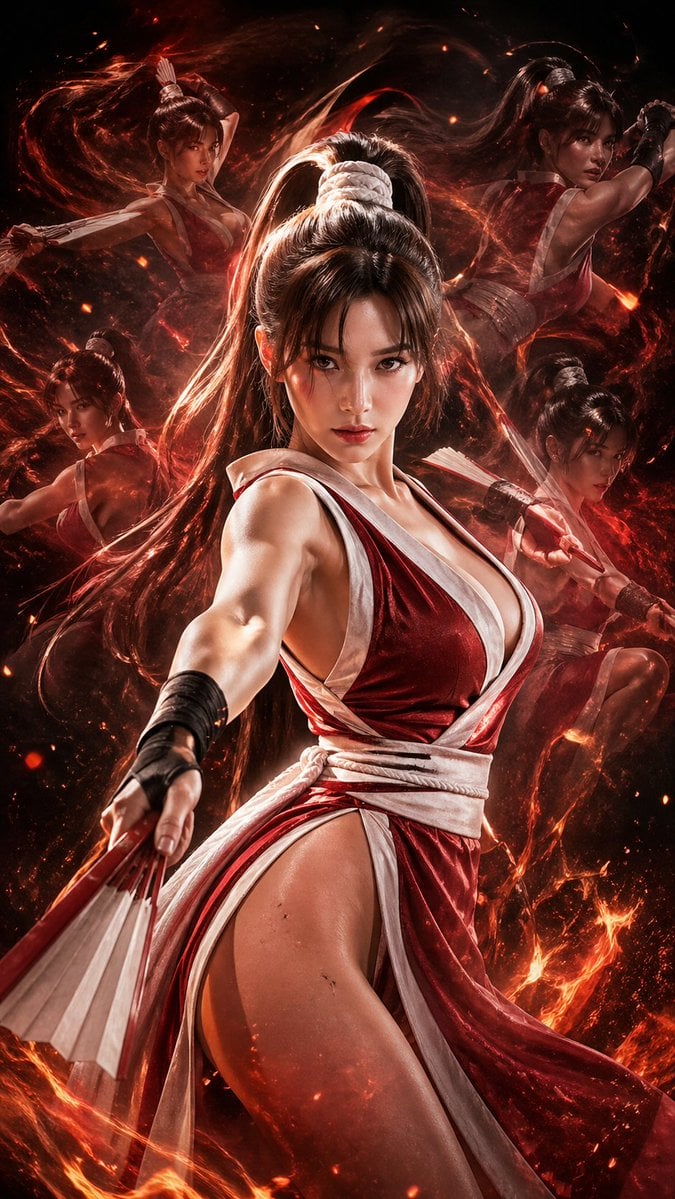
Double Exposure Cinematic Character Poster
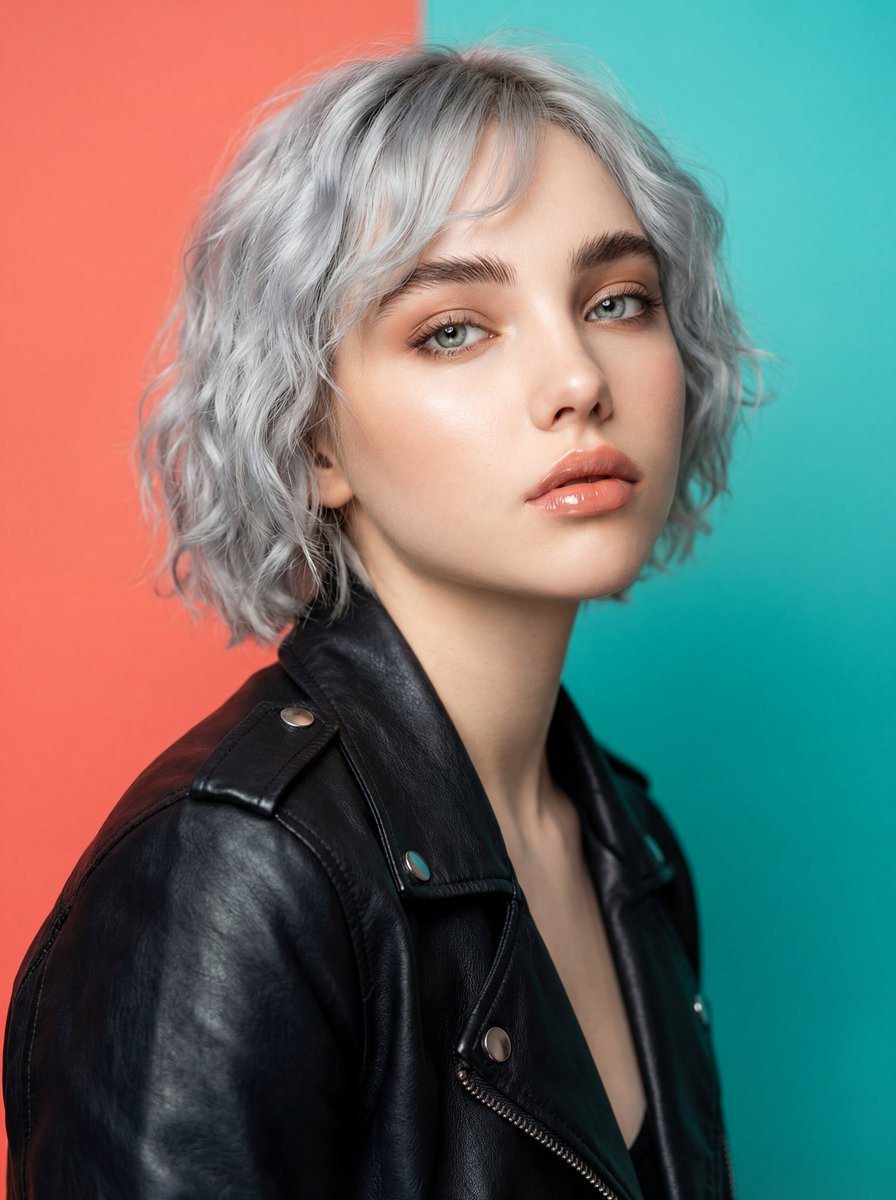
Ultra-Realistic Studio Fashion Model Portrait Prompt
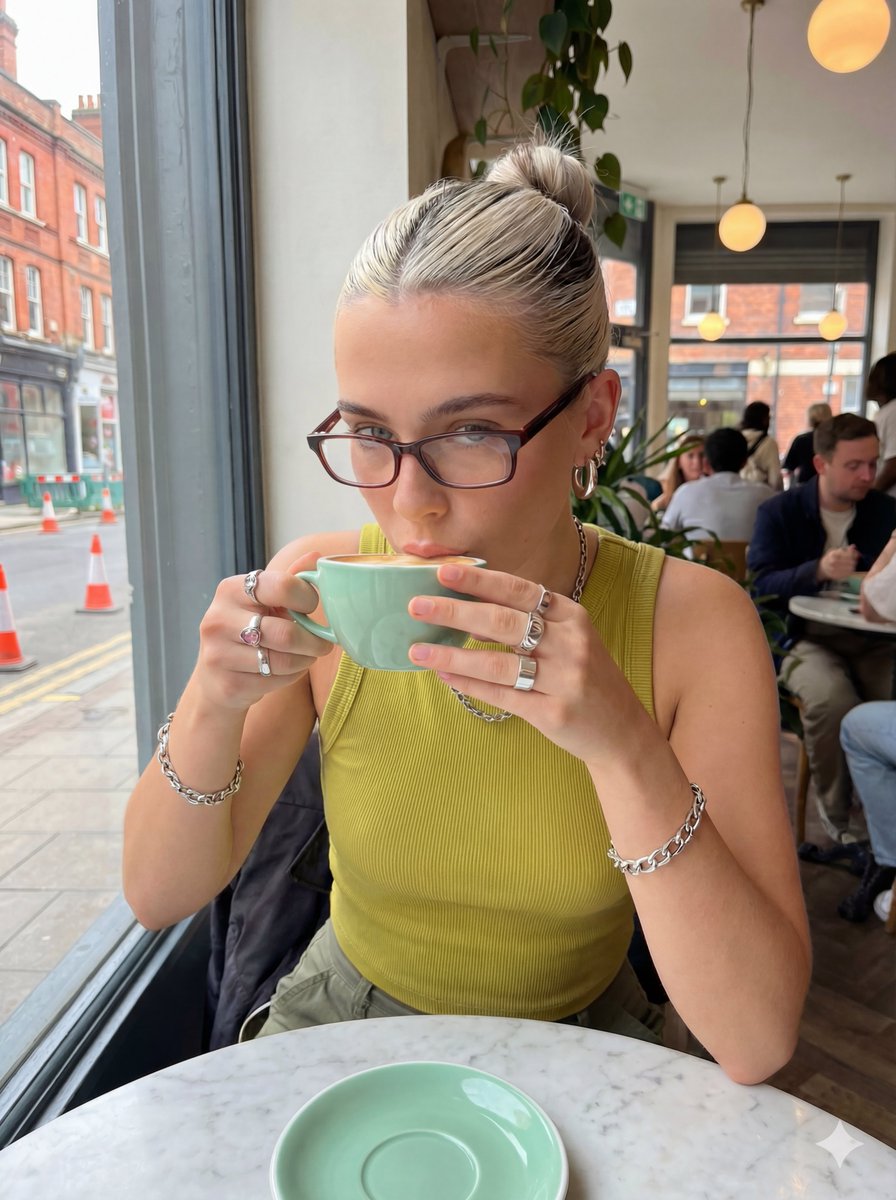
Structured Prompt for Coffee Shop Lifestyle Photo
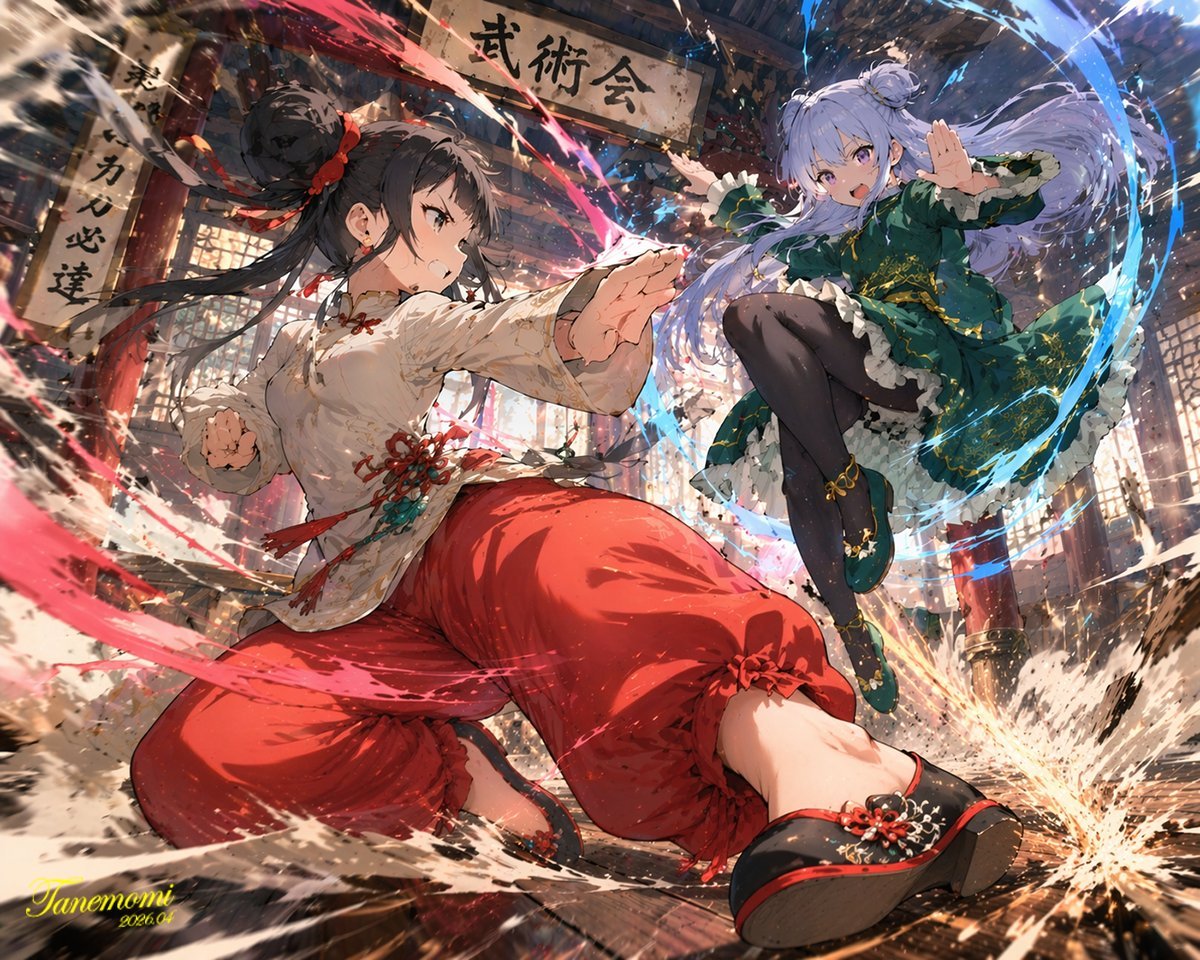
Gpt2 Anime Martial Arts Battle Illustration
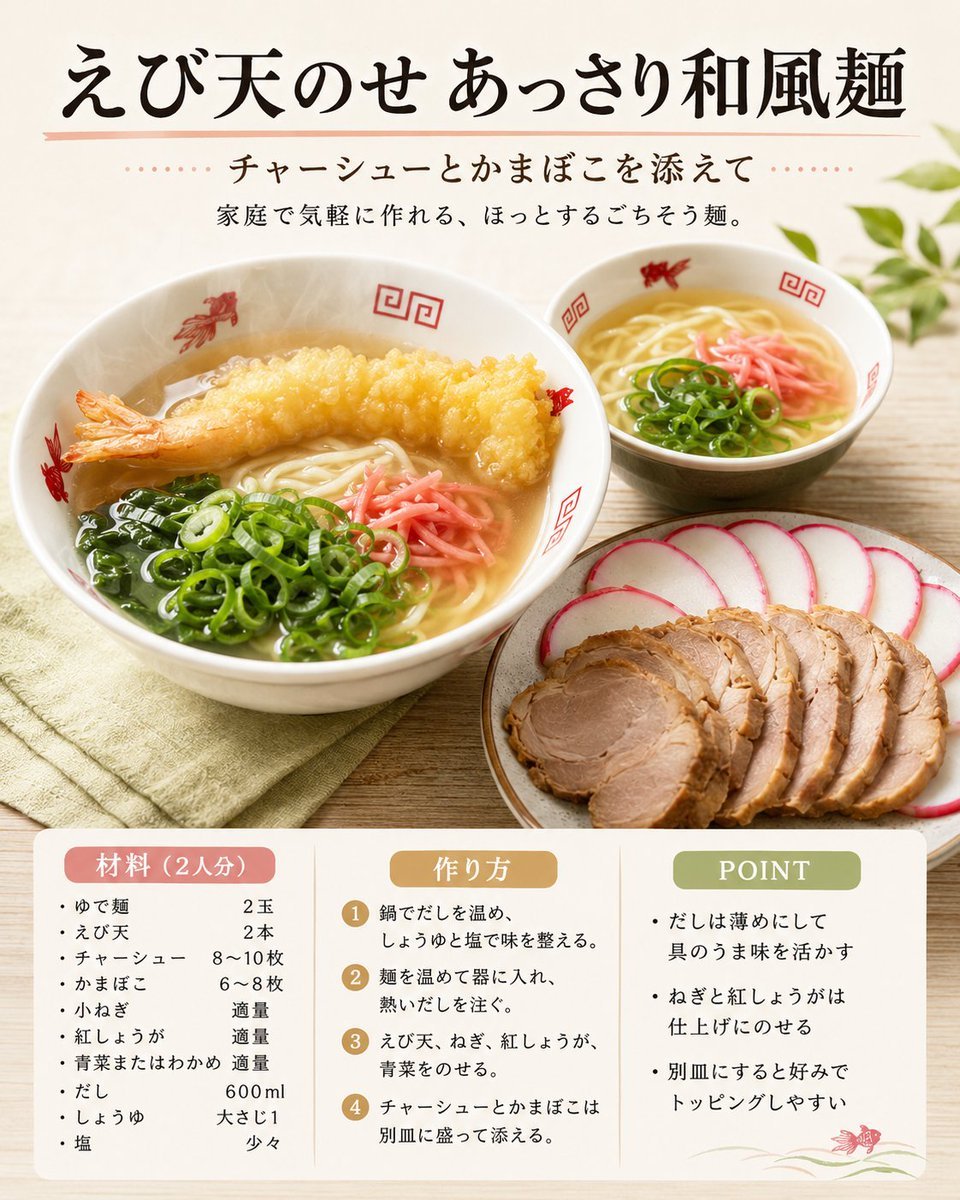
Japanese Tempura Noodle Recipe Card
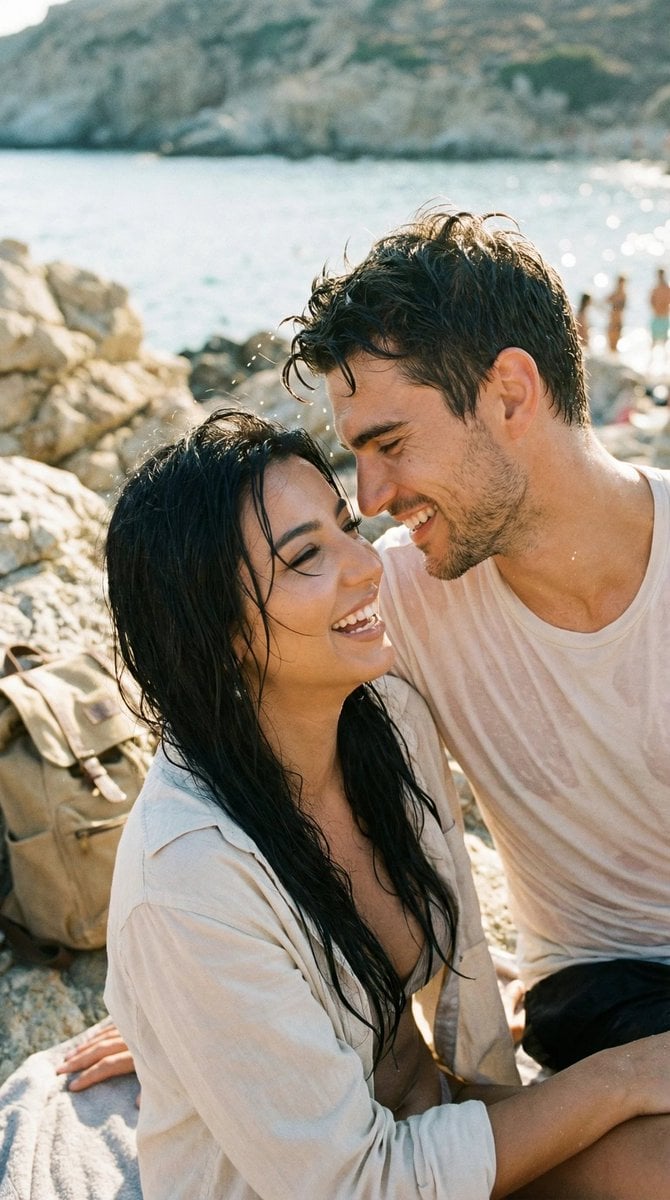
Photorealistic Candid Travel Romance Film Still

Hyper-realistic Floating Food Photography
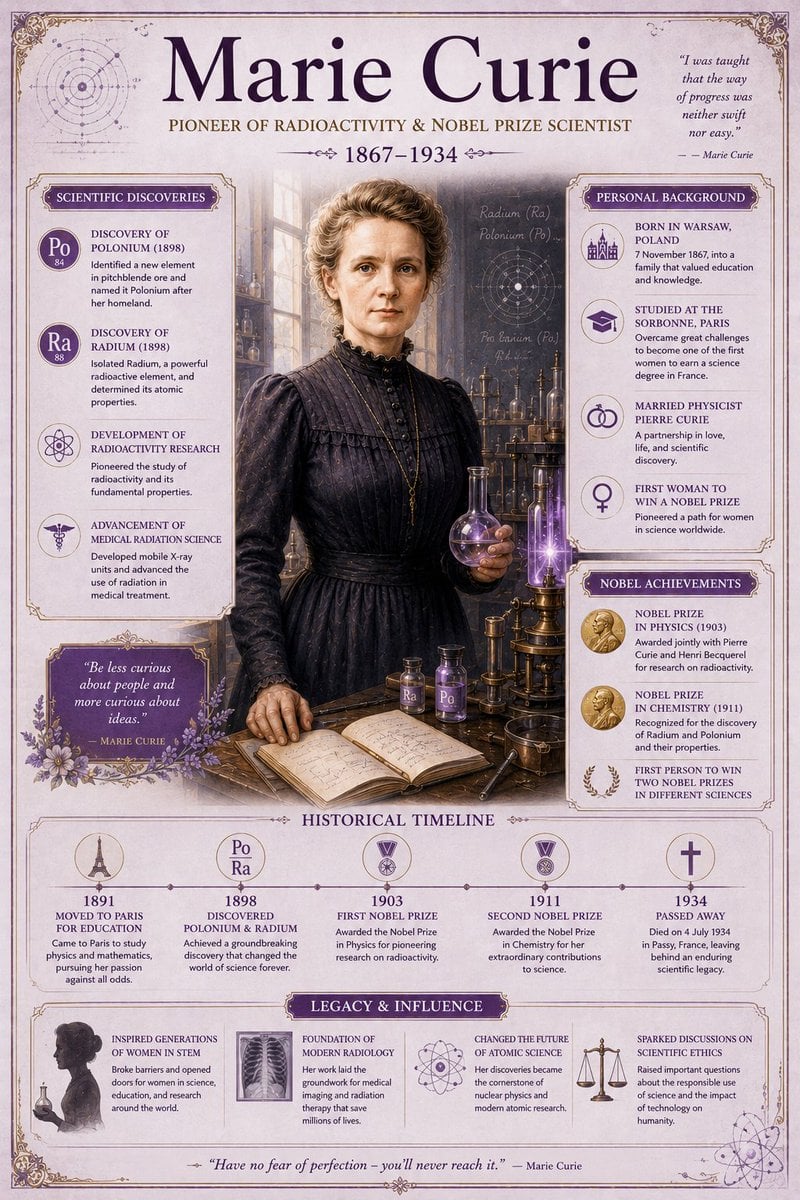
Vintage Encyclopedia Scientific Infographic
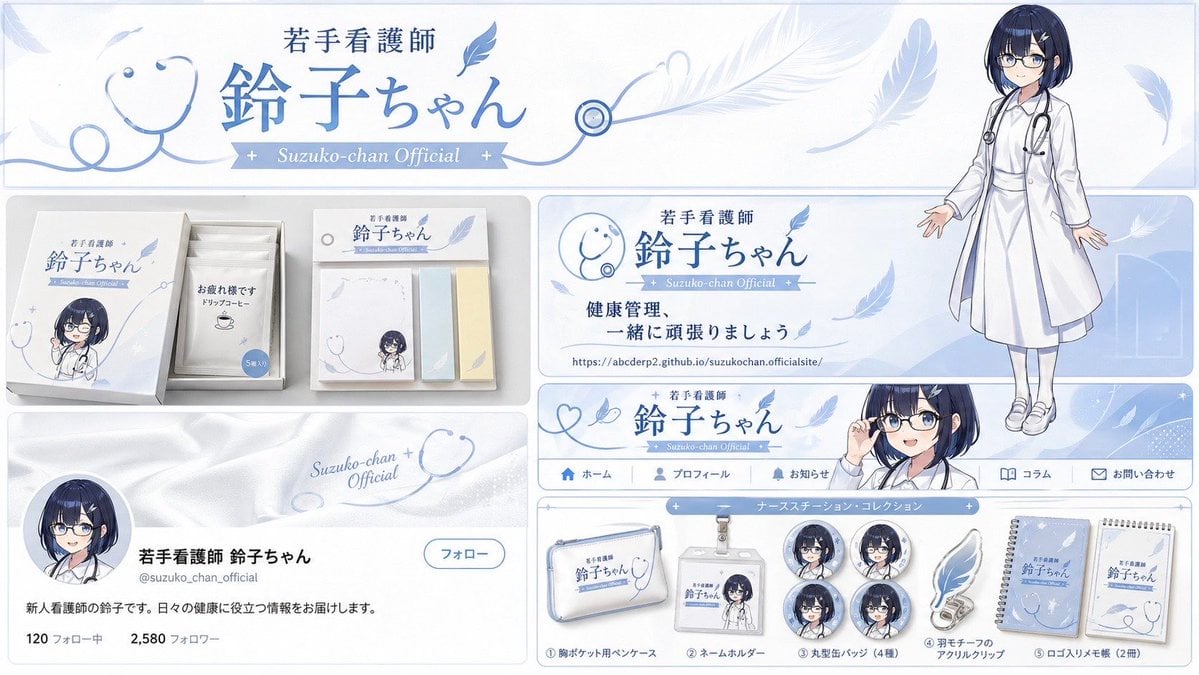
Brand Identity Design Board
Browse template categories
Kawaii Takoyaki Maid Party questions
How do I use the Kawaii Takoyaki Maid Party template?
Add your photo if the template asks for one, edit the prompt if you like — the template's model and format are already selected — and press Generate. Your version opens in PicX Studio.
Can I customize the Kawaii Takoyaki Maid Party template?
Yes. You can change the subject, setting, lighting, mood, format, and available model controls before creating your image.
Is the Kawaii Takoyaki Maid Party template free?
Opening and editing this template is free. Generating uses credits, shown on the Generate button when you are signed in.
Which AI model should I use?
Start with GPT Image 2, which is the model associated with this template. You can compare another compatible model for a different finish.
Looking for something else? Browse all templates.

Your photo, any look
Thousands of ready templates for every top image and video model, from one credit balance.