
Vintage Encyclopedia Scientific Infographic
Design a sophisticated, educational infographic in a historical encyclopedia style, complete with portraits, scientific timelines, and decorative borders.
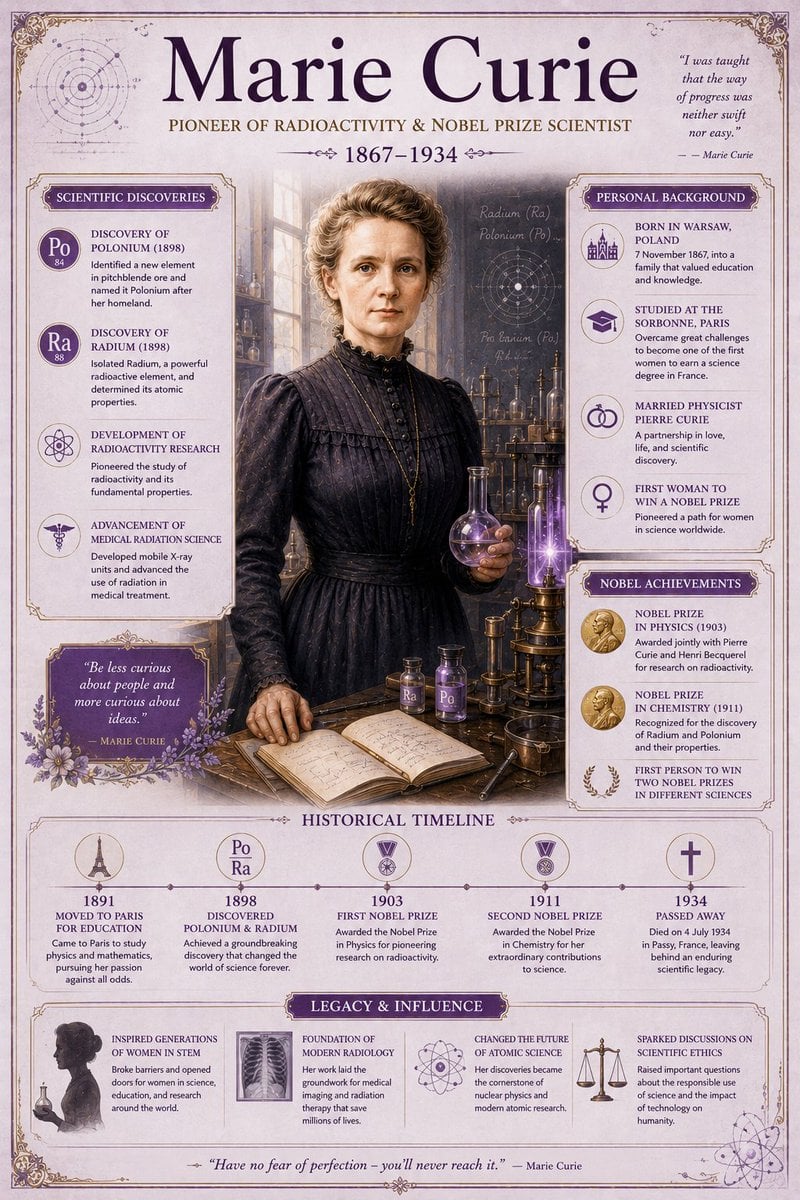
- Prompt included
- Model and format preset
- Free template
The prompt behind this image
Copy the exact prompt behind Vintage Encyclopedia Scientific Infographic, or open it in the studio and make it yours.
Premium Vintage Encyclopedia-Style Educational Infographic: {argument name="subject" default="Marie Curie’s Scientific Legacy"} Create a sophisticated vertical infographic in a historical encyclopedia aesthetic featuring {argument name="person" default="Marie Curie (1867–1934)"}. The design should complement another infographic in a matching visual style while offering a fresh composition and different layout elements. Main Heading “{argument name="title" default="Marie Curie"}” Subtitle: Pioneer of Radioactivity & Nobel Prize Scientist Visual Centerpiece Elegant painted-style portrait of Marie Curie standing inside an early 20th-century laboratory with glowing scientific instruments, notebooks, glass beakers, and subtle radioactive light effects in purple-blue tones. Information Sections Scientific Discoveries Discovery of Polonium (1898) Discovery of Radium Development of radioactivity research Advancement of medical radiation science Personal Background Born in Warsaw, Poland Studied at the Sorbonne, Paris Married physicist Pierre Curie First woman to win a Nobel Prize Nobel Achievements Nobel Prize in Physics (1903) Nobel Prize in Chemistry (1911) First person to win two Nobel Prizes in different sciences Historical Timeline 1891 → Moved to Paris for education 1898 → Discovered Polonium & Radium 1903 → First Nobel Prize 1911 → Second Nobel Prize 1934 → Passed away Legacy & Influence Inspired generations of women in STEM Foundation of modern radiology Changed the future of atomic science Sparked discussions on scientific ethics and radiation safety Design Style Vintage academic encyclopedia layout Soft lavender background (#F0E8F5) Elegant purple accents (#7B5BA8) Serif typography with historical elegance Decorative scientific borders and subtle floral ornaments Muted antique textures and paper grain Lavender-tinted information cards with thin gold or dark purple outlines Layout Composition Large portrait slightly offset to one side Alternating information panels Vertical timeline with glowing date markers Decorative scientific diagrams in background Balanced symmetrical composition suitable for side-by-side comparison with another infographic Art Direction Highly detailed digital illustration, editorial infographic style, premium educational poster, elegant museum-quality design, historically respectful, soft cinematic lighting, refined Victorian scientific atmosphere.
How to use Vintage Encyclopedia Scientific Infographic in 3 steps
- 1
Open
The prompt is already in the box next to the preview, with the template's model and format selected.
- 2…a portrait of your subject in softgolden-hour light, 85mm…
Personalize
Edit the subject and creative details for your destination.
- 3Generate
Generate
Press Generate — your image is created in PicX Studio, so you can compare it with the original and refine one variable at a time.
More like this
Templates with the same subject, style or setup. Open one to see its prompt.

Japan Travel Brochure Poster
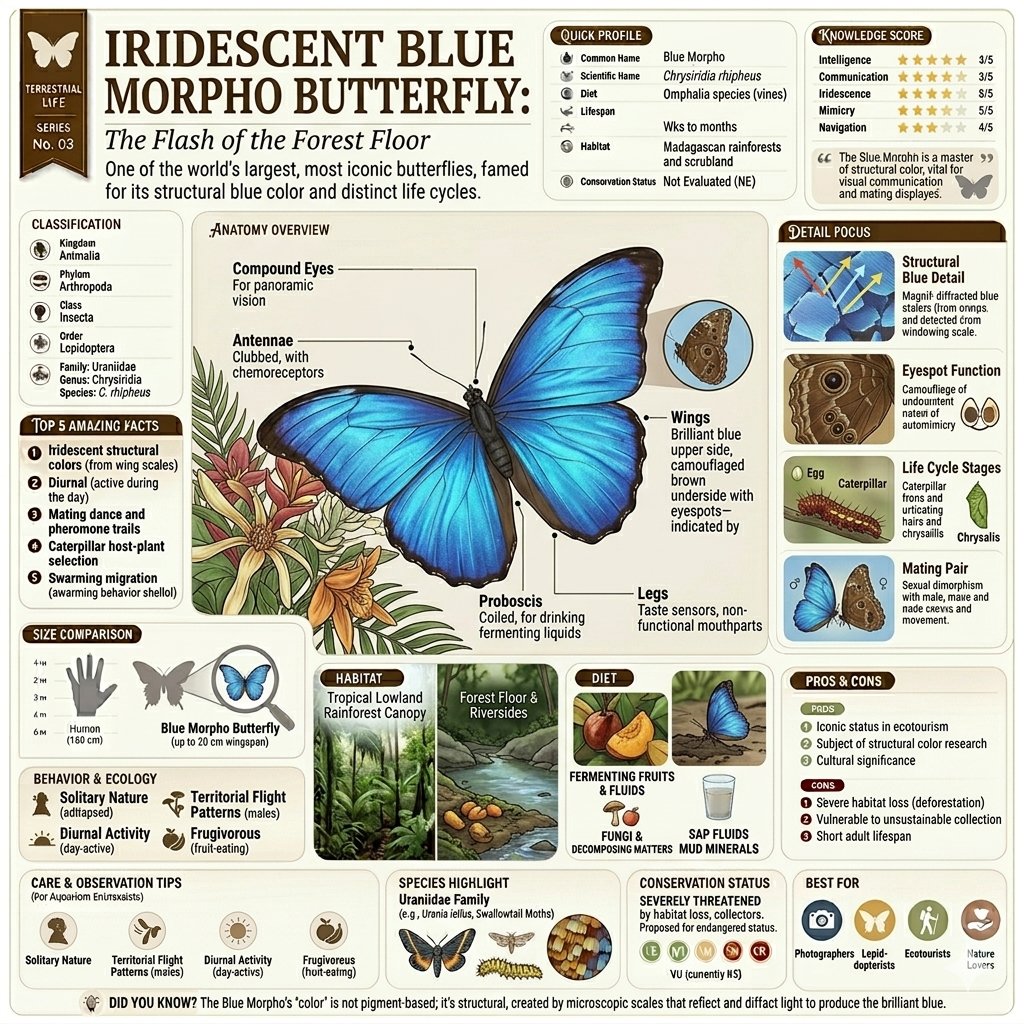
Vintage Encyclopedia Infographic
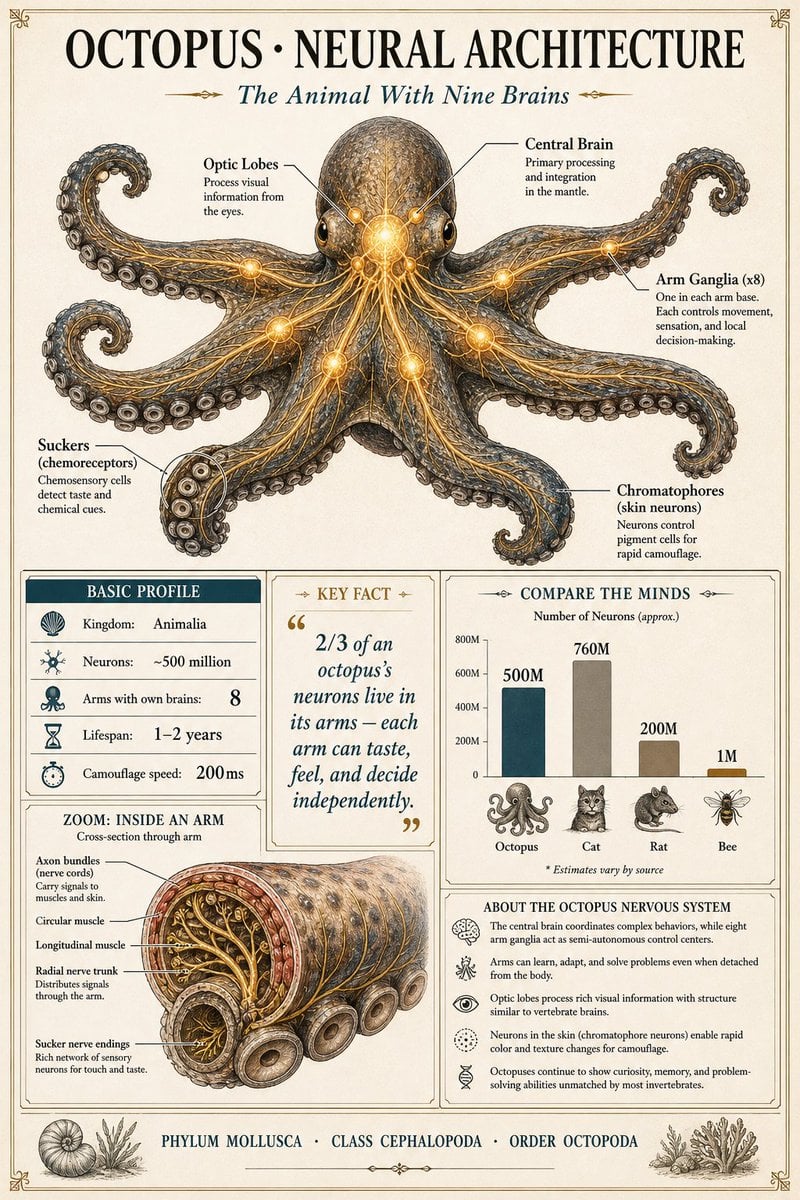
Scientific Encyclopedia Infographic Prompt

Sunday Afternoon, 1988

Two Tickets, One Night

If We Met in 1985

Found Photograph: Us, 1970

One Dance Before Midnight

Before We said Goodbye

Our Song was on a Cassette

Meet Me When It Rains

The Date After College
Make it yours
Vintage Encyclopedia Scientific Infographic works as-is. These are the safest ways to change it without losing the look.
Change one field
Copy a single group, rewrite it, and generate again so you can see what that field is doing.
Keep the frame, change the subject
Hold the composition and light of Vintage Encyclopedia Scientific Infographic, then swap wardrobe, props or the person for a new take.
| If the result… | Why | Fix |
|---|---|---|
| The result drifts from the preview | Too many fields changed at once. | Reuse Vintage Encyclopedia Scientific Infographic as-is first, then change one group — subject, light, or setting. |
| The model over-stylizes the scene | The prose prompt leaves finish and camera underspecified. | Add one camera or lighting sentence and stay on GPT Image 2. |
More GPT Image 2 templates
Other prompts made for GPT Image 2.

Six VTuber Japanese Logo Sheet

Realistic Portrait of Woman and Deer

The Vista Modular Condo Poster

AI Model Routing Comparison Infographic

2.5D Anime Art Board

Isometric Productivity Desk Scene

New York Double Exposure Poster

Four-Panel AI Landscape Comparison

Japanese Tatami Lifestyle Magazine Cover

NESCAFÉ Coffee Map Poster
More image prompts
Fresh picks from across the catalog.
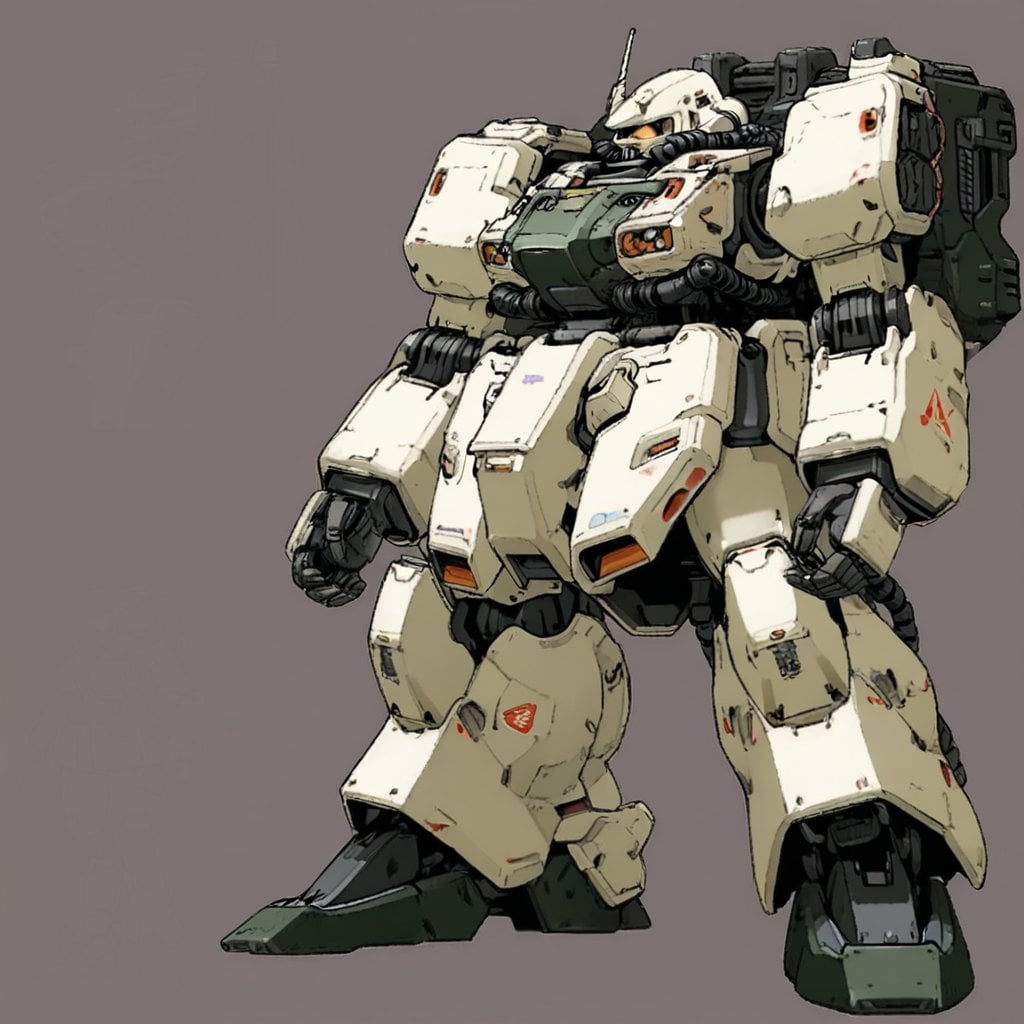
Image Generation Prompt: Internal Structure of a Robot
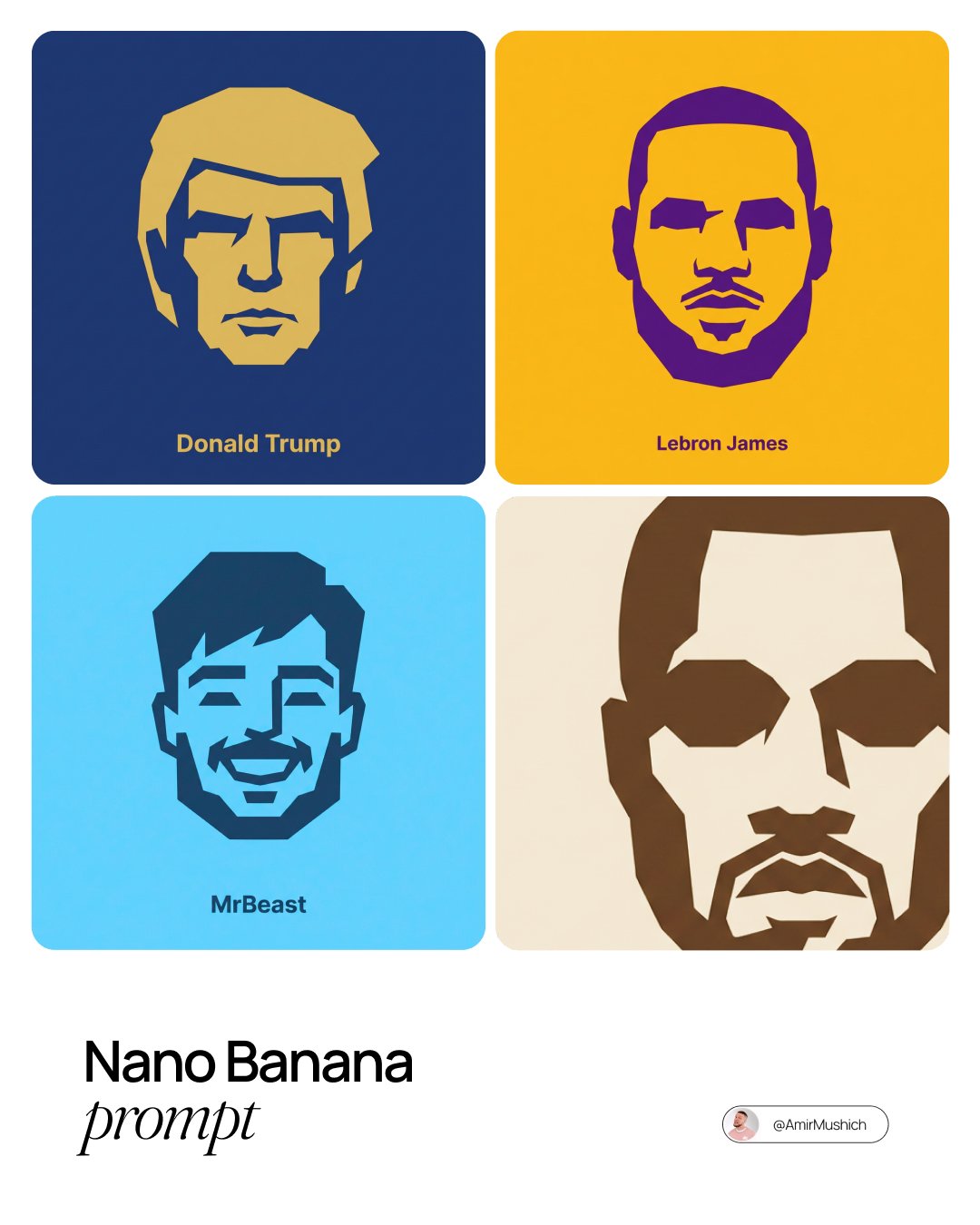
untitled

Image-to-Image Transformation: Arm Wrestling with Popeye
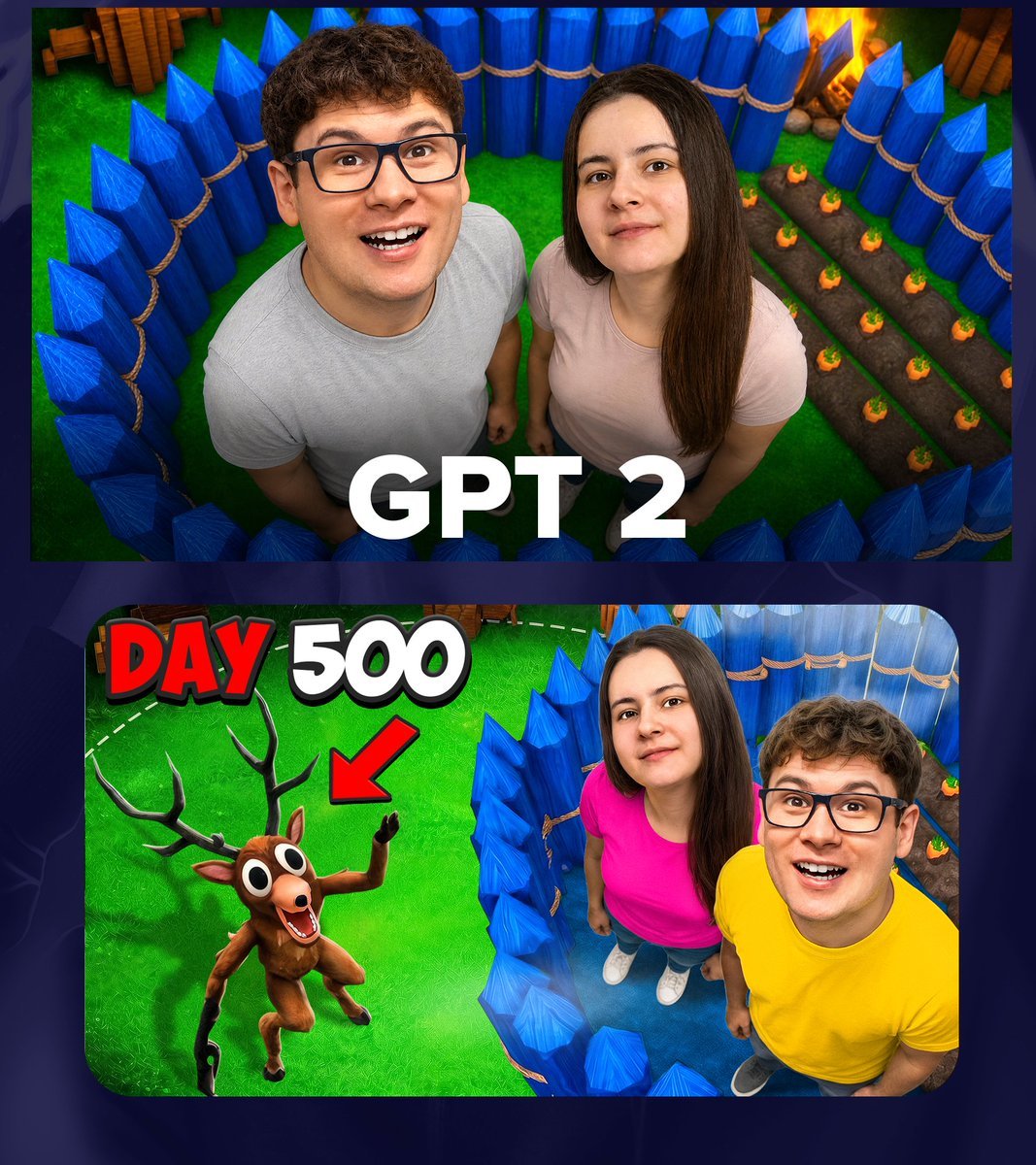
GPT 2 Day 500 Gaming Thumbnail
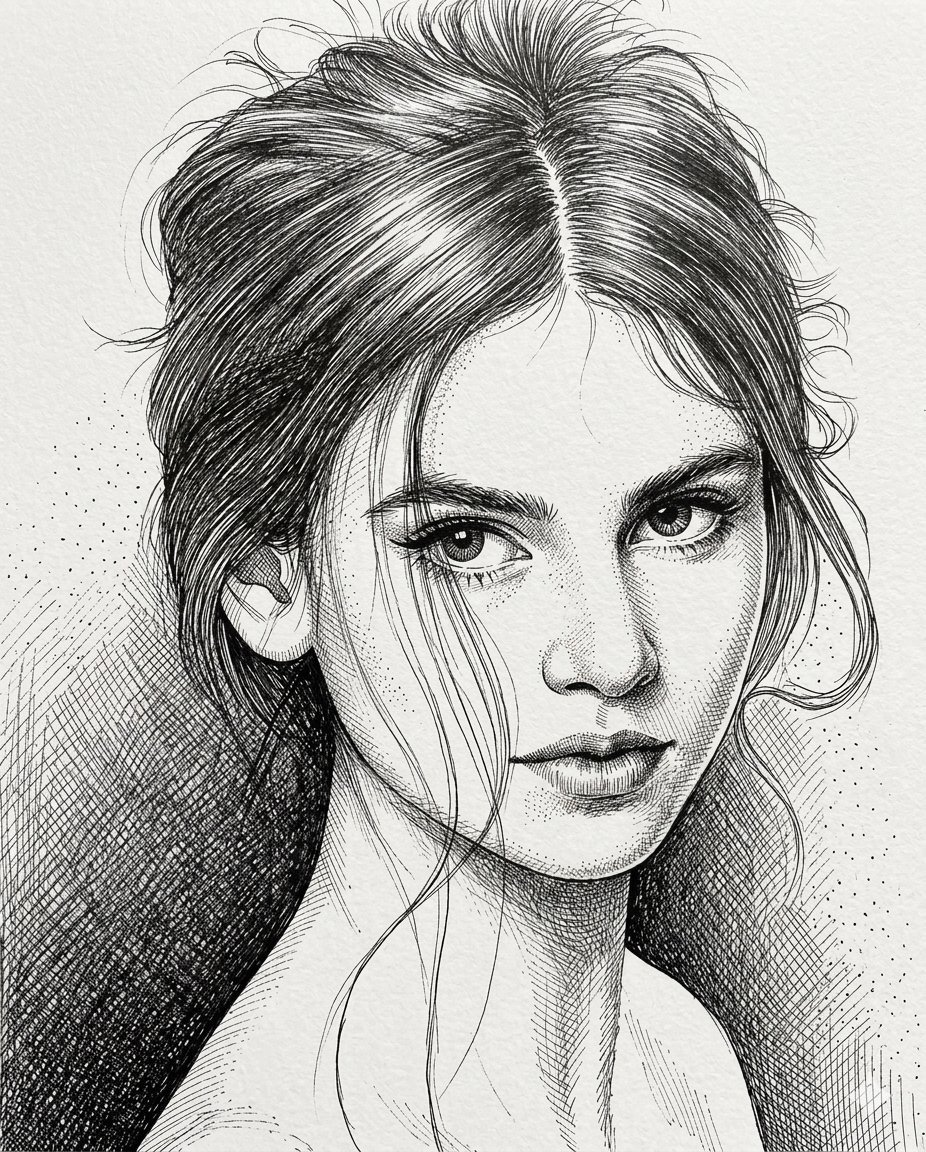
High-Contrast Pen and Ink Portrait

Cinematic Lifestyle Portrait on Urban Promenade

AI Cost Reduction Taoist Talisman
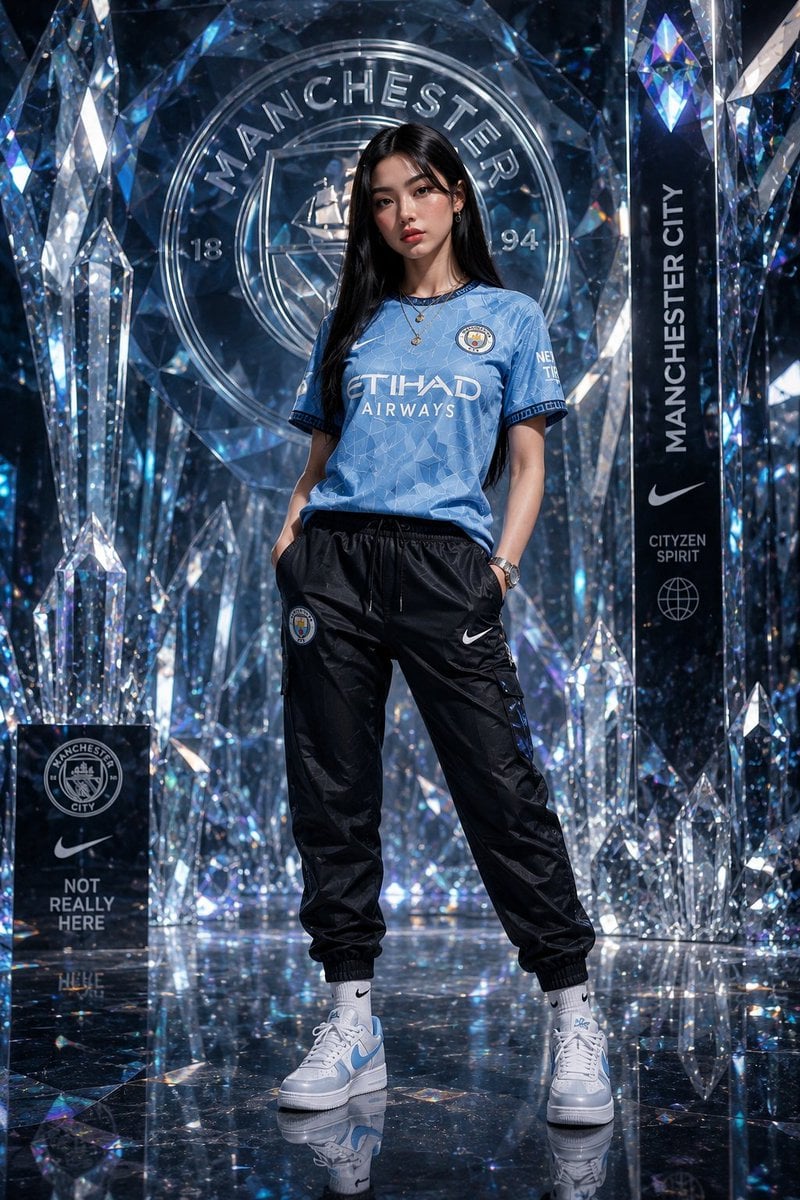
Futuristic Sportswear Fashion in Crystal Palace
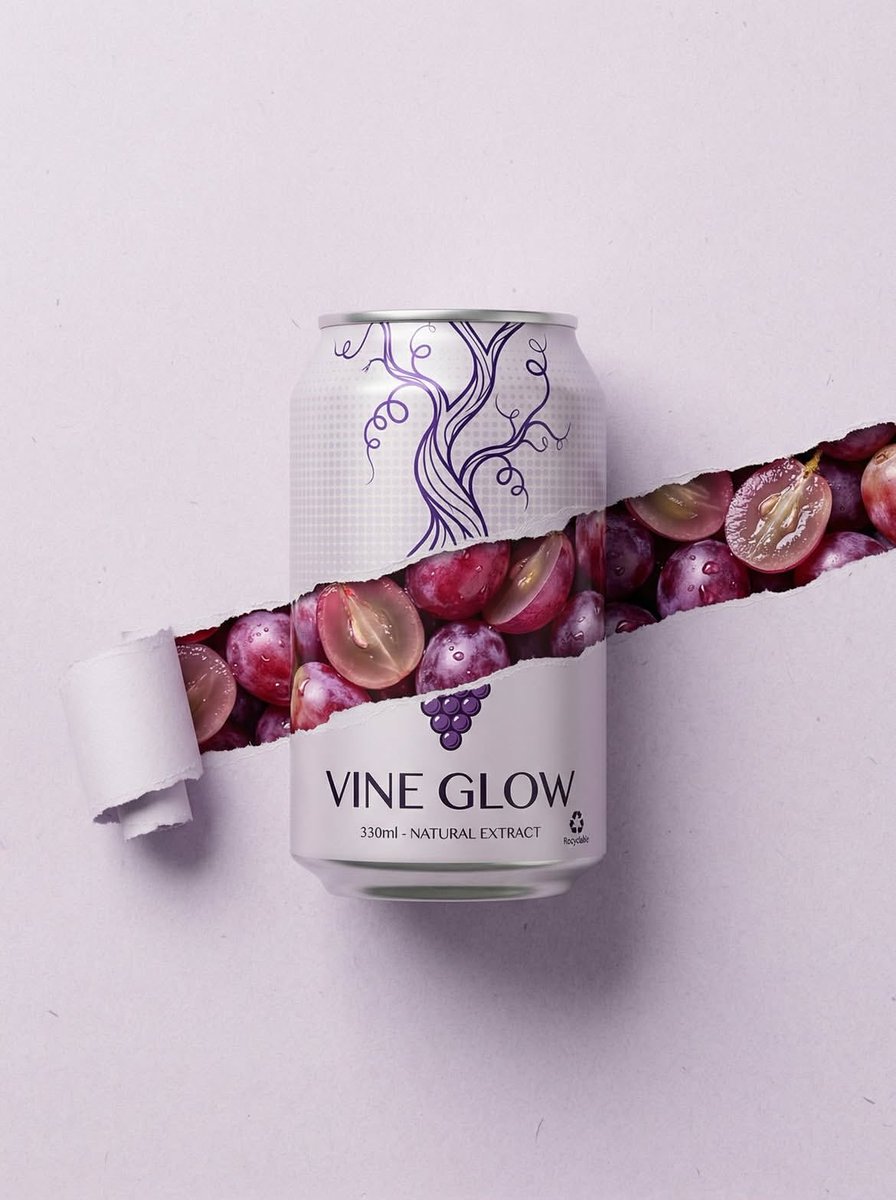
Ripped Paper Effect Beverage Can Mockups
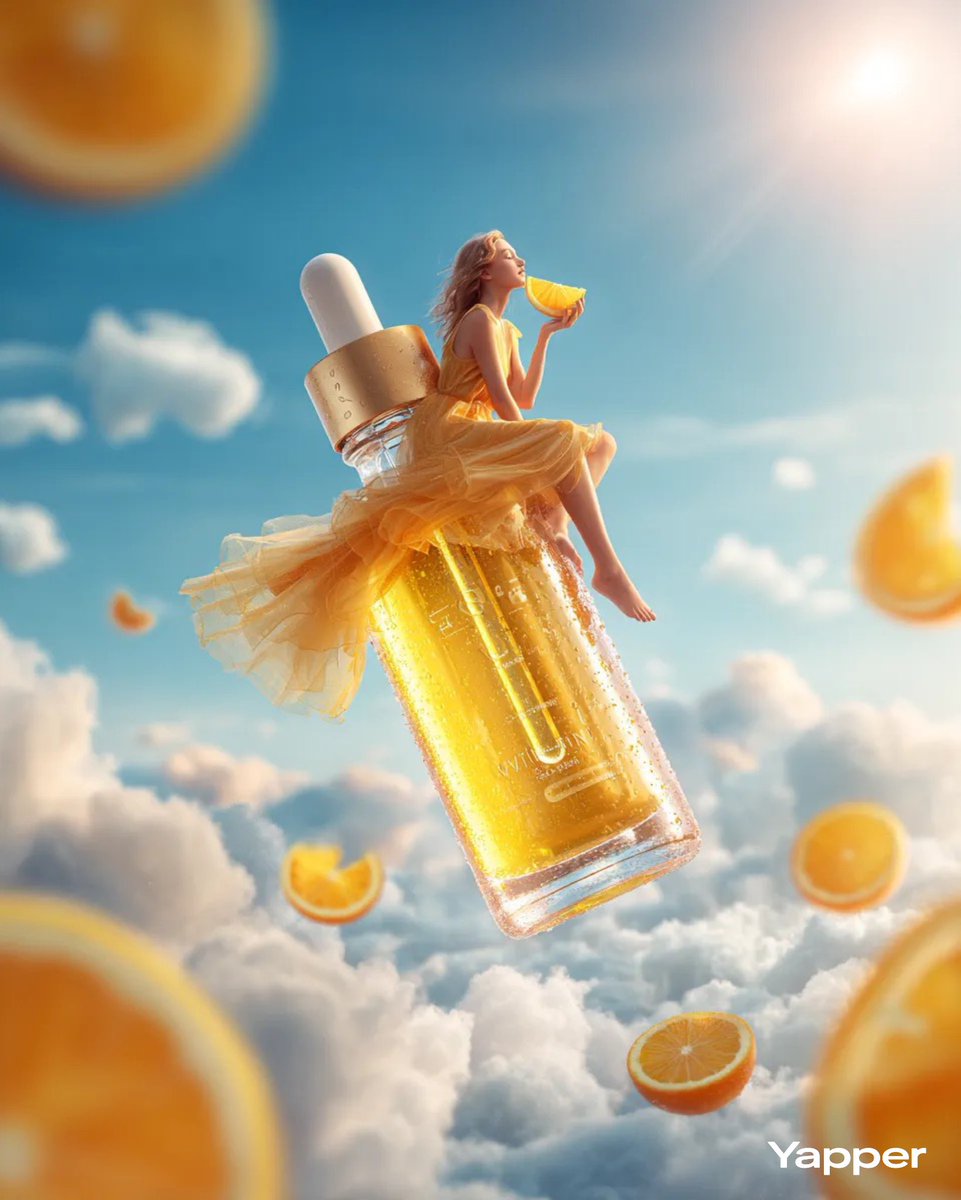
Surreal Skincare Product Ad
Browse template categories
Vintage Encyclopedia Scientific Infographic questions
How do I use the Vintage Encyclopedia Scientific Infographic template?
Add your photo if the template asks for one, edit the prompt if you like — the template's model and format are already selected — and press Generate. Your version opens in PicX Studio.
Can I customize the Vintage Encyclopedia Scientific Infographic template?
Yes. You can change the subject, setting, lighting, mood, format, and available model controls before creating your image.
Is the Vintage Encyclopedia Scientific Infographic template free?
Opening and editing this template is free. Generating uses credits, shown on the Generate button when you are signed in.
Which AI model should I use?
Start with GPT Image 2, which is the model associated with this template. You can compare another compatible model for a different finish.
Looking for something else? Browse all templates.

Your photo, any look
Thousands of ready templates for every top image and video model, from one credit balance.