
Glossy Codex vs Hermes Tech Thumbnail
Generates a dramatic Chinese tech video thumbnail with a presenter comparing Codex and Hermes using glossy cinematic styling.
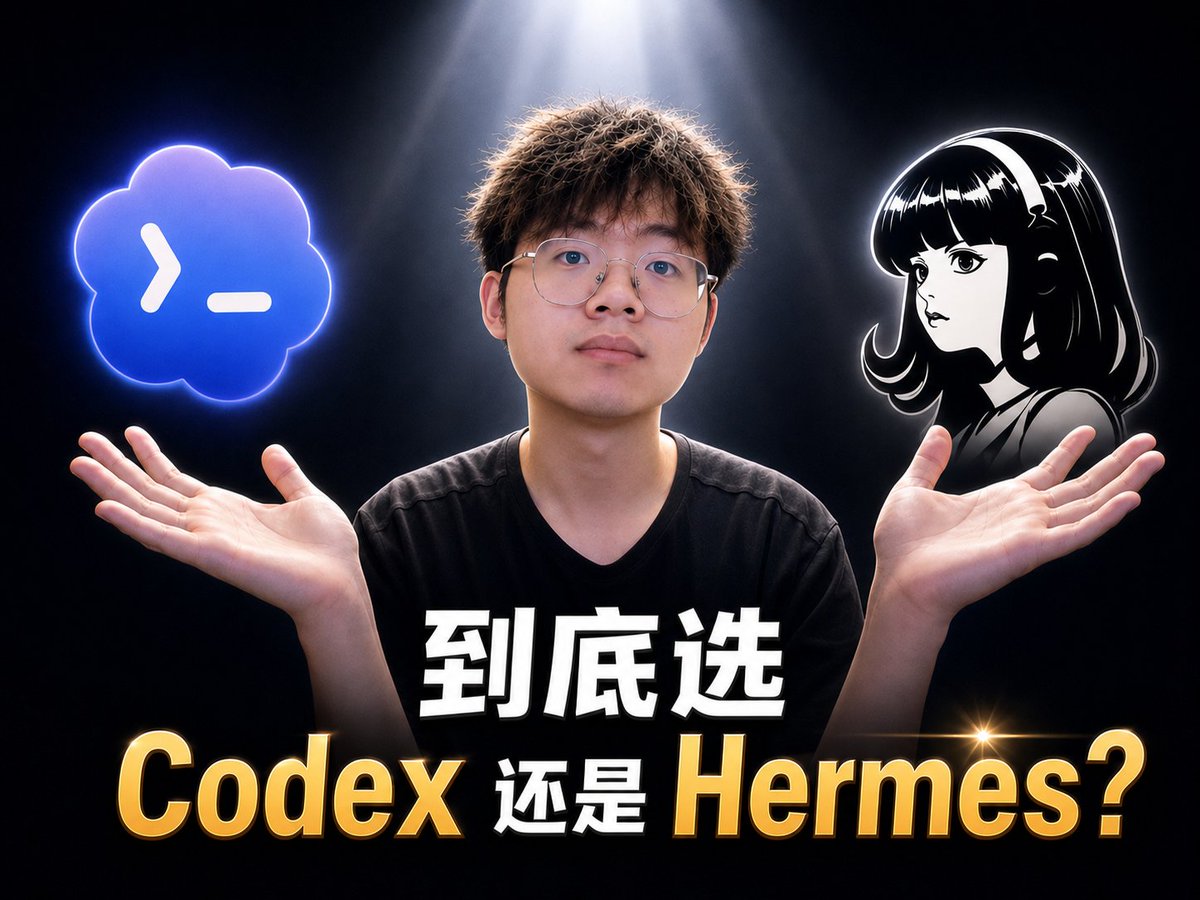
- Prompt included
- Model and format preset
- Premium template
The prompt behind this image
Copy the exact prompt behind Glossy Codex vs Hermes Tech Thumbnail, or open it in the studio and make it yours.
Goal: Create a glossy, high-contrast YouTube-style tech video thumbnail about choosing between {argument name="tool one name" default="Codex"} and {argument name="tool two name" default="Hermes"}. Canvas: 4:3 landscape thumbnail, 1024×768 composition, dark black-to-charcoal studio background with a dramatic white spotlight shining down from the top center, subtle smoky haze, cinematic rim lighting, and a premium “oily” glossy thumbnail look. Layout: Center a young male presenter from chest up, facing camera, wearing a plain black V-neck T-shirt. His face should be intentionally anonymized with a smooth blurred rectangular skin-tone mask. His arms are raised symmetrically, palms open upward as if weighing two choices. Place exactly 2 floating option graphics above his hands: on the left, a glowing blue cloud-shaped terminal icon with a white command prompt symbol; on the right, a black-and-white anime-style female avatar bust with glossy hair and a white outline glow, also anonymized with a small blurred square over the face. Text content: Add exactly 2 stacked text lines across the lower third. Top line: large bold white Chinese text with black shadow, {argument name="top headline text" default="到底选"}. Bottom line: huge mixed gold-and-white text reading {argument name="bottom comparison text" default="Codex 还是 Hermes?"}; make “Codex” and “Hermes?” metallic gold with bevel, gradient, black outline, and drop shadow, while the middle Chinese word stays white. Include one small golden star lens flare near the right side of the word “Hermes”. Subject details: The presenter has short messy brown hair lit by the overhead spotlight, natural hands with visible palms, and a neutral pose suggesting comparison or uncertainty. The left icon should glow electric blue with a neon rim; the right anime avatar should be monochrome with strong white edge highlights. Visual style: Hyper-polished Chinese tech creator thumbnail, sharp subject cutout, intense contrast, glossy 3D text, dramatic lighting, saturated highlights, clean composition, no extra logos, no watermark, no additional text.
How to use Glossy Codex vs Hermes Tech Thumbnail in 3 steps
- 1Upload ImagePNG, JPG or paste
Add your photo
Upload the photo the template builds on. The prompt, model and format are already set.
- 2…a portrait of your subject in softgolden-hour light, 85mm…
Personalize
Edit the subject and creative details for your destination.
- 3Generate
Generate
Press Generate — your image is created in PicX Studio, so you can compare it with the original and refine one variable at a time.
More like this
Templates with the same subject, style or setup. Open one to see its prompt.

Futuristic Chrome Helmet Fashion Portrait

Codex Jigsaw Puzzle Tech Banner

Glossy Potted Plant Asset
Glossy 3D Website Category Icons
Glossy Tonkatsu Food Photo
Glossy Designer Toy Floating Head
Photorealistic Codex Token Coins

Anime Skywork MV Thumbnail
Glossy Brand Achievement Badge

Cute Floating Glossy Space Tabby Cat

A small chili plant with glossy green leaves and one tiny white flower
Made of smooth inflated glossy vinyl plastic, ultra-realistic 3D render
Make it yours
Glossy Codex vs Hermes Tech Thumbnail works as-is. These are the safest ways to change it without losing the look.
Change one field
Copy a single group, rewrite it, and generate again so you can see what that field is doing.
Keep the frame, change the subject
Hold the composition and light of Glossy Codex vs Hermes Tech Thumbnail, then swap wardrobe, props or the person for a new take.
| If the result… | Why | Fix |
|---|---|---|
| The result drifts from the preview | Too many fields changed at once. | Reuse Glossy Codex vs Hermes Tech Thumbnail as-is first, then change one group — subject, light, or setting. |
| The model over-stylizes the scene | The prose prompt leaves finish and camera underspecified. | Add one camera or lighting sentence and stay on GPT Image 2. |
More GPT Image 2 templates
Other prompts made for GPT Image 2.

Six VTuber Japanese Logo Sheet

Realistic Portrait of Woman and Deer

The Vista Modular Condo Poster

AI Model Routing Comparison Infographic

2.5D Anime Art Board

Isometric Productivity Desk Scene

New York Double Exposure Poster

Four-Panel AI Landscape Comparison

Japanese Tatami Lifestyle Magazine Cover

NESCAFÉ Coffee Map Poster
More image prompts
Fresh picks from across the catalog.
Anime Miko Night Shrine Livestream
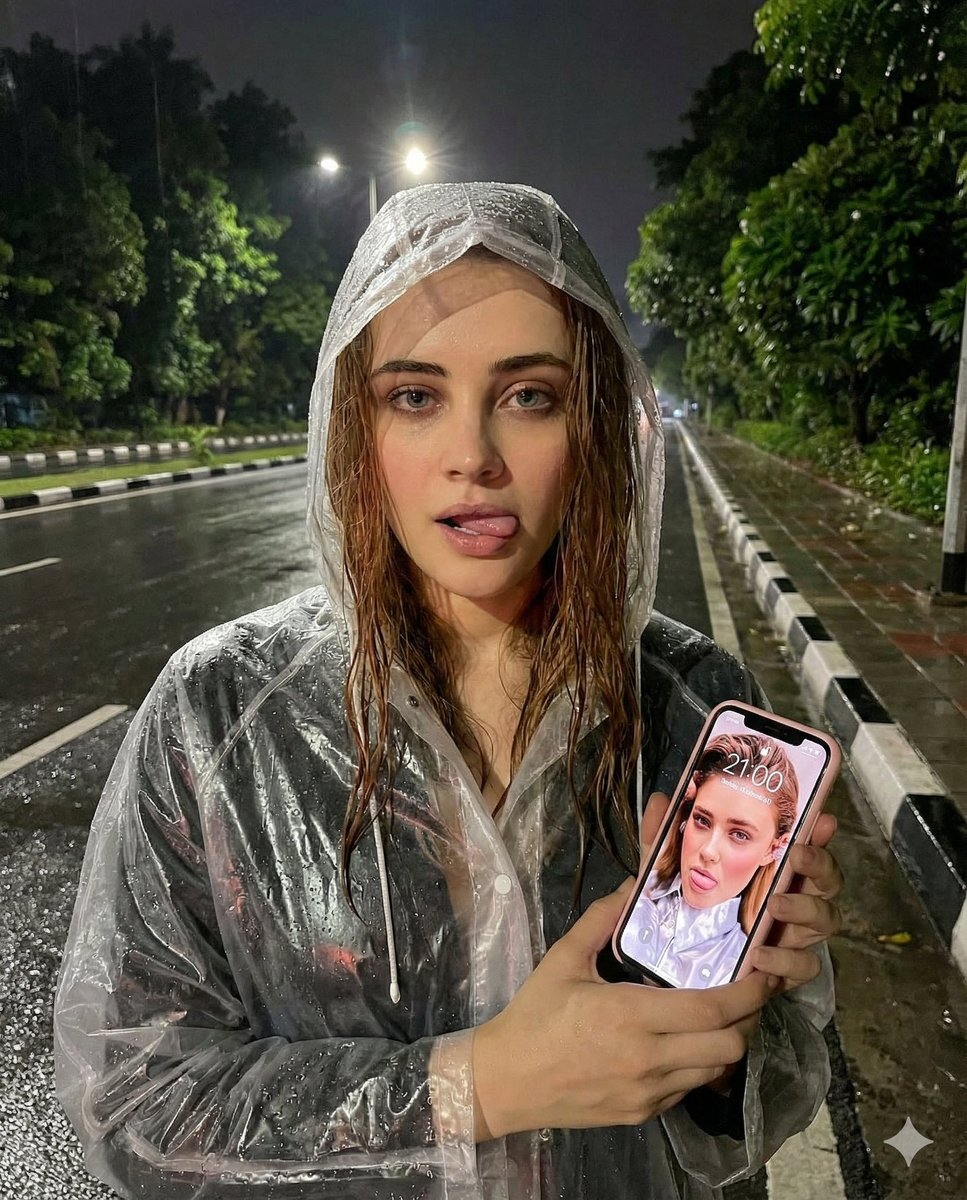
Nighttime Rain Selfie with iPhone Reflection

Starry Desert Cafe Narrative
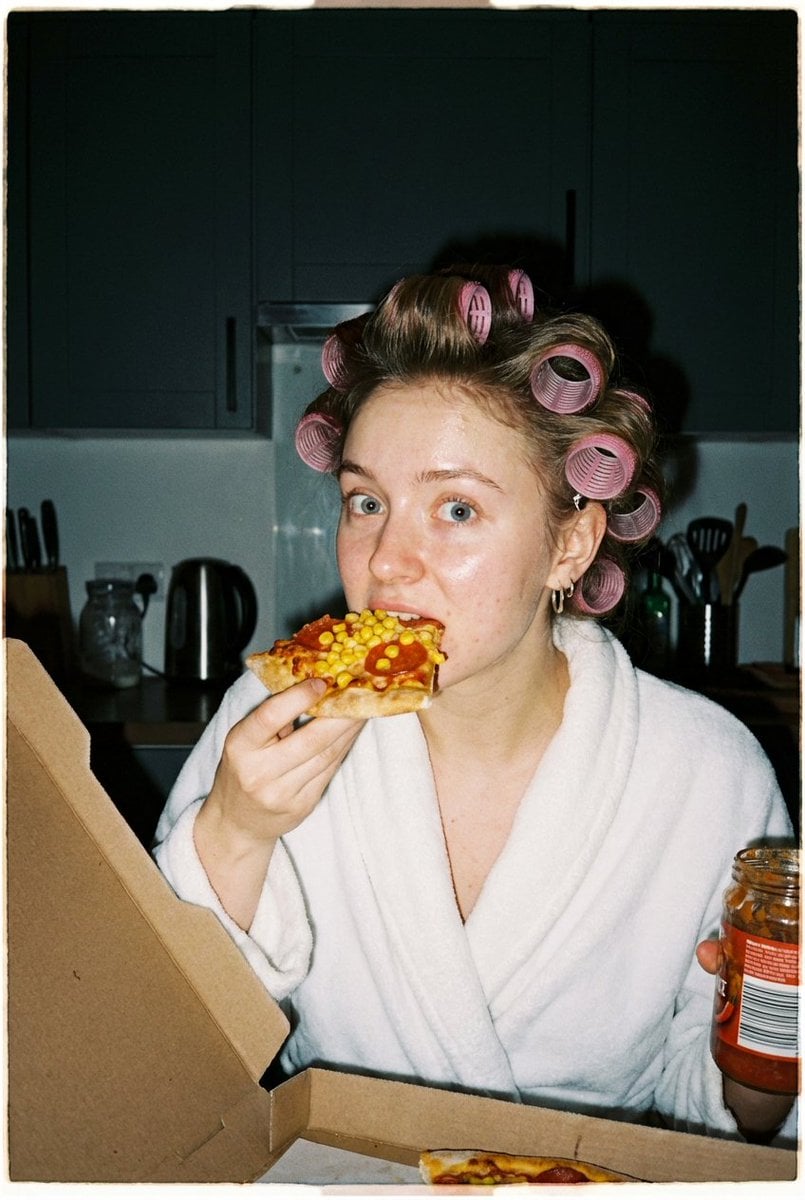
Ultra Photorealistic Candid Flash Portrait of a Woman Eating Pizza
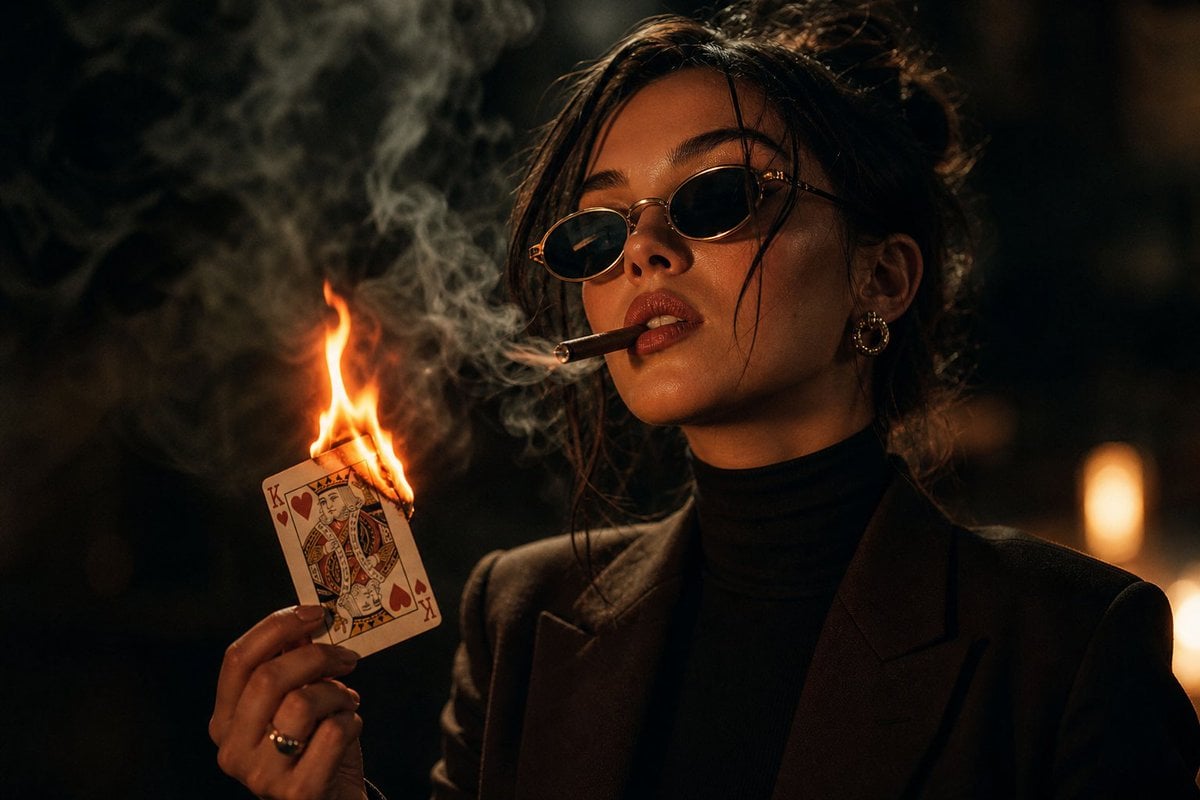
Moody Noir Portrait
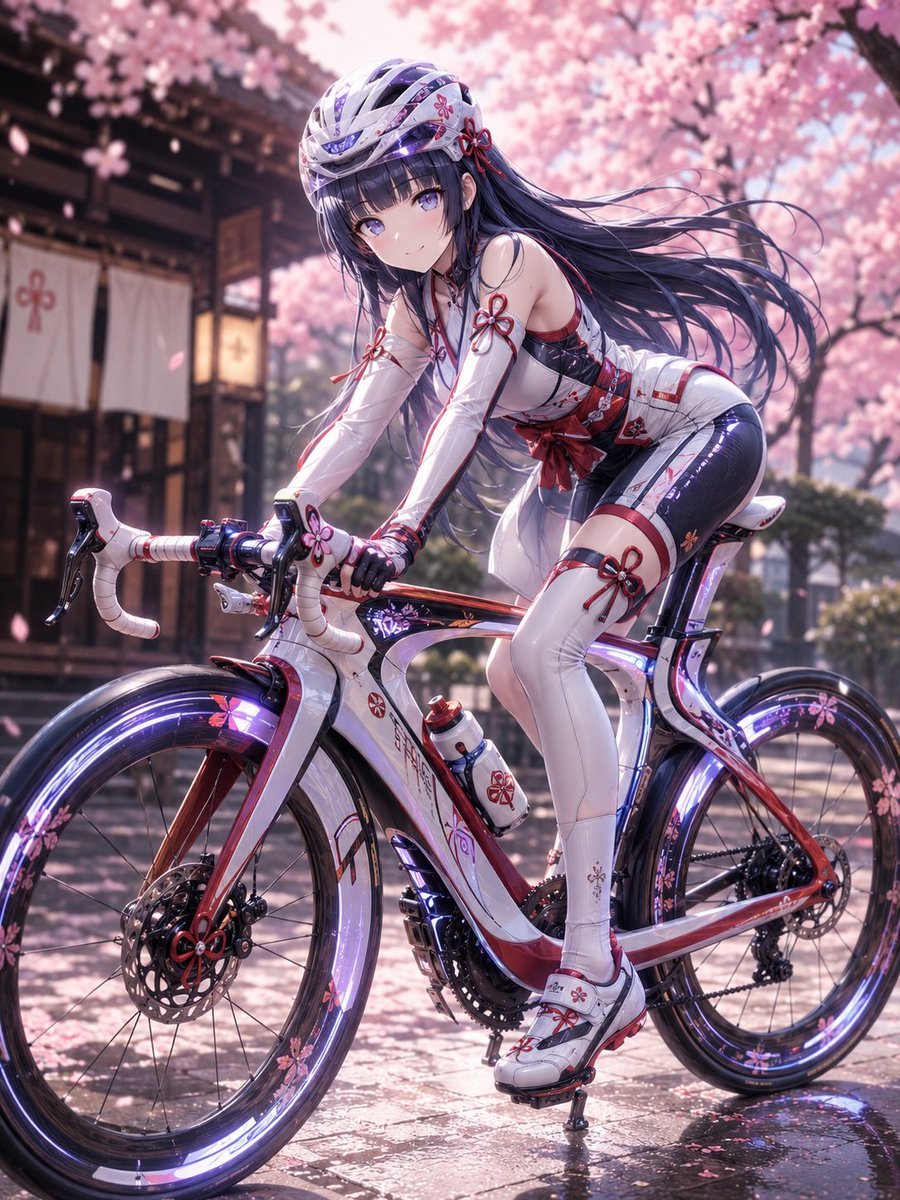
Premium Anime Bicycle Gear Design

Premium Dark Horizon Product Reveal Prompt

Amateur iPhone Photo Portrait with Accurate Face Reference

Private Terminal Lounge Elegance
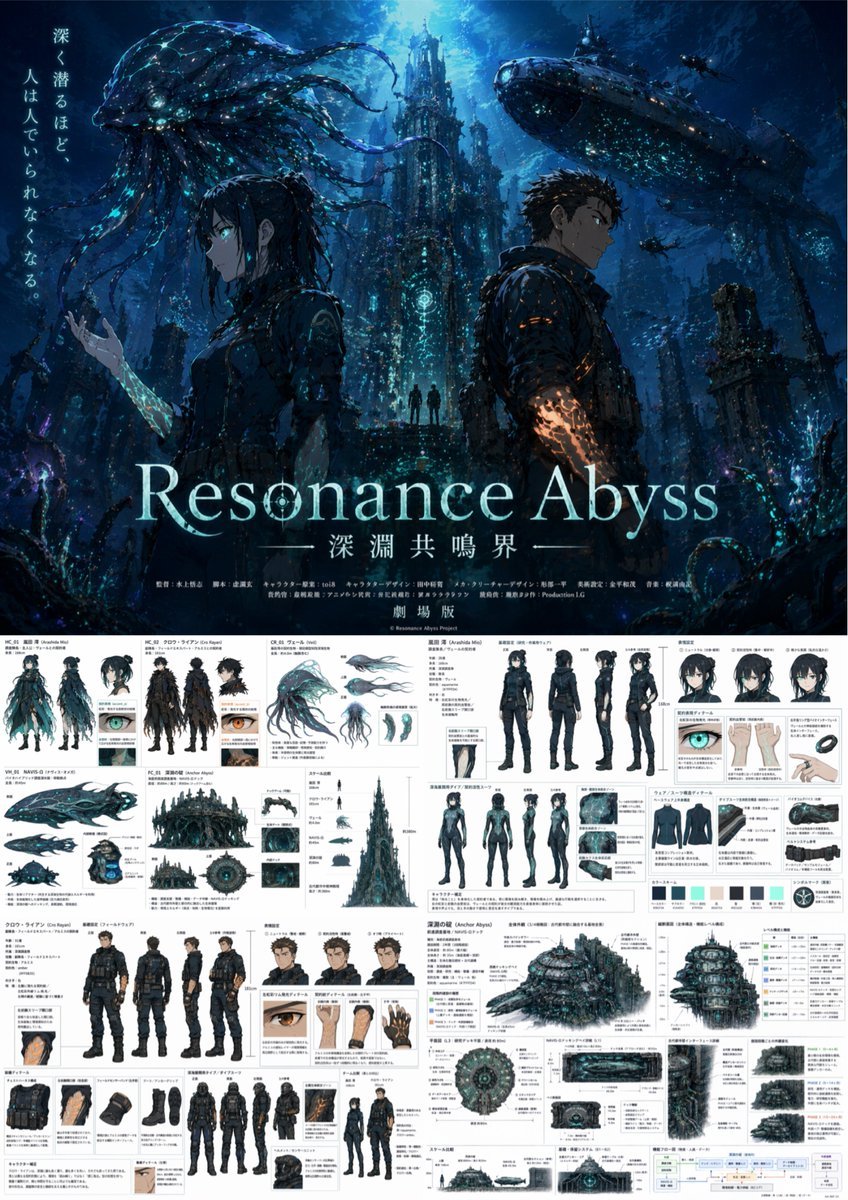
Anime Poster & Concept Art Sheet
Browse template categories
Glossy Codex vs Hermes Tech Thumbnail questions
How do I use the Glossy Codex vs Hermes Tech Thumbnail template?
Add your photo if the template asks for one, edit the prompt if you like — the template's model and format are already selected — and press Generate. Your version opens in PicX Studio.
Can I customize the Glossy Codex vs Hermes Tech Thumbnail template?
Yes. You can change the subject, setting, lighting, mood, format, and available model controls before creating your image.
Is the Glossy Codex vs Hermes Tech Thumbnail template free?
Opening and editing this template is free. Generating uses credits, shown on the Generate button when you are signed in.
Which AI model should I use?
Start with GPT Image 2, which is the model associated with this template. You can compare another compatible model for a different finish.
Looking for something else? Browse all templates.

Your photo, any look
Thousands of ready templates for every top image and video model, from one credit balance.