
Moonlit Anime Woman in Ornate Kimono
A detailed prompt for generating a vertical anime portrait of an elegant woman in East Asian fantasy clothing against a moonlit lantern-and-flower backdrop.
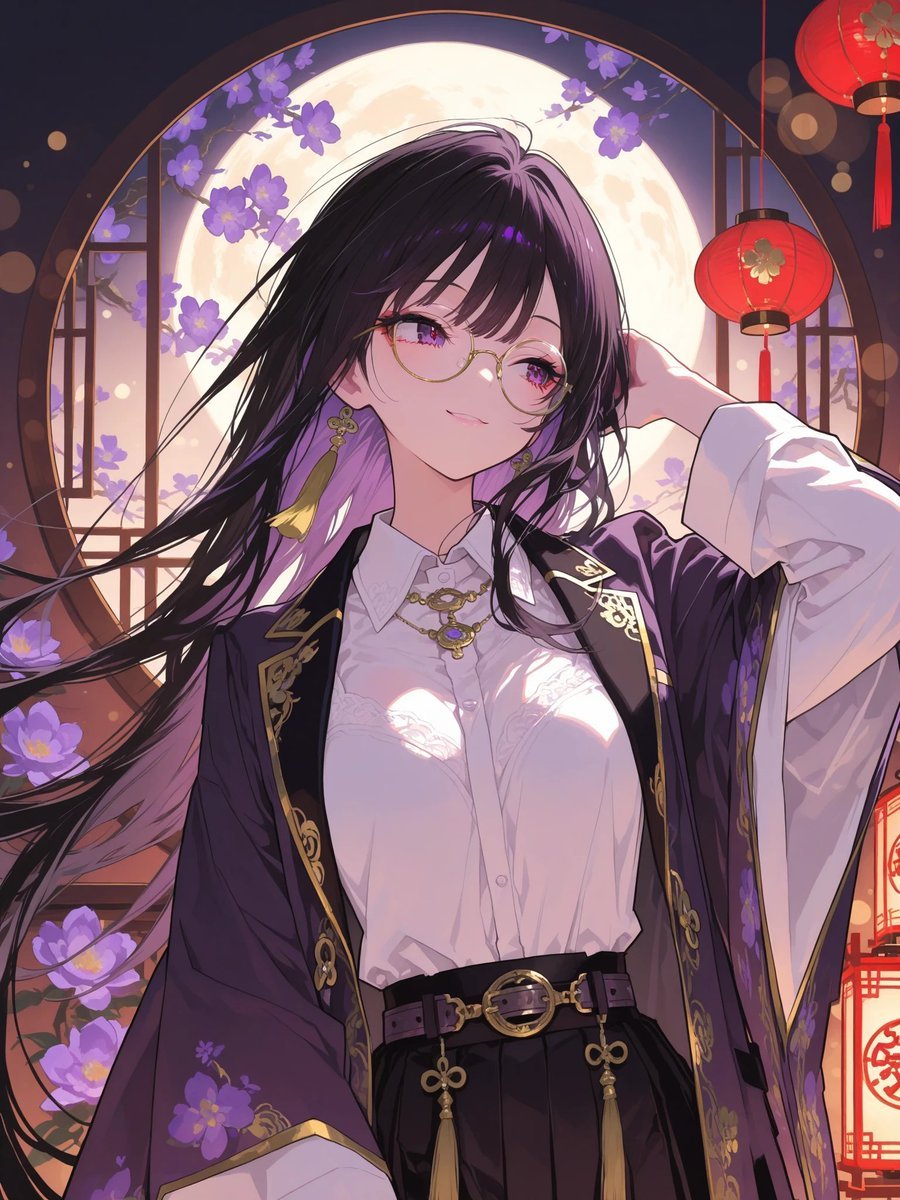
- Prompt included
- Model and format preset
- Free template
The prompt behind this image
Copy the exact prompt behind Moonlit Anime Woman in Ornate Kimono, or open it in the studio and make it yours.
Create a polished vertical anime illustration of a beautiful young woman in an ornate East Asian fantasy setting, waist-up portrait, centered composition. She has very long flowing {argument name="hair color" default="black hair with purple highlights"} blowing dramatically to the left, with a few strands across her face, and her face is intentionally covered by a flat opaque mauve-pink square censor block centered over the eyes, nose, and mouth. She wears a crisp white button-up blouse with subtle lace details and glossy moonlit highlights, a dark purple open kimono-style outer robe with wide sleeves, gold trim, embroidered floral and ornamental patterns, a black high-waisted skirt, and a black belt with gold rings, tassels, and decorative clasps. Add gold jewelry: a necklace with an ornate pendant and dangling earrings with yellow tassels. Her right arm is raised behind her head in a graceful pose, while the other arm is relaxed and partly hidden by the robe. The background is a luminous round moon framed by a circular window, with purple flowering branches around the window, dark wooden lattice details, warm bokeh lights, and exactly two visible red hanging lanterns on the right side, one near the upper corner and one lower along the edge. Use a dreamy nighttime palette of deep navy, violet, lavender, warm gold, and lantern red. The lighting should be romantic and cinematic, with bright moon backlight, soft rim light on hair and clothing, delicate sparkles, crisp line art, highly detailed fabric folds, glossy highlights, and an elegant illustrious anime style. No extra characters, no text, no watermark.
How to use Moonlit Anime Woman in Ornate Kimono in 3 steps
- 1Upload ImagePNG, JPG or paste
Add your photo
Upload the photo the template builds on. The prompt, model and format are already set.
- 2…a portrait of your subject in softgolden-hour light, 85mm…
Personalize
Edit the subject and creative details for your destination.
- 3Generate
Generate
Press Generate — your image is created in PicX Studio, so you can compare it with the original and refine one variable at a time.
More like this
Templates with the same subject, style or setup. Open one to see its prompt.








Make it yours
Moonlit Anime Woman in Ornate Kimono works as-is. These are the safest ways to change it without losing the look.
Change one field
Copy a single group, rewrite it, and generate again so you can see what that field is doing.
Keep the frame, change the subject
Hold the composition and light of Moonlit Anime Woman in Ornate Kimono, then swap wardrobe, props or the person for a new take.
| If the result… | Why | Fix |
|---|---|---|
| The result drifts from the preview | Too many fields changed at once. | Reuse Moonlit Anime Woman in Ornate Kimono as-is first, then change one group — subject, light, or setting. |
| The model over-stylizes the scene | The prose prompt leaves finish and camera underspecified. | Add one camera or lighting sentence and stay on GPT Image 2. |
More GPT Image 2 templates
Other prompts made for GPT Image 2.

Six VTuber Japanese Logo Sheet

Realistic Portrait of Woman and Deer

The Vista Modular Condo Poster

AI Model Routing Comparison Infographic

2.5D Anime Art Board

Isometric Productivity Desk Scene

New York Double Exposure Poster

Four-Panel AI Landscape Comparison

Japanese Tatami Lifestyle Magazine Cover

NESCAFÉ Coffee Map Poster
More image prompts
Fresh picks from across the catalog.
Street Market Portrait with Urban Bokeh
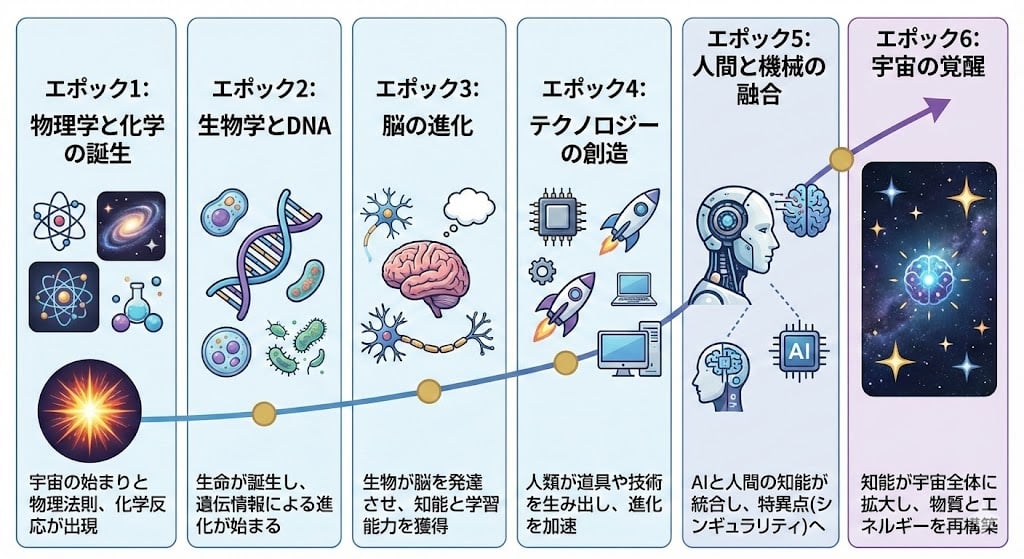
Illustration explaining Kurzweil’s six epochs in Japanese
Character Promotion Poster Framework

8K High-Fashion Cinematic Portrait with Warm Lighting

Cute 3d Stylized Runner in Clay Style
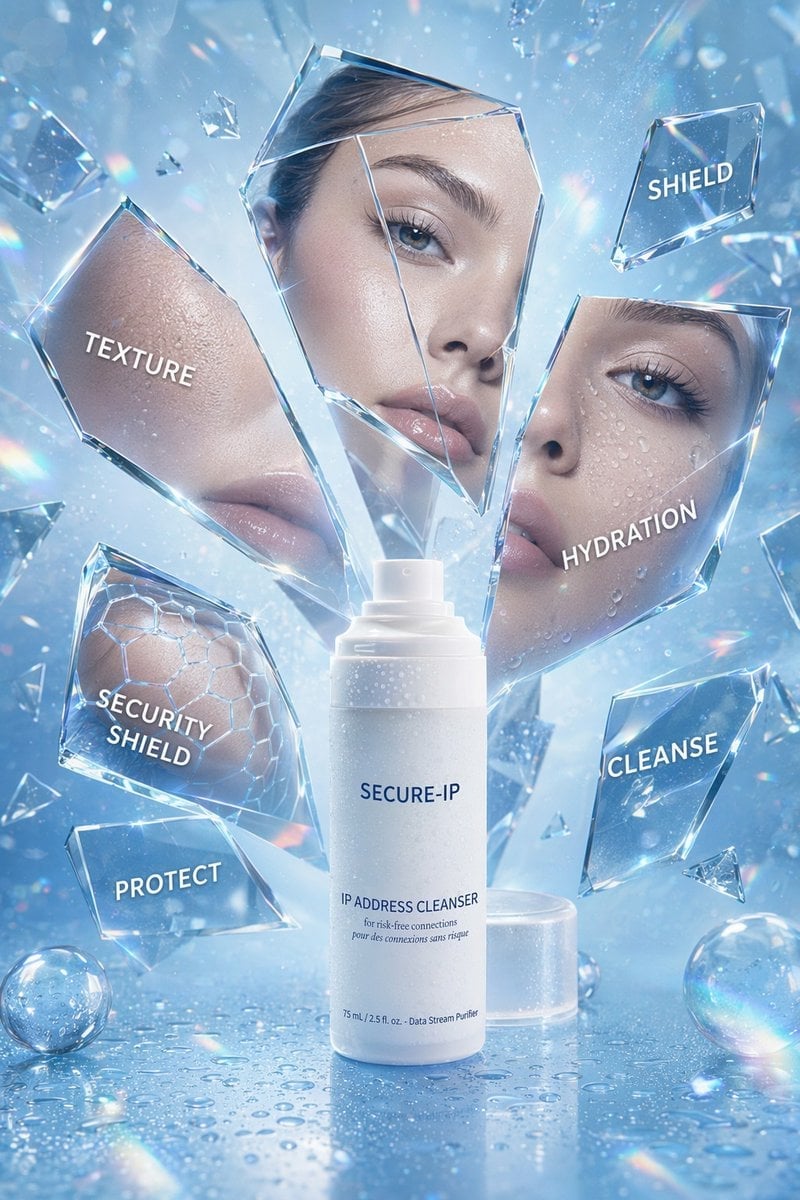
Futuristic Cyber Skincare Product Ad

Stylized 3D Cartoon Portrait with Realistic Textures
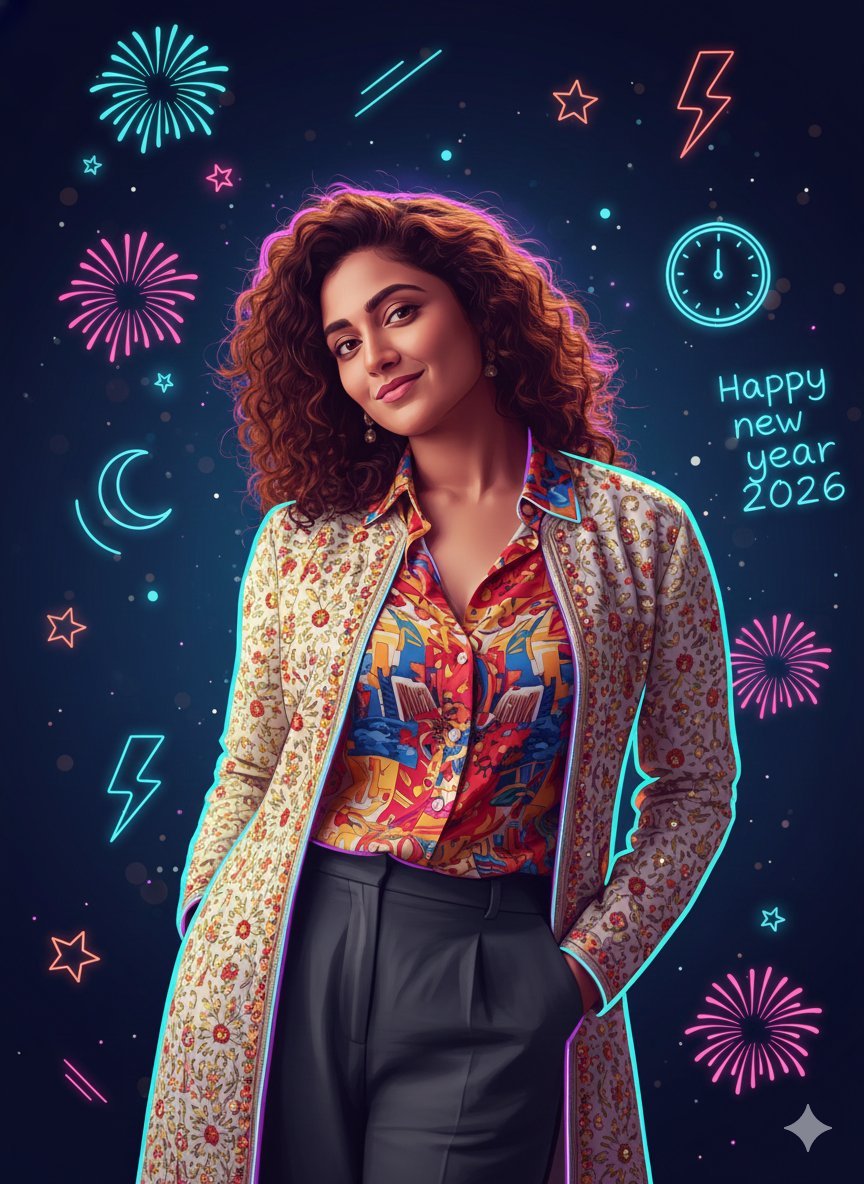
Sigma Dark Neon New Year 2026 Doodle Illustration Prompt
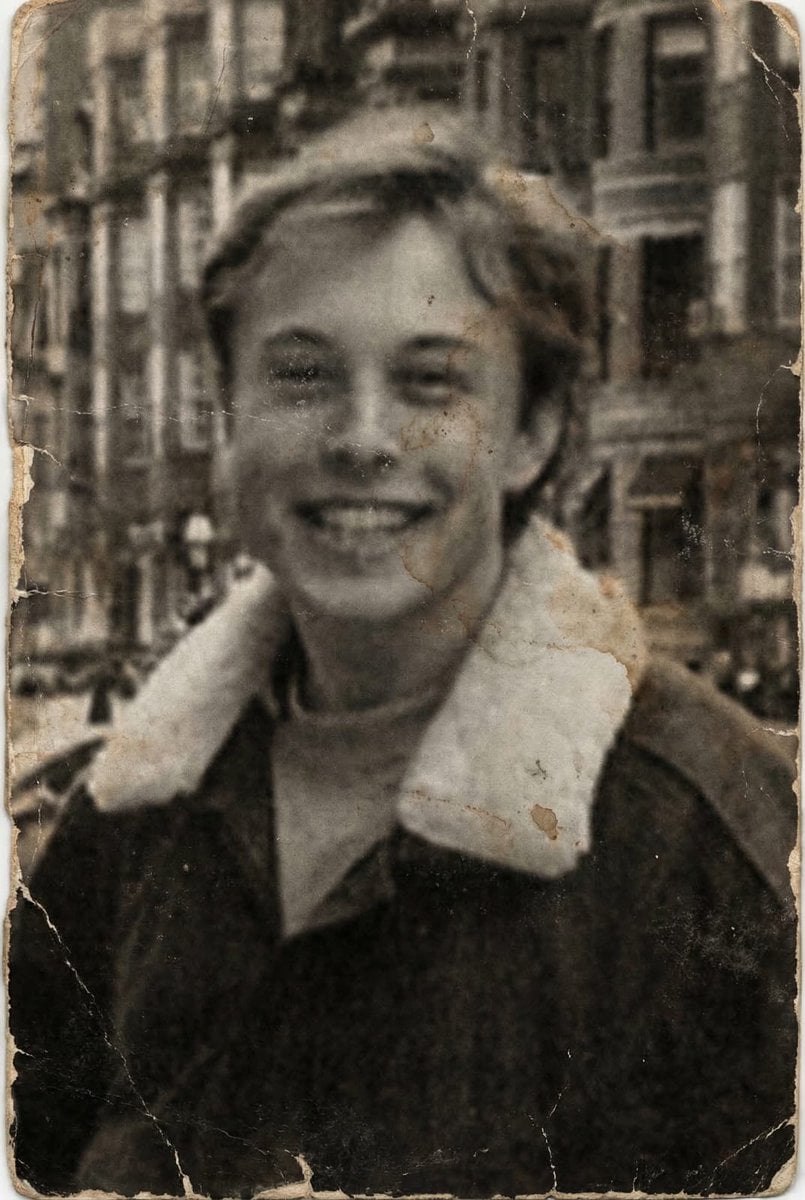
Professional Photo Restoration and Upscaling
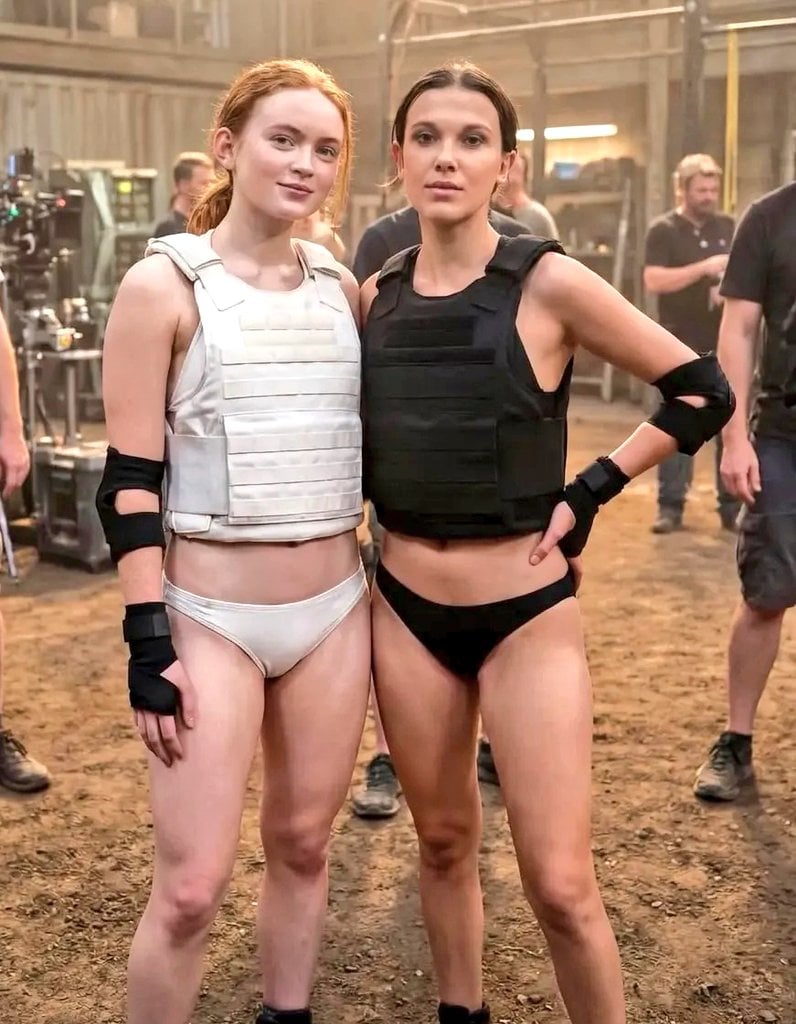
Cinematic Photo of Tactical Female Characters
Browse template categories
Moonlit Anime Woman in Ornate Kimono questions
How do I use the Moonlit Anime Woman in Ornate Kimono template?
Add your photo if the template asks for one, edit the prompt if you like — the template's model and format are already selected — and press Generate. Your version opens in PicX Studio.
Can I customize the Moonlit Anime Woman in Ornate Kimono template?
Yes. You can change the subject, setting, lighting, mood, format, and available model controls before creating your image.
Is the Moonlit Anime Woman in Ornate Kimono template free?
Opening and editing this template is free. Generating uses credits, shown on the Generate button when you are signed in.
Which AI model should I use?
Start with GPT Image 2, which is the model associated with this template. You can compare another compatible model for a different finish.
Looking for something else? Browse all templates.

Your photo, any look
Thousands of ready templates for every top image and video model, from one credit balance.