
Pixel Game Asset Atlas Template
A comprehensive professional template for generating high-density 16-bit pixel art asset sheets for game development, including characters, animations, and environments.
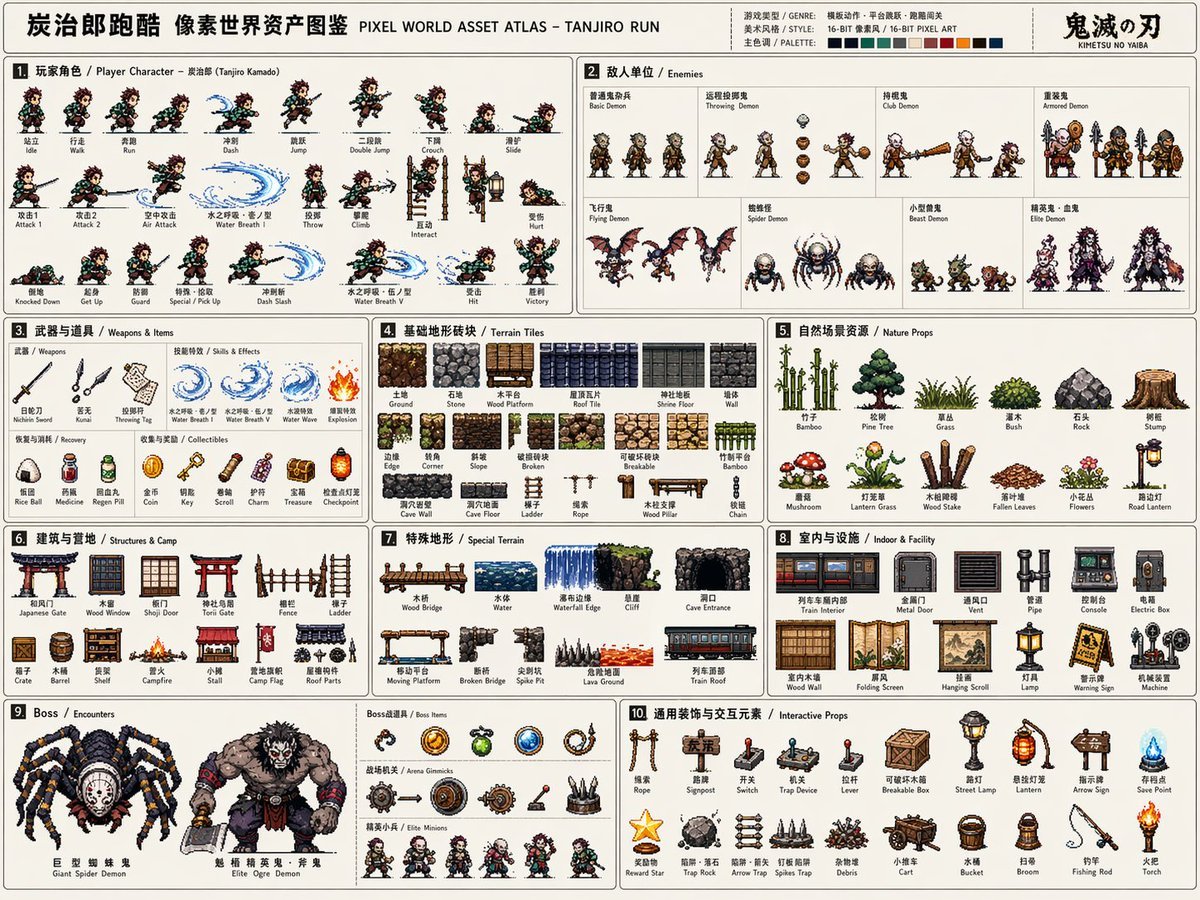
- Prompt included
- Model and format preset
- Free template
The prompt behind this image
Copy the exact prompt behind Pixel Game Asset Atlas Template, or open it in the studio and make it yours.
Based on 【Game theme: {argument name="game theme" default="Demon Slayer / Tanjiro"}】, create a highly finished, information-dense "Pixel World Asset Atlas" suitable for serialized publication. This is not an ordinary pixel-art illustration, nor a single game-scene image, but a "2D pixel-game asset overview" aimed at game development, art direction, level design, and visual proposals. The image should look like a complete game-asset reference sheet, systematically organizing, into a single image, the core characters, enemies, items, terrain, scenery, mechanisms, bosses, and decorative elements needed for a 【Game type: {argument name="game type" default="side-scrolling action"}】, forming a clear, professional, reusable game-asset atlas. 【Base Settings】 World/theme: 【Game theme】 Game type: 【Game type】 Era/setting: 【Era/setting】 Protagonist identity: 【Protagonist identity】 Enemy types: 【Enemy types】 Main scene: 【Main scene environment】 Overall style: 【Style direction, e.g. {argument name="style" default="16-bit retro arcade pixel style"}】 Primary color: 【Primary color】 Secondary color: 【Secondary color】 Accent color: 【Accent color】 Aspect ratio: 【Aspect ratio, landscape 4:3】 If a field is left blank, automatically match it to the optimal choice for the game theme. 【Overall Image Requirements】 Use a large, landscape-orientation canvas, with a light or low-distraction background, so the overall image looks like a game-development asset sheet, an unfolded page from a pixel-art setting book, or a manual-style resource catalog. All elements should be 2D pixel-art sprites of a consistent pixel density, with clear black or dark outlines, a limited color palette, and a retro-game texture. Do not generate a photorealistic style, a 3D-rendered style, a thickly painted illustration style, or a movie-poster style. The focus should be "a complete system, clear categorization, rich resources, and a strong sense of being development-ready." 【Layout Structure】 Use a modular grid layout for the whole image, dividing the different resource areas with thin lines. Each area needs a numbered title and a short category label, with an overall reading path from left to right, top to bottom. The layout should have the orderliness of a manual, a game-development document, an asset atlas, or a setting board. Information density should be high, but not chaotic; elements within each module should be evenly spaced, keeping things clear and legible. 【Required Modules】 1. Player character module: show complete action frames, including standing, walking/running, jumping, etc. The action frames should be arranged horizontally, like a game sprite sheet. 2. Enemy unit module: design multiple enemy types, including regular, ranged, heavy, and elite units. 3. Weapons and items module: show melee weapons, ranged weapons, thrown items, special effects, and pickups. 4. Basic terrain tile module: show ground, walls, platforms, corners, and tiles of different materials. 5. Nature / outdoor scenery resource module: show trees, grass clusters, rocks, and obstacles. 6. Building / base / camp resource module: show doors, windows, walls, ladders, and camp facilities. 7. Special terrain module: show bridges, bodies of water, cliffs, and cave openings. 8. Indoor / underground / facility resource module: show pipes, consoles, metal doors, and equipment. 9. Boss / encounter resource module: show large bosses, special vehicles, and giant mechanisms. 10. General decoration and interactive-element module: show ladders, ropes, signposts, switches, and mechanisms. 【Visual Detail Requirements】 All assets need to maintain a consistent pixel-size logic and worldview consistency. Proportional relationships should be clear. Action frames should show continuity; terrain tiles should be tileable; items and mechanisms should have clear functional recognizability; boss elements should convey a sense of intimidation.
How to use Pixel Game Asset Atlas Template in 3 steps
- 1Upload ImagePNG, JPG or paste
Add your photo
Upload the photo the template builds on. The prompt, model and format are already set.
- 2…a portrait of your subject in softgolden-hour light, 85mm…
Personalize
Edit the subject and creative details for your destination.
- 3Generate
Generate
Press Generate — your image is created in PicX Studio, so you can compare it with the original and refine one variable at a time.
More like this
Templates with the same subject, style or setup. Open one to see its prompt.
2D Necromancer Game Asset Sprite
Stylized Hand-Painted 3D Game Asset

Pixel Limited Finale Fireworks

Pixel Limited Garden Maze

Pixel Limited Rooftop Concert

Pixel Limited Bicycle Coast

Pixel Limited Castle Gate

Pixel Limited Kitchen Chaos

Pixel Limited Carnival Ride

Pixel Limited Rainy Bus Stop

Pixel Limited Space Dock

Pixel Limited Cafe Morning
Make it yours
Pixel Game Asset Atlas Template works as-is. These are the safest ways to change it without losing the look.
Change one field
Copy a single group, rewrite it, and generate again so you can see what that field is doing.
Keep the frame, change the subject
Hold the composition and light of Pixel Game Asset Atlas Template, then swap wardrobe, props or the person for a new take.
| If the result… | Why | Fix |
|---|---|---|
| The result drifts from the preview | Too many fields changed at once. | Reuse Pixel Game Asset Atlas Template as-is first, then change one group — subject, light, or setting. |
| The model over-stylizes the scene | The prose prompt leaves finish and camera underspecified. | Add one camera or lighting sentence and stay on GPT Image 2. |
More GPT Image 2 templates
Other prompts made for GPT Image 2.

Six VTuber Japanese Logo Sheet

Realistic Portrait of Woman and Deer

The Vista Modular Condo Poster

AI Model Routing Comparison Infographic

2.5D Anime Art Board

Isometric Productivity Desk Scene

New York Double Exposure Poster

Four-Panel AI Landscape Comparison

Japanese Tatami Lifestyle Magazine Cover

NESCAFÉ Coffee Map Poster
More image prompts
Fresh picks from across the catalog.

Cyberpunk Fashion Campaign Poster

Multi-Cut Scene Generation and Extraction Prompt

COLLAGE
Nordic Skincare Campaign Board
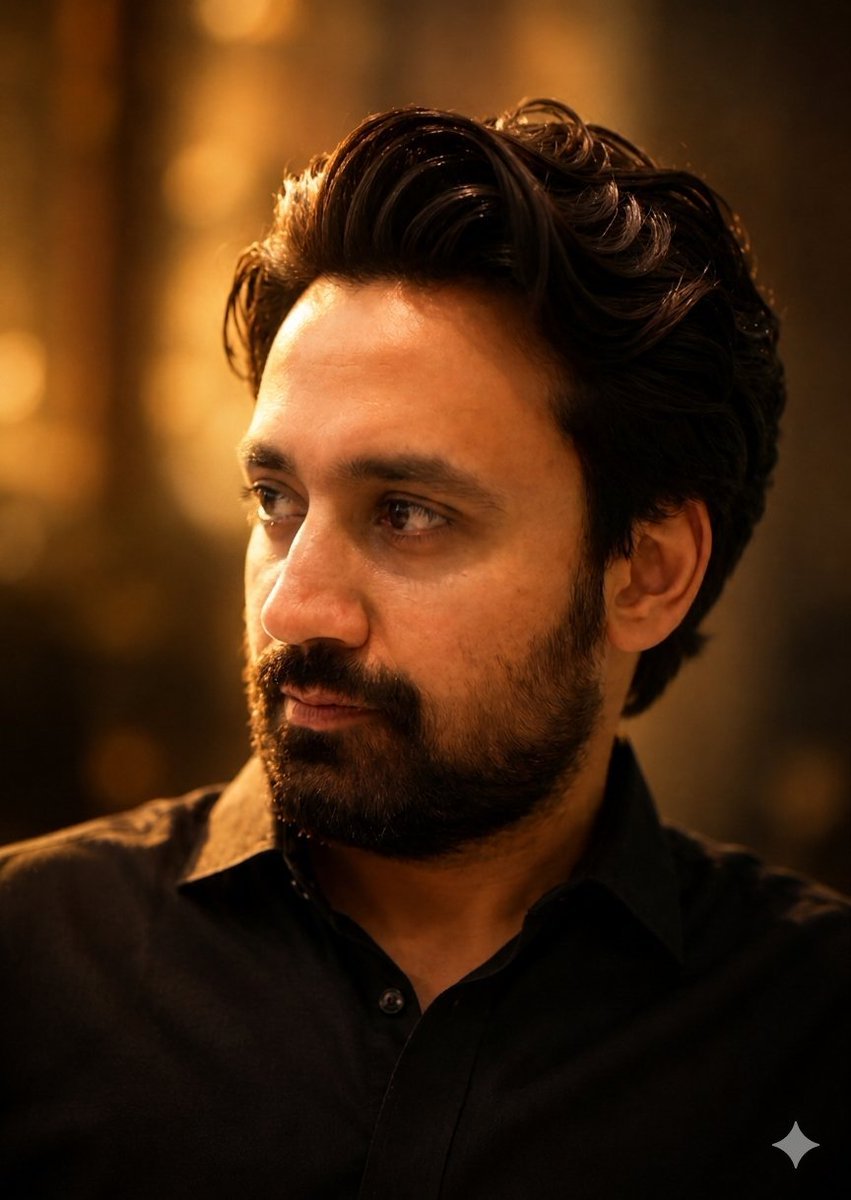
Golden Hour Contemplative Portrait
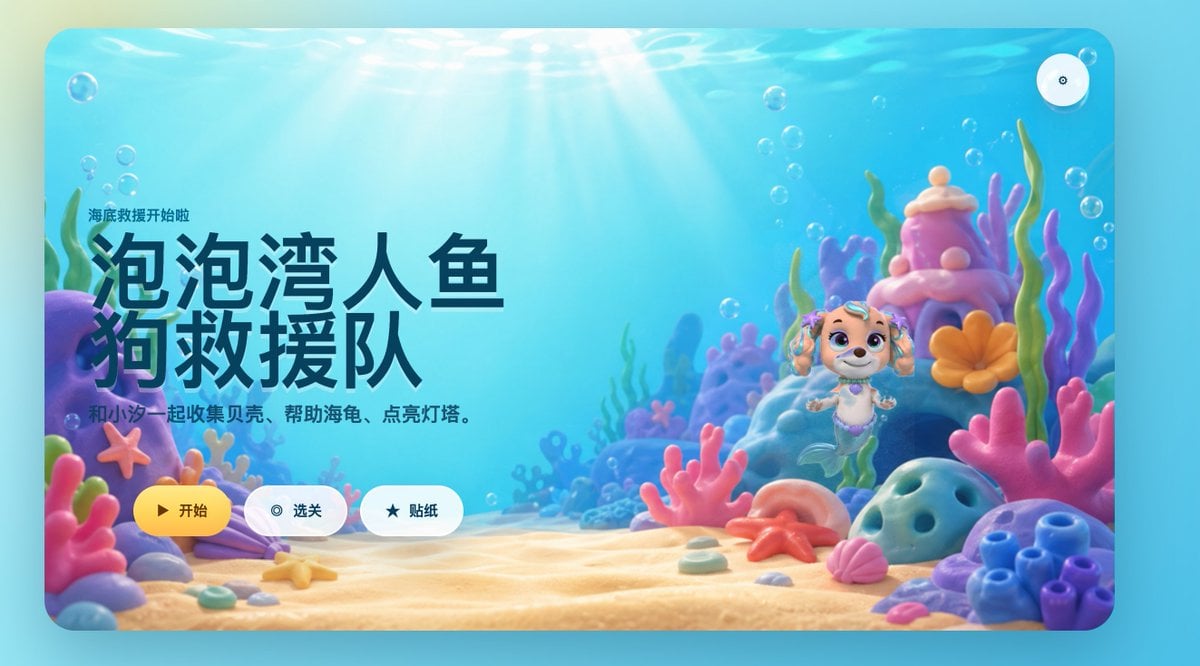
Cute Mermaid Puppy Undersea Game Start Screen
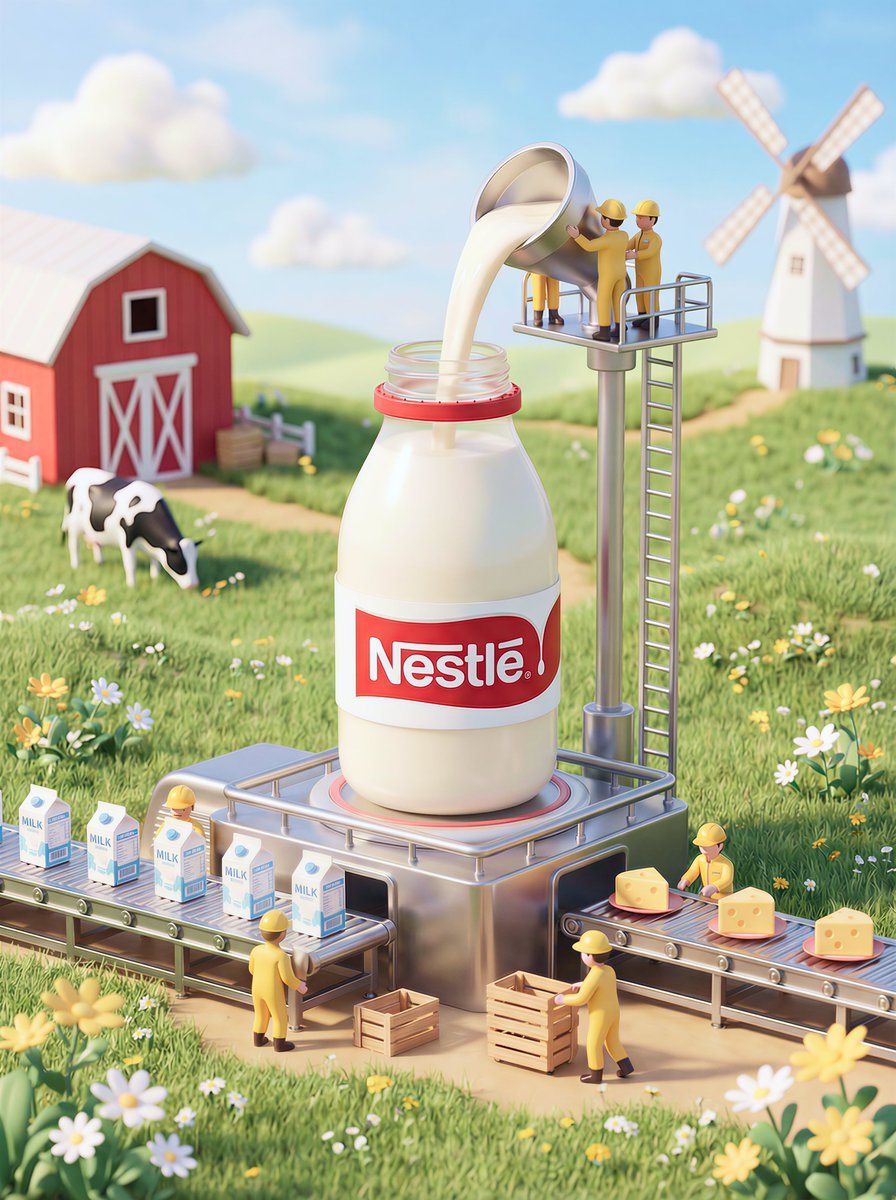
Whimsical 3D Miniature Dairy Advertising Illustration
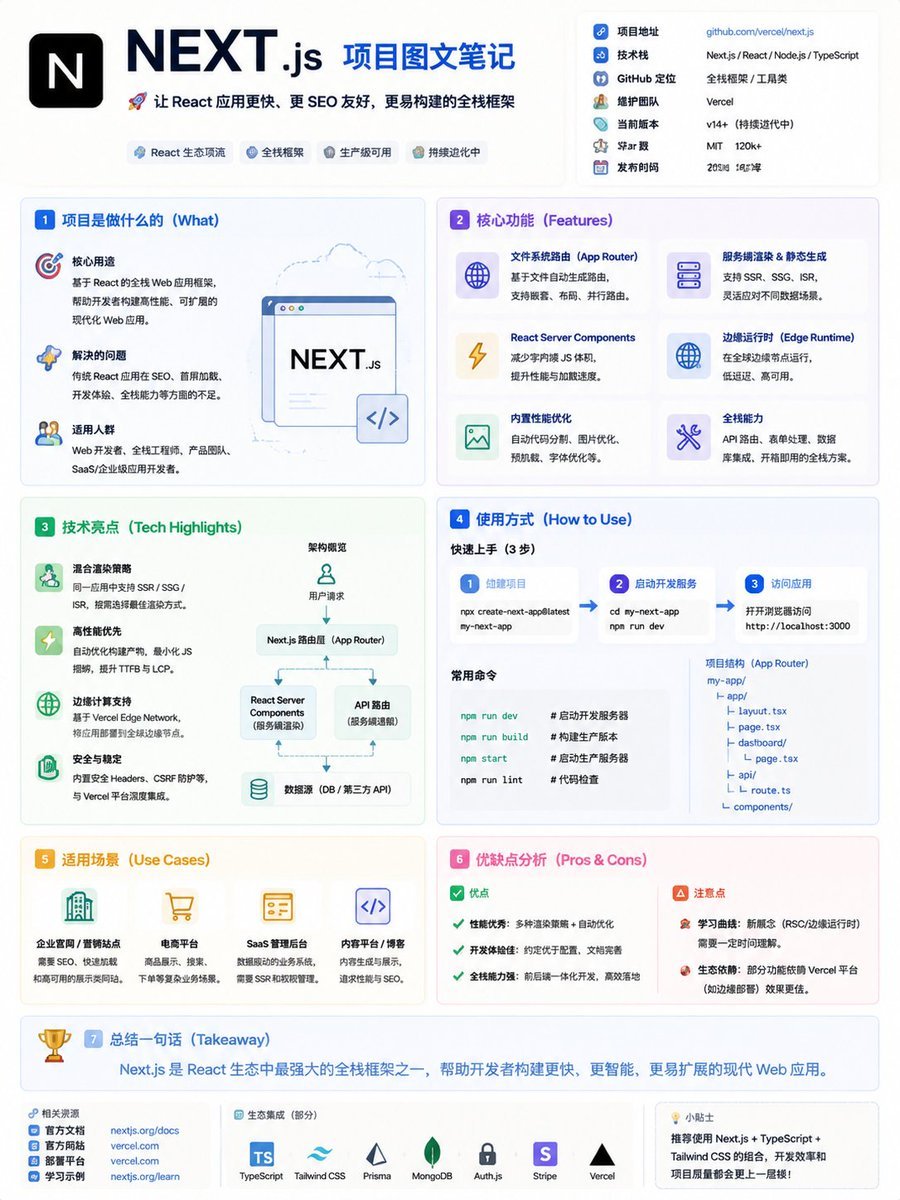
GitHub Project Infographic Poster
Futuristic Sci-Fi Still Life Photography Template
Cinematic Street Photography Shot with Motion Blur
Browse template categories
Pixel Game Asset Atlas Template questions
How do I use the Pixel Game Asset Atlas Template template?
Add your photo if the template asks for one, edit the prompt if you like — the template's model and format are already selected — and press Generate. Your version opens in PicX Studio.
Can I customize the Pixel Game Asset Atlas Template template?
Yes. You can change the subject, setting, lighting, mood, format, and available model controls before creating your image.
Is the Pixel Game Asset Atlas Template template free?
Opening and editing this template is free. Generating uses credits, shown on the Generate button when you are signed in.
Which AI model should I use?
Start with GPT Image 2, which is the model associated with this template. You can compare another compatible model for a different finish.
Looking for something else? Browse all templates.

Your photo, any look
Thousands of ready templates for every top image and video model, from one credit balance.