
Celestial Astrologer Divination Scene
Generates a richly detailed anime fantasy scene of a robed star diviner performing cosmic astrology with glowing globes, zodiac circles, and golden celestial ornaments.
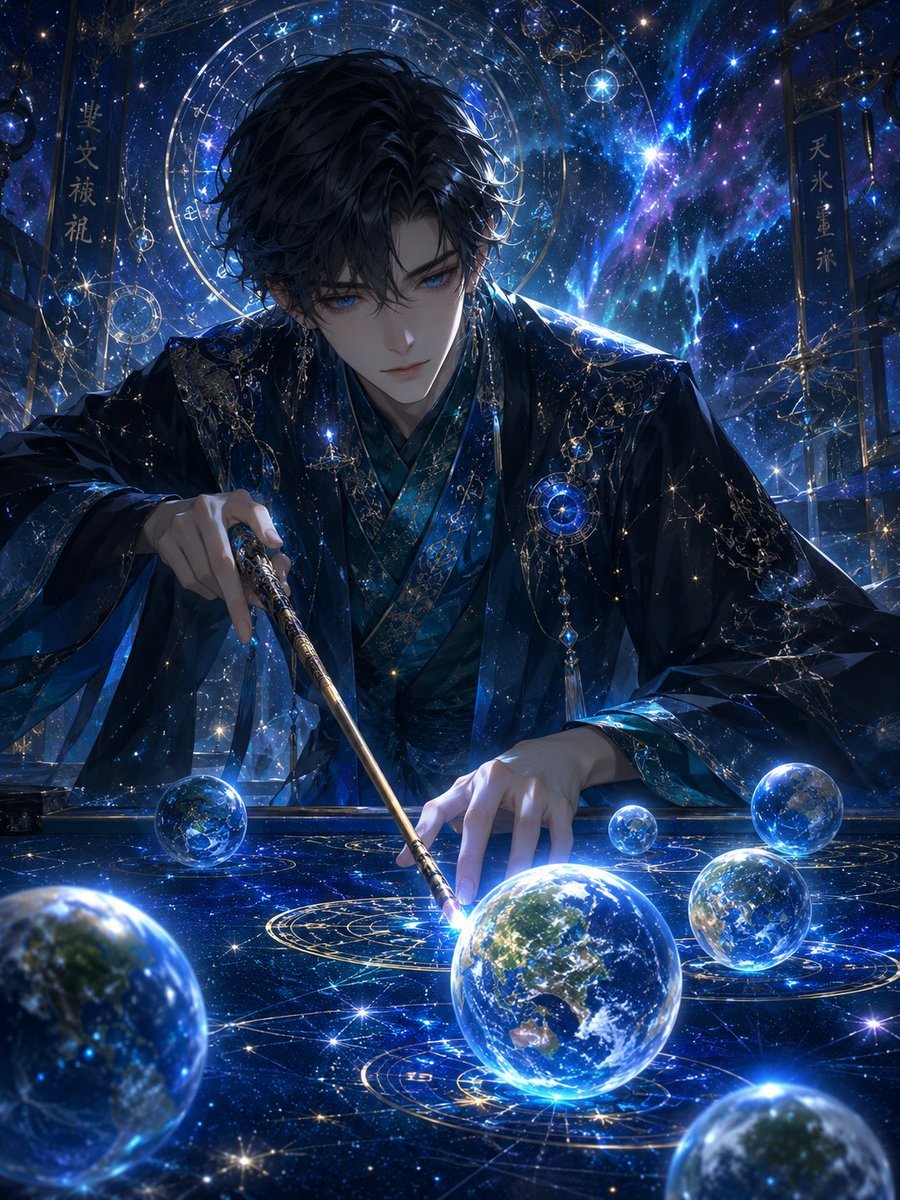
- Prompt included
- Model and format preset
- Free template
The prompt behind this image
Copy the exact prompt behind Celestial Astrologer Divination Scene, or open it in the studio and make it yours.
Create a highly detailed dark fantasy anime illustration of a mysterious male celestial astrologer, {argument name="character name" default="unnamed star diviner"}, seated at an ornate cosmic divination table in a deep blue observatory filled with stars, nebulae, and glowing magic. He has messy black hair falling over his forehead, with his face deliberately covered by a plain dark gray square censor block, and wears layered midnight-blue and black robes with teal inner fabric, gold embroidery, delicate chains, constellation ornaments, sapphire pendants, and luminous celestial jewelry. His right hand holds a slender gold-and-black wand or pointer angled downward, while his left hand touches a glowing astrological circle on the tabletop. The table surface is a glossy star map covered with golden zodiac rings, constellation lines, sparkling points of light, and six visible floating or resting glass Earth-like spheres: one large glowing globe near the center foreground, one large blurred partial globe at the lower left foreground, one partial globe at the lower right foreground, one medium globe at the right side, one small globe near the center-right, and one medium-small globe on the left side of the table. Behind him, add a huge circular astrolabe halo with zodiac markings, transparent orbital rings, hanging crystal ornaments, and a vivid blue-purple galaxy sky. Include two vertical hanging banners in the background: the left banner reads {argument name="left banner text" default="星文祓禮"} and the right banner reads {argument name="right banner text" default="天水星朱"}. Use a cinematic composition, intense electric-blue rim lighting, bright gold accents, sparkling particles, reflective glass, intricate linework, elegant Japanese fantasy aesthetics, ultra-detailed anime rendering, dramatic depth of field, and a mystical star-sorcery atmosphere.
How to use Celestial Astrologer Divination Scene in 3 steps
- 1Upload ImagePNG, JPG or paste
Add your photo
Upload the photo the template builds on. The prompt, model and format are already set.
- 2…a portrait of your subject in softgolden-hour light, 85mm…
Personalize
Edit the subject and creative details for your destination.
- 3Generate
Generate
Press Generate — your image is created in PicX Studio, so you can compare it with the original and refine one variable at a time.
More like this
Templates with the same subject, style or setup. Open one to see its prompt.

Anime Fantasy Celestial Movie Poster
Anime Fantasy Celestial Movie Poster
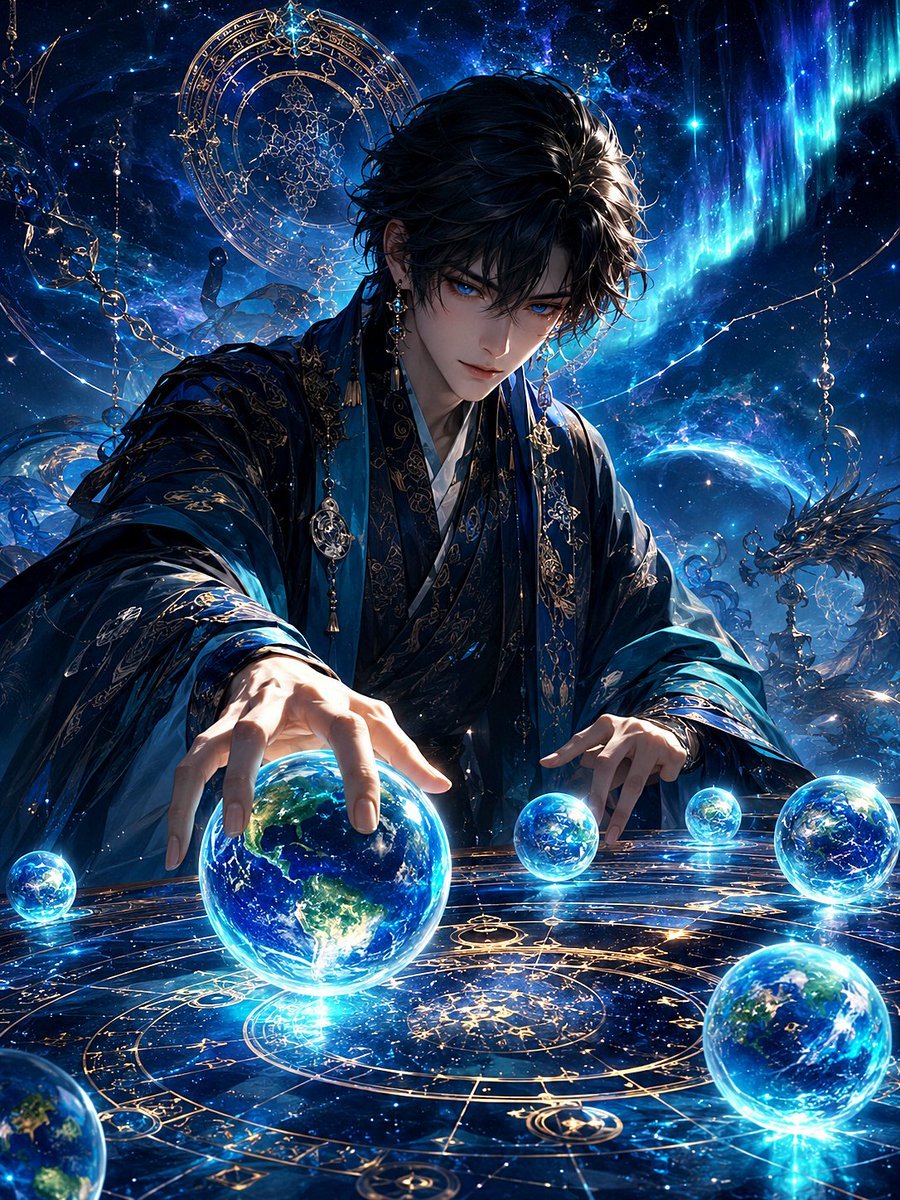
Mystic Astrologer at Cosmic Table
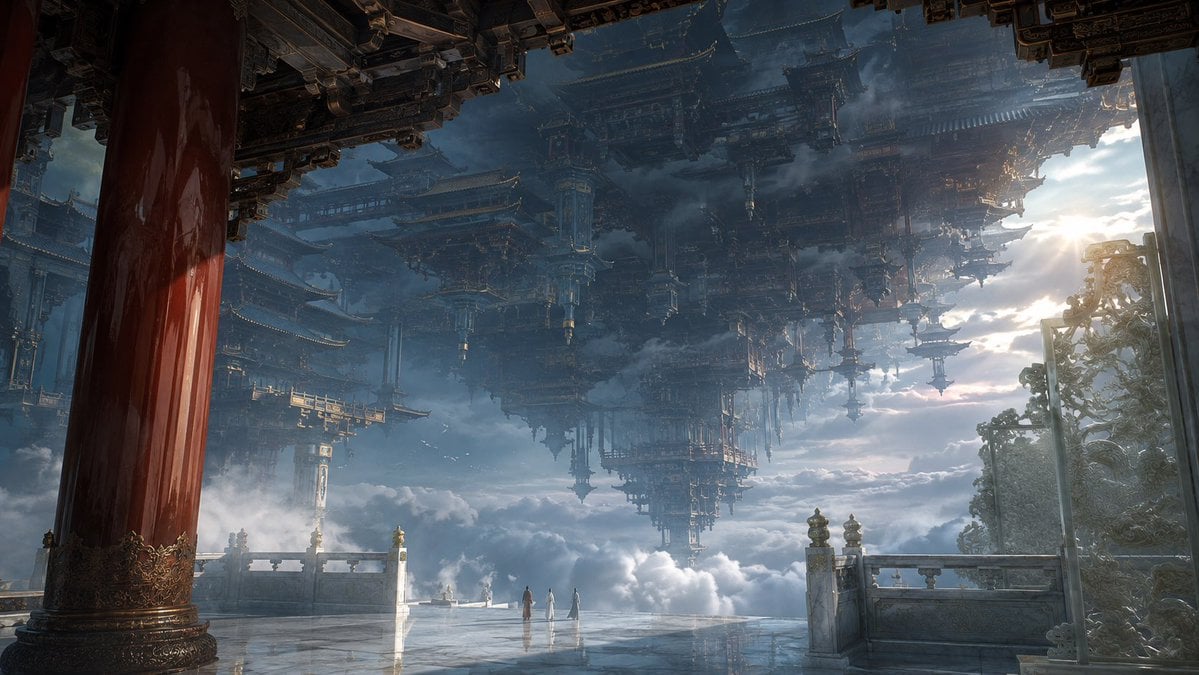
Celestial Inverted Oriental Palace

Celestial Sakura Kimono Maiden
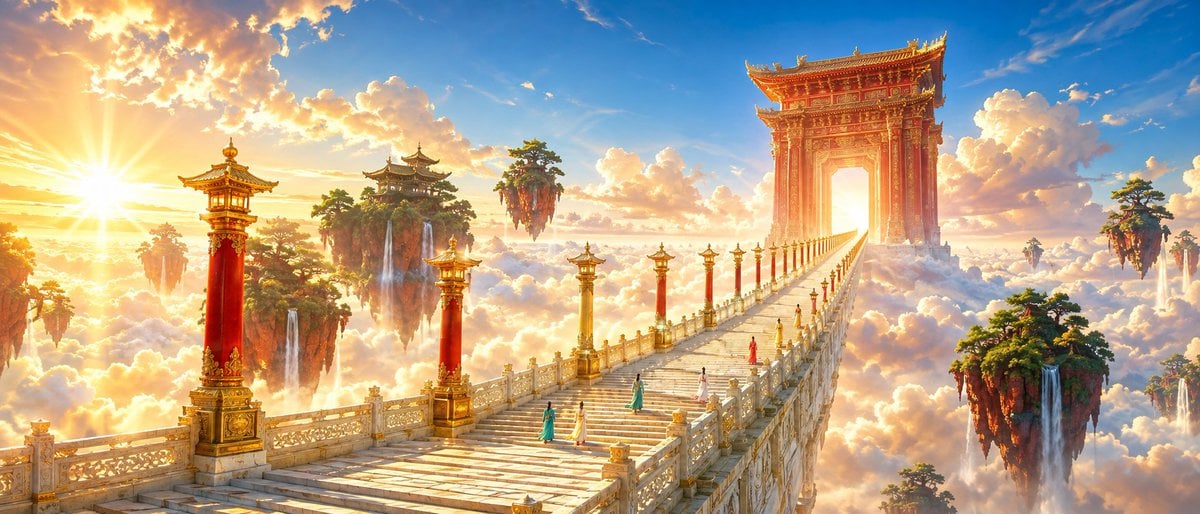
Oriental Fantasy Celestial Realm
Celestial Jade Palace Lake
Watercolor Hanfu Celestial Princess
Surreal Celestial Couture Portrait
Celestial Archive Anime Duo
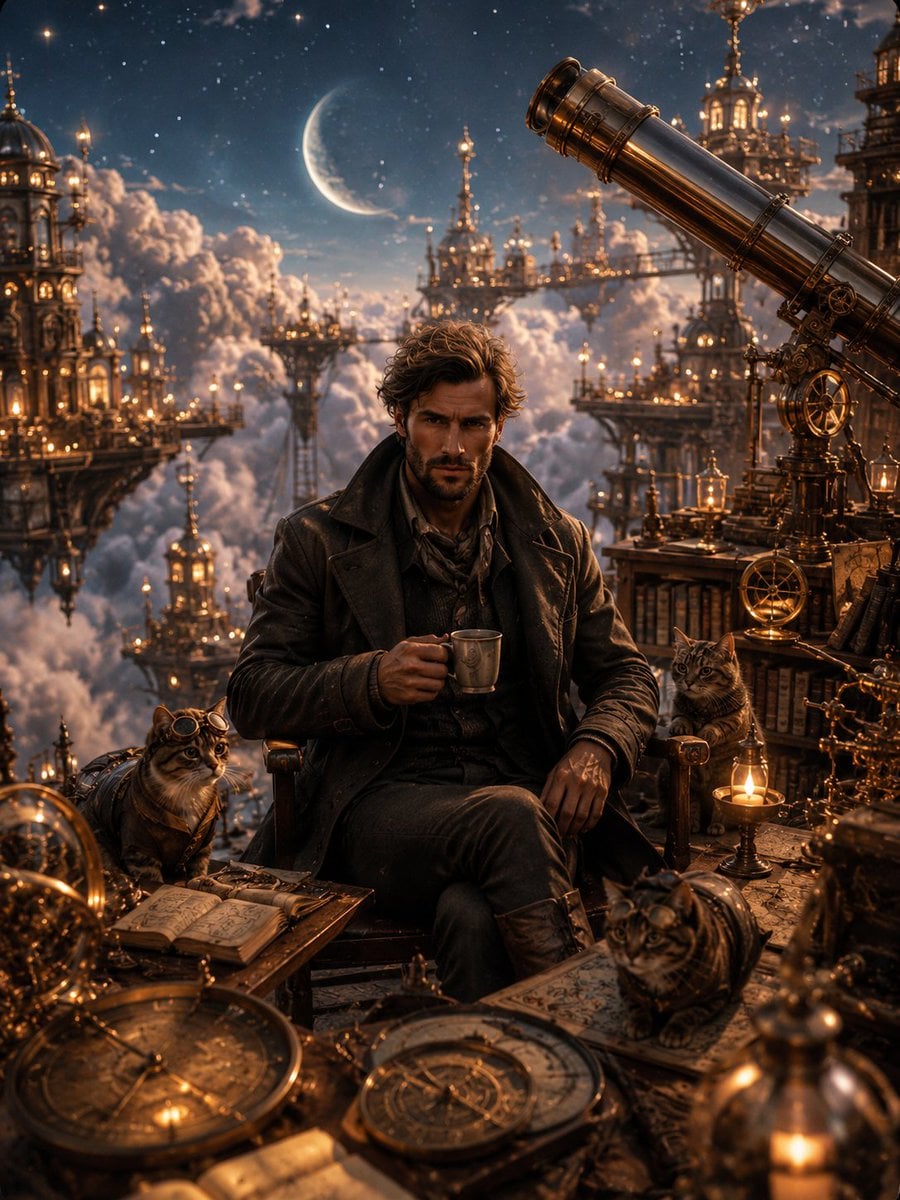
Celestial Observatory Explorer
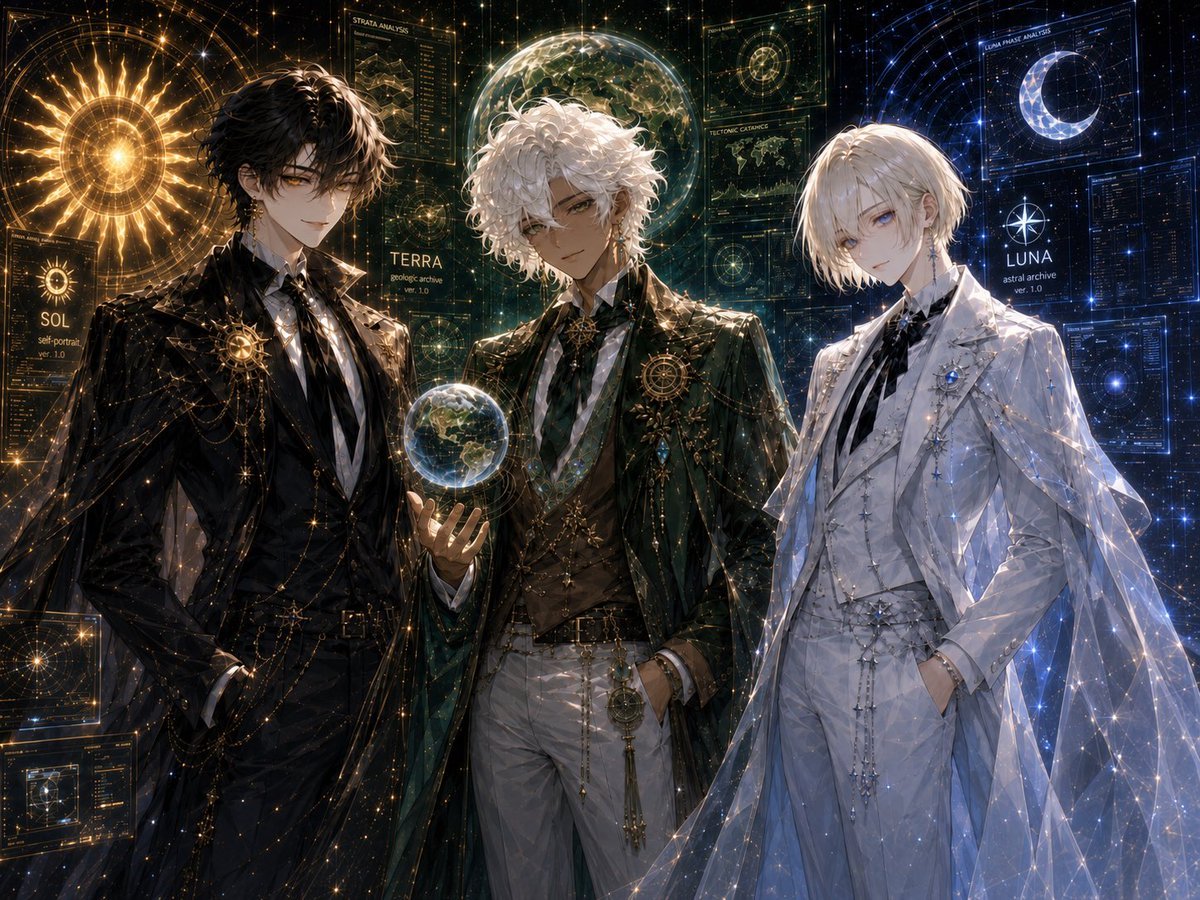
Celestial Archive Trio
Make it yours
Celestial Astrologer Divination Scene works as-is. These are the safest ways to change it without losing the look.
Change one field
Copy a single group, rewrite it, and generate again so you can see what that field is doing.
Keep the frame, change the subject
Hold the composition and light of Celestial Astrologer Divination Scene, then swap wardrobe, props or the person for a new take.
| If the result… | Why | Fix |
|---|---|---|
| The result drifts from the preview | Too many fields changed at once. | Reuse Celestial Astrologer Divination Scene as-is first, then change one group — subject, light, or setting. |
| The model over-stylizes the scene | The prose prompt leaves finish and camera underspecified. | Add one camera or lighting sentence and stay on GPT Image 2. |
More GPT Image 2 templates
Other prompts made for GPT Image 2.

Six VTuber Japanese Logo Sheet

Realistic Portrait of Woman and Deer

The Vista Modular Condo Poster

AI Model Routing Comparison Infographic

2.5D Anime Art Board

Isometric Productivity Desk Scene

New York Double Exposure Poster

Four-Panel AI Landscape Comparison

Japanese Tatami Lifestyle Magazine Cover

NESCAFÉ Coffee Map Poster
More image prompts
Fresh picks from across the catalog.
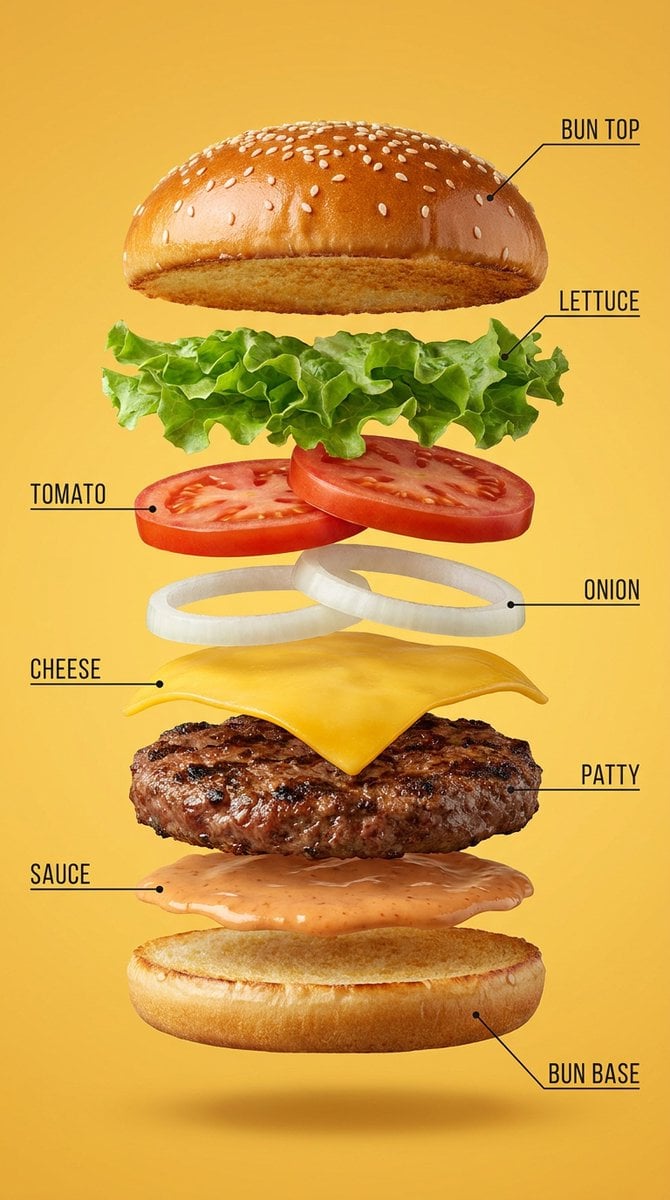
Vertical Exploded Food Infographic
Mona Lisa Drinking Coke Oil Painting
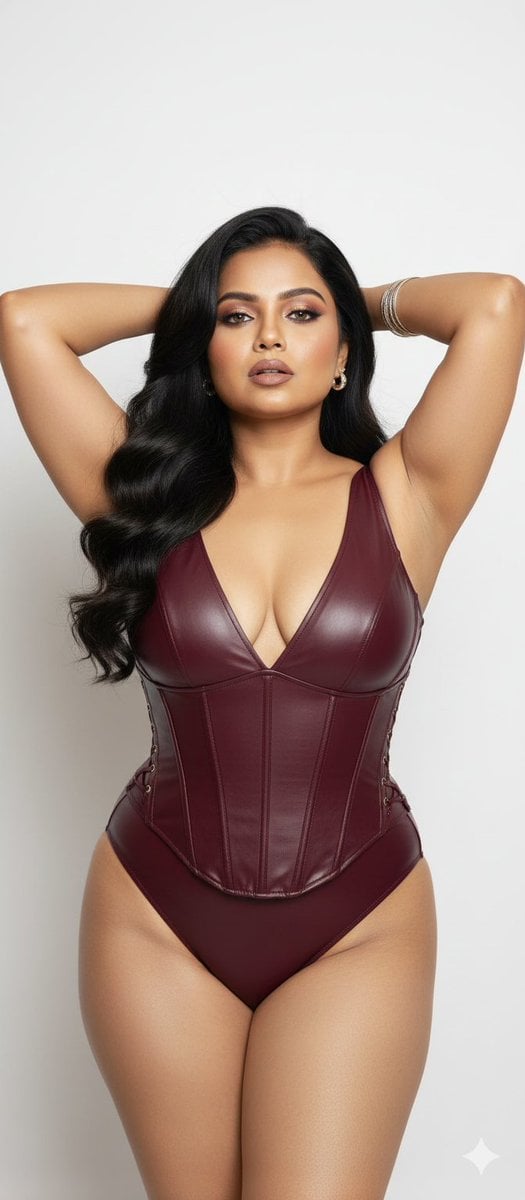
Glamorous Photo Prompt for Gemini Nano Banana Creation
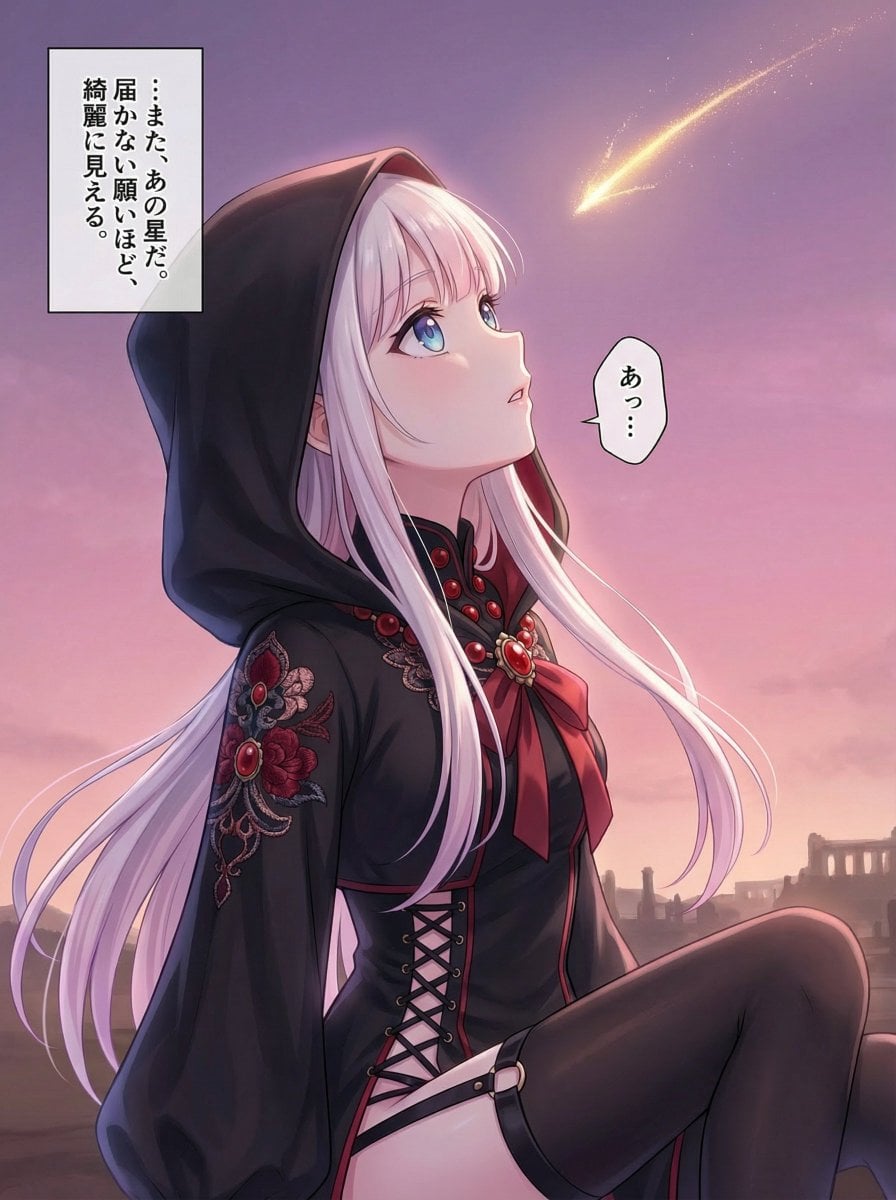
Comprehensive manga one-page scene creation system prompt
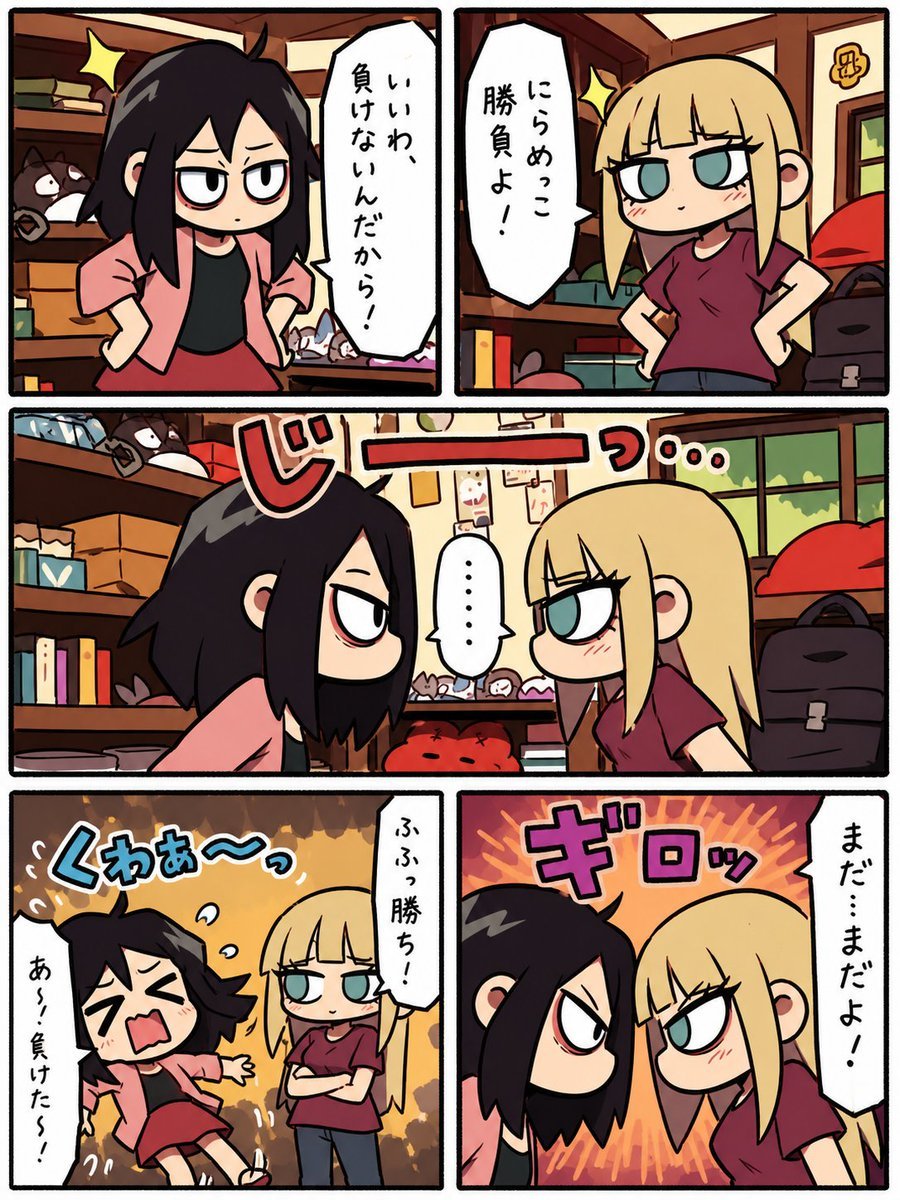
Chibi Staring Contest Manga Page
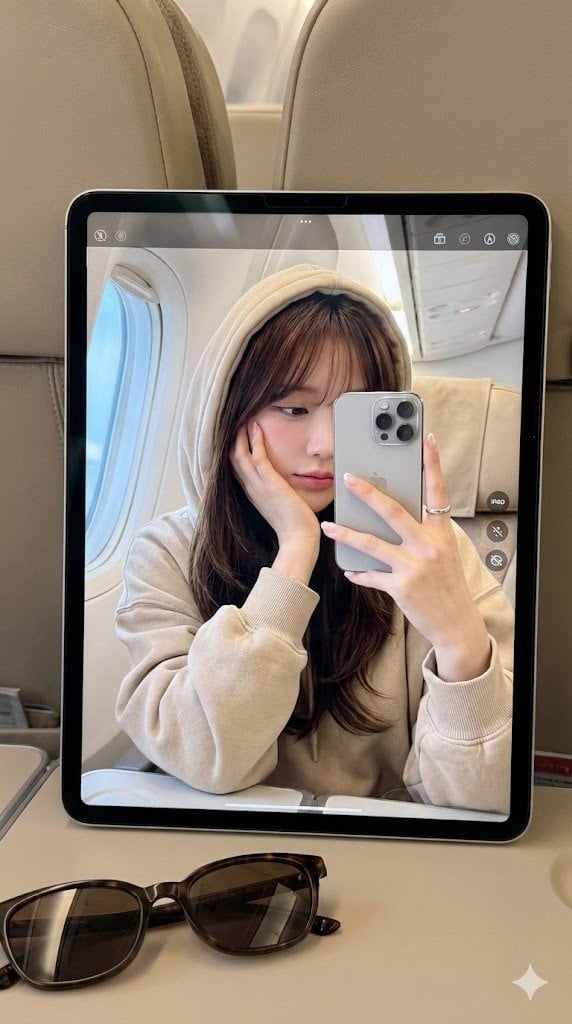
Hyper-Realistic Reflection Portrait Prompt
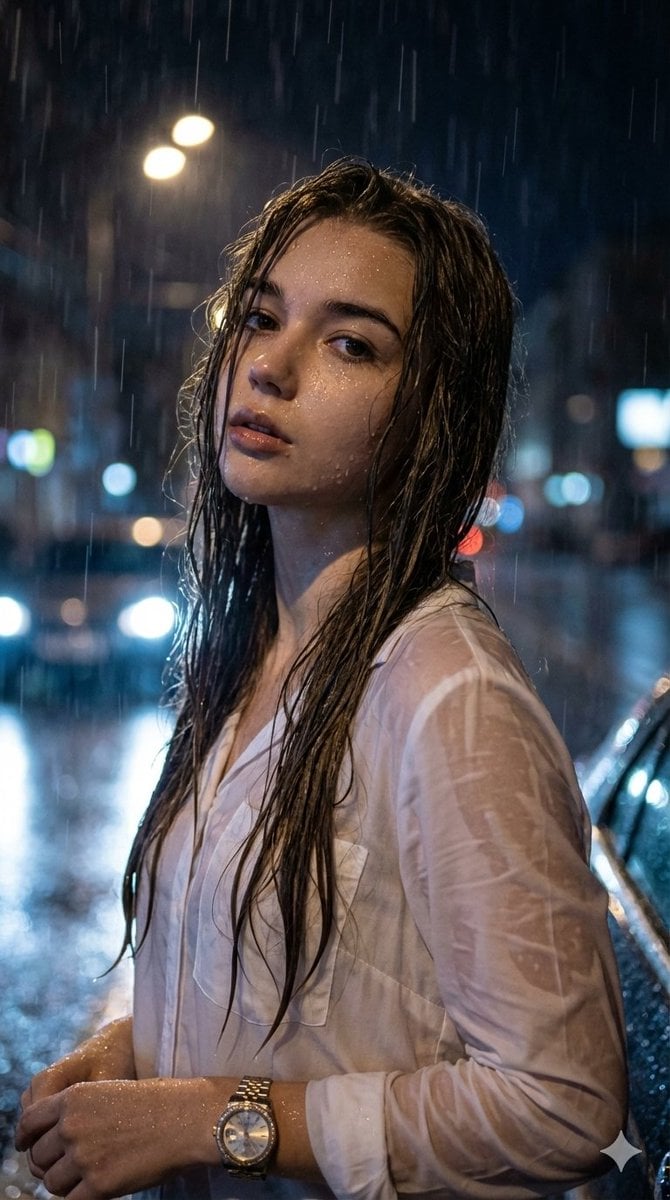
Hyper-Realistic Cinematic Night Portrait in Rain
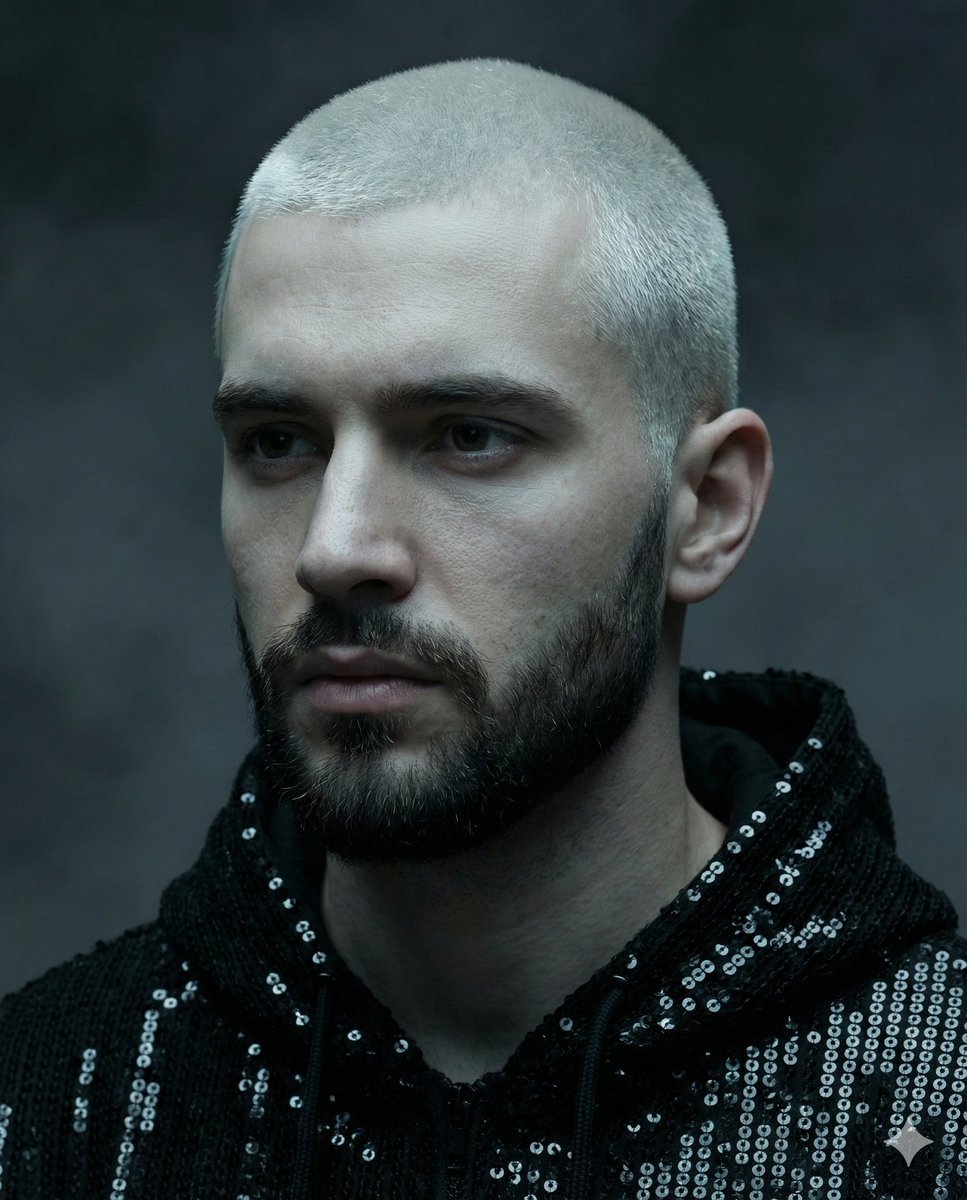
Hyper-realistic portrait of a young man with platinum buzz cut

Elevate Your Cocktail Visuals with This
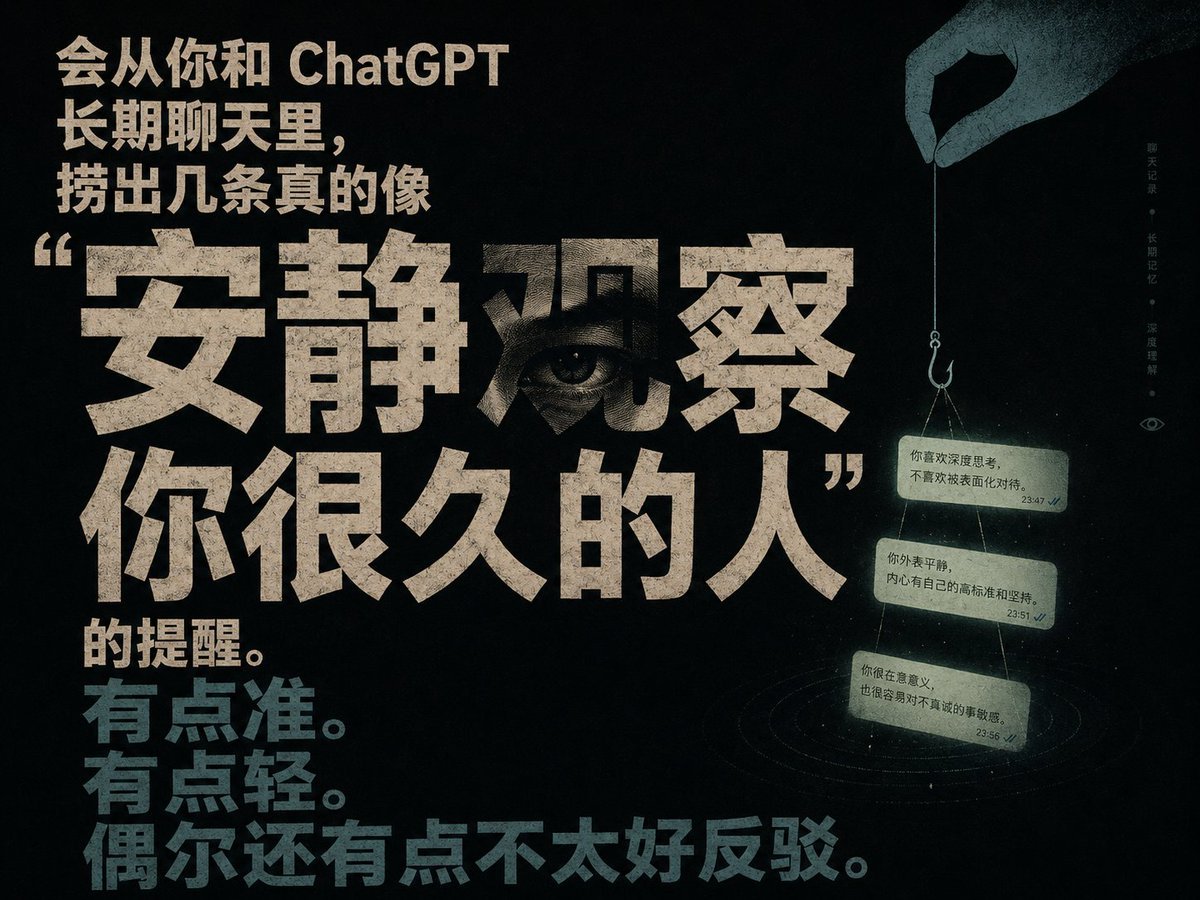
Quiet Observation ChatGPT Memory Poster
Browse template categories
Celestial Astrologer Divination Scene questions
How do I use the Celestial Astrologer Divination Scene template?
Add your photo if the template asks for one, edit the prompt if you like — the template's model and format are already selected — and press Generate. Your version opens in PicX Studio.
Can I customize the Celestial Astrologer Divination Scene template?
Yes. You can change the subject, setting, lighting, mood, format, and available model controls before creating your image.
Is the Celestial Astrologer Divination Scene template free?
Opening and editing this template is free. Generating uses credits, shown on the Generate button when you are signed in.
Which AI model should I use?
Start with GPT Image 2, which is the model associated with this template. You can compare another compatible model for a different finish.
Looking for something else? Browse all templates.

Your photo, any look
Thousands of ready templates for every top image and video model, from one credit balance.