
Toyama Takayama Sushi Airport
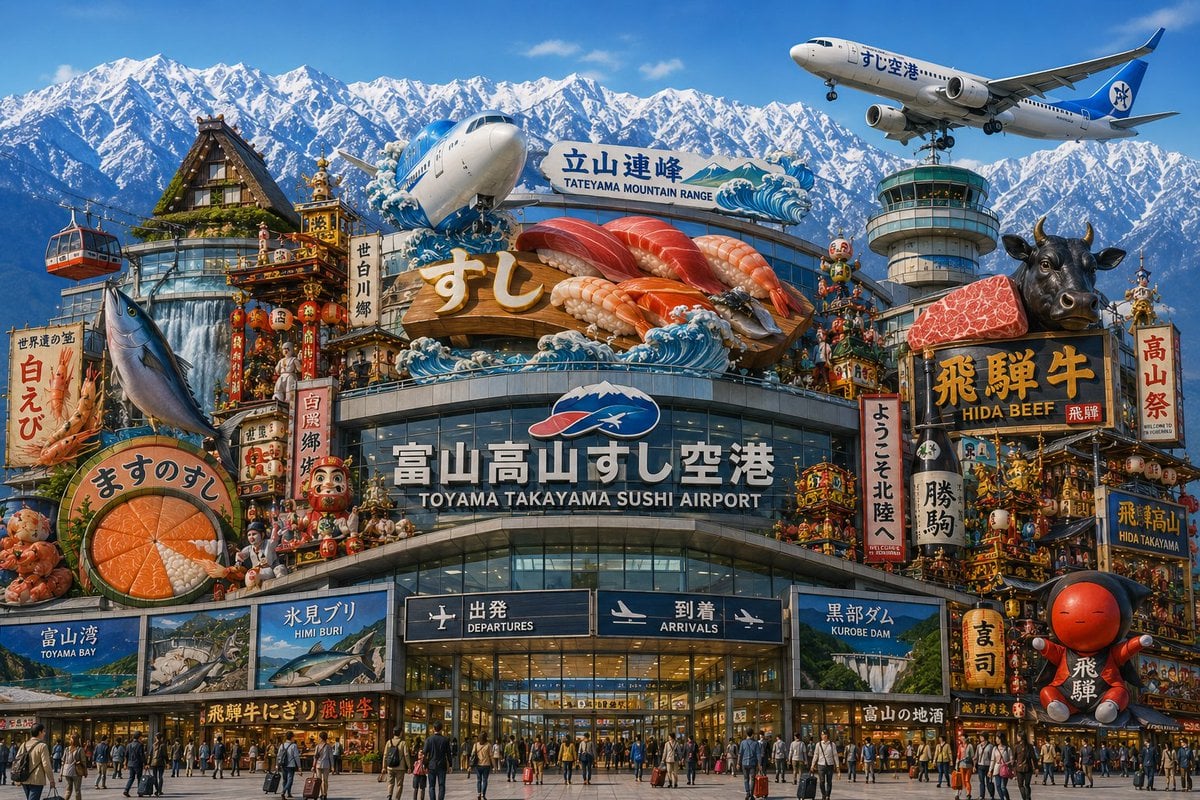
A hyper-detailed fantasy tourism poster showing a Japanese airport fused with sushi, Hida beef, festival floats, and the Tateyama mountain range.
- Prompt included
- Model and format preset
- Free template
The prompt behind this image
Copy the exact prompt behind Toyama Takayama Sushi Airport, or open it in the studio and make it yours.
Create an ultra-detailed, photorealistic yet hyperreal travel-poster image of a fantastical Japanese regional airport terminal that combines Toyama and Takayama tourism into one overwhelming landmark. The main building is a glass-and-steel airport façade labeled in large Japanese and English text “富山高山すし空港” and “TOYAMA TAKAYAMA SUSHI AIRPORT,” with two dark entrance boards below reading “出発 DEPARTURES” and “到着 ARRIVALS.” Above the terminal, build a giant rooftop sushi display with exactly 5 oversized nigiri pieces: tuna, salmon, shrimp, fatty tuna, and another red fish, with a large gold “すし” sign in front and stylized blue ocean waves around it. Behind it, add a sign reading “立山連峰 / TATEYAMA MOUNTAIN RANGE,” and fill the entire background with dramatic snow-covered Japanese Alps under a clear blue sky. Show exactly 2 airplanes: one large plane nose emerging behind the sushi sign near the center-left, and one passenger jet flying at the upper right with Japanese lettering on the fuselage. Include exactly 1 airport control tower on the right side. Surround the airport with dense, colorful regional festival and food imagery: a gassho-zukuri thatched-roof house at upper left, a red-and-black cable car at far left, ornate Takayama festival floats with lanterns and dolls, Daruma dolls, vertical banners, seafood signs, and souvenir-shop-like storefronts. Add exactly 6 prominent regional attraction or food signboards around the façade: “白えび” with a shrimp illustration, “ますのすし” with a round salmon sushi cross-section, “富山湾 TOYAMA BAY,” “氷見ブリ HIMI BURI,” “黒部ダム KUROBE DAM,” and “飛騨牛 HIDA BEEF” with a black cow head and a slab of marbled beef. Put many travelers with suitcases and crowds in front of the entrance for scale. Use saturated colors, crisp daylight, extreme detail, commercial tourism-advertising composition, wide 16:9 aspect ratio, no blank areas, no watermark.
How to use Toyama Takayama Sushi Airport in 3 steps
- 1Upload ImagePNG, JPG or paste
Add your photo
Upload the photo the template builds on. The prompt, model and format are already set.
- 2…a portrait of your subject in softgolden-hour light, 85mm…
Personalize
Edit the subject and creative details for your destination.
- 3Generate
Generate
Press Generate — your image is created in PicX Studio, so you can compare it with the original and refine one variable at a time.
More like this
Templates with the same subject, style or setup. Open one to see its prompt.
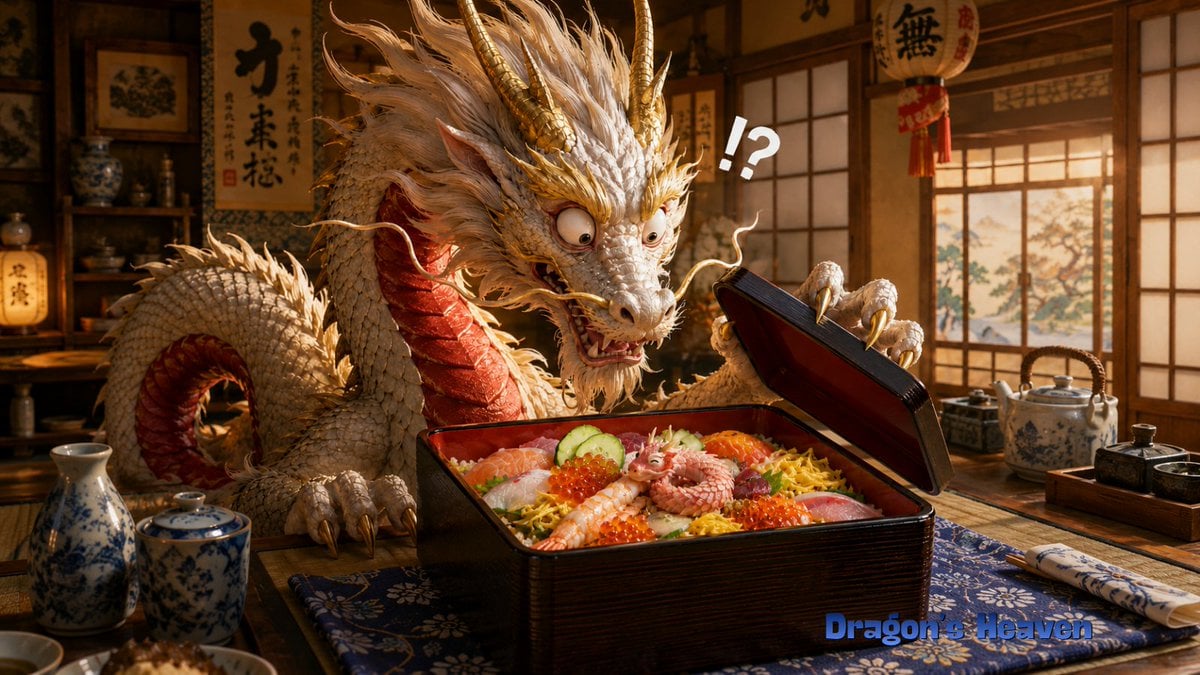
Shocked Dragon Opens Chirashi Sushi
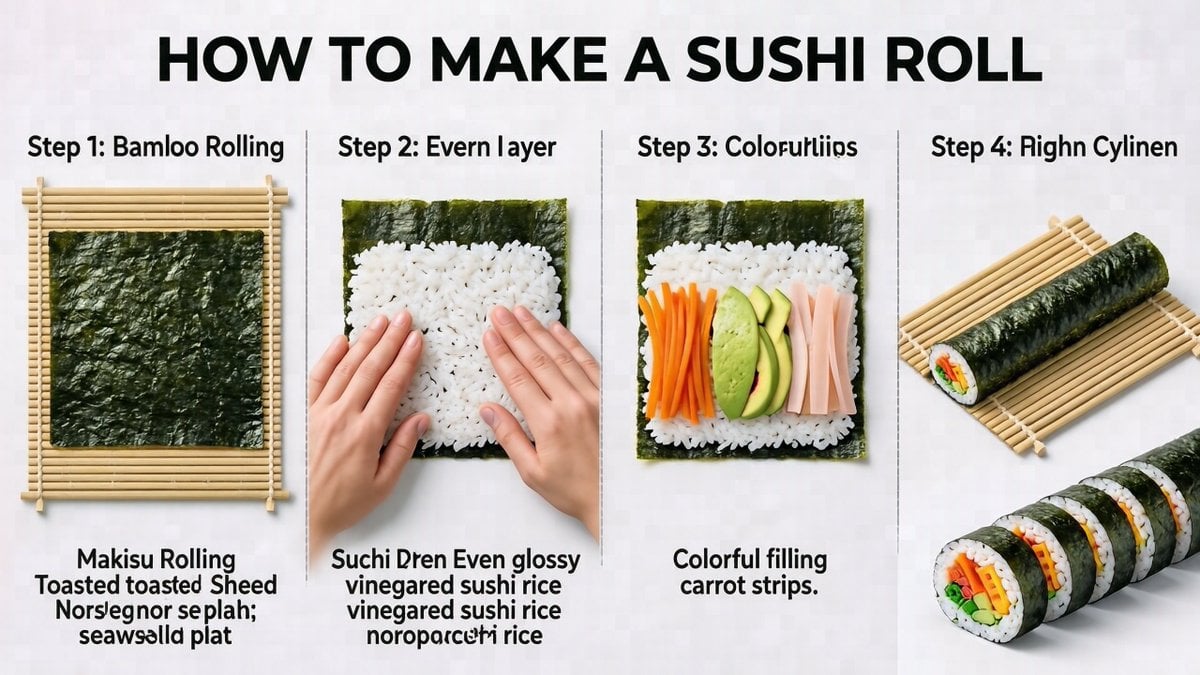
Sushi Roll Instruction Diagram
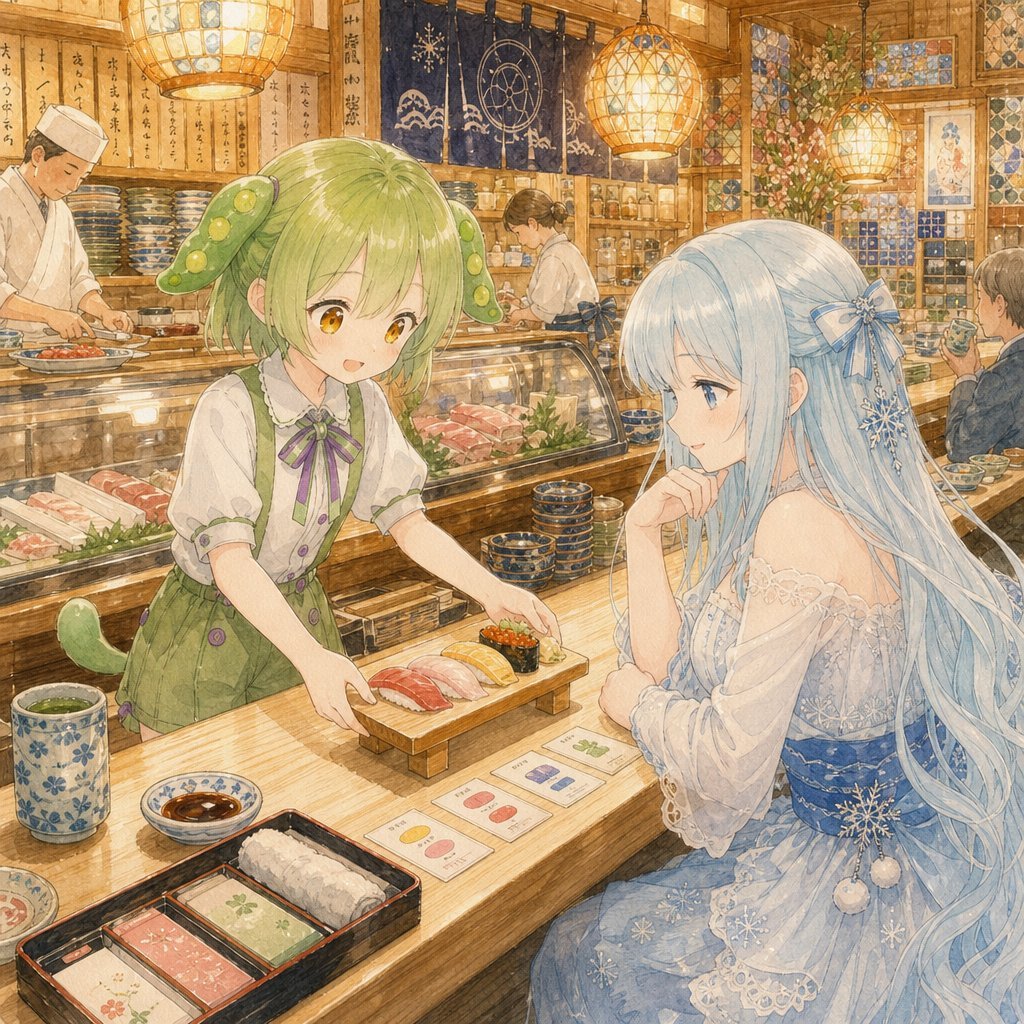
Anime Sushi Bar Transformation
Photorealistic Sushi Counter Dinner Portrait
Sushi Kata/Forms Movement Arrangement on a Wooden Board
Fairy Eating Sushi Image Prompt
Carbon Pattern Printed Ehomaki Sushi Roll
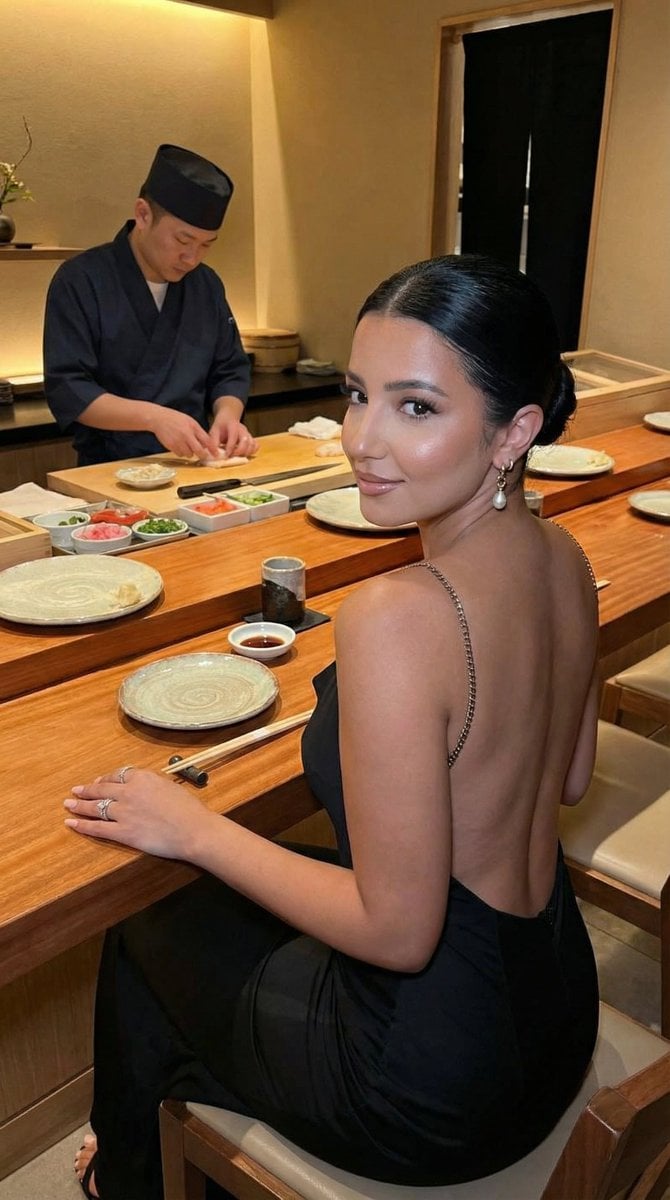
Luxury Omakase Sushi Bar Editorial Portrait (Image-to-Image)
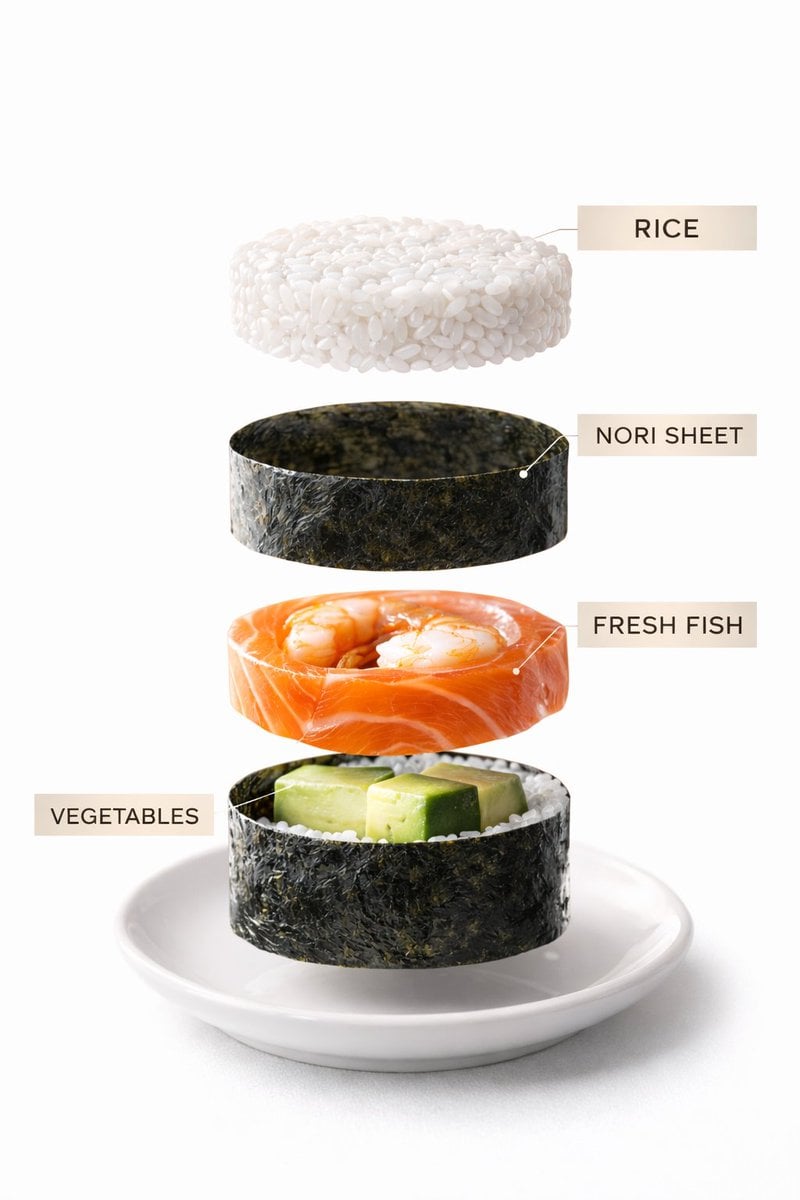
Sushi Commercial Photography and Exploded Diagram Prompt
Grok Video Prompt: Skateboarding in a Sushi Restaurant
Golden Hour Empty Airport Runway
Modern Airport Travel Portrait
Make it yours
Toyama Takayama Sushi Airport works as-is. These are the safest ways to change it without losing the look.
Change one field
Copy a single group, rewrite it, and generate again so you can see what that field is doing.
Keep the frame, change the subject
Hold the composition and light of Toyama Takayama Sushi Airport, then swap wardrobe, props or the person for a new take.
| If the result… | Why | Fix |
|---|---|---|
| The result drifts from the preview | Too many fields changed at once. | Reuse Toyama Takayama Sushi Airport as-is first, then change one group — subject, light, or setting. |
| The model over-stylizes the scene | The prose prompt leaves finish and camera underspecified. | Add one camera or lighting sentence and stay on GPT Image 2. |
More GPT Image 2 templates
Other prompts made for GPT Image 2.

Six VTuber Japanese Logo Sheet

Realistic Portrait of Woman and Deer

The Vista Modular Condo Poster

AI Model Routing Comparison Infographic

2.5D Anime Art Board

Isometric Productivity Desk Scene

New York Double Exposure Poster

Four-Panel AI Landscape Comparison

Japanese Tatami Lifestyle Magazine Cover

NESCAFÉ Coffee Map Poster
More image prompts
Fresh picks from across the catalog.
3D Realistic X Profile Interface
Exploded View Taco Infographic for Commercial Use

Muted Speech Editorial Portrait
Guangzhou City Promotional Poster
Cinematic film stills transformation prompt
Warm Penguin Fantasy Movie Poster
Cities as Kinetic Sculptures Grid
Golden Hour Ski Slope Selfie (Snow Bunny Aesthetic)
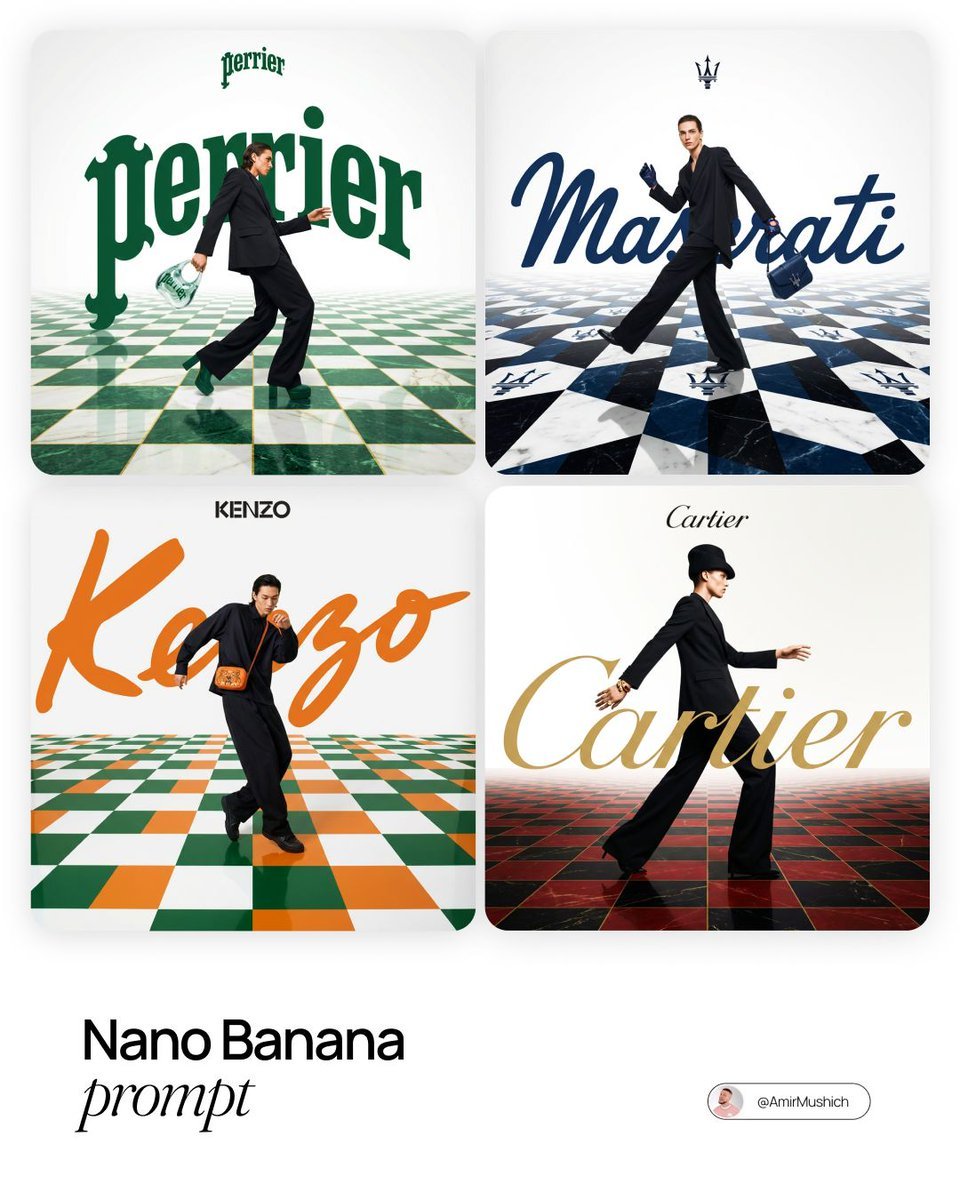
Editorial Fashion Campaign Prompt
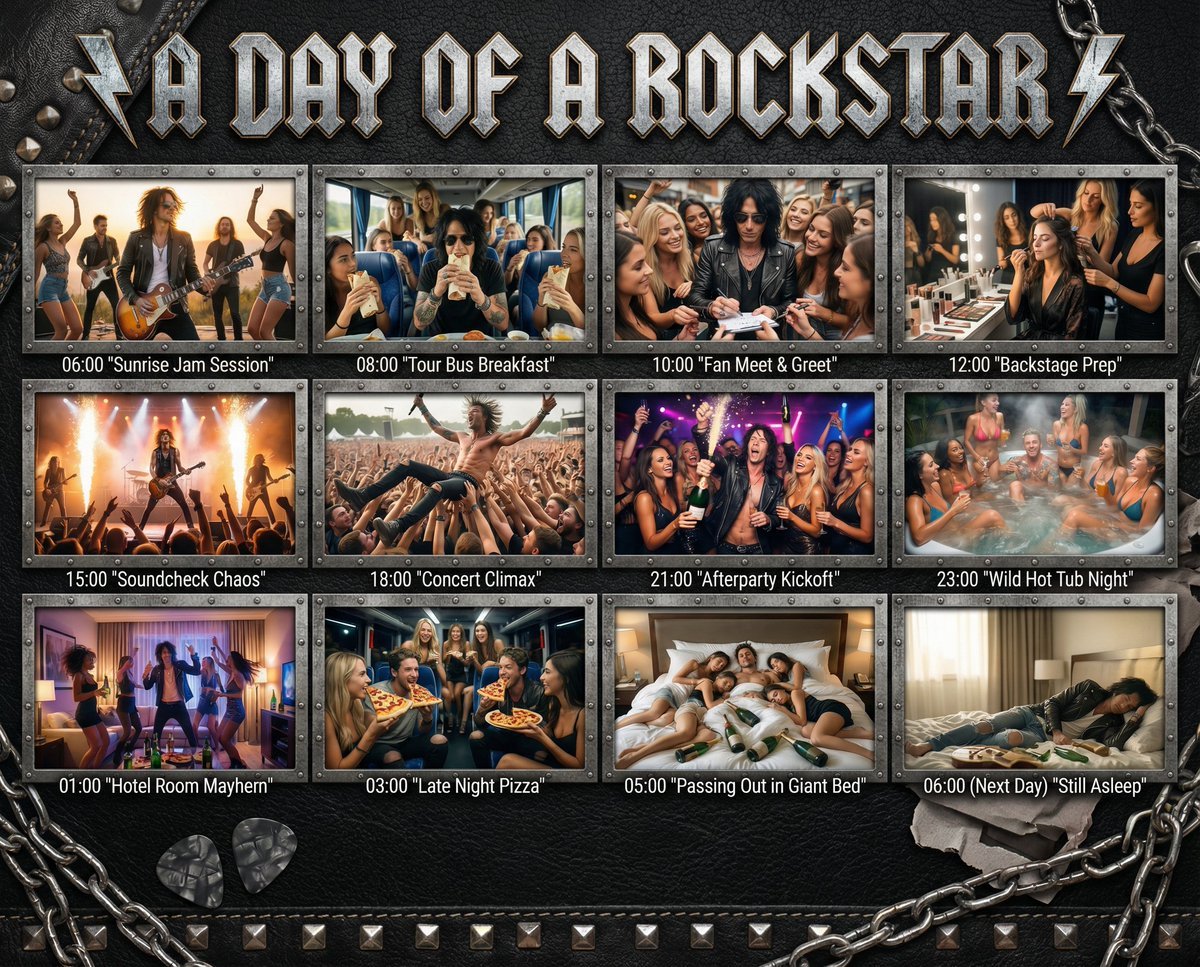
Cinematic 12-Panel Timeline of a Subject's Epic Day
Browse template categories
Toyama Takayama Sushi Airport questions
How do I use the Toyama Takayama Sushi Airport template?
Add your photo if the template asks for one, edit the prompt if you like — the template's model and format are already selected — and press Generate. Your version opens in PicX Studio.
Can I customize the Toyama Takayama Sushi Airport template?
Yes. You can change the subject, setting, lighting, mood, format, and available model controls before creating your image.
Is the Toyama Takayama Sushi Airport template free?
Opening and editing this template is free. Generating uses credits, shown on the Generate button when you are signed in.
Which AI model should I use?
Start with GPT Image 2, which is the model associated with this template. You can compare another compatible model for a different finish.
Looking for something else? Browse all templates.

Your photo, any look
Thousands of ready templates for every top image and video model, from one credit balance.