
Kawaii Birthday Group Selfie
Generates a pastel, doodle-decorated birthday selfie scene for cute friendship or celebration visuals.
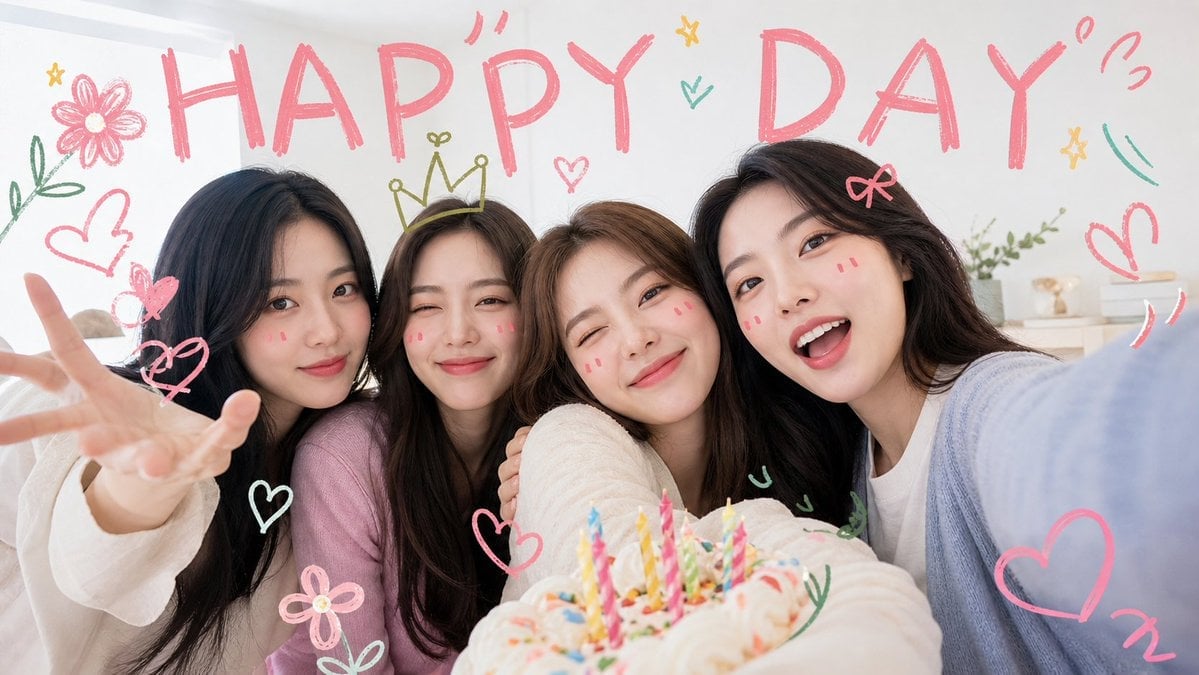
- Prompt included
- Model and format preset
- Free template
The prompt behind this image
Copy the exact prompt behind Kawaii Birthday Group Selfie, or open it in the studio and make it yours.
Create a cheerful, kawaii-style wide selfie photo of {argument name="group description" default="four young female friends"} celebrating around a birthday cake indoors. The camera is held close at arm’s length from the right side, creating a playful group selfie angle with everyone leaning tightly together toward the lens. Use a bright cozy bedroom or party-room background with soft daylight, white walls, pastel bedding, and small shelf decor. Place a frosted birthday cake in the lower foreground, slightly out of focus, topped with exactly 12 colorful lit birthday candles in pink, yellow, blue, green, and striped patterns. The people wear soft pastel casual sweaters and tops in cream, pink, white, and pale blue, with long dark or brown hair; make the faces anonymized by smooth soft rectangular blur blocks while keeping hair, clothing, hands, and poses visible. The left person reaches one hand toward the camera in a playful open-palm gesture, and the right person’s pale blue sleeve fills the near-right edge like they are taking the selfie. Add hand-drawn crayon doodles over the photo in a cute energetic style: a huge pink uppercase headline reading {argument name="headline text" default="HAPPY DAY"} across the top; exactly 10 heart doodles including pink and white hearts around the group; exactly 3 flower doodles, one large pink flower at top left, one small pink flower near bottom left, and one small yellow star-flower near the center; exactly 1 yellow crown doodle above the second person’s head; exactly 3 star doodles; exactly 5 green leafy sprig or curved accent doodles; and exactly 5 small pink motion marks or exclamation squiggles near the headline and right side. Use a clean bright aesthetic with high-key lighting, pastel pink and mint marker colors, whimsical birthday energy, shallow depth of field, and a polished social-media photo look. Avoid extra people, avoid realistic printed text besides the headline, and do not add watermarks.
How to use Kawaii Birthday Group Selfie in 3 steps
- 1Upload ImagePNG, JPG or paste
Add your photo
Upload the photo the template builds on. The prompt, model and format are already set.
- 2…a portrait of your subject in softgolden-hour light, 85mm…
Personalize
Edit the subject and creative details for your destination.
- 3Generate
Generate
Press Generate — your image is created in PicX Studio, so you can compare it with the original and refine one variable at a time.
More like this
Templates with the same subject, style or setup. Open one to see its prompt.
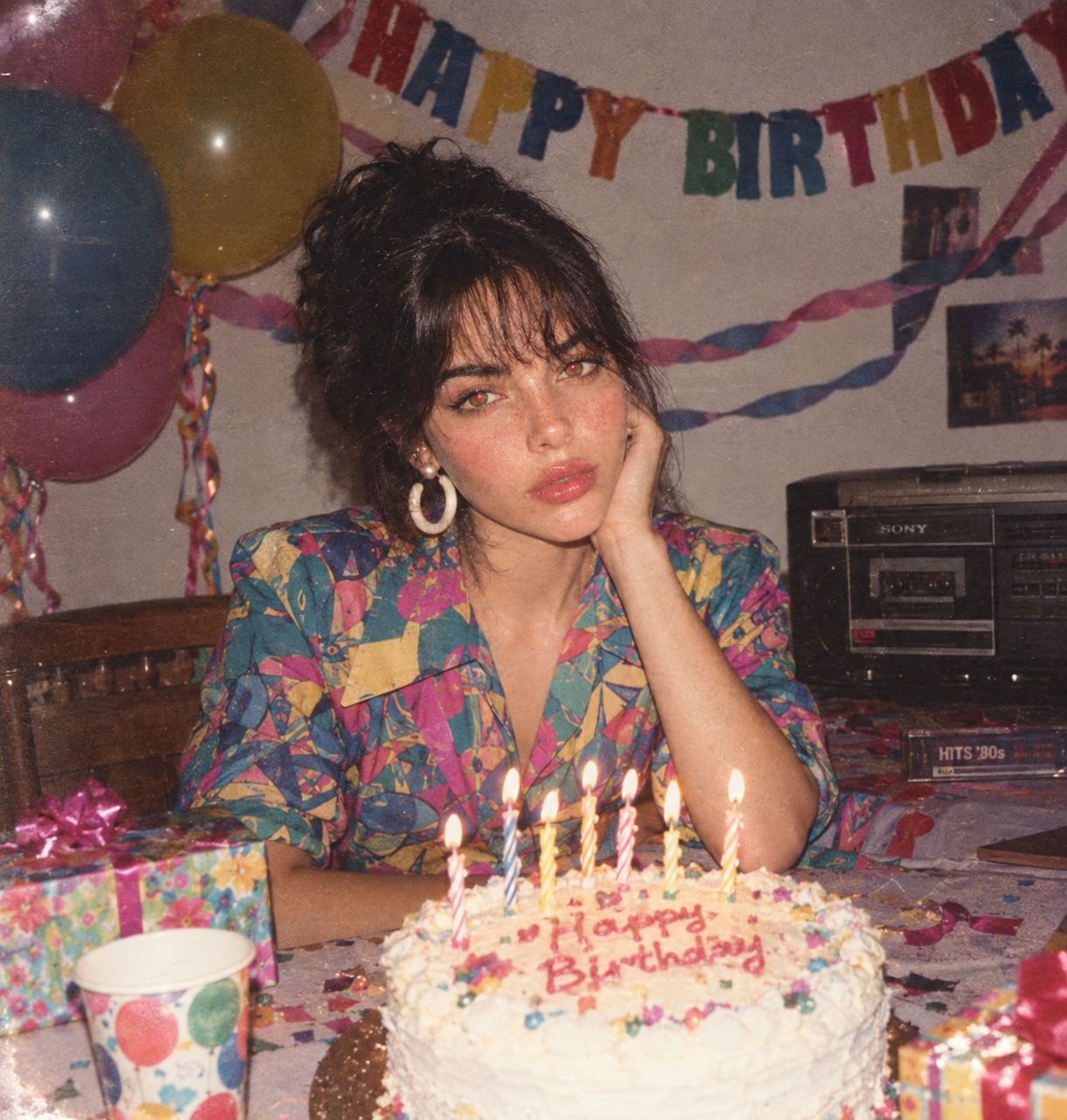
80s Birthday Party

Rooftop Fisheye — Cat-Ear Balaclava at Golden Hour

Felt & Knit 3D Character — Photo-Exact Face, Pixar-Quality Plush Figurine
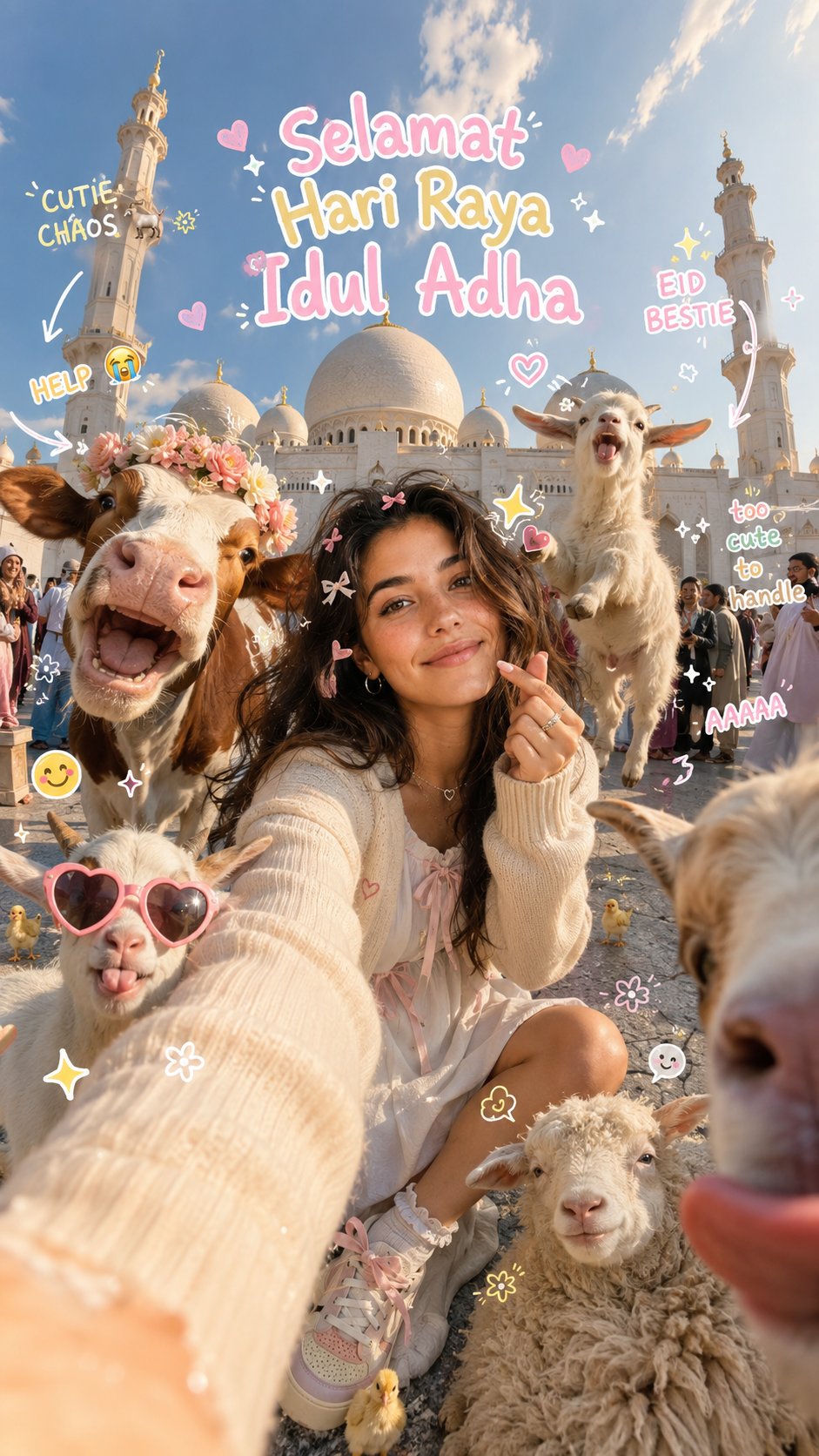
Eid al-Adha Cute Chaos — Fisheye Selfie with Farm Selfie, Mosque & Animals
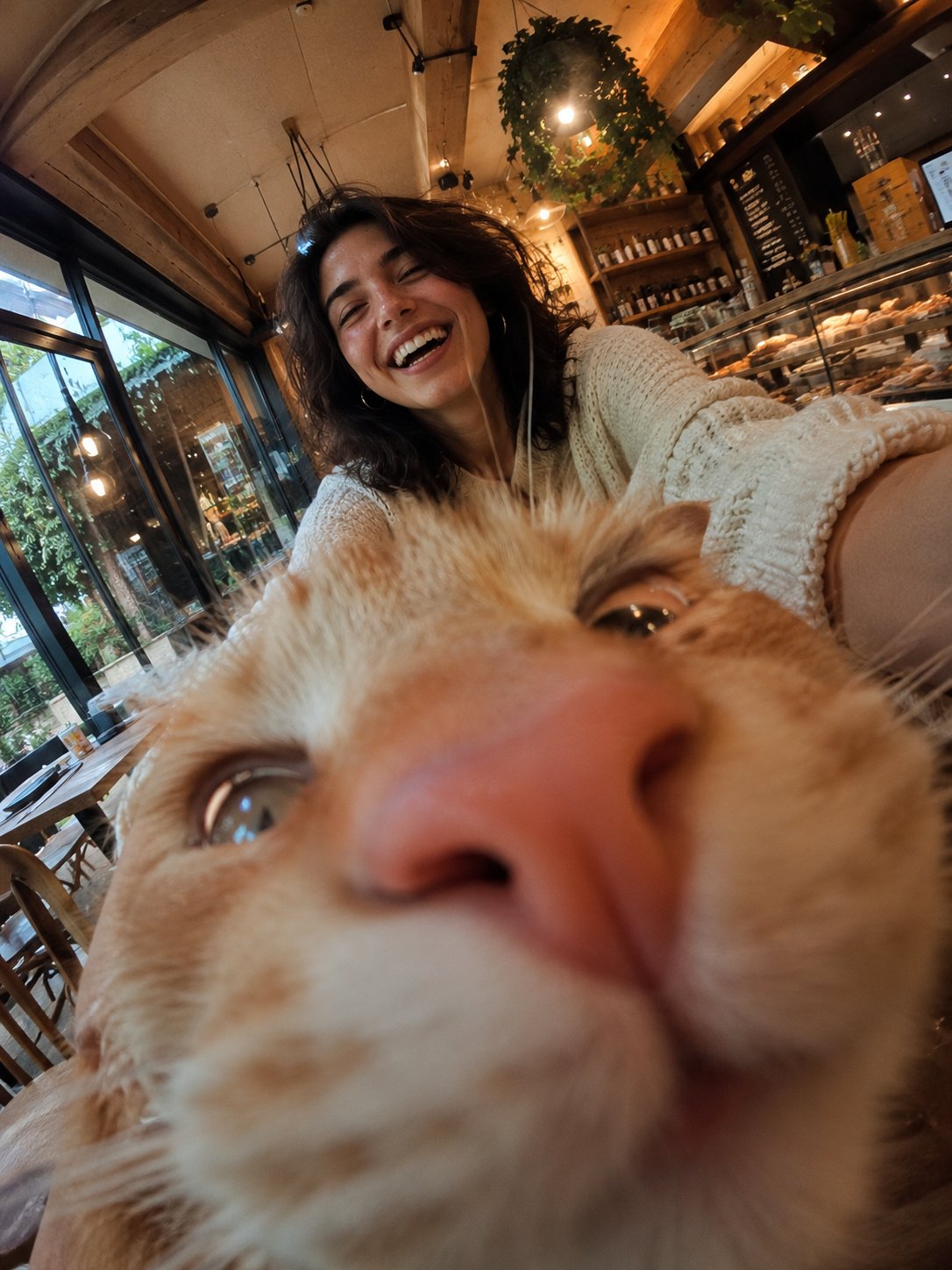
Cat Photobomb Selfie — 0.5x Wide Angle Café Chaos
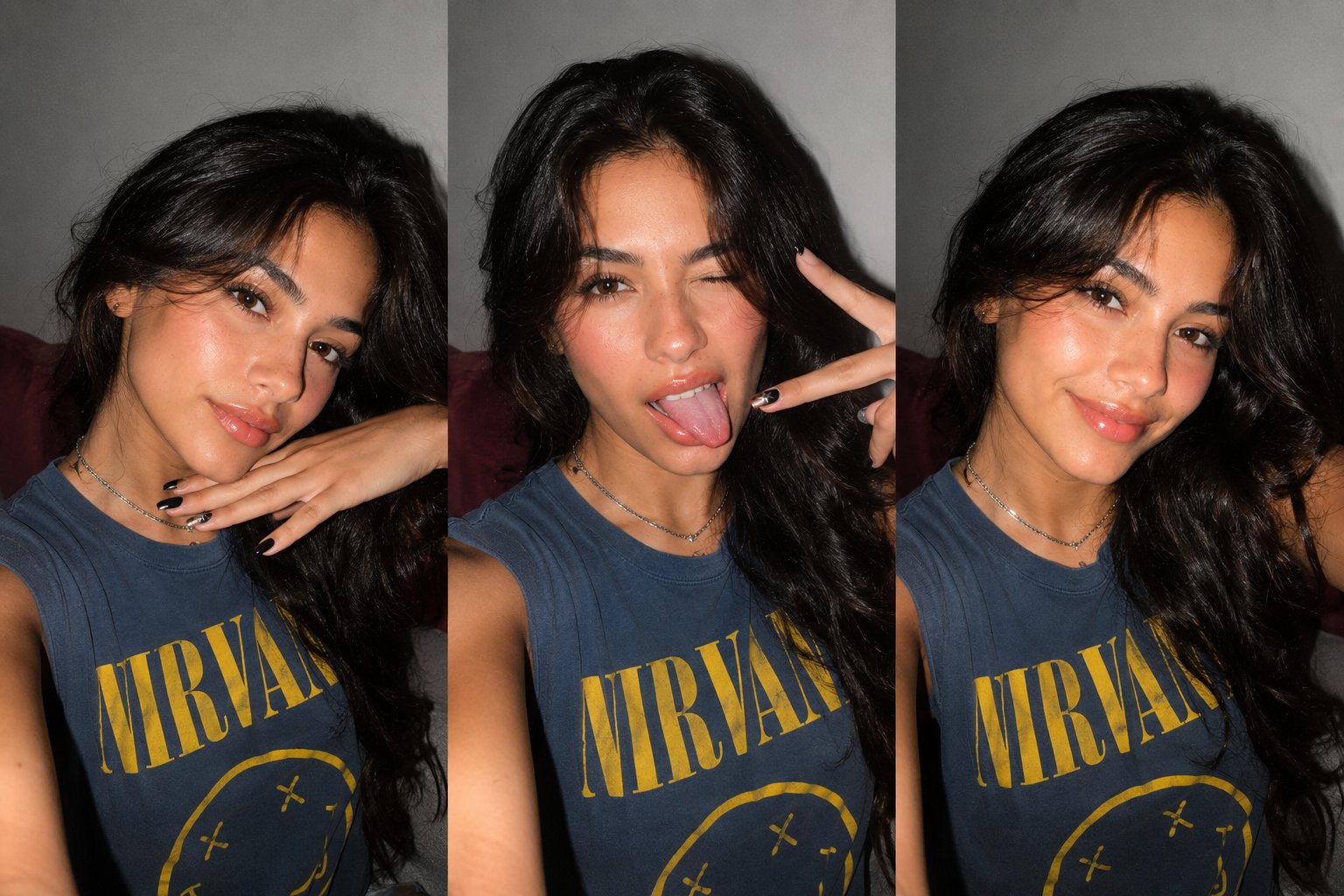
Gen Z Triple Selfie Collage — Y2K Flash Photography

Surreal Cat Astronaut — Humanoid Face Freefall
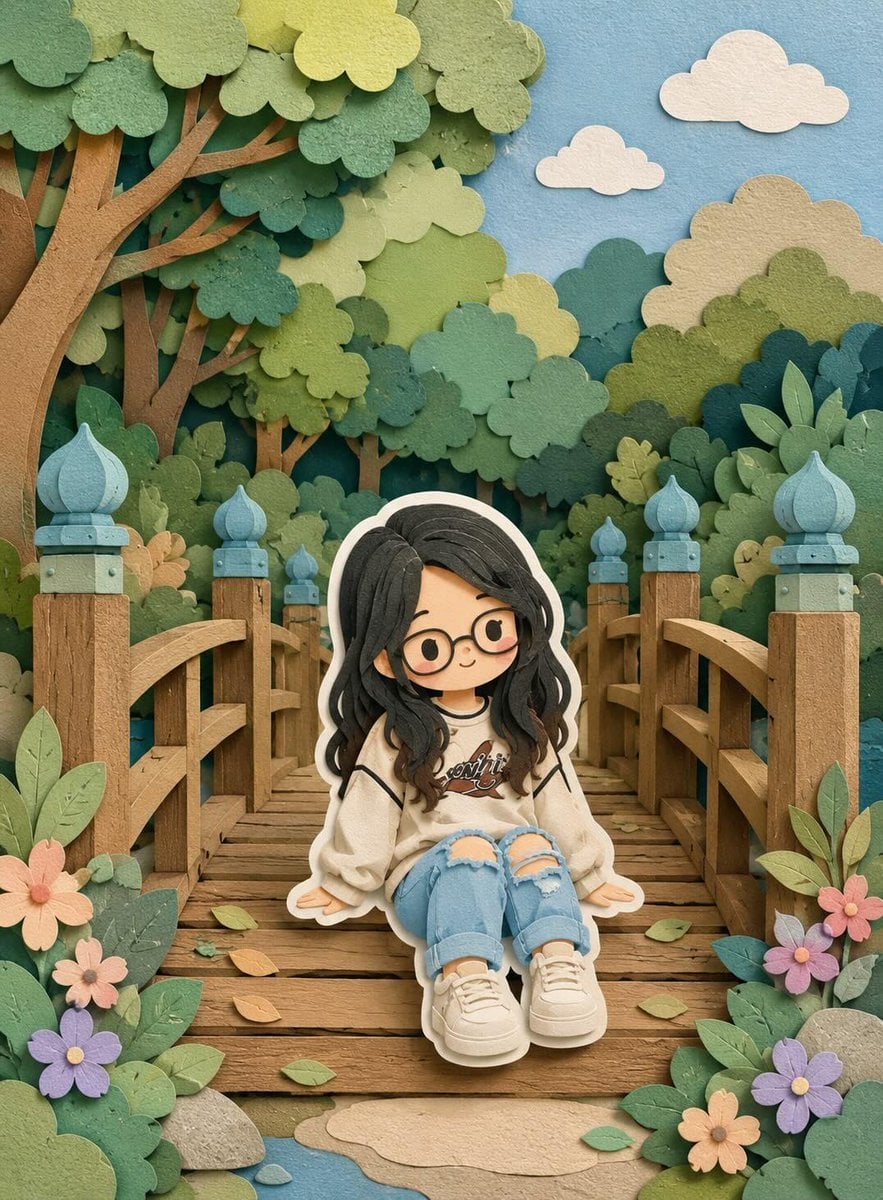
Cute Layered Paper Cut Chibi Girl
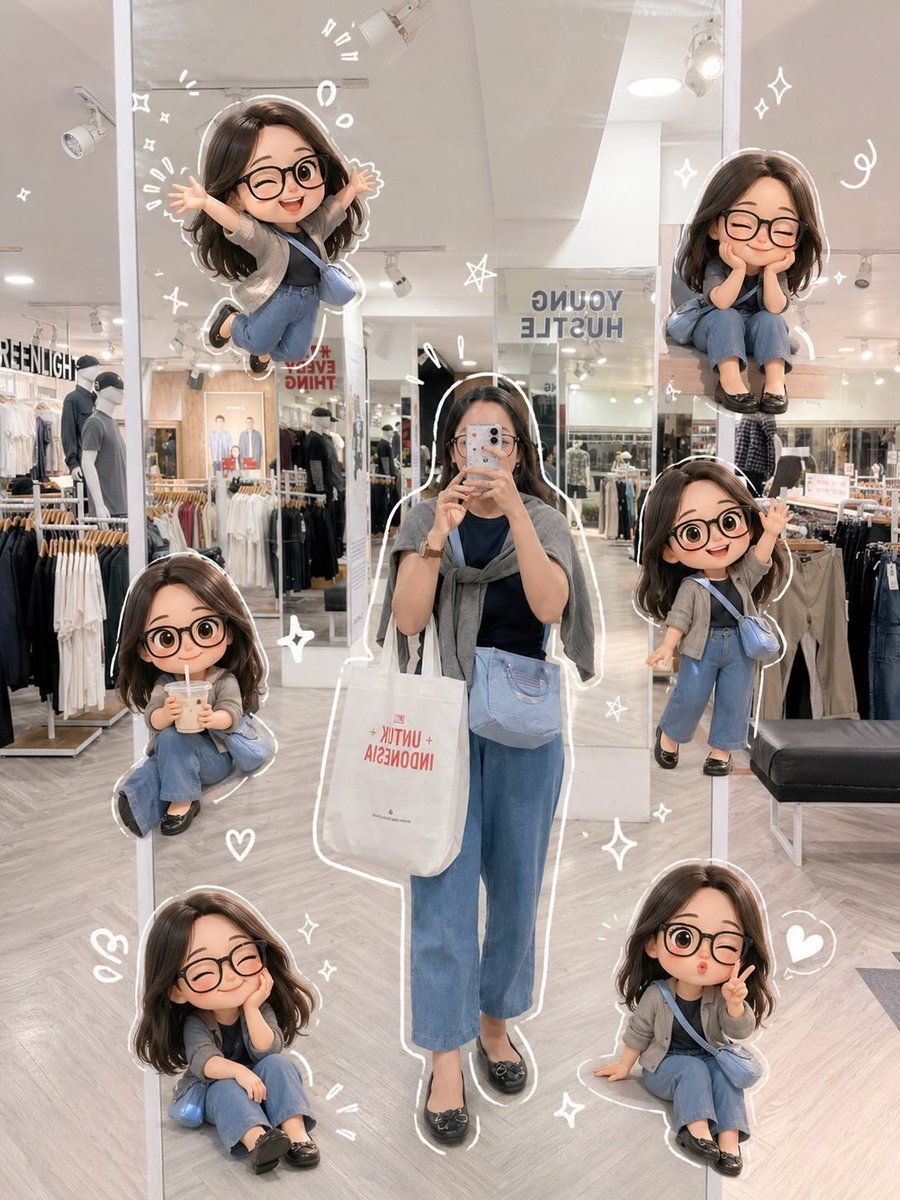
Chibi Mirror Selfie with Kawaii Doodles
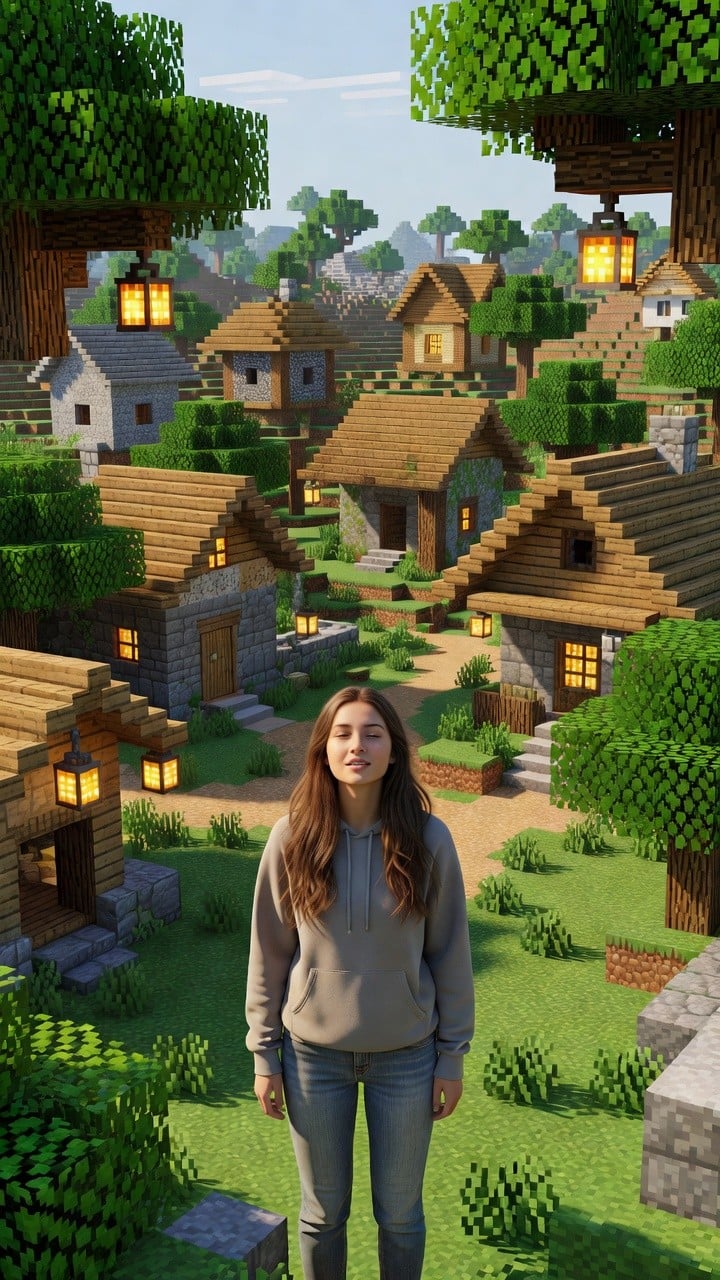
Photoreal Village Lanterns Minecraft Scene
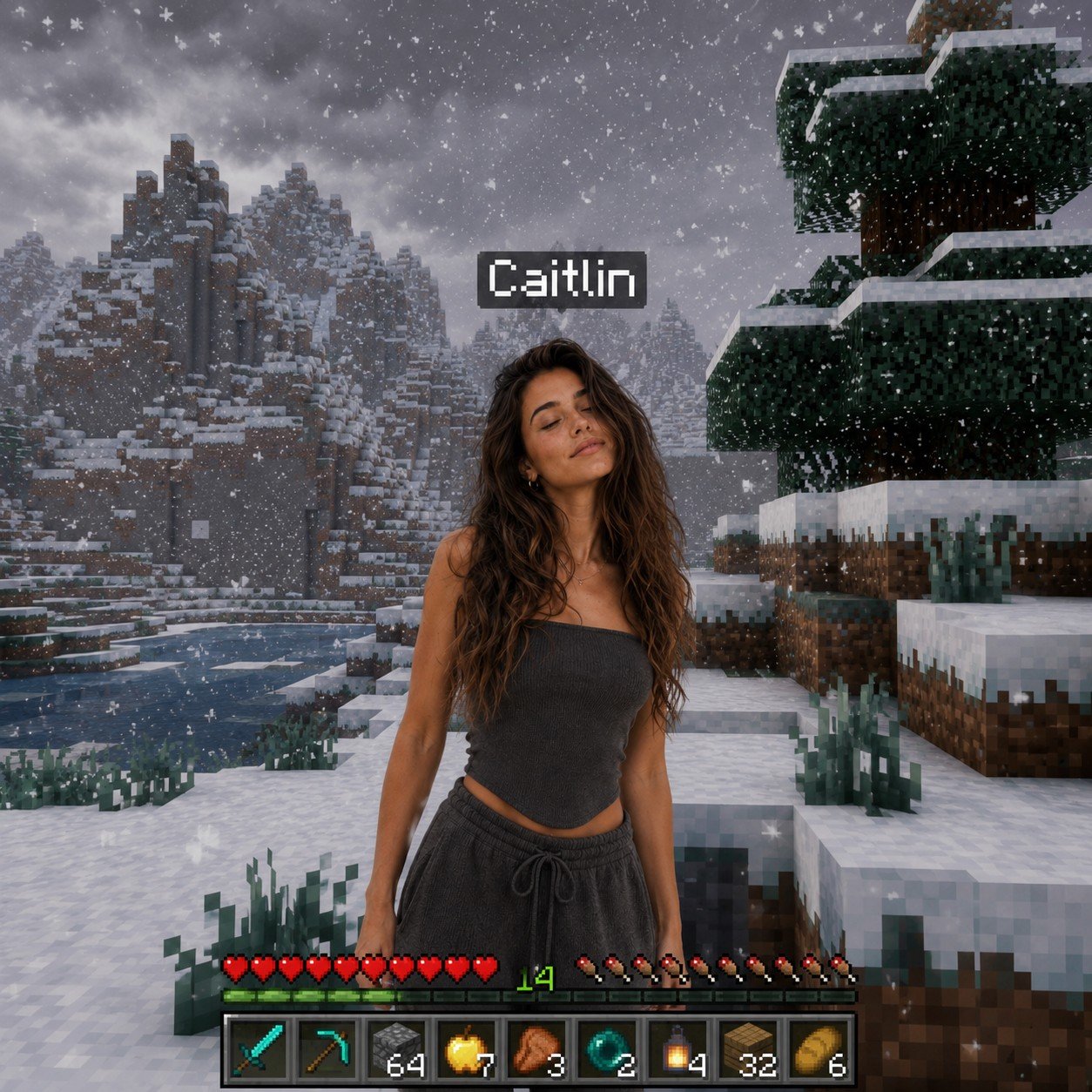
Photoreal Snow Biome Name Tag UI

Photoreal Selfie Minecraft Block World
Make it yours
Kawaii Birthday Group Selfie works as-is. These are the safest ways to change it without losing the look.
Change one field
Copy a single group, rewrite it, and generate again so you can see what that field is doing.
Keep the frame, change the subject
Hold the composition and light of Kawaii Birthday Group Selfie, then swap wardrobe, props or the person for a new take.
| If the result… | Why | Fix |
|---|---|---|
| The result drifts from the preview | Too many fields changed at once. | Reuse Kawaii Birthday Group Selfie as-is first, then change one group — subject, light, or setting. |
| The model over-stylizes the scene | The prose prompt leaves finish and camera underspecified. | Add one camera or lighting sentence and stay on GPT Image 2. |
More GPT Image 2 templates
Other prompts made for GPT Image 2.

Six VTuber Japanese Logo Sheet

Realistic Portrait of Woman and Deer

The Vista Modular Condo Poster

AI Model Routing Comparison Infographic

2.5D Anime Art Board

Isometric Productivity Desk Scene

New York Double Exposure Poster

Four-Panel AI Landscape Comparison

Japanese Tatami Lifestyle Magazine Cover

NESCAFÉ Coffee Map Poster
More image prompts
Fresh picks from across the catalog.
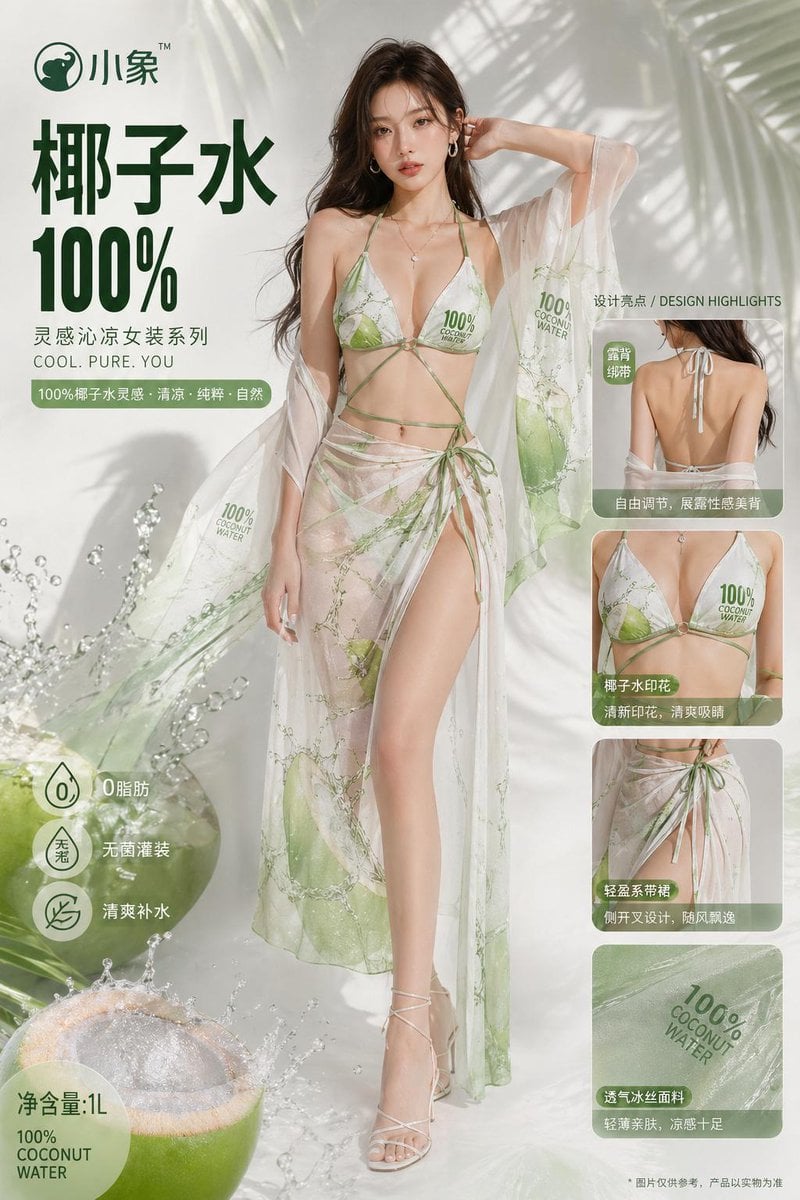
Fashion Design from Product Inspiration
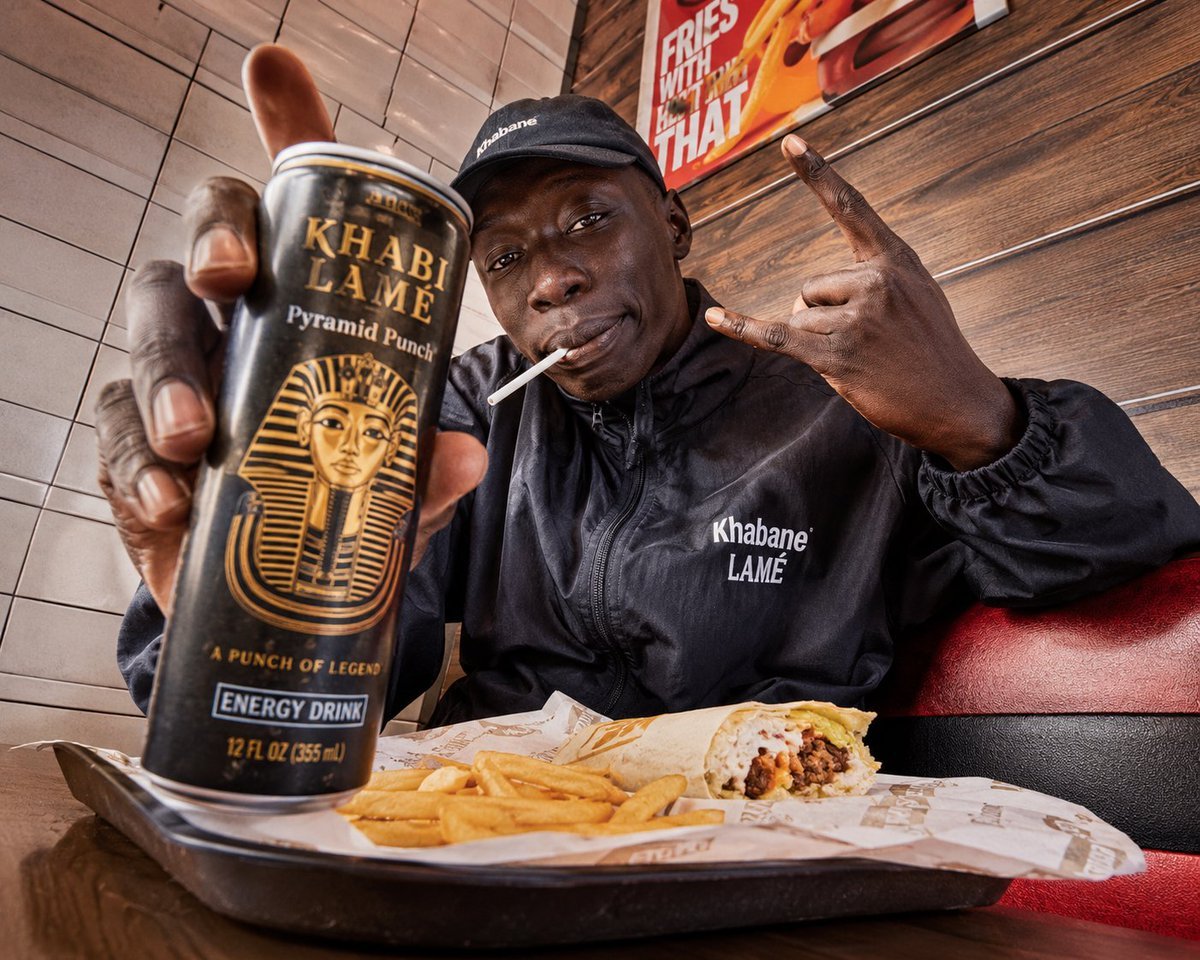
Egyptian Style Editorial Diner Shot
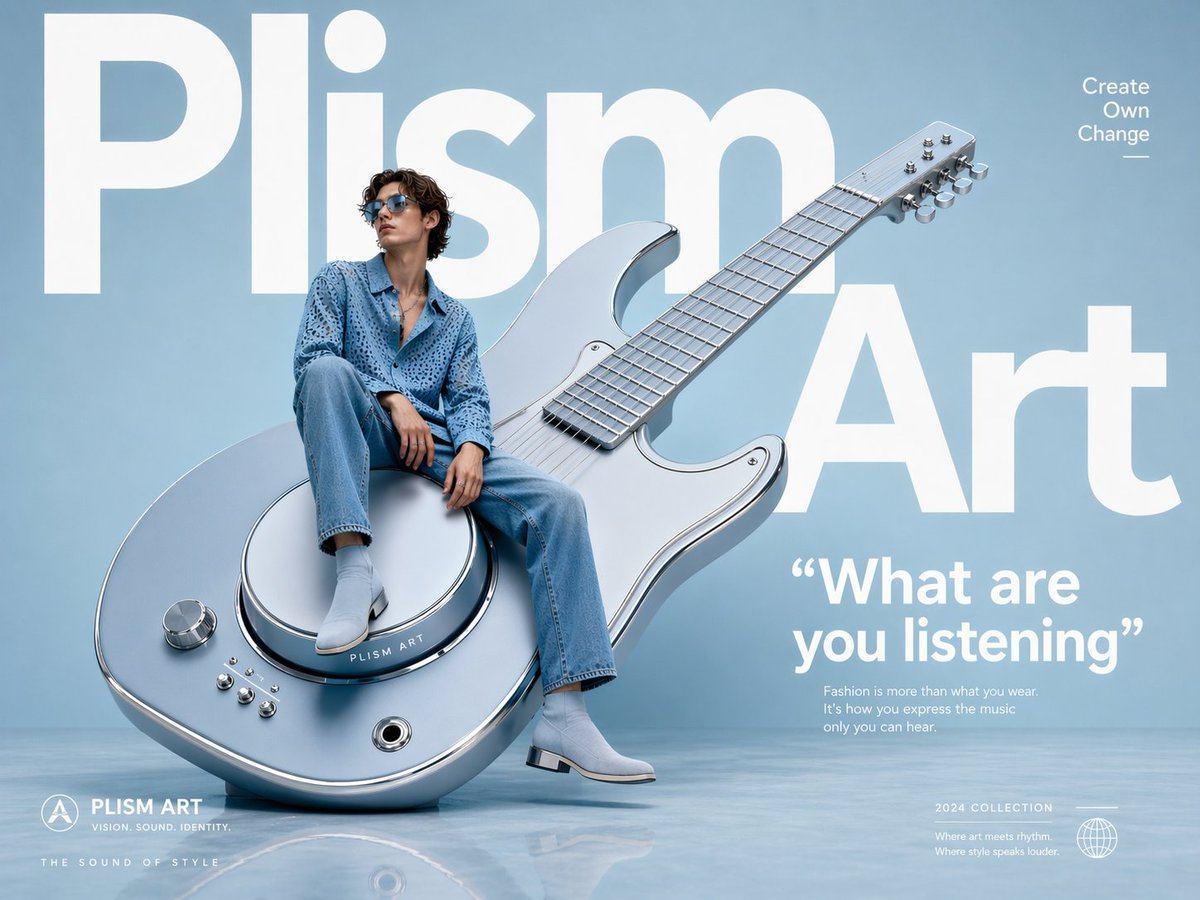
Avant-Garde Fashion Eyewear Ad
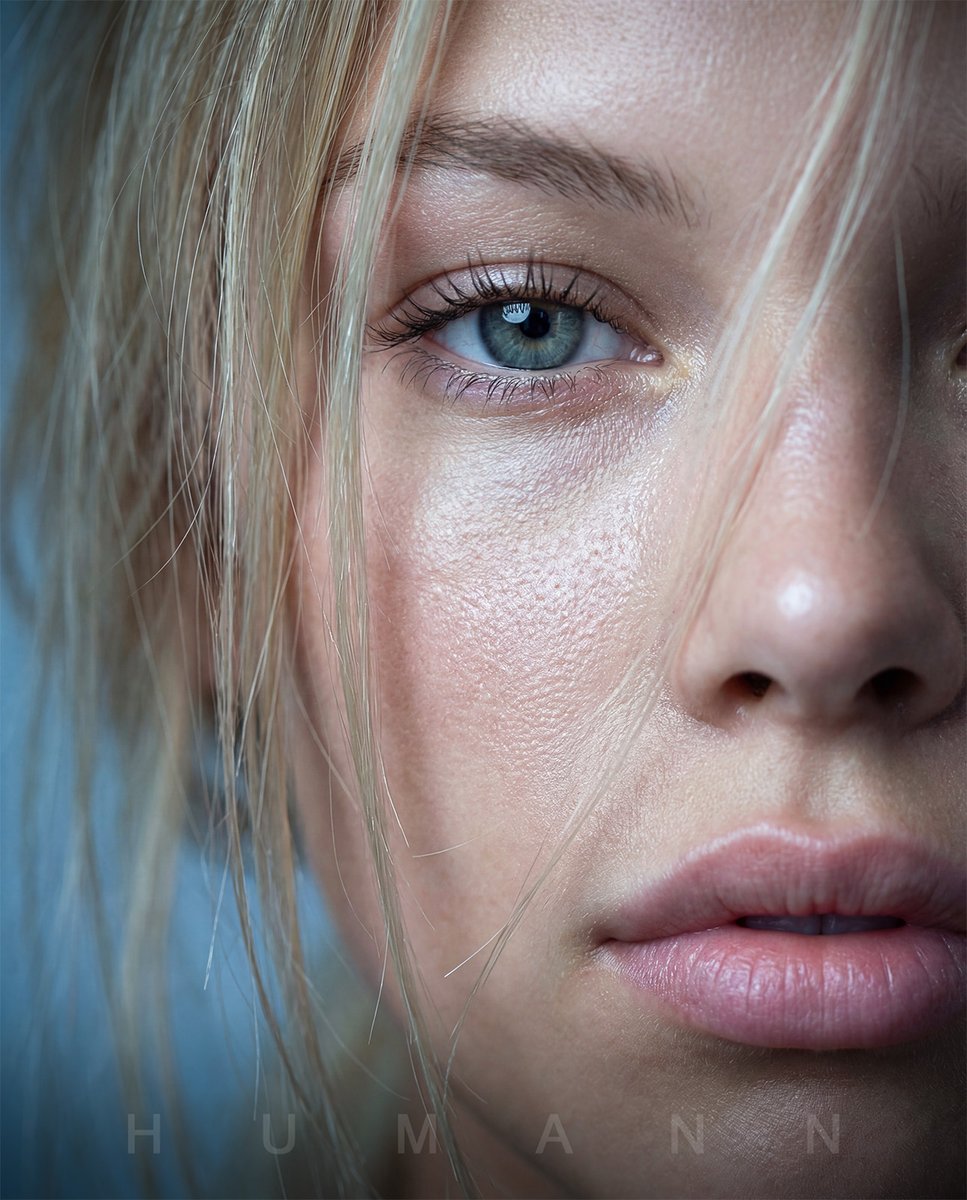
Extreme Macro Portrait with Hyper-realistic Skin Texture
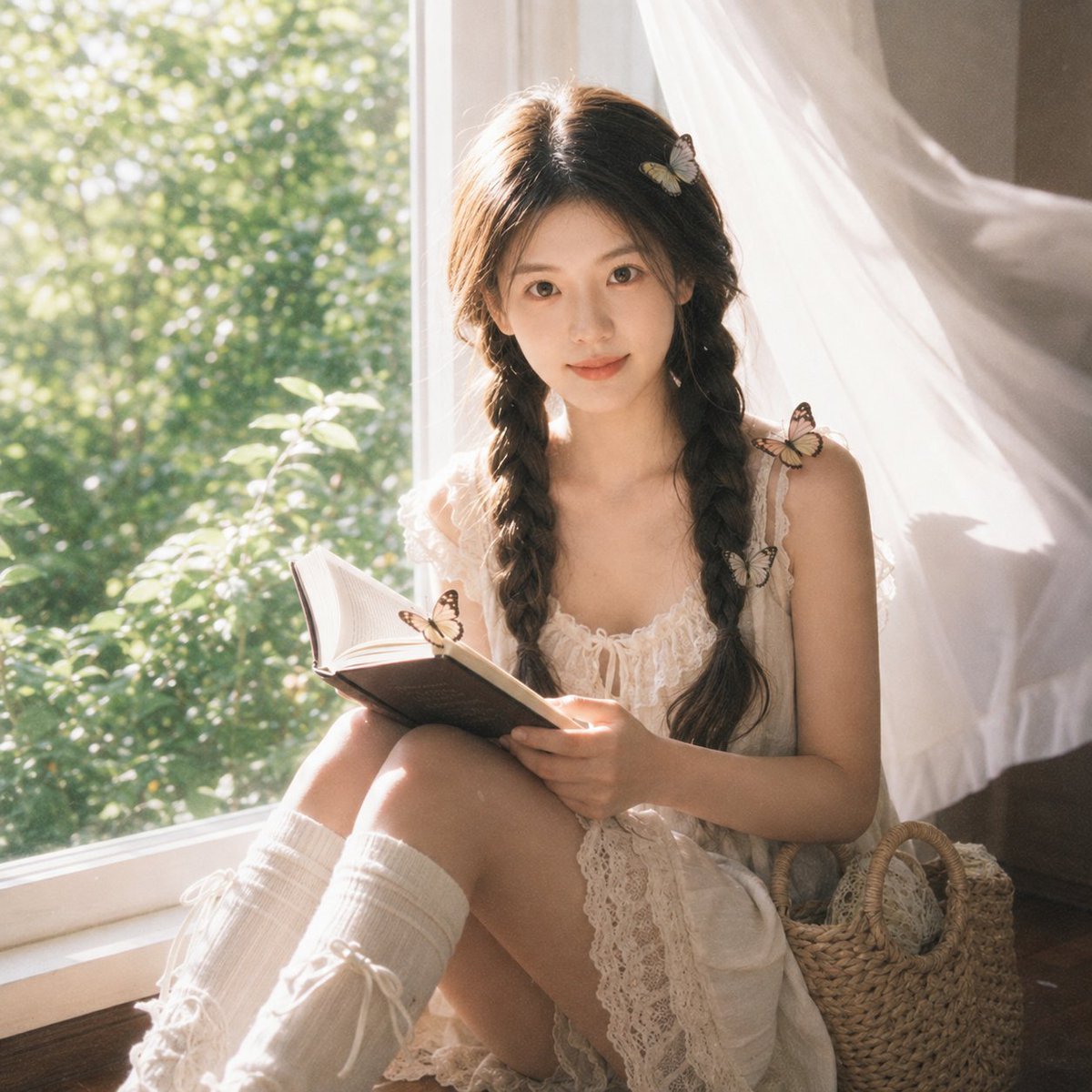
Cottagecore Cinematic Window Portrait
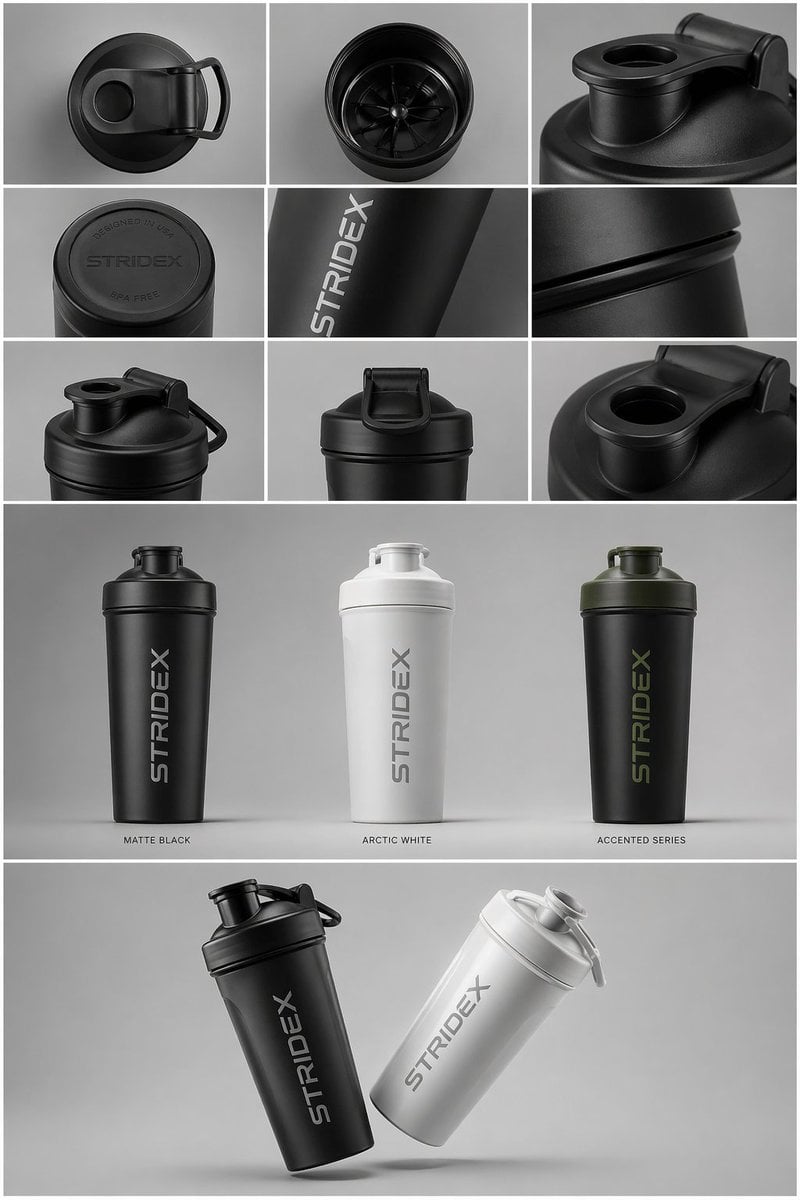
Industrial Design Presentation Sheet
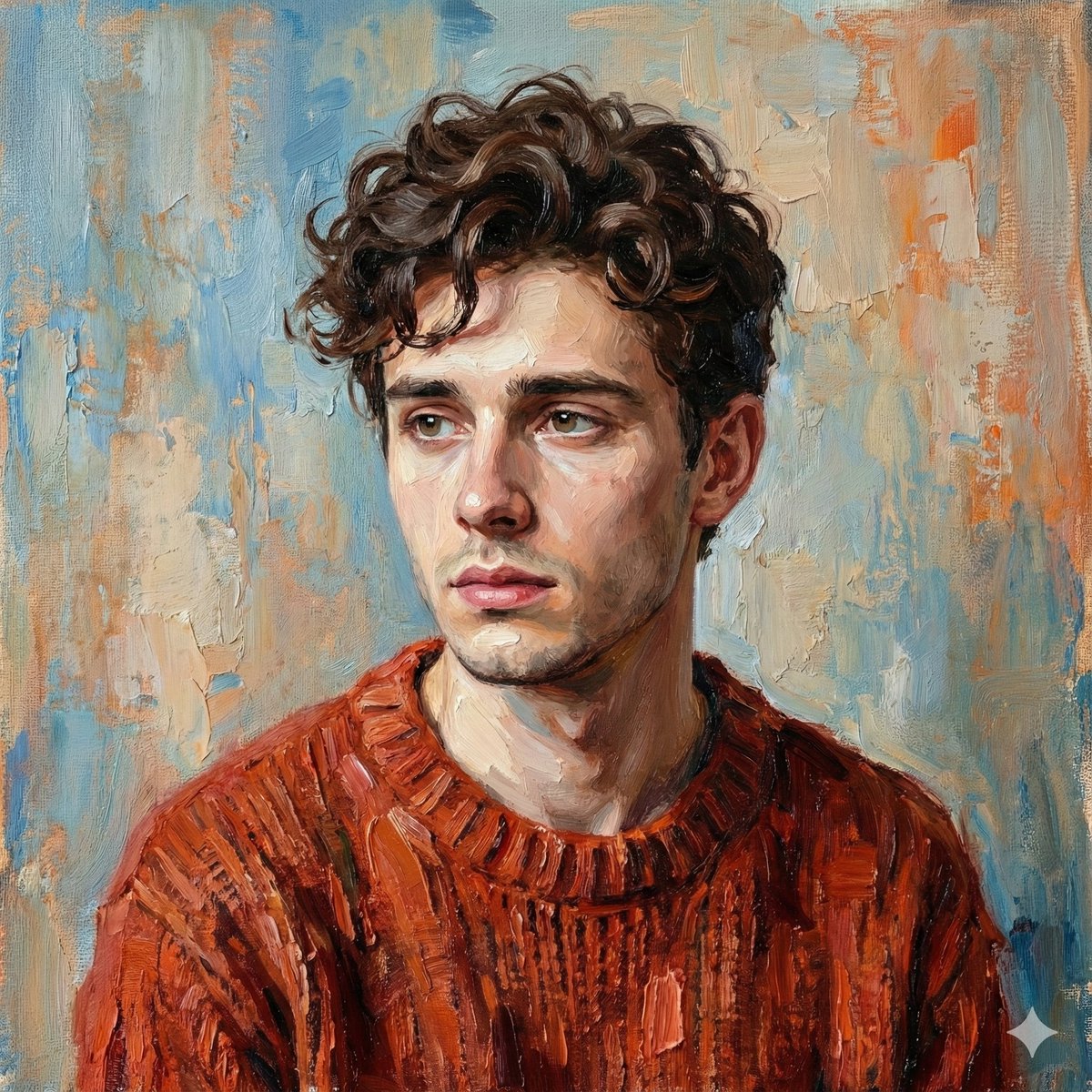
Digital Oil-Painted Bust Portrait
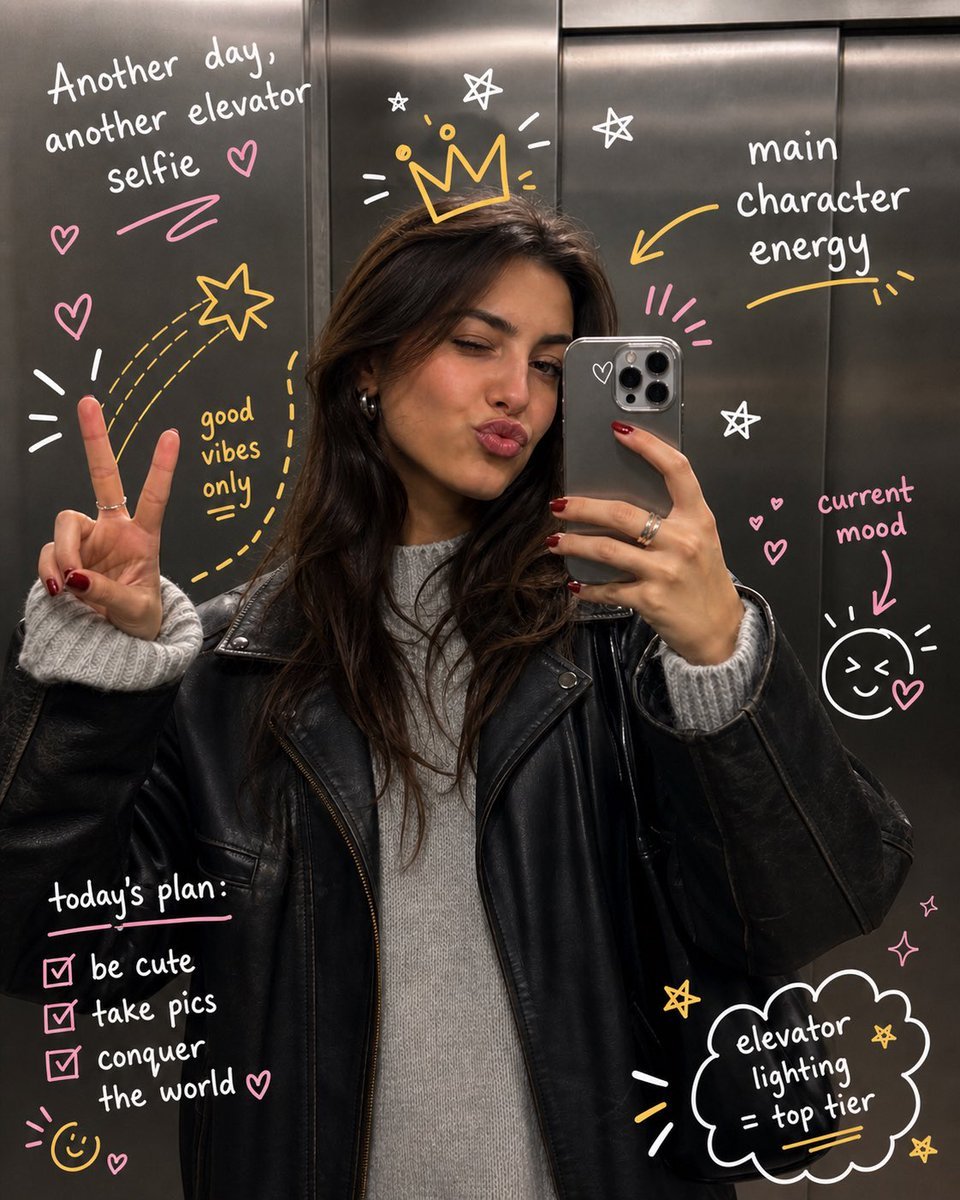
Hand-Drawn Doodles Overlay
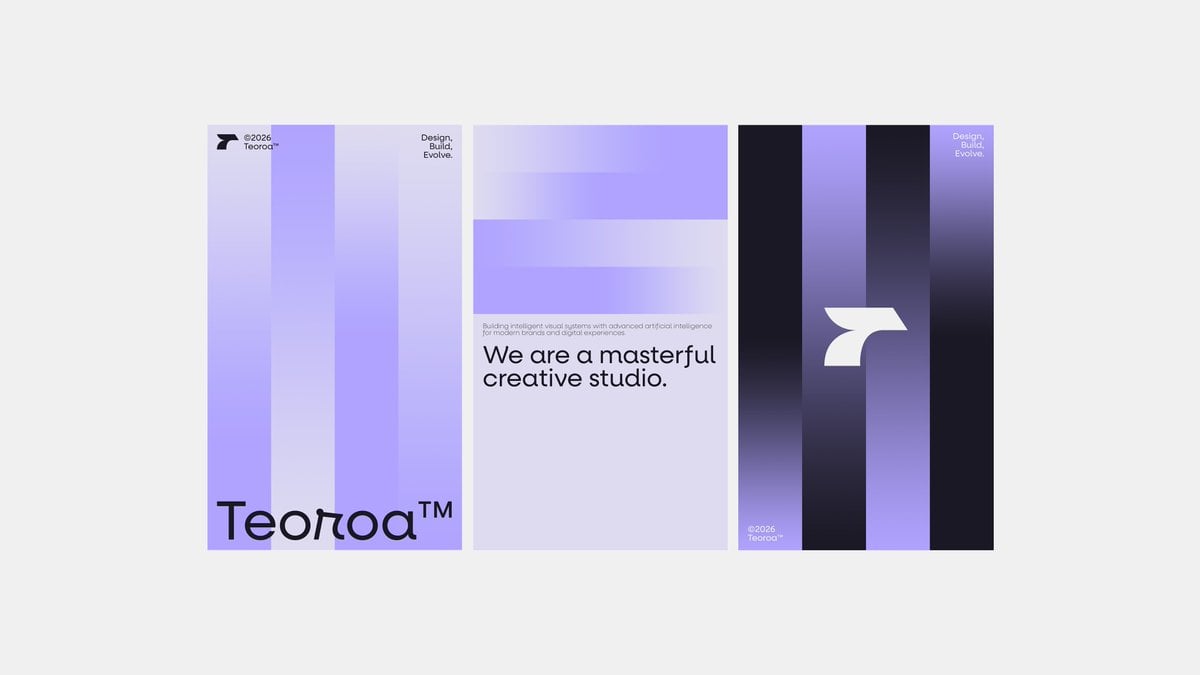
Minimalist Purple Brand Poster Triptych
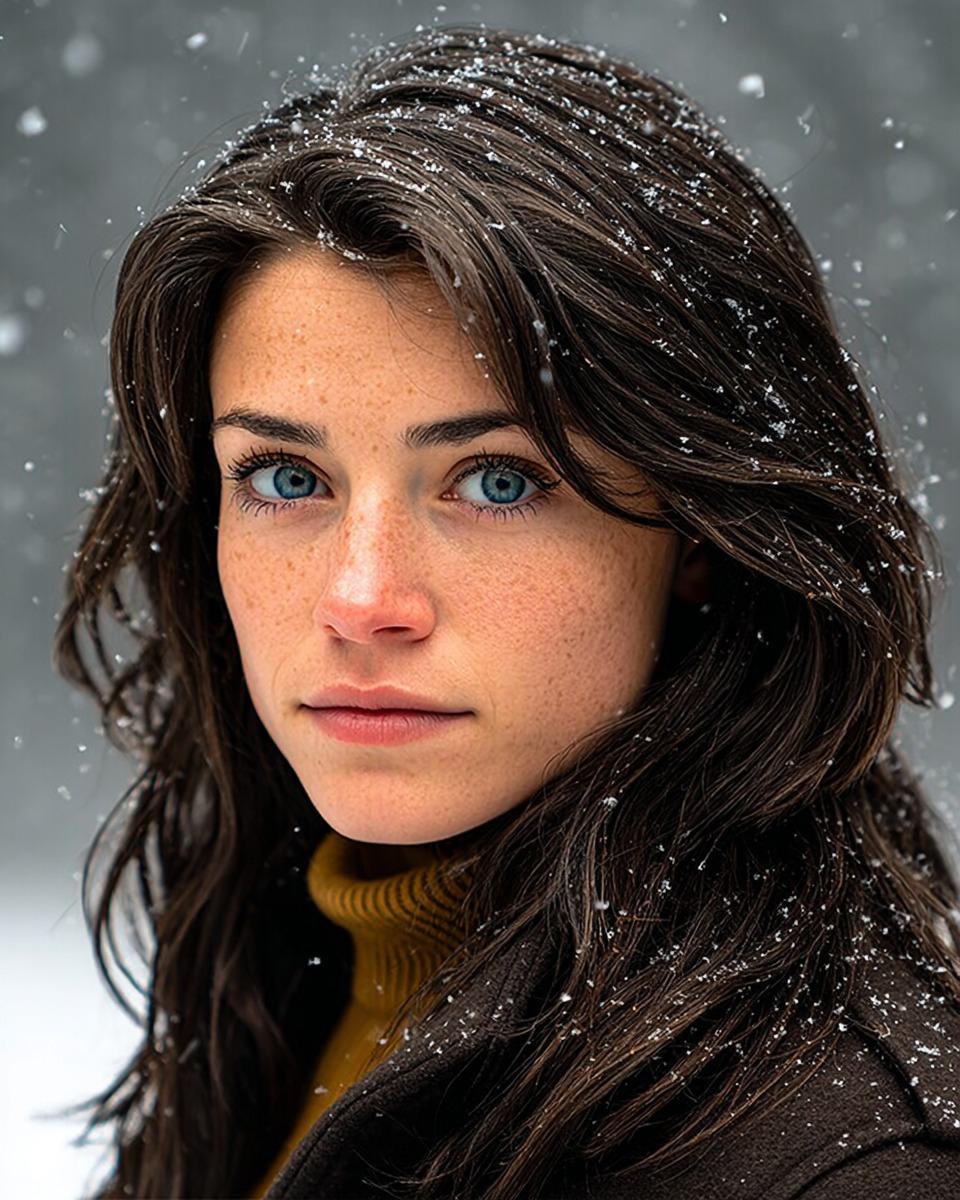
Cinematic Winter Portrait with Hyper-Detail
Browse template categories
Kawaii Birthday Group Selfie questions
How do I use the Kawaii Birthday Group Selfie template?
Add your photo if the template asks for one, edit the prompt if you like — the template's model and format are already selected — and press Generate. Your version opens in PicX Studio.
Can I customize the Kawaii Birthday Group Selfie template?
Yes. You can change the subject, setting, lighting, mood, format, and available model controls before creating your image.
Is the Kawaii Birthday Group Selfie template free?
Opening and editing this template is free. Generating uses credits, shown on the Generate button when you are signed in.
Which AI model should I use?
Start with GPT Image 2, which is the model associated with this template. You can compare another compatible model for a different finish.
Looking for something else? Browse all templates.

Your photo, any look
Thousands of ready templates for every top image and video model, from one credit balance.